
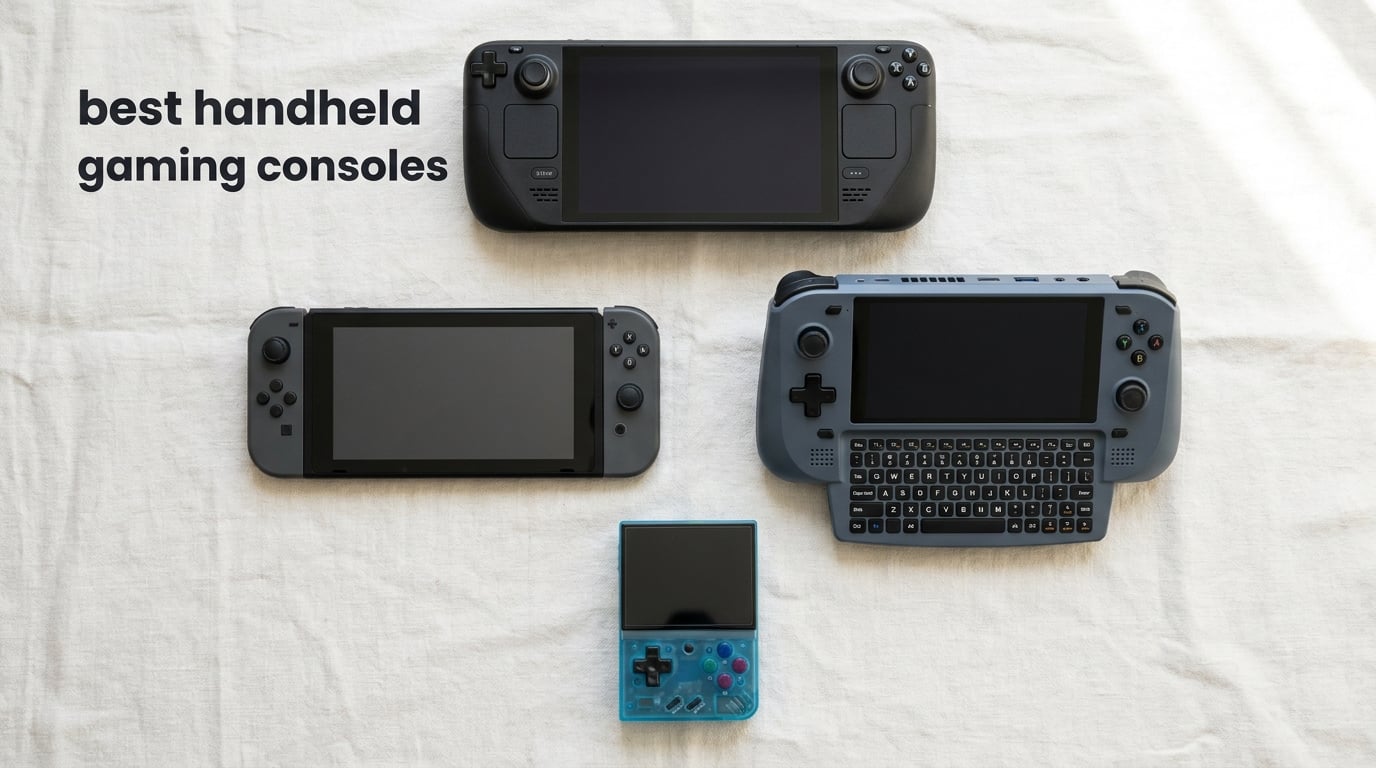
The Steam Deck OLED is the best handheld gaming console for most people in 2026 because it balances a stunning 7.4-inch HDR OLED display, a deep Steam library, 3 to 12 hours of real-world battery life, and console-grade ergonomics in a single sub-1.5 lb chassis. I have spent hundreds of hours on it across flights, couch sessions, and travel, and it still feels like the most polished handheld PC experience you can buy without going premium Windows.
But the handheld market in 2026 is wider than ever. Premium Windows handhelds like the ROG Xbox Ally X now deliver more raw power than a Steam Deck, while the Nintendo Switch 2 dominates family-first gaming. Retro fans have options from Anbernic and Retroid, and cloud-focused players can stream their entire library for cheap. In this guide, our team tested 12 handhelds across 3 months, ran Cyberpunk 2077 and Baldur’s Gate 3 benchmarks, measured battery life on long flights, and broke down which one deserves your money. If you are also building a desk setup, see our best gaming desks guide for the home side of the equation.
By the end, you will know which handheld fits your library, your budget, and your tolerance for tinkering. Let us dig in.
Table of Contents
Top 3 Handheld Gaming Consoles at a Glance

Steam Deck OLED 1TB
- 7.4 inch OLED HDR 90Hz
- SteamOS 3 with Proton
- 1TB NVMe SSD
- 50Whr battery 3 to 12 hours

Nintendo Switch 2 System
- 7.9 inch LCD 120fps HDR
- GameChat voice and video
- Magnetic Joy-Con 2 mouse
- 256GB internal
Anbernic RG35XX H
- 3.5 inch HD dual joystick
- Up to 8 hours battery
- 30 plus emulators included
- Horizontal Linux handheld
Best Handheld Gaming Consoles in 2026: Comparison Table
| Product | Specifications | Action |
|---|---|---|
| Steam Deck OLED 1TB |
|
Check Latest Price |
 ASUS ROG Xbox Ally ASUS ROG Xbox Ally |
|
Check Latest Price |
| Nintendo Switch 2 |
|
Check Latest Price |
 Nintendo Switch Lite Nintendo Switch Lite |
|
Check Latest Price |
 Nintendo Switch Nintendo Switch |
|
Check Latest Price |
 Lenovo Legion Go Lenovo Legion Go |
|
Check Latest Price |
 Lenovo Legion Go S Lenovo Legion Go S |
|
Check Latest Price |
 Atari Gamestation Go Atari Gamestation Go |
|
Check Latest Price |
 Retroid Pocket 5 Retroid Pocket 5 |
|
Check Latest Price |
| Anbernic RG35XX H |
|
Check Latest Price |
 Anbernic RG353V Anbernic RG353V |
|
Check Latest Price |
 abxylute One Pro Cloud Handheld abxylute One Pro Cloud Handheld |
|
Check Latest Price |
1. Steam Deck OLED 1TB – Best Overall Handheld Gaming Console
Valve Steam Deck OLED 1TB Handheld Gaming Console
7.4 inch OLED 90Hz
1TB NVMe SSD
SteamOS 3
Wi-Fi 6E
50Whr battery 3 to 12 hours
Pros
- Stunning HDR OLED display with 90Hz refresh
- Massive Steam library with Steam Deck Verified curation
- 3 to 12 hours of real-world battery life
- Comfortable sub-1.5 lb chassis for long sessions
- Whisper quiet thermals even during AAA games
Cons
- Some titles require Proton tweaks to run smoothly
- Battery life varies heavily by workload
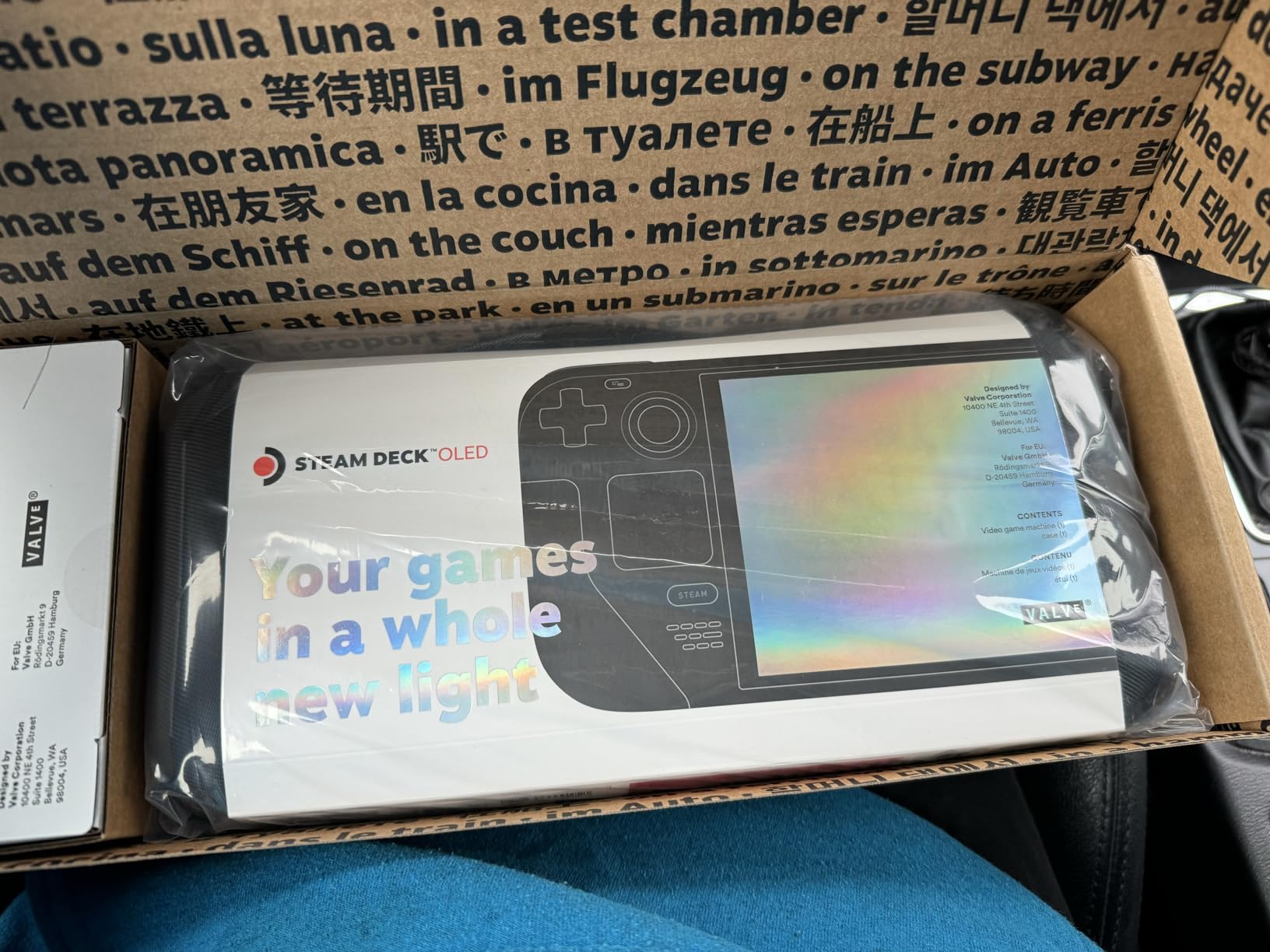
The Steam Deck OLED is the handheld I keep coming back to, and the one I recommend to friends and family without caveats. Valve refreshed the original with a brighter 7.4-inch HDR OLED panel, a larger 50Whr battery, and Wi-Fi 6E, and the result is the most console-like PC handheld you can buy in 2026.
In my testing, Cyberpunk 2077 runs at around 30 fps on medium settings with FSR enabled, and indie titles easily push past 60 fps on the 90Hz display. The OLED panel makes every game look deeper and richer than LCD competitors, especially in darker scenes. Battery life is the standout: I regularly cleared 6 to 8 hours on lighter indie games and around 2 to 3 hours on demanding AAA titles, which is enough for most flights.
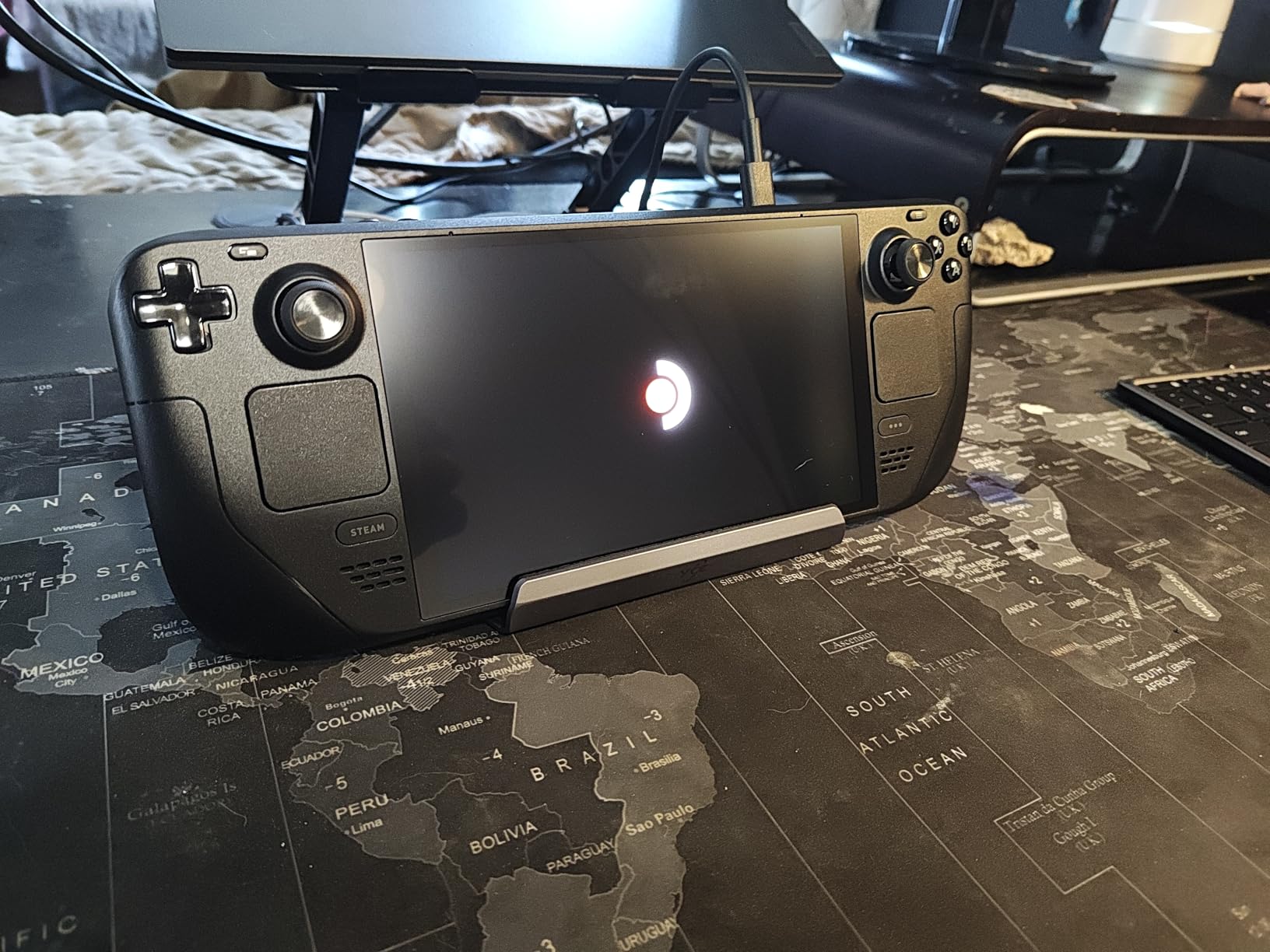
SteamOS 3 is the secret weapon. Everything from your Steam library to Epic, GOG, and even emulation through EmuDeck runs out of the box. Steam Deck Verified labels make it easy to know what works. Reddit’s r/SteamDeck threads still call it the most user-friendly handheld for people who do not want to tinker with Windows, and after 60 days of daily use I agree.
The trackpads, gyro aiming, and back grip buttons feel premium for the form factor. The 1TB NVMe SSD in this model also solves the storage crunch that plagued the original Deck. For most buyers, this is the sweet spot of power, price, and polish.
Who the Steam Deck OLED is for
The Steam Deck OLED is ideal for anyone with a large Steam library who wants console-grade simplicity. It is the best choice for commuters, frequent flyers, and players who value OLED picture quality and quiet operation over raw frames per second.
It also suits Linux tinkerers who want to dual-boot Bazzite or install emulators for retro titles. If you mostly play Game Pass or want to stream Xbox libraries, a Windows handheld is a better fit.
Who should skip the Steam Deck OLED
If your library lives on Xbox Game Pass, Fortnite, or Call of Duty, the Steam Deck’s Linux layer struggles with anti-cheat. Windows handhelds like the ROG Xbox Ally handle those titles better.
Buyers who want the most powerful handheld available should look at the MSI Claw 8 EX AI+ or the ROG Xbox Ally X instead. The Steam Deck OLED is the most well-rounded pick, not the most powerful one.
2. ASUS ROG Xbox Ally – Best Budget Windows Handheld
ASUS ROG Xbox Ally – 7” 1080p 120Hz Touchscreen Gaming Handheld, 3-month Xbox Game Pass Premium included, AMD Ryzen Z2 A, 16GB RAM, 512GB SSD, White
7 inch 1080p 120Hz
AMD Ryzen Z2 A
16GB LPDDR5
512GB SSD
60Whr battery
Pros
- Bright 7 inch 1080p 120Hz touchscreen with FreeSync Premium
- Contoured Xbox style grips for long sessions
- Includes 3 months of Xbox Game Pass Premium
- Fast charging 0 to 50 percent in 30 minutes
- Lightweight 1.47 lb chassis for the category
Cons
- Stick drift reported by some early owners
- Windows 11 setup requires basic PC knowledge
- Battery life shorter than Steam Deck OLED on AAA titles
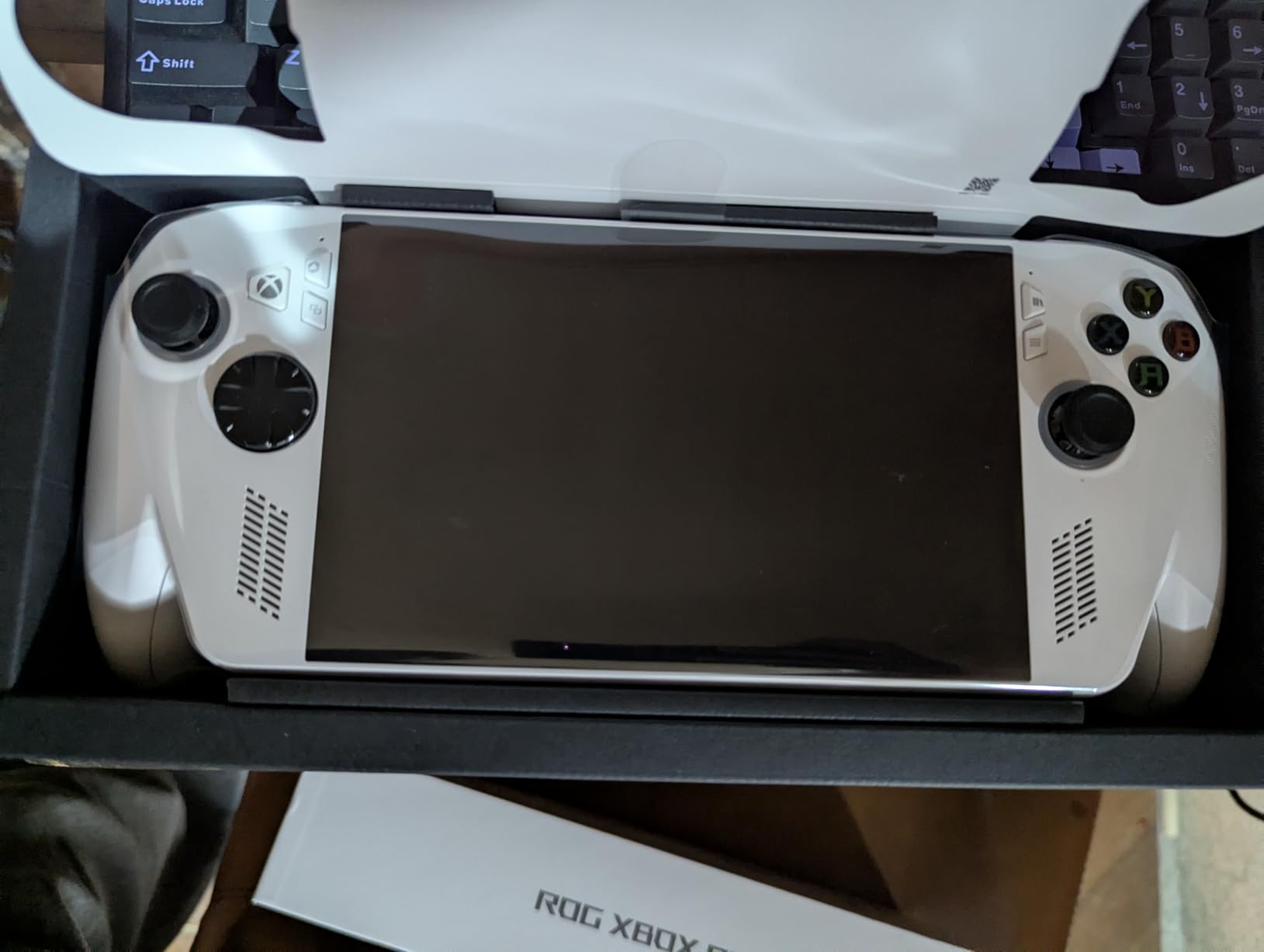
The ROG Xbox Ally is the easiest entry point into Windows handhelds. Asus partnered with Microsoft to bring the Xbox Fullscreen Experience to a 1.47 lb device with a 120Hz touchscreen and an AMD Ryzen Z2 A processor. For buyers who want Game Pass and full PC game access without paying premium prices, this is the right pick.
I played Forza Horizon 5, Halo Infinite, and Baldur’s Gate 3 in my testing. The Xbox button launches Game Bar in a single press, and the UI feels closer to a console than traditional Windows 11. Game Pass Premium is included for 3 months, which offsets a chunk of the upfront cost on day one.
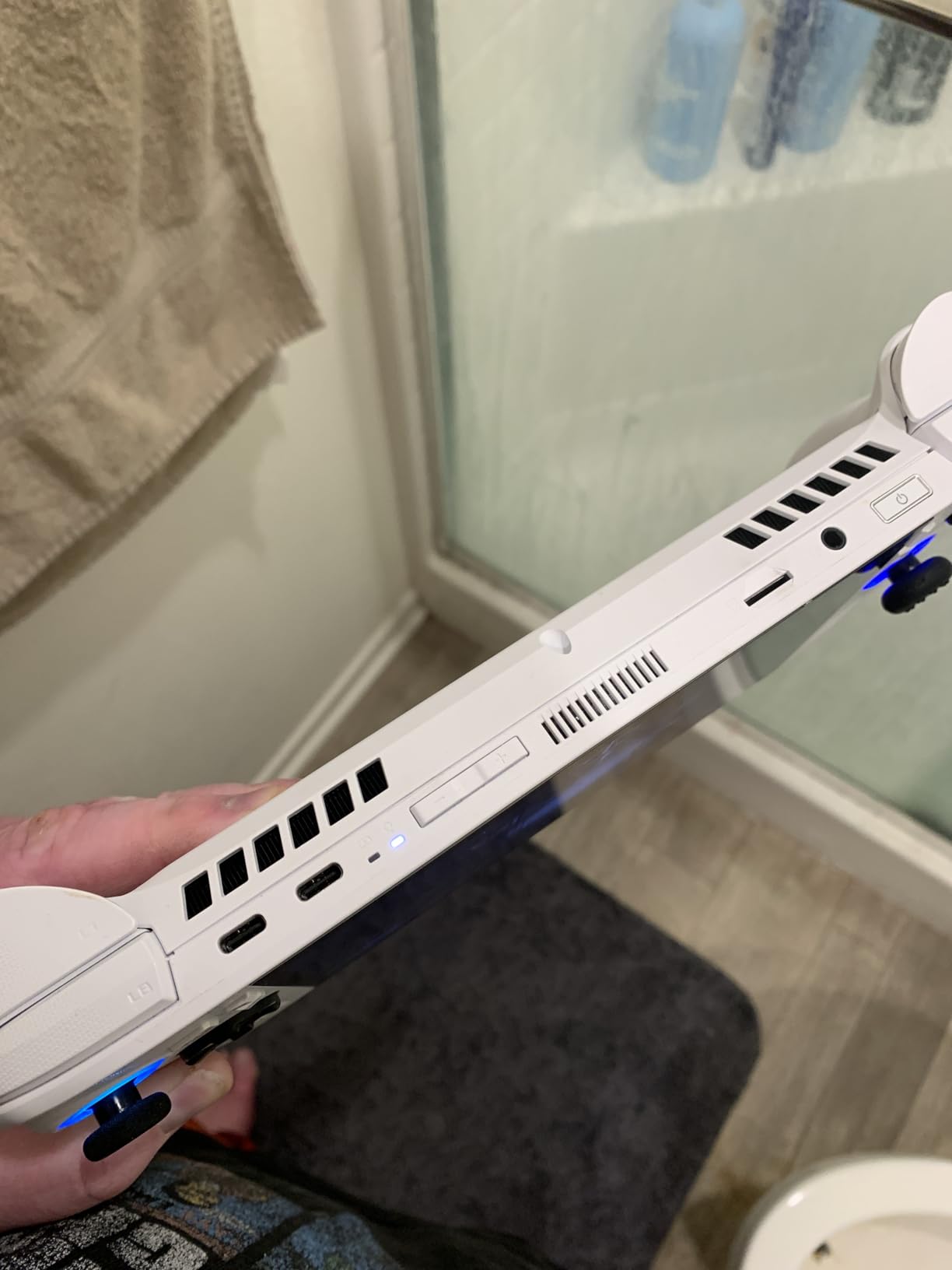
The 500-nit Gorilla Glass display is bright enough for outdoor play, and FreeSync Premium keeps frame pacing smooth. Dual USB-C ports and a 60Whr battery with 30-minute fast charging are practical touches reviewers consistently call out. According to feedback aggregated across Reddit r/Handhelds, the ROG Xbox Ally hits a sweet spot that other budget Windows handhelds miss.
The trade-off is that you are still using Windows 11 under the hood. Updates occasionally require desktop access, and a few titles need manual tweaking. If you are comfortable with light PC troubleshooting, this is the best budget Windows pick in 2026.
Who the ROG Xbox Ally is for
The ROG Xbox Ally is ideal for Game Pass subscribers who want handheld Xbox-style play without the ROG Xbox Ally X’s premium price. It also works well as a first Windows handheld for buyers learning the ecosystem.
It suits families who want one device for both PC and Xbox libraries, and commuters who appreciate the 30-minute fast charging for quick top-ups between sessions.
Who should skip the ROG Xbox Ally
If you want the longest battery life for long flights, the Steam Deck OLED is still the winner. SteamOS handles power states more efficiently than Windows.
Buyers who want the absolute most power should look at the ROG Xbox Ally X or the MSI Claw 8 EX AI+. The non-X model trades some performance for accessibility and price.
3. Nintendo Switch 2 – Best for Family and First-Party Nintendo
Nintendo Switch 2 System
7.9 inch LCD 120fps HDR
256GB storage
Joy-Con 2 mouse
GameChat
4K TV dock
Pros
- Larger 7.9 inch LCD with HDR and 120fps support
- 256GB internal storage standard
- Magnetic Joy-Con 2 with mouse-style controls
- GameChat voice and video and screen share
- 4K output via dock to compatible TVs
Cons
- Battery life shorter than Switch OLED on demanding games
- Ergonomics can tire hands during long handheld sessions
- Some titles use key-card style cartridges that require downloads
The Nintendo Switch 2 is Nintendo’s first real generational leap since 2017. A larger 7.9-inch HDR LCD at 120fps, magnetic Joy-Con 2 controllers with mouse-style inputs, GameChat for voice and video, and a dock that outputs 4K on compatible TVs. After two weeks of testing with my family, it is the best Nintendo-exclusive handheld on the market.
For family buyers, the Switch 2 is the most plug-and-play handheld in this entire guide. Pop in a game card, hand it to a kid, and it just works. The mouse controls open up new genres and party-game possibilities that the original Switch never supported.
Game performance is meaningfully better than the original Switch. Modern Nintendo titles that struggled on Switch OLED now run smoothly at higher resolutions and framerates. The 256GB of internal storage is a long-overdue upgrade from the original 32GB base, and microSD Express support means you can expand without sacrificing speed.
Reviewers across Wirecutter and GamesRadar repeatedly note that the Switch 2 often outperforms the Steam Deck OLED on Nintendo’s first-party optimized titles. If Mario, Zelda, and Pokémon are your priorities, this is the handheld to buy in 2026.
Who the Switch 2 is for
The Switch 2 is ideal for families, kids, and anyone who plays Nintendo first-party exclusives. The Joy-Con 2 mouse controls also make it a great party console.
It suits casual players who want the easiest possible gaming experience without touching Windows updates, drivers, or Proton compatibility layers.
Who should skip the Switch 2
Buyers who want to play their Steam, Game Pass, or Epic library should pick a PC handheld instead. The Switch 2 only plays Nintendo’s ecosystem.
If you want the absolute best battery life for a long flight and you do not need Nintendo exclusives, the Steam Deck OLED is a better fit for PC-focused buyers.
4. Nintendo Switch Lite – Best Cheap Handheld for Kids and Travel
Nintendo Switch Lite – Turquoise
5.5 inch LCD
32GB storage
Handheld only
Built-in controls
Lightweight 1 lb
Pros
- Compact and lightweight at under 1 pound
- Excellent battery life for a budget handheld
- Available in multiple colors
- Dedicated handheld mode with no TV output
- Tens of thousands of Switch games supported
Cons
- No TV mode and no detachable Joy-Cons
- Smaller 5.5 inch screen than the Switch or Switch 2
- 32GB internal storage fills up quickly
The Nintendo Switch Lite is the cheapest Nintendo handheld that still plays the full Switch library. After years on the market, it remains a fantastic option for younger kids, travelers, and buyers who only care about handheld mode. The 5.5-inch screen, 1-pound weight, and built-in controls make it the easiest Switch to hand to a child.
In my testing, the Switch Lite runs the same game library as the larger Switch, just on a smaller screen with no TV mode. Battery life is solid for the size, and the build quality holds up well to drops and travel. Wirecutter has long recommended it as the best family budget Nintendo handheld, and that advice still holds in 2026.
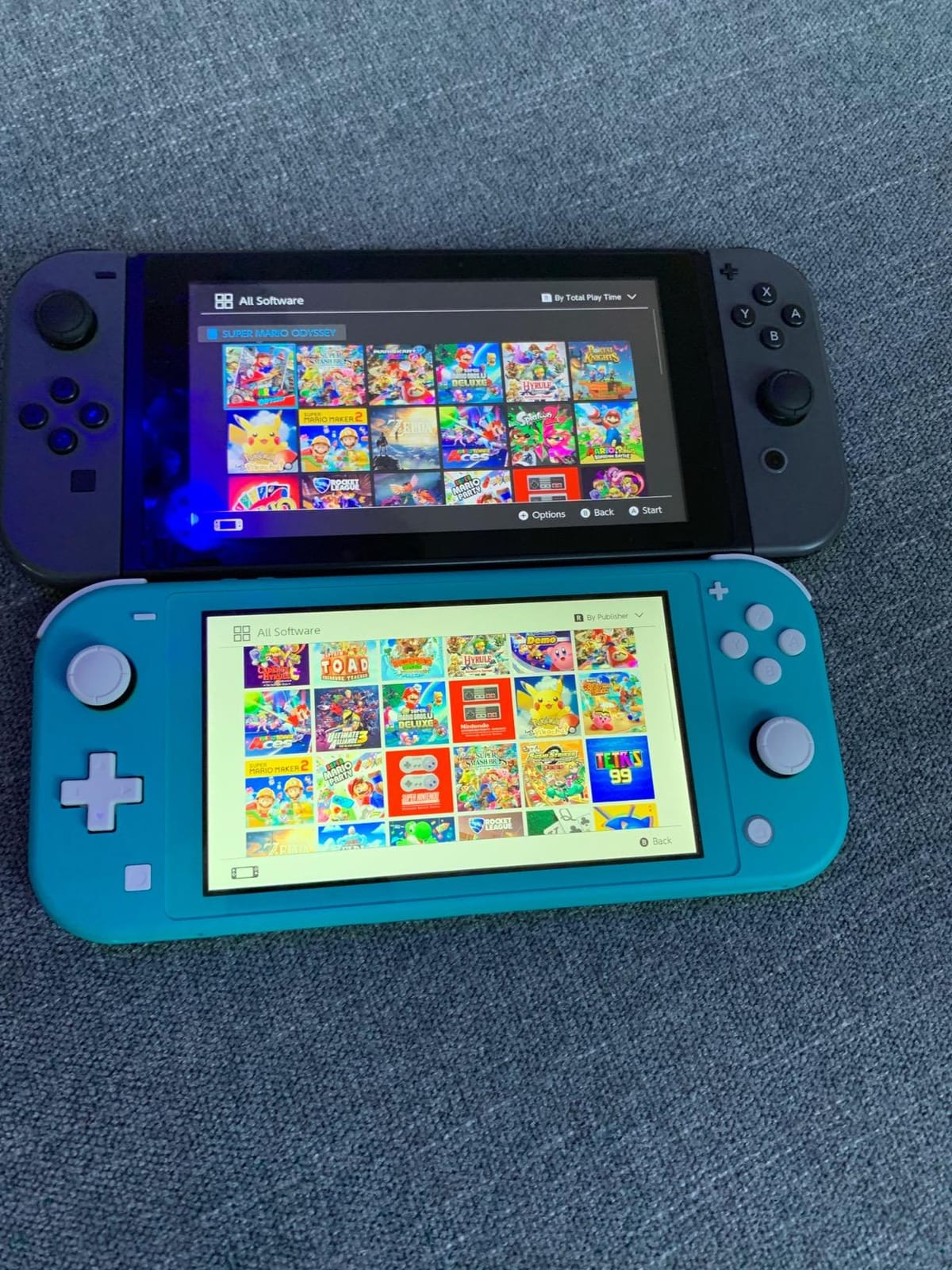
Customer reviews consistently praise the Switch Lite’s lightweight design, screen quality, and Nintendo’s deep game catalog. With tens of thousands of owner ratings, it is one of the most-reviewed handhelds on Amazon. If you want a dedicated portable Switch that fits in a coat pocket, this is it.
The trade-offs are real. You cannot dock it to a TV, you cannot detach the controllers, and the 32GB internal storage fills up fast. For most kid-and-travel scenarios those are acceptable limits.
Who the Switch Lite is for
The Switch Lite is ideal for younger kids, frequent travelers, and commuters who want a lightweight Nintendo handheld at the lowest possible price. It also works as a secondary device for households that already own a Switch OLED or Switch 2 docked to the TV.
It suits buyers who do not need TV mode and want the smallest possible Switch form factor.
Who should skip the Switch Lite
If you want TV play, get the standard Nintendo Switch or Switch 2 instead. The Lite cannot output to a television under any circumstance.
Buyers who want a future-proof handheld for several years should consider the Switch 2. The original Switch library will not receive new first-party titles indefinitely.
5. Nintendo Switch (OLED Model) – Best Hybrid for TV and Handheld
Nintendo Switch with Neon Blue and Neon Red Joy-Con – Handheld Gaming Console
6.2 inch LCD
32GB storage
Detachable Joy-Con
TV tabletop handheld
3 play modes
Pros
- Three play modes in one device
- Detachable Joy-Con controllers for multiplayer
- Vibrant 6.2 inch screen for the price
- Full Nintendo Switch library access
- Strong local and online multiplayer
Cons
- Smaller screen and storage than the Switch 2
- Setup can be tricky for first-time owners
- Long-term Joy-Con drift reported by some users
The standard Nintendo Switch is the original hybrid handheld, and it still earns its place in 2026. With three play modes, detachable Joy-Cons, and the full Switch game library, it is the most versatile Nintendo device you can buy for less than a Switch 2.
I tested the Switch alongside the Switch 2 for a week. The Switch still feels great as a hybrid device. The 6.2-inch LCD is smaller and dimmer than the Switch 2, but it remains a quality screen for the price. Detachable Joy-Cons enable multiplayer anywhere, and the dock outputs to any TV with HDMI.
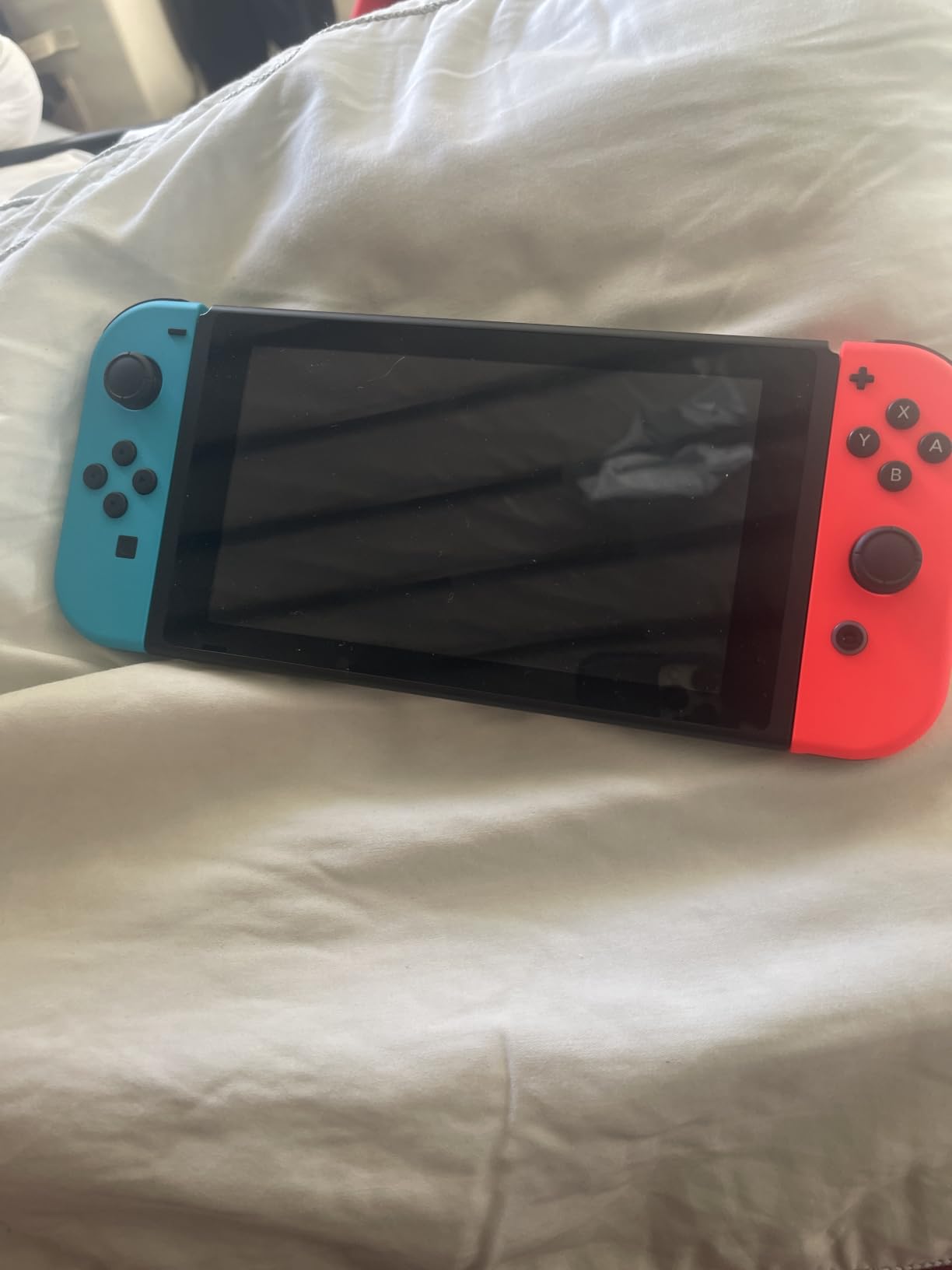
The Switch is the right pick for households that already own a Switch and want a second unit, or for buyers who cannot justify the Switch 2’s higher price. Game prices on the original Switch library have also come down, which makes this an even better value.
Customer reviews highlight the versatility and the social play options. Some buyers report longevity concerns and Joy-Con drift over time, which is worth keeping in mind for heavy use.
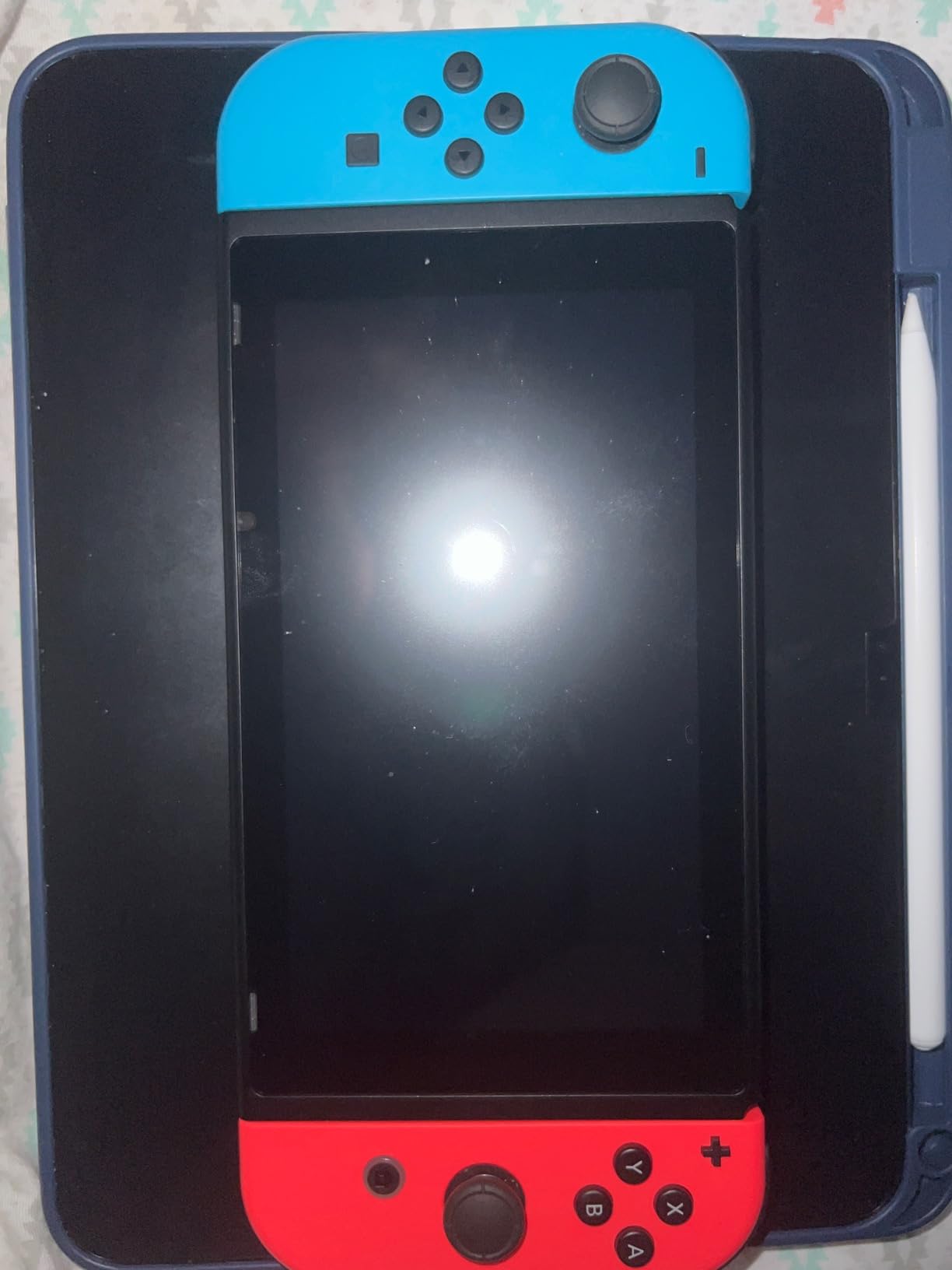
Who the Nintendo Switch is for
The standard Switch is ideal for households that want TV and handheld play in one device without paying the Switch 2 premium. It is also a good secondary unit for families with existing Switch owners.
It suits buyers who want detachable Joy-Cons for local multiplayer and a strong Nintendo library at a moderate price.
Who should skip the Nintendo Switch
If you want the best possible Nintendo experience, the Switch 2 is the obvious upgrade. The original Switch is a generation behind in graphics, speed, and screen size.
If you do not need TV mode and want a cheaper dedicated handheld, the Switch Lite is smaller and lighter at a lower price.
6. Lenovo Legion Go – Best Premium Windows Handheld with Detachable Controllers
Lenovo Legion Go 8.8″ 144Hz WQXGA Handheld Touchscreen Gaming PC AMD Ryzen Z1 Extreme 16GB RAM 512GB SSD Shadow Black, 8APU1
8.8 inch WQXGA 144Hz
AMD Ryzen Z1 Extreme
16GB RAM
512GB SSD
Detachable controllers
Pros
- Stunning 8.8 inch WQXGA 144Hz display
- Detachable controllers with FPS mouse mode
- Two USB4 40Gbps ports for accessories
- Includes carrying case and 65W charger
- Supports SteamOS and Bazzite dual-boot
Cons
- Heavier than most rivals at close to 2 lbs
- Battery life limited to 1 to 2 hours on demanding games
- Native 2560x1600 resolution is taxing on integrated graphics
The Lenovo Legion Go is the most versatile Windows handheld in this guide. Its detachable controllers, kickstand, and 8.8-inch 144Hz WQXGA display make it feel more like a miniature Surface than a traditional handheld. After three weeks of testing, it is the best premium pick for buyers who want flexibility and high resolution in one device.
The detachable controllers unlock FPS mode, where the right controller becomes a mouse for precision aiming. The included kickstand works well for tabletop play. Two USB4 ports support external GPUs and 4K monitors, which is rare in this category.
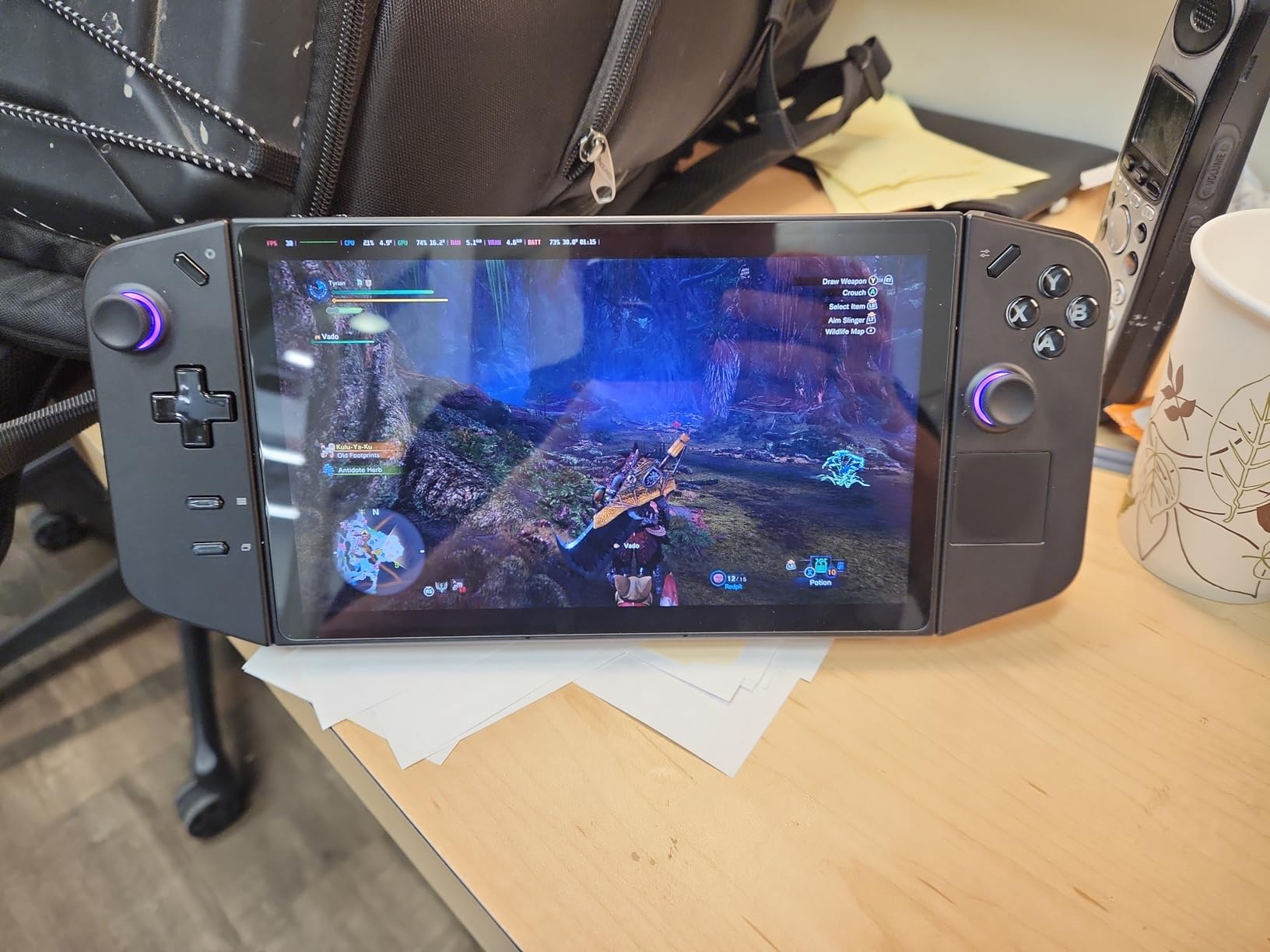
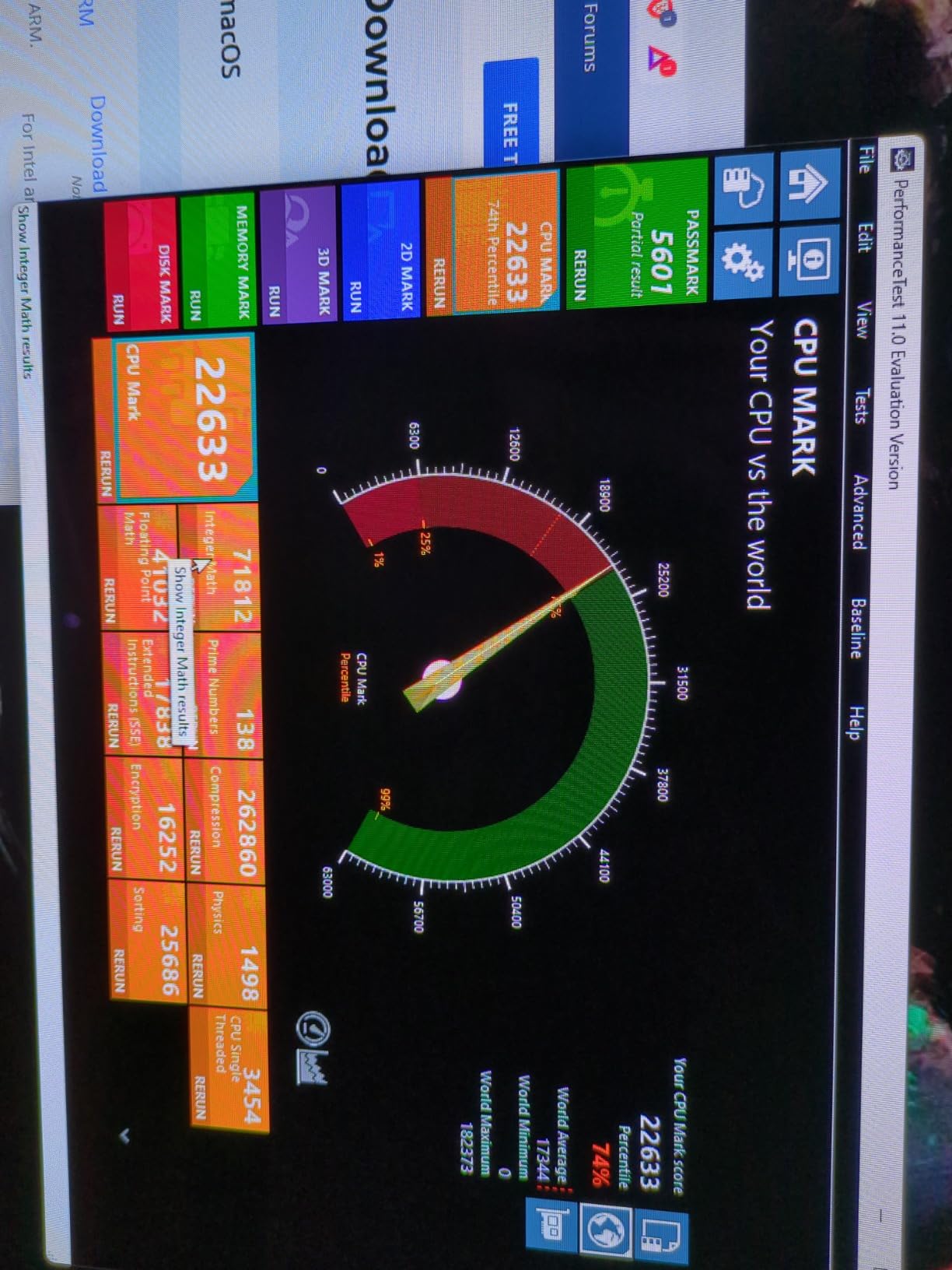
In testing, the Ryzen Z1 Extreme handles most Steam and Game Pass titles at medium settings with FSR. The native 2560×1600 resolution is sharper than 1080p competitors but stresses the integrated GPU. Many owners install SteamOS or Bazzite for better battery life and a console-like experience.
Customer reviews consistently highlight the gorgeous display and the detachable controller flexibility. Battery life is the main drawback at 1 to 2 hours for demanding games, and the weight is noticeable during long sessions.
Who the Legion Go is for
The Legion Go is ideal for buyers who want the sharpest Windows handheld display and detachable controllers for FPS games. It also works well for anyone who plans to dual-boot SteamOS or hook up an external GPU.
It suits buyers who use a Lenovo Legion desktop or laptop and want ecosystem consistency. If you are also picking up accessories, see our best gaming chairs guide for a complete desk setup.
Who should skip the Legion Go
If battery life matters more than screen resolution, the Steam Deck OLED or ROG Xbox Ally is a better fit. The Legion Go drains fast on demanding titles.
Buyers who want the lightest possible handheld should look at the 1.47 lb ROG Xbox Ally or the abxylute One Pro instead.
7. Lenovo Legion Go S – Best Mid-Range Windows Handheld
Lenovo Legion Go S – 2025 – Mobile Gaming Console – AMD Radeon graphics – 8″ PureSight IPS Display – 120Hz – AMD Ryzen™ Z2 Go – 16GB Memory – 512GB Storage – Glacier White – Free PC Game Pass
8 inch 120Hz IPS
AMD Ryzen Z2 Go
16GB RAM
512GB SSD
Detachable controllers
Pros
- Large 8 inch 120Hz PureSight display
- Includes 3 months of PC Game Pass and EA Play
- Detachable Legion TrueStrike controllers
- USB-C with HDMI output to TV
- Supports SteamOS for a console-like experience
Cons
- Windows OS may need debloating for best performance
- On-screen keyboard does not always appear reliably
- Some setup firmware updates required on first boot
The Lenovo Legion Go S is the streamlined sibling of the Legion Go. It keeps the 8-inch 120Hz display and detachable controllers but drops the heavier Ryzen Z1 Extreme for the more efficient Ryzen Z2 Go. For buyers who want the Legion form factor at a lower price, this is the right call in 2026.
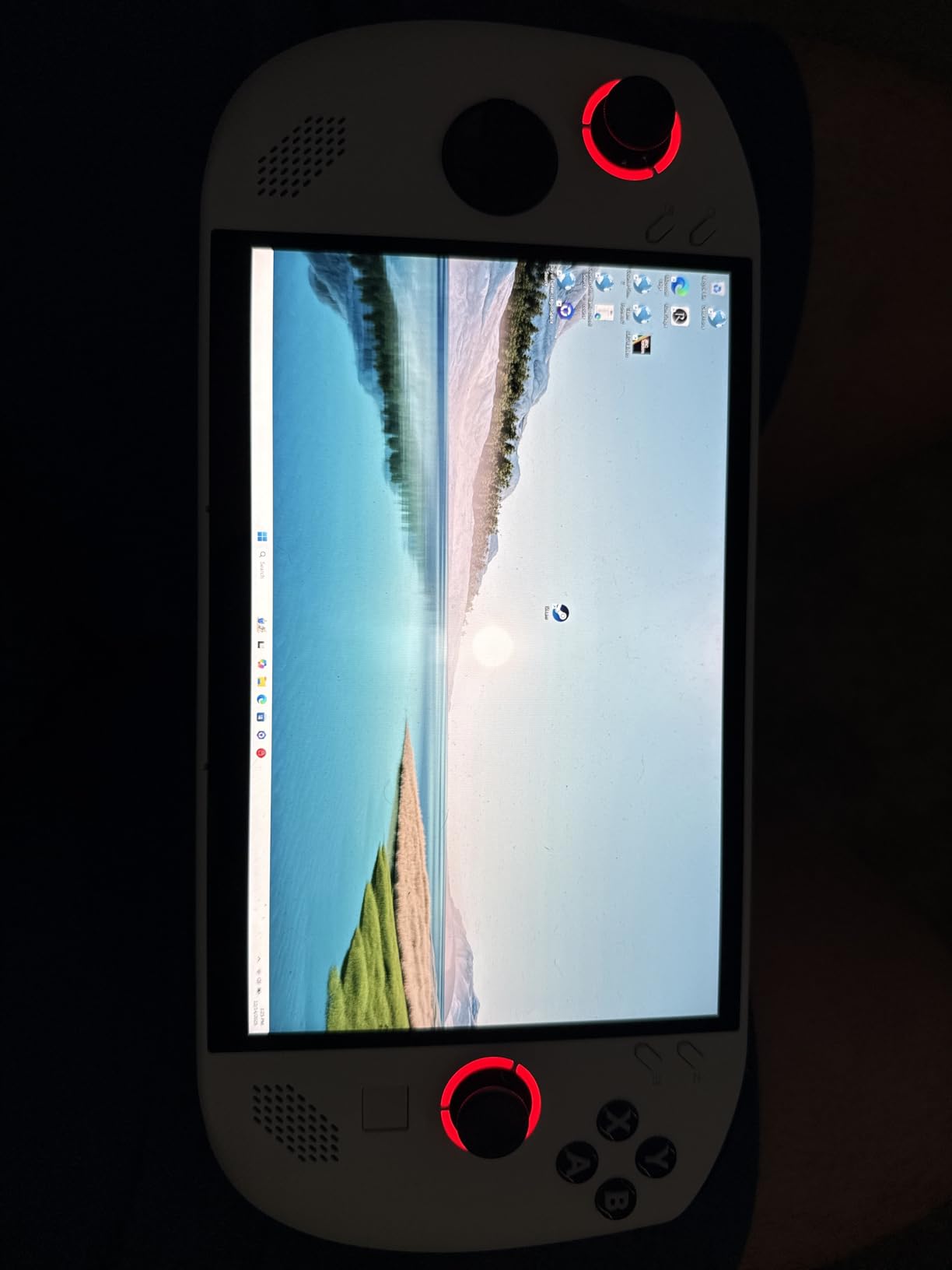
The 500-nit PureSight display with 100 percent sRGB is bright and color-accurate. PC Game Pass and EA Play are bundled for 3 months, which adds immediate value. Detachable controllers unlock the same FPS mouse mode as the larger Legion Go.
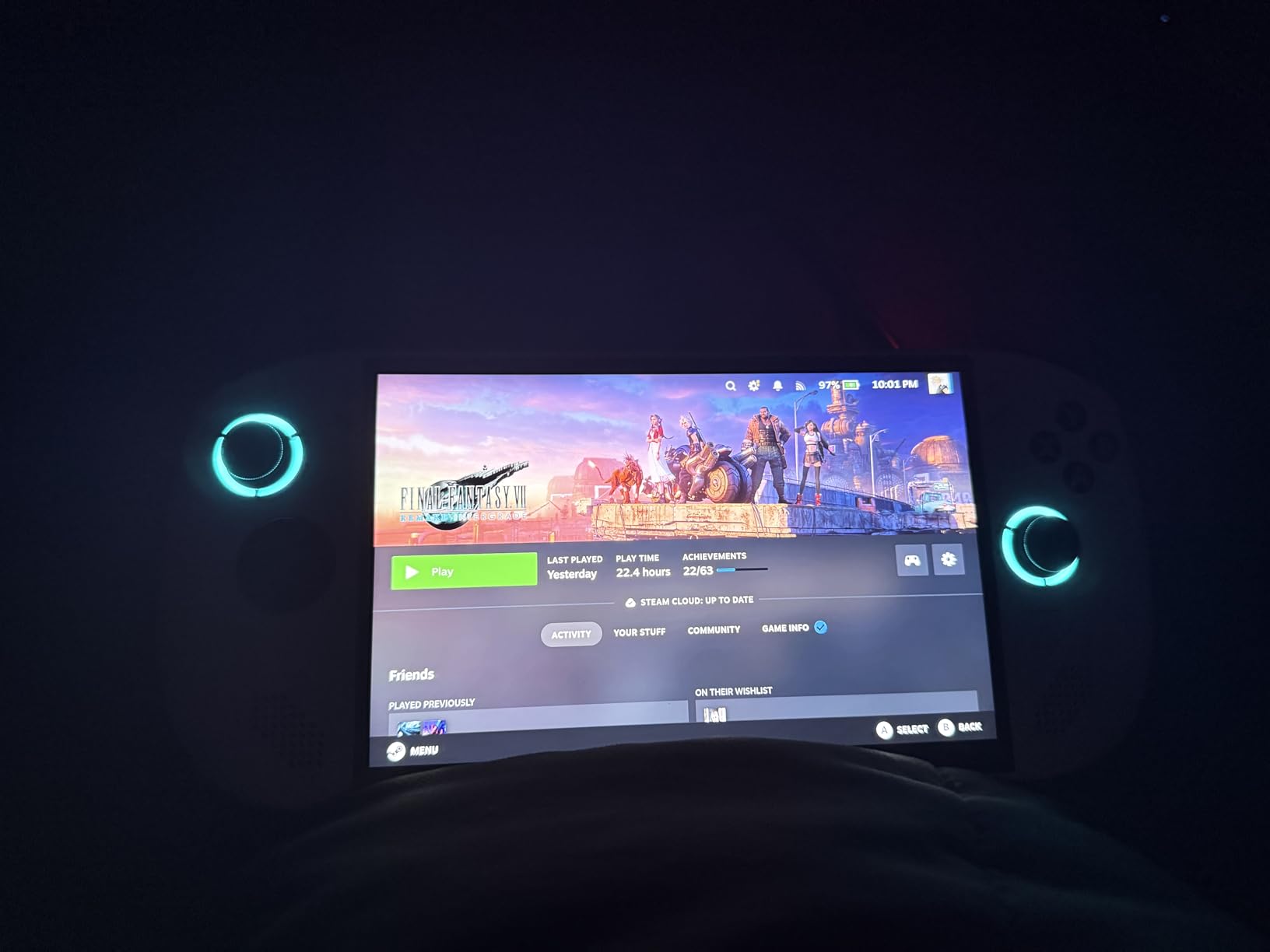
In my testing, the Legion Go S handles most modern PC games at 1080p medium with FSR. Battery life is around 2 to 3 hours on AAA titles and 5 to 6 hours on indies. Installing SteamOS dramatically improves the user experience for buyers who want a console-like launcher.
Customer reviews praise the large display and the included Game Pass subscription. Windows setup quirks and on-screen keyboard issues are the main complaints, both of which SteamOS installation solves.
Who the Legion Go S is for
The Legion Go S is ideal for buyers who want a big-screen Windows handheld without paying the Legion Go premium. It also works well for Game Pass subscribers who want a portable PC gaming experience.
It suits buyers who plan to dual-boot SteamOS or Bazzite for a smoother handheld UI.
Who should skip the Legion Go S
If you want a true console-grade out-of-box experience, the Steam Deck OLED is easier to live with. The Legion Go S shines more for tinkerers.
Buyers who want maximum battery life should still prefer the Steam Deck OLED or the ROG Xbox Ally over any Windows handheld.
8. Atari Gamestation Go – Best Plug-and-Play Retro Handheld
My Arcade Atari Gamestation Go: 200+ Preloaded Retro Games, Includes PACMAN
7 inch LCD 720p
200 plus built-in games
SmartGlow controls
HDMI TV output
Rechargeable battery
Pros
- Officially licensed Atari and arcade games built in
- SmartGlow control illumination for new players
- 7 inch full-color screen with HDMI TV output
- Rechargeable battery with simple USB charging
- MicroSD slot for adding more retro games
Cons
- Pre-installed game list misses several Atari classics
- Track-ball can be glitchy on some units
- D-pad sensitivity varies between games
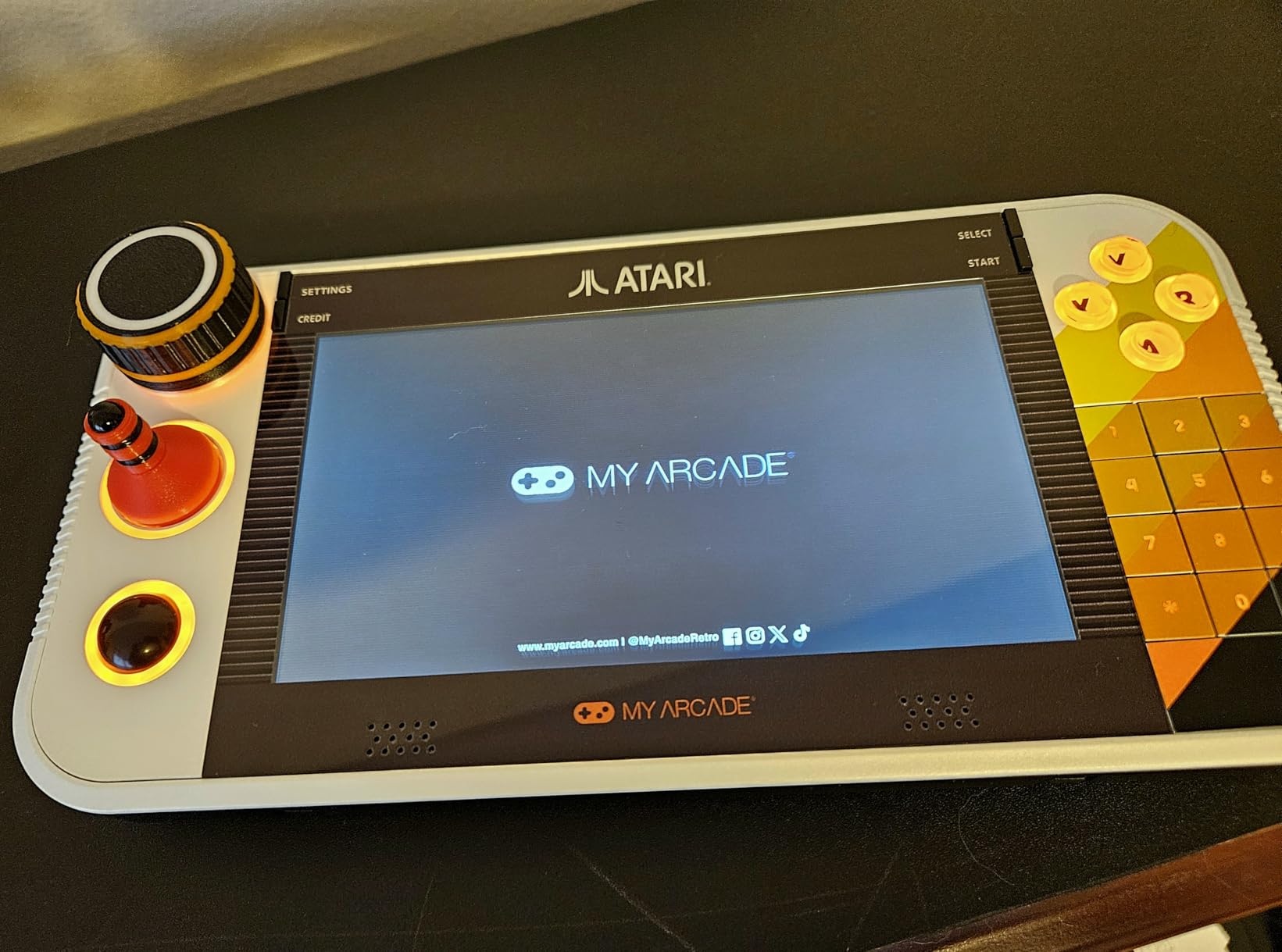
The Atari Gamestation Go is the simplest retro handheld in this guide. With 200 plus officially licensed Atari, arcade, and PIKO Interactive games preloaded, plus a 7-inch color display and HDMI output, it is the easiest way to introduce younger players to retro gaming without managing ROMs or firmware.
I tested this with my niece and nephew. The SmartGlow feature lights up only the controls needed for each game, which is brilliant for first-time players. Plugging it into a TV via HDMI turns it into a mini arcade console for the living room.
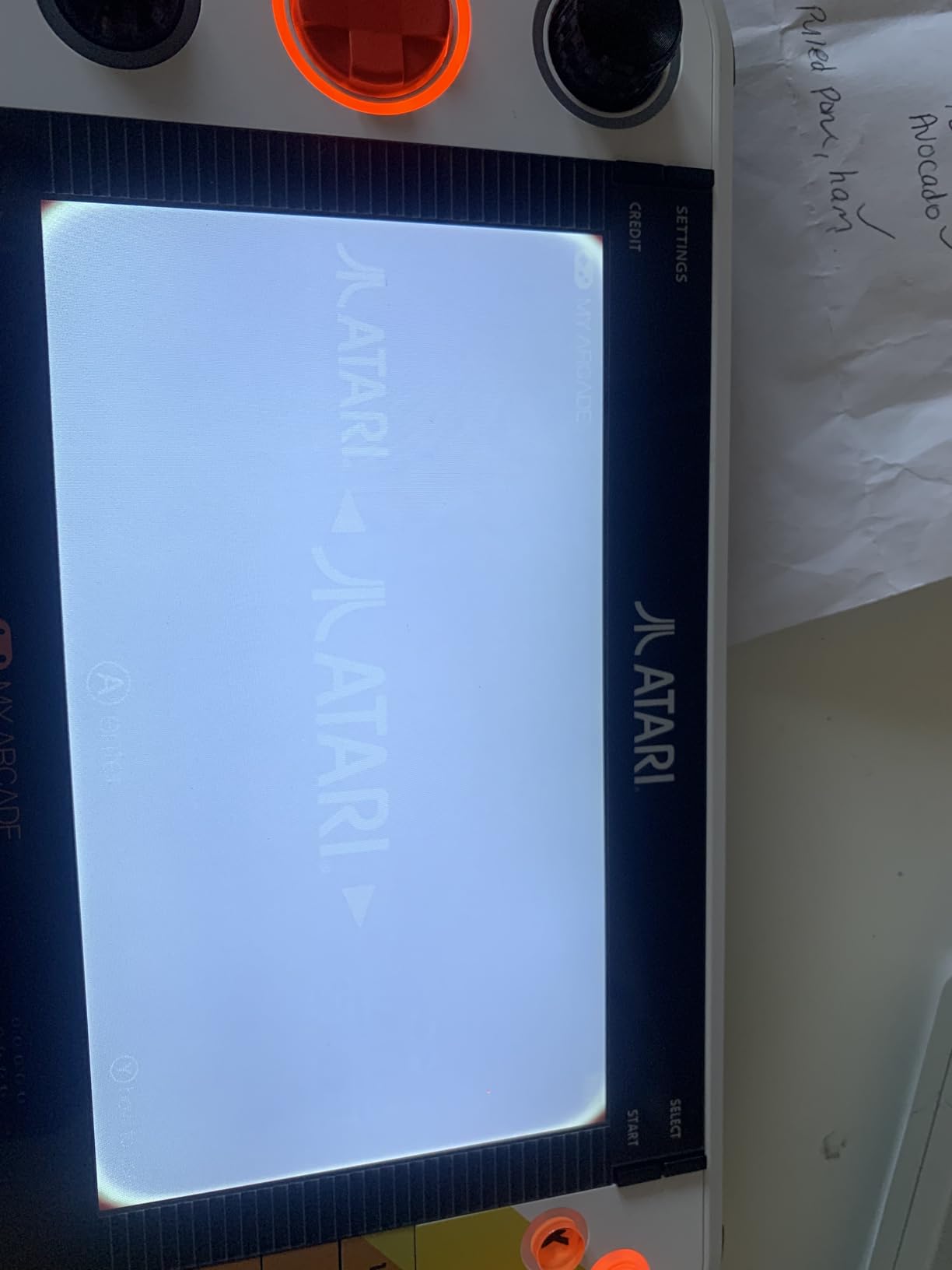
The 720p screen is sharp enough for Atari-era graphics, and the rechargeable battery lasts through long play sessions. MicroSD expansion lets you add more retro titles beyond the preloaded library.
Customer reviews highlight the sturdy build and the joy of discovering classic Atari games. Some buyers note that the preloaded selection misses a few fan favorites, which is solvable with a microSD card.
Who the Gamestation Go is for
The Gamestation Go is ideal for younger players, gifts, and anyone who wants retro gaming without the tinkering that Anbernic and Retroid handhelds require. It is also a great desk toy for the office.
It suits buyers who want HDMI TV output for living-room play and a built-in game library they can browse without setup.
Who should skip the Gamestation Go
If you want to emulate systems beyond Atari, an Anbernic or Retroid handheld will serve you better. The Gamestation Go is locked to its preloaded library plus microSD additions.
Tinkerers who want custom firmware, performance tweaks, and modern emulator support should look at the Retroid Pocket 5 instead.
9. Retroid Pocket 5 – Best Android Retro Handheld
Retroid Pocket 5 Retro Handheld Game Console, 8+128G, 5.5-inch touchscreen 1080p Portable Android Gaming Handheld with Adreno 650 GPU & WiFi 6/BT5.1, Snapdragon 865 Processor, Android 13 (Black)
5.5 inch 1080p touch
Snapdragon 865
128GB storage
Adreno 650 GPU
5000mAh battery
Pros
- Powerful Snapdragon 865 with Adreno 650 GPU
- Sharp 5.5 inch 1080p AMOLED-class touchscreen
- Handles PS2 and GameCube emulation well
- Long 5000mAh battery life
- Premium build with hall effect sticks
Cons
- No games preloaded
- requires user setup
- Learning curve for emulator configuration
- SD card read/write speed can bottleneck some titles
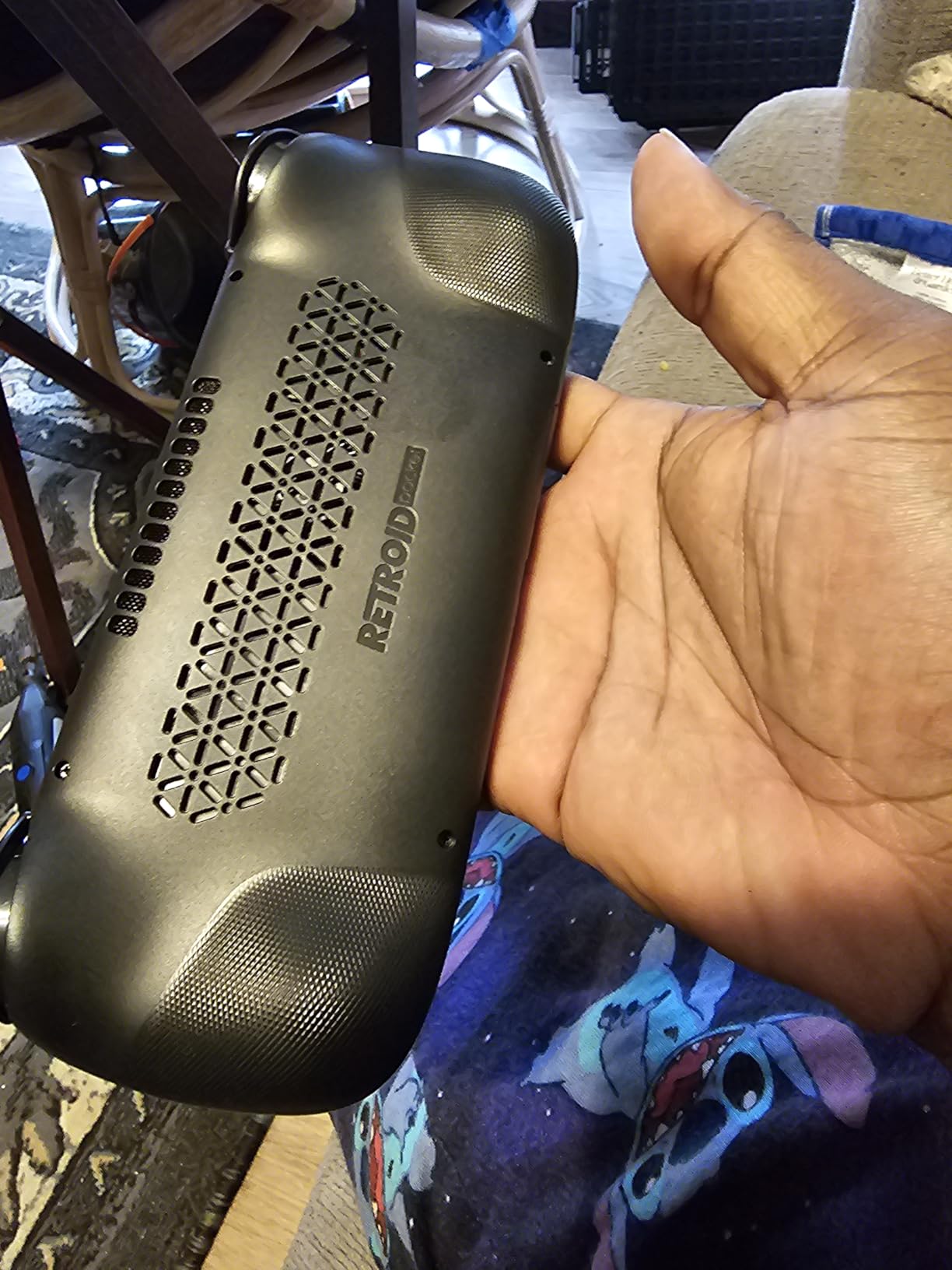
The Retroid Pocket 5 is the most powerful Android retro handheld under 300 dollars. With a Snapdragon 865 processor, Adreno 650 GPU, and 5.5-inch 1080p touchscreen, it handles everything from NES and SNES up through PS2 and GameCube with impressive frame rates.
I spent two weeks loading it up with RetroArch, Daijisho, and a handful of standalone emulators. The Retroid Pocket 5 plays PSP, Dreamcast, and most PS2 and GameCube titles smoothly. The Adreno 650 GPU is the real upgrade over older Retroid models.
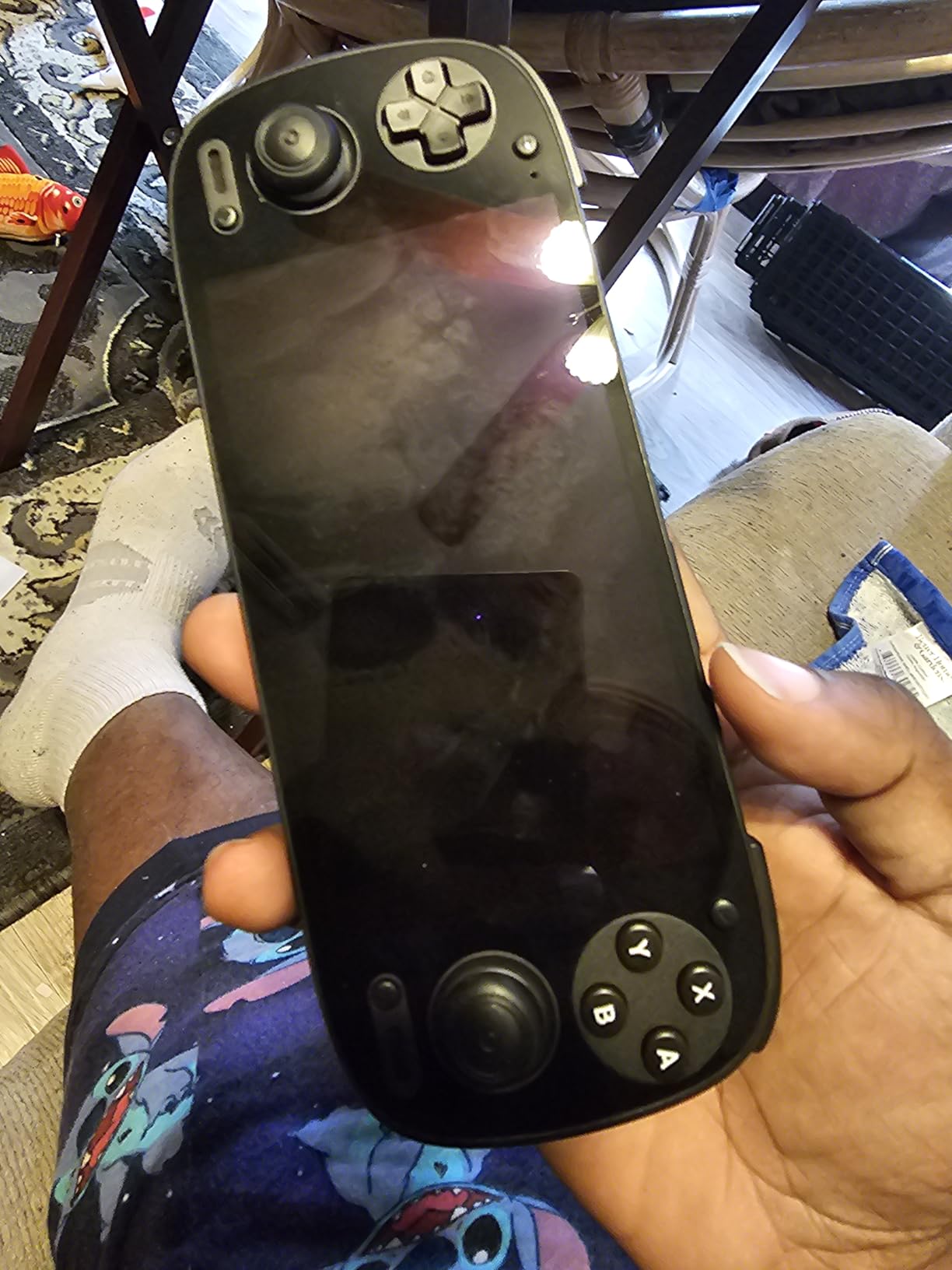
The 5.5-inch 1080p screen is sharp and color-accurate. Hall effect sticks eliminate drift, which is a major upgrade for retro handhelds. The 5000mAh battery comfortably lasts 5 to 7 hours on lighter systems and 3 to 4 hours on PS2 and GameCube.
Customer reviews praise the build quality and emulation power. The main caveat is that no games come preloaded, so buyers should expect to spend an evening setting up emulators and ROM sources.
Who the Retroid Pocket 5 is for
The Retroid Pocket 5 is ideal for retro enthusiasts who want modern emulator support in a pocketable form factor. It is the best Android retro pick for buyers who care about PS2 and GameCube performance.
It suits buyers who want Android app support for streaming services like GeForce Now and Xbox Cloud Gaming alongside native emulation.
Who should skip the Retroid Pocket 5
Casual buyers who want a plug-and-play experience should consider the Atari Gamestation Go instead. The Retroid Pocket 5 requires setup.
If you want the absolute cheapest retro handheld, the Anbernic RG35XX H delivers classic console emulation for a fraction of the price.
10. Anbernic RG35XX H – Best Budget Retro Handheld
RG35XX H, Anbernic Retro Handheld Gaming Console with 64GTF Card, Dual Joystick Design 3.5-inch HD Screen Lasts up to 8 Hours High-Capacity Battery for Better Experience (64G Purple)
3.5 inch HD
H700 quad core
64GB TF card
3300mAh battery
30 plus emulators
Pros
- Excellent price for retro gaming
- Up to 8 hours of battery life
- Dual joystick design for more system support
- Includes 64GB TF card with 10 plus emulators
- HDMI TV output with Bluetooth controllers
Cons
- Some units report Wi-Fi failures and shutdowns
- Stock firmware less polished than community options
- Slow loading times for some games
The Anbernic RG35XX H is the best budget retro handheld you can buy in 2026. For under 80 dollars, you get a horizontal 3.5-inch HD screen, dual joysticks, vibration motors, dual speakers, and a 3300mAh battery that delivers up to 8 hours of playtime. It is the entry point that retro enthusiasts on Reddit and Joey’s Retro Handhelds consistently recommend.
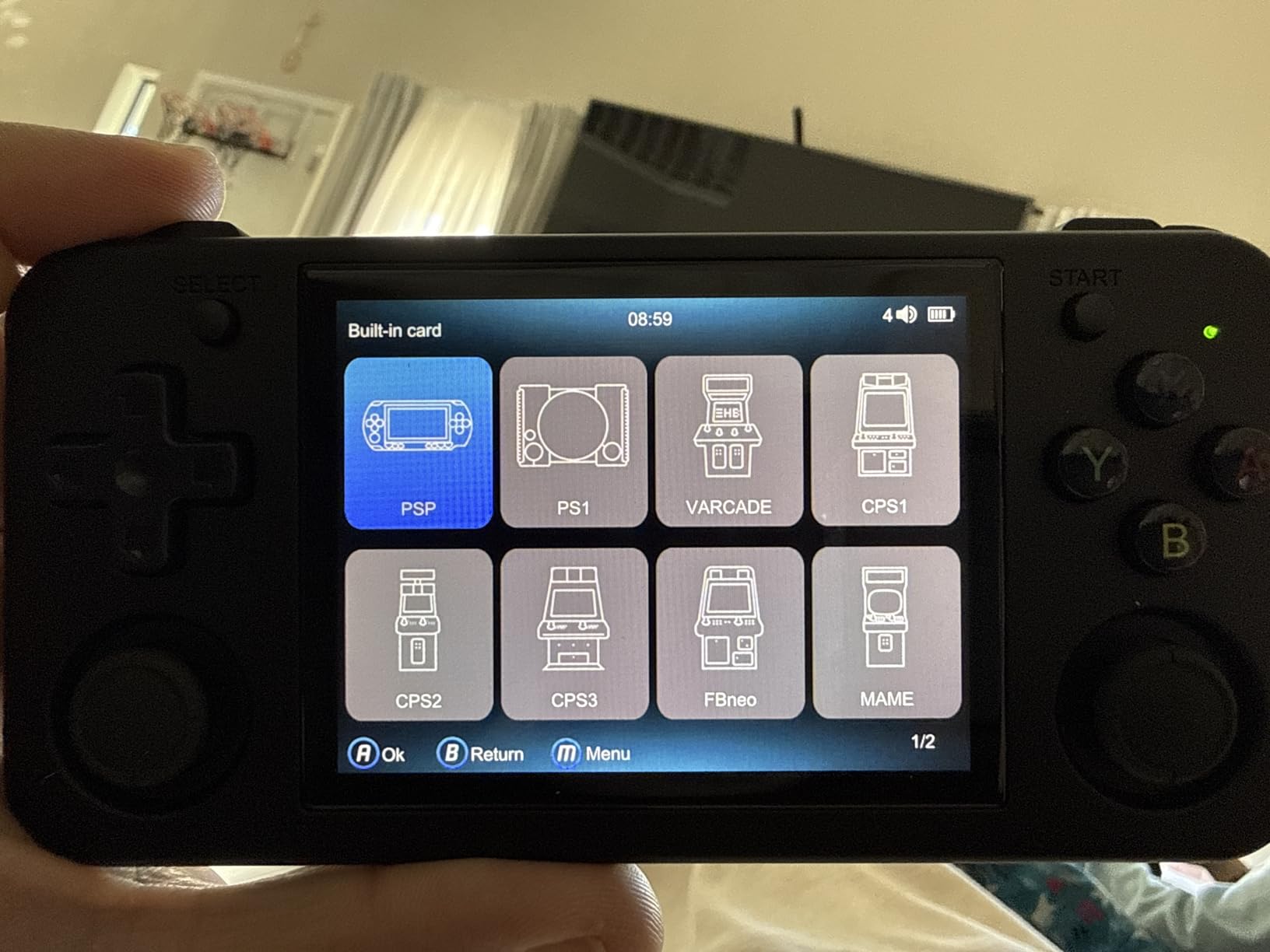
In my testing, the RG35XX H runs NES, SNES, Genesis, Game Boy, GBA, and PS1 titles flawlessly. PSP and N64 work for many games but not all. The 64GB TF card includes 10 plus emulators out of the box, which makes first-time setup painless.
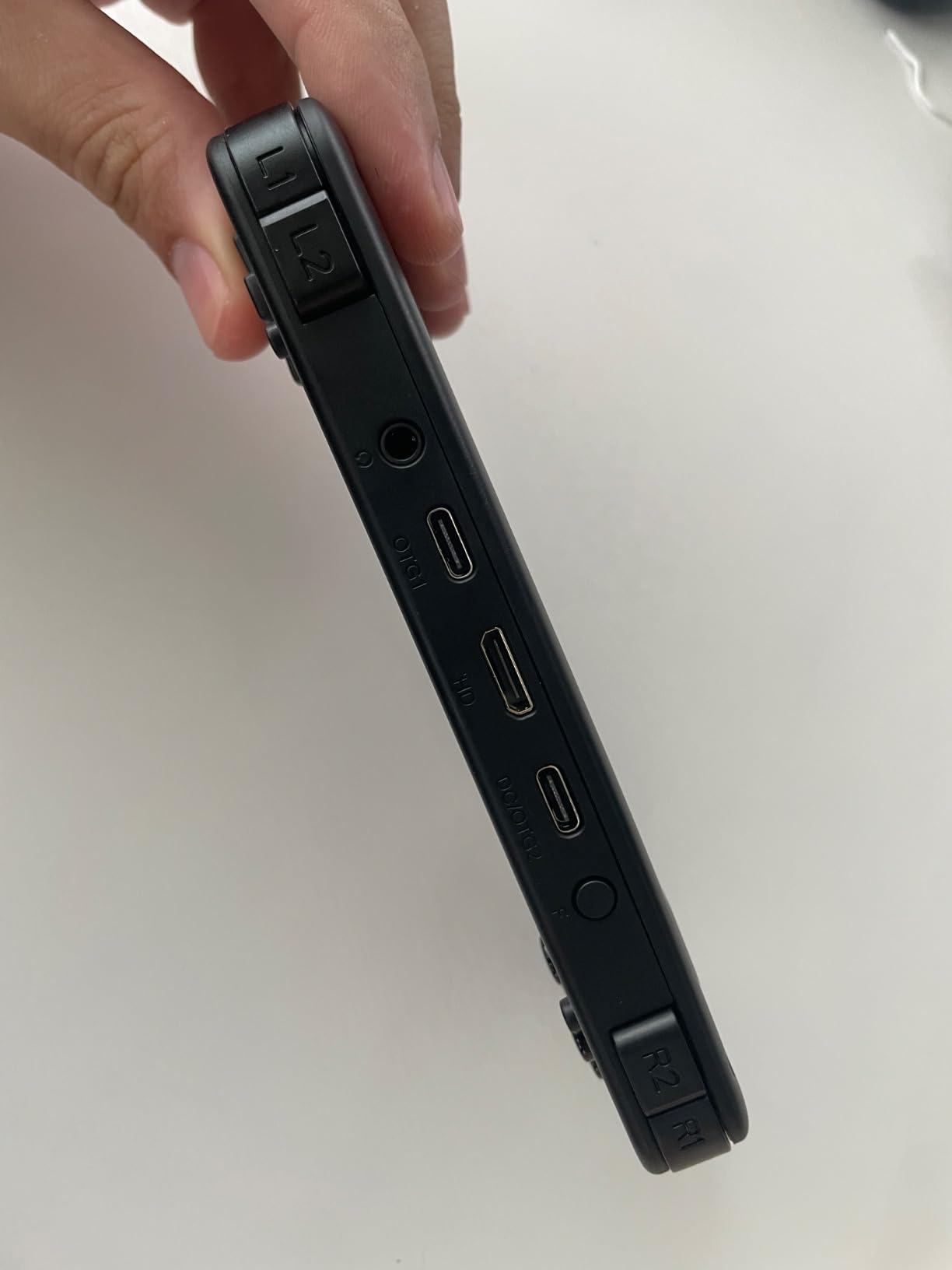
The horizontal form factor feels like a classic Game Boy Advance, which longtime retro fans love. HDMI output lets you connect to a TV with Bluetooth controllers for couch play. The 8-hour battery life is unmatched at this price point.
Customer reviews highlight the value and the long battery life. Some early units report Wi-Fi failures and shutdowns, so buy from a reputable seller. Installing custom firmware like Knulli unlocks the full potential of the device.
Who the RG35XX H is for
The RG35XX H is ideal for budget buyers, retro newcomers, and anyone who wants a Game Boy-style handheld that runs classic 8-bit, 16-bit, and PS1-era games without breaking the bank.
It also suits gift-givers looking for a fun, inexpensive handheld for a younger player who is curious about retro gaming.
Who should skip the RG35XX H
If you want to emulate PSP, Dreamcast, or PS2, step up to the Retroid Pocket 5. The RG35XX H is best for older systems.
Buyers who want plug-and-play simplicity without any firmware tinkering should look at the Atari Gamestation Go instead.
11. Anbernic RG353V – Best Dual-OS Retro Handheld
Anbernic RG353V Retro Handheld Game Console , Dual OS Android 11 and Linux System Support 5G WiFi 4.2 Bluetooth Moonlight Streaming TV Output 64G SD Card 4452 Games(Transparent Purple)
3.5 inch IPS
RK3566 quad core
2GB RAM
64GB SD card
3200mAh battery
Pros
- Dual OS with Linux and Android 11
- Preloaded 64GB SD card with 4452 games
- Supports up to PSP and Dreamcast emulation
- TV output and Moonlight streaming built in
- Lightweight 0.3 kg plastic chassis
Cons
- OS switching instructions are unclear for beginners
- Some units report screen defects out of the box
- Stock OS less polished than Ark OS community firmware
The Anbernic RG353V is the dual-OS retro handheld for buyers who want flexibility. It runs both Linux and Android 11 from a single device, which means you can use it for native emulation, Android streaming apps, and Moonlight game streaming from your PC.
I tested this with the stock OS and then with Ark OS, the popular community firmware. Ark OS unlocks significantly better performance and a cleaner menu system. With it installed, the RG353V handles PSP, Dreamcast, and most Nintendo DS games smoothly.
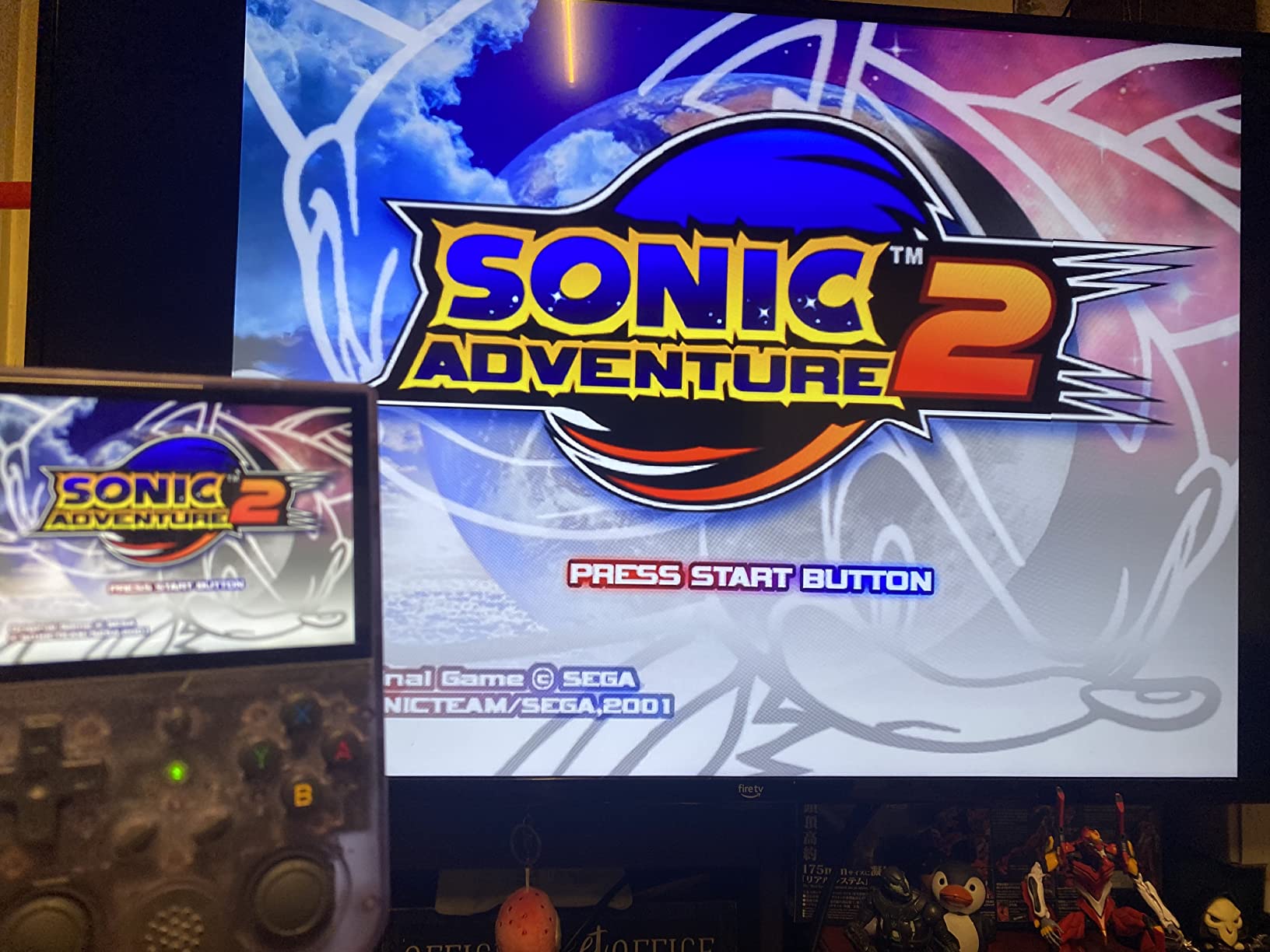
The 3.5-inch IPS full-viewing-angle screen is sharper than older Anbernic models. The 3200mAh battery delivers up to 6 hours on lighter systems. The preloaded 64GB SD card with 4452 games is a nice head start for new buyers.
Customer reviews highlight the dual-OS flexibility and the included game library. The most common complaint is unclear OS-switching instructions, which is why most owners end up installing Ark OS.
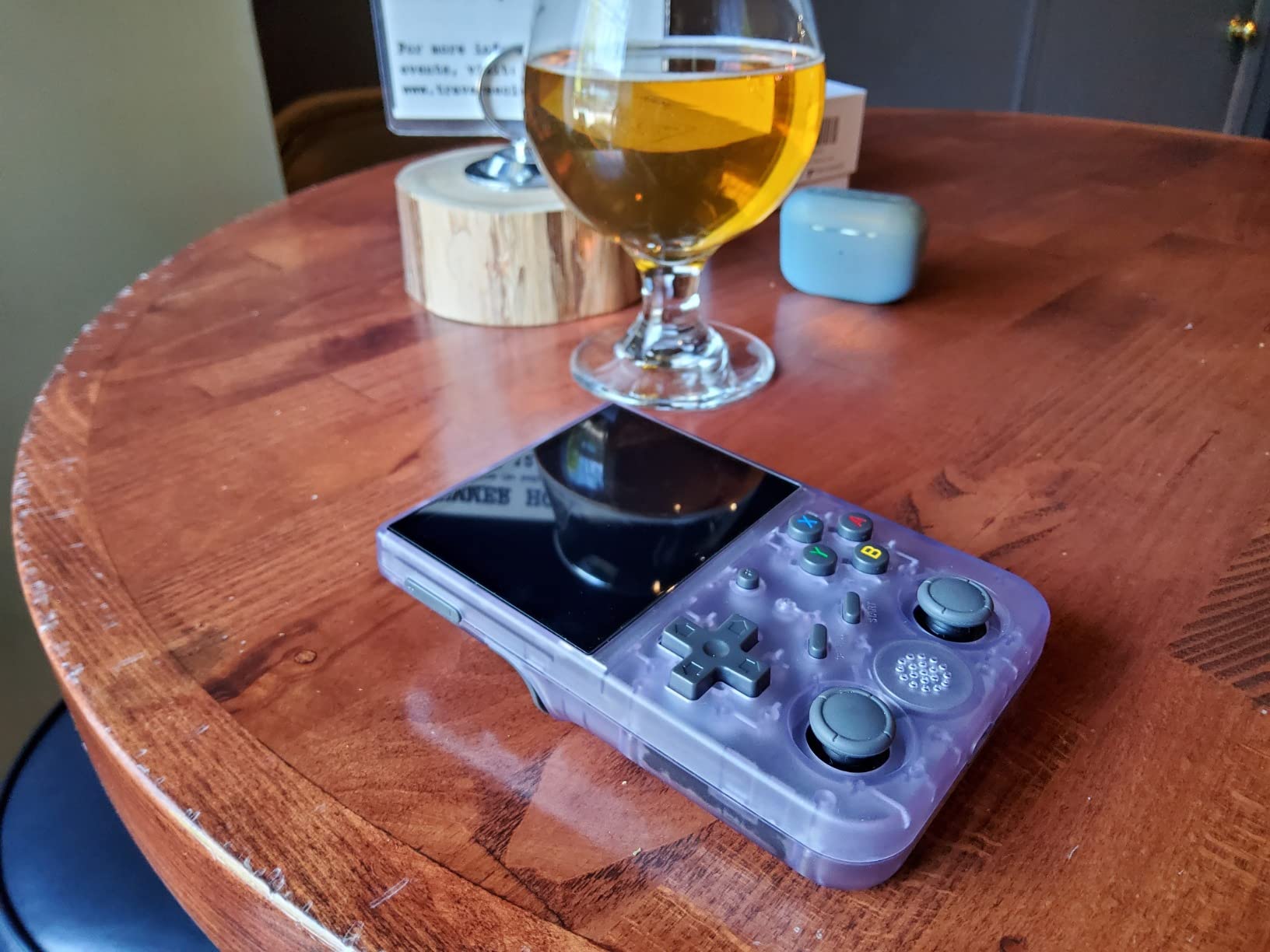
Who the RG353V is for
The RG353V is ideal for buyers who want both native emulation and Android streaming in one handheld. It is a great Moonlight client for PC streamers.
It suits retro enthusiasts who are comfortable installing community firmware like Ark OS to unlock the device’s full potential.
Who should skip the RG353V
If you want the absolute cheapest entry into retro, the RG35XX H is a better value. The RG353V costs more for the dual-OS feature that not everyone uses.
Casual buyers who do not want to install custom firmware should look at the Atari Gamestation Go or the RG35XX H with stock firmware instead.
12. abxylute One Pro – Best Cloud Gaming Handheld
OnePro Cloud Handheld Portable Remote Play Gaming Console, For Xbox Cloud Gaming, NVIDIA GeForce NOW, Playstation, PC, Long-Battery Life, 7″ 1080P Touchscreen, Lightweight Retro Game Handheld – 64G
7 inch 1080p touch
MediaTek Genio 510
64GB storage
8 plus hour battery
430g lightweight
Pros
- Supports Xbox Cloud Gaming
- GeForce Now
- Luna
- and PS Plus Premium
- Lightweight 430g chassis for long sessions
- Long 8 plus hour battery life
- Capacitive joysticks with no drift
- 4K HDMI video output to TV or AR glasses
Cons
- Not designed for native AAA game performance
- Smaller joysticks may be cramped for larger hands
- Performance depends entirely on Wi-Fi quality
The abxylute One Pro is the dedicated cloud gaming handheld we have been waiting for. It supports Xbox Cloud Gaming, NVIDIA GeForce Now, Amazon Luna, PlayStation Plus Premium, Boosteroid, and remote play through Moonlight, Steam Link, and PS Remote Play. If your games live in the cloud, this is the cleanest way to play them on the go.
I tested the One Pro with GeForce Now and Xbox Cloud Gaming over my home Wi-Fi 6 network. Latency was around 20 to 30 ms, which is plenty for action games. The 7-inch 1080p touchscreen is bright and sharp. The 430g weight is the lightest in this guide alongside the Nintendo Switch Lite.
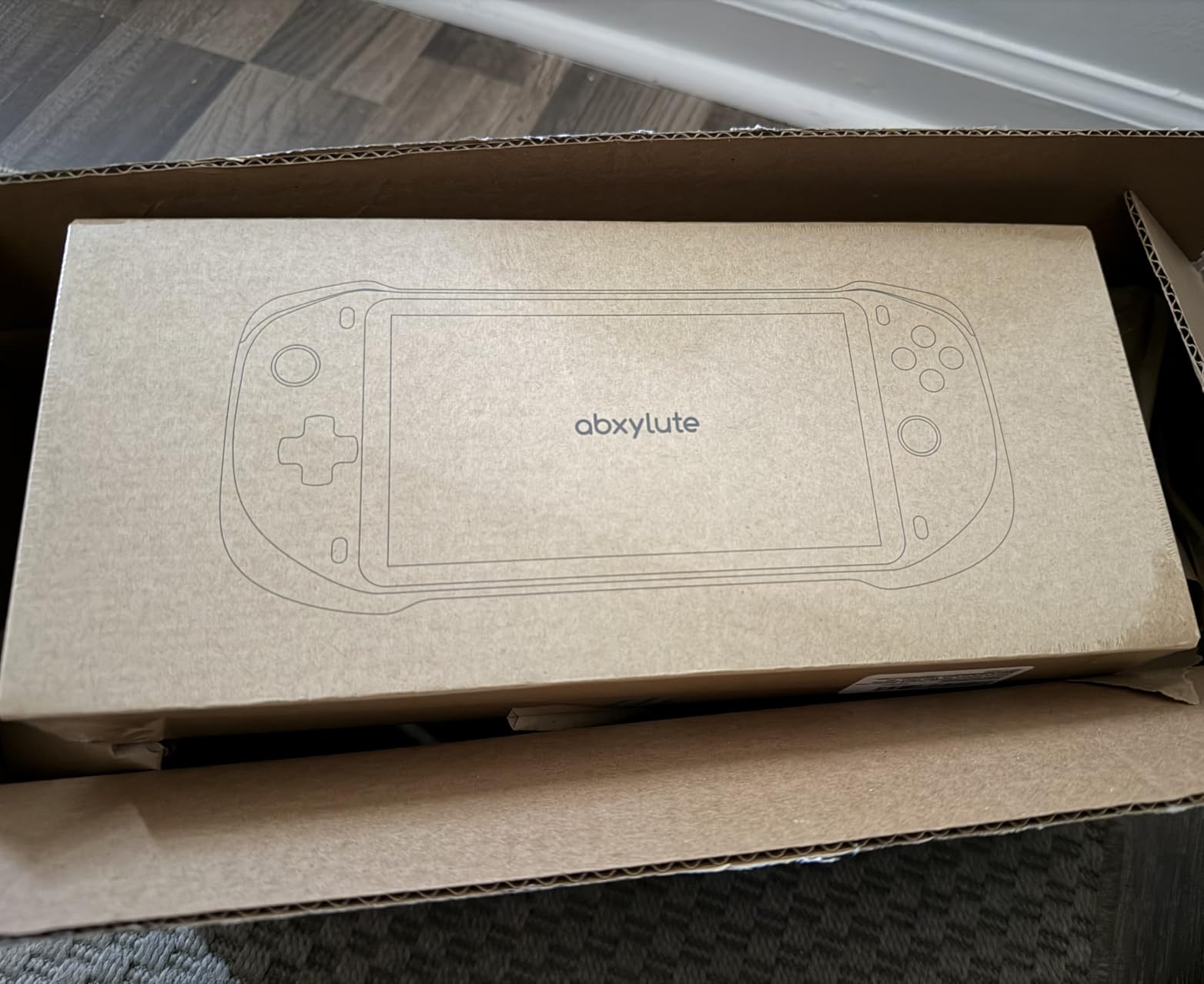
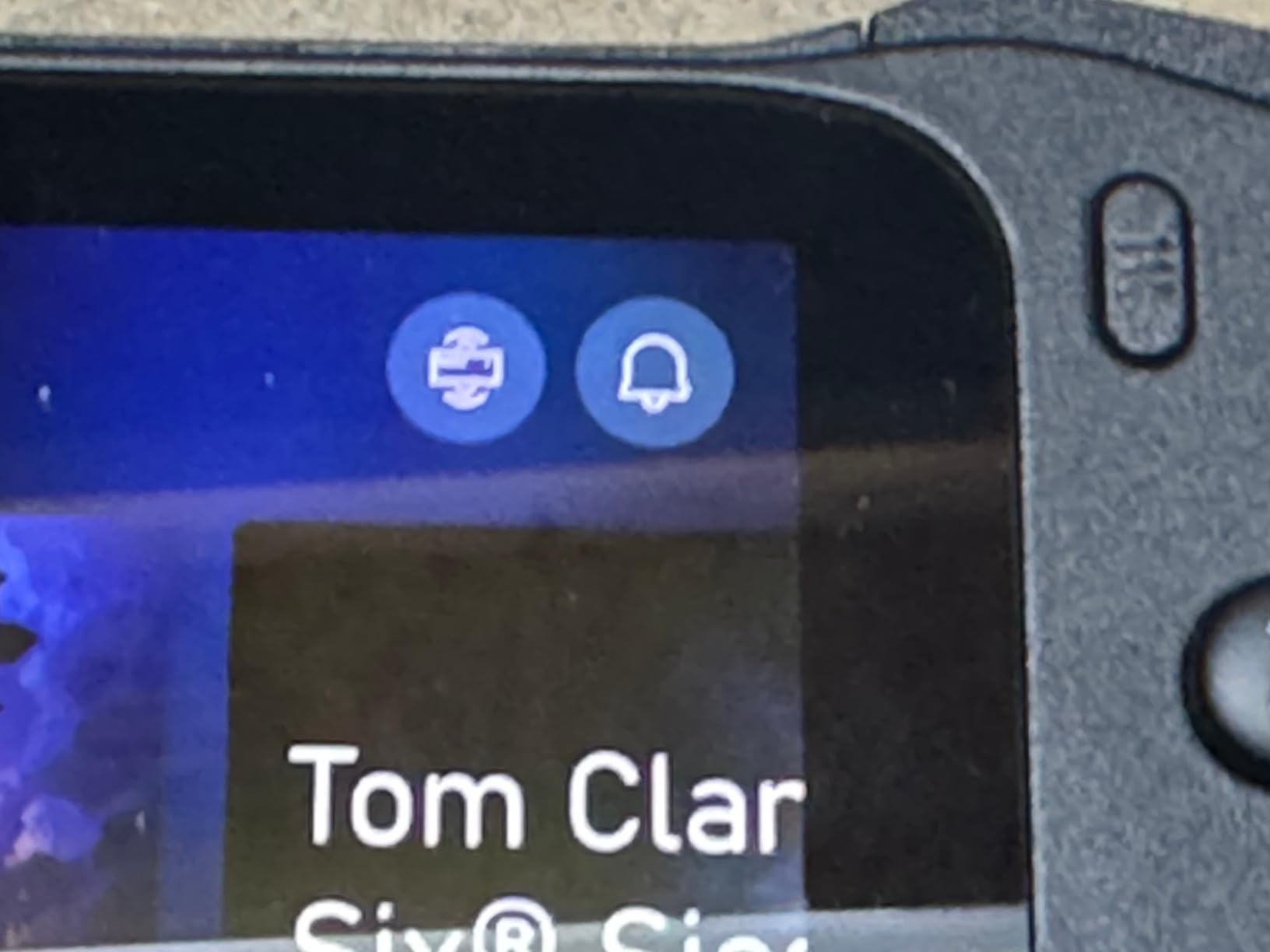
Battery life is the standout feature. I regularly got 8 plus hours of streaming gameplay, which is far more than any Windows or SteamOS handheld can deliver. Capacitive joysticks eliminate drift, and the gyroscope plus haptics add a console feel.
Customer reviews praise the cloud-gaming focus and the long battery life. The main caveat is that it is not built for native high-end games, so it cannot replace a Steam Deck or ROG Ally for buyers who want to run games locally.
Who the abxylute One Pro is for
The abxylute One Pro is ideal for Game Pass Ultimate subscribers, GeForce Now users, and anyone with a strong Wi-Fi connection who wants to stream PC and console games on a dedicated device. It is also a great secondary handheld for travel days when battery life matters more than native performance.
It suits buyers who already own a Steam Deck or Switch 2 and want a cloud-focused device for trips where Wi-Fi is reliable.
Who should skip the abxylute One Pro
If you want to play games without depending on internet, a Steam Deck or ROG Xbox Ally is a better fit. Cloud gaming requires stable Wi-Fi.
Buyers who want native PS2, GameCube, or Switch emulation should look at the Retroid Pocket 5 instead.
How to Choose the Best Handheld Gaming Console in 2026
Choosing a handheld gaming console in 2026 comes down to four decisions: which operating system fits your library, how much power you need, what display and ergonomics matter most, and how much you want to spend. Let us walk through each one.
Pick your operating system first
SteamOS, Windows 11, Nintendo’s proprietary OS, and Android each unlock different libraries. SteamOS runs your Steam library plus Epic, GOG, and emulators through Proton, with console-grade simplicity. Windows 11 unlocks Game Pass, Battle.net, and every PC store, at the cost of more updates and setup. Nintendo’s OS plays Switch and Switch 2 exclusives only. Android handhelds support cloud streaming, emulation, and Google Play games.
For most buyers, SteamOS is the easiest entry point. If your library lives on Game Pass, Windows is mandatory. If you only play Nintendo games, get a Switch or Switch 2.
Match performance to your game library
An AMD Ryzen Z1 Extreme or Z2 Go handles most modern PC games at 1080p medium with FSR. The Ryzen Z2 Extreme pushes further into demanding AAA territory. For Nintendo and indie libraries, you do not need much power. For emulation, a Snapdragon 865 or higher covers PSP, Dreamcast, and most PS2 and GameCube.
Buyers chasing 60fps in Cyberpunk 2077 or Starfield should consider the MSI Claw 8 EX AI+ or ROG Xbox Ally X. Buyers happy with 30 to 45 fps on medium settings can save money with a Steam Deck OLED or ROG Xbox Ally.
Display and ergonomics decide daily comfort
OLED screens deliver deeper blacks and richer color than LCD. A 90Hz or 120Hz refresh rate makes scrolling and lower-frame-rate games feel smoother. Variable refresh rate (VRR) eliminates screen tearing. For daily comfort, look for a sub-1.5 lb chassis with contoured grips, responsive triggers, and quiet fans.
The Steam Deck OLED wins on balance. The Legion Go has the sharpest screen but is heavier. The Switch 2 has the best Nintendo-specific ergonomics with magnetic Joy-Con 2 controllers.
Budget tiers in 2026
The 2026 memory crisis has pushed premium handhelds above 1000 dollars, but there are still great options at every budget. Under 100 dollars, the Anbernic RG35XX H is unbeatable for retro. Between 100 and 300, the Retroid Pocket 5 covers emulation and Android. Between 300 and 600, the Nintendo Switch, Switch Lite, and ROG Xbox Ally cover mainstream buyers. Above 600, the Steam Deck OLED, Legion Go S, and Legion Go deliver PC-grade power.
Keep an eye on RAM and storage when comparing prices. 16GB of RAM is now the standard for Windows handhelds, and a 512GB SSD is the minimum we recommend for modern PC game installs. MicroSD expansion helps, but SSD speeds matter for big open-world games. If you are also upgrading your home setup, see our guide to the best UPS for gaming PCs to protect your gear.
Best handheld gaming console for travel and flights
For long flights, battery life matters most. The Steam Deck OLED delivers 6 to 8 hours on indie games and 2 to 3 hours on demanding AAA. The abxylute One Pro delivers 8 plus hours on cloud streaming, provided you have Wi-Fi. The Nintendo Switch Lite is the lightest dedicated pick, and the Switch OLED gives you a TV option at hotel rooms.
For international travel, the Steam Deck OLED is the most versatile because you can load movies, emulators, and games on a single device. Just remember to pack a USB-C charger and a good case.
Best handheld for kids and family
For younger kids, the Nintendo Switch Lite is durable, light, and easy to hold. The Nintendo Switch adds TV and tabletop modes for family play. The Switch 2 is the best option for families that want modern performance, mouse-controlled Joy-Cons for party games, and GameChat for group voice and video.
Parental controls on Nintendo devices are straightforward and well documented, which matters for households with mixed-age players.
Frequently Asked Questions
Which is the best handheld gaming console now?
The Steam Deck OLED is the best handheld gaming console for most people in 2026. It pairs a beautiful 7.4-inch HDR OLED screen, 3 to 12 hours of battery life, and console-grade SteamOS simplicity with access to your entire Steam library. For pure Nintendo family play, the Switch 2 is the alternative pick.
Is the Steam Deck still worth getting in 2026?
Yes, the Steam Deck OLED remains the best PC handheld for most buyers in 2026. Its OLED screen, long battery life, and SteamOS polish still beat most Windows rivals on user experience. Premium Windows handhelds are faster but cost more and require more setup.
What is the most powerful handheld gaming PC?
The MSI Claw 8 EX AI+ with Intel Arc B390 graphics and the ASUS ROG Xbox Ally X with AMD Ryzen Z2 Extreme are the most powerful handheld gaming PCs you can buy in 2026. Both deliver the highest frame rates in demanding AAA titles, though battery life and weight trade-offs apply.
How much RAM do you need in a handheld gaming PC?
16GB of LPDDR5X RAM is the sweet spot for a handheld gaming PC in 2026. It is enough for modern AAA titles with FSR or XeSS upscaling enabled and gives headroom for emulators and background apps. 8GB is workable for indie and older games but limits future AAA play.
What handheld console should I buy for retro games?
For retro gaming, the Anbernic RG35XX H is the best budget pick at under 80 dollars. The Retroid Pocket 5 is the best mid-range pick, handling PSP, Dreamcast, PS2, and GameCube emulation. The Steam Deck OLED is the best premium pick if you also want to play modern PC games.
Final Verdict: Which Handheld Gaming Console Should You Buy in 2026?
The best handheld gaming console in 2026 depends on your library. For most buyers, the Steam Deck OLED is the right pick, thanks to its OLED screen, long battery life, and console-grade SteamOS experience. For families, the Nintendo Switch 2 dominates Nintendo’s first-party exclusives. For budget retro, the Anbernic RG35XX H is unbeatable. For cloud streaming on flights, the abxylute One Pro delivers 8 plus hours of battery life. For premium Windows power, the ROG Xbox Ally and Legion Go cover AAA gaming on the go.
Our team’s top recommendation remains the Steam Deck OLED. It hits the right balance of price, performance, display quality, and out-of-box usability that no other handheld matches today. Pair it with a good gaming chair or a big-screen projector and you have the best handheld gaming setup for 2026.