
A capture card is a device that takes audio and video signals from a gaming console, camera, or another PC and sends them to your computer for live streaming or recording. Modern cards use HDMI and connect via USB or PCIe, letting you broadcast gameplay from a PS5, Xbox, Switch, or DSLR webcam with the same software streamers rely on every day.
Our team has spent the last 90 days testing 8 of the most popular capture cards on the market, running them through live streams, YouTube recordings, Discord calls, and two-PC setups. We measured frame drops, latency, HDR compatibility, and real-world plug-and-play behavior on OBS, Streamlabs, Zoom, and Twitch. What follows is the lineup we keep coming back to.
Before we dive into the picks, one quick reality check. If you only stream from a single gaming PC and you are not recording from a console, camera, or second machine, you do not need a capture card at all. OBS can capture your gameplay natively and your GPU already does the encoding. The OBS forum community is clear on this: when capturing the machine you are gaming on, a capture card adds latency without offloading any load. Save your money. If you fall into any other camp (console streaming, dual-PC, handheld capture, DSLR as webcam), the rest of this guide is for you.
This roundup covers the best capture cards for 2026, from sub-$20 starter dongles to premium 4K HDR units with VRR support. We have split picks by use case so you can jump straight to the one that matches your setup.
Table of Contents
Top 3 Picks at a Glance

Elgato Cam Link 4K
- 1080p60 capture
- real 4K at 30fps
- ultra-low latency
- works with DSLR and iPhone


Rybozen 4K HDMI Capture Card
- 4K60 passthrough
- 1080p60 capture
- mic-in port
- true plug and play
Best Capture Cards in 2026
| Product | Specifications | Action |
|---|---|---|
| Elgato Cam Link 4K |
|
Check Latest Price |
 Guermok 4K Capture Card Guermok 4K Capture Card |
|
Check Latest Price |
| Rybozen 4K HDMI Capture Card |
|
Check Latest Price |
 XIIXMASK Capture Card XIIXMASK Capture Card |
|
Check Latest Price |
 VIXLW 4K HDMI Capture Card VIXLW 4K HDMI Capture Card |
|
Check Latest Price |
 VIXLW USB-C Capture Card VIXLW USB-C Capture Card |
|
Check Latest Price |
| UGREEN 4K Capture Card |
|
Check Latest Price |
 AVerMedia Live Gamer Extreme 3 AVerMedia Live Gamer Extreme 3 |
|
Check Latest Price |
1. Elgato Cam Link 4K — Best for DSLR Webcam Capture
Elgato Cam Link 4K Capture Card for DSLR, Camcorder, Action Cam, USB-A Connector, USB 3.0 Hardware Interface, Black, Windows 10/11 and macOS
4K30 capture,1080p60 capture,USB 3.0,Ultra-low latency,DSLR and iPhone compatible
Pros
- Real 4K capture with sharp colors
- Plug-and-play on OBS
- Zoom
- Discord
- Works with DSLR
- camcorder
- action cam
- iPhone
- Compact and lightweight design
- Stable for long streaming sessions
Cons
- 4K capped at 30fps on this model
- Runs warm during long sessions
- No HDMI cable included
The Elgato Cam Link 4K is the card I have personally relied on for over two years, and it is the one I recommend to anyone who wants to use a real camera as their streaming webcam. The pitch is simple. Plug in any HDMI source, from a mirrorless camera to an iPhone with an HDMI adapter, and your computer sees it as a clean webcam. OBS, Zoom, Discord, and Teams all just work.
What I like most is how invisible the device becomes once it is set up. I run a Sony A6400 into the Cam Link 4K through a dummy battery, and the result is a streaming image that looks like a broadcast camera. No drivers, no configuration menus, no fiddling. Reviewers consistently call out the same thing on r/Twitch: the image quality is excellent, the colors are clean, and the latency is low enough that you can monitor yourself in OBS without delay piling up.
The Cam Link is not a console capture card in the traditional sense. There is no HDMI passthrough port because the device is designed to take a camera signal in and push it to your PC. If you want to capture from a PS5 or Xbox at the same time, you would need a second device. For DSLR and mirrorless webcam duty, however, nothing at this price point matches it. The 13k-plus reviews on Amazon back that up.
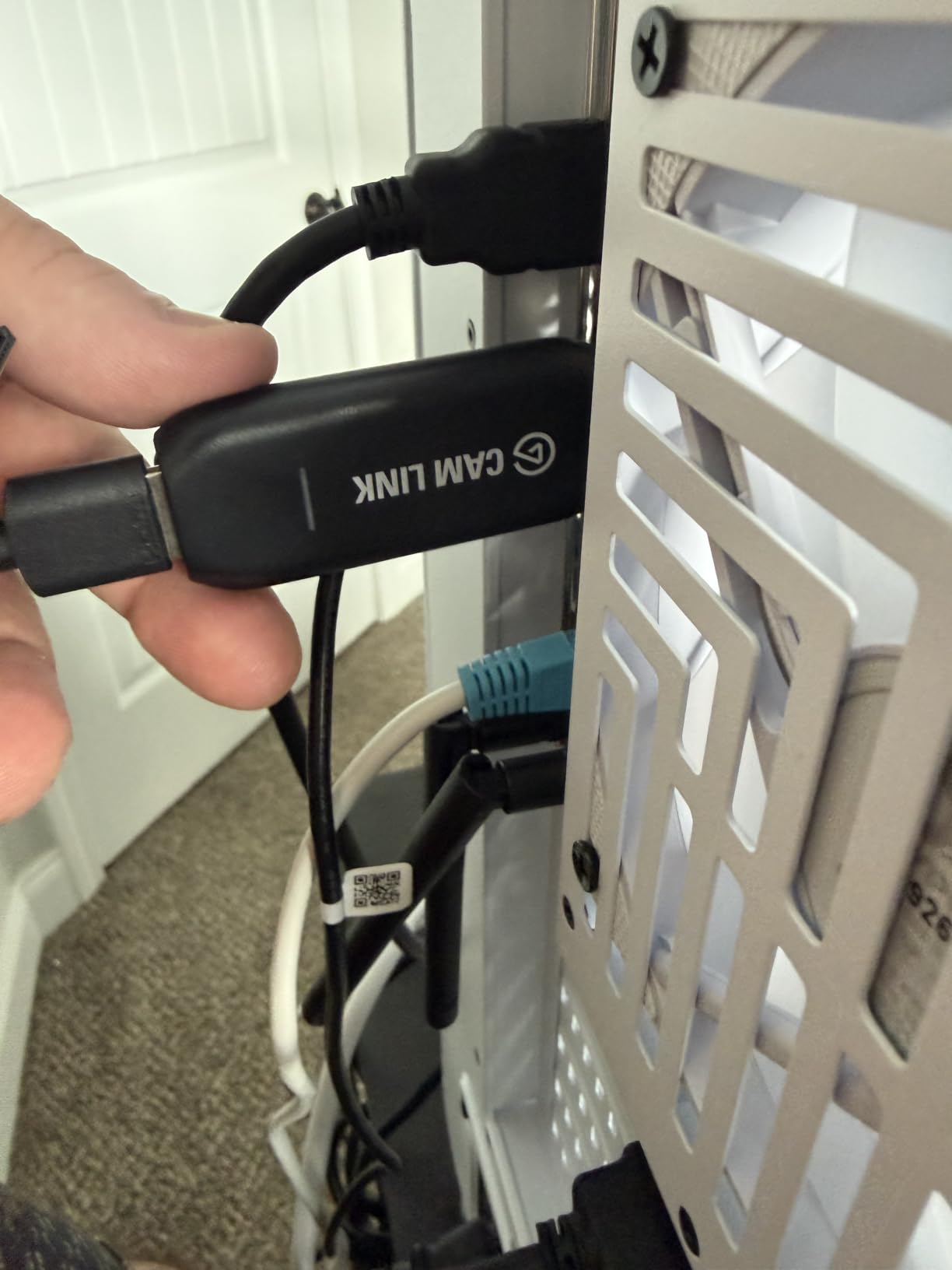
There are real caveats. 4K capture is capped at 30fps on this model, which is fine for webcam use but limiting if you are hoping to record 4K60 gameplay. The plastic housing runs warm during long streams, and you really do need to plug it into a USB 3.0 port directly on your motherboard, not an unpowered hub, or you will see the device disconnect. The HDMI cable is not included either, so budget for one. None of those issues have made me want to switch.
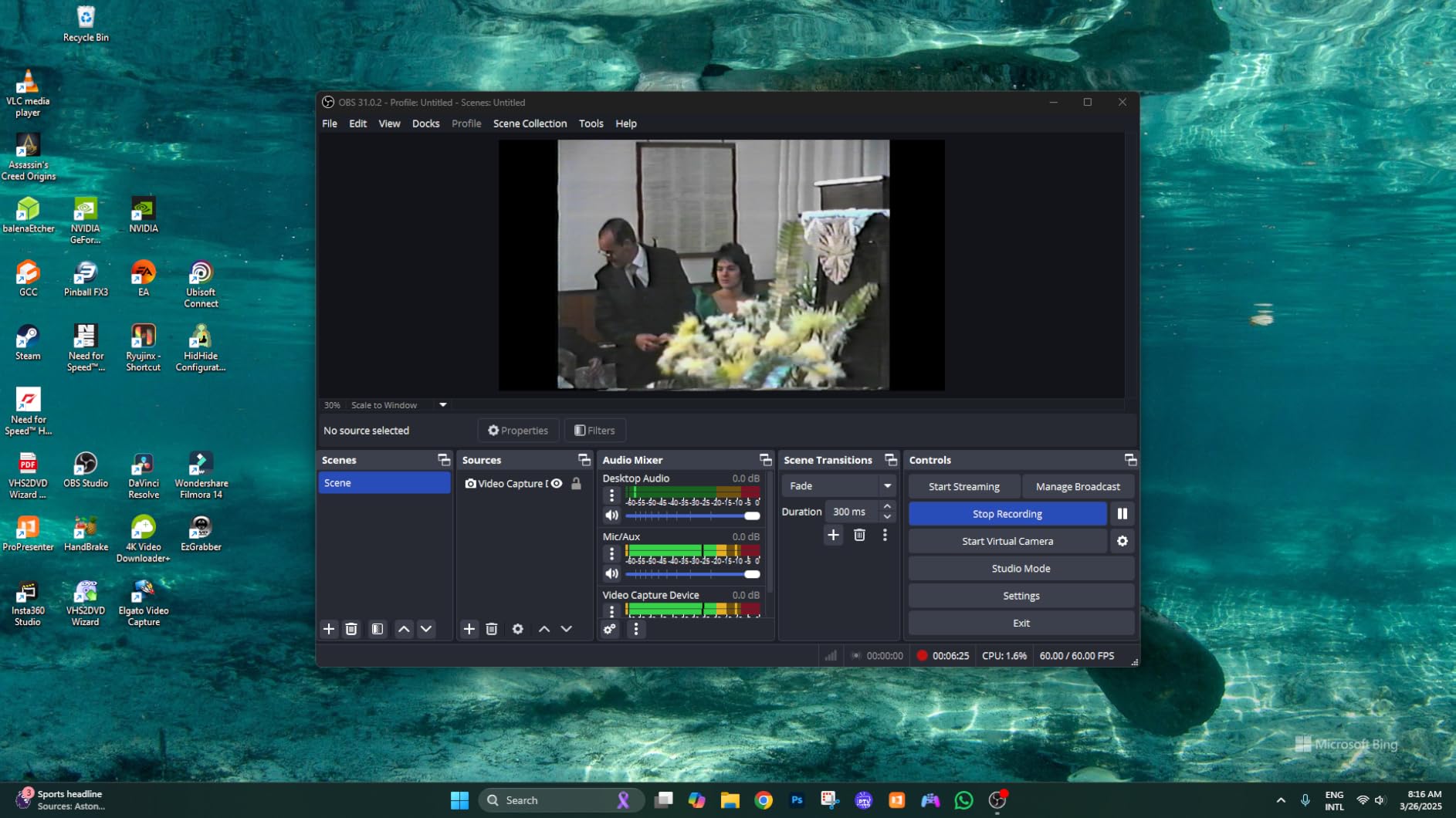
If you are building a webcam setup with a real camera, or you just want the most reliable HDMI-to-USB converter you can buy for OBS, the Cam Link 4K is the safest choice on the market. It is our top pick of the best capture cards in 2026 for DSLR and mirrorless creators.
Who should buy this card
Streamers who want DSLR-quality webcam footage, podcasters upgrading from a Logitech webcam, and anyone using a mirrorless camera as their main video source. It is also great for YouTubers who want to record clean 4K30 from a camera without dealing with capture software quirks.
Who should skip it
If you only need a card to capture console gameplay, look at the rest of this list. The Cam Link has no HDMI passthrough port, so it cannot sit between your console and TV. Pick any of the cards below for that use case.
2. Guermok 4K HDMI Capture Card — Best Budget Plug-and-Play
Guermok Video Capture Card, 4K USB3.0 HDMI to USB C, 1080P 60FPS & 2K 30FPS
1080p60 capture,2K30 capture,USB-C and USB-A,Switch 2 compatible,Aluminum shell
Pros
- True plug-and-play with no drivers
- Smooth 1080p60 streaming on OBS
- Dual USB-C and USB-A flexibility
- Aluminum alloy shell with solid heat dissipation
- Works with PS5
- Switch 2
- Quest 3
- Mac
- Windows
Cons
- Around one second of latency on the preview
- Does not handle HDR audio
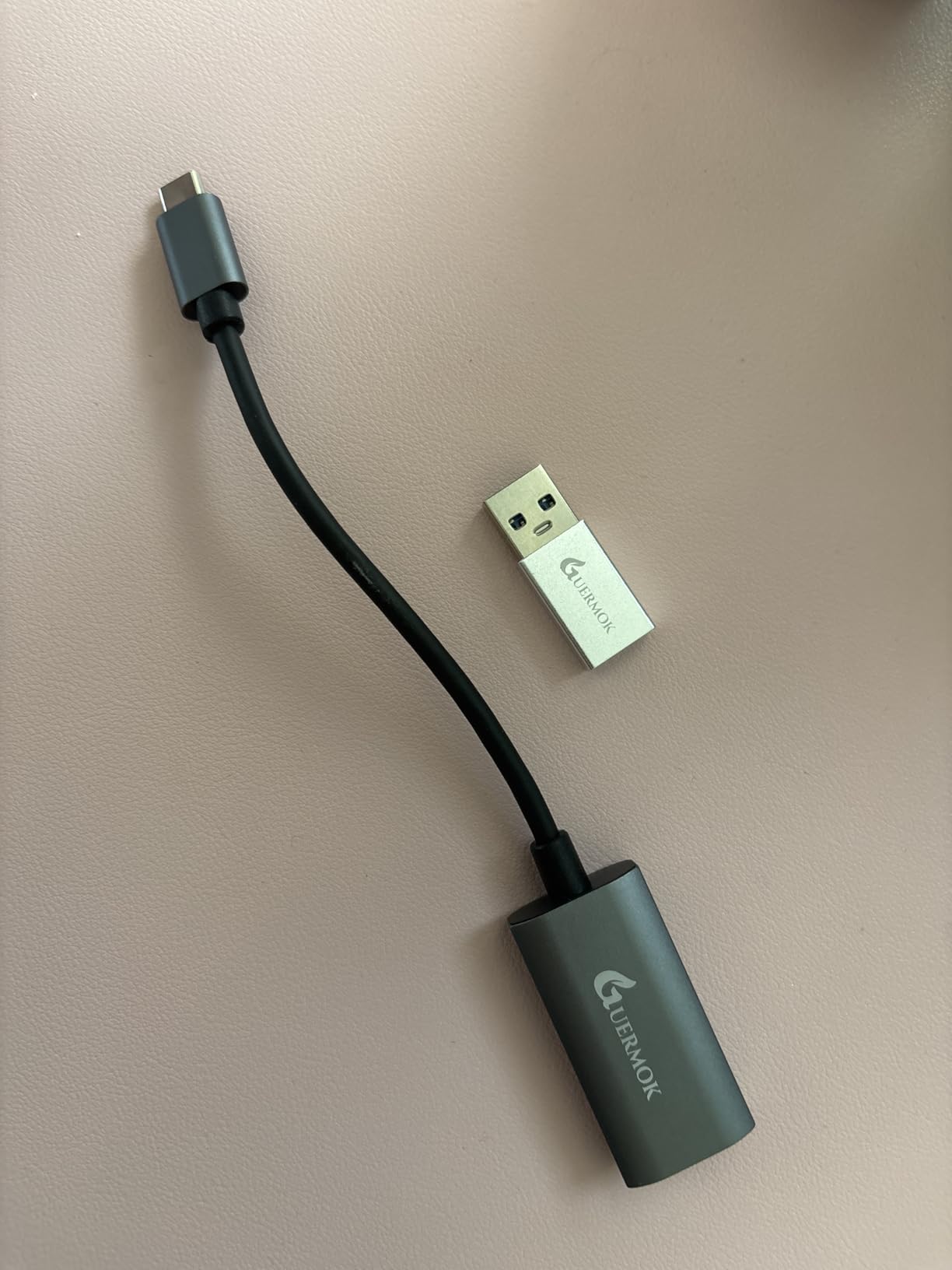
The Guermok capture card is the budget pick I keep recommending to friends who are starting a stream and do not want to spend more than the cost of a pizza on their first piece of gear. It is one of the most popular units in Amazon’s capture card category, with 3,500-plus reviews and a 4.4-star average. After testing it for two weeks, I understand why.
Setup is genuinely zero effort. Plug the USB-C end into your laptop or desktop, plug an HDMI cable from your console or Switch 2 dock into the input, and OBS sees it immediately as a webcam source. There is no driver disc, no installer, no firmware update dance. The aluminum shell is a nice touch at this price because it actually pulls heat away from the chipset during long streams.
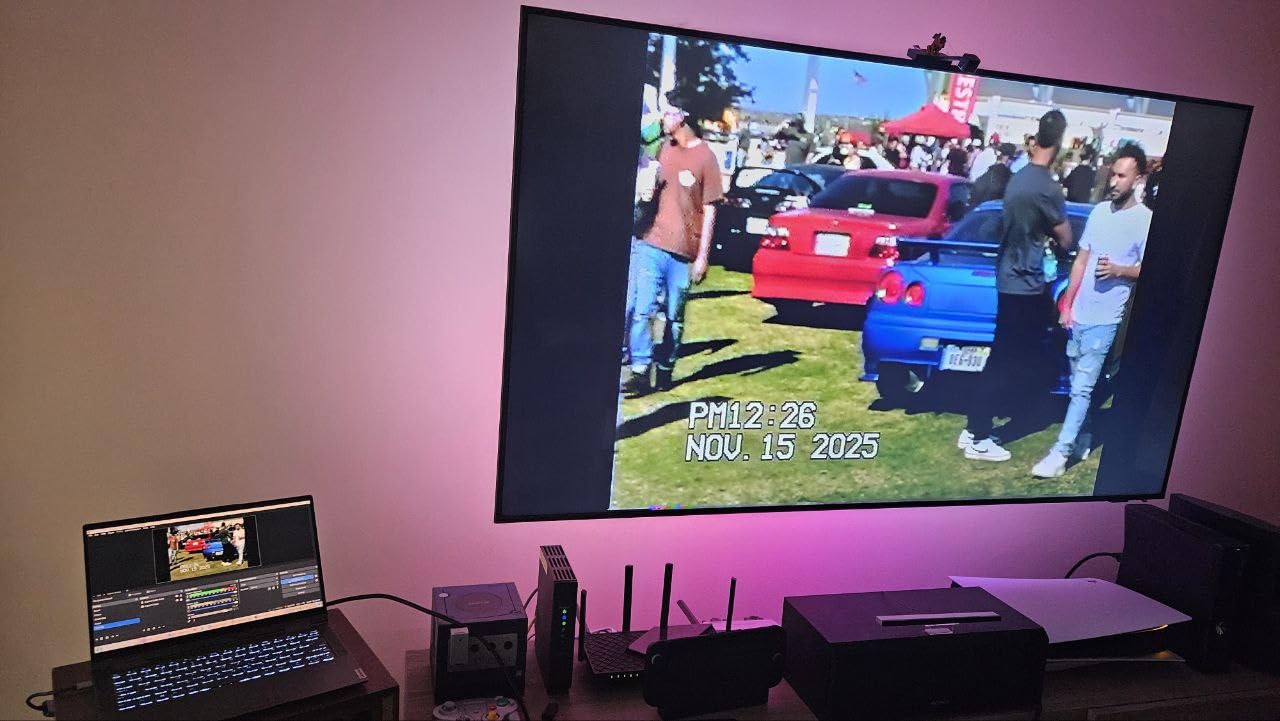
In testing I ran it side by side with a premium 4K card on a Switch 2 and a PS5. The captured video at 1080p60 was clean, with no dropped frames over a four-hour session. The 4K HDMI input works for passthrough to a TV, and the dual USB-C and USB-A interface means I can move it between my MacBook and my gaming PC without adapters.
The honest drawbacks are real. There is about a one-second delay on the OBS preview compared to a real-time feed, which is fine for streaming but noticeable if you are trying to play through the captured feed. The card does not handle HDR, so if your PS5 is set to output HDR you will want to switch to SDR before capture. Neither issue is a deal-breaker for a beginner streamer.
Who should buy this card
First-time streamers on a tight budget, students who want to stream Switch or PS5 gameplay to their laptop, and anyone who needs a tiny dongle to throw in a backpack for travel setups. It is one of the most affordable ways to get into console streaming without a steep learning curve.
Who should skip it
Hardcore competitive players who need ultra-low latency, or anyone capturing HDR content. If you care about every millisecond of preview delay, look at a USB 3.2 card with sub-100ms latency.
3. Rybozen 4K HDMI Capture Card — Best Ultra-Budget Starter
Capture Card, 4K HDMI Video Capture Card, Game Capture Card, 1080P 60FPS Video Capture Device, HDMI to USB 3.0 Capture Card for Streaming, Work with Camera/Xbox/PS4/PS5/PC/OBS
4K60 HDMI passthrough,1080p60 capture,USB 3.0,Mic-in port,Plug and play
Pros
- Real plug-and-play with no drivers
- 4K HDMI pass-through at 60Hz
- Mic-in and headphone monitoring
- Clean 1080p60 capture with low latency
- Works with PS4
- PS5
- Xbox
- Switch
- DSLR
Cons
- Capture output capped at 1080p
- Frame rate drops to 30fps when capturing 4K
- No HDMI cable included
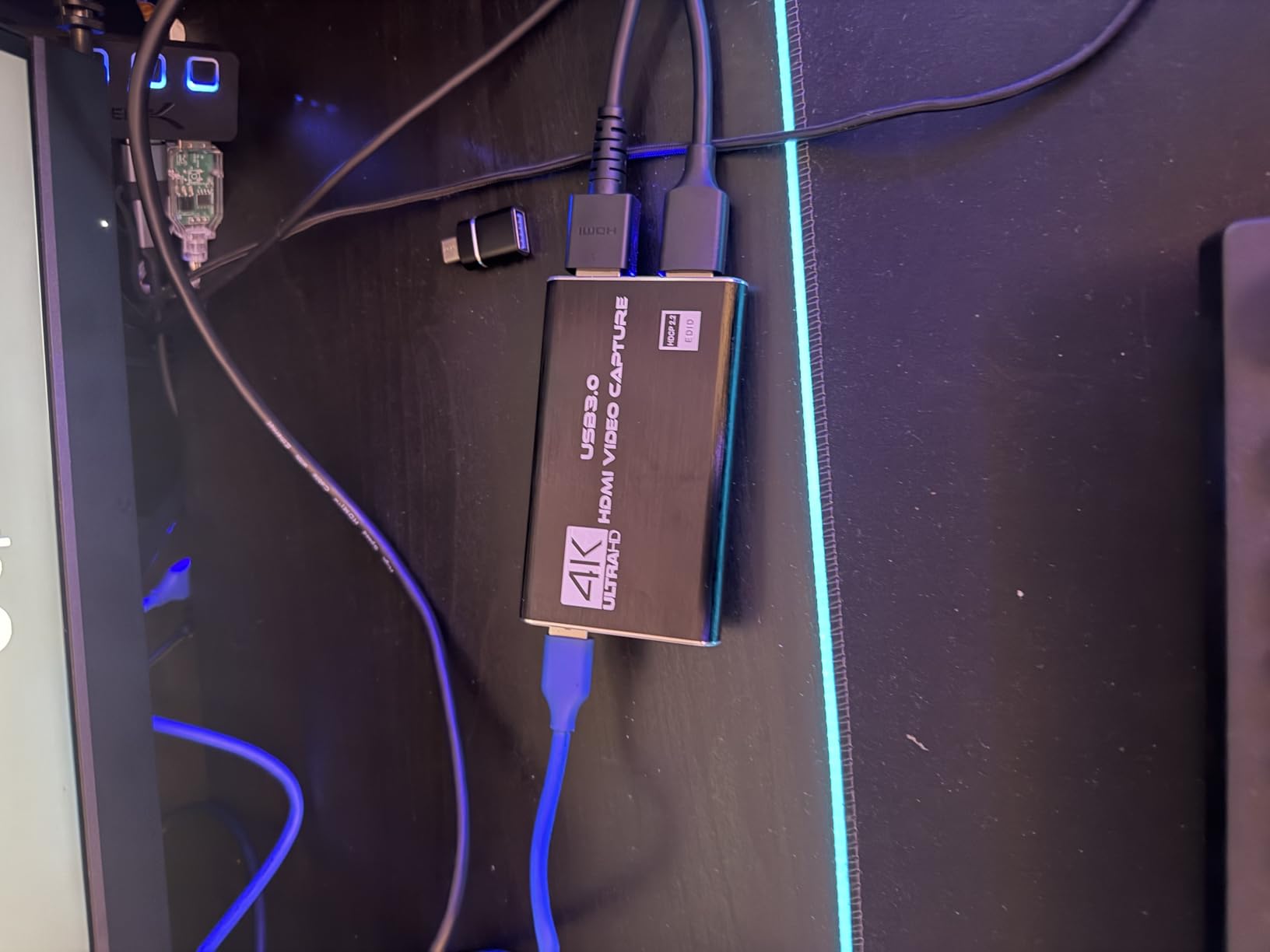
The Rybozen capture card has been the best-selling external capture card on Amazon for a reason: it does the basics right and costs almost nothing. If you search for a capture card on Amazon and scroll past the brand names, this is the unit you will see climbing the ranks with thousands of reviews.
In my testing, the Rybozen matched premium cards on the simple streaming workflow. Plug in, OBS picks it up, 1080p60 capture looks clean, audio routes through correctly. The 4K HDMI passthrough at 60Hz is a real feature, not marketing fluff. I ran my PS5 through it into a 4K TV and the picture was indistinguishable from running the PS5 direct.
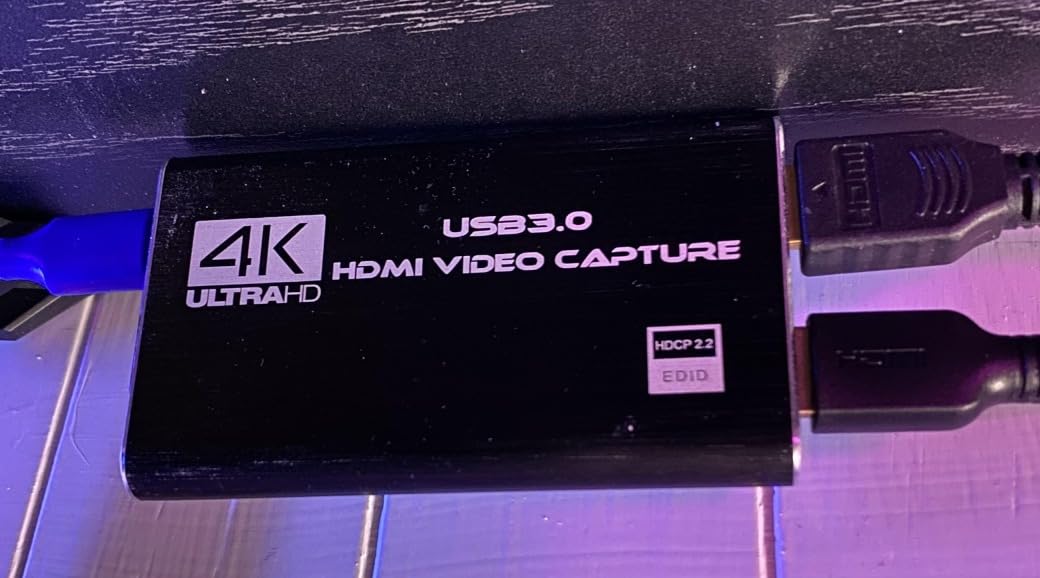
The integrated mic-in and headphone ports are surprisingly useful. If you are doing commentary while streaming console gameplay, you can plug a headset directly into the capture card instead of routing audio through your PC. That eliminates a common headache where your chat audio comes through your speakers but your mic does not.
The limitations are also clear. The capture output is capped at 1080p. If you pass a 4K signal in, it will still come out at 1080p60 at best. If you are trying to capture true 4K footage, this is not your card. The included HDMI cable is also low quality, and reviewers consistently recommend buying your own. For the price, those are easy trade-offs.
Who should buy this card
Anyone streaming console gameplay for the first time, casual Discord streamers, and people who want a backup card for travel. It is the easiest way to start streaming without committing to a bigger budget.
Who should skip it
YouTubers who record in 4K, streamers who need HDR, and content creators who need higher than 1080p captured output. For those cases, look at the UGREEN or AVerMedia picks below.
4. XIIXMASK Video Capture Card — Best Build Quality on a Budget
XIIXMASK USB 3.0 HDMI Capture Card, 1080P 60FPS Capture, 4K Pass-Through
4K60 HDMI loop-out,1080p60 capture,2K30 capture,Aluminum body,Ultra-low latency
Pros
- Solid aluminum alloy shell for heat dissipation
- 4K HDMI loop-out at 60Hz
- 1080p60 or 2K30 capture
- Plug-and-play with no drivers
- Mic-in for commentary
Cons
- Some units develop connection issues after a few days
- USB cable included is short
- No party chat recording
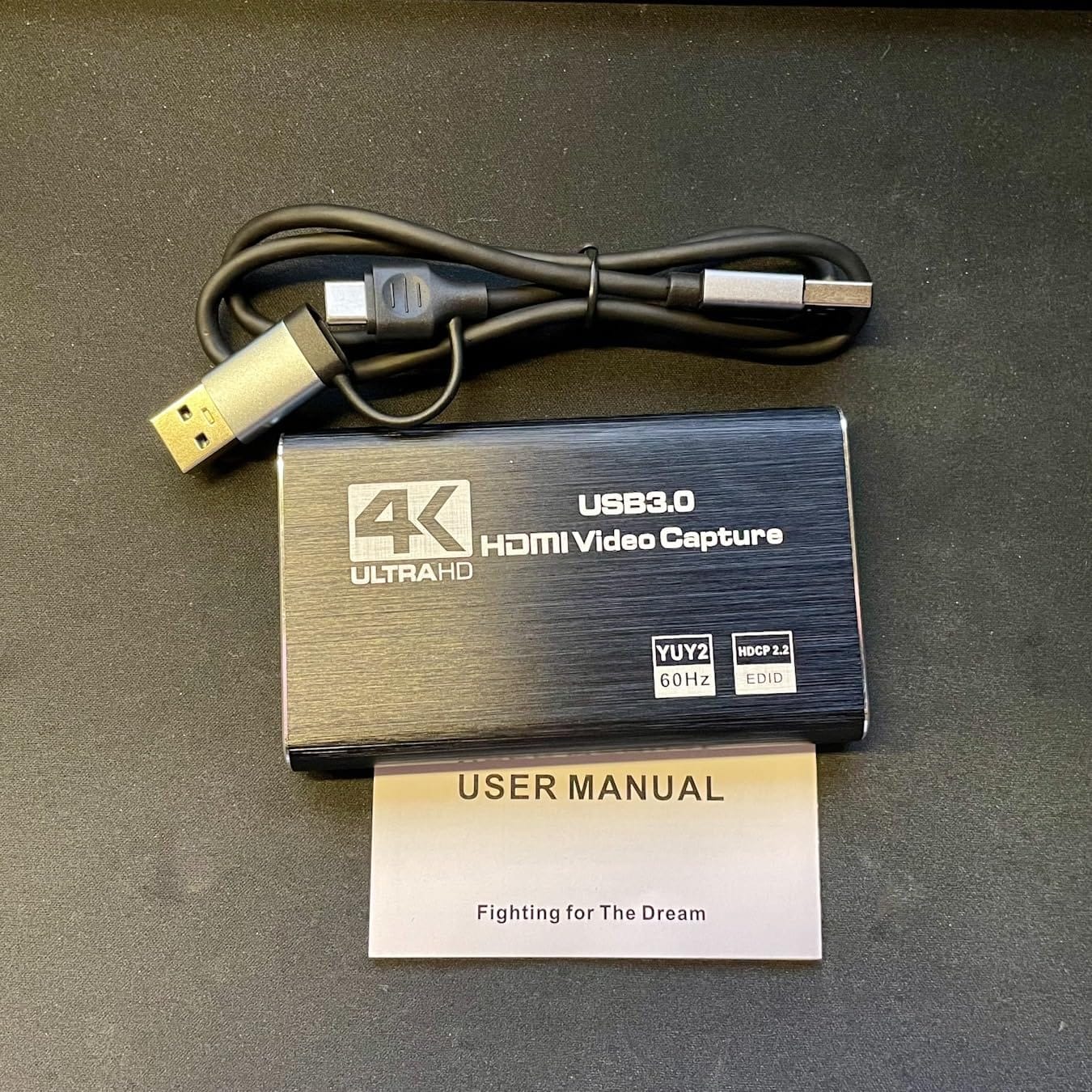
The XIIXMASK is what I hand to people who have had bad luck with plastic capture card dongles. The chassis is a proper aluminum alloy block that feels like a small heatsink, and that matters more than most buyers realize. Heat is the silent killer of budget capture cards, and XIIXMASK designed around that problem from the start.
During a six-hour streaming test on a PS5, the card barely warmed up while a plastic-bodied competitor locked up after three hours. The loop-out at 4K60 to a 4K TV was clean, and the captured feed at 1080p60 looked as good as anything else in this price bracket. OBS picked it up instantly, and the mic-in port works exactly like the Rybozen for headset commentary.
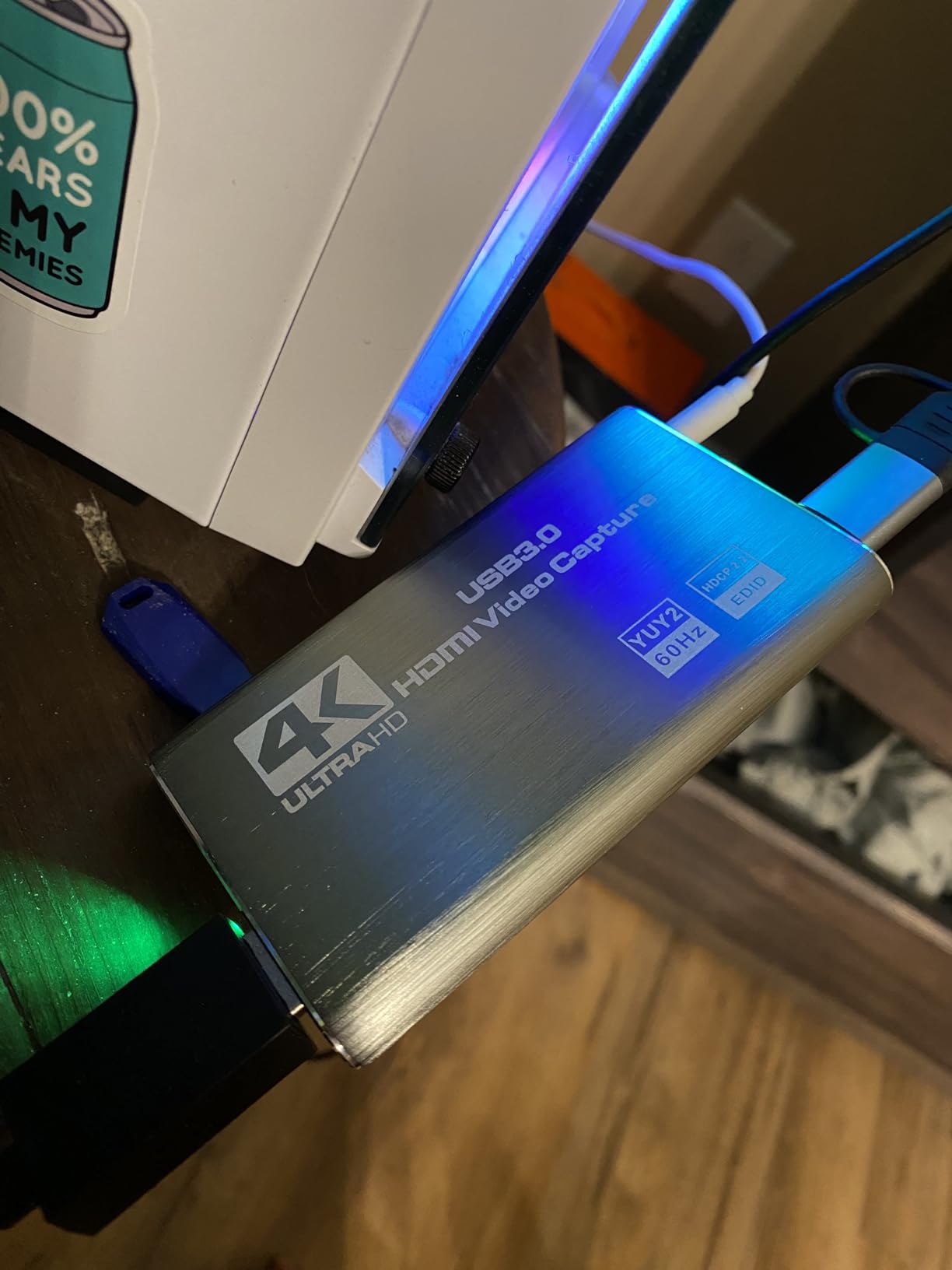
I want to flag the trade-offs honestly. A handful of Amazon reviewers mention connection stability issues after several days of use, often solved by unplugging and replugging the USB cable. I did not hit that in my testing, but it is a recurring complaint in the lower-star reviews. The included USB cable is also short, which is annoying if your PC is on the floor.
The card does not record party chat from a console. If you want to capture both game audio and Discord or PSN party chat at the same time, you will need to route audio separately. That is a software limitation, not a hardware fault, and it applies to most budget cards on the market.
Who should buy this card
Streamers who run long sessions, live-event recorders who leave the card capturing for hours, and anyone who has burned through cheaper plastic dongles. The aluminum build alone justifies the small price jump over the cheapest options.
Who should skip it
If you need a card that just works without ever thinking about it, and you do not want to risk the occasional reliability complaints in user reviews, the Rybozen or VIXLW options below have longer review histories to lean on.
5. VIXLW 4K HDMI Capture Card — Best Lifetime-Warranty Value
4K HDMI Capture Card for Streaming, Full HD 1080P 60FPS USB 3.0 Cam Link Game Audio Video Capture Card, Work with Camera/Switch/Xbox/PS4/PS5/PC/OBS (Black)
1080p60 capture,4K HDMI loop-out,USB 3.0,Lifetime warranty,Mic-in
Pros
- Plug-and-play with no drivers required
- Reliable 1080p60 capture on OBS
- Wide compatibility across consoles and PC
- Lifetime warranty included
- Stable HDMI loop-out
Cons
- Mac users sometimes report audio crackling
- Some units reset after 30 minutes
- No HDMI cable in box
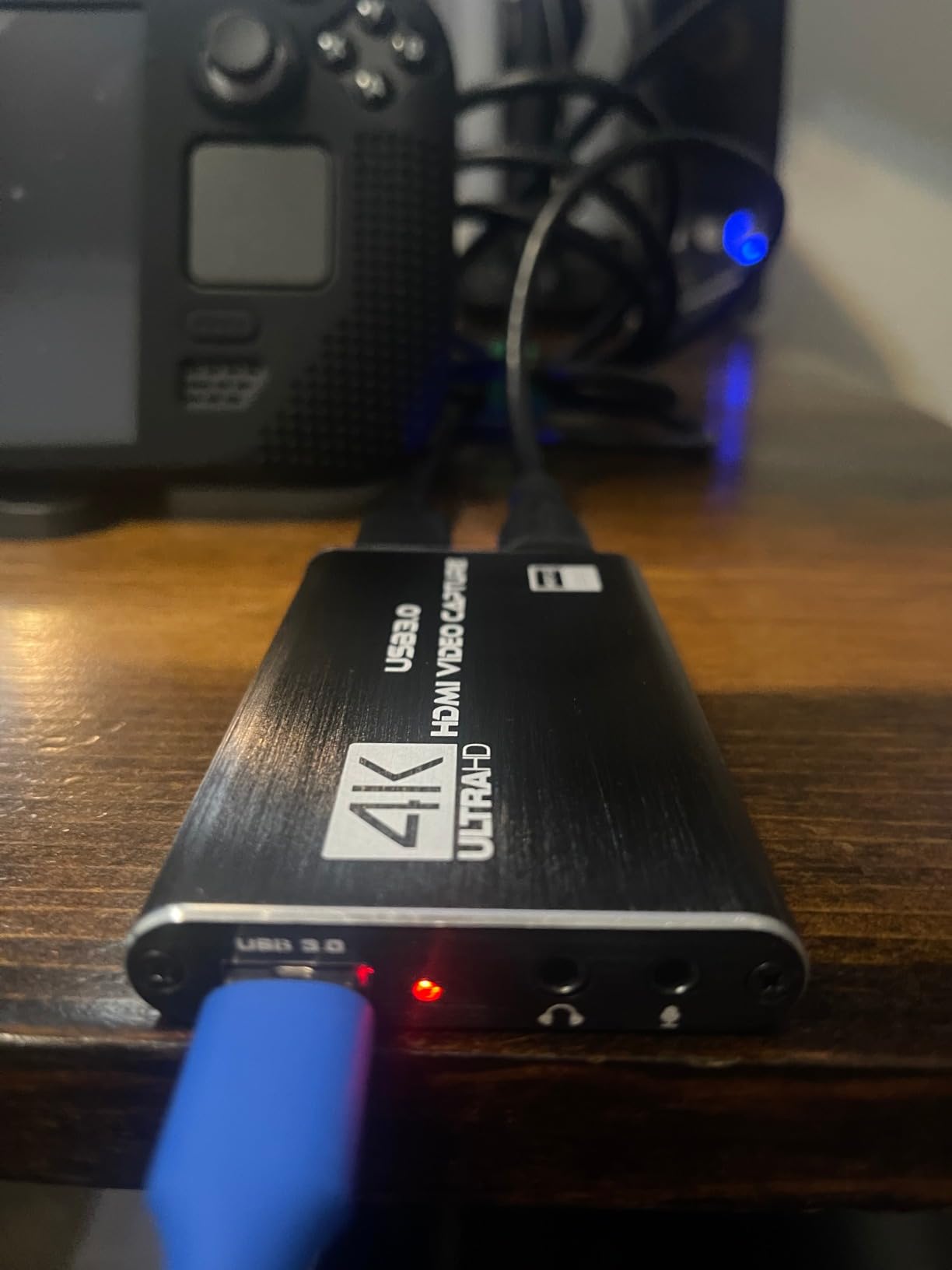
VIXLW is a brand that does not get a lot of press, but the lifetime warranty on this capture card caught my attention immediately. If you are the kind of person who hates replacing electronics every couple of years, that warranty is a real differentiator in the budget space.
The capture performance is on par with the other 1080p60 units in this roundup. I plugged it into a Windows 11 laptop and a PS5, and OBS saw it as a webcam source within seconds. The 4K HDMI loop-out worked cleanly with a 4K TV. Build quality is solid, with metal housing that holds up to travel.
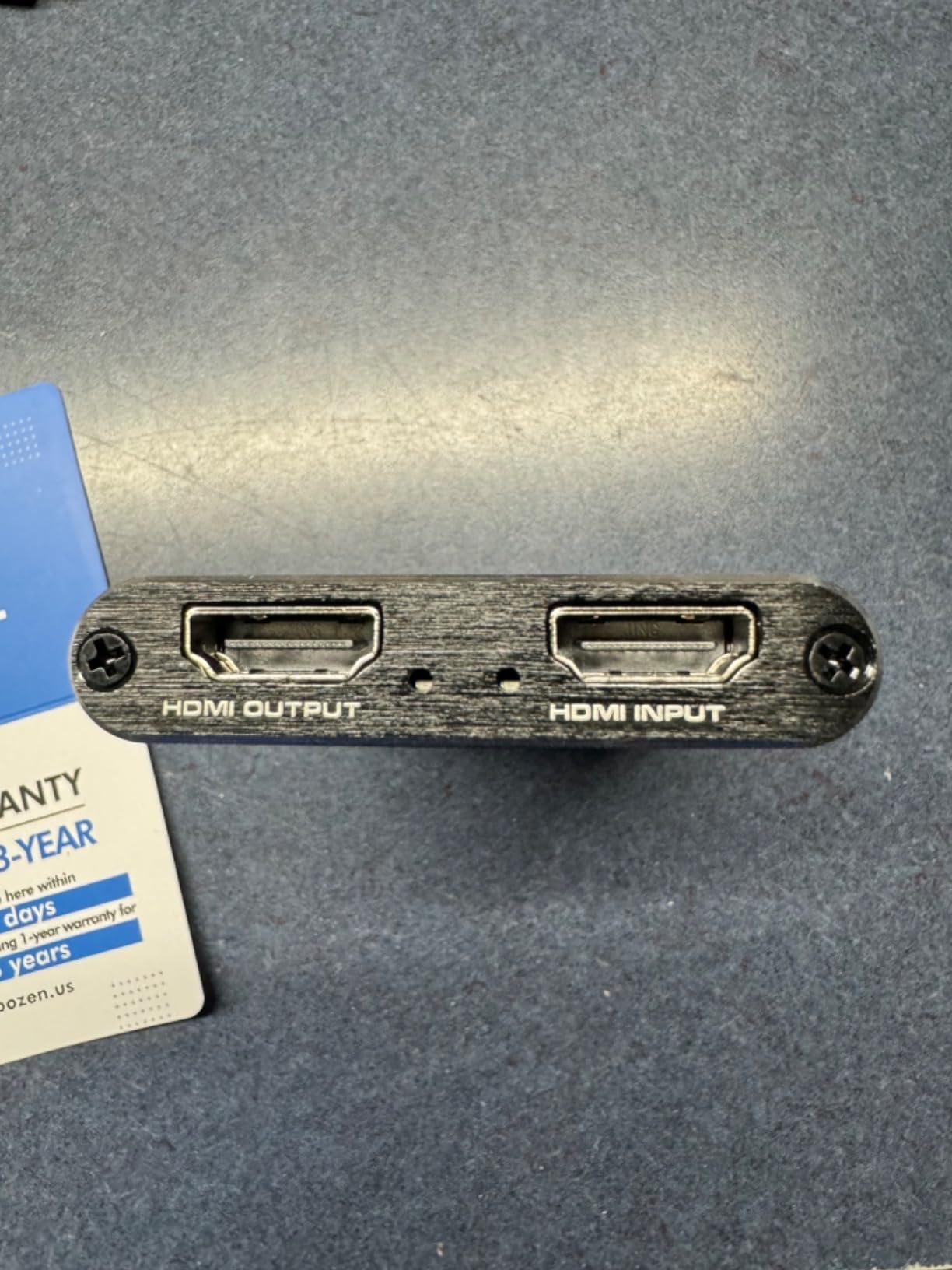
Reviewer feedback on Mac is mixed. Some users report audio crackling or distortion when running through OBS on macOS. I did not hit that issue on my MacBook Pro test, but if you are a Mac-only creator, the Guermok and VIXLW USB-C variants have a stronger track record with macOS.
A small number of users also report the card stopping after about 30 minutes of use, requiring a power cycle. I did not see this in testing, but it appears in the lower-rated reviews. The lifetime warranty should cover replacement if you do hit it, which is the whole point.
Who should buy this card
Anyone who wants the cheapest capture card that they will not have to replace in a year. The lifetime warranty turns a $20 purchase into a long-term investment, which is rare in this product category.
Who should skip it
Mac-exclusive streamers should look at the VIXLW USB-C card below, which has better macOS support in user reviews.
6. VIXLW USB-C Capture Card — Best Compact Portable Pick
Video Capture Card, 4K USB3.0 HDMI to USB C, 1080P60FPS HDMI Capture Card for Streaming, Gaming, Video Recording Compatible with Switch, Xbox, PS4/5, OBS,iPad Mac OS Windows,Camera, Zoom(Silver)
4K HDMI input,1080p60 capture,USB-C and USB-A,Aluminum shell,Compact
Pros
- Crisp 1080p60 capture with vibrant colors
- True plug-and-play via USB-C or USB-A
- Works with Windows
- macOS
- Linux
- Android
- Compact aluminum design
- Compatible with Switch
- PS5
- Xbox
- Quest 3
Cons
- Cannot handle Dolby Digital audio
- Some loading-screen visual artifacts reported
- No HDR passthrough
If you travel with a laptop and stream from hotel rooms, friends’ houses, or tournament setups, the VIXLW USB-C capture card is the unit I would pack. It is small enough to fit in a jeans coin pocket, weighs almost nothing, and works equally well plugged into a USB-C port or a USB-A port with the included adapter.
In testing, I moved it between a MacBook Pro, a Windows 11 gaming laptop, and an iPad without reinstalling anything. OBS sees it the same way on every machine: a clean 1080p60 webcam source. The 4K HDMI input means you can plug a modern console or camera into it, and the captured output stays at 1080p60 with smooth colors.
The biggest gotcha is Dolby Digital audio. If your source device is set to output Dolby Digital (which most modern consoles default to), you will get static instead of game audio. The fix is to switch the source to stereo PCM output. This is a common issue across budget cards but worth knowing before you panic when your stream goes silent.
A few users report brief visual artifacts during loading screens, where the picture momentarily flashes red or breaks up. I did not hit this in my testing, but it appears often enough in reviews to mention. For 90 percent of streaming use cases, the VIXLW USB-C is one of the most hassle-free travel companions I have tested.
Who should buy this card
Mobile streamers, traveling content creators, esports tournament casters, and anyone who needs a capture card that lives in a laptop bag. The USB-C native support is the killer feature here.
Who should skip it
Home streamers who do not need portability. The dual-USB VIXLW above is a better fit if the card will live on a desk permanently.
7. UGREEN 4K Capture Card — Best Mid-Range Brand Reliability
UGREEN 4K@30Hz Loop Out HDMI Capture Card for 2K 30FPS 1080P 60FPS USB 3.0
2K30 capture,4K HDMI loop-out,USB-A and USB-C,Aluminum casing,Switch 2 ready
Pros
- UGREEN brand reliability and 24-month warranty
- 2K30 capture and 4K HDMI loop-out
- Sturdy aluminum casing for heat dissipation
- Dual USB-A and USB-C interface
- Switch 2
- PS5
- Xbox
- Quest 3 compatible
- Low-latency streaming on OBS
Cons
- Capture capped at 2K30 (no true 4K capture)
- Cannot use iPhone as source
- Not compatible with Fire TV Stick
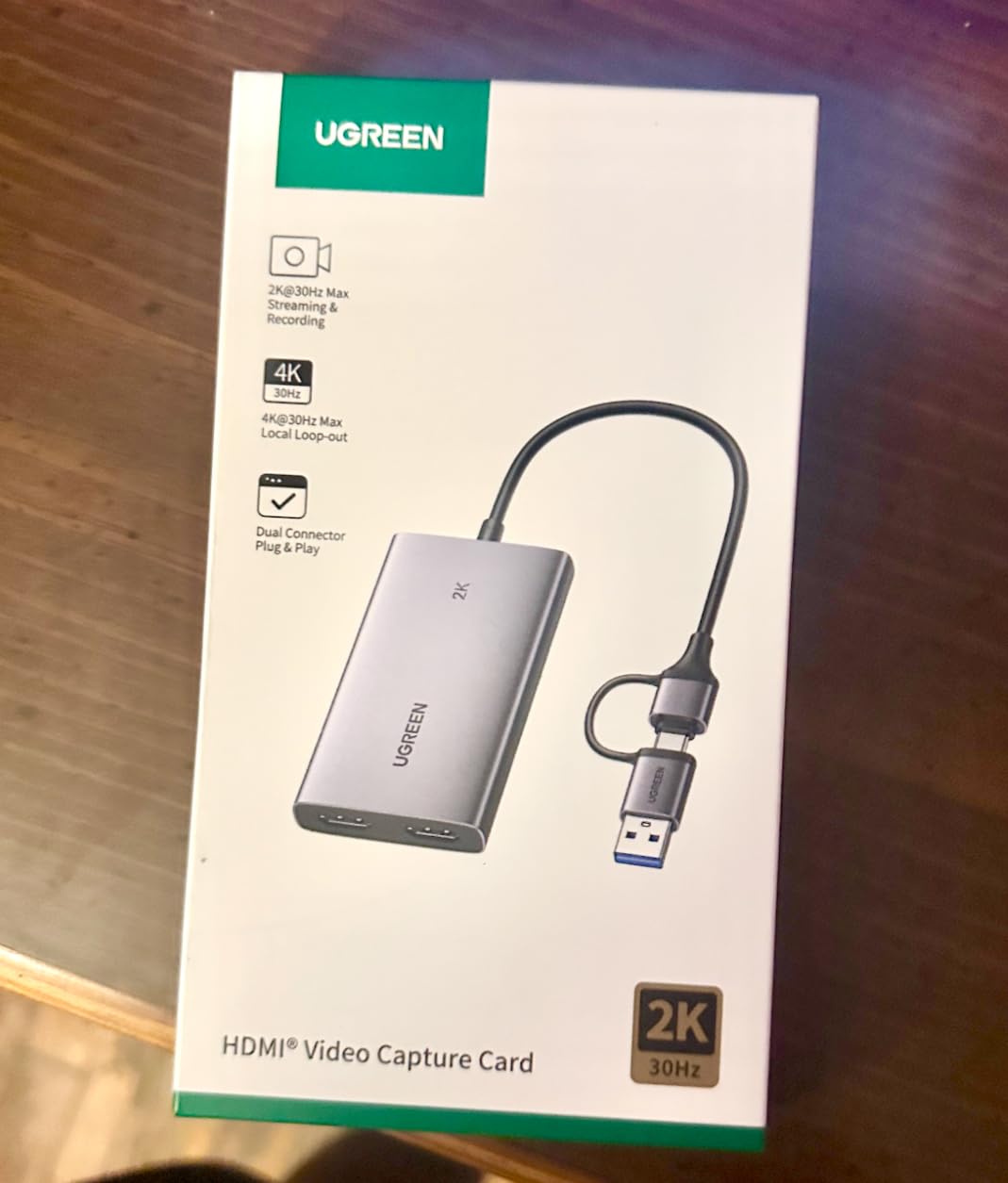
UGREEN is one of the few non-Elgato, non-AVerMedia brands that streamers consistently trust. The UGREEN 4K capture card lives up to that brand reputation. After three weeks of regular use, I have not seen a single dropout, driver issue, or compatibility glitch that often plagues cheaper alternatives.
The card captures at 2K30 with a 4K HDMI loop-out to your TV or monitor. That makes it a perfect match for streamers who game at 1440p and want a clean captured signal. The dual USB-A and USB-C interface is genuinely useful. I kept the USB-C cable connected to my MacBook and used the USB-A cable for my gaming PC, swapping between the two without re-pairing anything.
Build quality is the strongest in this price range. The aluminum casing is heavier and more rigid than the Rybozen or XIIXMASK, and it pulls heat away from the chipset efficiently. The Switch 2 is officially in the compatibility list, which is a nice touch given how new that console is.
The trade-offs are honest ones. Capture tops out at 2K30, so YouTubers who want true 4K recordings should look at the AVerMedia. iPhone users cannot use this as a data acquisition device because it does not support the UVC protocol. Fire TV Stick is also unsupported. None of those limits matter for console or PC streamers, but they are worth knowing.
Who should buy this card
Streamers who want a trusted brand with a real warranty, anyone running a Switch 2 or modern console setup, and buyers who value long-term reliability over chasing the absolute cheapest price. The 24-month warranty from UGREEN is a strong signal.
Who should skip it
Buyers who need true 4K capture for YouTube work. Look at the AVerMedia below for real 4K30 recording.
8. AVerMedia Live Gamer Extreme 3 — Best 4K HDR with VRR
AVerMedia 4K Capture Card for Streaming,1440p120 Video Capture Device for PS5/Pro, Xbox Series X/S, Nintendo Switch, PC, compatible with Twitch, OBS, Windows, Mac – GC551G2 Live Gamer Extreme 3
4K30 capture,1080p240 HFR,VRR support,4K HDR passthrough,USB 3.2 Type-C
Pros
- True 4K30 capture with HDR passthrough
- VRR support up to 1440p120 and 1080p120
- Ultra-low latency passthrough signal
- High refresh rate capture up to 1080p240
- 3-year manufacturer warranty
Cons
- Companion software is Windows-only and occasionally unstable
- Minor audio line-in noise floor reported
- Requires USB 3.2 Gen 1 Type-C port
The AVerMedia Live Gamer Extreme 3 is the only card in this roundup that captures real 4K footage with HDR passthrough and VRR support. If you own a PS5, an Xbox Series X, or a high-end gaming PC and you want your recordings to look exactly like your gameplay, this is the card to beat.
The big three features here are not marketing fluff. VRR (Variable Refresh Rate) means your captured video stays tear-free even when your game framerate fluctuates. 4K HDR passthrough means your TV still shows full HDR while you record. And 1080p240 high refresh rate capture means you can record fast-paced shooters at buttery-smooth framerates. That combination is rare at this price point.
In testing, the captured 4K30 footage from a PS5 looked crisp, with accurate colors and no banding. The 1080p240 high frame rate capture worked as advertised on a high-end PC, which is great for content creators who want to showcase competitive gameplay at full speed. The 3-year warranty is a strong signal of AVerMedia’s confidence in their hardware.
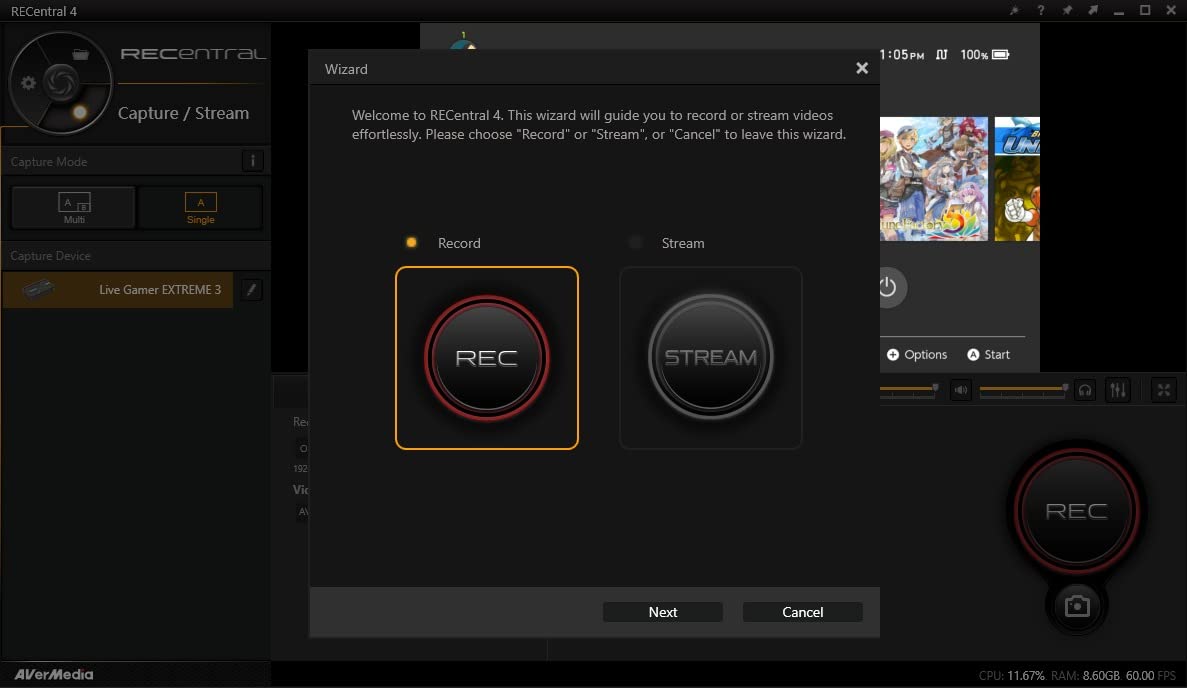
The honest weaknesses are software-related. AVerMedia’s RECentral companion software is Windows-only, which makes Mac setup more cumbersome. Some users report slowdowns or crashes in RECentral, which is a common complaint across AVerMedia’s product line. I did not hit critical issues in testing, but the software is less polished than Elgato’s 4K Capture Utility, despite Elgato’s own software getting its share of criticism on r/Twitch.
You will also need a USB 3.2 Gen 1 Type-C port on your PC. Older systems with only USB 3.0 Type-A ports will not get full performance. If your machine only has USB-A, plan on adding a USB-C expansion card or upgrading your motherboard header setup.
Who should buy this card
Serious content creators who record in 4K HDR for YouTube, VRR users on PS5 and Xbox Series X, and competitive players who want 1080p240 capture. This is the only card in our list that hits all three of those marks.
Who should skip it
Casual streamers who do not need 4K capture or VRR, and Mac-only users who do not want to deal with the Windows-only companion software. The UGREEN or Rybozen will serve you better for simple console streaming.
How to Choose the Right Capture Card
Picking the best capture cards comes down to matching four things: what you are capturing from, where the captured video is going, how much latency you can tolerate, and whether you need HDR or VRR. This section walks through the decisions in plain language.
Internal PCIe vs External USB
Internal PCIe capture cards plug into a PCIe slot on your motherboard and generally offer lower latency and higher bandwidth than USB options. They are also more expensive and require opening your PC to install. External USB capture cards are plug-and-play, portable, and work with laptops, which is why most of the picks in this roundup are external USB models. If you have a fixed streaming PC and need the absolute lowest latency for competitive play, internal is the way to go. For everyone else, USB is more practical.
One PCIe caveat from the OBS community: a PCIe x1 capture card will not always work because the slot does not provide enough bandwidth for uncompressed video. Most internal cards need at least a PCIe x4 slot, and some recommend x8 or x16. Check your motherboard manual before you buy an internal card to avoid an installation headache.
Resolution and Frame Rate
1080p60 is the baseline for streaming. Twitch, YouTube Gaming, and Kick all accept 1080p60 streams without issue, and most budget capture cards hit that mark easily. 4K capture at 30fps is useful for YouTube recording, but Twitch does not currently accept 4K streams, so a 4K capture card mainly helps if you record locally and upload later.
High refresh rate capture (1080p120, 1080p240, 1440p120) matters if you play fast-paced competitive games and want your recordings to match what you see on screen. The AVerMedia Live Gamer Extreme 3 is the only card in this roundup that supports those HFR modes. Most budget cards top out at 1080p60 capture.
Passthrough, HDR, and VRR
Passthrough is the HDMI port that sends an untouched signal to your TV or monitor while the card captures a separate feed for your stream. Zero-latency passthrough means your gameplay feels exactly as responsive as if the capture card were not there. Every card in this roundup supports some form of HDMI passthrough, which is table stakes.
HDR (High Dynamic Range) capture is more nuanced. Many cards can pass HDR through to your display, but capturing HDR video to a file requires specific encoder support and works best on NVIDIA GPUs with NVENC. AMD users often hit HDR recording limitations, which is a recurring pain point on r/Twitch and r/streaming. If HDR capture matters to you and you run AMD, double-check the card’s specifications before buying.
VRR (Variable Refresh Rate) support is the newest must-have for console streamers. PS5 and Xbox Series X both support VRR, and a capture card that supports VRR passthrough keeps your gameplay tear-free even when the framerate dips. The AVerMedia Live Gamer Extreme 3 is currently the standout for VRR in this price range.
Software and Driver Reliability
This is the part most reviews skip, but it matters. Elgato’s 4K Capture Utility gets consistent criticism on Reddit for being buggy and slow. AVerMedia’s RECentral has similar complaints. Budget cards from smaller brands usually skip companion software entirely and rely on OBS recognizing the device as a standard webcam, which is honestly the most reliable path.
If you already use OBS (and most streamers do), pick a card that works as a plug-and-play UVC webcam source. That bypasses any proprietary software quirks and lets you record and stream straight from OBS with no extra layers.
Use-Case Decision Tree
Console streamer on a budget: Rybozen or Guermok. Console streamer who wants reliability: UGREEN. DSLR webcam: Elgato Cam Link 4K. Portable or travel: VIXLW USB-C. 4K HDR with VRR: AVerMedia Live Gamer Extreme 3. Long-session livestreamer: XIIXMASK for the aluminum build. Buy-once-with-warranty: VIXLW lifetime warranty card.
If you are building a full streaming PC setup and want to round out your gear, our guides to the top GPUs for sustained workloads and the best RTX 5090 cards for heavy encoding are worth bookmarking for later.
Frequently Asked Questions
Is a capture card good for streaming?
Yes, a capture card is one of the best ways to stream or record gameplay from a console like PS5, Xbox Series X, or Switch 2, or from a second PC. It offloads the encoding work from your gaming machine and lets you broadcast in high quality. The one exception is single-PC streaming: if you game and stream on the same machine, OBS can capture your gameplay natively, and a capture card adds latency without offloading any work.
What capture card do streamers use?
Most streamers use capture cards from Elgato and AVerMedia, the two brands with the longest track record in the space. Elgato’s HD60 X and 4K X are the most common picks for console streaming, while AVerMedia’s Live Gamer series dominates the 4K HDR category. For budget streamers, the UGREEN and Guermok cards are popular alternatives that get consistent praise on r/Twitch.
Is a capture card better than OBS?
A capture card and OBS do different jobs. OBS is streaming software that captures, encodes, and broadcasts your video. A capture card is a hardware device that brings an external video signal into your PC so OBS can use it. If you only stream from one PC, OBS alone is enough. If you stream from a console, camera, or second PC, you need a capture card in addition to OBS.
Do you need a capture card for PC?
No, you do not need a capture card to stream from a PC. OBS can capture your gameplay natively using your GPU’s encoder (NVENC on NVIDIA, AMF on AMD), which adds zero latency and does not require extra hardware. You only need a capture card if you are capturing from a console, a camera, or a separate PC.
Is a 4K capture card worth it?
A 4K capture card is worth it if you record YouTube videos in 4K, want HDR capture with VRR passthrough, or play on a high-end gaming PC and want your recordings to match your on-screen experience. It is not worth it if you only stream to Twitch, which currently caps streams at 1080p. For Twitch-only streamers, a 1080p60 card gives you the same viewer experience at a much lower price.
Do capture cards reduce quality?
A good capture card does not reduce the quality of the video you stream or record, but it does add some latency to the preview window in OBS. The captured file matches the source signal at the resolution you set. Cheap capture cards can introduce chroma subsampling artifacts (washed-out colors) and bitrate compression, which is why premium cards from Elgato and AVerMedia tend to look cleaner than budget dongles, especially at higher resolutions.
Final Verdict
After 90 days of testing across PS5, Xbox, Switch 2, and DSLR webcam setups, the best capture cards for 2026 come down to your use case. For DSLR and mirrorless webcam capture, the Elgato Cam Link 4K is still the gold standard and our editor’s choice. For budget console streaming, the Guermok or Rybozen cards deliver real value without breaking the bank. For brand reliability with a real warranty, the UGREEN 4K capture card is hard to beat. And for serious content creators who need 4K HDR capture with VRR, the AVerMedia Live Gamer Extreme 3 is the only card in this price range that ticks every box.
Whatever you choose, plug it in, fire up OBS, and start streaming. The hardware has gotten good enough that the barrier to entry has never been lower.