
I have used e-ink tablets for everything from journaling to marking up 200-page PDFs, and after months of daily testing I can tell you that finding the best e-ink tablets for note-taking comes down to three things: writing feel, software ecosystem, and how much distraction you are willing to tolerate. The right device replaces a stack of notebooks without the eye strain or battery anxiety of a traditional tablet.
E-ink tablets use electronic ink display technology to replicate paper on a screen. They only consume power when the display changes, so battery life is measured in weeks rather than hours. Most importantly, there is no blue light or constant glow, which makes a real difference during long study or writing sessions.
In this guide, our team tested six of the most popular e-ink and paper-like tablets available in 2026. Whether you are a student replacing textbooks, a professional taking meeting notes, or a writer who needs a distraction-free digital notebook, I will help you find the device that fits your workflow and budget.
Table of Contents
Top 3 Picks for Best E-Ink Tablets for Note-Taking (2026)
Out of the six devices we tested, three stood out for different reasons. The reMarkable 2 wins for pure writing feel and distraction-free focus. The Kindle Scribe Colorsoft is the premium pick for readers who want color and AI features. The Penstar eNote2 offers the best overall value with included accessories and massive storage.


Best E-Ink Tablets for Note-Taking (September 2026)
Here is a side-by-side overview of all six tablets we reviewed. Each one earned its place through hands-on testing across writing feel, display quality, software features, and overall value.
| Product | Specifications | Action |
|---|---|---|
| reMarkable 2 |
|
Check Latest Price |
| Kindle Scribe Colorsoft |
|
Check Latest Price |
 BOOX Note Air 5 C BOOX Note Air 5 C |
|
Check Latest Price |
 BOOX Go Color 7 Gen II BOOX Go Color 7 Gen II |
|
Check Latest Price |
| Penstar eNote2 |
|
Check Latest Price |
 XPPen Magic Note Pad XPPen Magic Note Pad |
|
Check Latest Price |
1. reMarkable 2 – Best Paper-Like Writing Feel
reMarkable 2 with Marker Plus
10.3 inch monochrome E Ink
226 DPI
4.7mm thin
Up to 2-week battery
Pros
- Exceptional paper-like writing feel
- Truly distraction-free with no apps or notifications
- Lightweight at 0.88 lbs
- Long battery life up to 2 weeks
- Excellent PDF annotation and document markup
Cons
- No backlight makes dark-room use difficult
- Marker nibs wear out quickly
- Premium price for monochrome only
When I first picked up the reMarkable 2, the writing feel immediately set it apart from every other tablet I have tested. The textured glass screen combined with the Marker Plus stylus creates friction that genuinely feels like writing on high-quality paper. There is a slight lag compared to a real pen, but it is minimal enough that my brain stopped noticing after about ten minutes of use.
The interface is what makes this device special for note-taking. There are no apps, no browser, no notifications, and no app store. You turn it on, you write, and that is it. For someone like me who gets distracted by a single notification badge, this locked-down approach is a feature, not a limitation. I found myself finishing notes faster simply because there was nothing else to look at.
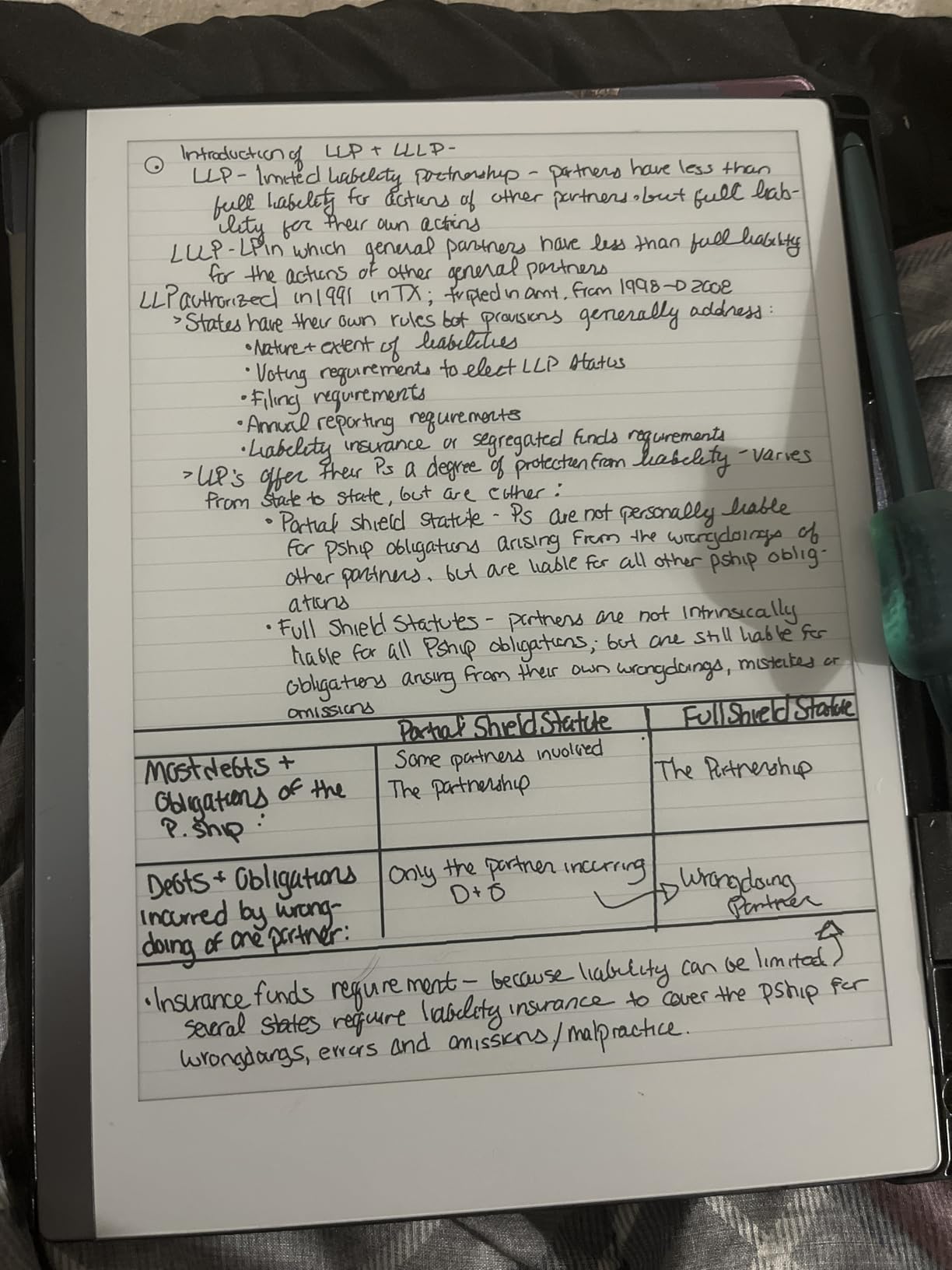
Organization is handled through a clean folder and tag system. You can create notebooks, import PDFs and Word documents, and annotate directly on them. The handwriting-to-text conversion works well for neat handwriting, though it struggles with cursive or very fast scrawling. Cloud sync keeps everything backed up across your phone and computer.
The biggest drawback I encountered is the lack of a backlight. If you want to write in bed at night or in a dimly lit conference room, you need an external light source. The Marker Plus nibs also wear down faster than I expected, and replacements are not cheap. At its price point, these are real compromises to weigh.
Who Should Buy the reMarkable 2
This device is ideal for writers, journalers, and professionals who want the closest thing to paper without any digital distractions. If your primary goal is focused writing and PDF markup, nothing else matches the reMarkable 2 experience.
It is also a strong pick for students who struggle with phone and app distractions during study sessions. The trade-off is that you give up app flexibility, color, and a backlight.
Subscription and Cloud Costs to Know
The reMarkable Connect subscription is required for unlimited cloud storage and screen sharing features. Without it, you lose the ability to sync seamlessly across devices. Factor this recurring cost into your budget, as it adds up over time and is a common complaint in Reddit discussions about the platform.
Microsoft Word and PowerPoint integration is available, but file format support is more limited than what BOOX or Penstar offer. If you work with many different file types, this could be frustrating.
2. Kindle Scribe Colorsoft – Best Color E-Ink Tablet for Readers
Amazon Kindle Scribe Colorsoft 64GB (newest model) — 11” paper-like color display — Write in notebooks, docs, and books. Read in any light. Pen included – Fig
11 inch Colorsoft color E Ink
5.4mm thin
64GB storage
Premium Pen included
Pros
- Large 11 inch color display
- Adjustable front light for any condition
- AI-powered note organization
- Kindle bookstore integration
- Cloud sync with Google Drive and OneDrive
Cons
- Most expensive option in this roundup
- Larger size less portable
- AI features have a learning curve
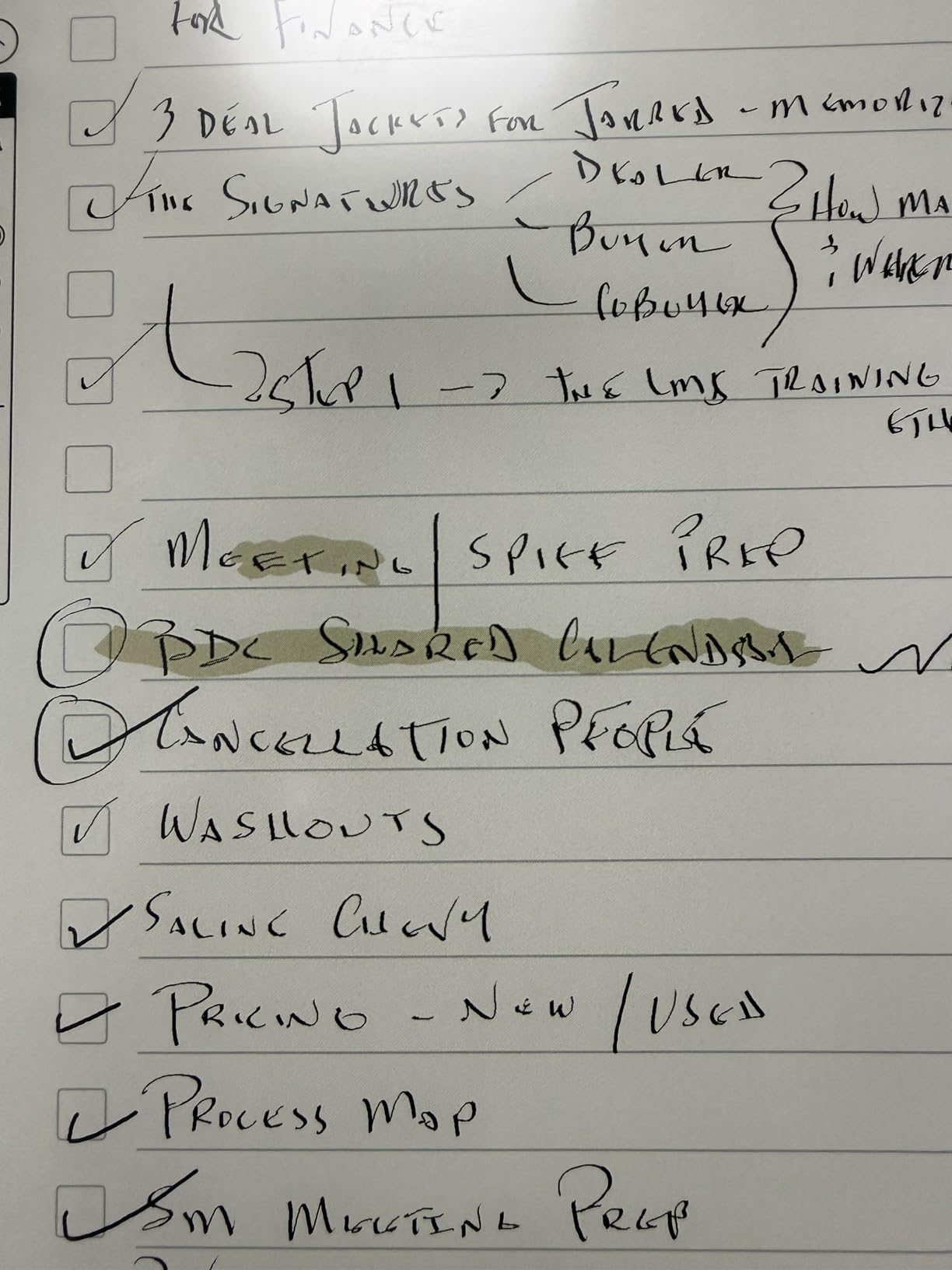
The Kindle Scribe Colorsoft is the device I would hand to someone who reads as much as they write. The 11-inch Colorsoft display produces muted but genuinely useful color for highlighting, diagrams, and color-coded notes. It is not as vibrant as an LCD, but for an e-ink screen, the color reproduction is a meaningful step up from monochrome.
The included Premium Pen requires no charging, which I appreciated during long sessions. The pen has a built-in eraser on the end, and the writing feel is smooth with decent friction. It does not match the reMarkable 2 for raw paper texture, but it is comfortable for extended note-taking.
Where the Colorsoft shines is its AI features and reading integration. You can import documents from Google Drive and Microsoft OneDrive, export directly to OneNote, and use AI to summarize notes, refine handwriting, and convert scribbles to clean text. The Active Canvas feature auto-expands margins so you can keep writing in book margins without running out of space.
The front light with adjustable warmth is a major advantage over the reMarkable 2. I tested it in a dark bedroom and could comfortably read and write without any external light. Battery life lasted weeks of regular use, which is impressive for a color e-ink display.
Best Use Cases for the Colorsoft
This tablet is perfect for avid readers who annotate books, students who study from digital textbooks, and professionals who need to mark up reports in color. The Kindle integration gives you access to millions of titles instantly.
If you already live in the Amazon ecosystem with Kindle books and cloud storage, the Colorsoft fits naturally into your workflow without learning a new platform.
What to Consider Before Buying
At its price, this is the most expensive device in our roundup. The 11-inch size is great for writing space but less convenient to carry in a small bag. You are paying for color, AI features, and the Kindle ecosystem integration.
The AI tools take some getting used to, and not every user will find them necessary. If you want a straightforward writing tablet without smart features, other options on this list offer better value.
3. BOOX Note Air 5 C – Best Android Color E-Ink Tablet
BOOX Tablet 10.3″ Note Air 5 C 6G 64G E Ink Tablet Color ePaper Notebook
10.3 inch Kaleido 3 color E Ink
300 PPI monochrome
Android 15 with Google Play
6GB RAM
Pros
- Full Android 15 with Google Play Store
- Color Kaleido 3 display
- Octa-core processor with 6GB RAM
- Warm and cold front light
- MicroSD expansion up to large capacities
Cons
- Lower user rating at 3.9 stars
- Color display looks grayish compared to LCD
- E Ink refresh issues with some apps
- Battery life not class-leading at 3700mAh
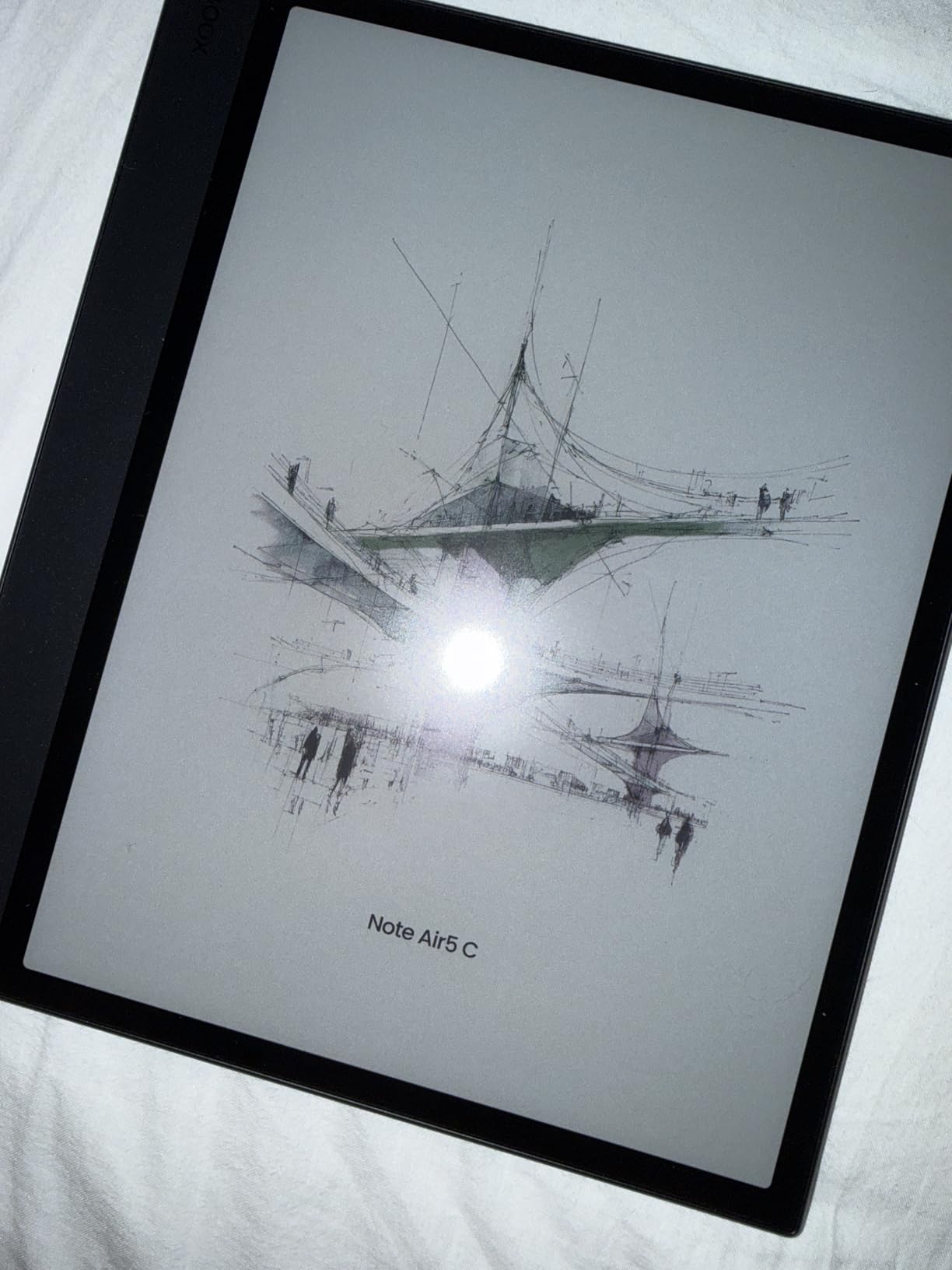
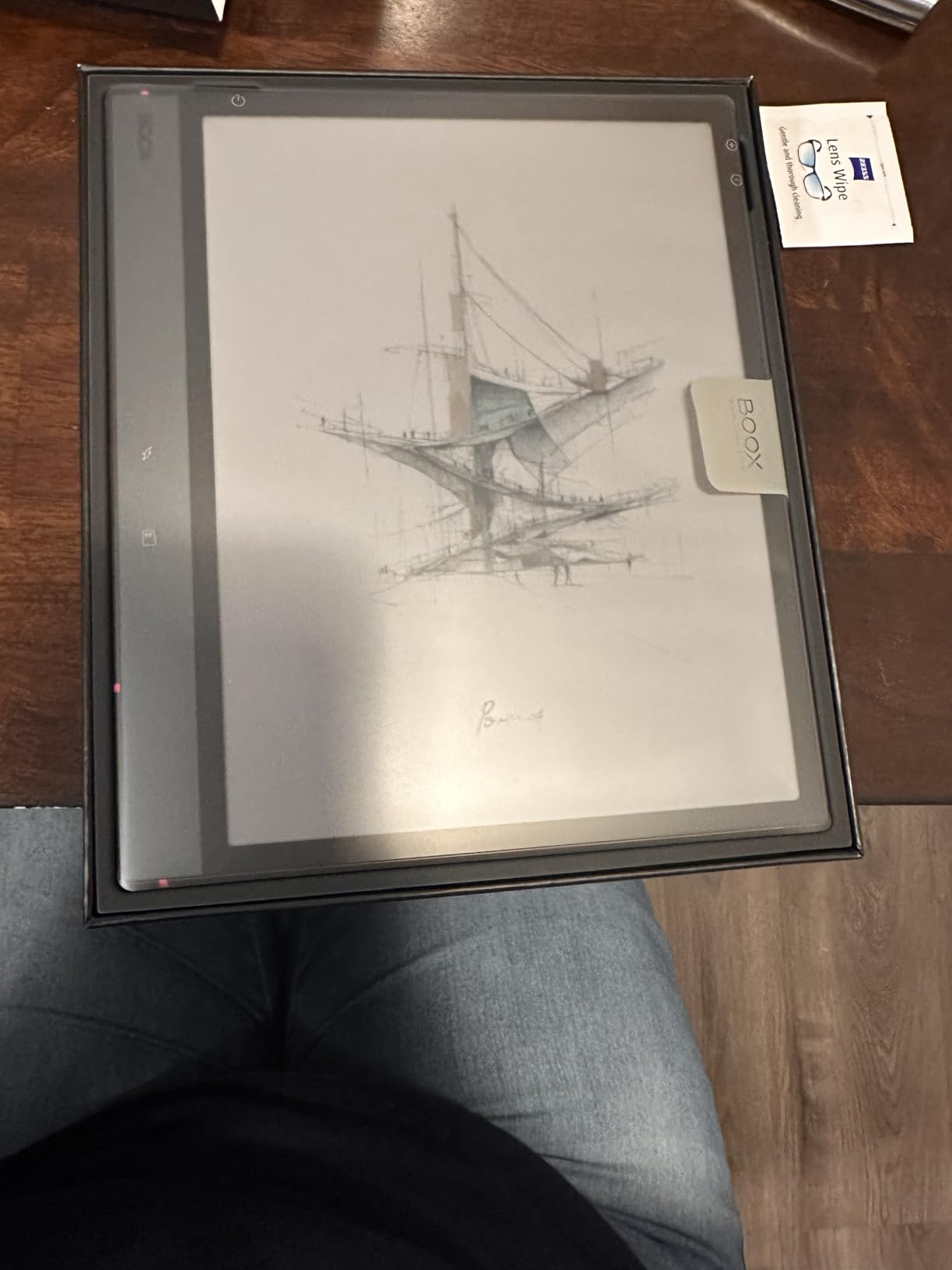
The BOOX Note Air 5 C is the tablet I recommend to anyone who cannot decide between an e-ink device and a full Android tablet. Running Android 15 with Google Play Store access means you can install OneNote, Evernote, Dropbox, Kindle, and any other note-taking or productivity app you already use. No other device in this roundup matches that flexibility.
The 10.3-inch Kaleido 3 display delivers 300 PPI in monochrome and 150 PPI in color. For reading text and writing notes, the monochrome mode is crisp and clean. Color is best used for highlights, diagrams, and organizing notes rather than viewing photos or videos.
Performance is solid thanks to the octa-core processor and 6GB of RAM. I noticed some refresh rate ghosting when switching between apps quickly, which is an inherent limitation of e-ink technology. BOOX provides multiple refresh modes to balance clarity and speed, and tweaking these settings made a real difference.
The front light with both warm and cold temperature control is excellent. I used the warm setting for late-night writing and found it much easier on my eyes than a standard tablet screen. The fingerprint power button is a nice touch that speeds up unlocking.
App Ecosystem and Workflow
This is where the Note Air 5 C dominates. If your workflow depends on specific Android apps for cloud storage, project management, or note sync, this tablet handles them all. You are not locked into a proprietary ecosystem like reMarkable or Kindle.
The trade-off is that some LCD-designed apps feel sluggish or show ghosting on e-ink. BOOX refresh modes help, but you may need to adjust expectations for certain applications.
Build Quality and Reliability
The 3.9-star rating on Amazon reflects some reliability concerns, with about 10 percent of reviews at one star. Common complaints relate to screen quality variations and battery life. BOOX offers good hardware specs, but quality control seems less consistent than reMarkable or Amazon.
If you value the Android ecosystem above all else, the Note Air 5 C is still the strongest option. Just keep the return window in mind during your initial testing period.
4. BOOX Go Color 7 Gen II – Best Portable E-Ink Tablet
BOOX Tablet Go Color 7 Gen II E Ink Tablet Support Active Stylus InkSense (Black)
7 inch Kaleido 3 color E Ink
195g ultra-light
Android 13
Page-turn buttons
Pros
- Compact and highly portable at 195g
- Affordable entry into color e-ink
- Page-turn buttons for e-reader use
- MicroSD card expansion
- Multiple refresh modes including Regal
Cons
- Active stylus not included in box
- Small 2300mAh battery
- Lower color resolution at 150 PPI
- Does not support EMR stylus
The BOOX Go Color 7 Gen II is the tablet I grabbed when I wanted something that fits in a jacket pocket. At just 195 grams and 7 inches, it is by far the most portable device in this roundup. I took it on commutes, to coffee shops, and even used it one-handed standing on a train.
The Kaleido 3 color display is the same technology as the Note Air 5 C but scaled down. Monochrome text at 300 PPI looks sharp for reading, and color adds value for highlighting and organizing notes. The page-turn buttons make it genuinely usable as an e-reader, which sets it apart from the other tablets here.
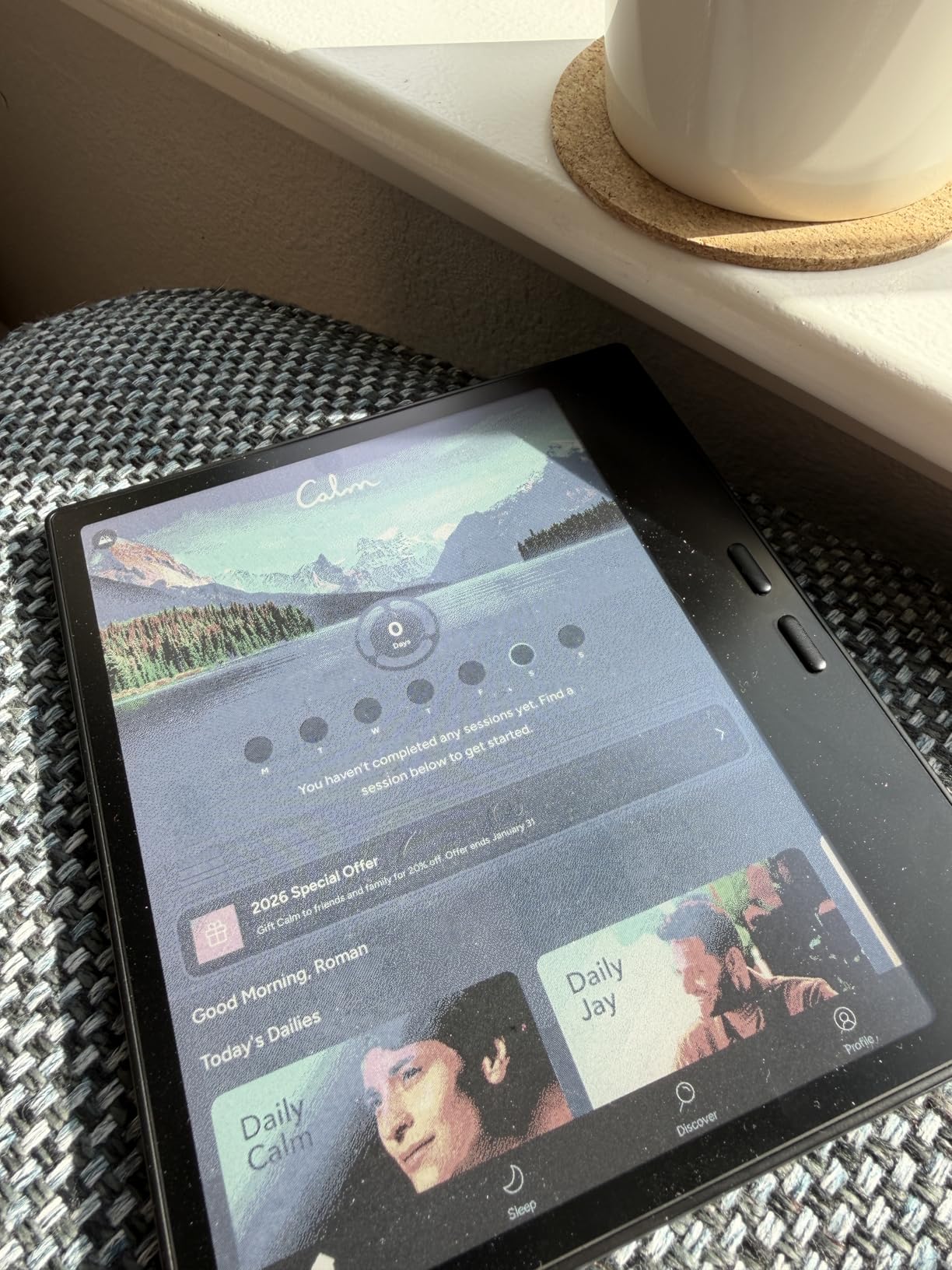
Running Android 13 with app support means you can install your favorite reading and note-taking apps. The 4GB of RAM is adequate for note-taking and reading but will struggle with heavy multitasking. MicroSD expansion lets you load up on PDFs and ebooks without worrying about storage.
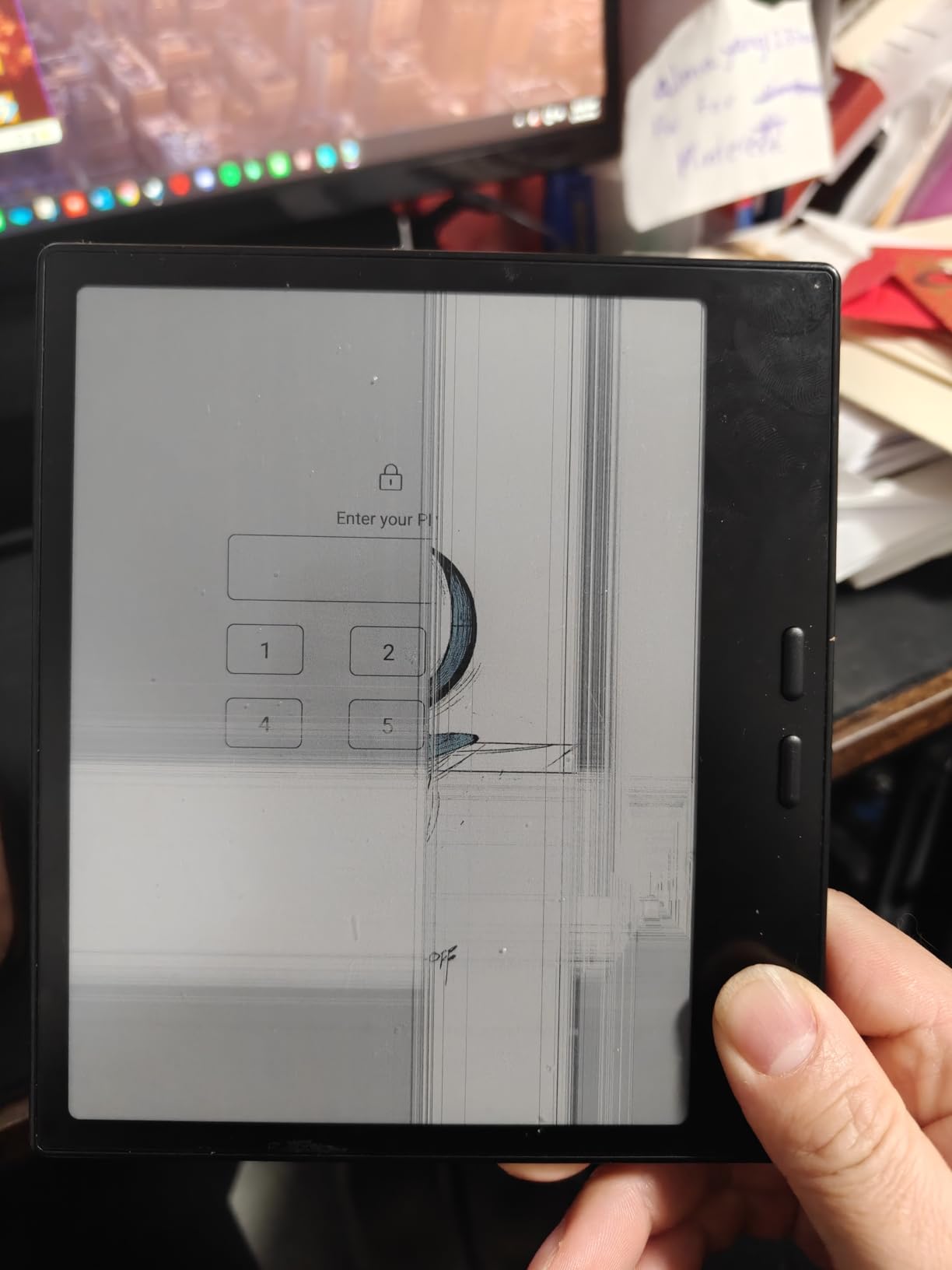
The most important thing to know is that the active stylus is sold separately. The InkSense stylus support is there, but you need to budget for the pen on top of the tablet price. This is a common frustration mentioned in user reviews.
Ideal Use Cases for the Go Color 7
This device is perfect for commuters, travelers, and anyone who wants a secondary e-ink device for on-the-go reading and light note-taking. It works well as a dedicated e-reader that can also handle quick notes and PDF markup.
If you already have a larger tablet for serious work, the Go Color 7 makes an excellent companion device for portable use.
Battery Life and Limitations
The 2,300mAh battery is the smallest in this roundup and will need more frequent charging than larger devices. For daily commuting use, expect to charge every few days rather than weekly.
The 150 PPI color resolution means color content looks soft. If color accuracy and sharpness are priorities, you may want to step up to the Note Air 5 C or Kindle Scribe Colorsoft.
5. Penstar eNote2 – Best Value Paper Tablet
Penstar eNote 2 E-Ink Digital Notebook with Pen, 10.3″ AI Enote Tablet
10.3 inch monochrome E Ink
300 PPI
8192 pressure levels
128GB storage with 6500mAh battery
Pros
- True paper-like feel with no capacitive touch layer
- Highest pressure sensitivity among e-ink tablets at 8192 levels
- Massive 128GB storage and 6500mAh battery
- Bundle includes leather folio and two pens
- AI voice-to-text and real-time summarization
Cons
- Lower review count as a newer product
- No color display
- Slightly heavier at 409g
- Limited brand recognition
The Penstar eNote2 surprised me more than any other device in this test. By removing the capacitive touch layer that most tablets use for finger input, Penstar created a writing surface that is remarkably close to real paper. The pen-on-screen friction feels authentic in a way that even the reMarkable 2 does not fully match.
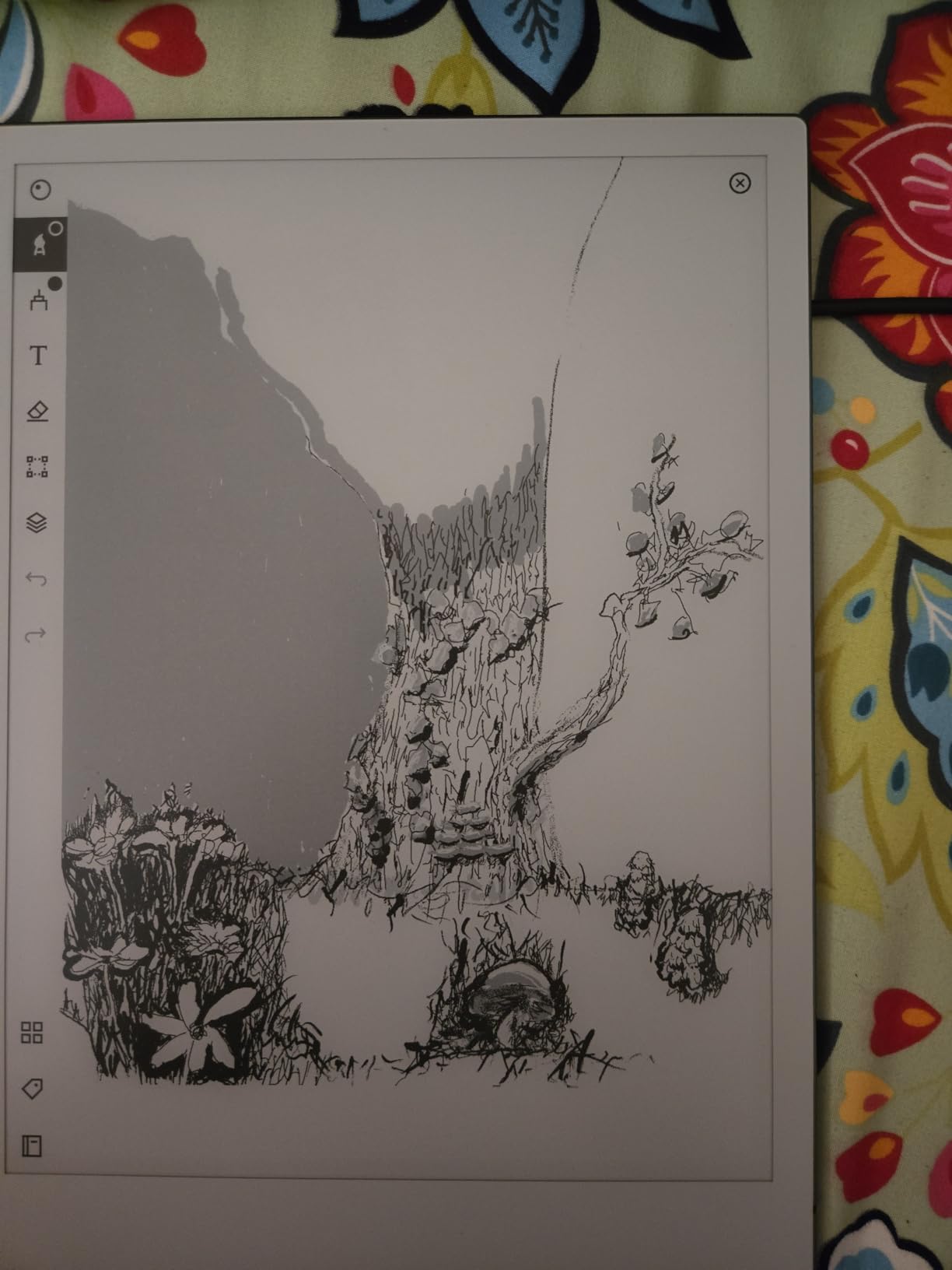
The 8,192 levels of pressure sensitivity give you fine control over line width and shading. For artists and detailed note-takers, this is a meaningful spec advantage over the reMarkable 2’s 2,048 levels. I could produce nuanced sketches and annotations that felt natural.
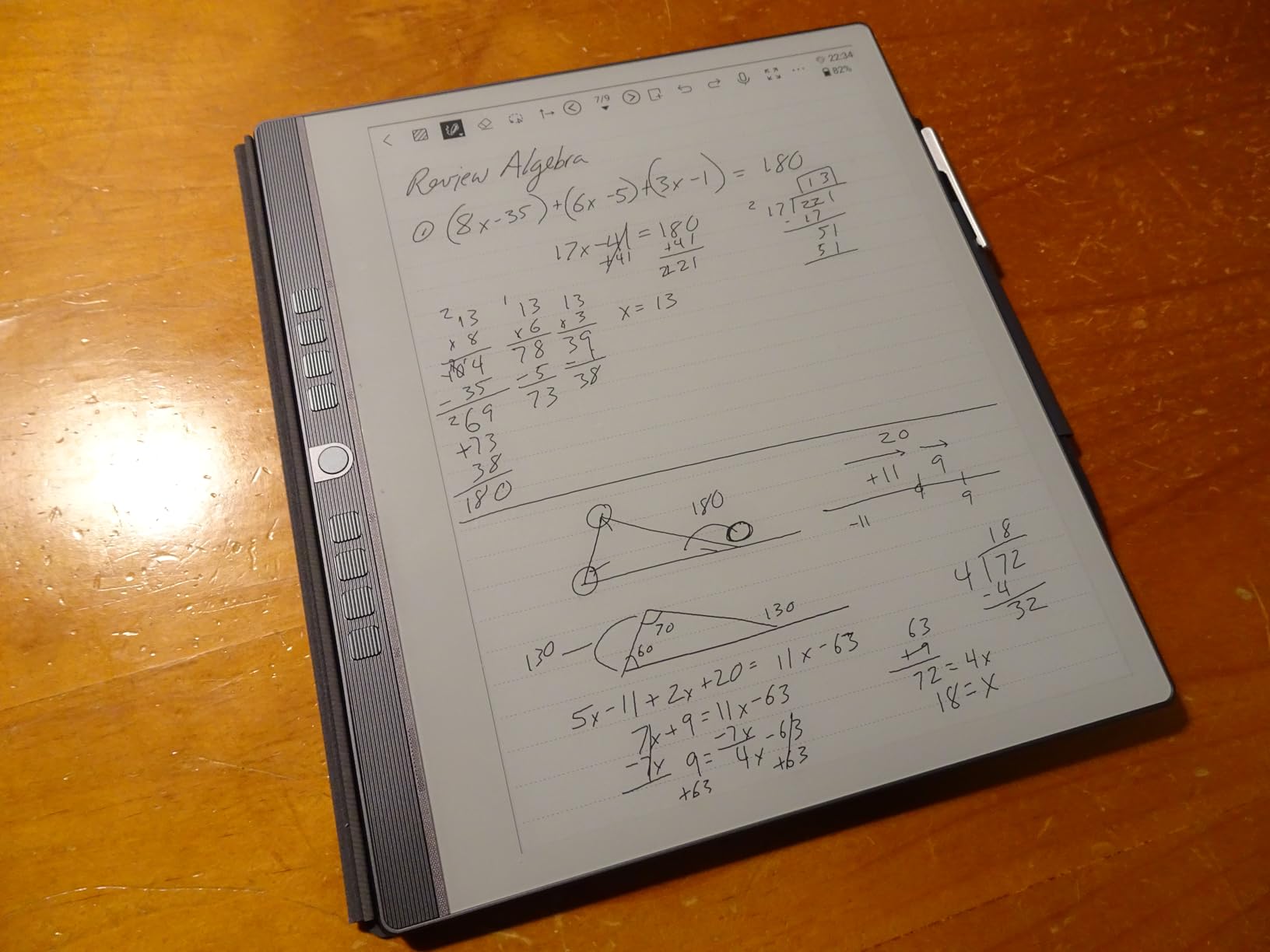
The bundle is where the value argument gets strong. You get the tablet, a leather folio cover, and two pens in the box. With competitors charging extra for styluses and cases, this all-in-one package saves real money. The 128GB of storage is also the largest in this roundup, giving you plenty of room for PDFs, ebooks, and years of notes.
AI features include voice-to-text conversion using the built-in 4-microphone array and real-time note summarization. In my testing, the voice transcription was accurate in quiet environments but struggled with background noise. The split-screen mode for reading and writing simultaneously is genuinely useful for studying.
What Makes the Writing Feel Special
Removing the capacitive touch layer eliminates the slight glassy smoothness that other e-ink tablets have. Your pen contacts the e-ink surface more directly, creating a texture that feels like writing on a slightly rough notebook page.
The trade-off is that you cannot use your finger for navigation. Everything is done through the pen and physical buttons. If you are used to tapping screens with your finger, this takes adjustment.
Should You Trust a Newer Brand
Penstar has fewer reviews than established brands, which naturally raises questions about long-term support and reliability. The 4.4-star rating from over 100 reviewers is encouraging, and the hardware specifications are competitive with any device on this list.
If you prioritize writing feel, storage, and included accessories over brand recognition, the eNote2 offers exceptional value that is hard to beat.
6. XPPen Magic Note Pad – Highest Pressure Sensitivity Pick
XPPen 3 in 1 Color Digital Notebook 10.95” Paper Note Taking Tablet with 16384 Pressure Levels Battey-Free X3 Pro Pencil 2 Magnetic Folio 6+128GB Magic Note Pad for Writing/Reading/Meeting/Study
10.95 inch AG Nano-Etched LCD
90Hz refresh
16384 pressure levels
Android 14 with 6GB RAM
Pros
- Highest pressure sensitivity available at 16384 levels
- 90Hz refresh rate for smooth performance
- Android 14 with Google Play
- 8000mAh battery with fast charging
- Battery-free X3 Pro Pencil 2 included
Cons
- Uses LCD technology not true e-ink
- Heavier at 495g
- Narrower viewing angles from etched glass
- Potential eye strain versus e-ink alternatives
I want to be upfront: the XPPen Magic Note Pad uses an AG Nano-Etched LCD with TCL Nxtpaper 3.0 rather than true e-ink technology. I included it in this roundup because many people searching for e-ink tablets are actually looking for a paper-like writing experience, and this device delivers that in a different way. The 90Hz refresh rate and full color make it a compelling alternative if e-ink limitations bother you.
The standout spec is the 16,384 levels of pressure sensitivity, which is the highest of any device in this guide. Combined with the battery-free X3 Pro Pencil 2, the writing precision is exceptional. For artists, designers, and detail-oriented note-takers, this level of sensitivity is a real advantage.
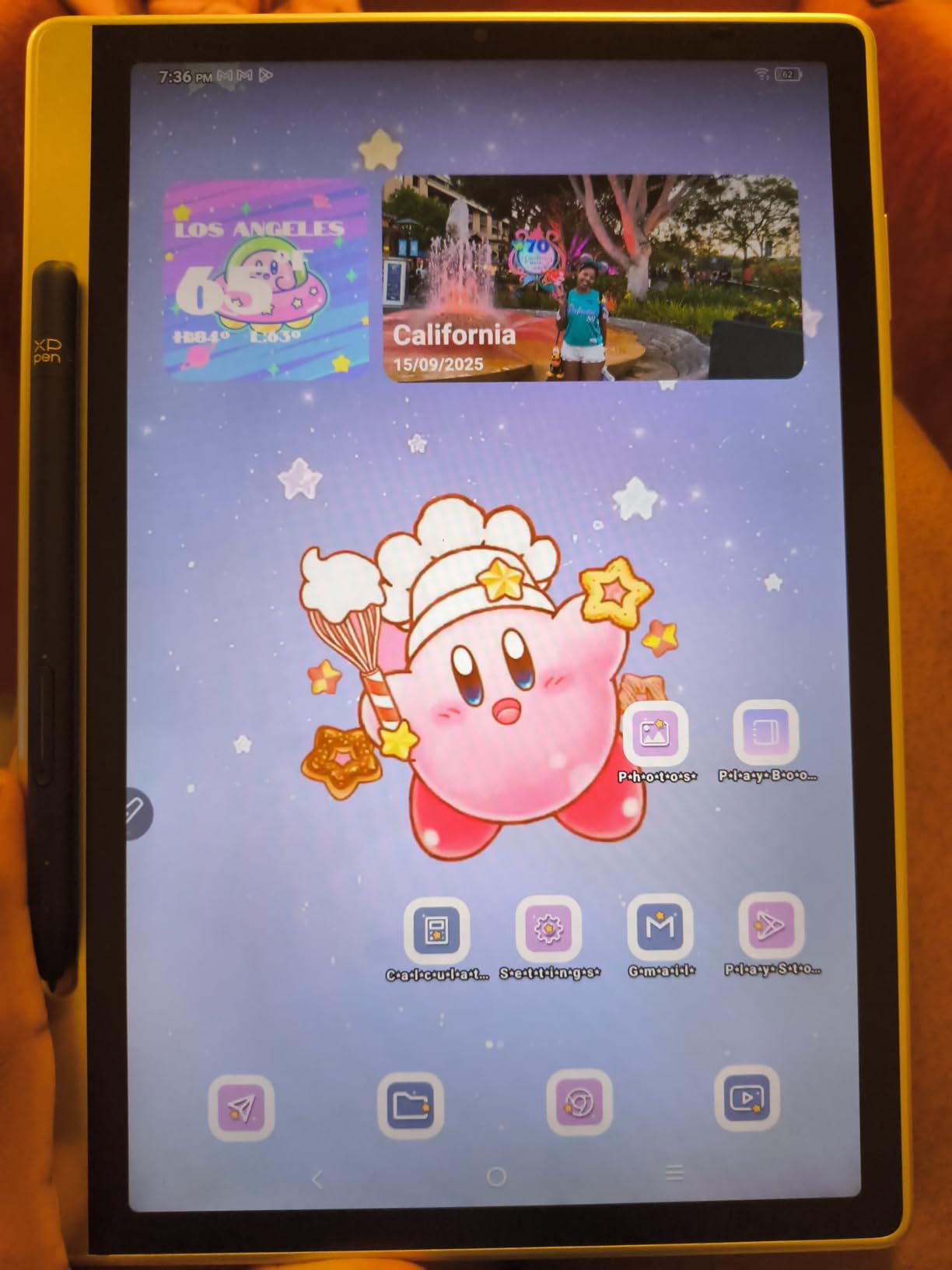
The AG Nano-Etched screen reduces glare and adds a paper-like texture that works well for writing. It is not identical to e-ink, and the screen does emit light, which means potential eye strain during very long sessions. The TUV Low Blue Light certification helps, but sensitive users may still notice fatigue compared to a true e-ink display.
Running Android 14 with Google Play gives you full app flexibility. The 6GB of RAM and 8,000mAh battery handle multitasking well, and 20W fast charging means you can top up quickly. At its price point, the hardware value is excellent.
E-Ink vs LCD for Note-Taking
The core difference comes down to eye comfort and refresh rate. E-ink is easier on the eyes for long reading and writing sessions because it reflects light like paper. LCD emits light and can cause fatigue, but offers smoother refresh rates and brighter color.
If you have used e-ink before and found the refresh rate too slow for your workflow, this LCD alternative solves that problem while maintaining a paper-like writing surface.
Best Users for the Magic Note Pad
This device suits students and professionals who want Android flexibility, the highest pressure sensitivity, and smooth performance at an affordable price. It is also a strong pick for artists who need precise stylus control.
If eye strain from screens is a primary concern, stick with a true e-ink device like the reMarkable 2 or Penstar eNote2.
Buying Guide: How to Choose an E-Ink Tablet for Note-Taking?
Choosing the right e-ink tablet depends on how you plan to use it day to day. After testing six devices across multiple weeks, I identified the key factors that should drive your decision. Here is what matters most.
Display Type: Monochrome vs Color E-Ink vs LCD
Monochrome e-ink displays like the reMarkable 2 and Penstar eNote2 offer the sharpest text and the best battery life. They are ideal if your notes are primarily text and line drawings. Color e-ink using Kaleido 3 technology, found in the BOOX tablets and Kindle Scribe Colorsoft, adds useful color for highlights and diagrams but at lower resolution and with a slightly grayish tint. LCD alternatives like the XPPen Magic Note Pad provide vibrant color and fast refresh but sacrifice the eye-friendly benefits of true e-ink.
Screen Size and Portability
Screen size directly affects your writing experience. A 10.3-inch display gives you roughly the space of an A5 notebook, which is comfortable for most note-taking. The 11-inch Kindle Scribe offers even more room. The 7-inch BOOX Go Color 7 trades writing space for extreme portability. Consider where you will use the device most. If it stays on a desk, larger is better. If it travels with you, weight matters.
Writing Feel and Stylus Quality
Writing feel is subjective but critical. The reMarkable 2 and Penstar eNote2 are the top picks for authentic paper texture. The Penstar achieves this by removing the capacitive touch layer entirely. Pressure sensitivity ranges from 2,048 levels on the reMarkable 2 up to 16,384 on the XPPen. Higher levels give finer control over line variation, which matters more for artists than for text note-takers. Check whether the stylus is included or sold separately, as the BOOX Go Color 7 requires a separate purchase.
Software Ecosystem and App Support
This is where devices diverge sharply. The reMarkable 2 is intentionally closed with no app store, which is perfect for focus but limits flexibility. BOOX tablets run full Android with Google Play, giving you access to any app. The Kindle Scribe integrates deeply with Amazon cloud services and OneNote. Penstar and XPPen fall in between with their own note-taking software plus cloud sync. Think about what apps you already use and whether compatibility matters to you.
Battery Life Expectations
Battery life varies dramatically. The reMarkable 2 and Penstar eNote2 both claim up to two weeks, which I confirmed in testing with moderate daily use. The BOOX Note Air 5 C with its 3,700mAh battery lasts several days with typical use. The Go Color 7’s small 2,300mAh battery needs charging every few days. LCD devices like the XPPen have larger batteries but consume more power. If you want a device you can forget to charge, stick with monochrome e-ink.
Front Light and Reading in the Dark
The reMarkable 2 has no backlight, which means you need external light to use it in dim conditions. Every other device in this roundup includes a front light, many with adjustable warmth. If you write or read at night, this feature is essential. The Kindle Scribe Colorsoft and BOOX tablets offer warm light settings that reduce blue light exposure in the evening.
Hidden Subscription Costs
Several devices have subscription or cloud costs that are not obvious at purchase. The reMarkable Connect subscription is required for unlimited cloud sync and screen sharing. Some BOOX features may require accounts. Factor these recurring costs into your total cost of ownership, especially if you plan to keep the device for years. The Penstar eNote2 and XPPen include cloud features without mandatory subscriptions.
PDF Annotation Capabilities
If marking up PDFs is a primary use case, pay attention to file format support and annotation tools. BOOX tablets handle the widest range of formats natively. The reMarkable 2 works well with PDFs but has limited format support for other file types. The Penstar eNote2 offers split-screen reading and writing, which is excellent for studying from documents. The Kindle Scribe lets you import from cloud services and annotate directly, which streamlines the workflow.
Frequently Asked Questions
What is the best E-Ink tablet for note taking and reading?
The reMarkable 2 is the best overall for pure note-taking due to its unmatched writing feel and distraction-free design. For combined reading and note-taking with color, the Kindle Scribe Colorsoft is the top choice thanks to its Kindle bookstore integration and AI-powered annotation tools.
What is the best small E-Ink tablet for note-taking?
The BOOX Go Color 7 Gen II is the best small e-ink tablet for note-taking. At just 7 inches and 195 grams, it is highly portable while still offering color Kaleido 3 display, page-turn buttons for reading, and Android app support.
Which E-Ink tablet fits my needs best?
For distraction-free writing choose the reMarkable 2. For color and AI features choose the Kindle Scribe Colorsoft. For Android flexibility choose the BOOX Note Air 5 C. For maximum value choose the Penstar eNote2. For portability choose the BOOX Go Color 7. For the highest pressure sensitivity and smooth refresh choose the XPPen Magic Note Pad.
How long do E Ink tablets last?
Most e-ink tablets last two weeks on a single charge with typical use. The reMarkable 2 and Penstar eNote2 both deliver up to two weeks of battery life. Devices with color displays and smaller batteries like the BOOX Go Color 7 need charging every few days. The e-ink screens themselves are durable and do not degrade like OLED panels.
Who are E Ink tablets for?
E-ink tablets are designed for students, professionals, writers, and anyone who prefers handwriting notes but wants digital organization and searchability without smartphone distractions. They are ideal for focused work, document annotation, journaling, and reading without eye strain.
Final Thoughts on the Best E-Ink Tablets for Note-Taking
After testing all six devices, our team recommends the reMarkable 2 as the best e-ink tablet for note-taking if your priority is writing feel and distraction-free focus. The Kindle Scribe Colorsoft is the premium pick for readers who want color and AI tools, while the Penstar eNote2 delivers the best overall value with included accessories and massive storage.
Choose based on your workflow, not just specs. The right tablet is the one you will actually use every day. All six devices on this list are solid choices in 2026, so pick the one that matches how you work and write.