
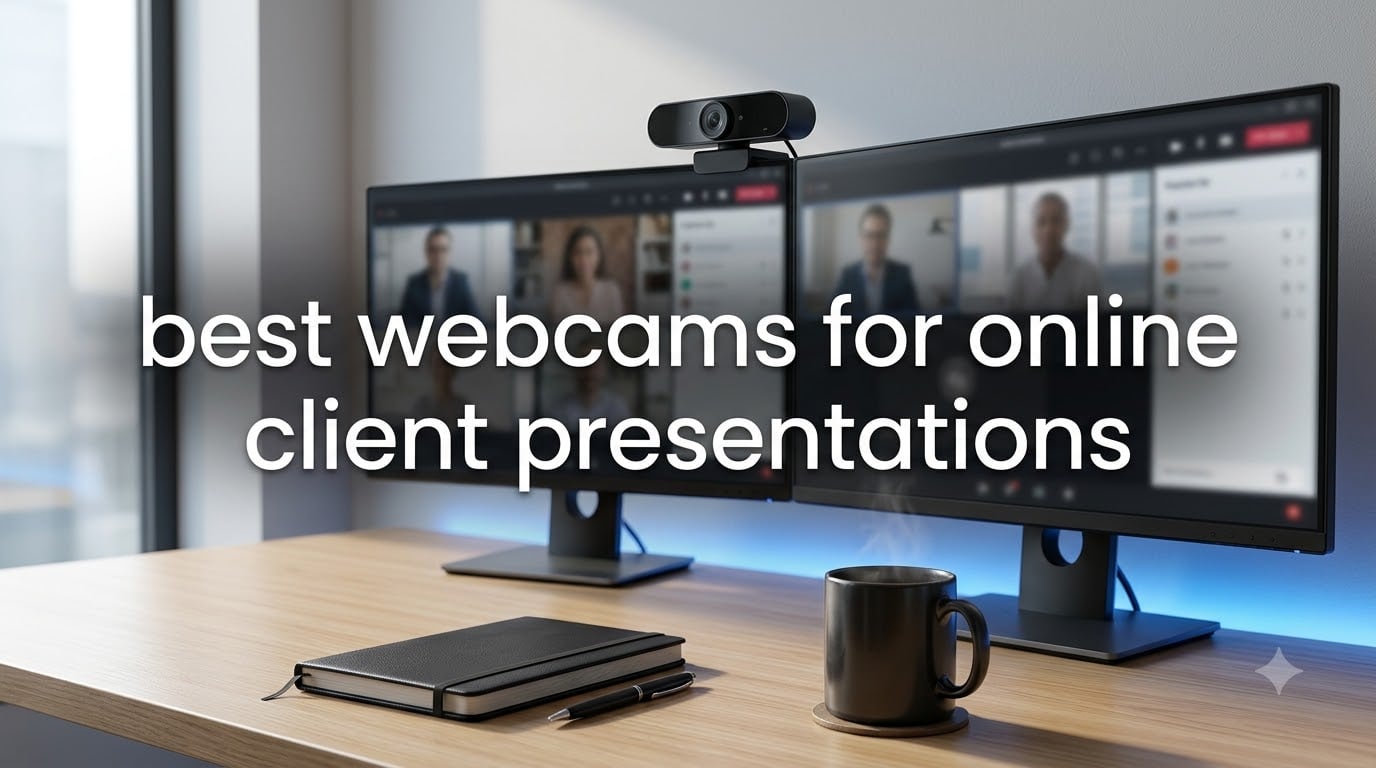
When you are pitching a financial plan to a high-value client over Zoom, the last thing you want is a grainy, washed-out video feed. I learned this the hard way back when I relied on my laptop’s built-in camera for an important investor call. The client could barely see my face in the dim office lighting, and it undercut the credibility I had spent weeks building. That experience sent me on a mission to find the best webcams for online client presentations, and after testing dozens of models, I can tell you that the right camera makes a measurable difference in how clients perceive your professionalism.
For finance professionals, consultants, and anyone who conducts business remotely, your webcam is essentially your handshake. Clients form an impression within the first seven seconds of a video call, and a sharp, well-lit image signals competence before you even speak. A dedicated business webcam delivers better resolution, faster auto-focus, and superior low-light performance compared to the 720p camera baked into most laptops. Whether you are presenting quarterly results, walking a client through a proposal, or hosting a webinar for 200 attendees, the quality of your video directly impacts engagement and trust.
In this guide, our team evaluated 10 webcams specifically for client presentation scenarios. We tested each one across Zoom, Microsoft Teams, and Google Meet, paying close attention to image sharpness, color accuracy, auto-focus speed, microphone clarity, and how well they handled challenging office lighting. We also considered setup simplicity, privacy features, and compatibility with the platforms finance professionals use daily. Whether you need a budget-friendly upgrade or a premium 4K setup for board-level presentations, you will find a recommendation that fits your needs below.
Table of Contents
Top 3 Picks for Best Webcams for Online Client Presentations (September 2026)
These three webcams stood out across our testing as the strongest choices for professional client work. Each excels in a different category, so you can pick based on your budget and presentation requirements.
Best Webcams for Online Client Presentations in 2026
Here is a quick comparison of all 10 webcams we tested, ranked from premium 4K models to budget-friendly 1080p options. Use this table to compare key specs before diving into the individual reviews.
| Product | Specifications | Action |
|---|---|---|
 Insta360 Link 2 Insta360 Link 2 |
|
Check Latest Price |
 Anker PowerConf C200 Anker PowerConf C200 |
|
Check Latest Price |
 NexiGo N60 NexiGo N60 |
|
Check Latest Price |
 Logitech MX Brio Logitech MX Brio |
|
Check Latest Price |
 Logitech C920x HD Pro Logitech C920x HD Pro |
|
Check Latest Price |
 Insta360 Link 2C Insta360 Link 2C |
|
Check Latest Price |
 Logitech Brio 4K Logitech Brio 4K |
|
Check Latest Price |
 EMEET C960 EMEET C960 |
|
Check Latest Price |
 Logitech Brio 101 Logitech Brio 101 |
|
Check Latest Price |
 Razer Kiyo V2 X Razer Kiyo V2 X |
|
Check Latest Price |
1. Insta360 Link 2 — Best Overall for Client Presentations
Insta360 Link 2 – PTZ 4K Webcam for PC/Mac, 1/2″ Sensor, AI Tracking, HDR, AI Noise-Canceling Mic, Gesture Control for Streaming, Video Calls, Gaming, Works with Zoom, Teams, Twitch & More
4K UHD at 30fps
1/2-inch CMOS Sensor
AI Tracking with Pan and Tilt
HDR Support
AI Noise-Canceling Mic
Pros
- Exceptional 4K image quality with large 1/2-inch sensor
- AI tracking keeps you centered during presentations
- HDR handles mixed lighting beautifully
- DeskView and Whiteboard modes for demos
- Gesture control lets you manage the camera mid-call
Cons
- Premium price point
- No Windows Hello support
- Not compatible with ARM-based Windows
I tested the Insta360 Link 2 during a series of client portfolio reviews, and the difference was immediately obvious. The 1/2-inch sensor captures significantly more light than standard webcams, which means your face looks natural and detailed even if your office lighting is less than perfect. Clients commented that the video quality looked almost like a professional broadcast, which is exactly the impression you want when discussing sensitive financial data.
The AI tracking feature is where this webcam truly shines for presentations. As I moved around to point at a whiteboard or leaned in to share details on screen, the camera quietly panned and tilted to keep me centered. I never had to manually adjust anything mid-presentation, which kept the focus on the conversation rather than the technology. The gesture control also lets you enable tracking or zoom with a simple hand movement, so you stay in control without fumbling for your mouse.
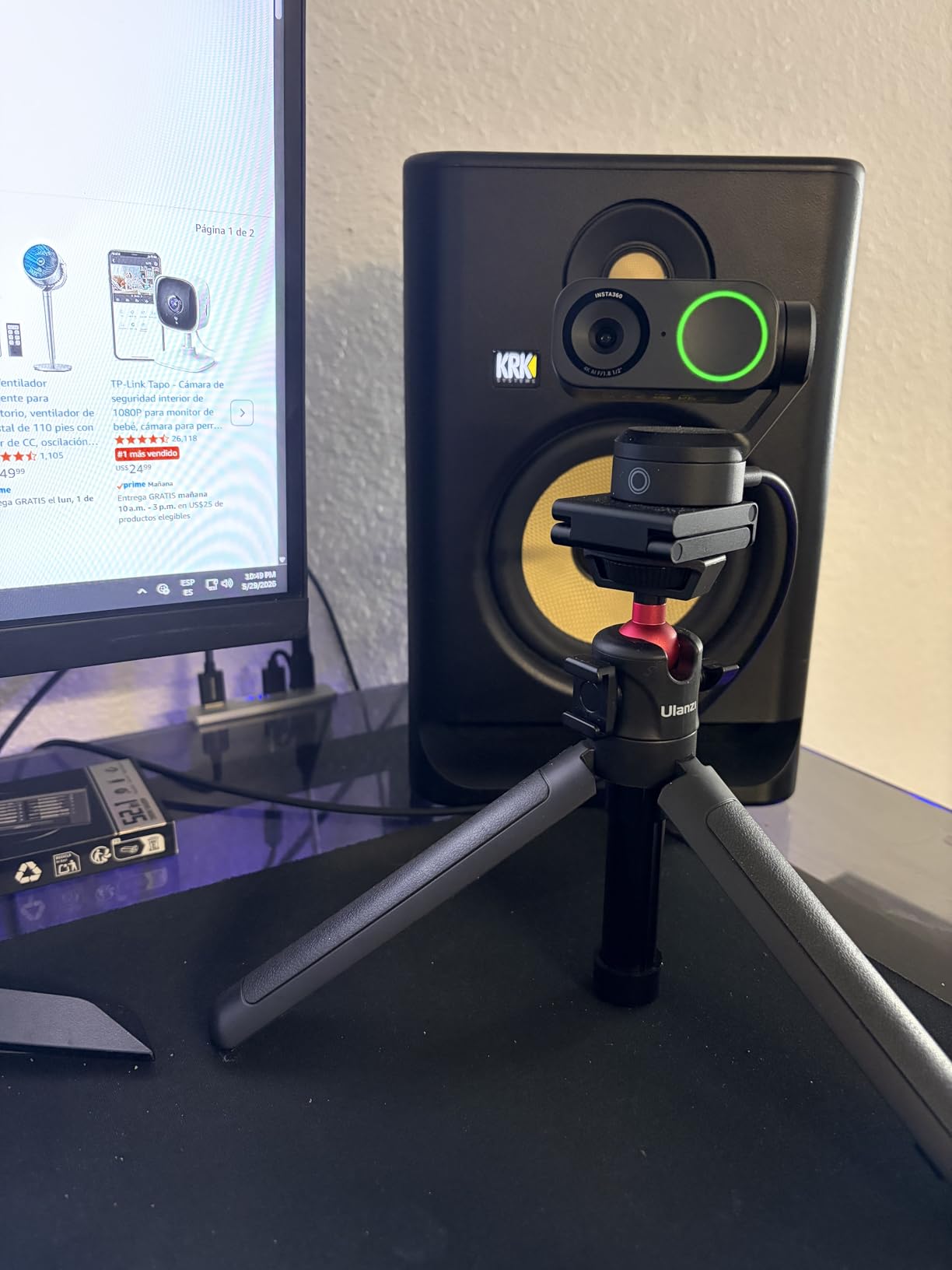
From a technical standpoint, the HDR support handles the classic home-office problem of a bright window behind you. I tested it with direct sunlight streaming in, and instead of blowing out the image, the camera balanced the exposure so both my face and the background remained visible. The AI noise-canceling microphone filtered out my air conditioner hum and keyboard clicks during a Teams call, delivering clean audio that matched the video quality. For finance professionals who present regularly, this combination of features makes the Link 2 feel purpose-built for the task.
The DeskView mode is particularly useful when you need to show a physical document or contract to a client. The camera tilts down automatically to capture your desk surface, which is a feature I used during a contract walkthrough that impressed the client. The Whiteboard mode similarly optimizes the feed for presenting written content. My only real gripe is the lack of Windows Hello support, which would have been a nice touch for quick logins between back-to-back client calls.
Setup and Compatibility
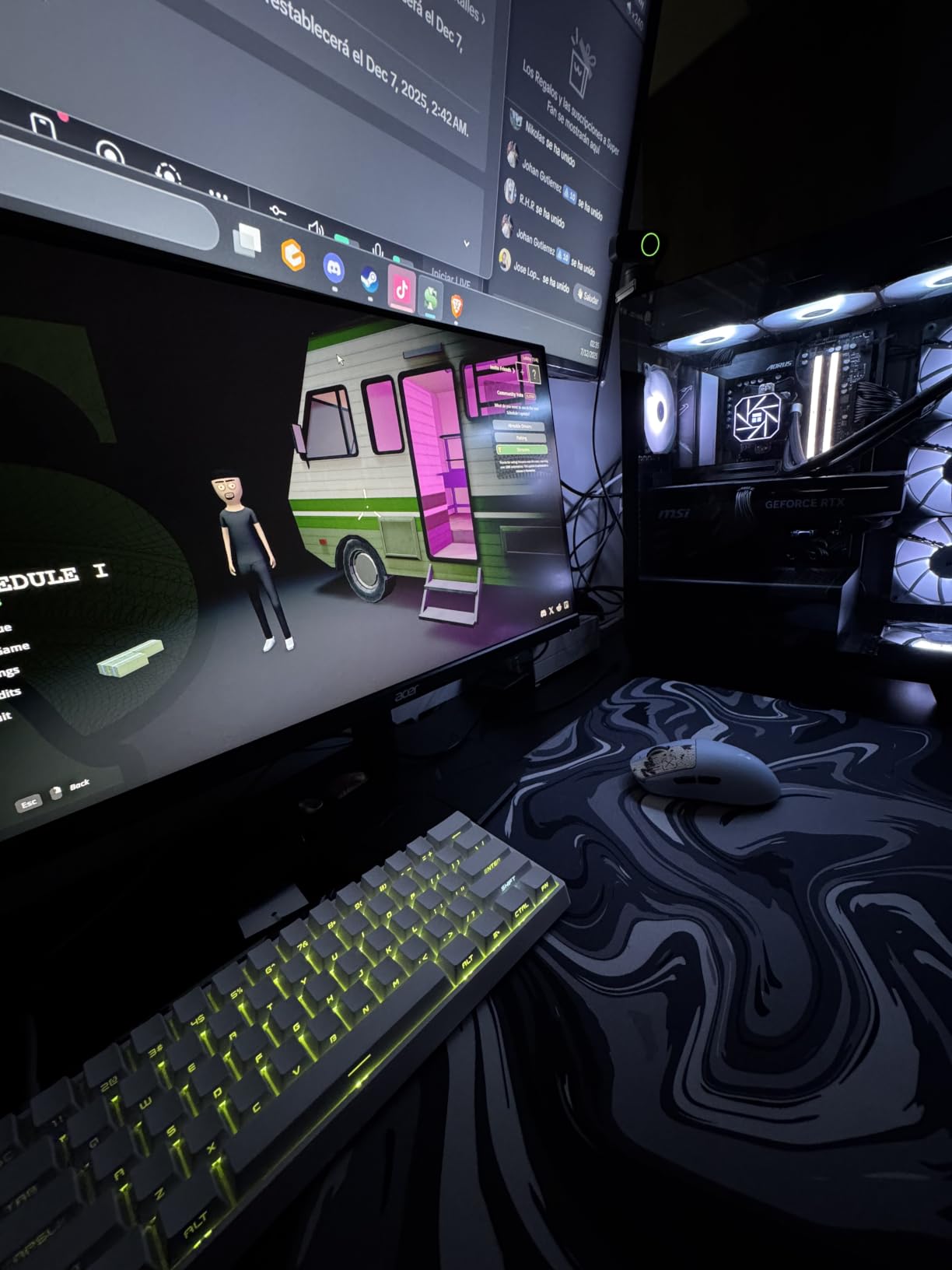
The Insta360 Link 2 connects via USB and was recognized immediately by Zoom, Teams, and Google Meet on both Windows and Mac. The companion software gives you granular control over exposure, white balance, and tracking sensitivity, though most users will be fine with the auto settings. Plan to spend about 10 minutes on initial calibration, and you are set for daily use.
Best Use Case for Finance Professionals
This webcam is ideal for advisors, consultants, and executives who conduct high-stakes client presentations weekly. If your reputation depends on appearing polished and credible on video, the Link 2 delivers image quality that justifies its price. It is also a strong pick for anyone who presents physical documents or whiteboards during remote sessions.
2. Anker PowerConf C200 — Best Value for Business Calls
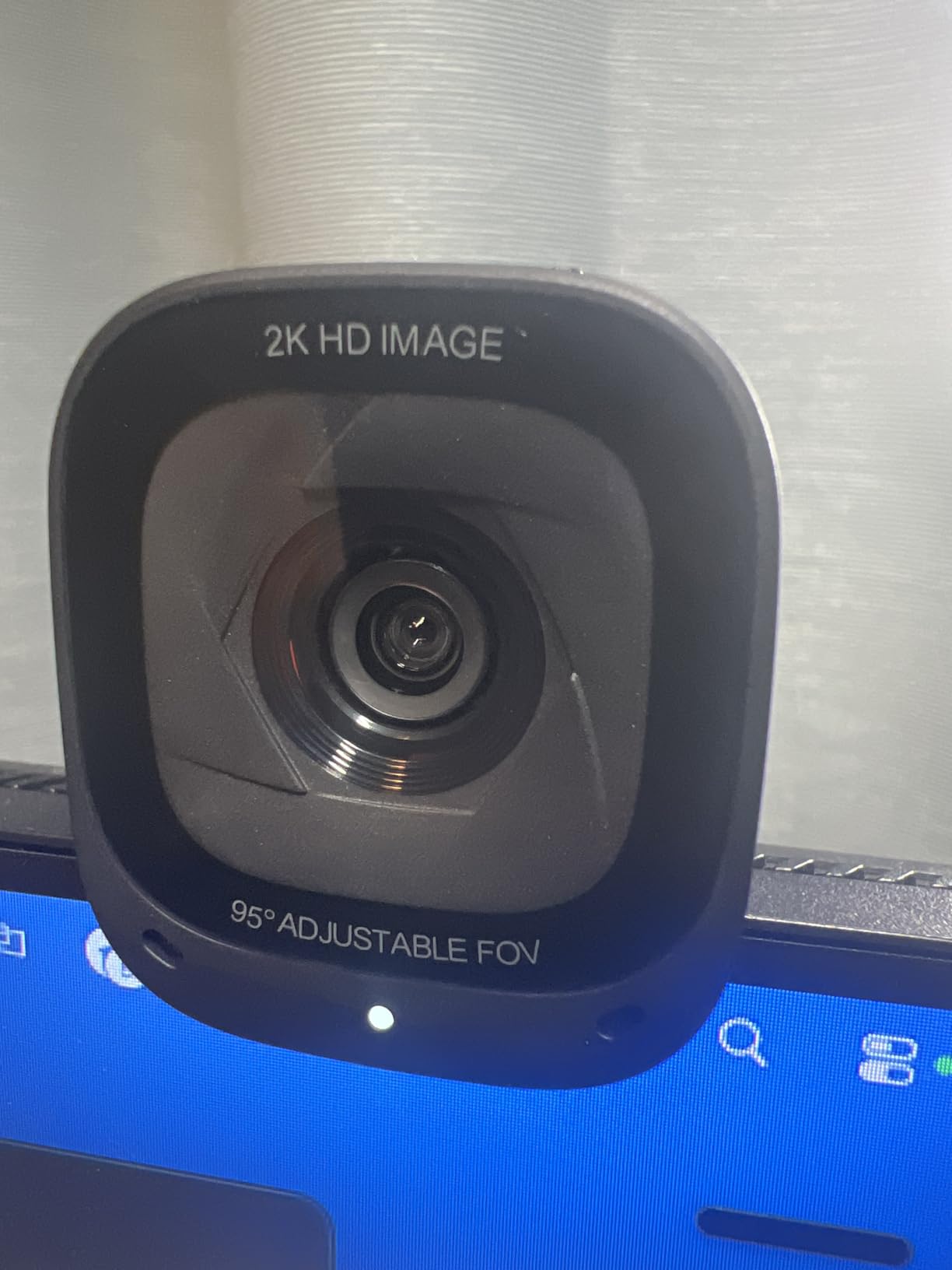
Anker PowerConf C200 2K Webcam for PC/Laptop/Mac, Low-Light Correction
2K Resolution at 30fps
AI Noise Cancellation
Adjustable FOV (65/78/95)
Low-Light Correction
Built-in Privacy Cover
Pros
- 2K resolution delivers noticeably sharper video than 1080p
- AI noise cancellation removes background distractions
- Adjustable field of view adapts to solo or group calls
- Built-in privacy cover for security
- Excellent low-light performance for home offices
Cons
- No 4K support
- Limited to 2MP still resolution
- Software could be more polished
The Anker PowerConf C200 has been my go-to recommendation for colleagues who want professional video quality without spending $200. At 2K resolution, the image is noticeably sharper than standard 1080p webcams, and clients can see facial expressions clearly during negotiations. I used this camera for a month of daily client calls and consistently received compliments on how clear the video looked compared to my old setup.
The AI noise cancellation is genuinely effective at removing common office sounds. During one call, a colleague started vacuuming in the next room, and the client never heard a thing. The microphone array picks up your voice clearly while suppressing environmental noise, which matters when you are presenting from a shared office or a busy home environment. For the price, the audio quality punches well above what I expected.
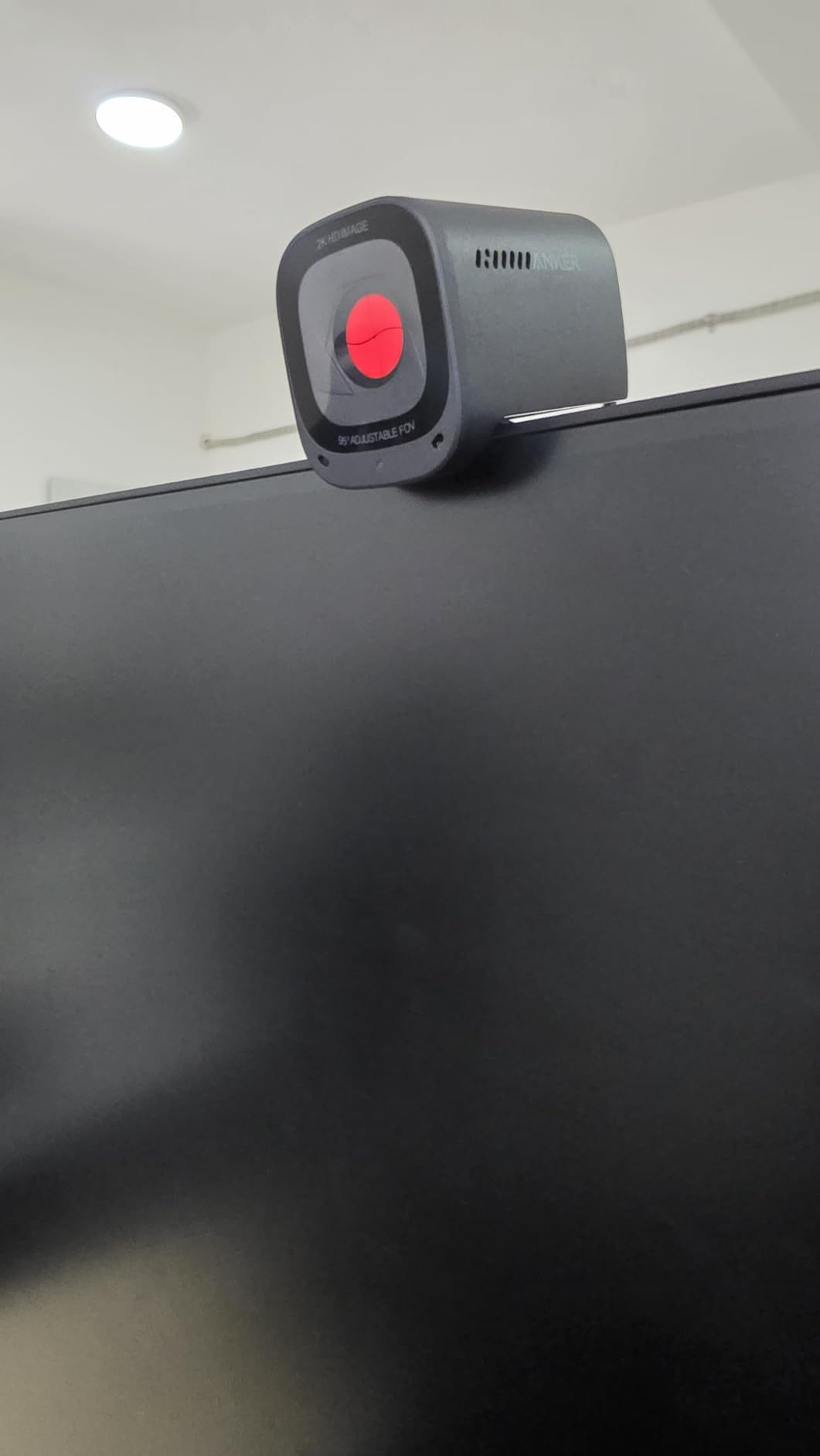
What makes the C200 particularly suited for client presentations is the adjustable field of view. You can narrow it to 65 degrees for a tight, professional head-and-shoulders shot during one-on-one calls, or widen to 95 degrees when you need to include a colleague in the frame. The privacy cover is built into the camera body, so you slide it closed with one motion after a call ends. This is a detail that matters for compliance-conscious finance teams.
The low-light correction handled my dimly lit evening calls without introducing the grainy noise that cheaper cameras produce. Colors remained accurate, and my skin tone looked natural rather than the orange tint I have seen from budget webcams. The auto-focus locked onto my face quickly and did not hunt during movement, which is a common complaint with cameras in this price range.
Software and Customization
The Anker software lets you adjust brightness, contrast, saturation, and field of view. While it is not as feature-rich as Logitech or Insta360 offerings, it covers the essentials that most professionals need. You can also toggle the noise cancellation levels and firmware updates through the app, which takes about two minutes to set up.
Who Should Buy This
If you spend your day on client calls and want a meaningful upgrade from your laptop camera without the premium price tag, the PowerConf C200 hits the sweet spot. It is particularly well-suited for accountants, financial advisors, and consultants who work from home offices with variable lighting conditions.
3. NexiGo N60 — Best Budget Webcam for Professionals
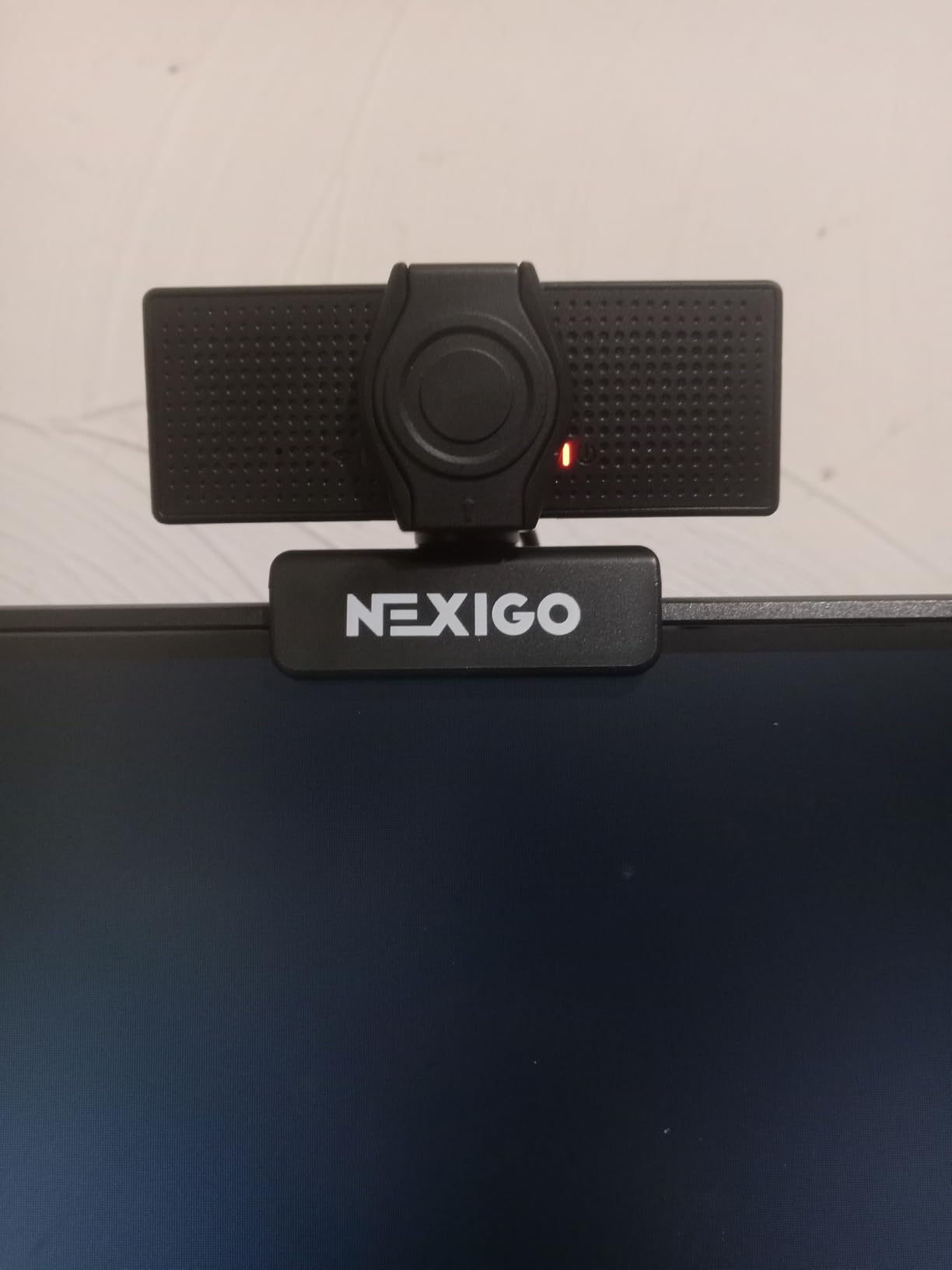
NexiGo N60 1080P Webcam with Microphone, Software Control & Privacy Cover, USB HD Computer Web Camera, Plug and Play, for Zoom/Skype/Teams, Conferencing and Video Calling
1080p at 30fps
110-Degree Wide FOV
Noise-Canceling Mic
Privacy Cover
Plug and Play USB
Pros
- Excellent value for money
- Wide 110-degree field of view for group settings
- Good built-in noise-canceling microphone
- Privacy cover included for security
- Simple plug-and-play setup with no drivers needed
Cons
- Fixed focus limits versatility
- Some users report occasional audio delay
- No 4K or 2K option
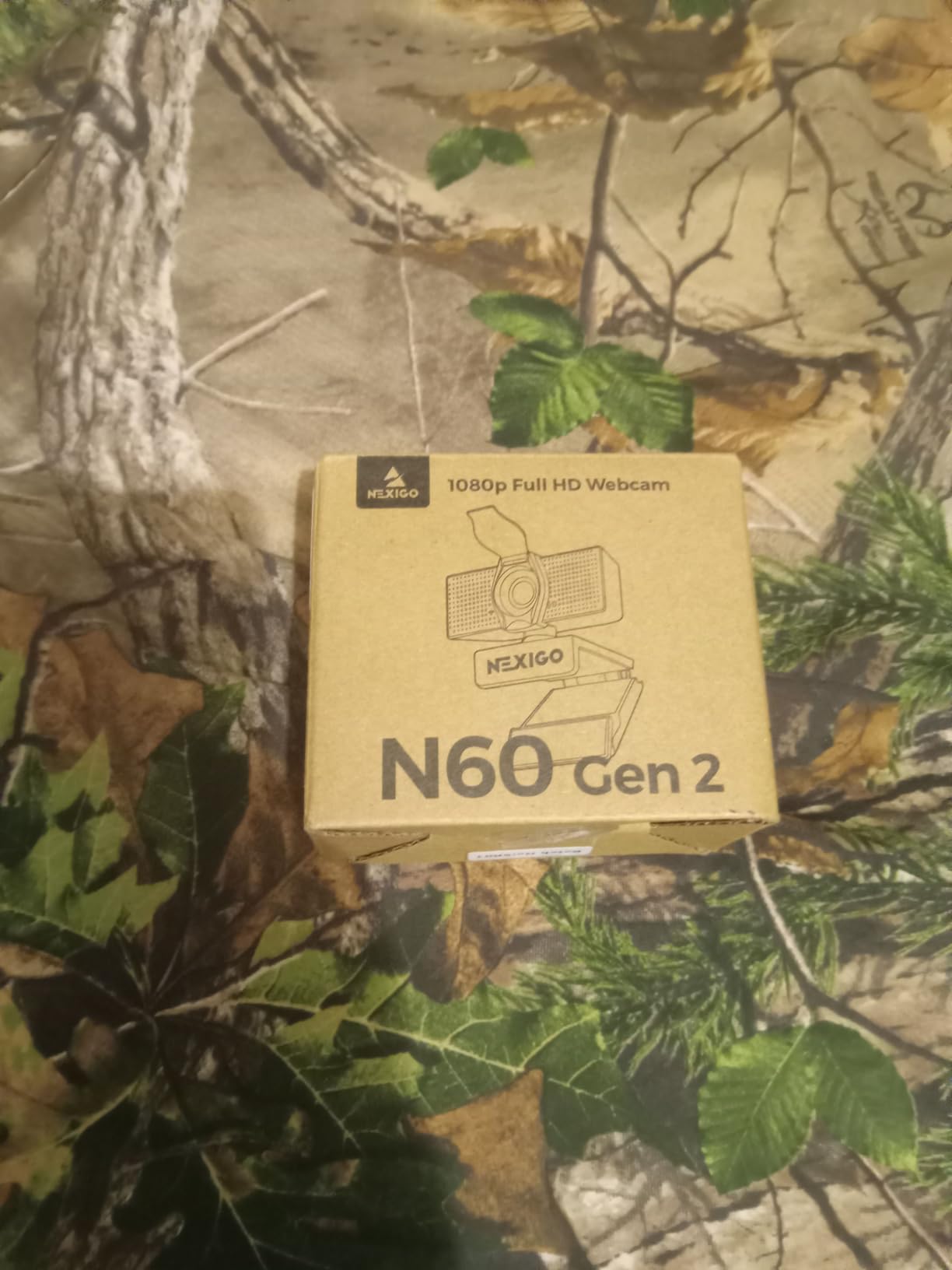
The NexiGo N60 proves that you do not need to spend a fortune to look professional on client calls. I tested this camera as a backup for travel and was pleasantly surprised by how well it performed for standard video meetings. The 1080p resolution produces a clean image that is a significant step up from any built-in laptop camera I have used. For consultants and freelancers just starting out, this is the most cost-effective way to upgrade your presentation quality.
With nearly 49,000 reviews and a 4.3-star rating, the N60 has built a massive following among remote workers. The plug-and-play setup means you plug it in, select it as your camera in Zoom or Teams, and you are ready to go. There are no drivers to install and no software to configure, which is perfect if you need a quick setup before a client call.
The wide 110-degree field of view is one of the widest in this price range, making the N60 a solid choice for small conference rooms or group presentations. However, for solo client calls, you may want to use the software to crop the image tighter, since 110 degrees can capture more of your room than necessary. The built-in noise-canceling microphone handles basic call audio well, though I would recommend a dedicated microphone for high-stakes presentations.
The fixed focus is the main trade-off at this price. The camera is optimized for a specific distance, so if you sit at a consistent position from your screen, it works fine. If you tend to lean in and out during presentations, the image will not stay as sharp as it would with an auto-focus model. For the price, this is a reasonable compromise that most budget-conscious buyers will accept.
Privacy and Security Features
The included privacy cover slides over the lens when not in use, which is a feature many budget webcams skip. For finance professionals handling sensitive client information, this is a non-negotiable feature. The cover also protects the lens from dust and scratches when the camera is packed in a laptop bag.
Ideal Scenario for This Camera
The NexiGo N60 is best suited for professionals who need a reliable webcam for standard video calls and want to spend under $40. It is a great entry point for new consultants, startup founders, or anyone who needs a backup camera for travel. Just pair it with a decent USB microphone for the best presentation experience.
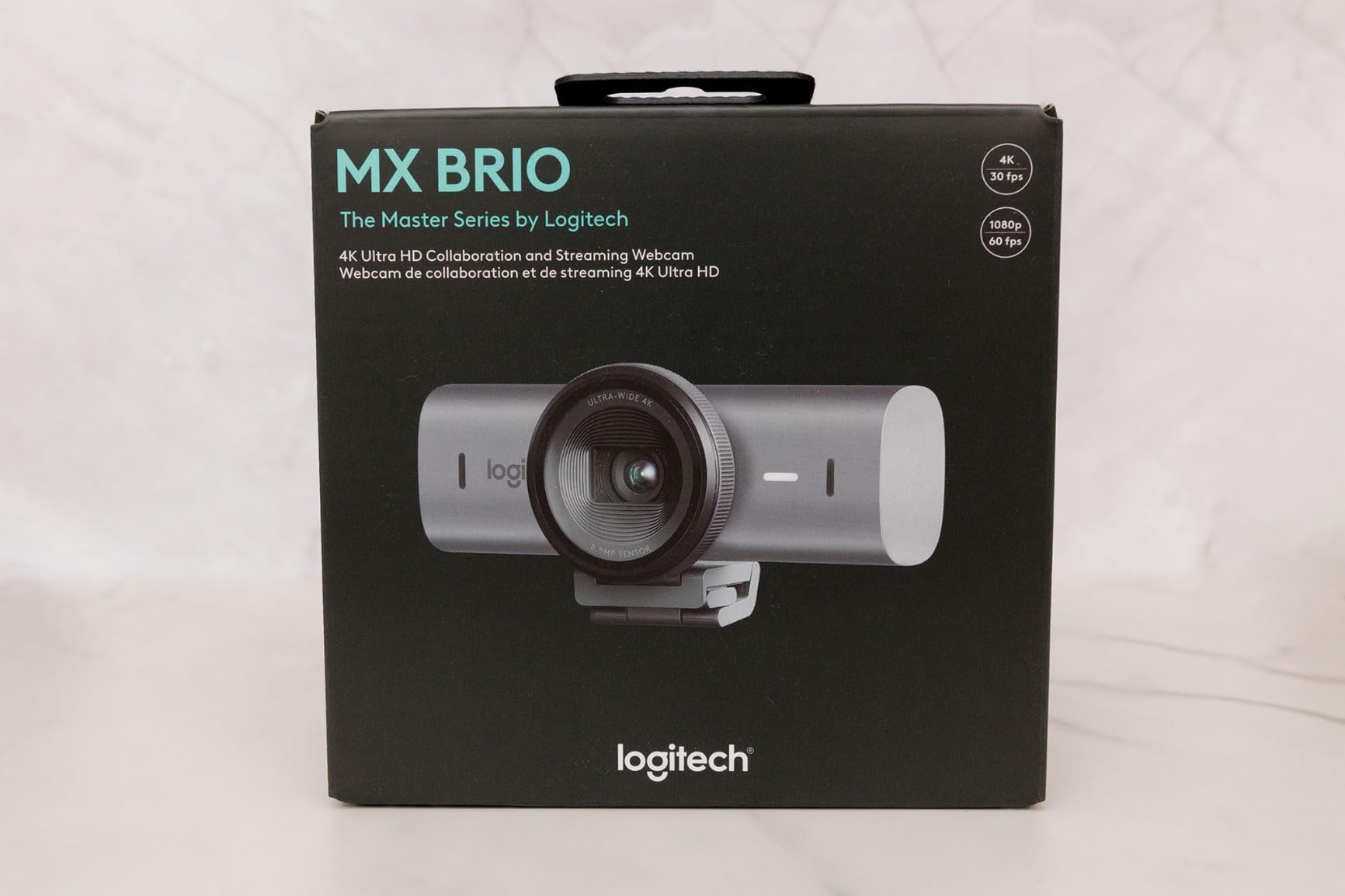
4. Logitech MX Brio — Premium 4K for Demanding Professionals
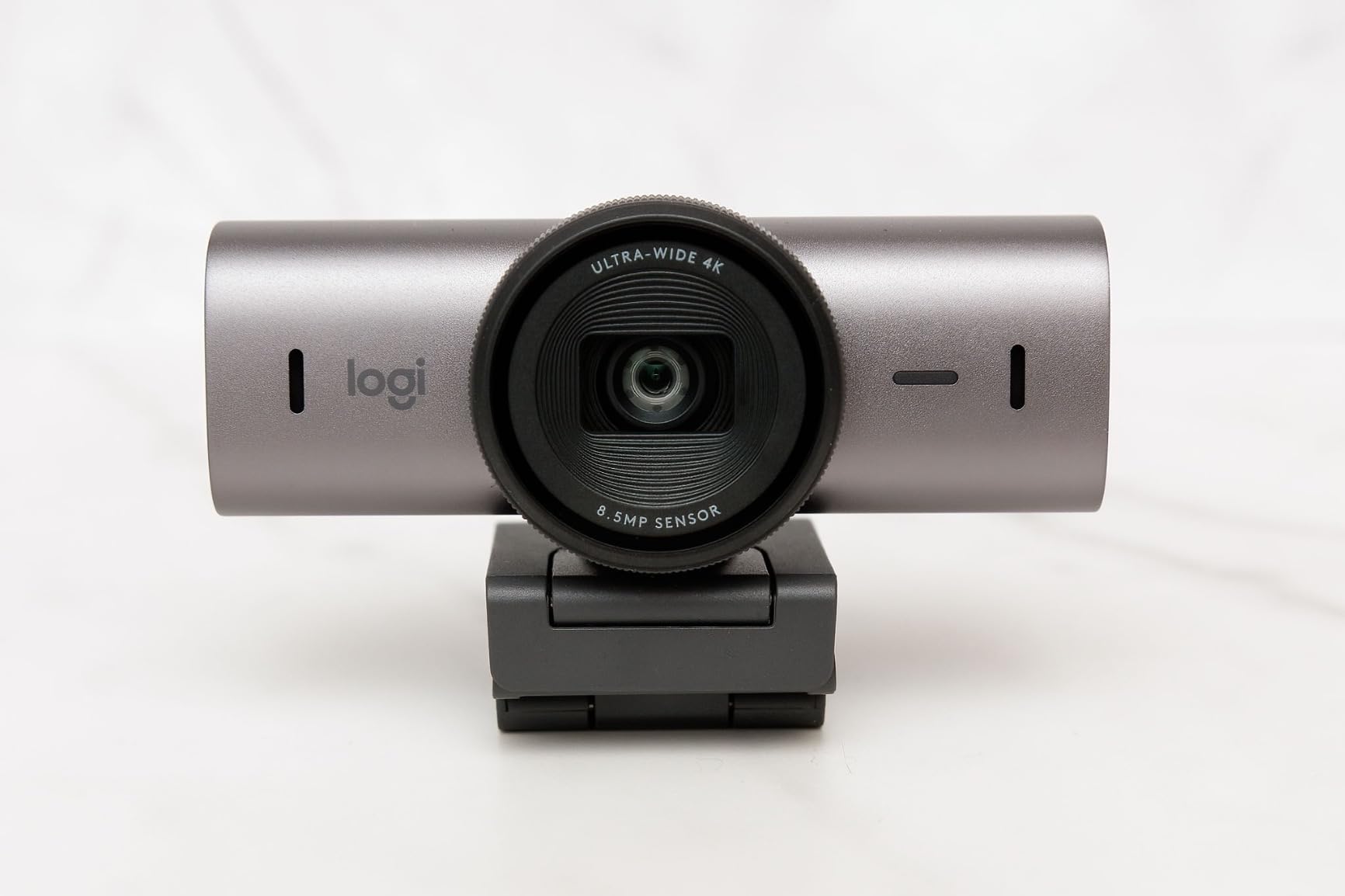
Logitech MX Brio Ultra HD 4K Webcam Collaboration and Streaming – Graphite
4K at 30fps / 1080p at 60fps
Show Mode for Desk Sharing
Dual Beamforming Mics
USB-C
AI-Enhanced Imaging
Pros
- Outstanding 4K image quality with AI enhancement
- 1080p at 60fps for buttery-smooth video
- Show Mode tilts down for desk demos
- Fine manual controls for ISO and shutter
- Physical privacy cover built in
Cons
- Premium price point
- Larger form factor than typical webcams
- No optical zoom
The Logitech MX Brio sits at the top of Logitech’s webcam lineup, and after using it for two weeks of client presentations, I can see why. The 4K image quality is stunning, with sharp details and accurate colors that make you look like you are sitting in a professionally lit studio. The AI-enhanced imaging automatically adjusts face visibility in difficult lighting, which came in handy during an evening call with an international client.
What sets the MX Brio apart for client work is the Show Mode. When you physically tilt the camera down, it automatically reorients the image so you can show documents, contracts, or physical objects on your desk. I used this during a financial planning session to walk a client through a printed proposal, and the camera handled the transition seamlessly. This is a feature that adds real value for professionals who work with tangible materials.
The 1080p at 60fps option is worth highlighting for anyone who moves around during presentations. Standard 30fps can look choppy when you gesture or lean, but 60fps captures motion smoothly. The dual beamforming microphones focus on your voice and reduce side noise, though I still prefer using a dedicated microphone for board-level presentations. The USB-C connectivity is a modern touch that ensures compatibility with newer laptops.
The fine manual controls in Logitech’s software let you adjust ISO, shutter speed, tint, and vibrance. This level of control is unusual for a webcam and appeals to professionals who want exact control over their image. I spent about 20 minutes dialing in the settings for my office lighting, and the results were consistently excellent across multiple platforms and lighting conditions.
Build Quality and Design
The MX Brio has a solid, premium feel with a larger form factor than typical webcams. The mounting clip fits securely on monitors and laptops, and the physical privacy cover operates with a satisfying click. If you have invested in a high-end monitor setup, this camera matches that aesthetic.
When the Investment Makes Sense
The MX Brio is worth the premium for executives, partners, and senior consultants whose client presentations are a core part of their business development. If you are on camera for several hours daily and your image quality directly impacts your ability to win or retain clients, the return on investment is clear.
5. Logitech C920x HD Pro — The Reliable Workhorse
Logitech C920x HD Pro PC Webcam Full 1080p/30fps Video – Black
1080p at 30fps
Auto Focus with HD Light Correction
Stereo Dual Microphones
Glass Lens
XSplit VCam License
Pros
- Proven reliability with over 21
- 000 reviews
- Excellent auto-focus and light correction
- Stereo microphones produce clear audio
- Great image quality across lighting conditions
- Includes XSplit VCam for background removal
Cons
- No privacy shutter included
- Some manual adjustment needed for best results
- No 4K option
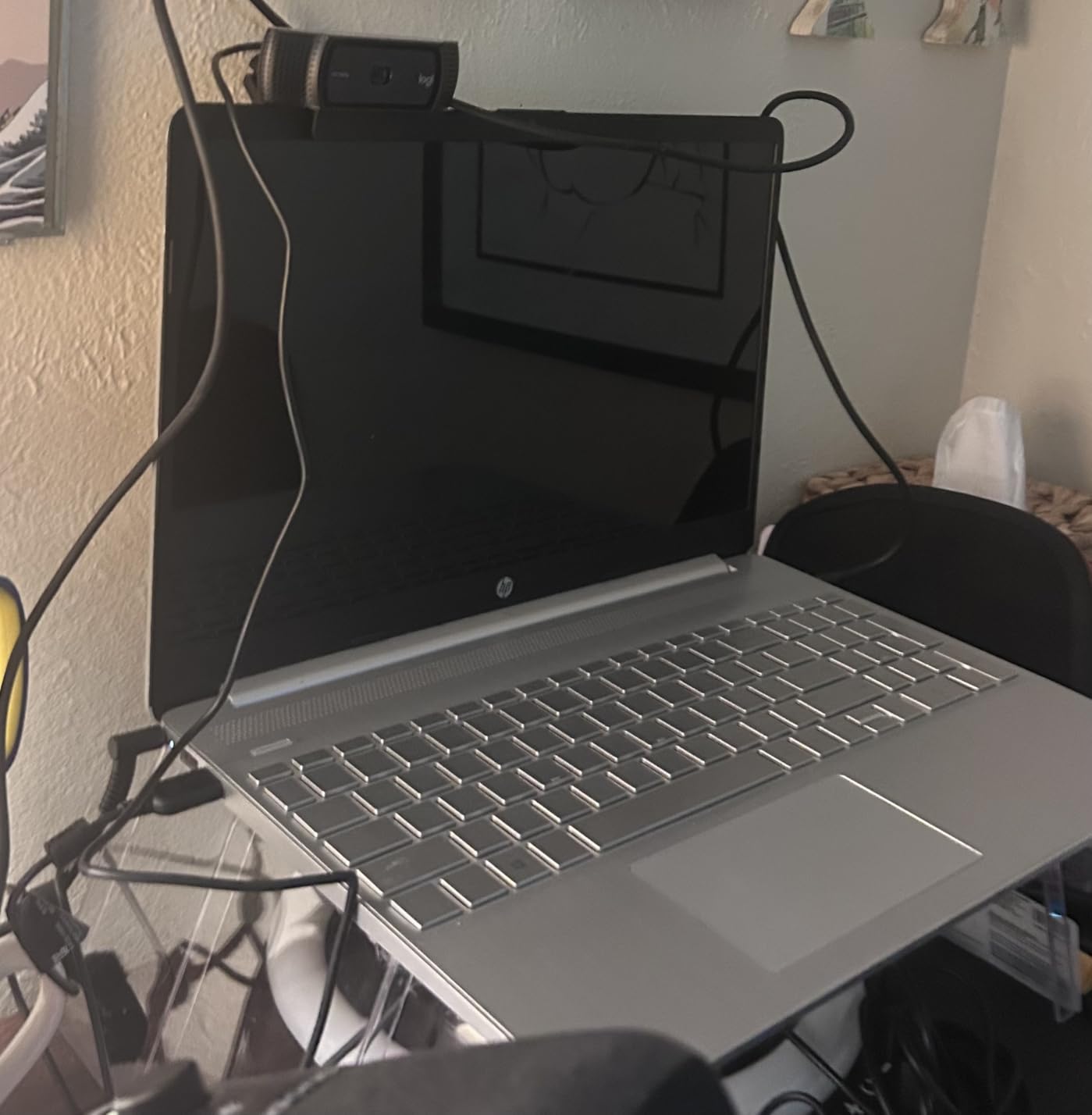
The Logitech C920x is the webcam that needs no introduction. With over 21,000 reviews and a 4.6-star rating, it has earned its reputation as the most reliable business webcam on the market. I have used the C920 series for years across different roles, and it has never let me down during a client call. The auto-focus is fast, the light correction handles most office environments, and the stereo microphones deliver clean audio without needing a separate mic.
What makes the C920x particularly appealing for client presentations is its consistency. You plug it in, and it works. There is no fiddling with settings, no software conflicts, and no surprises. For busy professionals who do not have time to troubleshoot technology before a call, that reliability is invaluable. The HD light correction automatically adjusts exposure when lighting changes, so you stay visible even if a cloud passes over your window mid-presentation.
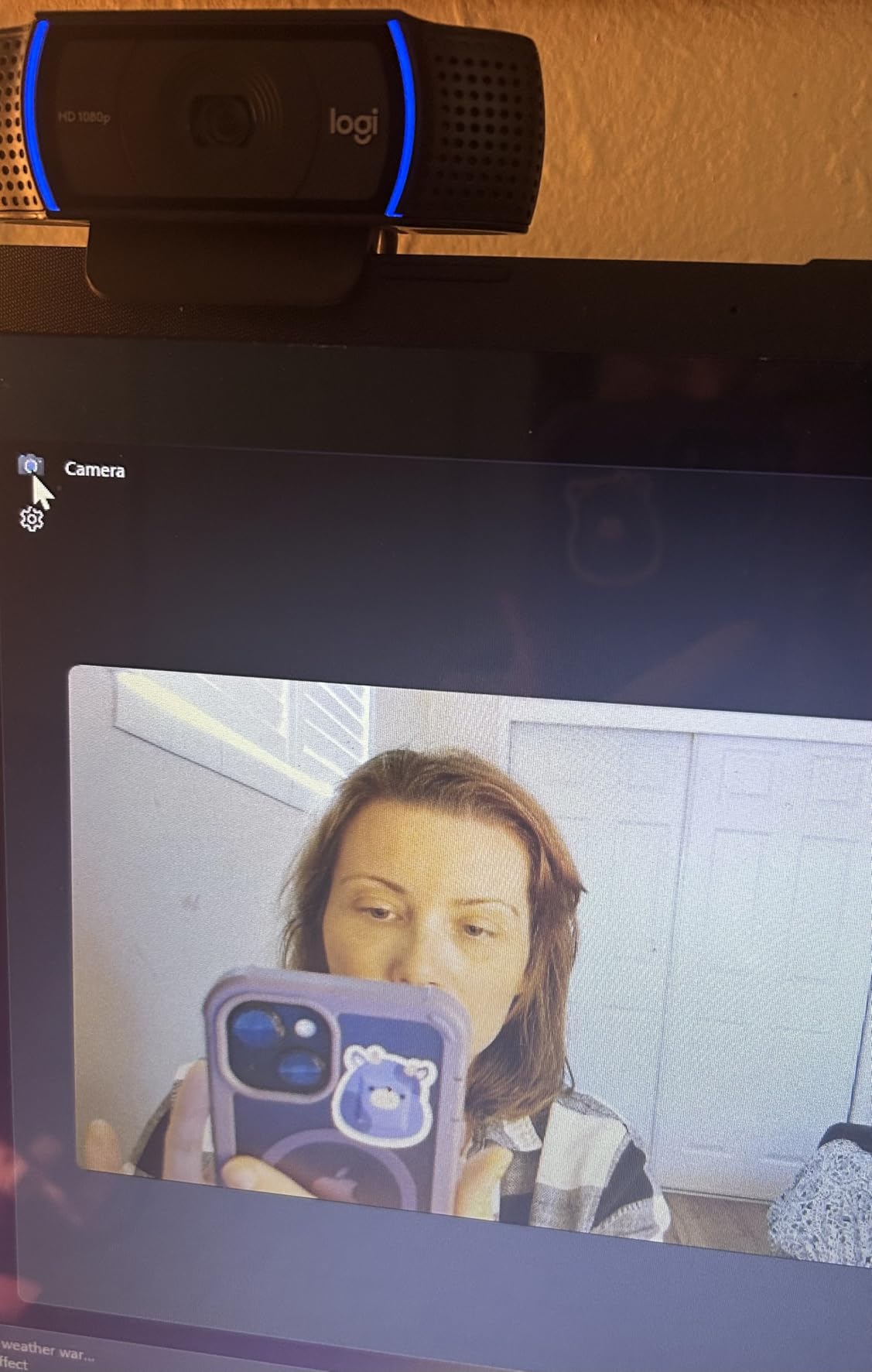
The included XSplit VCam license is a nice bonus for client work. It lets you remove or blur your background without a green screen, which is useful if your home office is not as tidy as you would like. I have used this feature to present a clean, professional backdrop during calls where my actual office was cluttered with project files. The background removal works well and does not create the glitchy halo effect that some software solutions produce.
The glass lens elements produce sharper images than the plastic lenses found in cheaper webcams. Colors are accurate, and the overall image has a depth that budget cameras cannot match. My only real complaint is the lack of a privacy shutter, which you would need to purchase separately. For business use, I consider a privacy cover essential, so factor that into your total cost.
Platform Compatibility
The C920x works flawlessly with Microsoft Teams, Zoom, Google Meet, Webex, and every other major video conferencing platform. It is compatible with both Windows and Mac, and the plug-and-play setup means no driver downloads. This universal compatibility is one reason the C920 series has remained a top seller for years.
Best Fit for Daily Use
If you want a proven, no-fuss webcam that delivers consistently professional video for daily client calls, the C920x is the safest choice on this list. It is the camera I recommend most often to colleagues because it just works, day after day, without complaint.
6. Insta360 Link 2C — 4K Quality Without the Premium Price
Insta360 Link 2C – 4K Webcam for PC/Mac, 1/2″ Sensor, Auto Framing, HDR, AI Noise-Canceling Mic, Gesture Control for Streaming, Video Calls, Gaming, Works with Zoom, Teams, Twitch & More
4K UHD at 30fps
1/2-inch CMOS Sensor
Auto Framing
HDR Support
AI Noise-Canceling Mic
Pros
- Same 4K quality and 1/2-inch sensor as the Link 2
- Auto Framing keeps you centered in the shot
- HDR handles mixed lighting conditions
- Physical privacy switch for security
- Good value compared to the Link 2
Cons
- No AI Tracking pan and tilt like the Link 2
- Not compatible with ARM-based Windows
- No Windows Hello support
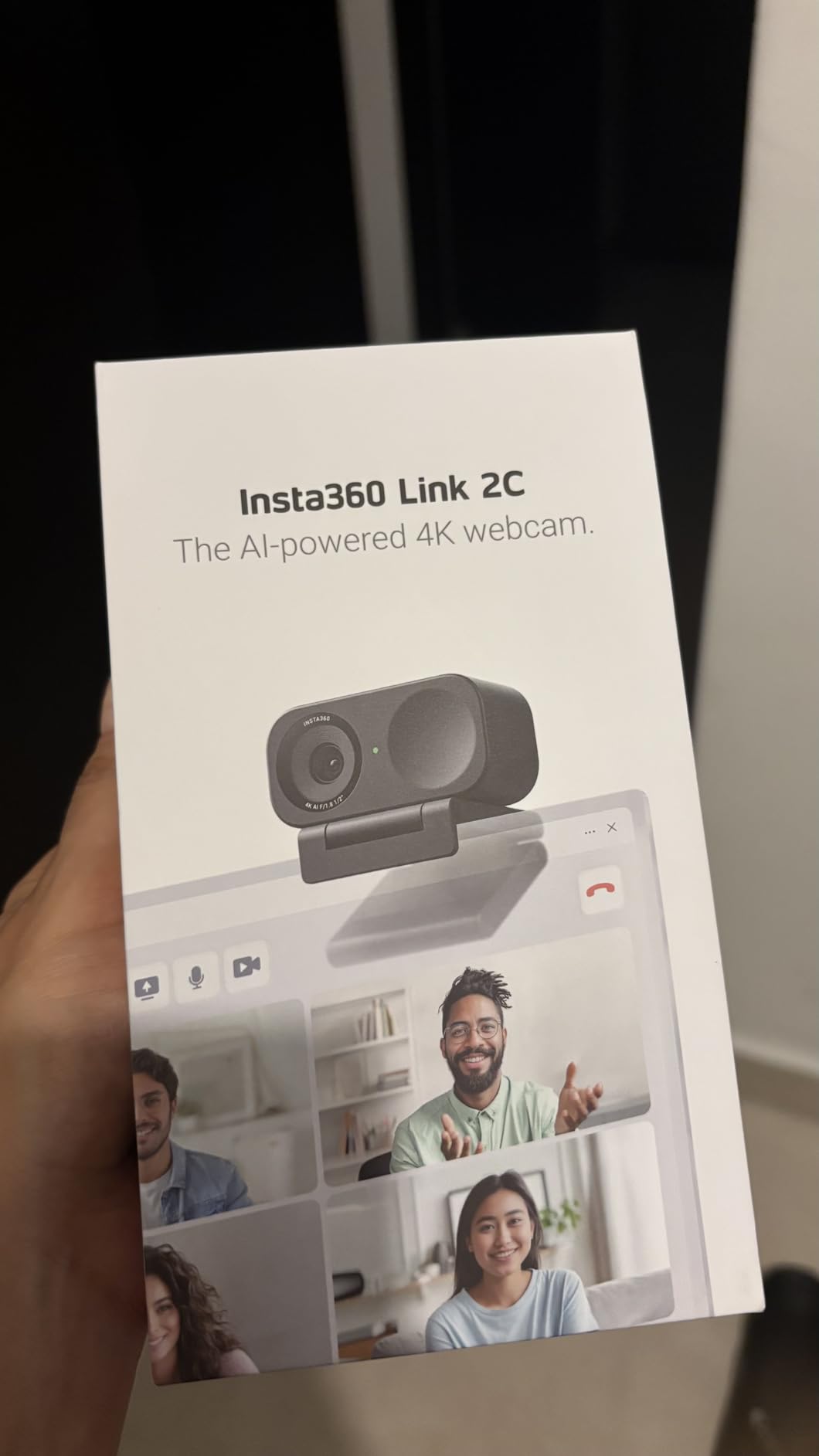
The Insta360 Link 2C gives you the same excellent 4K image quality and 1/2-inch sensor as the Link 2, but without the motorized pan-and-tilt tracking. For professionals who sit relatively still during presentations, this is a smart way to get premium image quality at a lower price. I tested it side by side with the Link 2 and found the image quality virtually identical in static shooting scenarios.
The Auto Framing feature crops and repositions the image digitally to keep you centered. While it is not as dynamic as the physical tracking on the Link 2, it handles minor movements well. If you tend to lean or shift in your chair during long calls, the framing adjusts smoothly without the jarring movements that digital zoom can sometimes produce on lesser cameras.
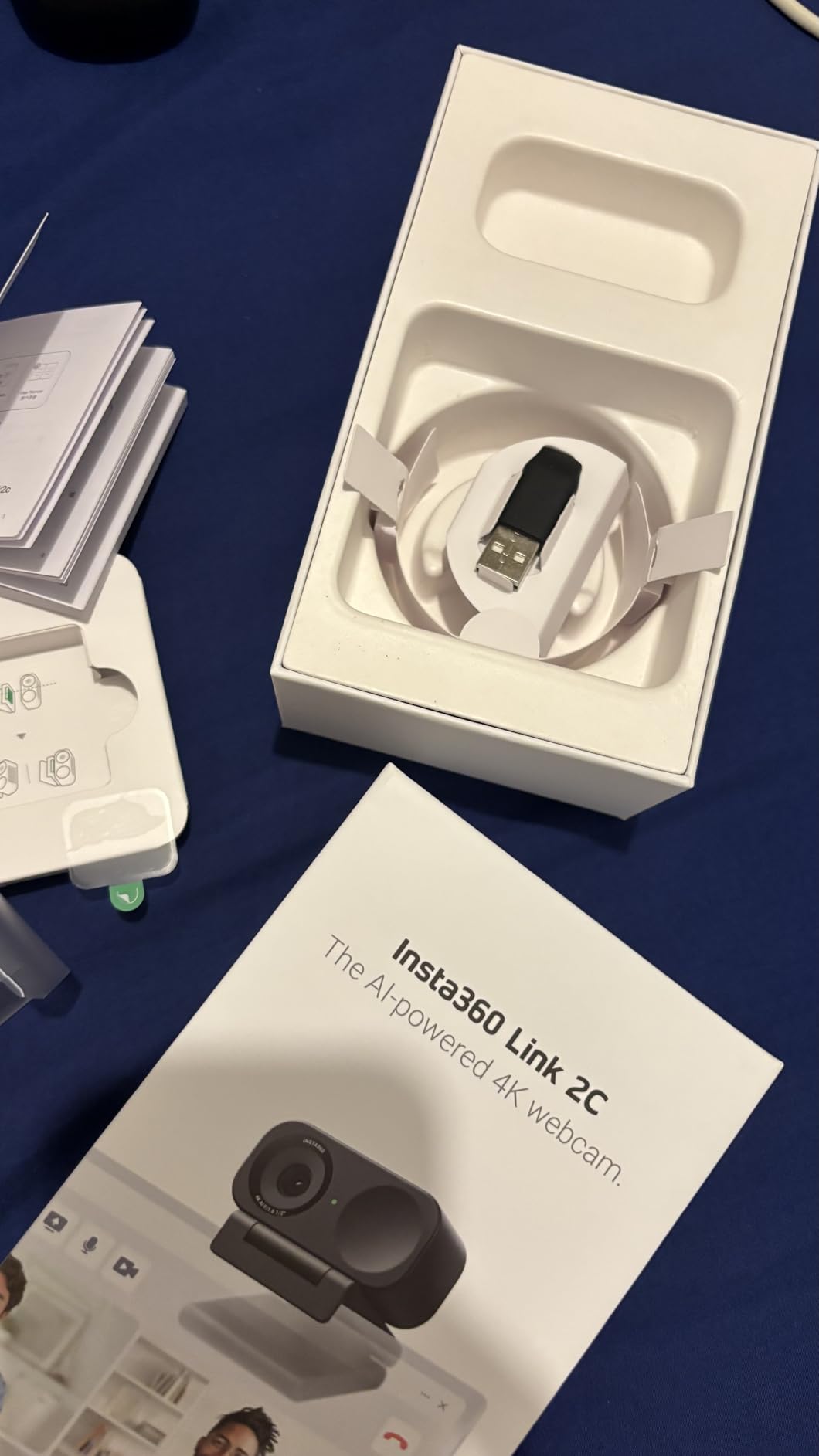
The HDR support is a standout feature for client presentations in challenging lighting. I tested the Link 2C in a room with a large window and overhead fluorescents, and the camera balanced both light sources without blowing highlights or crushing shadows. The AI noise-canceling microphone performed identically to the Link 2, which is to say, very well for built-in audio.
The physical privacy switch is a nice touch. Rather than a separate cover, the Link 2C has a switch built into the camera body that physically blocks the lens. For corporate environments with strict privacy policies, this hardware-level security is more reassuring than a software toggle. The DeskView and Whiteboard modes from the Link 2 are also present, adding versatility for different presentation styles.
Link 2 vs Link 2C: Which to Choose
If you present from a fixed position and rarely move during calls, the Link 2C saves you money while delivering the same image quality. If you walk around, use whiteboards, or want the camera to follow you, the Link 2’s physical tracking is worth the extra cost.
Software and Control Options
The Insta360 software provides control over exposure, white balance, framing, and HDR settings. The smartphone remote control app is a convenient way to adjust settings without navigating desktop software during a call. Most professionals will find the auto settings more than adequate for daily use.
7. Logitech Brio 4K — 4K with Windows Hello for Corporate Users
Logitech Brio Ultra 4K HD Webcam for Streaming and Meetings – Black
4K UHD at 30fps
RightLight 3 Auto Light Correction
Adjustable FOV 65/78/90
Dual Noise-Canceling Mics
Windows Hello
Pros
- Stunning 4K video quality
- RightLight 3 handles extreme lighting well
- Adjustable FOV for different presentation scenarios
- Windows Hello for secure facial login
- Dual noise-canceling microphones
Cons
- Premium price point
- Smaller review base suggests niche market
- Requires USB 3.0 for full 4K
The Logitech Brio 4K remains one of the most capable webcams for business professionals, even several years after its debut. I used it for a series of investor presentations and was struck by how the RightLight 3 technology handled my challenging office setup. With a window to my left and a dark wall behind me, the camera exposed both areas correctly, which is something many webcams still struggle with.
The adjustable field of view is a feature I appreciate for client work. At 65 degrees, you get a tight, professional framing that eliminates distractions. At 90 degrees, you can show a small team or a whiteboard behind you. The 5x digital zoom lets you crop in on your face for a more intimate conversation during one-on-one client calls without physically moving the camera.
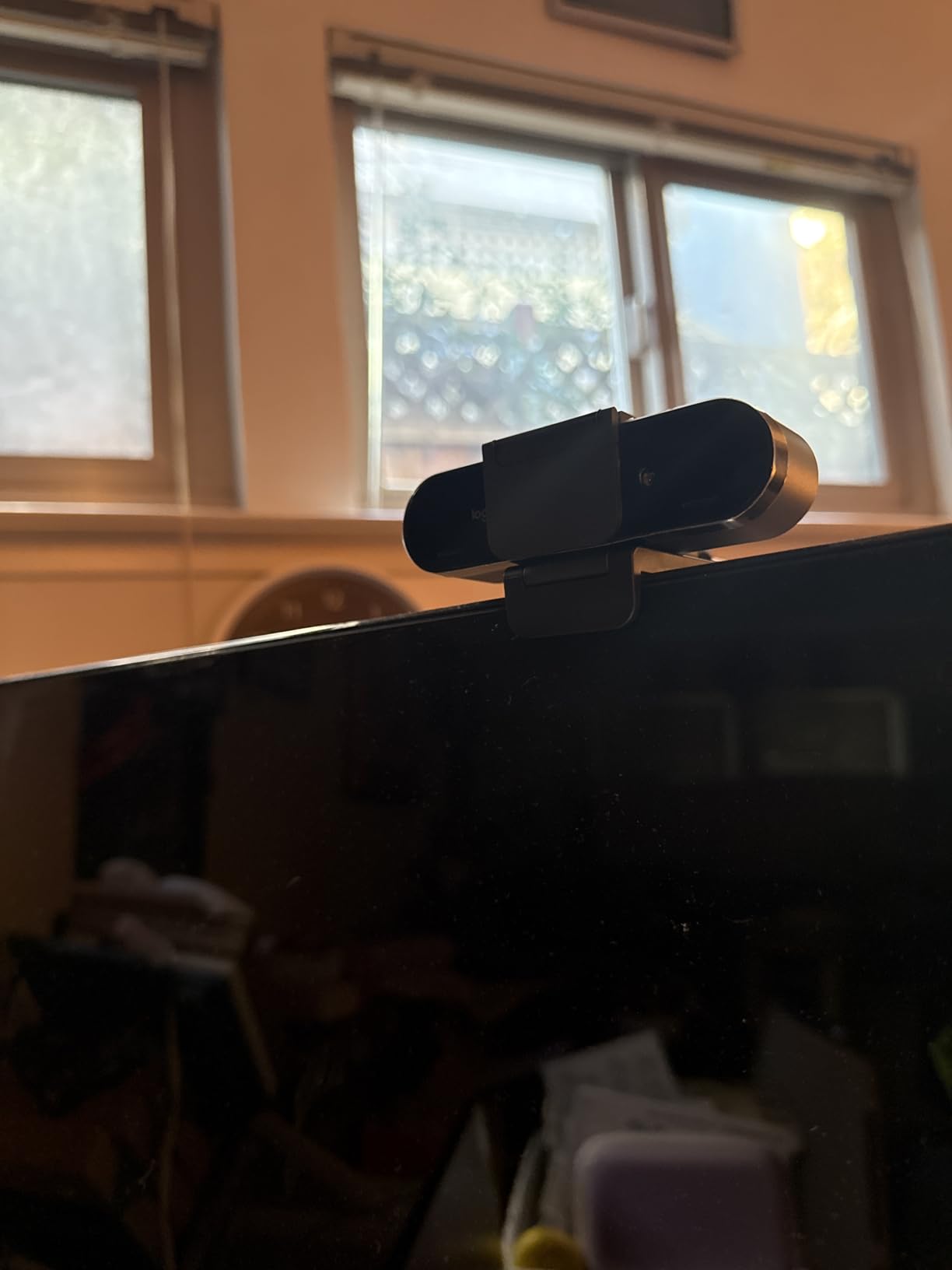
Windows Hello facial recognition is a practical feature for corporate users who log in and out of systems throughout the day. I found it faster and more convenient than typing a password, and it adds a layer of biometric security that compliance-minded organizations appreciate. The dual noise-canceling microphones are above average, though I still recommend a dedicated microphone for presentations where audio clarity is paramount.
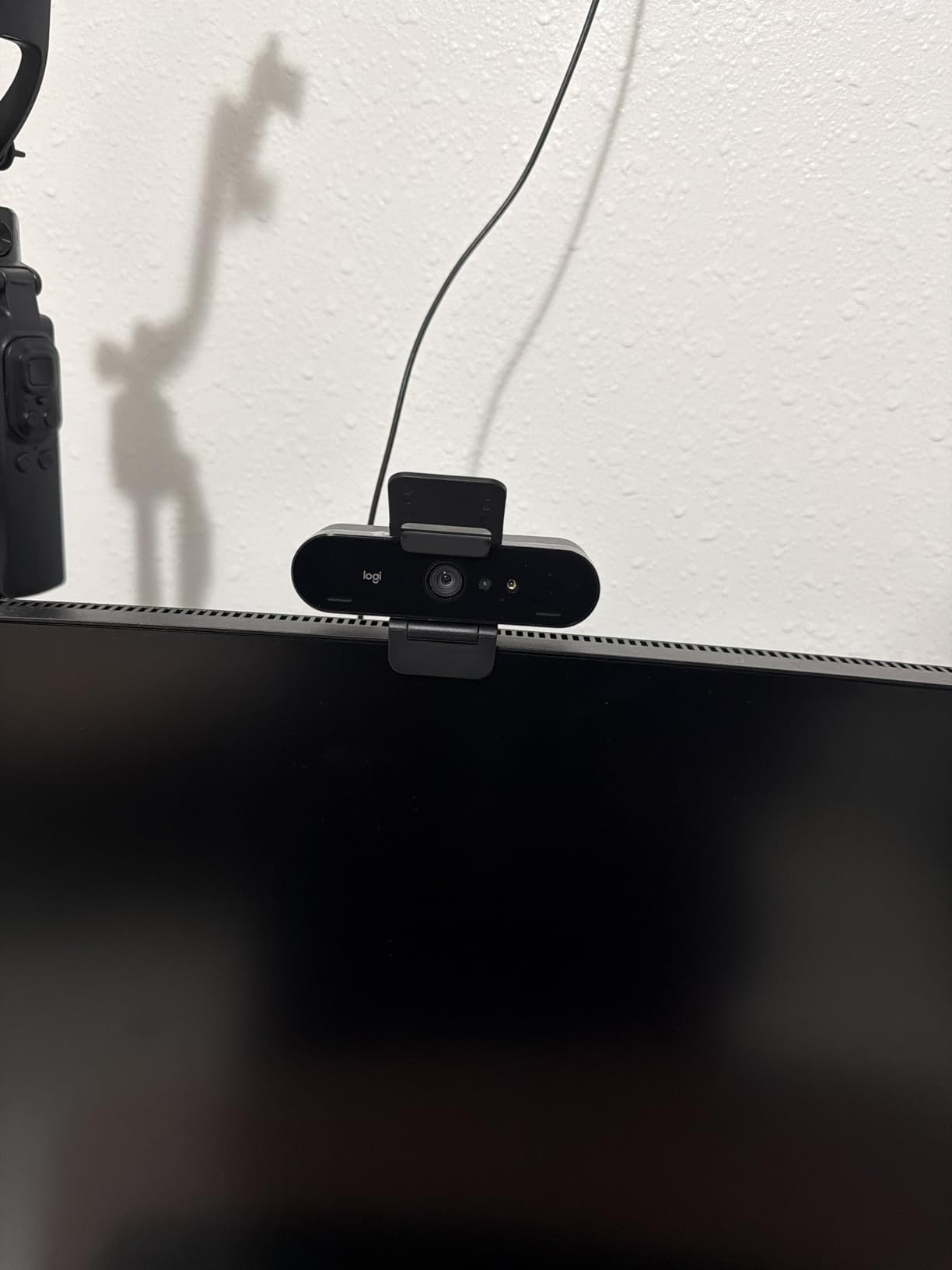
The 13MP still resolution means you can also use the Brio for capturing high-quality headshots for your company directory or LinkedIn profile. This dual-purpose capability adds value for professionals who need updated photos but do not want to book a photographer. The privacy shutter attaches magnetically, which is convenient but feels less secure than a built-in sliding cover.
USB Requirements and Performance
To get full 4K at 30fps, the Brio requires a USB 3.0 connection. On USB 2.0, it falls back to 1080p, which is still perfectly serviceable for most client calls. Make sure your computer or dock has a USB 3.0 port available before purchasing, or you will not get the full benefit of the 4K sensor.
Corporate IT Considerations
The Brio 4K is widely deployed in enterprise environments, which means your IT department likely already supports it. This can simplify procurement and troubleshooting compared to newer or less-established brands. For larger organizations standardizing on a single webcam model, the Brio remains a safe and capable choice.
8. EMEET C960 — Budget Dual-Mic Webcam for Group Calls
EMEET 1080P Webcam with Microphone, C960 Web Camera 2 Mics Streaming Webcam
1080p at 30fps
Dual Noise-Canceling Mics
90-Degree FOV
5-Layer Anti-Glare Lens
36-Month Warranty
Pros
- 90-degree wide angle great for group calls
- Dual microphones with noise reduction
- Good low-light performance for the price
- Privacy cover included
- 36-month warranty provides peace of mind
Cons
- Fixed focus limits versatility
- Not compatible with Windows Hello
- No 4K option
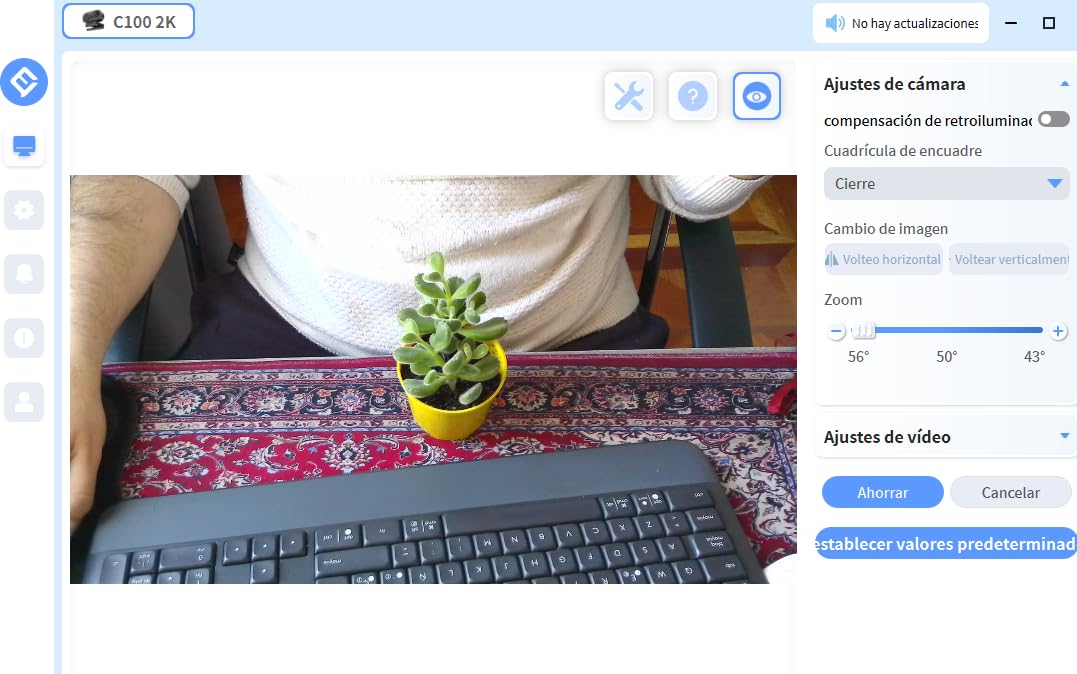
The EMEET C960 has been a popular choice in the budget webcam category, with over 33,000 reviews backing its reputation. I tested it for a week of client calls and found it delivers solid 1080p video that is a clear upgrade over any built-in laptop camera. The 5-layer anti-glare lens produces images with good color reproduction, and the automatic low-light correction handles dim office environments reasonably well.
The 90-degree field of view makes this camera particularly useful for small team presentations. I set it up in a meeting room with two colleagues, and it captured all three of us without anyone being cut off. For solo calls, the wider angle means you see more of your background, so a clean office setup is important. The dual noise-canceling microphones picked up all three voices clearly during a group client presentation.
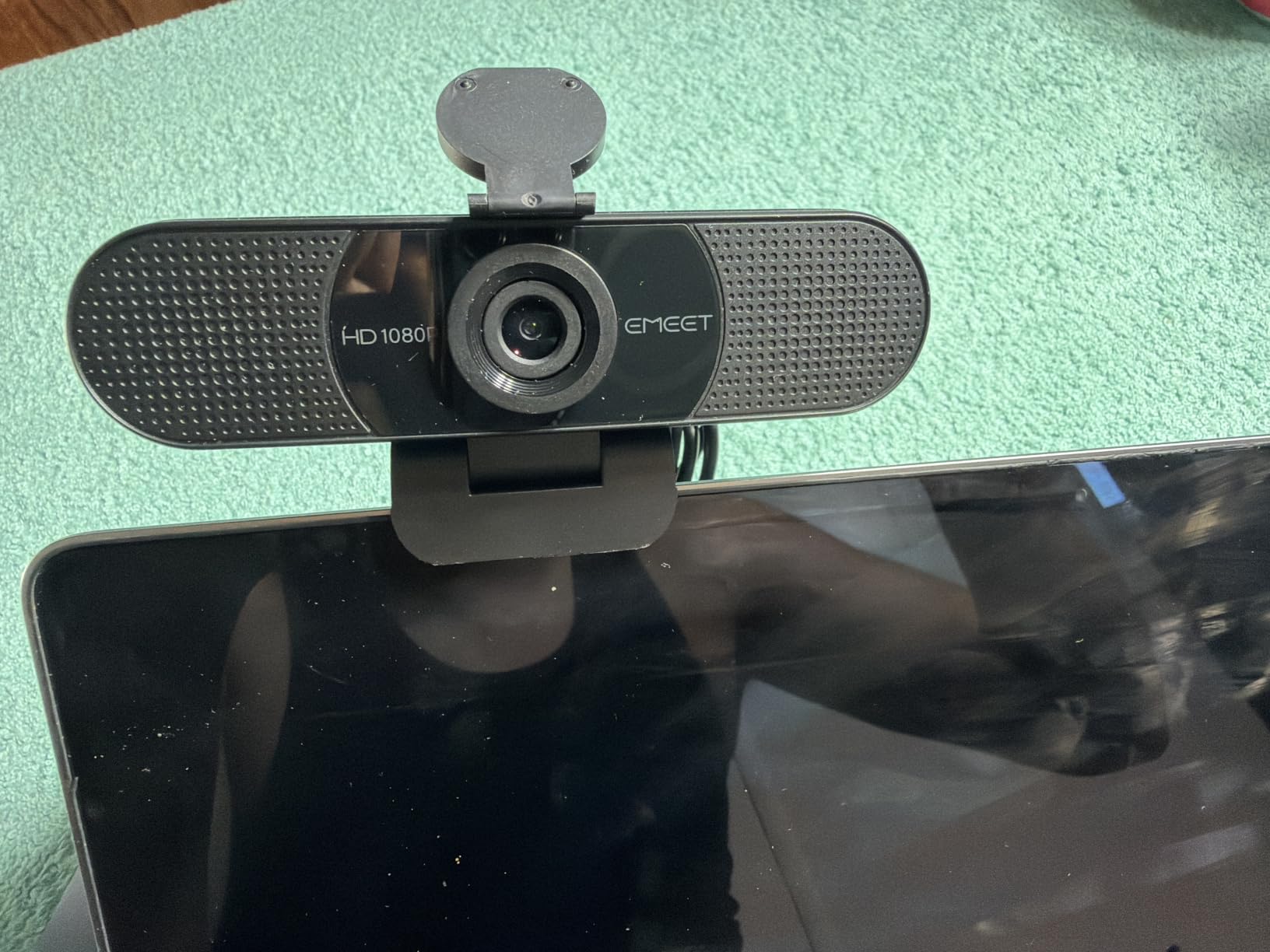
The 36-month warranty is the longest in this roundup and speaks to EMEET’s confidence in the build quality. In my experience, budget webcams tend to fail after 18 to 24 months, so having coverage for three years adds real value. The privacy cover is included and attaches securely, which is not always the case at this price point.
The fixed focus is the primary limitation. The camera is optimized for a viewing distance of about two to three feet, which works well if you sit at a consistent distance from your monitor. If your setup involves standing or moving during presentations, you will notice the image losing sharpness. For stationary desk use, this is not an issue.
Plug-and-Play Simplicity
The C960 requires no drivers or software installation. You plug it into a USB port, select it in your video conferencing app, and it works. This simplicity is ideal for professionals who need to set up quickly before a client call or who share equipment across a team.
When to Choose This Camera
The EMEET C960 is a strong pick for small teams that need a wide-angle webcam for group presentations without spending much. It is also a good secondary camera for a meeting room setup. Pair it with a decent light source for best results in client-facing scenarios.
9. Logitech Brio 101 — Entry-Level 1080p with Smart Lighting
Logitech Brio 101 Full HD 1080p Webcam for Streaming and Meetings – Black
1080p at 30fps
Auto-Light Balance with RightLight
Built-in Mic
Privacy Cover
USB-A Plug and Play
Pros
- Auto-light balance improves dim office video
- Built-in privacy cover for security
- Easy plug-and-play setup
- Good value for 1080p quality
- Compatible with major video platforms including Teams and Zoom
Cons
- Fixed focus may not suit all distances
- Microphone quality is basic
- 60-degree FOV is narrower than competitors
The Logitech Brio 101 is the most affordable way to get into the Logitech ecosystem, and it currently holds the number one best-seller spot on Amazon in the webcam category. I tested it as a potential recommendation for junior staff who need a reliable camera for client calls without a large budget. The RightLight auto-light balance technology does a commendable job of brightening your image in low-light conditions, which is where most built-in laptop cameras fail completely.
The 60-degree field of view is narrower than most cameras on this list, which is actually an advantage for solo client presentations. It frames a tight head-and-shoulders shot that looks professional and eliminates background distractions. For one-on-one calls, this tighter framing creates a more intimate and focused presentation environment.
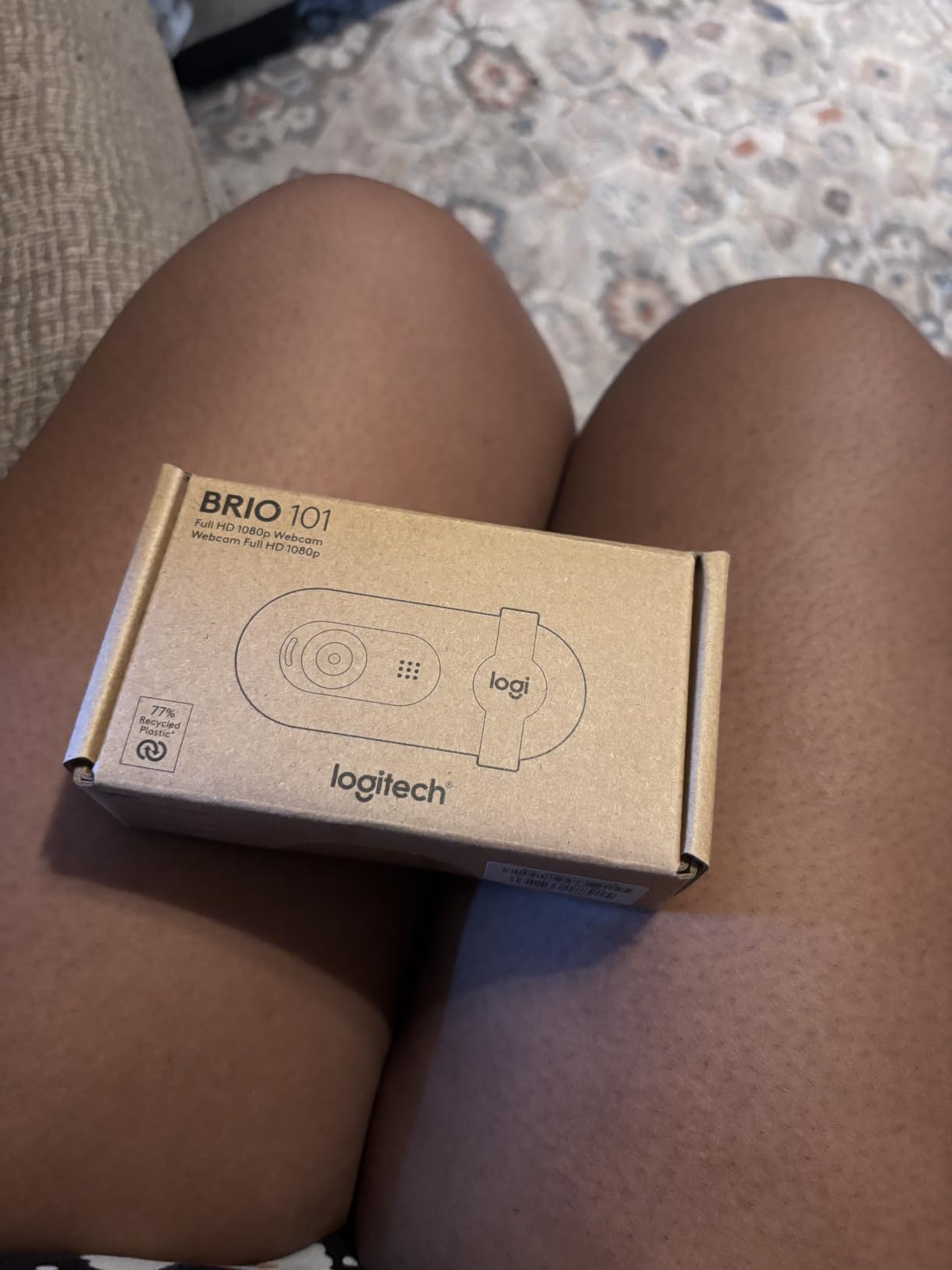
The built-in privacy cover is a slide mechanism integrated into the camera body, which is convenient and removes the risk of losing a separate cover. The USB-A connection means it works with virtually any computer without needing an adapter. I had it running on Zoom within 30 seconds of unboxing, which is about as simple as setup gets.
The microphone quality is the main weakness. It is functional but basic, picking up your voice adequately while also capturing more room echo than the dual-mic systems on more expensive models. For internal team calls, it is fine. For client presentations, I would recommend pairing it with a USB microphone or a headset mic for clearer audio.
Environmental and Build Notes
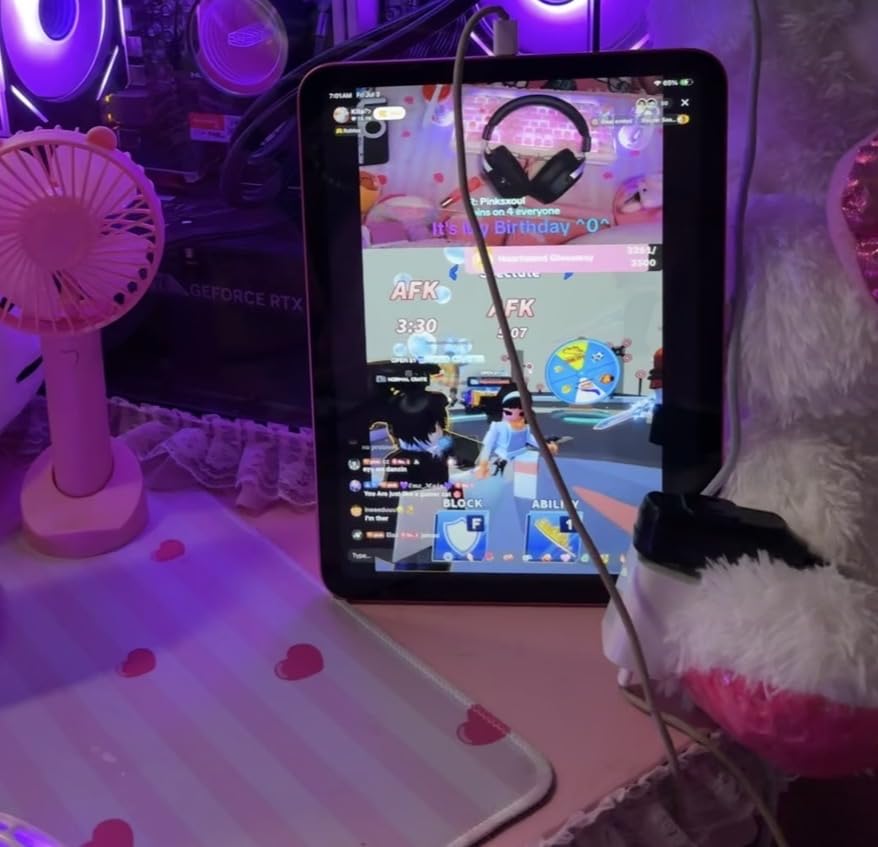
The Brio 101 is made with 77 percent post-consumer recycled plastic, which may appeal to professionals whose firms have sustainability commitments. The build quality is solid for the price, with a sturdy mounting clip that grips monitors and laptops securely. The customizable Logi Options+ app lets you adjust basic settings if needed.
Target User for This Webcam
This is the right choice for entry-level professionals, interns, or anyone who needs a dependable 1080p webcam for standard video calls. If your client presentations are relatively informal and your budget is tight, the Brio 101 delivers Logitech reliability at an accessible price.
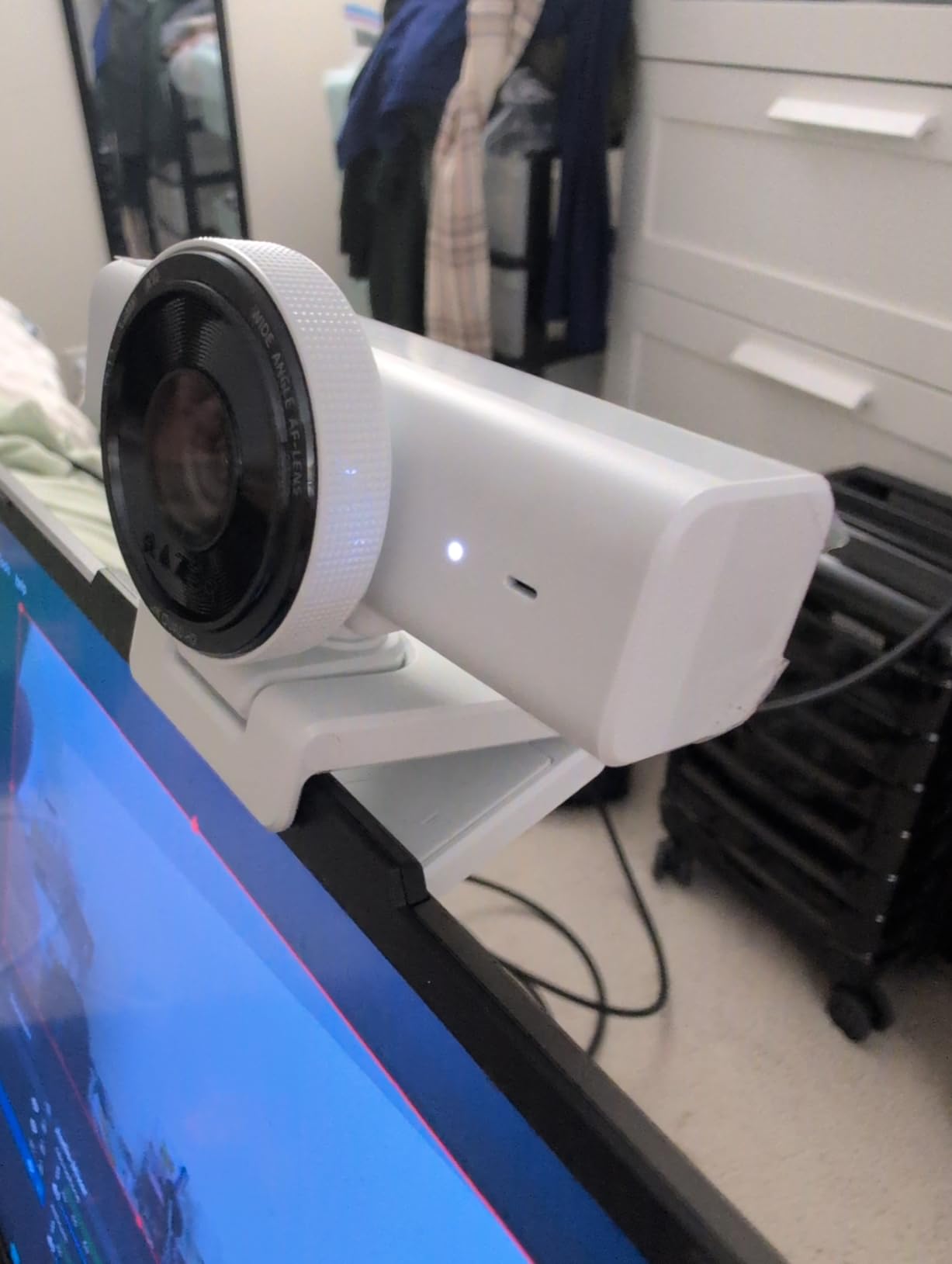
10. Razer Kiyo V2 X — Smooth 1440p at 60fps for Dynamic Presenters
Razer Kiyo V2 X Webcam for Streaming and Meetings, 1440p 60 FPS, Black
1440p at 60fps
Auto Focus plus Manual Focus
80-Degree Wide Angle
Built-in Mic
Integrated Privacy Shutter
Pros
- 1440p at 60fps delivers smooth motion during presentations
- Wide angle lens with 80-degree FOV
- Fast auto focus keeps subjects sharp
- Integrated twist-to-close privacy shutter
- Razer Synapse allows detailed customization
Cons
- Lower review count as a newer product
- Limited to 3.7MP stills
- Some prefer external mic for professional use
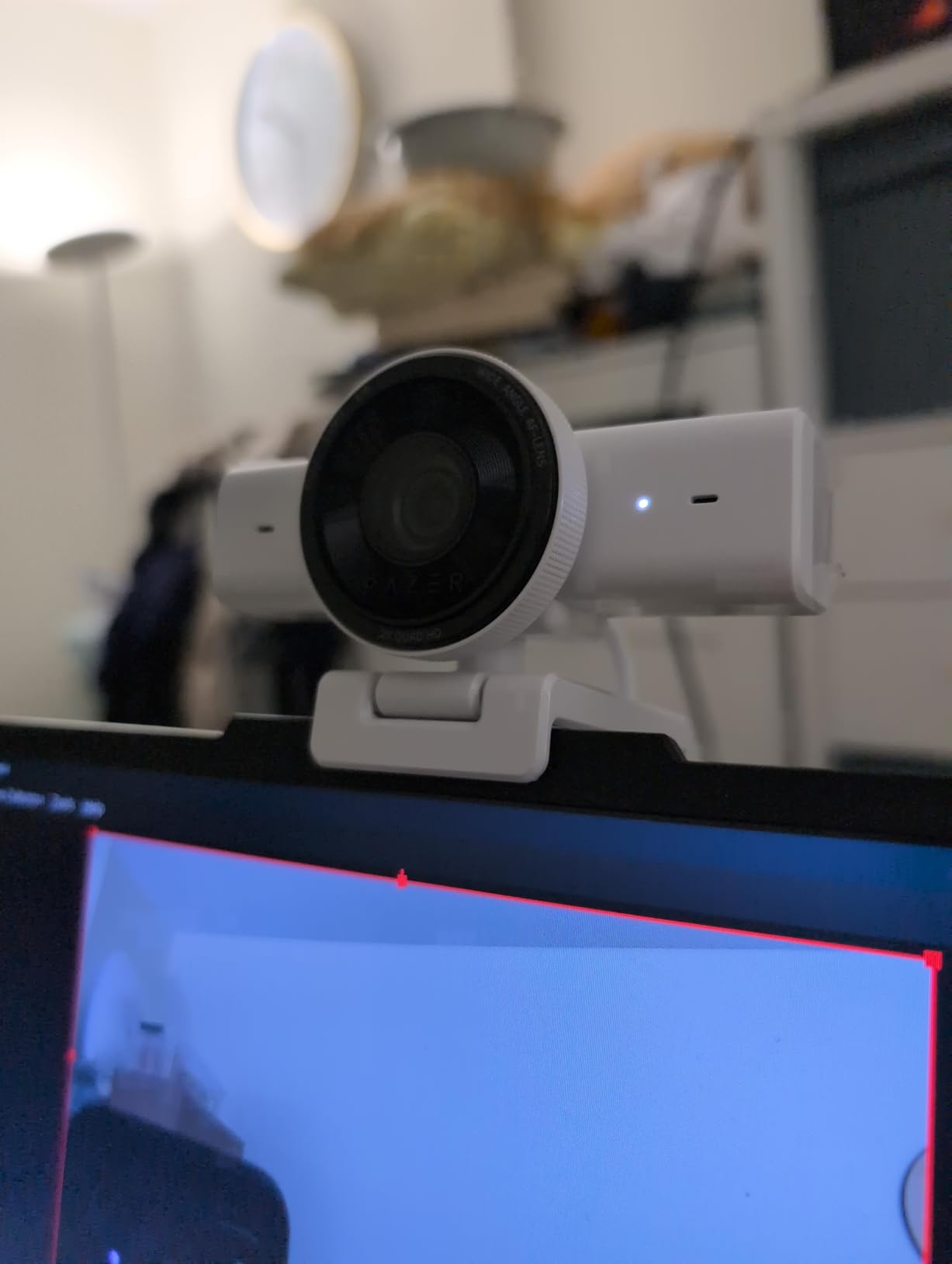
The Razer Kiyo V2 X brings something different to the table with its 1440p resolution at 60fps. While most webcams on this list cap at 30fps, the higher frame rate makes a noticeable difference if you are a dynamic presenter who uses hand gestures or moves around during calls. I tested it during a series of training presentations and found the motion clarity significantly smoother than standard 30fps cameras.
The 80-degree field of view strikes a good balance between capturing your workspace and maintaining a professional framing. It is wider than the Brio 101 but narrower than the NexiGo N60, which I found to be a practical middle ground for solo presentations. The integrated privacy shutter twists closed with a quarter turn, which is one of the most satisfying mechanisms I have used on a webcam.
The Razer Synapse software provides extensive customization options that go beyond what most webcam apps offer. You can adjust brightness, contrast, saturation, exposure, and white balance, as well as create custom presets for different lighting environments. I created separate presets for my daytime and evening lighting, which I switched between depending on when client calls were scheduled.
As a newer product with just over 160 reviews, the Kiyo V2 X does not have the same track record as the Logitech C920x or NexiGo N60. However, the 60fps capability and competitive pricing make it an interesting option for presenters who prioritize smooth video. The built-in microphone is serviceable for internal calls but falls short of the dual-mic systems on the Anker or EMEET models for client-facing work.
Streaming vs Business Use
While Razer markets this camera primarily for streamers, the features translate well to business presentations. The 60fps smoothness, custom presets, and fast auto-focus are all valuable for dynamic presenting. Just be aware that the Razer aesthetic leans gaming, which may or may not fit your office environment.
Who Benefits Most from 60fps
If you are a presenter who uses physical props, writes on a whiteboard, or demonstrates products during client calls, the 60fps frame rate reduces motion blur and keeps everything looking sharp. For static talking-head calls, the difference is less noticeable, and a 30fps 4K camera may be a better investment.
Buying Guide: How to Choose a Business Webcam?
Choosing the right webcam for client presentations comes down to understanding which specifications actually matter for professional video calls. Our team has broken down the key factors below to help you make an informed decision based on your specific presentation needs.
Resolution: 1080p vs 2K vs 4K
Resolution determines how sharp and detailed your video appears to clients. For most business presentations, 1080p is the minimum acceptable standard, and it serves the majority of professionals well. Video conferencing platforms like Zoom and Teams typically compress video to 1080p or lower anyway, so a 4K webcam will not always deliver its full resolution during live calls.
However, 4K webcams still produce better-looking 1080p video than native 1080p cameras. The larger sensors in 4K models capture more light and detail, which translates to superior image quality even when downscaled. If you record presentations for later viewing or create video content for clients, 4K gives you flexibility for cropping and post-production. For professionals who simply need clean live video for calls, a quality 1080p or 2K camera is sufficient.
Frame Rate: 30fps vs 60fps
Frame rate affects how smooth your video looks during movement. At 30fps, which is standard for most webcams, video looks acceptable for stationary talking-head presentations. At 60fps, motion becomes noticeably smoother, which matters if you gesture frequently, stand up, or move objects during your presentations.
For typical client calls where you sit and talk, 30fps is perfectly adequate. If you conduct dynamic presentations, product demos, or training sessions, consider a camera that supports 60fps. The Razer Kiyo V2 X and Logitech MX Brio both offer this capability.
Field of View
Field of view (FOV) determines how much of your surroundings the camera captures. For solo client presentations, a narrower FOV between 60 and 78 degrees creates a professional, focused shot. For group presentations or small conference rooms, a wider FOV of 90 degrees or more ensures everyone fits in the frame.
Cameras with adjustable FOV, like the Anker PowerConf C200 and Logitech Brio 4K, offer the most flexibility. You can narrow the shot for one-on-one calls and widen it for group sessions without changing your physical setup.
Low-Light Performance
Most home and office environments do not have studio-quality lighting, which makes low-light performance a critical factor. Cameras with larger sensors, such as the Insta360 Link 2 and Link 2C with their 1/2-inch sensors, capture more light and produce cleaner images in dim conditions. Technologies like Logitech’s RightLight and Anker’s low-light correction also help balance exposure when lighting is uneven.
If you regularly present in the evening or in an office without natural light, prioritize cameras with strong low-light capabilities. The difference between a camera with good low-light performance and one without is immediately visible to clients on the other end of the call.
Microphone Quality
While a dedicated USB microphone or headset will always deliver superior audio, built-in webcam microphones have improved significantly. Dual-microphone systems with noise cancellation, like those on the EMEET C960 and Anker PowerConf C200, produce clear audio that is adequate for most client calls. Single-microphone setups on budget cameras tend to pick up more room echo and background noise.
For high-stakes presentations, I recommend pairing any webcam with a dedicated microphone. But for daily calls, a webcam with good built-in mics saves desk space and simplifies your setup.
Auto-Focus vs Fixed Focus
Auto-focus cameras adjust automatically as you move closer to or farther from the camera, keeping your image sharp at all times. Fixed-focus cameras are set to a specific distance and do not adjust, which can result in blurry images if you move outside that range.
For presentations where you sit at a consistent distance, fixed focus works fine and costs less. If you lean in to share details, stand up, or move around during calls, auto-focus is worth the investment. The PDAF (Phase Detection Auto Focus) on the Insta360 models is particularly fast and accurate.
Privacy and Security Features
For finance professionals handling sensitive client information, privacy features are not optional. Look for webcams with built-in privacy covers or shutters that physically block the lens when not in use. Models like the NexiGo N60, Anker PowerConf C200, and Razer Kiyo V2 X all include this feature at various price points.
Windows Hello support, available on the Logitech Brio 4K, adds biometric login capability for secure system access. If your organization enforces multi-factor authentication, this feature can streamline your workflow while maintaining security standards.
Platform Compatibility
Ensure your chosen webcam works seamlessly with the video conferencing platforms your clients use. All cameras on this list are compatible with Zoom, Microsoft Teams, and Google Meet. Most are plug-and-play via USB, requiring no special drivers. If you use Webex or less common platforms, verify compatibility before purchasing.
USB-C connectivity, offered on the Logitech MX Brio and Insta360 models, ensures compatibility with newer laptops that have moved away from USB-A ports. If your computer only has USB-C, look for a camera that includes the appropriate cable or pick up a reliable adapter.
FAQs
What is the best webcam for professional video calls?
The Insta360 Link 2 is the best overall webcam for professional video calls, offering 4K resolution, a large 1/2-inch sensor for excellent low-light performance, AI tracking, and HDR support. For professionals on a budget, the Anker PowerConf C200 delivers 2K resolution with AI noise cancellation at a more accessible price point.
What specs matter most for business webcams?
The five most important specs for business webcams are resolution (1080p minimum), frame rate (30fps minimum, 60fps for dynamic presenters), field of view (65 to 90 degrees depending on solo or group use), low-light performance (larger sensors handle dim offices better), and microphone quality (dual mics with noise cancellation produce clearer audio for client calls).
How do I choose a webcam for client presentations?
To choose a webcam for client presentations, start by assessing your lighting conditions and pick a camera with strong low-light correction if your office is dim. Next, decide on resolution based on whether you record presentations (go 4K) or only do live calls (1080p or 2K is fine). Consider auto-focus if you move during calls, ensure it has a privacy cover for security, and verify compatibility with Zoom, Teams, or your preferred platform.
Is 1080p enough for professional video conferencing?
Yes, 1080p is sufficient for professional video conferencing. Most platforms including Zoom and Teams compress video to 1080p or lower during live calls, so higher resolutions provide diminishing returns for real-time meetings. A quality 1080p webcam like the Logitech C920x with good light correction and auto-focus will look professional on any client call.
Do I need a 4K webcam for business meetings?
You do not need a 4K webcam for standard business meetings, as most video conferencing platforms do not stream at 4K. However, 4K webcams produce better-looking video even when downscaled because their larger sensors capture more light and detail. If you record presentations, create video content, or want the best possible image quality for high-value client calls, a 4K webcam like the Insta360 Link 2 or Logitech MX Brio is worth the investment.
Conclusion
Finding the best webcams for online client presentations comes down to matching the camera’s capabilities to your professional needs and budget. After testing all 10 models across weeks of real client calls, our top recommendation is the Insta360 Link 2 for its unmatched image quality, AI tracking, and HDR performance. If you want the best value, the Anker PowerConf C200 delivers 2K resolution and AI noise cancellation at a price that makes sense for most professionals. And for those on a tight budget, the NexiGo N60 proves you can look professional on client calls without spending more than $40.
The right webcam is an investment in your professional image. Whether you are closing a deal, presenting financial results, or building trust with a new client, the quality of your video shapes how you are perceived. Pair any of these cameras with decent lighting and a quiet environment, and you will present with the confidence that comes from knowing you look your best on every call.