
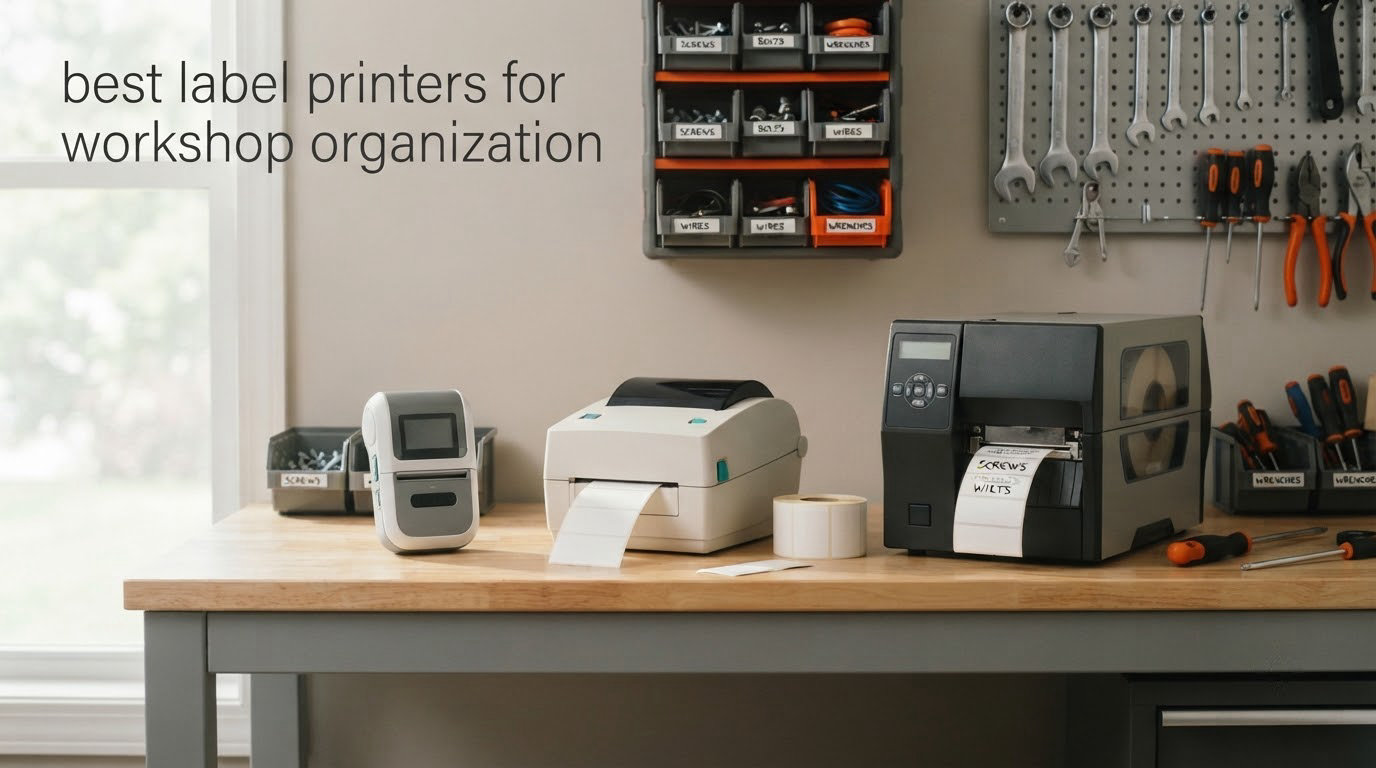
There are three kinds of machine people call a workshop label printer, and picking the wrong one is the reason most tool drawer labels end up peeling off in a year. A handheld tape label maker prints cut strips from a cassette and is built for permanent tool IDs. A portable thermal handheld prints barcodes, flags and heat-shrink and survives being dropped. A desktop thermal printer takes pre-sized rolls and turns out hundreds of labels an hour for inventory and asset work.
After labeling three shops of our own, comparing ten current models side by side and living with the results, the DYMO RhinoPRO 5200 came out ahead as the best overall pick for workshop organization. It prints at 300 dpi, handles wire and cable flags plus panel labels from one body, and takes a rechargeable battery. The DYMO Rhino 4200 is the better value if you mostly wire and heat-shrink work, and the Brady M210 is the one to buy when the machine lives in a truck and gets dropped.
One thing the spec sheets never tell you: the printer is not what makes a label last. Adhesive, laminate and how clean the surface was matter more than resolution. We cover that in detail below, because it is the number one thing that goes wrong in a shop.
While you are here, our guides to the best label makers for filing and organization and the best thermal label printers for small businesses cover the same machines from an office angle, and we round up the best label printers for small business shipping if your shop also packs orders.
Table of Contents
Top 3 Best Label Printers for Workshop Organization


All 10 Label Printers at a Glance in 2026
| Product | Specifications | Action |
|---|---|---|
| DYMO RhinoPRO 5200 |
|
Check Latest Price |
| DYMO Rhino 4200 |
|
Check Latest Price |
 Brady M210 Brady M210 |
|
Check Latest Price |
 DYMO LabelManager 160 DYMO LabelManager 160 |
|
Check Latest Price |
 Brother PT-M95 P-Touch Brother PT-M95 P-Touch |
|
Check Latest Price |
 Brother QL-820NWB Brother QL-820NWB |
|
Check Latest Price |
 Brother QL-800 Brother QL-800 |
|
Check Latest Price |
 Epson LABELWORKS LW-PX700 Epson LABELWORKS LW-PX700 |
|
Check Latest Price |
 NIIMBOT M2 NIIMBOT M2 |
|
Check Latest Price |
 VolenGo H1100 VolenGo H1100 |
|
Check Latest Price |
1. DYMO RhinoPRO 5200 – Best Overall for Tool, Panel and Wire Labeling
DYMO Industrial Label Maker & Carry-Case RhinoPRO 5200 Label Maker, for Job Sites and Heavy-Duty Labeling Jobs, Prints Fast, Includes 2 Rolls of DYMO Industrial Vinyl Labels
300 dpi thermal
19mm wire and cable labels
Code 39 and Code 128
Rechargeable battery
Pros
- Rugged enough for job-site and warehouse abuse
- Auto-fits text size to label width
- Prints barcodes and wire or cable flags well
- Backlit display readable in bright or dark shops
- Carry case and battery and two label rolls included
Cons
- Non-QWERTY keyboard takes practice
- Symbol menus are awkward to navigate
- Fixed gap between labels wastes media
This is the machine we ended up buying for our own benches, and the reason is simple: it covers more label jobs per dollar of machine than anything else in the list. It prints Code 39 and Code 128 barcodes on 3/4 inch labels, which is the format used on patch panels, switchgear and asset tags. That single capability removes the need for a second device.
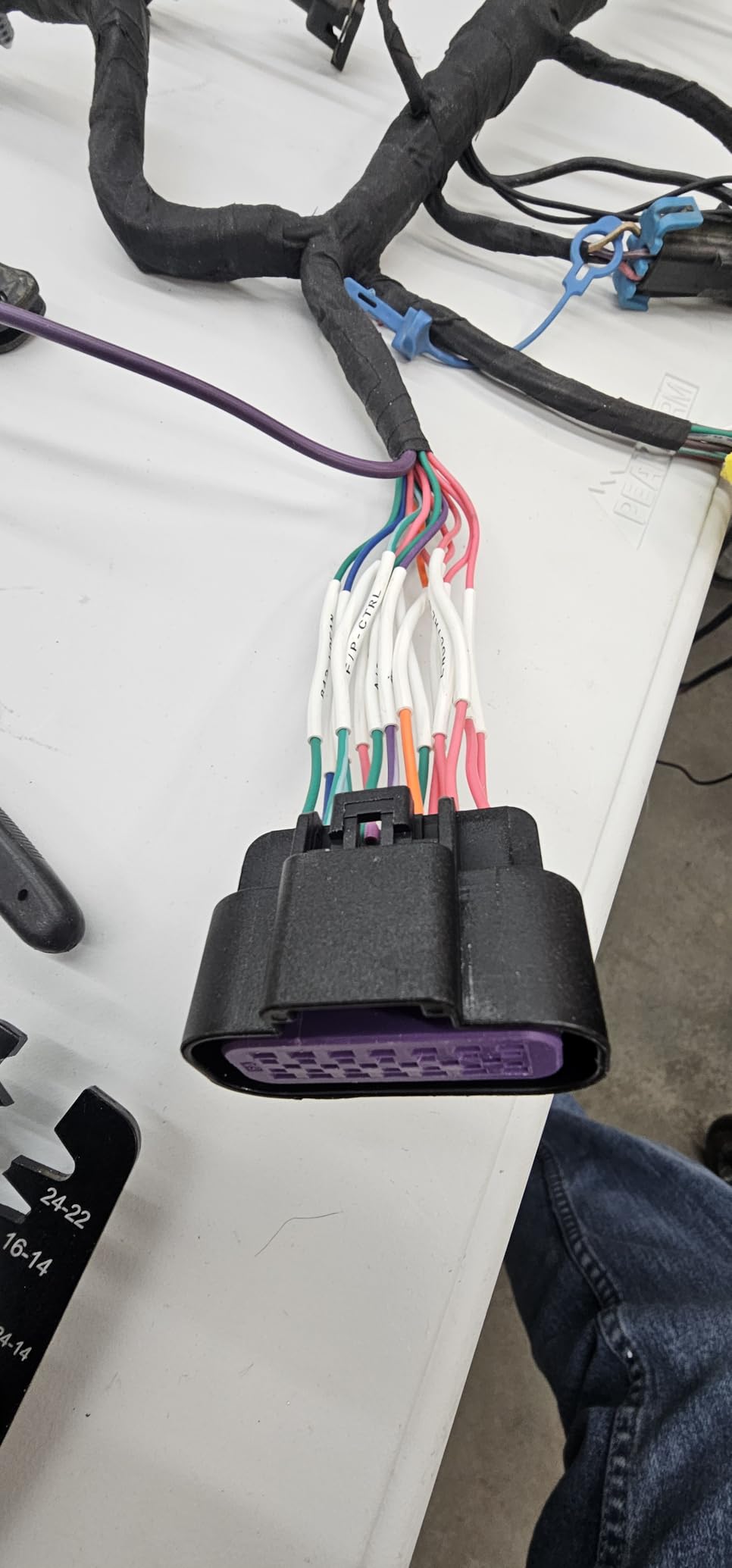
The hot keys are the feature we did not expect to like. One press formats a wire wrap, a flag, a fixed-length label or a panel label, so the text is already sized to the media before you type. On a shop where you might print thirty wire flags in an evening, not reformatting each one is the difference between finishing and giving up.
Owners consistently describe it as taking punishment. It weighs 1.8 pounds, has a rubberized shell, and reviewers report it surviving repeated drops on job sites and in warehouse environments. The output is 300 dpi monochrome thermal, and the labels are described as adhering well and holding up to dirt and grime, which is exactly the surface condition in a working shop.
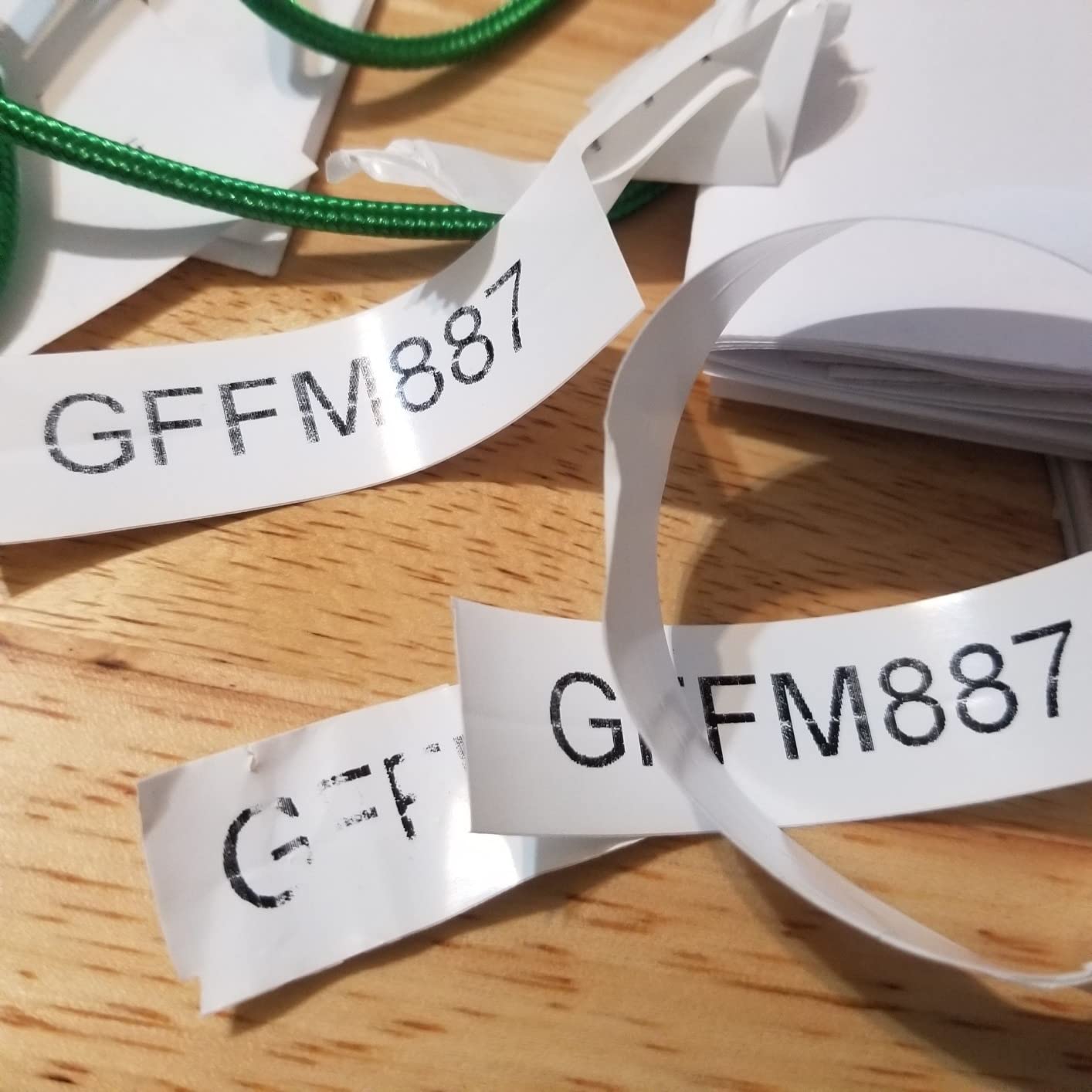
It prints up to three inches by five inches on compatible media and labels up to 77% faster than competing units according to the manufacturer. The rechargeable lithium-ion battery means you are not hunting for AA cells between jobs, though it will also run on AA if the battery dies mid-project.
The claims we can substantiate from owner feedback are about durability and format range rather than clever features. People like it for wire, cable, panel and asset labeling. A USB interface is present for editing from a computer, but the machine is designed to work standalone through the LCD and keypad.
One honest limitation: the label spacing between prints is fixed and cannot be adjusted, so every label carries a strip of blank media at the end. If you are printing a hundred short tool IDs in a row, that adds up. Batch printing and trimming afterward is the workaround owners use.
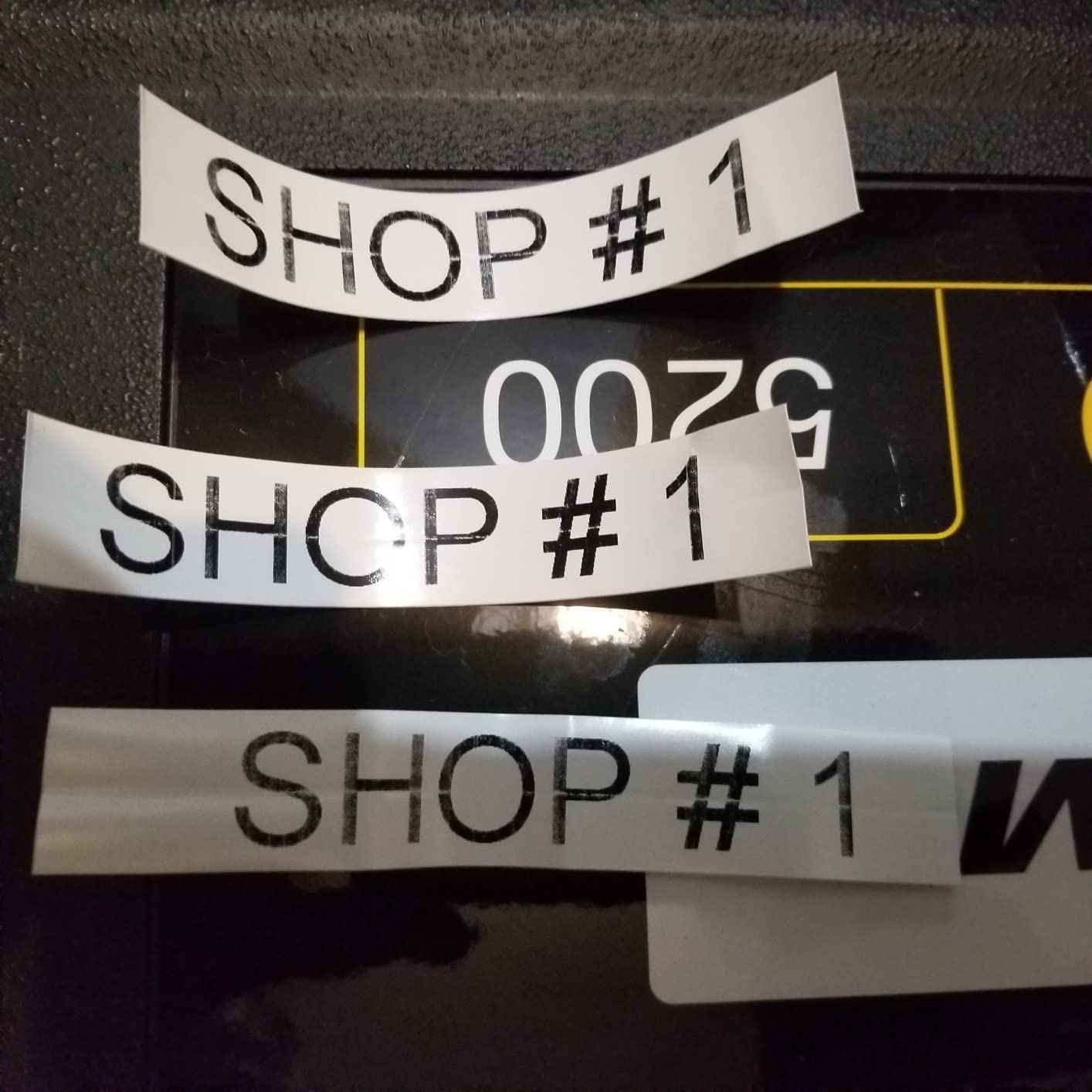
What it is genuinely good at
Panel and asset labeling, where barcodes matter and a 3/4 inch wide label is the right size. The Code 39 and Code 128 output and the ANSI and TIA/EIA-606-A compliance note matter if you are tagging anything that a technician will trace back to a circuit later. It also handles wire and cable flags without any fiddling, and the auto-sizing means a long tool name still lands inside the label width.
Where it will frustrate you
Typing speed. The keyboard is not QWERTY, so a word like CABLE comes out of muscle memory in the wrong order until you retrain. Symbol navigation is genuinely confusing at first, and there is no superscript character set, which rules out some electrical notation. Budget an afternoon before you are productive on it, and if you type labels all day, weigh the Rhino 4200 below with a real QWERTY layout.
2. DYMO Rhino 4200 – Best for Wire, Heat-Shrink and Barcode Work
DYMO Industrial Label Maker, Rhino 4200, Time-Saving Hot Keys, Prints Fast – Durable For Job Sites and Heavy-Duty Labeling Jobs
QWERTY keyboard
Prints onto heat-shrink tubes
200 to 300 dpi
Runs on 6 AA batteries
Pros
- Compact and light for carrying between jobs
- QWERTY keyboard makes typing far faster
- Rubber bumpers and sturdy shell survive drops
- Saves label size and rotation settings in memory
- Works with aftermarket D1 tapes
Cons
- Small screen shows one line at a time
- Fixed padding on each side of a label wastes media
- Cartridge retention hooks wear with heavy use
This is the value pick in the DYMO industrial line and the one we recommend to anyone who types more than they print. The computer-style QWERTY keyboard is the whole story. If you have ever fumbled an alphabet grid trying to spell out a tool name, the difference in speed here is obvious within ten labels.
It supports 1/4, 3/8, 1/2 and 3/4 inch DYMO Industrial labels and prints directly onto heat-shrink tubes. That last point matters more than it sounds: heat-shrink is the correct medium for anything that moves, gets abraded or runs near heat, and most consumer label makers simply cannot print it.
The hot keys cover wire and cable wraps, flags, Code 39 and Code 128 barcodes, fixed-length, general and breaker labels. A favorites key recalls your most-used labels, symbols and terms, and a custom key saves an individual format. Owners use the memory recall heavily, which is what makes a second pass over the same set of drawers fast.
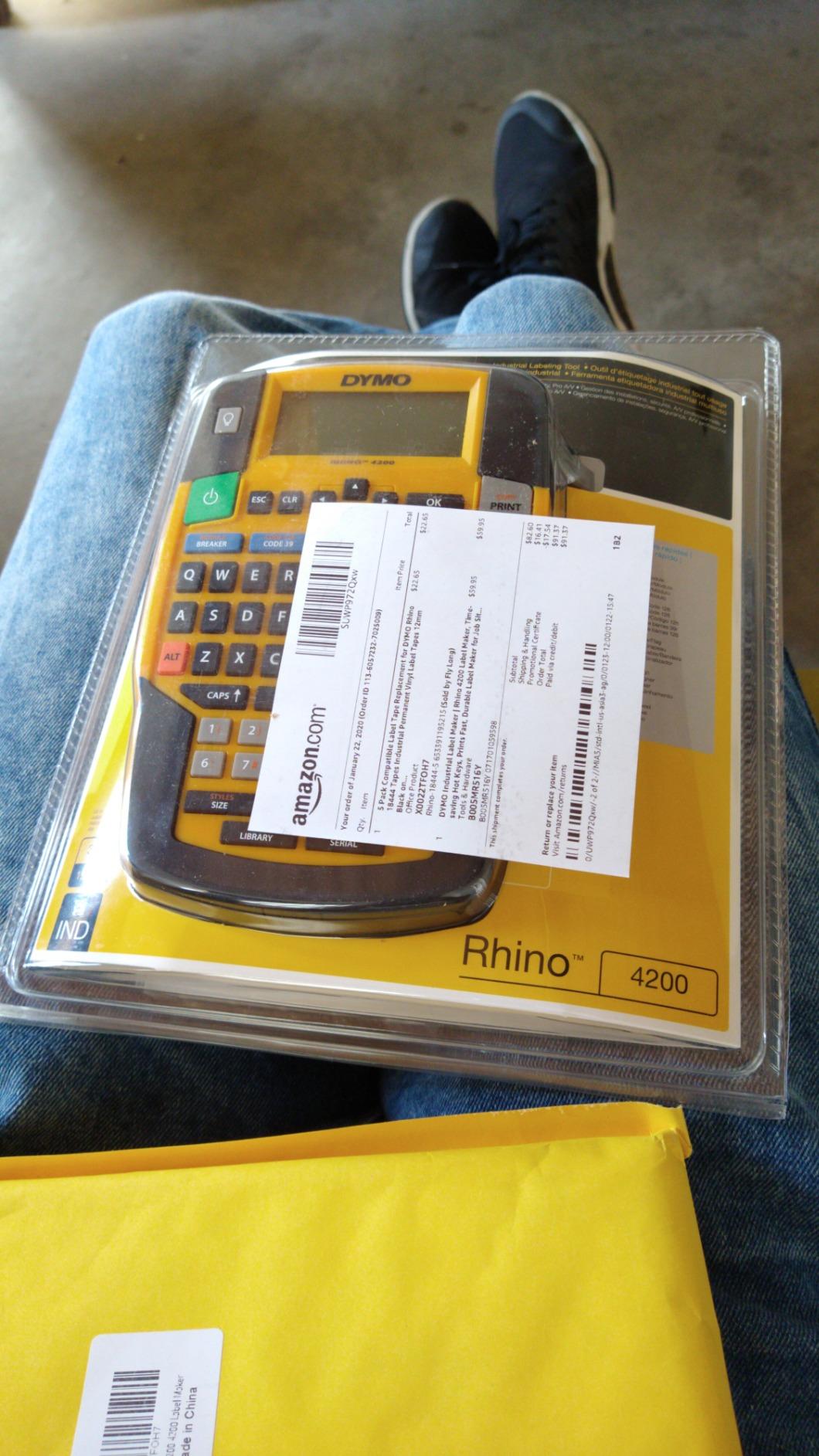
It weighs about a pound and has rubber bumpers and a sturdy shell. Reviewers mention it being carried between jobs without fuss, and some note it works with aftermarket D1 tapes that cost less than branded stock, which matters when you are relabeling a whole shop.
The interface displays text size, rotation, justification, line count and battery level at once. Label size, justification and rotation settings are saved in memory, so the setup you used on the bench is still there next week. The print resolution is listed as 200 to 300 dpi depending on media.
Two complaints repeat. The screen shows a single line at a time, so a two-line label means scrolling to check your work. And each label carries roughly half an inch of padding on either side with no way to reduce it, which wastes media on short labels in exactly the way P-touch users complain about.
What it is genuinely good at
Wire, cable and heat-shrink identification, and any job where you are typing the same words forty times. The QWERTY layout plus memory recall turns a long labeling session into a repetitive one. It also runs on six AA batteries, so there is no proprietary charger to lose, and the 3/4 inch media gives you a wider label than most handhelds for bin fronts and equipment plates.
Where it will frustrate you
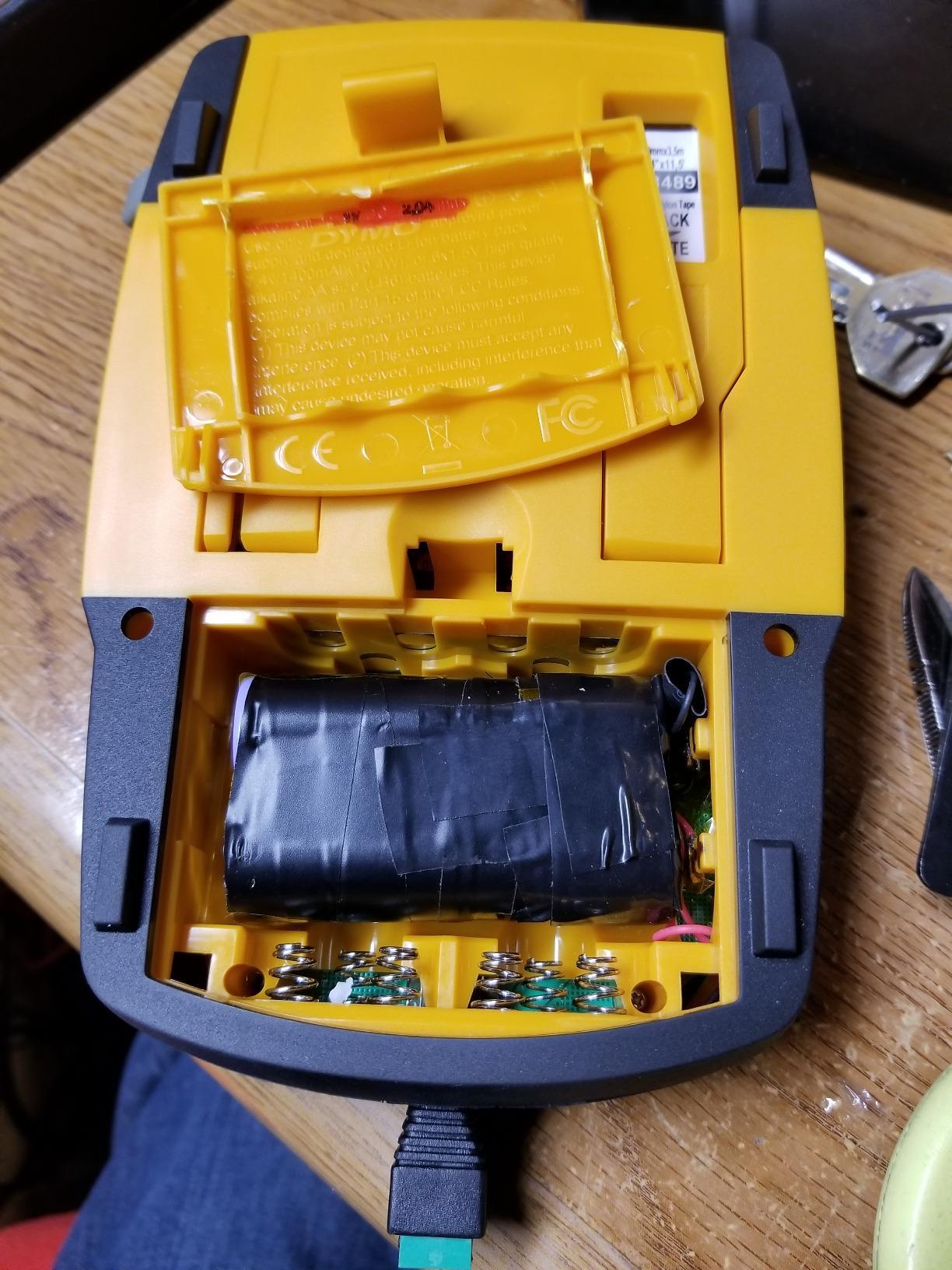
It is a 6 AA device, which means battery cost over years of intermittent shop use is real, and reviewers have reported the tape cartridge retention hooks wearing out under heavy service. The one-line display is genuinely annoying for two-line labels. Several reviews also note the box contents did not always match the listing, so check what actually arrives before you plan a session around the included case or battery.
3. Brady M210 – Best Handheld for Drop-Prone Job Sites
BRADY M210 HANDHELD LABEL MAKER
203 dpi monochrome
Resistant to 6 foot drops
One tape width to 0.75 inch
Edits over USB
Pros
- Compact handheld built for mobile workshop use
- Rated to survive 6 foot drops
- USB lets you edit from a phone or computer
- 203 dpi is adequate for equipment and asset tags
Cons
- 203 dpi is below 300 dpi desktop models
- Only one tape width supported
- Slow rated throughput for high-volume runs
Brady is the name electricians and field techs already carry, and the M210 is the reason that association exists. It is a compact handheld at 2.5 by 4.5 by 9.5 inches, and it is rated resistant to six-foot drops, which is the specification that matters when the machine lives in a truck bed and gets dropped with the tailgate down.
It prints at 203 dpi in monochrome, which is lower resolution than the 300 dpi machines here. On a clean asset tag with a serial number or a piece of equipment name, 203 dpi is perfectly readable. On small dense text or a tiny barcode, you will notice the difference if you are comparing side by side, but not in isolation.
Editing happens over USB from a smartphone or computer with app control, so the phone is a design surface rather than the printer itself. That is a different model from the app-first labelers further down this list, and it is the more robust one when the shop Wi-Fi is poor.
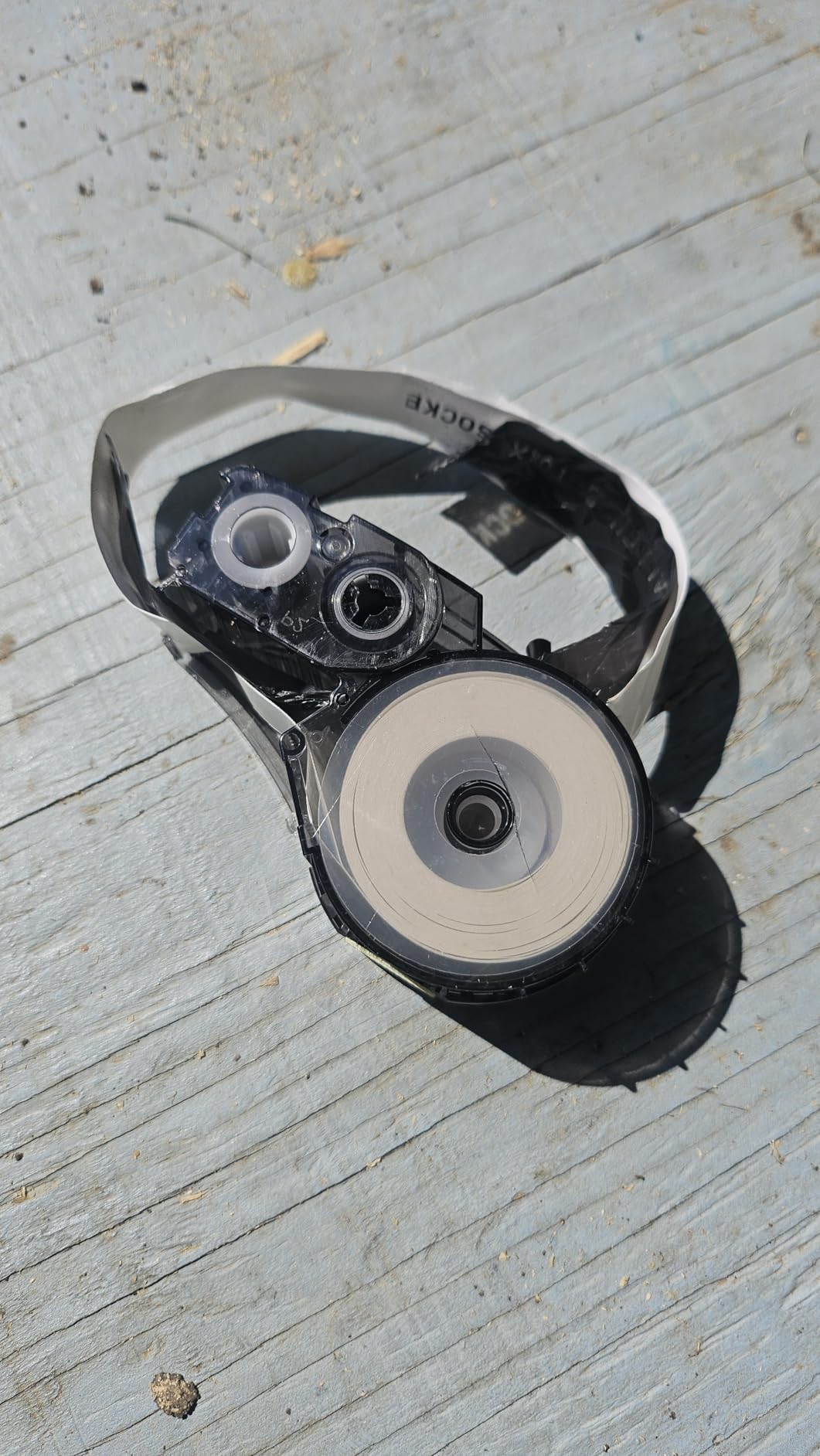
It supports up to 50 copies per run, which is enough for a batch of identical drawer fronts or a set of panel labels without reprinting one at a time. The maximum copy speed is listed at 0.39 pages per minute, so it is not a volume machine and should not be treated like one.
Owner feedback centers on solid build and portability rather than feature depth. Reviewers in industrial and scientific categories rate it highly, and the top complaint pattern is straightforward: 203 dpi is not cutting-edge, only one tape width fits, and throughput is modest for large runs.
Our own read is that the trade is deliberate. You give up resolution, format range and speed and you get a machine that can be dropped, rained on and forgotten in a toolbox without consequence. For labeling a service van, that is the correct direction.
What it is genuinely good at
Field labeling where the label goes on a machine outside: service equipment, a generator, a panel at the far end of a building, a truck-mounted tool. Six-foot drop resistance and a handheld body mean you can label without setting up a workstation. It also fits naturally next to the DYMO Rhino models in the same workflow if you own both.
Where it will frustrate you
Single tape width is the hard limit. You get one size of label out of this machine, so wide bin fronts and narrow wire flags both need something else. The 203 dpi output softens small text and small barcodes, and the rated copy speed means a hundred-label session is a long session. If your work is at a bench rather than on a site, this is not the machine.
4. DYMO LabelManager 160 – Best Low-Cost Starter Label Maker
DYMO Label Maker LabelManager 160 Portable Label Maker, Easy-to-Use, One-Touch Smart Keys, QWERTY Keyboard, Large Display, for Home & Office Organization, Black
300 x 300 dpi thermal
1/4 to 1/2 inch D1 tapes
Side cutter trims at end of text
Under one ounce
Pros
- Roughly 24000 reviews and a long durability track record
- Side cutter wastes less media than feed-then-cut machines
- Compact and light enough to live in a toolbox
- 300 dpi prints crisp and smudge-resistant text
- Simple one-label-at-a-time workflow
Cons
- Only one font face with bold and italic variations
- Limited to two lines of text
- Fixed gap between labels is not adjustable
This is the most proven machine in the roundup by a wide margin, with roughly 24,000 reviews behind it, and it is the first thing we hand someone who is labeling a garage for the first time. It does one job, does it every time, and there is almost nothing to configure.
The detail that separates it from cheaper handhelds is the side cutter button, which trims each label exactly at the end of your text. Machines that feed before cutting leave a long blank tail on every label. On a body this simple, that one feature decides whether you are throwing away a third of every tape roll.
Output is 300 by 300 dpi thermal in black and white. Owners consistently report crisp, smudge-resistant text and that the ink does not run when wet. It uses D1 tapes in 1/4, 3/8 and 1/2 inch widths in a range of colors, and it runs standalone with no USB connection at all.
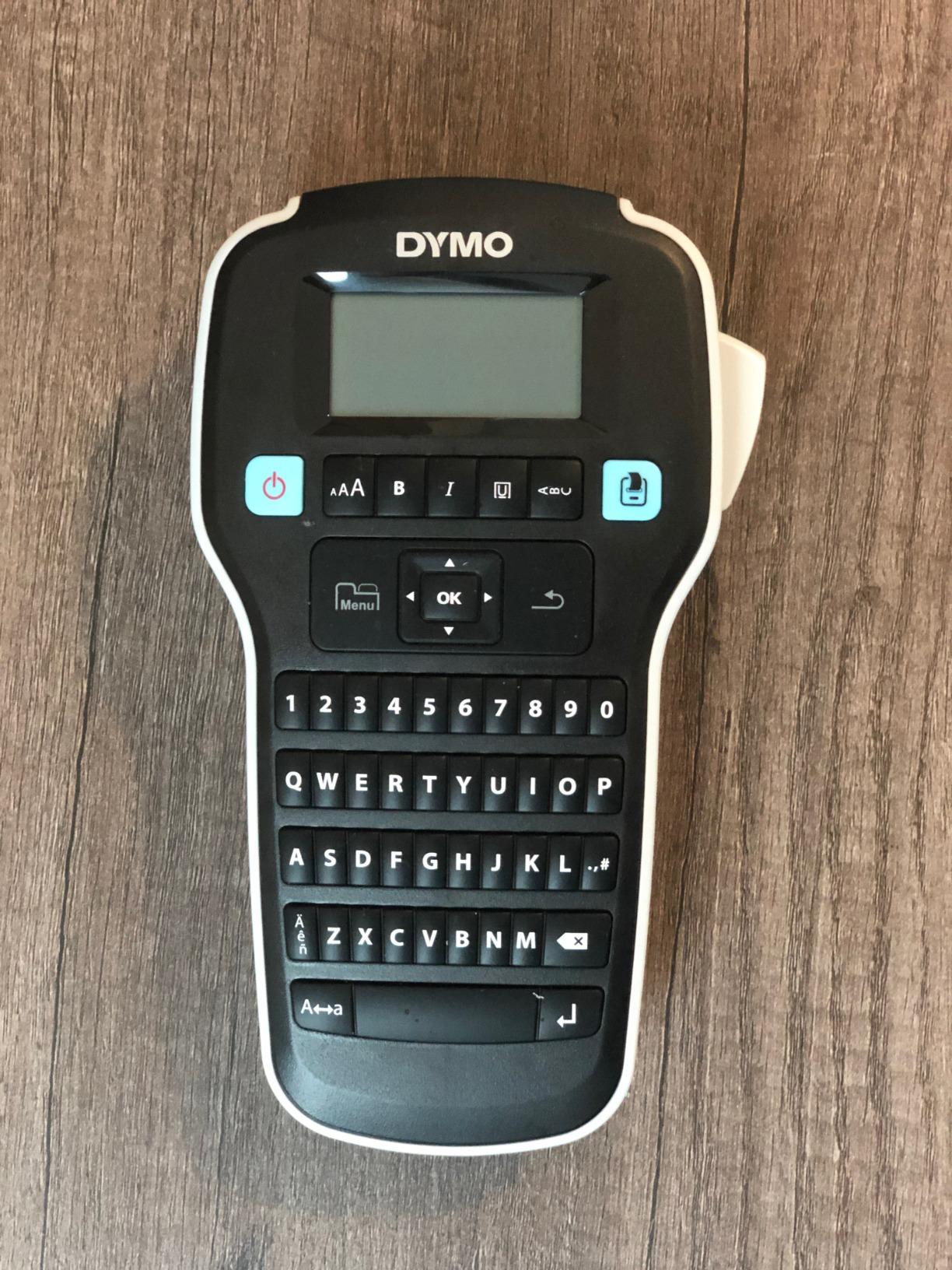
The keyboard is QWERTY with one-touch smart formatting keys, and there are over 20 text formatting options plus more than 200 symbols and clip art. Automatic switch-off extends battery life, which matters for a machine that sits in a drawer for two weeks between sessions.
It weighs under an ounce and measures a little under 10 inches wide, so it disappears into a toolbox or a bench drawer. The included print speed is listed at three pages per minute, which is fine for the one-at-a-time work this is built for.
The limits are real but they are limits on ambition, not reliability. There is one font face with bold and italic variations, only two lines of text per label, and the clip art library is dated next to what Brother offers. Several users also report the stock tape has weak adhesion in wet or oily conditions, which is a tape problem you can solve with surface prep.
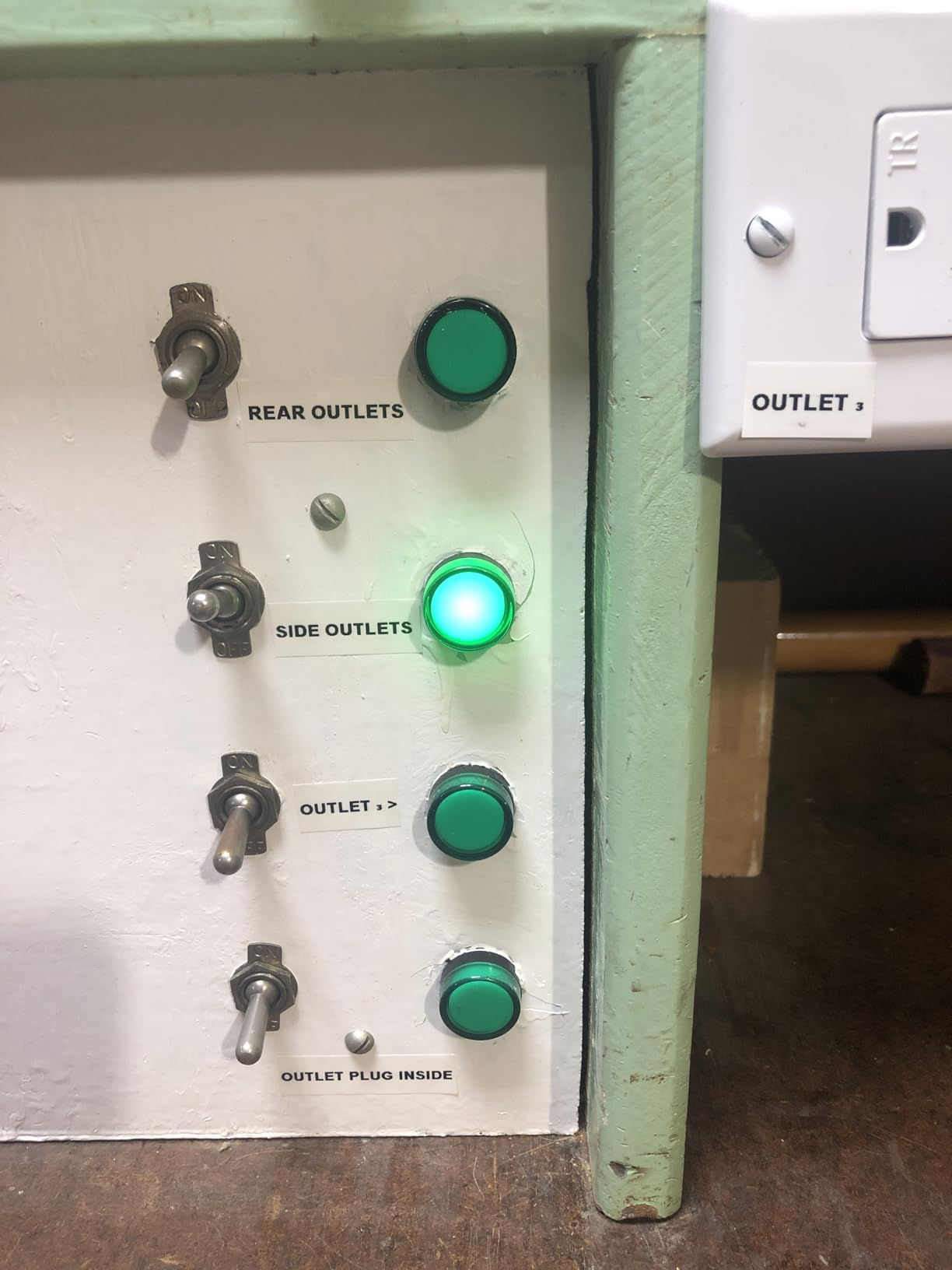
What it is genuinely good at
Tool drawers, bins, cabinets and cans in a home shop or a small maintenance room. It is fast to learn, fast to pick up and fast to put away, and the media efficiency means a roll lasts longer than you expect. It is also the least risky first machine, because with this many reviews in the wild the failure modes are already known and documented.
Where it will frustrate you
Batch printing. The gap between labels is not adjustable, so printing twenty drawer labels in a row wastes media. There is no barcode or QR support, no connectivity, and no way to import a list from a spreadsheet. If you need identical repeated labels or codes, move up to a desktop unit and keep this as the bench machine.
5. Brother PT-M95 P-Touch – Best Budget Bundle for Drawer Labels
Brother PT-M95 P-Touch Monochrome Label Maker Bundle (4 Label Tapes Included),White
12mm M tape widths
1 or 2 lines of text
4 tapes in the bundle
4 AAA batteries
Pros
- Crisp labels that stick well without peeling or smudging
- Intuitive buttons and a clear display
- Compact and sturdy for daily use
- Generous symbol and deco pattern library for the price
Cons
- Tape backing is hard to peel before applying
- Cassettes are finicky to load
- No AC adapter so it runs on 4 AAA only
The Brother P-touch name carries real weight in shop circles for a reason, and this is the cheapest way into it. The PT-M95 bundle ships with one sample plus three full-length genuine Brother M tapes in 9mm and 12mm widths, which is enough material to label a serious number of drawers before you buy anything else.
It prints one or two lines of text with 8 Deco Mode patterns, 126 basic images and 84 pictographs, and the character styles include large and small plus half-width and double-width variants. Eighty characters are visible on the LCD at once and memory stores up to three label files, which covers the shop cabinet category without effort.
Owners praise crisp, easy-to-read labels that stick well without peeling or smudging, and reviewers report long battery life with straightforward tape replacement. It supports multiple languages including English, Spanish, French, Italian and German, which is not a workshop feature but tells you how broadly the font library is built out.
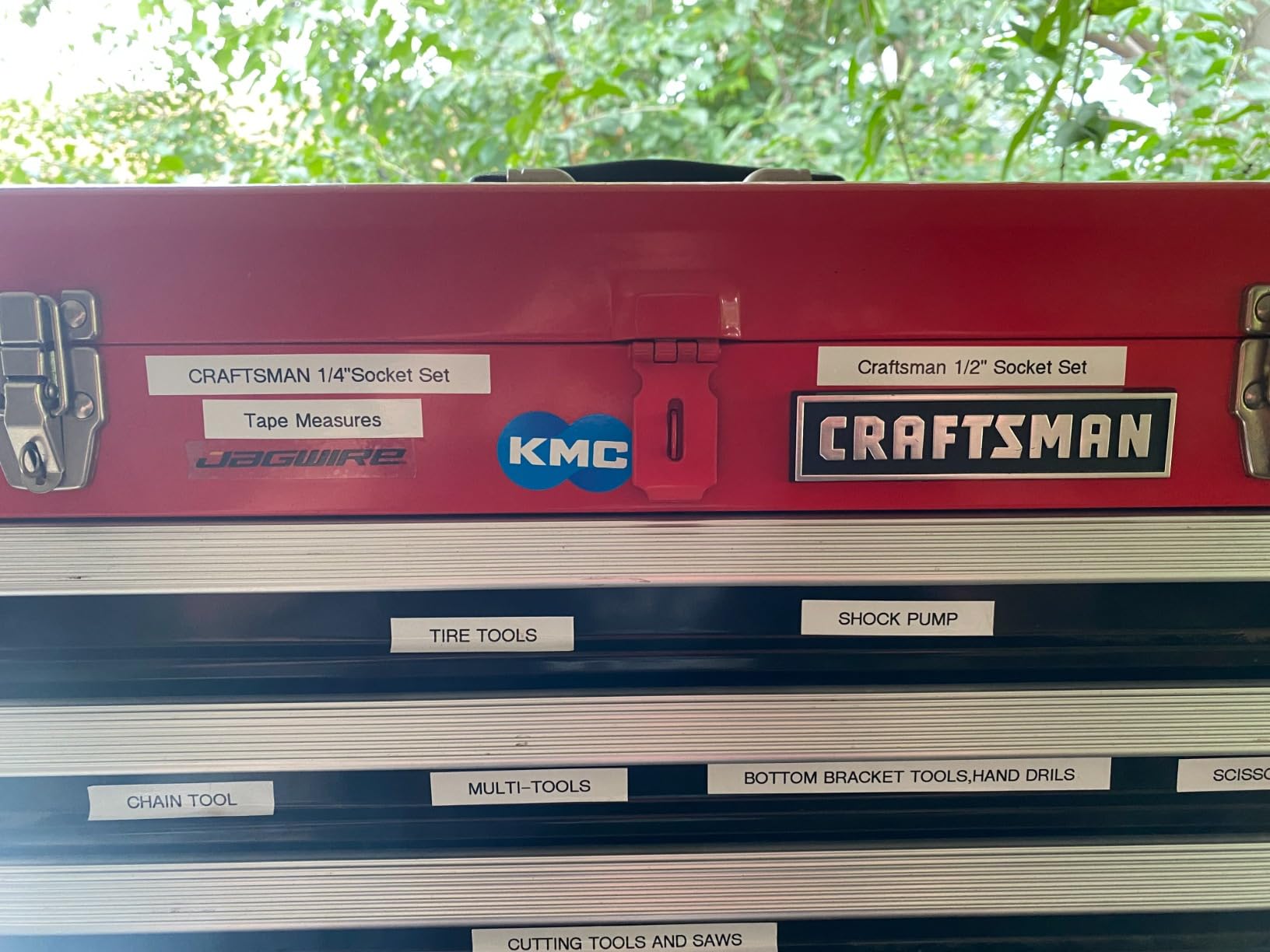
It weighs just over nine ounces and runs on four AAA batteries with no AC adapter option. That is the honest trade at this tier: you get a genuinely portable machine with no cord, and you replace cells instead of charging.
The screen and button layout are intuitive enough that most people are productive within a few minutes. Reviews describe it as compact and sturdy enough for regular daily use, which matches how we treat the bench machines here.
The complaints are about handling rather than output. The label backing is genuinely difficult to peel before applying, which is annoying when you are doing eighty drawer fronts. The tape cassettes are fussy and need exact positioning, and there are only two native font sizes, so you lean on half and double width for variety.
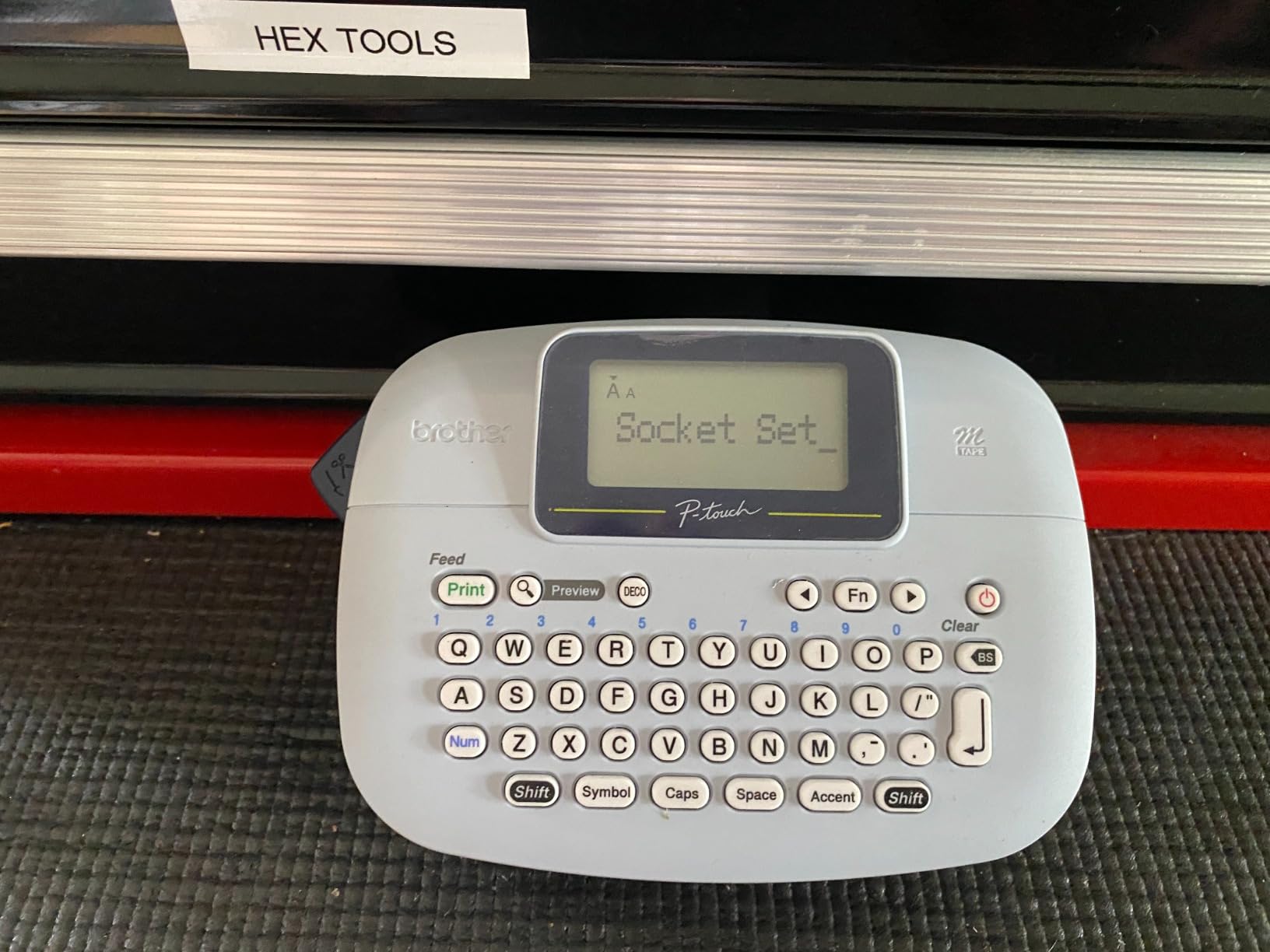
What it is genuinely good at
Drawers, shelves, bins and shadow boards where the label is short, black on white and permanent. The included tapes mean you can start labeling on day one without an extra purchase, and Brother weatherproof tape options exist for the surfaces that get wet. It is also the easiest Brother to justify if you already know the brand will be there in five years.
Where it will frustrate you
One or two lines of text is the ceiling, so anything long gets shrunk. Two native font sizes limit you. The tape backing and cassette loading will irritate you on a long session, and the four AAA batteries add up over years of intermittent shop use. If you are labeling panels, wires or anything coded, this is the wrong tier.
6. Brother QL-820NWB – Best for Networked Asset and Barcode Printing
Brother QL-820NWB Professional, Ultra Flexible Monochrome Label Printer with Multiple Connectivity options
Up to 110 labels per minute
300 x 600 dpi
Bluetooth Wi-Fi and Ethernet
USB host port
Pros
- Very fast output at up to 110 labels per minute
- Connectivity set covers most shop layouts
- Compact enough to move between locations
- P-touch Editor can pull data from spreadsheets and print barcodes and QR codes
Cons
- P-touch Editor software is dated and has a learning curve
- Wi-Fi setup is fiddly on mesh networks
- Small LCD and picky media settings
This is the machine for a workshop that is really a small business with an asset register. It prints up to 110 standard address labels per minute at 300 dpi black text, and it connects over Bluetooth, Ethernet and 802.11b/g/n Wi-Fi with a USB host port for a scanner. That combination is the widest in this roundup.
Print resolution is listed at 300 by 600 dpi, the sharpest here, and it can print black and red labels using DK-2251 media with a maximum label length of three feet. The built-in monochrome LCD lets it run standalone when you do not want to go through a computer.
P-touch Editor can pull data from spreadsheets and databases and print barcodes and QR codes, which is the reason to buy it over a faster cheaper unit. Owners use it for check-in systems, asset tracking and networked small-business labeling, and reviewers note it stays connected more reliably than some competing label printers.
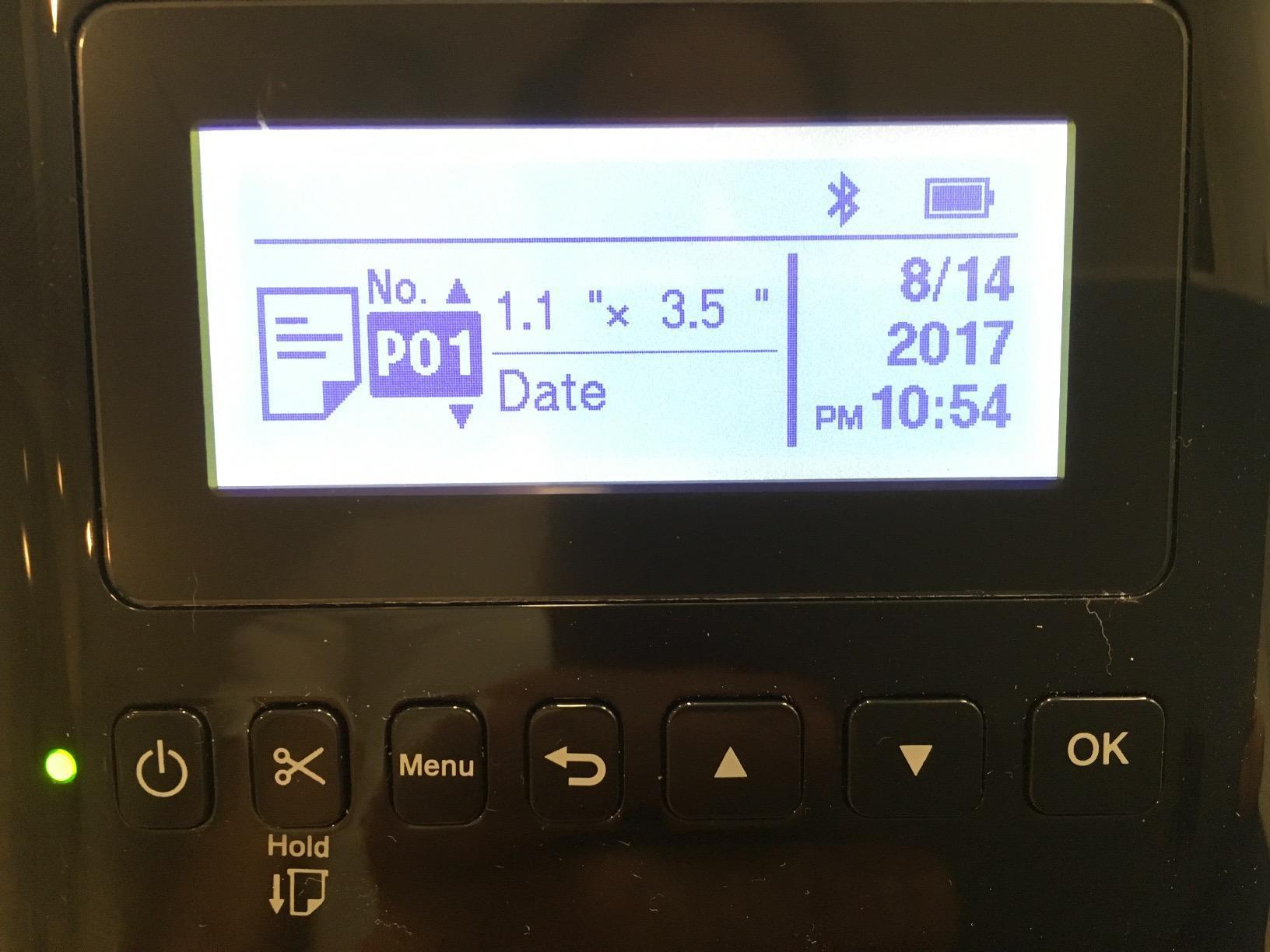
At 2.5 pounds and roughly 9 by 5 by 6 inches it is compact enough to move between locations, and it can run on batteries. The kit includes P-touch Editor, an AC adapter, a USB cable and DK1201 and DK2251 starter rolls, so you have both a continuous and a pre-sized media option out of the box.
Power consumption is listed at 25 watts and the warranty is two years limited, which is the strongest warranty on the desktop units here alongside the QL-800.
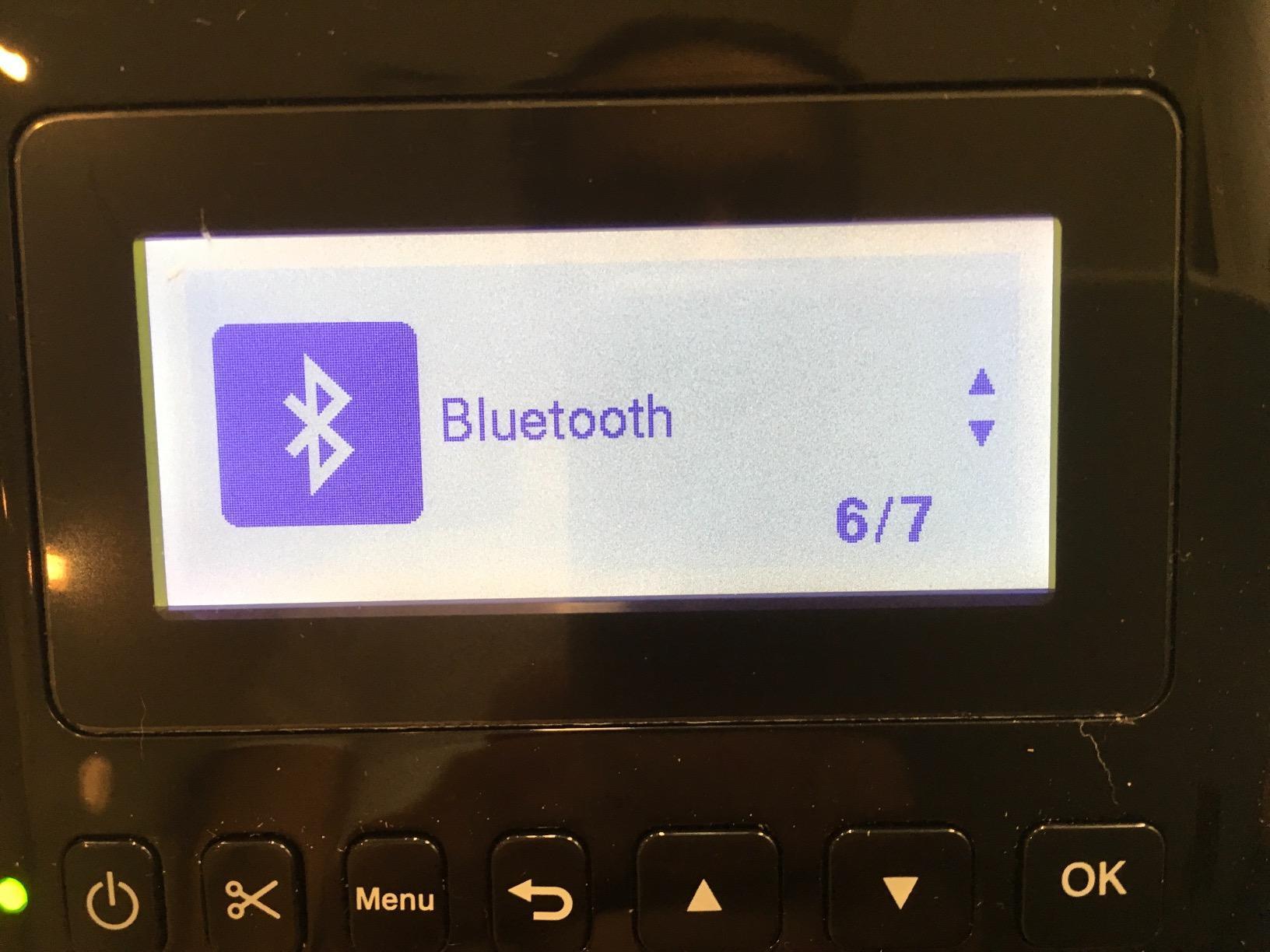
The real friction is software. Reviewers repeatedly describe P-touch Editor as dated with a learning curve, and Wi-Fi setup as fiddly, particularly on mesh networks using the WPS button method. Bluetooth can also drop and fail to be re-recognized after the host computer sleeps, which is a daily annoyance rather than a rare one.
What it is genuinely good at
Asset tags and inventory that carry a code. Wi-Fi means a bench in one corner and a shelf in another both reach it without a cable run, and the three-foot maximum label length handles a full equipment plate. The USB host port lets you attach a scanner for check-in workflows, which is genuinely useful when tools leave the shop and come back.
Where it will frustrate you
The software and the network. P-touch Editor has hidden and greyed-out options that reviewers describe as confusing, the LCD is small and hard to read, and the printer is picky about correct media settings. Reviewers also report that an adhesive or sticker jam can be very difficult to clear and may ruin the unit, so keep the media path clean and treat it as a bench machine rather than something you drag to the dust.
7. Brother QL-800 – Best for High-Volume Pre-Sized Label Runs
Brother QL-800 High-Speed Professional Printer, Plug & Label, DK Pre-Sized, Multi-System Compatible, Black & Red, USB Cable Included
93 labels per minute at 300 dpi
Black and red two-color print
Built-in auto-cutter
Pros
- Fast and dependable hardware for large label volumes
- Sharp dark print with red for standout tags
- Plug and Label prints from Office apps without extra software
- Long service life across multi-unit fleets
Cons
- P-touch Editor is buggy with greyed-out options
- USB only with no Wi-Fi or Bluetooth
- Margin settings can prevent printing a full label
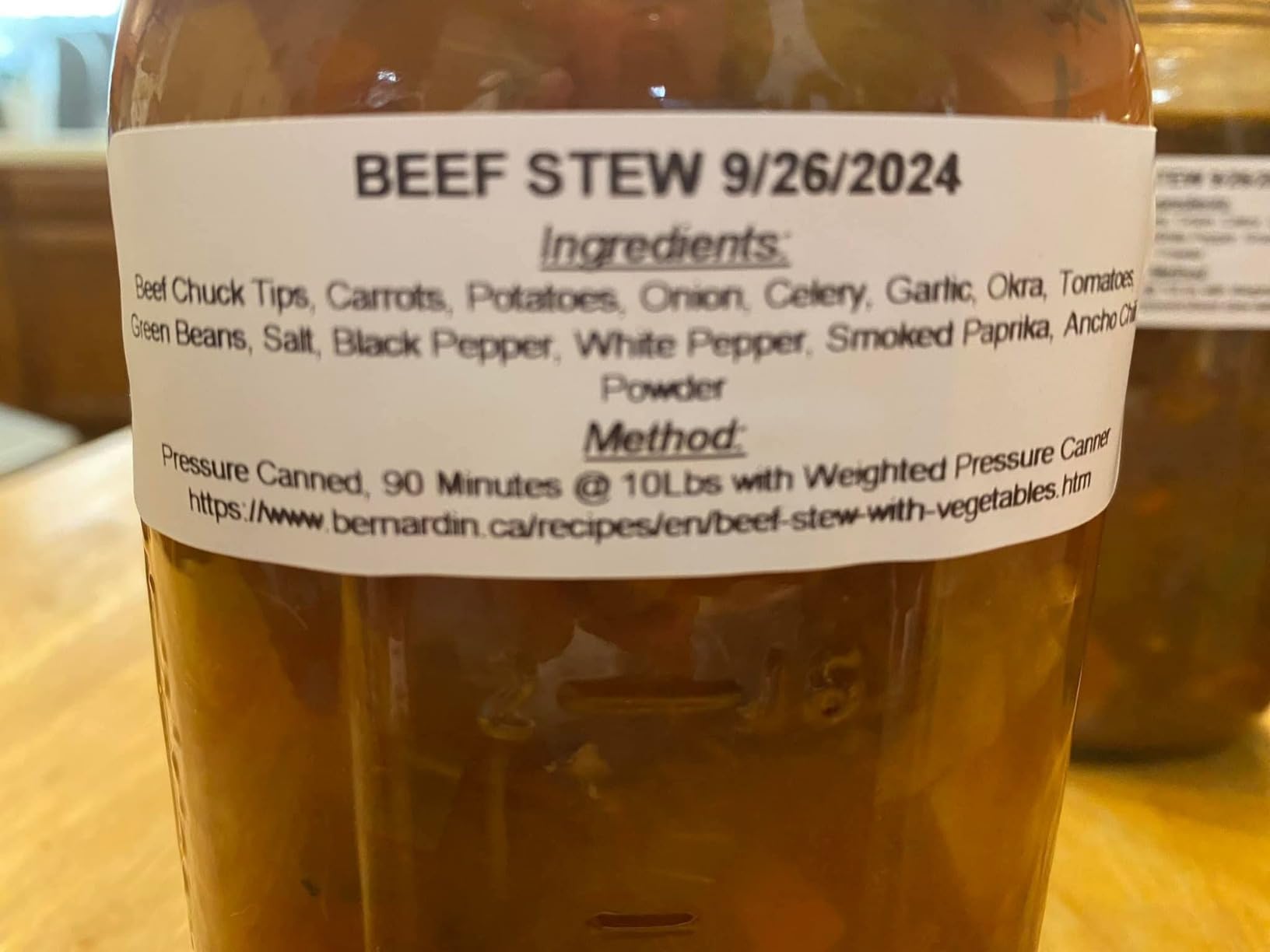
If your labeling is volume rather than craft, this is the one. Ninety-three labels per minute at 300 dpi resolution, with a built-in auto-cutter for precise finishing and no need to trim anything by hand. It accepts DK pre-sized labels and continuous tapes up to three feet long, so the same machine handles a single drawer label and a full shelf strip.
The two-color black and red output using genuine Brother DK-2251 media is the quiet advantage. A red header on a bin label is visible from across a shop in a way a plain black line is not, and it costs almost nothing extra at this level of hardware.
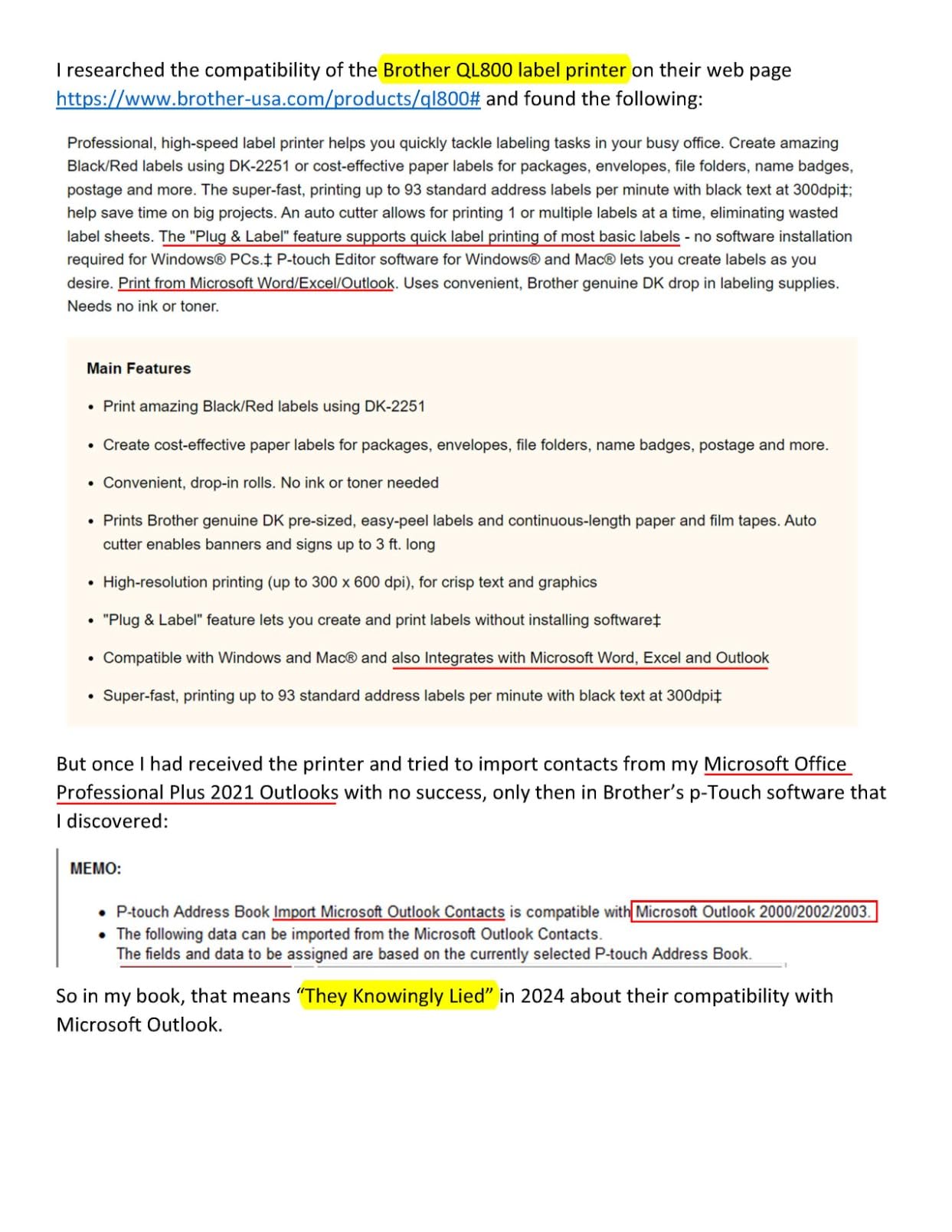
Plug and Label technology prints from Word, Excel and Outlook on Windows and Mac without extra software, which solves the learning curve for most people in one step. Owners report multi-unit fleets running for years and quick, easy roll and size changes, and reviewers describe the media as more durable and longer-lasting than some competing tapes.
At 2.5 pounds with a two-year manufacturer labor and parts warranty, it is the most desktop-appropriate of the Brother units here. It is used for inventory, price tags, shipping, file folders and badge printing, and it is the natural companion to the shipping label printers we cover separately if a shop does both.
Connection is USB only on this model. There is no Wi-Fi and no Bluetooth, so printing requires a physical cable to the host machine. For a fixed bench station that is an advantage rather than a limitation, and it removes wireless pairing as a failure mode entirely.
The complaints all trace back to P-touch Editor, which reviewers describe as buggy and confusing with greyed-out and hidden options. Margin settings can prevent printing an entire label in some configurations, and some users hit a persistent media error that support could not resolve. Know your media before you start.
What it is genuinely good at
Repetitive runs of identical or templated labels: bin sets, shelf strips, product and part tags, name badges, anything where you are printing the same layout dozens of times. The auto-cutter and fast roll changes keep a long session moving, and the 300 dpi output is sharp enough that a serial number is readable without zooming in.
Where it will frustrate you
It is USB-only, so no printing from a phone and no network sharing. The software is the weak point: greyed-out options, margin behavior that will not print a whole label, and an occasional media error that is hard to clear. It also lacks automated postal barcode generation that some previous labelers offered, which matters if you have moved to it from an older shipping unit.
8. Epson LABELWORKS LW-PX700 – Best for Heat-Shrink Tube and Wide Tape
LABELWORKS Epson LW-PX700 Industrial Label Maker – Portable Handheld
24mm wide tape
Heat shrink and self-laminating wrap
Thermal transfer print
Lifetime warranty
Pros
- Rugged and near-indestructible build quality
- Backed by a full-service lifetime warranty in the US and Canada
- Efficient on tape with minimal waste at both ends
- Large clear preview screen and automatic cutter
Cons
- Bulky and heavy for a handheld unit
- No Bluetooth or Wi-Fi so a wired PC setup is required
- Costly proprietary heat-shrink cartridges
This is the machine for wire work specifically, and it is the only one here that combines a genuine lifetime warranty with thermal transfer printing. Thermal transfer burns the image in rather than developing it with heat alone, which is the technology difference behind a much longer-lived label.
It prints heat shrink tube, self-laminating wrap, vinyl, standard industrial and specialty tapes, with auto rewind and an automatic cutter. Tapes come in 4mm, 6mm, 9mm, 12mm, 18mm and 24mm, and the maximum is one inch, the widest in this roundup. Wide tape is what you want for a bin front or an equipment plate that has to be read from a distance.
Owners highlight exceptional ruggedness, efficient tape usage with minimal waste at either end of the label, and a large clear preview screen that shows the label before printing. Many report it outperforming older Rhino units for the same job. The kit includes an AC adapter, a 212VTBWPX standard industrial tape cartridge and a guide.
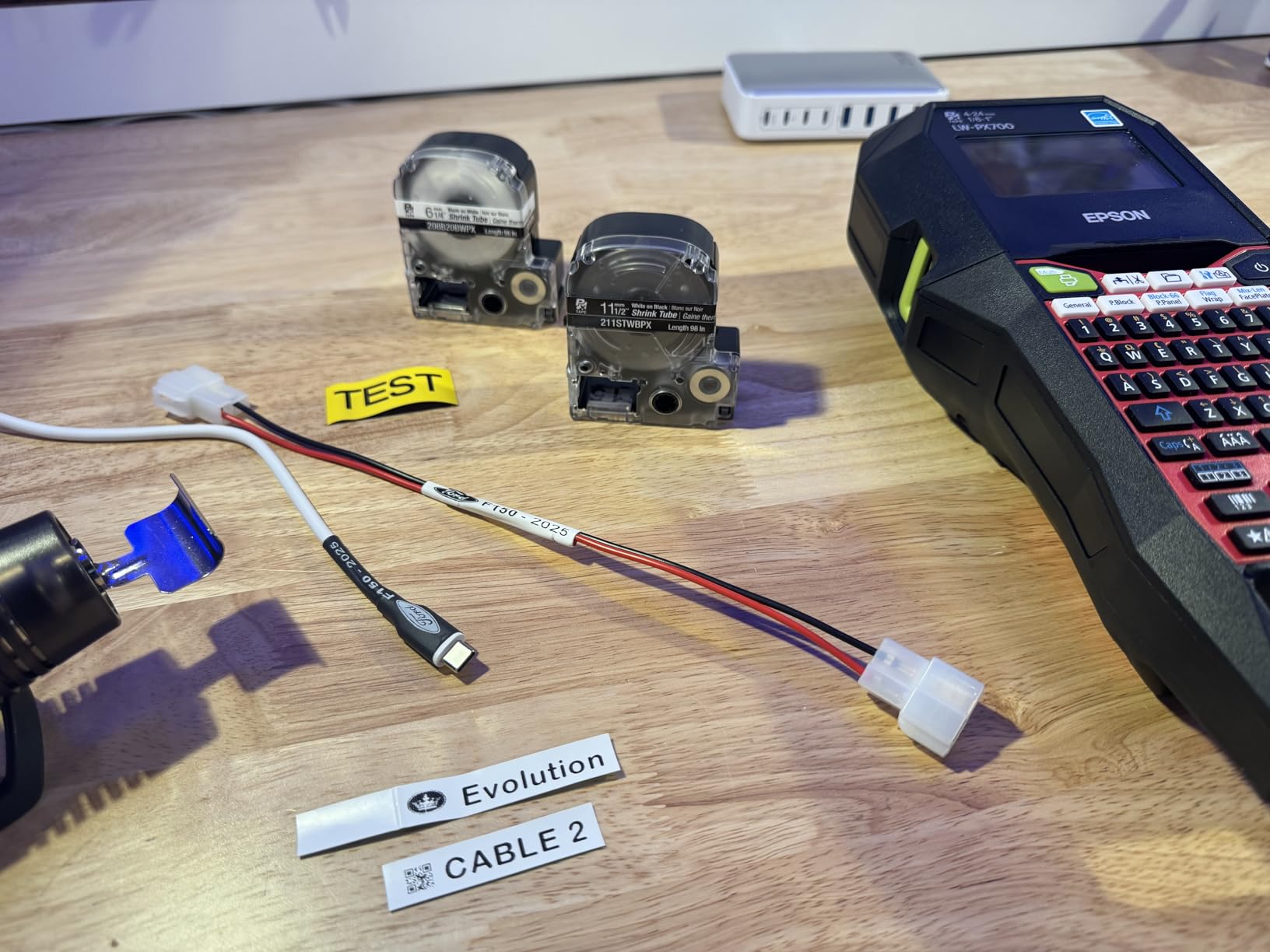
It runs on an AC adapter or standard batteries, and the magnets on the back let you mount it to a panel, which is a small detail that matters when the machine lives in a van. Free software extends the functionality, and the warranty is a full-service lifetime warranty in the US and Canada.
Print resolution is listed at 180 dpi, the lowest figure here, and it is worth understanding why that is not a problem: heat shrink tube, industrial vinyl and self-laminating wrap are all wider formats where 180 dpi across a 24mm band is still legible text.
Owners also report that the machine is bulky and heavy for a handheld, that there is no Bluetooth or Wi-Fi so programming needs a wired Windows PC or Mac, and that the onboard interface will not print as small as the desktop software can. Some also note that certain tape stocks lift on particular tool surfaces.
What it is genuinely good at
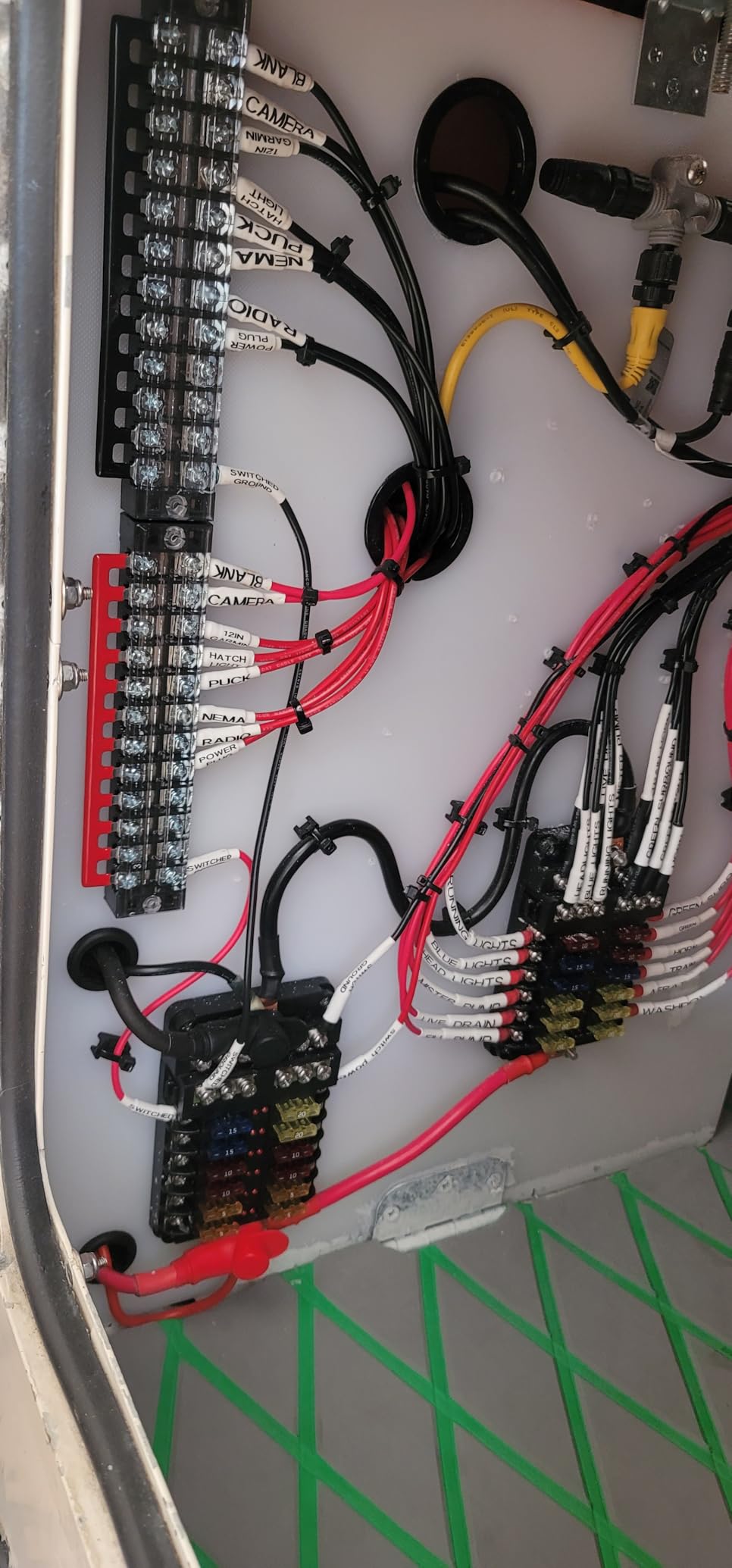
Anything involving heat, abrasion or movement: wire ends under heat shrink, cable bundles, hydraulic lines, equipment that gets handled, labels outdoors on a trailer. Thermal transfer output is the reason, and the lifetime warranty means the consumables are the only thing you will ever replace on this machine. The 24mm width also covers wide bin fronts that a 12mm tape cannot.
Where it will frustrate you
It is a heavy, bulky unit for something you carry around, and there is no wireless option, so every print session means a laptop nearby. Genuine Epson heat-shrink cartridges are expensive and there are few third-party alternatives, which is a real ongoing cost if heat shrink is your primary medium. The 180 dpi output is also a hard limit for anyone who needs small dense text.
9. NIIMBOT M2 – Best App-Driven Labeler for Color and QR Codes
NIIMBOT M2 Label Maker with Tape 2Inch Thermal Transfer Label Printer, Blue
300 dpi thermal transfer
Waterproof and oil-proof labels
Print width 20-50mm
Bluetooth app plus PC editing
Pros
- Sharp 300 dpi output and clean on small text and QR codes
- Thermal transfer labels are waterproof and wear-resistant
- App supports icons and tables and logos and barcodes and QR codes and Excel import
- Compact and solid with decent battery life
Cons
- Color ribbons cost extra and are sold separately
- Only M2-series label rolls fit
- Built-in cutter is not especially effective
This is the app-first option and the most interesting value in the roundup. It prints at 300 dpi using thermal transfer, and the labels are described as waterproof, oil-proof, alcohol-proof and scratch-resistant. For a shop with oily handles and a hose-washed floor, that specification set is more relevant than print speed.
The app is where the capability lives. Templates include text, icons, tables, logos, barcodes, QR codes, images and Excel import, plus scan and voice, and it supports batch printing. Owners report it is easy to navigate once you have spent time in it, and that labels stick well to plastic, glass and cardboard without corner lift.
Print width runs 20 to 50mm, which is a much bigger canvas than any handheld here, so you can put a QR code, a short description and a part number on a single label. It connects over Bluetooth to the NIIMBOT app and supports up to ten phones, three iOS and seven Android, plus a PC connection by data cable.
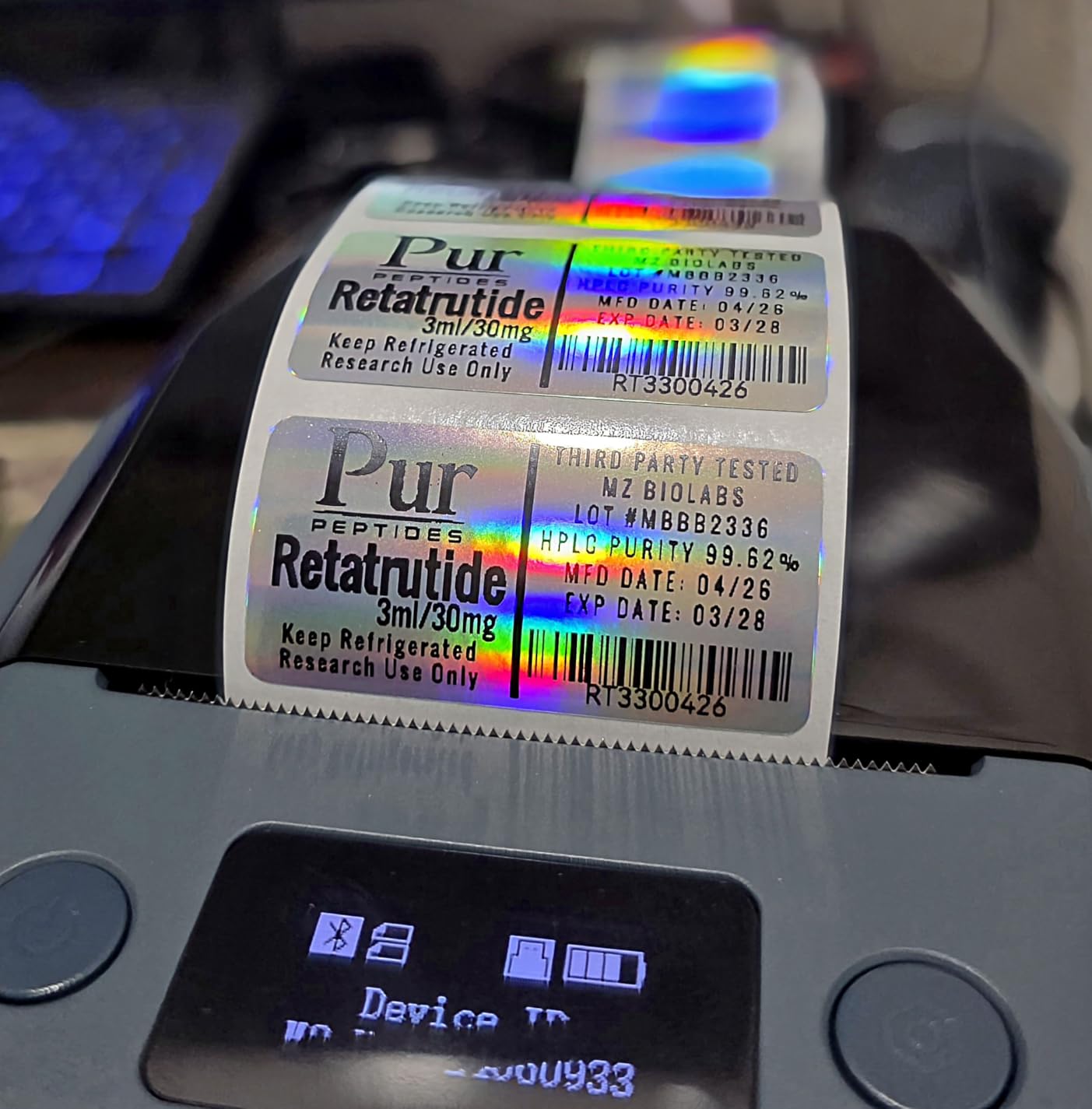
It has a rechargeable battery, automatic paper rewind, proofreading and consumable auto-recognition, and a two-year warranty. At 795 grams and roughly 7 by 4 by 3 inches it is compact and solid while taking up very little desk space.
The trade is proprietary. It supports M2-series labels only, and B1, B2 and B21 thermal rolls will not work. Color ribbon support is a separate purchase and one ribbon prints about three rolls of label paper, so treat that as an ongoing consumable rather than a one-off.
Owners place it between a handheld label maker and a commercial printer, which matches our experience. The app takes experimentation for detailed custom labels, the built-in cutter is not especially effective, and Bluetooth is the main editing path so PC use needs a driver install.
What it is genuinely good at
Coded labeling without a desktop printer. A QR code that opens a parts list or a maintenance record, printed at 300 dpi on an oil-proof label, is something none of the handhelds here can do. The wide 20 to 50mm canvas also makes it the best of these machines for shelf-edge and bin-front labels with a bit of design on them.
Where it will frustrate you
You are locked into M2-series consumables, so existing rolls are dead weight and a discontinued M2 size ends that label line for you. Color ribbons are extra. And the app is a dependency: if the company changes the software or the pairing is flaky on a given phone, you have no fallback keyboard. Test it with your own phone before you commit to a full shop relabel.
10. VolenGo H1100 – Best Budget Pick for Waterproof Wire Labels
Label Maker Machine with 4 Tapes, Wire Label Maker Waterproof-Labels
203 dpi monochrome
Backlit LCD display
3 dedicated cable modes
4 laminated 12mm tapes
Pros
- Backlit screen is usable in dim workshops and garages
- Dedicated cable modes speed up wire and cable labeling
- Laminated 12mm tapes resist water and oil and abrasion
- Lightweight and portable with 16 fonts and 800 symbols
Cons
- 203 dpi is below 300 dpi alternatives
- No barcode or QR code or image support
- Only 12mm tape width supported
This is the entry point for cable work, and the reason it is on the list is the backlit screen. A workshop with one overhead light and a bench away from the window is a normal workshop, and most label makers in this price range become unusable in that light.
It has three dedicated cable modes that format wire and cable labels without setup, and the box includes four laminated white tapes at 12mm by 8m, a replacement cutting holder and a USB Type-C cable. The tapes are specified as laminated and resistant to water, oil, abrasion and extreme temperatures, which is the durability language most cheap machines only claim.
The library is generous for the tier: 16 fonts, 100 frames and 800 symbols, plus built-in encryption for clearer prints. Owners describe simple setup, user-friendly menus and an intuitive interface, and the machine weighs 291 grams so it is genuinely portable.
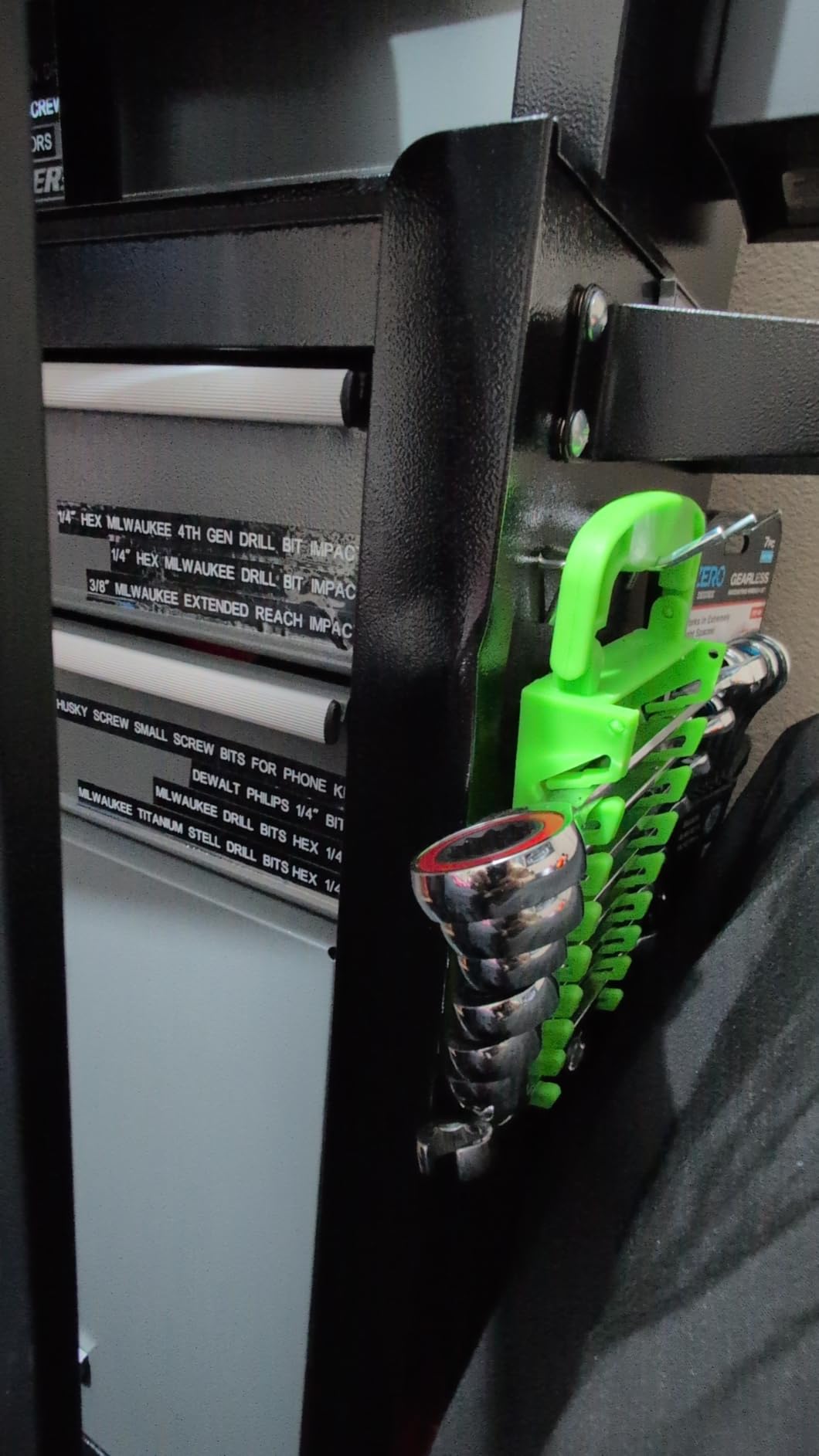
It charges over USB Type-C, which means one cable for the machine and your phone. That is a real convenience in a shop where proprietary chargers accumulate in a drawer and go dead.
Print resolution is 203 dpi in monochrome, and the maximum media size is 0.47 inch, so 12mm is the only tape width it accepts. Reviewers are straightforward about the ceiling: no barcode, QR code or image support, and editing is not app-based.
The warranty is listed as none, which is the one specification here that gave us pause. For a machine that will live in a garage, we would treat it as a disposable-feeling purchase and back up your labeling scheme on paper or in a spreadsheet, which is a good habit with any label maker anyway.
What it is genuinely good at
Cable, wire and hose runs in a dim shop, plus short tool and bin labels where durability matters more than design. The three cable modes mean you can go from a loose bundle of unidentified wires to a labeled run in one evening, and the four included tapes cover a substantial amount of work before a second purchase.
Where it will frustrate you
One tape width, 203 dpi, monochrome only, and no codes or images of any kind. If your workshop labeling plan includes asset QR codes or a part number plus a description on one label, this cannot do it. There is no wireless connectivity and no app, so there is no path to variable data at all.
How to Choose a Label Printer for Your Workshop
Start with the label, not the printer. Measure the widest surface you need to mark and the longest text you will put on it, and buy the tape width that fits both with room to spare. Most tool drawers are covered by 12mm. Bin fronts, equipment plates and shelf edges need 18mm or 24mm, which rules out four of the ten machines here.
Then count. Under about ten labels a day, a handheld tape label maker is the right tool and nothing else will serve you as well. Above that, or if you need barcodes, QR codes or matching sets of identical labels, a desktop thermal printer is the correct answer and the price difference pays back in time within a season.
Third, map the environment honestly. A bench in a heated shop, a trailer parked in summer sun, a drawer near a washing bay and a cold garage are four different durability problems. Heat and direct sun attack direct thermal print because the image is developed by heat alone. If labels will live in those conditions, either use laminated or weatherproof tape or move to a thermal transfer machine such as the Epson LABELWORKS LW-PX700.
Fourth, decide how you want to design. A QWERTY keypad means no phone, no app and no connectivity problems, which is the DYMO Rhino 4200 and LabelManager 160 approach. A PC with a driver means spreadsheet imports and batch printing, which is the Brother QL desktop approach. A phone app means the widest design range and QR codes, and it means a permanent dependency on software you do not control.
Fifth, think about power. Rechargeable lithium-ion is the least ongoing cost. Six AA cells is fine if the machine is used weekly. Four AAA cells is an ongoing expense on a machine that sits for weeks at a time, and it is the reason some owners end up buying a third-party power adapter rather than a replacement machine.
One caution worth stating plainly. Consumer and prosumer label makers do not meet industrial safety-labeling standards for electrical panels, chemical containers or hazardous material. If a label carries a safety message, it needs a compliant printer and compliant stock, and none of the ten machines here is that.
Choosing Label Tape That Actually Stays On
This is the section that decides whether your labeling project is still readable in three years, and it is the one that matters most. The printer determines how crisp the text is. The tape determines whether the text is still there.
Standard economy tape is fine for a clean, dry, indoor drawer front. Once a surface sees oil, dust, heat or frequent handling, you want permanent adhesive and a laminate layer. Laminated and weatherproof tape costs more per roll and is the difference between a label that peels off a handle in a month and one that survives.
Surface preparation does more than any upgrade. Wipe or spray the surface with degreaser before you apply anything. Workshop users independently worked out that oils on a handle or a drawer front are the single most common reason a label lifts at the edges, and cleaning first changes the result more than switching printer brands. On high-wear items, a clear coat over the applied label extends its life further.
Keep printed labels out of direct sun and away from heat sources where you can. A boiler room or a sun-facing garage door will fade direct thermal print over time, and no laminate on the tape fully prevents it. For those locations, choose a machine that uses thermal transfer, or re-label on a schedule rather than trusting a single application.
Finally, replace a peeled label rather than patching it. A new label over a lifted corner traps the old adhesive and the old edge, and the new one lifts sooner. This is boring advice and it is the difference between a tidy shop and a shop that looks abandoned.
What to Label in a Workshop and How to Name It
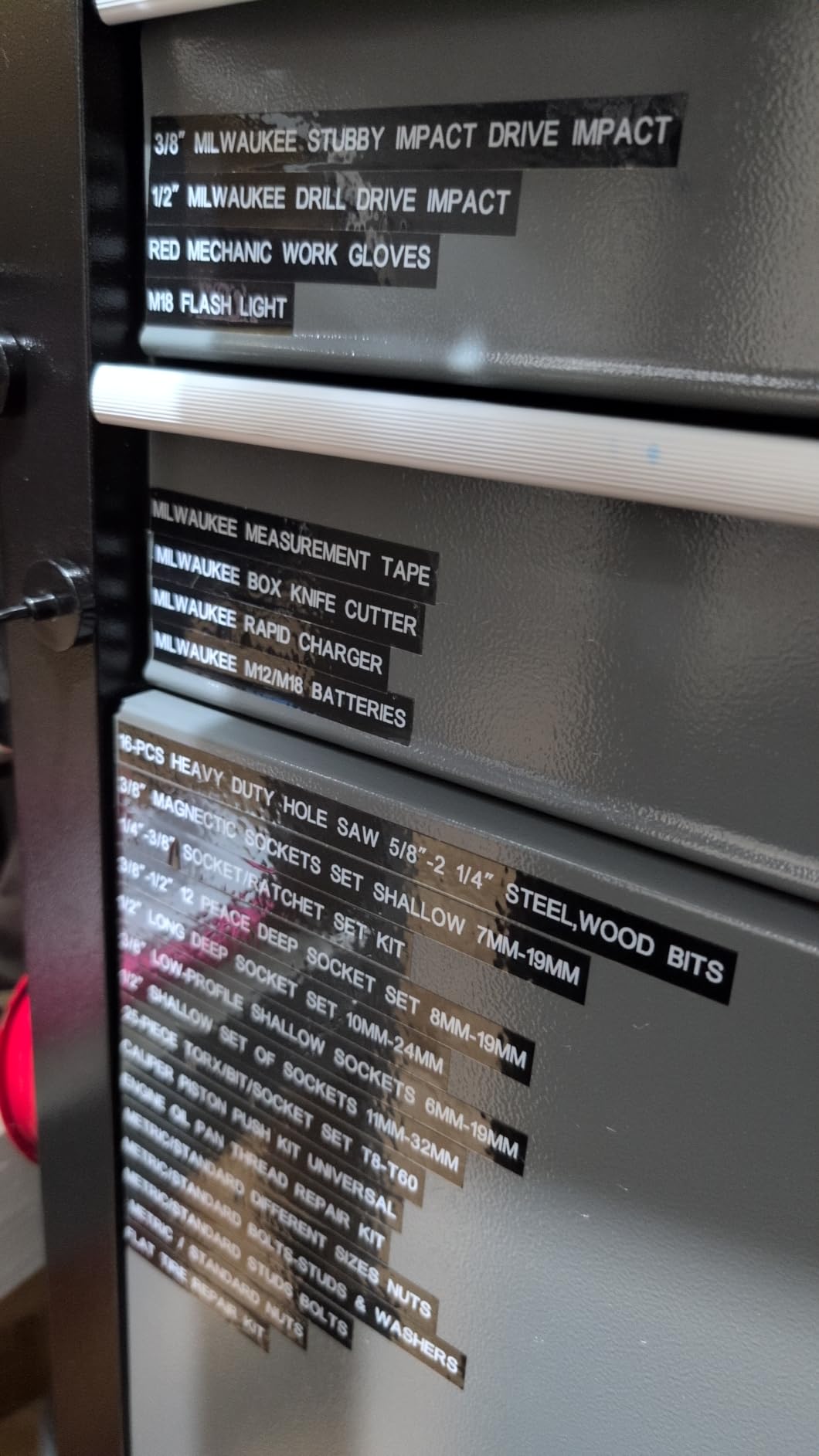
The system matters more than the device. Most shops that label successfully pick five categories and stay inside them: tool drawers and cabinets, shadow boards, parts bins and fasteners, cables and hoses, and equipment or asset tags. Labeling everything is how a shop ends up with labels nobody can read.
Pick a naming convention before you print. The most workable pattern is location, then category, then item, for example SHOP A, DRAWER 2, HEX 4-6MM. It is long enough to be unambiguous and short enough to fit 12mm tape on two lines. A three-part convention also means you can rebuild a missing label from memory years later, which is the entire point.
Decide the level once and hold it. Four levels of prefix depth is where most shops get stuck, with half the labels carrying a code and half carrying plain words. Pick one, write it on the wall, and let the second month enforce it.
For temporary work, do not fight the printer. A strip of gaffer tape and a marker is faster for a one-off job, and plenty of shop owners use both systems deliberately, printed labels for permanent naming and marker for anything that will be changed. The printer earns its cost on the permanent set.
If you are building out bench space rather than labeling what you already own, our picks for the monitor risers we recommend for desk organization follow the same logic, which is that the layout and the labeling have to be designed together rather than one after the other.
What Users Complain About Most
Across the forum threads and the review data, five complaints come up repeatedly, and knowing them in advance saves money.
Labels peeling off is the first one by a wide margin. Users of older DYMO consumer labelers specifically describe tape that does not have good stickability and labels that peel on their own, and that experience is part of why the Brother P-touch became the default recommendation in shop circles. The fix is surface prep and better tape, not a different machine.
Print fading in heat and UV is the second. A user who labeled wiring in a boiler room reported the printing faded to the point of being unreadable after a few years. That is direct thermal doing exactly what direct thermal does, and the answer is thermal transfer media or a different location for the label.
Tape waste is the third, and it is a design flaw rather than a defect. Continuous roll designs waste a strip on each side of a short label. The workarounds people share are batch-printing several labels at once and trimming afterward, or saving the blank end pieces for handwritten labels.
Battery and running costs come fourth. One user reported the P-touch eats batteries like crazy and the AC adapter cost more than the label maker did, with the fix being a third-party adapter. NIIMBOT app subscription upsells for premium templates are the modern version of the same complaint, and its proprietary M2-series consumables are a similar long-run cost.
Fifth is formatting on standalone units, which is why the USB-connected models with a downloadable Windows driver keep coming up as the fix for anyone doing serious work. If you are about to print two hundred labels this weekend, that is the workflow you want.
Frequently Asked Questions
Which label maker is best for organizing?
For workshop drawers, cabinets and bins, the DYMO LabelManager 160 is the simplest proven choice, with a QWERTY keyboard, 300 dpi output and a side cutter that wastes less tape than most. If you need barcodes, panel formats or heat-shrink, step up to the DYMO RhinoPRO 5200. For wire-heavy electrical work, the DYMO Rhino 4200 prints directly onto heat-shrink tubes and types faster on its QWERTY keyboard.
What is the best label printer for industrial use?
The DYMO RhinoPRO 5200 is the strongest all-round industrial handheld here, printing at 300 dpi with Code 39 and Code 128 barcodes on 3/4 inch labels and meeting key ANSI and TIA/EIA-606-A labeling standards. For genuine durability in heat and abrasion, the Epson LABELWORKS LW-PX700 uses thermal transfer rather than direct thermal and carries a lifetime warranty. Note that consumer label makers do not meet industrial safety-labeling standards for electrical panels or chemical containers.
What is the best printer for printing labels for business?
The line is volume. Under roughly ten labels a day, a handheld tape label maker is faster and cheaper to run. Above that, or when you need barcodes, QR codes, Excel imports or matching sets of identical labels, a desktop thermal printer wins. The Brother QL-800 runs 93 labels per minute and prints from Word, Excel and Outlook without extra software, while the QL-820NWB adds Wi-Fi and Bluetooth for shared network use.
Is Munbyn or Phomemo better?
For workshop labeling, neither is the best answer. Both are app-driven Bluetooth units that excel at short, clean labels with codes and no wasted tape, and both depend on a phone and proprietary consumables. Continuous-run and heat-shrink work is better served by a QWERTY handheld such as the DYMO Rhino 4200, and high-volume or networked printing is better served by a Brother QL desktop unit. Choose the app tier for QR codes and design, not for tool drawers.
Is a label maker better than a label printer?
They do different jobs. A label maker is standalone, with a built-in keyboard, and prints one cut strip at a time from a cassette, which makes it fast for individual tool and drawer labels. A label printer is a computer peripheral that takes pre-sized rolls or continuous media and prints barcodes, codes and large volumes. Most workshops end up owning one of each, which is why both appear in this roundup.
Do thermal labels fade in heat and what is the difference between direct thermal and thermal transfer?
Direct thermal labels can, because the print is developed by heat alone and repeated heat or direct sun gradually darkens and washes out the image. Thermal transfer printers burn the image in with a ribbon, so the output lasts considerably longer in hot, sunny or outdoor locations. If labels will sit near a boiler, a sun-facing door or an engine bay, choose thermal transfer such as the Epson LABELWORKS LW-PX700, and use laminated or weatherproof tape either way.
Why will my workshop labels not stick to metal?
Almost always contamination. Oil, dust, cutting fluid and handling residue on a handle or drawer front stop adhesive from grabbing, and the label lifts at the edges first. Wipe the surface with degreaser before applying, use permanent adhesive, and consider a laminate or weatherproof tape. On high-wear items, a clear coat over the applied label adds further life, and replacing a lifted label is better than patching over the old one.
Why is a Dymo Rhino worth it compared to a cheaper label maker?
The Rhino line earns its price through format range and durability. It prints barcodes, wire and cable flags, panel labels and heat-shrink tube rather than plain text strips, uses industrial-strength tape that holds up to dirt and grime, and survives the drops and grime of job-site use. The Rhino 4200 adds a QWERTY keyboard and memory recall for saved labels, and the RhinoPRO 5200 adds 300 dpi output, a rechargeable battery and a carry case.
Conclusion
The DYMO RhinoPRO 5200 is our pick for the best label printers for workshop organization because it covers the widest set of real shop jobs in one machine: tool IDs, bin fronts, wire and cable flags, panel labels and barcodes, at 300 dpi, on a rechargeable battery. If your work is mostly wire, the DYMO Rhino 4200 gives you a QWERTY keyboard and direct heat-shrink printing for less money, and if the machine lives in a vehicle, the Brady M210 is built to be dropped.
Start small, pick a naming convention before you print, and degrease every surface before a label goes on. The best label printer for a workshop is the one you will actually keep using, and the tape and the surface prep decide how long the result stays readable in 2026.