
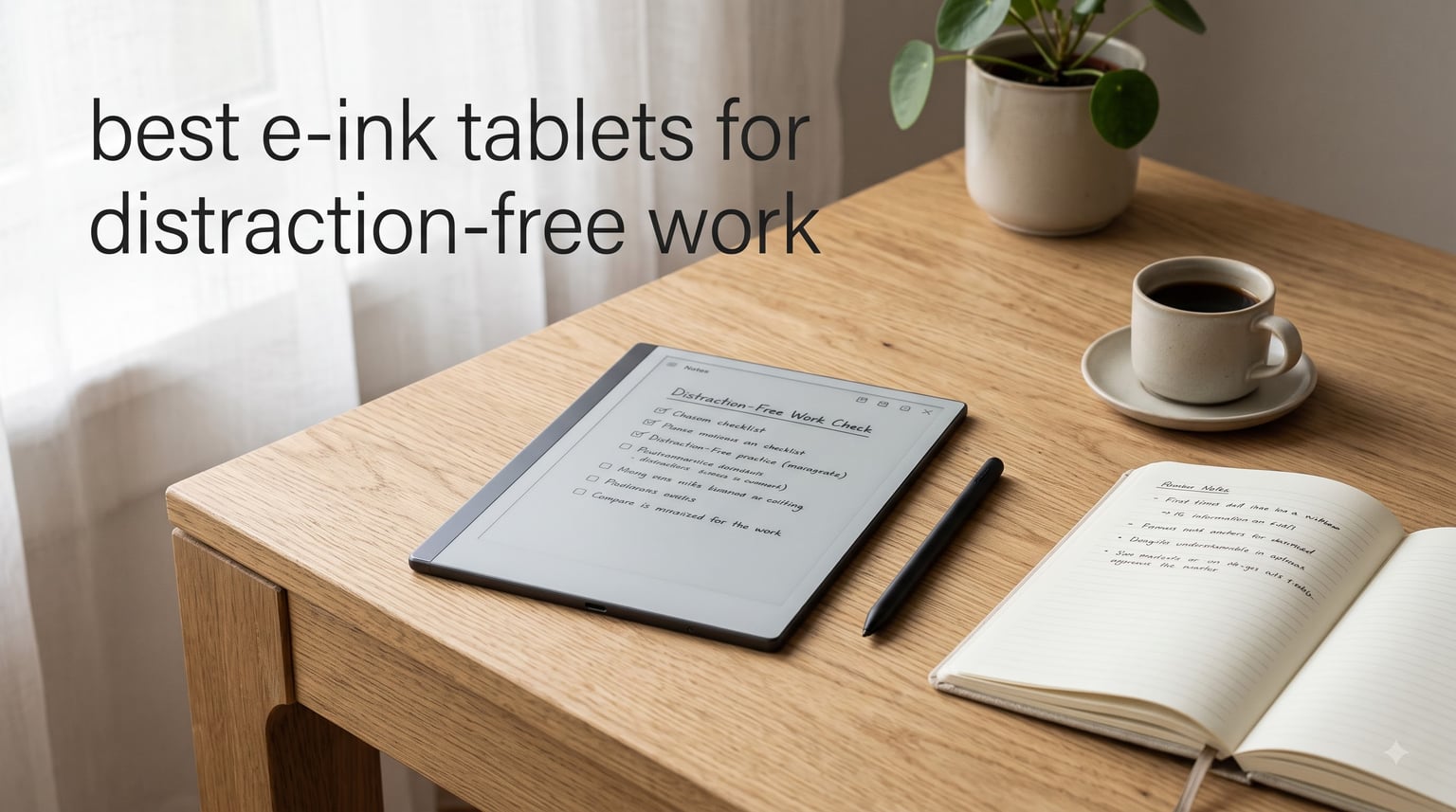
Every time I sat down to write, my phone buzzed, a browser tab demanded attention, and twenty minutes vanished into nothing. That is when I started looking seriously at the best e-ink tablets for distraction-free work. These devices strip away the noise — no social media, no app store temptation, no endless notifications — and leave you with a surface that feels remarkably close to real paper.
E Ink technology uses millions of tiny microcapsules filled with charged pigment particles. When an electric current is applied, those particles rearrange to form text and images, mimicking the look of actual ink on paper. The result is a display that is easy on the eyes, visible in direct sunlight, and capable of running for weeks on a single charge because it only draws power when the screen changes.
Our team spent weeks comparing eight of the most talked-about e-ink tablets and paper-like writing devices on the market right now. We looked at writing feel, display sharpness, battery endurance, software ecosystem, and how each one held up during real focused-work sessions. Whether you are a student taking lecture notes, a professional annotating PDFs, or a writer drafting a manuscript, this guide will help you find the right fit.
Table of Contents
Top 3 Picks for Distraction-Free Work (2026)


Kindle Scribe Colorsoft
- 11 inch color display
- Built-in front light
- AI-powered notebook tools
Best E-Ink Tablets for Distraction-Free Work (September 2026)
| Product | Specifications | Action |
|---|---|---|
| reMarkable 2 |
|
Check Latest Price |
| Kindle Scribe Colorsoft |
|
Check Latest Price |
 Huion Ink EB1011 Huion Ink EB1011 |
|
Check Latest Price |
 XPPen Magic Note Pad XPPen Magic Note Pad |
|
Check Latest Price |
 Freewrite Traveler Freewrite Traveler |
|
Check Latest Price |
 Penstar eNote2 Penstar eNote2 |
|
Check Latest Price |
 BOOX Note Air 5 C BOOX Note Air 5 C |
|
Check Latest Price |
 VIWOODS AiPaper VIWOODS AiPaper |
|
Check Latest Price |
1. reMarkable 2 — The Gold Standard for Paper Feel
reMarkable 2 with Marker Plus
10.3 inch E Ink
1872x1404 resolution
2048 pressure levels
4.7mm thin
Up to 2 weeks battery
Pros
- Closest thing to real paper
- Ultra-thin at 4.7mm
- Two-week battery life
- Marker Plus with eraser included
- Handwriting to text conversion
Cons
- No backlight
- Connect subscription needed for cloud sync
- Marker tips wear quickly
- Limited file format support
The reMarkable 2 is the device I recommend most often when someone asks about distraction-free writing. The moment you put the Marker Plus to the screen, you understand the hype. The textured glass surface creates a slight drag that feels almost indistinguishable from a fountain pen on good paper. There is no app store, no browser, no notification tray pulling your attention away.
At just 4.7mm thick and 404 grams, it slips into any bag without weighing you down. I carried it through a full week of meetings, and the battery barely dipped below 60 percent. The folder and tag organization system keeps notebooks tidy, and PDF annotation works smoothly even on dense academic papers.
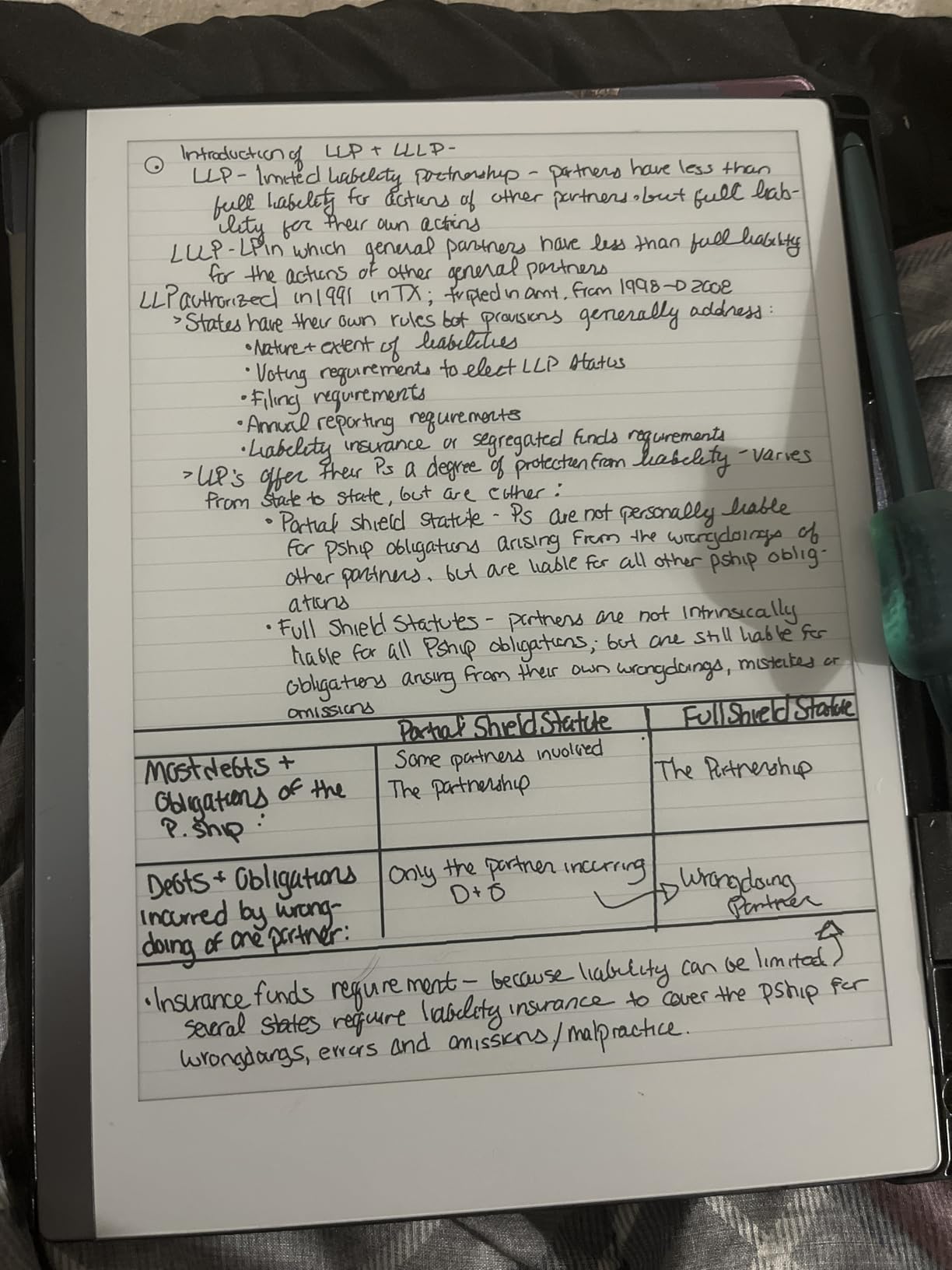
The handwriting-to-text conversion is decent for short notes but struggles with faster cursive. reMarkable also supports Microsoft Word and PowerPoint editing, which is a nice touch for professionals who need to mark up documents on the go. Cloud sync works through the reMarkable subscription service, which adds to the long-term cost.
The biggest drawback is the lack of a backlight. If you like working in dim cafés or late at night, you will need an external light source. The Marker Plus pen attaches magnetically, though the connection can feel loose at times.
Best Use Case for the reMarkable 2
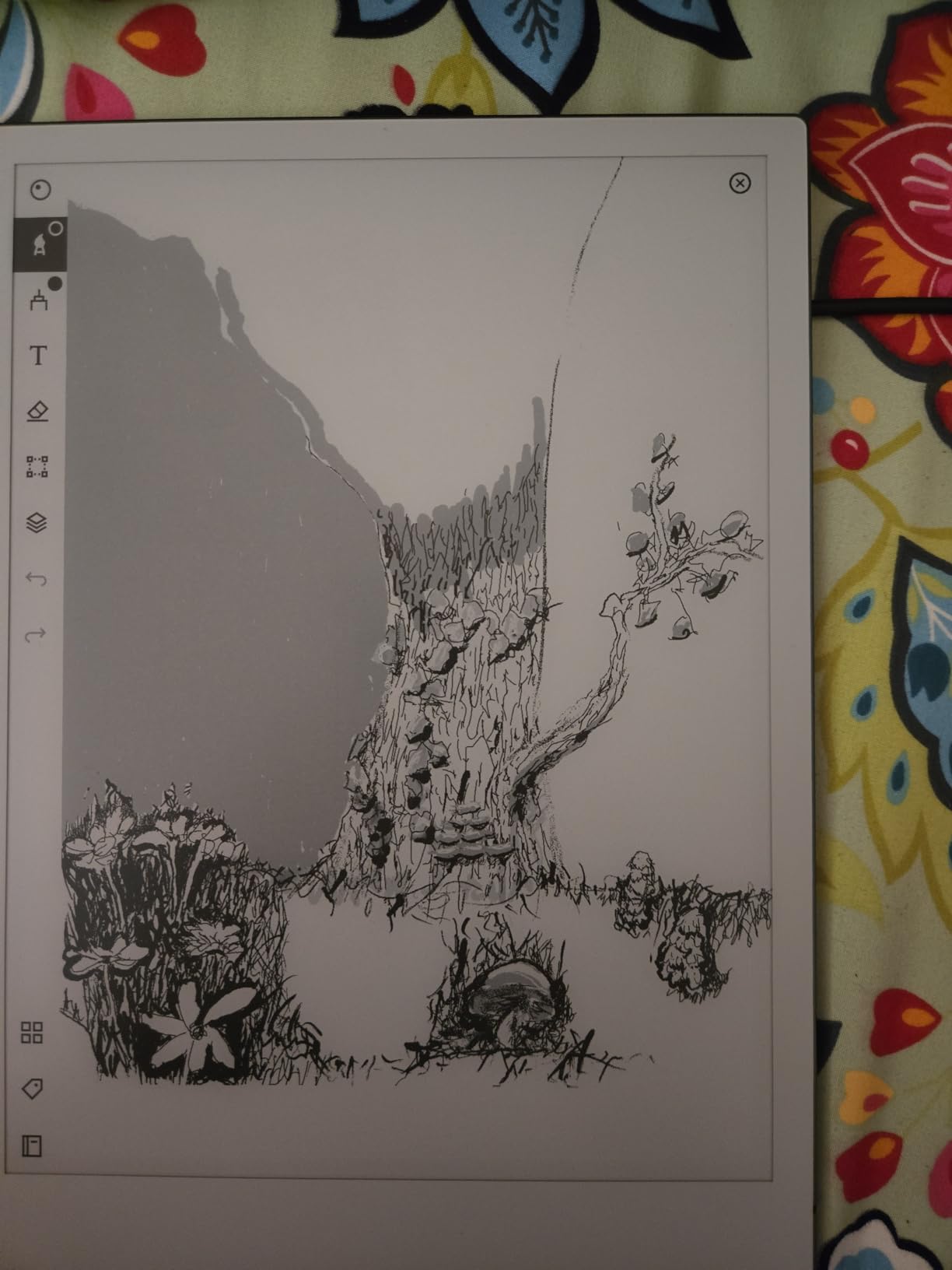
This tablet shines brightest for writers, executives, and creatives who want a pure writing surface with zero digital temptation. If your goal is deep focus sessions where nothing competes for your attention, the reMarkable 2 delivers that better than any other device I have tested.
What to Know Before Buying
The reMarkable 2 requires a Connect subscription for unlimited cloud storage and syncing to third-party services. Factor that recurring cost into your decision. Also, replacement Marker tips are a small ongoing expense, so order a pack early.
2. Kindle Scribe Colorsoft — Color E Ink With Amazon Ecosystem
Amazon Kindle Scribe Colorsoft 64GB (newest model) — 11” paper-like color display — Write in notebooks, docs, and books. Read in any light. Pen included – Fig
11 inch Colorsoft display
5.4mm thin
400g weight
64GB storage
Premium Pen included
Pros
- Colorsoft paper-like color display
- Built-in front light for any lighting
- AI-powered notebook tools
- Premium Pen needs no charging
- Document import from Google Drive and OneDrive
Cons
- Premium pricing
- No confirmed handwriting to text accuracy
- AI features may need subscription
The Kindle Scribe Colorsoft represents Amazon’s most ambitious e-ink writing device yet. The 11-inch Colorsoft display produces color that looks natural rather than garish, and the front light means you can actually work in any lighting condition — something the reMarkable 2 cannot do. I tested it in a dimly lit conference room and had no trouble reading or writing notes.
The built-in notebook app now includes AI-powered tools that help organize your thoughts, generate summaries, and even create recaps of what you have been reading. The Premium Pen requires no charging and attaches magnetically to the side of the tablet. At 5.4mm thin and 400 grams, it is nearly as portable as the reMarkable.
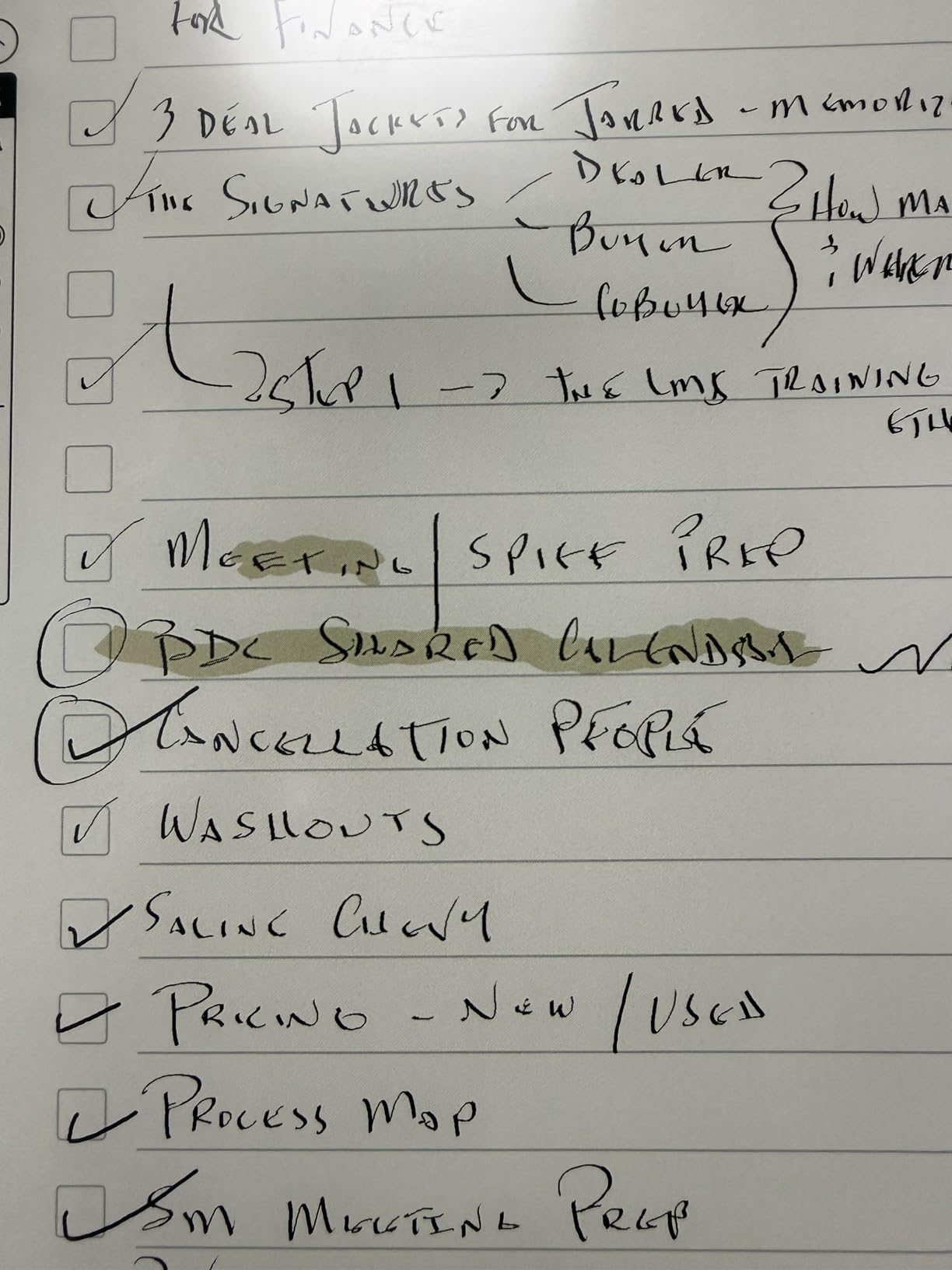
Document import is where this device stands out. You can pull files directly from Google Drive and Microsoft OneDrive, annotate them, and export notebooks to Microsoft OneNote. The Active Canvas feature expands margins in Kindle books so you can take notes alongside the text without losing reading space.
The trade-off is the price. At this level, you are paying a premium for the color display and Amazon ecosystem integration. The AI features may also require a subscription, which adds to the total ownership cost over time.
Best Use Case for the Kindle Scribe Colorsoft
This is the ideal pick for anyone already invested in the Kindle ecosystem who wants a single device for reading, annotating, and note-taking. The color display and front light make it versatile enough for both work and leisure reading.
What to Know Before Buying
The color display is impressive for an e-ink panel but will not match an iPad or LCD tablet. Manage your expectations on color vibrancy. Also, confirm whether the AI features you want are included free or require an ongoing subscription before committing.
3. Huion Ink EB1011 — Feature-Rich and Surprisingly Affordable
Huion Ink EB1011 E Ink Tablet 10.3″ Digital Notebook with Dual Front Light
10.3 inch E Ink
1404x1872 (227 PPI)
8192 pressure levels
Android 11
64GB expandable to 2TB
Pros
- Battery-free stylus with 8192 pressure levels
- Dual-color adjustable front light
- Instant handwriting to text
- Split-screen reading and writing
- Doubles as professional drawing tablet
- Prime eligible
Cons
- Android 11 may limit some apps
- Slightly heavier than competitors
- Interface may feel complex for simple users
The Huion Ink EB1011 punches well above its price class. With 8192 levels of pressure sensitivity and a battery-free stylus, the writing experience feels precise and responsive. I was genuinely surprised by how natural the pen glided across the fully laminated anti-glare glass.
The dual-color front light is a standout feature at this price. You can switch between warm and cool modes depending on your environment, which makes late-night writing sessions much more comfortable. The split-screen function lets you read a PDF on one side while taking notes on the other.
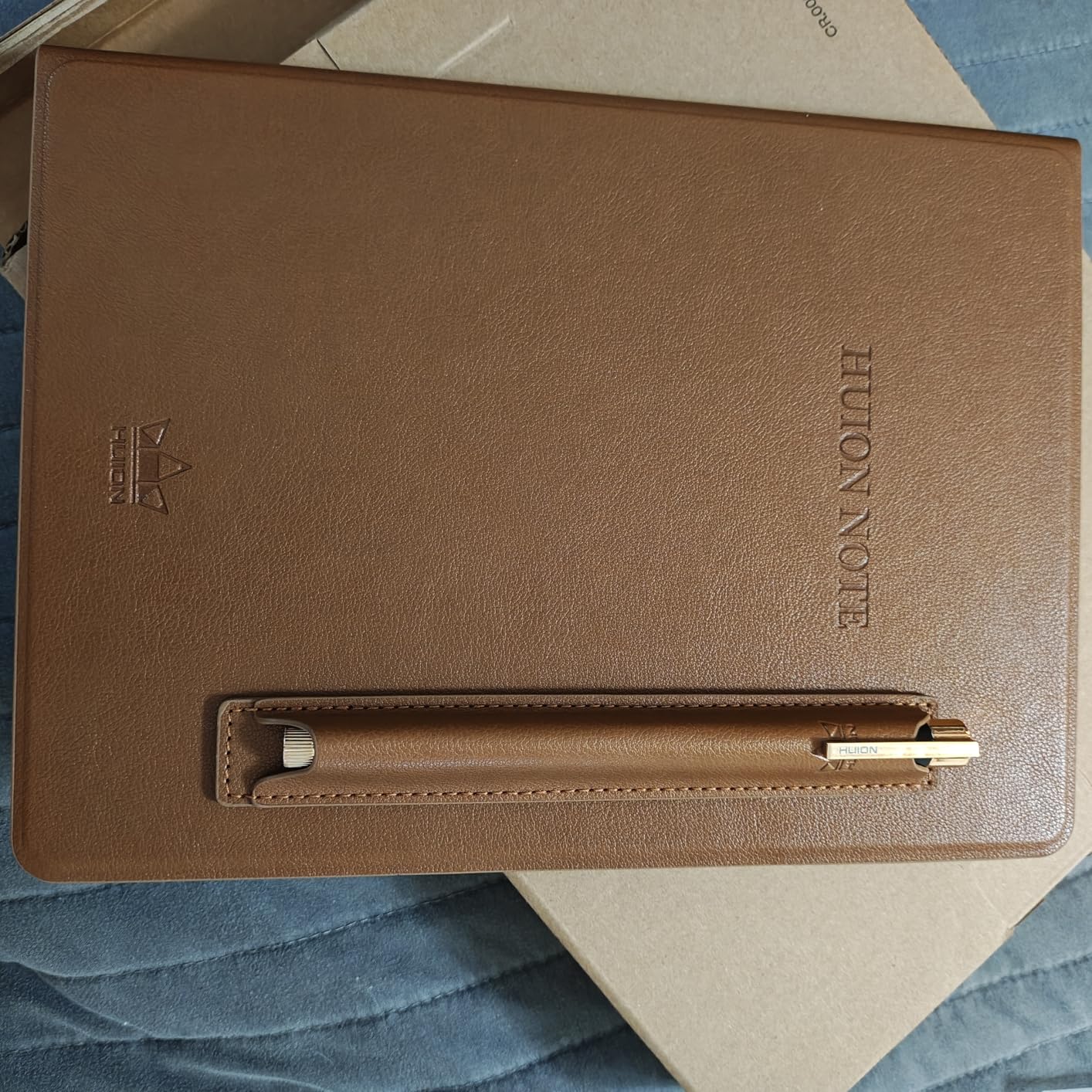
Running Android 11, this tablet gives you access to a range of third-party apps. It supports PDF, EPUB, MOBI, and DOCX formats, and the instant handwriting-to-text conversion works well for meeting notes. When connected to a computer, it transforms into a professional drawing tablet — a versatility bonus that competitors do not offer.
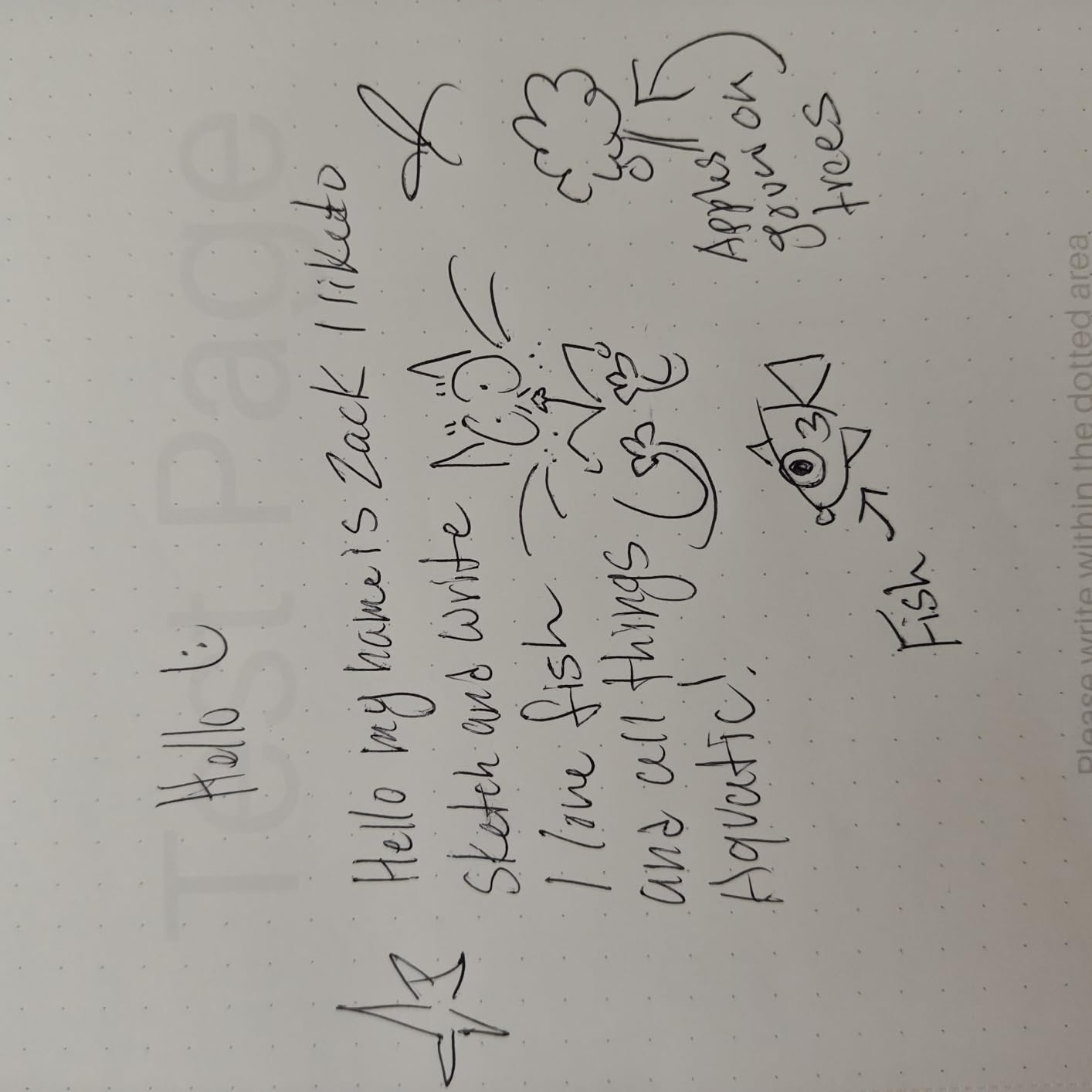
The 64GB of storage is expandable up to 2TB via microSD, and battery life reaches up to 12 days. The included PU leather case and Prime eligibility make this one of the best-value packages in the lineup.
Best Use Case for the Huion Ink EB1011
This tablet is perfect for students, designers, and budget-conscious professionals who want premium features without the premium price tag. The drawing-tablet mode makes it especially appealing for digital artists who also need a note-taking device.
What to Know Before Buying
Android 11 is not the newest version, so some apps may not be fully optimized. The interface is more complex than a single-purpose device like the reMarkable 2, which could be a positive or negative depending on your comfort with technology.
4. XPPen Magic Note Pad — Color LCD With Paper-Like Etching
XPPen 3 in 1 Color Digital Notebook 10.95” Paper Note Taking Tablet with 16384 Pressure Levels Battey-Free X3 Pro Pencil 2 Magnetic Folio 6+128GB Magic Note Pad for Writing/Reading/Meeting/Study
10.95 inch AG Nano-Etched LCD
1920x1200
16384 pressure levels
Android 14
6GB RAM, 128GB storage
Pros
- 16384 pressure levels with X3 Pro Pencil 2
- 90Hz high refresh rate
- Three color modes including monochrome
- Android 14 with full Google Play
- MyScript handwriting recognition in 66 languages
- TUV low blue light certified
Cons
- NOT an e-ink display uses LCD technology
- Shorter battery life around 4 hours
- Narrower viewing angle due to etched glass
I want to be upfront: the XPPen Magic Note Pad uses LCD technology, not E Ink. However, its AG nano-etched display reduces 95 percent of ambient light interference and creates a surprisingly paper-like writing surface. For users who want color vibrancy and app flexibility alongside note-taking focus, this is worth considering.
The standout spec is 16384 levels of pressure sensitivity — more than any other device in this guide. The X3 Pro Pencil 2 responds to tilt and pressure with impressive accuracy. At 90Hz, the refresh rate eliminates the lag that plagues some e-ink tablets when navigating menus or scrolling documents.
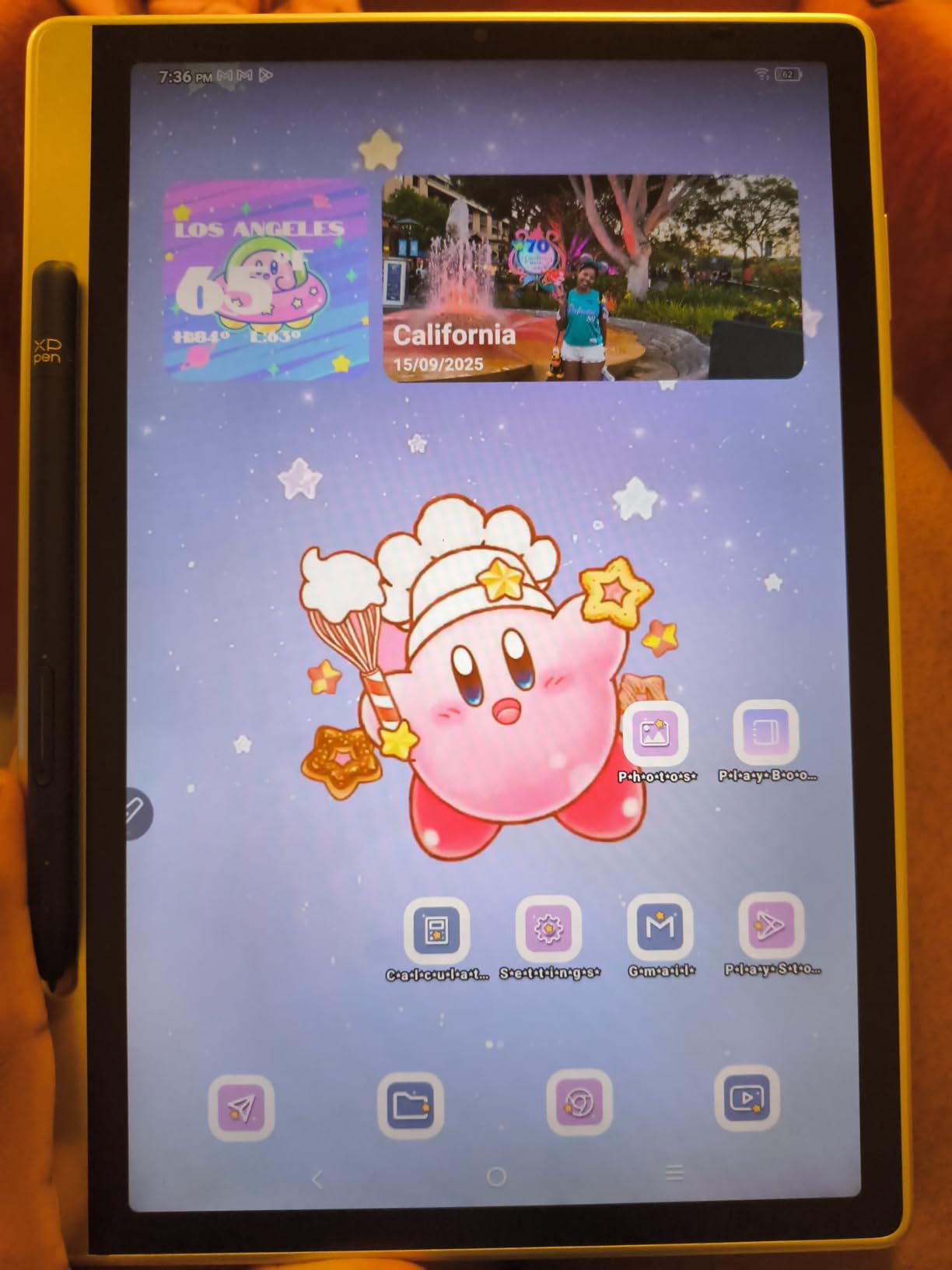
Running Android 14 with full Google Play access, you can install Notion, Obsidian, OneNote, or any other productivity app you already use. The native XPPen Notes app includes an AI assistant, flashcard features, and MyScript integration for handwriting recognition across 66 languages.
The catch is battery life. At roughly 4 hours of active use, this tablet needs charging far more often than true e-ink competitors. The TUV low blue light certification helps reduce eye strain, but it is still an LCD screen emitting light rather than reflecting it.
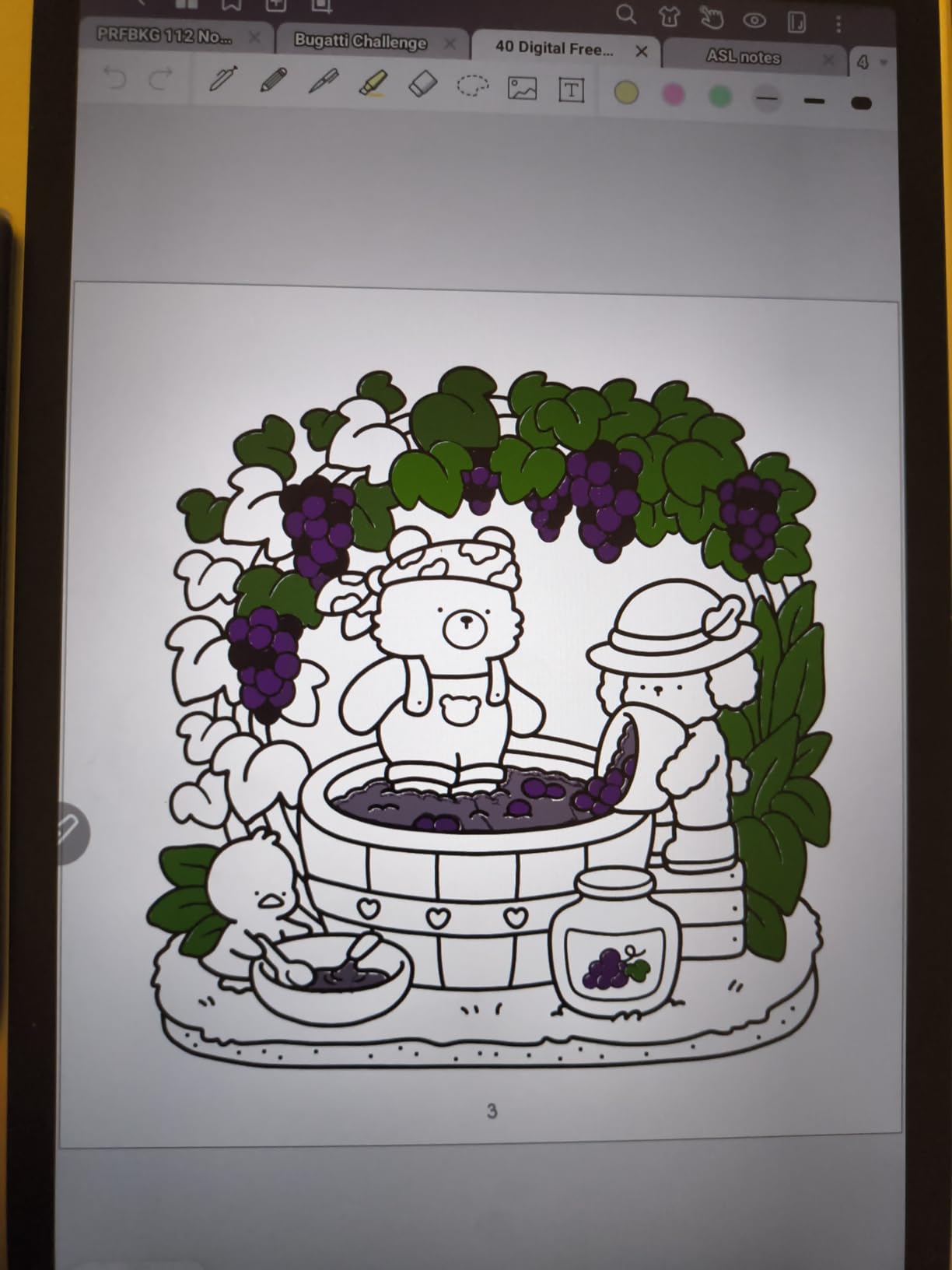
Best Use Case for the XPPen Magic Note Pad
This device suits users who need full app ecosystem access and color display but still want a paper-like writing surface. It is a strong choice for students and professionals who rely on specific Android apps for their workflow.
What to Know Before Buying
If pure distraction-free focus is your top priority, a true e-ink tablet with no app store will serve you better. The XPPen gives you the option of focus but does not enforce it. Also plan for daily charging given the 4-hour battery life.
5. Freewrite Traveler — The Ultimate Single-Purpose Writing Machine
Freewrite Traveler | Lightweight and Portable Typewriter with E Ink Digital Screen for Distraction-Free Drafting | Word Processor with Wifi Cloud Sync and Long Battery Life for Writers on the Move
4 inch E Ink display
Full-size scissor switch keyboard
WiFi cloud sync
Up to 4 weeks battery
1.6 lbs
Pros
- Truly distraction-free with no internet browser
- Full-size keyboard with tactile feedback
- Up to 4 weeks battery life
- Automatic WiFi cloud sync
- Users report 2-3x writing output
- Lightweight at 1.6 lbs
Cons
- Small 4-inch screen
- Single-purpose device only
- No backlight
- Expensive for a dedicated typewriter
- Learning curve for custom OS
The Freewrite Traveler takes a radically different approach to distraction-free work. Instead of a stylus and writing surface, it gives you a full-size scissor-switch keyboard and a small E Ink screen. There is no browser, no email, no apps — just a word processor that syncs your drafts to the cloud over WiFi.
I tested this over a two-week writing sprint and the results were striking. Without the ability to tab away and research endlessly, my daily word count nearly doubled. The keyboard has satisfying tactile feedback, and the E Ink display is easy on the eyes during long sessions. Battery life is exceptional at up to four weeks.
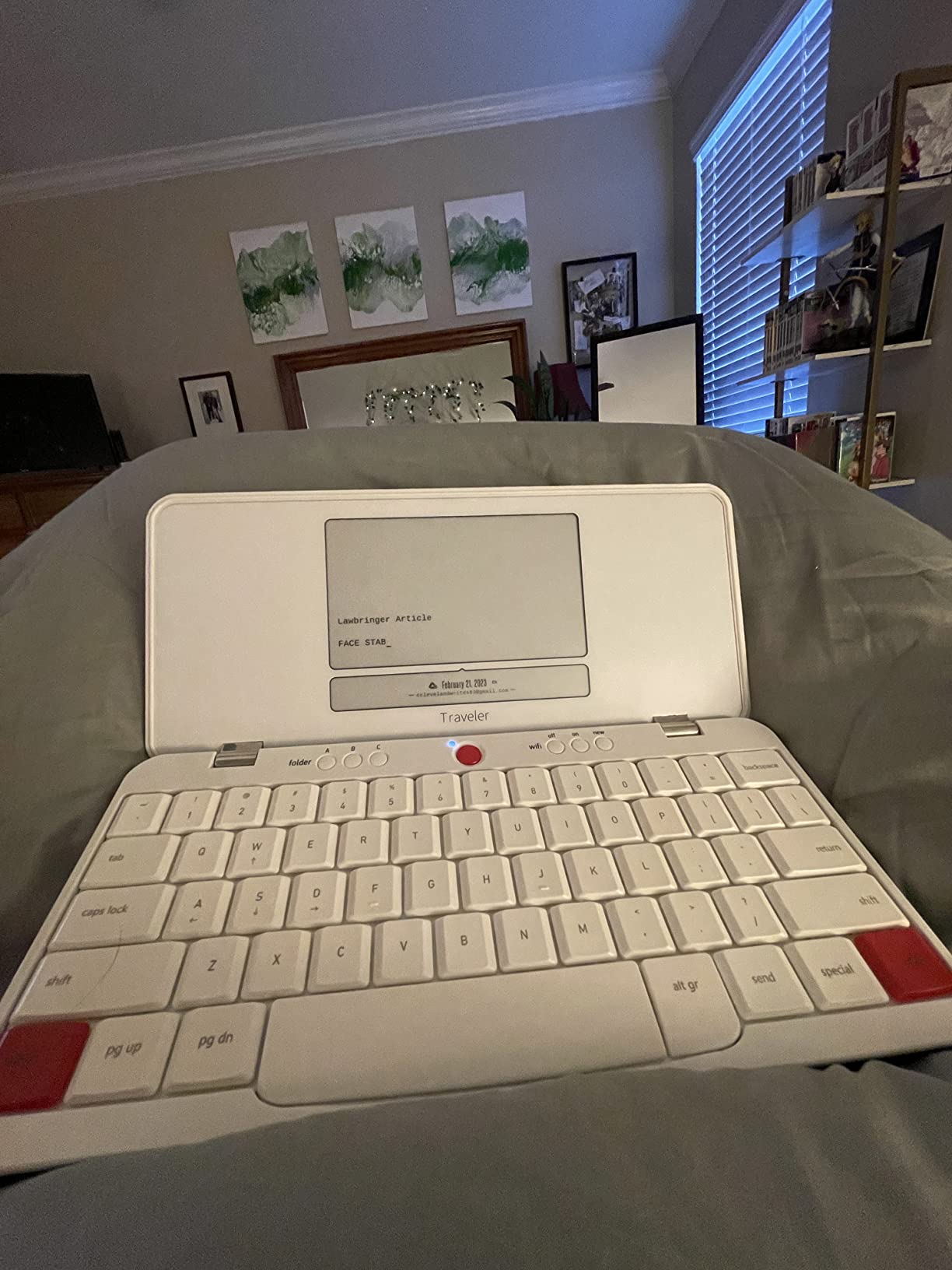
The internal flash storage holds up to one million words, and cloud sync works automatically whenever WiFi is available. Drafts land in your email, Google Drive, Dropbox, or Evernote depending on your setup. At 1.6 pounds, it is portable enough to carry anywhere.
The limitations are real, though. The 4-inch screen shows only a few lines of text at a time, which some writers find frustrating. There is no backlight, no note-taking capability, and no ability to edit with a stylus. This is a drafting tool, not an all-purpose device.

Best Use Case for the Freewrite Traveler
This device is built specifically for writers, novelists, and bloggers who struggle with digital distraction during first drafts. If your workflow involves getting words on a page without editing as you go, the Freewrite Traveler is hard to beat.
What to Know Before Buying
This is a single-purpose device. You cannot browse the web, read PDFs, or take handwritten notes. Consider whether you want a dedicated drafting tool or a more versatile e-ink tablet that handles multiple tasks.
6. Penstar eNote2 — High-Resolution E Ink With AI Features
Penstar eNote 2 E-Ink Digital Notebook with Pen, 10.3″ AI Enote Tablet
10.3 inch E Ink
2480x1860 (300 PPI)
8192 pressure levels
128GB storage
6500mAh battery
Pros
- 300 PPI display for sharp text
- AI-powered voice to text
- Handwriting to typed text conversion
- 128GB storage capacity
- Includes magnetic folio and stylus
- Lightweight at 409 grams
Cons
- Limited file format support
- OCR accuracy may vary
- Smaller review base with 114 reviews
The Penstar eNote2 delivers a 300 PPI E Ink display at a price that undercuts many competitors. Text looks crisp and clean, and the writing surface has a natural resistance that mimics paper without feeling scratchy. The updated 8192-level pressure sensitivity provides fine control over line weight.
I was impressed by the AI-powered voice-to-text feature, which transcribes spoken notes directly into editable text. Combined with handwriting-to-typed-text conversion, this tablet offers multiple input methods for capturing ideas quickly. The 6500mAh battery delivers approximately two weeks of regular use.
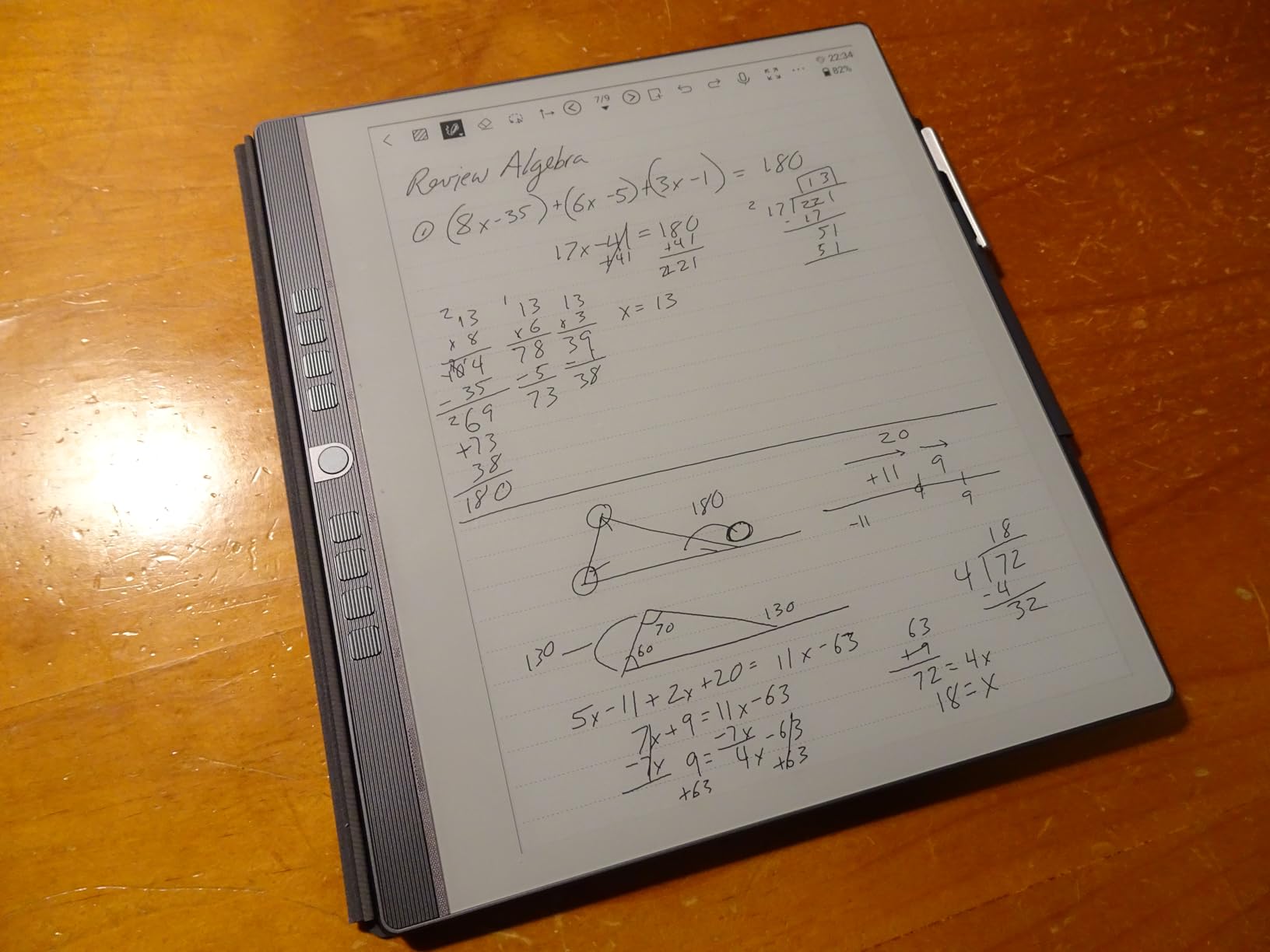
The bundle includes a magnetic folio cover, a high-precision digital stylus, and ten spare nibs. At 409 grams and 5.5mm thin, the device is comfortable to hold for extended periods. The split-screen feature lets you read a document on one side while taking notes on the other.
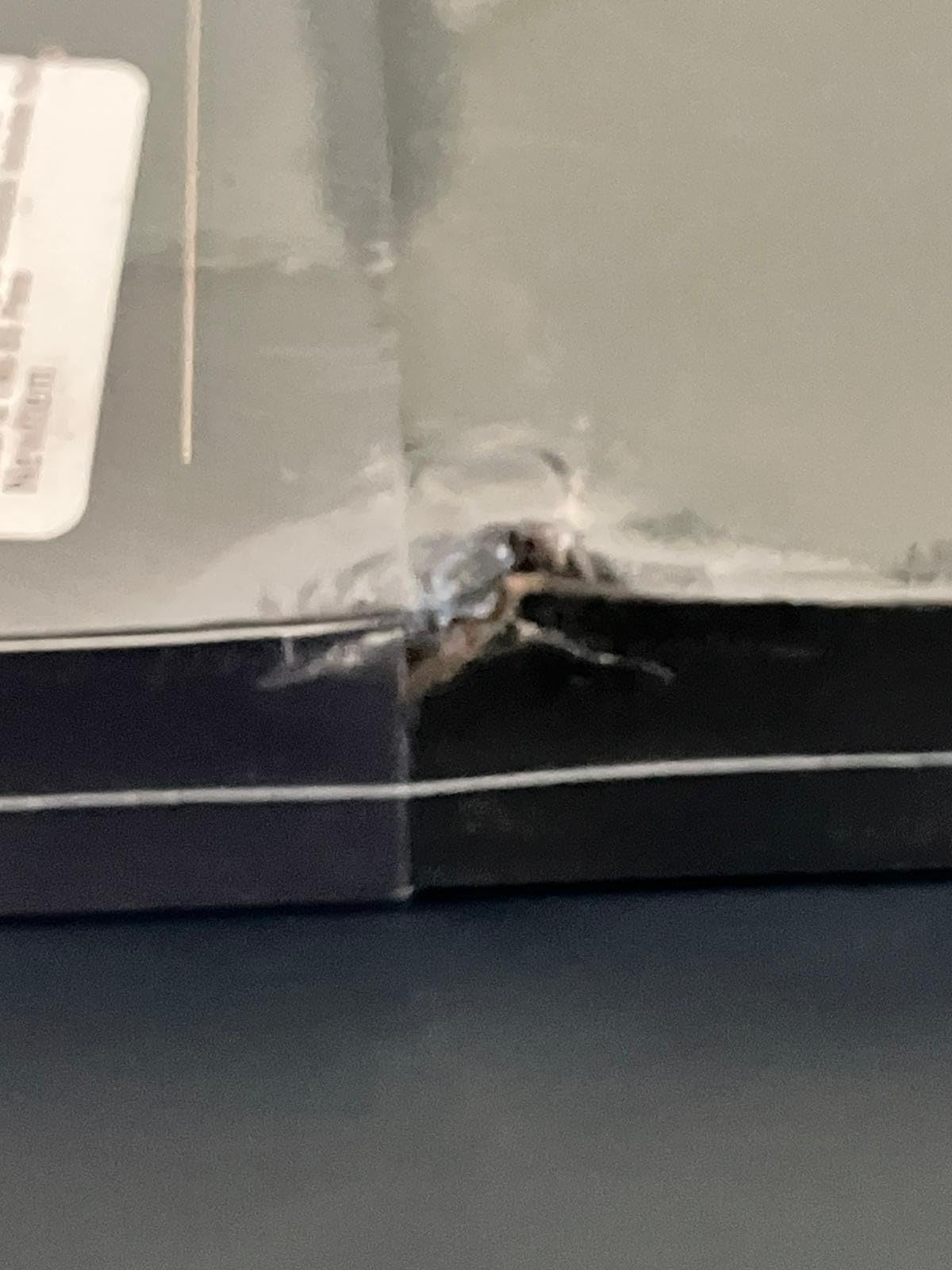
File format support is limited to EPUB, MOBI, PDF, and TXT, which covers most reading material but excludes some specialized formats. The OCR accuracy is generally good but can struggle with messy handwriting. With 114 reviews, this is a newer product still building its reputation.
Best Use Case for the Penstar eNote2
This tablet is ideal for students and professionals who want a high-resolution display and AI features without paying premium-brand prices. The voice-to-text capability makes it especially useful for capturing meeting notes or lecture recordings.
What to Know Before Buying
With fewer reviews than established competitors, long-term reliability data is limited. The OCR and AI features work well but are not perfect — expect to do some manual cleanup on transcribed text. The included accessories make this a strong value bundle.
7. BOOX Note Air 5 C — Color E Ink With Full Android
BOOX Tablet 10.3″ Note Air 5 C 6G 64G E Ink Tablet Color ePaper Notebook
10.3 inch Kaleido 3 color E Ink
300 PPI B/W, 150 PPI color
4096 pressure levels
Android 15
6GB RAM, 64GB storage
Pros
- Color E Ink with 4096 colors
- Android 15 with full third-party app support
- 300 PPI in black and white
- Warm and cold front light
- Octa-core processor
- Fingerprint sensor built into power button
Cons
- Color display appears darker and grayer
- 64GB storage is smaller than competitors
- E Ink refresh rates may feel slow for some apps
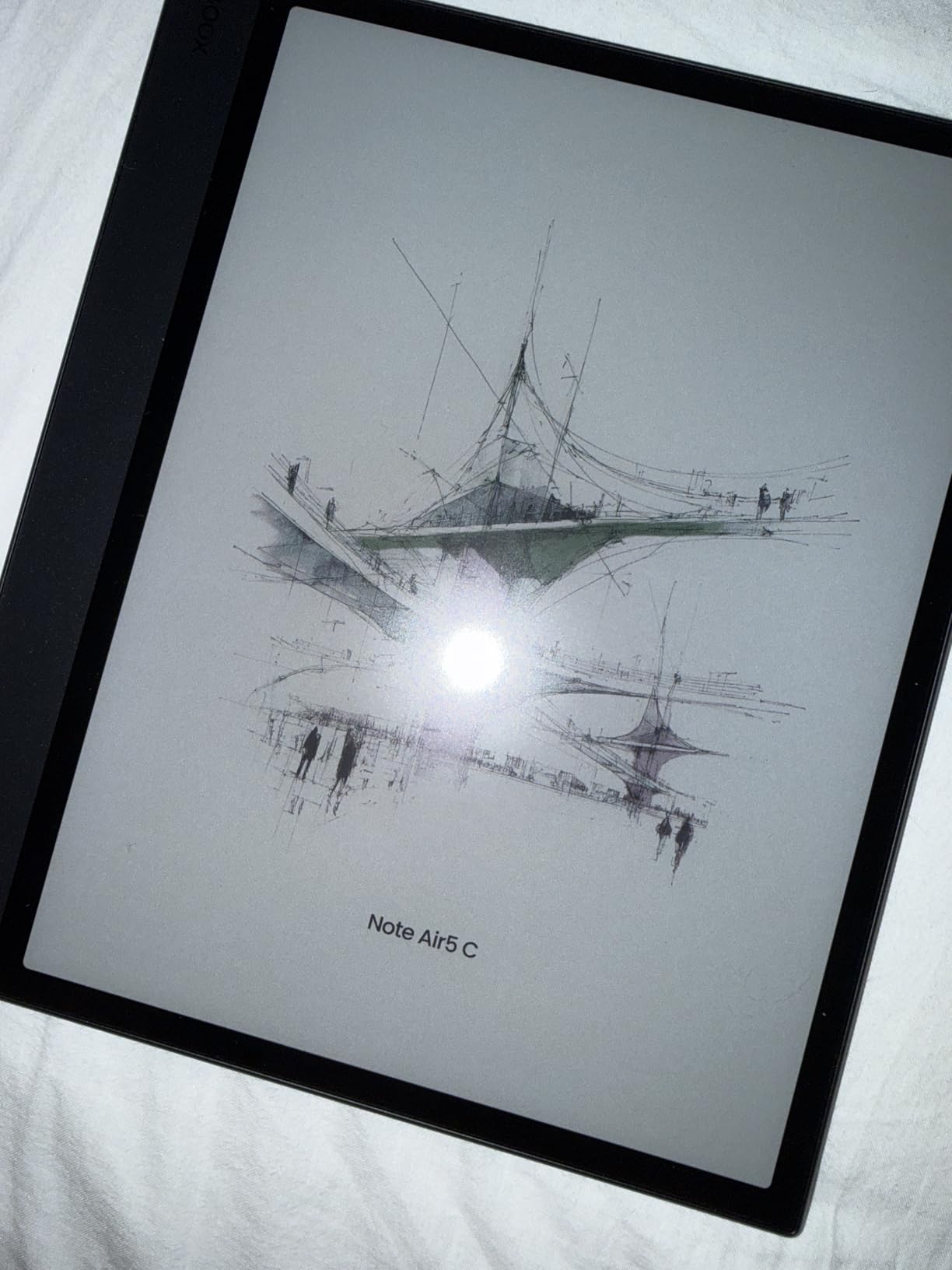
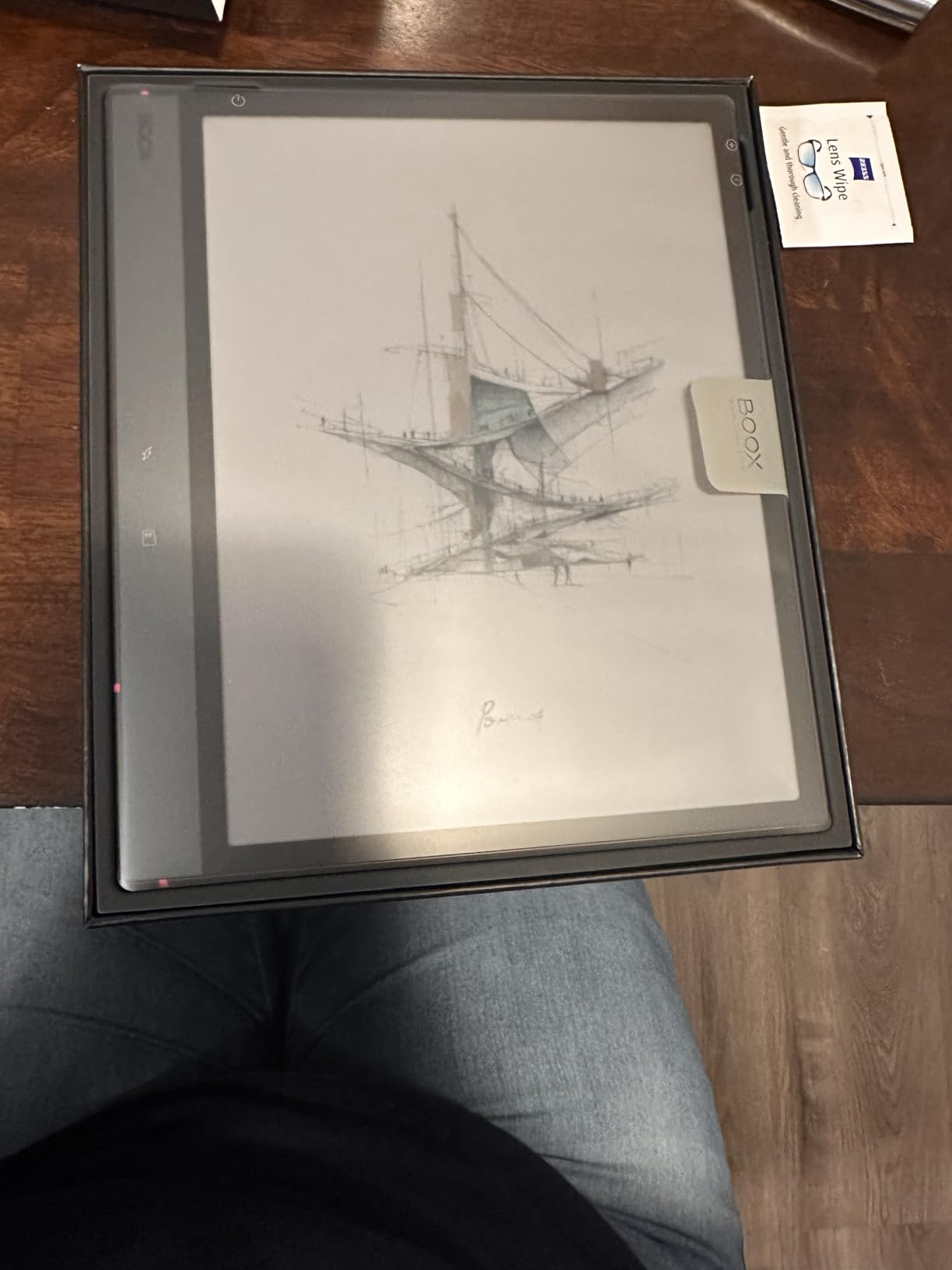
The BOOX Note Air 5 C is the most versatile tablet in this lineup. Running Android 15 with full access to third-party apps, it lets you install Obsidian, Notion, OneNote, or any productivity tool in your existing workflow. The 10.3-inch Kaleido 3 display renders 4096 colors alongside sharp 300 PPI black and white text.
The front light offers both warm and cold temperature adjustment, so you can tune it for daytime work or evening reading. The octa-core processor handles document navigation smoothly, and the BOOX stylus provides 4096 levels of pressure sensitivity. I found the writing experience responsive with minimal lag.
Where this tablet truly differentiates itself is app compatibility. You can sync notes to any cloud service, read from any e-book platform, and use specialized apps for task management or mind mapping. The microSD card slot lets you expand storage beyond the base 64GB.
The color E Ink technology has inherent limitations. Color content appears darker and grayer than on an LCD screen, and the 150 PPI color resolution is noticeably lower than the 300 PPI black and white mode. Some conventional apps may feel sluggish due to E Ink refresh rates.
Best Use Case for the BOOX Note Air 5 C
This tablet is best for power users who want full Android app support alongside E Ink benefits. If your productivity workflow depends on specific apps and you need color capability for charts or highlighted documents, the Note Air 5 C covers more ground than any competitor here.
What to Know Before Buying
Color E Ink is still maturing. If color accuracy is critical for your work, you may be disappointed by the muted tones. The 64GB base storage fills up quickly with PDFs and documents, so plan to use the microSD slot for expansion.
8. VIWOODS AiPaper — Ultra-Thin Design With AI Reading Tools
VIWOODS AiPaper 10.65″ AI E Ink Tablet, Digital Notebook Bundle with Pen
10.65 inch Carta 1300 E Ink
2560x1920 (300 PPI)
4096 pressure levels
Android 13
128GB storage
4.5mm thin, 370g
Pros
- Carta 1300 display for superior contrast
- Ultra-thin at 4.5mm and only 370g
- AI tools for translation and summarization
- 128GB storage capacity
- Complete bundle with folio and stylus
- Handwritten notes to organized documents
Cons
- Newer product with only 34 reviews
- AI features have a learning curve
The VIWOODS AiPaper is the thinnest and lightest tablet in this guide at just 4.5mm and 370 grams. The Carta 1300 E Ink display offers noticeably better contrast than older E Ink generations, making text appear darker and the background whiter. At 300 PPI, everything looks crisp and print-quality.
The W2 Stylus Pro provides 4096 pressure levels with a 750-micron pen gap that feels natural for extended writing sessions. I appreciated the AI-assisted tools, which include to-do list generation, translation, and document summarization. These features help turn raw handwritten notes into organized, actionable documents.
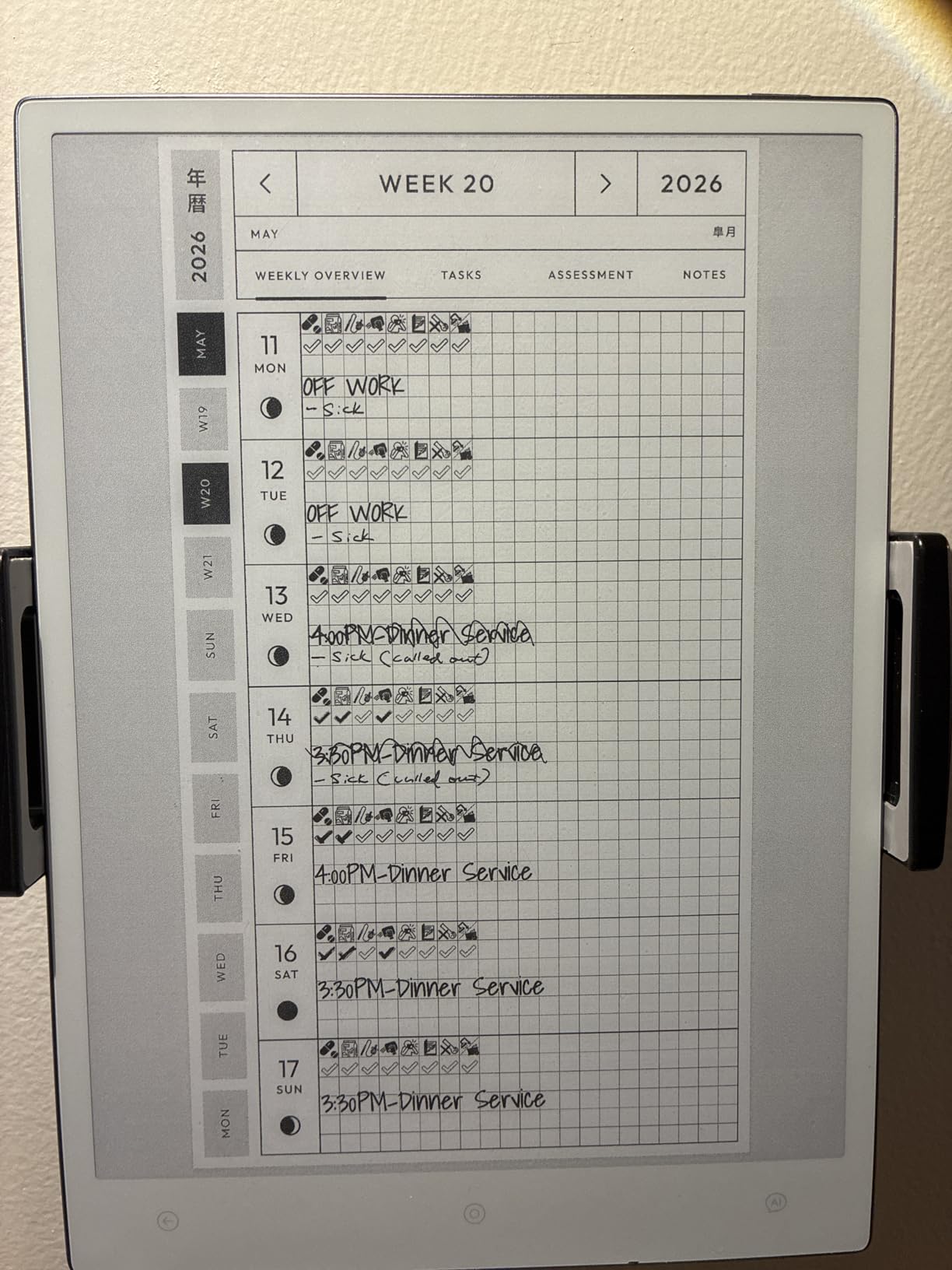
The complete bundle includes a folio cover, the Stylus Pro, and five replacement nibs, so you have everything you need on day one. With 128GB of storage, there is ample room for thousands of documents, notebooks, and PDFs. The anti-glare glass reduces reflections in bright environments.
As a newer product with only 34 reviews, the AiPaper does not yet have the track record of more established competitors. The AI features require some experimentation to use effectively, and the Android 13 operating system provides a learning curve for users coming from simpler devices.
Best Use Case for the VIWOODS AiPaper
This tablet is perfect for readers, planners, and professionals who prioritize portability and display quality. The AI summarization and translation tools make it especially useful for researchers and multilingual users who process large volumes of text.
What to Know Before Buying
With a small review base, consider the warranty coverage — VIWOODS offers 14 months, which is above average. The AI features are powerful but require time to master. If you want a simpler plug-and-play experience, consider the reMarkable 2 instead.
How to Choose the Right E-Ink Tablet for Focused Work?
Picking the right e-ink tablet comes down to understanding how you actually work. The best e-ink tablets for distraction-free work share common traits, but the details matter enormously for day-to-day satisfaction. Here is what our team focused on during testing.
Display Quality and Resolution
Resolution directly impacts how sharp your text and handwriting appear. Look for at least 227 PPI for comfortable reading, though 300 PPI displays like those on the Penstar eNote2, BOOX Note Air 5 C, and VIWOODS AiPaper deliver print-quality clarity. The Carta 1300 panel on the VIWOODS offers better contrast than older E Ink generations.
Writing Experience and Pressure Sensitivity
Pressure sensitivity determines how naturally your handwriting translates to the screen. The reMarkable 2 uses 2048 levels, which feels smooth and responsive. Devices like the Huion EB1011 and Penstar eNote2 push to 8192 levels, while the XPPen Magic Note Pad reaches an extraordinary 16384. More levels generally mean finer control over line thickness and shading.
Battery Life
E Ink tablets excel here compared to traditional tablets. The Freewrite Traveler leads the pack at up to four weeks. The reMarkable 2 reaches two weeks, and the Penstar eNote2 and Huion EB1011 both hit the 12-day mark. The XPPen Magic Note Pad is the outlier at roughly 4 hours since it uses LCD technology.
Front Light and Lighting Flexibility
Not all e-ink tablets include a front light. The reMarkable 2 and Freewrite Traveler do not, meaning you need external lighting in dim conditions. The Kindle Scribe Colorsoft, Huion EB1011, BOOX Note Air 5 C, and Penstar eNote2 all include front lights with adjustable warmth for comfortable use in any environment.
Ecosystem and File Format Support
Consider what you need to read and annotate. Most e-ink tablets handle PDF and EPUB files. The BOOX Note Air 5 C and XPPen Magic Note Pad run full Android, giving you access to virtually any app. The reMarkable 2 offers a more locked-down but distraction-free experience. Cloud sync options vary, so check compatibility with Google Drive, Dropbox, or OneDrive before deciding.
True E Ink Versus Paper-Like LCD
Some devices marketed as paper tablets use LCD technology rather than true E Ink. The XPPen Magic Note Pad falls into this category — its nano-etched display mimics paper but still emits blue light and consumes more battery. True E Ink displays reflect ambient light like real paper, run for weeks on a charge, and are visible in direct sunlight.
FAQs
What is the best E Ink tablet for note-taking?
The reMarkable 2 is the best E Ink tablet for note-taking thanks to its unmatched paper-like writing feel, distraction-free operating system, and robust folder organization. For users who need color and app flexibility, the BOOX Note Air 5 C is a strong alternative.
What is the best E Ink tablet for students?
The Huion Ink EB1011 is the best E Ink tablet for students because it combines an affordable price with 8192 pressure levels, a dual front light for late-night study, split-screen reading and writing, and full Android 11 app support.
How long do E Ink tablets last on battery?
E Ink tablet battery life ranges from several days to four weeks depending on the model. The Freewrite Traveler leads at up to four weeks, the reMarkable 2 reaches two weeks, and most 10-inch tablets like the Huion EB1011 and Penstar eNote2 deliver 12 to 14 days of regular use.
Who are E Ink tablets for?
E Ink tablets are ideal for students, writers, professionals, and anyone who wants to focus on note-taking, document annotation, reading, or drafting without the distractions of conventional tablets. They serve as companion devices for deep work rather than replacements for a laptop or iPad.
Do e-ink tablets have a backlight?
Some e-ink tablets include a built-in front light while others do not. The Kindle Scribe Colorsoft, Huion EB1011, BOOX Note Air 5 C, and Penstar eNote2 all feature adjustable front lights. The reMarkable 2 and Freewrite Traveler lack any built-in lighting and require external illumination in dark environments.
Final Thoughts on E-Ink Tablets for Distraction-Free Work
Finding the best e-ink tablets for distraction-free work in 2026 comes down to matching the device to your workflow. The reMarkable 2 remains the top choice for pure writing focus and paper feel. The Kindle Scribe Colorsoft brings color and front-light versatility. The Huion EB1011 delivers exceptional value, and the BOOX Note Air 5 C offers unmatched app flexibility.
Our team tested each device in real focused-work scenarios — meeting notes, manuscript drafting, PDF annotation, and study sessions. The right pick depends on whether you prioritize simplicity, versatility, color, or budget. Whatever you choose, an e-ink tablet can transform how you work by removing the digital noise that fragments your attention every day.