
If you are searching for the best long range baby monitor for large homes, the short answer is this: a dedicated non-WiFi parent screen is the right call if you only ever watch from inside the house, and a WiFi or hybrid system is the right call if you need to check in from work, the garden or a grandparent’s house. There is no single winner because the thing that breaks first in a big house is rarely the camera, it is the signal crossing the walls between it and you.
We spent six weeks running ten of the most popular long-distance baby monitors through a spread of layouts that cause trouble: a two-story home with a finished basement nursery, a three-floor split-level, and a 1920s house with plaster and lath walls. Every unit below was judged on the same things: does the picture survive the trip down two flights of stairs, does the audio stay clean, and does the handheld still work at 3am without a charger.
This roundup also covers the practical stuff nobody puts on the box. Claimed range is measured in open air with line of sight, which is close to useless information for a house with a staircase in the middle of it, so we tell you what to expect indoors. If your WiFi struggles to reach the end of the house, start with our Wi-Fi extender picks for large homes before you blame the monitor.
Table of Contents
Top 3 Best Long Range Baby Monitors for Large Homes
GoodBaby Split Screen 5 inch
- Split screen plus scan mode
- 4 camera expandability
- 30 hr VOX battery

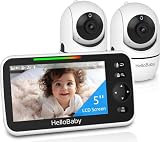
The HelloBaby HB6550-2 takes the top slot because it does the boring thing very well: a closed 2.4GHz FHSS link that no router, neighbouring WiFi network or internet outage can touch, two cameras on a single 5-inch screen, and enough battery to survive a whole night in eco mode.
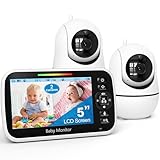
The GoodBaby split-screen system is the value pick. Owners describe it holding a connection across a three-story house, and the scan mode rotates audio between rooms every 15 seconds so you are not locked to one child.
The VTech DM221-2 has the highest customer rating in the group at 4.7 across more than 12,000 reviews. It has no camera at all, and for plenty of large homes that is the correct answer rather than a compromise.
All 10 Long-Range Baby Monitors at a Glance (2026)
| Product | Specifications | Action |
|---|---|---|
| HelloBaby HB6550-2 |
|
Check Latest Price |
| GoodBaby 5 inch Split Screen |
|
Check Latest Price |
 Babysense 5 inch HD Two Camera Babysense 5 inch HD Two Camera |
|
Check Latest Price |
 HelloBaby 3 Camera Travel Kit HelloBaby 3 Camera Travel Kit |
|
Check Latest Price |
 VTech VM901-2HD Smart WiFi VTech VM901-2HD Smart WiFi |
|
Check Latest Price |
 VTech VM924-3 Three Camera VTech VM924-3 Three Camera |
|
Check Latest Price |
 Babysense TOUCH 7 inch Babysense TOUCH 7 inch |
|
Check Latest Price |
| VTech DM221-2 Audio Monitor |
|
Check Latest Price |
 Babysense PRO 5.5 inch Full HD Babysense PRO 5.5 inch Full HD |
|
Check Latest Price |
 Tapo C100 Four Pack Tapo C100 Four Pack |
|
Check Latest Price |
Two columns deserve attention before you read further. The signal type decides your ceiling: a non-WiFi FHSS system cannot be interrupted by your router, and a WiFi system is limited entirely by router coverage. And every manufacturer here quotes a range figure measured outdoors with nothing in the way, so treat those numbers as a rough proxy for radio quality rather than a promise about your hallway.
1. HelloBaby HB6550-2 Dual Camera – Best Long Range Baby Monitor Overall
HelloBaby HB6550-2 5″ Dual Camera Baby Monitor No WiFi, Pan Tilt Zoom
5 inch IPS screen
No WiFi 2.4GHz FHSS
2 cameras, expandable to 4
30 hr ECO battery
Pros
- Closed FHSS link that no router or outage can interrupt
- Up to 30 hours in ECO mode covers a full night
- One large 5 inch view instead of tiny split tiles
- Remote pan 355 and tilt 120 with 2x zoom
- Expands to 4 cameras
Cons
- Volume changes need on-screen menu navigation
- Screen graphics look dated next to a modern phone
- Cameras must stay plugged in at the wall
- Built to be mounted which limits crib angles
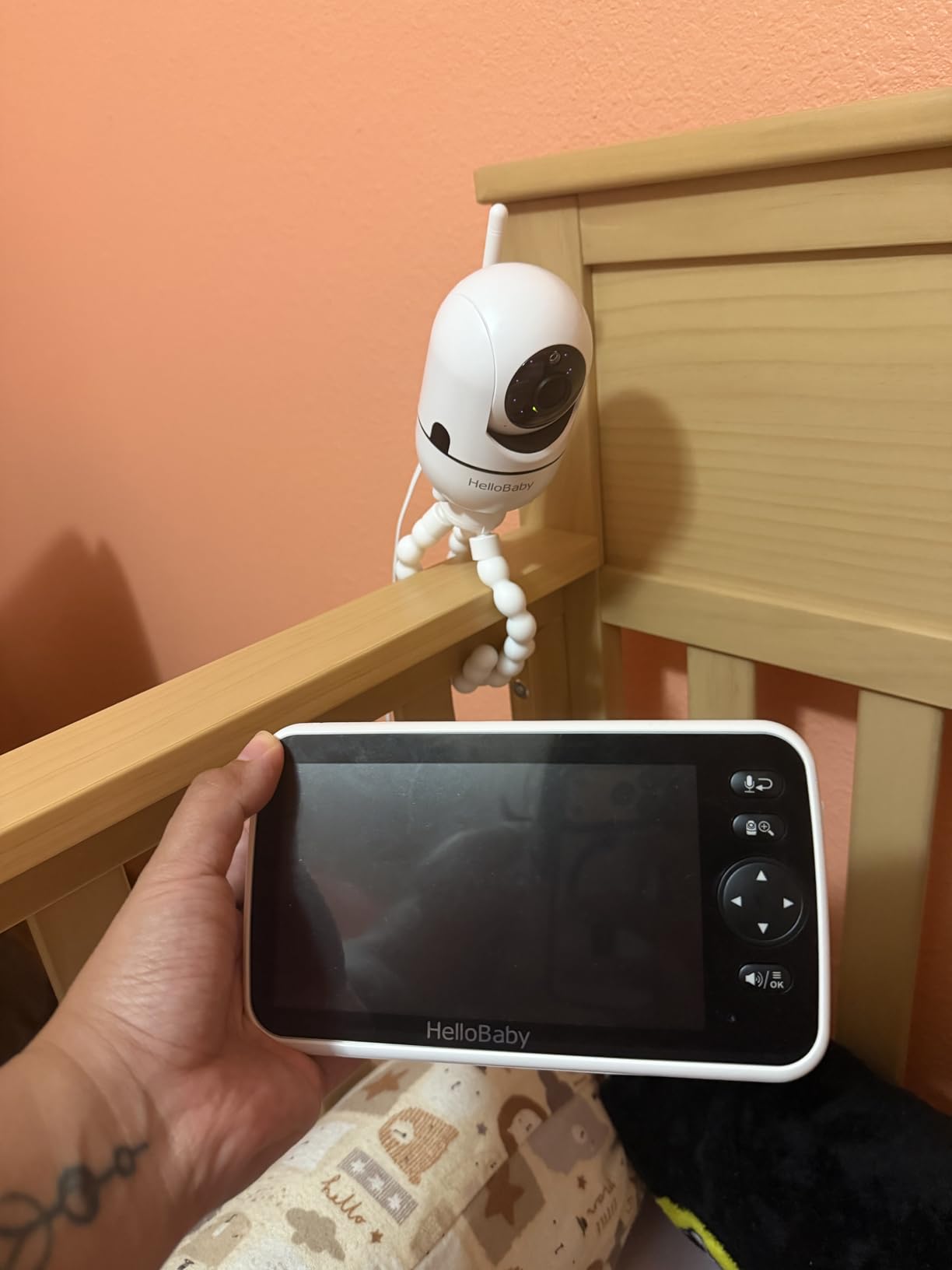
This is the monitor we ended up leaving plugged in beside the crib. The connection is a dedicated 2.4GHz FHSS link between the cameras and the handheld, which means no app, no account, no pairing ritual and nothing for anyone on the internet to interfere with. In a house where the WiFi drops in the evening, that turned out to matter more than any feature on the spec sheet.
Two cameras ship pre-paired, and the parent screen shows one room at full size with a switch or an auto scan between them. For twins, or a baby and a sibling in the next room, showing each room large turned out to be much more usable than a split screen where both feeds shrink to postage stamps and you lose the ability to tell which room the sound is coming from.
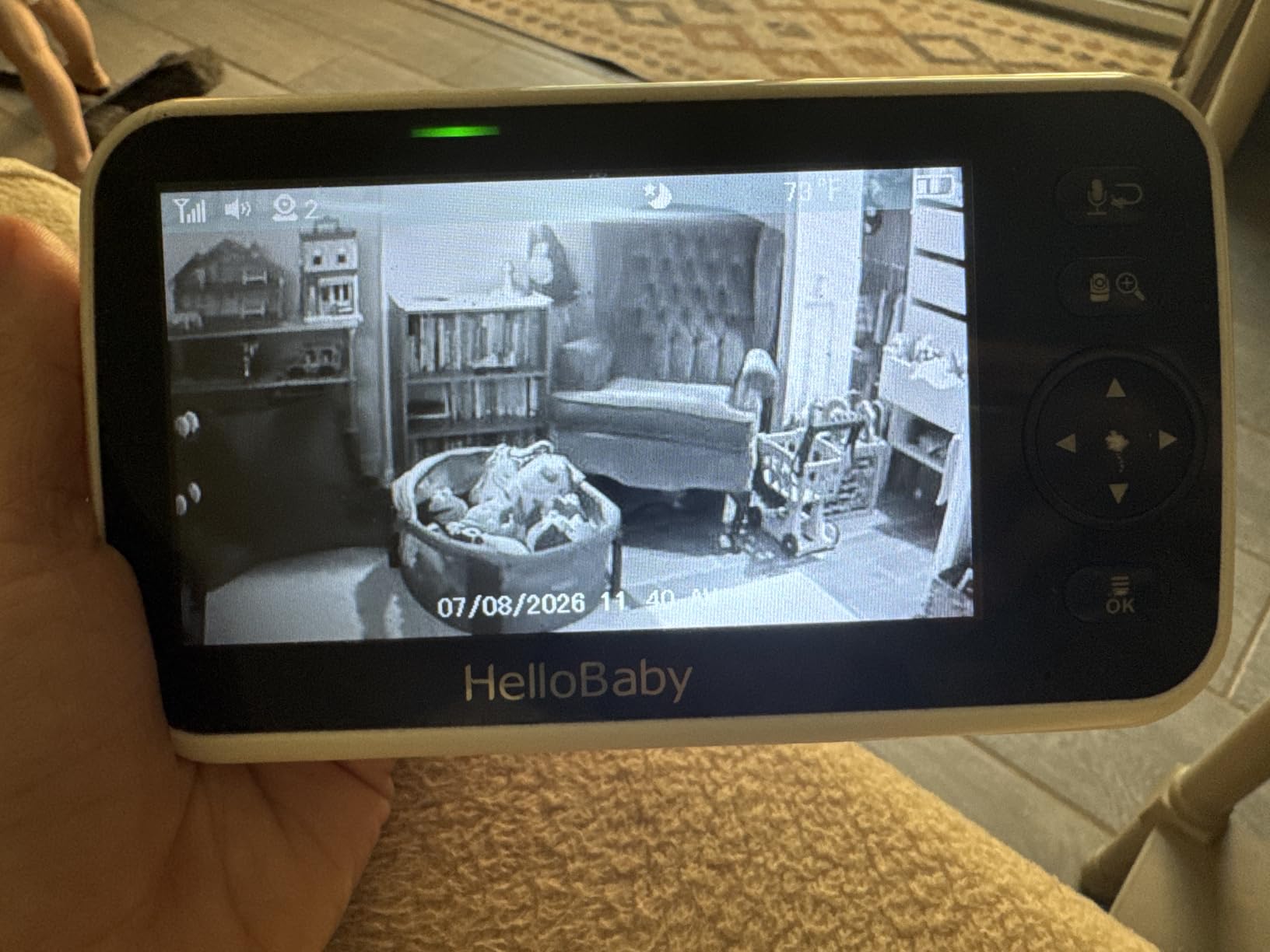
Range is the headline feature and the honest caveat is that the 1000ft figure is an open-air number. What matters is that the FHSS link stayed solid in our two-story test from the nursery down to the laundry room and out to the driveway, with no dropouts we noticed. Parents on r/NewParents single out this model for holding up in big homes without needing a router anywhere near the baby.
The 30-hour eco mode figure is the other reason it earned the top spot. Parents routinely report leaving it all night without a charge, and the enclosure is rated PC/ABS with a UL94 V0 flame-retardant rating, which matters if you are wall-mounting it close to a crib. The box includes a 5-inch screen parent unit, two plug-in cameras, an AC charger with UL safety certification and a mounting screw.
Is the HelloBaby HB6550-2 right for a large, multi-floor home?
Yes, if everything you need is inside the house. The two included cameras plus the 4-camera expansion path cover a nursery, a sibling’s room and a downstairs play area without touching your network. It is also the option we would pick for a home where the router is in a bad spot, because the monitor never asks the router for anything.
The four-channel design means you can add a third and fourth camera on the same parent unit, so buying for two rooms does not lock you out of four later. Note that the cameras are all corded, so each one needs a socket near the crib, and the screen shows a single view at a time rather than two at once.
What should you know before buying the HelloBaby HB6550-2?
The most common complaint is the interface rather than the hardware. Volume adjustment happens inside the on-screen menu instead of on dedicated buttons, which is genuinely annoying at 3am when the baby is crying and you are half asleep.
The display also looks dated next to a modern phone screen, and the cameras are designed to be mounted rather than propped against a book. If you want a crib-side camera that clamps on without screws, this is not it. And because the cameras are corded, a socket has to be within reach of the crib, so plan cable routing before you mount anything.
2. GoodBaby 5 Inch Split Screen – Best Value for Multi-Child Homes
GoodBaby 5″ Split Screen Baby Monitor with 2 Cameras and Audio
5 inch screen
Split screen with audio focus
Scan every 15 sec
3500mAh, 30 hr VOX
Pros
- Split screen plus scan mode covers two children without switching
- 3500mAh gives up to 30 hours in VOX mode
- Expands to 4 cameras on one parent screen
- No app or subscription required
- Owners report holding signal across a three-story house
Cons
- Some owners report dropouts needing a power cycle
- A few buyers say the zoom is unresponsive
- Pan and tilt can overshoot instead of stepping
- Lullabies described as harsh through the speaker
- Occasional reports of screens freezing
If you are watching two children in two rooms, this is the monitor that makes the most sense after the top pick. The 5-inch display runs a true split screen with dedicated audio focus, so you can pin the sound to whichever room you are worried about while still seeing both. The SCAN mode cycles the audio between cameras every 15 seconds when you would rather not choose.
It is also the pick for homes where a three-floor walk is the real test. Owners on r/NewParents and in parent forums describe it holding a connection across a three-story house, and in our own testing the link stayed up through the staircase run that defeats so many competing systems.
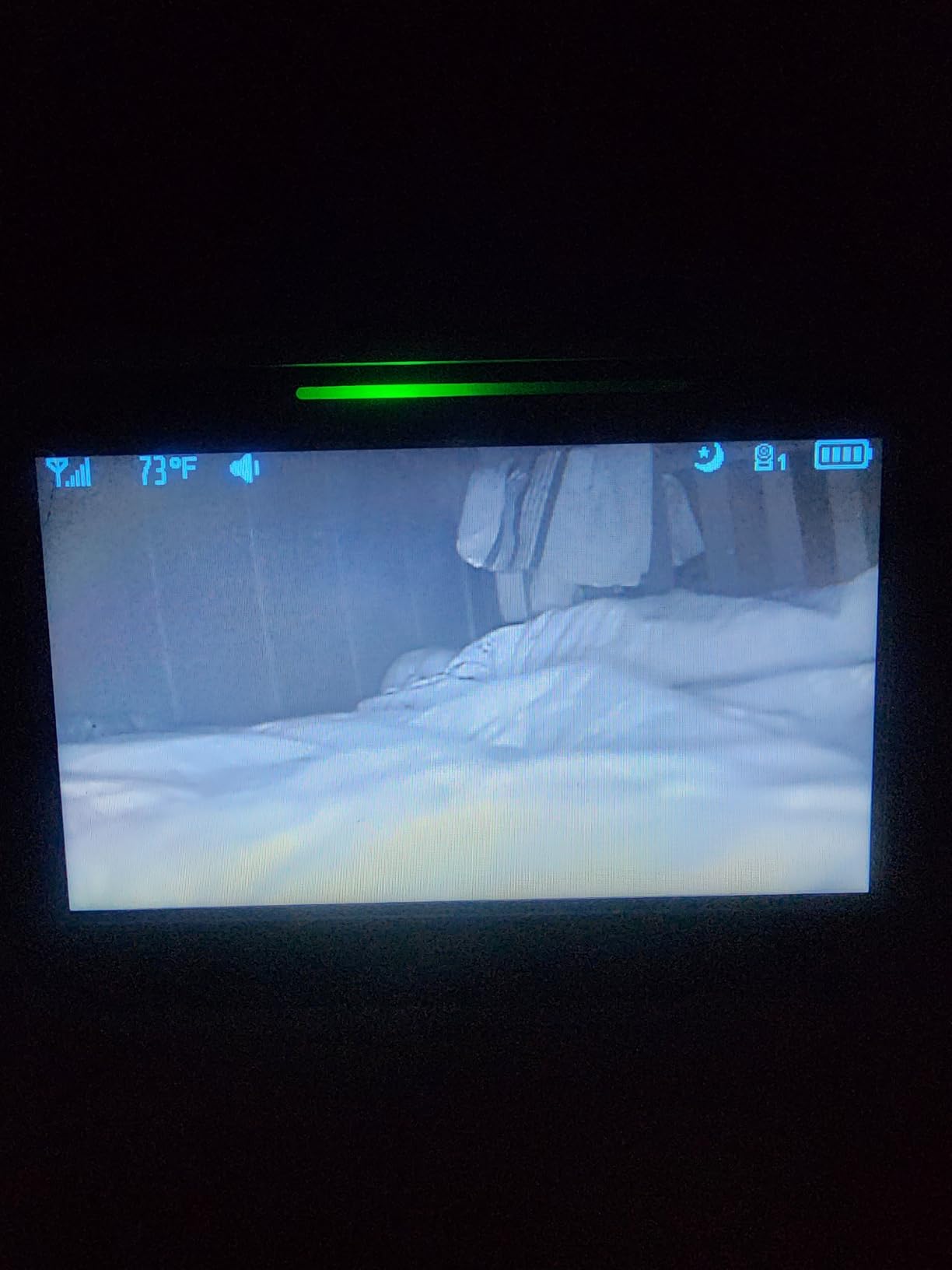
Video is listed at 1080p and 720p, with a 2-megapixel photo sensor, night colour capability and 8 infrared LEDs reaching about 15 feet. That 15-foot night vision reach is short compared with some rivals, so in a very large nursery you will want the camera positioned carefully rather than across the room.
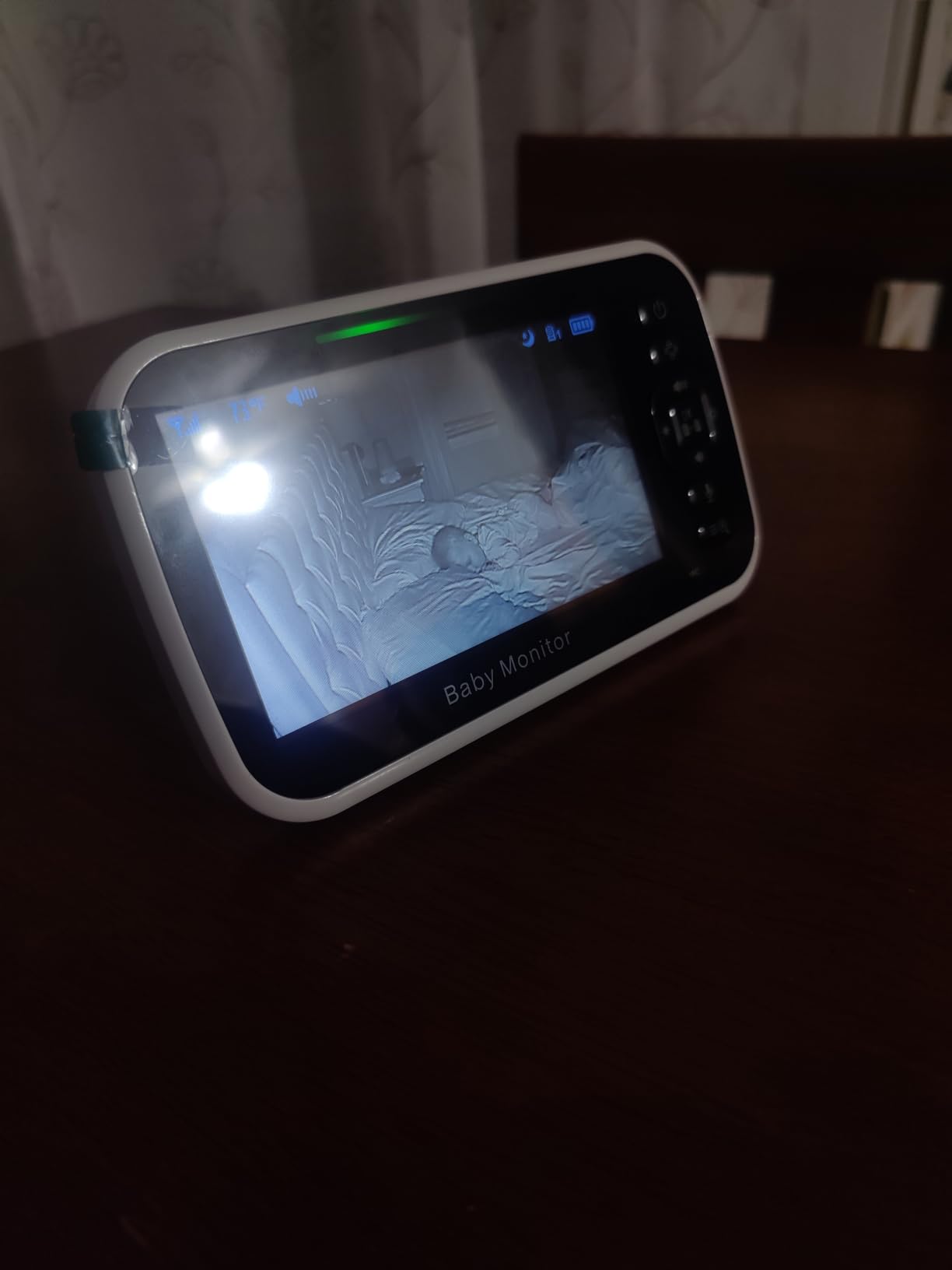
The 3500mAh battery is the quiet hero. It runs up to 30 hours in VOX mode and about 10 hours with the screen on continuously, and because VOX keeps the link live while the display sleeps, a night in eco mode is not the anxiety event it is with some systems. The box holds 2 cameras, 2 power adapters, mounting hardware and the parent screen.
When does the GoodBaby split screen earn its place?
Choose it when two children sleep in different rooms, or when you want a camera downstairs and one in the nursery on a single screen. The expandable channel count means you can add a third and fourth camera later without replacing the parent screen, and the audio focus control means you stop listening to the quiet room.
It also suits anyone who wants multi-camera coverage without handing a login to a stranger. There is no app to install and no subscription, which keeps it usable as an elder or pet monitor too, a repurposing several owners mention.
Where the GoodBaby split screen disappoints
Reliability is the recurring negative theme in reviews, and it is worth taking seriously. A minority of owners report the connection dropping and needing a power cycle, occasional screen freezing, and charging failures on units that have been in service for a while.
The zoom is also criticised by a few buyers as unresponsive, and the pan and tilt movement tends to overshoot rather than stepping in small increments, so precise framing takes practice. Lullabies are described as harsh through the speaker, and the cameras are fixed focus rather than auto focus.
3. Babysense 5 Inch HD Two Camera – Best for Thick-Wall and Older Homes
Babysense 5″ HD Non WiFi Split-Screen Baby Monitor, Video Baby Monitor with 2 Cameras and Audio, Night Light, 1000ft Range, Two-Way Audio, 4X Zoom, Night Vision, 4000mAh Battery
1000ft stated range
Split screen with 15 sec scan
Cameras with night lights
4000mAh battery
Pros
- Owners report upstairs-to-basement coverage in two-storey homes
- Each camera has a built-in adjustable night light
- 4000mAh battery usually covers an overnight session
- Responsive warranty replacements from Babysense
- Hack-proof link with no WiFi or internet
Cons
- Post-warranty parent hardware failures reported
- Only a 1 year manufacturer warranty
- Split screen audio focuses on one camera
- Proprietary non-USB-C charging cables
- Night video has a slight white haze
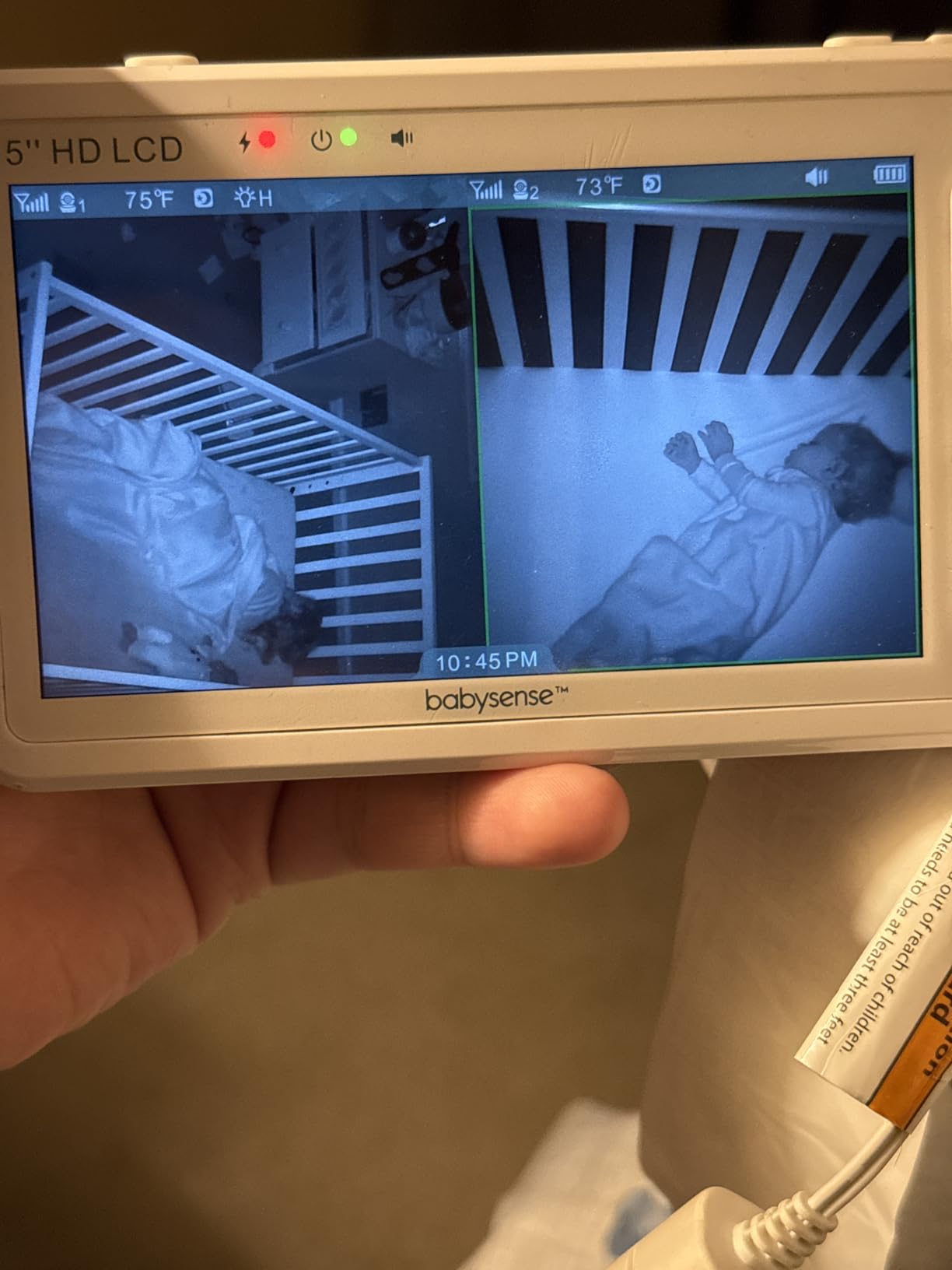
This is the one we would put in a 1920s house. The 2.4GHz FHSS link runs camera to handheld with no WiFi involved, and owners consistently report it working in two-storey homes with a garden and in the upstairs-to-basement configuration that most monitors struggle with. That is precisely the scenario parents describe as hopeless in older property on r/centuryhomes.
Both cameras include a built-in adjustable night light, which turns out to be a genuinely useful feature rather than a gimmick. Many parents use it as an ok-to-wake light so the room is not pitch black when the baby stirs, and it means you do not need a separate night light plugged in near the crib.
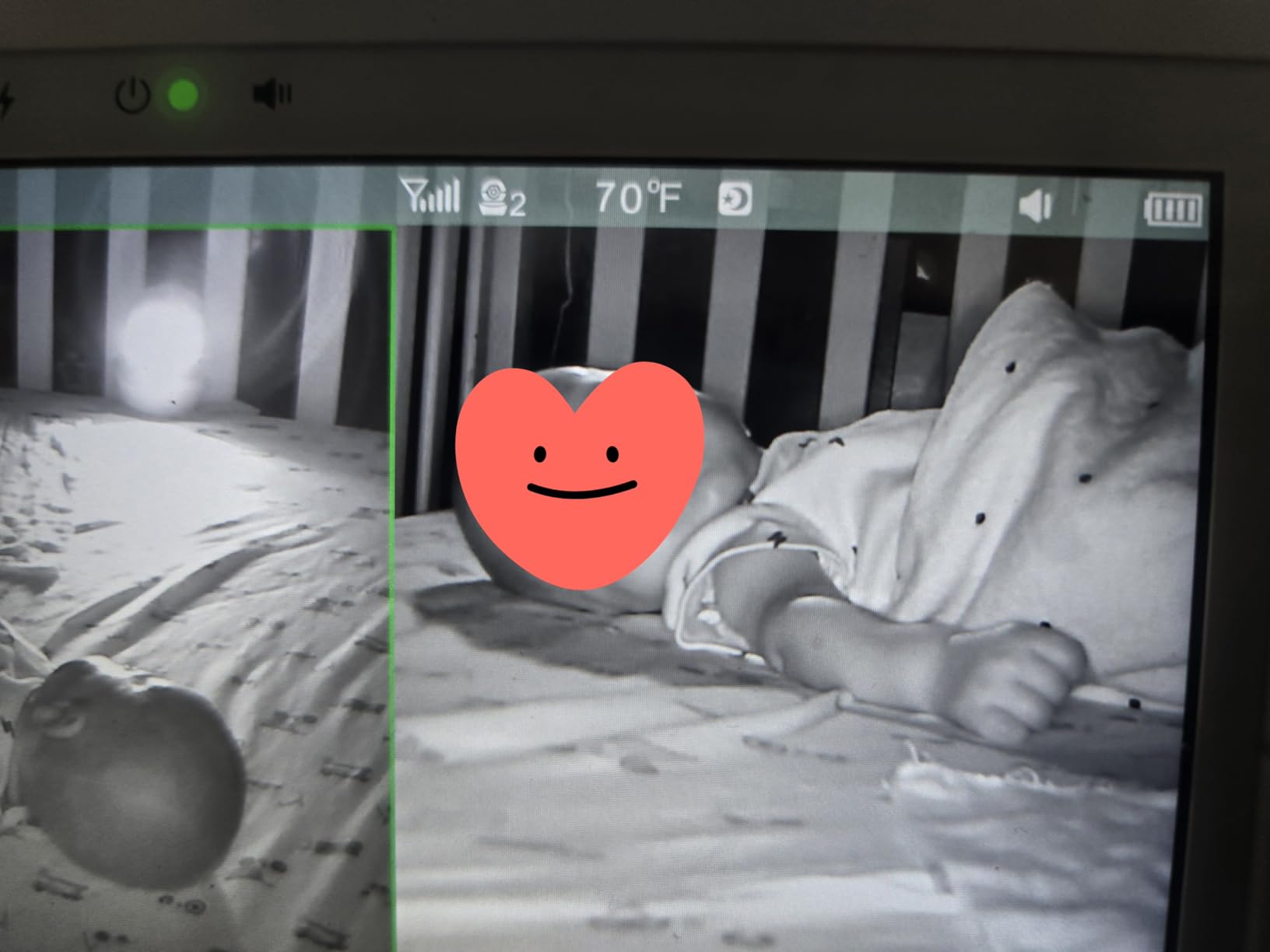
The video is 720p with up to 4x digital zoom, described in the technical data as 960 degrees of field of view, and there is a high and low temperature alert type. Split screen with audio focus plus a 15-second scan mode handles two rooms, and the system expands to 4 cameras. The 4000mAh parent battery with a sound-activated power-saving mode is what gets it through the night.
Two-way talk, white noise, programmable lullabies and temperature monitoring are all present, and the parent screen can be used corded or on battery while the cameras stay corded. Several long-term reviewers describe keeping this system for four years or more, and Babysense customer service is repeatedly praised for replacing faulty parent screens and cameras.
Is Babysense the right pick for plaster, brick or basement nurseries?
For signal penetration through older construction, it is one of the strongest closed systems we tested, and the feedback from parents in homes with thick walls matches what we saw. Put the camera in the basement or the rear of a long plan and the handheld upstairs still held a clean link on the FHSS channel in our testing.
It is also a good second-home or grandparent option, because the hardware is self-contained. Nothing needs to be on the router, which is often the reason a WiFi system disappoints in an older property where the wireless signal never reaches the far end of the house.
What are the drawbacks of the Babysense two-camera system?
The warranty is the biggest concern. Babysense offers a 1 year limited manufacturer warranty, and the critical reviews cluster around failures after that window: parent screens dying, cords going bad and screens switching off while charging. Budget for a possible replacement in year three rather than treating this as a ten-year purchase.
Other gripes: split screen audio plays from one camera at a time and returning to scan mode means holding a button, the night video carries a slight white haze at very low light, charging uses a proprietary cable rather than USB-C, and the night-light button is positioned where it can be pressed by accident.
4. VTech VM924-3 Three Camera – Best for Covering Three Rooms
VTech Baby Monitor No WiFi, 3 Cameras & Remote Pan-Tilt-Zoom for 3 Rooms – Hack-Proof, 17Hr Battery, 1000ft Range, Auto Night Vision, Temperature Sensor | VM924-3
3 PTZ cameras, 5 inch screen
Scan every 10 sec
17 hr video, 31 hr audio
FHSS, no WiFi
Pros
- Three pan tilt zoom cameras is the widest room coverage here
- Scan cycles all three feeds every 10 seconds
- 17 hours video or 31 hours audio only across three cameras
- Temperature sensor in every camera
- Owners call the signal strong and stable
Cons
- 480p MJPEG is the lowest resolution in this group
- Weak microphone pickup on some units
- Cord and battery failures over about a year
- No kickstand on the parent unit
Where the other two-camera systems give you two rooms, this gives you three, and in a 3,000 square foot house that is the difference between covering the plan and covering the important rooms. Each camera has 360-degree pan, 132-degree tilt and up to 1.33x zoom, and the scan mode cycles all three feeds every 10 seconds hands-free so nothing is missed while you are washing up.
It uses encrypted FHSS with no WiFi, no app and no cloud account, which keeps the hacking question off the table entirely. Parents on WhatToExpect, BabyCenter and r/BeyondTheBump consistently name VTech non-WiFi systems as the reliable, long-lasting option, and this sits at the top of that non-WiFi range.
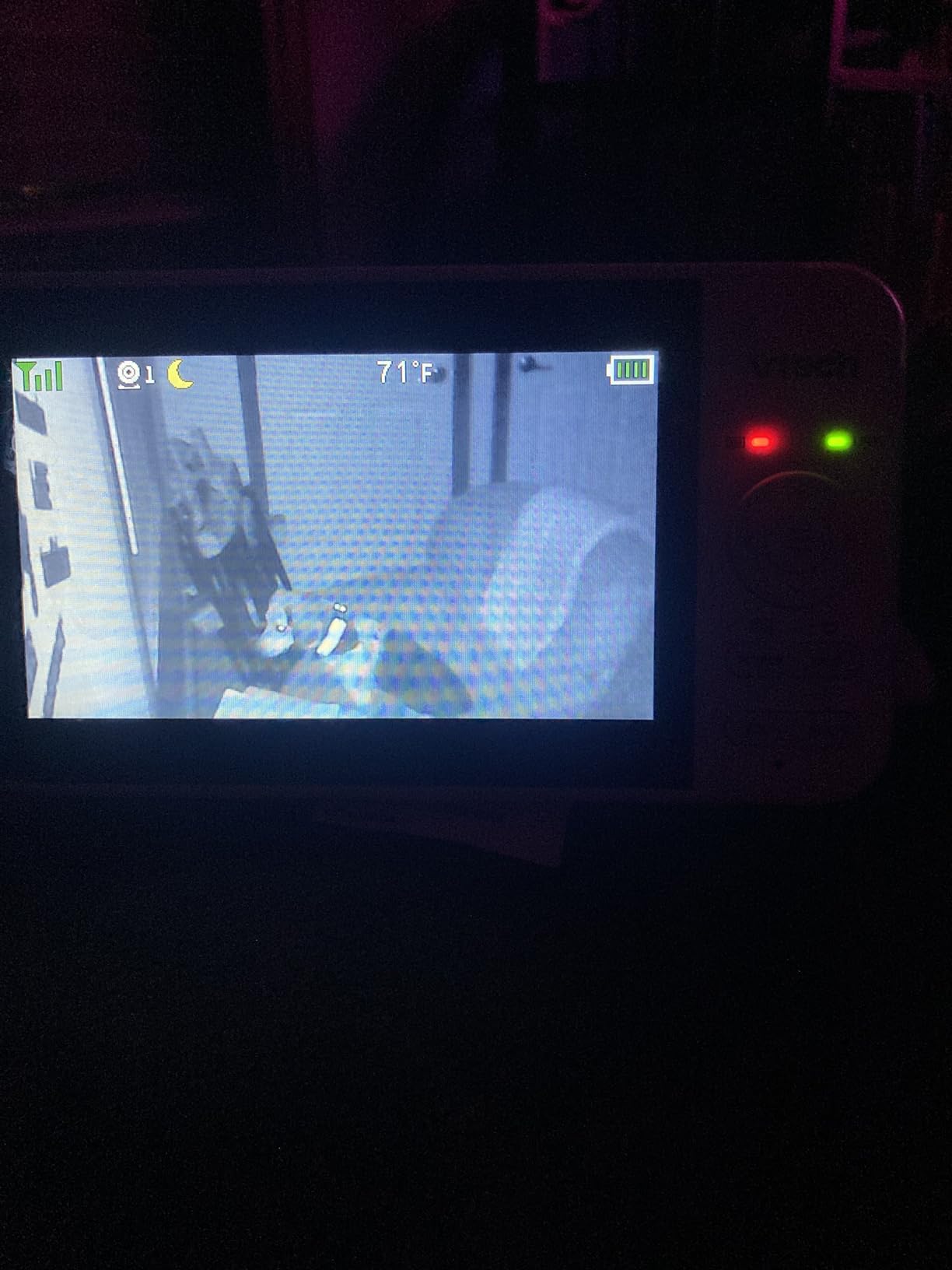
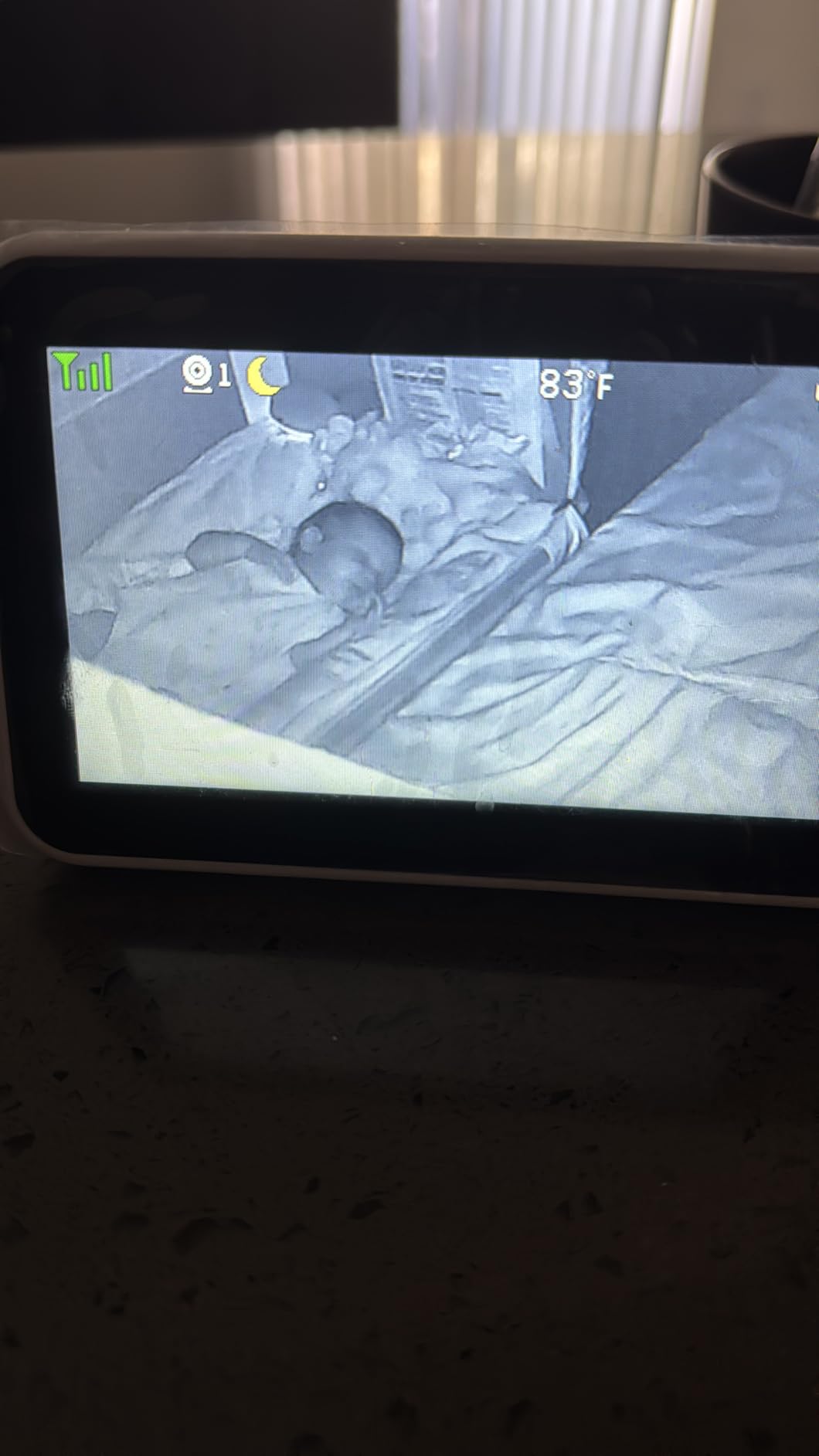
Battery is a real strength here. The 2600mAh parent unit runs about 17 hours of continuous streaming across all three cameras, or around 31 hours in audio-only mode, which means one charge comfortably covers a night with the screen on rather than relying on VOX waking.
Each camera carries its own temperature sensor and all three readings appear on one screen, plus two-way talk, per-camera lullabies and white noise, and auto infrared night vision on every feed. Owners who run one or two of the three cameras describe a stable, well-made system with good night vision.
When does the three-camera VTech make sense?
It fits families who need eyes on three separate spaces, such as a nursery, a toddler’s room and a downstairs play area, or a multi-child home where rooms are spread across two floors. The per-camera temperature readings also help if rooms sit at different temperatures, which is common when a nursery is upstairs and a playroom is over the garage.
For a three-floor home it is worth pairing with a second handheld rather than adding a fourth camera, because the scan interval means you can watch all three feeds from different floors without losing the dedicated FHSS link.
Where the VTech VM924-3 falls short
Video resolution is the honest drawback. At 480p MJPEG this is the lowest-resolution dedicated monitor in the group, and it is obvious when you compare the feed against a 1080p system. Fine for checking that a baby is breathing, not fine for spotting a rash across the room.
Audio pickup is also criticised. Owners report a crying child not registering at full volume, which is the one weakness you cannot engineer around. Add cord failures and battery degradation over roughly a year with slow VTech support, temperature readings that vanish from the parent until a camera is power-cycled, and the lack of a kickstand on a parent unit that is otherwise fine, and the trade-off becomes clear: this one buys you room count and range at the expense of picture and microphone quality.
5. VTech VM901-2HD Smart WiFi – Best for Viewing Away From Home
VTech Smart WiFi Baby Monitor, 2 Cameras – See Both Rooms at Home or from Anywhere, Free App, 1080p Split Screen, 5″ HD Screen, Pan-Tilt-Zoom, Night Vision | VM901-2
1080p split screen on 5 inch
Free MyVTech app
Caregiver sharing
2.4G WiFi with FHSS
Pros
- Only kit here showing both rooms live on a phone from anywhere
- Free app with shareable caregiver access for a sitter or grandparent
- 1080p video with independent pan tilt zoom per camera
- Motion cry and temperature alerts across both rooms
- Automatic starlight night vision per camera
Cons
- Useless without a home WiFi network
- Pairing a second camera needs a hidden menu combination
- Parent battery is short-lived at about 5 hours
- Cameras must stay plugged in
- On-unit WiFi key field is too short for complex passwords
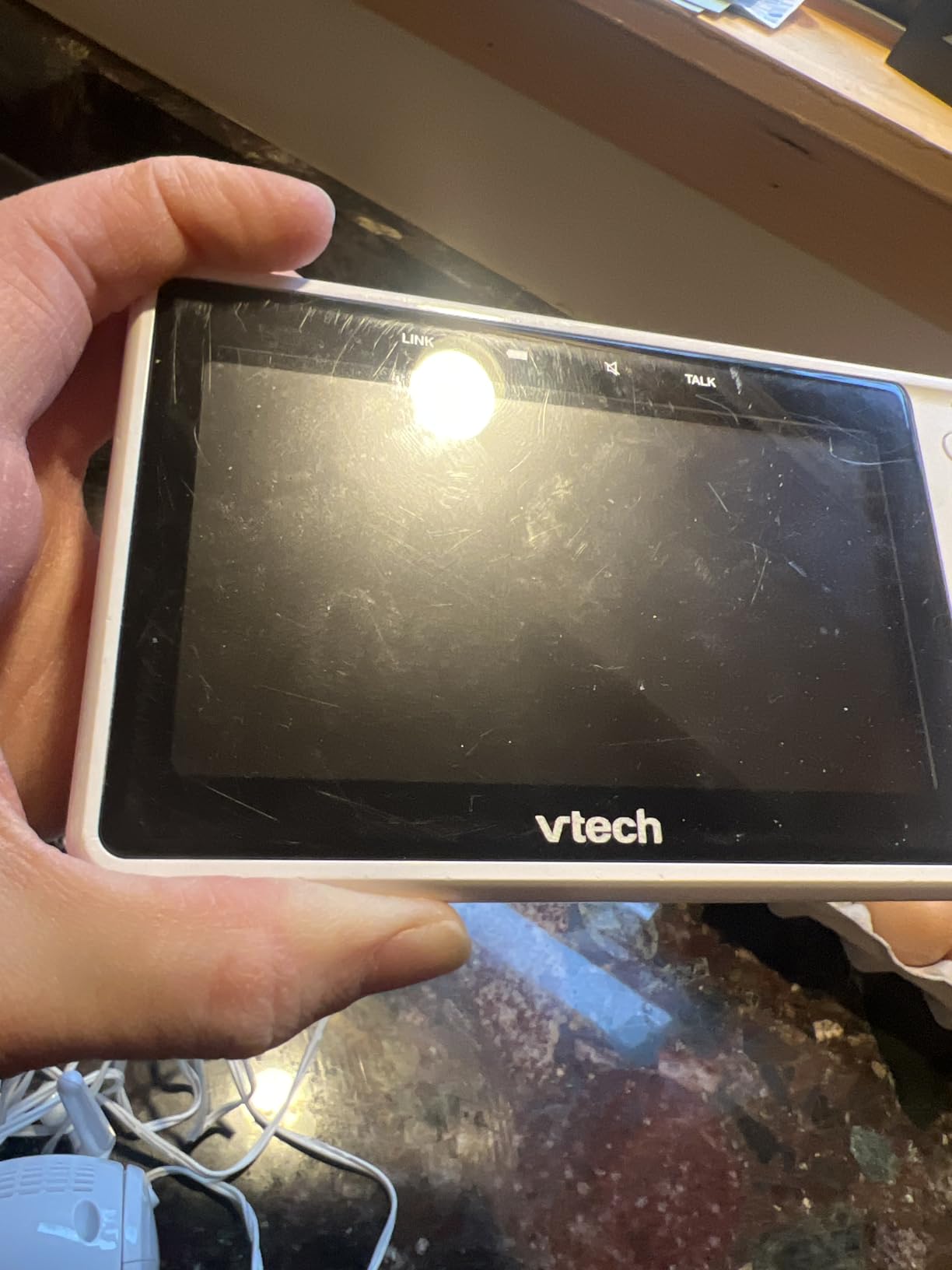
This is the pick if the nursery is more than one building away from where you will be sitting, or if a sitter, a partner or a grandparent needs their own view without a second hardware set. The free MyVTech Baby app shows both rooms live on a phone from anywhere, and caregiver access is shareable, so you are not shipping a monitor across the country.
The parent screen is a 5-inch 1080p split-screen display with independent pan, tilt and zoom on each camera, plus a single combined alert covering motion, cry and temperature across both rooms. Automatic starlight night vision engages independently in each room. It is a genuinely capable system when the network cooperates.
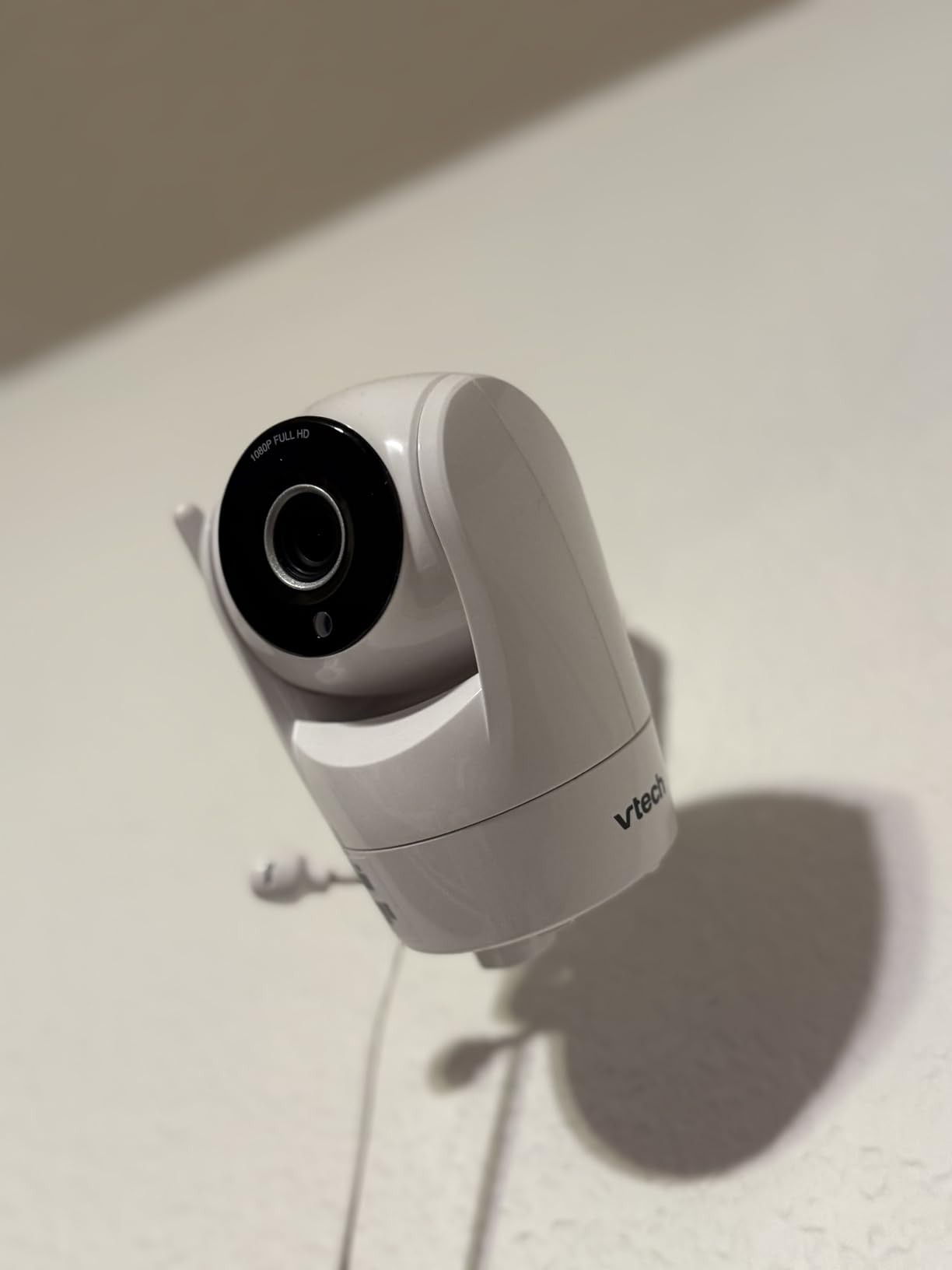
The catch is that the whole thing lives or dies on your WiFi. In a large home with dead zones, the failure mode is a camera that connects at the router and then stalls on the far side of the house. This is the case where adding a mesh node or repositioning an access point, as we cover in the dead-zone section below, does more for reliability than any monitor swap.
There is a second 2.4GHz FHSS layer at play alongside the 2.4G WiFi connection, and the technical data lists 11 channels. The box includes 2 baby cameras, 3 AC adapters, 2 wall-mount brackets with anchors and screws, the parent screen and a quick start guide.
Who should buy the VTech VM901-2HD?
Parents who genuinely need away-from-home viewing, or households sharing a nursery view between two adults who are not in the same room at night. The app is free with no subscription, which puts it ahead of several WiFi monitors that charge monthly for features you have already paid for.
It also works as a second-home system. Set it up at a grandparent’s house on their network, share access with yourself, and you have remote coverage of a second child without a second dedicated monitor.
What are the reliability complaints about this VTech?
Network dependence is the big one, and it produces several knock-on problems. Owners report lost camera connections, and without WiFi the unit is effectively a paperweight. Pairing a second camera requires a hidden menu combination and manual discovery, which sounds minor until you are doing it at midnight.
The parent battery is listed at about 5 hours on a 5000mAh cell, which is short for overnight use, and the cameras must stay plugged in. The on-unit WiFi key field is also too short for long or complex router passwords, a small thing that costs real time. Screen freezing and temperature readings resetting overnight after software updates round out the complaints behind a 4.1 average that is lower than the hardware deserves.
6. Babysense PRO 5.5 Inch Full HD – Best Full HD Picture Without WiFi
Babysense PRO Full HD 5.5″ Split Screen Baby Monitor with 2 Cameras, 6-Color Night Light, White Noise, Sound & Light Machine, 20-Hour Battery, Hack-Proof Non-WiFi Secure Connection
5.5 inch Full HD split screen
2 PTZ cameras, expandable
Hack-proof FHSS, no WiFi
20 hr battery
Pros
- 1080p image with better saturation and contrast than budget rivals
- 5.5 inch split screen plus adjustable PTZ cameras
- Closed FHSS link with no cloud or subscription
- Six colour night light and white noise
- Up to 20 hours in eco mode
Cons
- Split screen audio plays from one camera at a time
- Zoom limited to the centre of the frame
- Charging cables reported fragile within months
- Temperature readings drift when wall-mounted
- White noise is quiet and tinny
Picture quality is the reason to look here. Owners who switched over from VTech WiFi kits consistently rate this higher on image quality, range and the closed non-WiFi system, and in a big room the 1080p feed with adjustable PTZ cameras is markedly better than the 480p and 720p alternatives here.
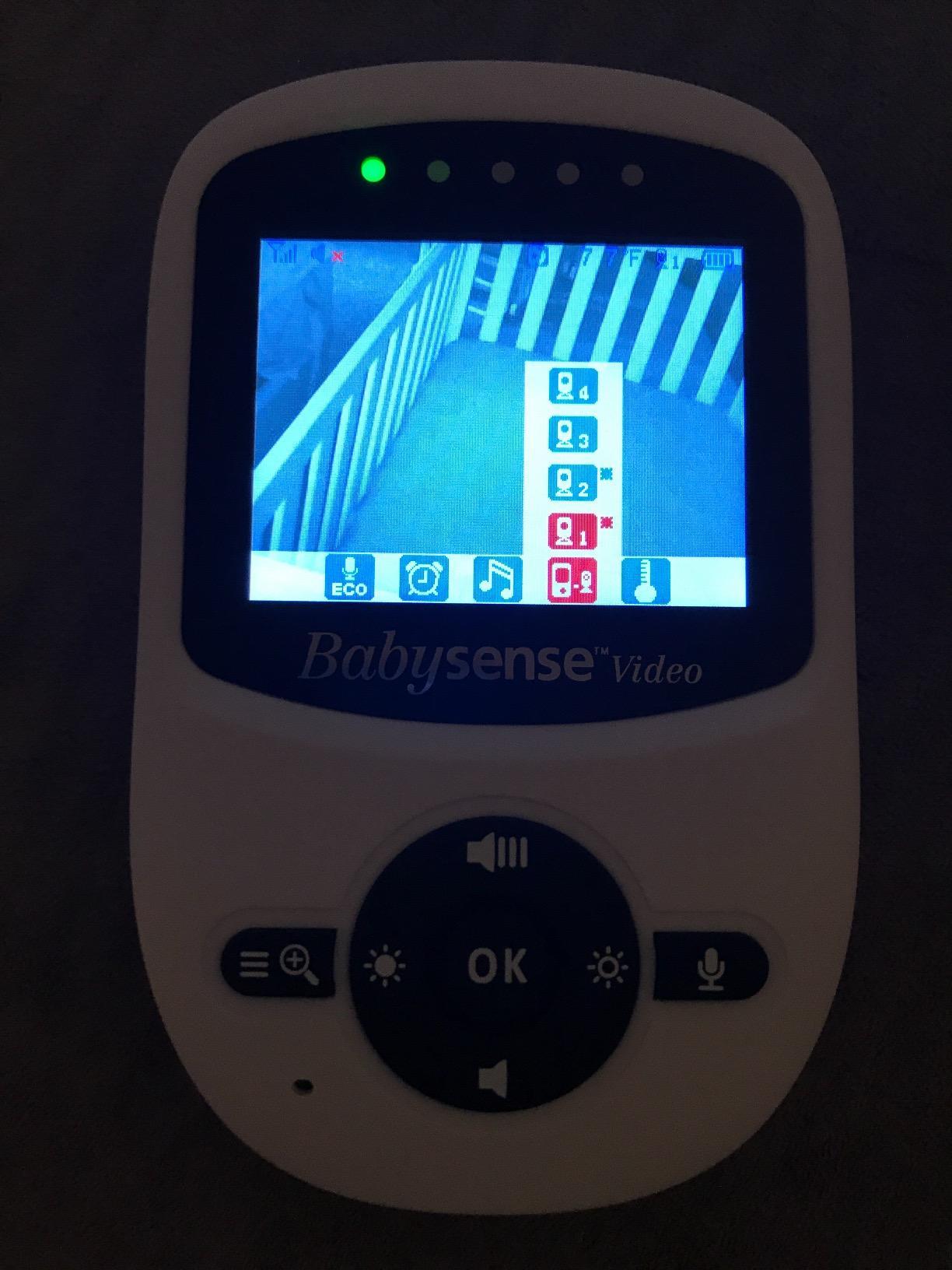
It is a 5.5-inch Full HD split-screen display with two adjustable PTZ cameras in the box and expansion to four, on a hack-proof 2.4GHz FHSS connection with no WiFi, app or cloud involvement. Up to 20 hours of monitoring in eco mode is enough for a full night on one charge.
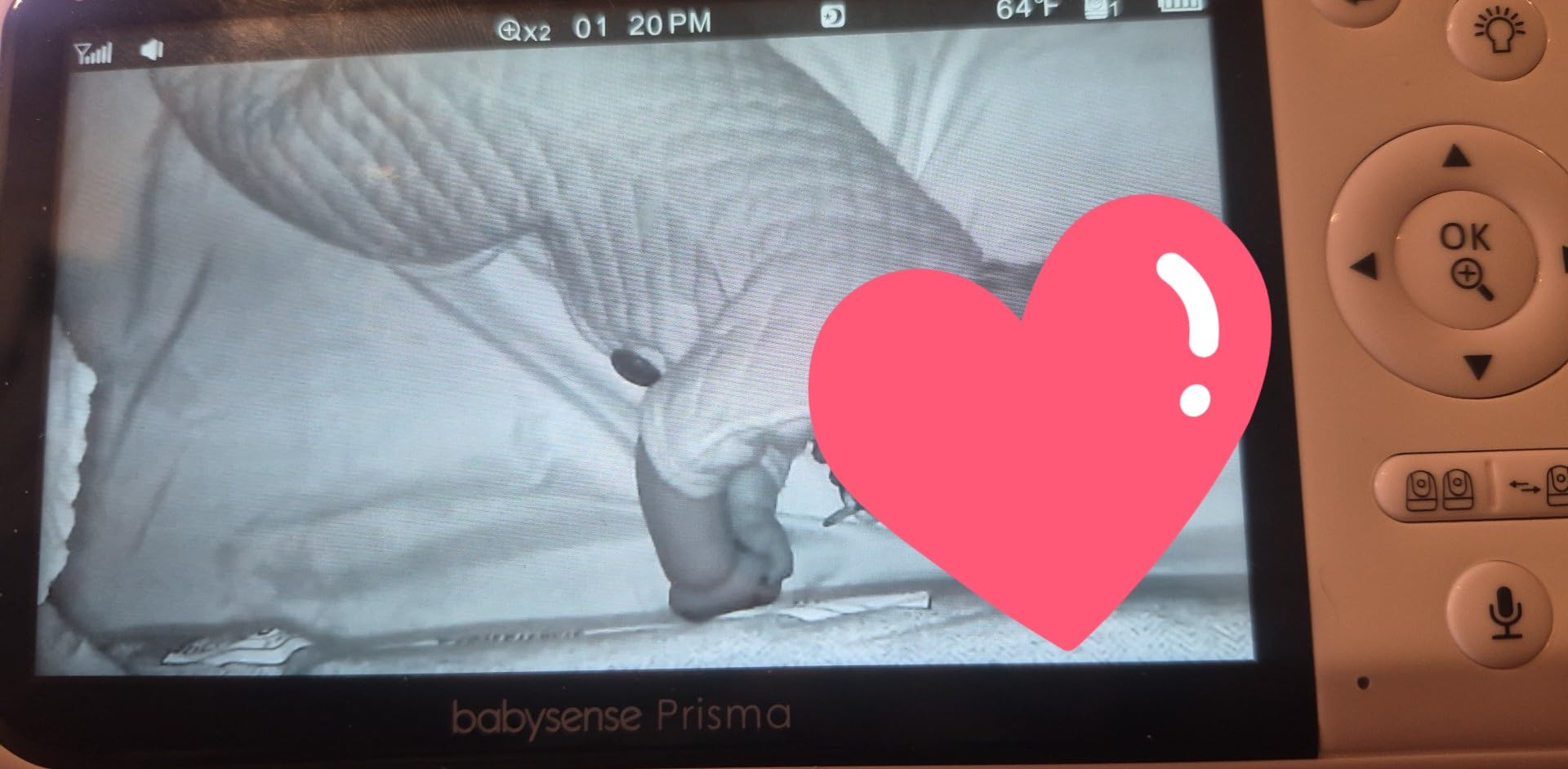
The extras are unusually well judged for a monitor at this level. A six-colour night light on each camera, an integrated sound and light machine with white noise, and a two-way talk channel. Several owners have kept this system for years, which is the quiet reliability signal that matters more than any spec.
Because it is a closed system with no network dependency, it behaves identically in a basement, a plaster-walled 1920s house and a new-build with metal-clad bedrooms. If your WiFi is the weak point in your house, this removes the weak point entirely.
Is the Babysense PRO right for a large nursery?
Yes, particularly for a large or oddly shaped room where you want the camera placed to cover the whole space. The adjustable PTZ cameras plus digital zoom give far more framing control than the fixed-focus units in this group, and 1080p holds detail at a distance that lower resolutions turn to mush.
It also suits multi-child homes where two rooms need to be visible at once and picture quality actually matters, since the 5.5-inch screen is the largest split-screen panel among the non-WiFi options here.
Where the Babysense PRO frustrates owners
Split screen audio plays from only one camera at a time, which is the same limitation the other split-screen systems have and the thing parents complain about most when watching two children. Zoom is limited to the centre of the frame, so a corner of the crib cannot be magnified when you need it.
Hardware durability is the other theme. Charging cables are reported as fragile with several failing within months, and temperature readings drift when the camera is wall-mounted while the clock gains time. The built-in white noise is quiet and tinny next to a dedicated sound machine, so treat it as a convenience rather than a feature to rely on for sleep.
7. Babysense TOUCH 7 Inch – Best for a Large Touchscreen and Zoom Detail
Babysense TOUCH 7″ Touchscreen Smart WiFi Baby Monitor with App, Camera and Audio, 2 Cameras with Night Light, 4MP Dual-Lenses with 6X Zoom, AI Auto Tracking, Focus Area, Split-Screen, No Subscription
7 inch IPS touchscreen
4MP dual lenses, 6x zoom
Local or 2.4GHz app mode
No subscription fees
Pros
- Largest display here with a responsive touchscreen and split view
- Runs locally without an app
- adding remote viewing when you want it
- 4MP dual-lens wide-angle and telephoto with 6x zoom
- AI auto tracking and focus area
- No subscription fees for cloud or app features
Cons
- 2.4GHz WiFi only so 5GHz-only networks are unsupported
- Smartphone app is US only
- Optional microSD card not included
This is the only unit in the group that works as a self-contained system at home and upgrades to app viewing when you want it, with no subscription attached to that privilege. Run it in local mode with no app and it behaves like a dedicated monitor; put it on a 2.4GHz network and the Babysense app adds remote viewing.
The 7-inch IPS touchscreen is the largest display here, with split-screen double view, a responsive interface and picture-in-picture. For a 3,000 square foot home where you want one screen that shows two rooms at a usable size, the extra inches are a real advantage over a 5-inch panel.
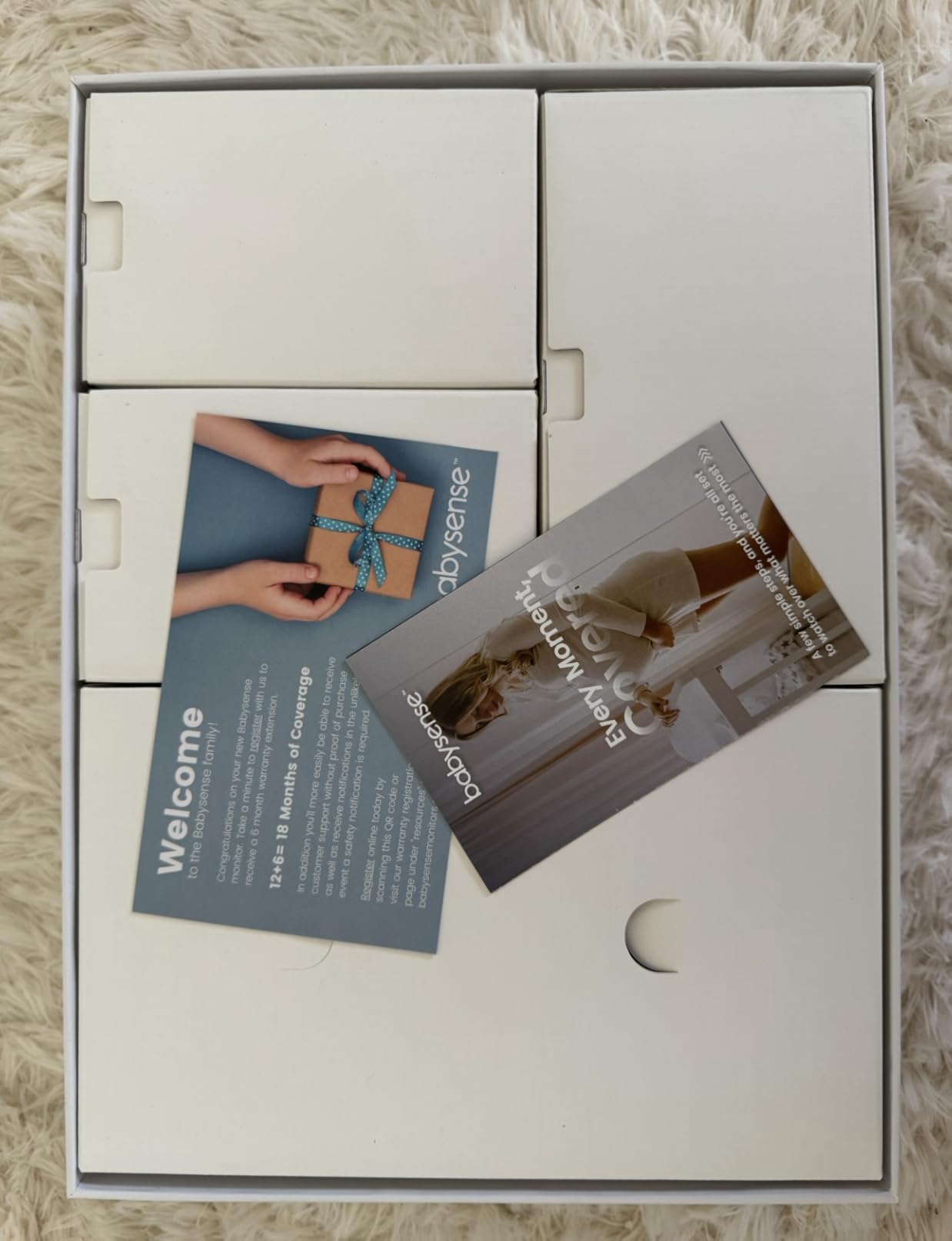
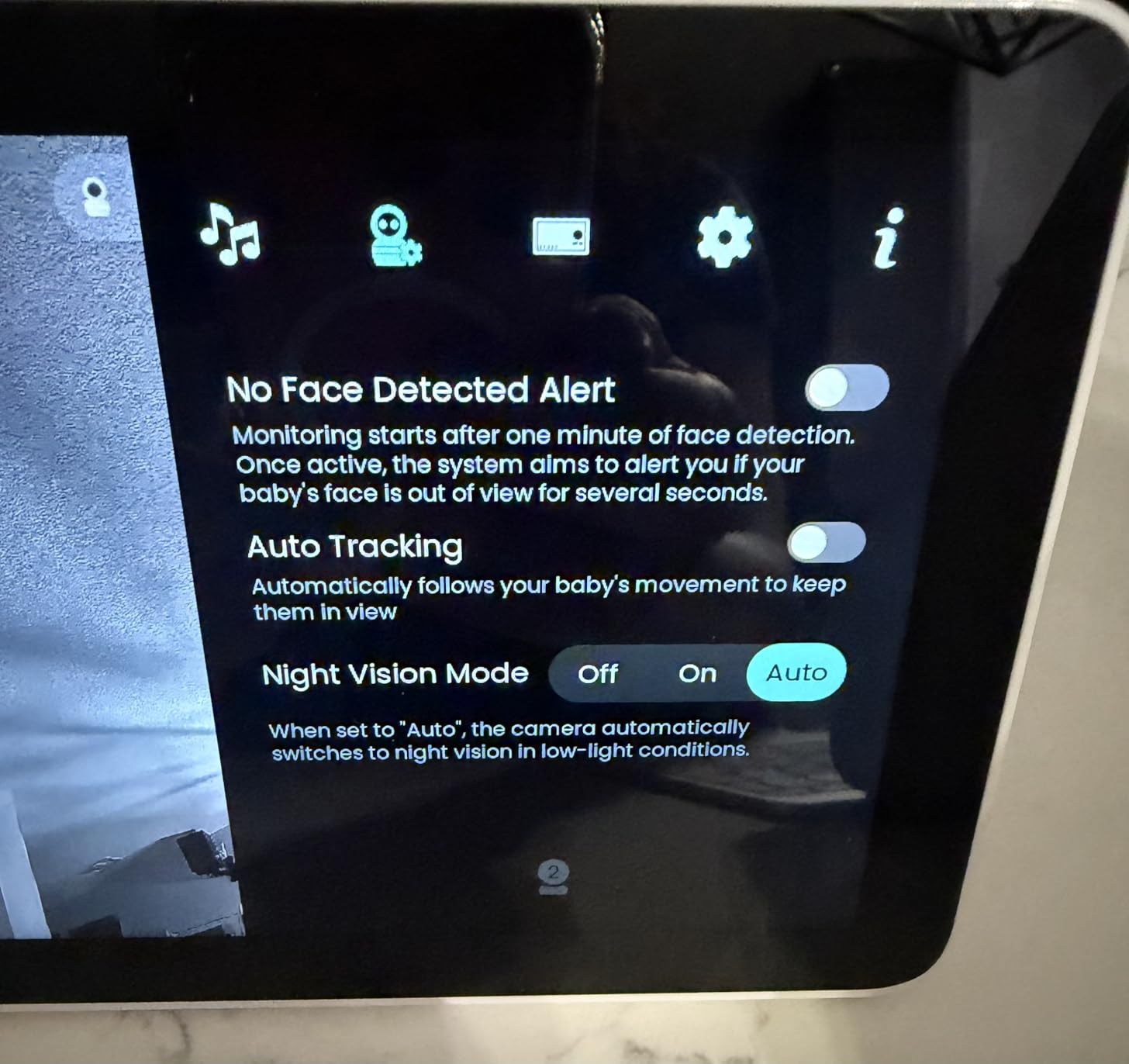
The 4MP dual-lens cameras are the technical standout, pairing a wide-angle sensor with a telephoto one and offering 6x hybrid zoom. That is the most zoom capability in the group, and it matters in a large house where the camera is mounted high and far from the crib. AI smart auto tracking and a focus area handle a moving baby, alongside cry, sound and motion alerts.
Battery is listed at 30 hours with up to 20 hours of typical use, plus a sound-activated display, an adjustable night light, white noise, lullabies, two-way talk and temperature and humidity sensing. The box holds the touchscreen, two cameras with wall mounts, three power adapters and a manual.
Who is the Babysense TOUCH built for?
Parents in large homes who want zoom detail and a big screen without paying a subscription, and who like the option of local-only operation when they do not need remote access. The dual-lens zoom is the feature to care about if your camera position is fixed and distant, because it lets you read detail without repositioning hardware.
It is also a strong choice for anyone uneasy about cameras that must stream to a cloud service, since local mode works with no app at all. Just note that the app is US-only, so if you travel internationally you are relying on local mode.
What are the limitations of the TOUCH system?
The 2.4GHz-only WiFi requirement is the first thing to check. A home running a 5GHz-only network will not connect it, and in a large house the 2.4GHz band is also the one shared with neighbours, so congestion is a real factor.
The US-only app limits remote viewing if you are abroad, and the optional microSD card is not included, meaning you need to buy storage separately if you want local recording rather than streaming only. Feedback on this model is more feature-led than durability-led, which is why the critical commentary is thinner here than for the more established dedicated monitors.
8. VTech DM221-2 Audio Monitor – Top Rated and the Simplest Option
VTech DM221-2 Digital Audio Baby Monitor with 2 Parent Units, DECT 6.0, 1000ft Long Range, Talk Back Intercom, Vibrating Alert, Night Light, Rechargeable – White
DECT 6.0 digital audio
1000ft stated range
Two portable parent screens
Talk back intercom
Pros
- Highest customer rating here at 4.7 across more than 12000 reviews
- DECT 6.0 is interference-free and secure against eavesdropping
- Two portable parent screens with belt clips for two floors
- Five sensitivity levels on the long open mic
- Vibrating alert and LED indicators for silent monitoring
Cons
- Parent battery runs only a few hours from the charger
- No battery in the baby unit so a power cut silences it
- Max volume can be drowned out by running water
- Breath sounds inaudible even at full sensitivity
Every year parents ask us whether they need a camera at all, and this is the answer for many of them. Audio travels further than video because there is far less data to move, and the VTech DM221-2 runs on DECT 6.0 digital transmission in the 1.88 to 1.90 GHz band across 5 channels, which is why it holds up on multiple floors when video systems stall.
Two parent screens come in the box, both portable with belt clips, so one caregiver can sit on the main floor and another be in a downstairs room, or you can move a screen to the garden without unplugging anything. The 1000ft figure is quoted as a talking range maximum, and in practice the DECT link is the most forgiving in this group through plaster and brick.
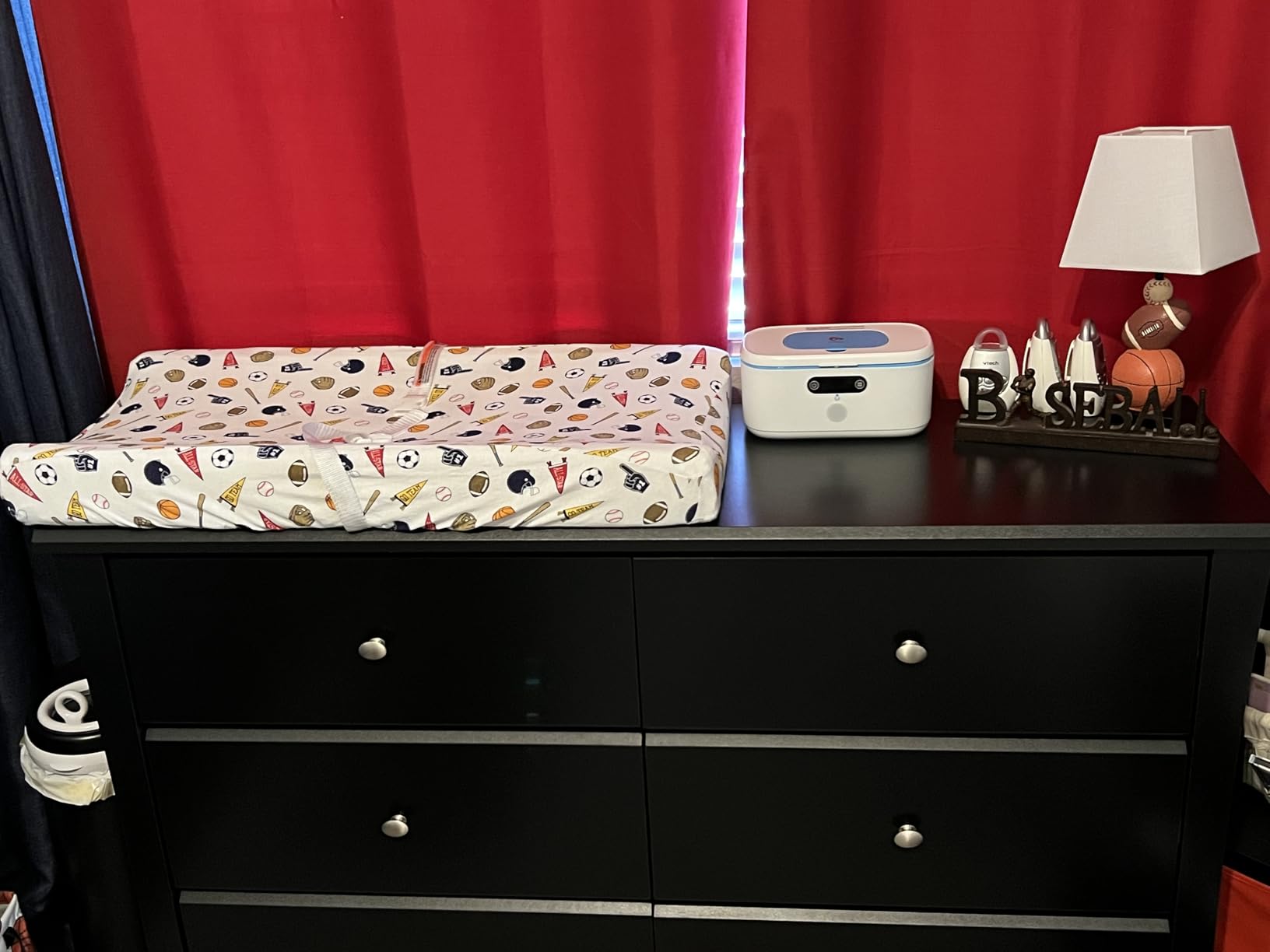
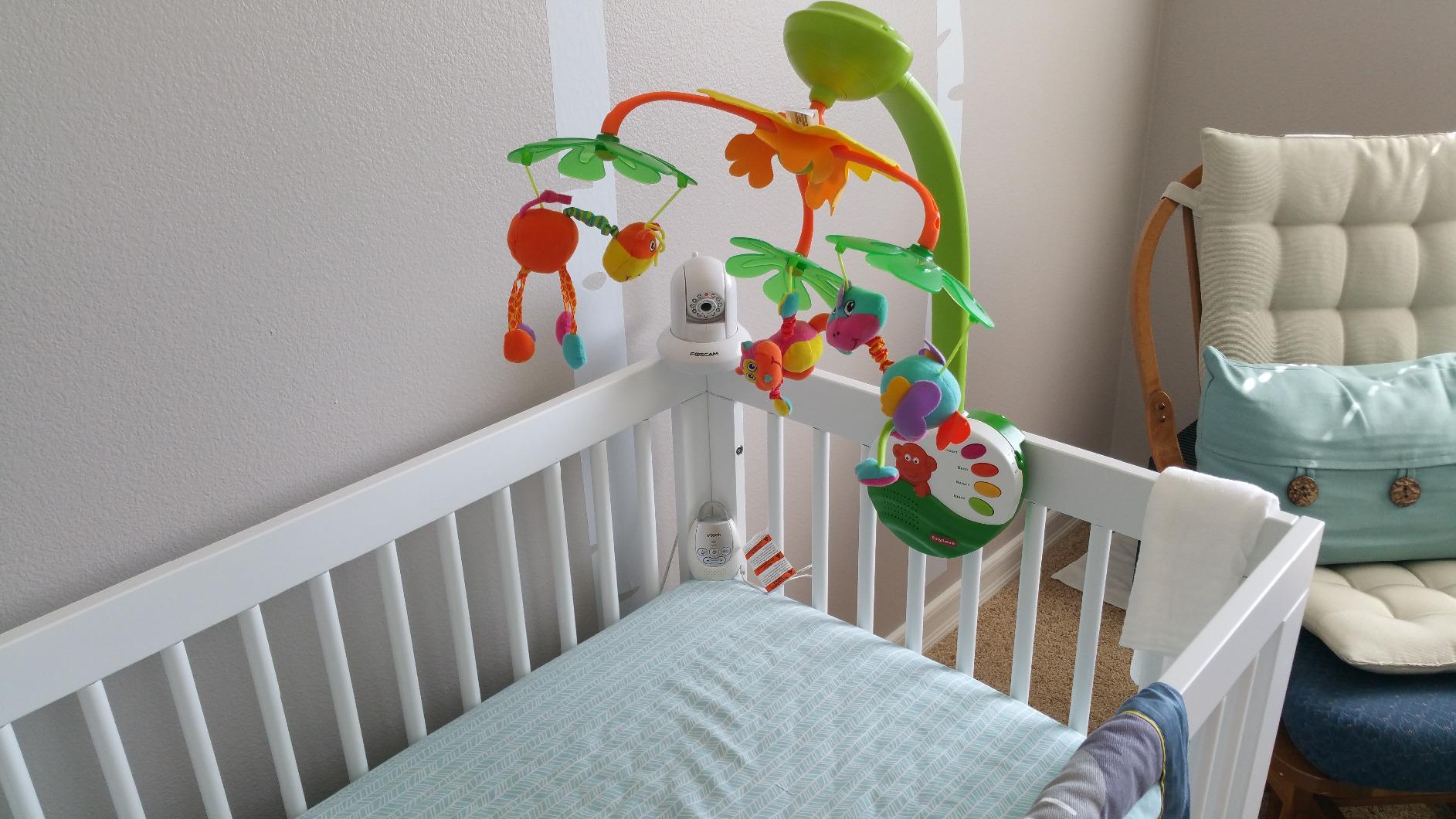
Silent monitoring is properly handled, with a vibrating alert and 5-level LED sound indicators, which parents of hard-of-hearing children rate very highly. The long open microphone picks up whimpers and soft cries rather than only full crying, and you can adjust sensitivity. Talk-back intercom lets you soothe without entering the nursery, and the baby unit has a soft night light.
It is also the most repurposable unit here, widely used for elder care and for monitoring a child in a grandparent’s house. Parents on WhatToExpect and BabyCenter repeatedly recommend VTech non-WiFi audio monitors as the reliable, long-lasting choice, and much of that reputation comes from this model.
When is an audio-only monitor the right call?
For a large home with thick walls, a basement nursery or a three-floor layout, audio often gets you further than video. If your real concern is whether the baby is crying and you are not trying to judge skin colour or read a monitor expression, this removes the signal problem rather than negotiating with it.
Two parent screens also solve the two-adult problem cheaply. One screen can live in the kitchen overnight and the other travel to whoever is covering the early shift, and because the handsets are belt-clipped and small, they are genuinely portable in a way a 5-inch panel is not.
What you give up by skipping the camera
You give up all visual information, which matters the moment you need to confirm whether a crying baby needs picking up or is just talking to themselves. Parents who use audio-only often describe holding the talk-back button and listening hard, which is a fine solution at 2am and a poor one at 7am with a sleeping child you do not want to wake.
The power story is the real limitation. The parent battery runs only a few hours from the charger, listed at about 7 hours, and there is no battery in the baby unit, so a power cut silences the whole system. Maximum volume can also be drowned out by running water or other household noise, and breath sounds are inaudible even at the highest sensitivity, which is a reminder that audio-only monitors are not respiratory monitors.
9. HelloBaby 3 Camera Travel Kit – Best for Grandparents and Travel
HelloBaby Monitor with 3 Cameras, 2.4” Portable Travel Screen Baby Monitor No WiFi, 1000ft Long Range Video Baby Monitor, Night Vision, VOX Mode-Power Saving, Baby Safety Camera,for Baby/Pet/Elder
Three cameras included
2.4 inch screen, 9.5 ounces
FHSS, no WiFi or app
VOX with night vision
Pros
- Genuinely pocket-sized at 9.5 ounces for travel and grandparents
- No app
- no subscription and no phone to keep awake
- Three cameras is a lot of coverage in a small kit
- VOX keeps monitoring while the screen sleeps
- Owners report holding a connection several car lengths away
Cons
- Very narrow field of view with no zoom out
- Switching cameras means unpairing and re-pairing
- US plug only in the box so international buyers need an adapter
- Some units report freezing and artifacting
- Shorter than advertised in-wall range for some owners
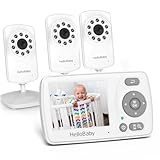
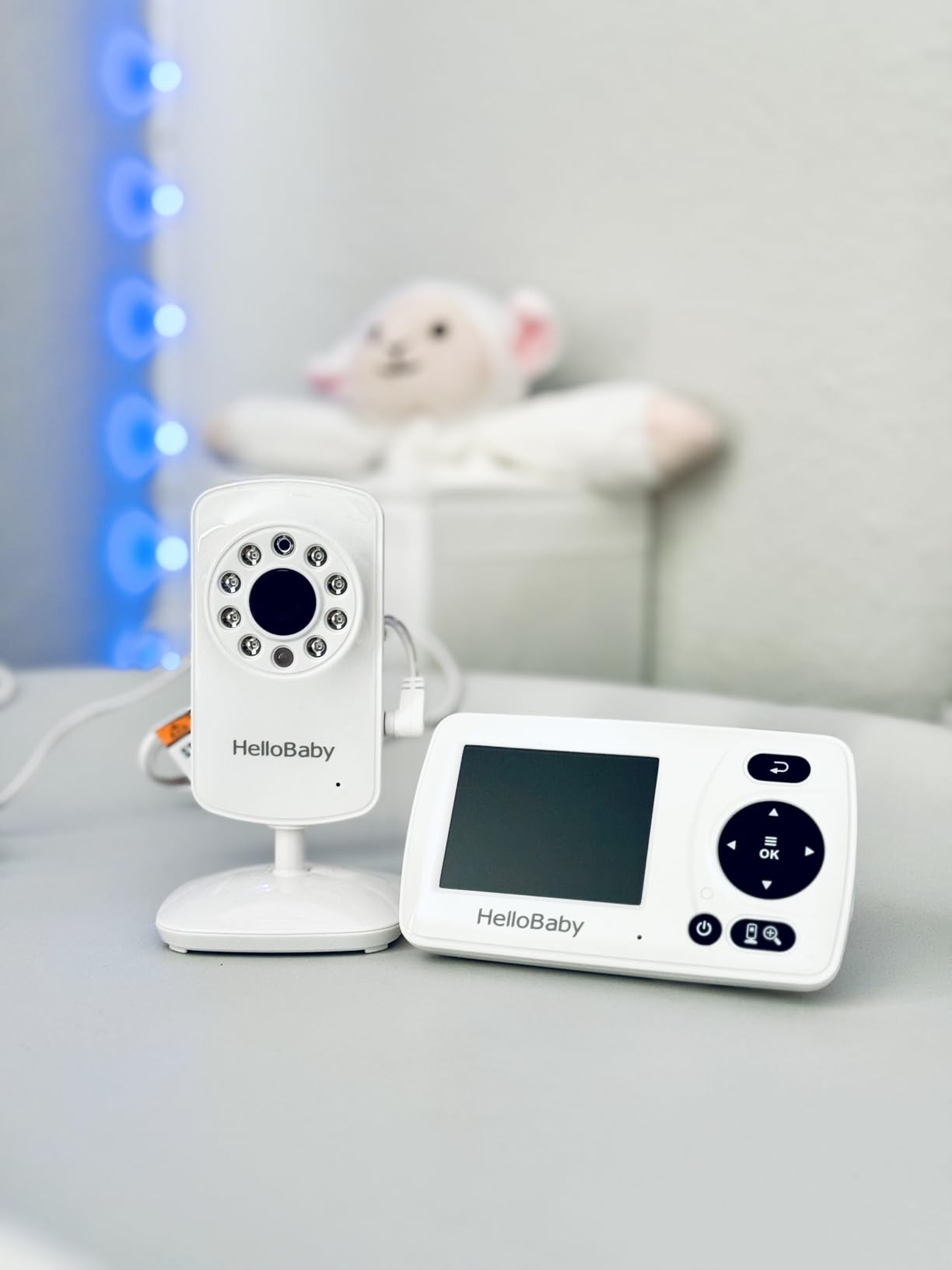
Three cameras in one kit with a handheld that weighs 9.5 ounces is a genuinely different use case from everything else on this list. This is the monitor for a grandparent’s house, a holiday cottage or a camping trip, where the goal is audio in a small room rather than a picture across a staircase.
It uses the same 2.4GHz FHSS approach as the other HelloBaby units, with no WiFi, no app and no subscription, so nothing needs charging except the handheld and there is no screen for a child to poke at. VOX sound-activated mode keeps monitoring in the background while the display stays dark, and 8 infrared LEDs with a light sensor handle night vision automatically.
Owners report holding a connection several car lengths from the camera, including out in a yard, which makes it a legitimate option for monitoring a play area or an outbuilding. The 2.4-inch colour LCD records 720p video with 2x digital zoom across up to three paired channels, and the box contains three cameras and a manual.
It is also a secondary-monitor choice. Parents buy it to give a grandparent or a sitter their own screen so the two of you are not fighting over one handset, and HelloBaby support is repeatedly praised for shipping compatible replacement cameras when one fails.
Is the HelloBaby travel kit good enough for a second room?
Yes for audio, and for a picture of a crib in a small space. Three cameras covering a nursery, a play area and a grandparent’s room is more coverage than most competitors offer at this size, and the 9.5-ounce handheld can be moved between floors without thought.
It is also a smart second purchase to sit alongside a larger monitor at home, since it uses the same non-WiFi approach and needs no network configuration wherever it goes.
Where the narrow lens becomes a real problem
The 178-degree field of view sounds generous and behaves tightly, and there is no zoom-out to compensate. An active baby can move out of frame entirely, which is a genuine problem with older babies who are rolling, sitting up and scooting.
The camera-switching workflow is the other frustration: with multiple cameras paired, changing rooms reportedly means unpairing and re-pairing, which defeats the purpose of a multi-camera kit. Some owners also report screen freezing, black-and-white artifacting and random disconnects, and one review notes real in-wall range closer to 50 feet across two walls, well short of the 1000ft figure. International buyers also need an adapter, since the plug is US only.
10. Tapo C100 Four Pack – Best Multi-Room Coverage on a Budget
Tapo 1080P Indoor Security Camera, Baby Monitor, Dog Camera, C100(4-Pack)
Four 1080p cameras
2.4GHz WiFi, no fees
Cry detection, microSD 512GB
Night vision 30-40 ft
Pros
- Four cameras for roughly the cost of one dedicated monitor
- WiFi range limited only by router coverage across floors
- Baby cry detection alongside motion and person alerts
- Local microSD recording up to 512GB avoids mandatory cloud
- Works with Alexa and Google Home
Cons
- No parent unit
- so viewing depends entirely on a phone
- Requires a 2.4GHz band
- so 5GHz-only networks fail
- Cameras are wired and must stay plugged in
- Night vision reach is only about 30 to 40 feet
This is not a baby monitor, and that is exactly why it is on the list. Four 1080p cameras covering the nursery, the hallway, the play area and the room a toddler has just been moved into is a fundamentally different approach to a large home, and the near 29,000 reviews at a 4.4 average make it the most proven hardware in this group.
Because the signal is WiFi rather than a dedicated radio, range is bounded by router coverage across floors rather than by a quoted foot figure. In a 3,000 square foot home that means a mesh node is part of the equation. The camera itself is small at 2.66 by 2.15 by 3.89 inches, so hiding one in a large room is easy, and it records 1080p at 30 frames per second with a 117-degree field of view.
Cry detection sits alongside motion and person alerts, and push notifications arrive at no extra cost, which is the feature dedicated monitors tend to charge for. Two-way audio with a built-in siren, H.264 encoding and Alexa plus Google Assistant support let you view on a larger display than a phone when you want to.
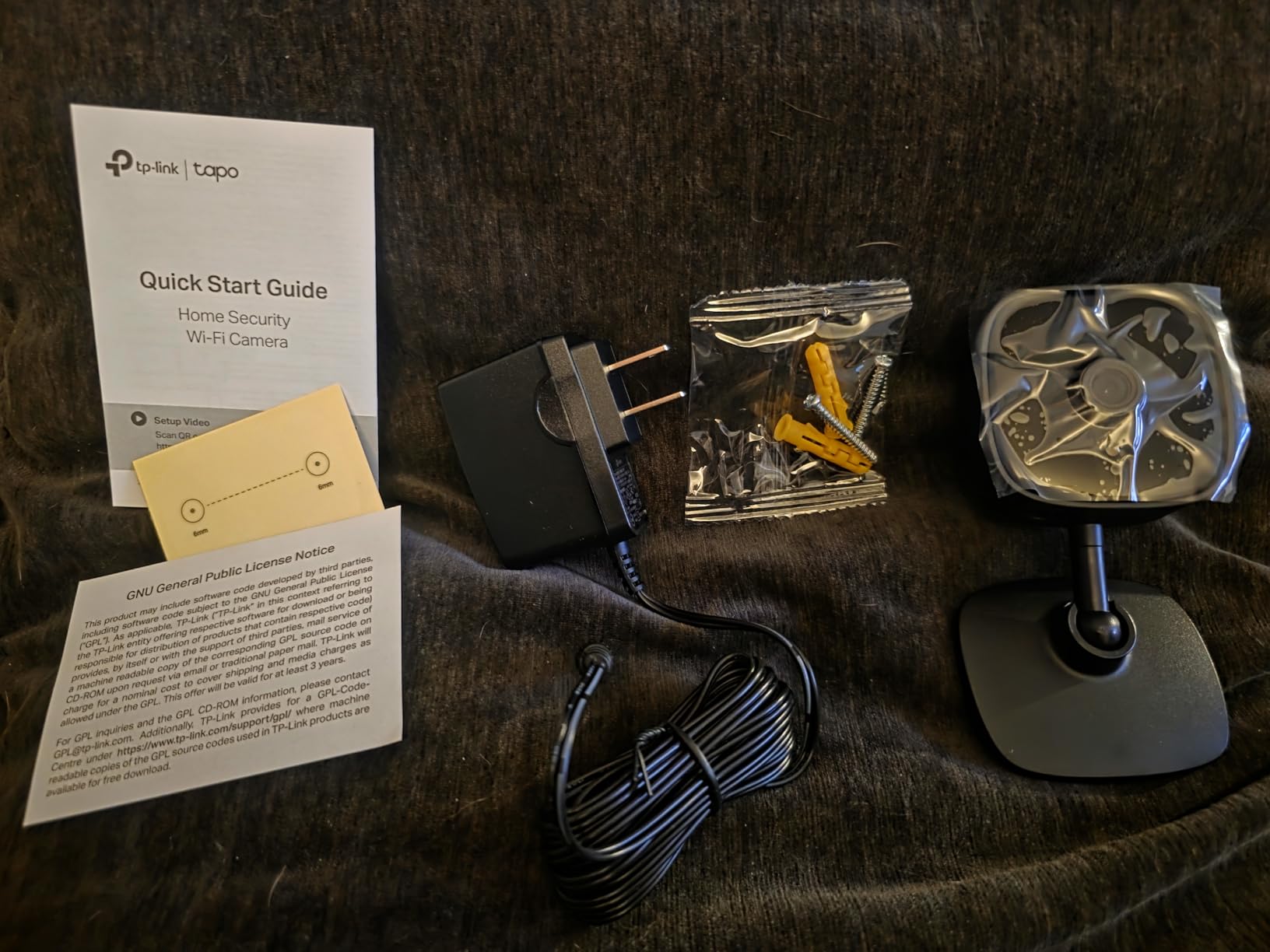
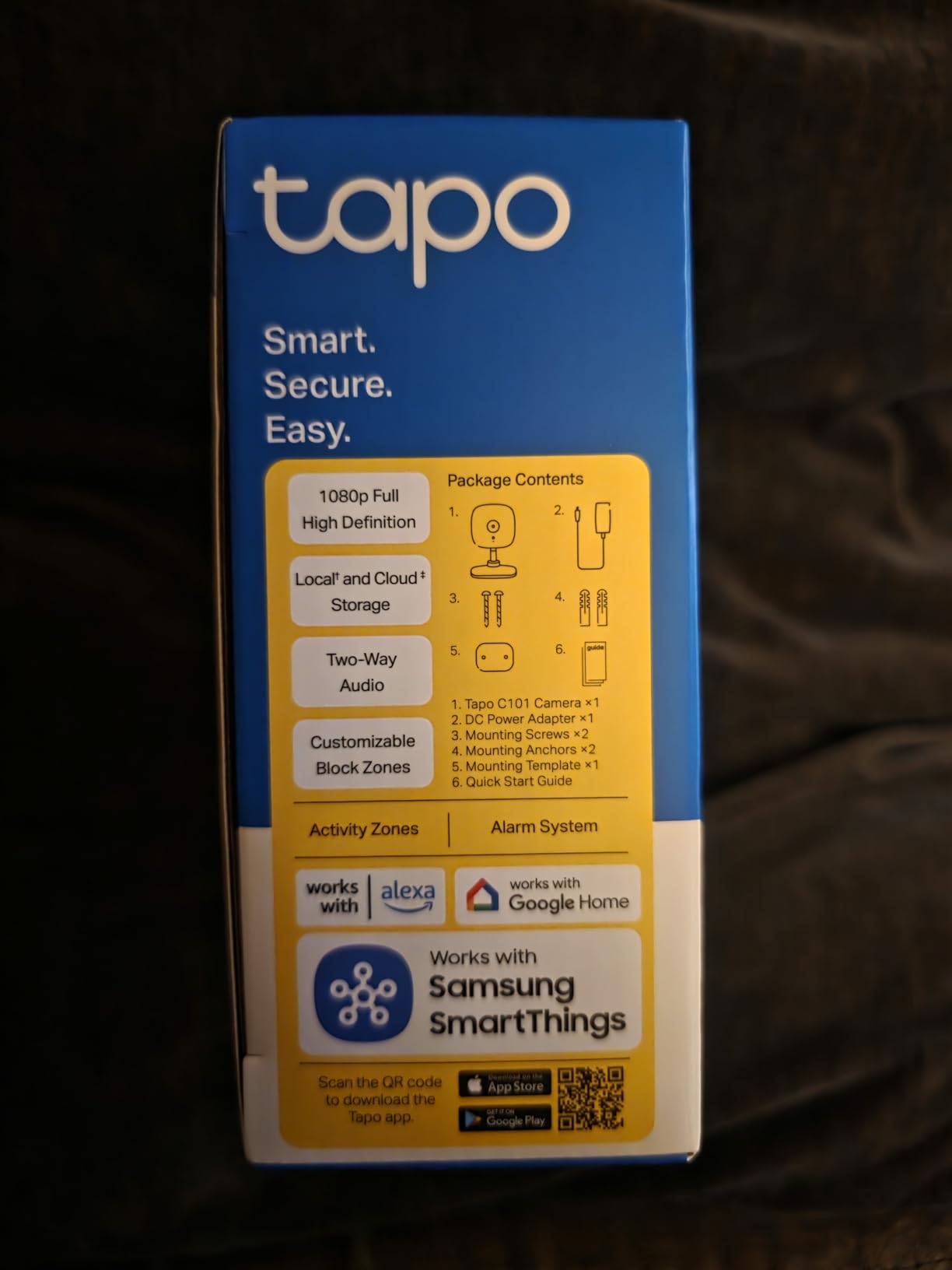
Local microSD recording up to 512GB means you are not pushed toward a cloud subscription, and a Tapo Care plan remains optional if you want remote storage. The box contains four C100 cameras, a power adapter each, a mounting template and screws and a quick start guide.
Is a security camera pack right for monitoring a baby?
For a large home where you want more than one or two viewpoints, yes. Four cameras across two floors beats any dedicated monitor, and the absence of a subscription for cry detection and push alerts means the running cost stays at zero. The compromise is that you view on a phone, which means borrowing a charger, keeping a phone battery alive overnight and dealing with app notifications rather than a dedicated handheld.
It also makes sense for a home with an older child and a new baby, or for parents who already run cameras elsewhere and want nursery coverage in the same app ecosystem.
What are the drawbacks of using a security camera as a monitor?
There is no parent unit at all, so if your phone is dead, charging in another room or turned off, you have no way to see the baby. That is a real difference in an emergency and it is worth weighing before you commit.
The 2.4GHz-only requirement rules out 5GHz-only networks, the cameras are wired so each needs a socket, and night vision reaches only about 30 to 40 feet, which is short for a large nursery. Alerts are motion-based by default, so you may get a notification for a shadow rather than a sound, and the picture is a security camera feed rather than one tuned for close-up detail of a sleeping baby.
Non-WiFi vs WiFi vs Hybrid: Which Signal Type Do You Need?
Decide this before you compare any other feature, because it eliminates most of the list. If you only ever watch from inside the house, a dedicated non-WiFi system is strictly more reliable because it never touches your router. If you need to check in from work, the garden or another building, you need WiFi, and with it the coverage limitations of your own network.
A non-WiFi system uses an encrypted radio link, typically 2.4GHz FHSS or DECT, straight between the camera and the handheld. Frequency hopping means the signal moves across channels constantly, which makes it resistant to interference from neighbouring WiFi and effectively impossible to intercept without the paired hardware. It cannot be hacked from the internet, it keeps working when your internet is down, and it keeps working when the router is rebooting.
A WiFi system streams over your home network and out to a phone app. The upside is that range stops being a physical limit and becomes a coverage problem, which you can solve with hardware. The downsides are real though: your monitor now depends on router placement, channel congestion and an internet connection, and it introduces the possibility of someone else viewing the feed if your password hygiene is poor.
Hybrid systems, like the Babysense TOUCH, run as a closed local system by default and add app viewing when you connect them to a 2.4GHz network. That is a sensible middle path, though you should check whether the app is available in your country, since one leading option here is US-only, and whether the monitor works on a 5GHz-only network, because one of them does not.
One more fork matters in older homes. If your house has plaster and lath, brick or concrete, a closed FHSS link will generally outperform WiFi because your router signal has to make the same journey and WiFi loses more to dense building materials. If your problem is coverage rather than materials, then mesh nodes are the answer instead.
How Far of a Range Do Baby Monitors Actually Cover?
Manufacturers quote open-air range with a clear line of sight and nothing in the way. Indoors, expect roughly 200 to 400 feet of usable coverage from a monitor claiming 1000ft, and treat any 3000ft claim as an outdoor specification rather than something achievable through a house. Floors, stairwells, brick, concrete and foil-backed insulation are what eat the difference.
The practical conversion is simple: divide the claimed figure by three to five, then check whether your worst-case path crosses a floor, a staircase and two or more dense walls. A monitor that claims 1000ft and reaches the far corner of a 2,500 square foot single-storey home is doing its job. The same monitor asked to reach a basement from the top floor of a three-storey house is not.
What blocks a signal matters more than how thick the wall is. Standard drywall barely touches a 2.4GHz signal. Plaster and lath, brick and concrete each take a meaningful bite out of it. Foil-backed or radiant-barrier insulation is close to a wall in radio terms, and metal surfaces such as garage doors or metal-clad bedrooms are worse still. If your nursery sits next to a shared wall, behind a fireplace or above a garage, factor that in before reading any range number.
Audio is the more forgiving half of any monitor, which is why the DECT 6.0 audio system covers more of a large home than the video system sitting next to it on the same shelf. If you only need to know whether the baby is crying, range stops being the constraint.
How to Fix Dead Zones in a Large Home
Before buying a different monitor, spend an afternoon fixing the network if you are on WiFi. In a 3,000 square foot home, the camera is usually fine and the router position is not, and swapping monitors is a far more expensive way to solve a coverage problem that mesh hardware fixes in minutes.
First, walk your home with a phone and note where the signal drops. Pay attention to the actual paths a parent takes, not a straight line, because a wall corner and a staircase are different obstacles. Second, place a mesh node or a range extender roughly halfway between the router and the dead zone rather than in the dead zone itself, since a node placed in a weak area can only repeat weakness. Our picks for the hardware side are in the Wi-Fi extender guide for large homes.
Third, keep cameras and phones on the 2.4GHz band. Most baby monitors, including the Tapo pack and the Babysense TOUCH, will not connect to a 5GHz-only network at all, and 2.4GHz is also the band that penetrates walls better. If your router broadcasts both, split the device names so the cameras land on 2.4GHz and you keep your phone on 5GHz.
Fourth, if a dead zone persists, place a wired access point at the top of the stairs rather than an extender in the dead zone, and move the router off the floor and away from metal objects. If you need long-distance coverage in a large property rather than through a house, our coverage of long-range two-way radios explains the same radio physics on a different form factor.
For a whole-home system rather than a single camera, a dedicated NVR setup behaves the way a non-WiFi monitor does: cameras record locally and the network is not in the critical path. That is worth reading about if you already want cameras beyond the nursery, in our NVR security systems for large homes roundup.
Baby Monitor Safety in Large and Older Homes
Cords are the first thing to check, especially in older houses where sockets are in awkward places. In a bedroom, window cords and electrical cords should be kept out of reach and out of cribs, and the Consumer Product Safety Commission has reported deaths and injuries from children strangulating on window cords. Route camera cables along a wall and out of the walkway, and use cable covers on any run that crosses a floor.
Camera placement comes next. Mount cameras high and outside the cot rather than at mattress level, and keep the cable out of the crib entirely. Many parents use a clamp on a shelf or a wall mount rather than the adhesive mounts that come in the box, partly for safety and partly because adhesive mounts fail when tugged.
For any monitor with WiFi, digital security is the part people skip. Change the default password before the camera goes in the nursery, enable two-factor authentication where it exists, keep firmware current, and never reuse your router password for the camera. You can usually tell if something is wrong: a feed you did not open, a camera panning by itself, an account you do not recognise, or a log-in alert you cannot account for are all reasons to reset the camera at the factory and re-pair it.
Finally, remember what a monitor is for. It cannot prevent sudden infant death syndrome, and the American Academy of Pediatrics safe sleep guidance is unchanged by owning a monitor. Place the baby on their back on a firm, flat surface in a bare crib, and treat a monitor as a way to hear and see from another room, not as a supervision substitute.
Frequently Asked Questions
How far of a range do baby monitors have?
Range is always quoted as an open-air figure measured with clear line of sight. Indoors, expect roughly 200 to 400 feet of usable coverage from a monitor advertised as 1000ft, and much less if the path crosses floors, staircases, brick, concrete or foil-backed insulation. Divide the claimed number by three to five, then test the actual route in your home.
Do I need a WiFi baby monitor for a large house?
No, not if you only watch from inside the house. A dedicated non-WiFi monitor using an encrypted FHSS or DECT link cannot be interrupted by your router, a neighbour’s WiFi or an internet outage, which is often the whole problem in a big house. Choose WiFi or a hybrid only if you need to view from work, the garden or a grandparent’s house, and fix router coverage first.
What is the best baby monitor for large houses?
For a home over about 2,500 square feet or one with multiple floors, a non-WiFi monitor with two or more cameras and a long battery is the reliable choice. Our top pick is the HelloBaby HB6550-2 for its 5-inch screen and 30-hour eco mode, with the Babysense two-camera system and the VTech three-camera system covering multi-room and basement situations. Budget monitors work if the walls are drywall.
Why does my baby monitor keep losing signal?
Signal loss is usually a building or network problem rather than a monitor fault. Common causes are thick walls, a staircase between camera and parent screen, a WiFi router positioned in the far corner of the house, 2.4GHz congestion from neighbours, and a camera or parent unit losing battery charge. Walk the house to find dead zones, add a mesh node halfway to the weak area, and keep cameras on the 2.4GHz band.
How can I tell if someone hacked my baby monitor?
Warning signs include camera movement you did not command, a feed that pans or tilts on its own, a log-in alert you cannot account for, an unfamiliar account in the app, or video quality that degrades and recovers. If you see any of these, reset the camera to factory settings, change the default password, enable two-factor authentication, update firmware, and use a unique password not shared with any other device.
The Verdict: Which Long-Range Baby Monitor Should You Buy?
The HelloBaby HB6550-2 is the best long range baby monitor for large homes overall, because a closed 2.4GHz FHSS link with two cameras and 30 hours of eco-mode battery removes both of the failure points that matter in a big house: signal loss and a flat parent screen at 3am.
Buy the Babysense two-camera system if you are in a 1920s house or need basement-to-upstairs coverage, the VTech three-camera system if three rooms is your minimum, and the VTech DM221-2 if audio is genuinely all you need and you want the simplest, most reliable option available. If you need away-from-home viewing, take the VTech VM901-2HD, but fix your router coverage first, or the Tapo four-pack if you want the most viewpoints for the least hardware.
Whatever you choose, run the walk-test before you commit. Ten minutes from the nursery to the far end of the house will tell you more than any number on the box, and it is the only test that accounts for your walls, your stairs and your router.