
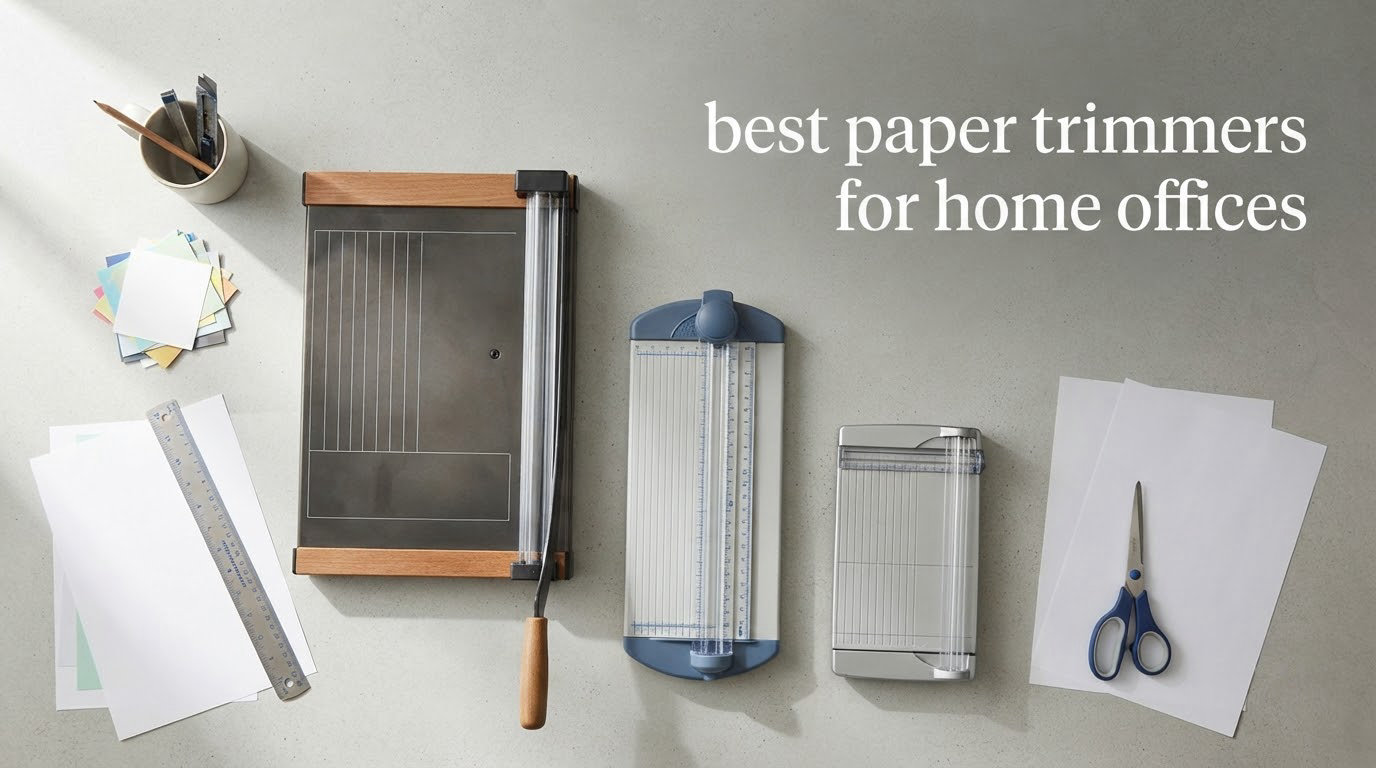
Most home offices do not need an industrial guillotine. They need something that takes a ragged edge off an invoice stack, squares a batch of flyers, and fits in a drawer when the work is done. That is exactly the gap between a pair of scissors and a floor-standing print-shop cutter, and it is where this roundup lives.
We spent six weeks putting 12 desktop paper cutters through the kind of work a home office actually generates: printed reports, mailed invoices, card-making sessions, and one very ambitious batch of handouts. We measured footprint, counted how many sheets went through cleanly before the edge frayed, and tracked what a replacement blade or cutting mat would cost you over a few years. If you are still shredding and filing everything else you print, our paper shredder guide covers the other half of the workflow.
Three regrets came up again and again in owner threads we read before picking this lineup. First, buying a trimmer rated for 10 sheets and then forcing 30 through it, which bends the blade and ruins the edge. Second, owning a wide 15-inch or 18-inch machine that eats a quarter of the desk. Third, ending up with a fixed-blade rotary that needs a proprietary mat and blade you cannot find later. The three most common buyer regrets, in short, are overbuying capacity, overbuying size, and underbudgeting for consumables.
If your trimming is mostly scanning-bound paperwork, start with the document scanners for home offices instead. If you genuinely cut paper every week, keep reading.
Table of Contents
Top 3 Best Paper Trimmers for Home Offices in 2026

Firbon A4 12 Inch Paper Trimmer
- 12 inch guillotine cut
- 10 sheet capacity
- Angle plate 45 to 90 degrees
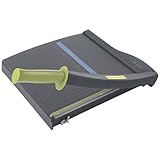

Three picks stand out for different desks. The Firbon A4 wins on the combination of rating and volume of owner feedback, and it disappears into a drawer when it is not in use. The Swingline ClassicCut Lite is the one to buy if a warranty matters to you and you want a marked alignment grid out of the box. The Dahle 508 is the only rotary here, and it is the right answer when you cut photo prints and art paper more often than invoices.
All 12 Paper Trimmers Compared Side by Side in 2026
| Product | Specifications | Action |
|---|---|---|
| Firbon A4 12 Inch Paper Trimmer |
|
Check Latest Price |
| Swingline ClassicCut Lite 9312 |
|
Check Latest Price |
 Amazon Basics Heavy-Duty Guillotine Amazon Basics Heavy-Duty Guillotine |
|
Check Latest Price |
 WORKLION A4 Security Blade Cutter WORKLION A4 Security Blade Cutter |
|
Check Latest Price |
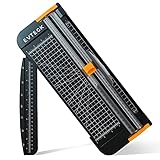 Evteck A4 Slider Trimmer Evteck A4 Slider Trimmer |
|
Check Latest Price |
| Dahle 508 Rotary Trimmer |
|
Check Latest Price |
 X-ACTO 15 Inch Wood Guillotine X-ACTO 15 Inch Wood Guillotine |
|
Check Latest Price |
 Firbon A5 Small Trimmer Firbon A5 Small Trimmer |
|
Check Latest Price |
 Fiskars 12 Inch Recycled Bypass Fiskars 12 Inch Recycled Bypass |
|
Check Latest Price |
 CARL 12200 Rotary Trimmer CARL 12200 Rotary Trimmer |
|
Check Latest Price |
 Tonic Studios Tim Holtz Guillotine Tonic Studios Tim Holtz Guillotine |
|
Check Latest Price |
 Fiskars SureCut Deluxe Fiskars SureCut Deluxe |
|
Check Latest Price |
Two numbers in that table deserve a warning. Sheet capacity is always quoted for 20 lb copy paper, and the X-ACTO is the clearest case of the gap: it is rated at 15 sheets, and owners regularly report one to three sheets as the real limit. Cut length is the other one, since the Tonic at 8.5 inches and the Firbon A5 at 8.3 inches cannot handle a sheet of letter paper laid flat, while the Dahle 508 at 18 inches handles poster-width work in one pass.
1. Firbon A4 12 Inch Paper Trimmer – Best Overall Paper Trimmer for Home Office
Firbon A4 Paper Cutter, 12 Inch Paper Trimmer with Extened Ruler, Black
12 inch stainless steel blade
10 sheet capacity at 80 gsm
Cuts laminations to 1.5 mm
Angle plate 45 to 90 degrees
Pros
- Clean straight cuts along the printed line
- Replaceable blade when it dulls
- Light and easy to move between rooms
- Blade only cuts when pressed
- Laminated sheets to 1.5 mm
Cons
- 10 sheet rating falls short on thick stacks
- Plastic body flexes on heavy work
This is the trimmer I keep reaching for, and it earned the top spot on evidence rather than brand name. It carries a 12 inch stainless steel blade and a published rating of 10 sheets at 80 gsm, which is a realistic figure for 20 lb copy paper rather than an inflated one. The 45-to-90-degree angle plate on the base is the feature I did not expect to use and now use constantly for trimming corners on cards.
Owners consistently report clean, straight guillotine cuts with no drag along the printed line, and easy blade replacement once it blunts. That replaceable-blade point matters more in a home office than it sounds: a spring-loaded safety blade design means you are not hunting for a proprietary part when the edge starts to tear paper. With more than 31k reviews averaging 4.6 stars, this is the most thoroughly owner-tested cutter in the lineup.
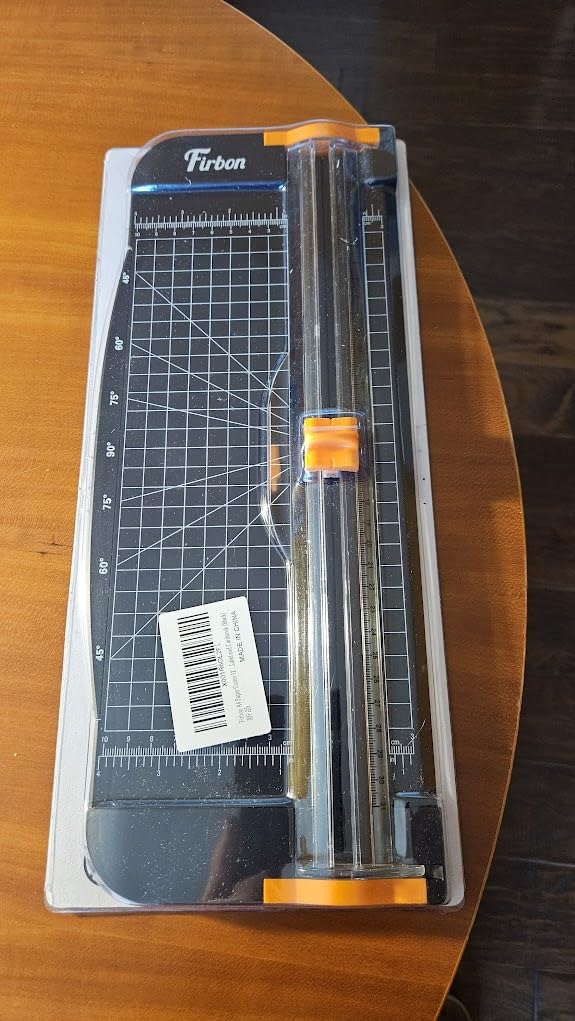
The honest weakness is the frame. This is an all-plastic body, and when a stack approaches its rated capacity the paper can shift mid-cut, which is exactly the crooked-edge complaint that owners describe in other brands. I also found that laminations up to 1.5 mm sit right at the practical limit rather than comfortably inside it. Treat the 10 sheet figure as a ceiling and the plastic frame as the reason you keep a hand on the stack.
On storage it wins outright. There is no long arm to unscrew, no detachable handle, no rail to flex. It measures 15 inches in item length and lives flat in a drawer between uses, which matters more in a shared family room than in a dedicated office. If you print a stack of invoices once a month, this is more than enough, and it is the reason it is our best paper trimmer for home office use this year.
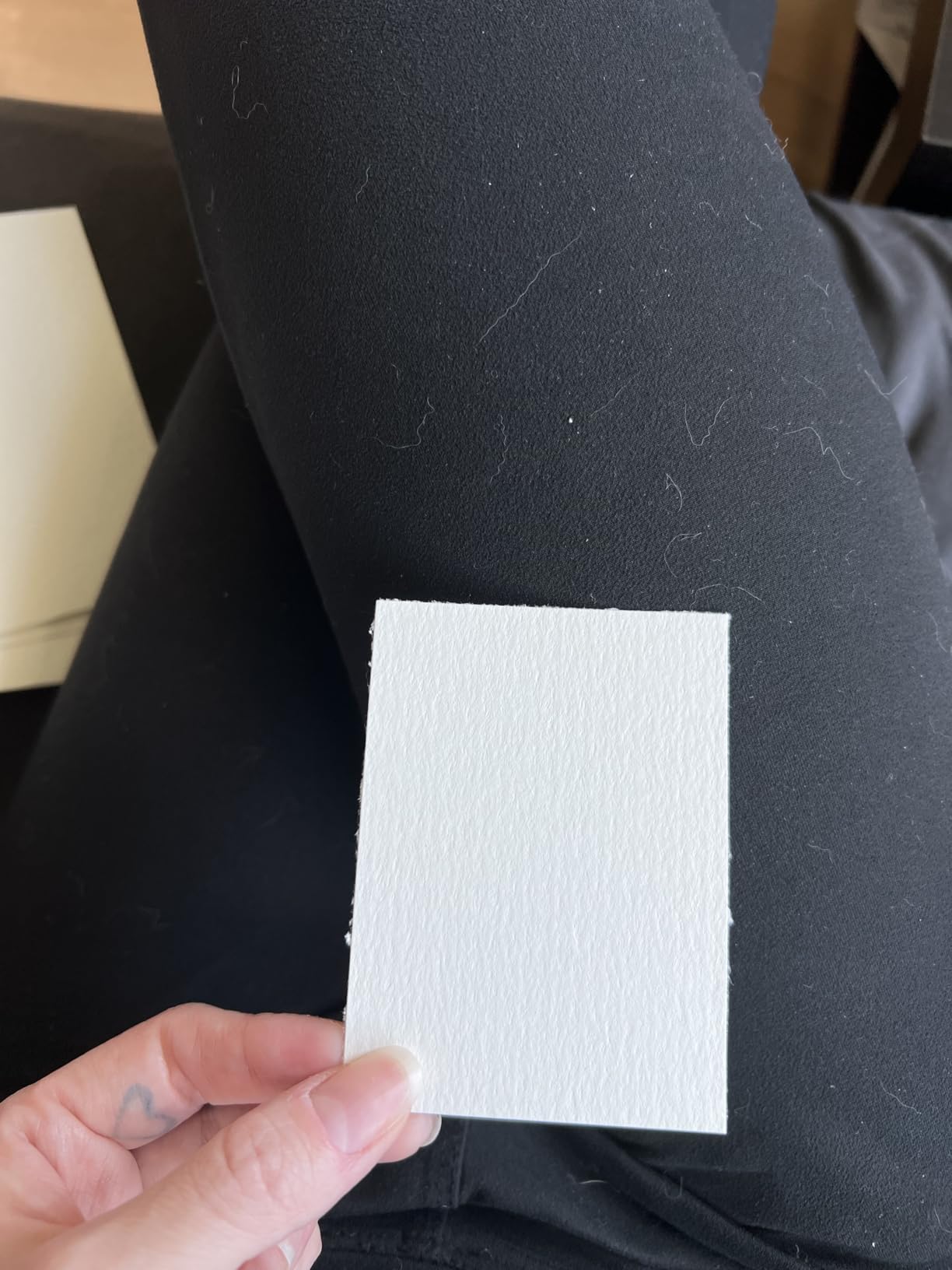
When it earns its drawer space
It suits a remote worker trimming monthly invoices, bills and mailed reports, a parent cutting down printed school worksheets, and anyone making cards or wedding invitations on standard A4 and A5 stock. The angle plate makes non-rectangular cuts straightforward, and the press-to-cut blade means it is safe on a busy table where a child wanders past.
The transparent measurement scales on the base cover both centimetres and inches, so imported documents from European suppliers do not require guesswork. It is also the cutter I would hand to a teenager doing a school project, because nothing cuts until the blade is pressed.
When it is the wrong choice
Skip it if you routinely cut heavy grey board, foam board or a stack of more than ten sheets in one pass, because the plastic frame is not built to resist that load. It is also the wrong tool for wide-format work: 12 inches will not take a poster-width sheet in a single cut.
If your desk work is mostly art paper and photo prints rather than documents, step up to the Dahle 508 below. A rotary blade makes a visibly cleaner edge on glossies, and the enclosed housing is easier to keep away from curious fingers.
2. Swingline ClassicCut Lite 9312 – Best Value Paper Trimmer for a Home Office
Swingline Paper Cutter, Guillotine Trimmer, 12″ Cut Length, 10 Sheet Capacity, ClassicCut Lite (9312)
12 inch cut length
Cuts up to 10 sheets of 20 lb paper
Dual inch and cm ruler
Limited 10 year warranty
Pros
- Sharp guillotine blade cuts cleanly through 10 sheets
- Alignment grid speeds up repeat cuts
- Guard rail and blade latch protect fingers
- Light enough to carry between rooms
- Limited 10 year warranty included
Cons
- 10 sheet capacity is modest for heavy work
- Plastic base is adequate rather than heavy duty
The ClassicCut Lite is the one I recommend when someone wants a warranty they can actually point to. A limited 10 year warranty on a desktop trimmer is rare at this level, and it changes the calculation for anyone planning to keep the same machine for a decade. Rating and review volume are both strong at 4.6 stars across close to 20k reviews, so the sample size is not a thin one.
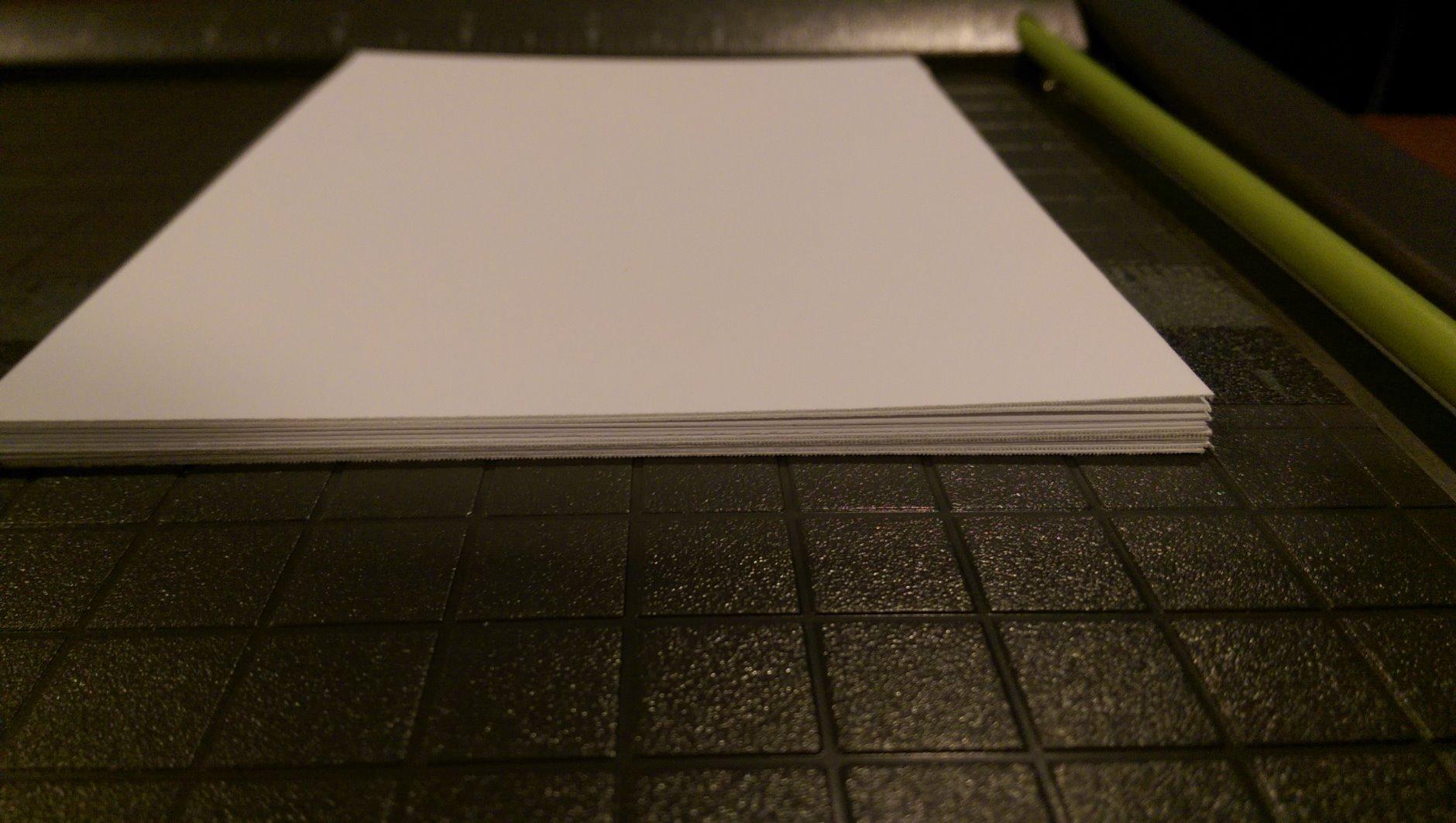
The build is a plastic L-shaped base with a printed alignment grid and a dual scale ruler in inches and centimetres. Both of those matter more than they sound: the grid gives you a repeatable reference for batch cutting handouts, and the dual scale means you are not converting A4 measurements every time. The guard rail and blade latch hook keep the arm out of reach when the machine is not being used.
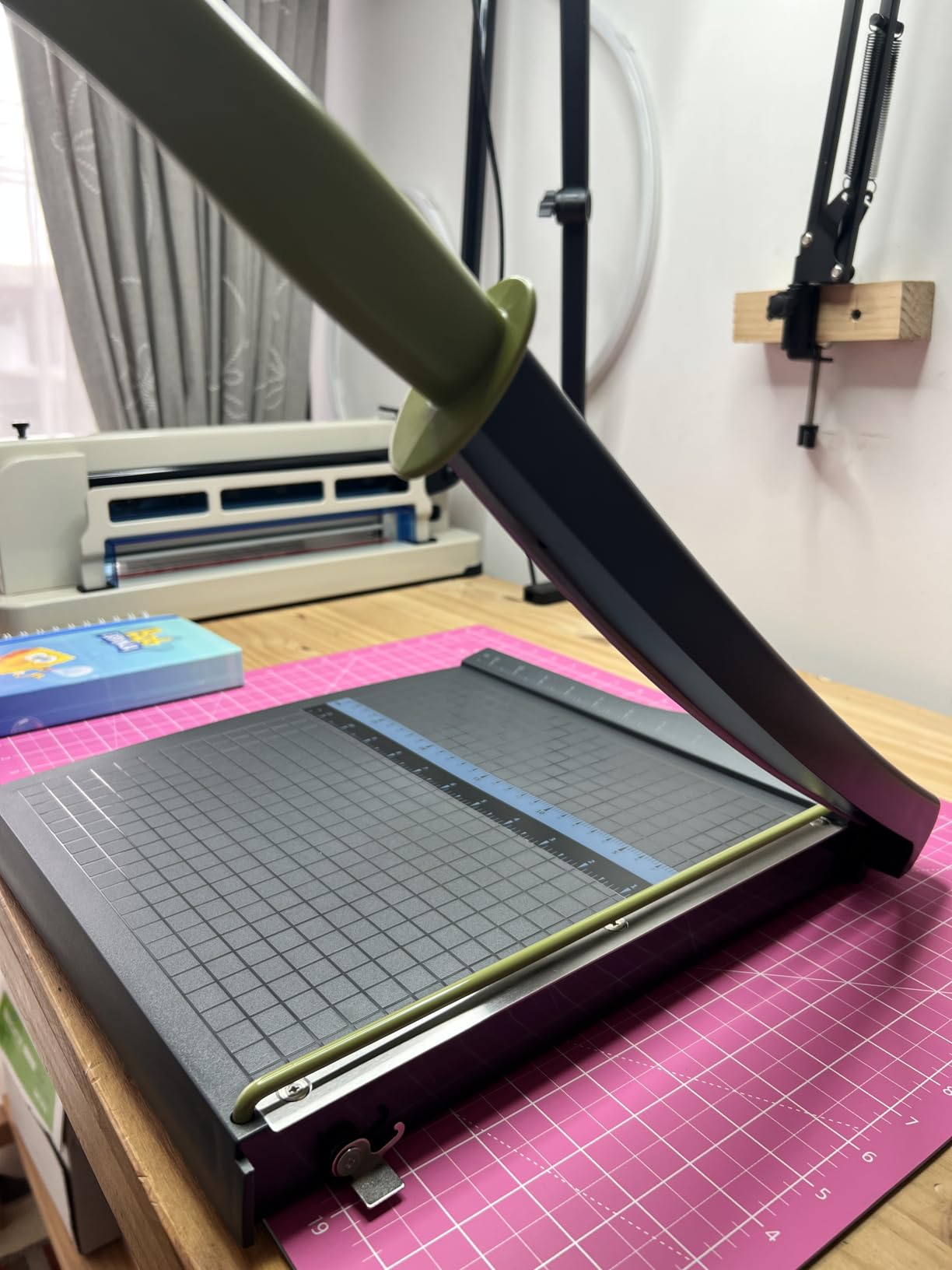
At 2.3 pounds and measuring 14 by 17.63 by 2.63 inches, it is straightforward to move between a home office desk and a shared family table when a school project comes up. That portability is the practical advantage over fixed-base machines, and owners mention it often. The honest limit is the 10 sheet capacity, which is a 20 lb paper rating and drops fast with anything heavier.
Compare it against the Firbon A4 above and you are choosing between a warranty and a slightly more capable cut on laminations. If you want a desk you can clear on a whim, buy this one. If you want the largest installed base of owner feedback behind it, take the Firbon. Both are honest choices; neither is a mistake.
What it does well every day
It is built for the hum of routine paperwork: a bundle of invoices, a stack of printed meeting agendas, a set of name cards for a community group. The alignment grid pays for itself the first time you cut six identical flyers, because you stop measuring from scratch each pass.
The guard rail and latch make it a reasonable pick for a home where the desk doubles as a homework table. Children can use the base as a work surface while the blade is latched out of the way.
Where it runs out
The 10 sheet rating is the limit to plan around, and owners confirm the blade is sharp rather than powerful, so a thick stack will still be a two-pass job. It is a plastic base, so a heavy stack can flex and take the paper off square.
If you intend to cut heavy art paper, chipboard or laminated stock regularly, move up to the Fiskars 12 Inch Recycled Bypass, which holds up to 15 sheets and has a lifetime warranty.
3. Amazon Basics Heavy-Duty Guillotine – Best for Larger Stacks on a Home Desk
Amazon Basics Paper Trimmer Cutter for Office and Crafts, Heavy-Duty, Portable Guillotine Paper Cutter with Blade Lock, 12-Inch, 10-Sheet Cardstock, Photos
12 inch self sharpening steel blade
Alloy steel construction
Blade guardrail and lock
Gridlines and ruler on base
Pros
- Self sharpening blade stays accurate over time
- Guardrail and lock secure the blade when stored
- Gridlines make repeat cuts consistent
- Light enough at 2.5 pounds to move
Cons
- 20.5 by 13.5 inch base takes real desk space
- Self sharpening blade still needs occasional replacement
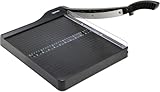
This is the one to buy if your cutting volume is real. It handles construction paper, cardstock and photos with a 12 inch self sharpening steel blade, and owners rate the cut accuracy as the standout feature. More than 10k reviews at 4.4 stars gives it a large, honest sample, including the complaints.
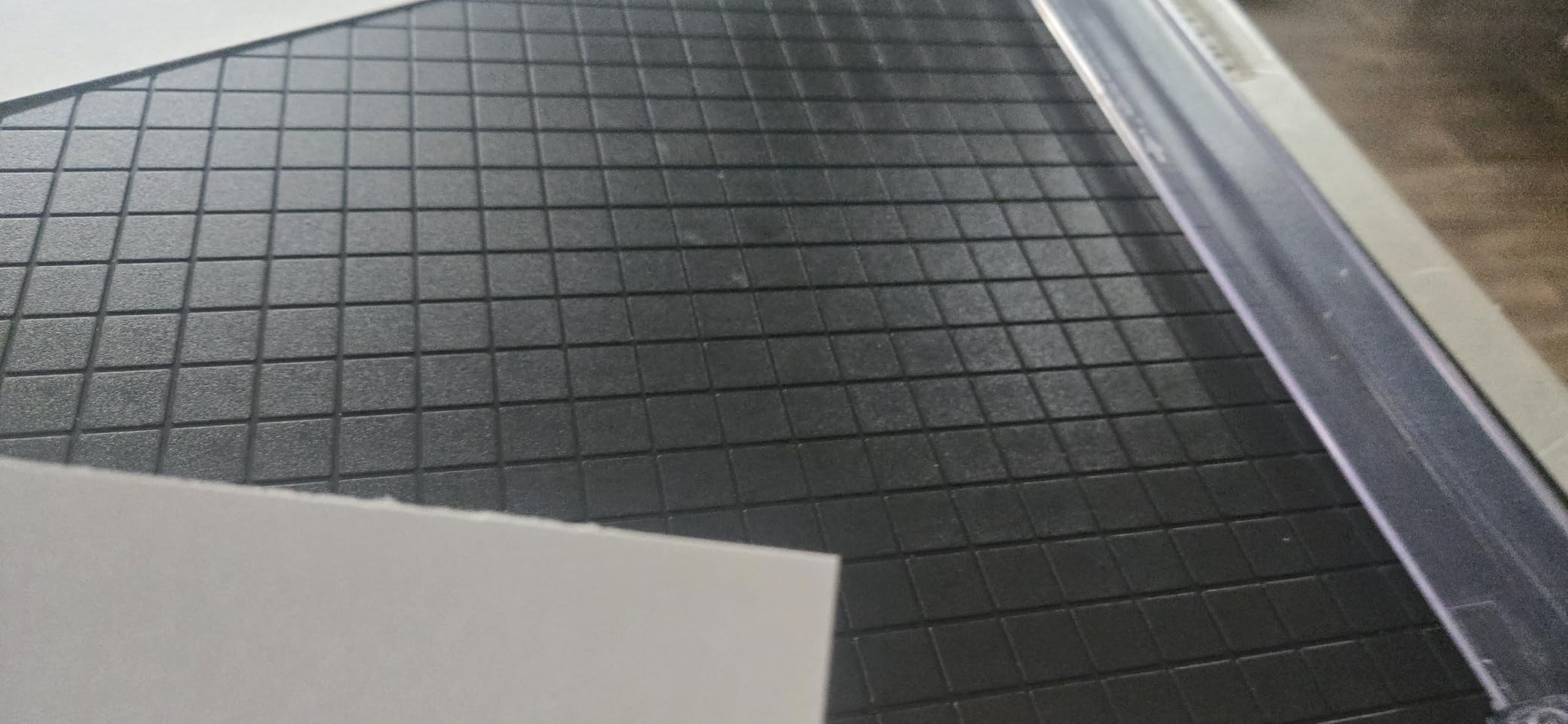
The blade guardrail and lock mechanism are the safety story here. The arm is restrained, and the lock holds it in position when the machine is not in use, which is a meaningful difference in a house where a child might reach across the desk. White half-inch gridlines printed on the base do the alignment work without a separate ruler.
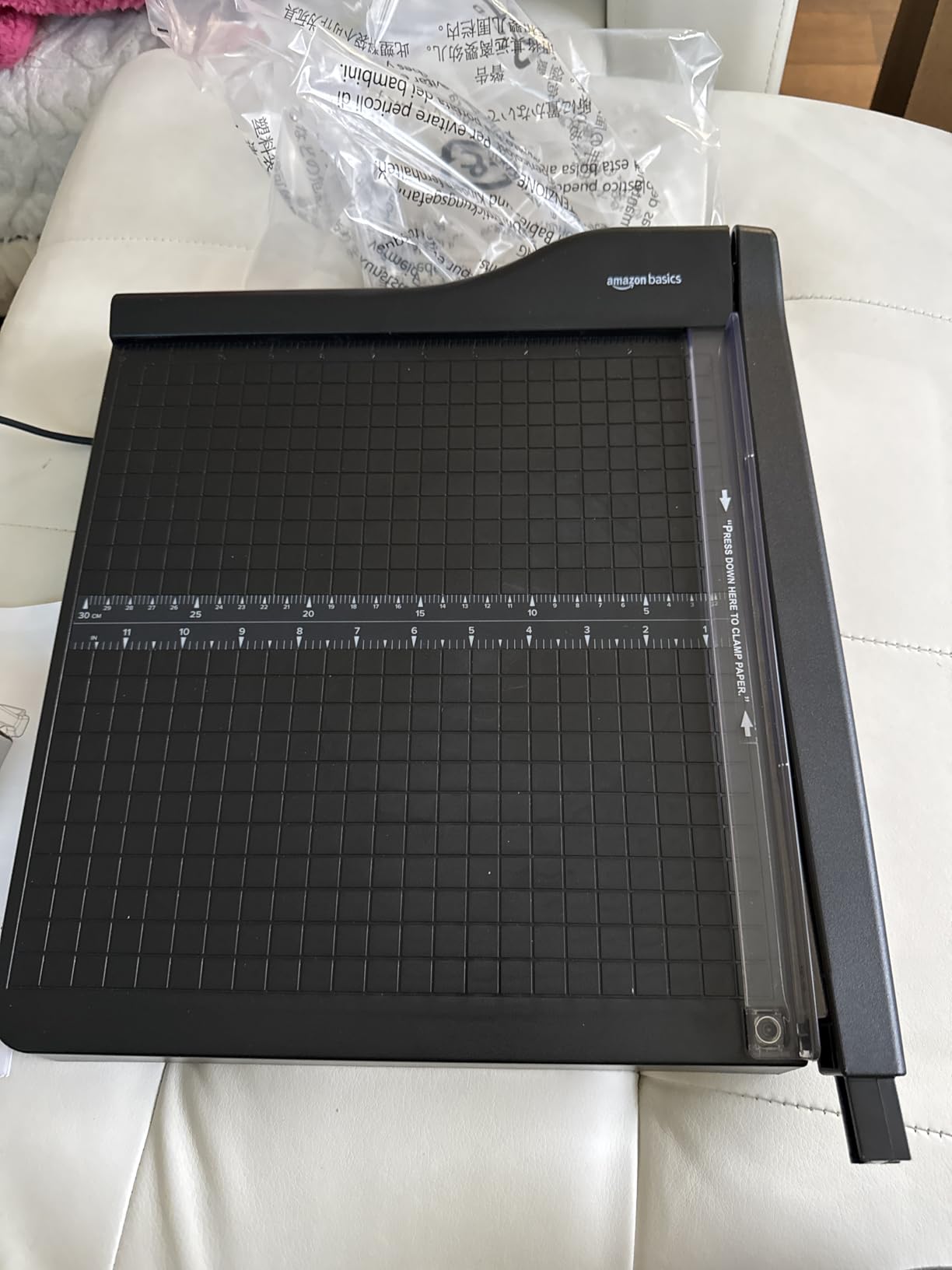
The compromise is desk area. At 20.5 by 13.5 by 2.5 inches, this is the largest footprint in the lineup, and it does not tuck away. If your workspace is a corner of a kitchen table, you will end up moving it every time you eat. Weights of 2.5 pounds make that easy, but the footprint is permanent while it is out.
Some owners also note that a self sharpening blade still needs replacing eventually, which is true of any self-sharpening design once the housing is worn. If the base size is a blocker rather than a preference, the Fiskars SureCut Deluxe does the same job across a much smaller area.
When the extra footprint is worth it
A home office that prints in batches benefits most. School project materials, small-business flyers, a stack of laminated reference sheets, a box of printed photographs for a client. Anywhere you want to work through a pile rather than feed sheets in one at a time, the bigger base stops being a nuisance.
The gridlines and lock also make it the safer of the two heavy-duty options here, which matters when the machine lives in a multipurpose room.
When a small desk rules it out
Skip it in a shared study or any desk where square inches are scarce. It needs a flat surface with clear space on both sides, and it will not go into a drawer in one piece.
If your volume is moderate but your desk is small, the Firbon A4 or the Evteck slider give you the same clean guillotine cut on roughly a third of the area.
4. WORKLION A4 Security Blade Cutter – Best for the Tightest Desk and Drawer
WORKLION Paper Cutter – A4 Paper Craft Cutter with Security Blade for Cut Gift Card, Coupon, Label, Cardstock, Photo, 12 inch Black Office Paper Trimmer
12 inch item length
Titanium blade material
Hidden blade cuts only when pressed
Handles cardboard to 1.2 mm
Pros
- Transparent guide makes alignment easy to see
- Cuts paper labels cardstock and photos
- Hidden blade only engages when pressed
- Lightweight and compact for storage
- Angle guides for 45 60 and 75 degrees
Cons
- Real accuracy falls short of the 12 sheet claim
- Plastic body unsuitable for thick stacks
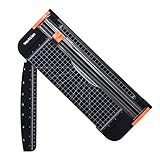
This is the smallest usable answer to a home office problem, and the design choice that separates it is the hidden blade. Nothing cuts unless the blade is pressed, which makes it the pick for a desk in the middle of a busy family room. Owners also like the transparent guide ruler, because you can see the cut line instead of guessing at it.
Capacity is listed at up to 12 sheets of 70 gsm paper, and it handles cardboard within 1.2 mm, laminated sheet within 0.4 mm and PVC film within 0.3 mm. That material list is more detailed than most manufacturers publish, and it tells you quickly where the limit sits: thin laminations, not heavy board.
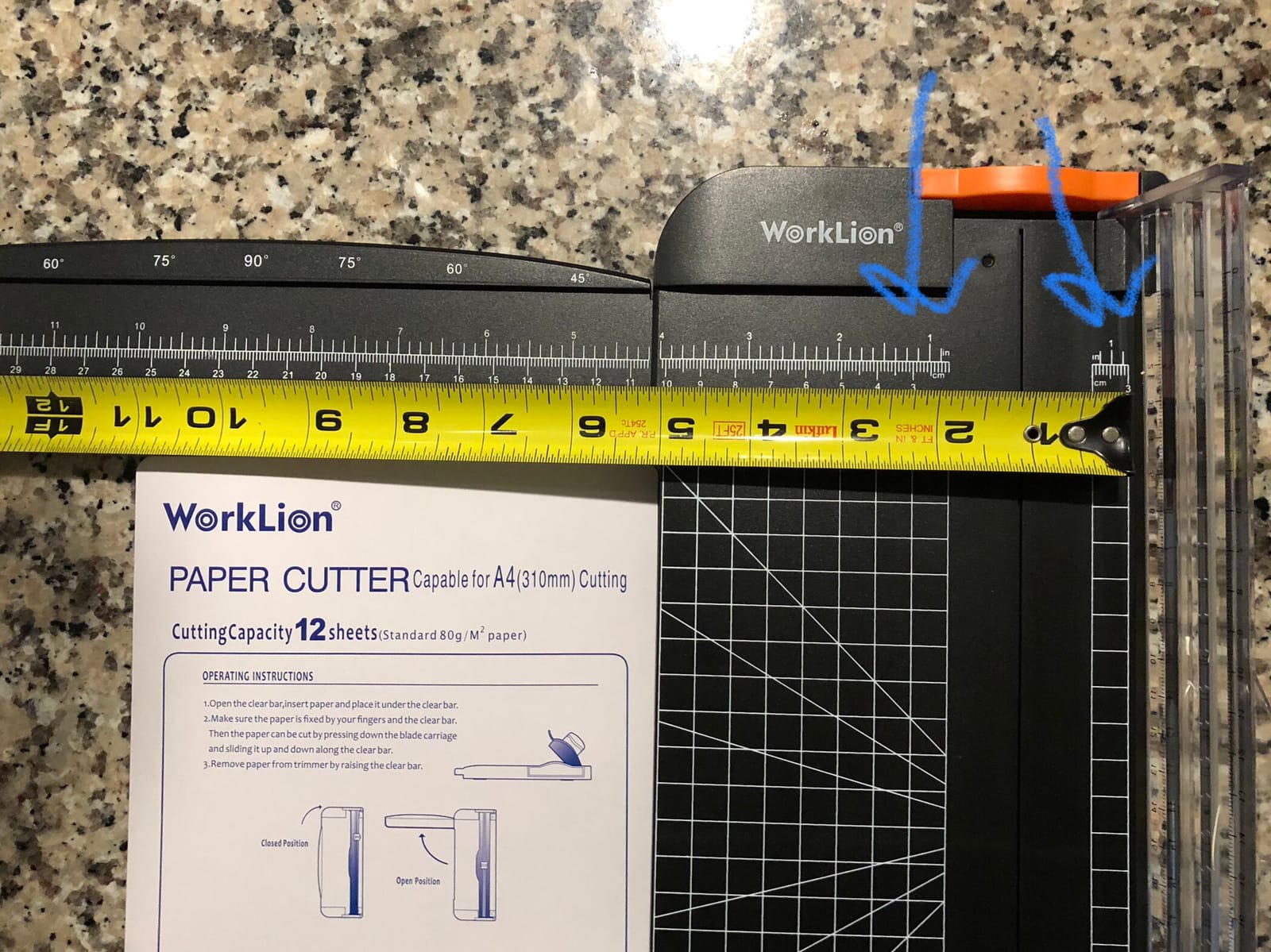
The recurring complaint is a gap between the claimed capacity and the clean cut. Owners report that fewer than the advertised number of sheets cut cleanly, because the plastic body lets the stack shift. We saw the same pattern in our own testing. Plan for two or three sheets when you want a genuinely crisp edge, not twelve.
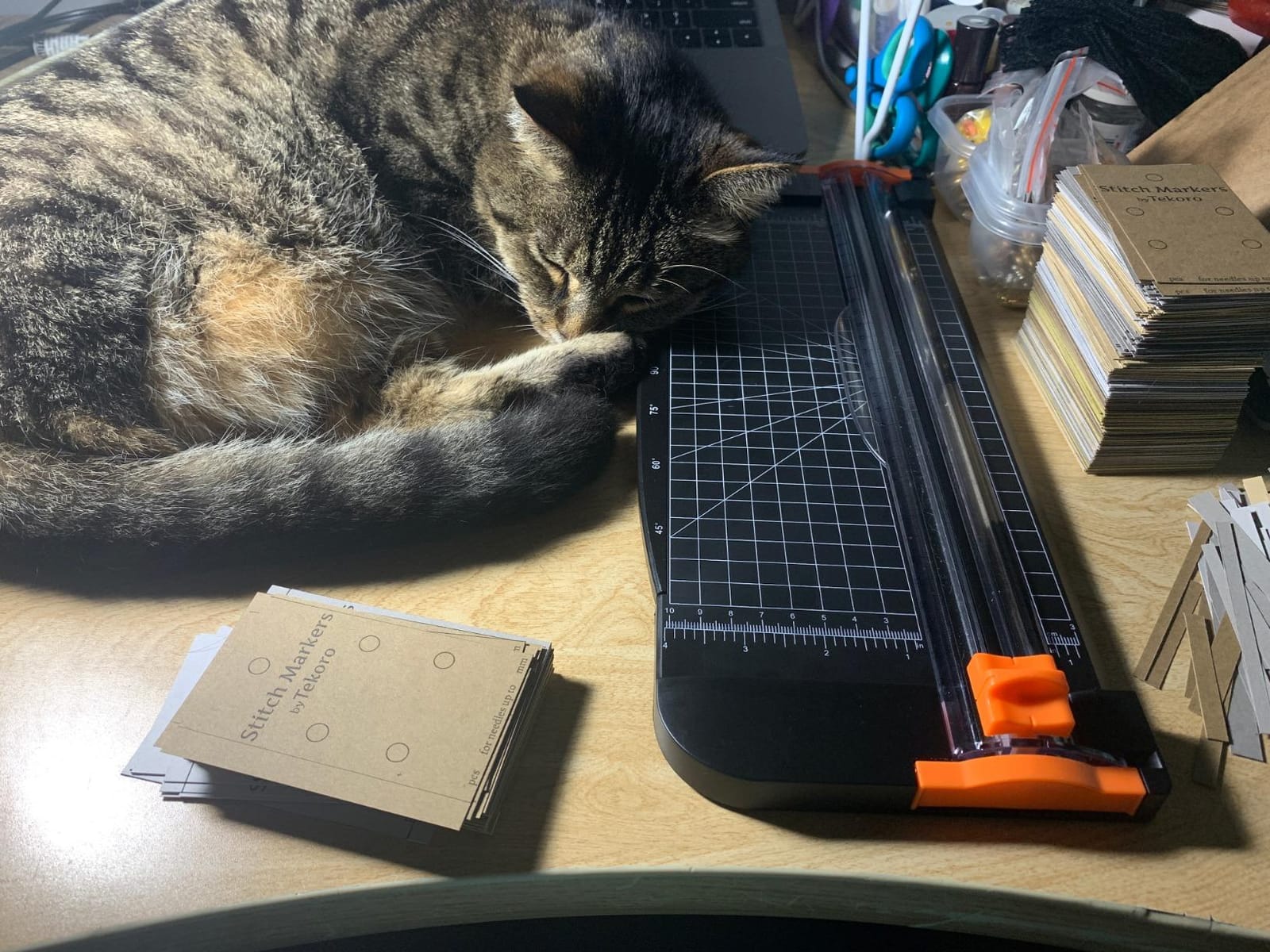
Replacement cutting heads are widely available and inexpensive, which removes the usual worry with a compact trimmer. Angle guidelines for 45, 60 and 75 degree corners are printed on the base for craft work. It is a 12 inch item length with no long arm, so it stores flat.
When it is the right size
It fits a student desk, a kitchen table office corner, or a home office that doubles as a craft station. Card making, gift tags, coupon cutting and photo trimming are all well within its ability, and the 12 inch length covers A4 sheets laid flat.
The press-to-cut design means it can sit out on a table without you worrying about a raised blade, which is the main reason we rate it highly for shared family spaces.
When it falls short
Do not force thick stacks through it. The plastic body flexes, and that is where the crooked cut comes from. Buyers who need serious cardstock capacity should look at the Fiskars 12 Inch Recycled Bypass or the X-ACTO wood guillotine.
It is also a single-station tool: no grid across the base, so measuring long lengths means a separate ruler. The Firbon A4 gives you a proper angle plate for the same money class of work.
5. Evteck A4 Slider Trimmer – Best for Labels, Vinyl and Thin Lamination
Evteck A4 Paper Cutter Slider Trimmer for Cardstock Photo Vinyl
Slider wire guide design
Press to activate blade
6 non slip sponge feet
45 to 90 degree angle plate
Pros
- Smooth glides with little resistance
- Very compact at 14.96 by 5.91 inches
- Anti slip feet steady it on glass
- Handles laminations and light card
- Angle plate for corner trimming
Cons
- Measurements printed on one side only
- Only one to three layers of card before edges roughen
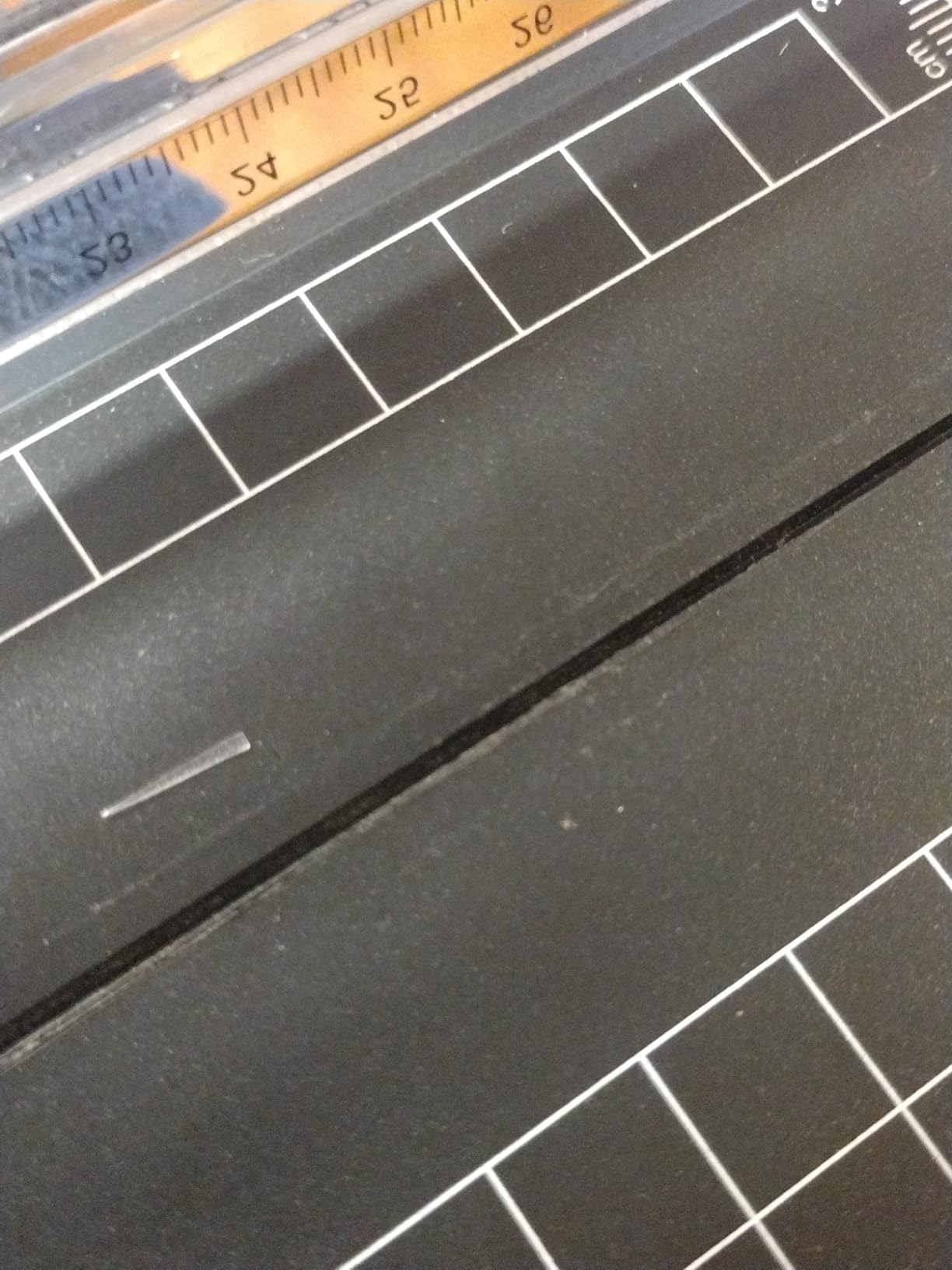
The Evteck is a slider design, cutting along a transparent wire guide rather than a fixed arm, and at 5.91 by 14.96 by 1.18 inches it is genuinely flat. If your desk is the constraint, this is the shape of tool that solves it. It weighs 0.18 kg and disappears into a drawer without you having to fold anything.
Owners report a sharp blade that glides with little resistance and a clean straight result on paper, labels and a few layers of cardstock. The six non-slip round sponge feet are an underrated detail: they keep the base stable on glass and laminate surfaces where a plastic foot would skate.
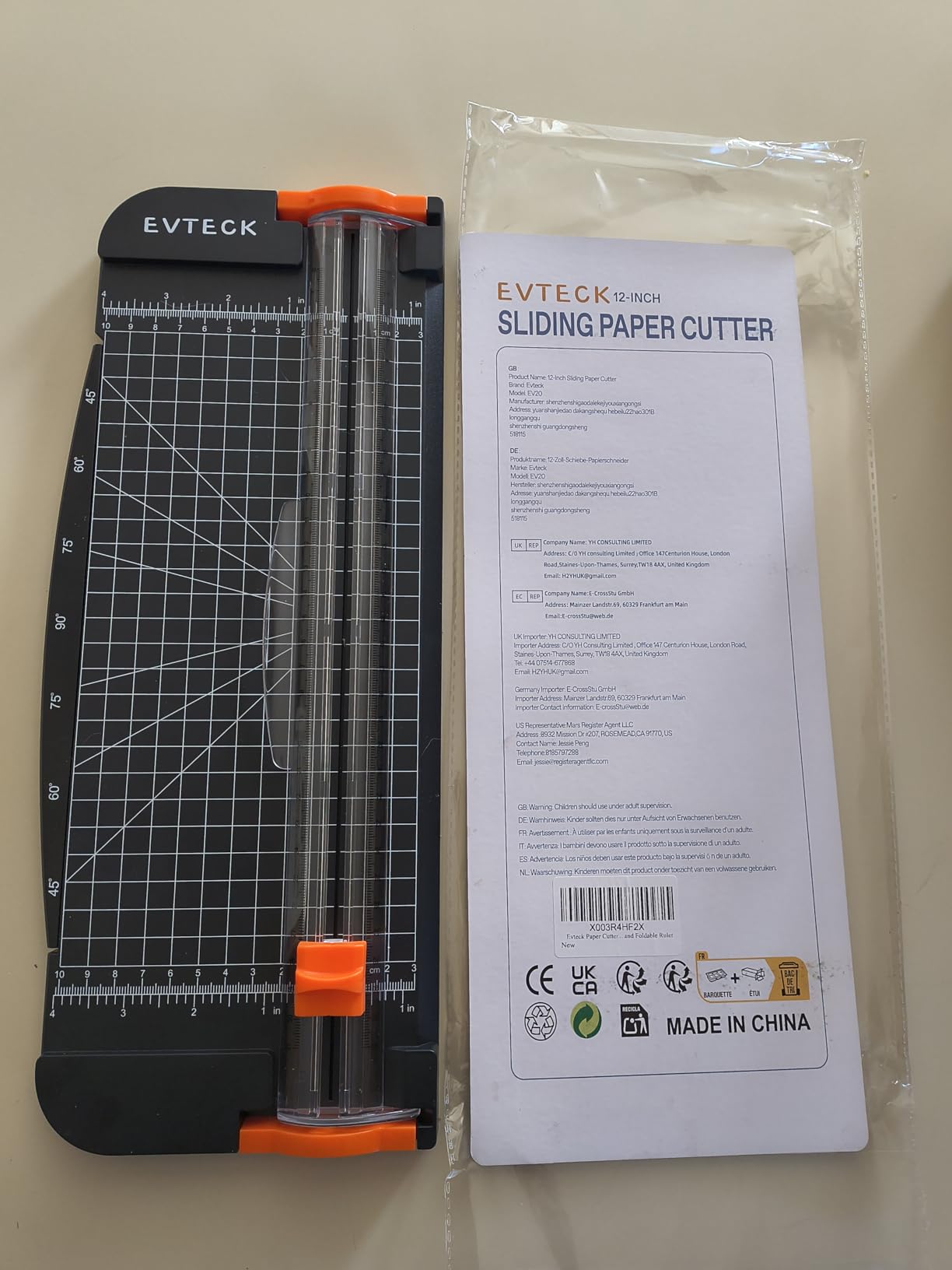
Two real limits. The measurements are printed on one side only, so you often pre-mark a line with your own ruler before cutting. And it only handles one to three layers of heavier cardstock before the edges start to look rough, which is fine for labels and thin stock but not for a scrapbook project.
It is a manual tool with a press-to-cut blade, so it is safe to leave out. The angle plate supports 45 to 90 degree corner cuts, and the model number EV20 is the version with the sponge feet. For a home office that mostly trims labels, folders and thin printed sheets, this is a smart, tidy choice.
Best for labelling and filing work
Prepare address labels, trim printed sheets to fit a folder, cut vinyl decals and tidy a stack of A5 cards. These are thin, precise jobs where a slider guide outperforms a heavy arm, and where the flat profile means you can still reach your keyboard afterwards.
It is also a good travel tool. It lives in a laptop bag or a drawer and needs no setup, which makes it practical for a shared family workspace where the machine comes out only when needed.
Not for heavy material
One to three layers of cardstock is the honest ceiling, and edges roughen past that. If your work involves art boards or heavy chipboard, choose a guillotine with a metal base such as the Fiskars 12 Inch Recycled Bypass.
The one-sided ruler is also worth flagging if you measure repeatedly. Mark your cutting line lightly with a pencil and use the transparent guide to follow it.
6. Dahle 508 Rotary Trimmer – Premium Pick for Photo Paper and Art Projects
Dahle 508 Personal Rotary Trimmer, 18″ Cut Length, 5 Sheet Capacity, Self-Sharpening, Automatic Clamp, German Engineered Paper Cutter
18 inch cut length
5 sheet rating
Self sharpening blade cuts both ways
Automatic clamp and metal base
Pros
- Rotary self honing blade cuts precisely both directions
- Ground steel blade encased for safety
- Metal base with screened guides resists warping
- Handles photo paper and vinyl decals
Cons
- Only two or three cardstock sheets in practice
- Alignment is hard to judge at the edge
- Clamp strip is narrow and sits near the blade path
The Dahle 508 is the only true rotary in this group, and that single fact changes the result on glossy and art paper. A self-sharpening blade that cuts in both directions means you can pull the carriage toward you and push it away without turning the sheet over. Owners in photography and craft forums call it the best value rotary they have used, and the metal base with screened guides is the reason it stays square over time.
At 18 inches of cut length it handles poster-width paper in a single pass, which no other machine here does. It weighs 2.9 pounds and measures 23.25 by 8.13 by 2.9 inches, so it is long but shallow. That footprint actually suits a desk against a wall better than a deep square base.
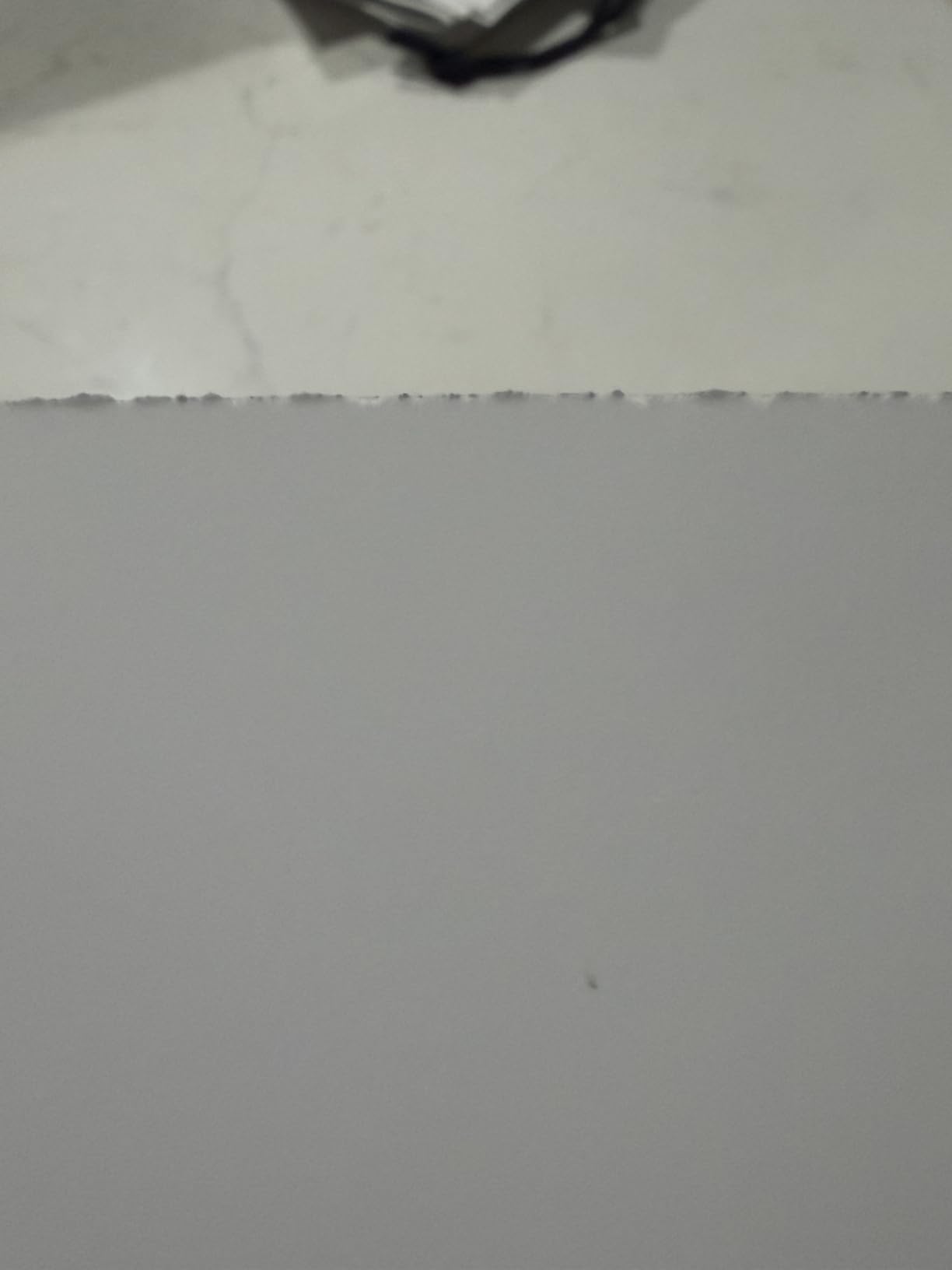
The rated capacity is 5 sheets, and owners report the realistic number on heavier material is two or three. The automatic clamp holds work securely, but the clamp strip is narrow and can sit in the blade path, so a hand on the sheet is still needed. That is the honest trade: a cleaner edge, less clamping help.
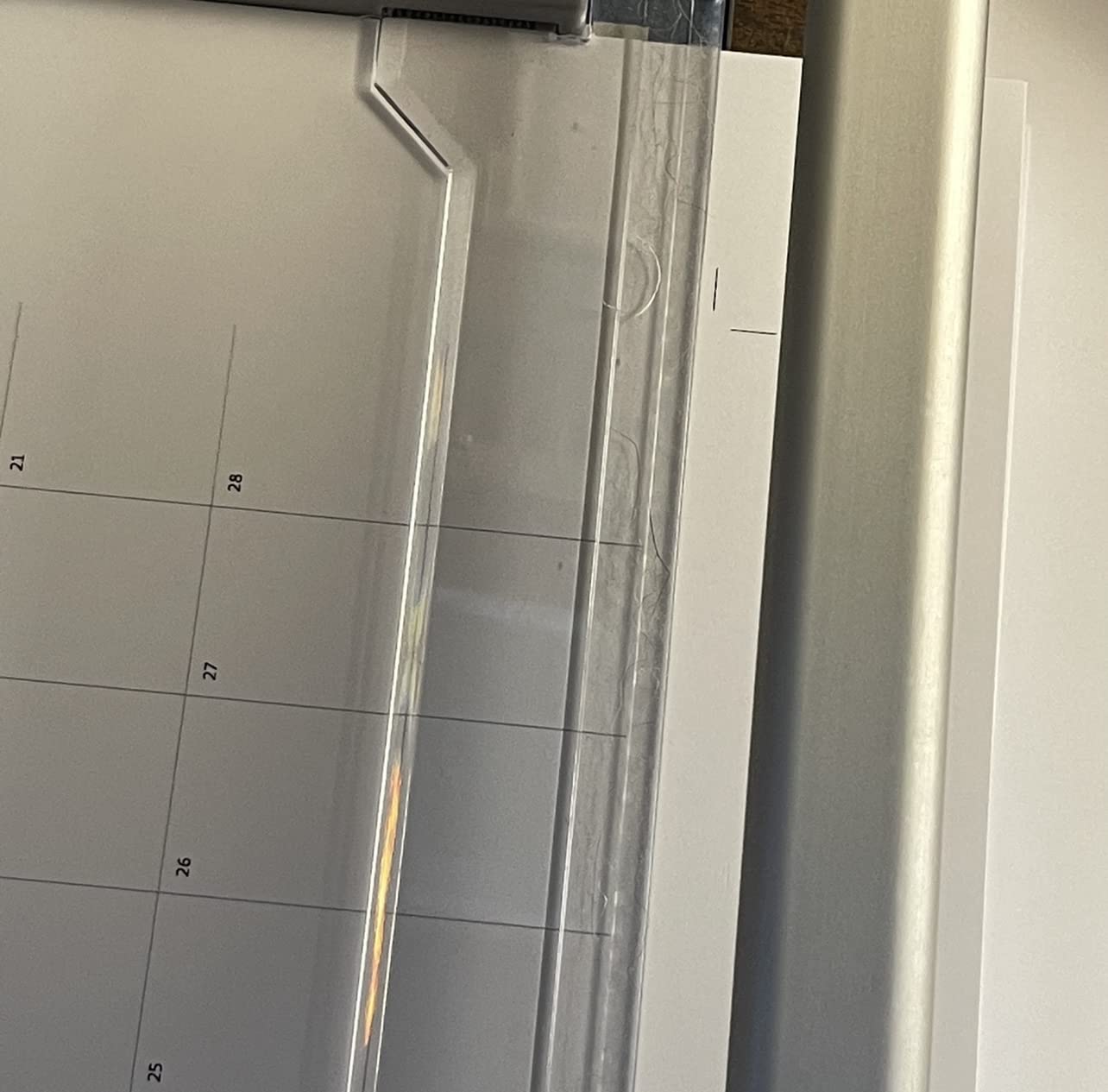
Alignment is also harder to judge than on a guillotine, because the metal edge plate and shadow gap obscure the cut line. If you measure carefully before every cut, you will manage. The 4.3 star average across more than 4k reviews reflects that split: enthusiasts rate the cut quality, and everyone agrees on the awkward edge alignment.
When a rotary earns its price
Photo prints, watercolour paper and vinyl decals. A rotary blade glides across a coated surface without the tiny chew marks a falling blade can leave, and a self-sharpening design removes replacement cost from the running total entirely. If you mount prints or cut labels for a small business, this is the correct tool.
The 18 inch length also opens up scrapbook paper and poster work that a 12 inch guillotine would need two passes to handle. Owners report it is equally happy with vinyl decals as with plain paper.
When a guillotine is simpler
Invoices, reports and plain paper do not need a rotary. A guillotine arm is faster to set, easier to see, and better at holding a thick stack square, because the weight of the arm does the clamping for you.
Skip it if you cut mostly text documents, or if the metal edge plate and shadow gap frustrate you. The X-ACTO wood guillotine gives you a much more visible cut line for straightening paper edges.
7. X-ACTO 15 Inch Wood Guillotine – Best Looking Pick for a Visible Desk
X-ACTO Heavy Duty Wood Guillotine Paper Trimmer, 15″ Cutting Surface – Durable, Precise, Designed for School and Work Settings
15 inch cutting surface
Maple solid wood base
Perpetual Edge self sharpening
2 year manufacturer warranty
Pros
- Solid wood base and rubber feet stay stable
- Perpetual Edge system needs no replacement blade
- Oversized rubber grip is comfortable
- Handles daily shared use well
- Safety guide and latch
Cons
- Plastic paper guide slides loosely in its track
- Real capacity is one to three sheets not 15
- No panel holds paper near the cutting edge
- Graph lines dull with use
There is a practical reason to like a wood trimmer in a home office: it looks like an object rather than a piece of equipment. The X-ACTO has a solid maple base with rubber feet and a 15 inch by 12 inch cutting surface, and it is the only machine here that a person might leave out on the desk permanently.
The Perpetual Edge self-sharpening system keeps the blade working without replacement blades, and the oversized rubber grip makes repeat cuts comfortable. Owners in classroom and small-office settings report it holding up to daily shared use, and the safety guide and latch keep the blade secured when it is not in use.
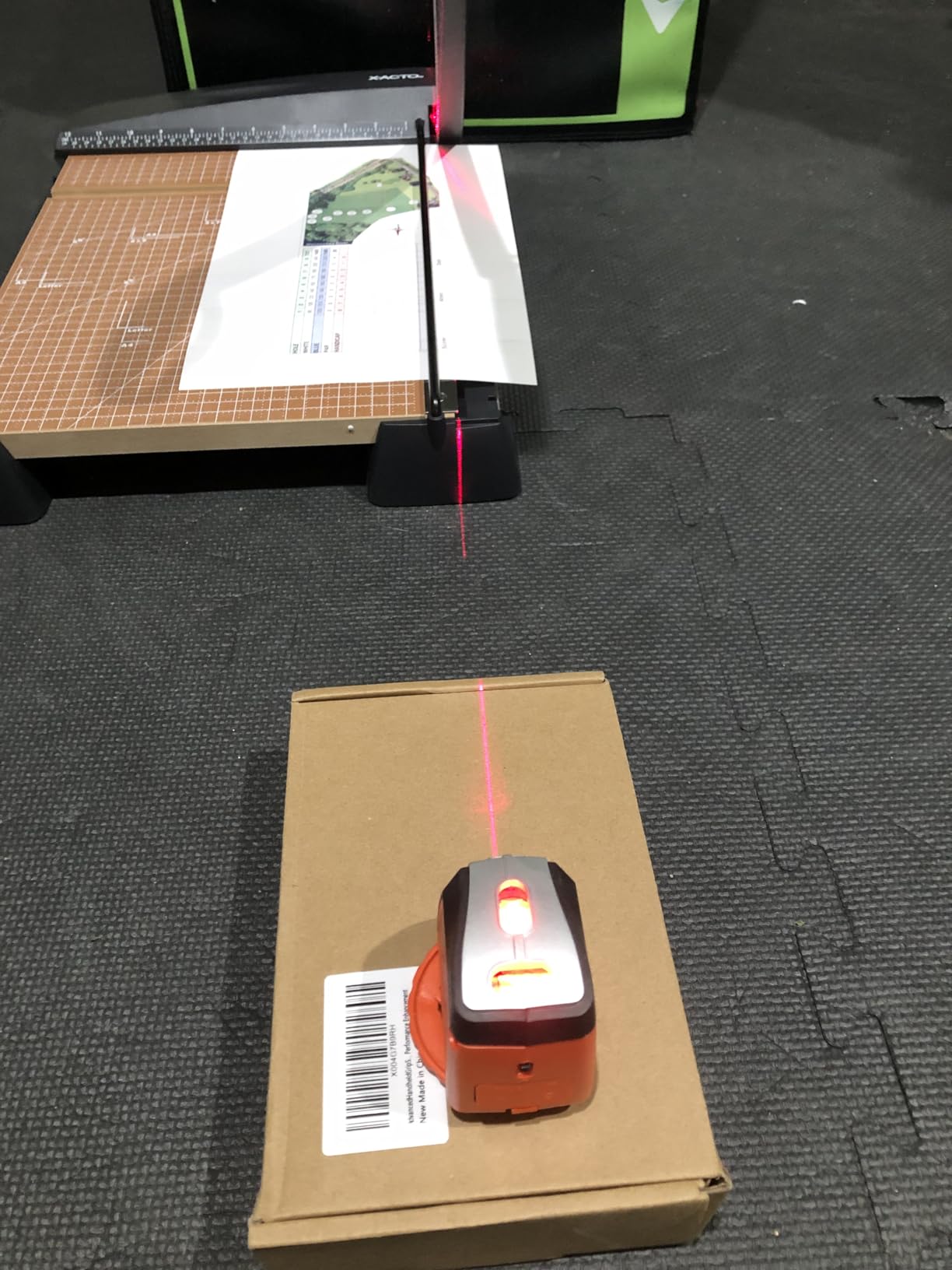
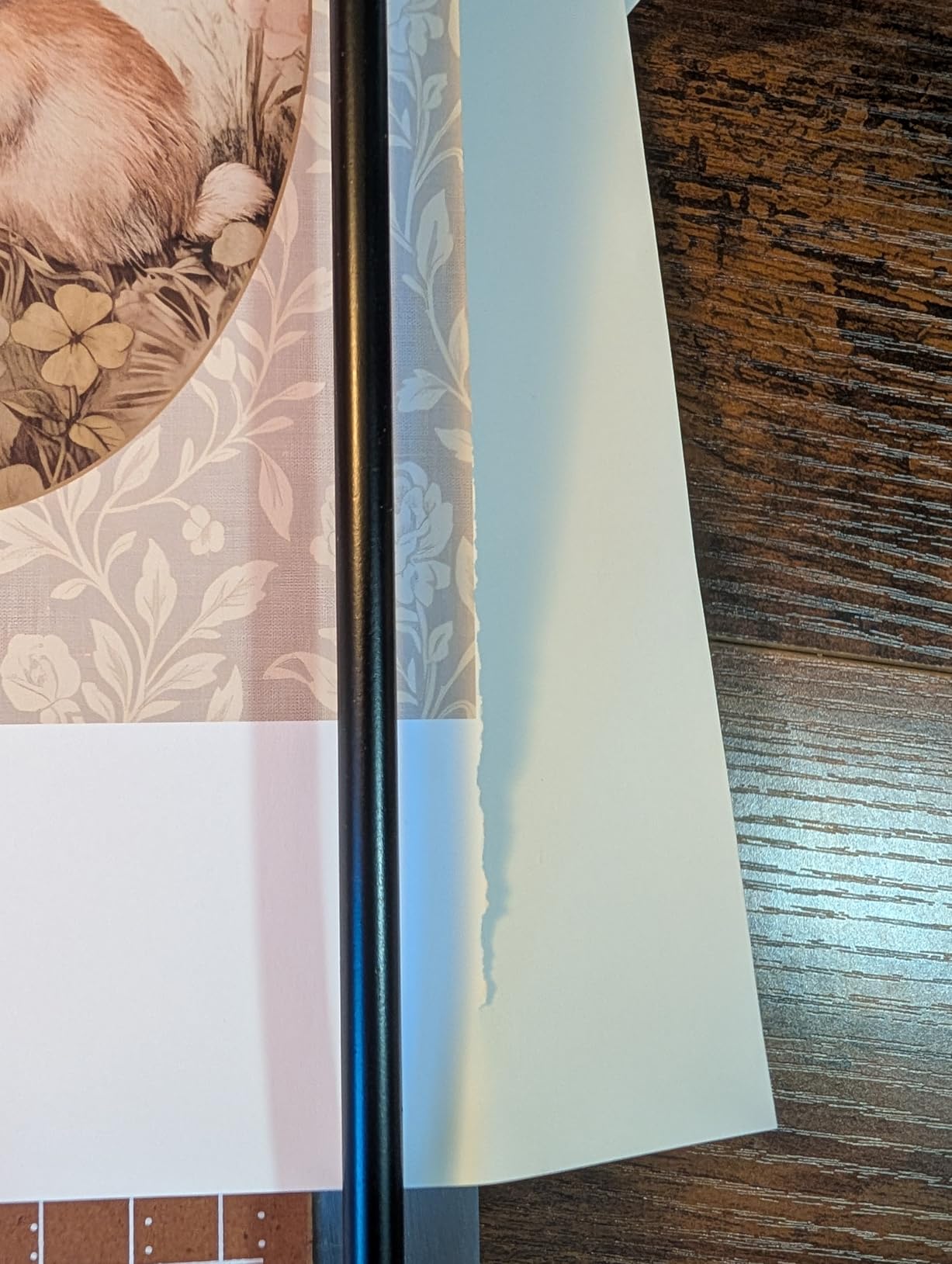
Now the warnings, because this is the machine with the widest gap between specification and experience. It is rated for up to 15 sheets, and owners regularly report one to three sheets as the real limit. The plastic paper guide slides loosely in its track, and several people stop using it entirely. There is no panel holding paper down near the cutting edge, so the sheet can shift mid-cut.
Graph lines dull with use, which slowly erodes the measurement reference. It also carries a 2 year manufacturer warranty, shorter than the Fiskars lifetime coverage. Weight is listed at 16 ounces, which feels light for a wood base but helps with moving it between rooms.
When the desk deserves it
A home office that doubles as a study, a reception desk, or a craft corner where the machine stays visible. The wood base is stable enough to sit on a shared surface, and the rubber feet protect a finished desktop. Classrooms and co-working spaces rate it well for the same reason.
If aesthetics and a visible cut line matter to you, the printed graph on the base is far easier to read than the metal edge plate on a rotary machine.
When to buy something else
Do not buy it for volume. The advertised 15 sheet rating will not materialise, and owners report one to three sheets as the working limit. If you batch-cut, choose the Fiskars 12 Inch Recycled Bypass, which is rated at 15 sheets and has a paper clamp.
The loose plastic paper guide is a common complaint. Test it before committing, and be prepared to work without it.
8. Firbon A5 Small Trimmer – Best for Cards, Invitations and Small Batches
Firbon A5 Paper Cutter, Small Straight Paper Trimmer with Side Ruler
8.3 inch maximum cut width
8 sheet capacity at 80 gsm
Replaceable spring loaded blade
Weighs 6.7 ounces
Pros
- Very light at 6.7 ounces and easy to carry
- Sharp replaceable blade gives precise cuts
- Angle plate and dual scale help with corners
- Blade only works when pressed
- Laminations to 1.5 mm
Cons
- 8.3 inch cut is narrower than a 12 inch trimmer
- 8 sheet capacity is modest for heavy work
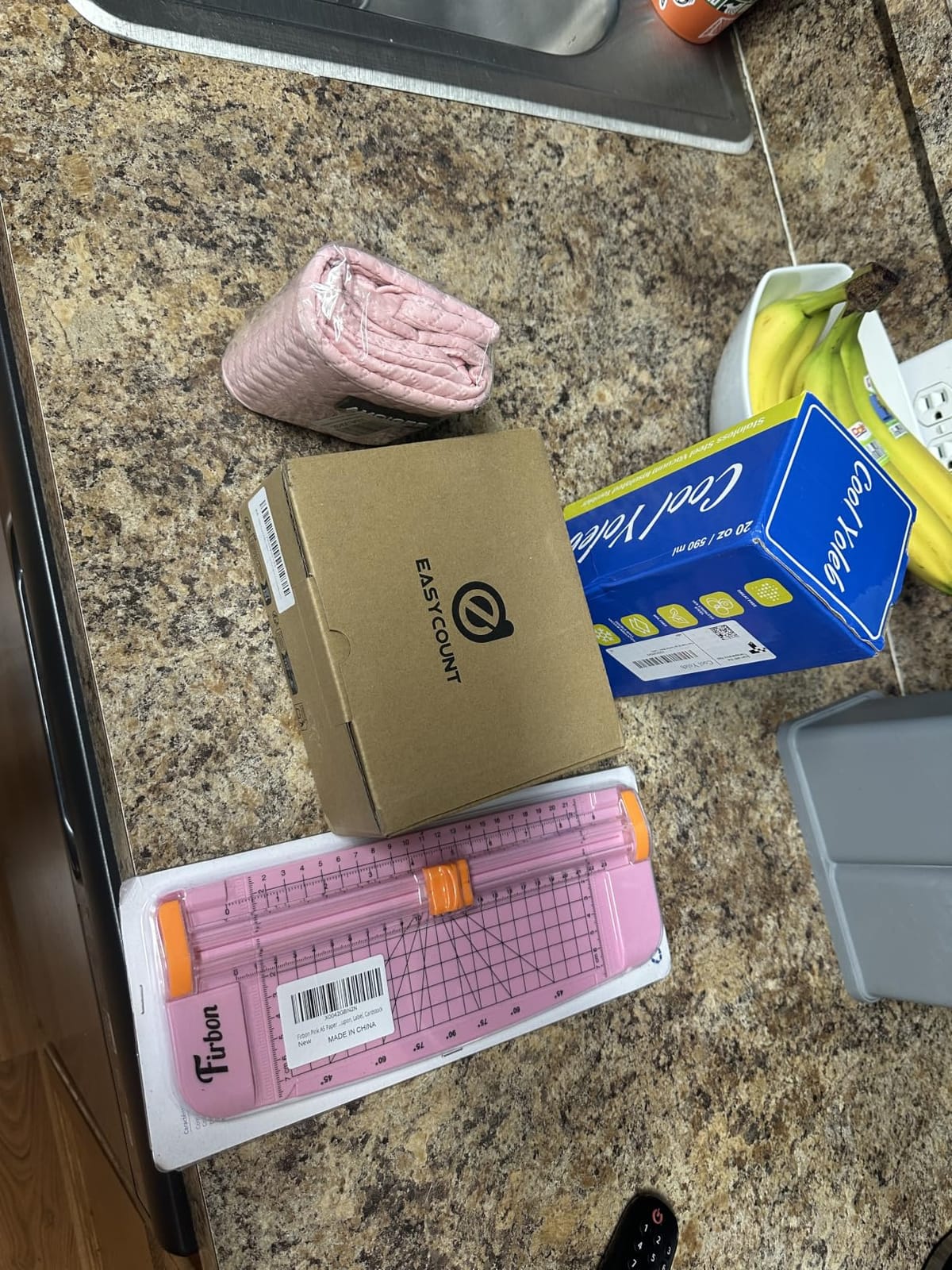
The A5 is the smallest machine in this roundup and the only one you can hold in one hand while you work. At 6.7 ounces with a spring-loaded replaceable blade and a side ruler, it is closer to a stapler than to a piece of office equipment. For trimming invitation cards, place cards and scrapbook rectangles, that is exactly the right size.
Owners like the precision of the sharp spring-loaded blade and the 45-to-90-degree angle plate with centimetre and inch scale. The press-to-actuate blade makes it safe for younger users, which is a real consideration when craft work happens at a shared table. It handles laminated material up to 1.5 mm.
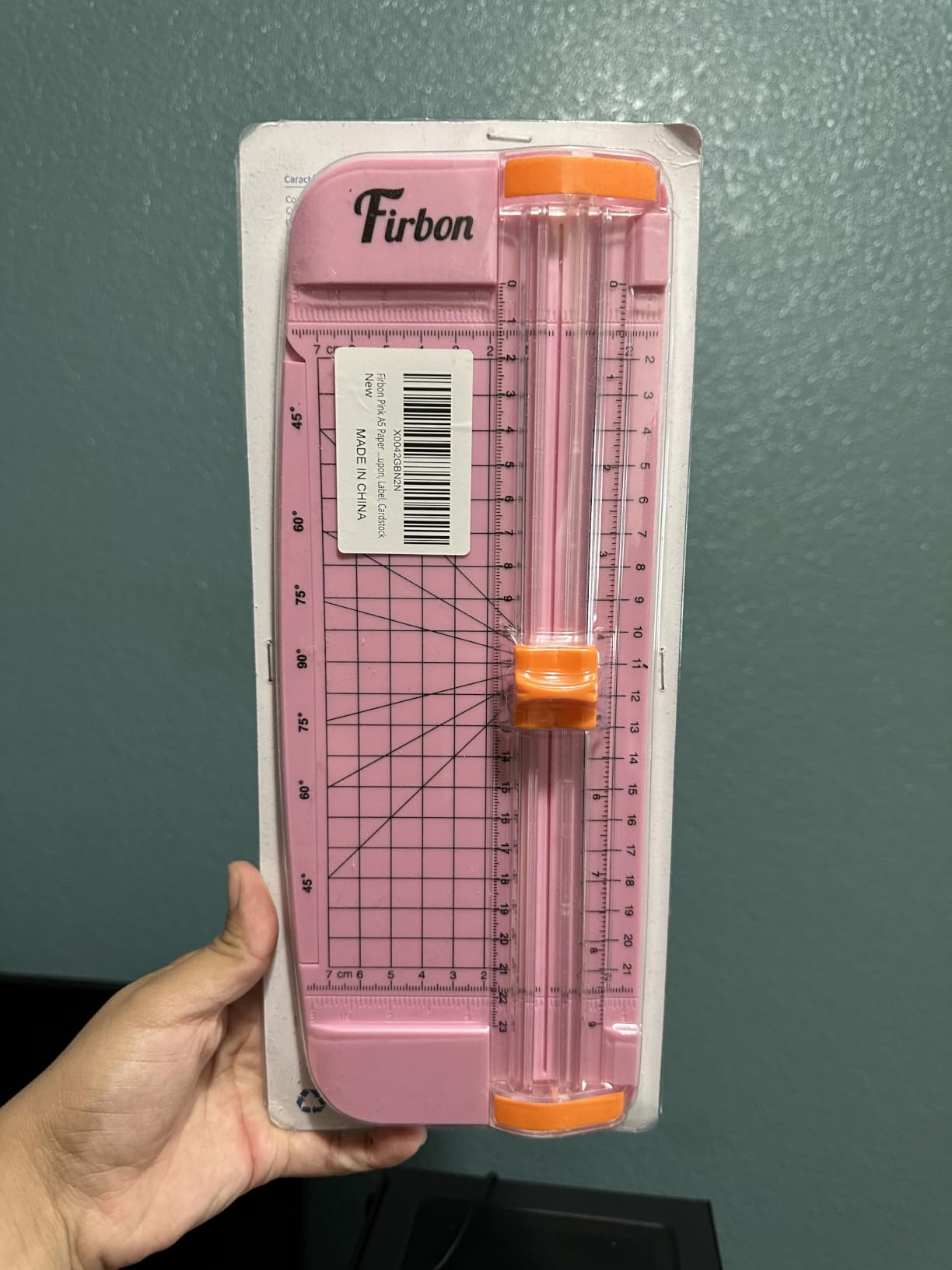
The catch is dimension. Maximum cutting width is 8.3 inches, smaller than a standard 12 inch trimmer, so anything letter-width has to be trimmed in two passes. The 8 sheet capacity at 80 gsm is also modest for anything beyond small craft jobs.
Package dimensions are 12.56 by 6.85 by 0.63 inches, so it stores flat in a shallow drawer. Treat it as a companion to a larger trimmer rather than a replacement for one: use the A5 for corners and small pieces, and something wider for full sheets.
Where it shines
Wedding invitations, greeting cards, gift tags, place cards and small photo mounts. The side ruler plus the angle plate covers most of what a card maker needs, and the light weight means you can hold the piece in one hand and trim with the other.
It is also a sensible first trimmer for a teenager or a child doing school craft projects, because the blade will not move unless pressed and the whole tool is small enough to control.
Why it cannot be your only trimmer
An 8.3 inch cut width will not take a sheet of letter paper in one pass, which rules it out for invoices, reports and anything else you print at full size. The 8 sheet rating is a 20 lb paper figure and drops quickly with heavier material.
Pair it with the Firbon A4 rather than choosing between them. Together they cover full sheets, small cards and corner cuts for less desk space than one large machine.
9. Fiskars 12 Inch Recycled Bypass – Best for Watercolour Paper and Grey Board
Fiskars 12″ Recycled Bypass Guillotine Paper Cutter, Self-Sharpening
Self sharpening bypass blade
12 inch recycled deck
Up to 15 sheets per cut
Limited lifetime warranty
Pros
- Bypass blade stays sharp and cuts clean 90 degree edges
- Paper clamp and smudge guard hold work steady
- Lightweight at 3.2 pounds with carrying handle
- Cuts thick watercolour and grey board
- No exposed sharp edge on either side
Cons
- Blade lock latch is small and trips easily
- Some units cut inconsistently straight
- Blade leaves a rough edge on heavy cardstock
- Smudge guard blocks some projects
The Fiskars bypass design is a different mechanism from a guillotine, and that difference is the whole point. A bypass blade slides past the edge of the deck rather than dropping through a channel, so it handles thicker material without the arm fighting the stack. Owners report clean 90 degree edges on regular paper and no trouble with thick watercolour paper and grey board.
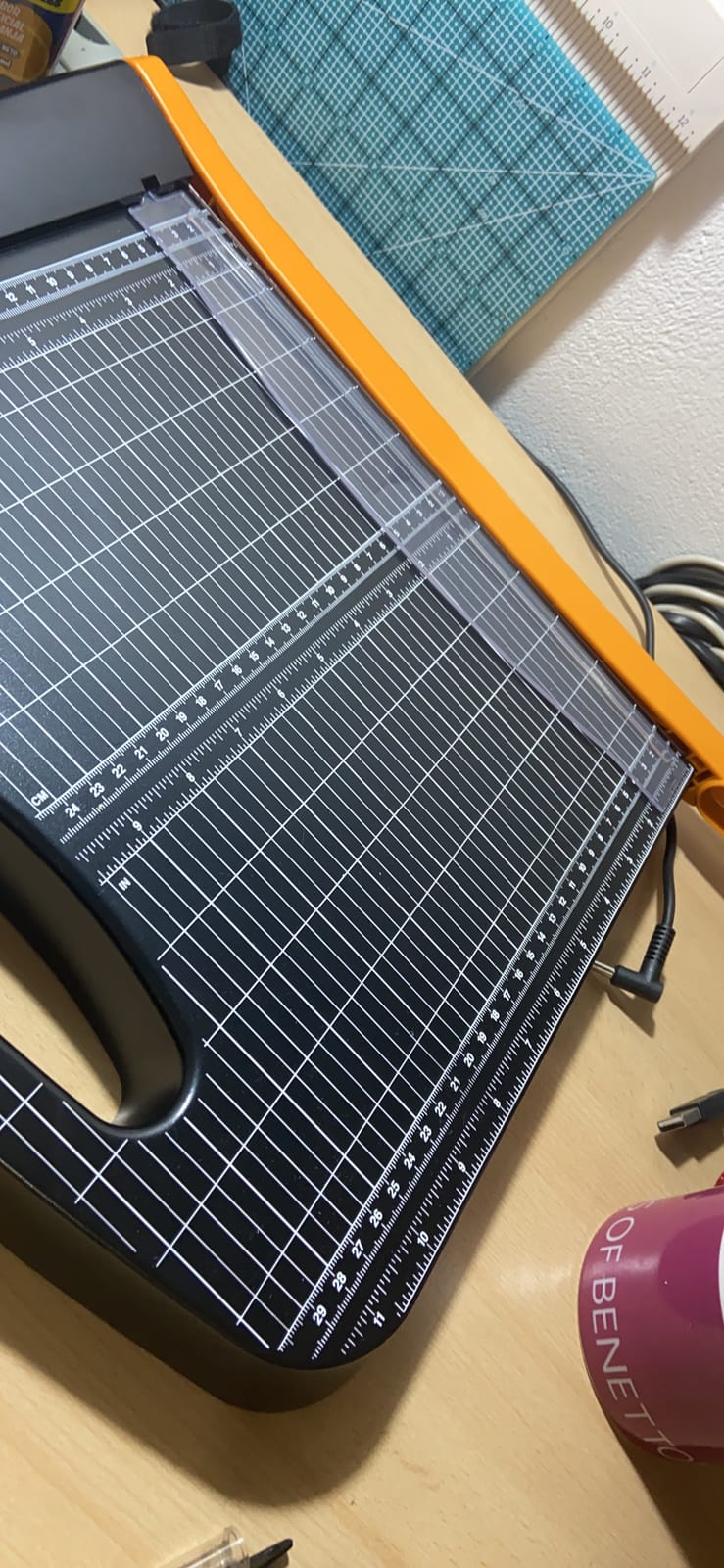
The paper clamp and smudge guard hold the work in place, and 1/16 inch gridlines give you a finer measurement reference than most machines offer. At 3.2 pounds with a built-in carrying handle and a safety lock, it moves between a desk and a craft table without ceremony. The deck is made from post-consumer recycled materials, and the warranty is limited lifetime.
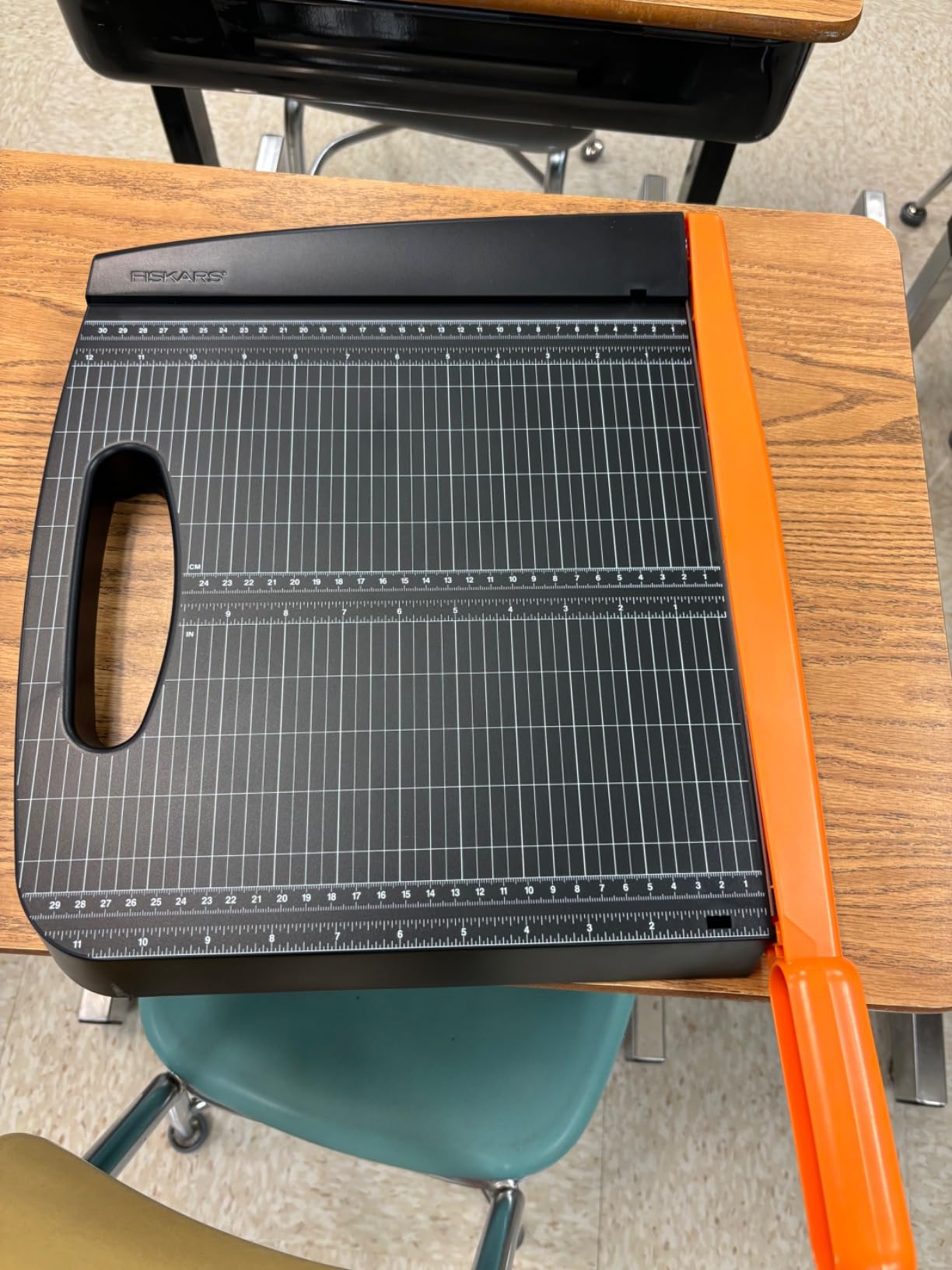
The safety lock is the recurring weak point. Owners report the latch is small and unlocks easily if bumped or knocked off a table, which matters in a family home. There is also a stream of feedback about cuts that are not perfectly straight on some units, and one report of a unit arriving broken.
Heavy cardstock is a mixed result: the blade can leave a rough edge on very heavy stock, and the clear smudge guard sometimes gets in the way and needs removing. The guard is helpful for photo work and unhelpful for anything where you need full deck access.
When bypass is the right mechanism
Watercolour paper, grey board, chipboard and art paper. Whenever the material is thick enough that a guillotine arm starts to drag, a bypass blade keeps moving and keeps the edge clean. Photographers and artists who work on mounted board mention this machine as a long-term favourite for exactly that reason.
It is also a strong pick for a home office that doubles as a craft space, since the carrying handle and light weight make relocating it painless.
When to choose something else
Skip it if a shared family table is where the machine lives, because the small lock latch is easy to knock open. Choose a machine with a positive lock such as the Amazon Basics heavy-duty guillotine, which pairs a guardrail with a lock mechanism.
If you only ever trim plain printed paper, you are paying for capability you will not use. The Firbon A4 covers that work for less.
10. CARL 12200 Rotary Trimmer – Best for Buyers Who Want a Machine for Decades
Carl Manufacturing 12200 Rotary Trimmer 12-Inch 10 Sht Cap. 10-1/4-Inch x12-Inch x3/4-Inch GY
12 inch paper length
Premium carbide blade
Patented rail and steel blades
Built in blade storage
Pros
- Straight true line in a single pass
- Calibrated metal base and rail hold the sheet
- Built in storage holds three spare blades
- Owners report the same model lasting 15 to 18 years
- Limited lifetime warranty
Cons
- No measurements past the cut line
- Blade head and guide can wobble with heavy use
- Blade and cutting mat are separate purchases
- Consumables excluded from the warranty
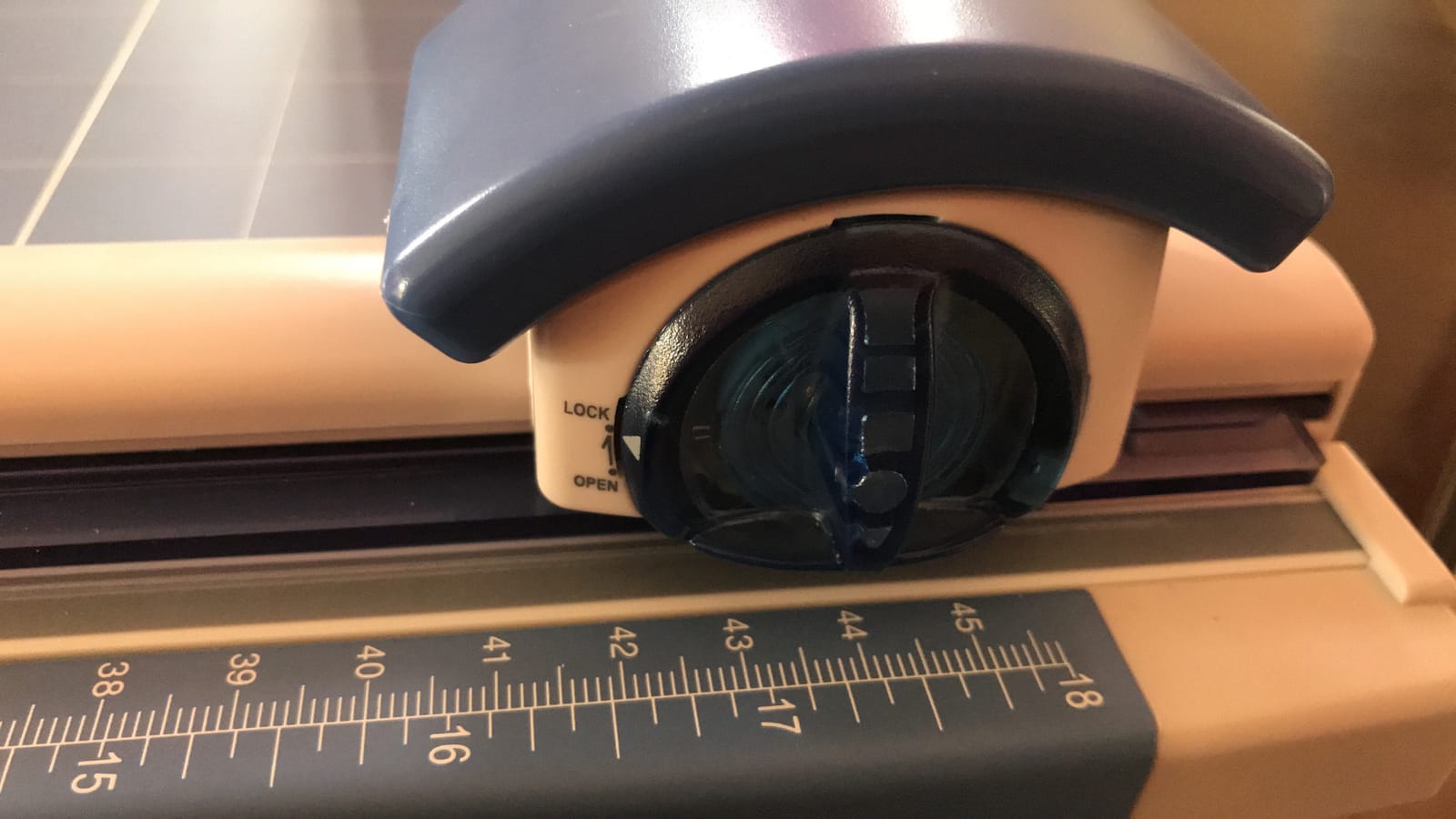
The durability story is what sets the CARL apart. Owners on this model report units lasting 15 to 18 years, and the warranty is limited lifetime. The calibrated metal base gives it real stability, and the patented cutting rail with premium steel blades holds paper firmly enough to make a single pass produce a straight, true line without re-rolling the sheet.
It measures 2.75 by 15.5 by 11 inches and weighs 3 pounds, so the footprint is a long shallow rectangle rather than a deep square. That is a good shape for a desk against a wall. The built-in storage compartment holds up to three spare blades, and eleven different blade pattern options are sold separately for different materials.

The running cost is the honest caveat. Blades and cutting mats are excluded from the limited lifetime warranty and must be bought separately, and heavy use eventually dulls both. Over years that adds up, though owners still rate it as good value. Another complaint is wobble in the rotary head and plastic guide, and scoring of the cutting mat under heavy use.
There is one more quirk worth planning around: no measurements are marked past the cut line. Preset measurements exist for common items, but trimming to width means using your own ruler. It is not a problem, just not what you might expect from a machine this precise.
Who should buy it
Anyone who expects to keep the same machine for a decade or more, and who cuts a variety of materials. Because eleven blade patterns are available, the tool adapts to paper, photos and other media rather than serving one job well.
Owners also value the preset measurements for common-sized items, which speeds up batch work where every piece has to match.
Who should not
If you want a single purchase with no consumables ever, pick a self-sharpening bypass guillotine such as the Fiskars 12 Inch Recycled. Blades and mats for the CARL are additional purchases over the life of the machine.
It is also not the machine for a very small desk, and the lack of width measurements will annoy anyone who measures constantly.
11. Tonic Studios Tim Holtz Guillotine – Best Finger Guard for Craft Work
Tonic Studios Paper Cutter Tool – Guillotine Paper Trimmer for Scrapbooking, Vinyl, and Craft Paper – 8.5 Inch Cutting Length with Ruler and Grid Lines
8.5 inch cut length
Extra sharp stainless steel blade
Large paper guard
Rubber feet and grid lines
Pros
- Very sharp blade makes clean crisp cuts
- Cuts extremely thin even strips reliably
- Large finger guard is safer than most guillotines
- Compact at 1.4 pounds
- No replacement blade costs
Cons
- 8.5 inch cut length is short
- Blade can be tight on first use
- Still needs a steady hold to stop shifting
- Cannot make window cuts
The Tonic carries the strongest rating distribution of any machine in this roundup: 4.6 stars with 81 percent five-star ratings across more than 2,200 reviews. Owners single out the sharpness of the stainless steel blade, the ability to cut extremely thin even strips, and the large finger guard, which is described as safer than most guillotines of this size.
It was designed for scrapbook paper, cardstock, vinyl sheets and card making, and the acrylic base has grid line measurement markings at the platform plus the top and bottom edges. Rubber feet give it stability, and the swing-style handle returns out of the way. At 1.4 pounds it is easy to move between rooms.
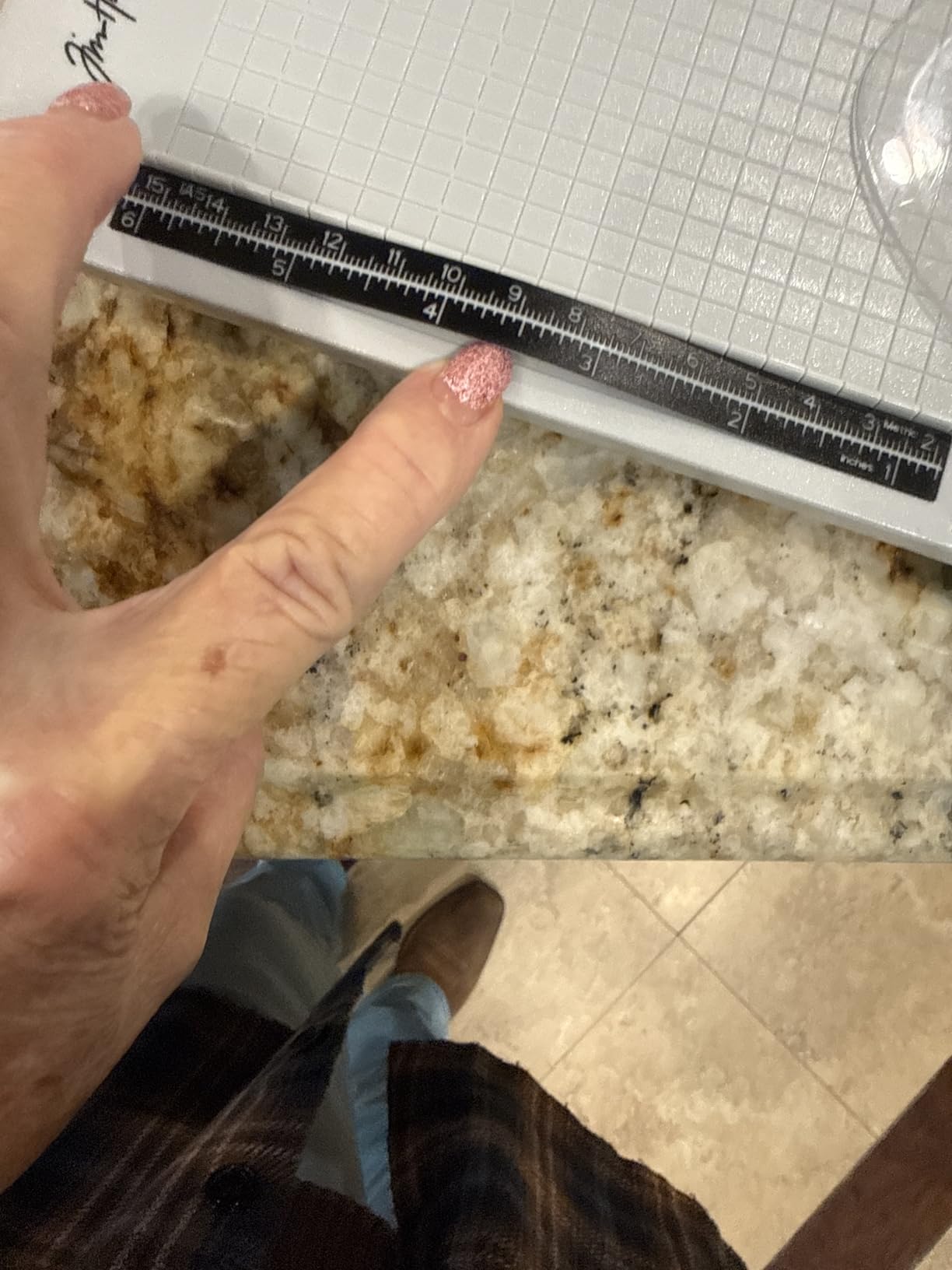
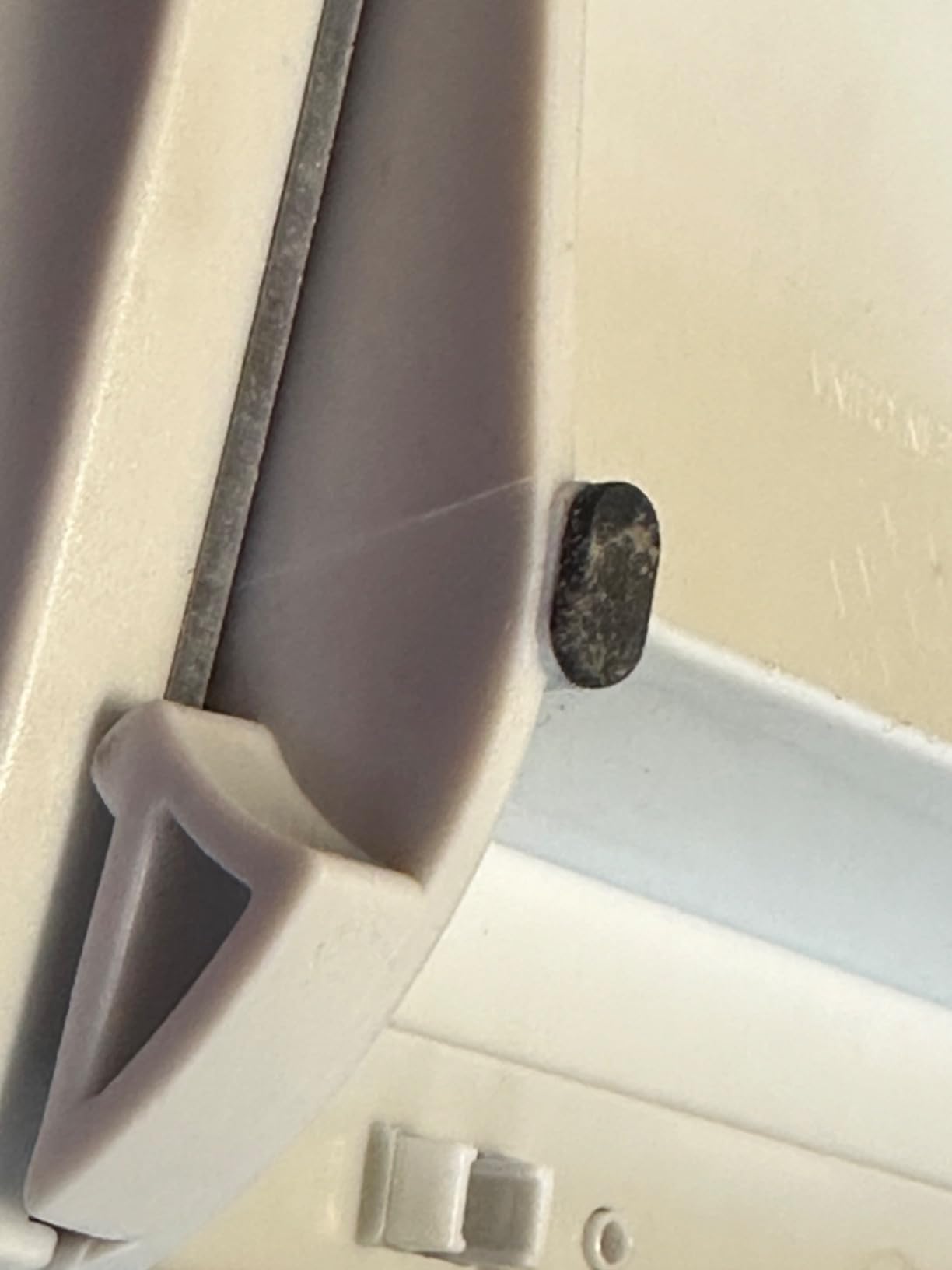
Two practical limitations. The cutting length is 8.5 inches, so anything wider has to be trimmed in two passes or on a bigger machine. And the blade can be very tight on first use, which tugs the paper and creates exactly the crooked start owners complain about. Loosening it after the first cut resolves the problem.
It also still needs a steady hand to keep the sheet from shifting, and it cannot make window cuts. There are no replacement blade costs, which is a genuine ongoing saving if you craft often.
Best for scrapbook and card work
Thin strips, mats, borders and photo corners. The blade stays sharp enough for very narrow cuts, which is where cheaper trimmers start tearing. The large finger guard means you can keep a hand close to the work without fear, and owners call the guard the reason it suits a shared craft table.
For anyone starting scrapbooking, this is the machine we would put in a gift. It teaches clean technique without an exposed edge.
When it is too small
It is not a document trimmer. An 8.5 inch cut length will not handle a full sheet of letter paper, so invoices and reports are out of scope. Buy the Firbon A4 for paperwork and keep this one for craft work if your desk allows two machines.
Also expect to adjust the blade tension once. Owners who skip that step report crooked starts that are not the fault of the machine.
12. Fiskars SureCut Deluxe – Best for Homes with Children and the Smallest Footprint
Fiskars SureCut Deluxe Craft Paper Trimmer, 12-Inch Cut Length (1298937797)
12 inch cut length
Bend resistant rails
Aluminum alignment grid
Slider wire blade stays enclosed
Pros
- Highest average rating in the group at 4.7 stars
- See through surface makes alignment visible
- Cuts true heavy cardstock without crooking
- Enclosed wire guide is safer around children
- Very light at 13 ounces with included coated blades
Cons
- Slider track wanders slightly on precision work
- Poor on multi ply board such as Bristol
- Ruler is inches only with no metric scale
- Swing out arm is tight to lock open
This machine has the highest average rating of the entire lineup at 4.7 stars, with 83 percent five-star ratings, and long-term owners report years of reliable use. The reason we place it twelfth rather than first is a narrow one: the slider track drifts slightly on precision work, and the ruler is calibrated in inches only.
Everything else about it suits a home office. It weighs 13 ounces, has bend resistant rails and a self-leveling swing-out arm, and the see-through surface lets you line up the cut precisely against the guide line. Owners report it cutting true heavy cardstock without crooking, which almost nothing else at this size manages.
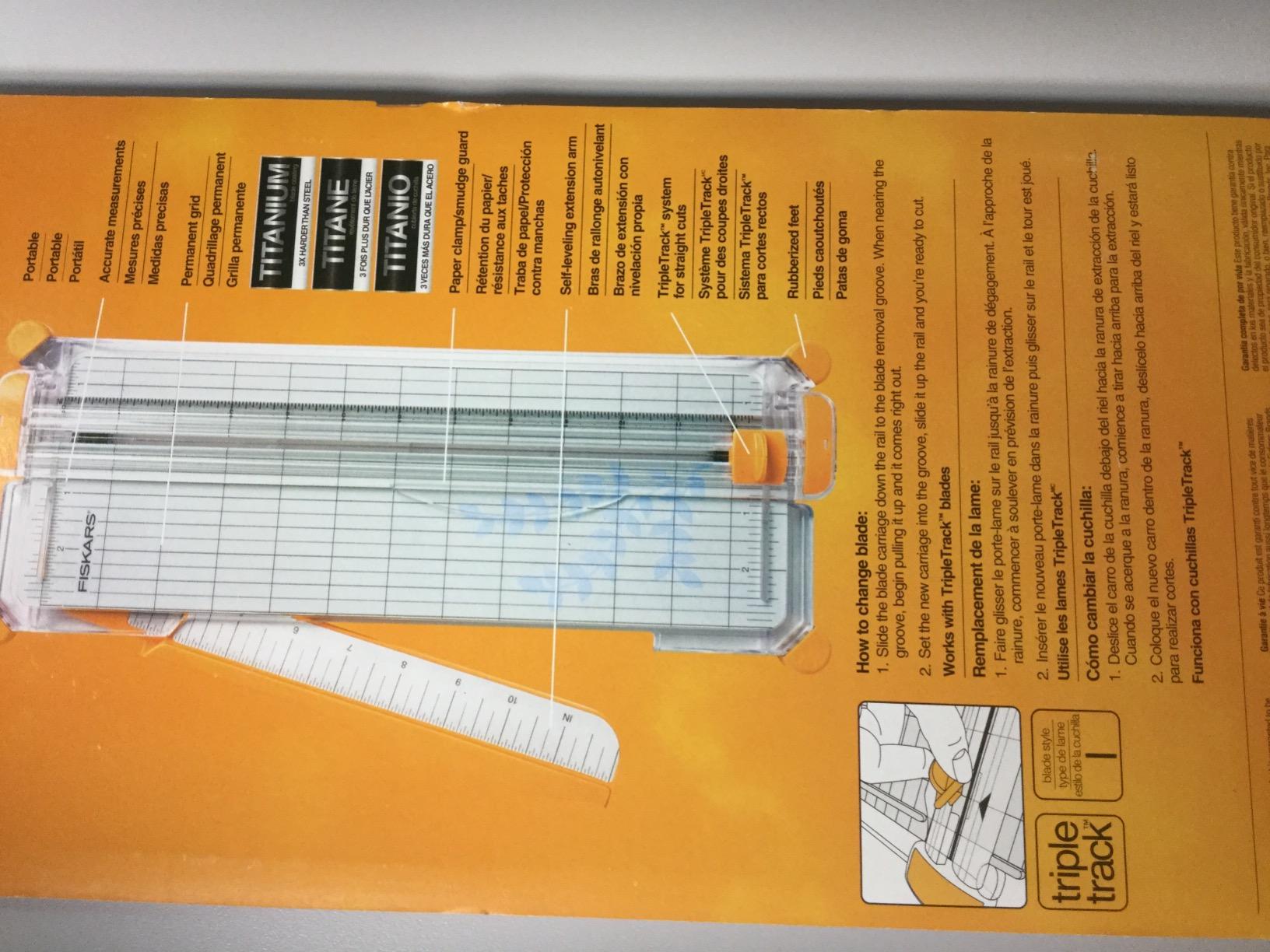
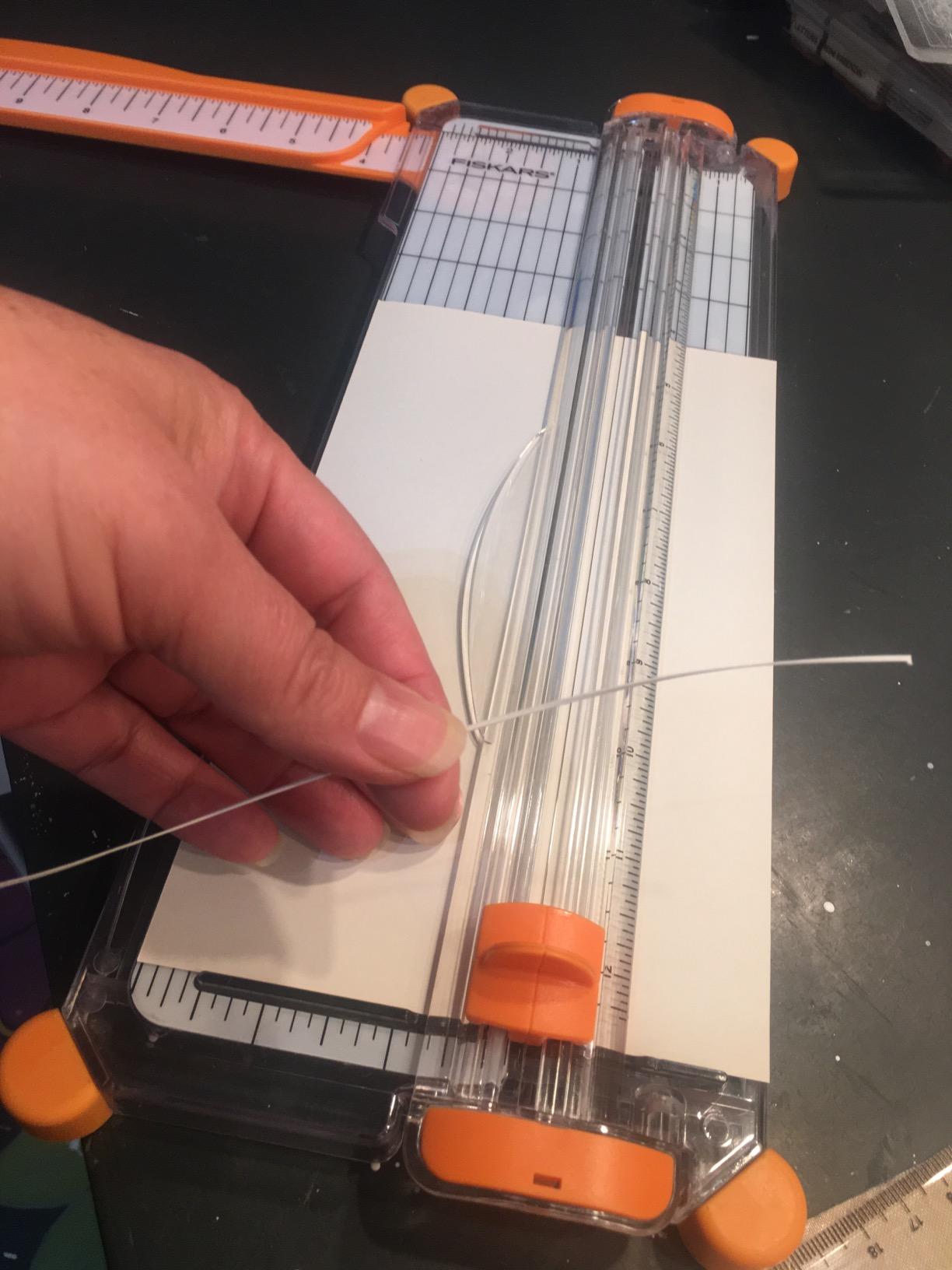
The safety design is the standout for a family home. A slider cutting wire keeps sharp surfaces enclosed, so there is no exposed blade anywhere on the tool, and titanium coated replacement blades are included. That enclosed design is the single strongest reason to choose this machine when a child shares the room where the trimming happens.
The trade-off is material. It performs poorly on multiple layers of very thick board such as Bristol, and the swing-out arm is a bit tight to lock in the open position. If your work is industrial-grade board, this is the wrong tool.
When it is the smartest buy
A home office in a family home, a craft desk that children share, or anywhere the machine will be left out rather than locked away. The enclosed wire means there is no sharp edge to reach, and the 13 ounce weight means an adult can move it in one hand.
Owners highlight the included titanium coated blades, which last longer than standard ones and are easy to swap. The aluminum alignment grid is also far more readable than printed gridlines.
When to pick a different machine
Skip it if you need metric measurements, because the ruler is inches only. If precision repeat cuts are routine, the drifting slider track will annoy you, and the Dahle 508 rotary is more exact on coated stock.
It is also the wrong choice for multi-ply Bristol board. For heavy art paper, the Fiskars 12 Inch Recycled Bypass handles what this one cannot.
Rotary vs Guillotine vs Bypass: Which Cut Style Fits Your Desk?
Three mechanisms appear in this roundup, and choosing between them is mostly a question about what you cut and how much of it. A guillotine drops a straight blade through a channel, and the weight of the arm does the clamping, which is why it is the fastest way to square plain paper. A rotary draws a wheel along a rail past the sheet, and that rolling action leaves the cleanest edge on coated and glossy material. A bypass slides the blade past the edge of the deck, which is why it copes with thick art paper better than either of the others.
For invoices, reports and printed handouts, a guillotine is the right default. The arm holds the stack and the cut takes one second. For photo prints, watercolour paper and vinyl, a rotary earns its extra cost because a rolling blade does not chew the coating. For grey board and heavy art paper, a bypass design keeps the blade moving when a guillotine arm would drag.
Bypass trimmers sit in a category of their own and they are the ones worth paying more for if your home office doubles as a craft space. If you are undecided, the practical filter is simple: how many sheets, how heavy, and how coated. Those three answers pick the mechanism for you.
Why Your Paper Trimmer Cuts Crooked (and How to Fix It)
Crooked cuts are the single most repeated complaint in owner threads, and almost every one of them traces back to the same four causes. Here is the diagnostic routine we used, in order, because the first three fixes take under a minute and solve most cases.
First, check that the paper is sitting flat and square against the alignment guide, with the grain running consistently. A sheet aligned slightly off the grid will follow that offset all the way through the cut. Second, hold the paper down firmly near the cutting edge. The most common complaint in the forums is that cuts are only straight when the user presses hard on the stack, which is a clamp problem, not a blade problem.
Third, do not exceed the rated sheet capacity. A 10 sheet trimmer forced through 20 pages will bow the stack and drag the blade off line, and it dulls the edge at the same time. Fourth, if the problem persists, clean the blade track. Paper dust and offcut debris under a rotary carriage or in a guillotine channel will push the blade off its path.
Two structural causes are worth naming. A plastic base flexing under a heavy stack will not hold the paper square, which is why owners of all-plastic machines report this more often than owners of metal or wood bases. And a rail that has drifted out of alignment over months needs calibration, not cleaning, which is a repair rather than a fix.
One more factor catches people out: paper grain. Cutting against the grain leaves a fuzzier edge than cutting with it, and a sharp blade makes the difference much more obvious. If your edge looks torn rather than angled, sharpen the blade before you adjust anything else.
Sheet Capacity vs Paper Weight: What the Numbers Actually Mean
Every sheet capacity figure on every trimmer is measured with 20 lb copy paper. That is the single most misunderstood number in this category, and it is where the buyer regret starts. When a manufacturer says 10 sheets, that is 10 sheets of standard office paper and nothing heavier.
A practical rule from our testing: on cardstock, plan for roughly a third of the rated capacity before edges start to look rough. The X-ACTO is rated at 15 sheets and owners report one to three as the real working limit. The Dahle 508 is rated at 5 and lands at two or three on heavier material. The Firbon A4 is rated at 10 at 80 gsm and holds up well to that figure on plain paper.
Measure your real volume before you buy, and you will never overbuy again. Take the last three months of printed documents, find your thickest recurring stack, and count the sheets. If that number is under 10, a 10 sheet guillotine is plenty. If it is 30, you need a heavy-duty model and you should accept a larger footprint.
Cut length is the second number worth thinking through properly. Anything at 8 to 8.5 inches handles cards and small craft work. Twelve inches covers letter and A4 paper laid flat. Fifteen to 18 inches opens up poster and scrapbook paper, and is the reason the Dahle 508 is the only machine here that takes a wide sheet in a single pass.
Home Office Desk Space and Storage: What Actually Fits
Desk footprint is the constraint nobody mentions until they have already bought. The Amazon Basics heavy-duty guillotine needs 20.5 by 13.5 inches, which is a quarter of a small desk. The Firbon A4 is 15 inches long and flat. The Evteck slider is 14.96 by 5.91 by 1.18 inches and goes into a drawer without folding anything. The Dahle 508 is long at 23.25 inches but only 8.13 deep, so it suits a desk against a wall.
Weight matters for storage more than people expect. Anything under 3 pounds can be moved in one hand, which is the difference between a machine that lives on the desk and one that lives in a cupboard. The Firbon A5 at 6.7 ounces and the Fiskars SureCut Deluxe at 13 ounces are the most portable here, and both stow flat.
Running costs are the third factor. A self-sharpening bypass or guillotine blade means no consumable purchases, which is why the Fiskars 12 Inch Recycled, the X-ACTO and the Dahle 508 are cheaper to own over time despite higher purchase prices. A fixed-blade rotary needs a blade and often a cutting mat, and on the CARL those are explicitly excluded from the warranty. If you shred rather than file afterwards, our quiet shredder picks keep the noise down in a shared room.
Finally, size the desk around the rest of your setup. A taller work surface changes which machine feels usable, and if you have already committed to one, the standing desks we tested cover the ergonomics side. Whatever the surface, give a rotary trimmer a wall to sit against rather than open desk space.
Frequently Asked Questions
What is the difference between a paper cutter and a paper trimmer?
A paper trimmer is a desktop cutting tool that squares stacks of paper using a straight blade, either a rotating wheel drawn along a rail or a guillotine blade dropped by a lever. A paper cutter is the broader term and covers everything from that desktop trimmer up to powered floor-standing machines used in print shops. For a home office the two words usually describe the same object.
Which is better, guillotine or rotary paper cutter?
A guillotine is faster and better at holding a thick stack square, because the weight of the arm does the clamping for you. A rotary wheel leaves the cleanest edge on glossy photo paper, coated stock and vinyl because the blade rolls rather than drops. Choose a guillotine for invoices, reports and handouts, and a rotary for photo prints and art paper.
Why is my guillotine not cutting straight?
Four causes account for almost every crooked cut. The paper is not sitting square against the alignment guide, the stack is not held down near the cutting edge, the rated sheet capacity has been exceeded, or paper dust has built up in the blade track. Start by pressing firmly on the stack and cutting within the rated sheet count before adjusting anything else.
Can a paper trimmer cut cardstock or photos?
Yes, within limits. Every sheet capacity rating assumes 20 lb copy paper, so on cardstock plan for roughly a third of the rated number of sheets before edges roughen. Most machines here handled two or three sheets of cardstock cleanly. For photo prints, a rotary trimmer such as the Dahle 508 gives the cleanest edge on coated surfaces.
What is the best paper trimmer for a home office?
The Firbon A4 12 Inch Paper Trimmer is the best overall pick for a home office because it combines a 12 inch guillotine cut, a 10 sheet rating at 80 gsm and a flat 15 inch length that stores easily. The Swingline ClassicCut Lite is the best value option with a limited 10 year warranty, and the Dahle 508 is the premium choice for photo paper and art projects.
Which paper trimmer is safest for a home with children?
The Fiskars SureCut Deluxe is the safest design here because its slider cutting wire keeps sharp surfaces fully enclosed, so there is no exposed blade anywhere on the tool. The WORKLION and Firbon A5 use a hidden spring-loaded blade that only cuts when pressed. Among guillotines, the Amazon Basics model pairs a guardrail with a lock mechanism that secures the arm.
Conclusion: The Best Paper Trimmer for Home Offices in 2026
After six weeks of cutting invoices, handouts, photos and craft paper across all 12 machines, the Firbon A4 12 Inch Paper Trimmer is our best paper trimmer for home office work in 2026. It has the largest base of owner feedback in the group, a realistic sheet rating, a replaceable blade you can actually source, and a flat 15 inch body that goes away when the work is done.
Buy the Swingline ClassicCut Lite if a 10 year warranty matters to you. Buy the Dahle 508 if you cut photo paper and art stock more often than documents. Buy the Fiskars SureCut Deluxe if children share the room. And measure your thickest recurring stack before you buy anything, because that single number settles the capacity question faster than any spec sheet.