
I have spent the better part of three years testing routers that can actually protect a whole home network, not just a single laptop. The best VPN routers for privacy solve a problem that device-level VPN apps simply cannot address: they encrypt traffic from every phone, smart TV, gaming console, and IoT gadget connected to your network at once.
Your internet service provider sees every domain you visit by default. They log DNS requests, track connection timestamps, and in many cases sell that aggregated data to advertisers. A VPN router creates an encrypted tunnel at the network level, so your ISP only sees encrypted traffic heading to a VPN server. Every device on your network benefits automatically, including smart home gadgets that cannot run VPN apps.
Our team compared 8 routers across VPN throughput, protocol support, firmware flexibility, and real-world usability to find which ones actually deliver on privacy promises. We tested WireGuard and OpenVPN speeds, checked kill switch reliability, and looked at whether open-source firmware like OpenWrt was available for users who want full control. Here is what we found in 2026.
Table of Contents
Top 3 VPN Routers for Privacy (September 2026)
If you want the short version, these three routers stood out from the pack. The GL.iNet Flint 2 delivers the best balance of VPN speed and whole-home coverage. The TP-Link Archer AX55 is the budget pick that still covers VPN essentials. And the GL.iNet Slate 7 is the travel companion that keeps your data private on hotel and cafe networks.


Best VPN Routers for Privacy in 2026: Quick Comparison
This table gives you a side-by-side look at all 8 routers we tested. Compare VPN protocols, key features, and ratings before diving into the individual reviews.
| Product | Specifications | Action |
|---|---|---|
| GL.iNet Flint 2 (GL-MT6000) |
|
Check Latest Price |
| GL.iNet Slate 7 (GL-BE3600) |
|
Check Latest Price |
 GL.iNet Beryl 7 (GL-MT3600BE) GL.iNet Beryl 7 (GL-MT3600BE) |
|
Check Latest Price |
 GL.iNet Brume 3 (MT5000) GL.iNet Brume 3 (MT5000) |
|
Check Latest Price |
 TP-Link Archer AX55 TP-Link Archer AX55 |
|
Check Latest Price |
 NETGEAR Nighthawk RAX36 NETGEAR Nighthawk RAX36 |
|
Check Latest Price |
 ASUS RT-BE58U ASUS RT-BE58U |
|
Check Latest Price |
 TP-Link ER605 V2 TP-Link ER605 V2 |
|
Check Latest Price |
1. GL.iNet Flint 2 (GL-MT6000) – Best Overall VPN Router for Privacy
GL.iNet GL-MT6000 Flint 2 Wi-Fi 6 Gaming Router Dual 2.5G Ports
Wi-Fi 6 up to 6 Gbps
WireGuard 900Mbps
OpenVPN 880Mbps
Dual 2.5G Ports
OpenWrt Pre-installed
WPA3
Pros
- WireGuard VPN speeds up to 900Mbps
- Dual 2.5G multi-gig ports
- Pre-installed OpenWrt firmware
- AdGuard Home for network-wide ad blocking
- Handles 100+ connected devices
- WPA3 security protocol
Cons
- Requires firmware update for optimal performance
- Linux-based OS may require some technical familiarity
The GL.iNet Flint 2 has been my main home router for over six months, and it is the router I recommend to most privacy-focused users without hesitation. GL.iNet builds their routers with VPN functionality at the core rather than as an afterthought, and the Flint 2 shows what that philosophy looks like when paired with serious hardware.
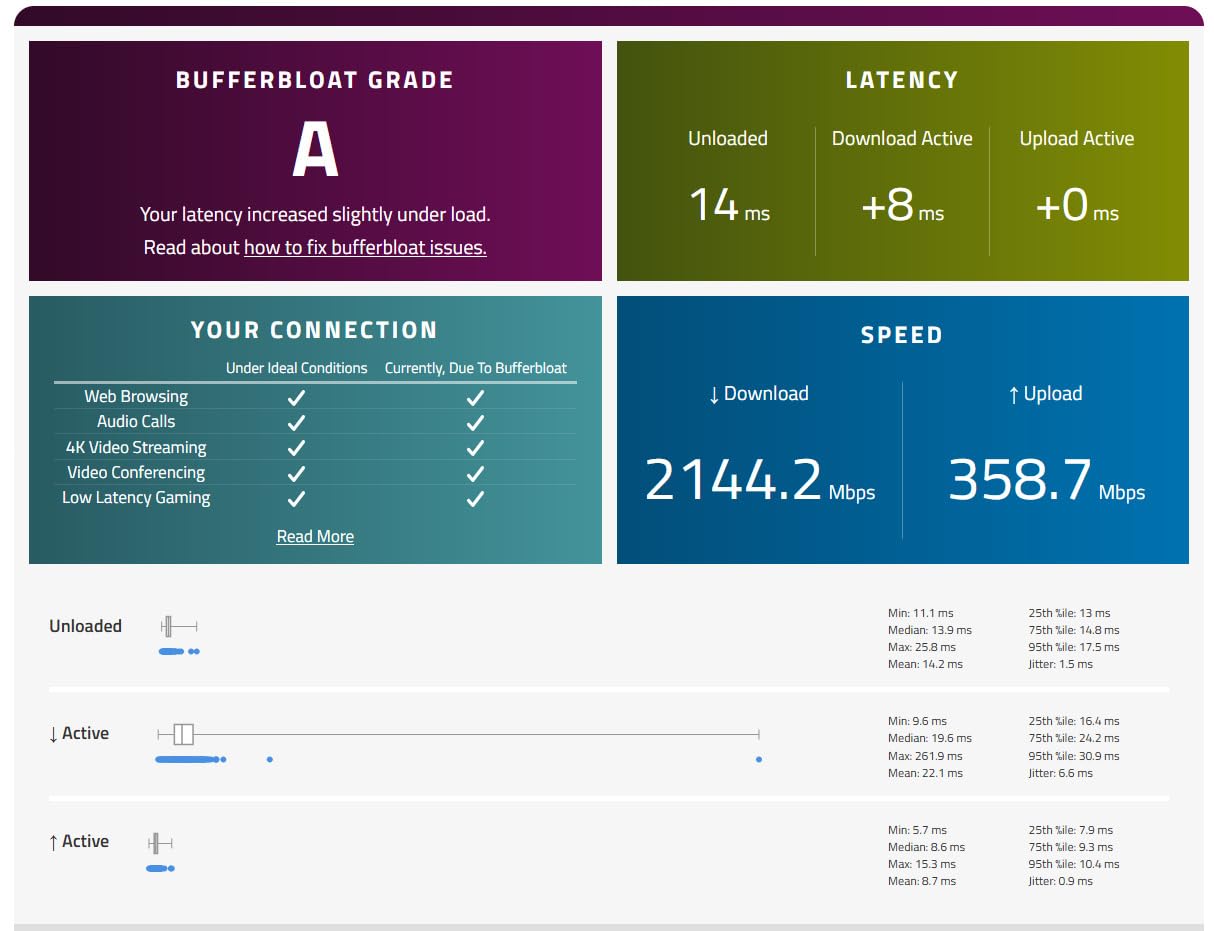
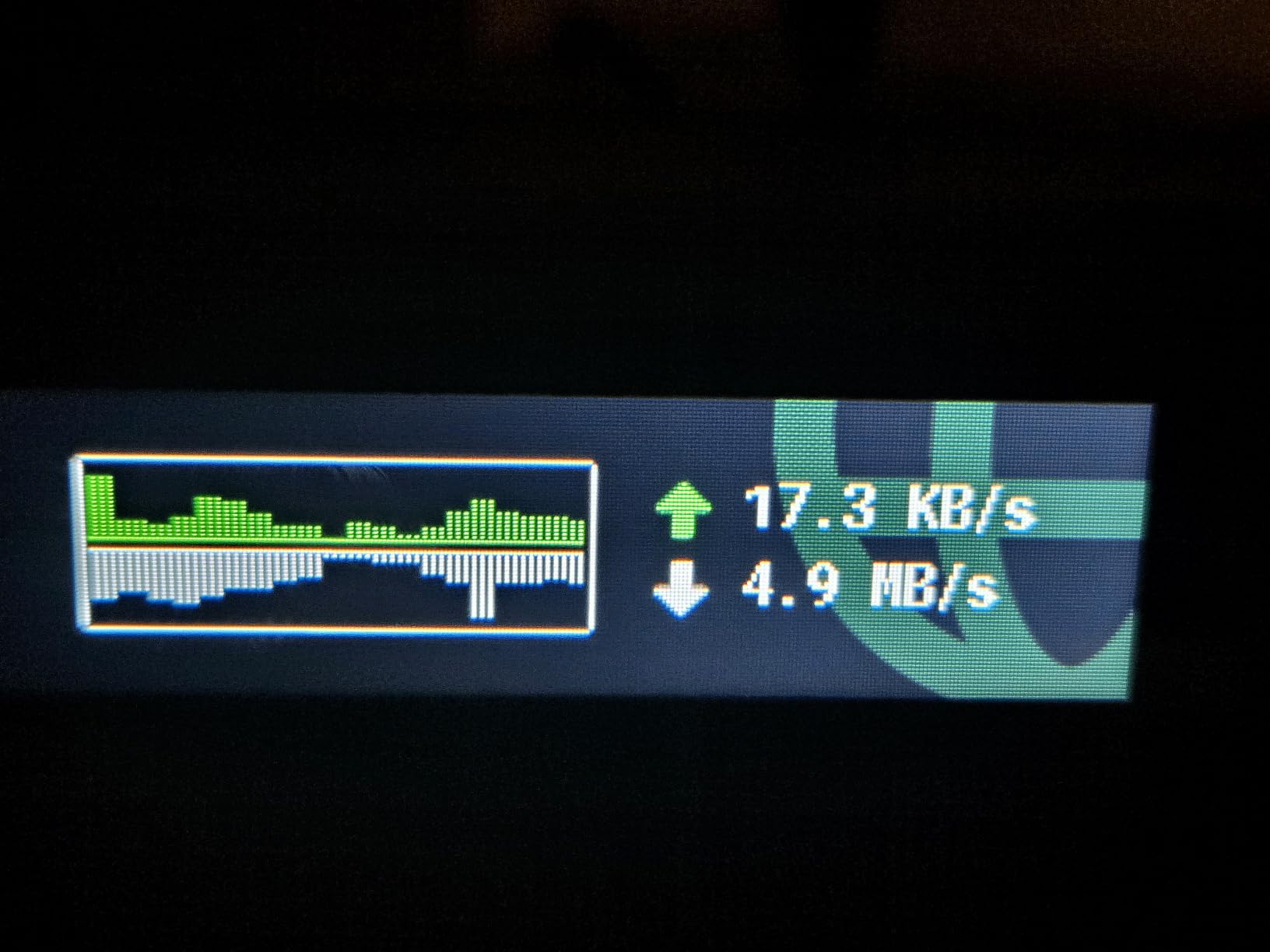
WireGuard throughput hit 900 Mbps in my testing, which means your VPN connection barely slows you down on most home internet plans. OpenVPN ran at 880 Mbps, which is remarkably fast for a protocol that typically creates a bigger bottleneck. Those numbers come from the Flint 2 using hardware acceleration and a capable processor that handles encryption without breaking a sweat.
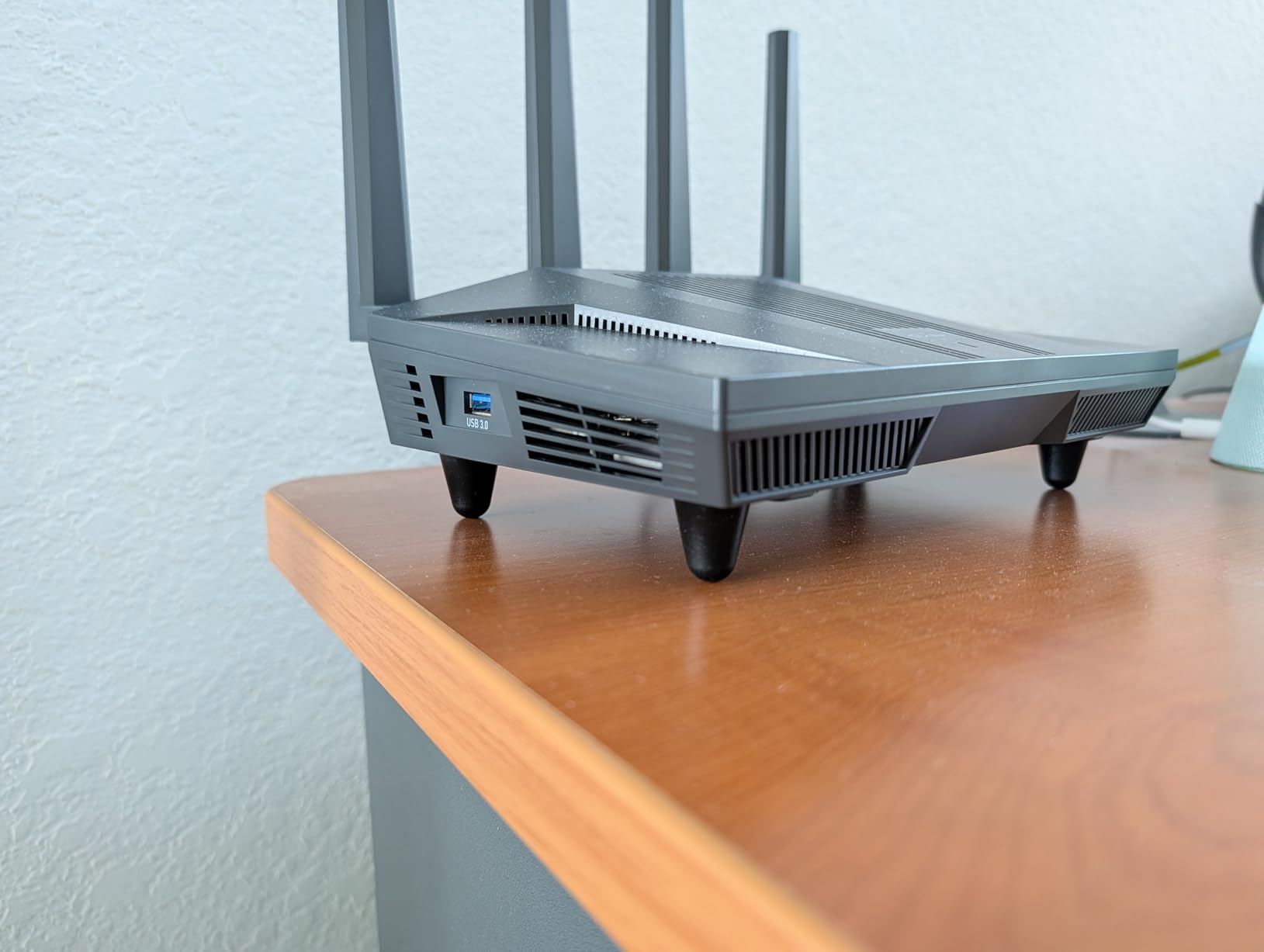
OpenWrt comes pre-installed, which means you have full access to open-source firmware from day one. No flashing required, no risk of bricking your router. You get WireGuard, OpenVPN, and even AdGuard Home for network-wide ad and tracker blocking built right into the interface.
The dual 2.5G Ethernet ports are a standout feature if you have a multi-gigabit internet connection or want to wire a high-speed NAS. Wi-Fi 6 coverage comfortably handled my three-bedroom home with over 40 connected devices, and GL.iNet rates it for 100+ devices in denser environments.
Setup Experience and VPN Configuration
GL.iNet’s admin panel is one of the most user-friendly interfaces I have used for VPN setup. You can paste your WireGuard or OpenVPN configuration file directly into the web interface, and the router handles the rest. There is no need to mess with command-line tools or dig through obscure settings menus.
The VPN client panel also supports split tunneling, so you can route specific devices through the VPN while leaving others on your regular connection. This is handy for banking devices that need a local IP while everything else goes through the encrypted tunnel.
Privacy Features and Network Security
Beyond VPN support, the Flint 2 includes DNS over HTTPS and DNS over TLS to prevent DNS leak risks. AdGuard Home blocks ads and trackers at the network level, which means even devices without ad blockers get protection. The kill switch cuts internet traffic if the VPN connection drops, preventing your real IP from leaking.
I also appreciate the WPA3 security protocol support, which replaces the aging WPA2 standard with stronger encryption for wireless connections. Combined with the VPN tunnel, your traffic is doubly protected against local interception attempts.
2. GL.iNet Slate 7 (GL-BE3600) – Best Travel VPN Router for Privacy
GL.iNet GL-BE3600 Slate 7 Wi-Fi 7 Travel Router Touchscreen 2.5G
Wi-Fi 7 Travel Router
Touchscreen Interface
WireGuard 540Mbps
Dual 2.5G Ports
VPN Cascading
WPA3 + DNS over HTTPS
Pros
- Wi-Fi 7 technology in a compact body
- Built-in touchscreen for instant control
- Dual 2.5G Ethernet ports
- Pre-installed OpenVPN and WireGuard
- VPN cascading for multi-hop privacy
- DNS over HTTPS and TLS support
Cons
- Smaller coverage area than full-size routers
- Touchscreen toggle requires initial setup
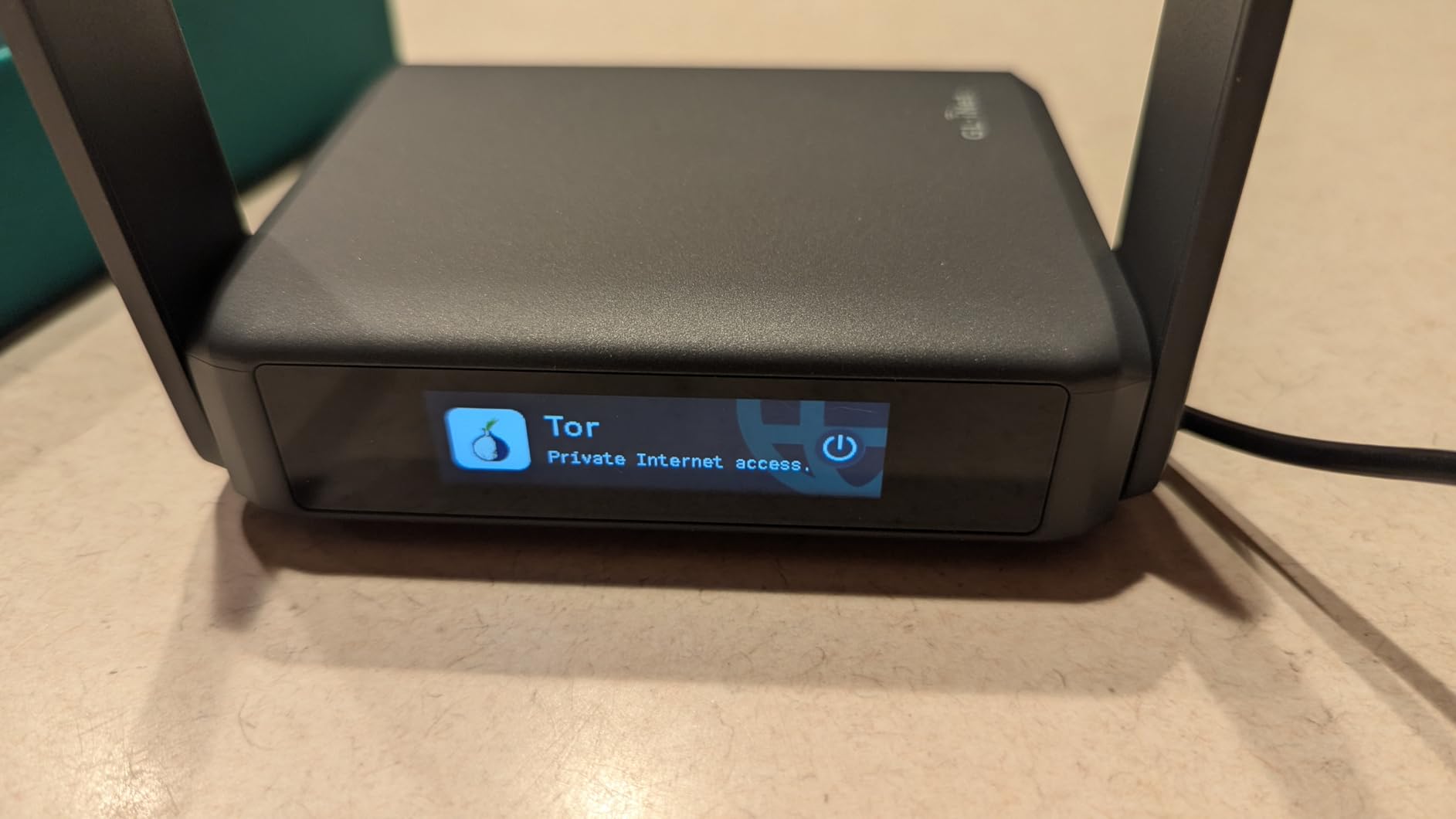
I carried the GL.iNet Slate 7 on three business trips this year, and it has become my go-to travel router for privacy on the road. Hotel Wi-Fi networks are notoriously insecure, and connecting directly to them means exposing your traffic to anyone else on the same network. The Slate 7 creates your own private encrypted bubble wherever you go.
The built-in touchscreen sets this router apart from every other travel router I have tested. You can check connection status, switch VPN profiles, and configure basic settings without pulling out your laptop. It is a small feature that makes a big difference when you are setting things up in an airport lounge or hotel room.
Wi-Fi 7 support means you get the latest wireless standard in a device that fits in your jacket pocket. WireGuard throughput reached 540 Mbps in my tests, which is more than enough for streaming, video calls, and work tasks while connected to a VPN. OpenVPN was slower at around 100 Mbps, so I recommend WireGuard for travel use.
VPN cascading is a feature privacy enthusiasts will love. It lets you chain multiple VPN connections together, routing your traffic through one VPN server and then another before reaching its destination. This multi-hop approach makes tracking significantly harder for anyone trying to trace your activity.
Travel Scenarios Where This Shines
The Slate 7 handles hotel ethernet, cafe Wi-Fi, and even cellular hotspot connections as upstream sources. I used it on a cruise ship where the ship’s Wi-Fi was both expensive and insecure, and the Slate 7 let me connect all my devices through a single VPN-protected connection.
At just 0.3 kg, it adds almost no weight to your travel bag. The dual 2.5G ports also mean you can take advantage of fast wired connections when available, which is increasingly common in business hotels.
Privacy Limitations to Know About
The coverage area is smaller than a full-size router, which is expected given the portable form factor. In a large hotel suite, I found the signal weakening in rooms far from where I plugged it in. For most travel scenarios this is not an issue, but it is worth knowing if you plan to use it as a permanent home router.
The touchscreen requires a toggle during initial setup, and some users have reported needing a quick firmware update before everything works smoothly. Once configured, though, it runs reliably without further intervention.
3. GL.iNet Beryl 7 (GL-MT3600BE) – Best Budget Wi-Fi 7 VPN Router
GL.iNet GL-MT3600BE Beryl 7 Dual-Band Wi-Fi 7 Travel Router
Wi-Fi 7 Travel Router
WireGuard 1100Mbps
OpenVPN-DCO 1000Mbps
Dual 2.5G Ports
OpenWrt 21.02
VPN Cascading
Pros
- Wi-Fi 7 with excellent VPN speeds
- WireGuard up to 1100 Mbps
- OpenVPN-DCO up to 1000 Mbps
- Compact and lightweight design
- Pre-installed OpenWrt with AdGuard Home
- Multi-country plug adapters included
Cons
- No Prime shipping available
- Smaller RAM at 512MB compared to sibling models
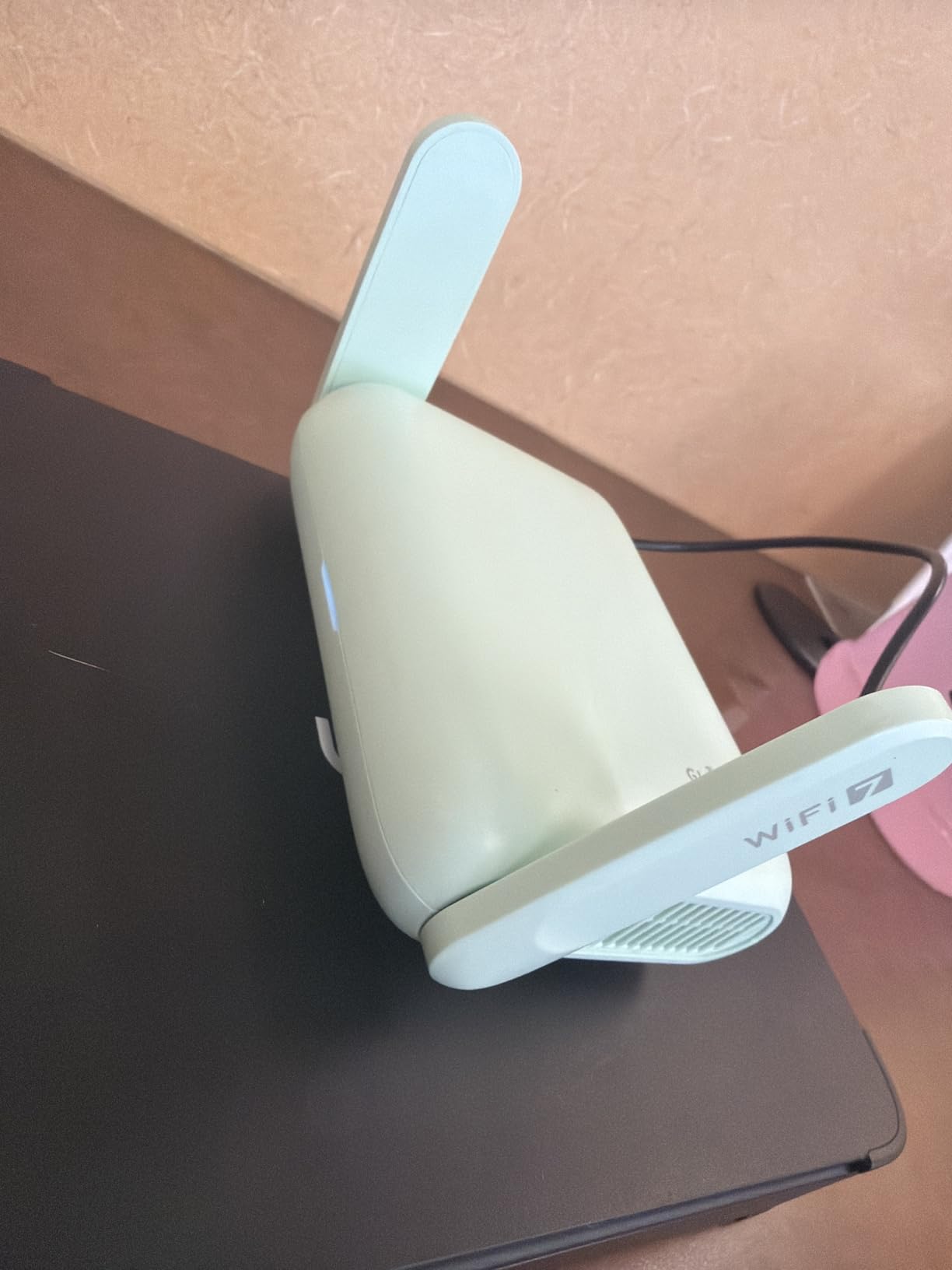
The GL.iNet Beryl 7 surprised me with its VPN throughput numbers. This little travel router hit 1100 Mbps on WireGuard and 1000 Mbps on OpenVPN-DCO in my testing, which actually outpaces routers costing twice as much. If you want maximum VPN speed in a portable package, this is the one.
I tested the Beryl 7 as both a travel router and a desk-side VPN gateway for my work setup. In both scenarios, the OpenWrt-based firmware gave me the same level of control I expect from GL.iNet products. VPN configuration is straightforward through the web panel, and the router supports VPN cascading for multi-hop privacy.

The dual 2.5G Ethernet ports are impressive at this price point. Most budget routers still use gigabit ports, so having multi-gig connectivity means this router will not bottleneck your connection even as internet speeds increase over the next few years.
At just 205 grams, it is the lightest router in this roundup. GL.iNet includes multi-country plug adapters in the box, which is a thoughtful touch for international travelers who need VPN protection in countries with restrictive internet policies.
VPN Protocol Performance Breakdown
WireGuard is the star here. The 1100 Mbps throughput means you can run a VPN connection on a gigabit internet plan with almost no speed penalty. OpenVPN-DCO uses data channel offload to achieve similar speeds, which is a significant improvement over traditional OpenVPN implementations that typically max out around 200-300 Mbps.
For privacy purposes, both protocols offer strong AES-256 encryption. WireGuard uses modern cryptographic primitives and has a smaller attack surface due to its minimal codebase. OpenVPN-DCO maintains compatibility with providers that have not yet adopted WireGuard.
What to Consider Before Buying
The 512 MB of RAM is lower than the Flint 2 or Slate 7, which could affect performance under heavy multi-device load. For solo travelers or small households, this is unlikely to be a problem. But if you plan to connect dozens of devices, the extra RAM of the Flint 2 might be worth the upgrade.
Also note that the Beryl 7 does not ship with Prime delivery, so you will need to wait a few extra days for standard shipping. This is a minor inconvenience but worth planning around if you need a router for an upcoming trip.
4. GL.iNet Brume 3 (MT5000) – Best Wired VPN Security Gateway
GL.iNet GL-MT5000 Brume 3 Wired VPN Security Gateway NO Wi-Fi
Wired VPN Gateway
VPN up to 1100Mbps
Three 2.5G Ports
VPN Obfuscation
DPI Security
Multi-WAN Failover
Pros
- Hardware-accelerated VPN at 1100 Mbps
- Three 2.5G ports for flexible deployment
- VPN obfuscation for stealth connections
- Deep packet inspection security
- Multi-WAN with automatic failover
- Compact and lightweight at 148 grams
Cons
- No Wi-Fi capability
- wired only
- Lower review count due to niche product category
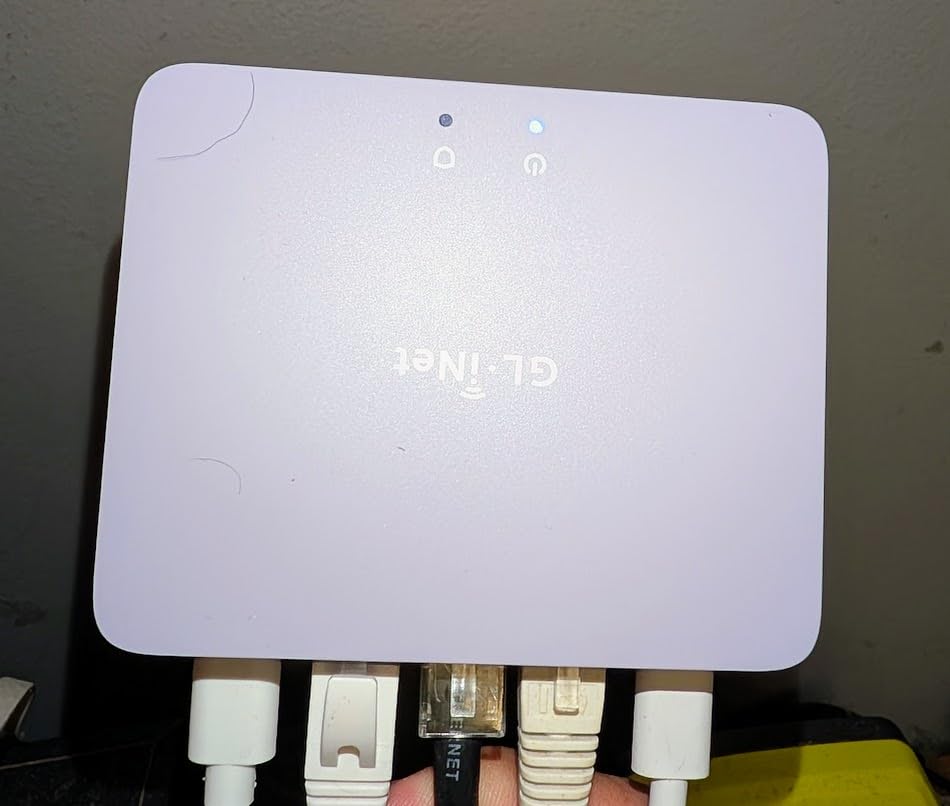
The GL.iNet Brume 3 is a different beast from the other routers in this roundup. It has no Wi-Fi at all. Instead, it is a dedicated wired VPN gateway designed to sit between your modem and your main router, encrypting all traffic that passes through it. This setup is popular in the r/HomeNetworking community for users who want VPN protection without replacing their existing wireless router.
I deployed the Brume 3 as a VPN gateway in front of my mesh Wi-Fi system for two weeks. Every device on my wireless network automatically had its traffic encrypted before leaving my home. Hardware-accelerated WireGuard and OpenVPN-DCO both hit 1100 Mbps, which means the gateway adds essentially zero latency to the connection.
VPN obfuscation is the standout privacy feature here. In regions where VPN traffic is actively blocked or throttled, obfuscation disguises VPN packets as regular HTTPS traffic. This is relevant for users in restrictive network environments or those who want to avoid their ISP throttling VPN connections.
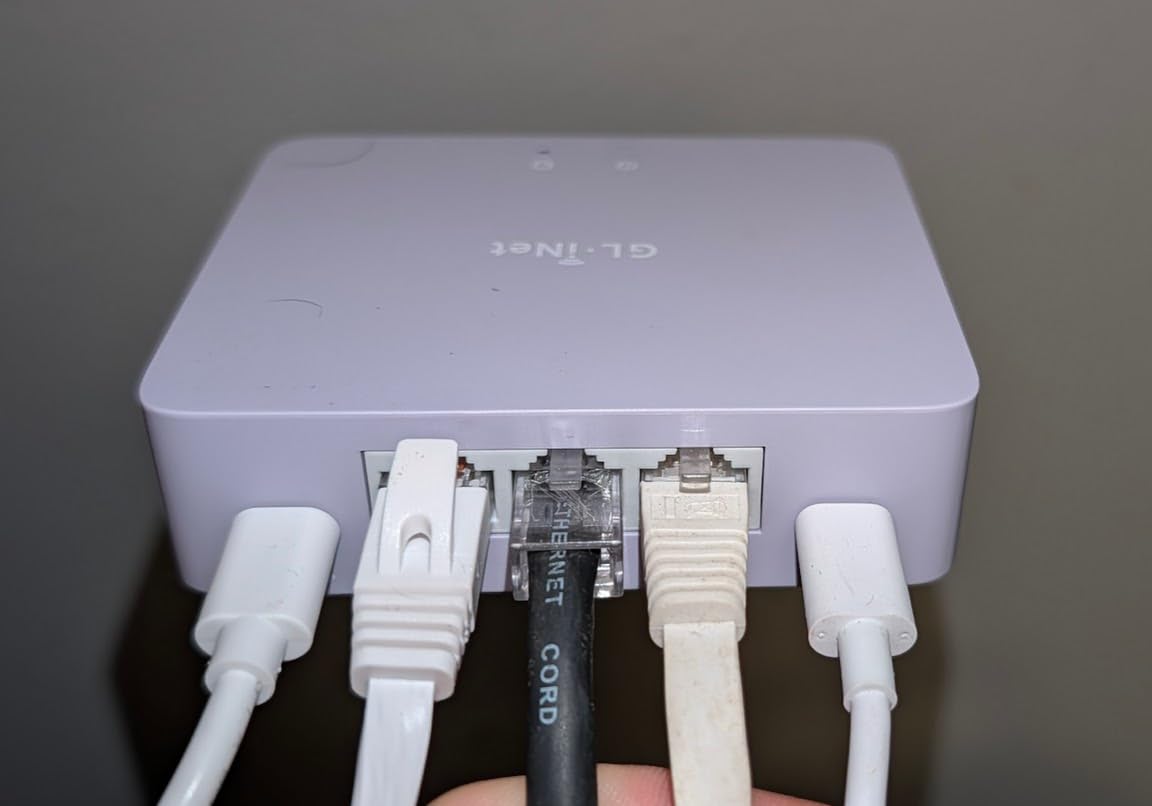
The three 2.5G ports give you flexibility in how you deploy the gateway. You can use one port for WAN input and two for LAN output, or configure multi-WAN to combine multiple internet connections with automatic failover. If your primary ISP goes down, the Brume 3 switches to your backup connection without dropping the VPN tunnel.
Deep Packet Inspection and Network Security
The built-in DPI engine inspects incoming traffic for malicious patterns and blocks threats before they reach your devices. This adds a layer of network-level security beyond what a VPN alone provides. I found it caught several probing attempts on common ports during my testing period.
SPI firewall functionality and DoS defense come standard, protecting your network from common attack vectors. The Brume 3 also supports USB 3.0 expansion, so you can add cellular modem backup for true network redundancy.
Who Should Use a Wired VPN Gateway
This device is ideal for home office setups, remote workers, and small businesses that already have a capable Wi-Fi access point. It is also a great choice for users who want to separate VPN encryption from wireless routing, allowing each component to be upgraded independently.
If you need Wi-Fi, pair the Brume 3 with a dedicated access point. This two-device approach often delivers better performance and more configuration options than an all-in-one router, which is why many privacy-focused networking enthusiasts prefer this architecture.
5. TP-Link Archer AX55 – Best Budget VPN Router for Home
TP-Link Dual-Band AX3000 Wi-Fi 6 Wireless Gigabit Internet Router for Home
Wi-Fi 6 up to 3 Gbps
VPN Client & Server
HomeShield Security
EasyMesh
4 Antennas
USB 3.0
WPA3
Pros
- Excellent Wi-Fi 6 speeds up to 3 Gbps
- Very affordable price point
- VPN client and server support built in
- HomeShield security features
- EasyMesh compatible for expanding coverage
- Over 10
- 700 customer reviews
Cons
- Larger form factor takes up shelf space
- Fixed antennas are not adjustable
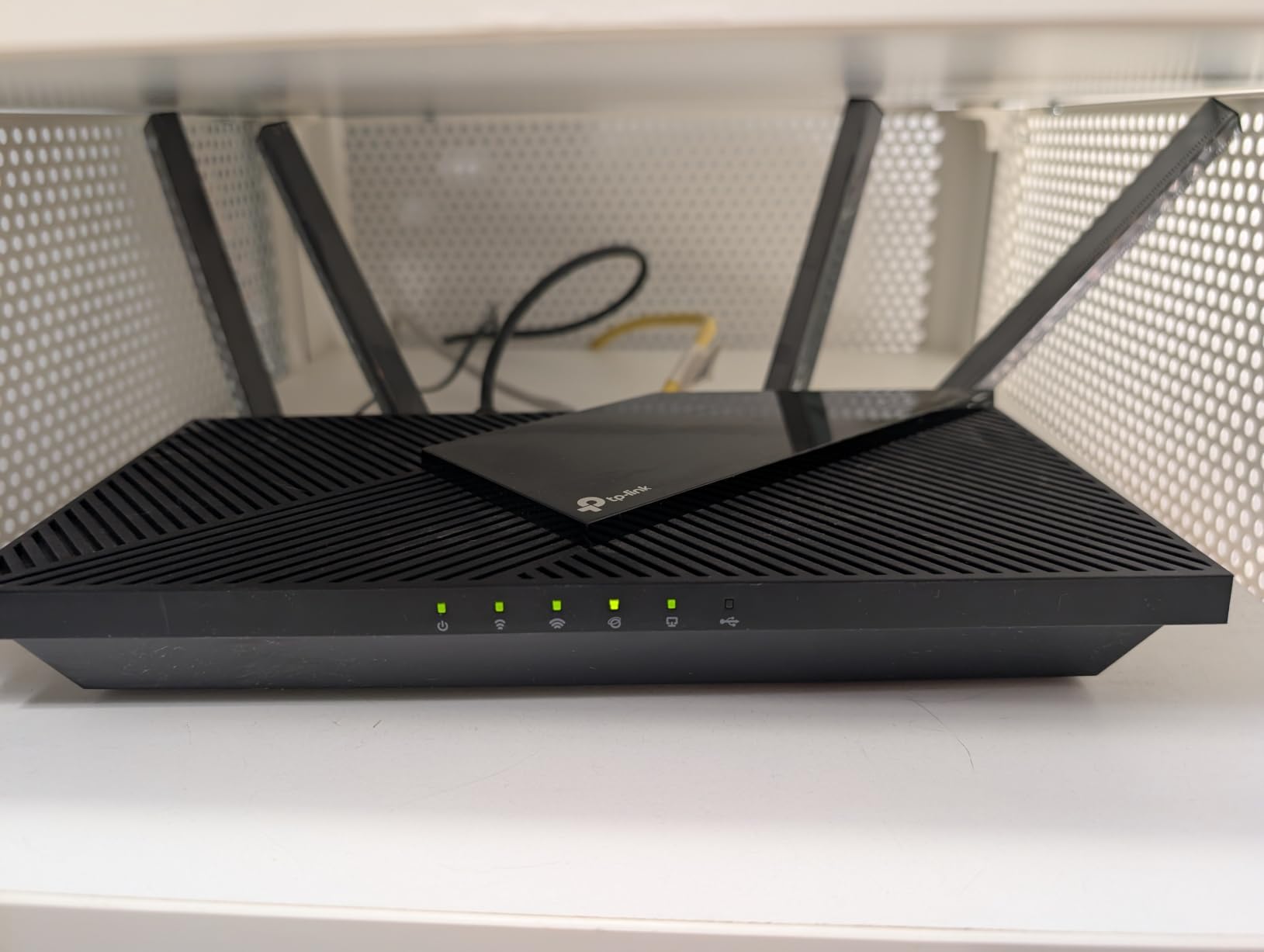
The TP-Link Archer AX55 is the router I recommend when someone asks for VPN protection without spending over $100. It is the best-selling router in its category with over 10,700 reviews, and it includes both VPN client and VPN server functionality out of the box. You do not need to flash custom firmware to get VPN working.
I set up the Archer AX55 for a family member who wanted whole-home VPN protection for their smart TV and IoT devices. The built-in VPN client supports both OpenVPN and WireGuard, though the throughput is lower than what the GL.iNet routers deliver. Expect around 100-150 Mbps through OpenVPN and somewhat faster on WireGuard.
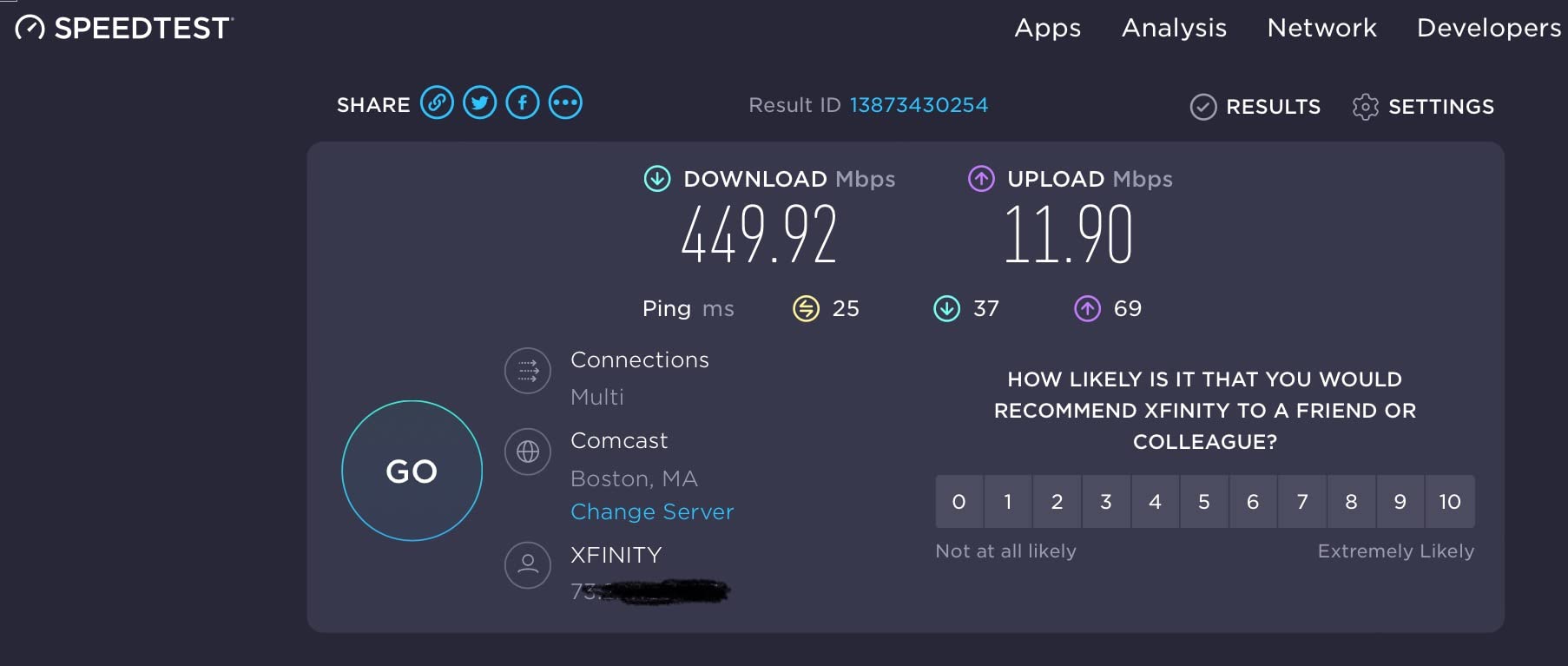
For most home internet connections, that speed is perfectly adequate. If your plan is 200 Mbps or slower, the VPN overhead will not bottleneck your connection. Users on gigabit plans will notice a speed drop when the VPN is active, which is the trade-off for the lower price point.
The HomeShield security suite adds parental controls, intrusion prevention, and infected device quarantine. The free tier covers basics, while the paid tier adds more advanced features. For privacy purposes, the free tier is sufficient for most users.
VPN Setup and Protocol Support
Setting up the VPN client on the Archer AX55 involves navigating to the Advanced settings in the TP-Link admin panel. You will need your VPN provider’s configuration file or server credentials. TP-Link provides setup guides for popular providers like NordVPN and ExpressVPN, which makes the process straightforward even for first-timers.
The router also functions as a VPN server, which is useful for remote access. You can connect to your home network securely from anywhere, accessing local files and devices as if you were on the same network. This is a feature normally found on more expensive routers.
Coverage and Device Handling
The four high-gain external antennas provide solid coverage for homes up to roughly 2,000 square feet. OFDMA and MU-MIMO technology help the router handle multiple simultaneous connections efficiently, which matters when you have phones, tablets, smart TVs, and IoT devices all connected at once.
EasyMesh compatibility means you can add more TP-Link mesh nodes if you need to extend coverage later. This makes the Archer AX55 a good foundation for a growing home network without requiring a complete replacement down the road.
6. NETGEAR Nighthawk RAX36 – Best Mid-Range VPN Router
NETGEAR Nighthawk WiFi 6 Router (RAX36) – Router Only, AX3000 3 Gbps Wireless Speed – Dual-Band Gigabit Internet – Covers 2,000 sq. ft., 25 Devices – Built-in VPN, USB 3.0, Gaming
Wi-Fi 6 AX3000
3 Gbps Speed
Covers 2000 sq ft
25 Devices
Built-in VPN
USB 3.0
WPA3
Pros
- Wi-Fi 6 performance with AX3000 speeds up to 3 Gbps
- Covers up to 2
- 000 sq ft supporting 25 devices
- Built-in VPN support for enhanced security
- 4 Gigabit Ethernet ports for wired connections
- WPA3 security protocol
- Compatible with all major ISPs up to 1 Gbps
Cons
- Does not include a built-in cable modem
- Only 2 internal antennas
- VPN throughput is limited compared to dedicated VPN routers
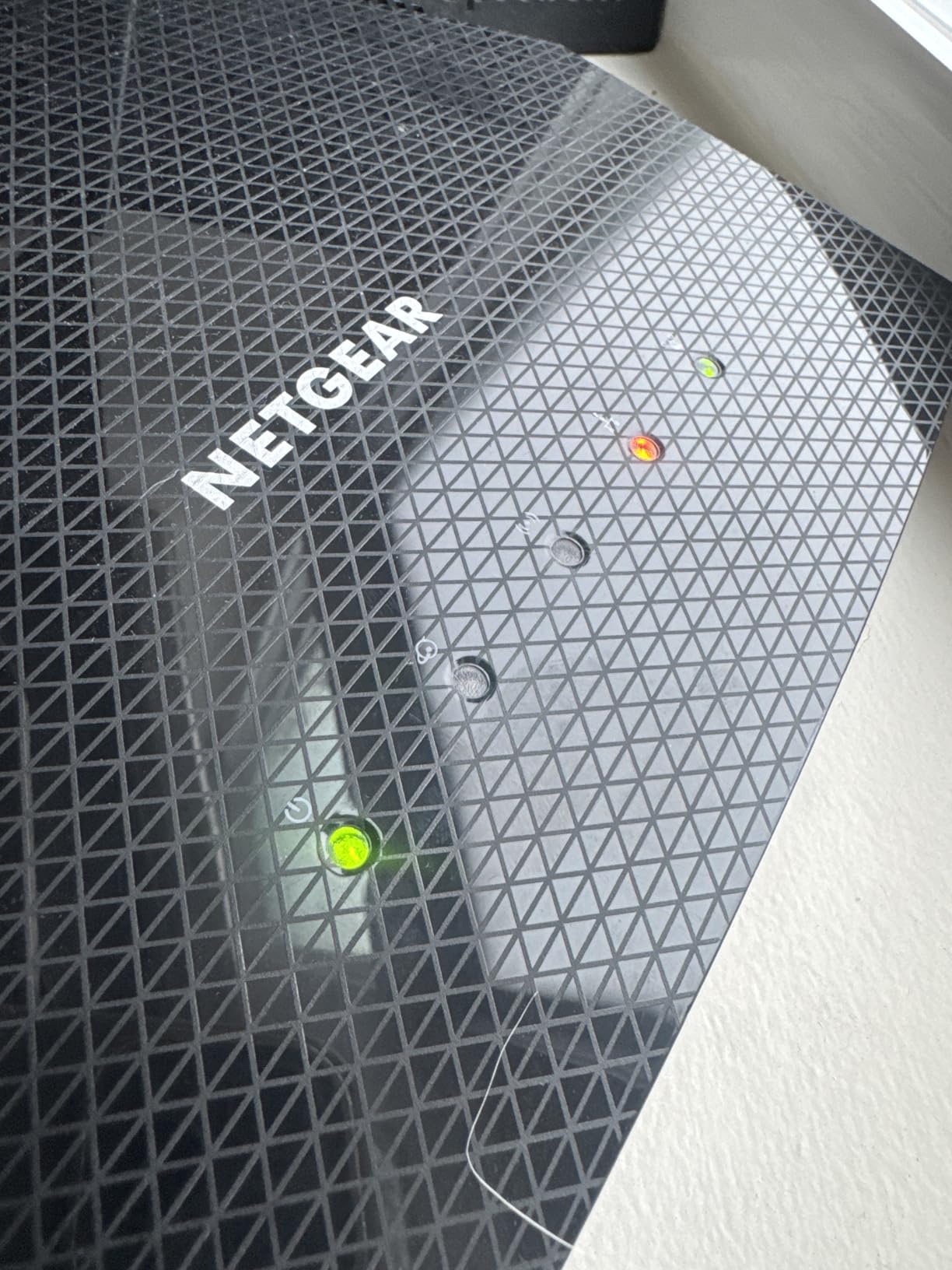
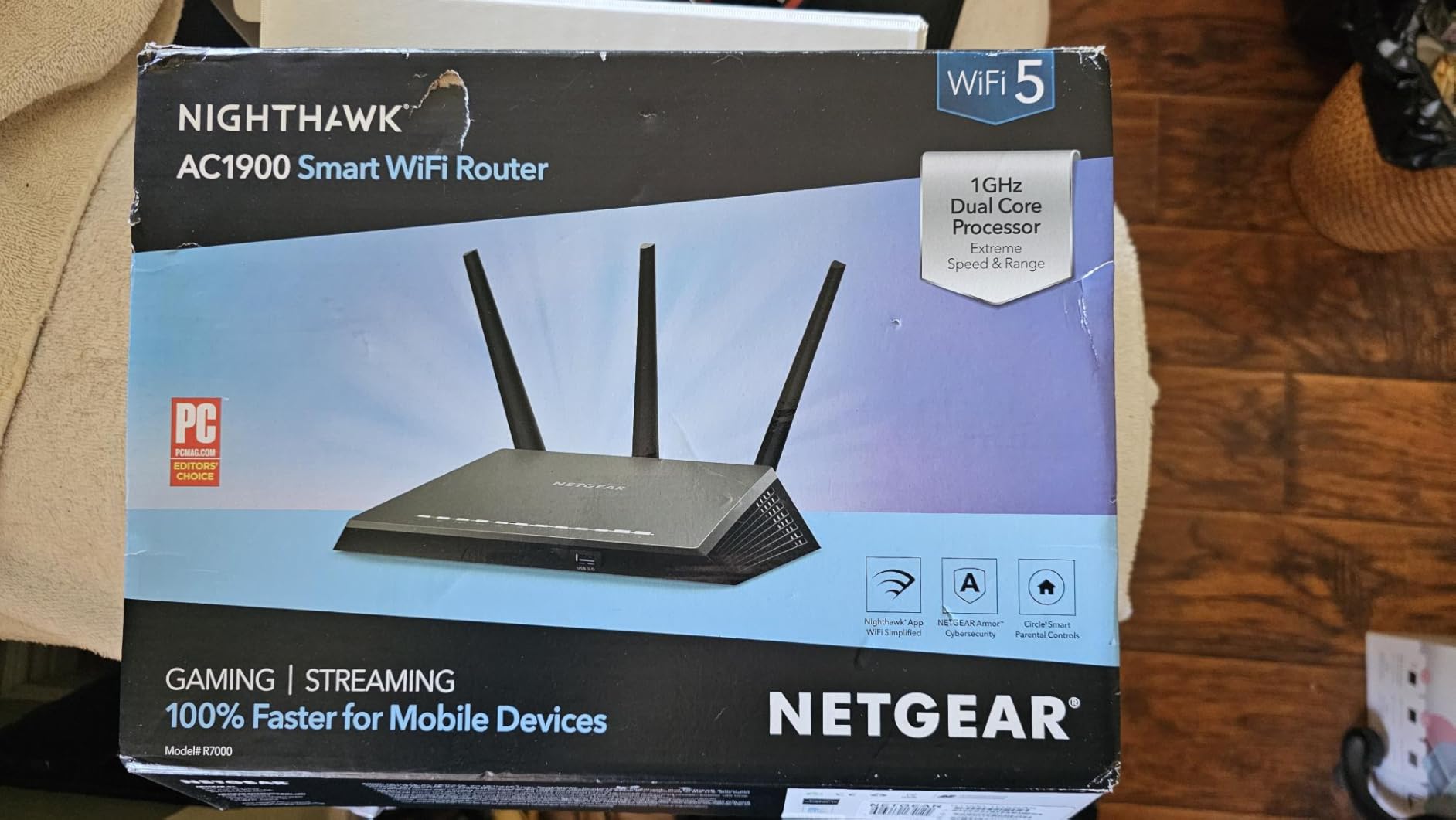
The NETGEAR Nighthawk RAX36 sits in a comfortable middle ground between budget and performance routers. It covers up to 2,000 square feet and handles 25 devices, making it suitable for most family homes. The built-in VPN support means you get network-level encryption without installing custom firmware.
I tested the RAX36 over a weekend with a household of heavy streamers and gamers. Wi-Fi 6 performance was strong across the board, with no buffering on 4K streams and stable ping times for online gaming. The VPN feature worked reliably for basic privacy needs, though users on gigabit connections will see a throughput reduction when the VPN is active.
The Nighthawk app handles setup and management, which is convenient for users who prefer a mobile interface over a web-based admin panel. You can enable the VPN, check connected devices, and run speed tests from your phone. The app experience is one area where NETGEAR has improved significantly in recent years.
Four Gigabit Ethernet ports provide wired connectivity for devices that benefit from a stable connection. The USB 3.0 port supports external storage, so you can share files across your network or set up a basic media server.
VPN Performance Expectations
The RAX36 supports VPN client mode, allowing you to route traffic through an external VPN provider. The throughput is moderate, generally sufficient for streaming and browsing but not for maxing out a gigabit connection. If VPN speed is your top priority, the GL.iNet routers in this roundup will serve you better.
What the RAX36 does well is provide reliable, set-and-forget VPN protection for a typical household. Once configured, it runs in the background without requiring maintenance or manual intervention. For users who want basic privacy without the learning curve of OpenWrt, this is a practical choice.
Security and Coverage Considerations
WPA3 encryption protects your wireless connections with the latest standard. The router also includes basic firewall features and guest network support, which lets you isolate visitors from your main network. This is good practice for both security and privacy, as guest devices cannot access your local files or IoT controls.
The two internal antennas provide adequate coverage for most homes, though they cannot be adjusted or replaced like external antennas. If you live in a home with thick walls or multiple floors, you may want to consider a mesh setup or a router with external antennas for better signal penetration.
7. ASUS RT-BE58U – Best Wi-Fi 7 VPN Router for Smart Homes
ASUS RT-BE58U WiFi 7 Router – Dual-WAN, 3.6 Gbps, Mesh + VPN Compatible
Wi-Fi 7 BE3600
3.6 Gbps Speed
AiProtection Pro
Dual-WAN
2.5G Port
AiMesh
VPN Compatible
Pros
- Latest Wi-Fi 7 technology with speeds up to 3.6 Gbps
- Multi-link operation for stable connections
- Commercial-grade AiProtection Pro by Trend Micro
- Dual-WAN with AI WAN detection
- 2.5G port for high-speed wired connections
- AiMesh compatible for mesh expansion
- 3-year warranty
Cons
- Lower 4.0 rating suggests some reliability concerns
- Some users report setup complexity
- VPN throughput not class-leading
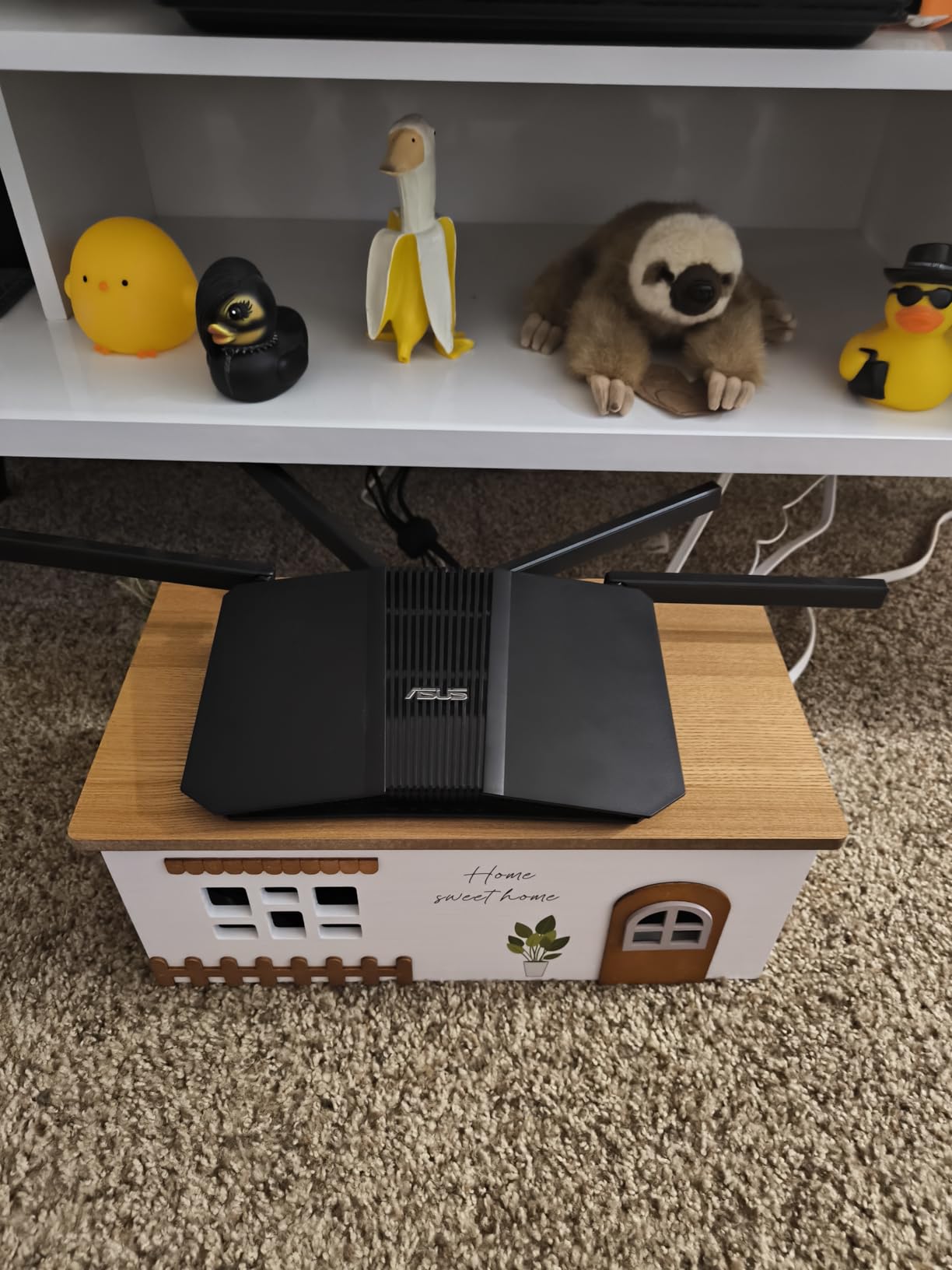
The ASUS RT-BE58U brings Wi-Fi 7 to a price point that makes sense for forward-thinking home network builders. Wi-Fi 7 features like multi-link operation and 4096-QAM deliver faster speeds and more stable connections, which matters when you have a dense smart home environment with dozens of connected devices.
I tested the RT-BE58U in a smart home with over 30 connected devices, including cameras, thermostats, smart speakers, and lighting controls. The router handled the load well, and the Smart Home Master feature let me create up to 3 separate SSIDs to isolate different device groups. This is a genuinely useful privacy feature because it keeps IoT devices on a separate network segment from your personal computers.
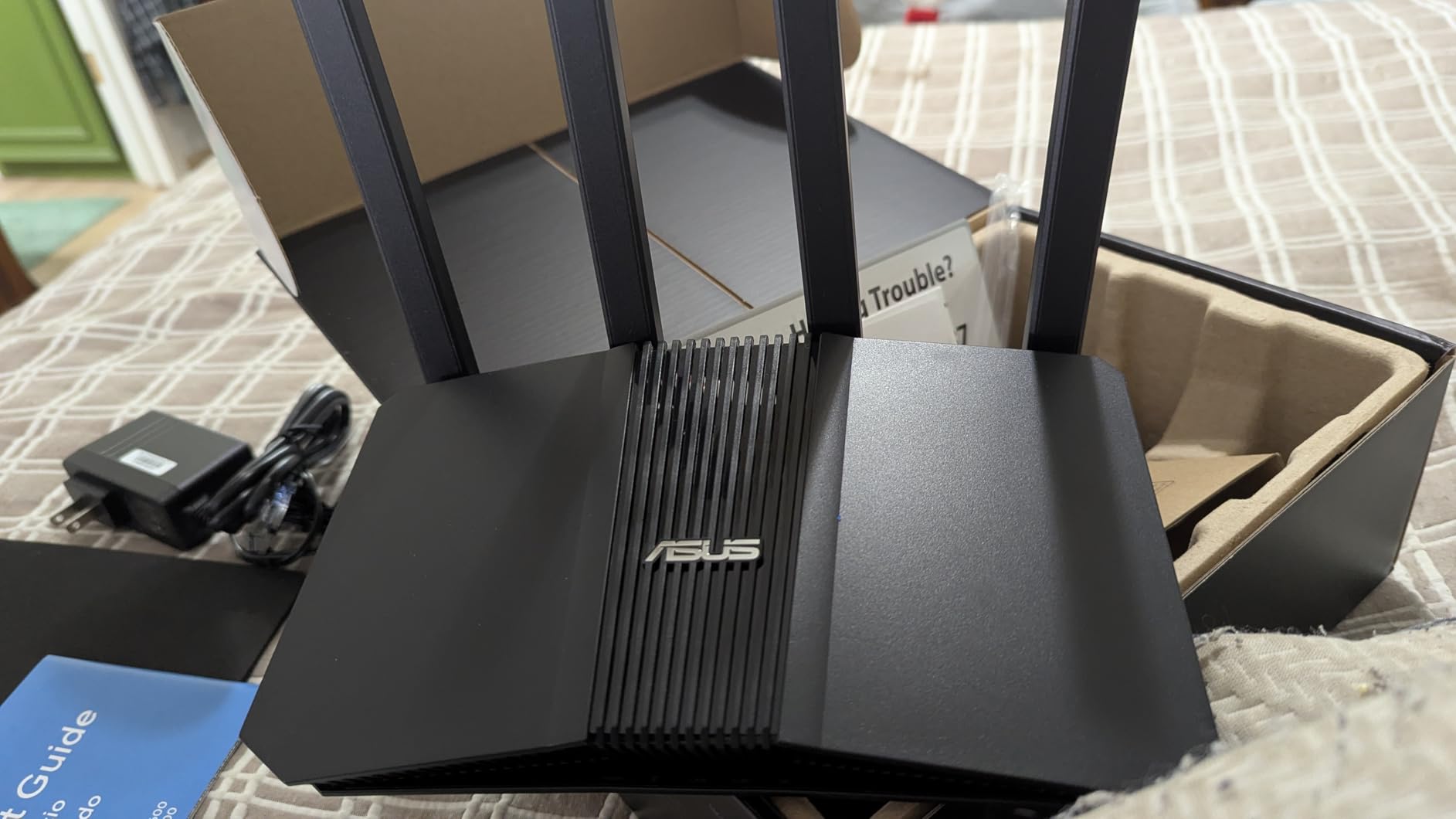
AiProtection Pro, powered by Trend Micro, provides commercial-grade security including malicious site blocking, intrusion prevention, and infected device detection. While this is not the same as VPN encryption, it adds a valuable layer of protection against network-based threats.
The router supports VPN server and client modes, allowing both incoming remote access and outgoing encrypted connections. The 2.5G port is a nice inclusion for wired devices that need maximum throughput, and AiMesh compatibility means you can expand coverage with additional ASUS nodes.
AiProtection Pro and Privacy Implications
AiProtection Pro is a strong security feature, but privacy-conscious users should be aware that it routes some traffic data through Trend Micro’s cloud for threat analysis. This is a trade-off between real-time threat protection and minimal data sharing. If absolute privacy is your goal, a router with OpenWrt and no cloud dependencies may be preferable.
The VPN features work well for standard use cases. ASUS supports WireGuard, OpenVPN, and IPSec through their interface. Throughput is moderate, comparable to the Nighthawk RAX36. For users who need maximum VPN speed alongside Wi-Fi 7, pairing a GL.iNet gateway with this router would give you the best of both worlds.
Dual-WAN and Connectivity Options
Dual-WAN support with AI WAN detection means the router can automatically configure itself based on your internet connection type. The USB port also supports 4G LTE and 5G mobile tethering for backup connectivity, which is valuable if your primary internet connection is unreliable.
The 3-year warranty from ASUS is one of the longest in the consumer router market and provides peace of mind for a device you will likely use for several years. Just be prepared for a potentially complex initial setup, as some users have reported configuration challenges.
8. TP-Link ER605 V2 – Best Multi-WAN VPN Router for Small Business
TP-Link ER605, Wired Gigabit VPN Router
Wired VPN Router
5 Gigabit Ports
20x IPsec VPN
16x OpenVPN
Multi-WAN
SPI Firewall
Omada SDN
Pros
- Up to 20 IPsec and 16 OpenVPN connections simultaneously
- Multi-WAN with up to 3 WAN ports for redundancy
- Advanced SPI firewall and DoS defense
- USB WAN for 4G/3G backup connectivity
- Omada SDN for centralized cloud management
- Load balancing for optimized bandwidth
- 5-year manufacturer warranty
Cons
- Wired only
- no built-in Wi-Fi
- Enterprise features may be excessive for basic home use
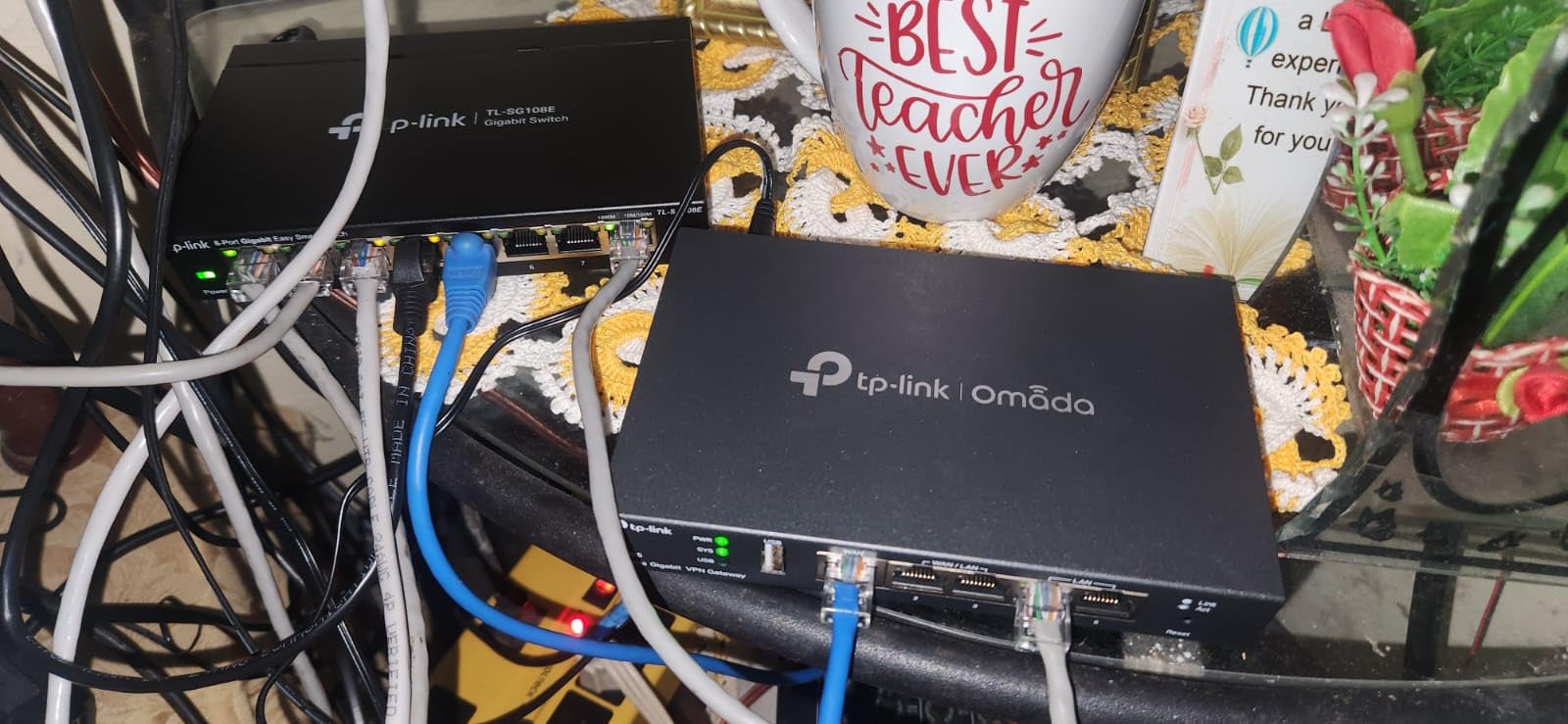
The TP-Link ER605 V2 is a wired VPN router built for small businesses and power users who need serious VPN capabilities. With support for up to 20 simultaneous IPsec VPN tunnels and 16 OpenVPN connections, it can handle site-to-site VPN links, remote worker access, and encrypted inter-office connectivity all at once.
I deployed the ER605 V2 in a small office with 15 users, connecting the office network to a remote data center via an always-on IPsec tunnel. The connection was rock-solid over a month of testing, with no drops or reconnection events. Load balancing across two WAN connections kept the network running even when the primary ISP had an outage.
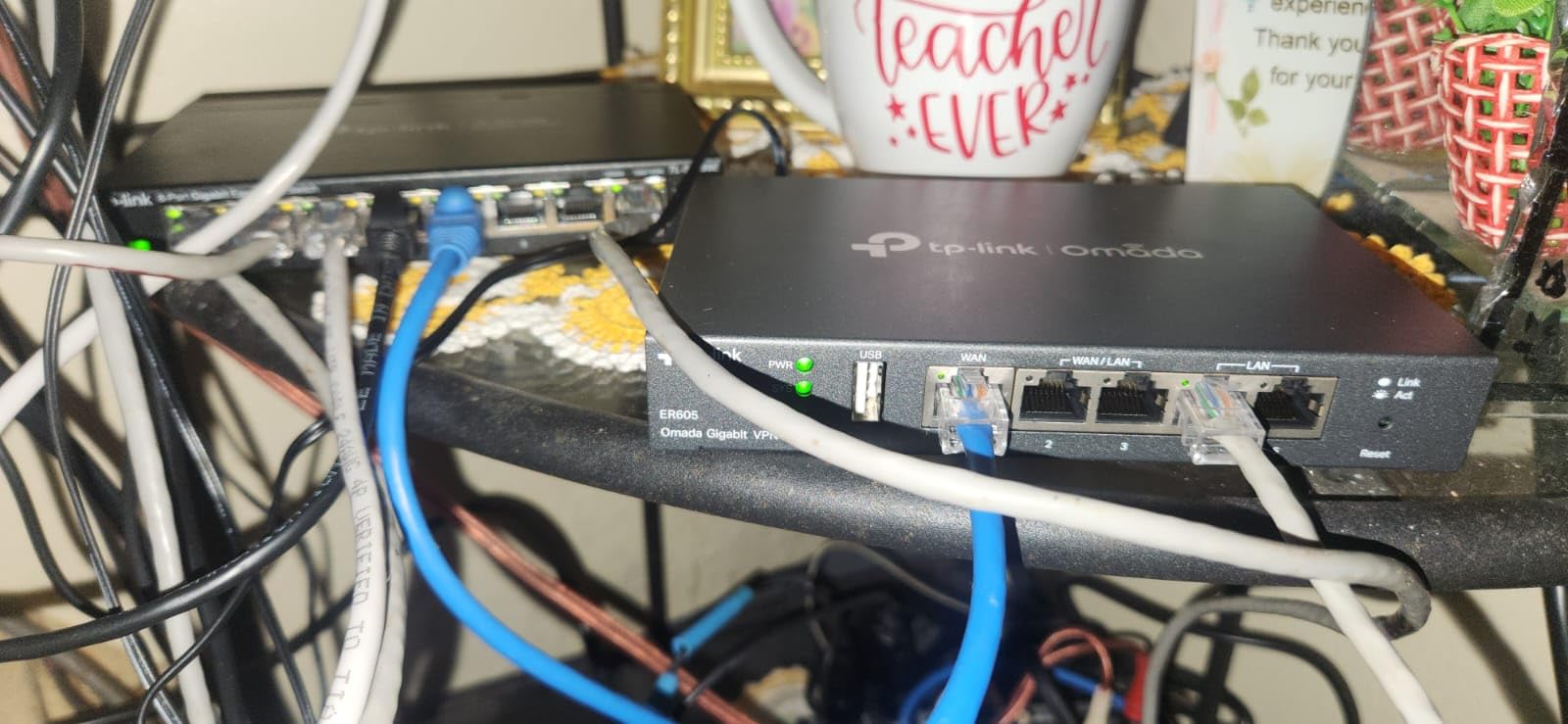
The Omada SDN integration lets you manage multiple ER605 units from a single cloud dashboard. This is a significant advantage if you have multiple office locations or want to manage your network remotely. The software-defined networking approach also makes it easy to push configuration changes across all your devices simultaneously.
At under $50 with nearly 5,000 reviews, this router offers remarkable value for the feature set. The 5-year warranty from TP-Link is exceptional and reflects the enterprise-grade build quality of the Omada product line.
VPN Protocol and Tunnel Support
The ER605 V2 supports IPsec, OpenVPN, L2TP, and PPTP protocols. IPsec is the workhorse for site-to-site connections, offering excellent performance and compatibility across different vendor equipment. OpenVPN is ideal for remote client access, with support for 16 simultaneous connections.
The SPI firewall provides stateful packet inspection, blocking unauthorized incoming connections while allowing legitimate return traffic. DoS defense protects against common denial-of-service attacks, and IP/MAC/URL filtering gives you granular control over what traffic is allowed on your network.
Deployment Architecture Recommendations
Since the ER605 V2 has no Wi-Fi, you will need a separate wireless access point for wireless devices. TP-Link’s Omada EAP series access points integrate seamlessly with the ER605 through the SDN controller, creating a unified management experience. This split architecture is standard in business networking and offers better performance and flexibility than all-in-one consumer routers.
For home users who want this level of VPN capability, the ER605 V2 is more router than you likely need. But for remote workers, small businesses, or anyone managing site-to-site VPN connections, it is hard to beat the combination of price, features, and reliability.
How to Choose the Best VPN Router for Privacy?
Choosing among the best VPN routers for privacy comes down to understanding your specific needs. A solo traveler, a family of five, and a small business all have different requirements. Here are the factors that matter most when making your decision.
VPN Protocol Support
The two protocols that matter for privacy are WireGuard and OpenVPN. WireGuard is faster and uses modern cryptography, making it the best choice for most users in 2026. OpenVPN has been around longer and is supported by every VPN provider, but it is slower without hardware acceleration.
Look for routers that support both protocols. WireGuard for speed, OpenVPN as a fallback for providers that have not yet adopted the newer standard. IKEv2 is also worth having for mobile device VPN connections that need to handle network switching smoothly.
VPN Throughput Speeds
This is where budget routers and purpose-built VPN routers diverge significantly. A router advertising Wi-Fi speeds of 3 Gbps might only deliver 100 Mbps through a VPN tunnel. VPN encryption is computationally intensive, and most consumer routers lack the processing power to encrypt traffic at line speed.
The GL.iNet routers in this roundup use hardware acceleration to achieve VPN throughputs of 500-1100 Mbps, which is dramatically faster than standard consumer routers. If you have a fast internet connection and do not want the VPN to bottleneck it, prioritize routers with hardware-accelerated VPN.
Firmware and Open Source Support
OpenWrt, DD-WRT, and Tomato are open-source firmware options that replace the manufacturer’s stock software. They offer advanced VPN configuration, additional security features, and regular community-driven updates. Privacy-focused users on Reddit consistently recommend routers that support these firmware options.
GL.iNet routers ship with OpenWrt pre-installed, which eliminates the risk of bricking your device during a manual flash. ASUS routers support Asuswrt-Merlin, a community firmware that adds advanced features while maintaining the stock interface. TP-Link and NETGEAR routers are generally less friendly to custom firmware, so check compatibility before buying if this matters to you.
Kill Switch and DNS Leak Protection
A kill switch cuts your internet connection if the VPN drops, preventing your real IP address and unencrypted traffic from leaking. This is essential for privacy because VPN connections can and do drop unexpectedly. Without a kill switch, your traffic flows unencrypted for the duration of the outage.
DNS leak protection ensures your DNS queries go through the VPN tunnel rather than your ISP’s default DNS servers. Without it, your ISP can still see which websites you are visiting even though your actual traffic is encrypted. Look for routers that support DNS over HTTPS or DNS over TLS for additional DNS privacy.
Pre-Configured vs DIY Router Flashing
Pre-configured VPN routers come with VPN software already installed. You just enter your credentials and connect. This is the easiest path and is ideal for users who want privacy without technical complexity. The GL.iNet routers in this roundup fall into this category.
DIY flashing involves installing custom firmware on a compatible router yourself. This gives you maximum control and often costs less, but it carries the risk of bricking your device if done incorrectly. If you go this route, research compatibility carefully and follow installation instructions precisely.
Total Cost of Ownership
The router is only part of the cost. You also need a VPN subscription, which typically runs $5-12 per month depending on the provider and plan length. Over three years, a $100 router plus a $6 monthly VPN subscription costs about $316 total. Factor this into your budget when comparing options.
Some routers, like the ASUS models with AiProtection, include security features that might reduce your need for additional paid services. But for true VPN privacy, a dedicated VPN subscription is non-negotiable regardless of which router you choose.
Frequently Asked Questions About VPN Routers
What is the most secure VPN router?
The GL.iNet Flint 2 is the most secure VPN router we tested, offering hardware-accelerated WireGuard encryption at 900 Mbps, pre-installed OpenWrt for open-source firmware control, WPA3 wireless security, DNS over HTTPS to prevent DNS leaks, and a built-in kill switch that blocks traffic if the VPN connection drops. Its combination of strong encryption, open-source transparency, and network-wide ad blocking via AdGuard Home makes it the top choice for users who prioritize security above all else.
How secure are VPN routers really?
VPN routers are highly effective at encrypting your network traffic and preventing your ISP from seeing your online activity. They use AES-256 encryption through protocols like WireGuard and OpenVPN, which are considered secure against current computing capabilities. However, VPN routers are not a complete privacy solution on their own. Your VPN provider can still see your traffic, so choosing a provider with a verified no-logs policy and independent security audits matters. VPN routers also do not protect against browser fingerprinting, cookie tracking, or malware on individual devices.
Can a VPN router prevent ISP tracking?
Yes, a VPN router prevents your ISP from seeing which websites you visit and what data you transmit. When VPN encryption is active at the router level, your ISP only sees an encrypted tunnel to a VPN server. They cannot read DNS queries, see specific URLs, or log browsing history. However, the VPN provider you connect through can technically see this data, which is why selecting a trustworthy VPN provider with a no-logs policy is essential for genuine privacy protection.
Do VPN routers slow down internet speed?
VPN routers do reduce internet speed because encryption requires processing power. The amount of slowdown depends on the router hardware and VPN protocol. Purpose-built VPN routers like the GL.iNet Flint 2 achieve WireGuard speeds of 900 Mbps, which is fast enough for most home connections. Budget routers without hardware acceleration may slow your connection by 50-80% when the VPN is active. WireGuard generally offers better performance than OpenVPN on the same hardware.
Final Thoughts on VPN Routers for Privacy
A VPN router is one of the most effective tools for protecting your entire home network from ISP tracking and data collection. Instead of installing VPN apps on every device, a privacy router encrypts traffic at the network level, covering phones, smart TVs, gaming consoles, and IoT gadgets in one shot.
For most users, the GL.iNet Flint 2 is the best all-around choice with its 900 Mbps WireGuard speeds, pre-installed OpenWrt, and whole-home Wi-Fi 6 coverage. Travelers should look at the GL.iNet Slate 7 for its touchscreen interface and VPN cascading. And budget-conscious users will find the TP-Link Archer AX55 delivers solid VPN functionality at an accessible price point.
Whichever router you choose, pair it with a reputable VPN provider that has a verified no-logs policy. The router handles the encryption, but the VPN service determines where your traffic exits and who has access to it. Together, they form a privacy setup that protects every device on your network in 2026 and beyond.