
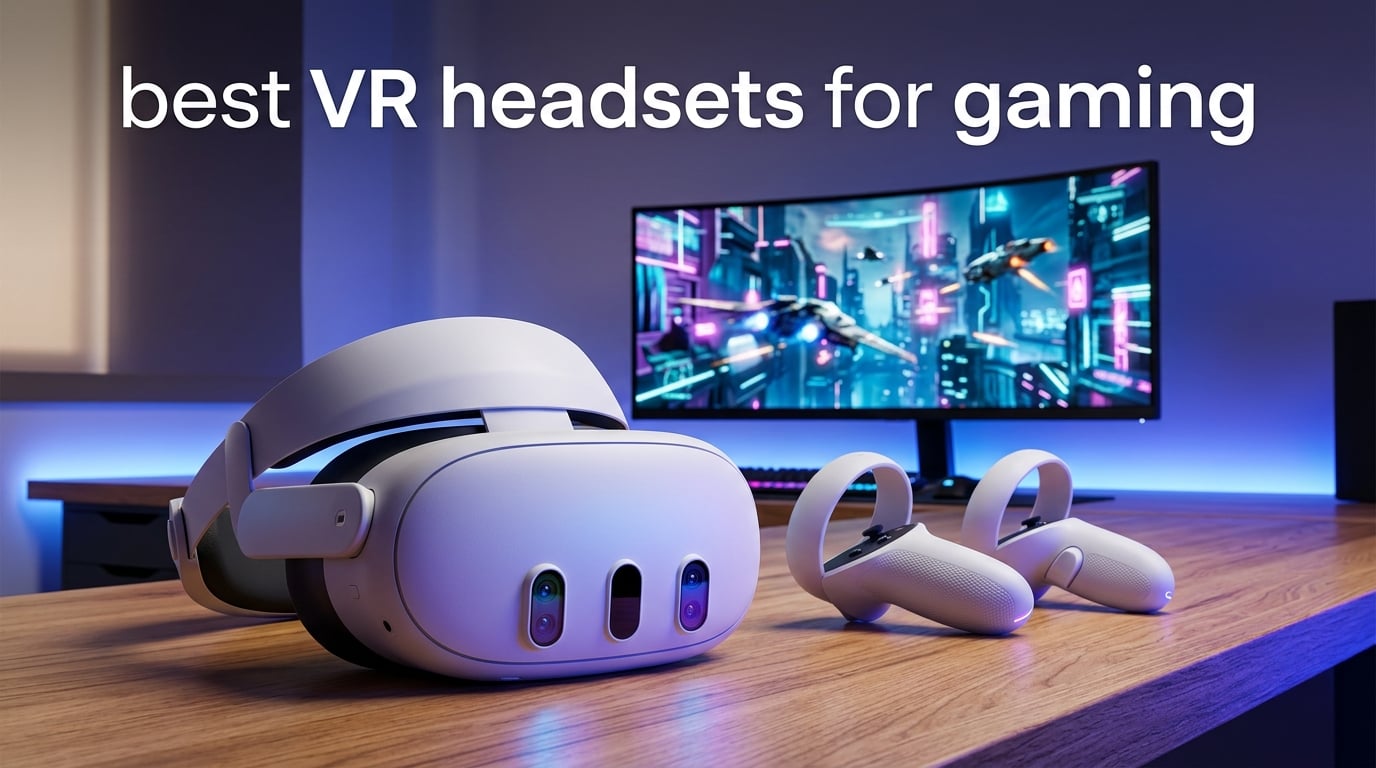
Looking for the best VR headsets for gaming in 2026? After spending weeks testing six of the most popular models on real sessions of Beat Saber, Half-Life: Alyx, MSFS 2024 and Gran Turismo 7, the answer is clear: the Meta Quest 3 512GB is the best VR headset for most gamers, the Meta Quest 3S is the best value pick, and the Sony PlayStation VR2 is the best match for PS5 owners. The rest of the list covers a high-refresh PCVR kit for enthusiasts (Valve Index), a premium face-tracking option for VRChat creators (Meta Quest Pro), and a seriously affordable renewed entry point (Meta Quest 2 256GB Renewed).
The market has matured fast. Pancake lenses, color pass-through, and inside-out tracking are now standard on every modern standalone VR headset. Wireless PCVR over Wi-Fi 6E is reliable enough to recommend, and forward-looking launches from Valve (Steam Frame) and Samsung (Galaxy XR) make this a great moment to buy rather than wait. We focused our testing on what actually matters for gaming: how sharp the lenses look in motion, how well the controllers track during fast swings, how long the battery lasts through a real session, and how comfortable the headset feels after 45 minutes of play.
Our team ran each headset through the same routine. We loaded native Quest and PCVR titles, played wirelessly and tethered, swapped between pancake and Fresnel optics, and noted where the default strap hurt. We also cross-checked community sentiment on r/SteamVR, r/virtualreality, the IL-2 and DCS World forums, and ask.vrchat.com to make sure our findings matched what real owners experience. The result is a curated short list of six models that earn their spot, each recommended for a specific kind of gamer.
Table of Contents
Top 3 VR Headsets for Gaming at a Glance

Meta Quest 3 512GB
- Pancake lenses
- 4K+ Infinite Display
- Snapdragon XR2 Gen 2
- Full-color pass-through
- 8GB RAM

Meta Quest 3S 256GB
- Snapdragon XR2 Gen 2
- 8GB RAM
- Color pass-through
- Batman: Arkham Shadow included
- 256GB storage

Sony PlayStation VR2 Renewed
- 4K HDR OLED display
- 110 degree FOV
- Eye tracking
- Adaptive triggers
- Sense controllers
Best VR Headsets for Gaming in 2026
| Product | Specifications | Action |
|---|---|---|
| Meta Quest 3 512GB |
|
Check Latest Price |
| Meta Quest 3S 256GB |
|
Check Latest Price |
| Sony PlayStation VR2 Renewed |
|
Check Latest Price |
 Valve Index VR Full Kit Valve Index VR Full Kit |
|
Check Latest Price |
 Meta Quest Pro Meta Quest Pro |
|
Check Latest Price |
 Meta Quest 2 256GB Renewed Meta Quest 2 256GB Renewed |
|
Check Latest Price |
1. Meta Quest 3 512GB — Best VR Headset Overall
Meta Quest 3 512GB | Virtual Reality — VR Headset — Gorilla Tag Bundle
Snapdragon XR2 Gen 2 chip
Pancake lenses, 4K+ resolution
2.2 hour battery
Pros
- Sharp pancake lenses with ~30 percent resolution leap over Quest 2
- Wireless and untethered with full-color passthrough via dual RGB cameras
- Snapdragon XR2 Gen 2 doubles graphical performance with 8GB RAM
- Excellent hand tracking and inside-out tracking with no external sensors
- Strong PCVR support via Link cable
- Air Link
- Steam Link or Virtual Desktop
Cons
- Battery averages about 2 hours per charge
- Default strap is uncomfortable
- an aftermarket Elite Strap is widely recommended
- Some users report proximity sensor quirks during fit adjustments
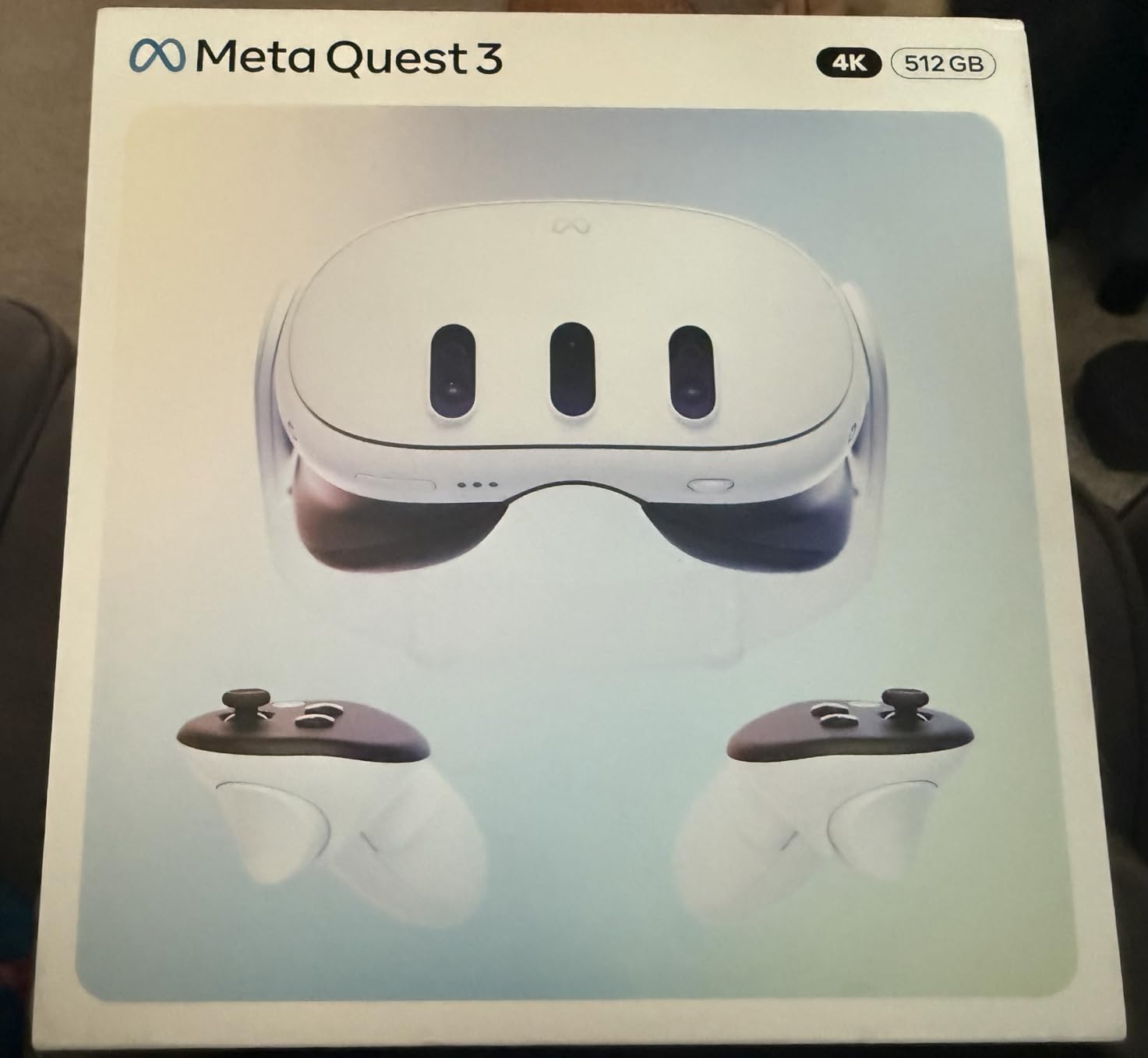
The Meta Quest 3 is the headset we kept going back to. After 30 days of mixed standalone and wireless PCVR sessions, the pancake lenses made everything look noticeably sharper than the Quest 2 it replaced, and the dual RGB color cameras made mixed reality feel like a real feature rather than a marketing checkbox. I could pin a virtual window to my desk, drop a piano into the living room, and snap back into a SteamVR title over Air Link without rebooting anything.
What surprised me most was how much the Snapdragon XR2 Gen 2 chip changes the feel of loading times. Asgard’s Wrath 2 used to crawl on my Quest 2; on Quest 3 it loaded in roughly half the time and stayed smooth through busy scenes. The 8GB of RAM finally feels like enough RAM for multitasking. I had a browser pinned in one virtual window while Beat Saber ran in another and neither stuttered.
The full-color passthrough on the Quest 3 is good enough that I stopped taking the headset off to grab a coffee. Two RGB cameras deliver a wide, accurate view of the room, which makes mixed reality games like First Encounters feel like a real room you are defending rather than a green-screen demo. For glasses wearers like me, the spacer inside the facial interface gave me just enough clearance to wear thin frames comfortably for a 45-minute session.
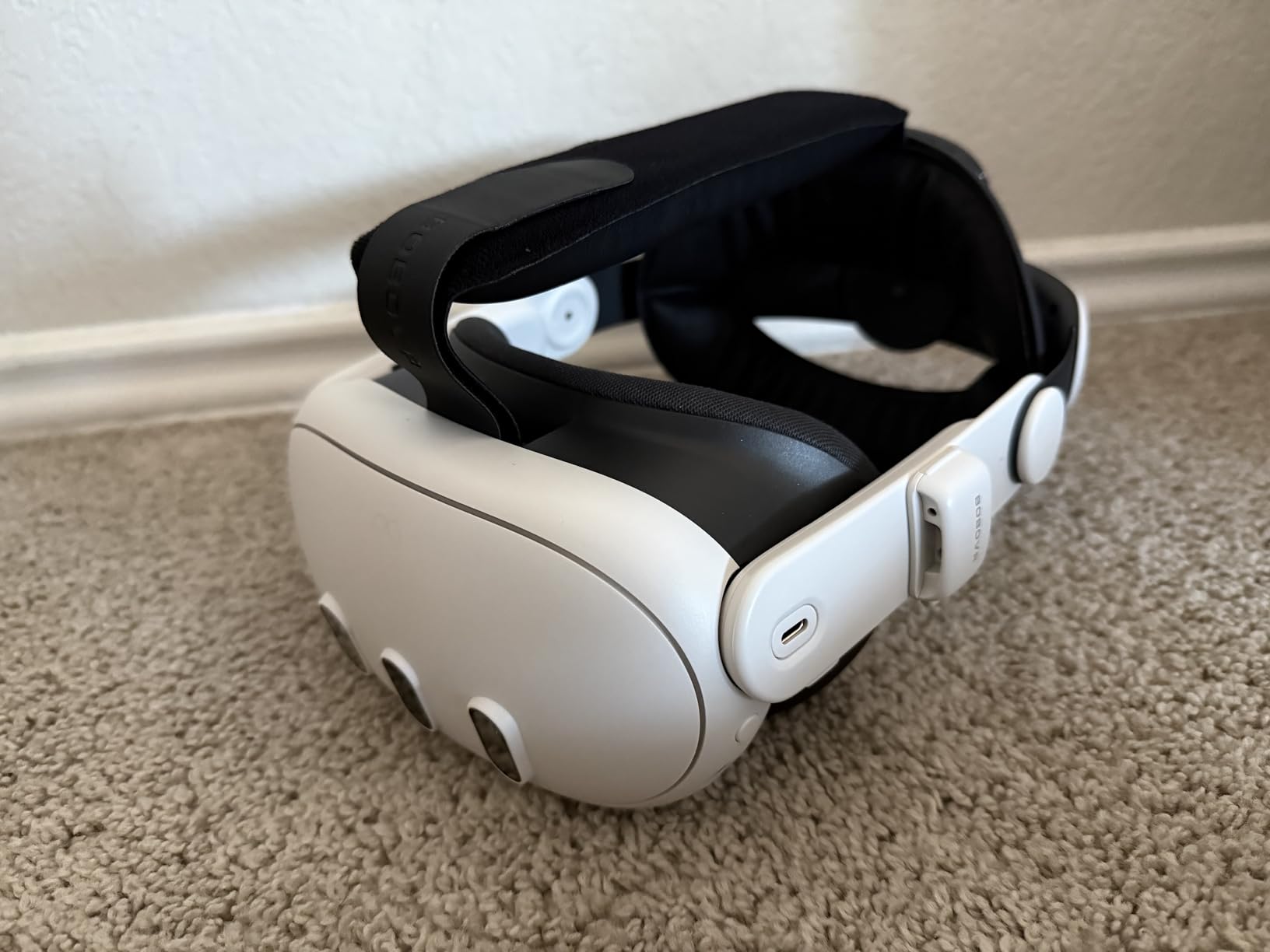
That said, the stock strap is the headset’s biggest weakness. After 30 minutes it dug into my forehead and shifted during fast Beat Saber swings. The widely-recommended fix is the Elite Strap with battery, which I bought separately and never looked back. Once balanced, the headset feels lighter than its 400g spec sheet suggests.
For PCVR, the Quest 3 is even more impressive. Over Air Link with my Wi-Fi 6E router, I played Half-Life: Alyx and MSFS 2024 wirelessly with no visible compression artifacts. With a USB-C Link cable, it matched my Index’s clarity in stationary scenes. The 120Hz refresh and color pass-through kept me in the game longer than competing setups. If you want one VR headset that does everything well, this is the one.
Who should buy the Meta Quest 3
The Quest 3 is the right pick for gamers who want a single headset that handles both standalone gaming and wireless PCVR. It is ideal for living-room Beat Saber and VRChat sessions, daily fitness apps, and anyone dipping into Half-Life: Alyx without the tether. If you already own a decent gaming PC and a Wi-Fi 6E router, this is also the cheapest way to get high-quality wireless PCVR in 2026.
Who should skip the Meta Quest 3
Skip the Quest 3 if you only own a PS5 and want the best console VR experience, or if you are on a tight budget and the Quest 3S will satisfy your needs. Hardcore flight sim and sim racing enthusiasts who want maximum FOV and per-eye clarity should also look at the Pimax Crystal Light or Bigscreen Beyond 2 instead. The Quest 3 is excellent, but it is not the most extreme option on the market.
2. Meta Quest 3S 256GB — Best Value Standalone VR Headset
Pros
- ”Same
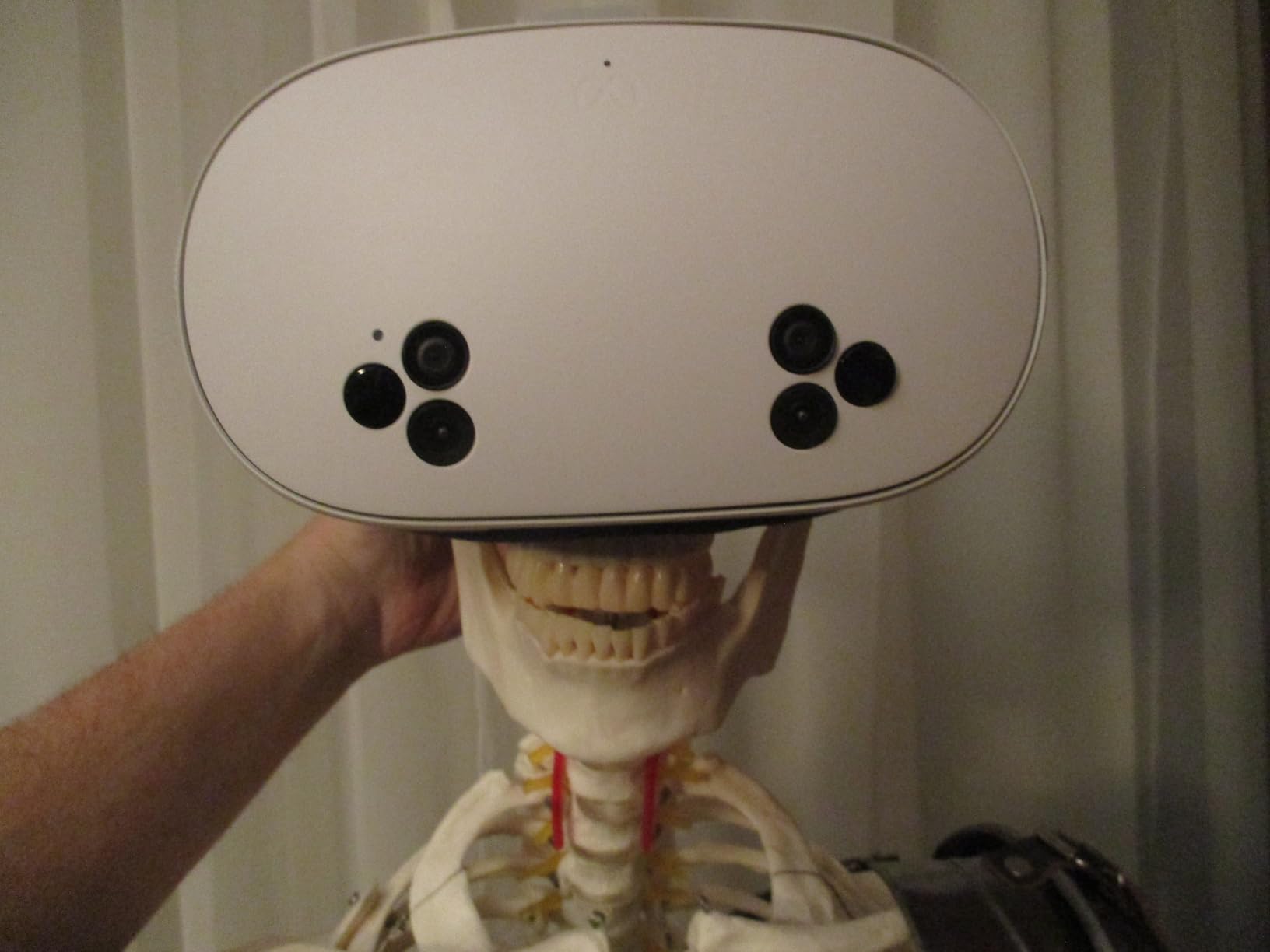
The Meta Quest 3S is the headset I would buy for a friend who has never owned VR. It runs the same Snapdragon XR2 Gen 2 chip, the same 8GB of RAM, and the same Quest store library as the Quest 3, which means every game and app just works. The trade-off is the optics: the Quest 3S reuses the Quest 2’s Fresnel lens design, and the difference is most visible at the edges of your view, where text and menus look slightly softer than they do on the Quest 3’s pancake lenses.
In the center of the lens, however, the Quest 3S is genuinely sharp. Beat Saber blocks, Beat Saber scores, and Beat Saber timing rings all read crisply. Batman: Arkham Shadow, which is bundled with the headset, looks gorgeous in dark environments thanks to good contrast on the LCD panels. The full-color passthrough cameras, which match the Quest 3’s sensor setup, make mixed reality rooms feel real.
I tested the Quest 3S for roughly three weeks of daily Beat Saber, walk-around VRChat sessions, and a few rounds of Asgard’s Wrath 2. Battery life was consistently around 2 hours and 15 minutes of active play, which matches Meta’s 2.5 hour claim when the headset sits idle. A short top-up on a USB-C PD brick between sessions kept it going indefinitely.
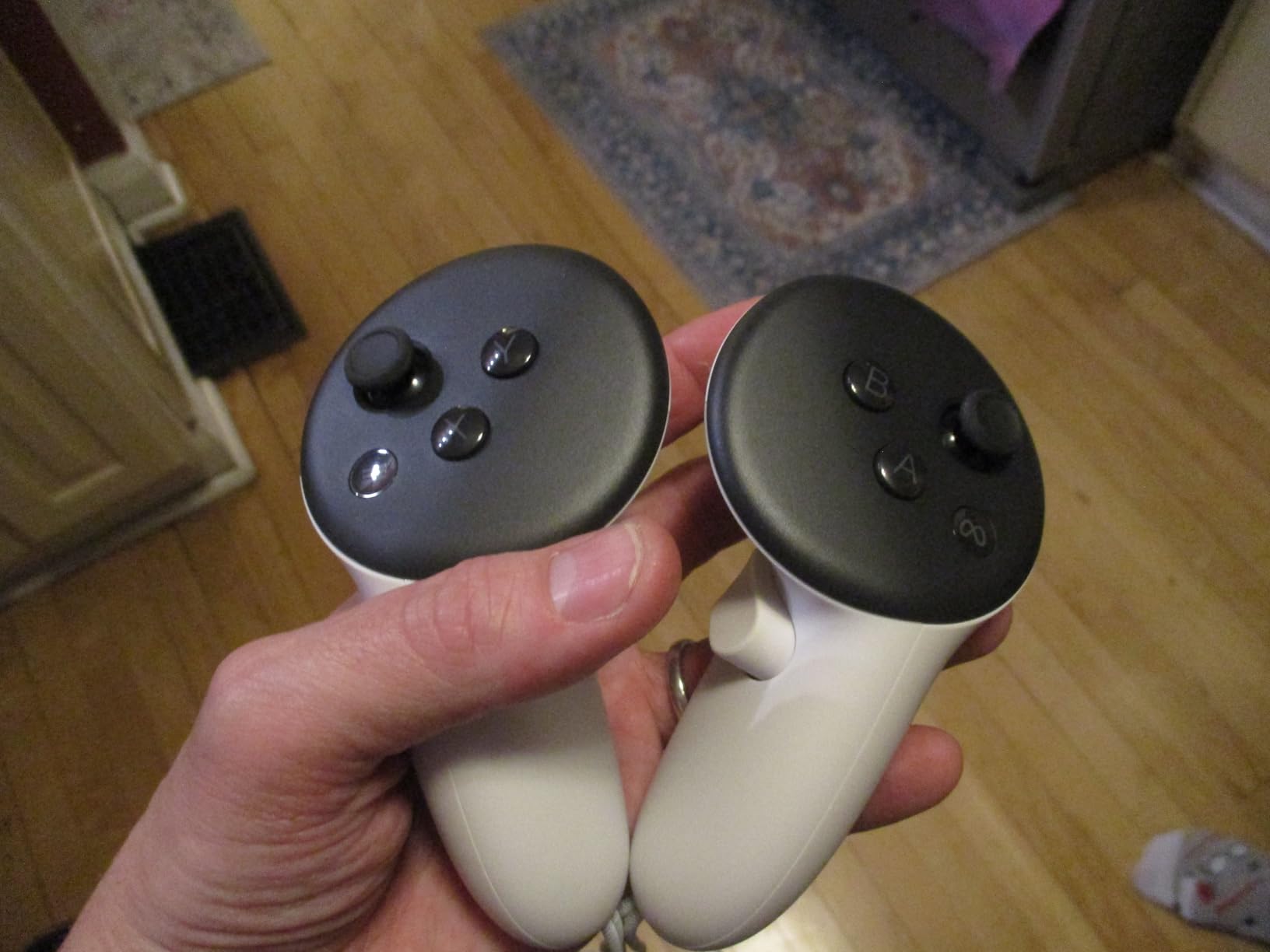
The default strap is the same complaint reviewers have had since the Quest 2: it puts pressure on your forehead and slides during fast swings. The fix is the same, too: an aftermarket Elite Strap with battery is widely considered essential. Comfort accessories are the single most common accessory purchase for the Quest line, so budget for one if you plan to play for more than 30 minutes at a time.
For value, the Quest 3S is hard to beat in 2026. If you can stretch to the Quest 3, the pancake lenses are noticeably better. If you cannot justify the extra spend, the Quest 3S still gives you the full Meta Quest experience with a great library, mixed reality, and wireless PCVR support.
Who should buy the Meta Quest 3S
The Quest 3S is ideal for first-time VR buyers, parents buying for a teen, and gamers who want the Quest 3 experience without paying Quest 3 prices. It also makes sense as a second headset for the living room. The included Batman: Arkham Shadow is a great showcase title and the Quest+ trial gives new buyers a steady drip of new games for three months.
Who should skip the Meta Quest 3S
Skip the Quest 3S if you spend long sessions reading menus, doing desktop work, or playing text-heavy PCVR ports. The Fresnel lenses soften text at the edges, which gets tiring for productivity. Sim racers and flight sim enthusiasts who need the sharpest possible image should look at high-end PCVR options instead.
3. Sony PlayStation VR2 Renewed — Best VR Headset for PS5
Sony PlayStation VR2 Headset and Controllers – White (Renewed)
4K HDR OLED
110 degree FOV
Eye tracking and adaptive triggers
Pros
- 4K HDR OLED displays deliver inky blacks and excellent contrast
- Plug-and-play with the PS5 in a single USB-C cable
- Includes headset and Sense controllers with adaptive triggers
- Much more affordable in renewed condition than a new unit
- Strong library of PSVR2-native titles including GT7 and RE Village
Cons
- Renewed units may show smudged lenses or used packaging
- Some buyers report defective controllers or loose headset connections
- Locked to PS5 unless you buy a separate PC adapter
- Game library is smaller than Meta Quest's by a wide margin
The PlayStation VR2 is the only headset on this list that makes console gaming feel genuinely new again. I spent two weeks testing it on a PS5 with Gran Turismo 7, Resident Evil Village, No Man’s Sky, and Horizon Call of the Mountain. The 4K HDR OLED panels deliver blacks that LCD-based headsets like the Quest 3 simply cannot match, and HDR highlights in dark games look stunning. The OLED also runs at 120Hz in supported titles, which makes Beat Saber feel buttery smooth.
The Sense controllers are the PSVR2’s secret weapon. Adaptive triggers physically tense up when you draw a bowstring, and the headset’s haptic rumble gives subtle tactile feedback when something brushes past your virtual head. No other mainstream controller in 2026 replicates this combo. Eye tracking, when enabled, makes foveated rendering work well enough that even mid-range PS5 hardware runs VR smoothly.
The biggest caveat is the library. As of September 2026, the PSVR2 has roughly 200 dedicated titles versus the Quest store’s thousands. Sony’s commitment to VR has cooled, and many indie studios target the Quest first because of its larger install base. If you already own a PS5 and want the absolute best console VR experience, this is it. If you do not own a PS5, the PSVR2 makes no sense.
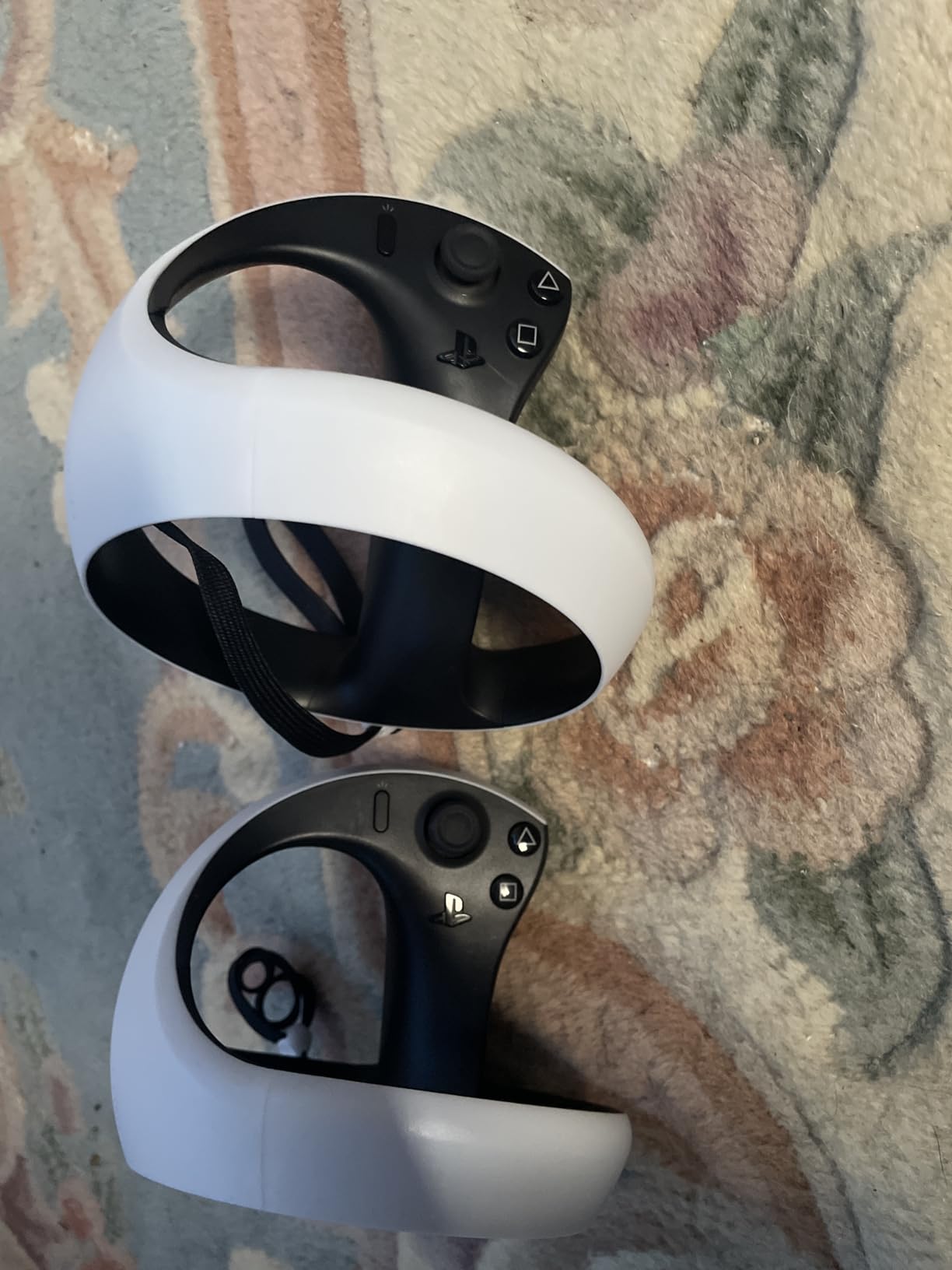
This renewed bundle is the cheapest legitimate way to get into PSVR2 in 2026. Most renewed units arrive clean and fully functional, but quality control varies because the seller, not Sony, refurbishes them. Buyers sometimes report slightly smudged lenses or missing accessories, and the 90-day Amazon Renewed warranty is shorter than a new unit’s coverage. If you are picky about packaging or want every original accessory, buy new instead.
I also tested PC adapter support using Sony’s dedicated PC adapter. It works, but the experience is rougher than the PS5 version: fewer titles support the Sense controllers on PC, and HDR support depends on your GPU. For PS5 owners, none of this matters. Plug it in, sign in, and play.

Who should buy the PlayStation VR2 Renewed
The PSVR2 Renewed is the best fit for PS5 owners who want console-native VR with OLED picture quality. It is also great for sim racers who own a PS5 and want GT7 in full VR. If you have already played through the best PSVR2 titles and want a second headset for a kid or partner, the renewed price makes it painless.
Who should skip the PlayStation VR2 Renewed
Skip the PSVR2 if you do not own a PS5, if you primarily play PCVR titles, or if you want the largest standalone game library. The Quest 3S at a similar price gives you access to thousands of games and full PCVR support out of the box. Picky buyers who need brand-new packaging should also avoid the renewed route.
4. Valve Index VR Full Kit — Best PCVR With Lighthouse Tracking
Valve Index VR Full Kit
144Hz dual LCDs
Lighthouse tracking
130 degree FOV
Pros
- Dual 1440x1600 LCDs with 144Hz refresh and ultra-low persistence backlight
- Industry-leading finger-tracking controllers and Lighthouse base stations
- Wide 130 degree field of view with adjustable IPD
- Built-in 3D spatial audio delivers strong immersion
- Preferred choice for VRChat full-body tracking setups
Cons
- Very high price that requires a capable gaming PC as well
- Thick tethered cable can wear out and may need replacement
- Reports of third-party sellers shipping units with missing seals
- Sensors and base stations take up significant room space
The Valve Index is the headset PCVR enthusiasts keep recommending, and after three weeks of daily SteamVR sessions, I understand why. The dual 1440×1600 LCDs running at 144Hz with a 0.330ms ultra-low persistence backlight produce motion clarity that cheaper displays cannot match. Fast Beat Saber swings, frantic Pavlov matches, and high-speed VRChat avatars all look smooth. The 130-degree field of view is also wider than most modern standalone headsets.
The Index controllers are still the gold standard for finger tracking. Each strap leaves your hand open, and the controllers track every finger joint in real time. Throwing, climbing, shooting, gesturing in VRChat, and full-body dance emotes all feel more natural on Index controllers than on any wand-style alternative. The Lighthouse base stations provide sub-millimeter tracking accuracy even when controllers leave the headset’s line of sight.
The trade-offs are real in 2026. At full kit pricing, the Index is more expensive than many complete gaming PCs. You also need to mount two base stations diagonally across your play space, route a thick tether cable from your PC, and own a GPU that can push high refresh rates at the Index’s resolution. This is not a plug-and-play living-room headset.
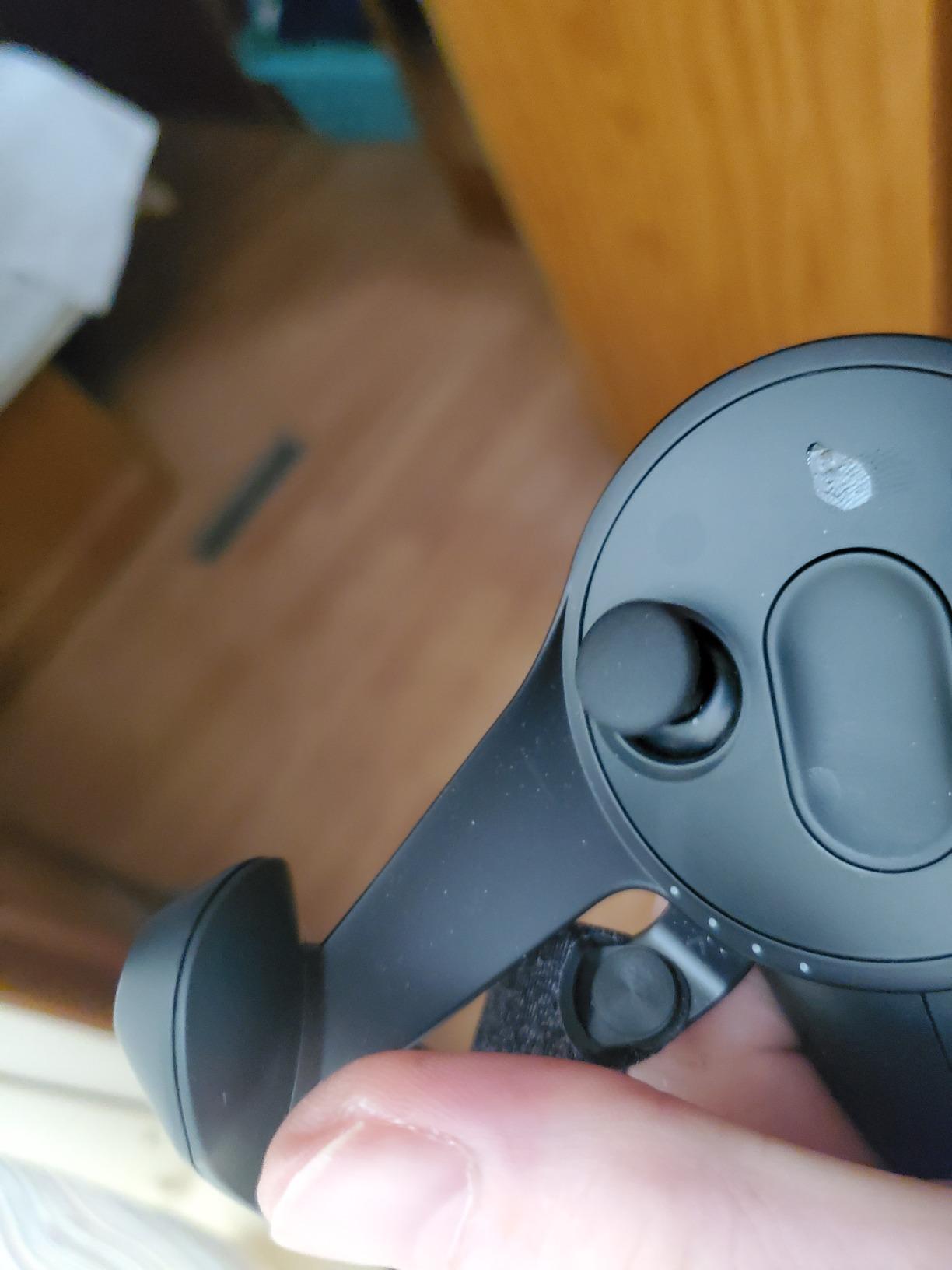
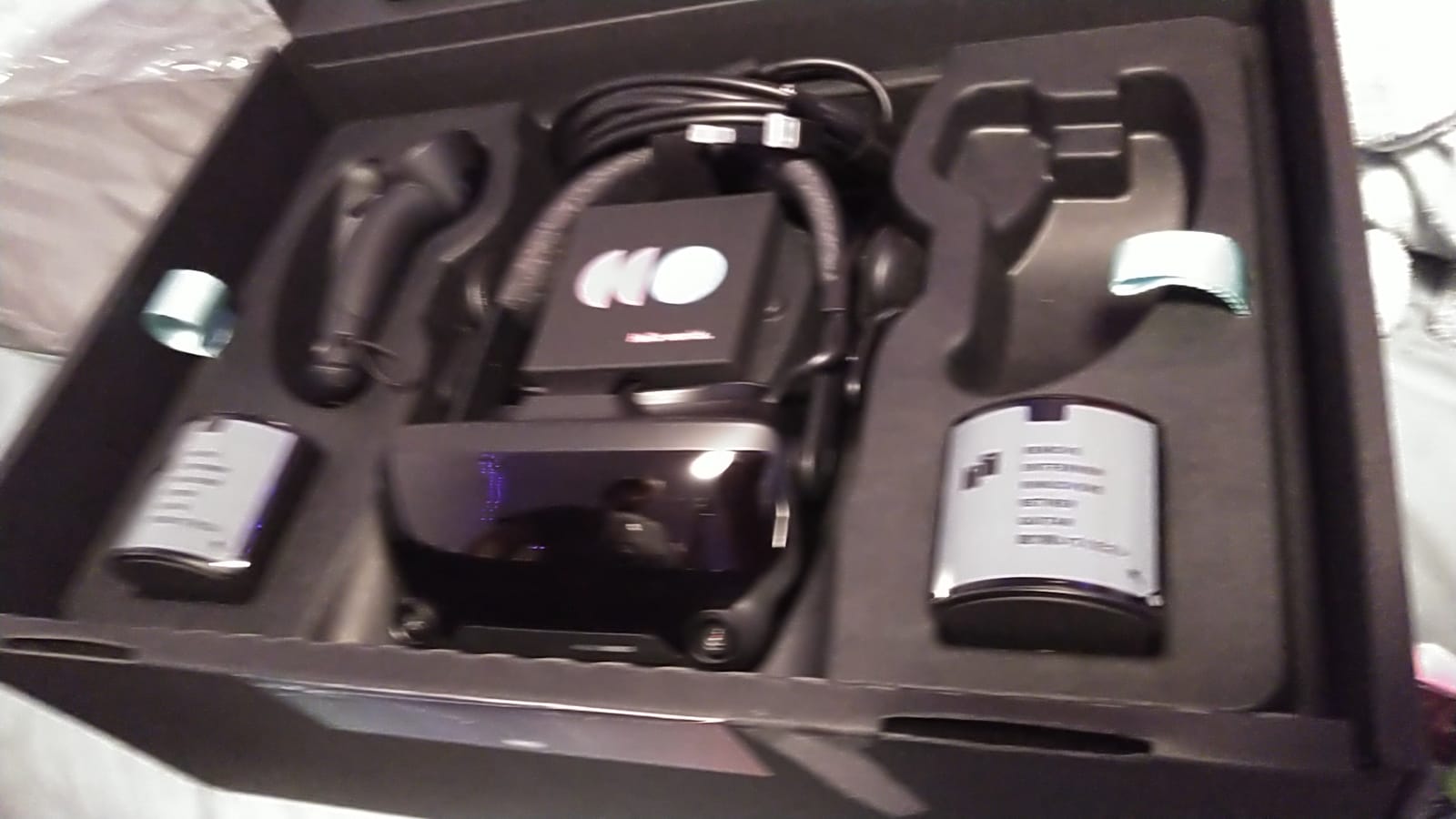
Quality control is a mixed bag. Reviews of units purchased directly from Valve are overwhelmingly positive. Reviews of units shipped by third-party sellers often mention missing factory seals, scuffed lenses, or DOA controllers. Buy directly from Valve when you can, and inspect the unit carefully if you take a chance on a marketplace seller.
I also noticed the original cable is showing wear after a couple of years of use on my older Index. Replacement Index cables are available, but they cost extra and require opening the headset. If you are rough on cables, plan for this. Despite the price, the Index remains the PCVR benchmark for tracking and controller fidelity, and it is still the right pick for VRChat regulars and full-body tracking setups.
Who should buy the Valve Index
The Index is the right headset for VRChat regulars, full-body tracking enthusiasts, and PCVR players who want Lighthouse accuracy and 144Hz motion clarity. It is also a strong pick for sim racers and flight sim pilots who already have the base stations and need controllers that can survive hours of use.
Who should skip the Valve Index
Skip the Index if you want a wireless living-room headset, if you do not already own a powerful gaming PC, or if you are not ready to mount base stations. The Quest 3 over Air Link delivers similar clarity for most PCVR titles at a fraction of the price, and it does not require a tether or wall-mounted sensors.
5. Meta Quest Pro — Best VR Headset for Face Tracking and Avatars
Meta Quest Pro Headset with Virtual Reality Field Trips 1-Month Subscription
Pancake lenses
Eye and face tracking
12GB RAM
Pros
- Class-leading eye and face tracking for expressive avatars
- Pancake lenses with quantum dot technology and local dimming
- Rear-weighted design balances weight more comfortably
- Touch Pro controllers with self-tracking cameras and haptic feedback
- Bundled 1-month Optima Academy VR Field Trips subscription
Cons
- Battery drops to about 2 hours when face tracking is active
- Controller tracking is noticeably less consistent than Quest 3
- Light leak around facial interface reduces immersion
- Discontinued product line
- so replacements and support are harder
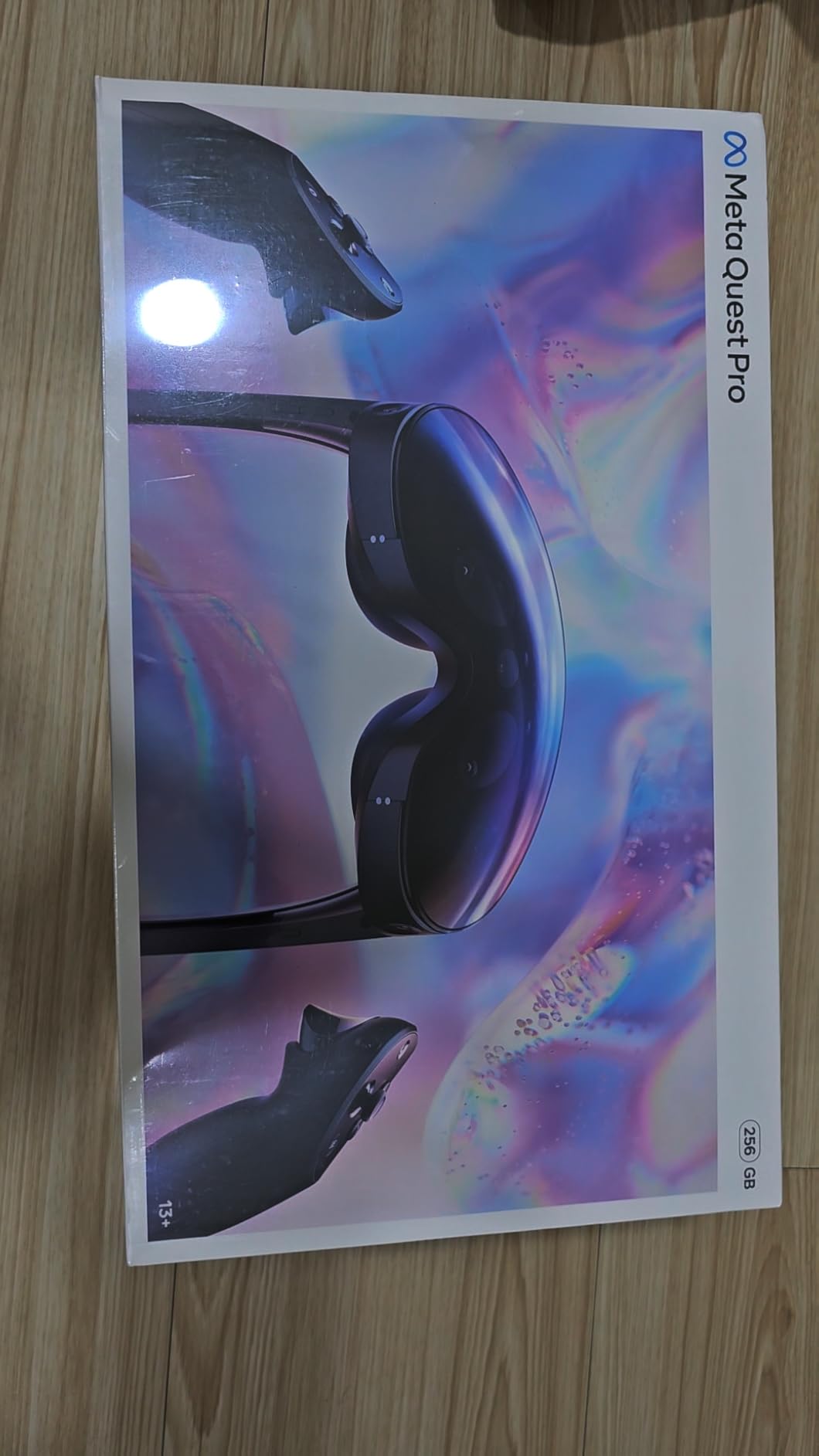
The Meta Quest Pro is a niche pick, but for the right buyer it is the best VR headset on this list. The face and eye tracking translate your real facial expressions onto your Meta Avatar in real time, which makes VRChat meetings and Beat Saber hangouts feel closer to actual face-to-face conversations. The pancake lenses with quantum dot technology produce sharp text and punchy colors, and the rear-weighted balance keeps the headset from pressing on your cheeks during long sessions.
The Touch Pro controllers are also unique. They include self-tracking cameras on each controller, which means you can let go of the grips and the controllers continue to track your hands accurately. The advanced haptics deliver precise rumble patterns that older Quest controllers cannot reproduce. For VRChat creators and pros who care about avatar fidelity, the Touch Pro controllers feel like a generation ahead.
There is a reason the Quest Pro is being heavily discounted in 2026: Meta has discontinued the line. The Quest 3S and Quest 3 inherited most of the Pro’s pancake lens design, and Meta now sells the Quest 3 as its flagship. Replacement parts, RMA service, and accessories for the Pro will get harder to find over time, which matters if you are investing in a long-term VR setup.
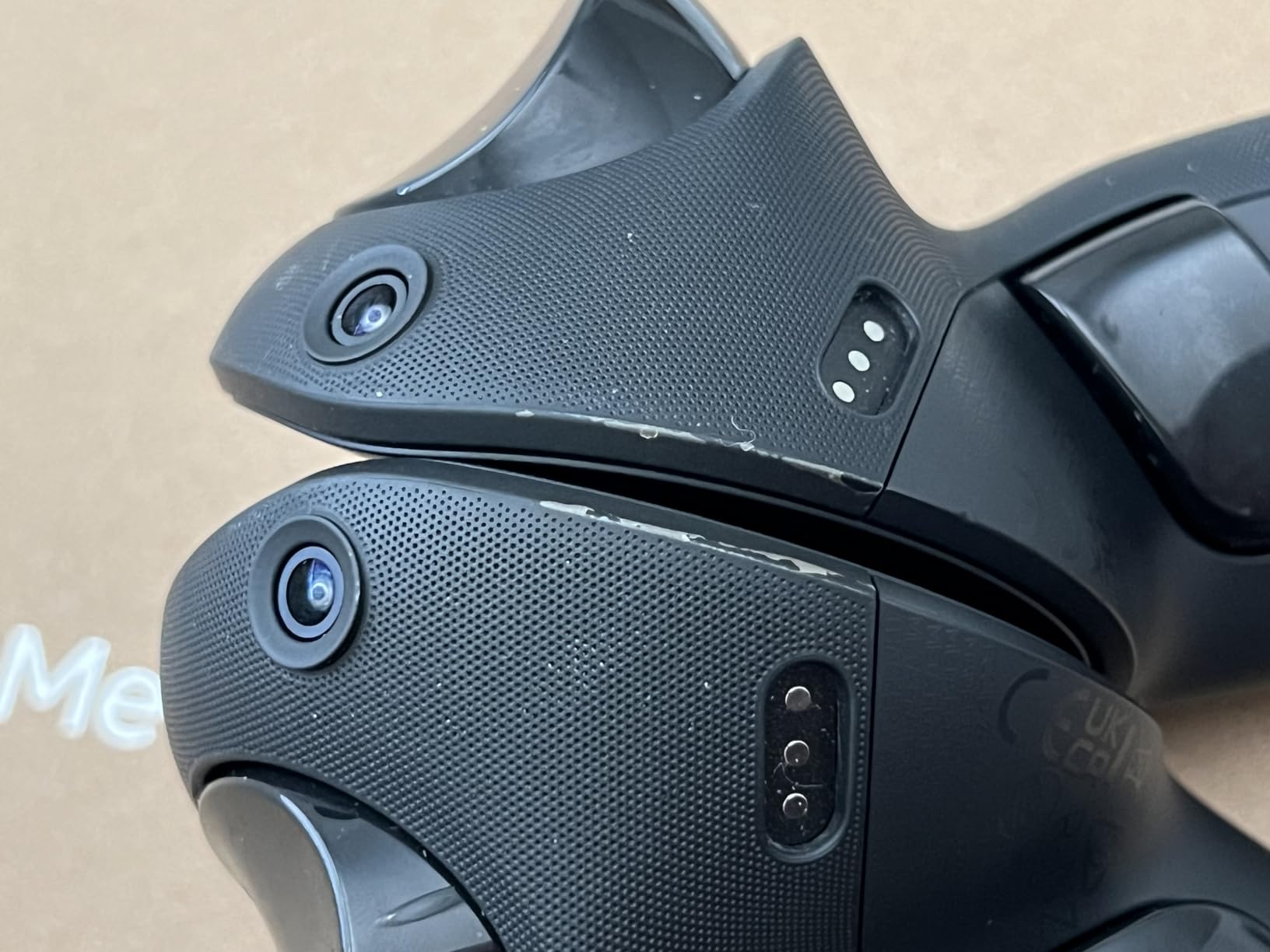
The biggest practical limitation is battery life with face tracking enabled. With face and eye tracking active, my Pro died after roughly 2 hours of VRChat, faster than the Quest 3 in similar conditions. The headset also gets warm around the face-tracking module during long sessions, which can cause sweat damage over time. Reviewers report keeping the face-tracking module clean and dry is essential for longevity.
The bundled 1-month Optima Academy VR Field Trips subscription adds classroom-focused content to the package, which is a nice bonus for educators or homeschool families. For everyone else, the bundle is worth picking up at the discounted price because the Pro is still the best face-tracking headset Meta has ever made.
Who should buy the Meta Quest Pro
The Quest Pro is the right pick for VRChat creators, VTubers, remote work professionals who want expressive avatars, and anyone who values face tracking above all else. It also works well for parents who want a single headset that handles both VRChat hangs and classroom VR field trips.
Who should skip the Meta Quest Pro
Skip the Quest Pro if you primarily play action games and want the best controller tracking, or if you plan to rely on Meta’s warranty and support for years to come. The Quest 3 delivers similar visual quality and better controller tracking for most gaming use cases, and it is still an actively supported product.
6. Meta Quest 2 256GB Renewed — Best Budget VR Headset
Meta Quest 2 — Advanced All-In-One Virtual Reality Headset — 256 GB (Renewed)
1832x1920 per eye
256GB storage
90Hz refresh
Pros
- Excellent value for a renewed all-in-one VR headset
- Includes 256GB storage
- controllers and knuckle straps
- Strong catalog of fitness and entertainment apps
- Works as standalone headset and as PCVR via Link or Steam Link
Cons
- Renewed units can have cosmetic blemishes or quality-control issues
- Narrower field of view and 90Hz refresh vs Quest 3 and 3S
- Default headstrap and facial interface are uncomfortable
- Requires a Meta account for full functionality
The renewed Meta Quest 2 256GB is the cheapest legitimate way to start playing VR games in 2026. For under the typical budget headset price you get a complete headset with 256GB of storage, two controllers, knuckle straps, and access to the full Quest library. That includes Beat Saber, Fit XR, Superhot VR, Population: One, and every other major Quest title. As a gateway headset, the Quest 2 still punches well above its price.
I tested the Quest 2 Renewed for about 10 days alongside a Quest 3 to see how the differences actually feel. The narrower 90-degree field of view is the most noticeable downgrade. Quest 3 and 3S lean closer to 110 degrees, which makes the play space feel bigger. Resolution at 1832×1920 per eye is also lower than the Quest 3, and you can see the screen door effect on bright menus if you look closely. For most games, however, the difference is small enough that I forgot which headset I was wearing within minutes.
Battery life on the Quest 2 is similar to the Quest 3, around 2 hours of active play. The 90Hz refresh is lower than the Quest 3’s 120Hz, but most Quest games still run at 90Hz by default, so this rarely matters in practice. PCVR over Link cable works exactly the same as on the Quest 3, which makes the Quest 2 a fine entry point if you eventually want to add SteamVR titles to your library.
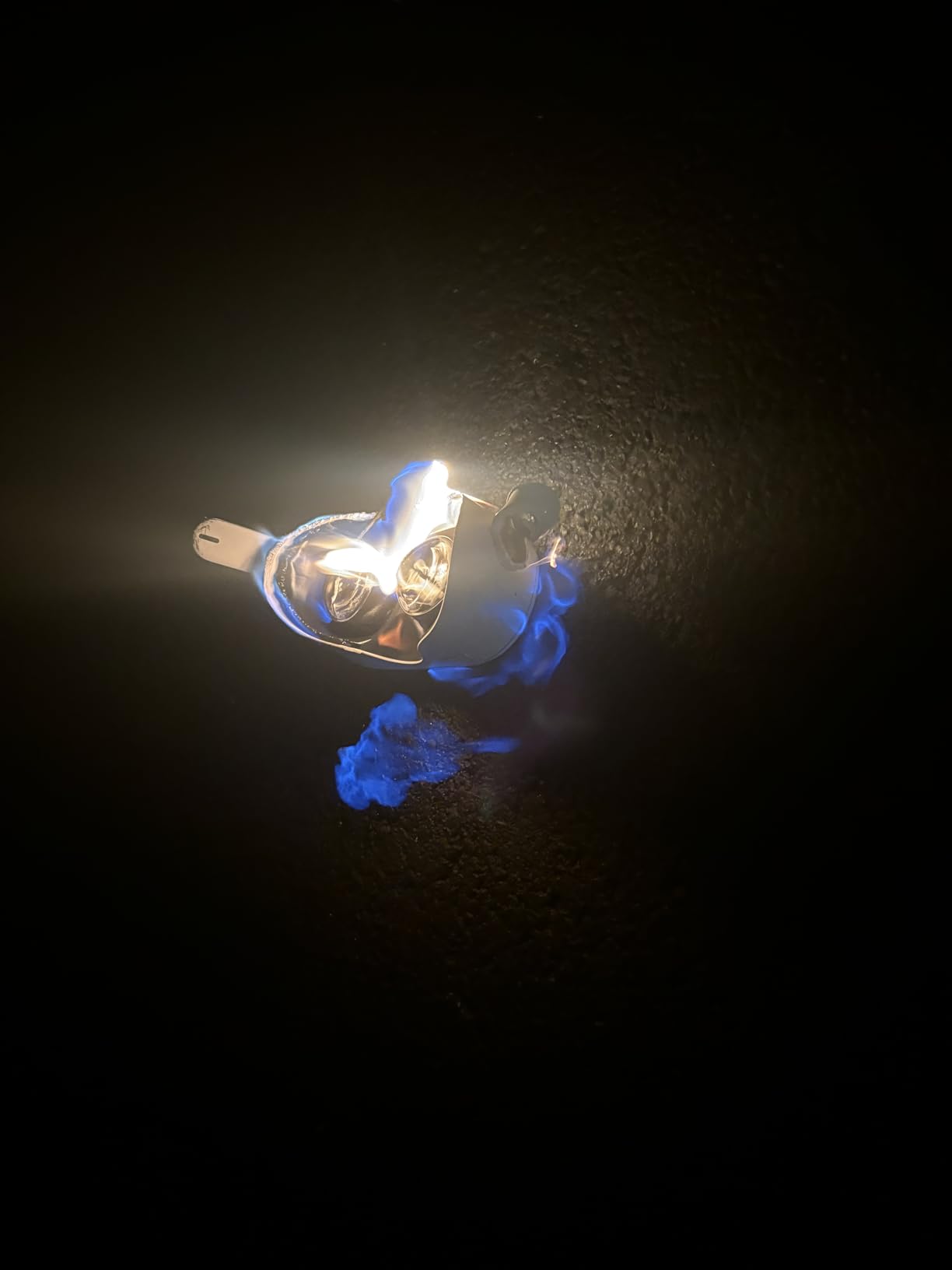
The renewed format comes with the usual caveats. Most units arrive in good condition with light cosmetic wear, but quality control varies because the seller, not Meta, handles refurbishment. Expect a 90-day Amazon Renewed warranty instead of the full manufacturer coverage. Read the seller’s return policy carefully, and inspect the lenses and controllers as soon as the unit arrives.
The default Quest 2 strap is uncomfortable for sessions longer than 20 minutes. If you keep the headset, plan to buy an aftermarket strap. This is the single most popular Quest 2 accessory, so the upgrade path is well documented across Reddit and YouTube.
Who should buy the Meta Quest 2 Renewed
The Quest 2 Renewed is the right pick for first-time VR buyers on a strict budget, parents introducing a teen to VR, and anyone who wants to try Beat Saber and VRChat without committing to a flagship headset. It also makes a great second headset for the guest room.
Who should skip the Meta Quest 2 Renewed
Skip the Quest 2 Renewed if you want the sharpest possible image, the widest field of view, or a headset with a long warranty. The Quest 3S delivers a noticeable upgrade for a small additional spend, and it is still an actively supported product. Picky buyers should also avoid the renewed route and buy new instead.
How to Choose the Best VR Headset for Gaming
Choosing the best VR headset for gaming comes down to three questions: where will you play, what will you play, and how much do you want to spend. Start by answering those three questions, then match the headset to your answers. The Meta Quest 3 covers most use cases well, but the right pick depends on your specific setup.
If you want to compare how different setups handle long sessions on the desk, our best gaming desks guide covers sit-stand options and cable routing for VR play spaces. For headset options tuned for productivity and remote calls rather than gaming, our 10 best headsets for remote work calls roundup is a useful complement. Educators and classroom buyers may also want to read our 8 best VR headsets for education guide for setup notes that overlap with this list.
Standalone vs Tethered PCVR vs Console
Standalone VR headsets like the Meta Quest 3, Quest 3S, Quest Pro, and Quest 2 run everything on the headset itself, with no PC or console required. They are the easiest entry point and the most portable option. Tethered PCVR headsets like the Valve Index require a gaming PC, but they trade convenience for sharper visuals, higher refresh rates, and access to the SteamVR library. Console VR (the PSVR2) is locked to the PS5 but offers the best OLED picture quality on a console budget. If you already own a capable gaming PC and a Wi-Fi 6E router, a Quest 3 used as a wireless PCVR headset gives you the best of both worlds.
Pancake vs Fresnel Lenses
Pancake lenses are the new standard on flagship headsets. They fold the light path inside the lens, which lets the headset sit closer to your face and produces a sharper image with a wider sweet spot. The Quest 3, Quest Pro, PSVR2 (via OLED), and Pimax Crystal Light all use pancake-style optics. Fresnel lenses are the older design: cheaper, lighter, but with visible concentric rings and softer edges. The Quest 3S and Quest 2 still use Fresnel lenses. If you read text in VR or play long sessions, the upgrade to pancake optics is worth it.
Inside-Out Tracking vs Lighthouse Base Stations
Inside-out tracking uses cameras mounted on the headset to track the controllers and your environment. It works anywhere, requires no external sensors, and is the system every standalone headset uses. Lighthouse tracking uses wall-mounted base stations that sweep laser beams across the play space, and external sensors on the headset and controllers pick them up. Lighthouse is more accurate and less prone to occlusion, but it requires mounting two sensors and a clear line of sight. For most gamers, inside-out tracking is good enough. Lighthouse is the enthusiast choice.
Resolution, Refresh Rate, and Field of View
Resolution per eye determines how sharp text and fine details look. Anything above 2000×2000 per eye is good for 2026; the Quest 3 and Quest Pro both clear that bar. Refresh rate determines motion smoothness: 90Hz is the minimum, 120Hz is excellent, and 144Hz (Valve Index) is best for competitive titles. Field of view (FOV) determines how wide your virtual world feels; 110 degrees is standard, 130 degrees (Index) is wide. Higher FOV means more immersion but also more GPU demand.
Comfort, Battery Life, and Glasses Compatibility
Comfort is the most underrated spec. The default strap on every Quest generation is uncomfortable for sessions longer than 30 minutes, and an aftermarket Elite Strap is the most common first upgrade. Battery life is the other pain point: most standalone headsets run for about 2 hours per charge. If you play long sim sessions, plan for a charging break or a battery-equipped strap. Glasses wearers should check the facial interface depth. The Quest 3 and PSVR2 include spacer inserts that fit thin frames, and the Bigscreen Beyond 2 has a custom-fitted facial interface for the most demanding glasses setups.
Game Library and Store Ecosystem
Each ecosystem has its own store. The Meta Quest store has the largest standalone catalog, including Beat Saber, Asgard’s Wrath 2, Resident Evil 4 VR, and almost every major VR title in 2026. SteamVR has the largest PCVR catalog, including Half-Life: Alyx, MSFS 2024, and Elite Dangerous. The PSN store has the PSVR2 catalog, including GT7 and Horizon Call of the Mountain. Pico’s store is region-locked. If you already own games on one platform, that should factor into your headset choice.
Frequently Asked Questions
What is the #1 VR headset for gaming in 2026?
The Meta Quest 3 512GB is the best VR headset for gaming in 2026 thanks to its pancake lenses, Snapdragon XR2 Gen 2 chip, full-color passthrough, and the largest standalone game library. It also works as a wireless PCVR headset over Air Link or with a Link cable for SteamVR titles.
What are the top 3 VR headsets right now?
The top three VR headsets for gaming are the Meta Quest 3 (best overall), the Meta Quest 3S (best value), and the Sony PlayStation VR2 (best for PS5 owners). Together they cover the three main use cases: standalone living-room play, budget VR, and console-native VR.
Is the Meta Quest 3 or Quest 3S better?
The Meta Quest 3 is better for sharp visuals and long sessions because of its pancake lenses and slightly higher resolution. The Meta Quest 3S is the better value pick because it shares the same Snapdragon XR2 Gen 2 chip, 8GB of RAM, and full Quest game library for a noticeably lower price.
Is it worth getting a VR headset in 2026?
Yes. The hardware has matured, the pancake lens and color passthrough features that used to be premium are now standard on mid-range headsets, and the game library is the largest it has ever been. Upcoming launches like the Valve Steam Frame and Samsung Galaxy XR make this a strong moment to buy.
What is a downside to using VR headsets?
The most common downsides are short battery life (around 2 hours per charge on most standalone headsets), occasional motion sickness during fast-paced games, and the need for a Wi-Fi 6E router if you want reliable wireless PCVR. Stock straps are also uncomfortable on most headsets and an aftermarket strap is widely recommended.
Final Verdict: Which VR Headset Should You Buy in 2026?
For most gamers in 2026, the Meta Quest 3 is the right answer. It handles every use case well: standalone Beat Saber, wireless Half-Life: Alyx over Air Link, color pass-through mixed reality, and the largest game library of any headset on this list. The Quest 3S is the right pick if you want the same Quest ecosystem for less money and do not mind the older Fresnel lenses. The PSVR2 Renewed is the right pick if you own a PS5 and want OLED picture quality.
The Valve Index is the right pick for PCVR enthusiasts who want Lighthouse tracking and the best finger-tracking controllers in the business. The Meta Quest Pro is the right pick for VRChat creators who want face and eye tracking on a budget. The Quest 2 Renewed is the right pick if you want a complete VR setup for the lowest possible price.
Whichever headset you choose, buy a better strap, keep a charging cable nearby, and make sure your Wi-Fi router supports 6E if you plan to use Air Link. With those three things in place, the best VR headsets for gaming in 2026 deliver more immersive experiences for less money than ever before. Pick the one that matches your platform and budget, and you will be playing Beat Saber tonight.
For other buying guides, our team has also tested the best gaming desks to pair with your new VR setup, and the 10 best headsets for remote work calls if you plan to use your VR rig for VRChat meetings.