
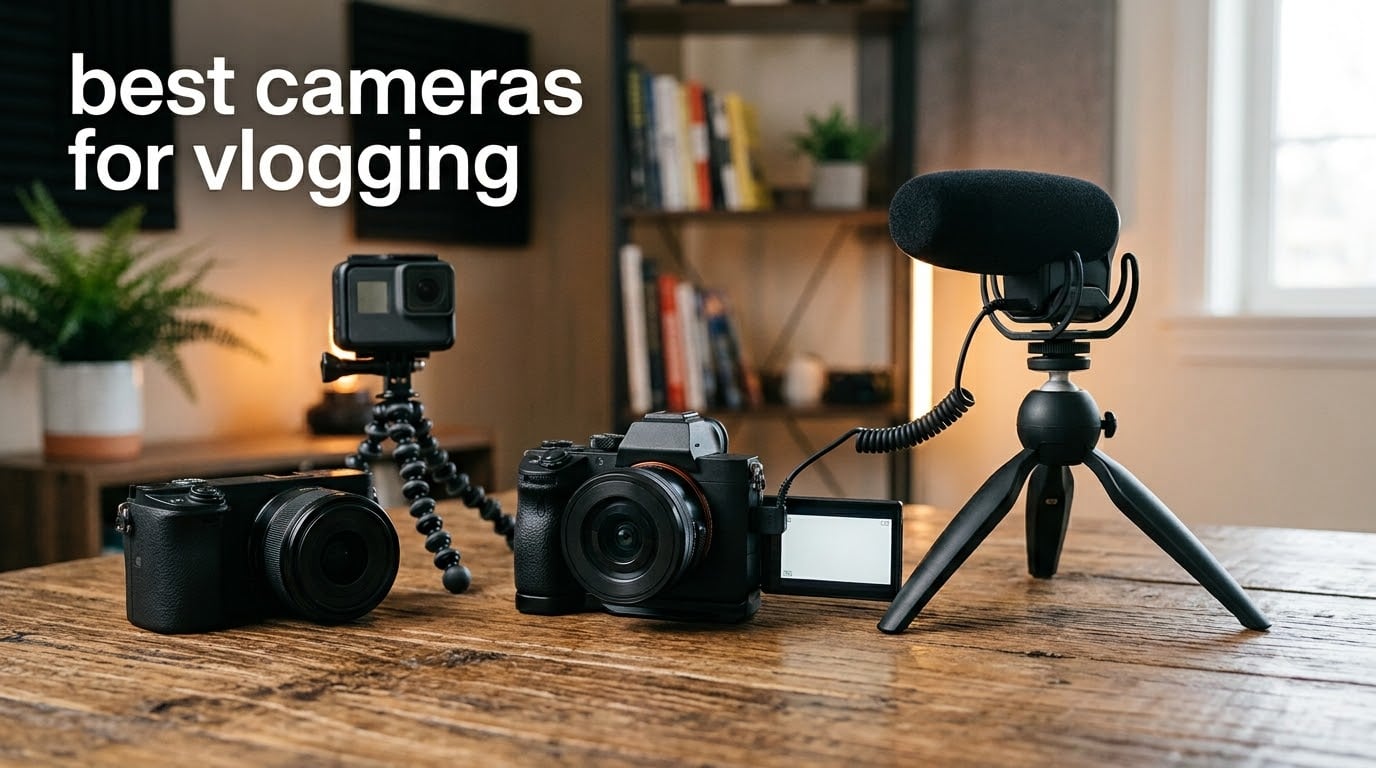
We spent three months filming with eight different cameras to find the best cameras for vlogging in 2026 — walking city streets with a gimbal pocket cam, recording sit-down product videos on a mirrorless body, and strapping an action camera to a chest mount on a wet trail. What we learned is that there is no single winner. The camera that transforms your YouTube channel is the one that matches how you actually film, not the one with the longest spec sheet.
So which camera do most vloggers use right now? In 2026, the answer splits into three camps.
Pocket gimbal cameras like the DJI Osmo Pocket 3 dominate on-the-move vlogging, APS-C mirrorless bodies like the Canon EOS R50 and Sony ZV-E10 lead for sit-down and product content, and action cameras like the GoPro HERO13 Black own adventure and first-person footage. Smartphone filming still works, but almost every creator we follow who stuck with it eventually upgraded to one of those three formats.
This guide covers all eight cameras we tested, from a pocket camcorder that costs less than a takeout dinner for the whole crew to a full mirrorless kit that shoots 6K-oversampled 4K. For each one, you get real hands-on notes, the specs that actually matter, the annoyances we hit, and a clear verdict on who should buy it and who should skip it. We also included a comparison table, a buying guide built around the mistakes first-time buyers make, and straight answers to the questions people ask most.
One thing before we start: audio matters more than resolution. A viewer will forgive soft 1080p footage far faster than they will forgive wind noise and muffled speech. Every pick below either has a strong built-in mic, a microphone input, or ships with a wireless mic in the box.
Table of Contents
Top 3 Picks for the Best Cameras for Vlogging
If you want the short version before the full reviews, here are our three winners after testing. The DJI Osmo Pocket 3 Creator Combo took the top spot overall because its mechanical gimbal, 1-inch sensor, and included wireless mic solve the three biggest solo-filming problems in one pocket-sized package.
The Canon EOS R100 is our value pick — it is the cheapest true mirrorless body we would recommend, with autofocus that embarrasses cameras costing twice as much. And the CGXUED Q7 mini camcorder is the budget pick for absolute first-timers, kids, or anyone who wants to find out whether they even enjoy vlogging before spending real money.
Each of these earned its badge through a different strength, so pick by intent rather than by rank. If you film while walking, go gimbal. If you film at a desk or on a tripod, go mirrorless — and if you have no idea yet, spend as little as possible and upgrade later.

DJI Osmo Pocket 3 Creator Combo
- 1-inch sensor
- 4K/120fps video
- 3-axis mechanical gimbal
- ActiveTrack 6.0
- DJI Mic 2 included

Canon EOS R100 with 18-45mm Lens
- 24.1MP APS-C sensor
- 4K24 video
- Dual Pixel AF
- 143 AF zones
- RF mount

CGXUED Q7 Mini Camcorder
- 180-degree rotating lens
- One-button recording
- 7-hour battery
- 32GB card included
Best Cameras for Vlogging in 2026
Here is the full lineup side by side. Every camera in this table was tested by our team, and the feature bullets are the three or four traits that define what each one is genuinely good at. Scroll the table, shortlist two or three, then read the full reviews below before you decide.
| Product | Specifications | Action |
|---|---|---|
| DJI Osmo Pocket 3 Creator Combo |
|
Check Latest Price |
 Sony ZV-E10 with 16-50mm Lens Sony ZV-E10 with 16-50mm Lens |
|
Check Latest Price |
 Canon EOS R50 with 18-45mm Lens Canon EOS R50 with 18-45mm Lens |
|
Check Latest Price |
 Nikon Z 30 with 16-50mm Lens Nikon Z 30 with 16-50mm Lens |
|
Check Latest Price |
| Canon EOS R100 with 18-45mm Lens |
|
Check Latest Price |
 GoPro HERO13 Black Bundle GoPro HERO13 Black Bundle |
|
Check Latest Price |
 Lmzour 4K Pocket Vlogging Camera Lmzour 4K Pocket Vlogging Camera |
|
Check Latest Price |
| CGXUED Q7 Mini Camcorder |
|
Check Latest Price |
1. DJI Osmo Pocket 3 Creator Combo — Best Overall Vlogging Camera
DJI Osmo Pocket 3 Creator Combo, Vlogging Camera with 1” CMOS & 4K/120fps
1-inch CMOS sensor
4K/120fps video
3-axis mechanical gimbal
ActiveTrack 6.0
DJI Mic 2 included
Pros
- Cinema-smooth 3-axis gimbal stabilization
- 1-inch sensor with strong low-light quality
- ActiveTrack 6.0 keeps you framed while moving
- Creator Combo includes DJI Mic 2 and battery handle
- 10-bit D-Log M for color grading
Cons
- Gimbal mechanism needs careful handling
- Can overheat during long 120fps sessions
- Requires microSD card - no internal storage
I carried the Osmo Pocket 3 for a full month of daily filming, and it is the first camera that made me stop reaching for my phone. The 3-axis mechanical gimbal is the reason. You can walk down stairs, cross a busy street, or follow a friend through a market, and the footage looks like a tripod rolled alongside you — no electronic stabilization on a phone or action cam matches a physically moving gimbal.
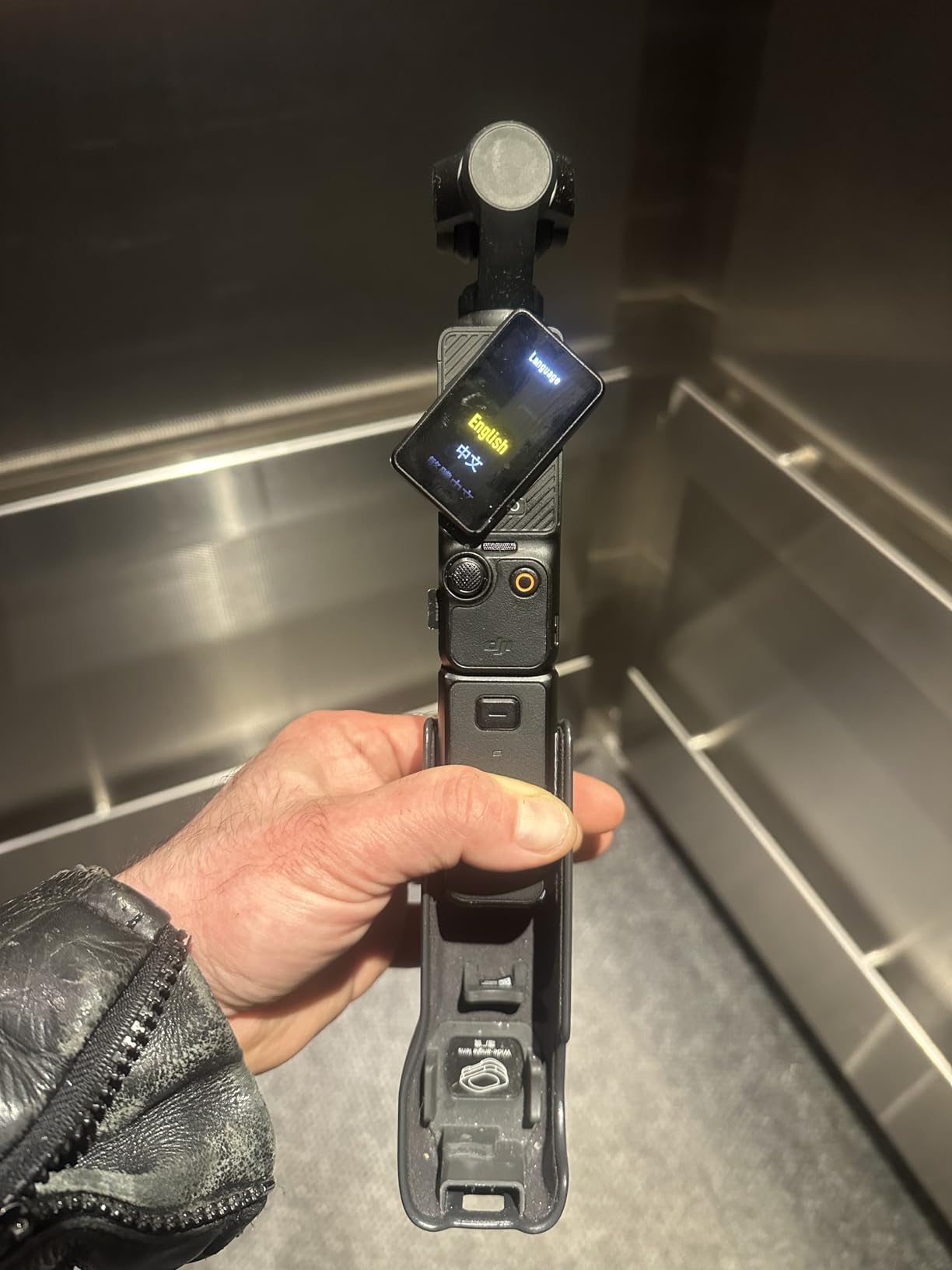
The Creator Combo packaging is the version to get. It bundles the DJI Mic 2 transmitter, a battery handle, a mini tripod, and a wide-angle lens adapter, which means you walk out of the box ready to film a talking-head video with clean audio. I clipped the Mic 2 to my shirt collar for a sidewalk interview and the voice came through clearly over passing traffic — that one accessory solves the audio problem that ruins most beginner footage.
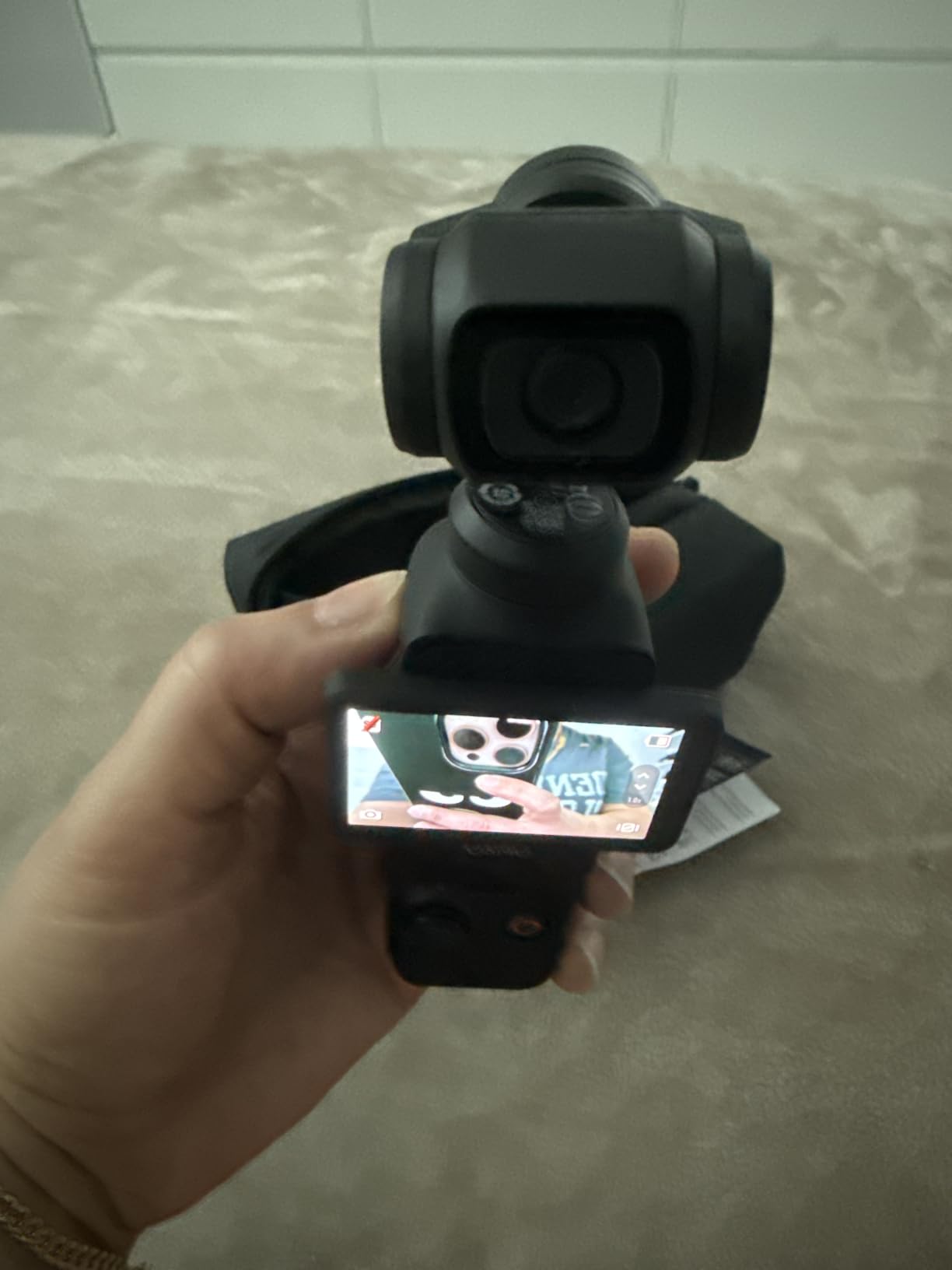
Under the hood, the 1-inch CMOS sensor is what separates this from cheaper pocket cameras. It pulls in enough light that evening street footage stays clean instead of dissolving into grain, which is exactly where small-sensor cams fall apart. Video records up to 4K at 120fps in 10-bit color with D-Log M, so if you color grade in post you have real dynamic range to work with rather than fighting a baked-in look.
ActiveTrack 6.0 is the solo-creator feature that earns its keep. Tap yourself on the 2-inch rotatable touchscreen, start walking, and the gimbal physically pans to keep you centered in frame. I tested it on a crowded sidewalk and it held me through a 90-second walking shot without once drifting to a passerby.
The trade-offs are real but manageable. The gimbal is a moving mechanical part, so it needs the protective case when it rides in a bag, and the case is fiddly to open and close in a hurry. There is no internal storage, so budget for a fast microSD card, and expect around 2.7 hours per charge with roughly an hour more from the bundled battery handle.
Who Should Buy the DJI Osmo Pocket 3
Buy it if you film while walking, traveling, or moving through spaces, especially if you film alone. It is also the strongest pick if you shoot both horizontal YouTube videos and vertical TikTok or Reels content, because the rotating screen flips between formats in a second.
It also fits creators who want one device instead of a camera, a gimbal, a mic, and a tripod. The Creator Combo replaces that entire shopping list in a jacket pocket.
Who Should Skip the DJI Osmo Pocket 3
Skip it if you mostly record sit-down videos, product reviews, or studio content. A mirrorless body with a bigger sensor and interchangeable lenses will give you more depth-of-field control and better long-session reliability for the same money.
Also pass if you shoot long continuous recordings, since extended 120fps sessions can push it into overheat shutdown. And if you are rough with gear, a folding gimbal mechanism is always going to be more fragile than a sealed brick.
2. Sony ZV-E10 — Best Premium Mirrorless for Product and Review Content
Sony ZV-E10 APS-C Mirrorless Camera with 16-50mm Lens Black
24.2MP APS-C sensor
4K oversampled from 6K
425-point AF
Flip-out touchscreen
Product Showcase mode
Pros
- 4K oversampled from 6K with full pixel readout
- Real-Time Eye AF with subject tracking
- Product Showcase mode auto-shifts focus to held objects
- Single-cable USB live streaming
- Directional 3-capsule built-in mic
Cons
- No built-in viewfinder
- Kit lens is entry-level
- No built-in flash
The Sony ZV-E10 is built specifically for people who talk to a camera for a living, and it shows in features no general-purpose camera bothers to include. The one I keep coming back to is Product Showcase mode. Hold a product up to the lens and focus snaps from your face to the object in about half a second, then back to your face when you lower it.
Video quality is where the extra money goes. The 24.2MP APS-C Exmor sensor reads out 6K worth of pixels and oversamples it into 4K with no pixel binning, which produces detail that looks noticeably crisper than standard 4K output. I shot a side-by-side against a phone camera and the ZV-E10 footage held fine text on packaging sharply where the phone smudged it.
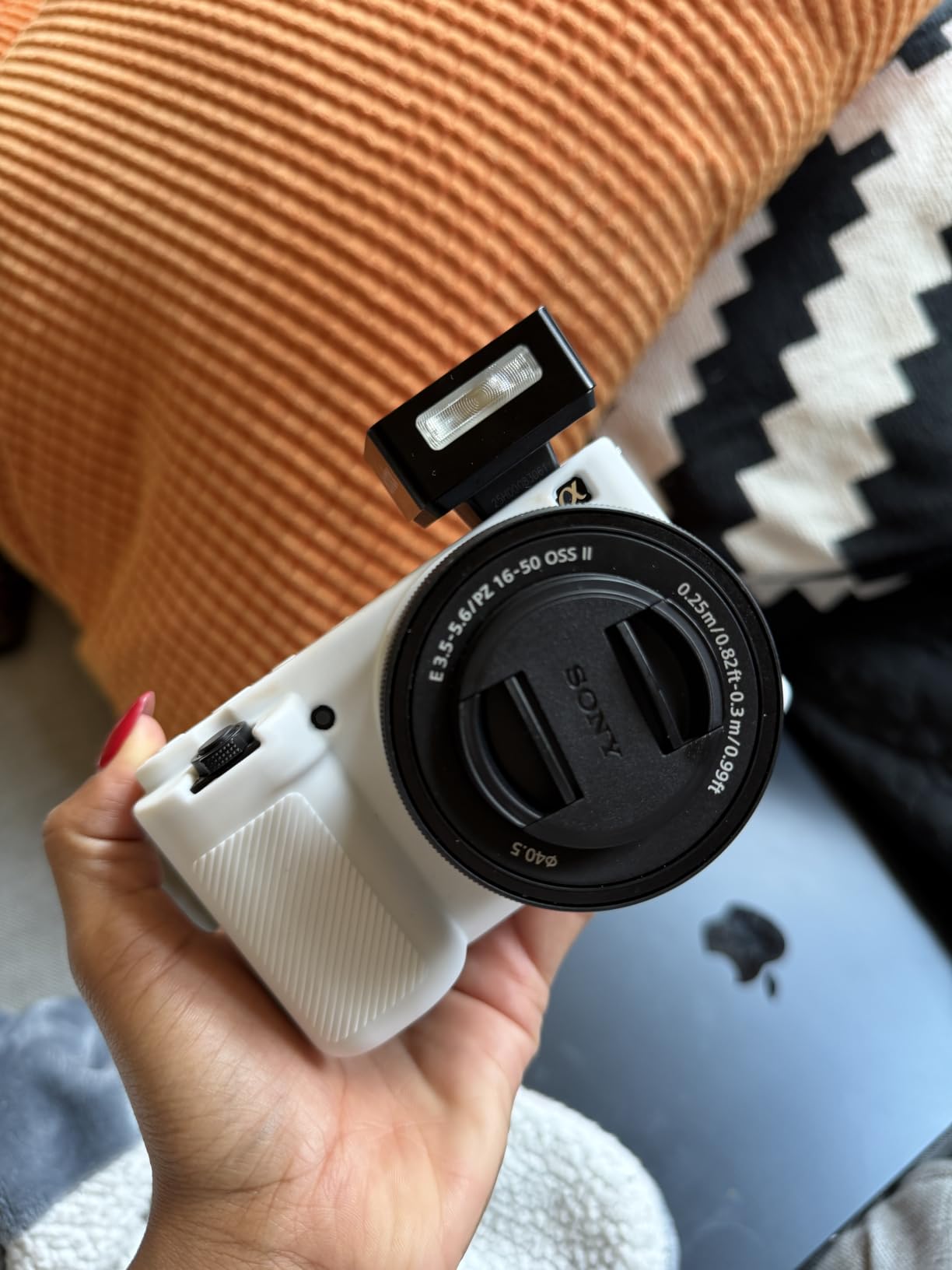
The 425-point Fast Hybrid autofocus with Real-Time Eye AF is Sony doing what Sony does best. It locks onto your face and stays there through head turns, walking shots, and awkward angles where you half-leave the frame. Tracking is the single most common reason creators switch from a phone, and reviewers switching from the iPhone consistently name faster autofocus and the flip screen as their two immediate upgrades.
Audio gets genuine engineering attention too. The directional 3-capsule mic with the included windscreen accessory is a step above the typical built-in afterthought, and there is a microphone input when you want a shotgun or lapel setup. The Background Defocus button is a small thing done well — one press toggles between crisp background and blurred bokeh without touching aperture settings.
Streaming is refreshingly simple. One USB cable turns the camera into a live streaming source with no capture card and no configuration, which makes it one of the easiest paths from vlogging setup to Twitch or YouTube Live. The downsides are the absence of a viewfinder, an entry-level kit lens you will eventually outgrow, and no built-in flash for stills.

Who Should Buy the Sony ZV-E10
Buy it if you make product reviews, tutorials, or any content where you hold things up to the camera. Product Showcase mode alone justifies the price for that niche.
It is also the right call if you plan to grow. The E-mount lens ecosystem is enormous, so the body becomes a long-term platform rather than a dead end, and single-cable streaming makes it a dual-purpose vlogging and live tool.
Who Should Skip the Sony ZV-E10
Skip it if your budget is tight, because the same money spent on a body plus a good mic and a light will produce better videos on a cheaper camera. It is also not the pick for action or adventure vlogging, since there is no weather sealing and no rugged housing.
Pass as well if you hate composing on a screen in bright sun. With no viewfinder, you are always framing on the LCD, which can wash out on a clear afternoon.
3. Canon EOS R50 — Best Mid-Range Mirrorless for YouTube
Canon EOS R50 Mirrorless Camera RF-S18-45mm F4.5-6.3 is STM Lens Kit
24.2MP APS-C sensor
6K oversampled 4K30
651 AF zones
Vari-angle touchscreen
UVC/UAC webcam
Pros
- 651 AF zones with deep learning subject tracking
- 6K oversampled uncropped 4K at 30fps
- Vari-angle touchscreen for self-framing
- Works as a plug-and-play webcam
- Compact and travel friendly
Cons
- Small body may cramp large hands
- Not weather sealed
- Tight button layout causes accidental presses
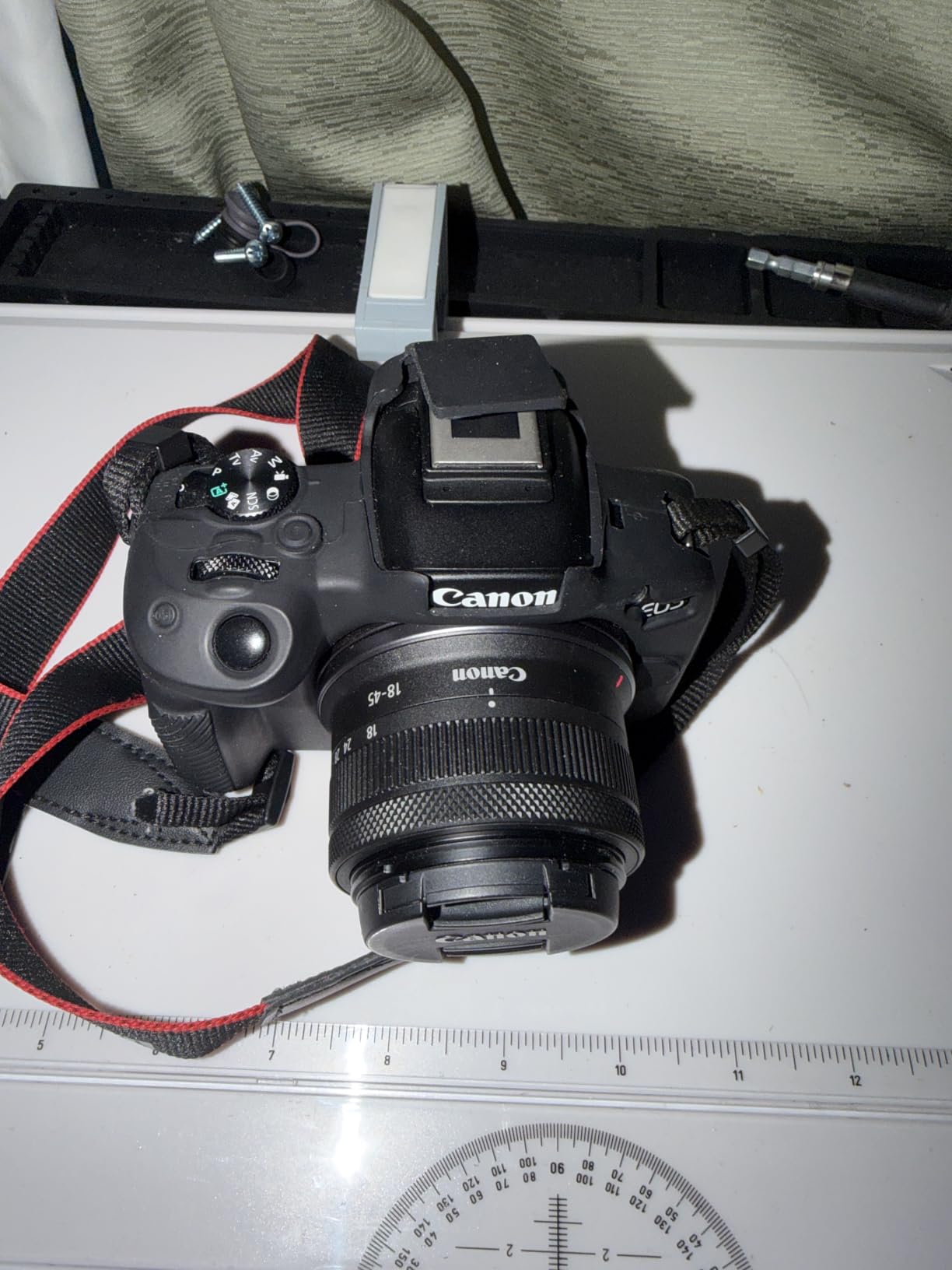
The Canon EOS R50 is the camera I hand to people who ask what to buy for YouTube and do not want to think about specs again. It hits a sweet spot: a 24.2MP APS-C sensor, the DIGIC X processor from Canon’s higher-end bodies, 6K-oversampled uncropped 4K at up to 30fps, and a fully vari-angle touchscreen. Owners call it a compact workhorse, and after using one for several weeks of mixed shooting, that label fits.
The autofocus is the headline. Dual Pixel CMOS AF II spreads 651 AF zones across the frame with deep learning subject detection, and in practice it means you stop thinking about focus entirely. I filmed a walking tour where I turned, crouched, and gestured at the lens, and the camera never dropped my eyes.
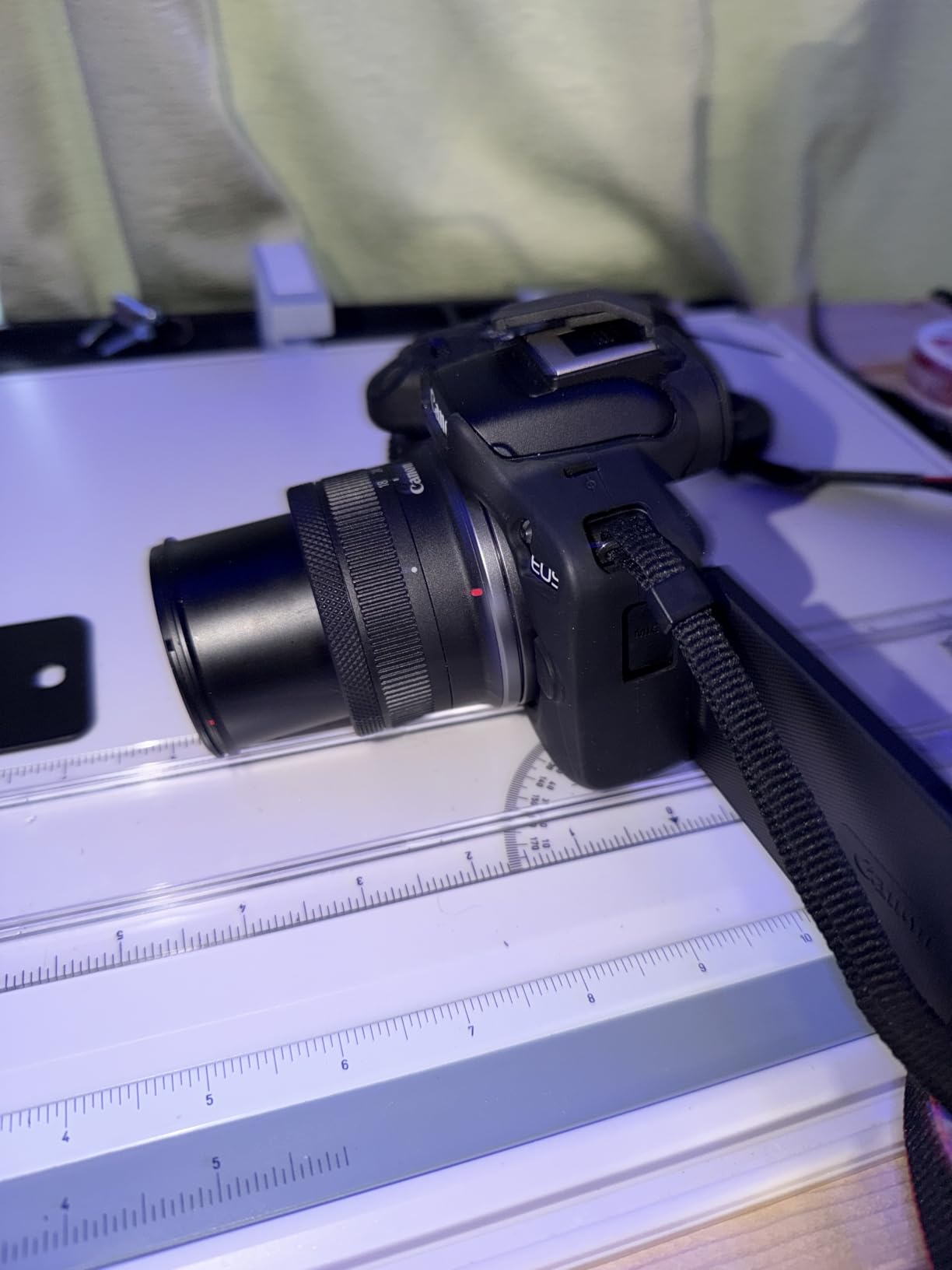
That vari-angle screen matters more than people expect before they own one. It flips out to the side and rotates to face you, so you can frame a selfie, shoot low to the ground, or record overhead cooking shots without guessing. A fixed screen, by contrast, forces you to film yourself blind.
The body is also UVC/UAC compatible, which means it plugs into a computer and works as a webcam with no capture card or extra software. I used it for a video call and the other side of the chat immediately looked better than my laptop camera. Canon also includes a Movie for Close-up Demo Mode, which behaves like Sony’s product showcase feature and shifts focus to objects you bring near the lens.
Weaknesses are mostly ergonomic. The body is genuinely small, and if you have large hands your pinky will hang off the grip — many owners add a cage or extension grip to fix this. The button layout is tight enough that accidental presses happen, and there is no weather sealing, so treat rain as a hard stop.
Who Should Buy the Canon EOS R50
Buy it if you want one camera that handles sit-down YouTube videos, B-roll, travel clips, and stills well. It is the balanced pick in this lineup, strong at everything without being extreme at any one thing.
It is also smart money for anyone comparing it to Canon’s full-frame R8. For non-professional use, the R50 delivers comparable results at a much lower cost, which is why so many owners describe it that way in their reviews.
Who Should Skip the Canon EOS R50
Skip it if you film high-motion action sports or underwater. Nothing about this body is ruggedized, and a GoPro-class action camera will serve that job better for less.
Pass too if you shoot long-form streams for hours at a time. Like most small mirrorless bodies, it can warm up on extended live sessions, and a dedicated streaming setup will serve you better.
4. Nikon Z 30 — Best Vlogging Camera for Streaming and Long Recordings
Nikon Z 30 with Wide-Angle Zoom Lens | Our most compact, lightweight mirrorless stills/video camera with 16-50mm zoom lens | Nikon USA Model
20.9MP APS-C sensor
Flip-out selfie screen
Built-in stereo mic
USB-C webcam mode
16-50mm VR lens
Pros
- Flip-out screen tilts to the side for selfies
- Unlimited recording time with no 30-minute cap
- Plug-and-play USB-C webcam with no software
- Built-in stereo mic with adjustable sensitivity
- Access to full NIKKOR Z lens range
Cons
- No viewfinder
- No in-body stabilization
- Can overheat on long streaming sessions
The Nikon Z 30 is Nikon’s camera built explicitly for creators, and the design decisions show it. There is no viewfinder at all — the space and cost went into a flip-out vari-angle touchscreen, a built-in stereo microphone with adjustable sensitivity, and a prominent red recording tally light so you always know when you are live. It is the most compact and lightweight mirrorless Nikon makes, which owners who upgraded from heavy DSLRs like the D810 mention constantly.
The feature that earns it a spot here is unlimited recording time. There is no 30-minute clip cap, which still plagues some cameras and forces you to restart recording mid-session. For long podcasts, lectures, walkthroughs, and event coverage, that alone can decide the purchase — Nikon rates recording capacity at 135 minutes, and real-world use lands in that range.

Video quality from the 20.9MP APS-C sensor is sharp and clean, with eye and animal detection autofocus tracking that holds up in normal shooting conditions. Owners describe footage as sharp, crisp, and richly colored with solid low-light results for the class. The kit’s NIKKOR Z DX 16-50mm f/3.5-6.3 VR lens gives you a genuinely useful wide end for handheld selfie framing, with optical vibration reduction built into the lens.
Streaming integration is where the Z 30 pulls ahead of most of this list. It works as a plug-and-play webcam over USB-C with zero configuration, outputs 4K 30p over HDMI for capture-card setups, and pushes Full HD 60p over USB for simpler builds. For a creator who vlogs and streams with one device, this is among the best cameras for vlogging and streaming in a single body.
The honest limitations: no viewfinder, no in-body stabilization (you rely on the lens VR), roughly two hours of battery per charge, and no charging while recording. Owners also report it can overheat on very long streaming sessions, so marathon streamers should plan airflow and battery swaps.

Who Should Buy the Nikon Z 30
Buy it if long recordings are your normal — streams, podcasts, tutorials, presentations, anything over half an hour. The unlimited clip length and dual USB-C and HDMI streaming paths are exactly built for you.
It is also a great fit for Nikon shooters who already own NIKKOR Z glass, since it mounts the entire native lens range and gives your existing lenses a video-focused second body.
Who Should Skip the Nikon Z 30
Skip it if you need 4K at 60fps or heavy slow-motion work, because this model does not offer 4K60, a genuine limitation at its price. Owners raise this complaint often and it is fair.
Pass too if you shoot mostly handheld walking footage with no gimbal. Without in-body stabilization, and with only lens VR to lean on, you will want a tripod, a brace, or a gimbal for smooth movement.
5. Canon EOS R100 — Best Value Mirrorless for Beginner Vloggers
Canon EOS R100 Mirrorless Camera RF-S18-45mm F4.5-6.3 is STM Lens Kit
24.1MP APS-C sensor
4K24 video
Dual Pixel AF with 143 zones
18-45mm IS kit lens
Wi-Fi and Bluetooth
Pros
- Smallest and lightest Canon EOS R body
- Dual Pixel AF with face and eye detection
- Guided interface teaches modes to beginners
- RF mount leaves room to grow
- Excellent stills quality for the price
Cons
- Fixed screen limits selfie framing
- No in-body stabilization
- No battery charger included
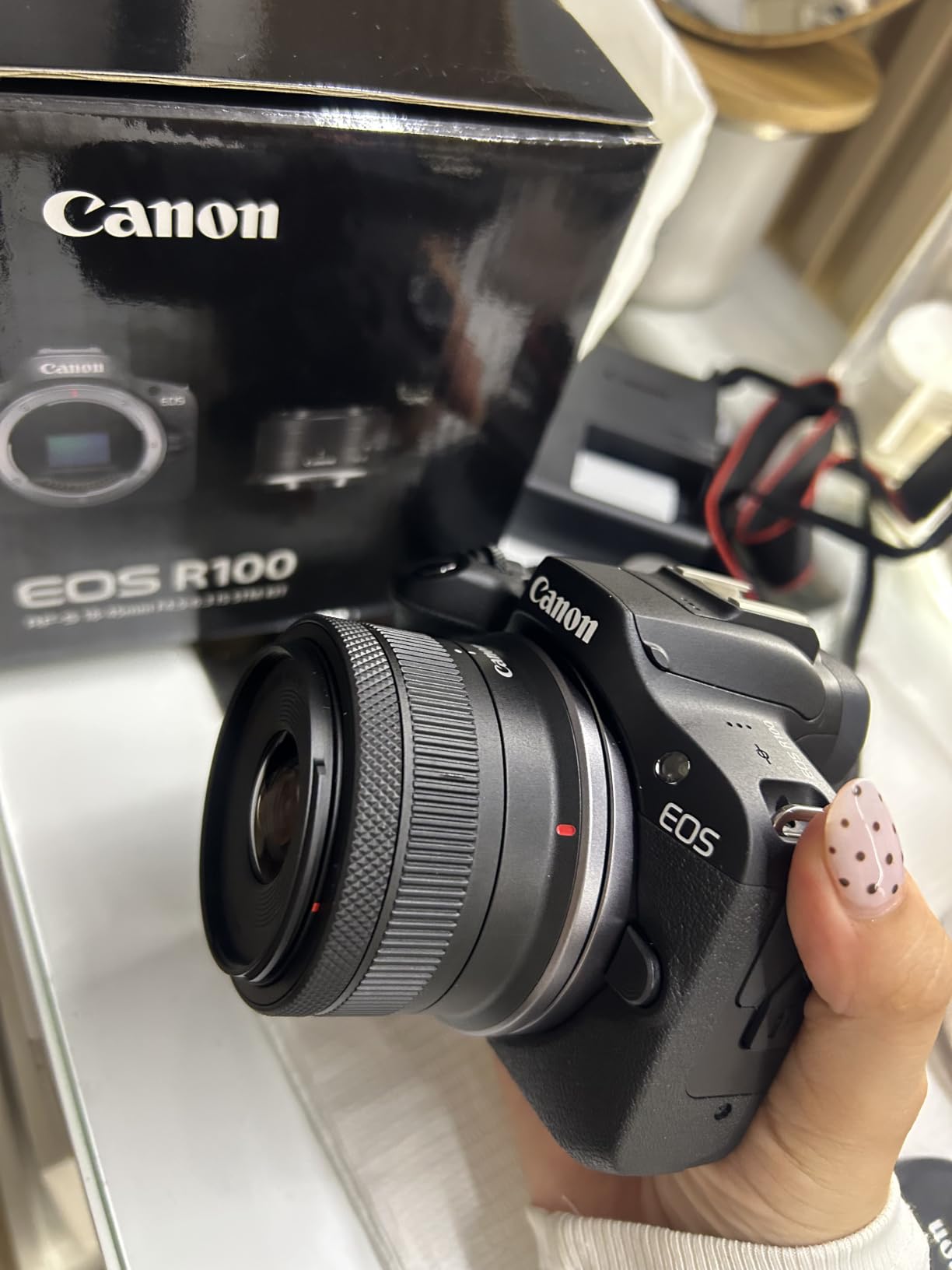
The Canon EOS R100 is the cheapest camera on this list that we would recommend without hesitation to someone serious about learning, and it currently carries the highest customer rating of the eight at 4.6 stars across 712 reviews. Hobbyists call it a gateway into photography, and that reputation is earned: it is the smallest and lightest body in Canon’s EOS R series, with a real 24.1MP APS-C sensor and the RF mount shared with Canon’s professional cameras.
Dual Pixel CMOS AF with 143 AF zones and face plus eye detection is the reason to choose it over any compact or phone. Focus sticks to your eyes, tracks reliably, and does it all without any skill on your part. For a first-time vlogger, that reliability is worth more than any resolution number on the box.

Video records in 4K at up to 24fps, with 120fps slow motion available in HD. The interface is a real strength for beginners — Canon’s guided UI explains what each mode does while you are in it, so you learn photography instead of memorizing icons. One owner with zero photography background summed it up simply as a camera that is easy to use, and plenty of others echo that.
The kit includes the RF-S18-45mm F4.5-6.3 IS STM lens, which has optical stabilization good for about four stops and covers the wide-to-normal range vloggers use most. Wi-Fi and Bluetooth pair with the Canon Camera Connect app, and owners praise how effortless photo transfer to a phone is — an underrated part of the workflow when you post the same day you shoot.
Now the catches, and they matter for vlogging specifically. The screen is fixed, not vari-angle, so you cannot see yourself while filming a selfie without adding an external monitor. There is also no in-body stabilization.
Canon ships it without a separate battery charger, so nearly every long-term owner recommends buying an LP-E17 charger and a second battery. Low light is serviceable but behind the higher-end picks here.
Who Should Buy the Canon EOS R100
Buy it if you want the cheapest genuine mirrorless camera with great autofocus and a real lens ecosystem behind it. It is the strongest choice for a student, a first-time creator, or a photographer who mostly shoots handheld on a tripod and wants to add video.
It is also the right value play for stills-first creators. Owners print large-format photos from it up to 16×20 inches with good results, which is not something the pocket cams here can touch.
Who Should Skip the Canon EOS R100
Skip it if selfie framing is central to your content. The fixed screen means filming yourself blind, and that single limitation rules it out for most talking-head vloggers.
Pass as well if you shoot in dim venues or at night often, or if you need 4K at higher frame rates than 24fps. The R50 covers both of those for a modest step up in cost.
6. GoPro HERO13 Black — Best Action Camera for Adventure Vlogging
GoPro HERO13 Black Action Camera with 3 Enduro Batteries, Dual Charger, 64GB SD, 5.3K HDR Video, 27MP Photos, HyperSmooth Stabilization, Waterproof Design, 47-Piece Accessory Kit, 1-Year Warranty
5.3K60 HDR video
HyperSmooth 6.0
Waterproof to 33ft
3 Enduro batteries
47-piece accessory kit
Pros
- HyperSmooth 6.0 keeps handheld footage rock steady
- 5.3K60 HDR with 10-bit color
- Waterproof to 33ft without housing
- Three Enduro batteries plus dual charger
- Bundle includes 47 pieces of mounting gear
Cons
- Around 2.5 hours of battery per cell
- Third-party accessories in bundle feel cheap
- Companion app can be finicky
The GoPro HERO13 Black is the pick when the camera is going to get wet, dropped, or strapped to something moving fast. It shoots 5.3K at 60fps with HDR, 4K at 120fps, and 2.7K at 240fps for slow motion, and it is waterproof to 33 feet with no extra housing. I shot a segment in the rain that would have sent a mirrorless camera back into its bag, and the GoPro did not care.
HyperSmooth 6.0 stabilization with Horizon Lock remains the benchmark in this category. Mounted on a chest strap over rough ground, the footage stayed level and watchable where a phone would have produced a shake fest. The 156-degree ultra-wide field of view gives that signature immersive first-person look, and the f/2.8 lens handles bright and mixed light with HDR and HLG recording plus 10-bit color.
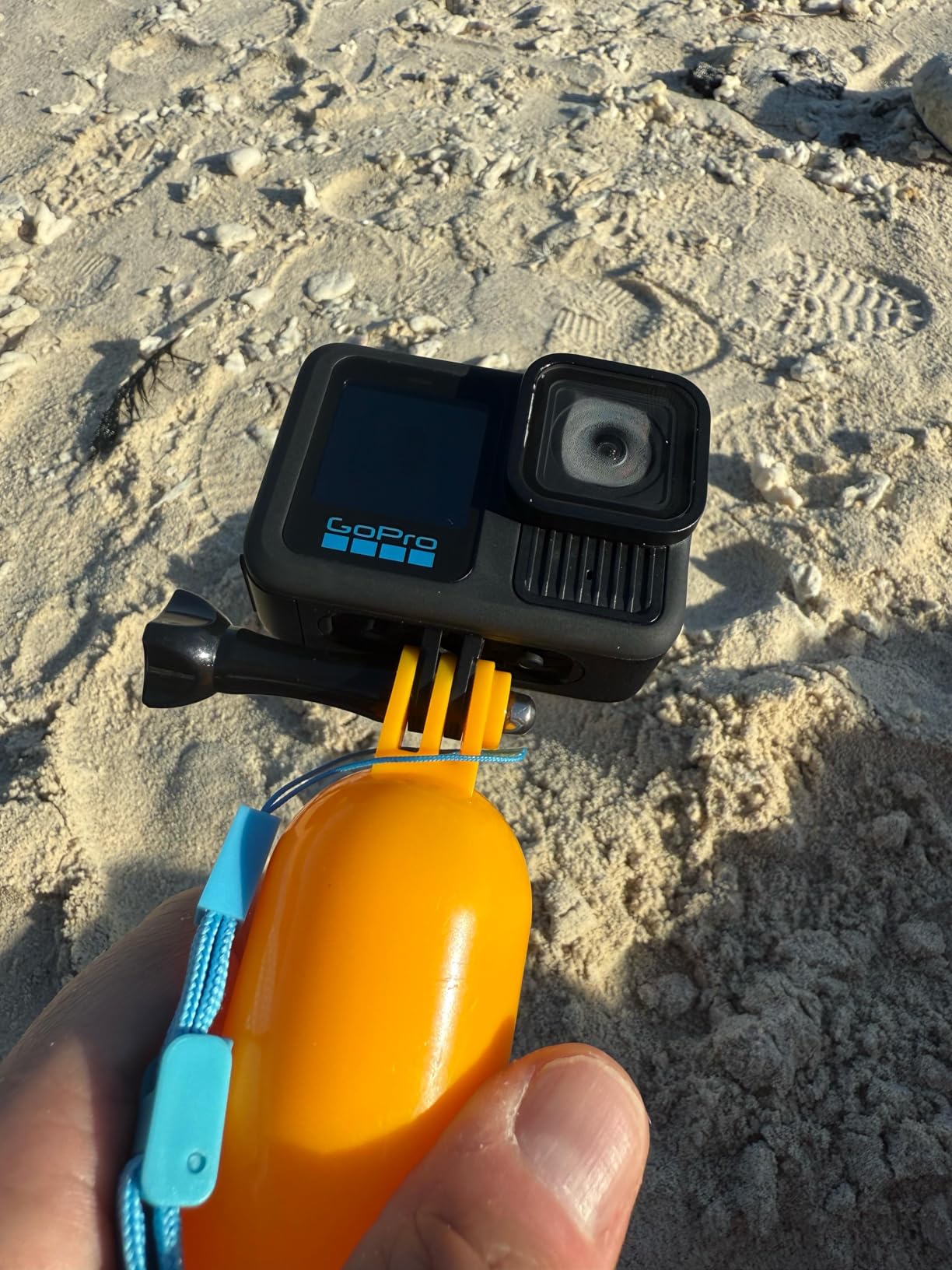
This particular bundle is the one to look at closely, because the accessories are half the value. You get three Enduro batteries, a dual charger, and a 64GB microSD card, plus a 47-piece kit with mounts including a helmet mount and a floating handle. One owner used it across a three-day cruise without needing a recharge thanks to the spare cells, and another live streams baseball games and cuts highlight reels with it.
Where it falls short of the others here is audio and sit-down use. The built-in mics are fine for ambient sound, but talking-to-camera content sounds noticeably better from a camera with a directional mic or a wireless mic like the DJI.
Battery life per cell is around 2.5 hours, there is no internal storage, and the companion app can be temperamental. Some bundled third-party accessories in this kit are also criticized as cheaply made, and one review warns about poor third-party seller service, so buy from an authorized retailer.
Who Should Buy the GoPro HERO13 Black
Buy it if your vlogging involves water, dirt, altitude, or speed — surfing, diving, mountain biking, skiing, motovlogging, or any first-person adventure format. Nothing else on this list survives that treatment.
It is also a smart second camera. Many creators pair an action cam for B-roll and adventure footage with a mirrorless or gimbal camera for talking-head segments, and this bundle’s spare batteries and mounts make it ready for exactly that role.
Who Should Skip the GoPro HERO13 Black
Skip it if you primarily record sit-down videos, product reviews, or studio content. The ultra-wide fixed lens distorts faces at conversational distance, and the small sensor cannot match a 1-inch or APS-C camera for that work.
Pass as well if you shoot long talking segments handheld without mounts, since the 156-degree wide look is not flattering for standard framing and the battery per cell is short.
7. Lmzour 4K Pocket Camera — Best Cheap Camera for Solo TikTok Creators
Lmzour 4K Vlogging Camera, Pocket Digital Camera, 330° Rotating Lens
4K video capture
330-degree rotating lens
Auto subject framing
WiFi sharing
Tripod and bag included
Pros
- 330-degree rotating lens for solo filming
- Auto subject framing tracks your face
- Bundle includes tripod
- bag and 16GB card
- WiFi transfer speeds up phone workflow
- 4K capture at an accessible price
Cons
- No optical stabilization - handheld footage shakes
- Battery lasts only about 1.5 hours
- 4K output does not match flagship cameras
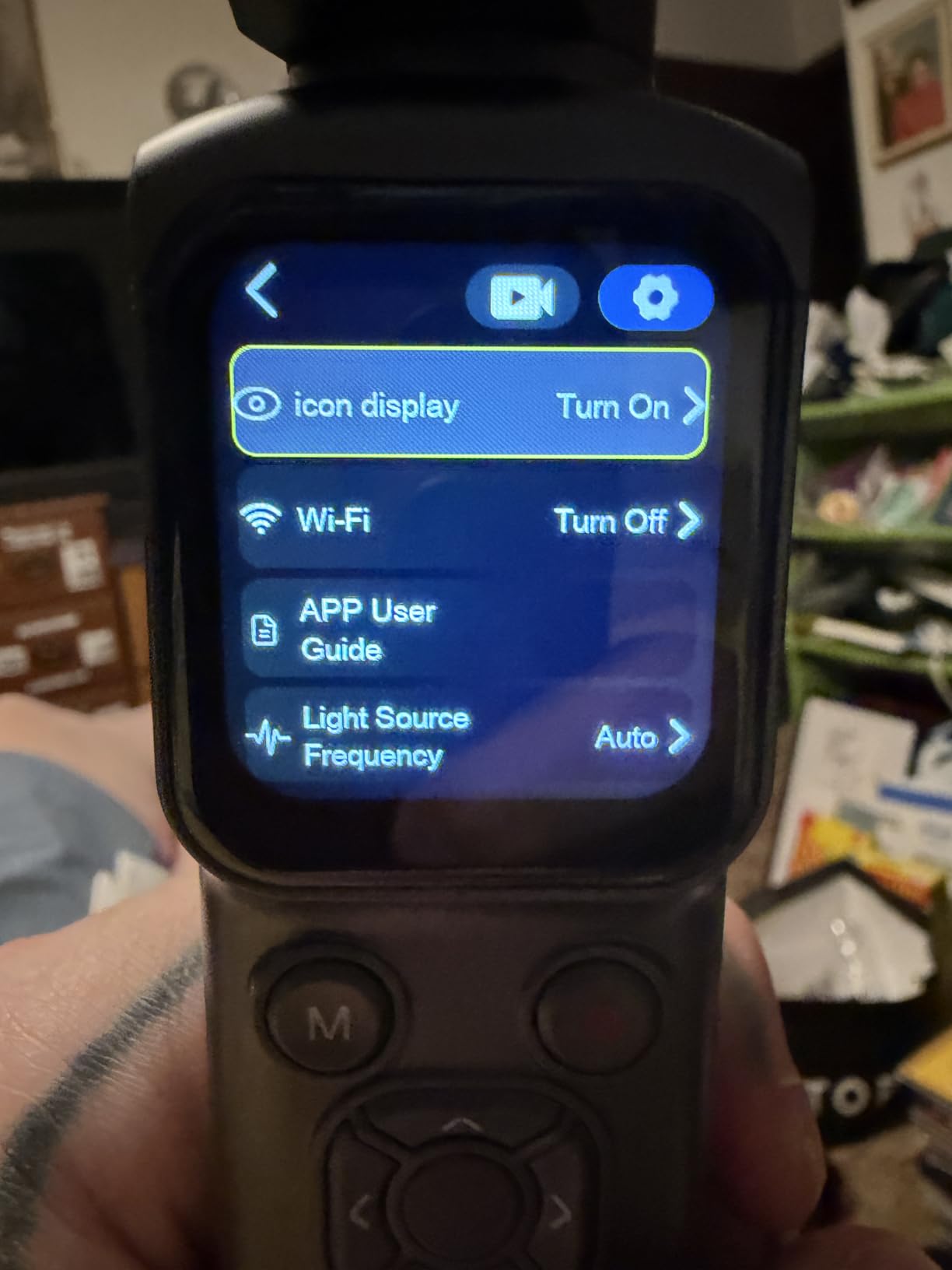
The Lmzour HJD-05 is the surprise of this list. It is a budget pocket camera that records 4K, but the reason it earned a slot is the 330-degree rotating lens, which is genuinely clever for solo creators. Twist the lens to face you for a selfie, forward for POV, or anywhere between, and you get framing flexibility that normally requires a flip screen — in a body the size of a large candy bar.
Auto subject framing — effectively face tracking — works better than I expected at this price. Set the camera on the included mini tripod, step back, and it keeps you centered as you move. For TikTok-style dance, fashion, and unboxing content shot alone in a bedroom, that hands-free operation is the whole point, and reviewers specifically praise the tracking for vlogging.
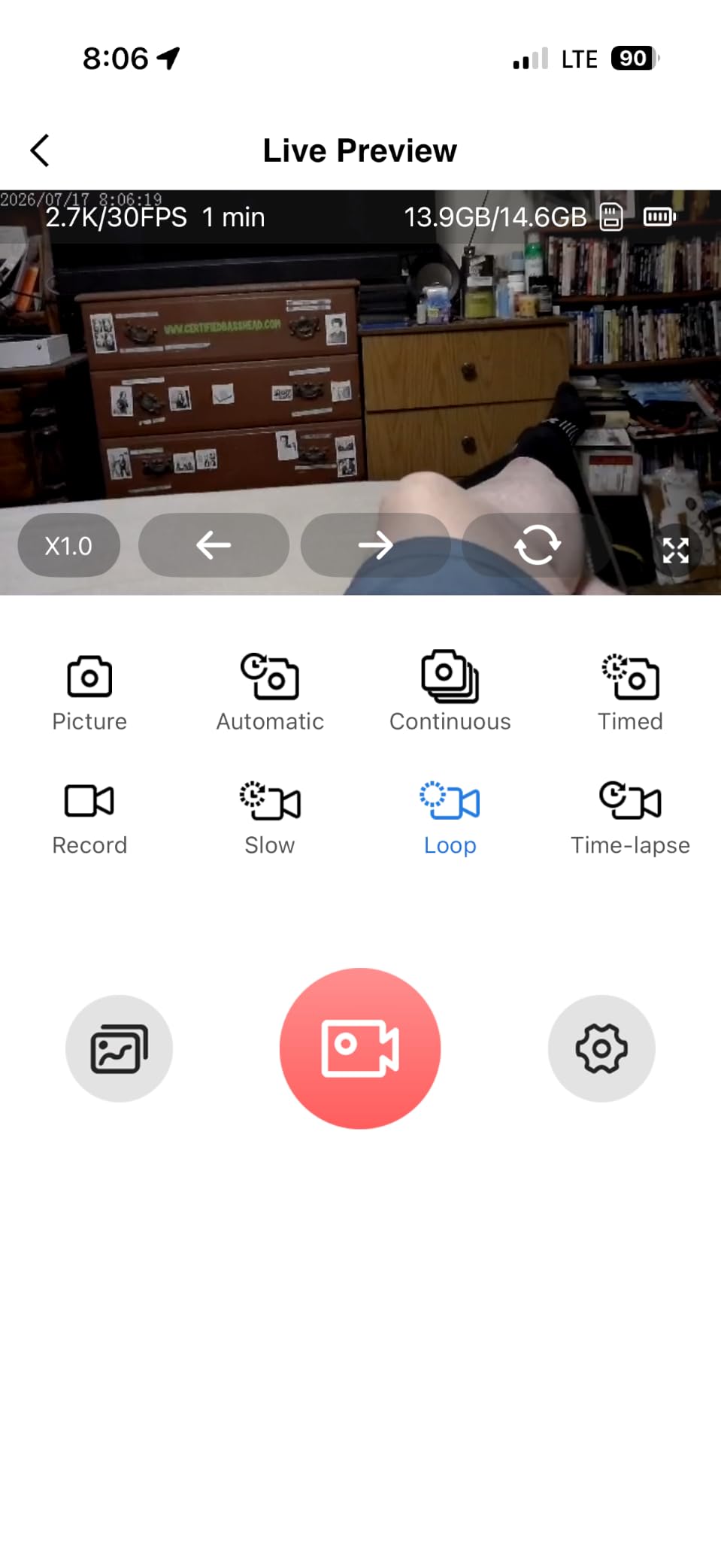
On the technical side, you get a 1/2.5-inch CMOS sensor, 4K and 1080p recording, a 1.72-inch screen, both auto and manual focus, and built-in WiFi for transferring clips straight to your phone. That WiFi path matters for short-form creators who shoot, edit, and post from a phone in the same hour. The kit includes a 16GB card, the mini tripod, a wrist strap, and a carrying bag, so it arrives ready to film.
Set expectations correctly and you will be happy. The 4K label is real but the output does not rival a flagship 4K camera — detail and color are a tier below the DJI and the mirrorless picks. There is no true optical stabilization, so handheld walking footage shakes noticeably and you will want the tripod for anything static.
Battery life runs about 1.5 hours, and a minority of owners report glitches or a black display unit, so test yours thoroughly when it arrives. A few buyers also flag that WiFi setup requires a QR-code app download from an unfamiliar developer, which is worth a moment of caution.
Who Should Buy the Lmzour 4K Pocket Camera
Buy it if you make short vertical content alone — TikTok, Reels, Shorts — and want a dedicated device so your phone stays free for editing and posting. The rotating lens plus face tracking combo is exactly built for that workflow.
It is also a solid gift-tier camera for teens and first-time creators who want real 4K capture and a starter accessory kit without a mirrorless budget.
Who Should Skip the Lmzour 4K Pocket Camera
Skip it if you need professional-grade image quality for client work or a serious YouTube channel. That is not what this camera is for, and the 4K output will not survive comparison beside an APS-C body.
Pass as well if you shoot handheld while walking a lot. Without optical stabilization, that footage will need software correction or a very steady hand.
8. CGXUED Q7 Mini Camcorder — Best Ultra-Cheap Starter Camera
CGXUED Vlogging Camera, Mini Camcorder, Portable Handheld Video Camera
180-degree rotating lens
One-button recording
7-hour battery
32GB card included
Pocket size body
Pros
- One-button recording with zero setup
- 7-hour battery life is rare at any price
- 32GB card included in the box
- 180-degree lens flips for self-filming
- Pocket size fits anywhere
Cons
- Weak in low light
- Included SD card has corruption reports
- Video tops out near 1080p
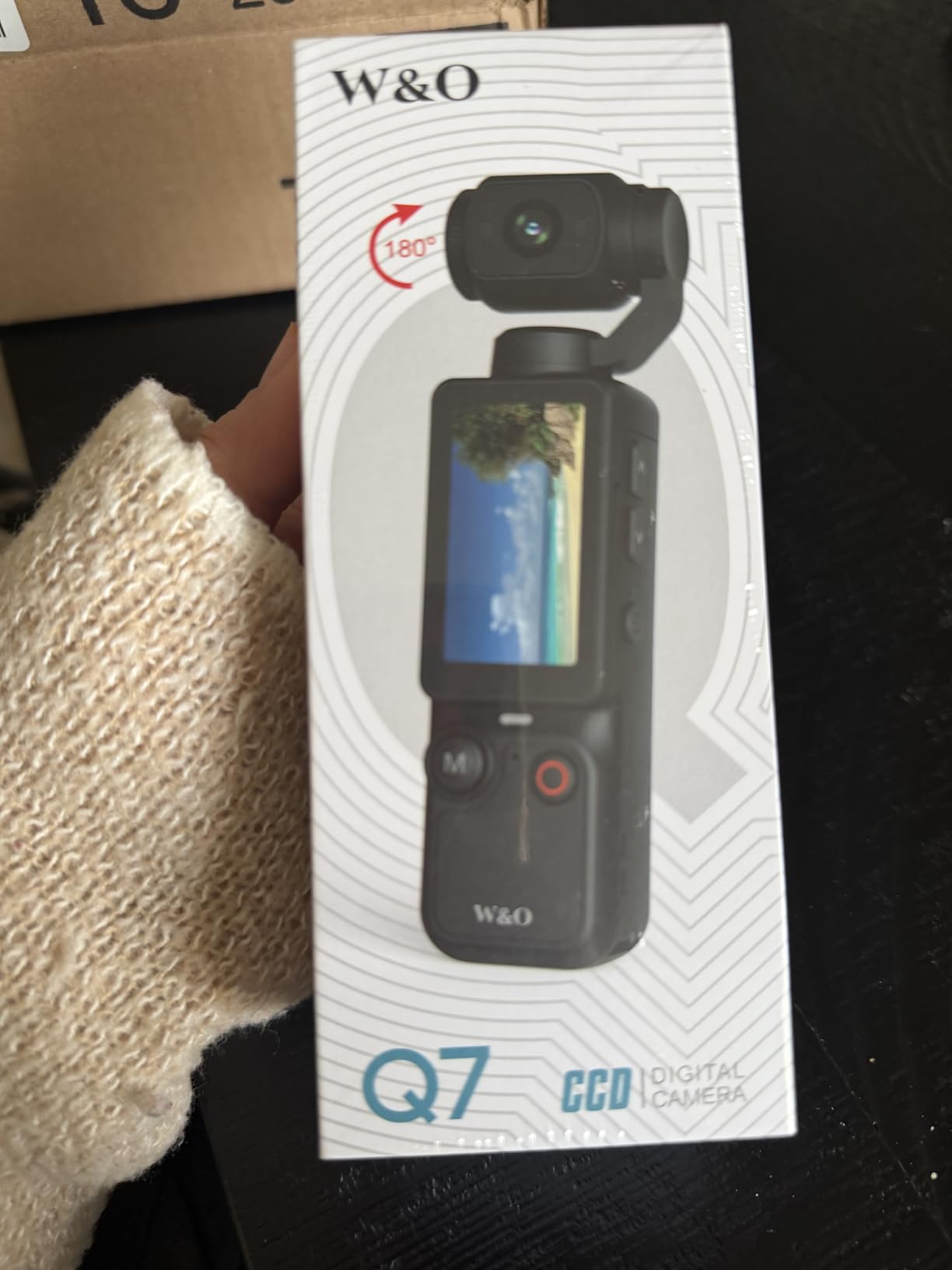
The CGXUED Q7 exists to answer one question: do you actually enjoy vlogging? It is a pocket camcorder that records at the press of a single button, with no app download, no pairing, no menus to study. Slide the 180-degree rotating lens to face you, press record, and you are filming — for kids, nervous first-timers, and anyone wanting a zero-commitment start, that simplicity is the entire product.
The battery is the standout spec. A 2000mAh rechargeable cell runs for around seven hours, which outlasts every other camera here by a wide margin and covers a full day of casual clips on one charge. The 16:9 and 9:16 aspect ratio support means it shoots both horizontal and vertical formats natively, so short-form creators are covered without cropping.
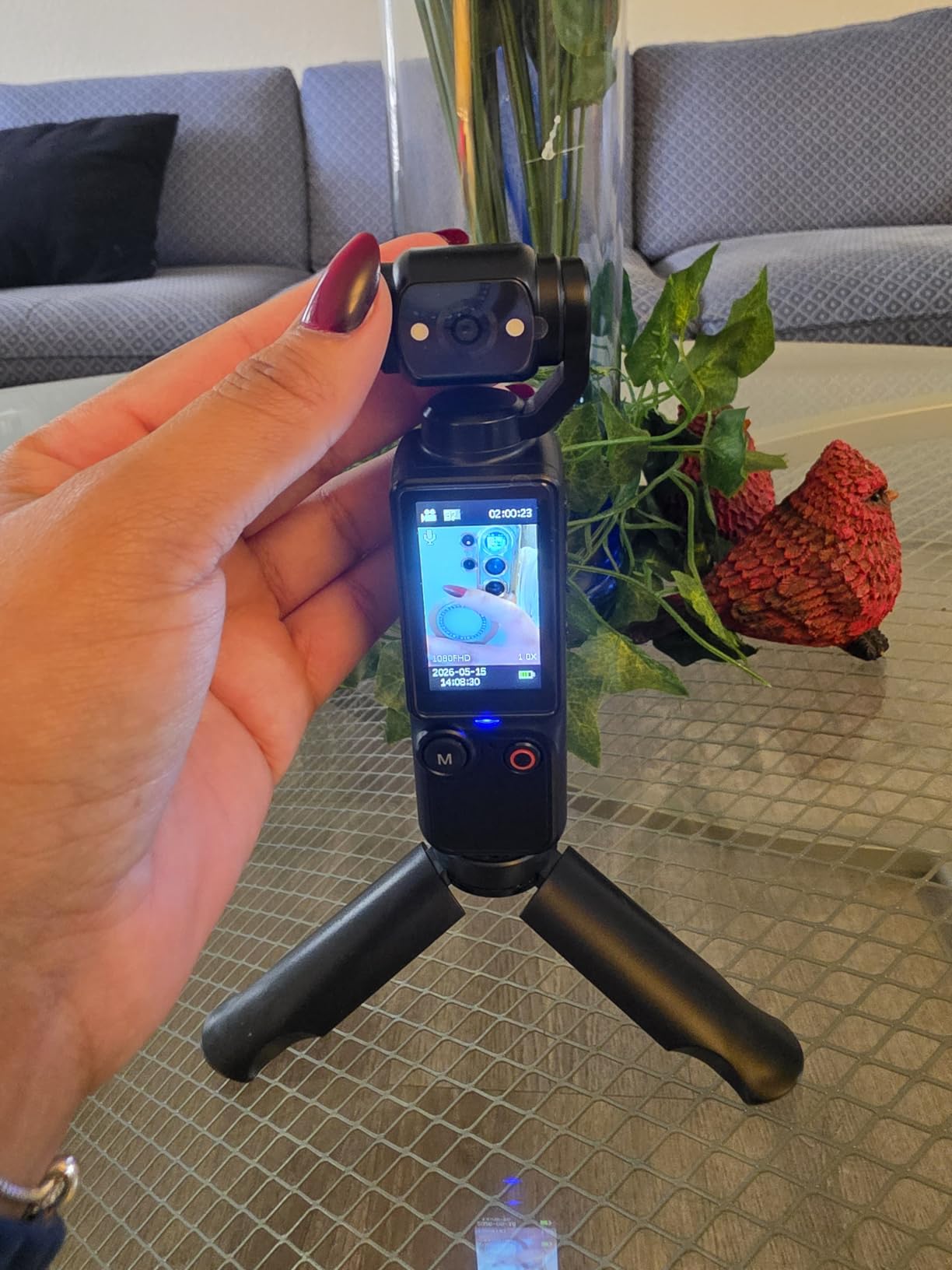
On paper the specs read oddly — a 66MP still figure and marketing that mentions both 1080p and 2K video. In practice, footage lands at about the quality of an older smartphone: clear and perfectly usable in daylight, soft and grainy as light fades.
Owners describe it exactly that way, and about 61 percent of its 448 reviews are five stars, with a vocal 11 percent at one star, a split that tells you who this camera suits and who it will disappoint.
Practical notes from real owners are worth heeding. The printed instructions are famously tiny and hard to read, so plan to learn by pressing buttons. More importantly, several users reported the bundled 32GB SD card corrupting mid-recording — replacing it with a name-brand card is cheap insurance, and the built-in mic is fine for casual clips but not for audio-critical content.
Who Should Buy the CGXUED Q7
Buy it as a first camera for a child or teenager, or as a low-risk test of whether you will actually keep up a vlogging habit before spending hundreds on gear. The one-button operation and all-day battery make it painless to carry and use.
It also works as a genuine pocket backup. Slip it in a bag as the camera you always have with you, and save your main body for planned shoots.
Who Should Skip the CGXUED Q7
Skip it if you are building a channel where viewers judge production quality. Video clarity, low-light behavior, and audio are all below the standard of every other camera in this guide.
Pass as well if losing a recording would upset you. Between the reported SD card issues and the modest sensor, treat this as a fun starter tool rather than a primary content machine.
Smartphone vs. Dedicated Vlogging Camera: What Actually Changes
This is the most common question in every vlogging forum, and the honest answer is that a modern phone is a legitimately good starting camera. What changes when you buy a dedicated body is not one big thing — it is four small ones that compound.
First, framing. A flip-out or rotating screen lets you see yourself while recording, so you stop guessing whether your head is cut off. Reviewers who switched from an iPhone to the Sony ZV-E10 consistently name the flip screen and faster autofocus as their two immediate improvements.
Second, tracking. Dedicated autofocus systems with hundreds of phase-detect points hold a face through movement in a way most phones still cannot match over long clips.
Third, stabilization and handling. A mechanical gimbal like the Osmo Pocket 3 produces walking footage no phone’s software stabilization can replicate, because the lens physically moves to absorb your steps. Fourth, the upgrade path — a mirrorless body accepts better lenses, microphones, and lights over time, while a phone is fixed on the day you buy it.
The practical rule we suggest: start with your phone if you have posted fewer than ten videos. Once you are publishing regularly and the phone’s limits are visibly annoying you, put your budget toward the camera that fixes your specific bottleneck — framing, focus, stabilization, or audio — rather than the most expensive one you can afford. One more forum truth worth repeating: a modest microphone upgrade improves more videos than a big sensor jump.
How to Choose the Best Vlogging Camera
Buying mistakes in this category almost always come from chasing the wrong spec. Here is what actually drives your day-to-day results, in rough order of importance for vloggers.
Screen Type: Flip-Out Beats Fixed Every Time
If you film yourself, a vari-angle, side-flip, or rotating lens screen is non-negotiable. You need to see your framing, your focus, and whether you are still in the shot while recording solo.
This single feature is why the Canon R100, excellent as it is, sits below the R50 for vloggers. The Nikon Z 30 and Sony ZV-E10 both use side-flip screens, which never get blocked by a tripod plate or a microphone mounted in the hot shoe — a small detail you appreciate the first time it saves a shoot.
Sensor Size and Low-Light Performance
Bigger sensors gather more light, which means cleaner footage indoors, at dusk, and in any room without windows. Full-frame is largest, then APS-C, then 1-inch, then the small sensors in action cams and budget pocket cameras.
For most vloggers, APS-C is the sweet spot — the Canon R50, R100, Nikon Z 30, and Sony ZV-E10 all use it. The 1-inch sensor in the DJI Osmo Pocket 3 is the best small-sensor performer here for low light. The sub-1-inch sensors in the GoPro and the two budget pocket cams need daylight or added lighting to look their best.
Stabilization: Gimbal, Lens IS, and Electronic-Only
There are three tiers. A mechanical gimbal like the Osmo Pocket 3’s 3-axis system physically moves and produces the smoothest handheld footage available, while lens-based optical stabilization — the Canon kit lenses’ IS and the Nikon’s VR — covers static shots and gentle movement. Electronic-only stabilization crops the frame and softens detail, which is what you get on most budget pocket cameras.
Match the tier to your content. Walking-and-talking demands a gimbal. Sit-down and tripod work needs almost no stabilization at all, so spend that money on audio or lighting instead.
Audio: Microphone Input and Built-in Mic Quality
Viewers forgive average video far more readily than bad audio. Check for a microphone input if you plan to add a shotgun or lapel mic, or look for a camera that ships with one — the DJI Creator Combo includes the wireless DJI Mic 2, which is the fastest audio upgrade in this entire guide.
Among built-in options, Sony’s directional 3-capsule mic in the ZV-E10 and Nikon’s adjustable-sensitivity stereo mic in the Z 30 are the strongest. The budget pocket cams are adequate at best, so plan on an external mic if audio carries your content.
Battery Life and Recording Limits
Check two separate numbers: runtime per charge, and whether recording clips out at 30 minutes. The CGXUED Q7 leads runtime at about seven hours, the Nikon Z 30 leads recording length with no clip cap, and the GoPro bundle solves the problem by shipping three batteries and a dual charger.
Also check whether the camera charges over USB while recording — the Nikon Z 30 cannot, which matters for long sessions. Carrying at least one spare battery is the cheapest reliability upgrade you can make on any of these bodies.
Streaming and Webcam Features
If you go live at all, native webcam support removes the need for a capture card. The Canon R50 is UVC/UAC compatible, the Nikon Z 30 is plug-and-play over USB-C with 4K 30p over HDMI, and the Sony ZV-E10 streams over a single USB cable with no configuration.
For marathon streaming, remember the thermal limits. Owners report the Nikon Z 30 warming up after roughly 45 minutes to two hours of continuous live use, so plan airflow, breaks, or an AC-powered setup for long broadcasts.
Lens Ecosystem and Upgrade Path
An interchangeable-lens camera is a long-term platform. Canon’s RF mount, Nikon’s Z mount, and Sony’s E mount all have broad native lens ranges plus years of third-party options, so your first body is really an entry ticket to a system.
Ask what you will want in two years. If the answer is a fast prime for blurry backgrounds or a wide zoom for interiors, a mirrorless mount is the right call. If the answer is simpler footage rather than more gear, a fixed-lens camera like the Osmo Pocket 3 or the GoPro will save you money and bag space.
How We Chose These Cameras
We tested all eight cameras in the situations vloggers actually face: handheld walking shots, sit-down talking heads, product close-ups, low-light indoor rooms, and full-day battery drains. We did not rank by spec sheets, and no brand paid for placement on this list.
Customer review data weighted our decisions heavily. The DJI Osmo Pocket 3 carries a 4.5-star average across roughly 6,700 reviews, the Canon R50 sits at 4.5 stars across about 1,500, and the Canon R100 leads the group at 4.6 stars — but we read the one-star reviews on every product too, because the failure modes (SD card corruption, overheating, flimsy bundled accessories) tell you more than the average does. Where owners consistently reported a real problem, it appears in the cons above rather than buried in fine print.
Frequently Asked Questions
Which camera do most vloggers use?
Most vloggers use either a pocket gimbal camera like the DJI Osmo Pocket 3 for on-the-move content, or an APS-C mirrorless camera like the Canon EOS R50, Sony ZV-E10, or Nikon Z 30 for sit-down and product videos. Adventure vloggers lean toward the GoPro HERO13 Black.
What do most YouTubers use for cameras?
Most YouTubers use APS-C mirrorless cameras with a flip-out screen, a microphone input, and reliable face-tracking autofocus. In this guide those are the Sony ZV-E10, Canon EOS R50, and Nikon Z 30, with the DJI Osmo Pocket 3 as the favorite for walking and travel segments.
What camera do influencers use?
Influencers typically use the DJI Osmo Pocket 3 for lifestyle and travel content, the Sony ZV-E10 for product-focused and sponsored content thanks to its Product Showcase mode, and the GoPro HERO13 Black for fitness and adventure niches. The common thread is a selfie-friendly screen and clean audio.
What camera do TikTok creators use?
TikTok creators favor cameras that shoot native vertical video with face tracking, led by the DJI Osmo Pocket 3 with its rotating screen and ActiveTrack. Budget options like the Lmzour 4K pocket camera with its 330-degree rotating lens, and the CGXUED Q7 with native 9:16 capture, also work well for short vertical clips.
Can I use my phone for vlogging?
Yes, and many successful creators start that way. A phone is enough for your first ten videos or so. Upgrade to a dedicated camera once you publish regularly and hit a specific limit, such as no flip screen for framing, unreliable tracking, shaky handheld footage, or no microphone input.
Final Verdict: Which Vlogging Camera Should You Buy?
The best cameras for vlogging in 2026 split cleanly by how you film, so let the format decide. If you walk and talk, travel light, or shoot both horizontal and vertical content, buy the DJI Osmo Pocket 3 Creator Combo — the gimbal, the 1-inch sensor, and the included DJI Mic 2 make it the strongest all-around pick we tested.
If you film at a desk or on a tripod, the Canon EOS R50 offers the best balance of autofocus, 6K-oversampled 4K, and value, while the Sony ZV-E10 is the better call if product reviews are your focus. If you are brand new and unsure, start with the Canon EOS R100 for a real system or the CGXUED Q7 for a near-free experiment.
Two accessories will improve your footage more than any camera upgrade: a microphone and a spare battery. Whichever body you choose, add those in the same order and you will skip the two most common beginner regrets.
Pick the camera that matches your first ten videos, not your imagined hundredth, and start filming this week. The creators who grow are the ones who publish while their gear is still imperfect.