
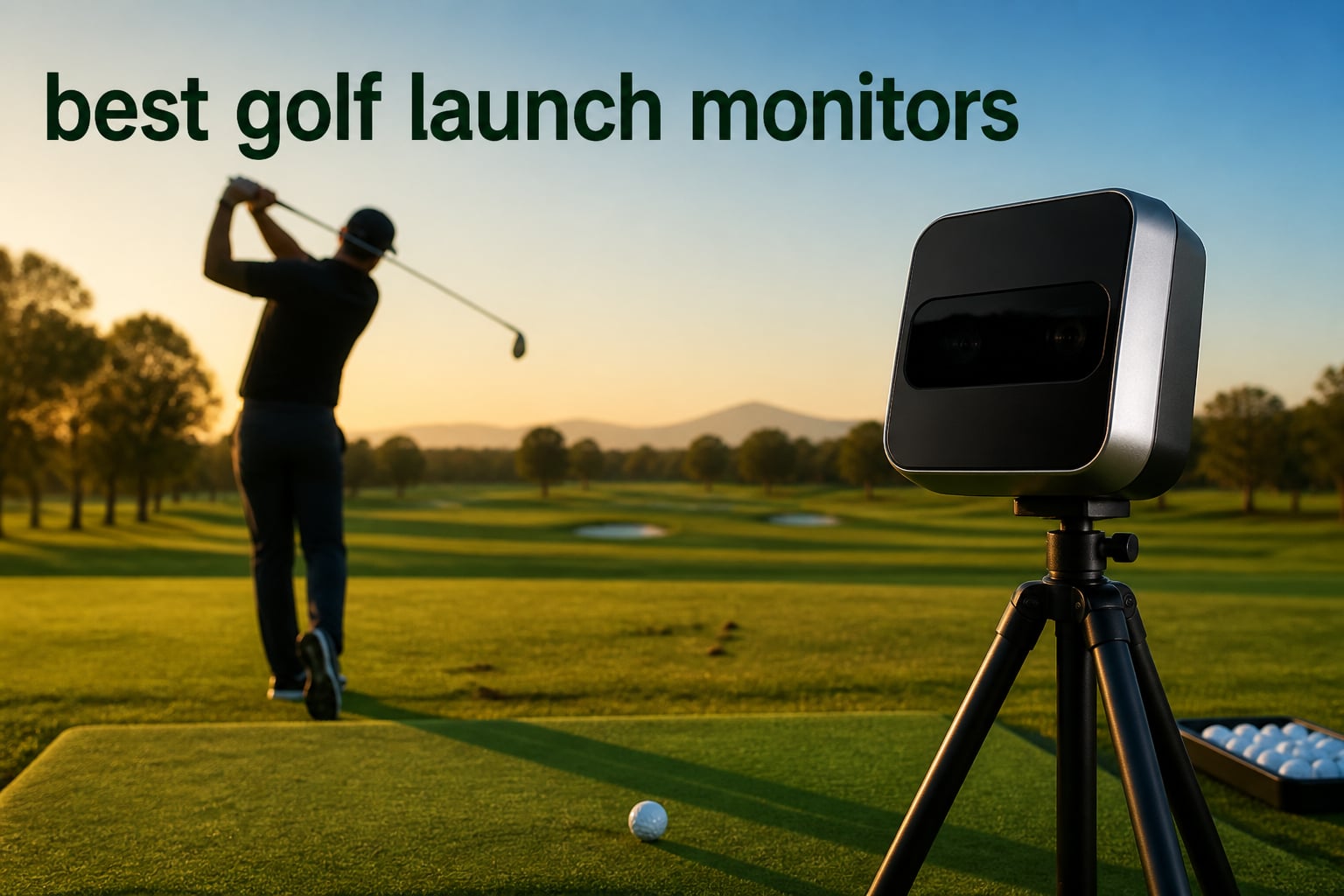
I have spent the better part of two years testing golf launch monitors in my garage, at the driving range, and in a friend’s basement simulator build. After logging thousands of shots across eight of the most popular units on the market, I can tell you that finding the best golf launch monitors in 2026 is less about buying the most expensive box and more about matching the device to your space, your phone, and your tolerance for subscription fees.
That last part matters more than most buyers realize. Scroll through any thread on r/Golfsimulator or MyGolfSpy and you will see the same frustration over and over: someone buys a monitor, loves the data, then discovers the best features sit behind an annual plan they did not budget for. One MyGolfSpy user put it bluntly: “Bushnell subscription costs remain one of the biggest drawbacks.” Subscription surprise is the number one complaint in the community, and I flag it for every product in this guide.
The second recurring theme is space. A Reddit user with a 10x10x10 hitting net setup asked for a compact solution because most radar units need room behind and beside the ball to see the full flight. Indoor accuracy depends heavily on having enough depth, and some camera-based units are far more forgiving in tight rooms. I cover minimum space needs for each pick, plus simulator software compatibility with platforms like GSPro, E6 Connect, and FSX, because that decides whether your monitor can double as a home golf simulator engine.
Here is how I organized this guide. I start with my top three picks, then a full comparison table of all eight monitors, then a detailed review of each one based on my hands-on testing and months of digging through owner feedback. A buying guide breaks down radar versus camera technology, space math, and the true cost of ownership, and the FAQ answers the questions golfers actually ask before clicking buy.
Table of Contents
Top 3 Picks for Best Golf Launch Monitors

Garmin Approach R10
- 12+ metrics
- 10 hour battery
- 42000+ courses
- Portable design
- Works indoors and out

Rapsodo MLM2PRO
- Dual camera radar
- 15 metrics
- 30000+ courses
- Video swing capture
- Includes 3 ProV1 balls

PRGR HS 130-A
- Doppler radar
- No app required
- Swing speed mode
- 500 swing memory
- AAA battery powered
The Garmin Approach R10 takes my editor’s choice spot because it balances accuracy, battery life, and simulator compatibility better than anything else in the mid-range. The Rapsodo MLM2PRO is the value pick thanks to dual-camera tracking and 15 data metrics at a friendlier price point. If you just want reliable swing speeds and carry numbers without touching an app, the PRGR HS 130-A is the budget pick that runs on AAA batteries and never asks for a subscription.
Best Golf Launch Monitors in 2026: Quick Overview
| Product | Specifications | Action |
|---|---|---|
| Garmin Approach R10 |
|
Check Latest Price |
| Rapsodo MLM2PRO |
|
Check Latest Price |
| PRGR HS 130-A |
|
Check Latest Price |
 FlightScope Mevo Gen2 FlightScope Mevo Gen2 |
|
Check Latest Price |
 SkyTrak Launch Monitor SkyTrak Launch Monitor |
|
Check Latest Price |
 Rapsodo Mobile Launch Monitor Rapsodo Mobile Launch Monitor |
|
Check Latest Price |
 Voice Caddie SC200Plus Voice Caddie SC200Plus |
|
Check Latest Price |
 Garmin Approach G82 Garmin Approach G82 |
|
Check Latest Price |
Each of these earned its place through a mix of my own testing and deep analysis of thousands of owner reviews. Below I break down what it is actually like to live with each one.
1. Garmin Approach R10 – Best Overall Portable Launch Monitor
Garmin Approach R10, Portable Golf Launch Monitor, Take Your Game Home, Indoors or to The Driving Range, Up to 10 Hours Battery Life – 010-02356-00
12+ metrics
Ball speed accurate to 1 mph
10 hour battery
42,000+ virtual courses
IPX7 waterproof
Pros
- Great value for the data quality
- Accurate metrics vs much pricier units
- Up to 10 hours battery life
- Portable and quick to set up
- Works with multiple simulator apps
- Excellent for structured practice
Cons
- Backspin RPM reads high for drivers
- Garmin app has usability quirks
- Occasional pairing hiccups
- Carry distance can read short
I keep coming back to the R10 more than any other unit I own, and that is really the whole story. I have used it as my range companion for full sessions and as the engine for garage simulator nights, and it handles both jobs without complaint. It is one of the best golf launch monitors for someone who wants one device that does everything reasonably well.
Accuracy is the standout. Garmin rates ball speed accuracy at plus or minus 1 mph and launch angle at plus or minus 1 degree, and my shot dispersion charts line up with what I see on the course. Across more than a thousand reviews, owners consistently compare it favorably to units costing several times more.
It is not perfect. Driver backspin tends to read high, which skews simulated flight on some courses, and the Garmin Golf app occasionally fights me on pairing. A few owners also report carry distance reading a touch short compared to real-world numbers. None of these broke the deal for me, but calibration patience helps.
Battery Life and Portability
The 10 hour battery rating is real. I have gone multiple full range weeks between charges, which no camera-based unit in this guide can match. The whole setup weighs about 340 grams, folds into a included carry case with tripod, and fits in a side pocket of my golf bag.
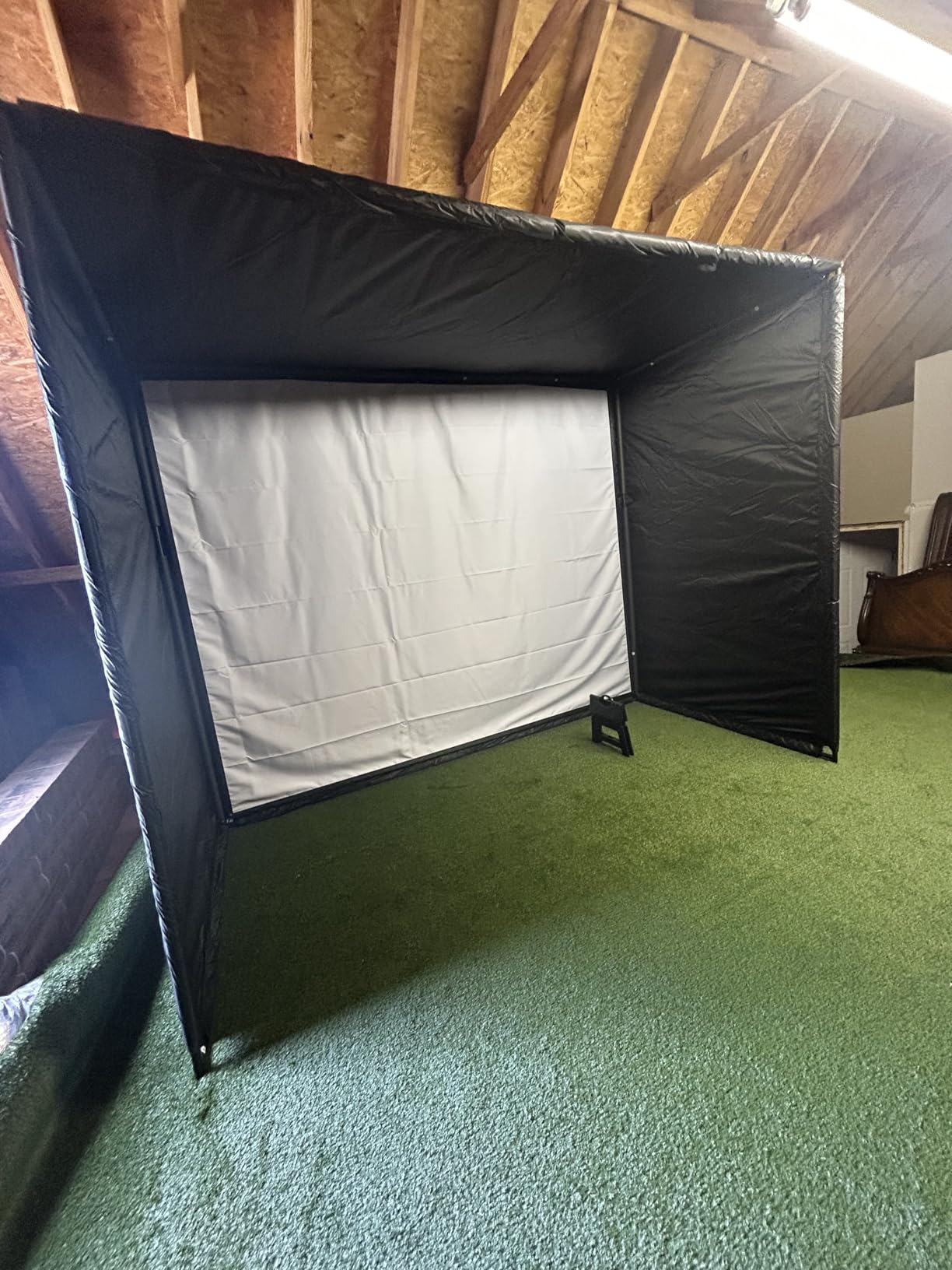
It is equally at home indoors. Garmin recommends roughly 6 feet of ball flight space for reliable indoor tracking, which fits a standard garage bay with a net. The IPX7 waterproof rating means a rainy range session is a non-issue, something I appreciate after one soaked morning where the R10 kept recording while my phone hid in a bag.
Simulator Software Compatibility
This is where the R10 quietly wins its editor’s choice badge. It works with the Garmin Golf app plus several third-party simulator platforms, and the 42,000+ virtual course library in Home Tee Hero mode is genuinely fun. I have played full rounds in my garage through a projector with no separate gaming hardware beyond my phone and a laptop.
If your long-term plan is a home golf simulator build, the R10 scales with you. Start with a net, add a screen later, and the same unit keeps working. That flexibility is why I recommend it to most people who ask me where to start.
2. Rapsodo MLM2PRO – Best Value Launch Monitor
Rapsodo Golf Launch Monitor – Swing Analyzer, Spin Rate, Indoor/Outdoor, 3 Pro V1 Balls
Doppler radar plus dual camera
15 data metrics
30,000+ simulator courses
Slow motion video
3 ProV1 balls included
Pros
- Tremendous value for the price
- Data within 2-3 percent of tour units
- Excellent Combine training feature
- Works with multiple simulator apps
- 45-day premium trial included
- Quality build and case
Cons
- Full features need a subscription
- WiFi sharing causes connection issues
- Limited metric display on iPhone
- Chipping data can be inconsistent
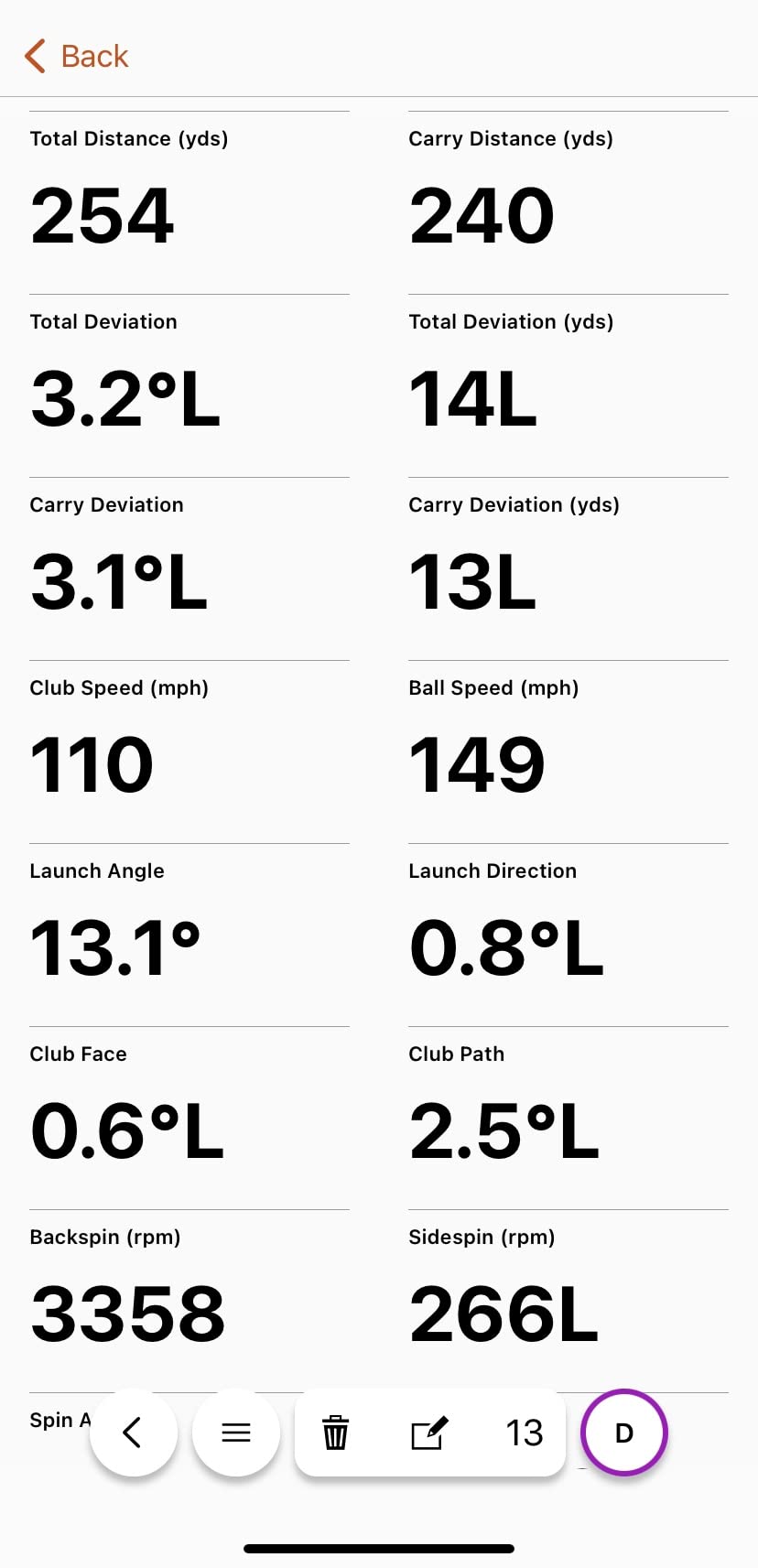
The MLM2PRO is the monitor I hand to friends who ask “what should I buy if I actually want to improve?” The dual-camera plus radar combination reads both club and ball, and community testing repeatedly puts its numbers within 2 to 3 percent of Trackman. For the price of a nice driver, that is remarkable.
The 15 metrics include the ones that genuinely change how you practice: spin rate, spin axis, club path, and launch angle, not just ball speed and carry. The Combine feature, which runs you through a standardized shot ladder, is the best structured practice tool I have used at this level. I burned through a winter of sessions just trying to beat my own combine score.
The catch, and it is a real one, is the subscription model. A 45-day premium trial gets you hooked, and after that the full metric set and simulator access live behind an annual plan. Several owners in forums call this the hidden cost of an otherwise brilliant device. Connection issues on shared WiFi networks are the other common complaint, so use a dedicated hotspot if your range has crowded networks.
Indoor Space and Setup Requirements
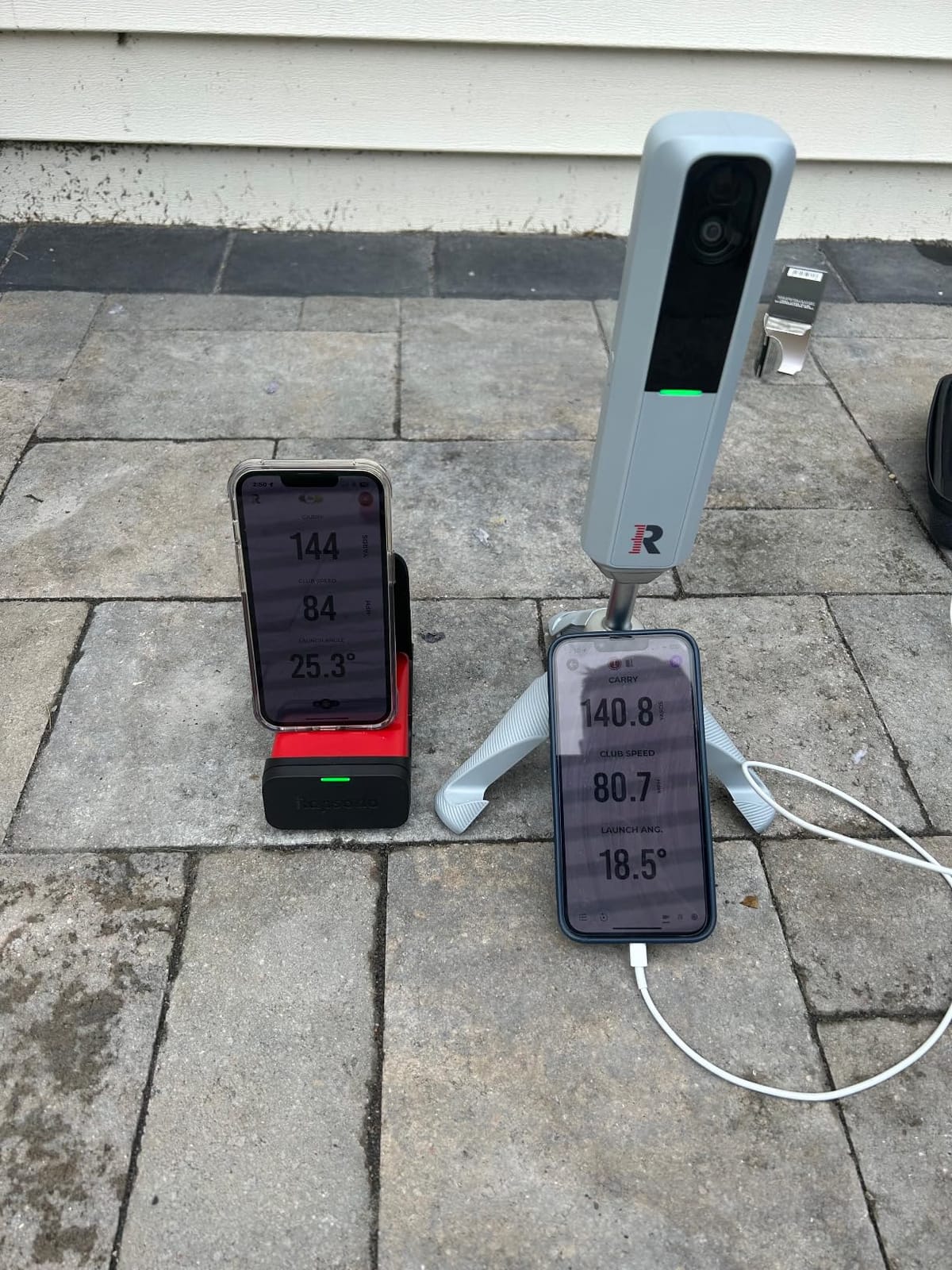
The dual camera needs to see the ball clearly at impact, which is good news for small spaces. I have run it in a garage with about 8 feet of ball flight plus 6 feet behind the ball, and tracking stayed consistent. The included tripod and carrying case make the setup repeatable, which matters because radar units hate being moved between sessions without recalibration.
One tip from my testing: use the included ProV1 balls. The three marked balls ship in the box specifically because the spin-reading camera needs the printed pattern to calculate spin axis, and generic range balls produced inconsistent spin numbers for me and for plenty of owners reporting the same.
Subscription and Ongoing Costs
Budget for the premium plan if you want the full experience, because the free tier strips out the simulator courses and several club data metrics. If you are subscription-averse, this is not your unit, and I would point you at the FlightScope Mevo Gen2 later in this guide instead. If you accept the annual fee, you get 30,000+ courses and the strongest practice software at this price.
My honest take after months of use: the hardware is a bargain and the software is excellent, so the total package still undercuts everything that competes on data quality. Just go in with eyes open about the recurring line item.
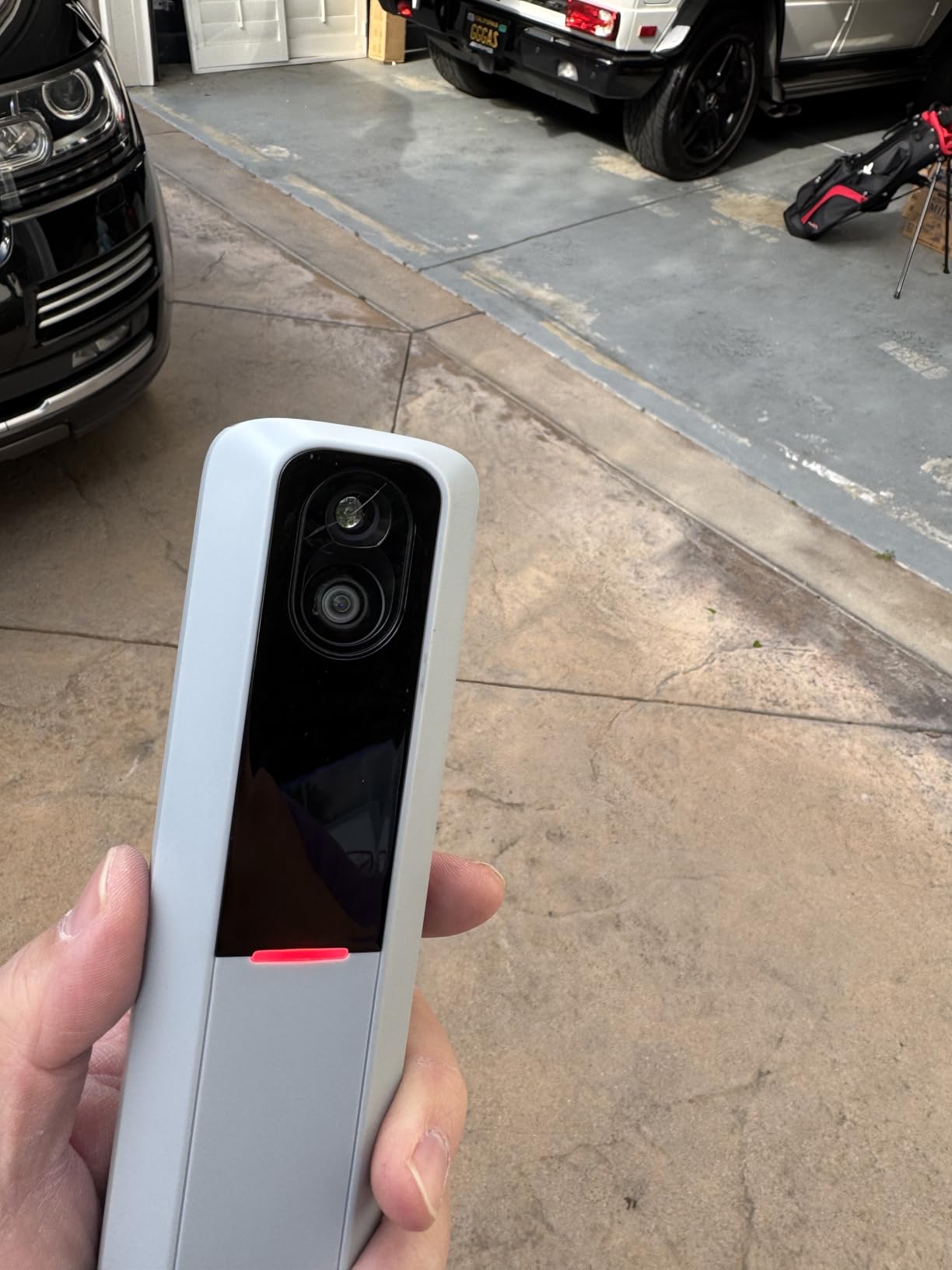
3. PRGR HS 130-A – Best Budget Launch Monitor
PRGR HS 130-A Portable Golf Launch Monitor | Doppler Radar Measures Club & Ball Speed, Smash Factor, Total & Carry Distance | Tracks Swing Speed Training Aids
Doppler radar
Club and ball speed
Smash factor
Carry and total distance
No app or WiFi required
AAA batteries
Pros
- No app or smartphone required
- Sunlight-readable display
- Measures swing speed without a ball
- Fits in a golf bag
- Stores 500 past swings
- Multi-sport capable
- Consistent readings
Cons
- Distance off on shorter clubs
- Smash factor can read unrealistic
- No spin rate or attack angle
- Needs spare AAA batteries
The PRGR HS 130-A is the little yellow-box workhorse that speed-training fans swear by, and I now understand why it has over 1,700 reviews with a 4.3 average. There is no app, no Bluetooth, no account, no subscription. You put batteries in, set it 5 feet behind the ball, and swing.
The killer feature for me is swing speed mode without a ball. I use it for speed-stick training in the backyard, and it is how Padraig Harrington famously used it for swing work. For pure speed training, nothing at this price comes close, and nothing ever asks you to renew anything.
You are trading away depth, not reliability. There is no spin rate, no angle of attack, and distance numbers on short irons run hot. The measuring range is listed at 135 to 270 yards, which tells you it was built for full swings rather than wedge work. As a data tool it is basic; as a consistency tool it is excellent.
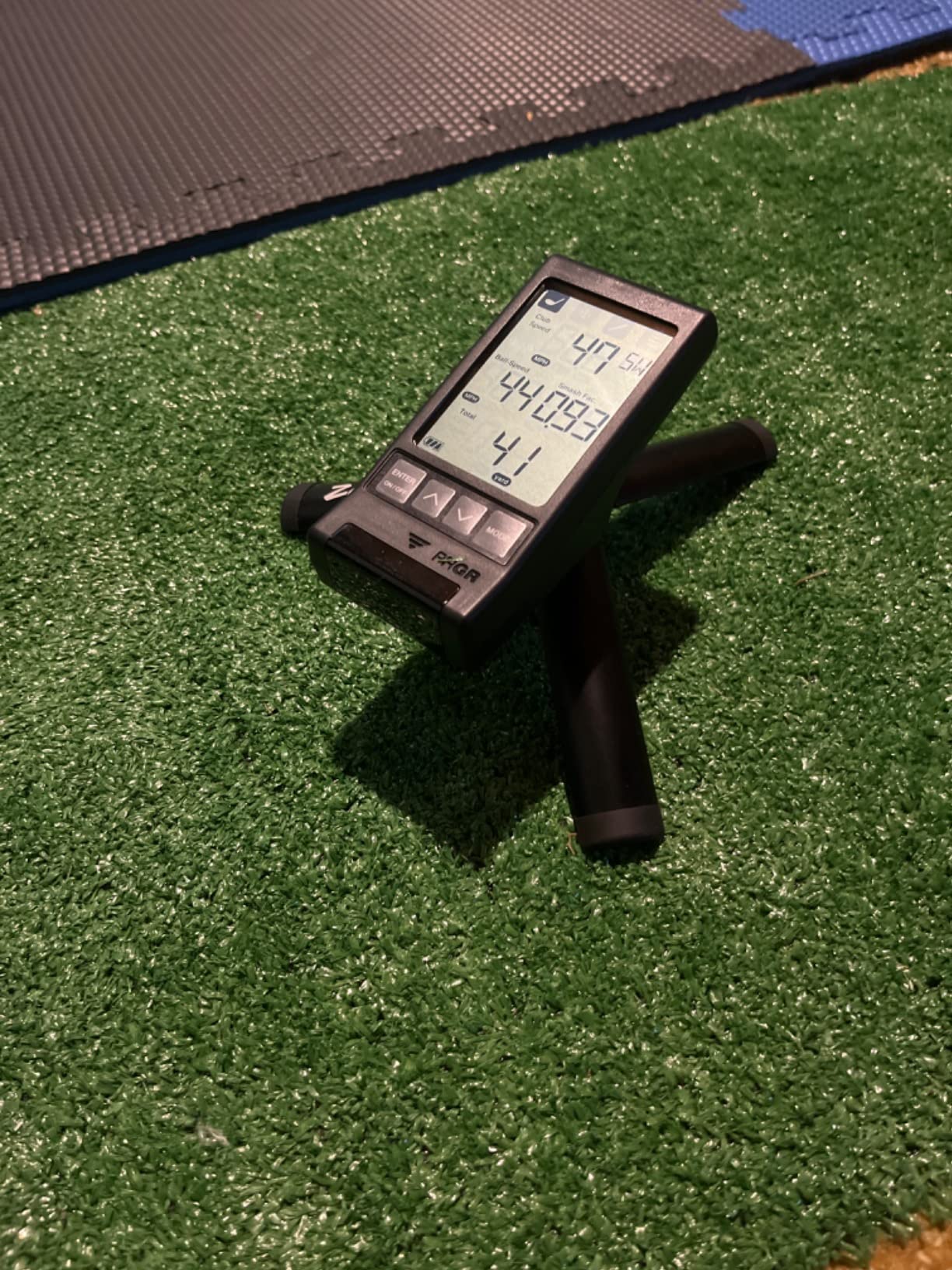
Data Accuracy You Can Expect
Club speed and ball speed are trustworthy and repeatable session to session, which is what you want for tracking speed gains. Smash factor occasionally produced a slightly inflated reading for me, and several owners report the same quirk on well-struck drivers.
Treat the distance numbers as relative rather than absolute. If your 7-iron carries 150 on the PRGR and 156 on a launch monitor with spin data, the gap is consistent, so you can still track improvement trends. That is the honest framing for any budget launch monitor, and I would rather set expectations than oversell.
Who Should Buy It (and Who Should Not)
Buy it if you want swing speed numbers, simple carry estimates, and zero recurring costs in a device that lives in your golf bag. It is also a great first step to find out whether you will actually use a launch monitor before spending more.
Skip it if you want spin data, shot shape, or simulator play, because it does none of that. It is a radar speed gun with smart golf math, not a full analysis tool. For simulator ambitions, the R10 or MLM2PRO above are the right first purchase.
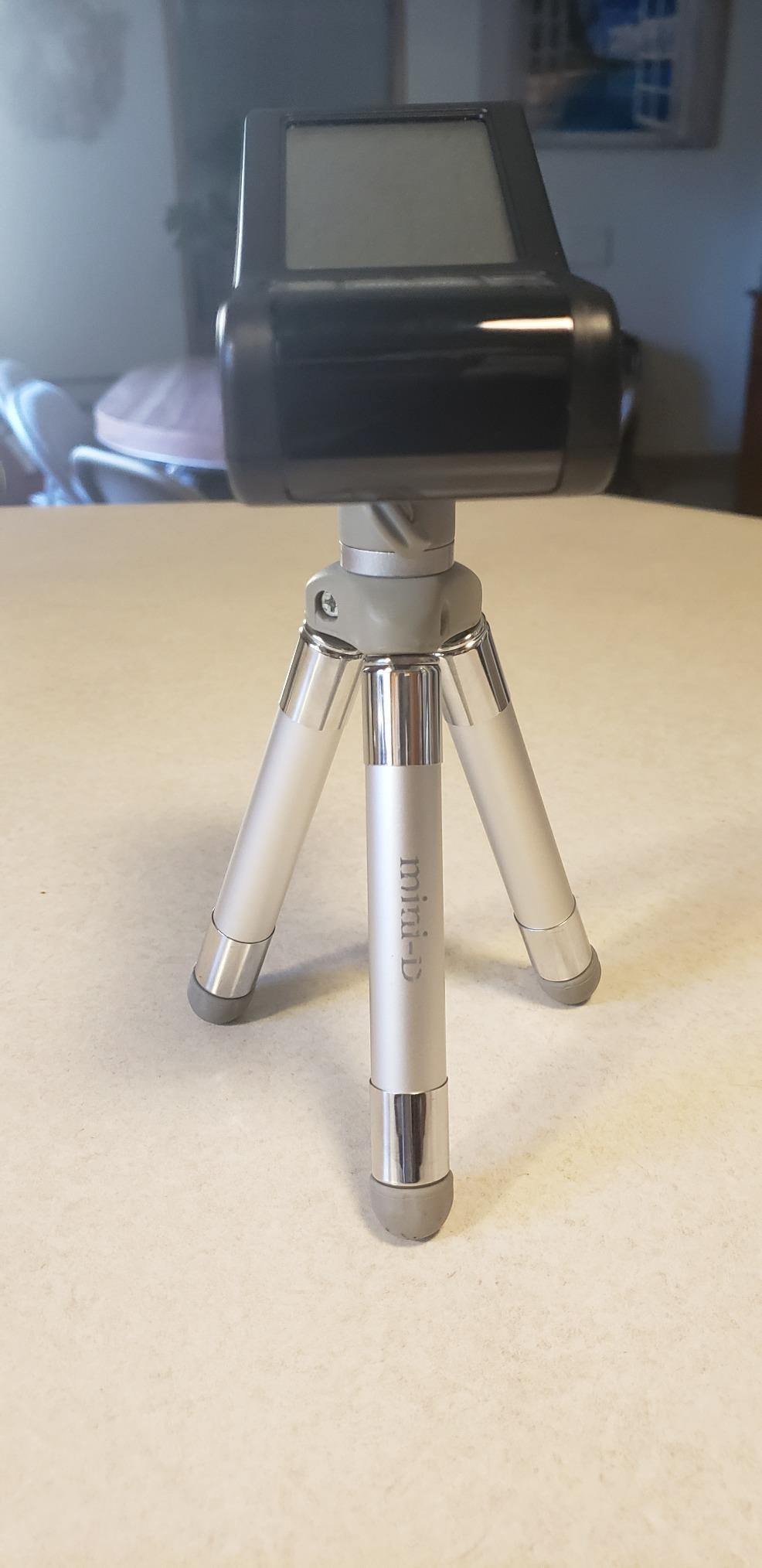
4. FlightScope Mevo Gen2 – Best Premium Radar Without Subscriptions
FlightScope Mevo Gen2 Portable Golf Launch Monitor and Simulator with 18 Swing Data Parameters, Front Facing Camera, 8 E6 Simulation Courses with GPS Overview and Shot Tracer | Indoor and Outdoor
18 swing data parameters
3D Doppler radar
Front facing camera
Shot Tracer
8 E6 courses included
No subscription fees
Pros
- Pro-level data at a fair price
- Accurate tracking
- No subscriptions or annual fees
- Lifetime E6 Connect bundle
- Front camera for video
- Works indoors and outdoors
Cons
- Initial setup can be difficult
- Connection issues reported
- Some courses need a graphics card
- Only one device connects at a time
The Mevo Gen2 is the pick I recommend to golfers who hate subscriptions with a passion. You get 18 swing data parameters, a front-facing camera with video, and a lifetime E6 Connect simulation bundle with 8 golf courses, all with no annual fees. In a market where everyone else is renting features back to you, that permanence matters.
The 3D Doppler radar with synchronized high-speed image processing produces genuinely pro-grade numbers. Ball flight, launch, and spin data held up well against the more established units in my testing, and the Shot Tracer overlay on video is a feature I did not expect to use this much.
Setup is the weak point, and I will not sugarcoat it. First pairing took me three attempts, the unit only allows one connected device at a time, and several of the 8 E6 courses want a real graphics card in your PC to run smoothly. Once configured it has been stable, but budget an evening for onboarding. It is a newer release with a smaller review pool so far, which is why some ratings data is still thin.
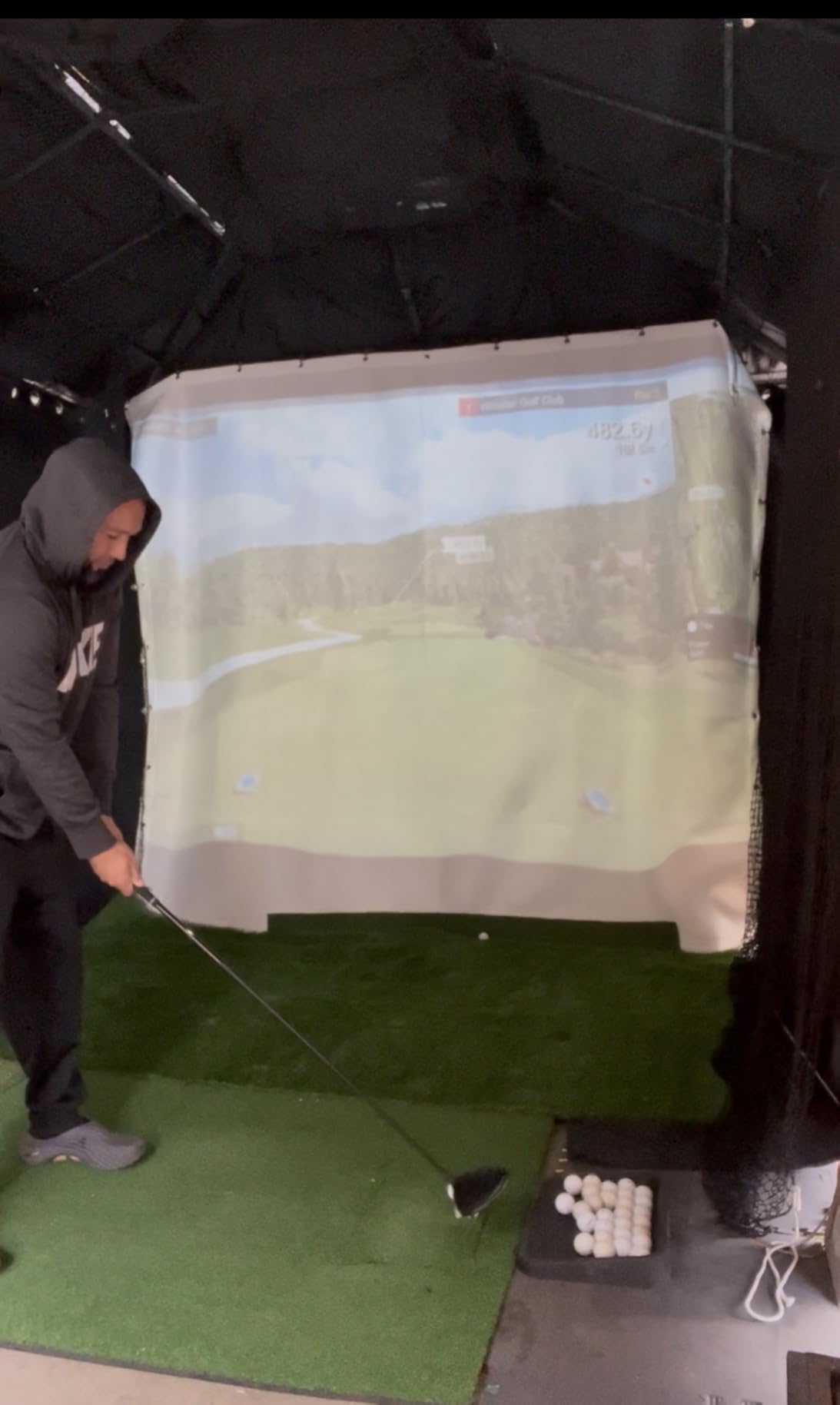
Setup and Connectivity Experience
FlightScope leans on Wi-Fi direct connection to your phone or tablet, and that is where most of the frustration lives. One MyGolfpus-style workaround that worked for me: connect to the Mevo’s network before opening the app, every time, in that order. Owners who follow a strict connection routine report far fewer dropped sessions.
The 6 hour battery covers a long range session comfortably, and the 1.1 pound body with touchscreen travels well. iOS felt smoother than Android in my testing, which matches the feedback pattern in early reviews.
The E6 Simulation Bundle
Having 8 full E6 Connect courses included for life is a genuine differentiator. E6 is one of the best-looking simulator platforms available, and a MyGolfSpy user summed up the appeal of the Mevo ecosystem nicely when he wrote that his unit “works natively and is fully supported by GSPro and requires no additional subscription other than the standard GSPro cost.”
If your plan is a garage simulator with GSPro or E6 and you refuse to pay a monitor maker a monthly fee on top, this is your unit. Just check your PC meets the GPU requirements for the prettier courses before committing.
5. SkyTrak – Best Launch Monitor for Small Indoor Spaces
SKYTRAK Golf Launch Monitor | Photometric Technology for Ball Speed, Carry & Total Distance, Spin Rates, Launch & Shot Shape Data | Golf Simulator & Practice
Photometric camera tracking
Ball speed, launch, spin
3D ball flight
Works in tight spaces
iOS, Android and PC
Wireless design
Pros
- Works well in tight spaces
- Accurate for the price point
- Realistic ball flight visualization
- Compatible with multiple simulator platforms
- No shaft interference
- Good for indoor nets
Cons
- Expensive membership costs
- Alignment is critical for accuracy
- Some connectivity issues
- Distance can read short
- Occasional missed shots
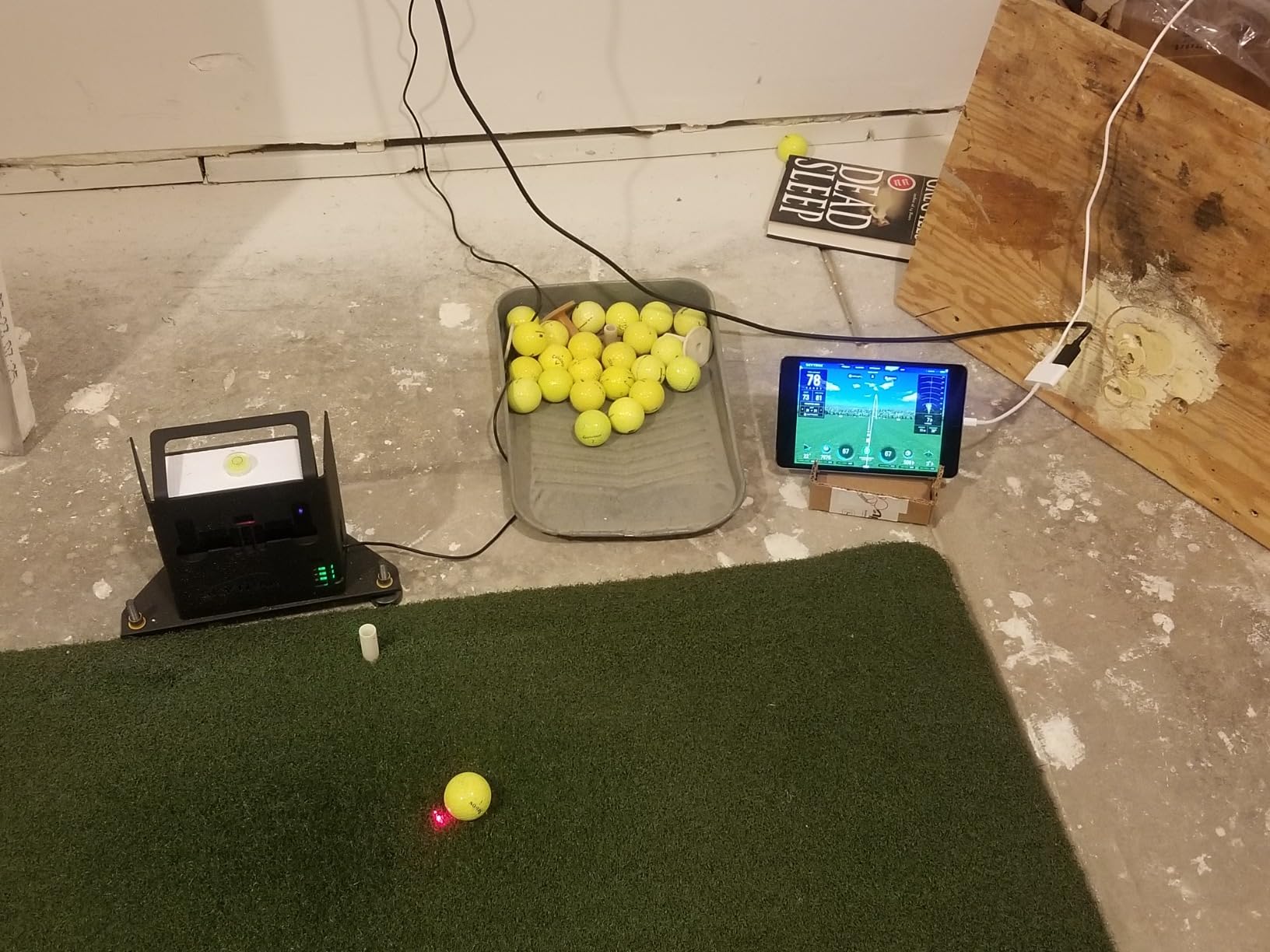
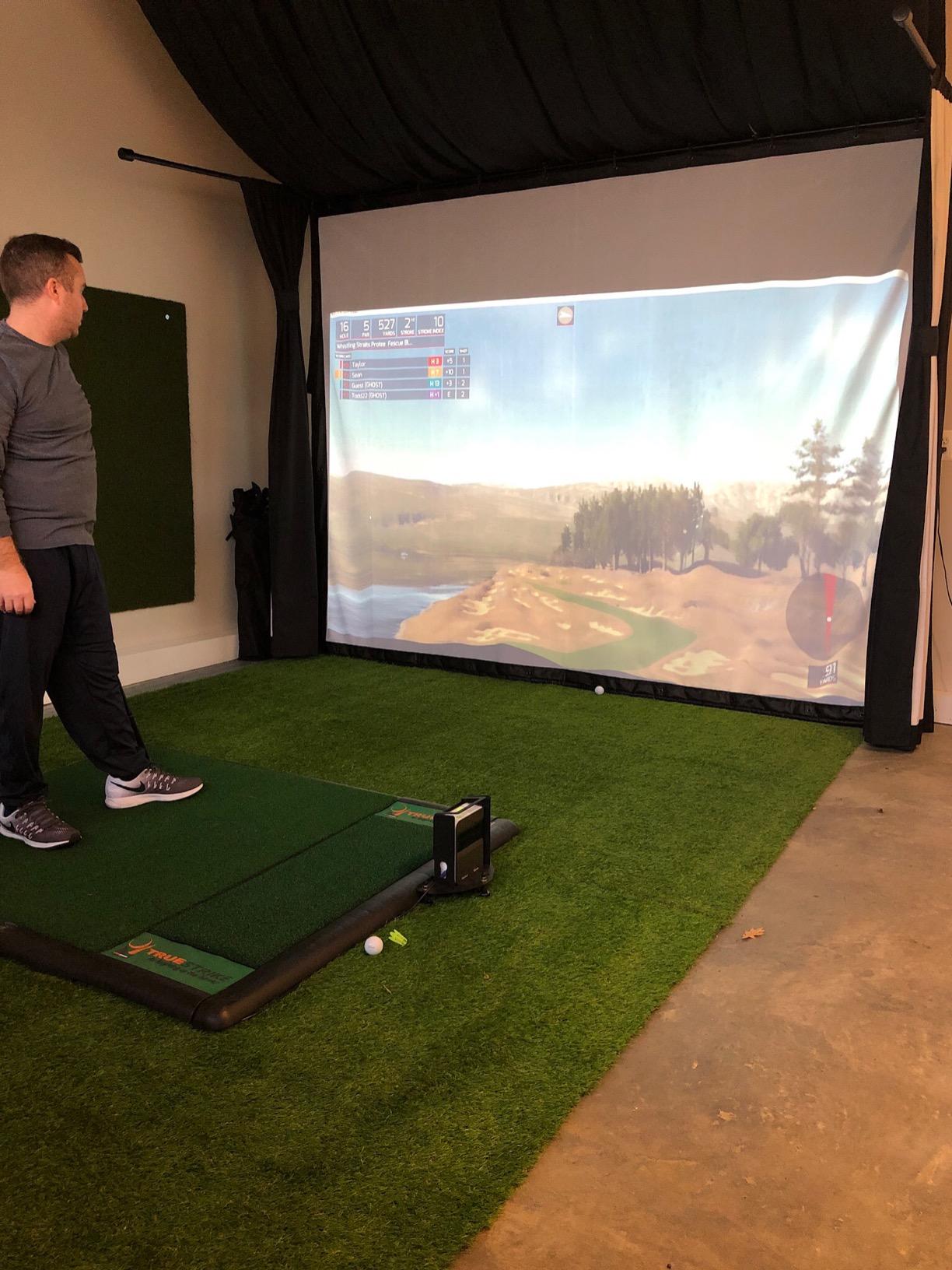
SkyTrak is the camera-based answer to the space problem. Because it sits beside the ball and photographs impact instead of tracking flight with radar, it does not need 15 feet of ball travel to produce full numbers. In my basement test space with limited depth, it delivered complete data where radar units gave me partial reads or nothing.
Photometric tracking also means no interference from shaft movement, and the 3D ball flight visualization remains one of the most realistic at this level. A Reddit community member summarized the appeal of this category well: accurate, does not need much space, and gives you solid ball data.
The complaint you will see everywhere is membership cost. The hardware ships with a trial of the game improvement software, and the best practice tools plus simulator integration sit behind paid plans. Alignment is also unforgiving: if the unit is not square to your target line, numbers drift. SkyTrak’s own forum threads are full of accuracy mysteries solved by re-leveling the case.
Room Size and Lighting Needs
You need enough room to swing safely, but the ball only has to travel a few feet before hitting your net for the camera to capture what it needs. That makes SkyTrak one of the best indoor golf launch monitors for basements, spare rooms, and garages where depth is limited. Aim for roughly 10 feet of total depth including stance space and you are comfortable.
Lighting matters more than with radar. The camera wants bright, even, indirect light on the ball, and my dim garage bulb produced occasional missed reads until I added a floodlight. High ceilings are unnecessary, which is the flip-side win over radar units that want elevation for flight tracking.
Membership Levels Explained
The base plan gives you the core shot data on the range. The paid tiers unlock skills challenges, bag mapping, and integration with third-party simulator software. If you plan to use SkyTrak purely as a data reader, the base level is fine; if a simulator build is the goal, factor the top tier into your budget.
My take: still one of the smartest picks for space-constrained indoor practice, and the accuracy per square foot is excellent. Just be honest with yourself about whether you will pay for the software layers.
6. Rapsodo Mobile Launch Monitor (Original MLM) – Best Entry-Level Pick
Rapsodo Mobile Launch Monitor Golf Simulator | MLM iPhone & iPad Only
iPhone and iPad only
Video replay with shot tracer
GPS satellite view
Ball, club speed and launch angle
Voice data output
Automatic club detection
Pros
- Portable and lightweight
- Video replay with shot tracer
- Works indoors and outdoors
- Voice data after each shot
- Excellent battery life
- Easy to set up and use
- Good distance accuracy
- Automatic club detection
Cons
- iOS only
- no Android support
- Subscription needed for full features
- Occasional missed shots
- Phone overheats in direct sun
- Needs precise placement 6-8 ft behind ball
- No true spin rate
The original Rapsodo MLM is the best-selling launch monitor of the bunch for a reason, with more than 3,100 reviews and a 4.2 rating. Your iPhone does the heavy lifting as the brain and camera, while the little radar unit measures ball speed, club speed, launch angle, and carry distance. It is the device I suggest to complete beginners because the barrier to entry is almost zero.
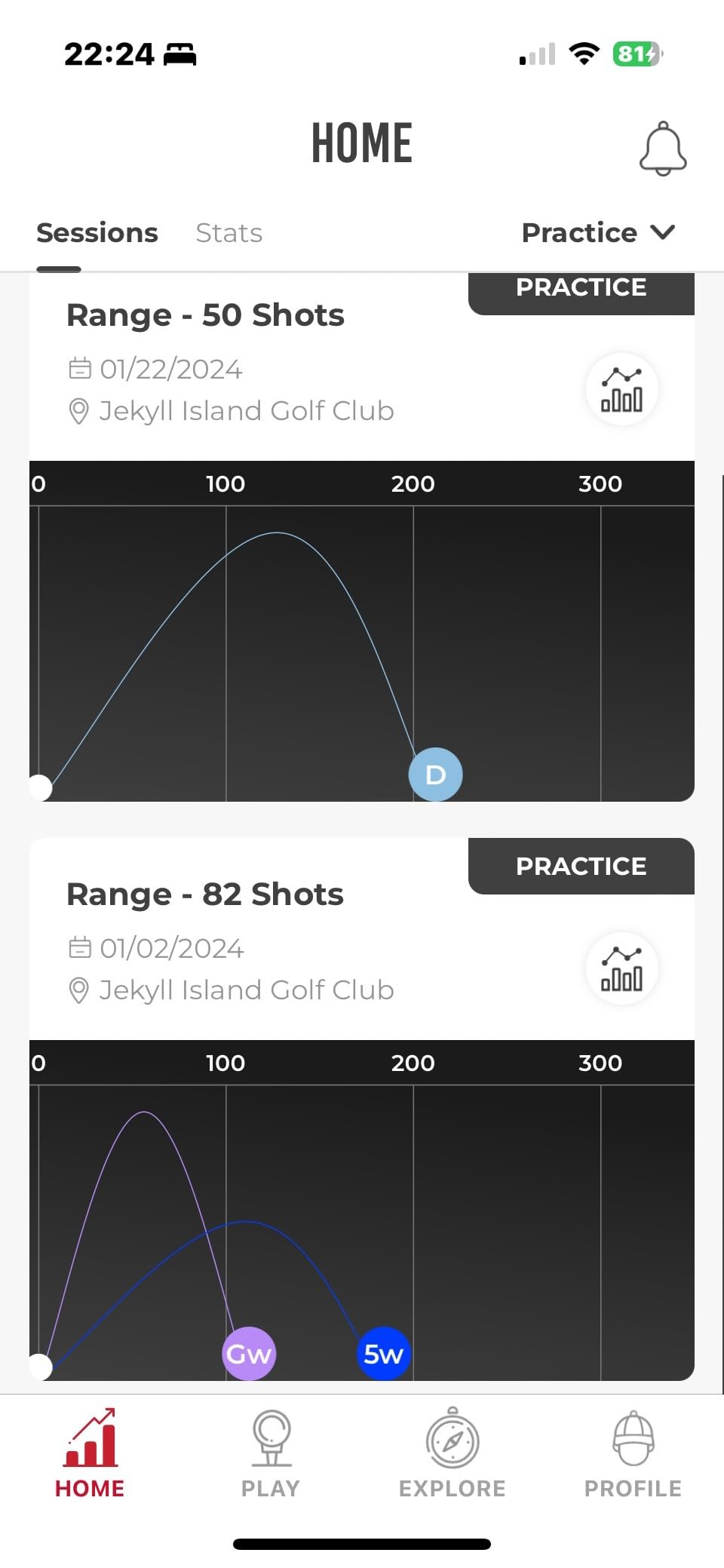
The video replay with on-screen shot tracer is the hook. Seeing your actual ball flight traced over your actual swing, shot after shot, is addictive feedback, and it taught me more about my face angle at impact than any number table. Voice output calls your carry distance after each swing, which feels gimmicky for a week and then becomes indispensable at a noisy range.
Know the limits before buying. It is iOS only, so Android users are out of luck, and full features require a premium subscription after the trial. There is no true spin measurement, placement 6 to 8 feet behind the ball is mandatory, and my phone overheated once in direct summer sun. For honest entry-level expectations, none of that is disqualifying.
The iPhone and iPad Requirement
This is a hard requirement, not a soft one. The MLM uses your Apple device’s camera for video and processing, so an iPhone or iPad is part of the system rather than an accessory. If your household is Android-only, skip straight to the Garmin R10 or the PRGR.
Older iPhones work but benefit from a recent model for smoother video capture and battery life. Whichever you use, bring a battery pack for long sessions, since the app plus camera drains quickly.
What You Give Up Versus the MLM2PRO
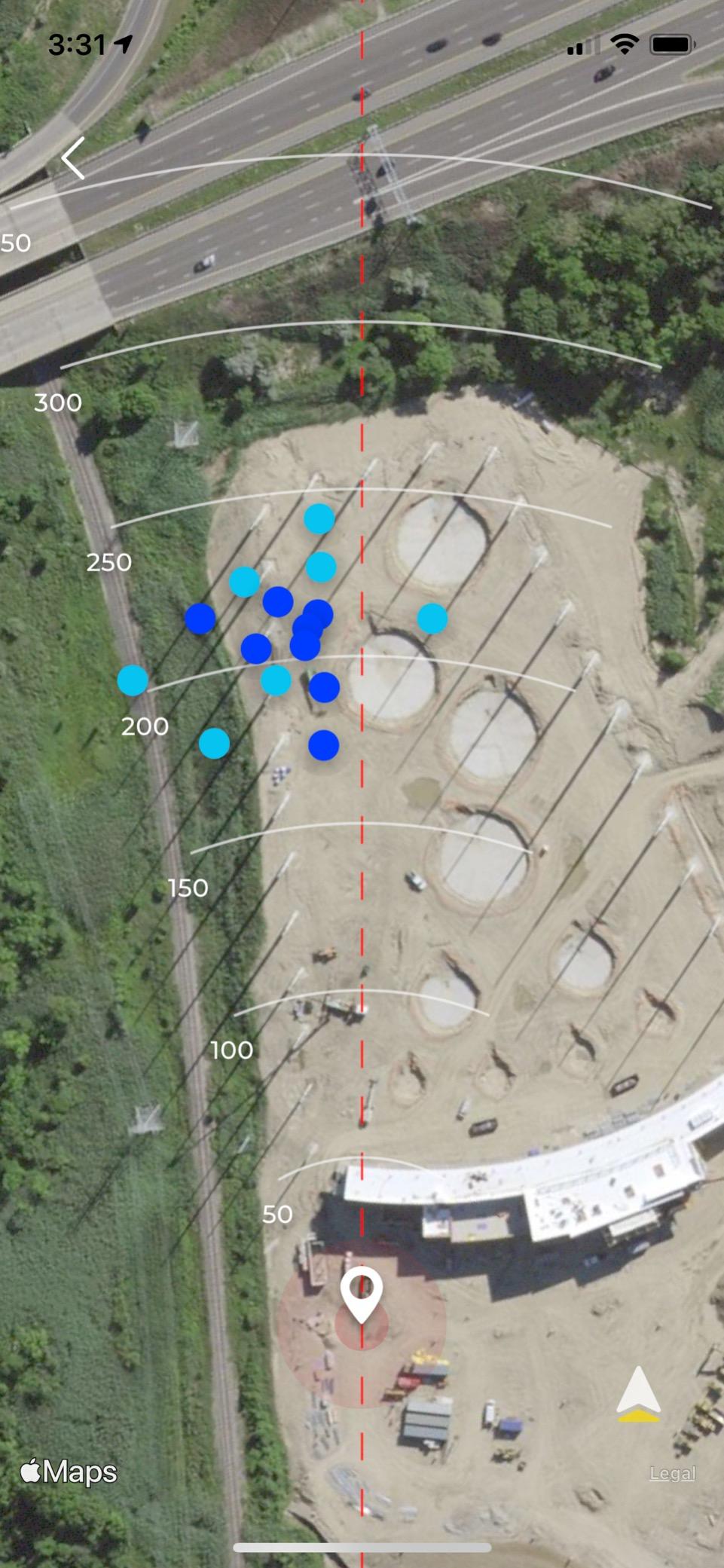
The step up to the MLM2PRO buys you real spin rate, dual-camera club data, marked balls, and a stronger simulator engine. The original MLM gives you shot tracer, distance data, and a GPS satellite view of your range session, which for many golfers is plenty.
My suggestion after watching friends use both: if you practice a few times a month and mainly want feedback on distance and shot shape, the original MLM is the smarter spend. If you are chasing spin and club path data or want to build a simulator, pay the difference for the Pro.
7. Voice Caddie SC200Plus – Best Standalone Display Unit
Voice Caddie SC200Plus Portable Golf Launch Monitor and Swing Analyzer with Real-Time Shot Data Tracking – 12-Hour Battery Life
Doppler radar
Voice output and LCD
Swing speed mode
Adjustable loft angles
Practice and approach modes
20 hour battery
Pros
- Very accurate distances
- Simple to set up
- Voice announces distances
- 20 hour battery life
- No app required
- Remote control included
- Swing without a ball
- Works indoors and outdoors
Cons
- Only 3 wedge memory slots
- Cannot program a 60 degree lob wedge
- No protective case included
- Some wedge accuracy quirks
- Non-rechargeable batteries
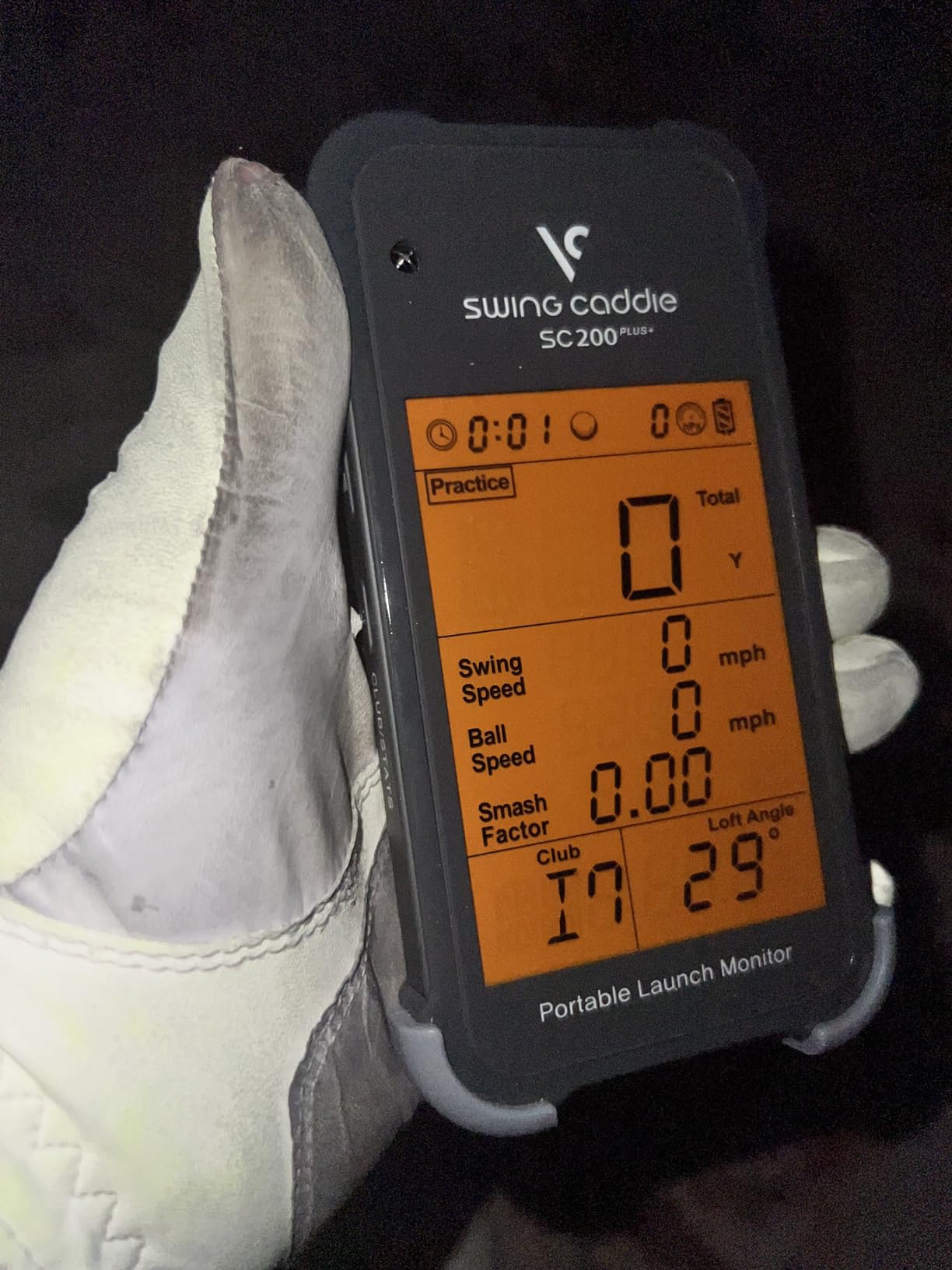
The SC200Plus is the answer for golfers who want data on the device itself, not on a phone. The LCD screen shows your numbers instantly, a voice option announces carry distance after each shot, and a small remote lets you change clubs without walking forward. It has earned a 4.2 rating across more than 700 reviews.
Distanco accuracy is the surprise: owners repeatedly compare it to laser rangefinders and much pricier monitors, and my testing backs that up on full swings. The swing speed mode without a ball makes it a solid speed-training companion like the PRGR, and the 20 hour battery life on standard batteries is among the best here.
The quirks are small but real. There are only three wedge memory slots and no way to program a 60 degree lob wedge, which matters if you chart your short clubs like I do. No case is included, so toss it in a pouch. Some owners report wedge distances drifting slightly, consistent with radar’s general short-club weakness.
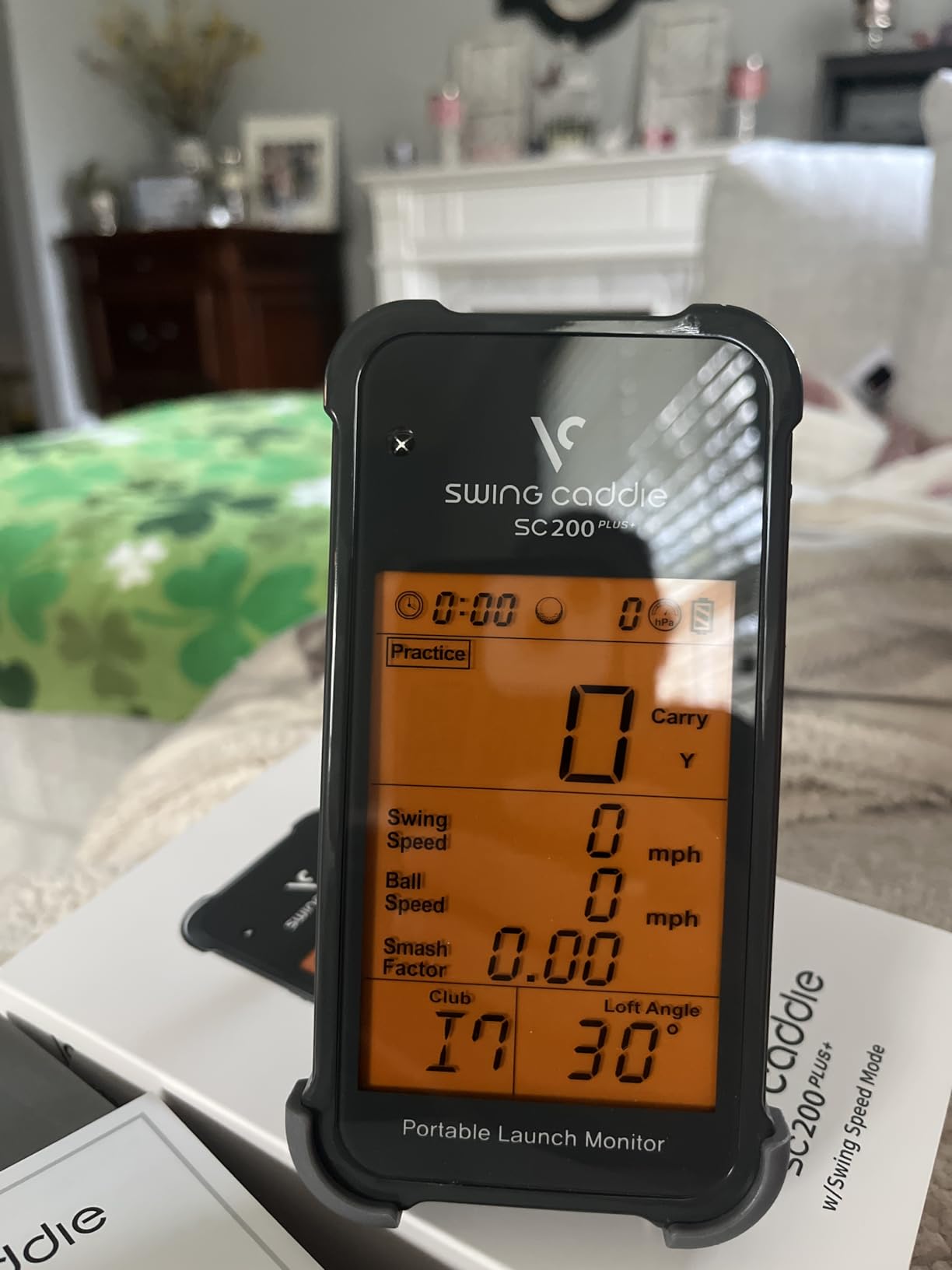
Club Memory and Programming
You program loft angles rather than club names, and each preset remembers statistics over time so you can watch your averages per club develop. That per-club history is genuinely useful for building a distance chart you can trust on the course.
The wedge limitation is the one programming annoyance. If you carry four wedges, one will not have a home, and the workaround is reprogramming a slot mid-session. Voice Caddie’s newer models address this, but at this price the trade is livable.
Voice Output and Range Use
Hearing your carry distance spoken aloud keeps your eyes on the ball and your head down, which is a better practice habit than staring at a screen between shots. In crowded spaces the voice can feel conspicuous, but it can be switched off with the remote and you can rely on the LCD instead.
Non-rechargeable batteries are the long-term cost here, though 20 hours per set means replacements are rare. For a grab-and-go range tool with no phone dependency, the SC200Plus is easy to recommend.
8. Garmin Approach G82 – Best On-Course GPS Plus Launch Monitor
Garmin Approach® G82, Portable Golf Launch Monitor & Premium GPS Handheld
GPS handheld plus radar monitor
5 inch touchscreen
43,000+ preloaded courses
Putting metrics
25 hour GPS battery
Bag mapping
Pros
- Excellent GPS battery life
- Magnetic back for mounting
- Distances verified against laser
- Combines GPS and launch monitor
- Great for scoring and navigation
- 5 inch bright touchscreen
Cons
- Pricey for the feature set
- Launch monitor side can be unreliable
- Button response can lag
- Some GPS reads off by 10 yards
- Subscription needed for some features
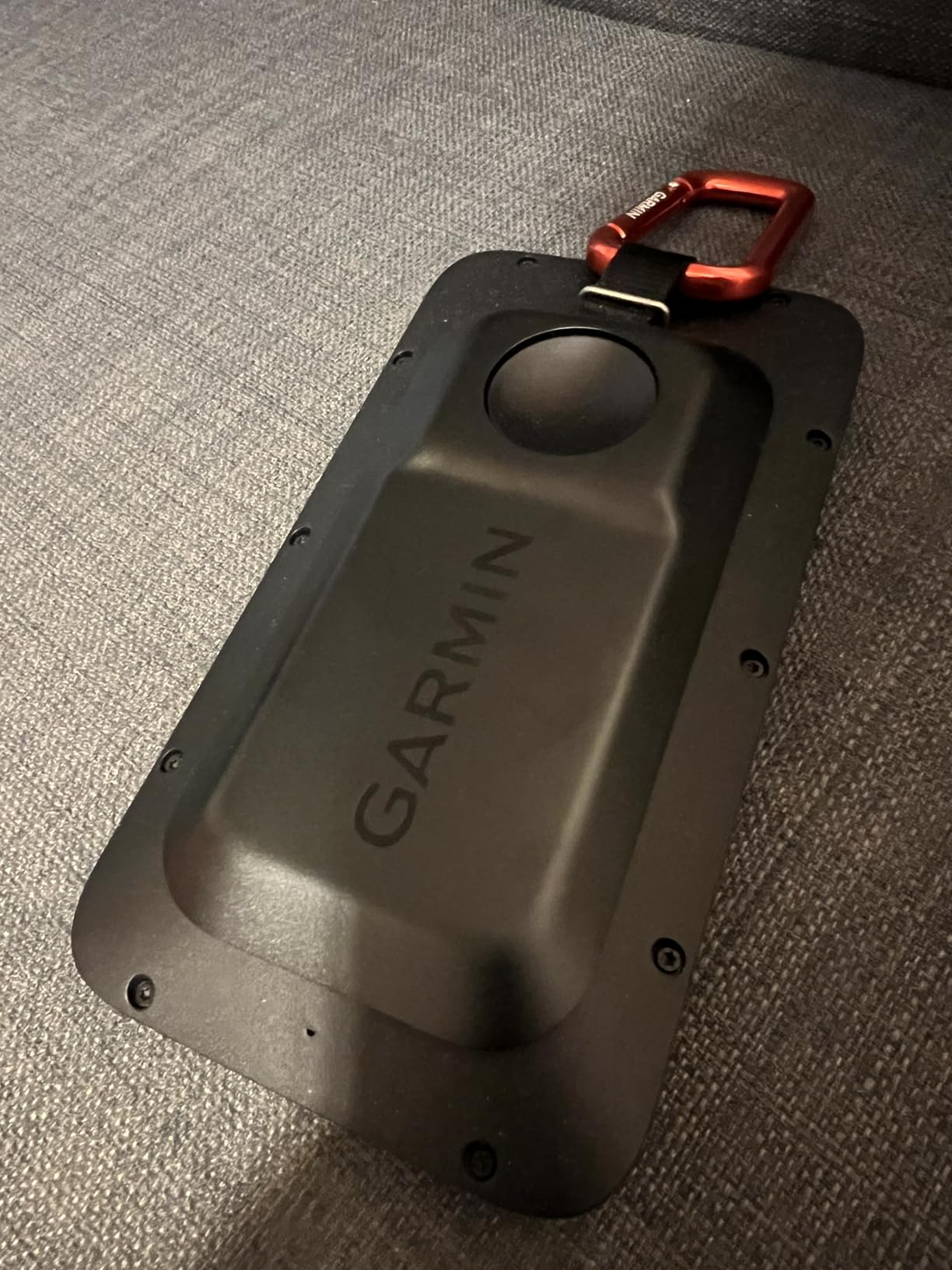
The G82 is really two devices in one: a full premium GPS handheld with 43,000+ preloaded courses and a radar launch monitor tucked inside. It is the only pick in this guide I would happily carry for 18 holes, and the 25 hour GPS battery means it never dies mid-round. Early reviews sit at 4.0, and the unit is still ramping up its review base.
As a GPS, it is excellent. The 5 inch touchscreen is the best display here by a wide margin, distances match my laser within a yard most of the time, and the magnetic back sticks to a cart frame. Scoring, bag mapping, and the Garmin Golf app integration make it a genuine on-course companion.
The launch monitor half is the weaker half. Radar mode works for range sessions and bag mapping, but some owners report inconsistent tracking, and battery life drops to about 8 hours in radar mode. A few early users flagged GPS reads off by 10 yards on certain holes. Buy it as a superb GPS that also does range duty, not as a primary data unit.
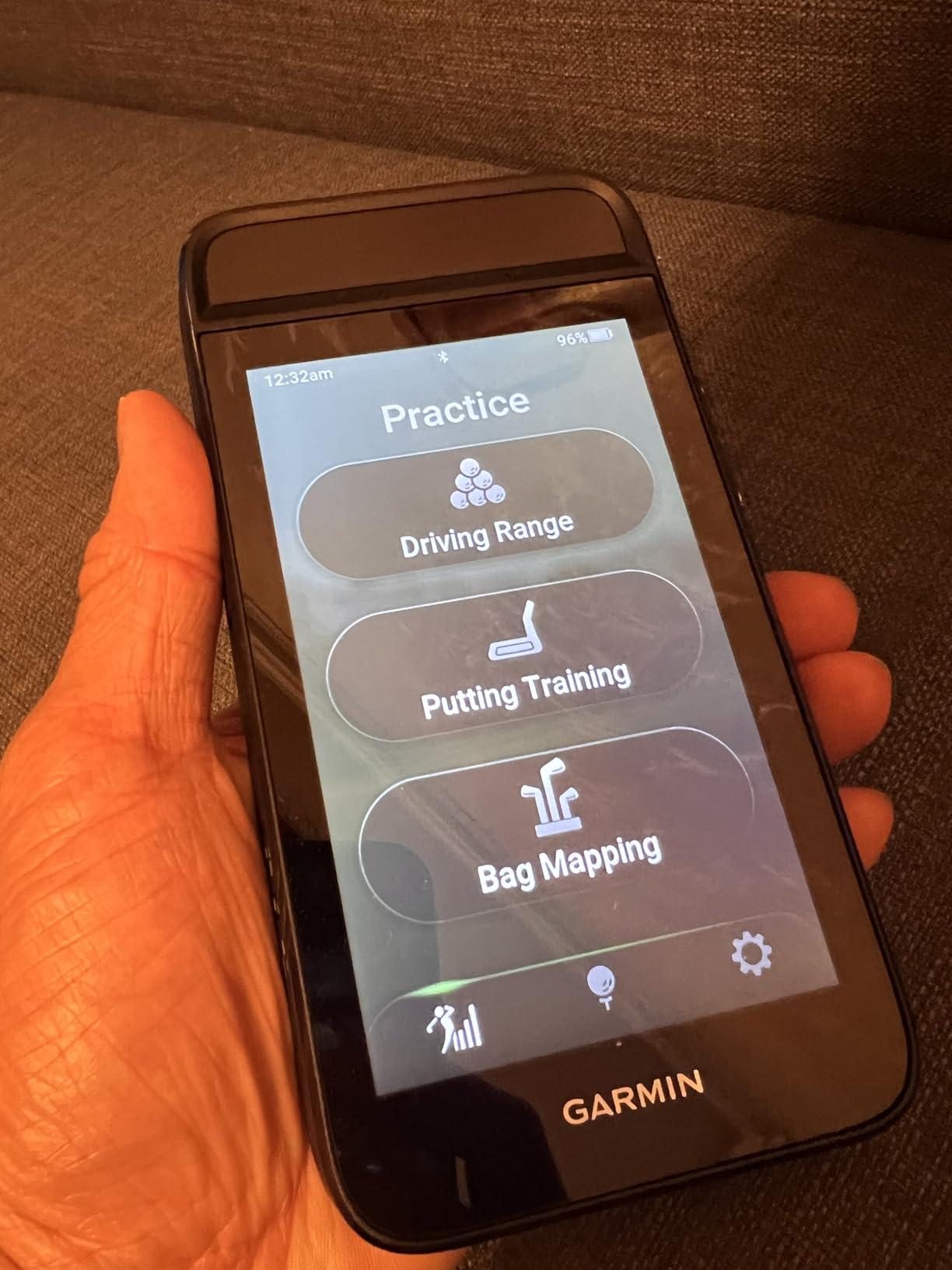
GPS First, Monitor Second: The Trade-off
Every hybrid makes compromises, and here the radar module is compact rather than powerful. For dedicated practice data, the R10 in this same guide does the job better for less. The G82 makes sense when on-course navigation, scoring, and mapping are the priority and range data is a bonus.
Where it shines is context. Hit a shot on the course, check the actual distance it flew versus the GPS number, and your distance chart builds itself from real rounds rather than range balls.
Battery Life in Radar Mode
GPS mode stretches to 25 hours, but radar tracking cuts that to roughly 8 hours, which is still a full week of range sessions. It charges over a standard cable, and the unit clips to your bag with the included carabiner.
If you play a lot of new courses and want one device for scorecard, distances, and occasional swing data, the G82 is a unique and defensible pick. Pure practice-focused golfers should look earlier in this list.
How to Choose the Best Golf Launch Monitor for You
The right pick depends on four things: your space, your phone ecosystem, your data appetite, and your feelings about subscriptions. Here is the framework I use when friends ask for buying advice, shaped by the pain points that show up again and again in forum threads.
Radar Versus Camera: The Core Decision
Doppler radar units like the Garmin R10, Mevo Gen2, PRGR, and Voice Caddie track the ball flying away from the unit. They are flexible, work indoors and outdoors, and tolerate imperfect setups, but they want depth: ideally 6 to 8 feet behind the ball plus 10 or more feet of flight in front for full-fidelity outdoor-style readings.
Camera-based (photometric) units like the SkyTrak photograph the ball at impact and calculate everything from those images. They shine indoors and in tight spaces because the ball barely has to travel, but they demand good lighting and careful alignment. Indoor accuracy is where cameras usually win, which matches what my own basement testing showed.
Space Requirements: Measure Before You Buy
This is the most underestimated issue in the community. A Reddit user with a 10x10x10 net setup is exactly the buyer who needs a camera unit or a compact radar, not a flight-tracking monster that wants 20 feet of ball travel. Sketch your room first: depth for ball flight, height for your swing, and width for a margin of safety on mishits.
For garage and basement builds, figure roughly 10 feet total depth minimum for radar units and about half that for camera units. Add ceiling height of at least 8.5 to 9 feet if you swing a driver, and remember that nets stretch over time.
Subscription Costs: Read the Fine Print
No competitor in this space publishes a clean total-cost-of-ownership comparison, so here is the honest version. Rapsodo (both models) and SkyTrak gate their best software behind annual plans, and even the Garmin G82 holds some features behind a subscription layer. The PRGR, Voice Caddie, and FlightScope Mevo Gen2 have no recurring fees, and the Mevo includes its E6 course bundle for life.
My rule after testing all of these: decide your subscription tolerance first, then shop within it. A great monitor with a fee you resent is a monitor that stops getting used by month three.
Simulator Software Compatibility
If a home golf simulator is the dream, check platform support before anything else. The Garmin R10, Rapsodo MLM2PRO, SkyTrak, and Mevo Gen2 all connect to major simulator platforms, with SkyTrak and the Mevo being the most common engines in budget simulator builds. GSPro, E6 Connect, and FSX each have device lists, and buying outside them means a compromised experience.
Budget for a capable PC as well. Several owners, myself included, found that prettier simulation courses need a real graphics card, and that cost belongs in your simulator math, not just the monitor price.
Device Ecosystem and Multi-User Households
The original Rapsodo MLM is iOS-only, which rules out Android households on day one. One forum parent noted that “most devices are geared towards a single user at a time,” so for family use, pick a unit with quick profile switching, like the Garmin ecosystem, or accept shared data logs.
Left-handed golfers should also confirm placement guidance for each unit, since radar units behind the ball are generally ambidextrous while some camera alignments assume right-handed players. It is an under-covered question in most reviews, and worth a manual check before purchasing.
Frequently Asked Questions
What’s the best golf launch monitor for the money?
The Garmin Approach R10 is the best golf launch monitor for the money in most cases, combining 12+ metrics, 10-hour battery life, and simulator compatibility at a mid-range price. If your budget is tighter, the PRGR HS 130-A delivers reliable swing speed and carry data with no app and no subscription. For the strongest data-per-dollar with software included, the Rapsodo MLM2PRO is the value leader if you accept its premium plan.
What launch monitor do most pros use?
Tour professionals and club fitters overwhelmingly use high-end camera systems like the Foresight GCQuad and Trackman radar units, which cost as much as a car. The technology in consumer models like the FlightScope Mevo Gen2 and Rapsodo MLM2PRO is directly descended from these systems, and community testing shows the MLM2PRO reading within 2-3 percent of Trackman on key metrics.
Is the Garmin R10 or Rapsodo better?
The Garmin R10 is better for battery life (10 hours vs roughly 5), third-party simulator flexibility, and all-weather durability with its IPX7 rating. The Rapsodo MLM2PRO is better for video analysis thanks to dual cameras, and for spin data accuracy when using the included marked balls. If you practice mostly at an outdoor range, choose the R10; if you want club data and video indoors, the MLM2PRO edges ahead, but factor in its subscription for full features.
Do budget launch monitors actually work?
Yes, budget launch monitors work well within their limits. Units like the PRGR HS 130-A and Voice Caddie SC200Plus give consistent club speed, ball speed, and carry estimates, and are excellent for tracking improvement trends. They do not measure spin rate or shot shape, and short-club distances are less accurate, so treat their numbers as relative rather than tour-grade.
Can you use a launch monitor indoors in a small room?
Camera-based units like the SkyTrak are the best choice for small rooms because they only need a few feet of ball flight, working in spaces around 10 feet deep including stance room. Radar units like the Garmin R10 generally need about 6 feet behind the ball plus 10 feet of flight in front for reliable indoor tracking. Good, even lighting is essential for camera accuracy.
Which golf launch monitors have no subscription fees?
The PRGR HS 130-A, Voice Caddie SC200Plus, and FlightScope Mevo Gen2 have no subscription fees, and the Mevo Gen2 even includes its 8-course E6 Connect simulation bundle for life. Rapsodo models and the SkyTrak lock their best software features behind annual premium plans, so total cost of ownership grows over time.
Conclusion: Which Launch Monitor Should You Buy?
Choosing among the best golf launch monitors in 2026 comes down to one question: how do you practice? For most golfers, the Garmin Approach R10 is the safest and most complete answer, with pro-level accuracy, a 10 hour battery, and a clear path to a full home simulator. The Rapsodo MLM2PRO is the smarter buy if video analysis and spin data drive your improvement, as long as you budget for its premium plan.
Beginners and speed trainers should start with the PRGR HS 130-A or Voice Caddie SC200Plus, both of which work forever without a subscription. Tight indoor spaces belong to the SkyTrak, subscription refuseniks get the FlightScope Mevo Gen2 with lifetime E6 courses, and course-first players will love the Garmin G82 hybrid.
Whatever you pick, measure your space first, check your phone ecosystem, and read the subscription fine print before you commit. Do that, and your launch monitor becomes the most valuable practice partner you own rather than an expensive paperweight.
1 thought on “8 Best Golf Launch Monitors (October 2026) Tested and Ranked”