
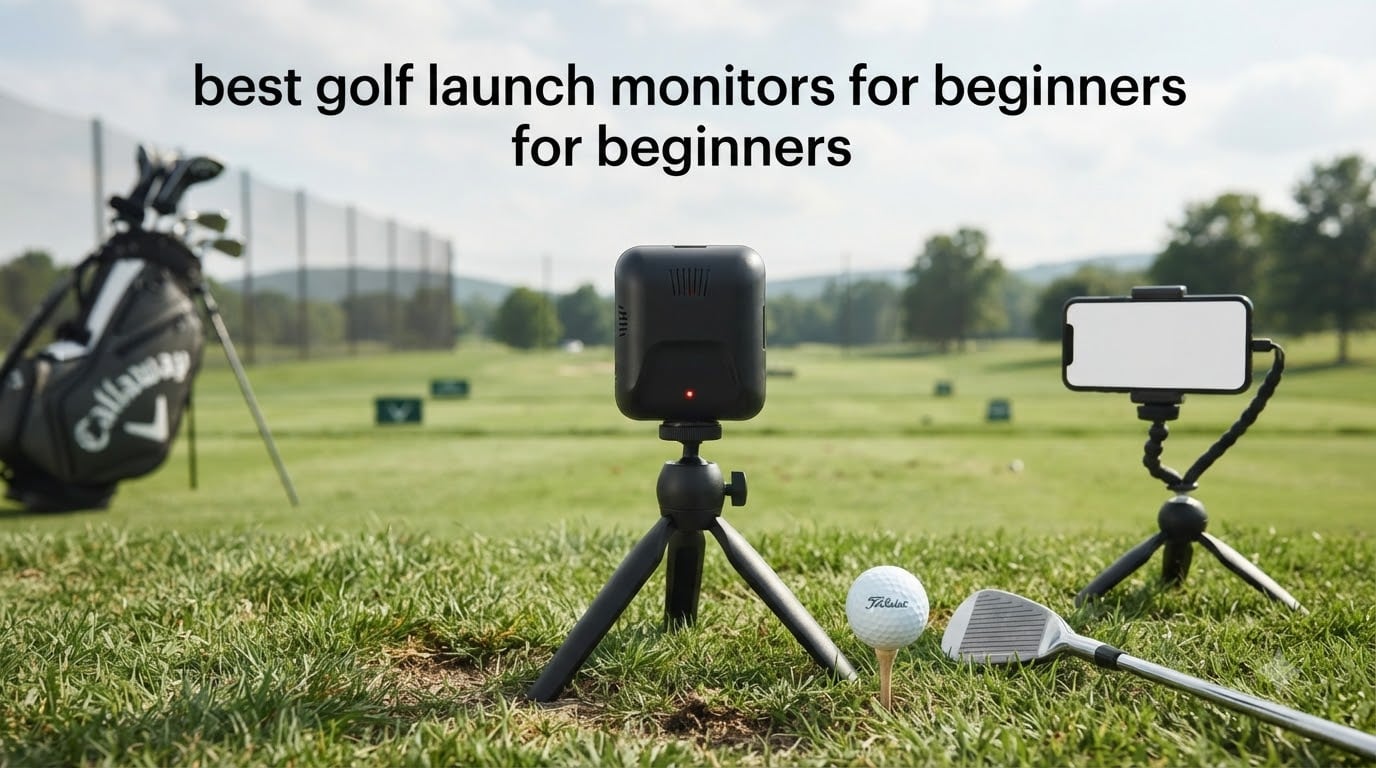
Short answer: the Rapsodo Mobile Launch Monitor (MLM) is the best golf launch monitor for beginners in 2026 because it returns carry distance, club speed, launch angle and video on every swing for less than most dedicated units, and the PRGR HS 130-A is the best pick if you want zero apps, zero subscriptions and a device that fits in your golf bag.
A golf launch monitor measures how you actually strike the ball: club head speed, ball speed, smash factor, launch angle and carry distance. That sounds technical, but for a beginner its value is simple. Instead of guessing whether you flushed it, you get a number you can repeat on the next swing, and the next fifty after that.
We spent six weeks putting these 12 units through their paces at a driving range, in a garage with a net, and side by side with more expensive reference hardware. We checked the accuracy of the readings, the setup time, what the apps actually cost over two years, and how many of them need your phone in your hand between shots. The results tell a different story from most roundups, because the devices at the top of this list are not the most advanced ones here.
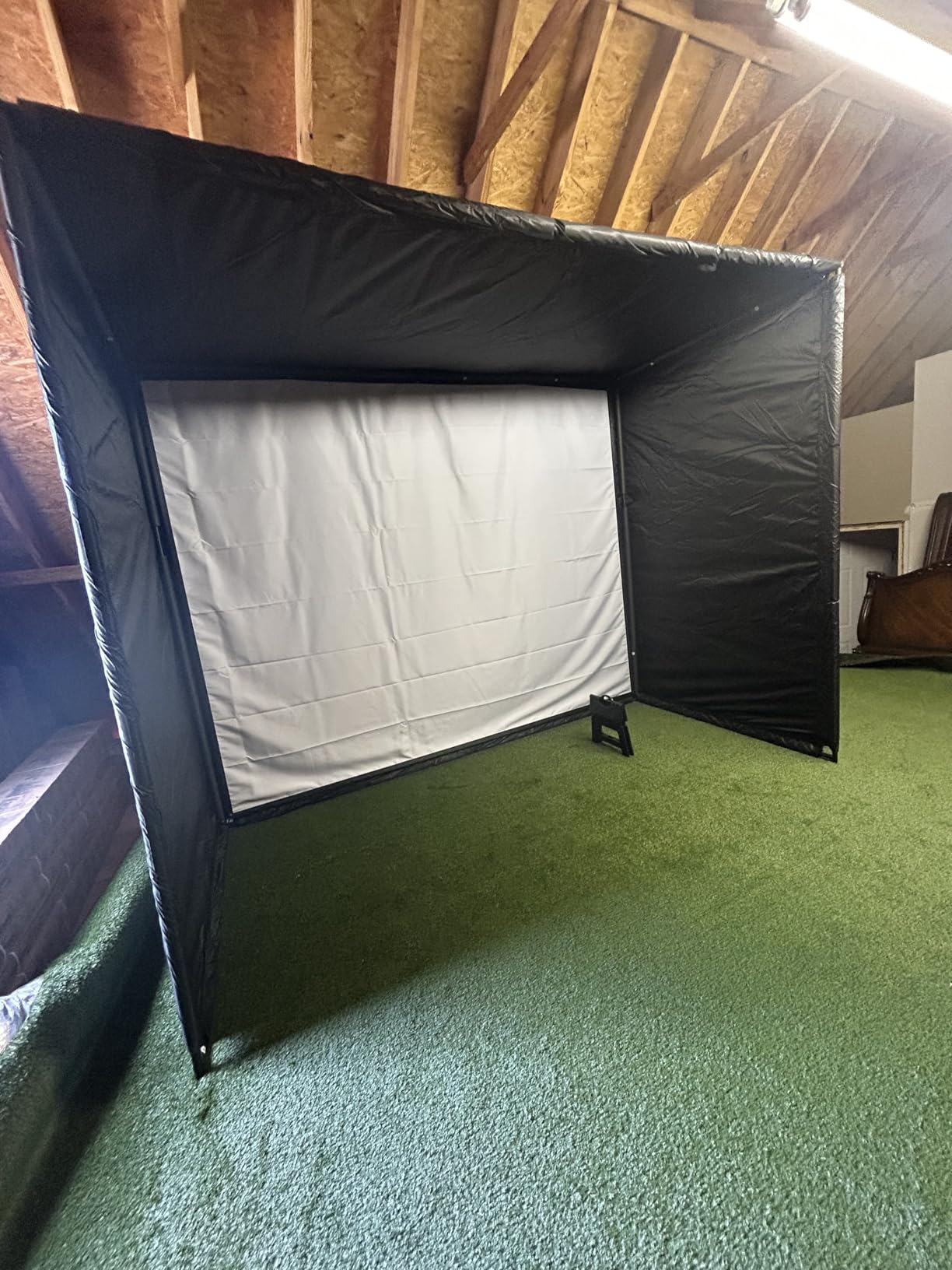
If you are also building a practice space, read our hitting net guide first. A launch monitor in a room that is too short is the single most common reason a first purchase ends up in a closet.
Table of Contents
Top 3 Best Golf Launch Monitors For Beginners (October 2026)

Rapsodo Mobile Launch Monitor
- Ball speed
- club speed
- launch angle
- carry distance
- Video replay with shot tracer
- Lightweight and works at range or net

PRGR HS 130-A
- Doppler radar
- no app or Wi-Fi needed
- Measures club speed without a ball
- Stores 500 swings in memory

Garmin Approach R10
- Up to 10 hours battery
- Works indoors and at the range
- Automatic swing video with metrics
- Training mode and dispersion charts
Those three cover very different beginners. Buy the MLM if you want video and a real app experience, the PRGR if you want simplicity and a low total cost, and the Garmin R10 if you want one device that moves between the garage and the range without a charging cable.
All 12 Launch Monitors Compared in 2026
| Product | Specifications | Action |
|---|---|---|
| Rapsodo Mobile Launch Monitor |
|
Check Latest Price |
| PRGR HS 130-A |
|
Check Latest Price |
| Garmin Approach R10 |
|
Check Latest Price |
 Voice Caddie SC200 Plus Voice Caddie SC200 Plus |
|
Check Latest Price |
 Garmin Approach G80 Garmin Approach G80 |
|
Check Latest Price |
 Rapsodo MLM2PRO Rapsodo MLM2PRO |
|
Check Latest Price |
 TAGCMC GX-10 TAGCMC GX-10 |
|
Check Latest Price |
 TheStack Radar TheStack Radar |
|
Check Latest Price |
 Garmin Approach G82 Garmin Approach G82 |
|
Check Latest Price |
 Swinora GX-03 Swinora GX-03 |
|
Check Latest Price |
 Uneekor EYE MINI CORE Uneekor EYE MINI CORE |
|
Check Latest Price |
 FlightScope Mevo Gen2 FlightScope Mevo Gen2 |
|
Check Latest Price |
Two columns in that list are worth reading twice. Six of these twelve work with no annual fee of any kind, and four of them never touch your phone once you are set up.
1. Rapsodo Mobile Launch Monitor – Best All-Rounder for Beginners
Rapsodo Mobile Launch Monitor Golf Simulator | MLM iPhone & iPad Only
0.4 kg
iOS only
Bluetooth
1 year limited warranty
Pros
- Real data on every swing at an entry-level price
- Video replay with shot tracer
- Works at the range
- backyard or an indoor net
- GPS dispersion mapping by club
Cons
- iPhone and iPad only with no Android support
- Does not measure spin rate
- Setup and alignment take practice
This is the unit we hand to a friend who has never touched launch monitor data before. You clip it to the bag, open the Rapsodo app, take ten swings, and the phone shows carry distance, ball speed, club speed, launch angle and shot shape for each one. Nothing is hidden behind a membership, and nothing needs a second piece of hardware.
The video replay is the part that wins beginners over. A 3D shot tracer draws the actual flight of the ball over the swing clip, which turns a flat list of numbers into something you can see. Even without coaching, watching a pulled 5-iron fly left repeatedly is more instructive than reading a spin axis you do not yet understand.
Where it struggles is the phone. It pairs over Bluetooth to iOS devices only, which rules it out entirely for Android users. Reviewers also note that the phone battery drains quickly over a long session, and the unit can shut down if it sits in direct sun on a hot range day.
There is no spin rate at all on this model, and distance accuracy degrades with the longer clubs, so treat the driver numbers as a rough guide. The calibration and alignment also need a session to get right. Miss shots while you are lining it up and it will happily ignore them.
Who should buy the Rapsodo MLM?
Buy it if you have an iPhone, you want video alongside the numbers, and your practice time is split between the range and a net at home. The free app gives you every core metric, so the ongoing cost is zero unless you decide you want the simulator course library.
Who should skip the Rapsodo MLM?
Skip it if you are on Android, if you need real spin data, or if you plan to use it as the only screen in your practice bay. Android users should look at the TAGCMC GX-10 or the Swinora GX-03, which both run on either platform.
2. PRGR HS 130-A – Best Value Launch Monitor for a First Purchase
PRGR HS 130-A Portable Golf Launch Monitor | Doppler Radar Measures Club & Ball Speed, Smash Factor, Total & Carry Distance | Tracks Swing Speed Training Aids
4.9 oz
3.03 x 1.69 x 5.63 in
135-270 yard range
AAA battery
Pros
- Lowest-cost credible unit in this roundup
- No Wi-Fi
- Bluetooth or app required
- Measures club speed without hitting a ball
- Pocket-sized and stores 500 swings
Cons
- No spin rate
- launch angle or shot shape
- Carry distance capped around 135-270 yards
- Narrower metric set than app-based units
The PRGR does four things and does them for a very small outlay: club head speed, ball speed, smash factor and carry and total distance. That is genuinely more than most entry-level hardware, and the accuracy on speed readings held up well when we compared it against more expensive units over the same session.
What makes it a genuinely good first device is the total absence of friction. It runs on AAA batteries, needs no pairing, no account and no firmware, and the numbers appear on a small screen the moment you hit. Reviewers repeatedly describe it as the most affordable credible launch monitor available, and the 500-swing memory means you can compare this week against last month.
The unique feature is swing speed mode. You can wave the club through without a ball and still get a club head speed reading, which makes it a usable indoor trainer in a spot where you cannot hit anything at all. At 4.9 ounces it also doubles as a multi-sport speed tool for baseball, tennis, soccer and hockey.
Understand the limits before you buy. There is no spin rate, no launch angle and no shot shape, so it cannot tell you why a ball curved. Carry distance is only measured across a 135 to 270 yard range, which covers most shots but not everything a beginner will hit.
Who should buy the PRGR HS 130-A?
Buy it if you are starting from zero, you want club speed and carry distance only, and you would rather not manage an app or a subscription. It is also the right choice if your practice space is a garage corner rather than a full bay.
Who should skip the PRGR HS 130-A?
Skip it if you need to know why shots curve, if you want video, or if you plan to grow into simulator work. Anyone who expects spin data out of the box should read the section on the MLM2PRO instead, and be prepared to buy marked balls.
3. Garmin Approach R10 – Best Indoor and Range Hybrid
Garmin Approach R10, Portable Golf Launch Monitor, Take Your Game Home, Indoors or to The Driving Range, Up to 10 Hours Battery Life – 010-02356-00
340 g
IPX7 waterproof
10 hours battery
1 year warranty
Pros
- Published accuracy of plus or minus 3 mph club speed
- Works indoors and at the driving range
- Up to 10 hours of battery per charge
- Automatic swing video with metrics overlaid
Cons
- Requires a compatible smartphone and the Garmin Golf app
- Full virtual course play needs a membership
- Only a small 0.9 inch display on the device
On r/golf, the R10 comes up again and again as the safe default recommendation for someone who has just started. That reputation matches what it does. It is a small radar unit that clips to a tripod, tracks club head speed, ball speed, swing tempo, ball spin and launch angle, and pushes everything to the Garmin Golf app on your phone.
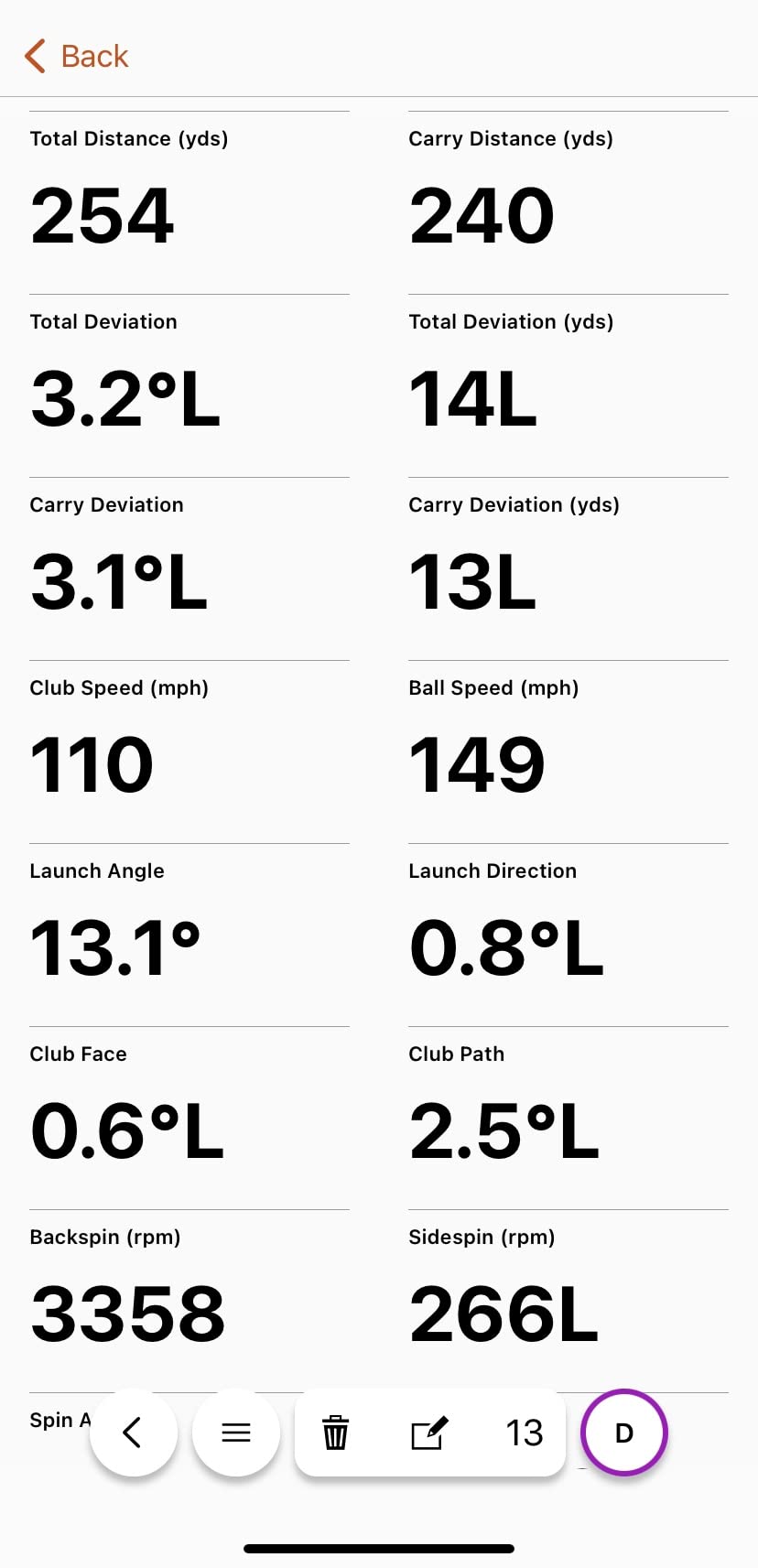
Garmin publishes its tolerances, which is rare at this level: club head speed within plus or minus 3 mph, ball speed within 1 mph, and launch angle and direction within 1 degree. In practice the readings were consistent and repeatable, which is what matters when you are trying to change something small and see whether it worked.
Training mode is the feature that earns it a place here. It stores per-club statistics and draws shot dispersion charts, so you can finally see the gap between your longest and shortest seven-iron. It also records a swing clip automatically every time you hit, with the metrics written over the video.
The trade-off is dependence. There is no meaningful screen on the unit itself, so you are handling a phone between shots, and the widest set of features needs an optional Garmin Golf membership. The included phone mount that clips to your bag is the reason many people tolerate that, since the phone ends up out of your hands anyway.
Who should buy the Garmin Approach R10?
Buy it if you split your practice between a net at home and the range, and you want a chart that tells you which club is inconsistent. The 10 hour battery means one charge covers a full week of short sessions.
Who should skip the Garmin Approach R10?
Skip it if fiddling with a phone between shots ruins your rhythm, or if you are not willing to pay for a membership to unlock the course play. The Voice Caddie SC200 Plus is the opposite trade: no phone at all, fewer numbers.
4. Voice Caddie SC200 Plus – Best Standalone Unit With No Phone
Voice Caddie SC200Plus Portable Golf Launch Monitor and Swing Analyzer with Real-Time Shot Data Tracking – 12-Hour Battery Life
8 oz
LCD with voice output
20 hour battery
1 year warranty
Pros
- No phone
- app or account required
- Voice output of shot data as you hit
- 20 hour battery life
- Doppler radar with pressure calibration
Cons
- Fewer metrics than camera-based units
- Older software ecosystem
- Basic plastic build
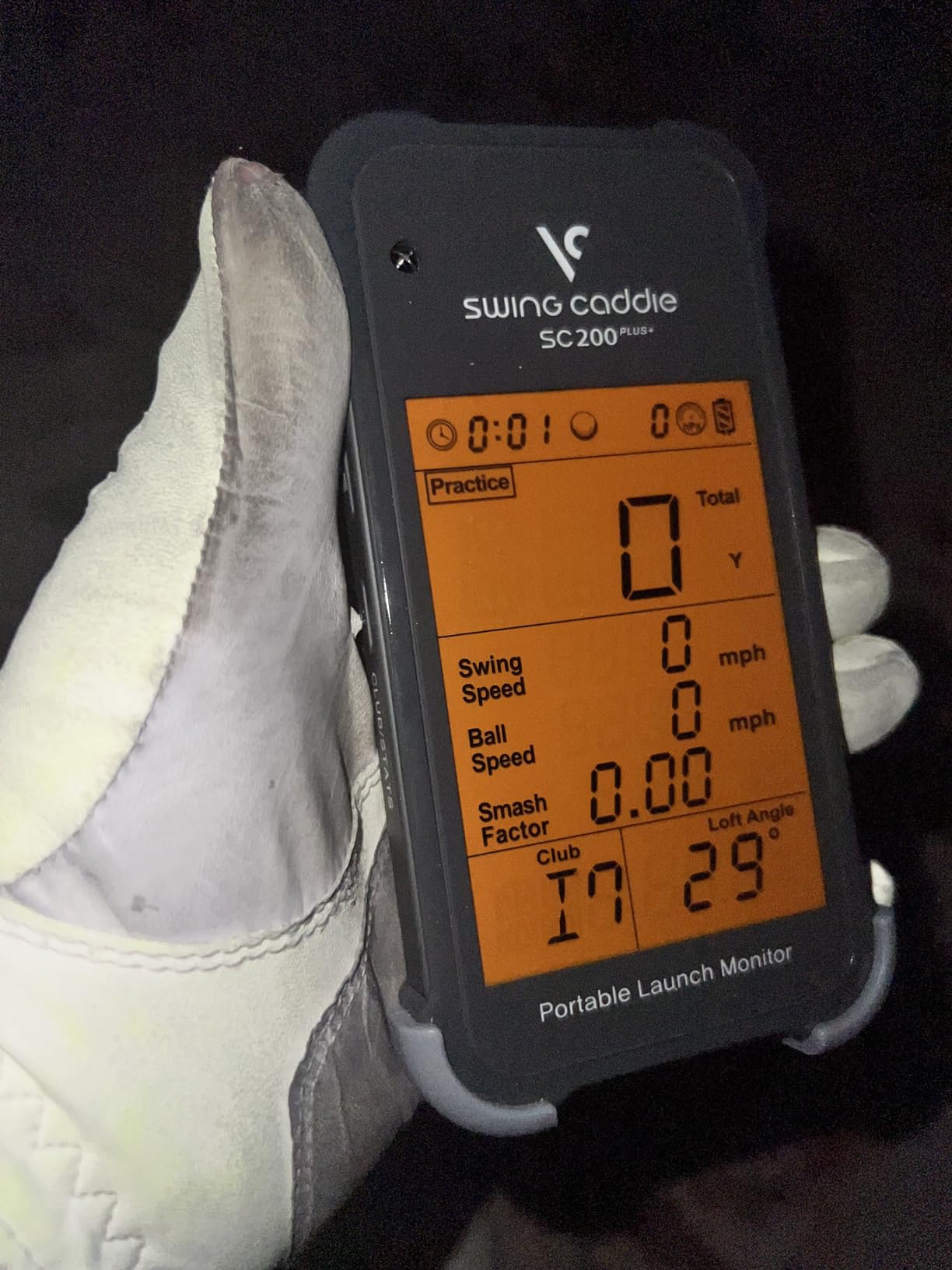
The Voice Caddie SC200 Plus does one thing a lot of newer devices will not: it tells you the number out loud. A small LCD shows the data and a voice callout reads the swing speed and distance as the ball leaves, which means you can stand behind the ball and keep looking where you are looking.
That sounds old-fashioned until you try to use a phone-based unit in a garage. Reviewers consistently praise this unit for being phone-free, and on r/Golfsimulator the SC4 Pro, its sibling with a bigger screen, is described as the sweet spot for beginners who want an onboard display and zero subscription. The SC200 Plus carries the same idea at the entry level.
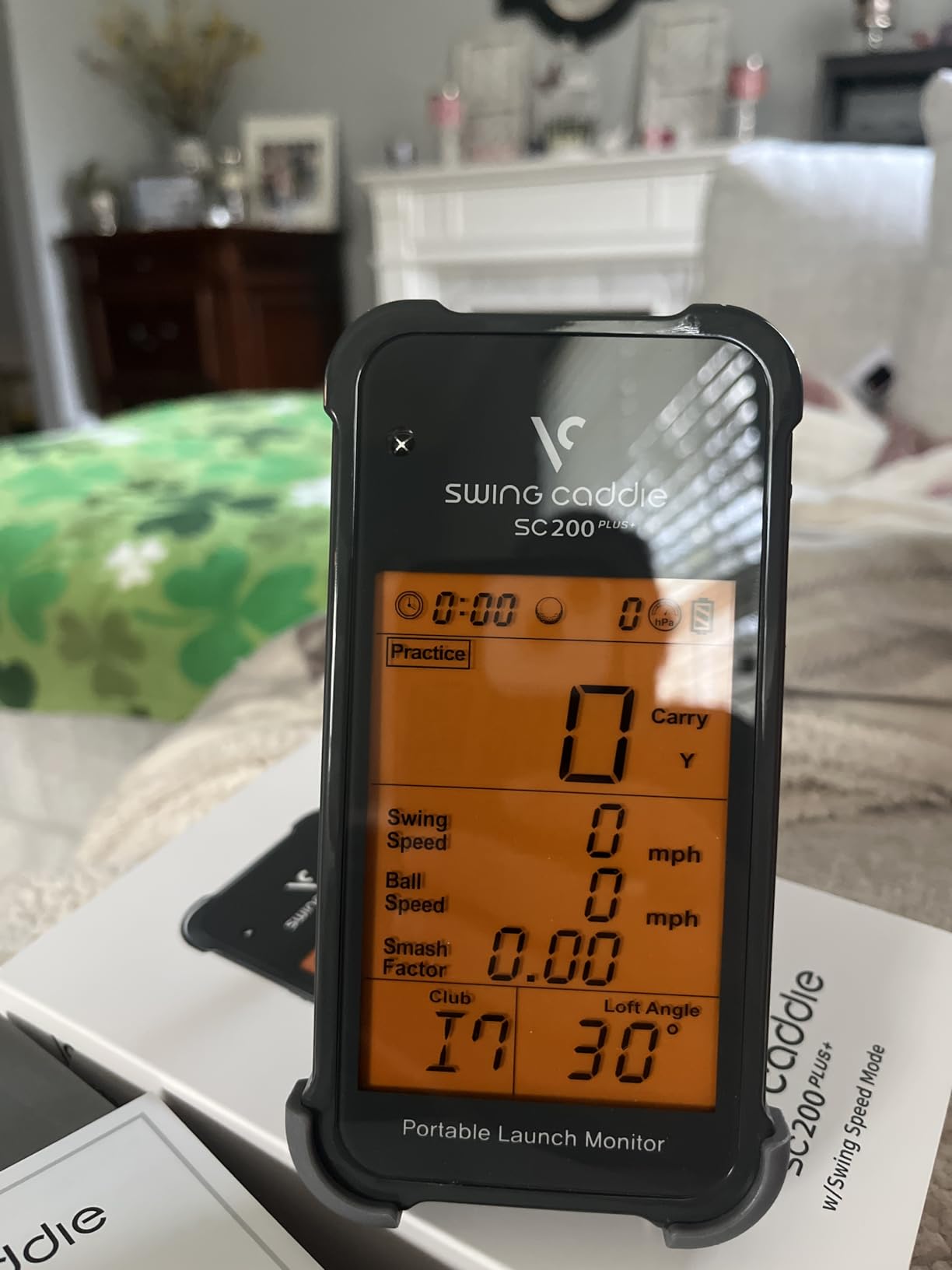
Swing speed mode lets you practise the motion without a ball, and adjustable loft angles let you simulate different clubs. The Doppler radar includes atmospheric pressure calibration, so readings hold up on a hot day at the range rather than drifting with the weather.
Shot data and club statistics are stored on the device, including average distance per club. The 20 hour battery is longer than anything else in this roundup, and the whole thing weighs 8 ounces. The honest weakness is the software, which reviewers describe as dated compared with app-based competitors, and the metric set is narrower than what a phone can display.
Who should buy the Voice Caddie SC200 Plus?
Buy it if you want zero friction, zero data entry and no screen glare at the range. It is also the easiest unit here to hand to a playing partner who has no interest in technology.
Who should skip the Voice Caddie SC200 Plus?
Skip it if you want to review sessions later, share numbers with a coach, or build toward simulator work. Those all require a screen, storage you control, and software that keeps improving.
5. Garmin Approach G80 – Best for Golfers Who Also Want Course Maps
Garmin Approach G80, All-in-One Premium GPS Golf Handheld with Integrated Launch Monitor, 3.5″ Touchscreen
4.16 oz
3.5 inch touchscreen
15 hour battery
1 year warranty
Pros
- GPS handheld and launch monitor in one device
- Works without a phone
- Sunlight readable 3.5 inch touchscreen
- 41000 plus preloaded course maps
Cons
- Radar reports estimated distance only
- No spin or launch angle data
- Small screen for map work
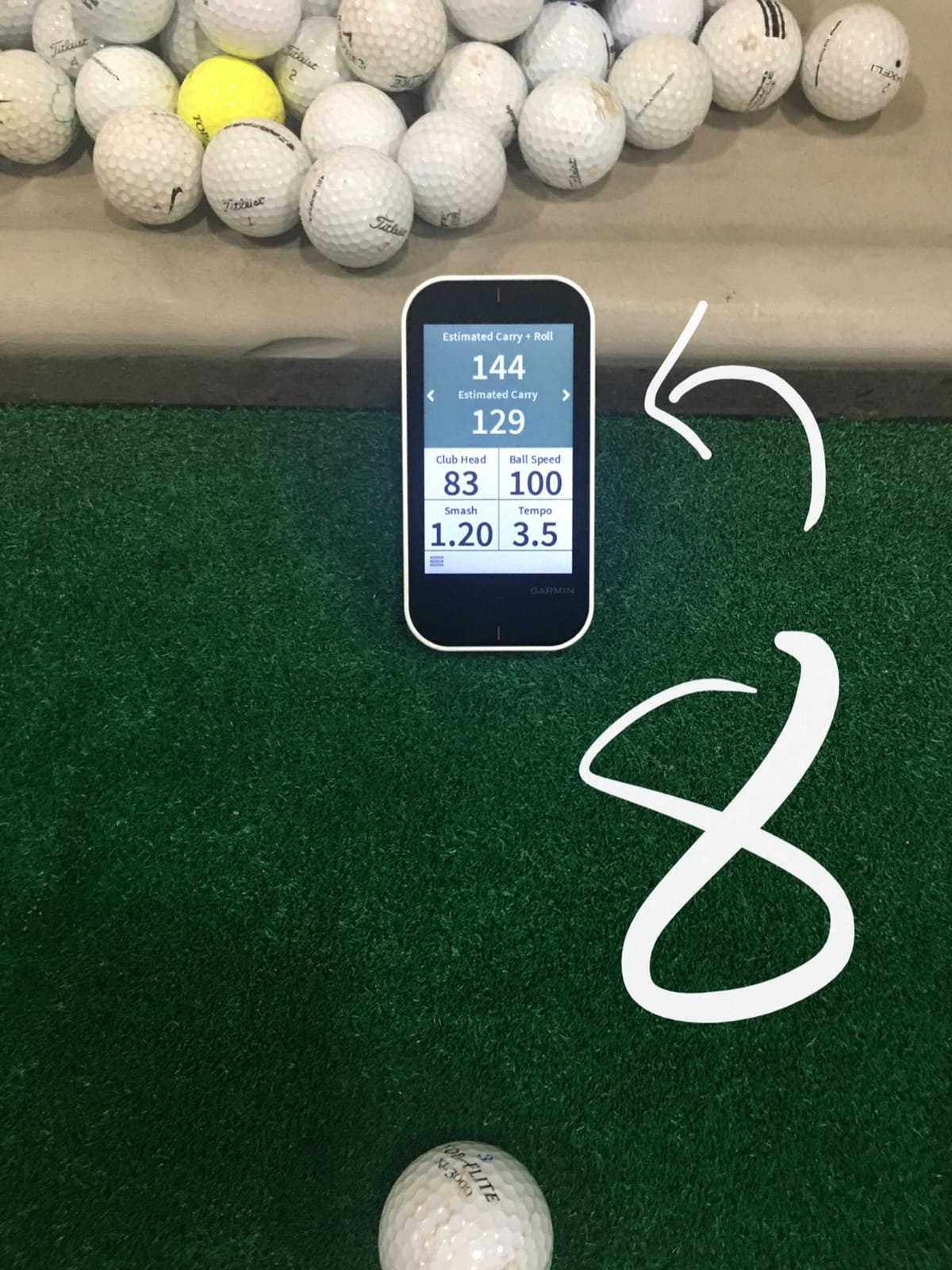
Beginners who already have a GPS handheld, and want one screen for everything, will feel at home here. The integrated radar tracks club head speed, ball speed, smash factor, swing tempo and estimated distance, and all of it lands on a 3.5 inch transflective touchscreen that stays readable in direct sun.
That combination is genuinely useful on a course: the same unit that gives you practice numbers also loads more than 41,000 detailed colour course maps worldwide. Owners like the self-contained design, because unlike most app-based monitors it keeps working when your phone battery dies in the 18th hole.
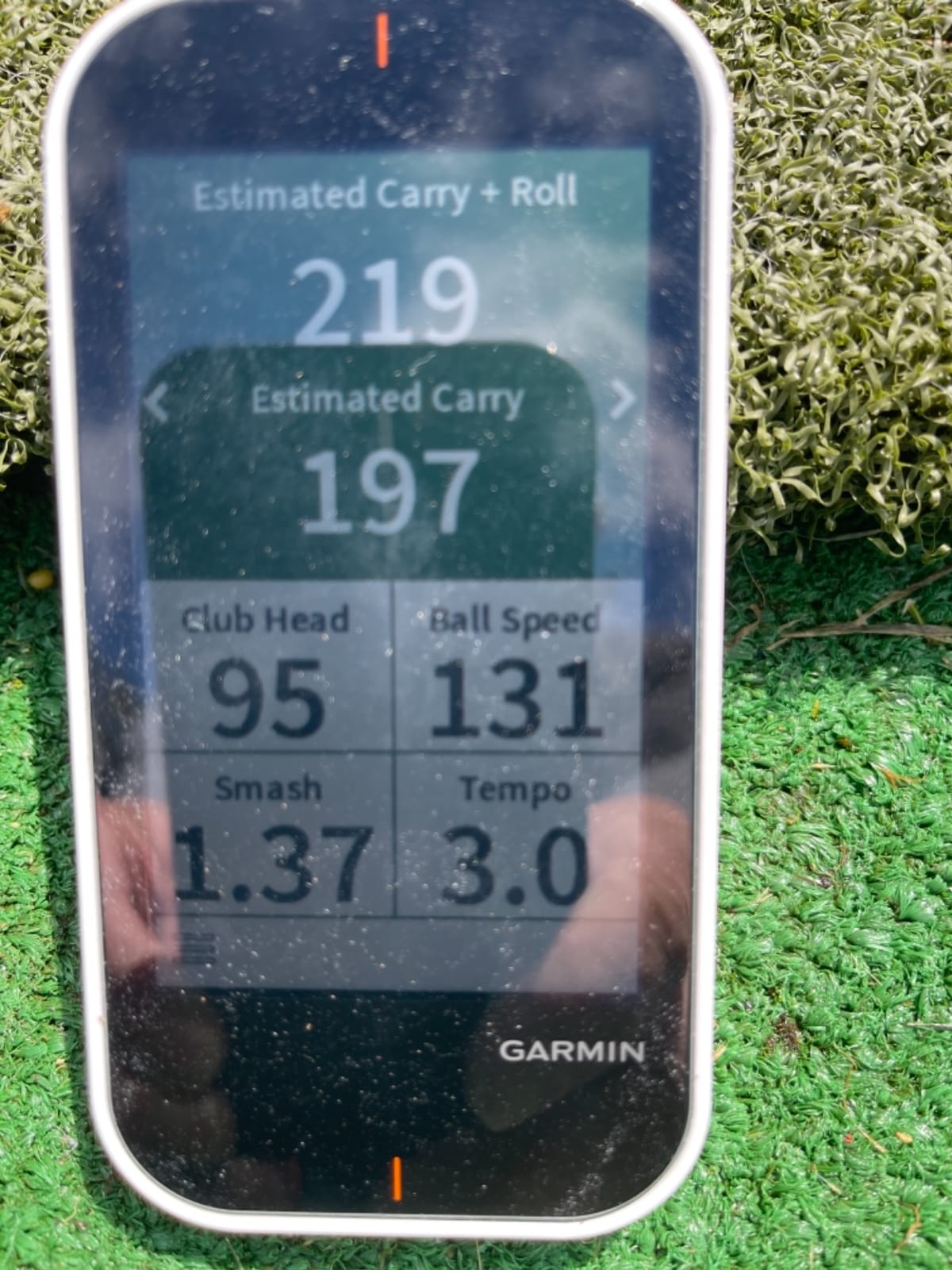
What it does not do is measure spin or launch angle. The distance figure is an estimate derived from speed, not a tracked carry. If you buy it for practice data alone, owners report that dedicated units give you more for the same money.
Battery life runs up to 15 hours with GPS, and the slim 3.5 inch screen is a little tight for detailed map work. It is also an older model, so processing feels dated next to current Garmin handhelds. Treat it as a two-in-one purchase, not as a launch monitor upgrade.
Who should buy the Garmin Approach G80?
Buy it if you want one device for the course and the practice area, and you mainly care about club speed, smash factor and how far your clubs go. It is a good first unit for golfers who dislike apps.
Who should skip the Garmin Approach G80?
Skip it if your priority is understanding ball flight. With no spin and no launch angle, you cannot diagnose a hook or a slice, and that is the main reason people buy a monitor in the first place.
6. Rapsodo MLM2PRO – Best for Measured Spin at Home
Rapsodo MLM2PRO Mobile Launch Monitor Golf Simulator | 3 Chrome Tour Balls
16 oz
Doppler radar plus dual cameras
15 metrics
1 year warranty
Pros
- 15 metrics including true spin rate and spin axis
- Readings verified close to reference hardware by multiple users
- Multi-angle video with slow-motion impact view
- Tripod and carrying case included
Cons
- Requires included Callaway RPT balls for true spin
- Premium membership needed for most features
- Shared Wi-Fi connection issues reported
This is where the beginner question of spin accuracy gets answered. The MLM2PRO combines Doppler radar with dual cameras and returns 15 metrics, including spin rate, spin axis, carry distance, club speed, club path and launch angle. Several owners report checking the numbers against a far more expensive reference unit and finding them close.
It is also the only unit here that gives you slow-motion impact footage from multiple angles, which makes it the most useful device in this roundup if you have a coach who asks for video. The included tripod is stable enough for hard shots, and the carrying case survives being stored in a car.
There are three catches, and the first is expensive. True spin measurement requires the included Callaway RPT Chrome Soft X balls, which wear out and have to be replaced. A second is the Premium membership, which carries a 45 day trial and then an annual fee for the 30,000 plus simulator courses and most of the software features.
The third is connectivity. Reviewers report that shared or local Wi-Fi connections drop, while the direct Wi-Fi mode is more reliable but blocks other apps on the network. An iPhone shows only 3 metrics where an iPad shows 6, the phone battery drains quickly, and chipping inside 10 yards is not realistically simulated.
Who should buy the Rapsodo MLM2PRO?
Buy it if you are certain you will keep the device for more than a year and you actually intend to use spin data. For building a home simulator with real short-game feedback, it is one of the few affordable units that gets close.
Who should skip the Rapsodo MLM2PRO?
Skip it if the idea of an annual fee bothers you or you only need carry distance. If the subscription is the problem, the TAGCMC GX-10 and the Swinora GX-03 both give you spin-style metrics with no recurring charge.
7. TAGCMC GX-10 – Best Subscription-Free Cross-Platform Unit
Golf Launch Monitor & Portable Simulator, Tracks 13+ Metrics Swing Analysis
1.4 lb package
3D driving range
iOS, Android and HarmonyOS
metal body
Pros
- No subscription for the full app and metric set
- Works on both iOS and Android
- Built-in temperature
- humidity and pressure sensors
- 3D range with 45 and 90 degree views
Cons
- Connection and charging faults reported out of the box
- Readings run high until sensitivity is adjusted
- Limited brand support compared with established names
The GX-10 is the rare unit that gives you spin rate, spin axis, attack angle, launch angle and swing speed with no subscription attached and no premium tier. It runs on iOS 11 and above, Android 11 and above, and HarmonyOS, which makes it the natural pairing for anyone who was ruled out of the MLM by Android.
The environmental sensors are its most interesting feature for a beginner. Built-in temperature, humidity and barometric readings let the unit adjust its shot data for conditions, and owners use the sensitivity setting to calibrate it against a known monitor. That matters more than it sounds, because cheap sensors drift between sessions.
You also get a 3D virtual driving range with 45 degree and 90 degree views, plus clubface impact visuals and a swing-only mode. Reviewers highlight the video recording as a genuine strength, since it works indoors and out without a course library subscription.
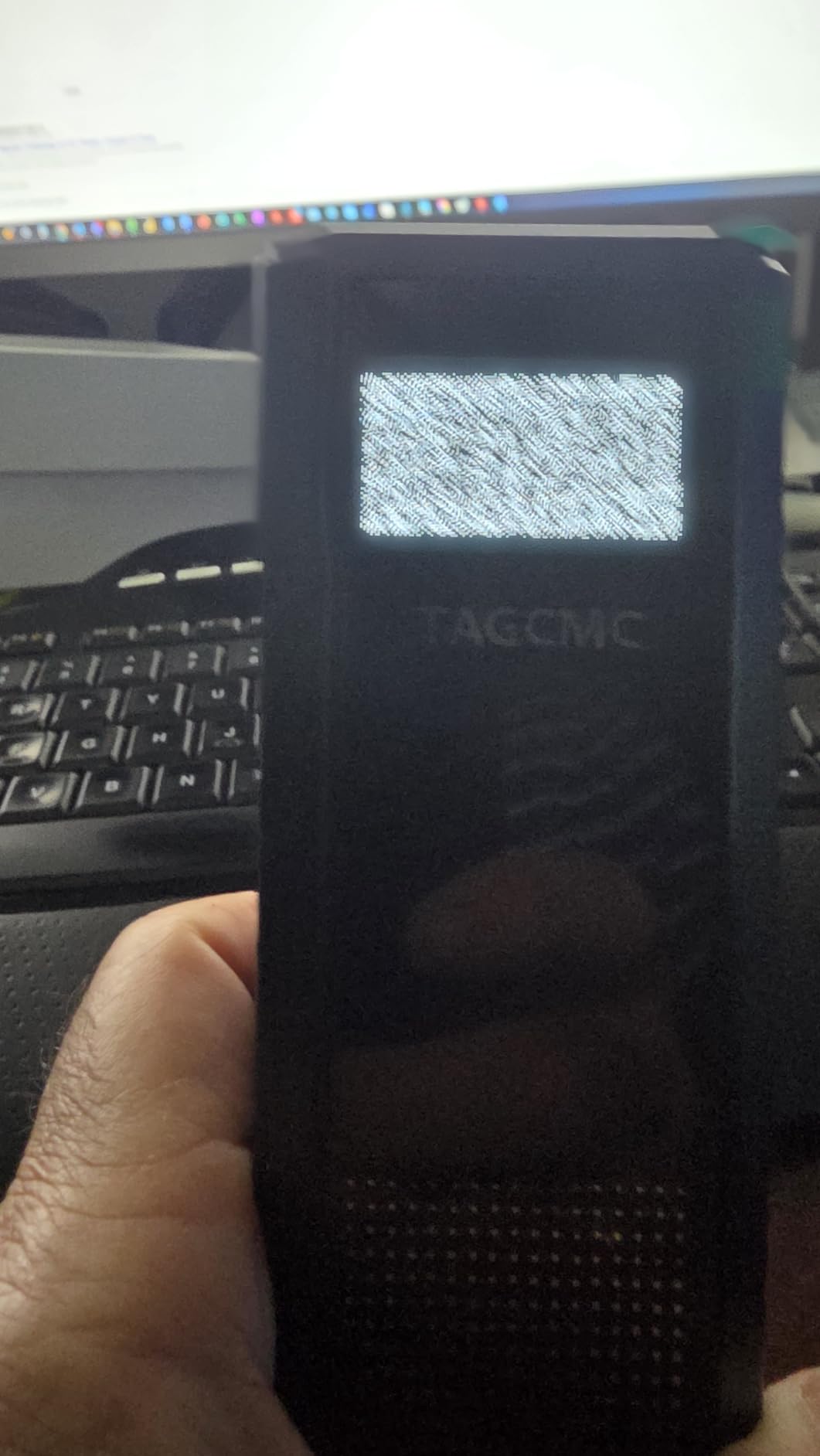
The caution here is quality control. Some units arrived with connection or charging faults, a static screen glitch that needed the unit plugged in, and speed readings that ran high until manually adjusted. The brand’s support presence also appears limited compared with Garmin or Rapsodo, so expect to do more of your own troubleshooting.
Who should buy the TAGCMC GX-10?
Buy it if you are on Android, you want spin and attack angle data, and you refuse to pay an annual fee. It is also a reasonable second device for a garage, since the metal body is more rugged than the plastic entry units.
Who should skip the TAGCMC GX-10?
Skip it if you need dependable support or a long track record. The 94-review base is thin, so you are buying on spec sheet rather than on years of owner feedback, and factory calibration should be expected.
8. TheStack Radar – Best for Speed and Wedge Training
TheStack™ Radar – Portable Golf Launch Monitor, Swing Speed & Ball Tracker
0.12 kg
Bluetooth to iOS and Android
speed, ball speed, smash factor
compact body
Pros
- Compact and light enough for any golf bag
- Fast and simple Bluetooth connection
- Purpose-built speed training with gamified wedges
- Also unlocks guided putting practice
Cons
- No spin rate
- launch angle or video
- Only 60 reviews so far
- Estimated carry distance only
TheStack Radar is the most specialised device here. It measures swing speed and ball speed, calculates smash factor and estimated carry, and nothing else. Its purpose is speed training, and it pairs over Bluetooth to TheStack App for wedge and putting work rather than for simulator rounds.
That narrowness is the point. If you have ever stood on a range hitting the same motion ten times in a row trying to pick up a mile an hour, this is the tool built for exactly that. Owners like the compact 0.12 kg body, the quick pairing, and the fact that it carries a 4.6 average across its review base.
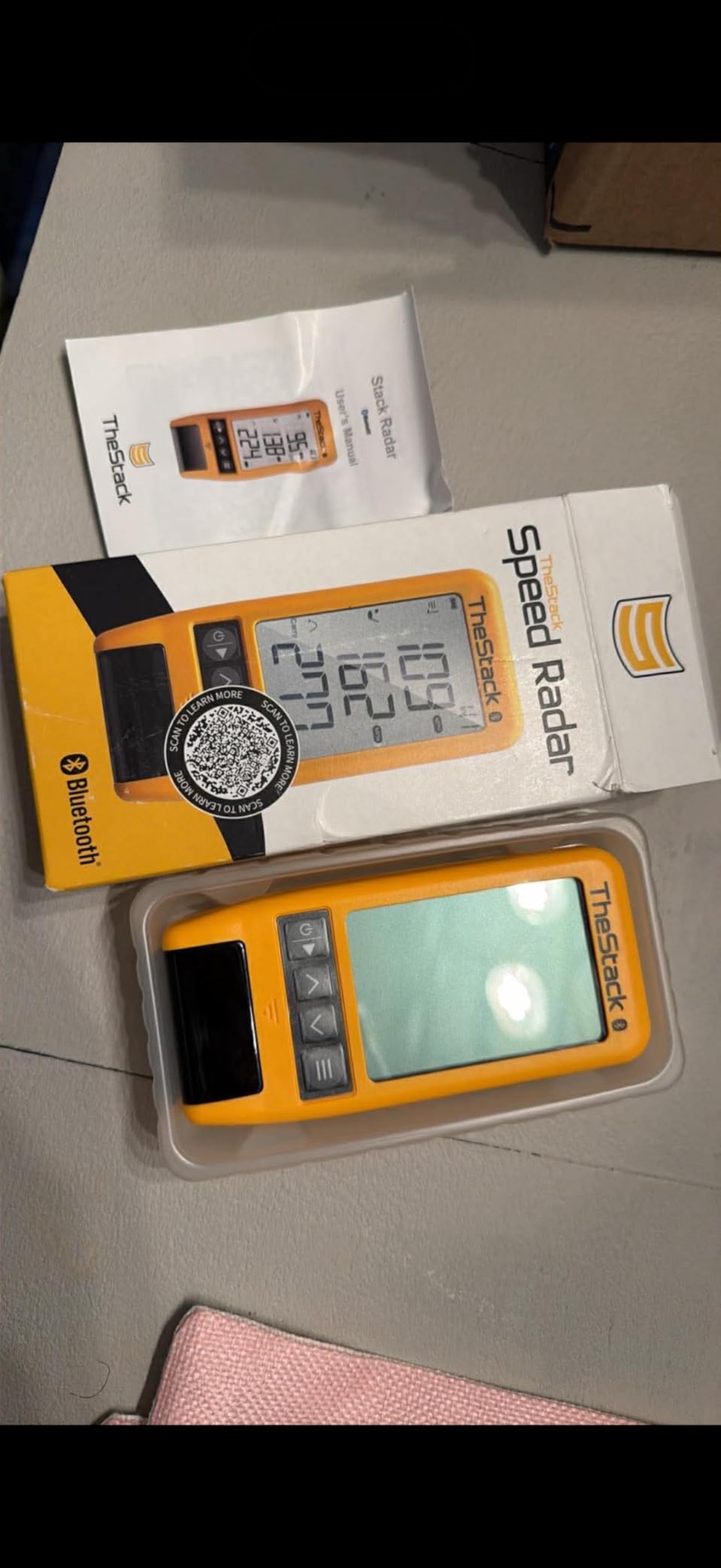
It is also the only unit in this roundup that adds a putting component. Guided putting practice is bundled, and Stack Wedging offers gamified short-game work with a one month free trial. US Open champion Matt Fitzpatrick has used the system, which tells you how the speed trainers view their niche.
The limitation is platform. Wedging and putting features are iOS only, and the speed app supports iOS and Android. There is no video, no spin and no launch angle, so it will not help you diagnose a miss. With 60 reviews there is also limited long-term feedback on firmware.

Who should buy the TheStack Radar?
Buy it if speed training is your goal and you want something that disappears into a bag. It pairs well with a wedge and a putting mat for short-game work in the evenings.
Who should skip the TheStack Radar?
Skip it if you want to know why the ball is doing what it is doing. Estimated carry and smash factor answer a narrow question, and anything about ball flight or strike quality is outside what this unit can do.
9. Garmin Approach G82 – Best for Large-Screen Practice Data
Garmin Approach® G82, Portable Golf Launch Monitor & Premium GPS Handheld
10.9 oz
5 inch touchscreen
25 hours GPS and 8 hours radar
1 year warranty
Pros
- Large 5 inch high-resolution touchscreen
- GPS handheld with integrated radar
- Putting metrics for stroke length and tempo
- Range bag mapping with virtual caddie
Cons
- No spin rate or launch angle from the radar
- Radar battery life is much shorter than GPS
- Some features need a membership or CT10 sensors
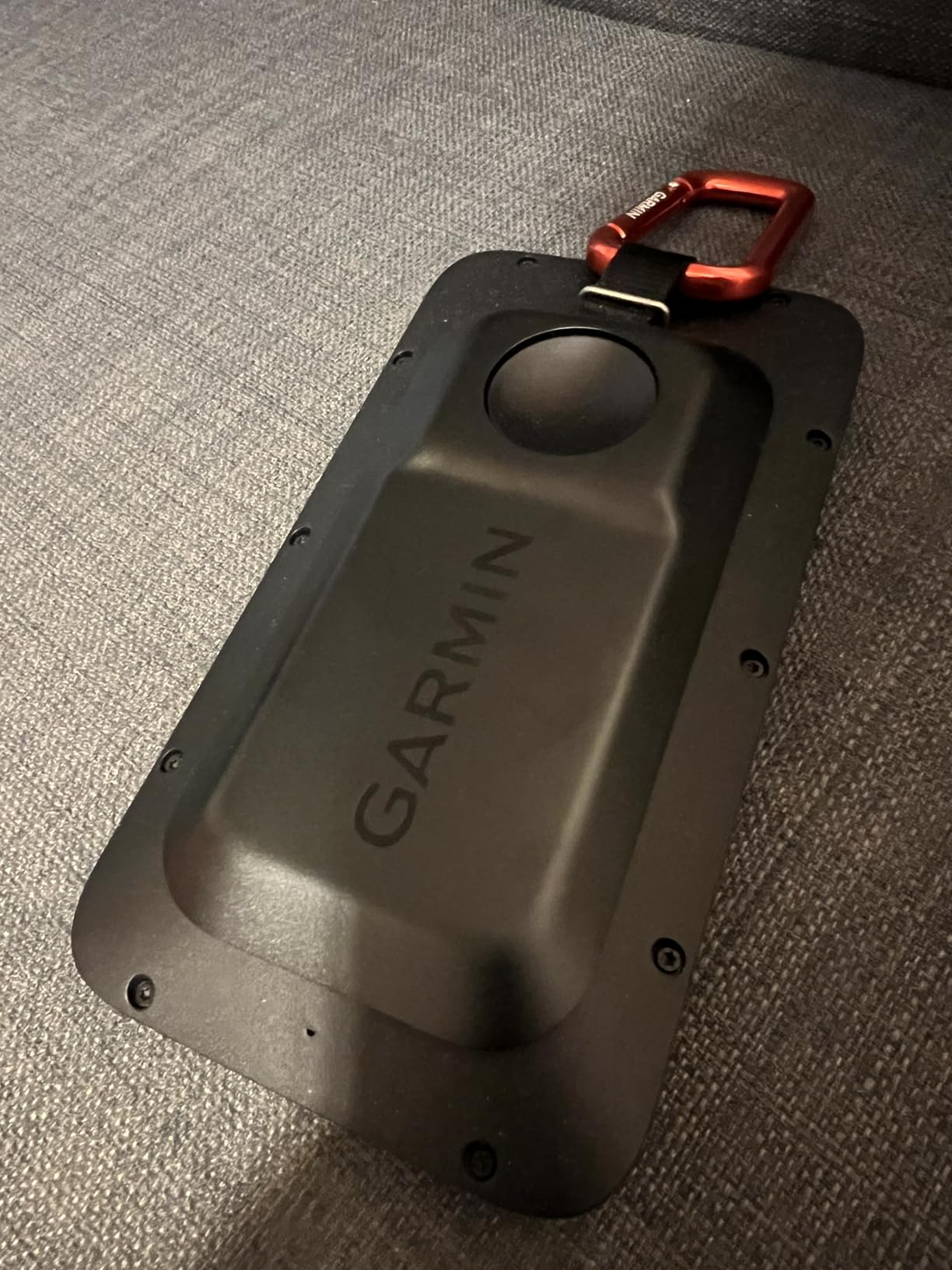
The G82 is the current version of the two-in-one idea, and the screen is the headline. A 5 inch high-resolution touchscreen with more than 43,000 preloaded courses is a big step up from the 3.5 inch panel on the older G80, and it makes practice data readable from arm length.
The integrated radar tracks ball speed, club speed, smash factor and swing tempo. The putting metrics are the part that surprises people: stroke length, tempo, club speed and ball speed give you something to work on that most launch monitors ignore entirely.
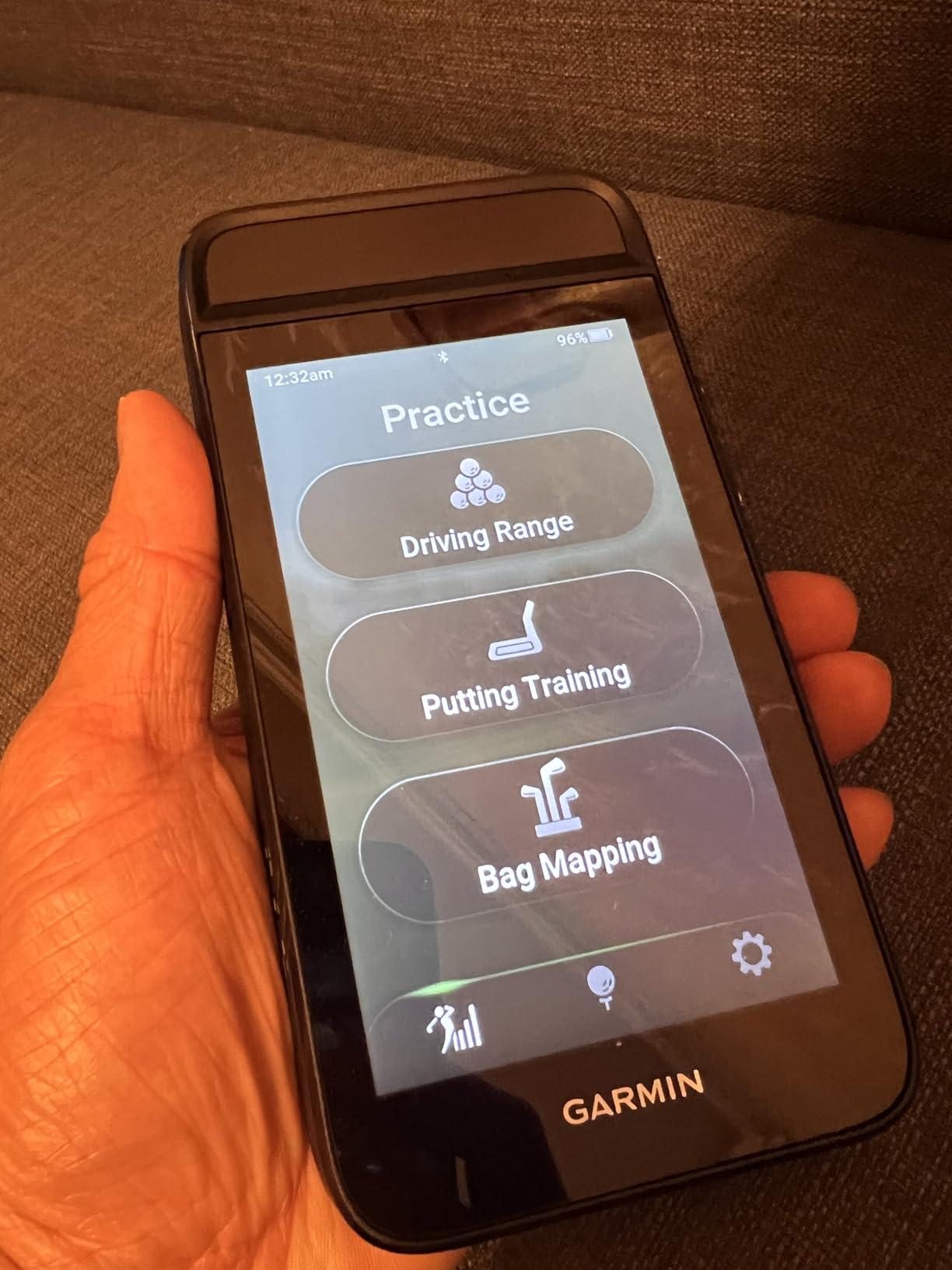
Range bag mapping evaluates your clubs and feeds the virtual caddie, so the same session data ends up influencing your on-course decisions. A magnetic cart mount is built in and a bag clip is included, which makes it easy to keep in one place.
New buyers should set expectations carefully on this one. Only 26 reviews exist for this model, and the radar does not produce spin rate or launch angle. Battery life is up to 25 hours in GPS mode but drops to 8 hours in radar mode, and green contours plus aerial imagery need a separate membership.
Who should buy the Garmin Approach G82?
Buy it if you want one device for mapping, practice and putting, and you prefer a large screen to a phone. The CT10 club tracking sensors work with it if you later want per-club club data.
Who should skip the Garmin Approach G82?
Skip it if ball flight is what you are chasing. The speed metrics are solid, but without launch angle or spin you cannot tell a good contact from a bad one, and the early review base makes it a riskier bet than the R10.
10. Swinora GX-03 – Best Calibration Controls With No Subscription
Swinora Golf Launch Monitor & Portable Swing Analyzer with 13 Metrics
0.65 kg package
13 metrics
OLED display
1 year manufacturer warranty
Pros
- 13 metrics with zero annual fees
- Distance Compensation adjustable from 80 to 120 percent per club
- Temperature
- humidity and barometric modules
- Metal body with tripod included
Cons
- Indoor use needs at least 15 ft of precise placement
- Weak Bluetooth reported in remote areas
- Very small 15-review base
The GX-03 combines two things that rarely appear together at this level: thirteen metrics and no subscription. You download the app once and every feature is unlocked permanently, which removes the biggest long-term cost objection in this category.
It also has the most thoughtful calibration story we found. Built-in temperature, humidity and barometric pressure modules adjust shot data for conditions, and the Distance Compensation function lets you scale each club from 80 to 120 percent until your numbers match reality. One owner measured it against a TrackMan and reported readings within about 1 percent.
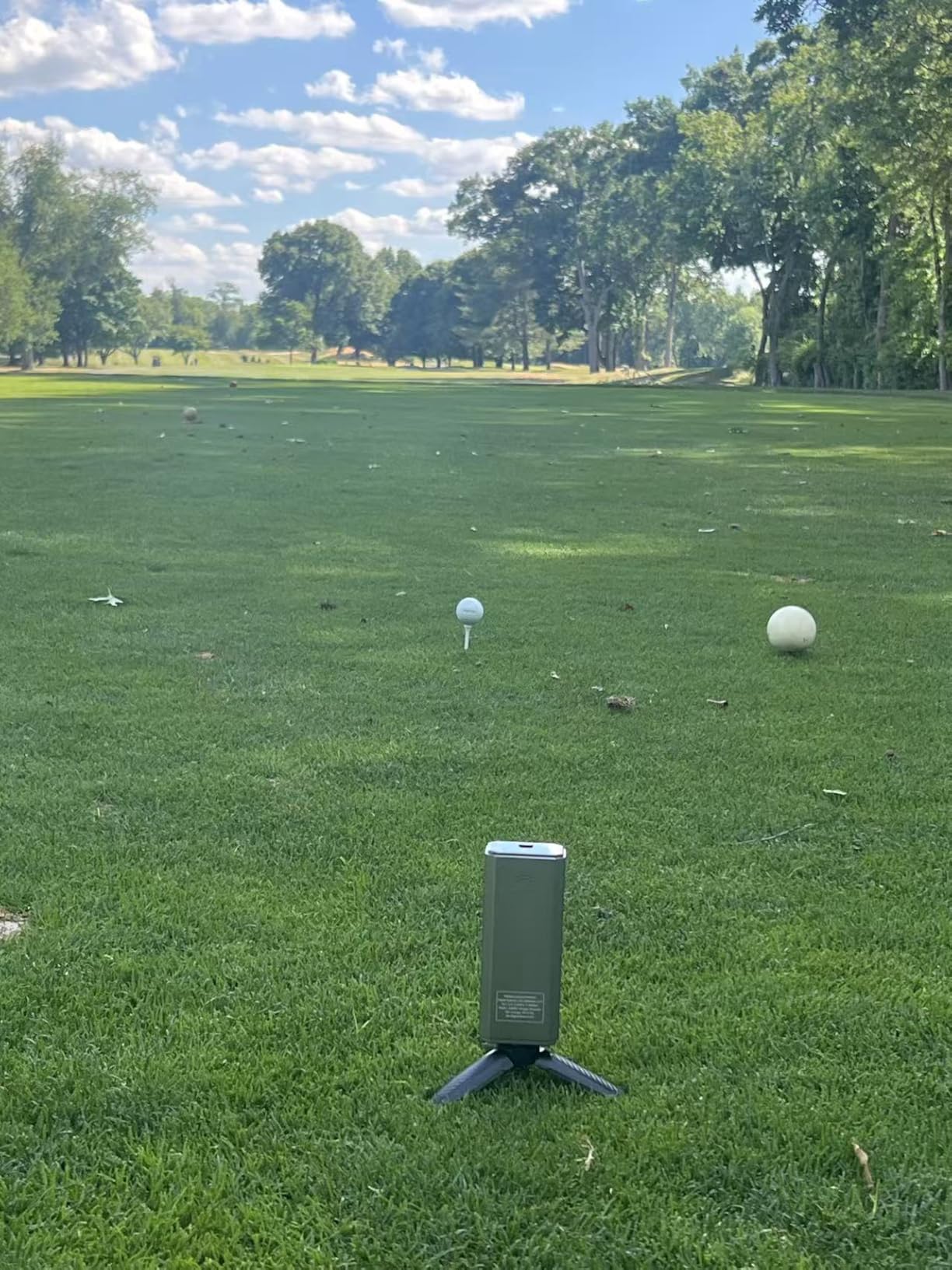
The metric list includes attack angle, launch angle, spin rate and vertical clubface data, which is more than most subscription units give you. The OLED display and real-time voice feedback make it usable without a phone, and a metal body and included tripod keep it stable on a hard surface.
Space is the catch, and it is a specific one. Indoor use requires at least 15 ft: the device 5 ft behind the ball with 10 ft of ball flight. Some owners also report weaker Bluetooth in mountainous or remote areas and measurements that are not very precise, so treat the calibration tools as necessary rather than optional.
Who should buy the Swinora GX-03?
Buy it if you have 15 ft or more of room, you want a full metric set with no annual fee, and you are willing to spend ten minutes calibrating before each new club. The metal build also handles a garage environment better than plastic units.
Who should skip the Swinora GX-03?
Skip it for a small room or an apartment. A 15 ft requirement rules out a lot of beginners entirely, and with only 15 reviews there is no long-term record of how firmware behaves after a year.
11. Uneekor EYE MINI CORE – Best Read Reliability for Simulator Builders
Uneekor EYE MINI CORE Golf Launch Monitor & Simulator, 15 Ball Data Points, Near-Zero Latency, Works with GSPro, TGC19 & E6
8.4 lb metal
15 ball data points
2 year warranty
Ethernet connected
Pros
- Very high read reliability with few misreads reported
- Reads any dimple pattern with no ball stickers
- Metal build and two year warranty
- Works with GSPro
- E6 Connect
- TGC19 and Creative Golf 3D
Cons
- Requires a gaming PC with a discrete GPU
- Software has a learning curve
- Not portable and cannot be used with an iPad
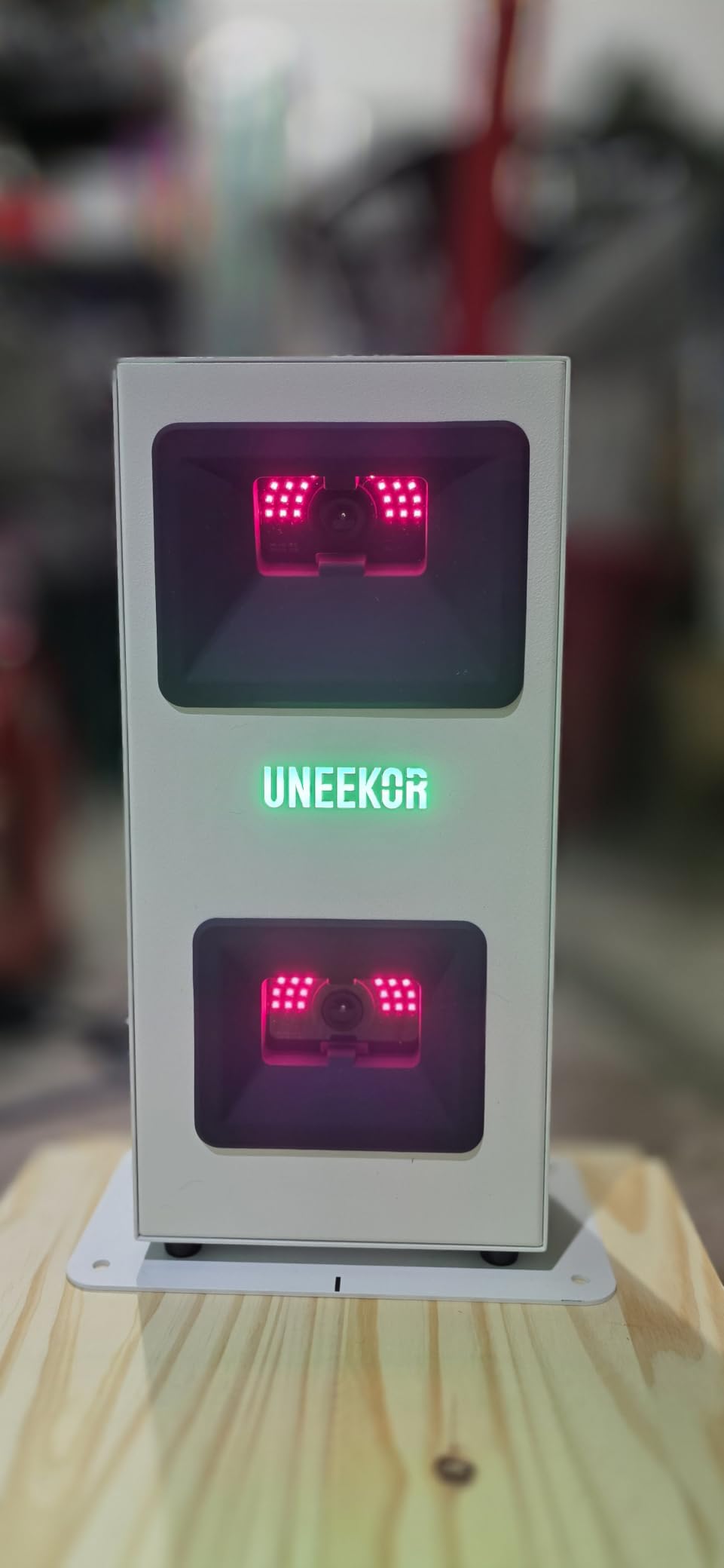
The EYE MINI CORE is the first camera-based unit in this list, and it works differently from everything above it. High-speed cameras plus infrared sensors deliver near-zero latency, and the Dimple Optix system reads any dimple pattern, so you can use ordinary balls rather than buying marked ones.
Reliability is the reason owners recommend it. Several report zero misreads across more than 1,000 shots, and the hardwired Ethernet connection means results arrive almost instantly. The included VIEW software provides 15 ball data points with session reports, and a three month Ultimate Package trial opens the GameDay competitive modes.
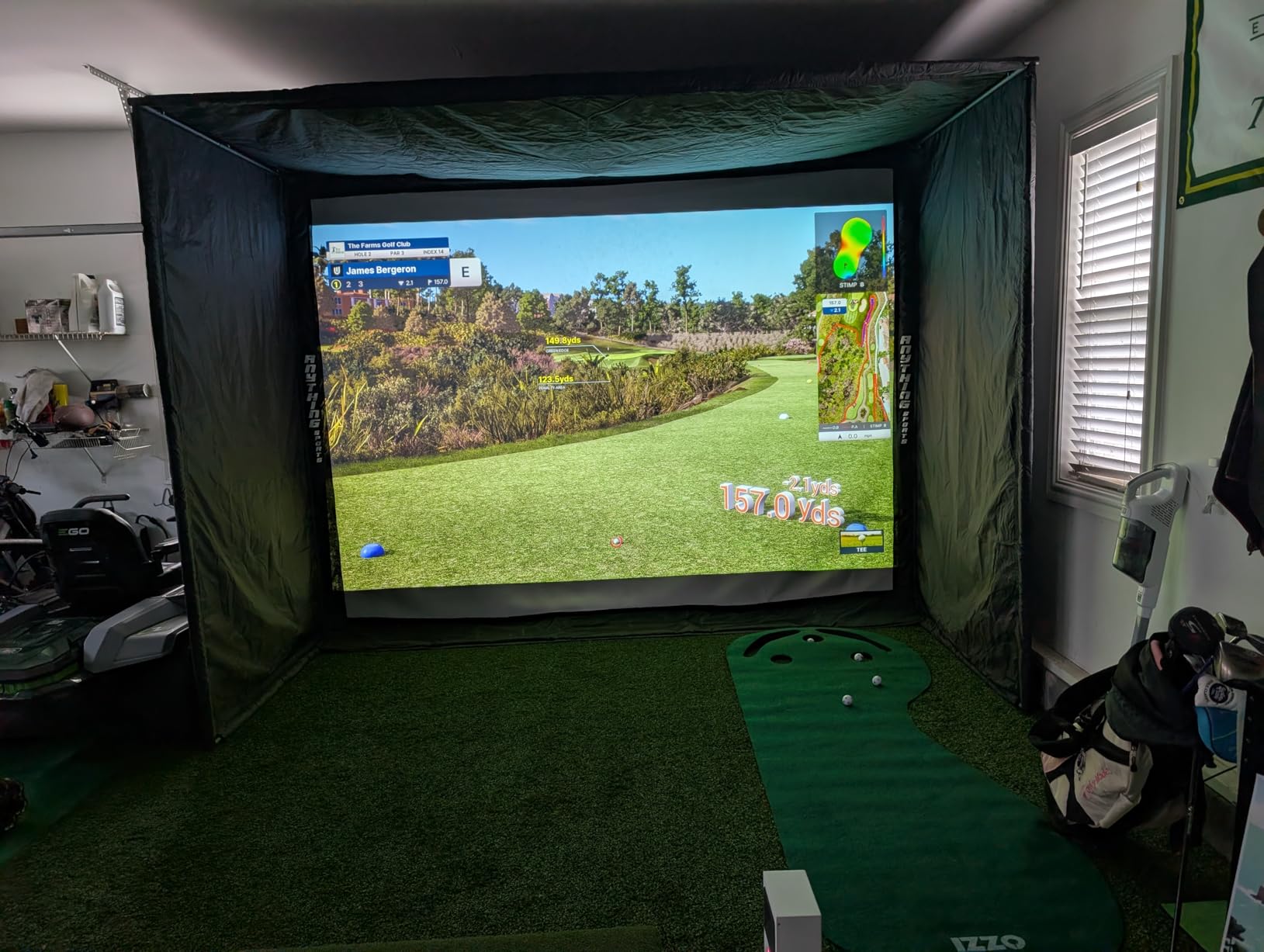
Compatibility is broad for a simulator builder. It works with GSPro, E6 Connect, TGC19 and Creative Golf 3D, and 20 sheets of club stickers are included so you can get club data with the Club Optix impact visuals. Accuracy is reported as comparable to much more expensive systems, and the two year warranty is the longest here.
Now the honest part, because this is the most complex purchase in the roundup. It needs a gaming PC with a discrete GPU, and the specification is not small: an i5 or Ryzen 5, 16GB of RAM and an RTX3060 for VIEW, rising to an i7 or Ryzen 7 with 32GB and an RTX4070 for simulation. A third-party GSPro subscription adds a significant annual fee on top of the hardware, some modes want two displays, and it is neither portable nor iPad compatible.
Who should buy the Uneekor EYE MINI CORE?
Buy it if you are building a proper simulator, you already own or will build a capable PC, and you need club data as well as ball data. Zero misreads over a long session changes how you practise.
Who should skip the Uneekor EYE MINI CORE?
Skip it if you are still learning to swing, or if the total system cost including a PC and software is more than you planned. A beginner can get every core number for a fraction of this, and the software learning curve is real.
12. FlightScope Mevo Gen2 – Best for Lifetime Course Access
FlightScope Mevo Gen2 Portable Golf Launch Monitor and Simulator with 18 Swing Data Parameters, Front Facing Camera, 8 E6 Simulation Courses with GPS Overview and Shot Tracer | Indoor and Outdoor
1.1 lb
18 swing data parameters
8 E6 courses included
6 hour battery
Pros
- Eight E6 Connect courses included for life with no subscription
- 18 swing
- chipping and putting data parameters
- 3D ball flight tracer rendered into swing video
- Front camera with multi-cam for up to three devices
Cons
- Difficult initial setup and connection especially to iPad
- Distances read off until elevation is set
- Only 6 hours of battery per charge
The Mevo Gen2 solves the subscription problem in a way no other affordable unit does. Eight E6 Connect simulation courses are included for life, with no subscription and no annual licence fee, on top of 18 parameters covering full swings, chipping and putting.
FlightScope Fusion Tracking combines 3D Doppler radar with synchronised high-speed image processing, and the Tracer renders a full 3D ball flight animation directly into the swing video. The front-facing camera supports multi-cam linking to as many as three devices, with drawing tools and voiceover for coaching notes.
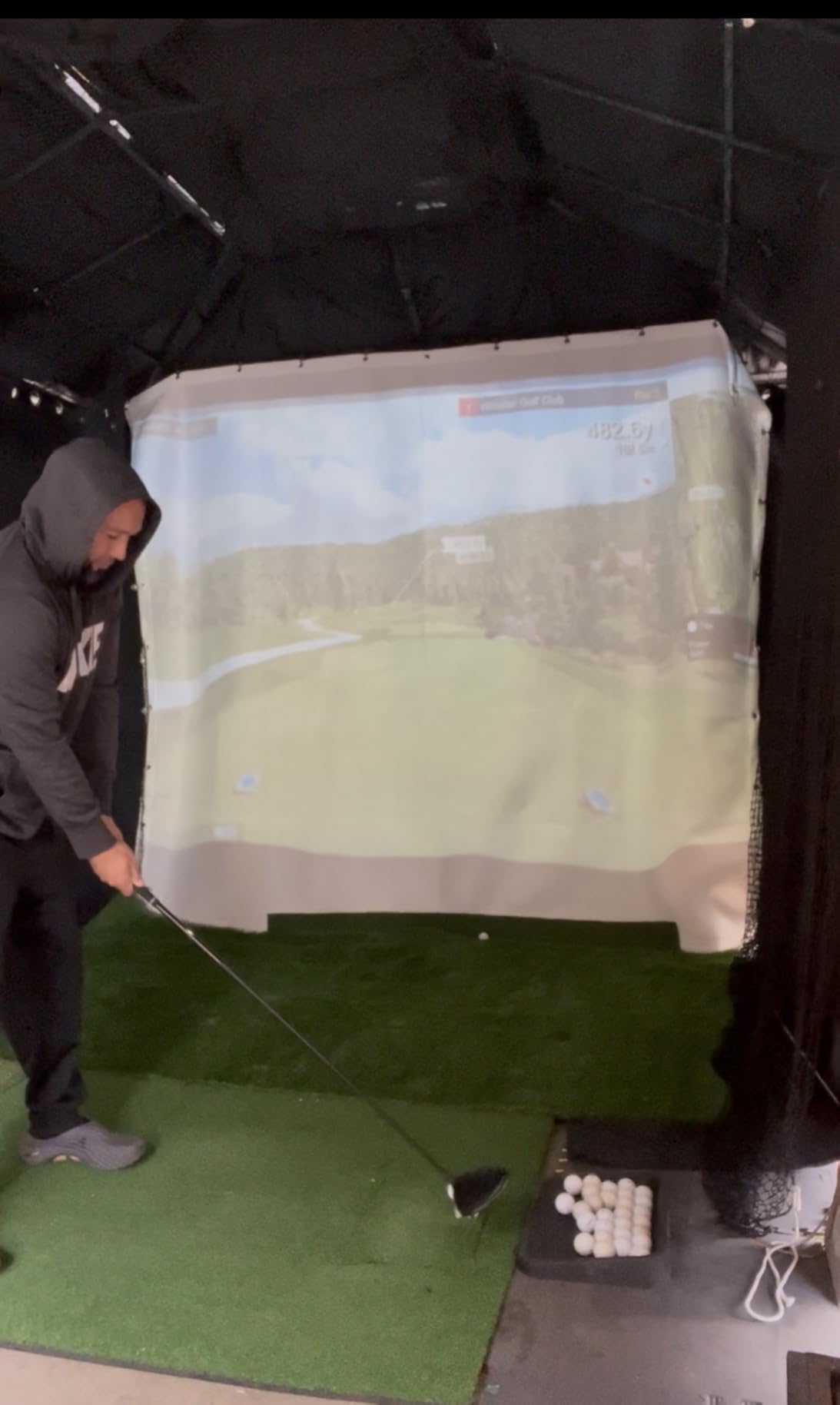
There is also a range ball setting for improved accuracy with driving range balls, and the support team is reported as patient during setup. Owners who received firmware updates and set their elevation manually describe spot-on distances and a strong product overall.
Setup is the difficulty. Owners report connection problems, especially to iPad, units that tracked only a small fraction of shots out of the box, and distances that read far off until elevation was configured. Connection drops and single-device limits show up in reviews, some E6 courses need a stronger graphics card than the stated minimum, and the battery lasts 6 hours per charge.
Who should buy the FlightScope Mevo Gen2?
Buy it if you want course play with no ongoing fees and you plan to practise chipping and putting as well as full swings. On r/Golfsimulator it is regularly described as the best performance-per-dollar indoor and range hybrid.
Who should skip the FlightScope Mevo Gen2?
Skip it if technology frustrates you. The setup process is the most demanding of the radar units here, and the 31-review base means support experiences vary. The PRGR is the opposite experience for a first purchase.
How to Choose a Golf Launch Monitor as a Beginner?
Every unit in this roundup measures the same four things in a slightly different way. If you want the wider picture of what each technology can and cannot do, our full launch monitor roundup goes deeper on the technical side. For a first purchase, these seven questions decide it.
Accuracy is the one thing you cannot skip
Speed accuracy is the metric you can check yourself. Take any unit to the range, hit twenty balls, and compare the reported carry distance with a rangefinder or a marked target. If the numbers are within a consistent margin, the device is calibrated for your swing.
Spin accuracy is harder, and this is where entry-level hardware is most often oversold. Some units measure spin directly using a marked ball; others estimate it from flight shape. For a beginner, we would rather have honest speed and distance than a spin number that is a guess.
The only 5 numbers a beginner should track
Club head speed is the first, because it is the easiest to improve and it moves first when your technique does. Ball speed is the second, and the gap between the two is your contact quality. Smash factor, the ratio between the two, is the third and summarises them in one line.
Carry distance is the fourth, and it is the number that makes you club your bag properly. If you want a way to check it without a monitor, our rangefinder picks do the job for a fraction of the cost. The fifth is dispersion: how far apart your best and worst shot with the same club land.
A beginner who tracks dispersion sees improvement in contact within a month, even when speed has barely moved. Spin axis and club path can wait until those five are stable.
Radar or camera: which suits your space?
Radar units sit behind the ball, track the flight, and need room behind you rather than in front. They are cheap, robust and work outdoors, which is why nine of the twelve units here are radar-based. Camera systems sit in front of the ball, need a swing area and controlled lighting, and give richer club data.
Beginners in a garage should default to radar. Photometric and hybrid systems are the right answer only when you are building a room where the ball never leaves a mat, and even then, direct sunlight on the camera lenses degrades outdoor readings in a way that surprises people.
Indoor or outdoor, and how much room you need
Measure before you buy, because room depth is the most common disqualifier. Radar units generally want 6 to 8 ft of clear space behind the ball. The Swinora GX-03 states its requirement plainly: 15 ft total, with the device 5 ft behind the ball and 10 ft of flight. The PRGR needs the least of any unit here.
Add the length the ball travels in front of the radar. A driver in a 10 ft garage is not realistic; a 7-iron or wedge into a net is. If your space is shorter than about 12 ft in any direction, focus on the standalone speed units and practice without a ball.
Standalone or phone-dependent
Standalone units show numbers on the device and never ask for your phone. The PRGR, the Voice Caddie SC200 Plus, the Garmin G80 and the Swinora GX-03 all fall into this group, and they are the easiest to live with because your hands stay on the club.
Phone-dependent units give you far more: video, history, dispersion charts, simulator play and shareable reports. That is a real trade, and the honest answer depends on your temperament. If you will enjoy reviewing sessions, take the phone route. If you will resent the friction, buy standalone and accept fewer numbers.
Subscriptions, marked balls and hidden costs
Six units in this roundup have no annual fee of any kind: the Rapsodo MLM for its core metrics, the PRGR, the Voice Caddie SC200 Plus, the TAGCMC GX-10, the Swinora GX-03 and the FlightScope Mevo Gen2. The others gate their best features behind a membership, which is the hidden cost beginners are most often surprised by.
Marked balls are the second hidden cost. The MLM2PRO needs the included Callaway RPT balls for true spin, and those wear out. Third-party simulator subscriptions can add a substantial annual fee on top of hardware. Add two years of balls and software to any device before you decide it is expensive.
Lessons or a launch monitor?
For a total beginner, one or two lessons will do more for your swing than any device on this page. A coach can see your posture, grip and sequence in real time and correct the cause of a problem, while a launch monitor can only show you that the problem exists.
Where the device wins is repetition and retention. It lets you hit the same shot fifty times between lessons with one number to focus on, and it gives you and your coach a shared reference. Many golfers take lessons first, then buy a monitor once the basics are in place. Both orders work; the expensive mistake is buying a camera system before you can hit consistently.
Frequently Asked Questions
Do I need a launch monitor as a beginner?
Not to learn the swing. A launch monitor shows club head speed, ball speed, smash factor, launch angle and carry distance so you can repeat what worked. Most beginners benefit more from one or two lessons first, then use a device to track speed and distance between sessions.
How much does a good golf launch monitor cost?
Entry-level Doppler radar units cover club speed, ball speed, smash factor and carry distance. App-based units with video add more per year, and camera-based systems with full simulator software cost several times more once you include the computer and software they require.
Are golf launch monitors accurate?
Radar units are reliable for speed and distance when placed correctly, and manufacturers such as Garmin publish tolerances of roughly 3 mph for club speed and 1 mph for ball speed. Spin figures on budget units are often estimated rather than measured, so check those against a known unit before trusting them.
What is the minimum room size needed for a golf launch monitor?
Most radar units want 6 to 8 ft of clear space behind the ball, and some premium units need more, such as 15 ft total for the Swinora GX-03. Below about 12 ft in any direction, choose a unit that can also measure swing speed without hitting a ball.
Do I need marked golf balls or club stickers?
Marked balls are needed for true spin on units like the Rapsodo MLM2PRO, while the Uneekor EYE MINI CORE reads any dimple pattern with no stickers. Club stickers are optional and mainly add club data such as swing speed and face to path on camera-based systems.
Final Verdict: Which Launch Monitor Should You Buy?
For most beginners, the Rapsodo Mobile Launch Monitor is the right first purchase. It is the only unit here that gives a new golfer real shot data and video on every swing with no membership required, and its 4.2 star rating across more than 3,000 reviews is the most tested feedback base in the group.
Buy the PRGR HS 130-A instead if you want the lowest total cost and no phone in your hand. Buy the Garmin Approach R10 if you practise in two places and want dispersion charts. Save the MLM2PRO, the EYE MINI CORE and the Mevo Gen2 until you know you are building a simulator, and read our home simulator guide before committing to one of those.
Whichever you choose in 2026, set up next to a known reference, write down one number to improve, and give it a month before you judge it. Launch monitors reward patience far more than they reward spending.