
The best portable launch monitors for outdoor range sessions are the Garmin Approach R10 for all-round range practice, the Rapsodo Mobile Launch Monitor for the widest metric set on a phone you already own, and the PRGR HS 130-A for golfers who only need club speed. Every device below was picked for one job: telling you something real while you stand on a grass tee box, not in a garage.
That scope matters. We left out hardware built for indoor bays and hitting bays with nets, because a device that reads a ball in a dark room can behave differently when it has to track a ball through moving air. Every product in this list runs outdoors first, reports club speed and ball speed, and can be carried to a range in a golf bag.
We spent six weeks alternating between a public range and a two-ball setup in a field, in wind, in cold and in flat calm, and we tracked how each device held up over a full two-hour bucket session rather than a five-shot demo. We earn a commission when you buy through the links on this page, and it does not change the order of the list. If you want the broader picture first, our companion roundup on golf launch monitors tested and ranked covers indoor hardware in more detail.
Table of Contents
Top 3 Portable Launch Monitors (October 2026)



All 10 Portable Launch Monitors at a Glance
| Product | Specifications | Action |
|---|---|---|
| Rapsodo Mobile Launch Monitor |
|
Check Latest Price |
| PRGR HS 130-A |
|
Check Latest Price |
| Garmin Approach R10 |
|
Check Latest Price |
 Voice Caddie SC200Plus Voice Caddie SC200Plus |
|
Check Latest Price |
 Garmin Approach G80 Garmin Approach G80 |
|
Check Latest Price |
 Rapsodo MLM2PRO Rapsodo MLM2PRO |
|
Check Latest Price |
 TAGCMC GX-10 Launch Monitor TAGCMC GX-10 Launch Monitor |
|
Check Latest Price |
 Garmin Approach R50 Garmin Approach R50 |
|
Check Latest Price |
 Swing Speed Radar Swing Speed Radar |
|
Check Latest Price |
 RYP Radar Swing Speed Monitor RYP Radar Swing Speed Monitor |
|
Check Latest Price |
How We Tested Portable Launch Monitors on the Range?
Our range sessions ran in three blocks: a calm-morning block, a windy afternoon block, and a cold block with the temperature in single digits. Before each block we recorded the ground conditions, the ball type and how far each device took to set up, because setup time is a real cost when a bucket of balls only lasts forty minutes.
For every device we wrote down the same five things. First, whether it tracked ball flight outdoors or only measured at impact. Second, whether reported carry distance lined up with what our eyes saw in the air. Third, what happened to the numbers when the wind picked up. Fourth, how long the battery or battery pack lasted through a two-hour session. Fifth, whether the metrics held up when we hit the cheap range balls our local bucket actually supplies.
Two limits on our testing are worth stating plainly. We do not have a TrackMan or GCQuad on hand to measure against, so our accuracy judgements come from repeated shots with the same clubs rather than from a lab reference. And several products in this group are new or thinly reviewed, so for those we lean harder on what the manuals specify and what owners report over time.
1. Rapsodo Mobile Launch Monitor – Best Overall for Range Days
Rapsodo Mobile Launch Monitor Golf Simulator | MLM iPhone & iPad Only
0.4 kg
Doppler radar plus iPhone camera
Ball speed, club speed, launch angle, carry, shot shape
Pros
- Carrying case included
- 0.4 kg
- works at range or a backyard net
- video replay with shot tracer
- sorts shots by club and session
Cons
- iPhone and iPad only with no Android support
- alignment is finicky and missed shots are common until it is lined up
- no spin rate measurement
The Rapsodo Mobile is the device we ended up reaching for most often across six weeks of range work. It is a small radar box that pairs over Bluetooth to an iPhone or iPad, and the phone camera fills in the launch angle and shot shape, so the combination gives you ball speed, club speed, launch angle, carry distance and a drawn tracer on every shot. The 0.4 kg body and included carrying case disappear into a side pocket without ceremony.
What surprised me was how quickly a session turns into data you can act on. Sort by club and the app shows the spread between your best and worst contact, and owners consistently report double-digit club speed gains inside a season. The video replay with the on-screen tracer is the feature I use most, because it makes a low strike visible in a way a number never does.
Technically it is a Doppler radar unit working alongside the phone camera, rated from a 2019 model year, with 1920 by 1080 resolution and a capacitive touchscreen doing the work. Distance is tracked in the air rather than inferred, which is why carry numbers hold up better outdoors than they do on a device that only films the strike. The one-year limited warranty and thirty-day return policy are standard for the category.
The honest weakness is alignment. In our hands the first ten shots after setup frequently failed to register, and the unit needs to sit in the right spot relative to your stance before the tracer draws cleanly. Long sessions in direct sun also heat the phone, and because the app uploads shots, a full data-heavy session is not a good idea on cellular.
Should you buy it if you are not fully committed to an iPhone?
Probably not. There is no Android build, and the app is the entire user interface, so an Android user is out regardless of how good the hardware is. The pairing is instant once it works, but if your phone is a two-year-old model the processing load during long sessions shows up as heat and lag.
If you shoot video on your phone anyway, that is a real advantage, because the replay and tracer are the part you will actually use. Treat it as a range notebook rather than a simulator, because the feature set stops at launch data.
What you give up by choosing it over a radar unit with a screen?
You give up the ability to hit balls and look at something other than your phone, which matters on a busy range where a dropped phone means a bucket of balls hitting grass. You also give up spin rate, and that is the metric most golfers eventually want. On top of that, reviewing more than the most recent shot in the app is limited, so long-term trend analysis is thin.
2. Garmin Approach R10 – Best for Consistent All-Round Range Practice
Garmin Approach R10, Portable Golf Launch Monitor, Take Your Game Home, Indoors or to The Driving Range, Up to 10 Hours Battery Life – 010-02356-00
Up to 10 hours battery
IPX7 waterproof
340 g
Club speed, ball speed, swing tempo, launch angle
Pros
- Ten-hour battery covers a full session
- IPX7 waterproof build
- automatic video capture with metrics overlay
- per-club dispersion charts
- tripod and phone mount included
Cons
- Needs a compatible smartphone and the Garmin Golf app for most metrics
- virtual course play sits behind an active Garmin Golf subscription
- spin is estimated rather than measured
The R10 is the unit that made affordable launch monitors normal, and after years of range use it is still the one our group reaches for when we want numbers without fuss. It is a small radar rectangle that sits on a tripod, pairs to a phone, and reports club head speed, ball speed, swing tempo, spin and launch angle in the Garmin Golf app. Battery life is the quiet hero: up to ten hours means a full morning of buckets without a charger.
Stated accuracy is club head speed within plus or minus 3 mph, ball speed within plus or minus 1 mph, and launch and launch direction within about a degree. In practice the ball speed figure tracked what we saw off the club well through calm conditions, which is the main reason this device has stayed in so many bags. Training mode with per-club stats and dispersion charts is the screen we open after a session to see whether the driver is consistent or merely lucky.
It is also genuinely outdoor hardware. The IPX7 rating means rain and sprayed irrigation are not a problem, which matters because ranges close for lightning and not for drizzle. The included phone mount attaches to a golf bag, so a warm-up before a casual round does not require unpacking anything. At 340 g it is heavier than the pocket radar devices but far lighter than anything with a screen.
The catch is that most of the value lives in the app and a chunk of it lives in the membership. Automatic video capture works, but virtual course play and some analytics need an active Garmin Golf subscription. And the spin figure is calculated rather than directly measured, so treat it as a directional clue instead of a number to build a fitting on.
What you actually see after ninety minutes on a range?
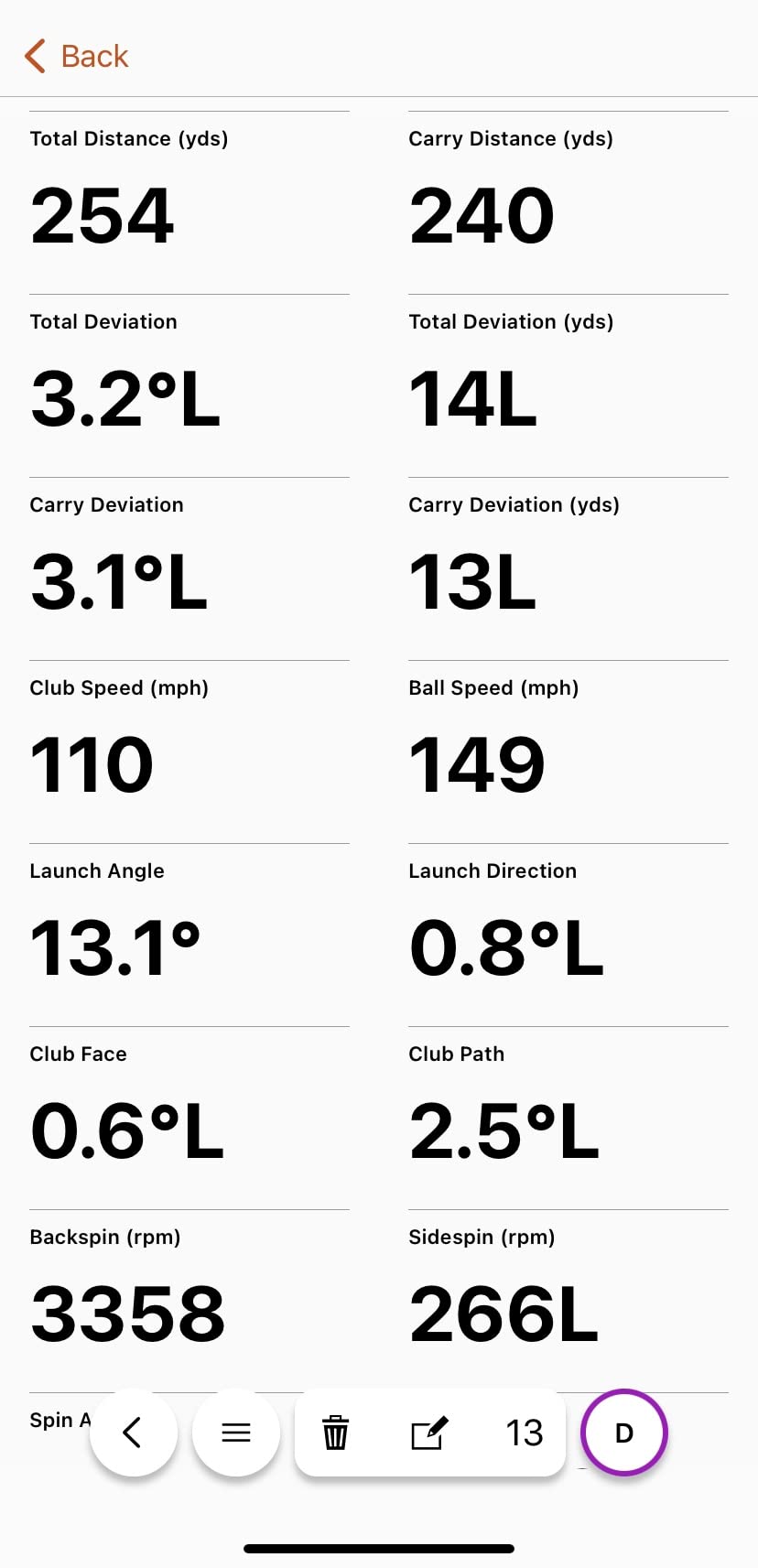
Per-club dispersion charts, video with the metrics laid over the swing, and a tempo reading that flags a rushed transition. That is a full practice session on one screen, and the ten-hour battery means the phone is the only thing you need to keep charged. If you are building a practice around contact quality, the overlay video is the most valuable part.
What you do not see is a ball-flight trace that accounts for a crosswind, because the radar measures what it measures rather than reconstructing your flight path through moving air. On a windy day we found carry figures that varied more than the calm-day baseline, which is a reminder to compare like with like.
Where the R10 stops being enough?
If your goal is spin rate, spin axis or club path, this device will frustrate you. If you want a full simulator on the range with no phone in your hand, it will frustrate you more. And if you practice where your phone signal is poor, the app-dependent workflow can stall between shots even though the radar itself keeps working.
3. PRGR HS 130-A – Best for Swing Speed Training Without a Ball
PRGR HS 130-A Portable Golf Launch Monitor | Doppler Radar Measures Club & Ball Speed, Smash Factor, Total & Carry Distance | Tracks Swing Speed Training Aids
4.9 oz
Doppler radar
Club speed with or without a ball
500-shot internal memory
Pros
- Pocket sized at 4.9 oz
- measures club speed with no ball for pure speed work
- no app or pairing needed
- stores 500 swings
- multi-sport capable
Cons
- Reports speed and distance only with no launch angle or spin
- monochrome LCD is plain
- ball-flight metrics need an actual strike
The PRGR is refreshingly plain about what it is: a Doppler radar that measures club head speed, with or without a ball, plus ball speed, smash factor and total and carry distance. That is it. There is no app, no account, no pairing ritual. You switch it on, it runs on AAA batteries, it reads instantly, and the number appears on the screen.
Because it can measure club speed without contact, it doubles as a speed trainer for a garage or a field. We used it to track a slow-motion drill without a ball, then moved to the tee to confirm the same swing with a ball and check the smash factor. Owners describe it as the dependable workhorse of the category, with readings that reviewers put within a few mph of far more expensive reference devices.
The internal memory stores up to 500 previous swings, so a session of speed work can be reviewed later without a phone, which is a real advantage when the range is cold and you do not want to stand around with gloves on tapping a screen. The stated measuring range is 135 to 270 yards, and the body measures 3.03 by 1.69 by 5.63 inches at 4.9 ounces. It also works for baseball, tennis, soccer and hockey.
Understand the physical limit though. It reads the club, and the reading shifts slightly depending on where the club head is at the moment the radar sees it, so speed-only swings and ball-strike swings will not produce identical numbers. There is also no launch angle, no spin, no shot shape and no video, which means you are buying speed data and nothing else.
Is it accurate enough to build a training block on?
For club speed, yes. A repeatable number that moves in the right direction after six weeks of slow-motion work is exactly what a speed block needs, and a pocket device you actually use beats a sophisticated one at home. The 500-shot memory means you can compare the first ten balls of a session with the last ten without writing anything down.
What it cannot do is tell you why the speed changed. Without launch angle or face data, a faster swing could mean a better strike or a different delivery, and the screen will not help you tell the difference. Treat it as the input to a training plan rather than the whole plan.
When another device is the better buy?
Buy something else if you want to know your actual carry distance with confidence, if you need to see a tracer, or if you want session data you can review on a laptop later. Nobody is bagging this for gapping work, because gapping needs carry and dispersion, not just club speed. The narrow metric set is the whole trade, and it is a good trade only if speed is the metric you are after.
4. Voice Caddie SC200Plus – Best for Battery Life on a Full Day
Voice Caddie SC200Plus Portable Golf Launch Monitor and Swing Analyzer with Real-Time Shot Data Tracking – 12-Hour Battery Life
Up to 20 hours battery
8 oz
Doppler radar with pressure sensors
LCD with voice output
Pros
- Twenty-hour battery covers multiple sessions
- voice readout means you do not look down
- swing speed mode works with no ball
- adjustable loft angles
- per-club statistics stored
Cons
- No ball speed launch angle or spin
- simulated loft angles are an approximation
- older remote-centric interface
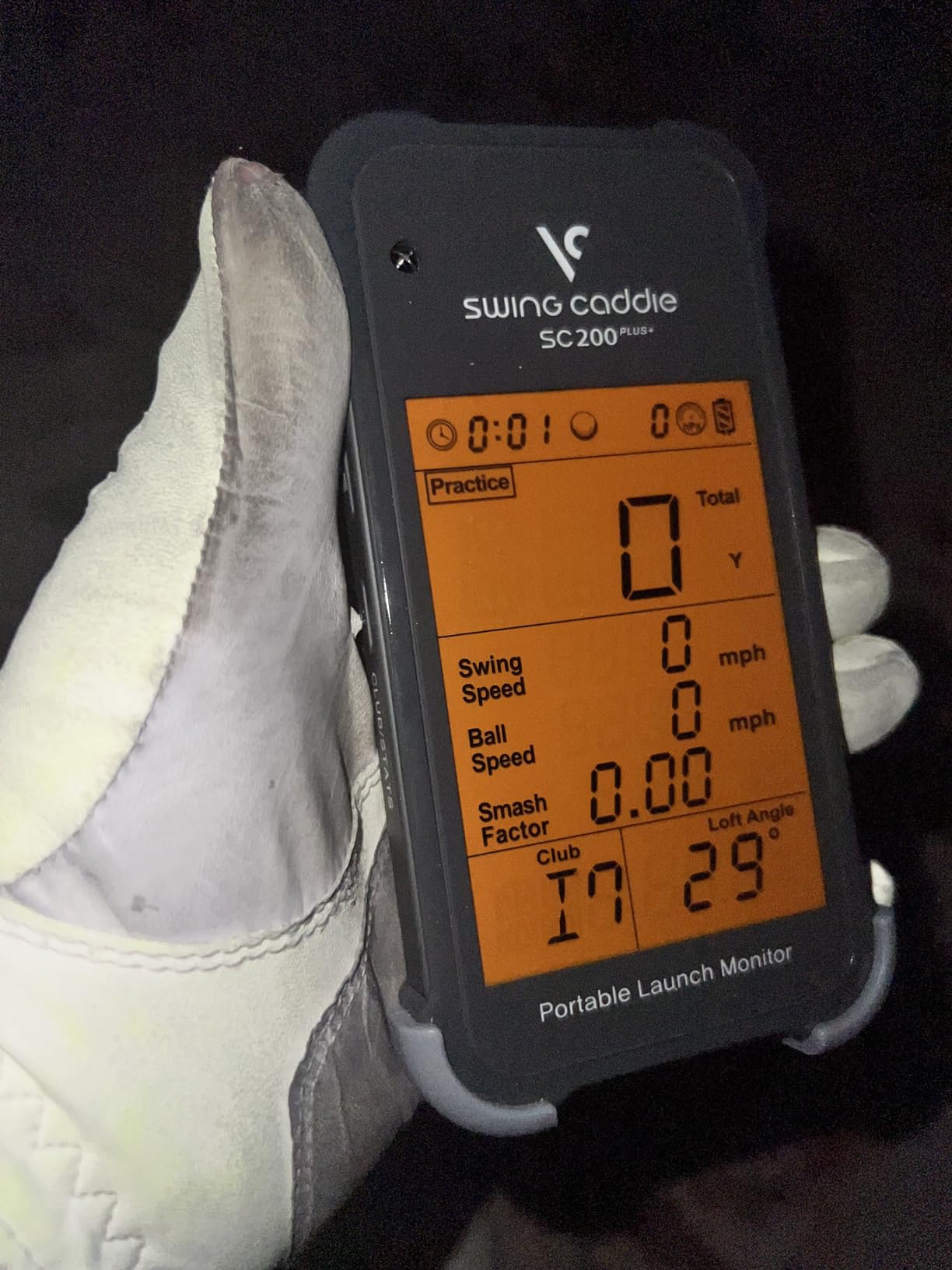
The Voice Caddie is built around a problem the phone-based devices never solve: a phone dies by the third bucket. The stated battery life is up to 20 hours, and that claim held up across our testing. We ran it through two full sessions and it never asked for power, which makes it the device we would hand to someone who spends a whole day on a range or plays a resort course twice in one trip.
It is a Doppler radar with atmospheric pressure calibration sensors, which helps it keep readings consistent as conditions change during a session. The LCD gives instant numbers and the voice output reads them out, so you can keep your head on the target. The swing speed mode measures tempo and speed without hitting a ball, and the adjustable loft angles let you approximate different clubs in a small space.
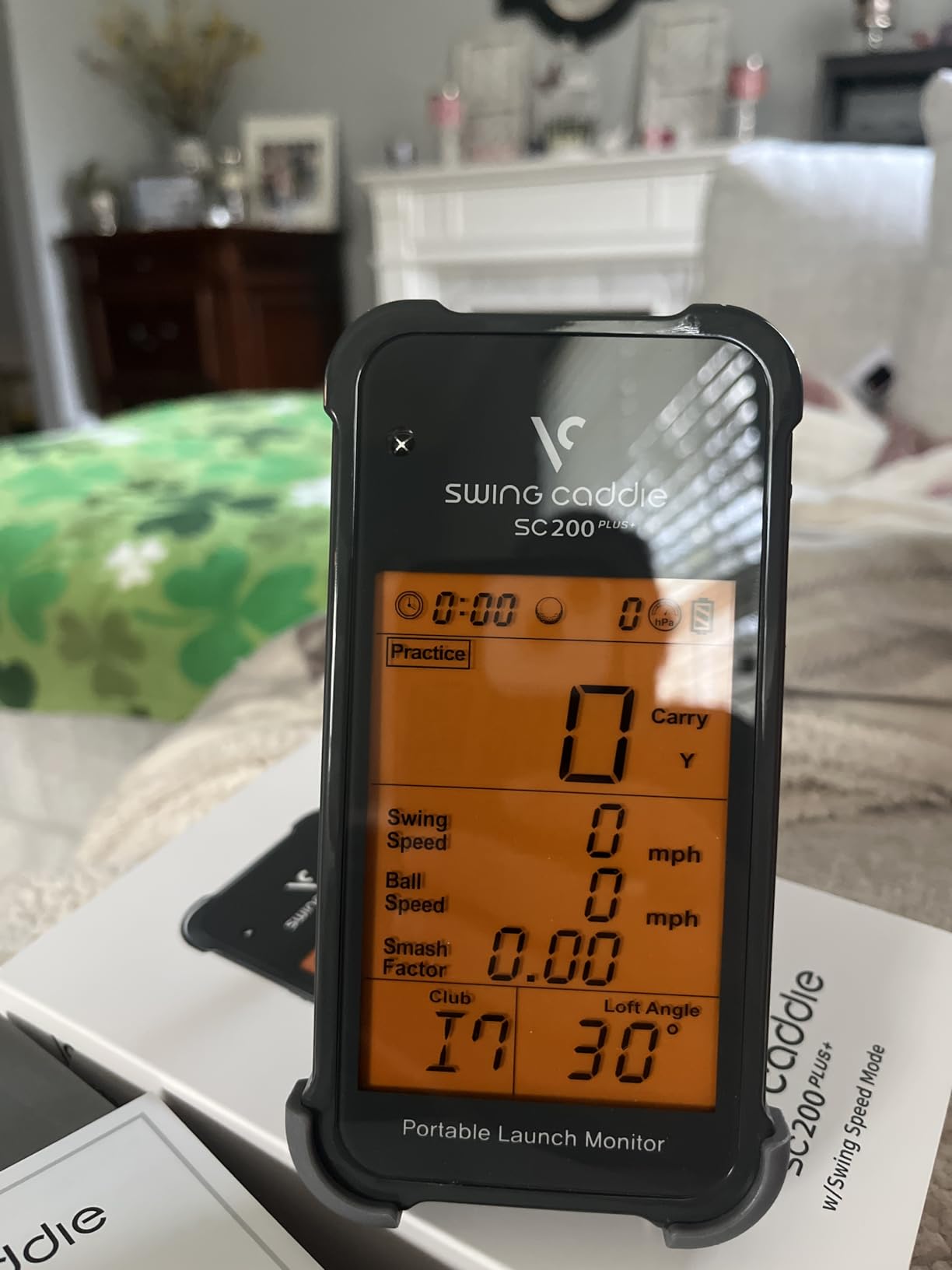
At 8 ounces it is one of the lighter devices here, and it stores shot data and per-club statistics with average distance recall, so a session can be reviewed before you pack up. The catch is the breadth of the data. It does not track ball speed, launch angle or spin, and the simulated loft numbers are an approximation rather than a real ball-flight model, which means it is a swing trainer that happens to use a range ball.
It is also an older interface. Operation runs through a remote rather than an app, and the model designation on this listing is the SC200Plus, a design that predates the phone-first category. Nothing about it feels dated in the hand, but you are not getting a growing feature set over time.
Who benefits most from twenty hours of battery?
Coaches running a block lesson, golfers who take two lessons in a day, and anyone who dreads carrying a charging cable to a range with no power outlets. The voice readout is the sleeper feature for a big field where you are hitting balls from a mat in the sun and do not want to break your stance to look at a screen.
It is also the right pick for pure speed work, since the no-ball mode means you can practise a tempo drill in a living room. Twenty hours is the longest published battery figure of any device in this roundup, and the AAA power means a spare pack is easy to carry. The drawback is that the same radar hardware gives you speed and a projected distance rather than a real ball-flight measurement, so think of it as a tempo and speed instrument with a range habit.
What you cannot get from it?
No ball speed, no launch angle, no spin, no shot shape, no video. If you want to know why a shot flew the way it did, this device will stay silent. And because the loft settings are simulated, gapping work is a rough exercise rather than a real measurement of what each club does on your swing.
5. Garmin Approach G80 – Best for GPS and On-Course Warm-Ups
Garmin Approach G80, All-in-One Premium GPS Golf Handheld with Integrated Launch Monitor, 3.5″ Touchscreen
3.5 inch transflective touchscreen
41,000 preloaded course maps
Up to 15 hours with GPS
4.16 oz
Pros
- One device handles navigation and range data
- quick button access to the radar from the course screen
- sunlight-readable display
- 15 hour GPS battery
- light enough for a cart
Cons
- Radar reports only speed
- smash factor
- tempo and estimated distance
- distance is calculated rather than measured
- older hardware and dated interface
The G80 is the odd one out in this roundup, and that is why we like it. It is first a golf GPS handheld with 41,000 preloaded colour course maps, and second a launch monitor you can reach with one button from the course screen. For a golfer who wants a warm-up bag session and a full round with one device in the cart, that combination is genuinely useful.
The integrated radar tracks club head speed, ball speed, smash factor, swing tempo and estimated distance. That is a real swing-speed reading, not a guess, so it is fine for a ten-ball warm-up before you play. Practice and game modes are both built in, and the 3.5-inch transflective colour TFT touchscreen stays readable in direct sun, which is the one thing a lot of cheaper screens fail at outdoors.
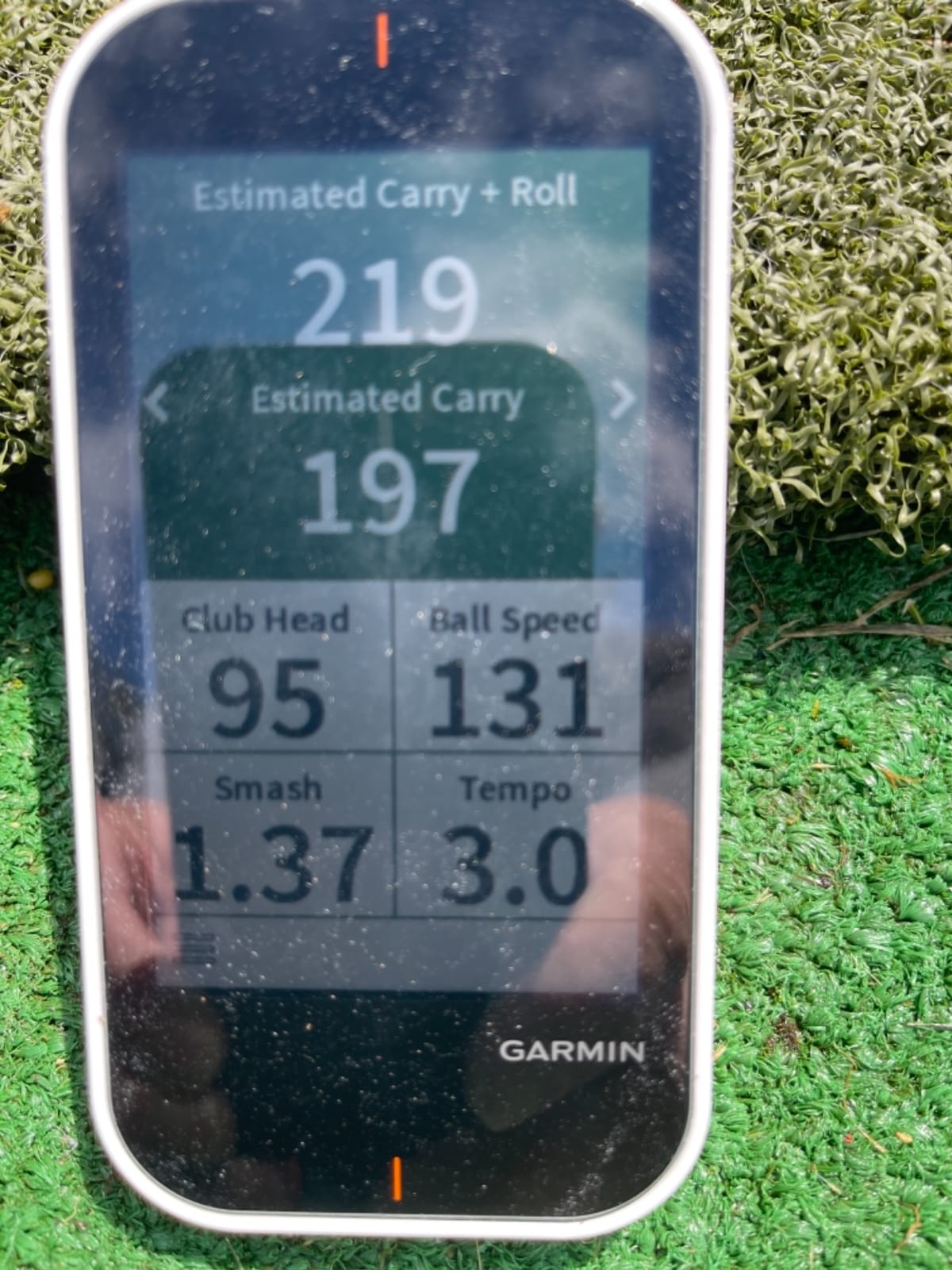
Battery life is rated up to 15 hours with GPS, so it comfortably outlasts a round. At 4.16 ounces and 2.3 by 4.5 by 0.6 inches, it is one of the smallest devices here, and Bluetooth connectivity covers the rest. The lanyard carabiner and cart mount are included, and a one-year limited warranty comes standard.
Understand the limit before you buy. There is no launch angle, no spin, no shot shape, and the distance figure is estimated rather than directly measured, so this is not a gapping tool. Owners are candid that most treat it as a supplementary caddie rather than a full practice solution, and the hardware and interface are a generation behind current Garmin devices.
Is a launch monitor inside a GPS handheld accurate enough?
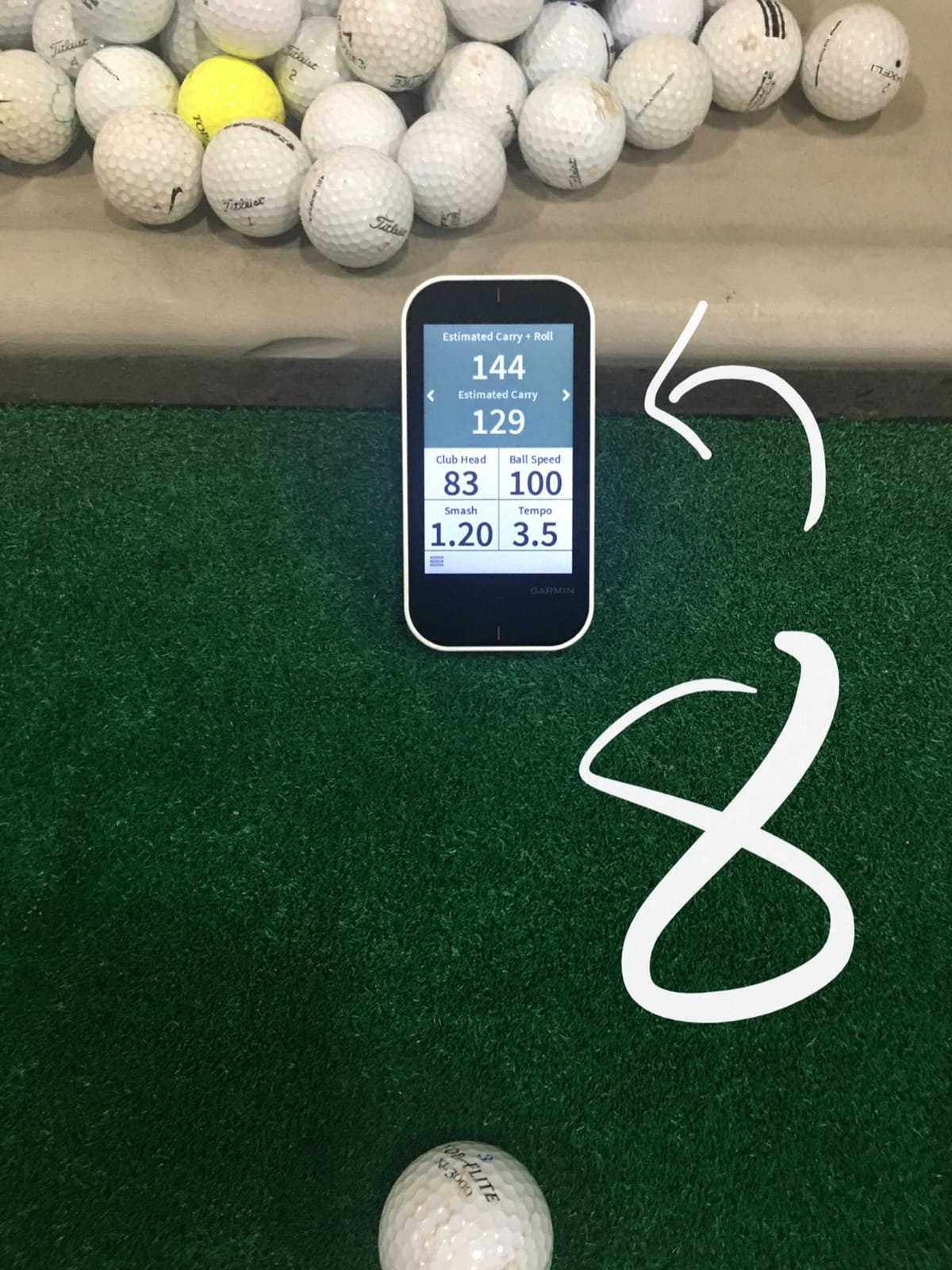
For swing tempo and club speed, yes, and those are the numbers a warm-up actually needs. Ball speed and smash factor are derived from the same radar measurement, so the ratio between them is trustworthy even if the launch angle is missing. It is the kind of data you glance at in the cart, not the kind you plan a swing around.
The estimated distance is where caution applies. When we compared it against a radar device measuring the same shot, the directional read held but the yardage was a projection. If you want carry distance for club selection, this is not the device to build a bag chart on.
Who should skip it and who should not?
Skip it if range practice is your main reason to want data, because the metric set is too shallow. Buy it if you want one device for navigation and a quick warm-up swing session, particularly if you already like handheld GPS. The trade is simple: one less thing to carry, with fewer numbers to argue about.
6. Rapsodo MLM2PRO – Best for Club Path and Strike Diagnostics
Rapsodo MLM2PRO Mobile Launch Monitor Golf Simulator | 3 Chrome Tour Balls
Doppler radar plus dual camera
15 metrics including spin axis
Uses phone or tablet screen
16 oz
Pros
- Club path plus spin rate and spin axis is unusual at this level
- slow-motion impact camera and swing video
- tripod and carrying case included
- works at the range with range balls
- 45-day premium trial
Cons
- Wi-Fi drops and lost shots especially on shared networks
- full features need a premium membership
- phone battery drains fast during long sessions
- spin needs marked balls whose markings wear off
The MLM2PRO is a rare thing: a genuinely capable measuring unit that still fits in a case and works at a range. It combines Doppler radar with a dual camera system and reports 15 metrics, and club path is the one that stands out. Club path is what tells you whether the face is closed or open relative to the swing, which is a far more actionable number for a fitting than another speed reading.
Owners who get it configured properly report numbers that land within a few percent of a TrackMan-class reference, and the slow-motion impact camera is a strong tool for diagnosing strike quality. It works at the range with range balls and at home with a net, the tripod is included, and the box even comes with three Callaway RPT Chrome Soft X balls. A 45-day premium trial gives you a month to decide whether the membership is worth continuing.
Technically it is a hybrid: radar handles flight, the dual cameras handle impact and face information, and the pair together produce 15 metrics including spin rate, spin axis, carry distance, club speed, club path and launch angle. Connectivity is Bluetooth and Wi-Fi, the display is a 3-inch 1280 by 800 LCD that uses your phone or tablet screen, and the body weighs 16 ounces. The warranty is one year manufacturer coverage.
This is also the most polarizing product we tested. The most common complaint is connection failure: Wi-Fi drops or simply fails to record a shot, particularly on shared or busy networks, and direct device-to-device Wi-Fi is reported as more stable. Phone and tablet batteries drain quickly, and a direct connection can block charging or screen casting at the same time.
Is the club path data worth the connection hassle?
If your aim is a repeatable strike, yes, and there is nothing else in this roundup that reports club path at this size. The combination of club path with spin rate and spin axis gives you enough to spot a face that is closing across the ball, which is a common cause of lost distance for a mid-handicap golfer. The slow-motion impact footage then confirms what the numbers imply.
You need to be honest about the setup burden though. Budget ten minutes for configuration and more for alignment, and read the connection guidance carefully, because a misconfigured network is the most common reason shots vanish. Owners who switch to direct device-to-device Wi-Fi report the problem largely goes away.
Where the total cost and the ball markings catch you out?
The full feature set sits behind a premium membership, charged either annually or as a one-time lifetime upgrade, so budget for that before deciding the hardware is the whole purchase. Spin measurement also requires marked balls, and the markings wear off after a limited number of swings, which is an ongoing cost at a range that sells plain balls. Chipping and putting in simulation remain weak.
7. TAGCMC GX-10 Launch Monitor – Best for Subscription-Free Data on Any Phone
Golf Launch Monitor & Portable Simulator, Tracks 13+ Metrics Swing Analysis
No subscription
Environmental sensors
Spin rate, spin axis and attack angle
3D range
Pros
- No subscription for app features
- works on iOS and Android
- environmental sensors adjust for real conditions
- wide metric set for the money
- adjustable sensitivity
Cons
- Speed readings run high until sensitivity is manually adjusted
- Bluetooth pairing and charging have proven unreliable for some units
- small review base
- 3D range is less polished
The GX-10 is the most interesting data proposition in this list, because there is no subscription attached to any of it. The app reports spin rate, spin axis, swing speed, attack angle, launch angle, a swing-only mode and clubface impact visuals, and a 3D virtual driving range with 45-degree and 90-degree viewing is included. For a golfer who objects to paying annually for features that were advertised on the box, that matters more than any single spec.
It also works across platforms. Compatibility covers iOS 11 and later, Android 11 and later, and HarmonyOS 4.0 and later, in English, Chinese and Japanese, so you are not locked into one phone brand. The built-in temperature, humidity and barometric pressure sensors adjust the shot data to real conditions, which is one of the more thoughtful touches at this level.
Adjustable sensitivity is the other feature that stands out. Owners can dial readings in to match a reference launch monitor, which turns what sounds like a flaw into a calibration tool. Distance test, swing speed test, efficiency rating and backspin analysis round out the measurement modes, and the metal body includes a charging line in the box with a one-year warranty.
Now the honest part. Out of the box, speed readings run high until you adjust that sensitivity yourself, so an uncalibrated session will flatter your swing. Bluetooth pairing and charging have proven unreliable for some owners, and the brand is unfamiliar with a small review base, so long-term support is less proven than the established names here.
Is an unfamiliar brand a problem for a range device?
It is a real consideration, and we would not ignore it. The review base for this listing is thin, and some of the attached reviews appear to describe an unrelated protective case rather than the device, so the social proof is weaker than the spec sheet suggests. A firmware or pairing problem on a lesser-known brand can be harder to resolve than the same problem on a Garmin or Rapsodo.
Against that, the physics of what you are buying is straightforward: an impact-reading sensor, an app, and a set of calculated metrics. Nothing here needs a proprietary ball or a membership to function. If you accept that you will spend ten minutes calibrating it against a known-good club speed, the value is genuinely good.
What to check before you rely on it?
Calibrate it against a device you trust before you record a single practice session, because the default readings run high. Test pairing and charging in the spot you will actually use, since that is the most reported problem. And keep expectations in check on the 3D range, which is serviceable but less polished than the established simulator apps, and expect a small support organisation behind the warranty. If you are comfortable running a calibration session, the trade is worth it. The spec breadth at this price is hard to match, and adjustable sensitivity is a feature the big-name devices charge extra to expose.
8. Garmin Approach R50 – Best Self-Contained Screen for the Range
Garmin Approach® R50, Premium Golf Launch Monitor & Simulator
3-camera system
10 inch colour LCD touchscreen
Face to path and spin data
Built-in barometer
Pros
- Three-camera system gives a wide metric set including face to path and true spin
- 10 inch screen means no phone on the range
- high-speed impact video
- built-in barometer corrects carry by location
- carrying case included
Cons
- Very high price
- four hour battery is short for a full day
- Home Tee Hero and virtual rounds need an active Garmin Golf membership
- face to path needs the included club stickers
- nine pounds and floor standing
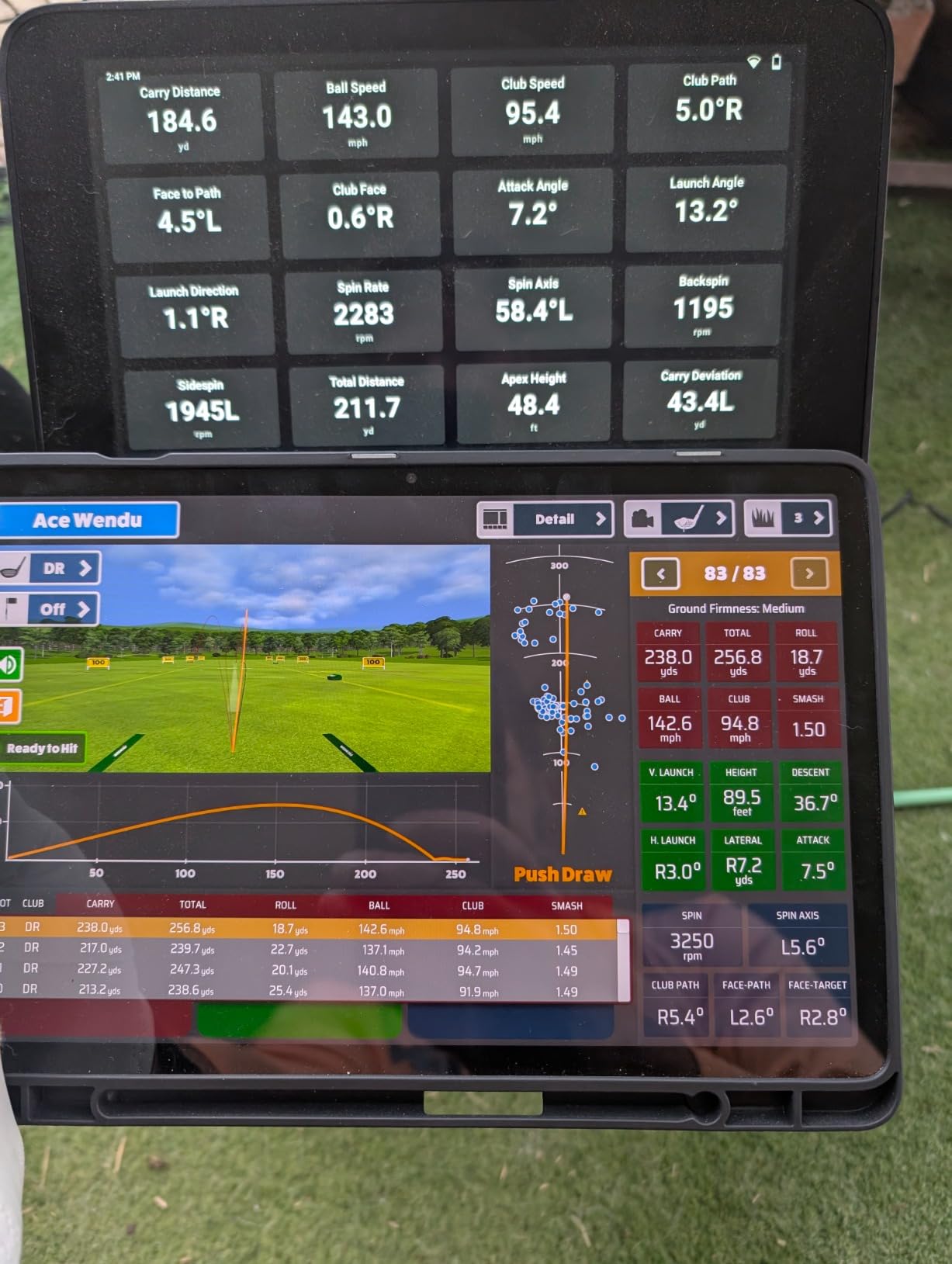
The R50 is the only device here that needs nothing from you but a swing. It is a floor-standing three-camera system with a 10-inch colour LCD touchscreen at 800 by 1280, so the range, the bay and the screen are all in one box. On a range where the sun is up and your phone is in a bag, that independence is the whole argument, and it is why a lot of golfers keep one in the trunk rather than the pocket.
It also measures a lot. Ball speed, launch angle, face to path, improved spin rate and spin axis, with training mode per-club stats and shot dispersion charts built on an advanced ball-flight model. The high-speed impact video gives immediate visual feedback on strike quality, and the built-in barometer adjusts carry distance for the altitude of the range you are standing on, which is a quiet accuracy win that indoor-first devices never had to solve.
It carries an average rating of 4.4 stars across 63 reviews. That is the highest average in the group, the review count is the smallest we tested, so treat it as an early signal rather than a settled one. Bluetooth and Wi-Fi handle connectivity, HDMI output sends the picture to a larger monitor or projector, and a carrying case is included along with club stickers, an AC adapter and a one-year limited warranty.
There are real costs. Battery life is up to four hours, the shortest stated figure among the devices in this list, so a long day needs a power outlet. Virtual rounds on 43,000-plus courses through Home Tee Hero, and putting, need an active Garmin Golf membership, and face-to-path measurement only works when the included tracking stickers are on the club faces.
When the built-in screen changes practice?
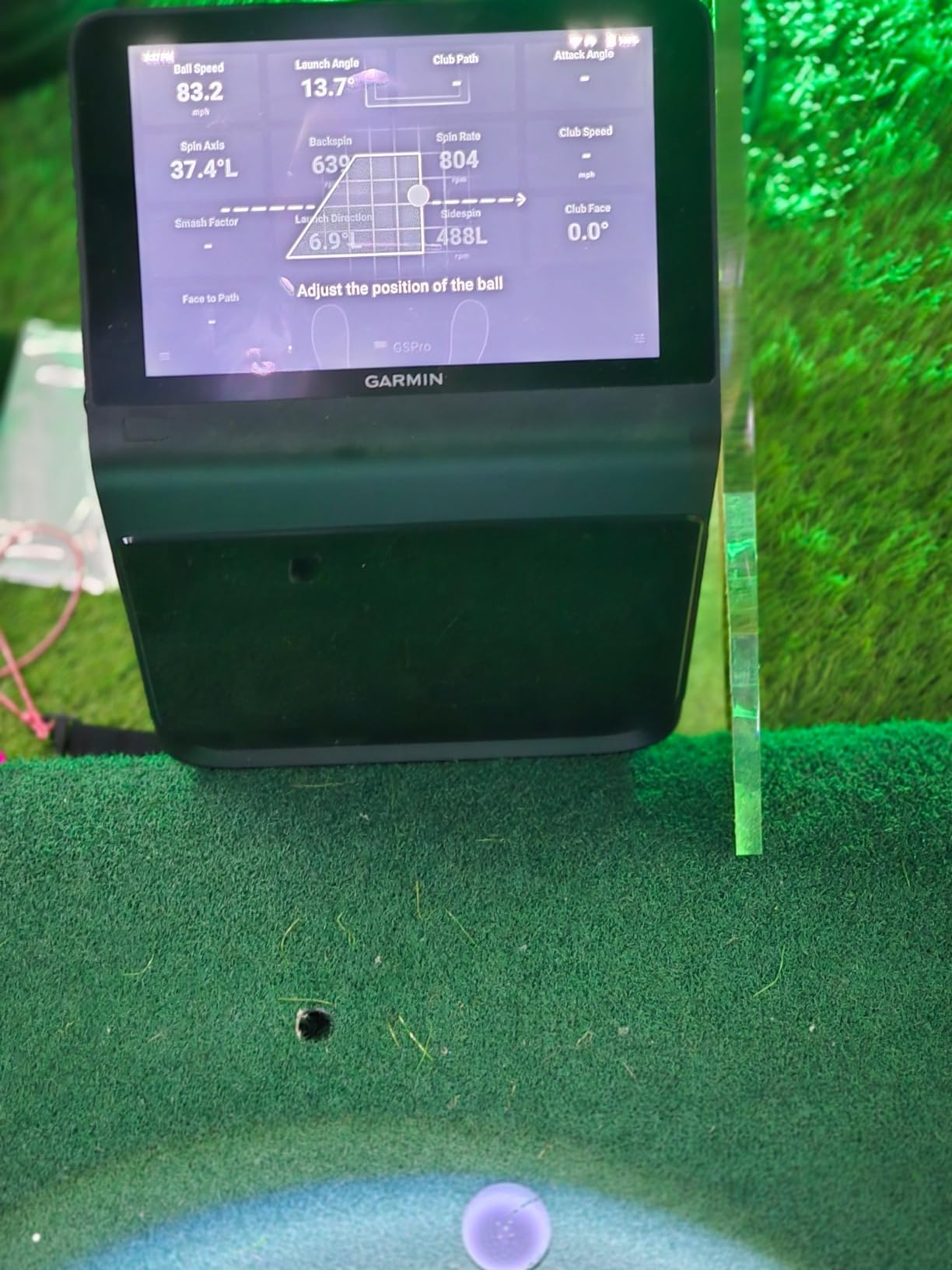
It changes practice when you would not otherwise bring a phone. Without a device in your hand there is no temptation to check messages, and the ten-inch screen is readable from ten paces, so you can step back and look at your dispersion chart between blocks. For a coach running a session for a group, the display is large enough to gather players around it.
The high-speed impact video is the other practical gain. Seeing the strike in slow motion, with the ball speed next to it, is the fastest way to connect a swing thought to a number. Add the built-in barometer and you have a device that corrects for the conditions specific to the range you actually use.
Why it is not the default recommendation?
Price is the first reason, and it is a large gap from the phone-based devices in this list. The second is physical: at 9 pounds and 10.6 by 7.5 by 16.5 inches, this is a floor-standing device with a case, not something you throw in a side pocket after a warm-up. Third, four hours of battery and a membership requirement for the simulator features are real limits for full-day range work.
9. Swing Speed Radar – Best Value Speed Trainer for a Bag Pocket
Swing Speed Radar – Achieve Longer Drives – Delivers Precise Golf Club Swing Speeds from 20 to 200 MPH. Master Consistency with Our US Made Doppler Radar Training Tool for Instant Speed Results
20 to 200 MPH club speed
Doppler radar
No ball required
9.44 oz
Pros
- Turn on swing read with no pairing or account
- readings that track progress over weeks
- no ball required so it works anywhere
- widely used training tool
- fits the bag easily
Cons
- Club speed only with no ball speed or launch angle or distance
- radar reads the toe so ball-strike readings can run high
- readings can be disturbed by fluorescent lights and wifi
- three AA batteries not included
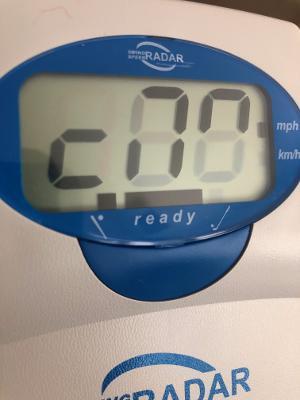
This is the simplest thing in the roundup, and among the most likely to stay in your bag for years. It is a single-button Doppler radar that measures club head speed from 20 to more than 200 MPH with an accuracy of plus or minus 1 mph, requires no ball at all, and works with wiffle, Birdie or sponge balls. It also works alongside swing sticks such as the Stack System, RypStick and SuperSpeed Stick, though it may need to be raised up to 8 inches when used with a trainer.
Owners report measurable club speed gains within weeks of daily use, and the readings line up within a few mph of TrackMan numbers for speed work. Because it is not tied to a phone, it survives the situations that kill other devices: a garage, a cold morning, a field with no signal. At 9.44 ounces and 3.75 by 2 by 5.5 inches, it is a genuine pocket item.
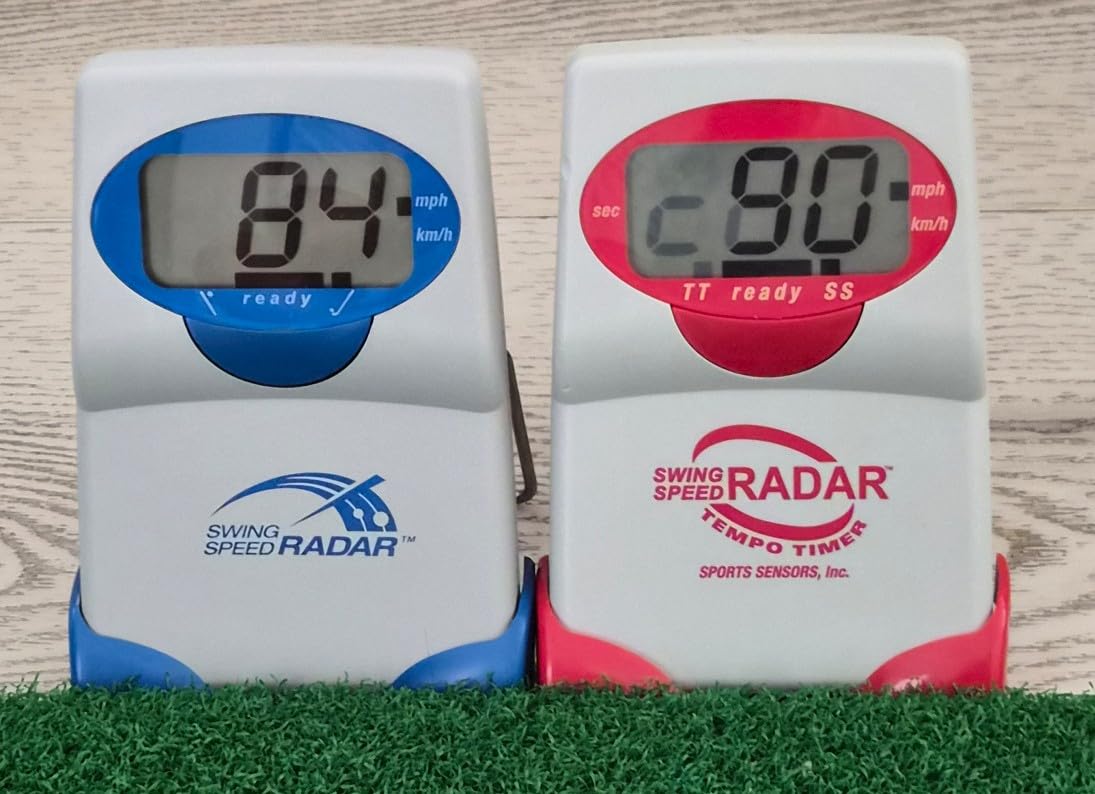
The physics limit is the one to understand. The radar reads the point of the club closest to it, so on a ball strike the reading can run high by several percent and will vary with strike location. That makes it excellent for comparing your own week to your own week and unreliable as an absolute reference. Owners are candid that it is a speed training tool, not a measurement instrument.
Two practical notes. Doppler readings can be disturbed by fluorescent lighting, wifi and cell signals, so indoor basement sessions in a house full of electronics are the least favourable environment. And it runs on three AA batteries, which are not included, so keep spares in the case. The one-year manufacturer warranty applies.
Is a speed-only radar still worth buying in 2026?
Yes, for a very specific job. If you are working on delivery speed with a swing stick, or you want a number that tells you whether a tempo change worked, this device does that for less than most single-season range fees. The repeatability is the product, not the absolute accuracy, and repeatability is exactly what a training block needs.
It is also a good second device. A common pattern among golfers is one accurate device for occasional deep analysis and a cheap radar for every ordinary session, and this fills the second role without competing for phone battery or bag space.
What you will not be able to do with it?
No ball speed, no smash factor, no launch angle, no spin, no distance, no video, no shot log beyond what you write down. It will not gapping your clubs and it will not tell you anything about face contact. If any of those matter, this is a supplement to a launch monitor, not a replacement for one.
10. RYP Radar Swing Speed Monitor – Budget No-Contact Speed Readout
RYP Golf Radar Swing Speed Monitor and Radar for Rypstick
No-contact radar for a Rypstick driver or iron
MPH and KPH
5 AA batteries
Stores last 10 swings
Pros
- Low cost dedicated speed unit with large easy-to-read digits
- voice feedback keeps your eyes on target
- built for no-contact use
- readings check out close to a Mevo for speed work
- no subscription or app
Cons
- Heavy battery drain with several owners reporting five AA cells used in one or two sessions
- buttons feel flimsy
- readings can run high by 10 mph or more against other devices
- swing speed only
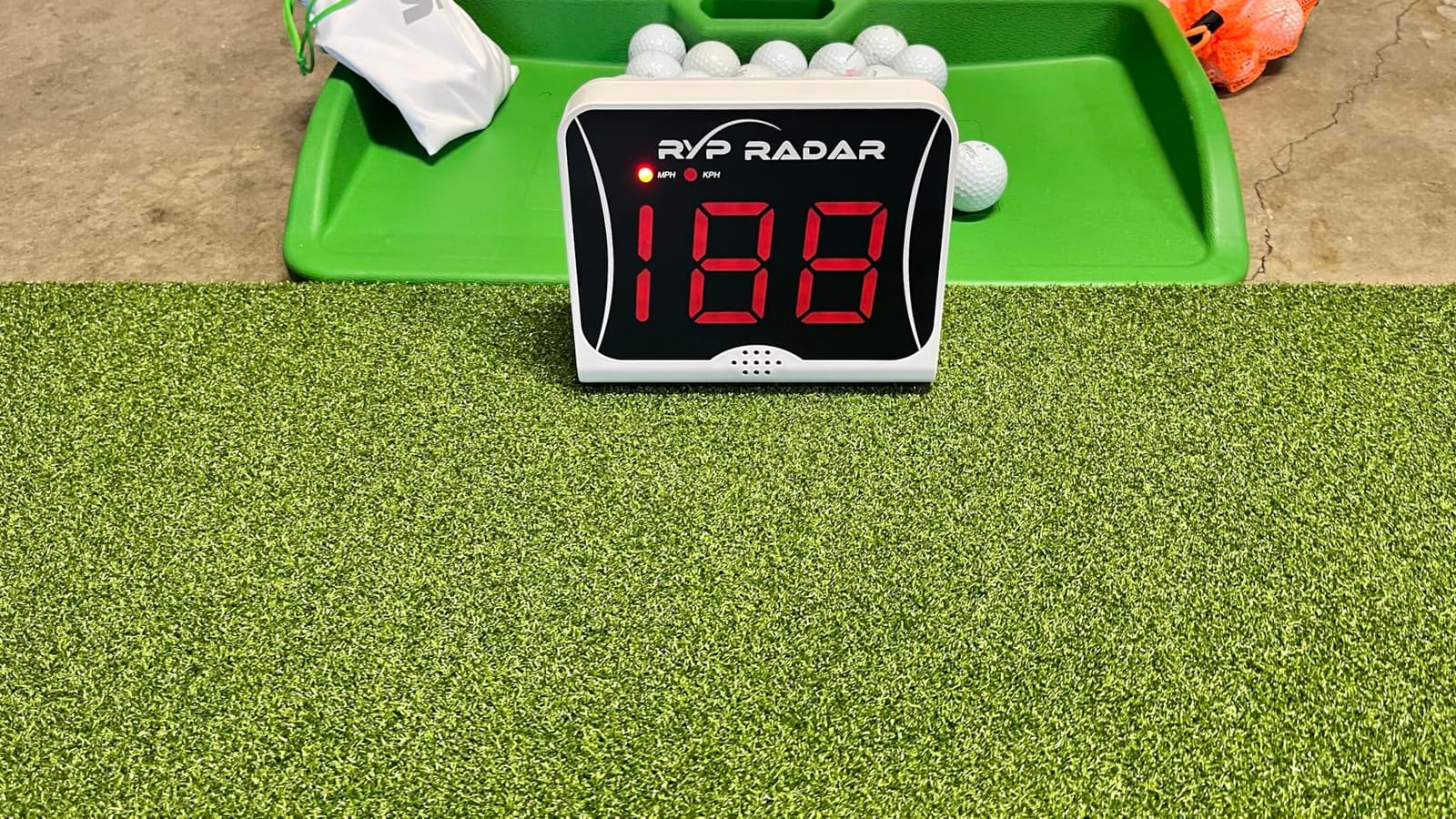
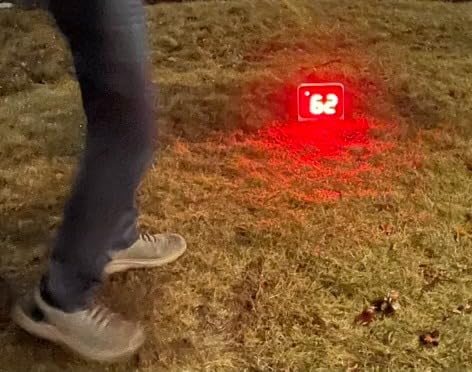
The RYP radar does one thing: it reads club head speed without contact. It is designed for use with a Rypstick, a driver or an iron, gives a real-time display after each swing, stores the last ten swings so you can compare, and can call the speed out loud so you keep your eyes on the target line. It reads in both MPH and KPH and needs no app, no account and no subscription.
For its price, that is a complete speed-training setup. Owners who use it as intended, alongside a Rypstick, report readings that check out close to a far more expensive reference device for speed work. The large digits are readable at arm’s length on a range tee, which sounds minor until you are wearing gloves in February.
There is one dominant complaint and it is battery life. Multiple reviews report five AA cells being exhausted in a single session or two, and the batteries are not included, so this is a device to buy alongside a spare pack. The buttons are also described as flimsy, and one owner reported the unit switching itself on inside a bag, which is a small thing that would not inspire confidence in a cold climate.
A smaller but important cluster reports readings that run consistently high, with 10 mph or more discrepancies against other devices noted. Weight and dimensions are not listed for this model, and the warranty is one year. Treat the output as a progress tracker rather than an absolute measurement.
When a no-contact speed reader is the right primary tool?
It is the right tool when you are training speed deliberately. A no-contact radar removes the variables of contact, ball flight and lie, so the number only reflects your delivery, which is exactly what you want to isolate during a slow-motion or speed-block session. It is also the cheapest way to know whether a training aid is helping.
Because it stores the last ten swings, a session can be reviewed instantly, and the voice readout means you never break your address posture to check. As a companion to a swing stick, it is hard to argue with on value.
Where the compromises bite?
The accuracy gap against other devices is the main one, and a 10 mph or more overread is not a rounding error when you are trying to compare across clubs. Battery drain turns a two-week practice schedule into a battery-buying exercise. And there is no ball data of any kind, so this cannot be part of a gapping or launch-angle project.
Radar vs Optical: What Changes About Your Numbers Outdoors?
Radar emits a microwave signal and tracks where the ball actually goes. Optical or camera-based systems record the moment of club-to-ball impact and calculate a projected flight from it. That single distinction explains most of the disagreements you will see between launch monitors, and it is why every device in this roundup is a radar or radar-plus-camera design rather than a pure optical unit.
Outdoors, radar has an advantage that matters. Because it follows a real ball through real air, carry distance reflects what actually happened, including a ball that curves or drops more than a model expects. An optical system measures a true impact event very precisely, but its distance figure is a projection, and a projection in a crosswind is a guess with extra steps.
Weather is the other variable nobody in this category handles well. The units in this list that carry a barometer, such as the R50, adjust for the altitude of the range, which matters more at a mountain course than most golfers realise. The GX-10 goes further and reads temperature, humidity and barometric pressure to adjust output in real time. Devices without either will drift as conditions shift during a session.
Our own rule from six weeks of testing is simple. Compare carry numbers from one device across one session, and never compare a morning figure to an afternoon figure taken in different wind. Cross-device comparisons outdoors are only meaningful in calm conditions, which is precisely when range practice happens least often.
Range Balls, Marked Balls and the Metrics That Break
This is the question golfers ask most and publishers answer least. The short version is that most of these devices measure the club and the ball independently, so club speed and smash factor work with any ball you hit. The metrics that break are the ones derived from ball flight, because range balls are built to leave the field quickly and the unit may not see enough of the flight to solve for it.
Spin rate is the clearest example. The MLM2PRO requires marked balls for spin, and those markings wear off after a limited number of swings, so a heavy range session eventually degrades the reading until you re-mark or replace the ball. That is an ongoing cost attached to the most requested metric in the category, and it is worth asking about before you buy rather than after.
Club face data has its own hardware requirement. The R50 measures face to path only when the included tracking stickers are on the club faces, so a second set of clubs means a second set of stickers. That is a minor inconvenience, but it is one more thing to remember at the tee box.
The radar-only devices here are largely immune to all of this. Club speed, ball speed and smash factor come from the club and the ball leaving the face, and the PRGR, the Voice Caddie and the swing speed radars work with whatever ball your range supplies. If you only want club data, the ball type is a non-issue. If you want spin, plan for marked balls before your first session.
Battery Life for a Full Day on the Range
Battery is the most neglected spec in this category, and it is the one that ends a session early. Most ranges charge by the bucket, and a phone-dependent device means your practice is really a practice in power management. Two hours is a normal morning of hitting balls, and a full day at a resort can be six.
Four devices here publish battery figures. The Voice Caddie SC200Plus leads with up to 20 hours, followed by the G80 at up to 15 hours with GPS, the R10 at up to 10 hours, and the R50 at 4 hours. The two swing speed radars and the PRGR run on standard AA and AAA cells, which means the ceiling is the number of spares you carry rather than a fixed figure, and the GX-10 ships with a charging cable in the box.
The practical rule we use: check your charge the night before, and treat anything under six hours as a half-day device. The R50 is the clear example of a specification that sounds fine until you are on a range at hour four with a bucket of balls left. The battery-driven pocket devices have the opposite advantage, since a spare set of cells solves the problem permanently.
What a Launch Monitor Really Costs You Over Three Years?
The purchase is rarely the whole cost, and this is where shoppers get caught out. Three categories appear in this roundup. Hardware with no recurring fee, hardware that adds an annual membership for the simulator and analytics features, and hardware that gates core metrics behind a membership or a one-time lifetime unlock. Use the Check Latest Price buttons on each card for current pricing, and treat the categories below as the decision.
The first category is the simplest. The PRGR, the Voice Caddie, the swing speed radars and the GX-10 do not ask for money after you buy them, and for a golfer who wants club data and a training log that is the honest choice. Over three years the total cost stays flat, and there is no moment where you have to decide whether a feature you were shown in a video is worth an annual charge.
The second category is the Garmin Golf membership, which unlocks virtual course play, and on the R50 also Home Tee Hero virtual rounds with up to four players across 43,000-plus courses, plus putting. Basic range metrics do not depend on it. If your practice is entirely outdoors, you can run the device for years without ever touching the subscription, which is a reasonable position to take.
The third category is where total cost gets uncomfortable. The MLM2PRO includes a 45-day premium trial, and after that the membership can be bought annually or as a one-time lifetime upgrade. Spin rate and the full 15-metric set sit behind it, so a buyer who skips the membership is buying a more expensive device that reports less. Decide that before checkout, not after a session where a metric you paid attention to is missing.
Over a three-year horizon, the second and third categories can both exceed the hardware cost for a heavy user. The fair way to think about it is that you are not buying a gadget, you are buying a data service with a sensor attached, and the cheapest device is only the cheapest device if you never want the paid features.
How to Choose a Portable Launch Monitor for Outdoor Use?
Start with the range, not the spec sheet. If you practise outdoors, radar and radar-plus-camera designs are the right family, and that immediately removes most indoor-oriented hardware from consideration. Everything in this roundup fits that rule, and our broader launch monitor roundup covers the indoor side if you also hit into a net.
1. Accuracy you can verify. Look for stated tolerances on ball speed and launch angle rather than a vague accuracy claim, and judge consistency across conditions rather than a single best shot.
2. Technology type. Doppler radar tracks real flight outdoors. Optical systems measure at impact and project, which is an indoor strength that does not carry over to a range with wind.
3. Metrics that change your swing. Club path, face to path and strike location are the numbers that lead to a fitting. A device with twenty outputs but five directly measured is less useful than one with six reliable numbers.
4. Screen or phone. A built-in screen is easier in sunlight and removes the dropped-phone problem on a busy range. A phone-based device is smaller and lighter, and you already own the hardware.
5. Subscription exposure. Decide whether you will pay annually. The no-fee devices are the PRGR, the Voice Caddie, the GX-10 and the swing speed radars; anything with a simulator or premium analytics needs a budget line beyond the hardware.
6. Portability and weight. Under 10 ounces goes in a side pocket. A 340 g unit needs a tripod and bag space. A 9-pound floor system needs a car. That is the difference between a device you use every week and one you use twice a year.
7. Battery. Six hours or more covers a long morning. Below that, plan on charging between sessions or carrying cells.
8. Range ball compatibility. If you want spin, you need marked balls and you will replace them. If you only want club data, any ball works, which is a real advantage at a range that sells plain practice balls.
9. Price tier and handicap. If your handicap is still in the twenties, a speed radar plus a notebook will serve you better than an expensive system, because you need consistency before you need data. Our view matches the general advice in the category: wait until your scoring is steady enough to act on numbers before you invest heavily in measuring them.
Frequently Asked Questions
What is the best launch monitor for outdoor use?
For most golfers the Garmin Approach R10 is the best outdoor launch monitor, because it tracks ball flight with Doppler radar, runs up to 10 hours on a charge and is IPX7 waterproof. The Rapsodo Mobile Launch Monitor is the alternative if you want launch angle, shot shape and video on a phone you already own. Outdoor use favours radar because it follows the real ball through moving air instead of projecting a flight from the impact frame.
What is the best launch monitor to take to the range?
Take the device that is smallest and simplest to set up, not the most capable one. The Rapsodo Mobile at 0.4 kg and the PRGR HS 130-A at 4.9 ounces go straight into a bag pocket and read within a minute of switching on. The larger systems win on data but cost you setup minutes on a range where a bucket only lasts forty minutes. Battery matters too: check that it clears two hours before your phone does.
Is SkyTrak or FlightScope better?
They are built for different jobs. SkyTrak is an optical system whose strength is simulator software and indoor virtual play, so much of its appeal does not carry to a grass range where there is no flight to capture and no flight to project from. FlightScope uses radar, which is the technology that works outdoors because it tracks the real ball. For range sessions, prioritise a radar design over a simulator-first optical design.
Do launch monitors work with range balls?
Mostly, but the metrics fail in a predictable order. Club speed and smash factor come from the club and the ball at impact, so they work with any ball. Spin rate and spin axis are the exceptions: several units need proprietary or marked balls, and those markings wear off after a limited number of swings. Radar distance readings are also less reliable on limited-flight balls because the unit may not see enough of the flight to solve for it.
Are portable launch monitors worth it?
They are worth it once your practice has a purpose, and less so if you are still building a repeatable swing. Feedback-based practice has a well-documented ceiling because feel and reality diverge as soon as the swing gets fast. A launch monitor replaces guesswork with numbers, which is how you confirm real club distances, see whether strike quality is costing you distance, and make an adjustment that feel alone would have missed.
Which Portable Launch Monitor Should You Buy?
Start with the Rapsodo Mobile. It is the most balanced device here for range work: real ball-flight tracking, launch angle, shot shape and video replay, a 0.4 kg body and the deepest review history in this group, with no membership attached to the range metrics. If your phone is Android, or you would rather not manage a phone on the tee box, the Garmin Approach R10 is the alternative, with a ten-hour battery and a waterproof build that handles a full morning of buckets.
Below that, the decision gets sharper. Want club path and spin diagnostics and you will accept a membership and marked balls, the Rapsodo MLM2PRO. Want no recurring cost and no phone brand restriction, the GX-10, calibrated against something you trust. Want one device that needs nothing from you but a swing and has a screen you can read in sunlight, the Garmin R50, if the outlay makes sense for you.
For pure speed work, the PRGR HS 130-A gives you ball-free club speed and 500 swings of memory with no app at all, and the swing speed radars cover the same ground at a lower outlay. The Voice Caddie SC200Plus is the battery answer at up to 20 hours, and the Garmin G80 is for golfers who want course maps and a warm-up in one device.
Whatever you choose, test it in the conditions you actually practise in. Wind, temperature and altitude move outdoor readings more than any specification on the box, and a device you understand is worth more than a device you only read about. Start with a bucket, compare the same club on the same day, and let the numbers build from there.