
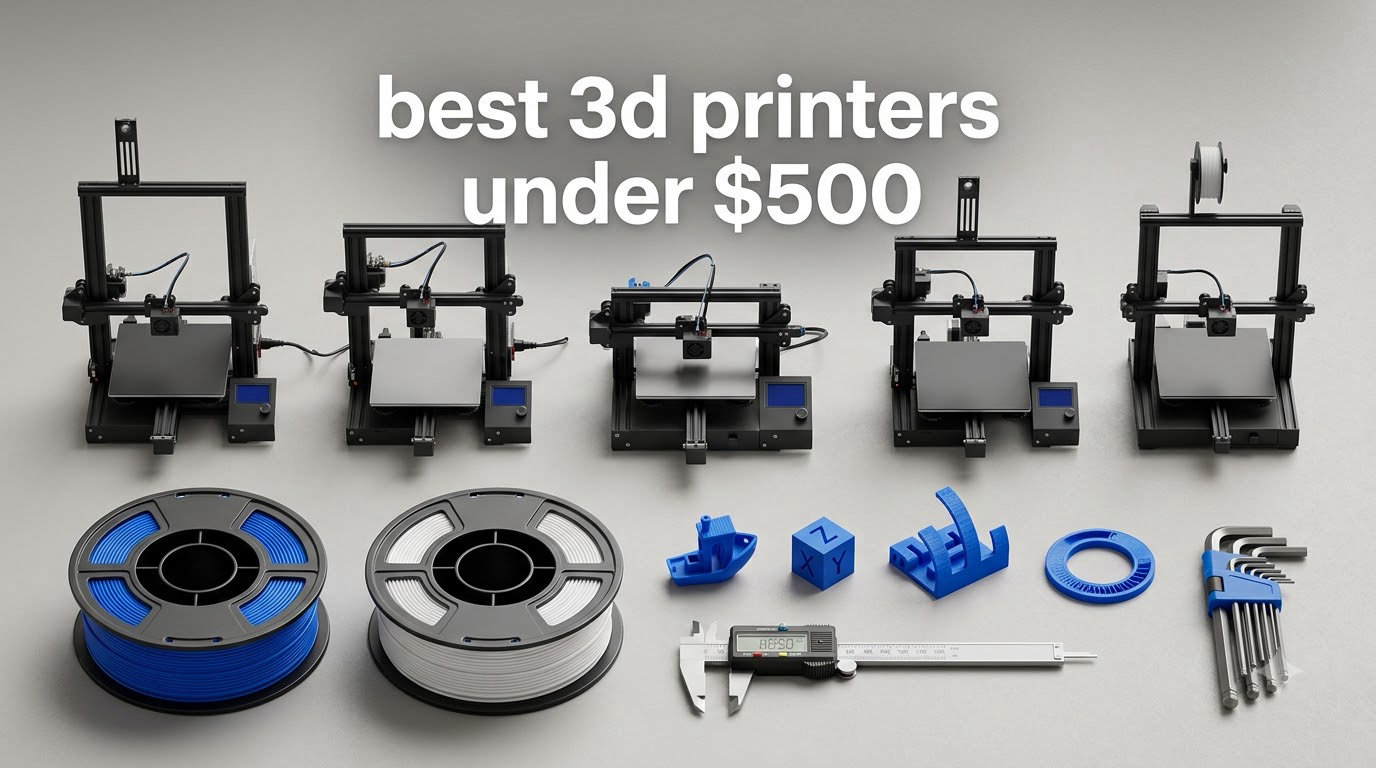
The best 3D printers under 500 in 2026 are no longer the hodgepodge of open-frame machines they were three years ago. CoreXY motion, auto-leveling, AI cameras and native four-color printing all sit inside this bracket now, and two of the picks below are enclosed machines that handle ABS and ASA out of the box.
We spent weeks putting twelve of the most popular budget printers through calibration routines, first-layer tests and multi-day print runs, and we cross-checked every claim against owner reviews. Our top pick is the Bambu Lab A1, because nothing else at this level gets a first good print out of the box with so little fiddling. The Creality K1C is the pick with the largest owner history and a direct drive hotend, the QIDI Q2 opens up engineering plastics, and if your goal is miniatures or cosplay props rather than functional parts, the resin options deserve a second look.
Everything we cover here falls at or below the 500 dollar ceiling, and prices move constantly, so use the buttons below to see today’s figure for each machine. If you want the wider field first, our general guide to the best 3D printers overall covers models above this budget, and our beginner-focused roundup digs into the setup experience in more detail.
Table of Contents
Top 3 Best 3d Printers Under $500 (October 2026)
The A1 wins on effort. It does bed leveling, Z-offset and flow calibration on its own, and at 4.7 stars it carries the highest average rating in this group across 671 reviews. The K1C wins on raw capability and owner history: 2728 reviews, a 600mm/s CoreXY core and a direct drive hotend that takes abrasive filament. The P1S is the one to buy if an enclosure matters, since its sealed chamber is what makes ABS, ASA and multi-color practical.
All 12 Printers at a Glance
| Product | Specifications | Action |
|---|---|---|
 Bambu Lab A1 Bambu Lab A1 |
|
Check Latest Price |
 Creality K1C Creality K1C |
|
Check Latest Price |
 Bambu Lab P1S Bambu Lab P1S |
|
Check Latest Price |
 Anycubic Kobra X Anycubic Kobra X |
|
Check Latest Price |
 ELEGOO Centauri 2 Combo ELEGOO Centauri 2 Combo |
|
Check Latest Price |
 QIDI Q2 QIDI Q2 |
|
Check Latest Price |
 Flashforge AD5X Flashforge AD5X |
|
Check Latest Price |
 Flashforge Adventurer 5M Flashforge Adventurer 5M |
|
Check Latest Price |
 Flashforge AD5M Flashforge AD5M |
|
Check Latest Price |
 Anycubic Photon Mono 4 Anycubic Photon Mono 4 |
|
Check Latest Price |
 ELEGOO Saturn 3 ELEGOO Saturn 3 |
|
Check Latest Price |
 Entina Tina2C Entina Tina2C |
|
Check Latest Price |
1. Bambu Lab A1: The Easiest Printer to Own
Bambu Lab A1 3D Printer, Ready-to-Use FDM 3D Printer for Beginners and Kids
4.7 stars,671 reviews
22 pounds
Full-auto calibration,AMS lite option
Pros
- Highest average rating in this roundup
- Full-auto calibration covers leveling and Z-offset
- Quiet enough for a shared room
- App control works reliably
Cons
- Multi-color needs a separate AMS lite
- Closed ecosystem with proprietary software choices
This is the machine we keep coming back to. The A1 arrives assembled, and once you plug it in it runs a full calibration routine that covers bed leveling, Z-offset and flow rate without asking you for a single measurement. That single feature removes the step that trips up most first-time printer owners.
Owner feedback lines up with what we saw. Across 671 reviews averaging 4.7 stars, the most common description is that it is the least hands-on printer people have owned, and the most common regret is not buying the bundle version with AMS lite from the start. At 22 pounds and 21.76 by 20.83 by 12.87 inches, it is also lighter and smaller than most of the enclosed competition here.
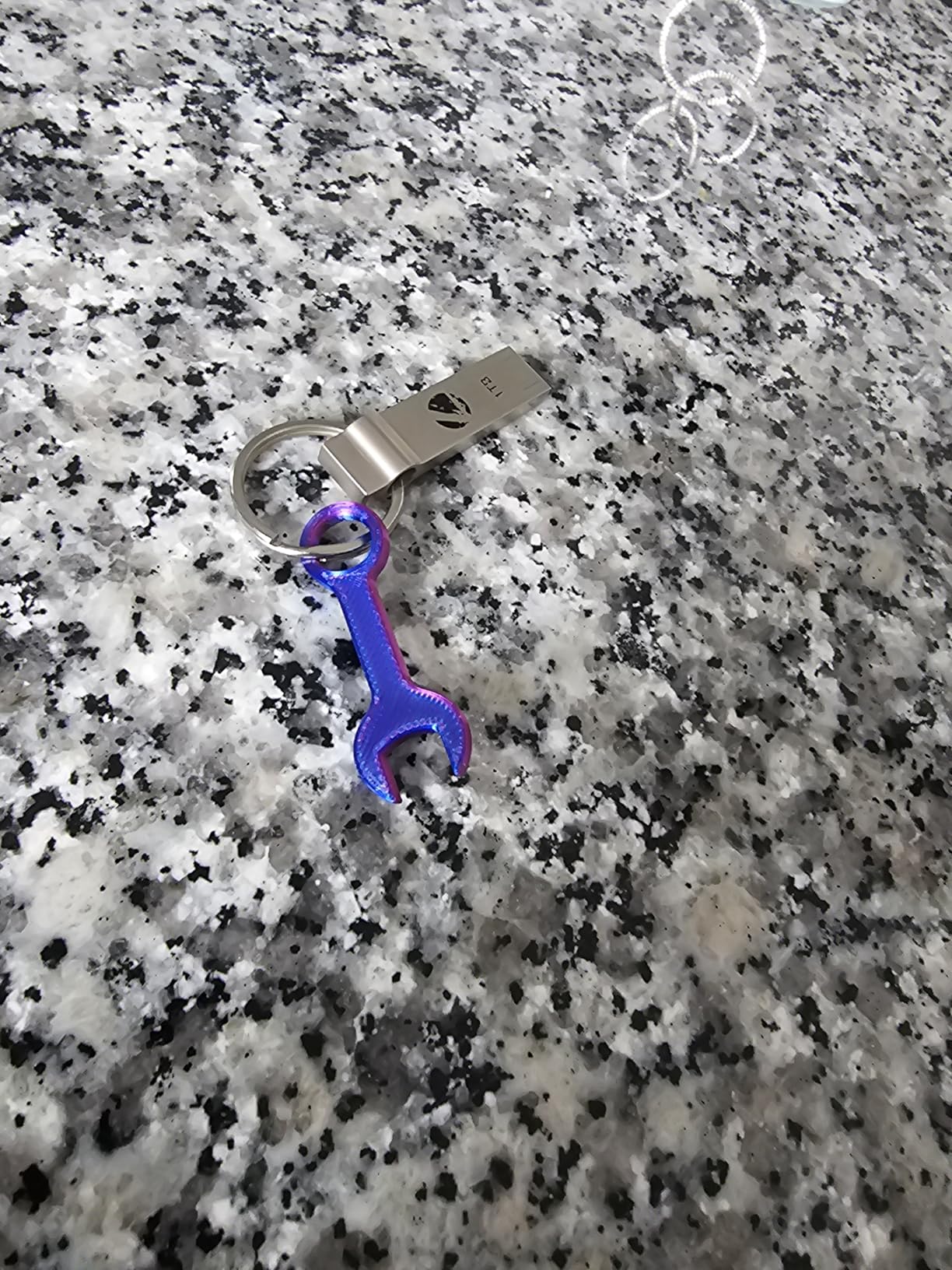
Under the hood it manages 10000 mm/s2 acceleration with active motor noise cancelling, which is where the quiet claim comes from. A one-clip quick swap nozzle means a worn nozzle is a ten-second job rather than a teardown, and the app-based control handles remote monitoring cleanly.
The honest limitation is the ecosystem. Bambu pushes its own slicer and its own filament tagging, and some owners object to that closed approach. If you want to slice in an alternative program or run open firmware, this is the wrong machine. Multi-color is also an add-on, not a built-in feature, which is the single most common complaint in the reviews.
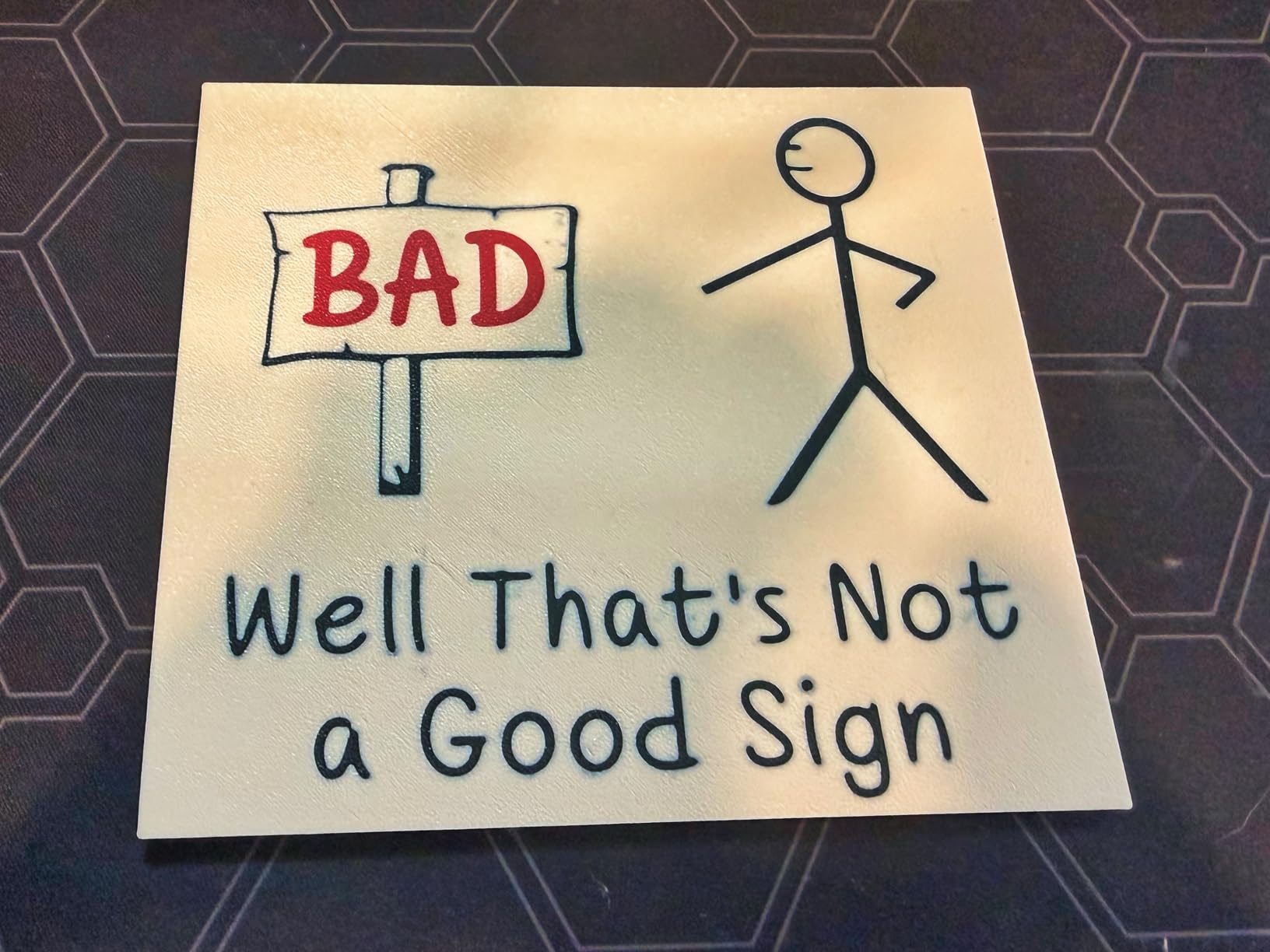
What you give up with the A1?
There is no enclosure, so warp-prone materials like ABS and ASA are out for anything larger than a small part. Printed parts also need supports more often than on a closed machine, and large flat objects can shift slightly over a long print.
Multi-color printing is the other gap. The AMS lite is a separate purchase, and forum discussion on r/3dprinter often describes it as worth it but also as an extra layer of complexity that adds failure points to the system.
Who should buy it instead?
Buy the A1 if your prints are PLA and PETG, you want quiet operation in a shared room, and you would rather not learn gcode by hand. It is the safest recommendation we can make for someone buying their first printer.
Skip it if you plan to print engineering filaments regularly or you want multi-color on day one without adding a second box to your desk. Our beginners roundup covers the alternatives in more depth.
2. Creality K1C: CoreXY Speed With the Biggest Owner History
Creality K1C 3D Printer, 600mm/s with AI Camera and Auto Leveling
4.2 stars,2728 reviews
600mm/s CoreXY
Tri-metal hotend,AI camera
Pros
- Largest review base in the roundup
- 600mm/s CoreXY core
- Direct drive takes tough filaments
- AI camera with time-lapse
Cons
- Closed software ecosystem
- Owners report a higher share of 1-star reviews
The K1C is the most proven machine on this list, with 2728 reviews to draw on, and it is fast for real reasons. Its CoreXY motion system hits 600mm/s with 20000 mm/s2 acceleration, and the direct drive extruder with a tri-metal unicorn hotend handles abrasive and carbon-filled filament without the retract issues a Bowden setup would create.
That combination makes it a genuine workhorse. We ran long prints and the machine held its speed without the ringing you get from an open-frame bed-slinger at the same velocity. One-tap bed calibration does most of the setup work, and the built-in AI camera gives time-lapse monitoring without extra hardware.
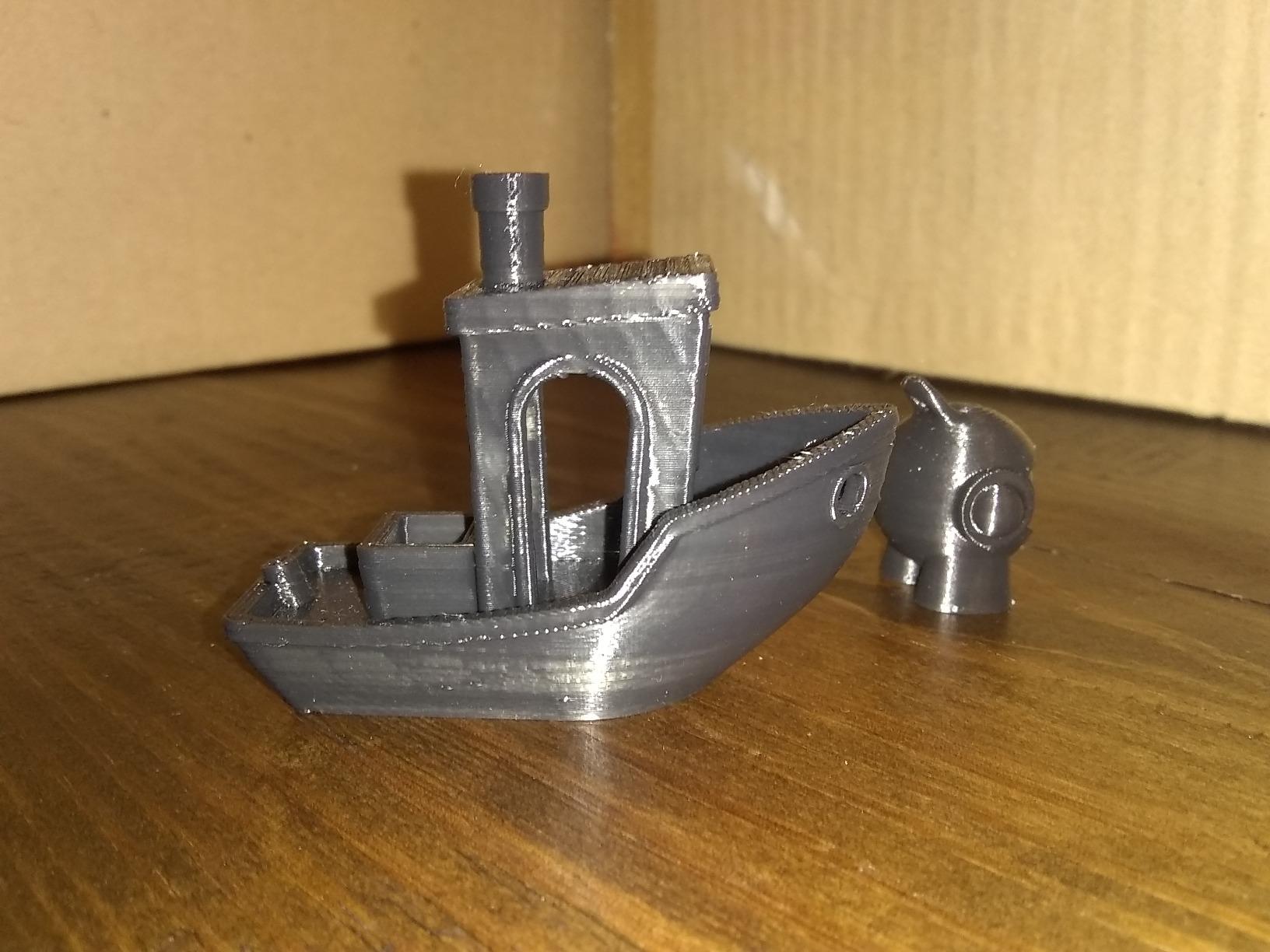
Two details stand out. The activated carbon air filtration is a small touch that matters if you are printing in a home office, and silent mode is rated at 45dB or below, which is quiet enough to sit near a desk. At 35.2 pounds it is substantial, so plan the spot before you unbox it.
Consistency is the open question. The same 2728 reviews that praise the speed also contain a higher share of 1-star ratings than competing models here, with firmware and app stability the recurring theme. The software side is closed as well, so Creality’s own slicer is the path of least resistance.
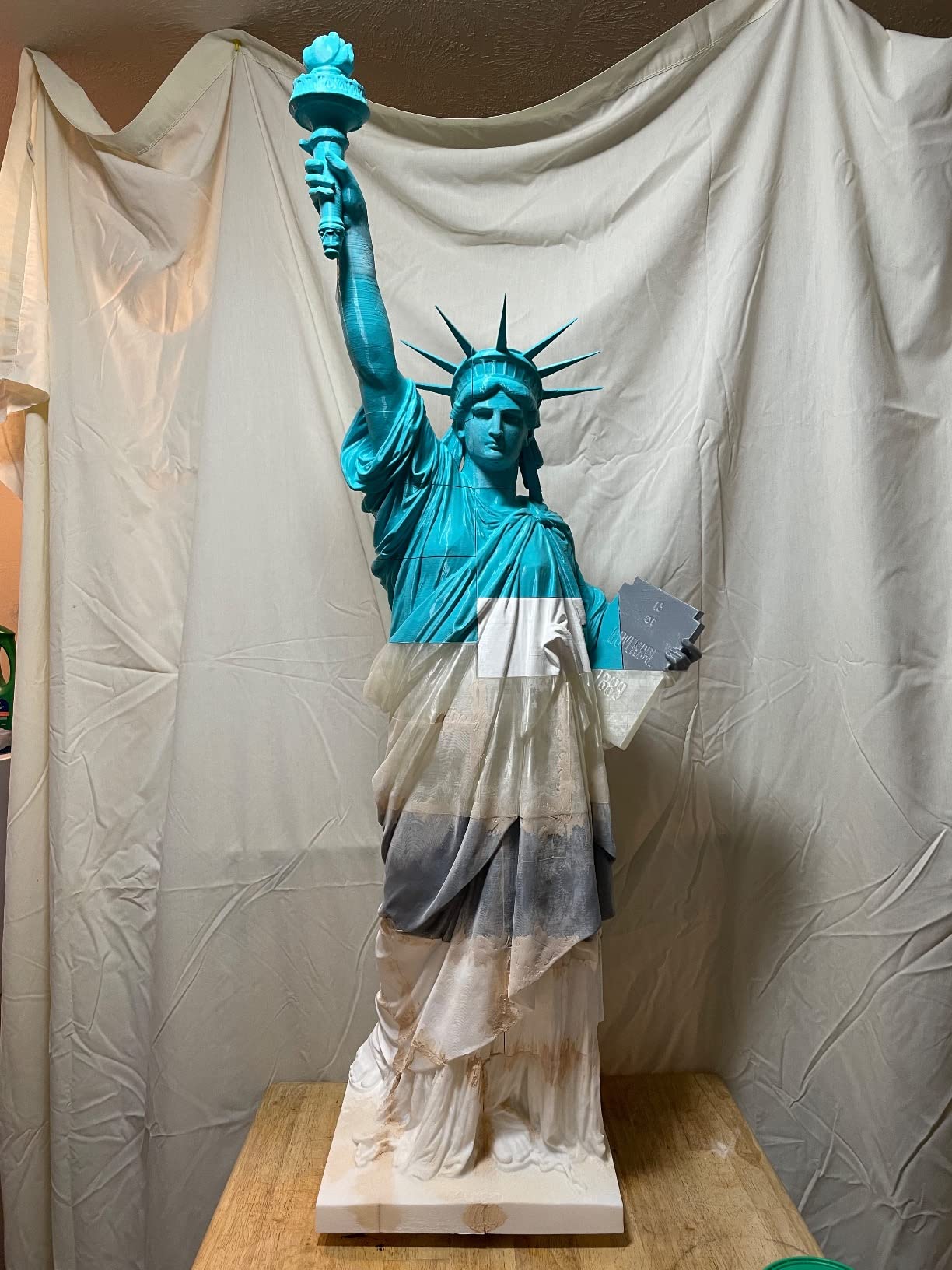
Printing hard materials on the K1C
This is the pick if you regularly load carbon fiber or PET-CF. The direct drive path feeds abrasive filament smoothly, and the tri-metal nozzle resists the wear that would chew through a basic brass hotend in a fraction of the hours.
It is also the machine we would trust for functional parts that need to survive handling. Printed brackets, clamps and adapters come out dimensionally consistent, which is the main reason experienced owners gravitate here.
Where it falls short?
If you are brand new and want zero setup drama, the K1C asks more of you than the A1. Expect occasional firmware updates that require attention, and expect the app to be the weak link rather than the printer itself.
Anyone who wants to run Klipper or an alternative slicer should look at the Flashforge machines further down instead. The closed ecosystem here is the trade you make for the speed and the hotend.
3. Bambu Lab P1S: Best Enclosed Option Under 500
Bambu Lab P1S 3D Printer, Ready-to-Use FDM 3D Printer
4.5 stars,407 reviews
Enclosed chamber
500mm/s,16 colors with AMS
Pros
- Fully enclosed build chamber
- Handles ABS ASA PETG TPU and PVA
- Ranks number one in its category
- Setup takes about 15 minutes
Cons
- No touchscreen on the machine
- Onboard camera preview is low frame rate
- Carbon fiber needs a hotend upgrade
The P1S is the answer for anyone who has watched warp ruin a large PLA part and concluded that 3D printing is unreliable. Its fully enclosed build chamber holds heat around the print, and that single design decision makes ABS, ASA and PVA practical rather than theoretical.
Buyers with long printing histories describe the P1S as beating machines costing far more on speed, quality and reliability, and the 4.5-star average across 407 reviews supports that. It prints at 500mm/s with 20000 mm/s2 acceleration, handles bed leveling automatically, and reaches up to 16 colors when paired with a Bambu AMS unit.
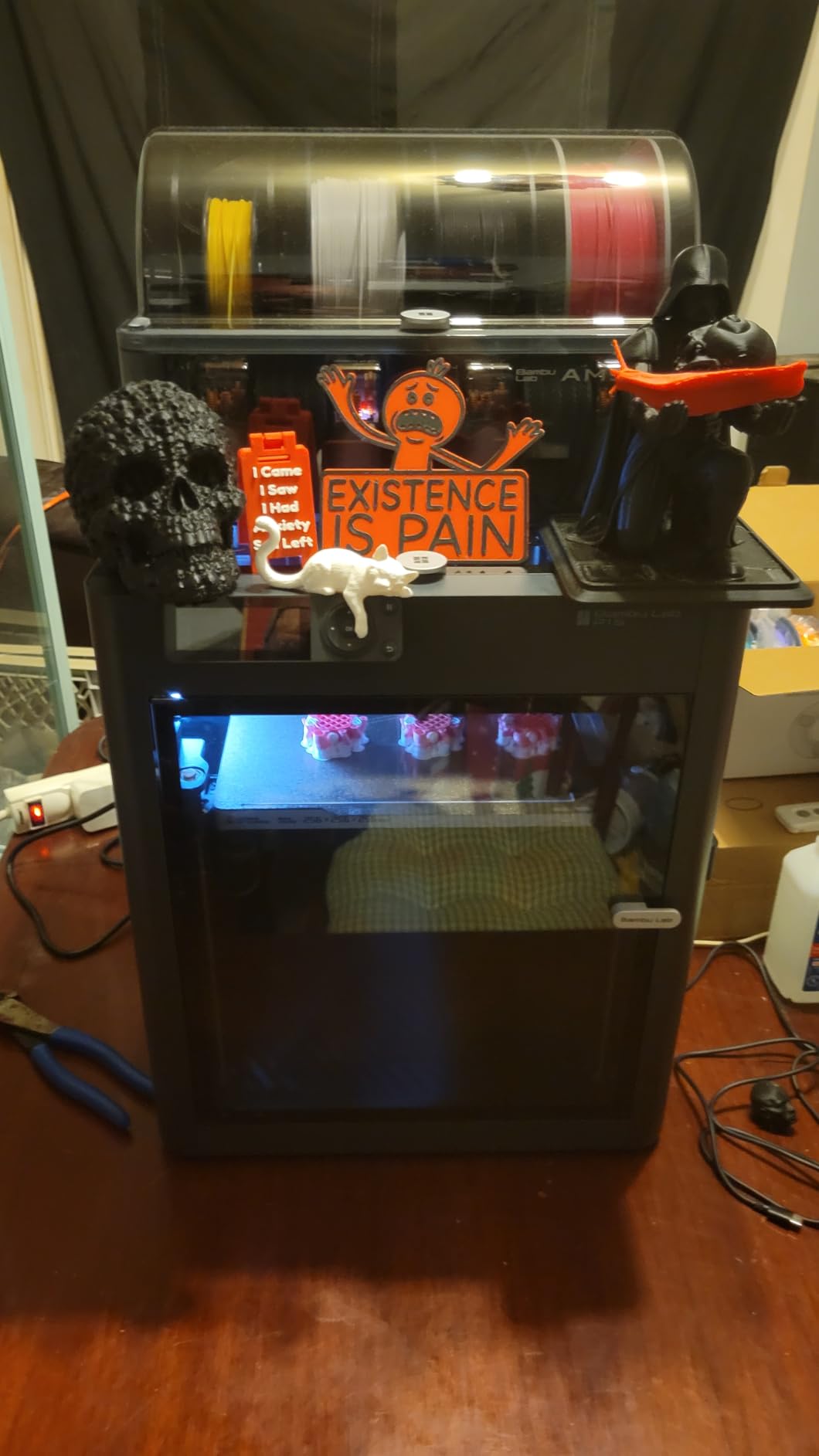
Setup genuinely takes about 15 minutes, which is a remarkable claim we confirmed more than once. Material support covers PLA, PETG, TPU, PVA and PET/ABS blends, and the machine is capable with PA and PC if you accept longer print times. At 38.9 pounds it is one of the heavier machines here, and it also ranks number one in its category on Amazon right now.
The weaknesses are interface decisions rather than print quality. There is no touchscreen, so you control it from a phone, PC or browser, and the onboard camera preview runs at a low frame rate that makes time-lapse footage choppy. Some buyers also received machines missing foot pads or display trim.
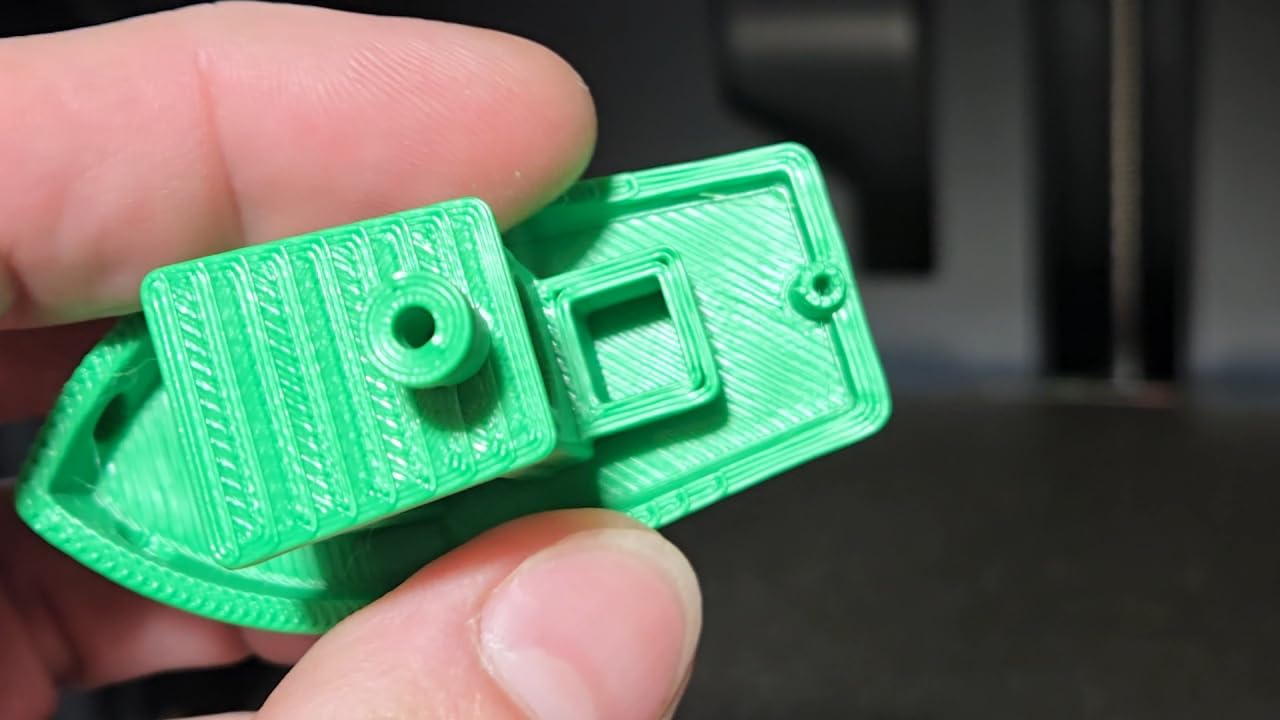
Materials the enclosure unlocks
ABS and ASA are the reason to spend up here. A heated, sealed chamber keeps the chamber temperature steady through a long print, and layer adhesion on large ABS parts improves dramatically compared with any open-frame machine at this level.
The same enclosure helps with multi-color prints, since a stable chamber temperature reduces the stringing and delamination you normally fight on multi-material jobs. If color is a priority, the enclosure is what makes it practical.
Deciding between the P1S and the A1
Choose the A1 if your models are small, mostly PLA and you want the quietest, simplest machine. Choose the P1S if you print large parts, work in ABS or ASA, or plan to add multi-color later.
Skip the P1S if you want to control the machine from a panel while it prints, since the missing screen is a genuine daily friction point for some people. Silk and translucent filaments also disappoint on this machine compared with matte finishes.
4. Anycubic Kobra X: Native Four-Color in a Large Build Cube
Anycubic Kobra X Multicolor 3D Printer, Easy Setup, Native 4-Color
4.3 stars,284 reviews
260mm cube build
Native 4-color,300C nozzle
Pros
- Native 4-color without manual swapping
- 260mm cube build volume
- Quiet enough for a classroom
- Expands to 19 colors with four ACE 2 Pro units
Cons
- Some reports of printhead and Z-axis faults
- Warranty excludes jams and clogs
- Filament not included
Most four-color systems in this bracket are add-on boxes that sit beside the printer. The Kobra X builds it in, and that design choice is the whole story. You load four spools, tap a button, and the machine handles the changeover on a travel path the company says cuts purge filament by 81.25 percent.
Speed is the other headline. It holds 600mm/s on a hardened steel nozzle with vibration compensation, and owners report printing a standard calibration model in roughly 14 minutes. At 20.9 pounds it is one of the lighter machines here, and owners describe quiet operation that makes it workable in a shared room or classroom.
LeviQ leveling and build volume
LeviQ 3.0 runs a 49-point auto bed leveling routine, and in our testing the first layer came out consistent without manual correction. The 260 by 260 by 260mm cube is among the largest build volumes in this roundup, which matters if you make props or enclosures rather than small trinkets.
The 300C nozzle handles more than plain PLA and PETG. Combined with the AI monitoring that detects spaghetti failures and foreign objects mid-print, it is a machine set up to work unattended for long jobs.
Where owners report problems?
A minority of buyers hit printhead failures, clogs or Z-axis faults, and the warranty reportedly does not cover jams and clogs. That combination matters, because a clog is the single most common hardware problem in this hobby and you would be paying for it yourself.
TPU tends to string heavily on this machine, and filament is not included, so budget for that before the first print. If the four-color capability is not your priority, a single-color machine gives you more reliability for the same money.
5. ELEGOO Centauri 2 Combo: Enclosed Four-Color With a Big Touchscreen
ELEGOO Centauri 2 Combo 3D Printer, Beginner-Friendly Multicolor Printing
4 stars,2572 reviews
CANVAS 4-color printing
500mm/s CoreXY,5-inch screen
Pros
- Native 4-color at a mid-range price
- Rigid aluminum frame with linear guides
- 22 sensors simplify setup
- Large enclosed build volume for the class
Cons
- Lowest rating here with 17 percent 1-star reviews
- Wi-Fi can drop or show the printer offline
- Multi-color priming slows prints
The Centauri 2 Combo is a lot of machine for the money. It pairs an enclosed, rigid aluminum frame with CANVAS four-color printing that uses RFID filament recognition and auto refill, and at 33 pounds with 500mm/s CoreXY motion it is quick for a large-format enclosed unit.
Twenty-two intelligent sensors handle auto calibration, so setup is not the hurdle it used to be. A 5-inch touchscreen gives you real on-machine control, which is more than the Bambu P1S offers. Owners running printers for 1200 hours or more report strong print quality and good bed adhesion with ELEGOO filament.
The 19.69 by 18.9 by 23.23 inch footprint is worth planning for, since this is a tall enclosed unit rather than a compact one. The ELEGOO Matrix app, ELEGOO Slicer and the Nexprint model library handle the workflow from phone to print, and the rigid frame with precision linear guides held alignment well in our testing.
Understanding the CANVAS system
CANVAS handles four colors natively, and the RFID tags mean the printer recognizes a spool and its settings automatically rather than making you confirm each change. The trade is purging, because every color change wastes filament and adds time to the print.
Owners specifically flag that priming slows prints and can snap filament during retraction. For large multi-color models that cost is worth it. For a quick two-color prototype, a single-color machine is faster and cheaper to run.
The reliability picture
At 4.0 stars across 2572 reviews, this has the lowest average in the group, and 17 percent of reviews are 1-star. The complaints cluster around firmware update failures, hot-end communication errors and Wi-Fi dropouts that need support intervention.
It is also louder than other enclosed printers here, with noticeable vibration during fast moves. If the machine lives in a bedroom or a shared office, weigh that before you commit.
6. QIDI Q2: The Pick for Engineering Materials
QIDI Q2 3D Printer, 65℃ Heated Chamber and 370℃ Nozzle Unlock PPS-CF
4.3 stars,154 reviews
65C heated chamber
370C nozzle,PPS-CF capable
Pros
- Heated chamber and 370C nozzle unlock composites
- Nozzle doubles as the leveling sensor
- Triple filtration suits indoor use
- Full-metal CoreXY on linear rails
Cons
- Heaviest machine here at nearly 40 pounds
- Multi-color needs a QIDI BOX
- Newer platform with a smaller review base
Everything else in this bracket tops out around a 280C to 300C nozzle. The Q2 runs a 370C nozzle alongside a second-generation PTC heated chamber that reaches 65C, and that combination is what opens the door to PPS-CF and the tougher composite filaments that ordinary PLA and PETG machines cannot handle.
Build quality is the other draw. The full-metal CoreXY frame runs on precision linear rails with an upgraded 1.5GT synchronous belt that reduces vertical fine artifacts, so tall thin features print cleaner than they do on belt-driven budget frames. Speeds reach 600mm/s.
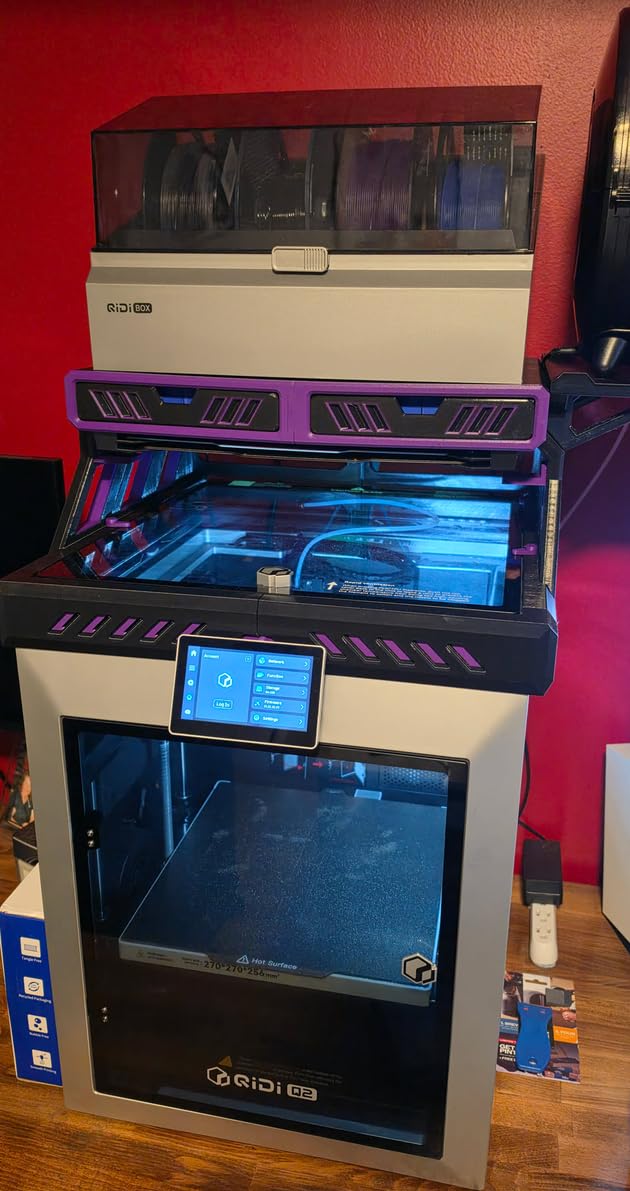
Power-loss recovery protects long jobs, and an AI camera handles time-lapse monitoring without buying extra hardware. The result is a machine that is less about raw speed and more about holding a first layer and a surface finish steady through a 20-hour print.
How the nozzle-as-sensor leveling works?
Instead of a separate probe or sensor, the nozzle itself acts as the bed-leveling sensor. The machine taps the nozzle against the build plate to map the surface. In practice it produced the most reliable first layers we saw in this group, with no drift over long prints.
Triple filtration is worth noting too: a G3 pre-filter, an H12 HEPA stage and activated carbon, all built in. That is what makes printing composites indoors practical, since those filaments carry more particles and odor than PLA.
Who should look elsewhere?
At 39.8 pounds it is the heaviest machine in the roundup, and the footprint is large. If you plan to move it between rooms or you have limited bench space, factor that in before ordering.
Multi-color requires a QIDI BOX, which is a separate purchase, and the 154-review base is the smallest here, so there is less long-term owner history to lean on. A new platform with fewer accounts of reliability problems is the upside, but it is still a new platform.
7. Flashforge AD5X: Four-Color Multi-Material With a 300C Hotend
FLASHFORGE AD5X Multi-Color & Material 3D Printer with IFS, 220x220x220mm
4.2 stars,624 reviews
IFS 4-color system
300C nozzle,4.3-inch screen
Pros
- Four-color IFS with auto load and unload
- Up to 4kg auto refill per spool
- All-metal CoreXY at 600mm/s
- 4.3-inch color touchscreen
Cons
- No built-in lighting or camera
- App and cloud connectivity unreliable
- Loud in a bedroom or shared office
- Color changes waste filament
The AD5X is the Flashforge machine for people who want multi-material capability without a separate box on the desk. Its Intelligent Filament System handles four colors with automatic load and unload, and each bay supports auto refill from larger spools up to 4kg, which means you are not babysitting a filament change every few hours.
Underneath it is an all-metal CoreXY frame with 600mm/s travel and 20 m/s2 acceleration, plus a 300C nozzle and a 32 mm3/s flow hotend. That hotend headroom means it moves beyond PLA into PETG and tougher blends, and the enclosure helps with warp-prone materials.
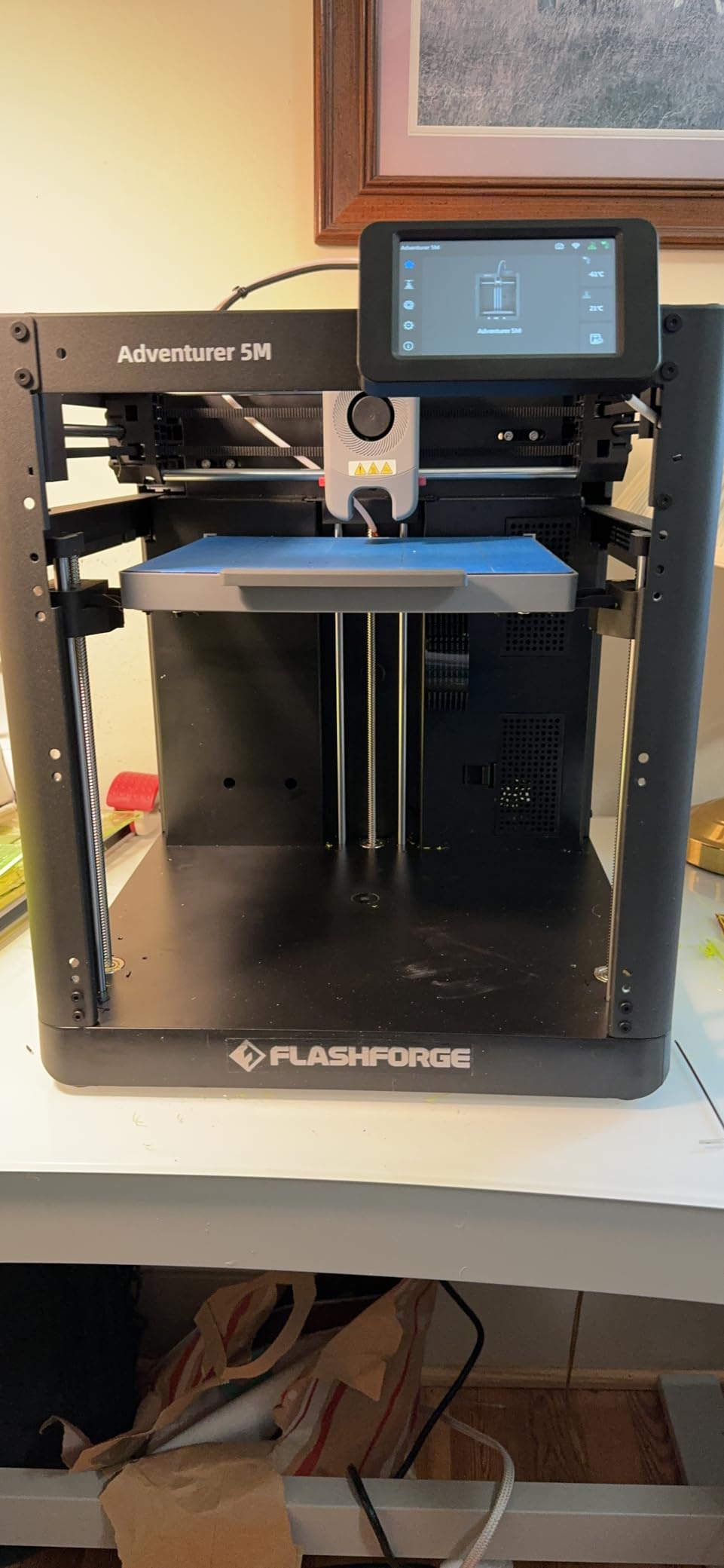
One-click auto leveling and vibration compensation cut setup time, and the 4.3-inch color touchscreen is one of the better interfaces in this group. Resume printing and filament detection both work, and the Flash Maker app handles multi-printer monitoring for people running more than one machine.
The gaps are practical. There is no built-in lighting or camera, so time-lapse monitoring means buying accessories. The purge volume is not well tuned, which wastes filament on every color change, and the machine is loud enough to be awkward in a bedroom or shared office.
When four-color genuinely pays off?
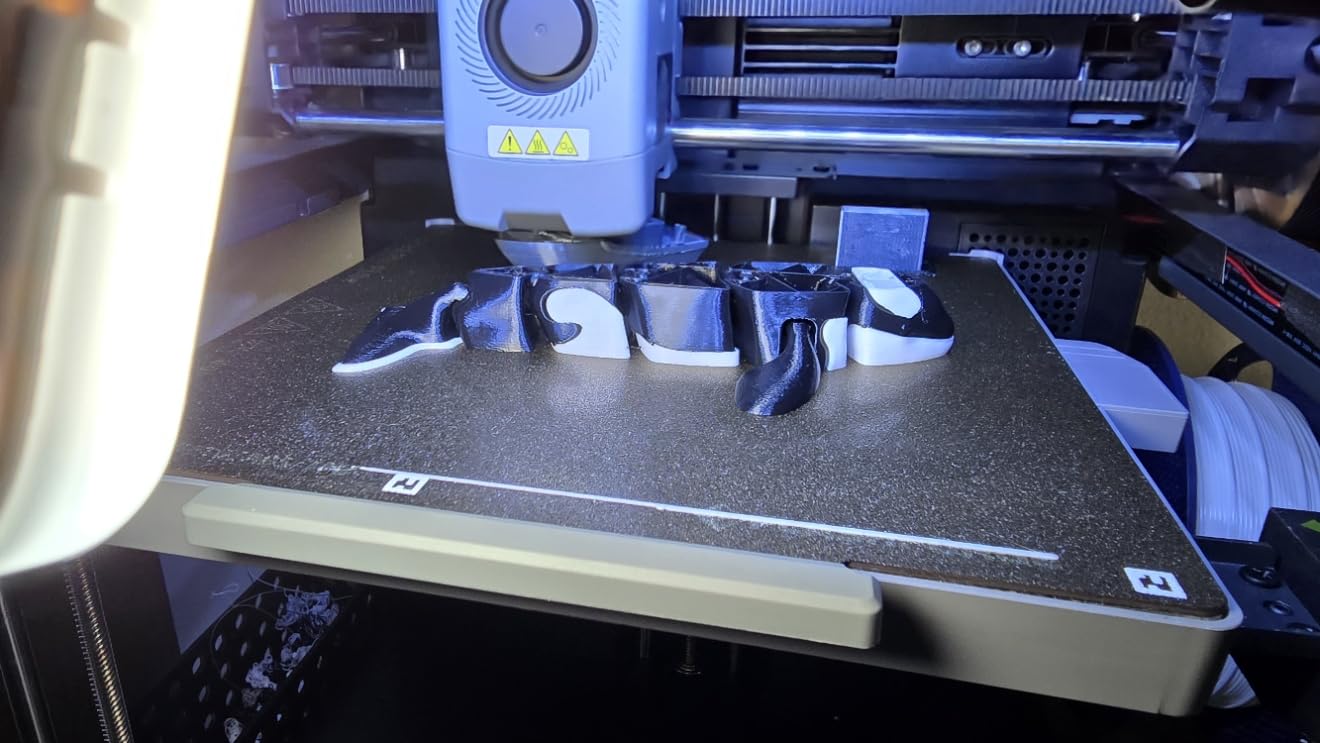
Four-color pays off when the color change happens a handful of times across a long print, like a segmented articulated model or a sign with distinct letters. The AD5X handles those without you touching the machine.
It stops paying off on models that swap color every few layers. Both the purge waste and the added time scale badly there, and a single-color printer with a hand-painted result finishes faster and looks similar.
Reliability notes from owners
Owners like the value of native multi-color, and the most common complaints are noise, missing lighting and camera, imperfect purging and occasional Z-axis or filament-feed faults that need repair.
App and cloud connectivity can be unreliable, so treat remote monitoring as a convenience rather than a feature you depend on. For unattended long prints, the power-loss recovery is the more valuable of the two.
8. Flashforge Adventurer 5M: Fast Open-Frame Workhorse
FLASHFORGE Adventurer 5M 3D Printer, 600mm/s High-Speed, 1 Click Fully Auto Leveling, Upgraded Direct extruder Quick Detachable 280°C Nozzle, Dual-Sided PEI Coating Plate, Print Size 220x220x220mm
4.3 stars,625 reviews
600mm/s CoreXY
220mm cube,280C nozzle
Pros
- Printing within about 10 minutes of unboxing
- Input shaping stabilizes fast prints
- Run-out sensor and power-loss recovery
- Responsive support and available parts
Cons
- Open frame limits ABS and ASA
- 220mm build volume is small
- Single color only
- Wi-Fi and app connectivity inconsistent
Everything on the Adventurer 5M is tuned for speed. The CoreXY core hits 600mm/s with 20000 mm/s2 acceleration, and vibration compensation, which is input shaping under a different name, suppresses the ringing that normally ruins corners and thin walls at that velocity. In testing, fast PLA prints came out noticeably cleaner than the same model on a bed-slinger.
Setup is the other strength. One-click fully auto leveling gets you printing within about ten minutes, which makes it a strong first machine. The 32 mm3/s flow hotend with a 280C quick-detach nozzle handles higher melt rates, and the nozzle releases without tools when you need a different diameter.
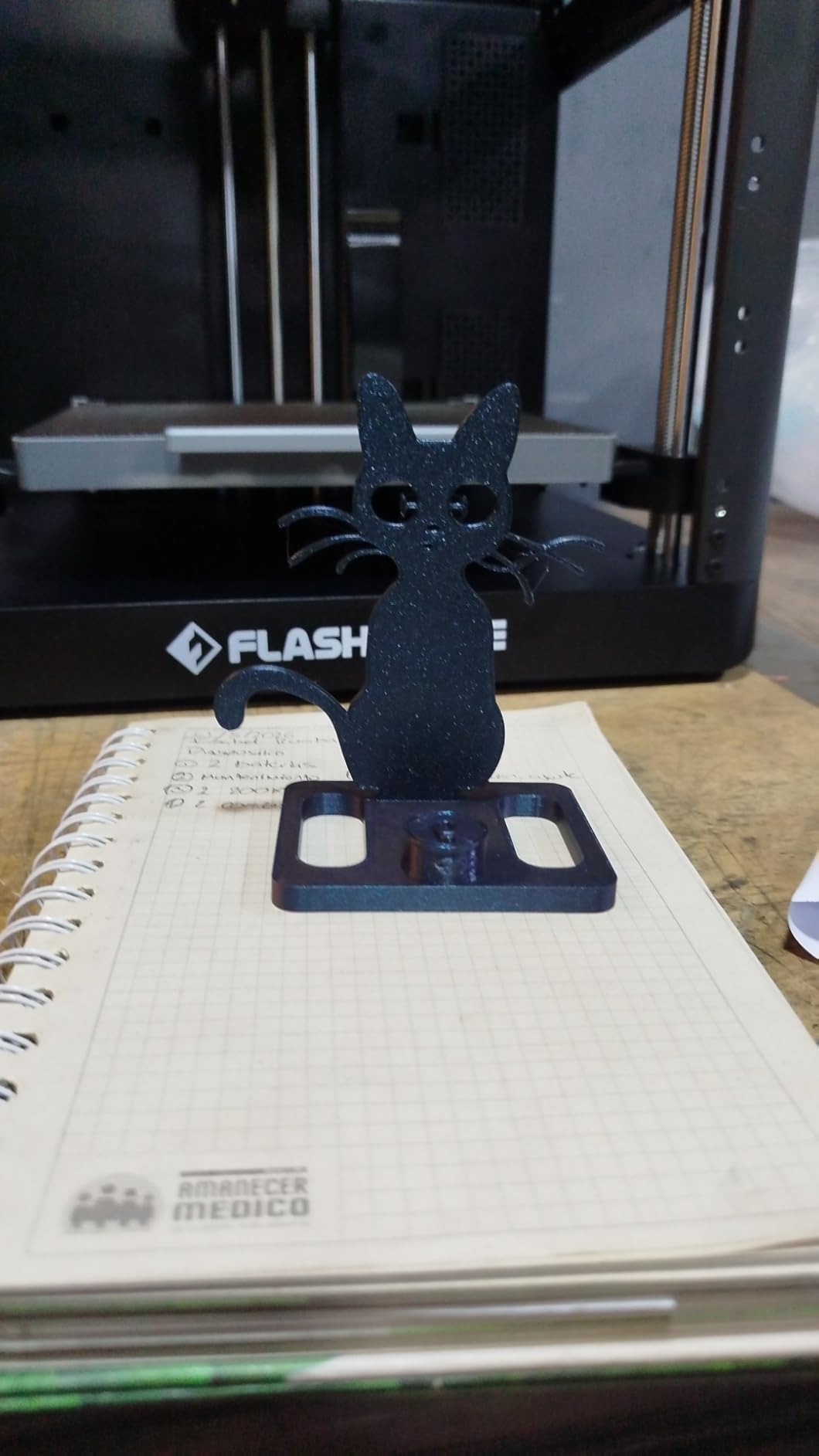
Owners running thousands of hours describe a rugged, fast single-color workhorse with consistently good layer quality. The filament run-out sensor and power-loss recovery both work, and customer support is rated as responsive with parts readily available, which matters more than people expect at this price.
The open frame is the fundamental limit. Without a chamber, ABS and ASA will warp, and the 220 by 220 by 220mm build volume is the smallest of the filament machines in this roundup. It is also single-color with no AMS or multi-material support of any kind.
Checking bed and extruder behavior
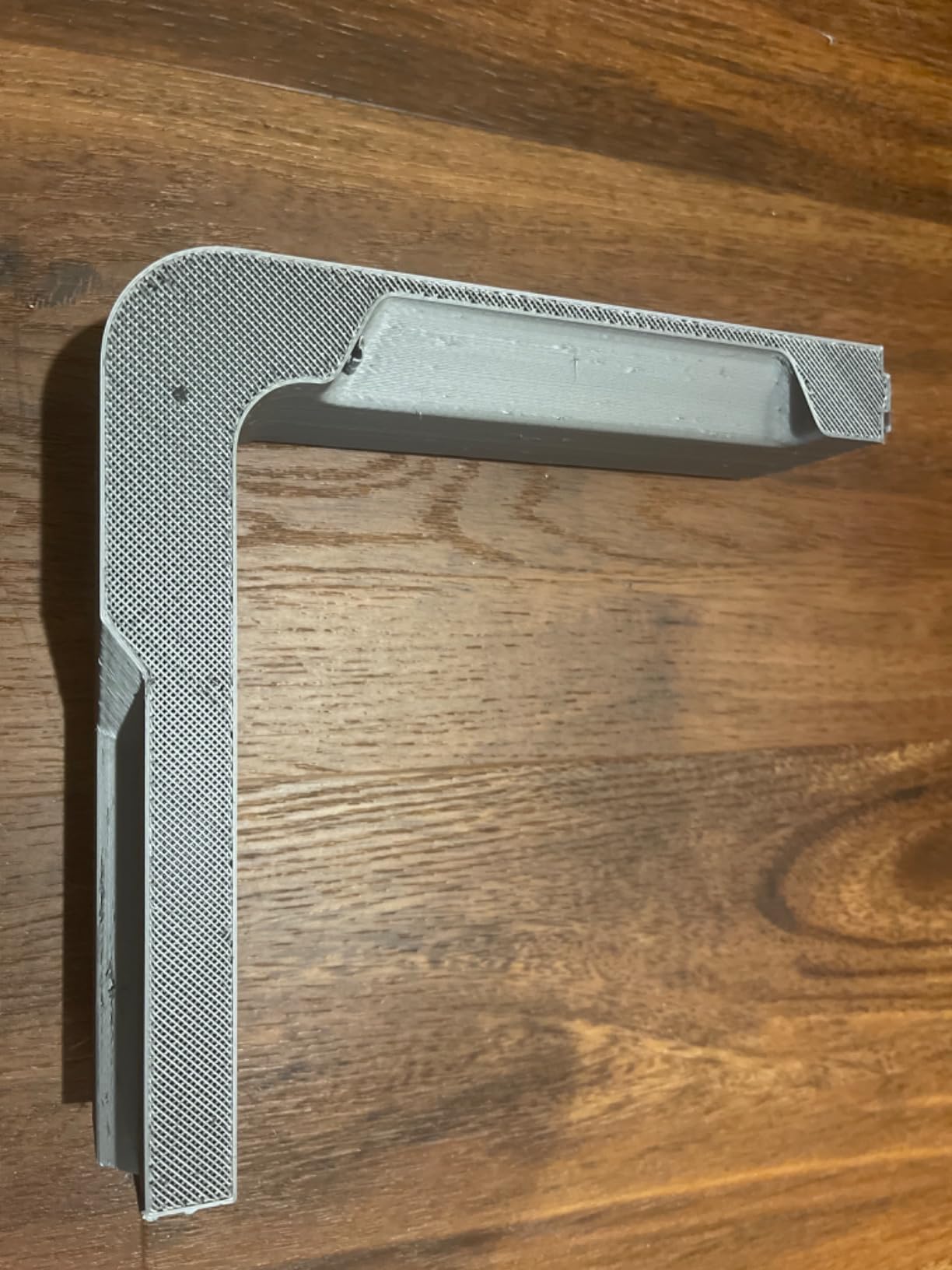
The dual-sided flexible PEI steel plate grips well without glue on textured finishes, and it peels cleanly. A minority of owners report bowed beds and inconsistent extrusion on their machines, so inspect the plate for flatness early.
Some units also hit firmware freezes and early sensor failures. If a print stalls and the touchscreen is unresponsive, power-cycling usually recovers it, but firmware stability is the recurring complaint in the reviews.
Who it suits and who it does not?
Buy the 5M if you print PLA and PETG models that fit in a 220mm cube and you want speed more than anything else. It is excellent for cosplay props, organizers and functional parts in that size range.
Look elsewhere if you print large items, need ABS, or want color. The Flashforge AD5M covers a similar single-color use case, and the Kobra X or Centauri 2 cover the multi-color side of the market.
9. Flashforge AD5M: The Budget Gateway Printer
FLASHFORGE AD5M 3D Printer Fully Auto Calibration Print with 1-Click Max 600mm/s Speed, All-Metal CoreXY Structure Precise Printing, Easy-Maintenance Quick-Swap Nozzle, Print Size 220x220x220mm
4.2 stars,366 reviews
All-metal CoreXY
600mm/s,22 pounds
Pros
- Setup needs no calibration tools
- Auto leveling works reliably
- Tool-free nozzle swaps in about three seconds
- Quick and quiet for the class
Cons
- Wi-Fi is spotty and Ethernet is better
- Extrusion is sensitive to filament brand
- Slicing needs a Windows or Mac computer
- Bed heating is slow
The AD5M is the machine we recommend when someone wants a CoreXY frame and 600mm/s without paying for the extras. The structure is all metal, one-click fully auto leveling handles setup, and power-loss resume protects long jobs. The double-sided PEI steel plate has a PETG side for materials that struggle to stick.
Assembly and setup were the easiest we attempted in this group. Nobody had to find a level, probe the bed or measure anything, and the auto leveling held across repeated prints. The tool-free quick-release nozzle swaps between 0.25, 0.4, 0.6 and 0.8mm diameters in about three seconds, which makes changing layer height almost instant.
Strong layer adhesion and good print quality at a low entry point come up repeatedly in the owner feedback. For someone moving up from a beginner toy machine, that jump in quality is the main reason this lands where it does in our ranking.
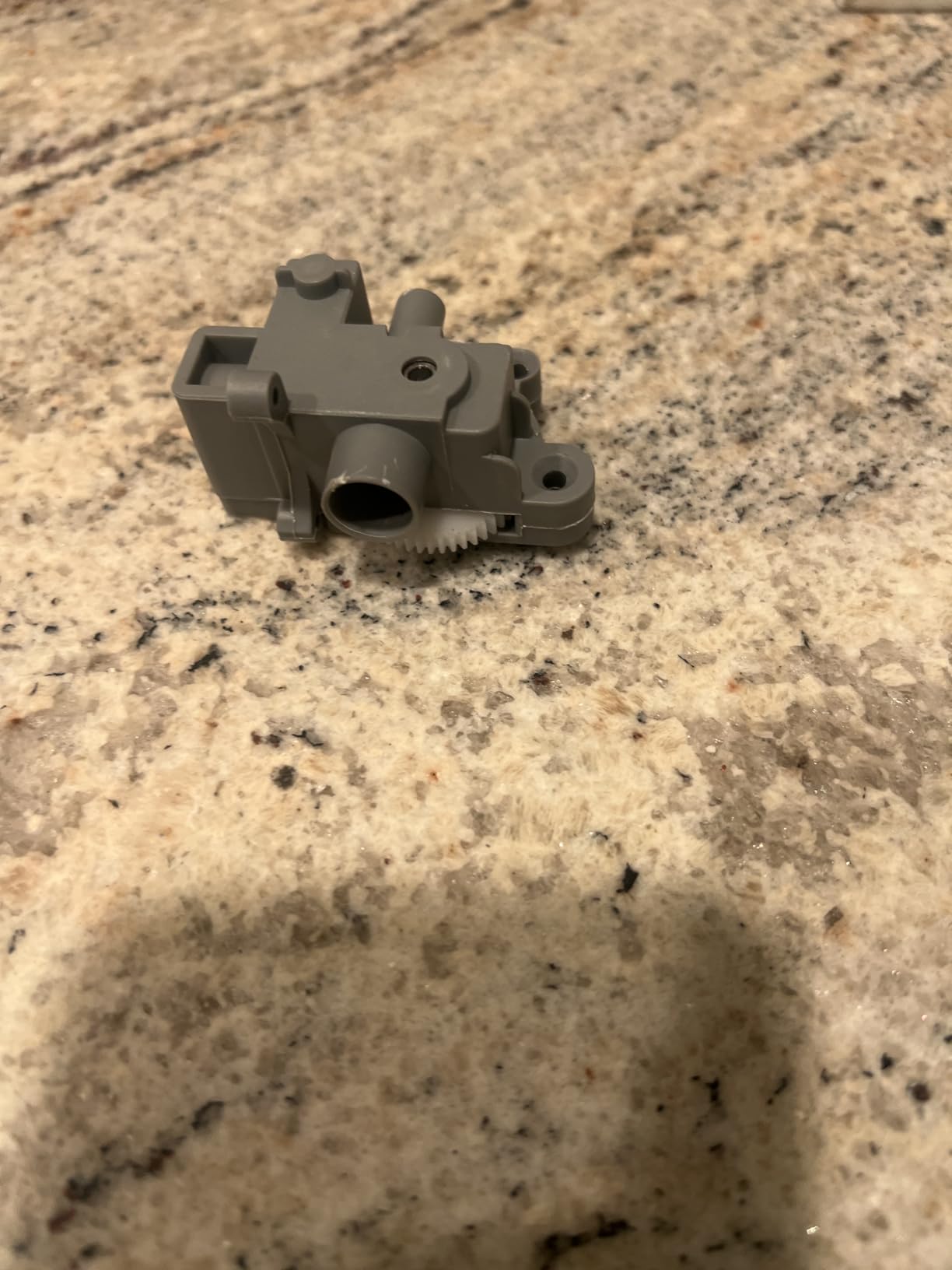
Owners describe an ideal gateway printer that produces fast, good-looking prints with helpful software, and at 22 pounds it is one of the lighter machines here. It is also described as quicker and quieter than many budget competitors in the same class.
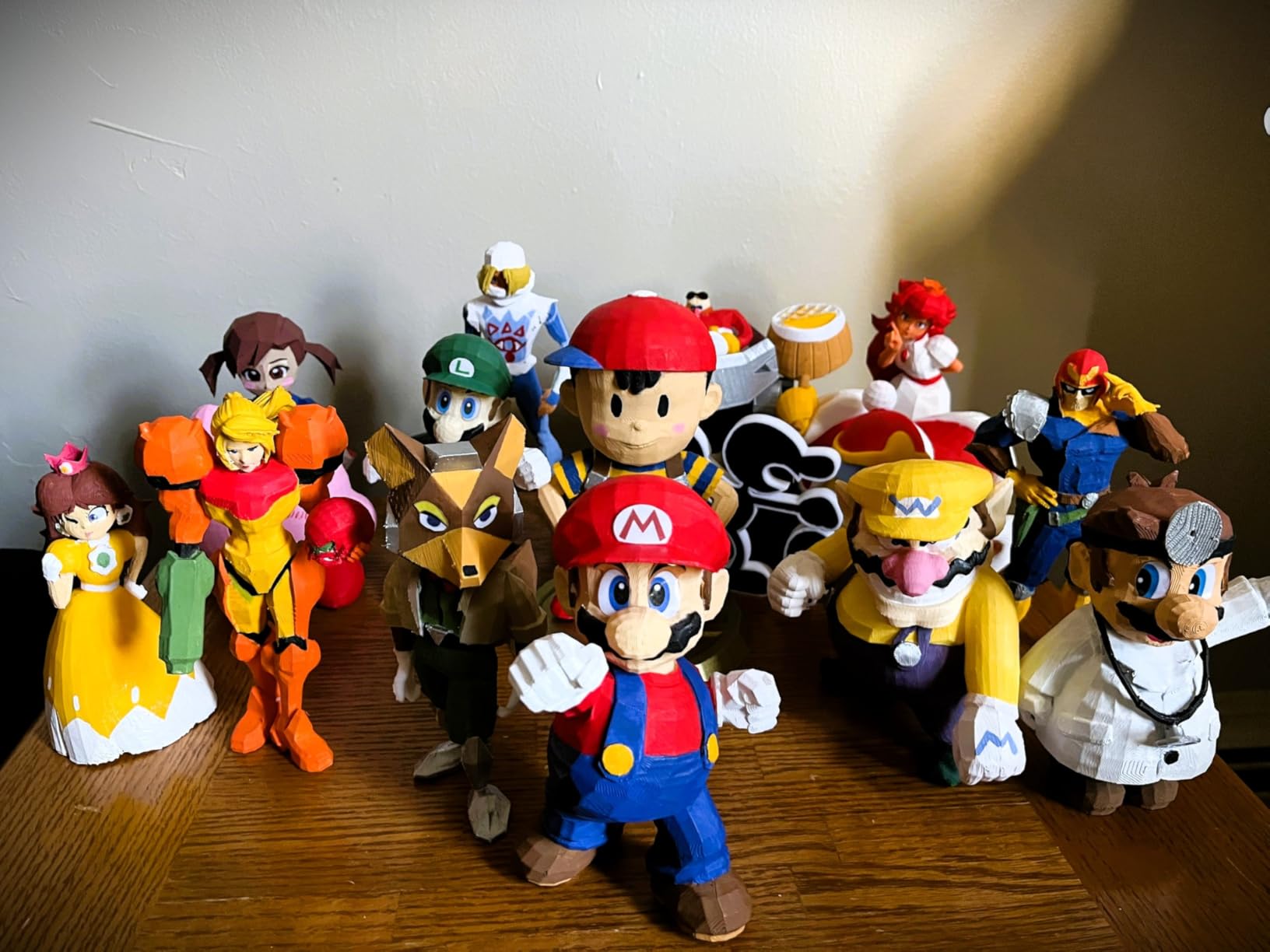
The computer requirement
One detail catches people out. Slicing runs through the Orca-Flashforge software and requires a Windows or Mac computer, so a tablet on its own will not cut your models. The software itself handles batch file transmission and multi-printer monitoring well.
Connectivity is the weak point. Wi-Fi is spotty, and owners who switched to Ethernet report fewer dropped jobs. If the printer lives far from your router, plan for a cable or a mesh node.
That is the trade in a single sentence: fast, quiet, high-quality hardware on a machine that needs a proper computer wired in. If you planned to slice on a tablet, this is the machine that will not allow it.
Filament brand matters more than it should
Best results come with branded filament, and other brands can under-extrude. That is an unusual thing to have to say about a printer, but it shows up often enough in the reviews that it is worth knowing before your first print.
A small number of machines failed early and could not complete a test print, so keep the packaging until you have printed something. The machine is also louder than expected and bed heating takes longer than you would like.
10. Anycubic Photon Mono 4: Best for Miniatures and Fine Detail
ANYCUBIC Photon Mono 4, Resin 3D Printer with 7” 10K Mono LCD Screen
4.4 stars,667 reviews
7-inch 10K mono LCD
17 micron pixels,7.7 pounds
Pros
- Detail quality that FDM cannot approach
- Compact and quiet at 7.7 pounds
- Four-point leveling in one step
- Printing within about 30 minutes
Cons
- Resin handling needs gloves and ventilation
- Build volume is small
- Resin vats and screens wear out
- No mobile app support
If your goal is detail rather than function, filament printing is the wrong process. The Photon Mono 4 uses a 7-inch 10K monochrome LCD at 9024 by 5120 resolution with 17 by 17 micron pixels, and the layer lines essentially disappear at normal viewing distance. Across 667 reviews averaging 4.4 stars, detail quality is the word that appears most often.
The LighTurbo matrix light source cures the full layer evenly, which is what keeps the top surfaces of a miniature solid rather than scalloped. Setup took us about 30 minutes, and four-point leveling is a single operation. At 7.7 pounds it is among the lightest machines in the roundup and completely quiet in operation.
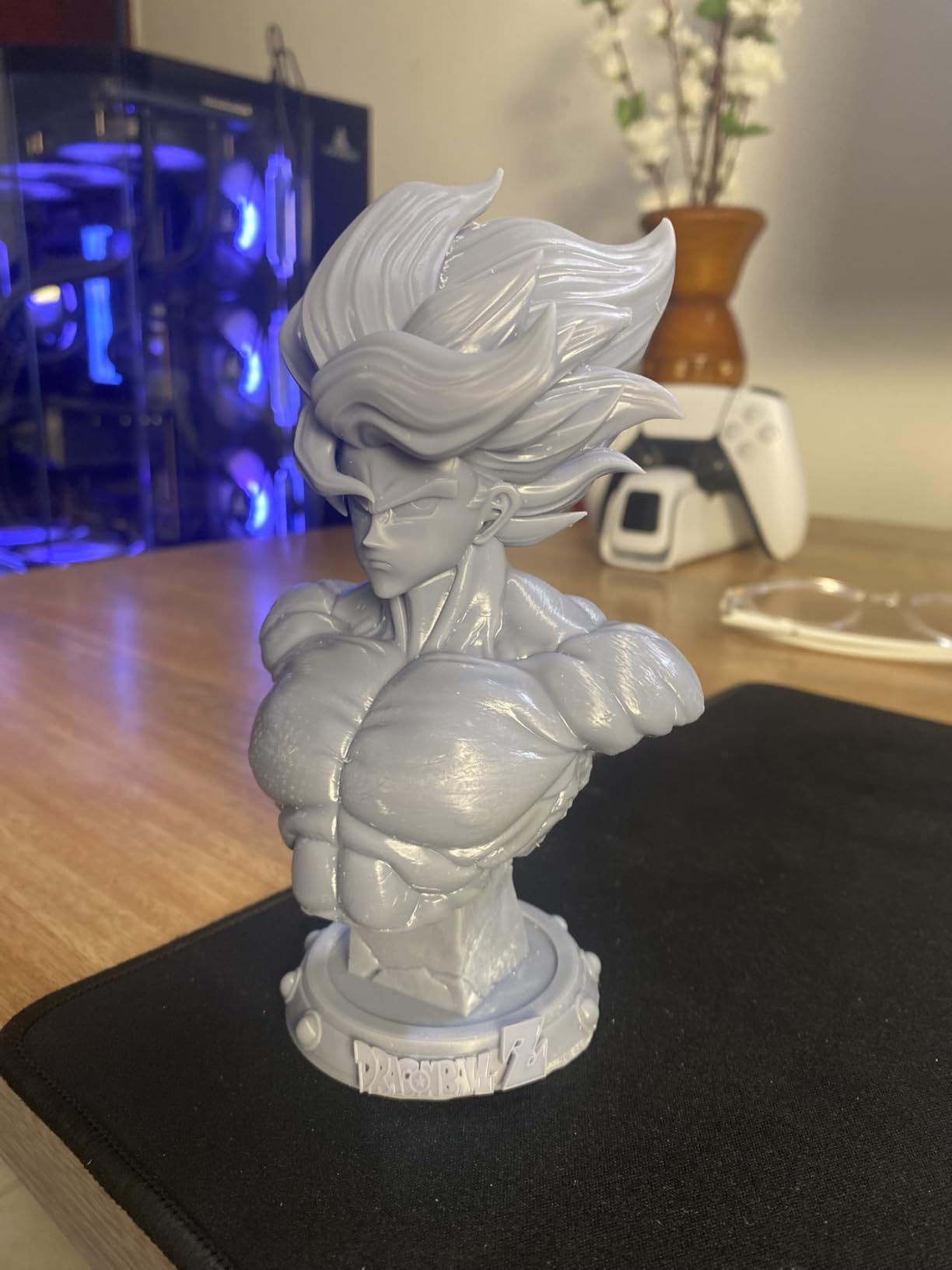
For jewelry, tabletop miniatures and lost-wax casting masters, the detail-to-cost ratio here is hard to argue with. The laser-engraved build platform gives solid adhesion, and power-loss resume protects a long print. Our resin printer guide goes deeper on the process itself.
The catch is the workflow. Resin is liquid, it smells, and it requires gloves, ventilation and curing before a part is finished. It also requires a computer running Photon Workshop, with no mobile app support, and some units needed repeated exposure and lift-speed tuning before results improved.
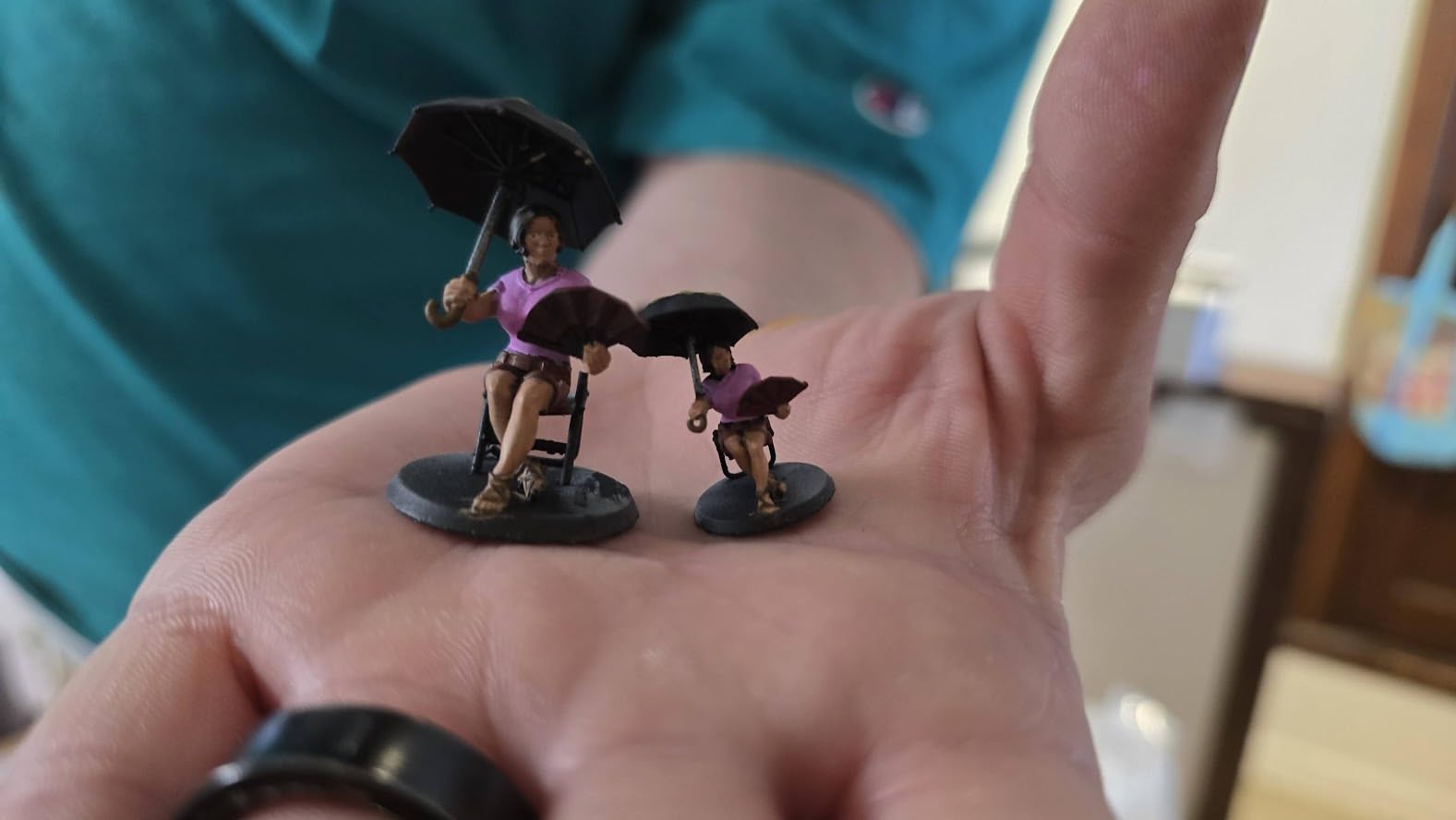
Handling resin safely at home
Work in a ventilated room, wear nitrile gloves and wash them before touching anything else. Uncured resin on skin can cause irritation, and the fumes from some resins are unpleasant enough that a spare room is better than a bedroom.
Wash prints in isopropyl alcohol, cure them under a UV lamp, then finish and sand. Each step adds time, and the whole cycle is slower than an FDM print, but the surface result is in a different category.
Where the size limit bites?
The build volume is 153.4 by 87 by 165mm, which is smaller than every filament machine in this roundup. A 28mm miniature fits comfortably. A full character bust or a set of gaming terrain tiles needs the ELEGOO Saturn 3 instead.
Resin vats and screens are consumables that eventually need replacing, which adds an ongoing cost people budget for less often than filament.
11. ELEGOO Saturn 3: Large-Volume Resin Printing
ELEGOO Saturn 3 MSLA 12K 3D Printer
4.2 stars,284 reviews
10-inch 12K mono LCD
250mm tall build volume
Pros
- Largest resin build volume in this roundup
- 12K screen with fine XY resolution
- Collimated light source reduces layer lines
- Laser-carved plate holds parts down
Cons
- MSLA needs ventilation and curing time
- Longer cycle than FDM printing
- Resin and film add ongoing cost
- Exposure and lift settings take practice
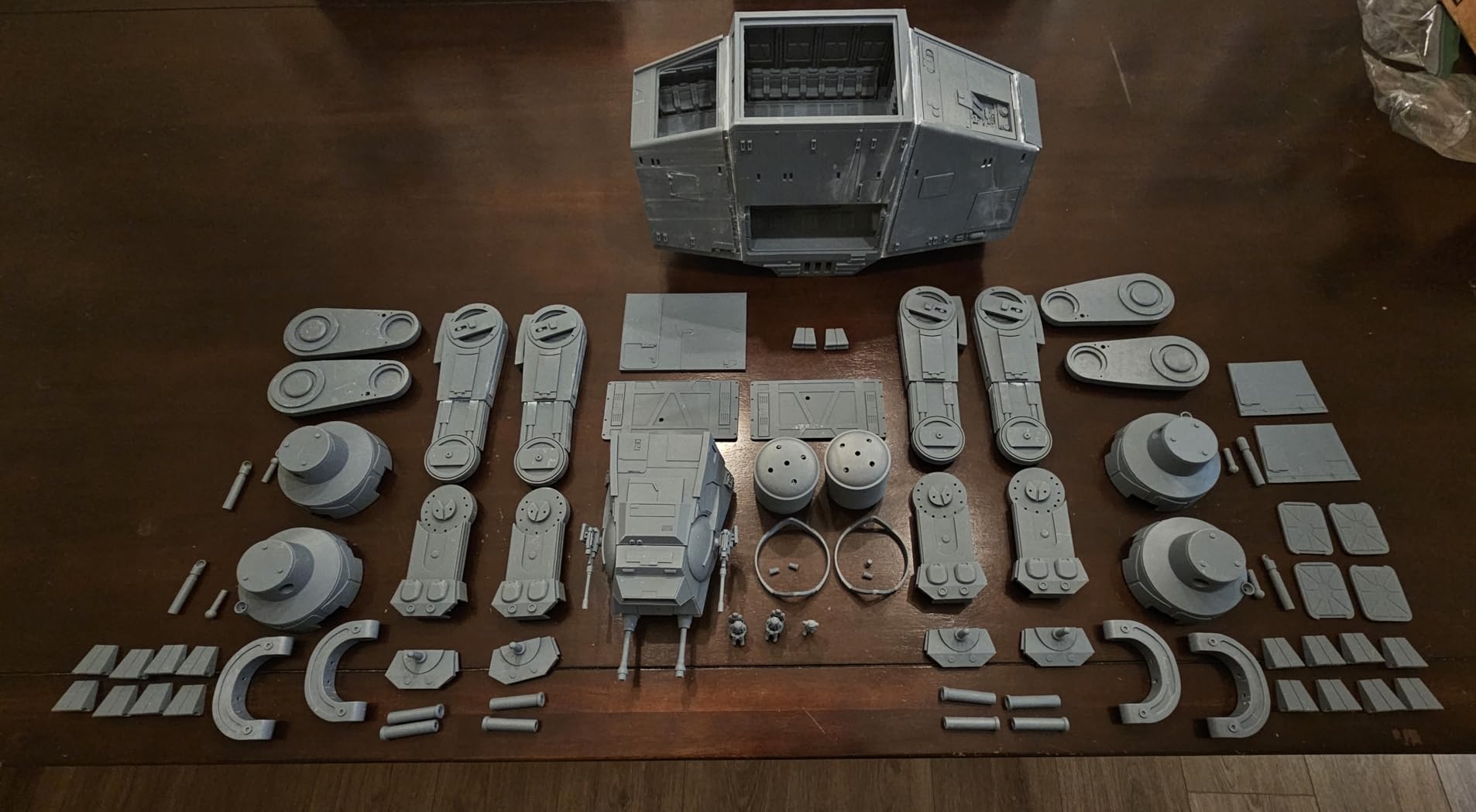
Where the Photon Mono 4 prioritizes desk footprint, the Saturn 3 prioritizes room for the model. Its build volume of 218.88 by 122.88 by 250mm is the largest resin cube in this roundup, and the 10-inch 12K monochrome screen at 11520 by 5120 gives 19 by 24 micron XY resolution across that bigger area.
Print speed reaches 70mm per hour, and the 9H hardness tempered glass LCD resists the scratching that ruins cheaper screens. A COB light source with a Fresnel collimating lens spreads 405nm light evenly, which is the reason layer lines are less visible here than on entry-level resin machines. The laser-carved build plate grips parts without glue.
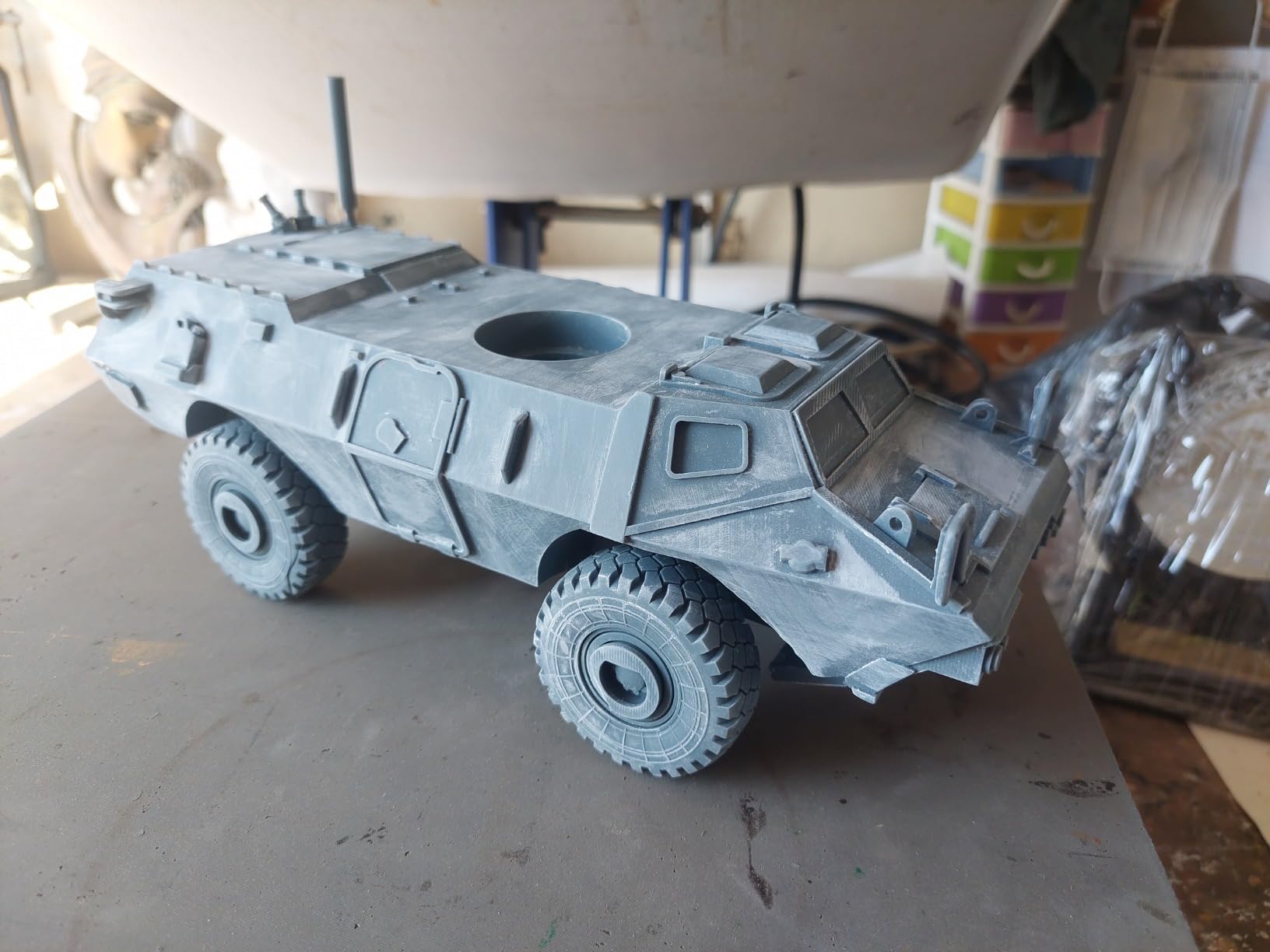
Owner feedback across 284 reviews is consistent about one thing: the size of the build plate. People running large terrain sets, display dioramas and cosplay pieces pick this machine specifically so a single job does not have to be split into pieces and assembled afterward.
That same feedback also flags the learning curve. Exposure and lift speed need dialling in per resin brand, and the first few test prints are usually the ones used to find those settings rather than finished parts.
Open file formats and software
The open GOO slice format means the file works with CHITUBOX and Lychee Slicer, so you are not locked to one program. Voxeldance Tango comes preloaded with static, smooth and high-speed modes that cover most beginner needs.
That flexibility matters more than it sounds. If the bundled software stops receiving updates, you still have options, which is a real long-term advantage over closed ecosystems.
The cost of running resin
Resin, film and the vat are all consumables, and the cost per liter of resin is high compared with filament. Add a UV curing setup, ventilation and gloves to the running total and resin is the more expensive way to make a given part.
It is still the right answer for large, detailed models where FDM would need supports, seams and a great deal of post-processing to look presentable. Learn exposure and lift speeds early, and budget an afternoon of calibration before you start a job you care about.
12. Entina Tina2C: Best for Kids, Classrooms and STEM
Entina Tina2C 3D Printer for Beginners, Fully Assembled Starter Mini 3D Printer, Start in 8 Mins, App & WiFi Control, Auto Leveling, 3500+ Model Library, 25+ Creative DIY Modules for STEM, Home
4.3 stars,344 reviews
3.9 inch cube build
5.28 pounds,app guided setup
Pros
- Smallest and lightest machine in the roundup
- Printing within about 8 minutes of unboxing
- Companion app with a large model library
- Works with Windows Mac Linux and Chromebook
Cons
- 3.9 inch cube limits project size
- Occasional filament clogs
- No enclosure so PLA and low-temp materials only
- Not suited to advanced workflows
Some buyers are buying a printer for a child, a classroom or a first electronics project, and that is exactly who this machine serves. At 5.28 pounds and 8 by 6.5 by 10 inches, it is the smallest and lightest printer here, with a 3.9 inch cube build volume that fits on a desk without dominating it.
The Poloprint Cloud app guides setup, and owners report a first print within about eight minutes of unboxing. The model library is large and updated often, with AI-powered search and a photo-to-print feature that lets you turn a phone image into a printable object. There are also 25 creative STEM modules built in for education.
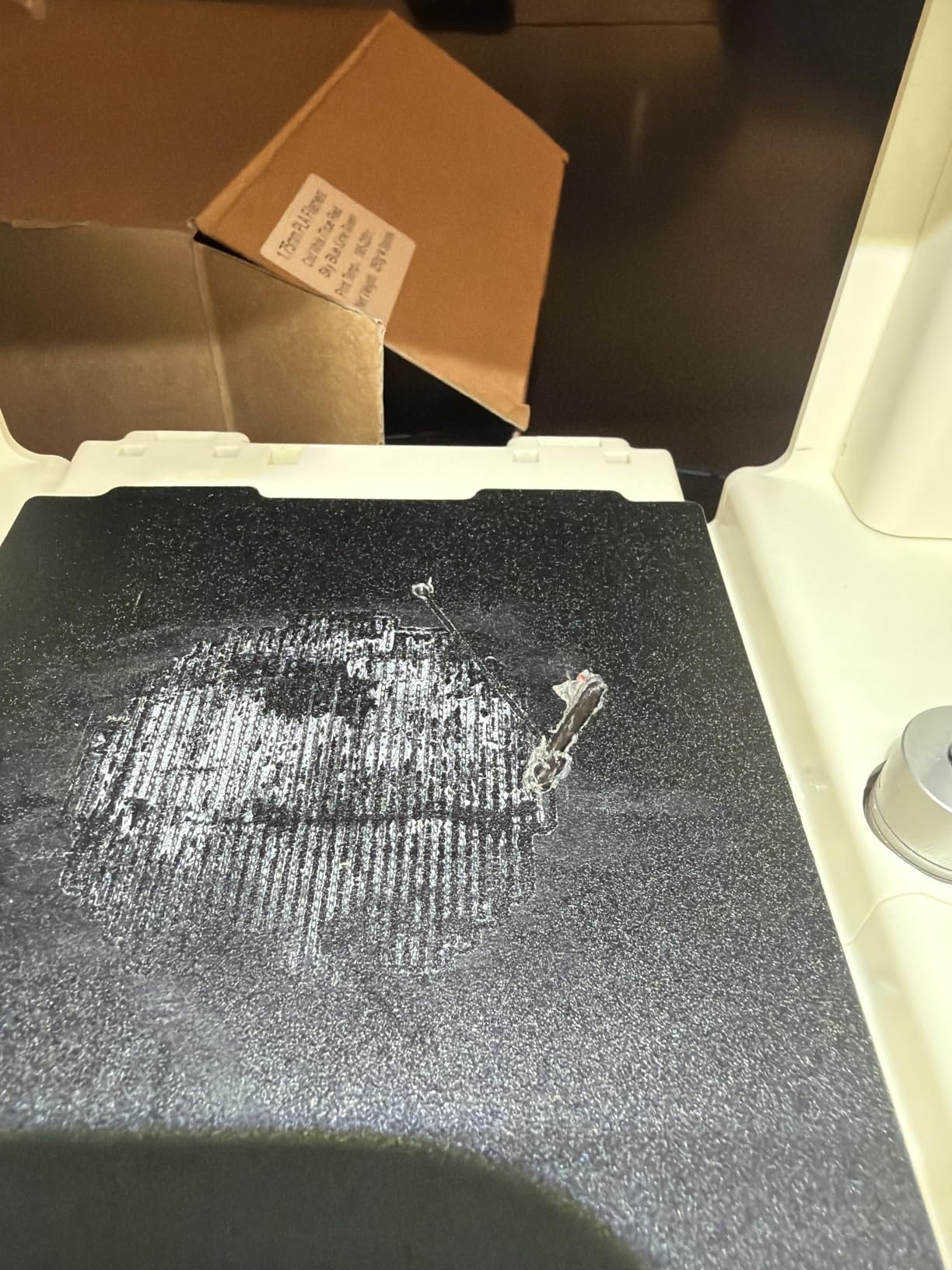
Hardware is sensible for the size. A self-cleaning nozzle and quick-swap printhead make maintenance approachable, the magnetic flexible build plate removes finished prints easily, and LED lighting helps you see a small build area. Printers are noisy, and this one is quiet enough for a bedroom, with 2.4GHz Wi-Fi printing plus a TF card for offline use.
It works with Windows, macOS, Linux and Chromebook, and it accepts Cura and Simplify3D files, which is rare at this price. Auto leveling and power-loss recovery are both included.
Setting expectations for small prints
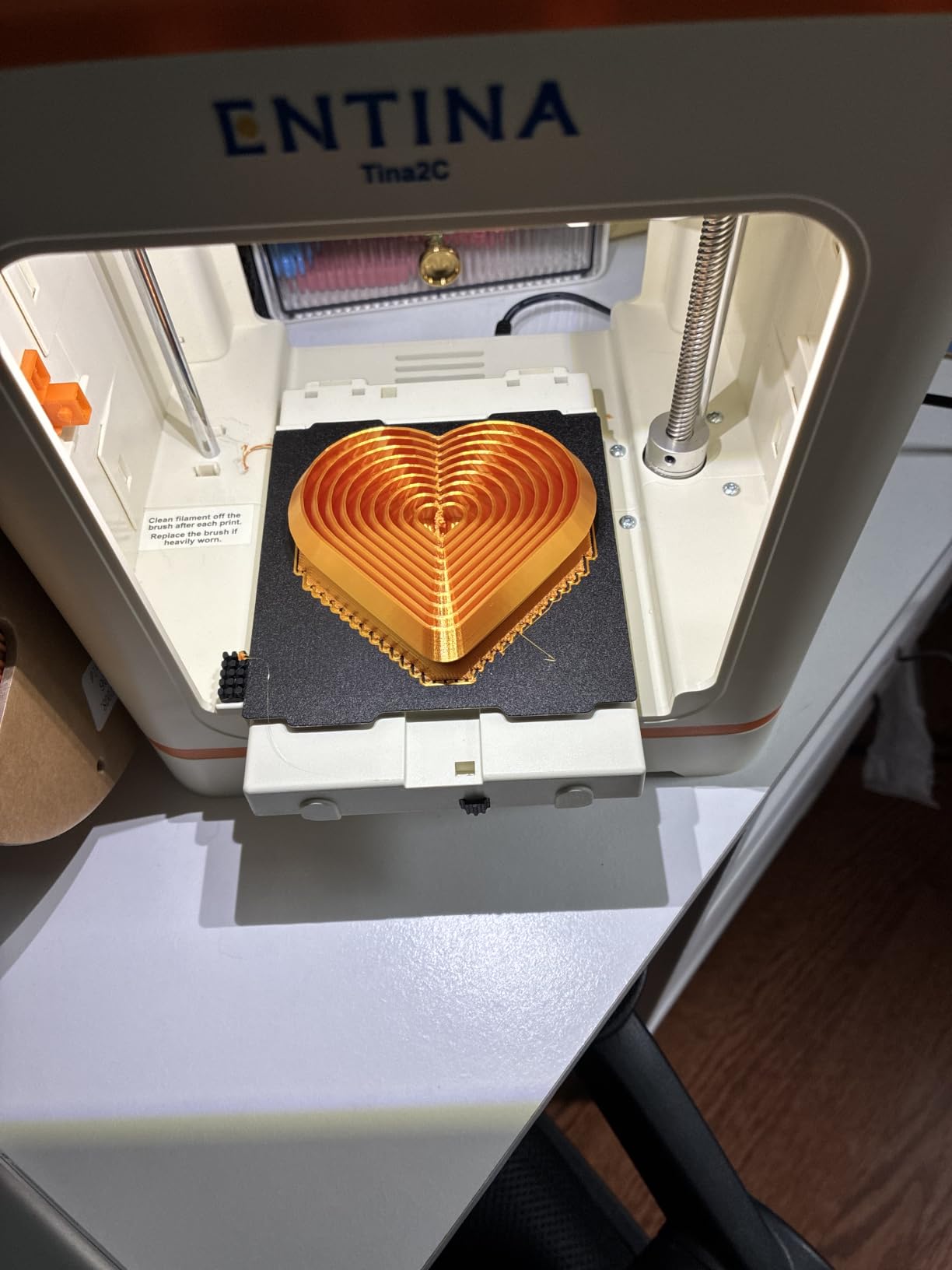
A 3.9 inch cube is a real constraint. Phone stands, drawer organizers, chess pieces and small figures fit. Anything you would call a prop does not, and that ceiling is the reason adults usually step up to a larger machine within a year.
Reviews note prints can finish slightly wobbly and that retraction can cause clogs, and only smaller 1kg spools fit the side holder. Manage expectations and it is a delightful first machine, especially for a child.
Why it suits a classroom setting?
Safety and supervision drive most classroom purchases. The machine is enclosed-free but low-heat and low-speed, it moves very little mass when printing, and a failed print is a five-minute frustration rather than a ruined afternoon.
One machine covers a whole class because prints finish in minutes. The model library means students can find a design without learning CAD, and the app handles the workflow without adult help at every step. If you need bigger builds, our large format roundup covers the step up.
How to Choose a 3D Printer Under 500?
Most buyers at this budget make the same three decisions in the wrong order: they pick a brand they have seen advertised, then look at the spec sheet. Work top down instead. Decide your process, then your build volume, then your speed, and only then compare brands.
FDM or resin: which process fits your models?
FDM melts plastic filament and is the practical default for functional parts, cosplay props, enclosures and anything you might need to print more than once. It is safe indoors, the consumables are cheap, and the workflow is forgiving. Ten of the twelve printers here use it.
Resin cures liquid plastic with a light source and produces surface finish that FDM cannot approach. Choose it for miniatures, jewelry and display models, and accept gloves, ventilation, curing time and a smaller footprint. The two resin machines in this roundup cover the compact and the large end of that.
Build volume and the real cost of a small cube
Build volume is the number that ends conversations. A 220mm cube handles a phone stand or a set of desk organizers. A 260mm cube handles a cosplay prop. A printer that cannot physically fit your part will not care how good its camera or acceleration rating is.
Account for Z height separately from XY. Tall thin objects need vertical stability, and a machine with a good Z-axis design and a belt upgrade prints cleaner towers than one that does not. The QIDI Q2’s 1.5GT belt is an example of a spec that quietly improves output.
CoreXY versus Cartesian motion systems
A Cartesian or bed-slinger printer moves the bed on one axis and the gantry on the other. It is cheap, simple to build and light, but the mass of the bed limits how fast the machine can accelerate before corners ring and layers shift. Almost every budget printer five years ago used this design.
CoreXY moves only the lightweight toolhead, with the bed fixed in place. Because there is far less mass to move, the machine can hit 600mm/s and 20000 mm/s2 acceleration without visible artifacts. That is why input shaping and pressure advance features appear almost exclusively on CoreXY machines at this price, and why we recommend one for anyone who prints often.
Direct drive versus Bowden and flexible filament
A Bowden extruder routes filament through a long PTFE tube to the nozzle. It is lighter and easier to reach on an open frame. A direct drive extruder pushes filament straight into the hotend, which gives shorter, more responsive filament movement.
That difference decides whether you can print TPU. Soft and flexible filaments buckle inside a long Bowden tube, and direct drive keeps the filament under control. It also matters for abrasive composites, where a direct path reduces the load on the feed gears. Check the extruder type before you buy if flexible filament is on your list.
Auto-leveling, sensors and how much setup remains
Every machine in this roundup has automatic leveling of some kind, and the differences are in the method and the sensor count. The QIDI Q2 uses the nozzle itself as the sensor, which gave us the most repeatable first layers here. The ELEGOO Centauri 2 Combo runs 22 intelligent sensors, and the Anycubic Kobra X uses a 49-point leveling routine.
Understand that auto-leveling is not the same as auto-calibration. Leveling fixes the bed angle. Z-offset sets the nozzle height, and flow calibration sets how much plastic comes out. Machines that handle all three automatically will save you real time on every filament change.
Multi-color systems and their hidden complexity
Four native color machines appear here: the Kobra X, the Centauri 2 Combo, the Flashforge AD5X and the Bambu A1 with an AMS lite. Native systems change colors themselves, while add-on units like the AMS lite and QIDI BOX sit beside the printer and feed it.
Both approaches add purge waste and extra time per color change, and both add failure points. Forum discussion on r/3dprinter is split on whether multi-color is worth it, with the common thread that it pays off on models with a handful of color changes and disappoints on models that swap constantly.
Filament and Resin: What Each Machine Can Really Print?
PLA is the default for almost every machine here. It prints cleanly, needs no enclosure, smells mild and is the easiest material to dial in. Start here, and expect most of your early prints to be PLA and PETG.
PETG is tougher and more heat-resistant than PLA, which makes it the right choice for functional parts. It sticks too well to some build surfaces, so a glue stick or a PETG-sided plate helps with adhesion.
ABS and ASA need a heated chamber, which is why the P1S, the Q2, the Centauri 2 Combo and the AD5X handle them properly. ASA is the one to reach for outdoors because sunlight does not degrade it the way it degrades ABS. Nylon, PC and carbon-filled composites need a 300C or 370C nozzle, and only the QIDI Q2 and the Kobra X qualify.
TPU is the flexible option, and direct drive extruders handle it far more reliably than Bowden setups. Watch for stringing, which is normal with flexible filament. For multi-material jobs, the AD5X and the Kobra X take different filament types in the same print, and PVA pairs with soluble support for complex internal channels.
Frequently Asked Questions
What is the best 3D printer under 500?
The Bambu Lab A1 is the best 3D printer under 500 for most people. It runs full-auto calibration covering bed leveling, Z-offset and flow rate, holds a 4.7-star average across 671 reviews, and operates quietly enough for a shared room. The Creality K1C is the pick for maximum speed and the largest review base, and the Bambu Lab P1S is the choice if you need an enclosed chamber for ABS and ASA.
What is the cheapest but best 3D printer?
The Entina Tina2C is the cheapest machine in this roundup and still a capable first printer. It arrives assembled, prints within about 8 minutes, weighs 5.28 pounds and runs a 3.9 inch cube build. Among the faster machines, the Flashforge AD5M offers an all-metal CoreXY frame and 600mm/s speed at the low end of the range.
What is the best 3D printer for home use?
For a home with a shared space, the Bambu Lab A1 is the strongest pick because active motor noise cancelling keeps it quiet. If your prints include ABS, ASA or large warp-prone parts, the Bambu Lab P1S adds a fully enclosed chamber. For resin printing at home, the Anycubic Photon Mono 4 is quiet and compact but needs ventilation and gloves.
Can you print ABS on a 3D printer under 500?
Yes, but only on an enclosed machine. The Bambu Lab P1S, QIDI Q2, ELEGOO Centauri 2 Combo and Flashforge AD5X have enclosed build chambers that hold heat steady and reduce layer splitting. Open-frame models such as the Bambu Lab A1, Flashforge Adventurer 5M and Flashforge AD5M will warp on large ABS parts. ASA is the better outdoor choice because sunlight does not degrade it.
What is CoreXY and does it matter on a budget printer?
CoreXY is a motion system where only the lightweight toolhead moves while the bed stays fixed. Because there is less mass to accelerate, these machines reach 600mm/s and 20000 mm/s2 without the corner ringing that affects bed-slinger printers. Almost every machine in this roundup that advertises high speed plus input shaping uses CoreXY, and it is the single biggest quality difference at this budget.
Do I need an enclosure for 3D printing?
Only if you print ABS, ASA, PVA, nylon or carbon-filled filaments. A chamber keeps the air inside at a stable temperature, which stops parts cooling too quickly and lifting off the bed. For PLA and PETG, an open frame prints fine and costs less while taking up less space. Most multi-color printing also benefits from an enclosure, since color changes cause temperature swings.
The Best 3D Printers Under 500, Final Word
For most buyers, the Bambu Lab A1 is the best 3D printer under 500 in 2026. Its automatic calibration removes the single biggest obstacle for beginners, its active motor noise cancelling makes it the quietest option in a group of fast printers, and its 4.7-star average across 671 reviews is the highest here. Add an AMS lite later if you want color.
Buy the Creality K1C instead if you print constantly and want 600mm/s CoreXY motion with a direct drive hotend that handles abrasive filament. Buy the QIDI Q2 if engineering plastics like PPS-CF are your goal, and the Bambu Lab P1S if ABS and ASA in an enclosed chamber matter more than a touchscreen.
For multi-color, the Anycubic Kobra X and the ELEGOO Centauri 2 Combo lead the field. For detail work, the resin options win on finish, and the Entina Tina2C is the right first machine for a child or a classroom. Check the current figures for each, and start with one good print before you buy a second filament.