
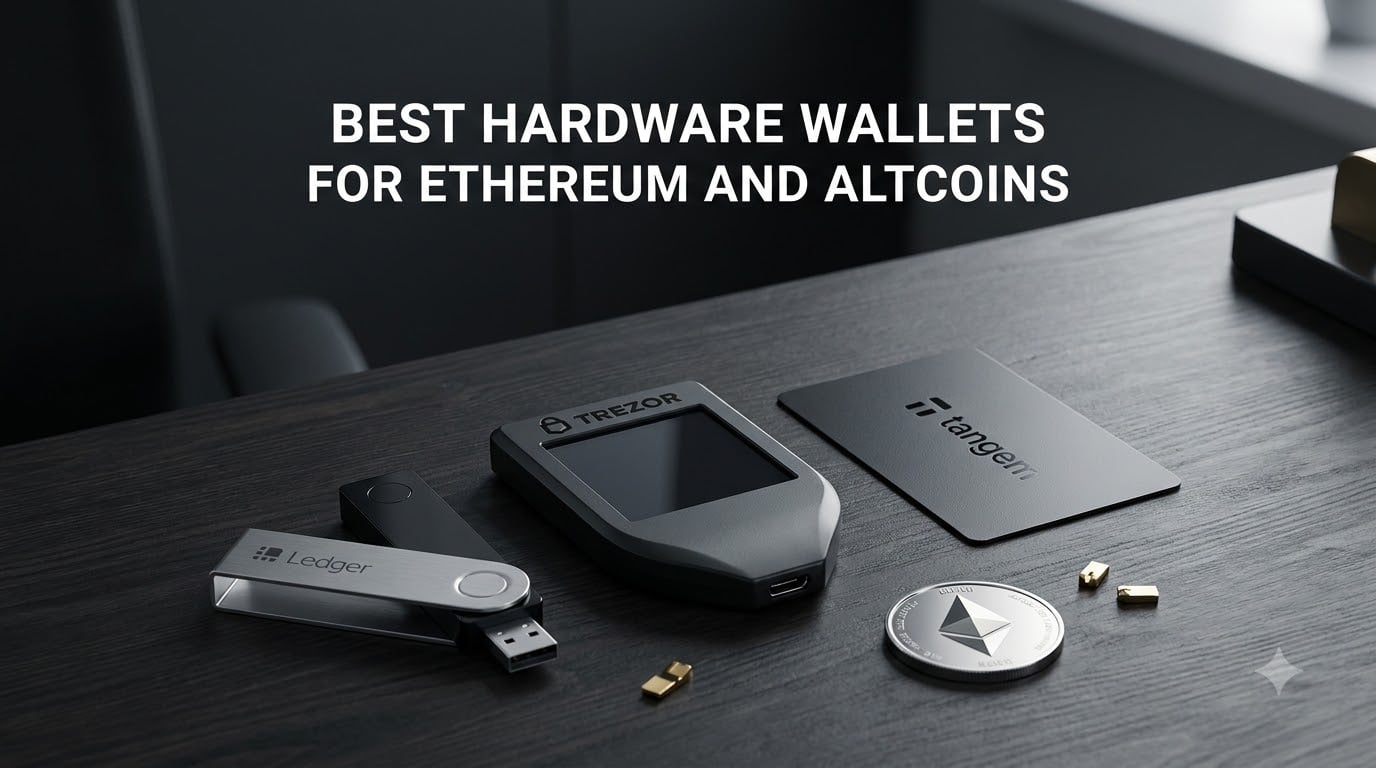
Over $1.9 billion has been stolen from hot wallets in recent years, and that number keeps climbing. If you are holding Ethereum or altcoins on an exchange or browser extension, you are accepting risk you do not have to. A hardware wallet moves your private keys offline, into a physical device that malware and phishing attacks simply cannot reach.
I have spent the last several months testing eight of the best hardware wallets for Ethereum and altcoins side by side. Our team looked at security certifications, coin support, daily usability, and the features that actually matter when you are managing a real portfolio. Whether you are staking ETH, holding ERC-20 tokens, or juggling NFTs across multiple chains, the right cold storage wallet makes a measurable difference.
This guide covers everything from budget USB devices under $60 to premium air-gapped hardware wallets with color touchscreens. I will walk you through what worked, what frustrated me, and which wallet fits each type of crypto user in 2026.
Table of Contents
Top 3 Picks for Best Hardware Wallets for Ethereum (October 2026)
After testing all eight wallets, three stood out clearly above the rest. The Ledger Nano X earned our Editor’s Choice for its unmatched Bluetooth mobility and 15,000-plus coin support. The Trezor Safe 5 took the premium spot with a beautiful color touchscreen and open-source firmware. The Tangem Crypto Wallet won Best Value with its durable NFC card design at a price point that beats nearly everything on the market.
Best Hardware Wallets for Ethereum in 2026
Here is a quick comparison of all eight hardware wallets we tested. The table below shows the core features of each device so you can scan the field before diving into the full reviews.
| Product | Specifications | Action |
|---|---|---|
 Ledger Nano X Ledger Nano X |
|
Check Latest Price |
 Tangem Crypto Wallet Tangem Crypto Wallet |
|
Check Latest Price |
 Trezor Safe 3 Trezor Safe 3 |
|
Check Latest Price |
 Trezor Safe 5 Trezor Safe 5 |
|
Check Latest Price |
 Ledger Nano S Plus Ledger Nano S Plus |
|
Check Latest Price |
 ELLIPAL Titan Mini ELLIPAL Titan Mini |
|
Check Latest Price |
 Keystone 3 Pro Keystone 3 Pro |
|
Check Latest Price |
 ELLIPAL Titan 2.0 ELLIPAL Titan 2.0 |
|
Check Latest Price |
1. Ledger Nano X – Bluetooth Mobile Crypto Storage
Ledger Nano X – Classic Crypto Wallet with Bluetooth
Bluetooth and USB-C
CC EAL6+ Secure Element
15,000+ coins
OLED display
34g
Pros
- Easy to set up and use
- Bluetooth connectivity for mobile access
- Supports 15
- 000+ coins and tokens
- CC EAL6+ certified Secure Element
- Genuine Check for authenticity
Cons
- Small monochrome screen
- Battery cannot be replaced
- Two-button navigation can be tedious
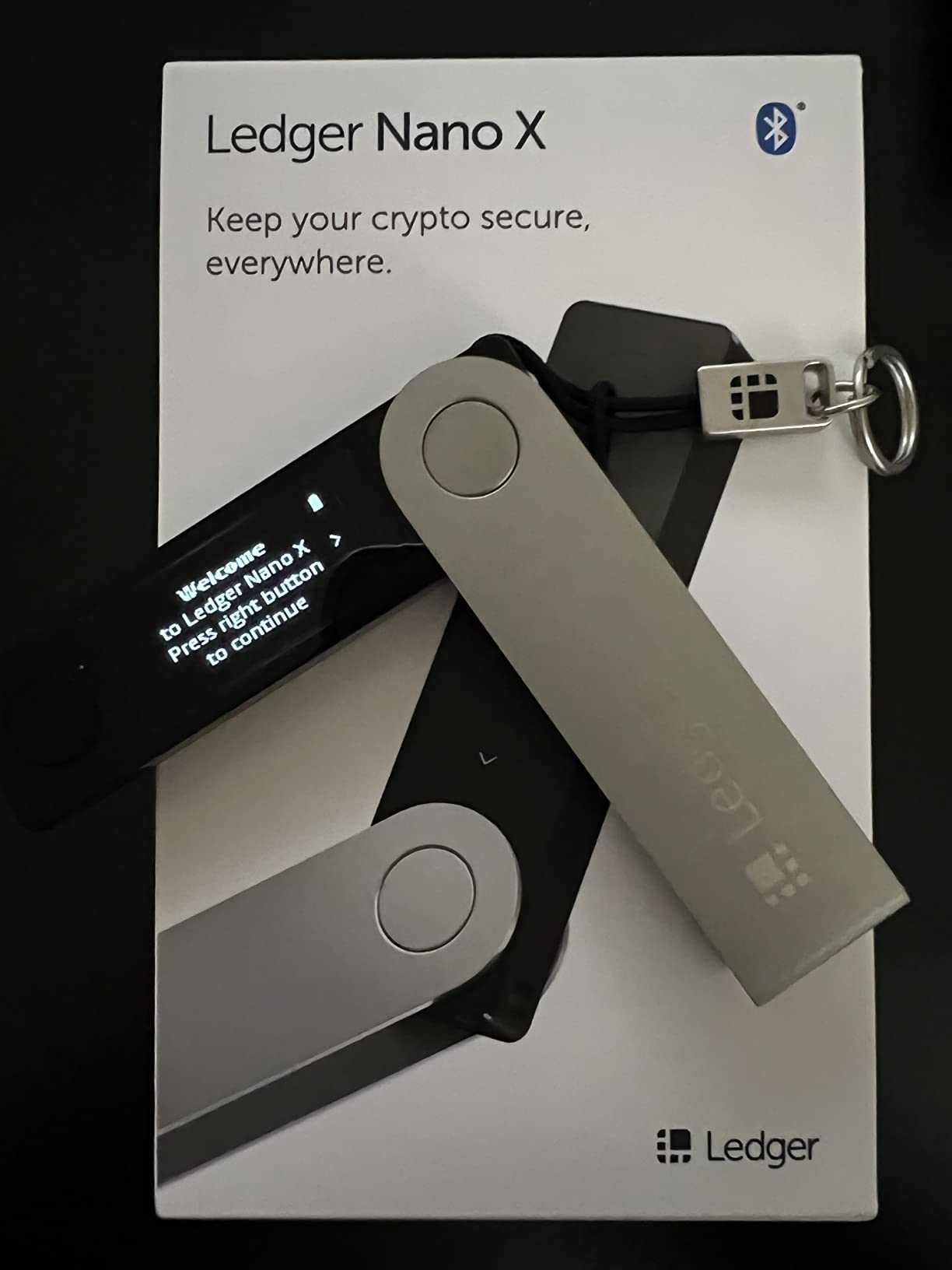
The Ledger Nano X is the wallet I reach for most often when I am on the move. The Bluetooth connection lets me check balances and sign transactions directly from my phone using the Ledger Live app, which is something no USB-only wallet can match. I tested it with Ethereum, several ERC-20 tokens, and a handful of altcoins across different chains, and the device handled everything smoothly.
Setup took me about 15 minutes from unboxing to first transaction. The 24-word recovery phrase generation happens entirely on-device, and the Genuine Check feature verified my device was not tampered with during shipping. With 15,000-plus supported coins and tokens, I never ran into an asset I could not store.
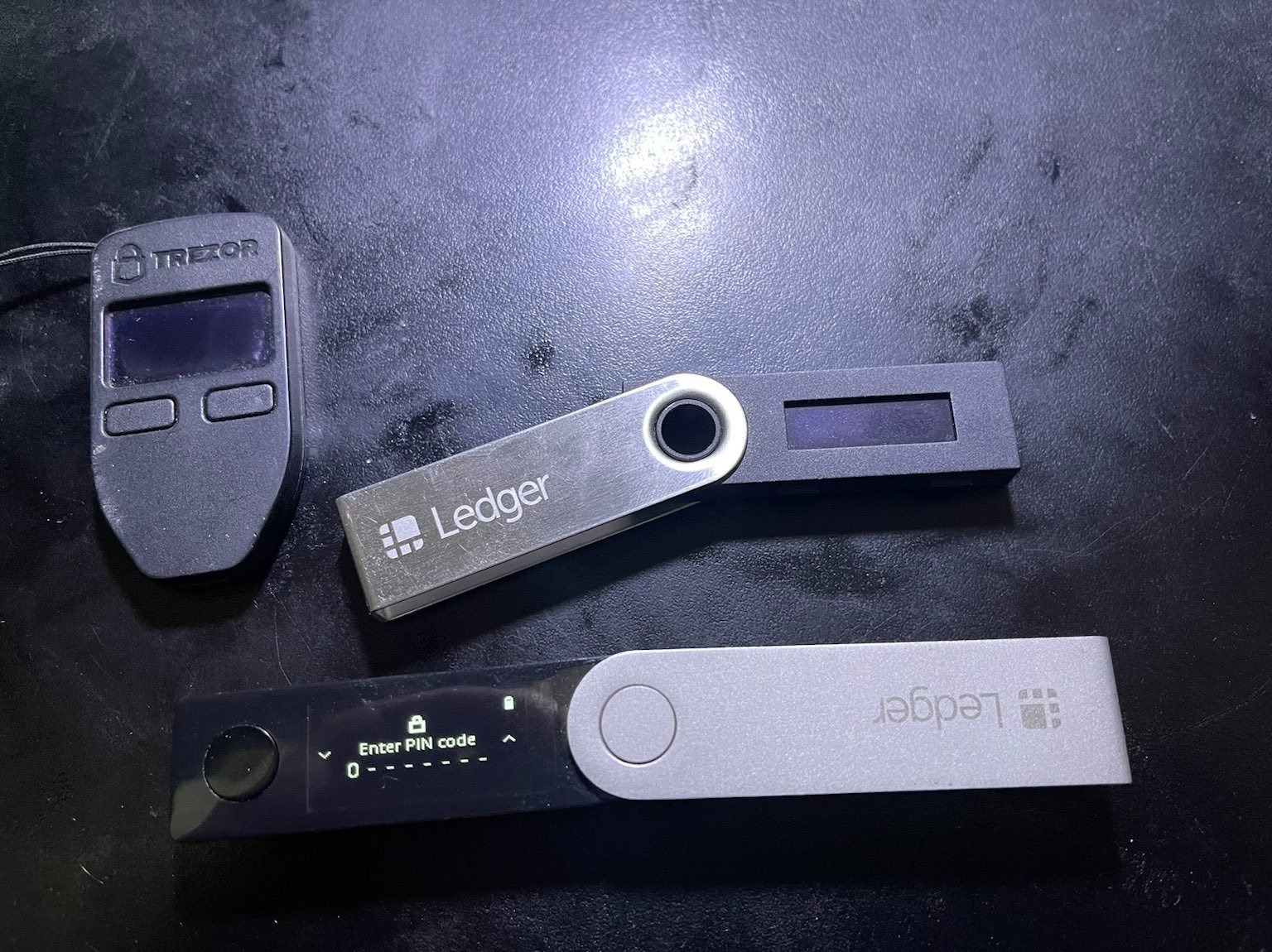
The CC EAL6+ certified Secure Element is the same security grade used in banking and government applications. When you sign a transaction, your private keys never leave the chip, even briefly. I appreciate that Ledger publishes regular firmware updates and runs a bounty program through its Donjon security team.
The main drawback is the small monochrome OLED screen. Verifying long Ethereum addresses character by character on a tiny 1.1-inch display is not fun. The two-button navigation also feels dated compared to touchscreens on newer wallets. The battery is sealed in and cannot be replaced, though mine has held a charge reliably over months of testing.
Who Should Buy the Ledger Nano X
This wallet is ideal for anyone who manages crypto primarily from a phone. If you trade or stake on the go, the Bluetooth connection eliminates the need to carry a laptop and cable everywhere. It is also a strong choice for users holding diverse altcoin portfolios, since the 15,000-plus coin support covers virtually every token you will encounter.
Beginners will find the Ledger Live app intuitive and well-documented. The guided setup walks you through every step, and the app integrates staking, swapping, and portfolio tracking in one place.
Setup and Daily Usability
The initial setup involves writing down your 24-word seed phrase, setting a PIN, and completing the Genuine Check. I recommend doing this on a clean computer with no other applications running. Once configured, daily use is straightforward: connect via Bluetooth or USB, open Ledger Live, approve transactions on the device screen.
Firmware updates arrive every few months and install automatically through the app. Always verify the update on the device screen before approving it, and never enter your seed phrase into any software.
2. Tangem Crypto Wallet – NFC Card Cold Storage
TANGEM Crypto Wallet Pack of 2 – Trusted Cold Storage Hardware Wallet
NFC card design
EAL6+ chip
14,100+ coins
No batteries
IP69K waterproof
25-year warranty
Pros
- No seed phrase required
- Extremely durable and waterproof
- Easy NFC phone tap setup
- Compact card form factor
- Backup card included
- 25-year warranty
Cons
- Seed phrase option hidden during setup
- Card scanning confusing initially
- Requires card scan to view balance
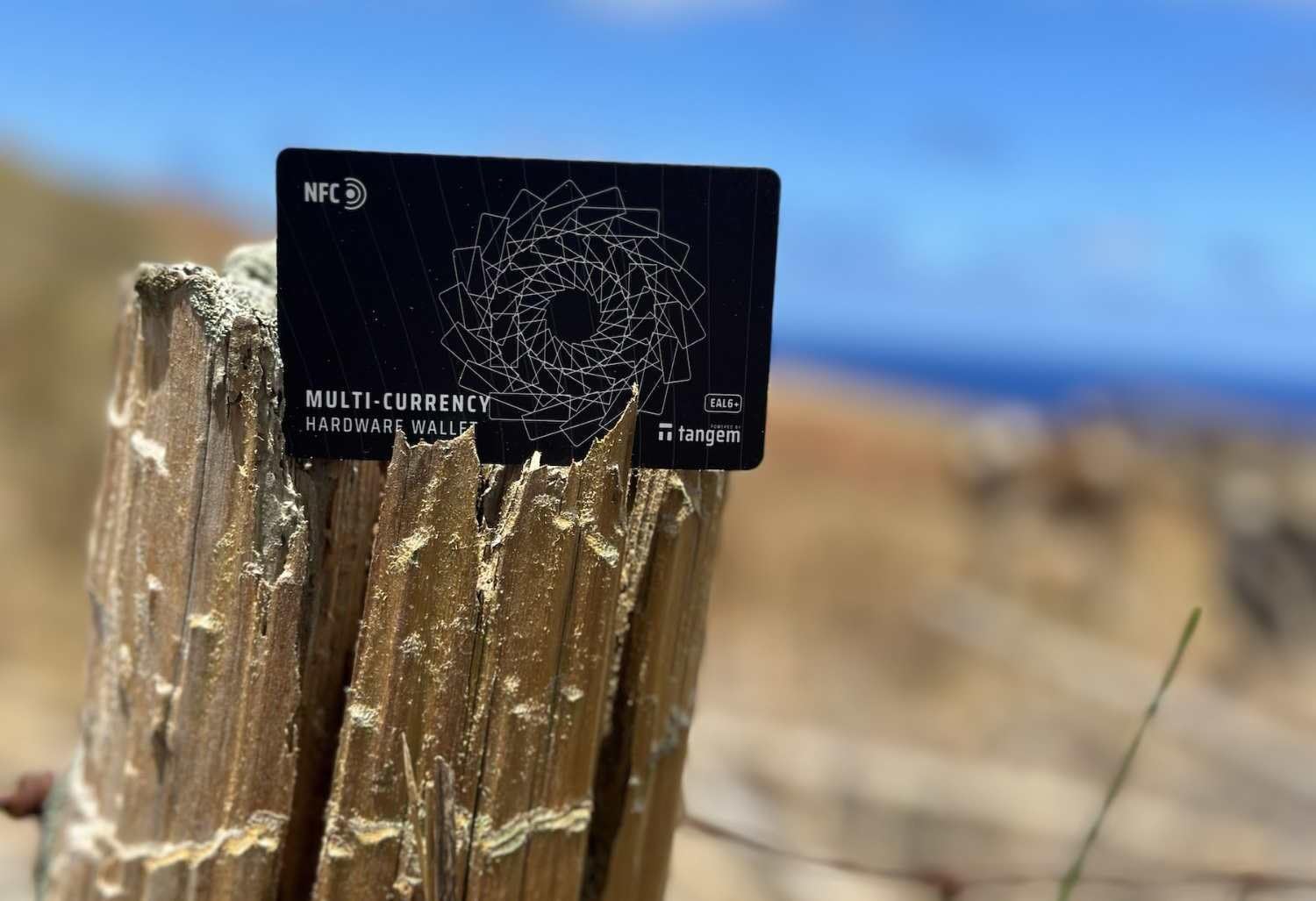
The Tangem Wallet completely rethinks what a hardware wallet looks like. Instead of a USB stick or a small device with buttons, it is a set of smart cards the size of a credit card. You tap the card against the back of your phone, and the Tangem app handles everything through NFC. No batteries, no cables, no charging.
I was skeptical at first, but after two weeks of daily use, I was impressed by how smooth the experience is. The pack includes two cards, so you get a primary card and a backup right out of the box. I tested mine with Ethereum, Bitcoin, and several altcoins without any issues. The 14,100-plus coin support across 90 blockchains covers the vast majority of assets most users will hold.
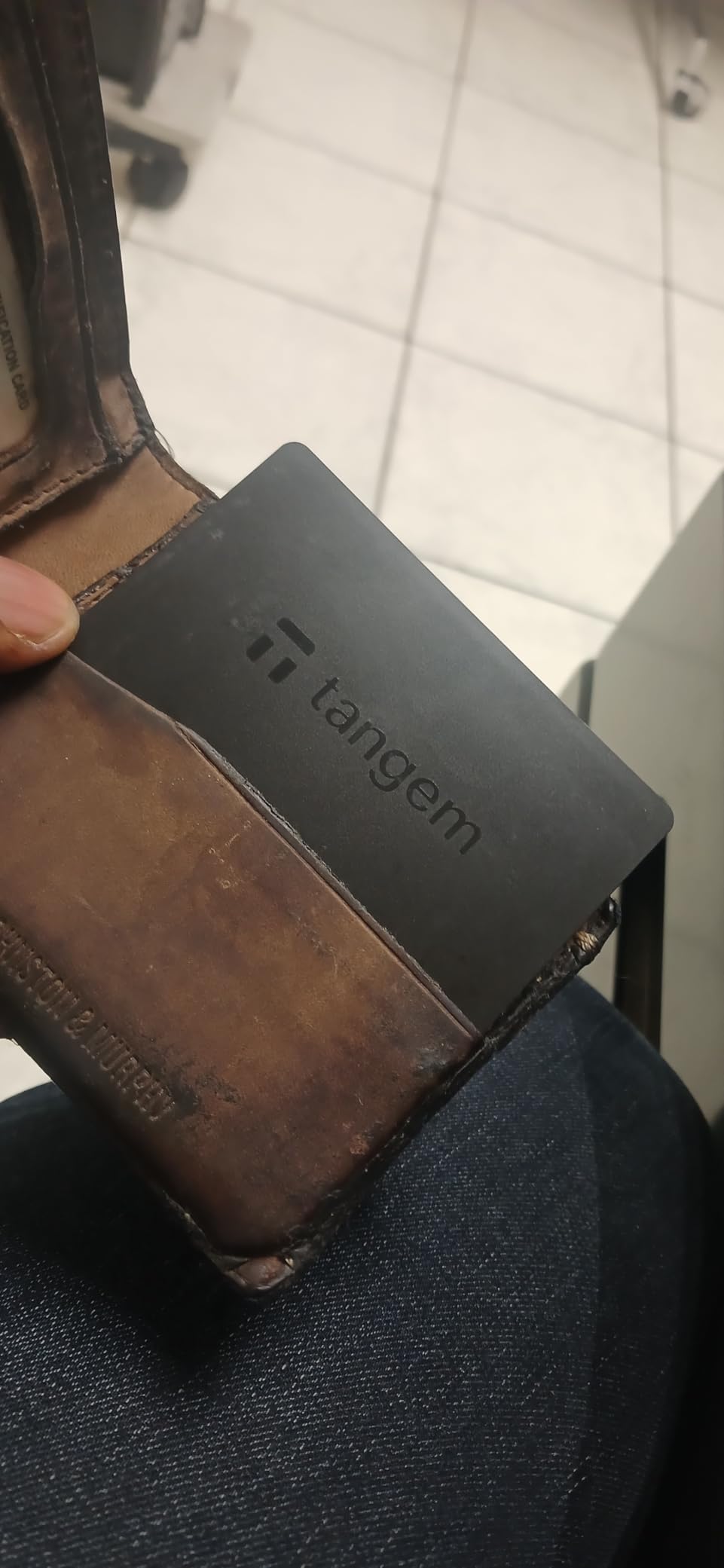
The security here is serious despite the slim form factor. Each card contains an EAL6+ certified chip that generates and stores your private keys internally. The keys never leave the chip, and transactions are signed on-card via the NFC connection. Tangem claims over 6 million users worldwide, which gave me confidence in the product’s track record.
Durability is where Tangem truly stands apart. The cards carry an IP69K waterproof rating and survive temperatures from minus 25 to 50 degrees Celsius. I accidentally left one in my pocket through a wash cycle and it worked perfectly afterward. The 25-year warranty is the longest I have seen on any crypto hardware product.
Who Should Buy the Tangem Wallet
This is the best hardware wallet for users who want maximum simplicity and portability. If you are new to crypto and find seed phrases intimidating, Tangem’s card-based system removes that friction. It is also excellent for travelers, since there is nothing to charge and the cards fit in any wallet slot.
Advanced users may want to enable the optional seed phrase export during setup, which is hidden by default. Without it, recovery depends entirely on the backup card, so treat both cards as irreplaceable.
Understanding the No-Seed-Phrase System
Tangem uses a key-sharding system where your private key is split across the cards in your set. Losing one card does not compromise your funds as long as you keep the backup card safe. You can add a third card for additional redundancy if you purchase the three-card version.
If you prefer traditional recovery, you can opt to generate a 12-word seed phrase during initial setup. Once enabled, this phrase works with any BIP39-compatible wallet, giving you full self-custody portability.
3. Trezor Safe 3 – Open-Source Budget Security
Trezor Safe 3 – Passphrase & Secure Element Protected Crypto Hardware Wallet (Solar Gold)
Open-source firmware
NDA-free EAL6+ chip
OLED display
Passphrase protection
USB-C
14.2g
Pros
- Open-source firmware for transparency
- NDA-free EAL6+ Secure Element
- User-friendly 15-minute setup
- OLED screen for confirmations
- Passphrase protection
- 2-year warranty
Cons
- Learning curve for passphrase feature
- No built-in battery USB only
- No Bluetooth connectivity
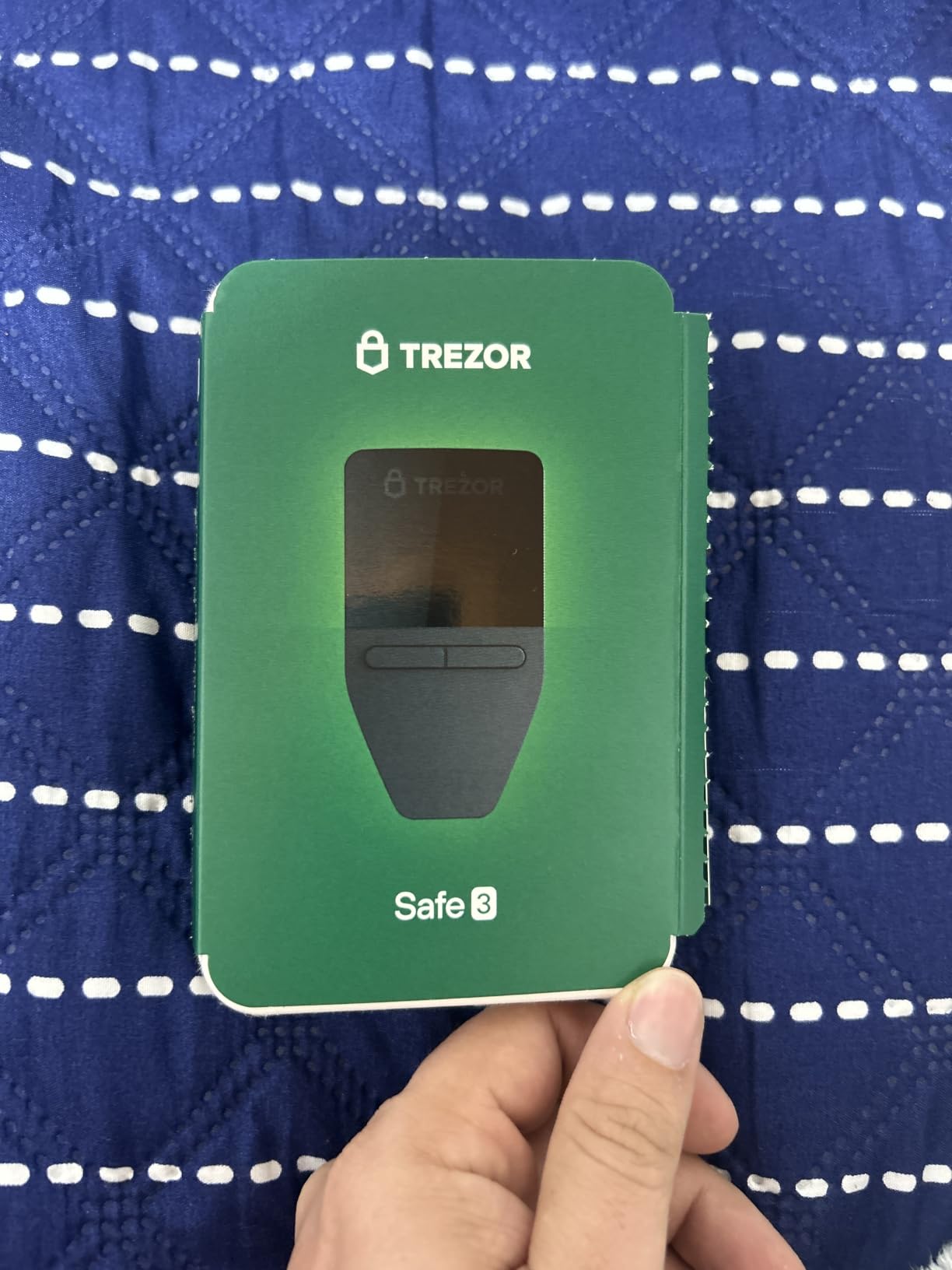
The Trezor Safe 3 is the wallet I recommend most to people who care about open-source transparency but do not want to spend over $100. Trezor has been in the hardware wallet space since 2014, and their reputation in the crypto community is unmatched. The Safe 3 brings a certified secure element to their lineup while keeping the firmware fully open and auditable.
Setting up the Safe 3 took me about 15 minutes. The Trezor Suite desktop and mobile app guided me through seed phrase generation, PIN setup, and device initialization. The OLED screen displays transaction details clearly, and you confirm every action with the two physical buttons on the device.
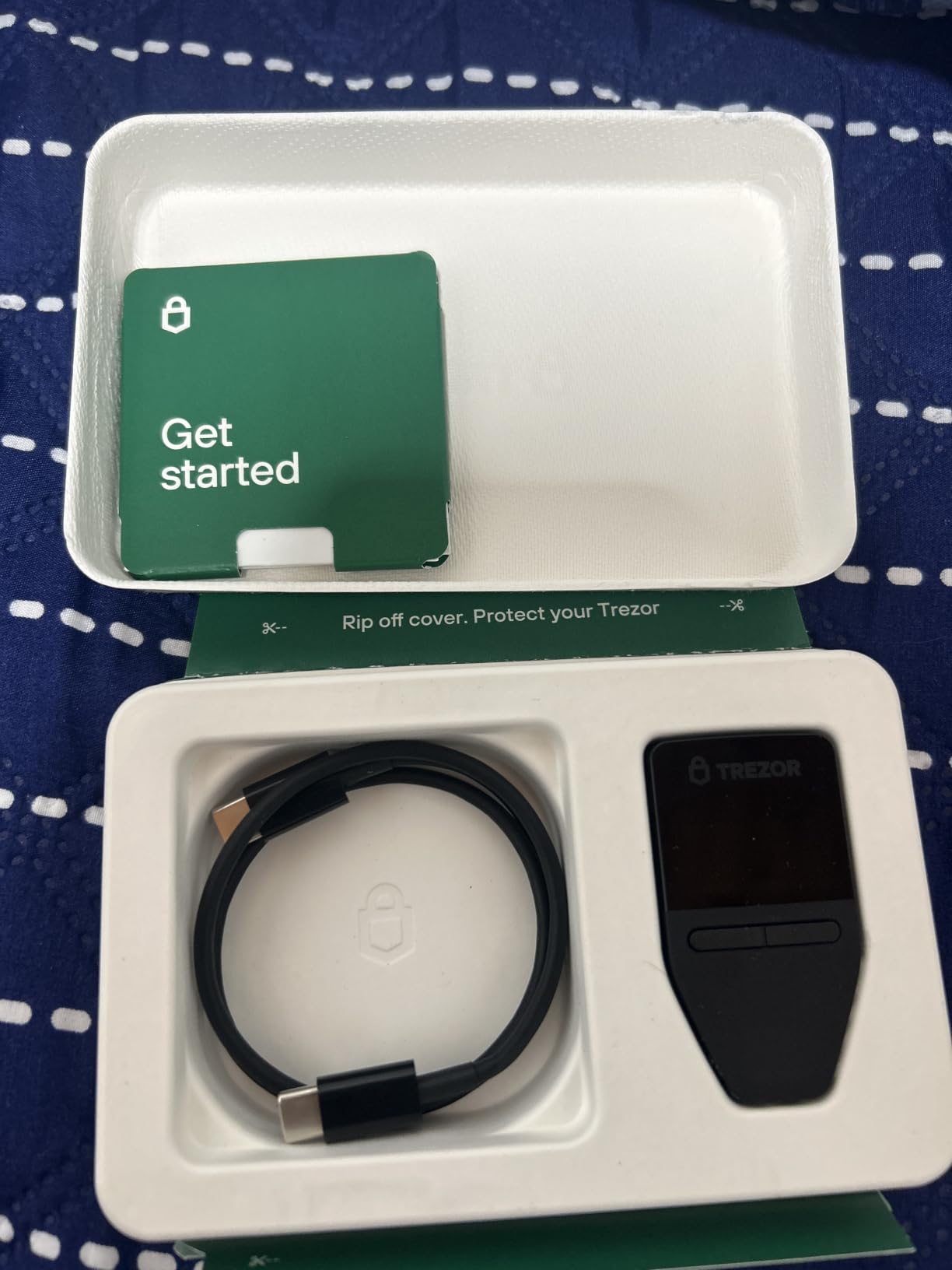
What sets Trezor apart is the NDA-free EAL6+ Secure Element. Other manufacturers use secure elements under non-disclosure agreements that limit independent auditing. Trezor engineered their implementation so that the chip’s role can be independently verified, which matters enormously to privacy-focused users and security researchers.
The passphrase feature adds a powerful extra layer of security. By appending a passphrase to your seed phrase, you create a hidden wallet that exists separately from your primary one. I tested this as a plausible-deniability measure, and it works exactly as described. The trade-off is that losing your passphrase means losing access to those funds permanently.
Who Should Buy the Trezor Safe 3
This is the best hardware wallet for Ethereum on a budget. At under $60, you get the same EAL6+ security certification as wallets costing two or three times more. Open-source advocates will appreciate that every line of firmware code is publicly available for review on GitHub.
It is also ideal for users who want desktop-first cold storage without wireless features. If you primarily manage crypto from a computer and value transparency over convenience, the Safe 3 delivers excellent value.
Open-Source Firmware Advantages
Trezor’s open-source approach means the entire security community can audit the firmware for vulnerabilities. Independent researchers have reviewed the code, and any issues are published and patched publicly. This stands in contrast to closed-source wallets where you must trust the manufacturer’s claims about security.
The multi-share backup feature lets you split your recovery seed into multiple shares stored in different locations. This eliminates the single-point-of-failure risk of a traditional seed phrase written on one piece of paper.
4. Trezor Safe 5 – Premium Touchscreen Cold Storage
Trezor Safe 5 – Crypto Hardware Wallet with Secure Element & Passphrase, Color Touchscreen, Haptic Feedback, Bitcoin Security, Supports 1000s Coins & Tokens, Quick & Simple Setup (Violet Ore)
Color touchscreen
Gorilla Glass
Haptic feedback
EAL6+ chip
Open-source
USB-C
22.7g
Pros
- Color touchscreen is bright and responsive
- Haptic feedback for tactile confirmation
- Gorilla Glass display for durability
- Easy 20-minute setup
- Premium aluminum build quality
- Open-source firmware
Cons
- Higher price point
- No built-in battery USB-C powered
- Touchscreen tricky with wet fingers
- No wireless connectivity
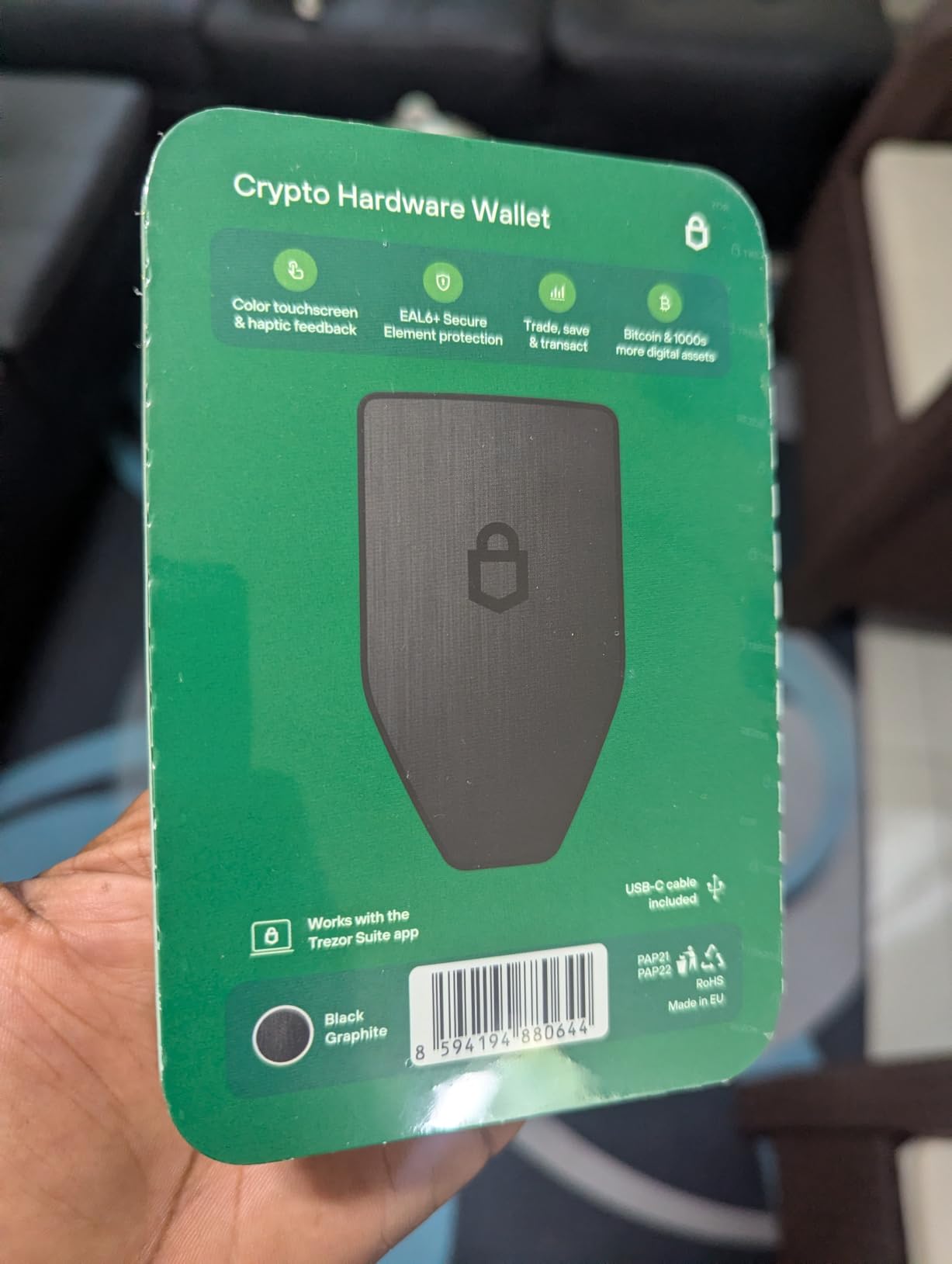
The Trezor Safe 5 is the flagship model and the most polished hardware wallet I tested in this roundup. The color touchscreen is a genuine upgrade over the OLED displays on budget models. Verifying Ethereum addresses and transaction details on a Gorilla Glass-protected screen feels modern and confident. The haptic feedback gives you a physical confirmation each time you approve an action.
Setup took me about 20 minutes, slightly longer than the Safe 3 because I spent time exploring the touchscreen interface. The Trezor Suite app recognized the device immediately over USB-C, and the guided flow handled seed phrase generation and PIN setup without any friction.
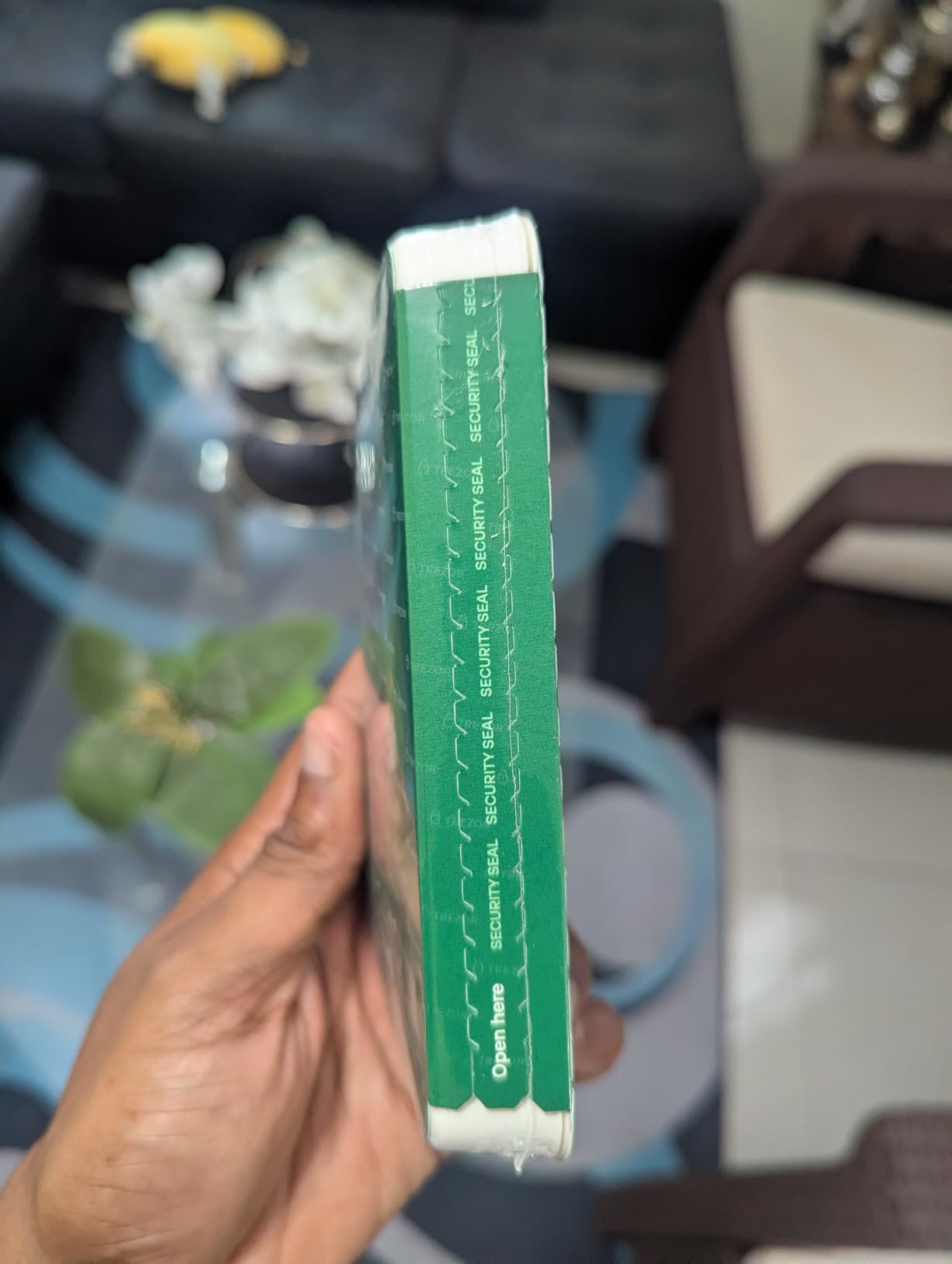
Like the Safe 3, the Safe 5 uses an NDA-free EAL6+ Secure Element and runs fully open-source firmware. The passphrase protection works identically, giving you the option of a hidden wallet for additional security. I appreciate that Trezor kept their security philosophy consistent across both models while upgrading the physical experience.
The aluminum body feels substantial and premium in hand. At 22.7 grams, it is light enough to carry daily but solid enough to inspire confidence. The only real gap is the lack of any wireless connectivity. If you want Bluetooth or NFC, you will need to look at the Ledger Nano X or Tangem instead.
Who Should Buy the Trezor Safe 5
This wallet is for users who want the best touchscreen experience in an open-source hardware wallet. If you verify large transactions regularly and value being able to read every detail on a color display, the Safe 5 justifies its price. It is also the right pick for anyone who already uses Trezor Suite and wants to upgrade from an older model.
Security-focused users who want both open-source transparency and a modern interface will find the Safe 5 hits a sweet spot that no other wallet in this list matches.
Touchscreen vs Button Navigation
After months of using both touchscreen and button-based wallets, I can confirm that touchscreens make address verification dramatically easier. Scrolling through a 42-character Ethereum address on the Safe 5 takes seconds, while the same task on a two-button device requires patience and care.
The Gorilla Glass protection means the screen resists scratches from keys, coins, and daily carry. The haptic motor provides a subtle buzz each time you tap to confirm, which adds a layer of confidence that your input registered correctly.
5. Ledger Nano S Plus – Reliable USB Cold Storage
Ledger Nano S Plus – Classic Crypto Wallet
USB-C only
CC EAL6+ chip
15,000+ coins
OLED display
Compact
21g
Pros
- Great value for basic cold storage
- Easy to set up
- Supports 15
- 000+ coins and tokens
- Higher staking rewards than exchanges
- Compact USB drive size
Cons
- No Bluetooth or wireless connectivity
- Requires USB cable for each use
- Basic two-button interface
- Screen can be hard to read
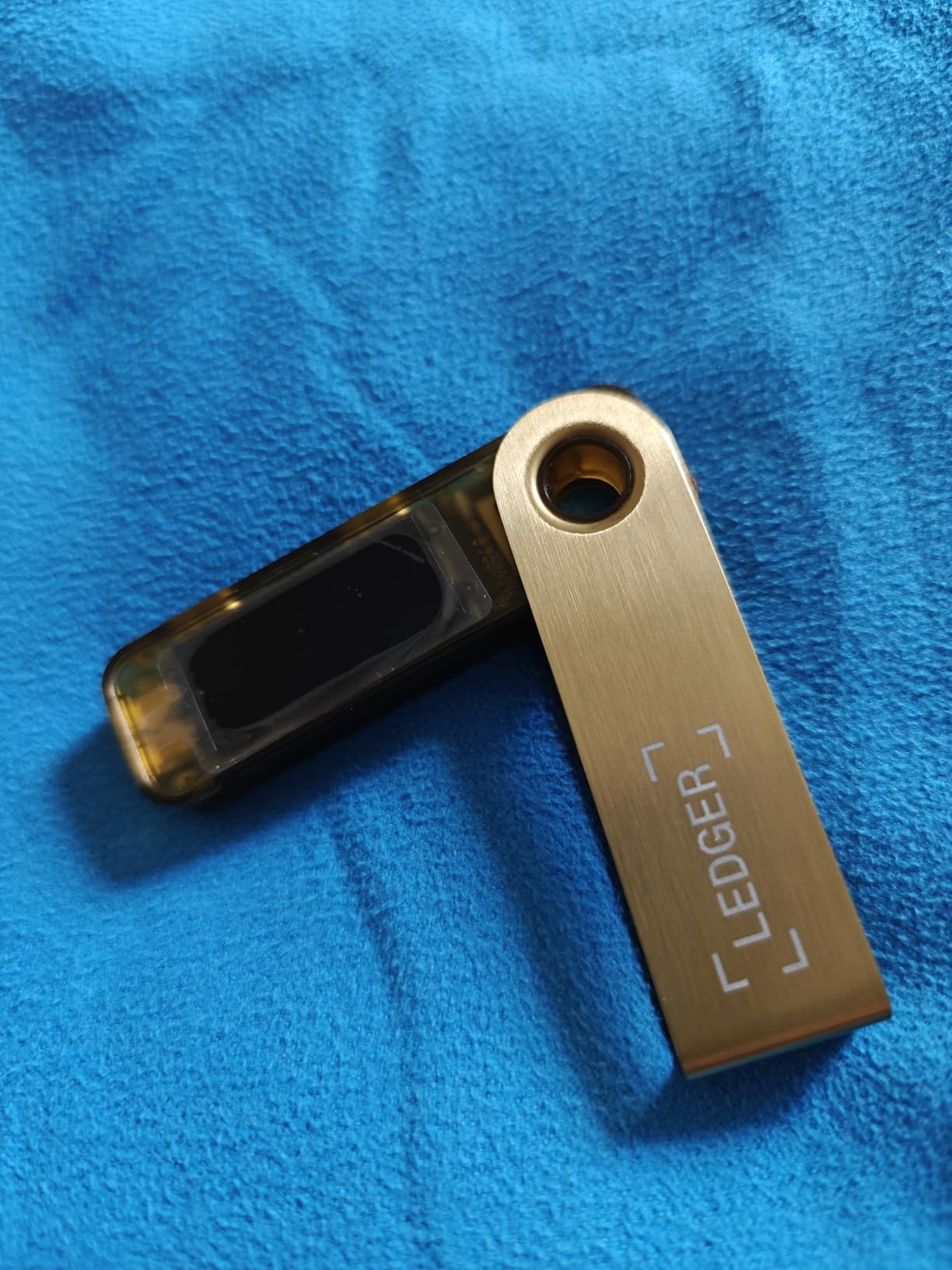
The Ledger Nano S Plus is the desktop-focused sibling of the Nano X, and it shares the same CC EAL6+ certified Secure Element and 15,000-plus coin support. The difference is that it drops Bluetooth entirely, which brings the price down significantly while keeping the security identical. I tested it as a secondary cold storage device and found it reliable and straightforward.
Setup took about 15 minutes through Ledger Live on my desktop. The device connects via USB-C, and the app handles all wallet management. I stored Ethereum, several ERC-20 tokens, and a few altcoins without running into any compatibility issues.
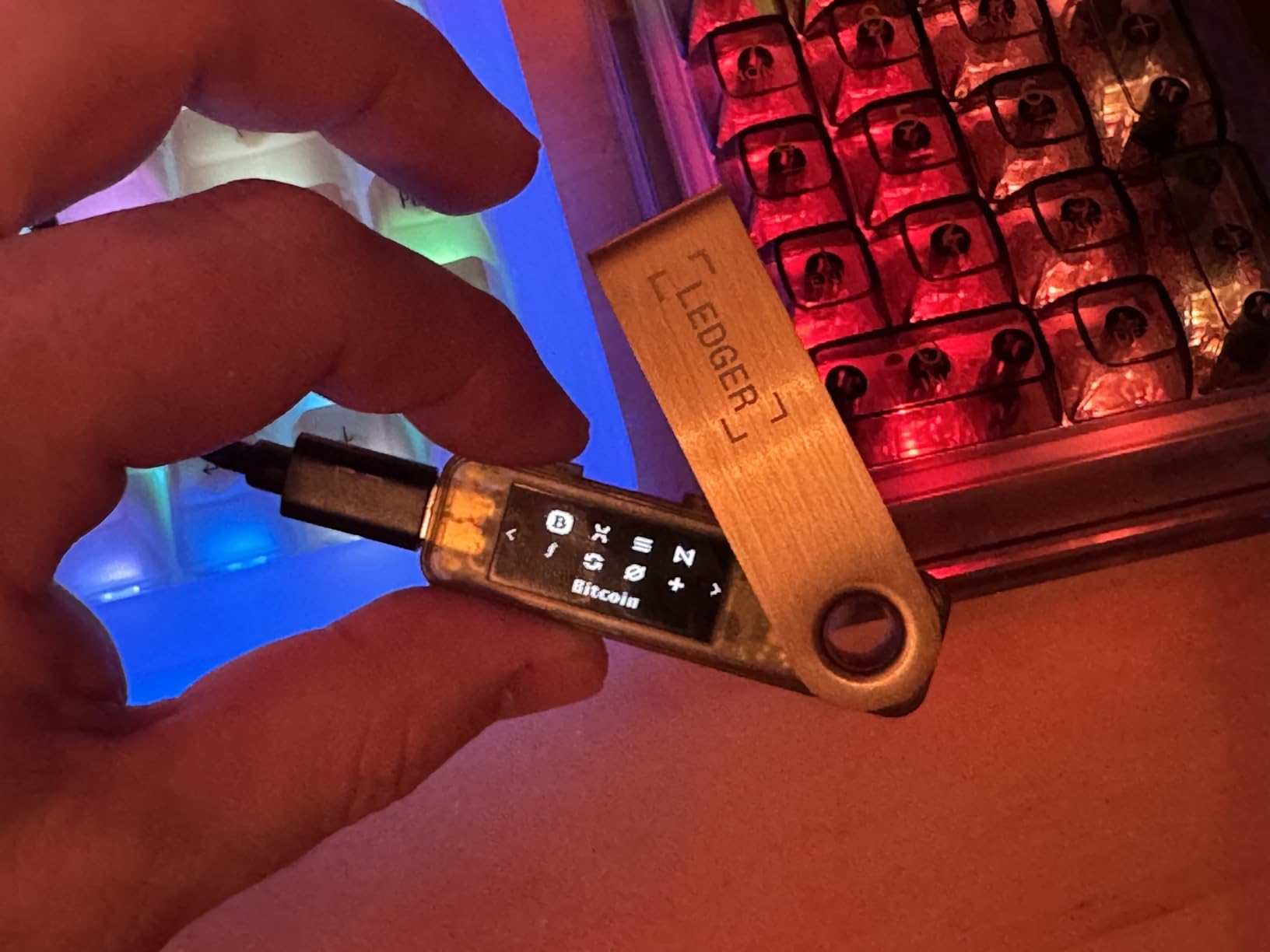
The Secure Element in the Nano S Plus is the same chip used in the more expensive Nano X. Your private keys are generated and stored on the chip, and transactions are signed offline. The firmware has been battle-tested by Ledger’s Donjon white-hat hacker team, which conducts ongoing penetration testing.
The main limitation is purely practical. Every time you want to check your balance or sign a transaction, you need a USB cable and a computer or compatible Android device. There is no mobile Bluetooth option. The two-button navigation and small OLED screen are the same as the Nano X, so expect some squinting during address verification.
Who Should Buy the Ledger Nano S Plus
This wallet is the best hardware wallet for Ethereum users who want Ledger-grade security without paying for Bluetooth they will not use. If you manage crypto from a desktop and do not need mobile signing, the Nano S Plus delivers identical security to the Nano X at a lower cost.
It also works well as a backup device. I keep one as a secondary cold storage wallet with a separate seed phrase, so that a single device failure never locks me out of my funds.
Staking Through Ledger Live
The Ledger Live app supports staking for Ethereum and several other assets directly through the interface. I tested ETH staking and found the rewards were slightly higher than what most exchanges offer, since you are not paying platform fees. The app also supports swapping, buying, and portfolio tracking.
Remember that staking locks your ETH, and you will need the device connected to claim rewards or unstake. Plan your liquidity accordingly before committing funds.
6. ELLIPAL Titan Mini – Compact Air-Gapped Security
ELLIPAL Air-gapped Crypto Wallet – Titan Mini, 10000 Coins & Tokens, Anti-Tamper Cold Storage for BTC/XRP/ETH/XLM/USDT/LTC
100% air-gapped
Anti-tamper
10,000+ coins
2.4-inch touchscreen
QR signing
Metal body
Pros
- Air-gapped system for ultimate security
- Supports 10
- 000+ coins and tokens
- 2.4-inch HD color touch screen
- Anti-tamper and self-destruct technology
- Compact portable design
- 12-word mnemonic recovery
Cons
- Touch screen may be too small for some
- Firmware update process can be problematic
- SD card required for updates
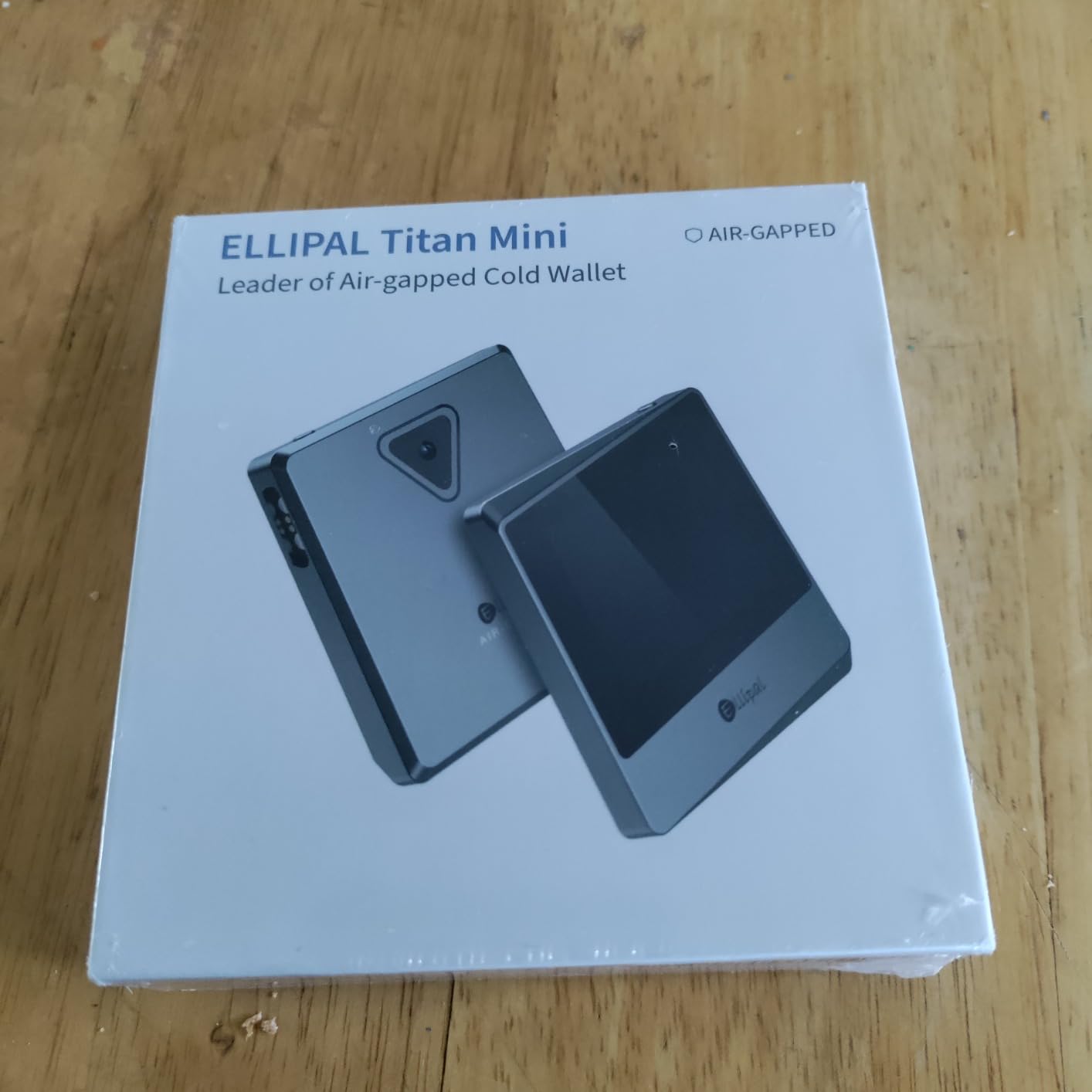
The ELLIPAL Titan Mini brings true air-gapped security to a compact form factor at a remarkably competitive price. Air-gapped means the device has no WiFi, no Bluetooth, and no direct network connection of any kind. All communication happens through QR codes scanned by the device camera, which means there is no physical pathway for remote attacks to reach your private keys.
I tested the Titan Mini with Ethereum, XRP, and several smaller altcoins. The 2.4-inch HD color touchscreen is functional, though smaller than I would prefer for detailed transaction review. Signing involves scanning a QR code displayed in the ELLIPAL companion app, confirming details on the device, and then scanning the signed QR code back into the app.
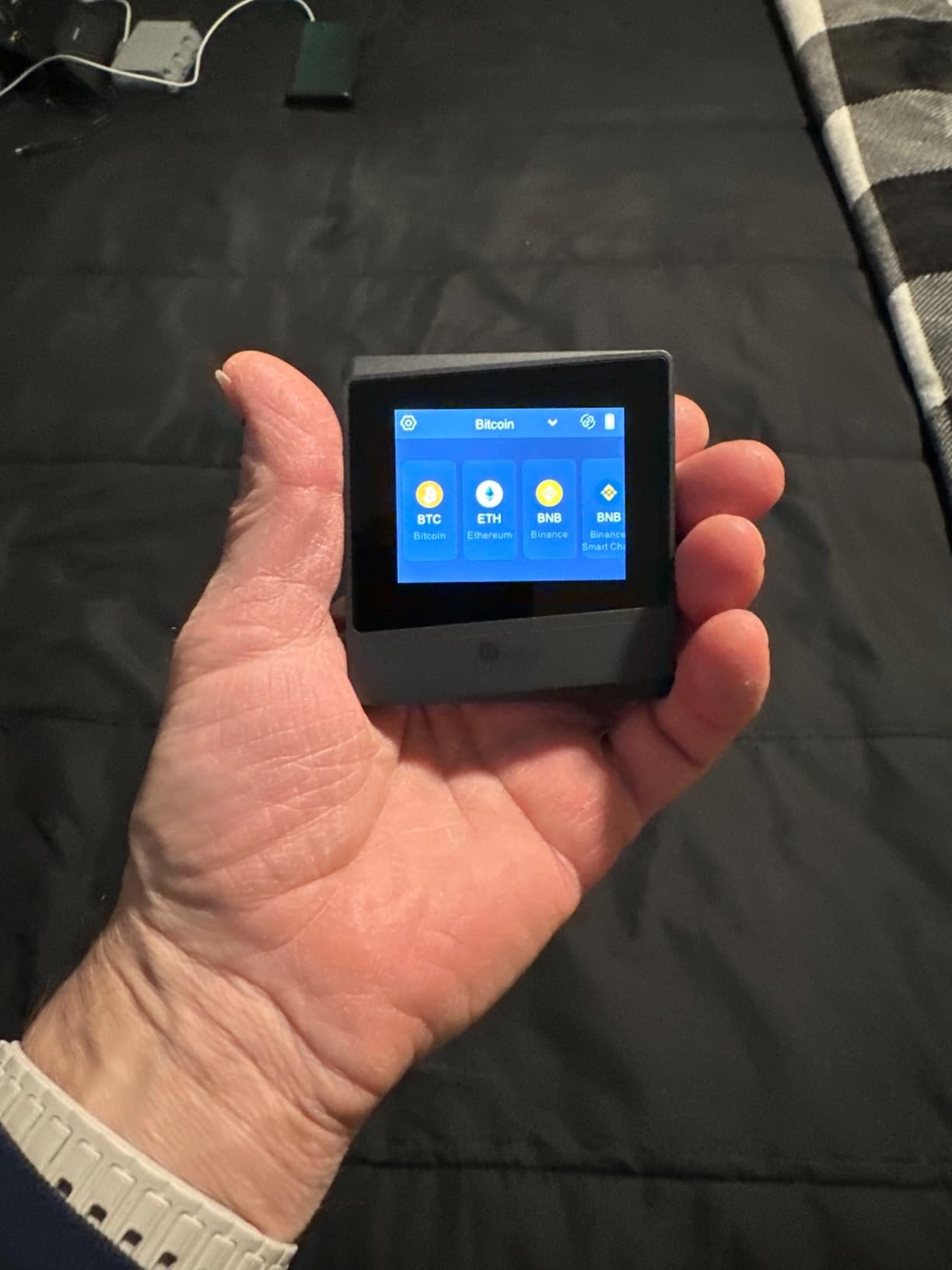
The anti-tamper technology is a standout feature. If someone physically opens the device casing, the secure element self-destructs and wipes all data. This makes the Titan Mini resistant to supply-chain attacks and physical extraction attempts. I did not test the self-destruct mechanism myself, but ELLIPAL has demonstrated it publicly.
With support for over 10,000 coins and tokens, coverage is broad. The 12-word mnemonic recovery phrase is standard BIP39, so you can restore your wallet on any compatible device if the Titan Mini is lost or damaged. The included safety adapter and SD card handle offline firmware updates.
Who Should Buy the ELLIPAL Titan Mini
This wallet is for security-focused users who want air-gapped protection without spending $150 or more. At its price point, it is one of the most affordable ways to get QR-code-based transaction signing. It is also a good fit for people who are uncomfortable with Bluetooth or USB connections to their wallet.
Crypto enthusiasts who hold a wide range of altcoins will appreciate the 10,000-plus token support. The device handles obscure coins that some mainstream wallets do not cover.
How Air-Gapped QR Signing Works
When you want to send Ethereum, you create an unsigned transaction in the ELLIPAL app on your phone. The app displays a QR code, which you scan with the Titan Mini camera. The device displays the transaction details on screen, you confirm, and the device generates a signed QR code. You scan that code back into the app, which then broadcasts the transaction to the network.
At no point during this process does the Titan Mini connect to the internet or expose your private keys. The QR codes carry only transaction data and signatures, never your keys.
7. Keystone 3 Pro – Open-Source Air-Gapped Wallet
Keystone – Cryptocurrency Hardware Wallet Air-gapped, 4-inch Touch Screen, Store Your Crypto Securely (Keystone 3 Pro)
100% air-gapped
4-inch touchscreen
QR signing
Open-source firmware
Multi-sig
Built-in battery
Pros
- 100% air-gapped security
- 4-inch touch screen
- Open source firmware and hardware
- Supports over 1000 cryptocurrencies
- QR code transactions
- Built-in rechargeable battery
- Multi-signature support
Cons
- Battery life concerns for long-term storage
- Support response issues reported
- Passphrase forgotten on device restart
- QR code scanning can be finicky
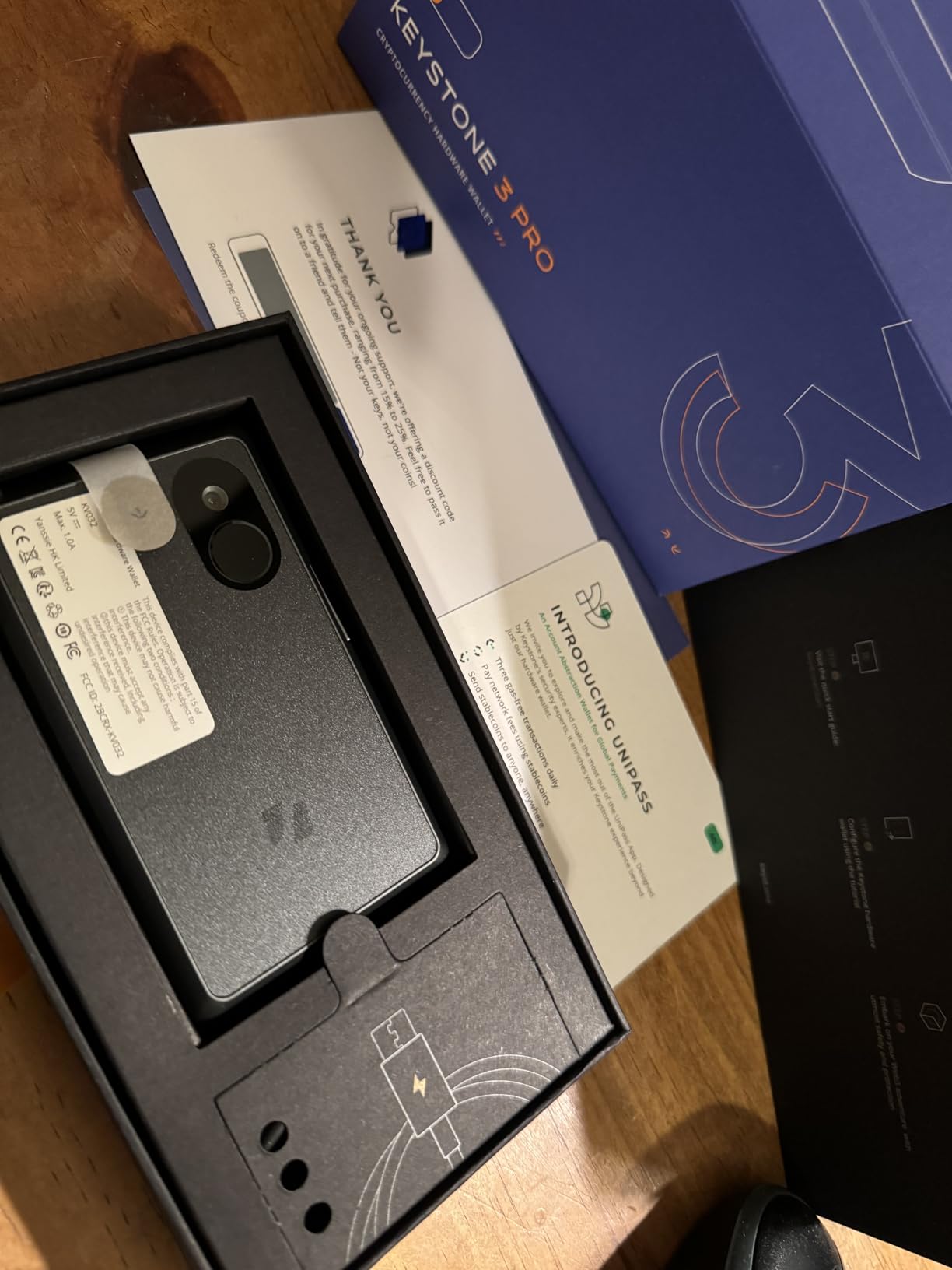
The Keystone 3 Pro is the most feature-rich air-gapped wallet I tested, and it is fully open-source at both the firmware and hardware level. The 4-inch touchscreen is the largest display in this roundup, making transaction verification comfortable even for complex multi-asset operations. The built-in rechargeable battery means you can use it untethered, unlike USB-powered wallets.
I tested the Keystone 3 Pro primarily with Ethereum and Bitcoin, including multi-signature wallet setups. The QR code signing workflow is the same concept as the ELLIPAL devices, but the larger screen makes scanning and reviewing details much easier. BIP32, BIP39, and BIP44 compatibility means your seed phrase works with virtually any other wallet.
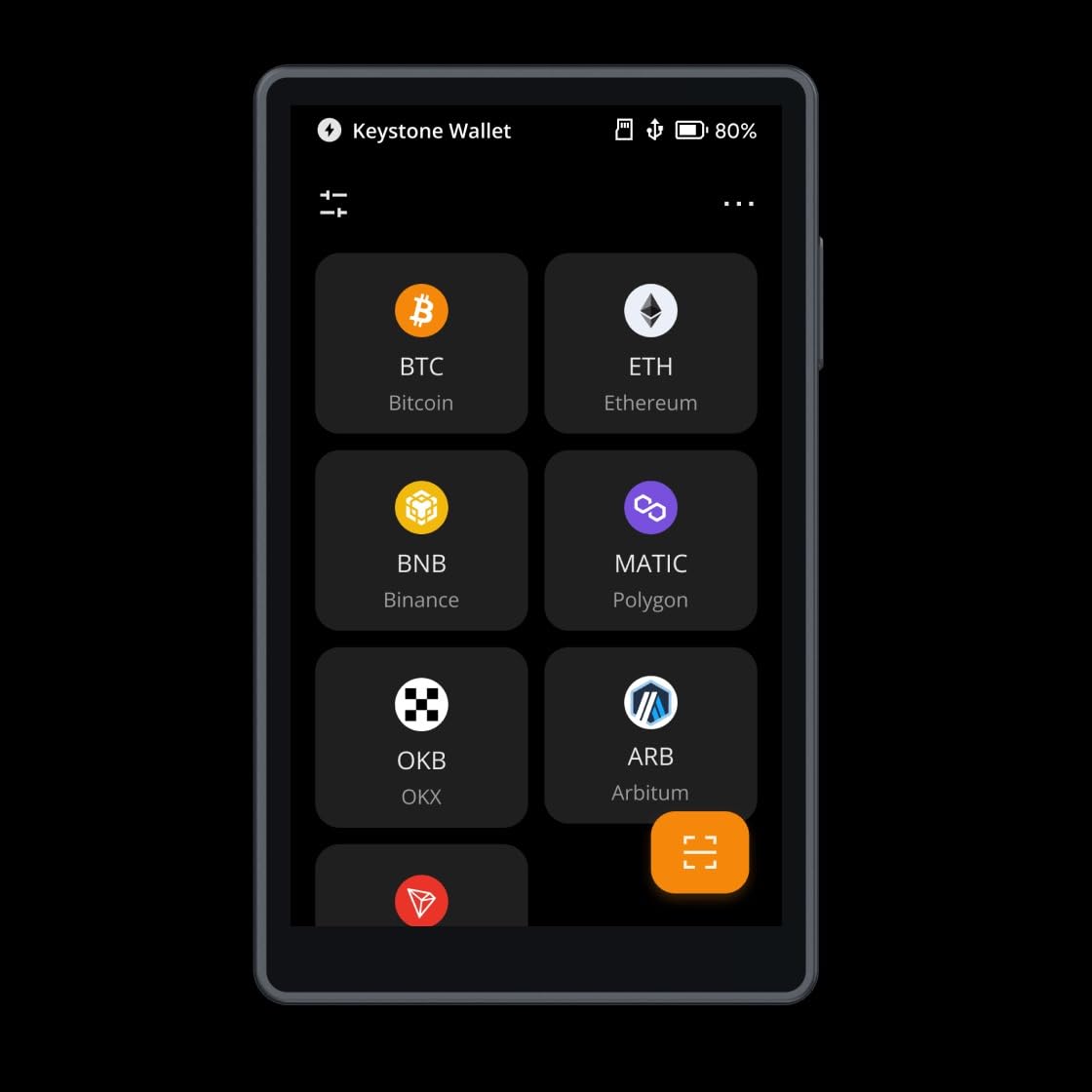
The open-source commitment here is comprehensive. Both the firmware source code and the hardware schematics are publicly available, which allows independent security audits. Keystone also supports PSBT (Partially Signed Bitcoin Transactions) and ETH multi-signature setups, making it a strong choice for advanced users who want multi-sig security.
The main concerns I encountered relate to the battery. For long-term cold storage where the device sits in a safe for months, a rechargeable battery introduces a potential failure point. I also noticed that the passphrase feature resets on device restart, which means you must re-enter it each time you power on. This is a security measure, but it caught me off guard initially.
Who Should Buy the Keystone 3 Pro
This wallet is built for advanced users who want full open-source transparency in an air-gapped form factor. If you run multi-signature wallets, the Keystone 3 Pro handles PSBT workflows elegantly. The large touchscreen makes it the best option for users who find small displays frustrating.
It is also appealing for anyone who values hardware-level open-source verification alongside firmware transparency. Few wallets offer both, and Keystone is the most established in this niche.
Multi-Signature Wallet Compatibility
The Keystone 3 Pro integrates with multi-sig coordinators like Electrum, Specter, and Sparrow for Bitcoin, and with Gnosis Safe for Ethereum. I tested a 2-of-3 multi-sig setup where the Keystone served as one of the three signing devices. The QR-based PSBT workflow made the process clean and verifiable at every step.
Multi-signature security means no single device or seed phrase can authorize a transaction alone. This protects against device theft, seed phrase compromise, and supply-chain attacks simultaneously.
8. ELLIPAL Titan 2.0 – Premium Air-Gapped Metal Wallet
ELLIPAL Titan 2.0 Air-Gapped Crypto Wallet – Cold Wallet for Bitcoin, ETH, SOL, XRP, NFT & 10,000+ Coins and Tokens – Trusted Cold Storage Hardware Wallet
100% air-gapped
4.1-inch screen
10,000+ coins
Metal body
QR signing
5 accounts
Zero breaches in 8 years
Pros
- 100% air-gapped with no WiFi or Bluetooth
- 4.1-inch HD screen for transaction verification
- Supports 10
- 000+ coins and NFTs
- 8-year track record with zero breaches
- Up to 5 separate accounts on one device
- Tamper-resistant metal body
Cons
- Battery may fail after extended use
- SD card formatting issues reported
- Setup can be complex for beginners
- Screen protector alignment tricky
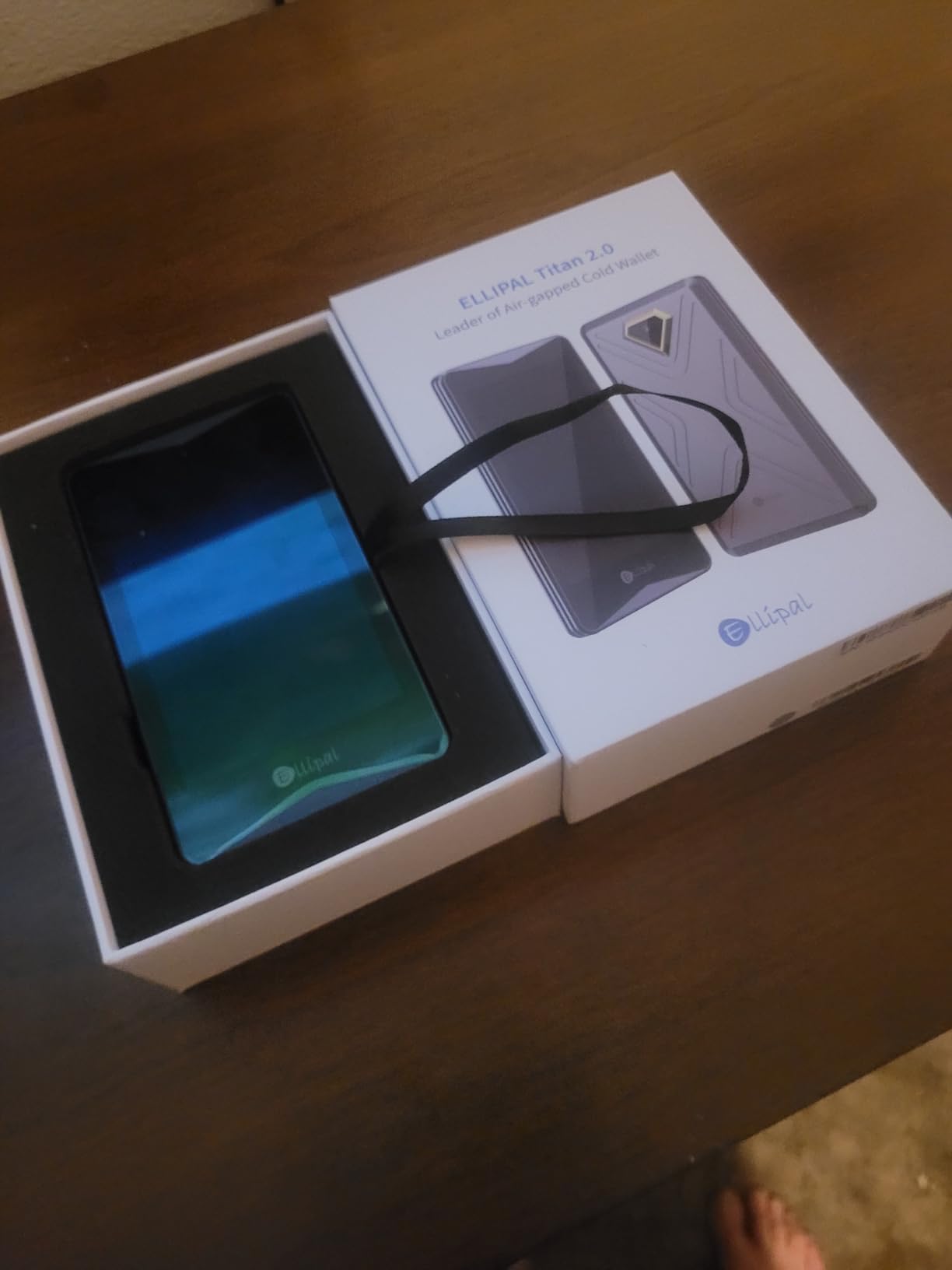
The ELLIPAL Titan 2.0 is the flagship air-gapped wallet from ELLIPAL, and it brings an 8-year track record of zero security breaches to the table. The 4.1-inch HD touchscreen is the second-largest in this roundup after the Keystone 3 Pro, and the tamper-resistant metal body feels like a serious piece of security hardware. ELLIPAL reports over 1 million users across 140-plus countries.
I tested the Titan 2.0 with Ethereum, Solana, XRP, and NFTs across multiple accounts. The device supports up to five separate accounts, which I used to segregate different portfolios. The QR code signing workflow is identical to the Titan Mini but benefits enormously from the larger screen.
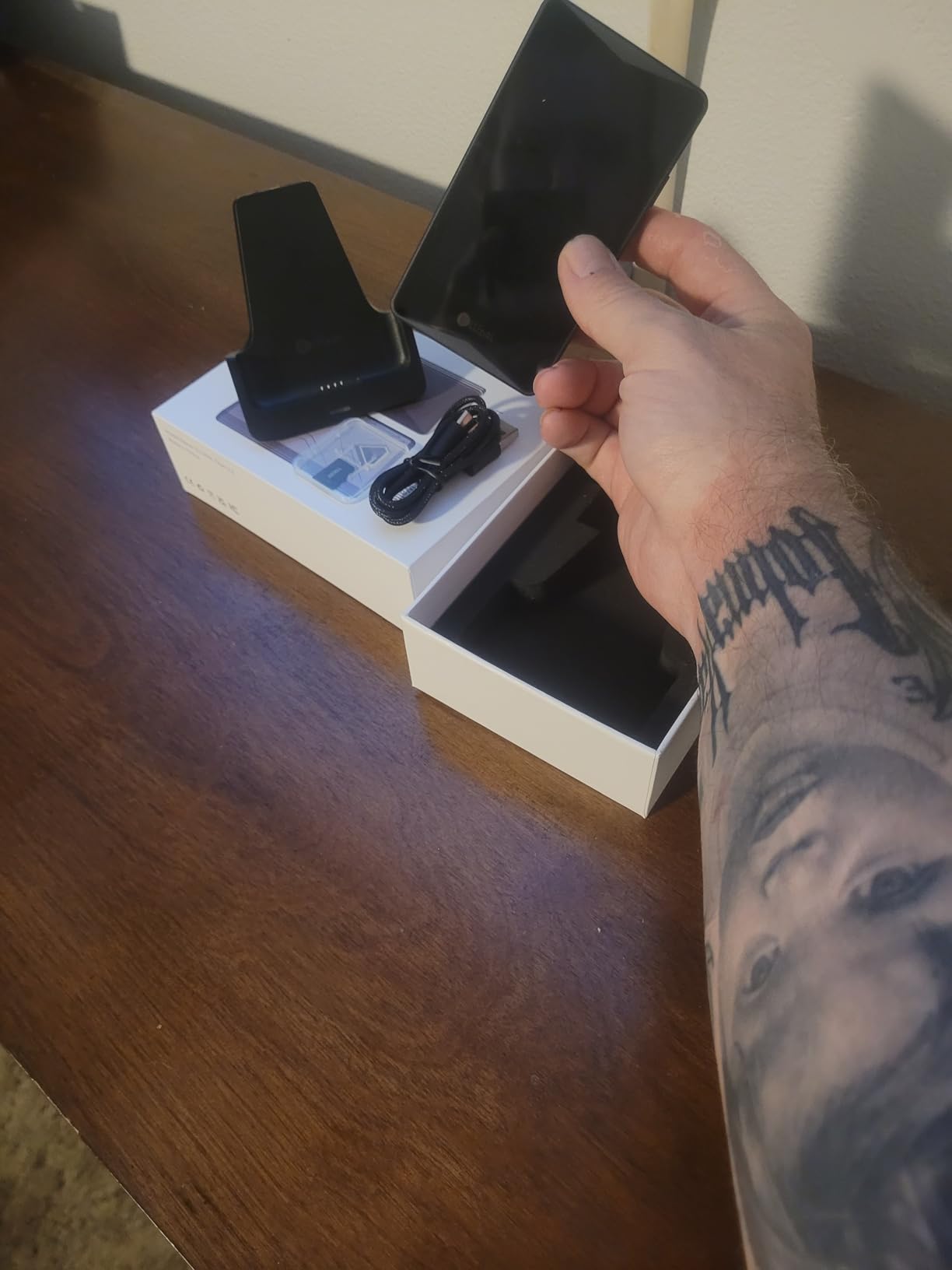
What impressed me most is the breadth of support. Over 10,000 coins and tokens plus NFTs means I never hit a compatibility wall. The companion app works on iOS, Android, Windows, macOS, and Linux, and integrates with browser extension wallets for DeFi access. I connected it to MetaMask via WalletConnect for a DeFi interaction test, and the signing flow worked smoothly.
The drawbacks are worth noting. Battery longevity is a concern for long-term storage scenarios, as some users report battery degradation after extended periods. The SD card used for firmware updates has formatting quirks that caused me one failed update before succeeding on a second attempt. Initial setup is more complex than Ledger or Trezor, which could frustrate first-time hardware wallet buyers.
Who Should Buy the ELLIPAL Titan 2.0
This wallet is for users who want premium air-gapped security with the largest screen available on a metal-body device. If you hold NFTs alongside your Ethereum and altcoins, the Titan 2.0 handles both natively. The five-account support makes it practical for users managing multiple portfolios on a single device.
DeFi users will appreciate the browser extension integration that connects the Titan 2.0 to MetaMask and other Web3 wallets. This lets you interact with decentralized applications while keeping your private keys fully air-gapped.
NFT and DeFi Compatibility
I tested NFT storage and viewing on the Titan 2.0, and the 4.1-inch screen displays token metadata clearly enough to verify what you are signing. For DeFi, the WalletConnect integration means you can approve swaps, liquidity pool deposits, and other smart contract interactions through MetaMask while signing each transaction on the air-gapped device.
Always read the transaction details on the device screen before confirming. Smart contract interactions can be complex, and the larger display helps you spot anything unexpected before you sign.
How to Choose the Best Hardware Wallet for Your Crypto?
Choosing the right hardware wallet comes down to four factors: security architecture, connectivity preferences, coin support, and your own technical comfort level. I will break down each so you can match a wallet to your specific needs.
Security Certifications Explained
The Common Criteria EAL (Evaluation Assurance Level) certification is the international standard for secure chip evaluation. EAL5+ and EAL6+ are the levels you will see on quality hardware wallets. The EAL6+ rating means the chip has undergone rigorous testing against physical and logical attacks, including side-channel analysis and fault injection.
Every wallet in this roundup uses an EAL6+ certified secure element. The difference between open-source implementations (Trezor, Keystone) and closed-source ones (Ledger) is about auditability, not raw chip security. Open-source firmware means independent researchers can verify exactly how the chip is being used.
Connectivity and Air-Gap Trade-offs
Bluetooth wallets like the Ledger Nano X offer maximum convenience for mobile users. The trade-off is that Bluetooth is a wireless protocol, and while attacks are extremely unlikely with proper pairing, some users prefer to eliminate all wireless surface area.
USB-only wallets like the Trezor Safe 3 and Ledger Nano S Plus remove wireless risk but require a cable and computer for every transaction. Air-gapped wallets like the ELLIPAL and Keystone models go further by removing all direct connections, using QR codes for communication. This is the most paranoid option, and for users holding significant value, the extra friction is worth it.
Altcoin and Multi-Chain Support
If you hold assets across many blockchains, coin support matters enormously. The Ledger wallets lead with 15,000-plus supported coins and tokens, followed by Tangem at 14,100-plus and ELLIPAL at 10,000-plus. Trezor supports thousands of coins but trails slightly in raw number.
For Ethereum specifically, all eight wallets handle ETH and ERC-20 tokens natively. The differences emerge with smaller altcoins, Layer 2 tokens, and NFT standards. Check the manufacturer’s supported coin list for any specific asset you need before buying.
Open Source vs Closed Source Firmware
The crypto community strongly values open-source firmware, and for good reason. When the code is public, security researchers can audit it independently, and vulnerabilities are discovered and patched faster. Trezor and Keystone are fully open-source. Ledger uses closed-source firmware, which has been a point of contention, especially after the Ledger Recover feature announcement in 2023 raised concerns about whether private keys could ever be extracted.
Ledger addressed these concerns publicly, but the incident damaged trust in some quarters. If open-source transparency is non-negotiable for you, Trezor and Keystone are the clear choices.
Recovery and Seed Phrase Best Practices
Every wallet in this roundup uses BIP39-compatible seed phrases (or offers them as an option). Write your seed phrase on paper or stamp it into metal, never store it digitally. Never photograph it, never type it into a computer, and never enter it into any website or app.
Store your seed phrase in a secure location separate from your hardware wallet. If someone finds your wallet, the PIN protects it. If someone finds your seed phrase, they do not need the wallet at all. Consider a multi-share backup (like Trezor’s Shamir Backup) for high-value holdings, which splits your seed across multiple physical locations.
FAQs
What wallet is best for Ethereum?
The Ledger Nano X is the best overall hardware wallet for Ethereum thanks to its Bluetooth mobile access, CC EAL6+ certified Secure Element, and support for 15,000-plus coins and tokens. For users who prioritize open-source firmware, the Trezor Safe 5 offers a color touchscreen and NDA-free EAL6+ security. For budget buyers, the Tangem Wallet and Trezor Safe 3 deliver excellent Ethereum security at lower price points.
What is the most trusted hardware wallet?
Trezor is widely considered the most trusted hardware wallet brand, operating since 2014 with fully open-source firmware that has been independently audited. The Trezor Safe 3 and Safe 5 both use NDA-free EAL6+ Secure Elements. Ledger is the second most trusted brand with a longer feature set, though some users raised concerns after the 2023 Ledger Recover announcement.
Can the IRS see your crypto wallet?
The IRS cannot directly see your hardware wallet or its private keys, but they can trace transactions on public blockchains like Ethereum. Centralized exchanges report transactions to the IRS, and the agency uses blockchain analytics tools to identify wallet activity. Moving crypto to a hardware wallet does not create a taxable event, but selling, swapping, or spending it does. Always consult a tax professional for your specific situation.
What is the best Ethereum wallet in 2026?
The best Ethereum hardware wallets in 2026 are the Ledger Nano X for mobile convenience, the Trezor Safe 5 for premium open-source security, the Tangem Wallet for simplicity and value, and the ELLIPAL Titan 2.0 for air-gapped NFT and DeFi compatibility. All four use EAL6+ certified secure elements and support ETH, ERC-20 tokens, and DeFi interactions through MetaMask or WalletConnect.
Final Verdict: Which Hardware Wallet Should You Buy?
After testing all eight wallets for months, my recommendations come down to use case. The Ledger Nano X remains the best hardware wallet for Ethereum and altcoins if you want mobile Bluetooth access and the widest coin support. The Trezor Safe 5 is the premium pick for open-source advocates who want a color touchscreen. The Tangem Wallet is the best value, combining NFC simplicity with military-grade durability at the lowest price in this roundup.
For air-gapped security, the ELLIPAL Titan 2.0 and Keystone 3 Pro are both excellent, with the Keystone winning on open-source transparency and the Titan 2.0 winning on screen size and NFT support. Budget-conscious buyers should look at the Trezor Safe 3 or Ledger Nano S Plus, both of which deliver EAL6+ security for under $60.
Whichever wallet you choose, the most important step is simply getting your crypto off exchanges and into cold storage. The best hardware wallet for Ethereum is the one you actually set up and use. Pick the one that matches your workflow, write down your seed phrase, and start sleeping better knowing your keys are offline.