
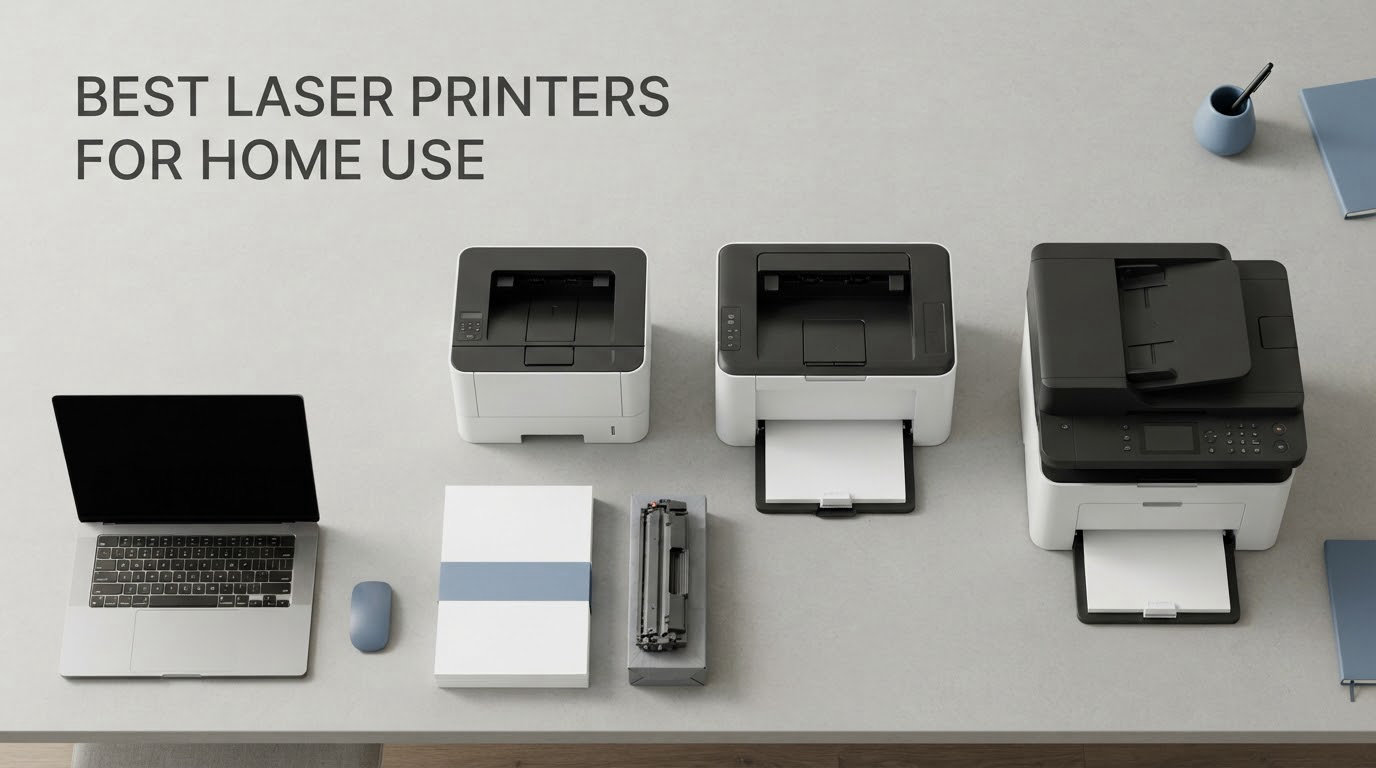
The Brother DCP-L2640DW is the best laser printer for home use for most households in 2026. It is a compact monochrome all-in-one with a 50-page automatic document feeder, a 250-sheet paper tray, automatic two-sided printing, and toner that costs a fraction of what an inkjet cartridge does. If you need colour instead, the Canon Color imageCLASS MF753Cdw II covers that side of the market, and if desk space is the constraint, the HP LaserJet MFP M140w is the smallest machine here.
That is the short answer. The long answer takes a little longer, because the reason people get stuck on this purchase is not the number of models. It is that three separate decisions get tangled together: monochrome versus colour, printer-only versus all-in-one, and cheap to buy versus cheap to run. Once you untangle those three, the shortlist collapses fast.
Our team put nine of the strongest laser printers for home use through the same lens: what they actually print, what they cost per page over three years, how much room they take up, and how much patience they demand during setup. We read the review data closely rather than trusting sticker specifications, because the gap between a stated 36 pages per minute and what lands in the output tray tells you very little about the experience of owning the machine.
Two themes came out of that work again and again, and they shape everything below. The first is toner economics, which most roundups treat as an afterthought and which is really the whole game at home volumes. The second is idle-time behaviour, which is the actual reason most people leave inkjets behind.
If you want a wider view of the category before committing, our guides to the best monochrome laser printers for document printing and the best colour laser printers for offices break the market down by workload rather than by household.
Table of Contents
Top 3 Laser Printers for Home Use


Best Laser Printers for Home Use (October 2026)
Every model below appears in the full reviews further down, with the same ASIN, so nothing changes between this table and the write-ups.
| Product | Specifications | Action |
|---|---|---|
| Brother DCP-L2640DW |
|
Check Latest Price |
 Brother HL-L2405W Brother HL-L2405W |
|
Check Latest Price |
| Brother HL-L2460DW |
|
Check Latest Price |
 HP LaserJet MFP M140w HP LaserJet MFP M140w |
|
Check Latest Price |
 Canon imageCLASS MF273dw Canon imageCLASS MF273dw |
|
Check Latest Price |
 HP LaserJet MFP M235sdw HP LaserJet MFP M235sdw |
|
Check Latest Price |
| HP LaserJet Pro MFP 3101sdw |
|
Check Latest Price |
 Canon Color imageCLASS MF753Cdw II Canon Color imageCLASS MF753Cdw II |
|
Check Latest Price |
 Canon Color imageCLASS LBP646Cdw Canon Color imageCLASS LBP646Cdw |
|
Check Latest Price |
1. Brother DCP-L2640DW – Best All-in-One Monochrome for Most Homes
Brother DCP-L2640DW Wireless Compact Monochrome Multi-Function Printer, Copy, Scan, Duplex, Mobile Printing
36 ppm mono
50-page ADF
250-sheet tray
Automatic duplex
1200 x 1200 dpi
Pros
- 50-page ADF handles multi-page scanning
- Fast 36 ppm mono output with 8.5 second first page
- 250-sheet tray suits a busy home office
- Dual-band Wi-Fi plus Ethernet and USB
- Sharp consistent black text
Cons
- Wi-Fi setup can need several attempts
- On-printer menus are awkward and thinly documented
- Heavier and taller than most compact home printers
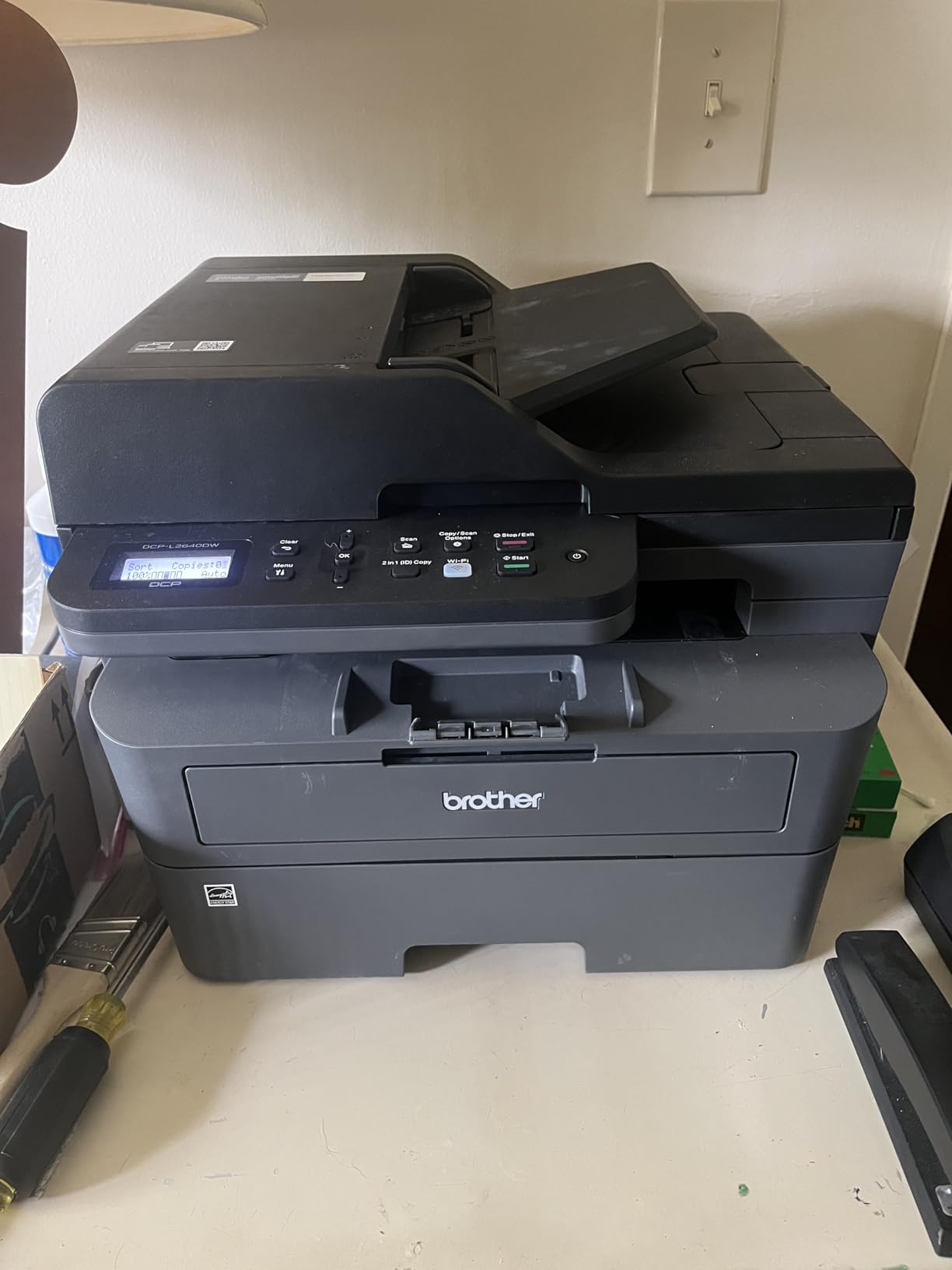
The Brother DCP-L2640DW is the best all-in-one laser printer for most homes because it packs printer, scanner and copier into one body and then adds the two features people miss until they want them: a 50-page automatic document feeder and automatic two-sided printing. At 36 pages per minute with a first page out in 8.5 seconds, it handles a stack of school worksheets or a month of invoices without turning into an event.
We have spent a lot of time with this generation of Brother machines, and the pattern holds: the hardware is the strong part and the software is the weak part. Output is consistently crisp, the feeder takes a full ream of pages without drama, and duplex output arrives in one stack rather than two.
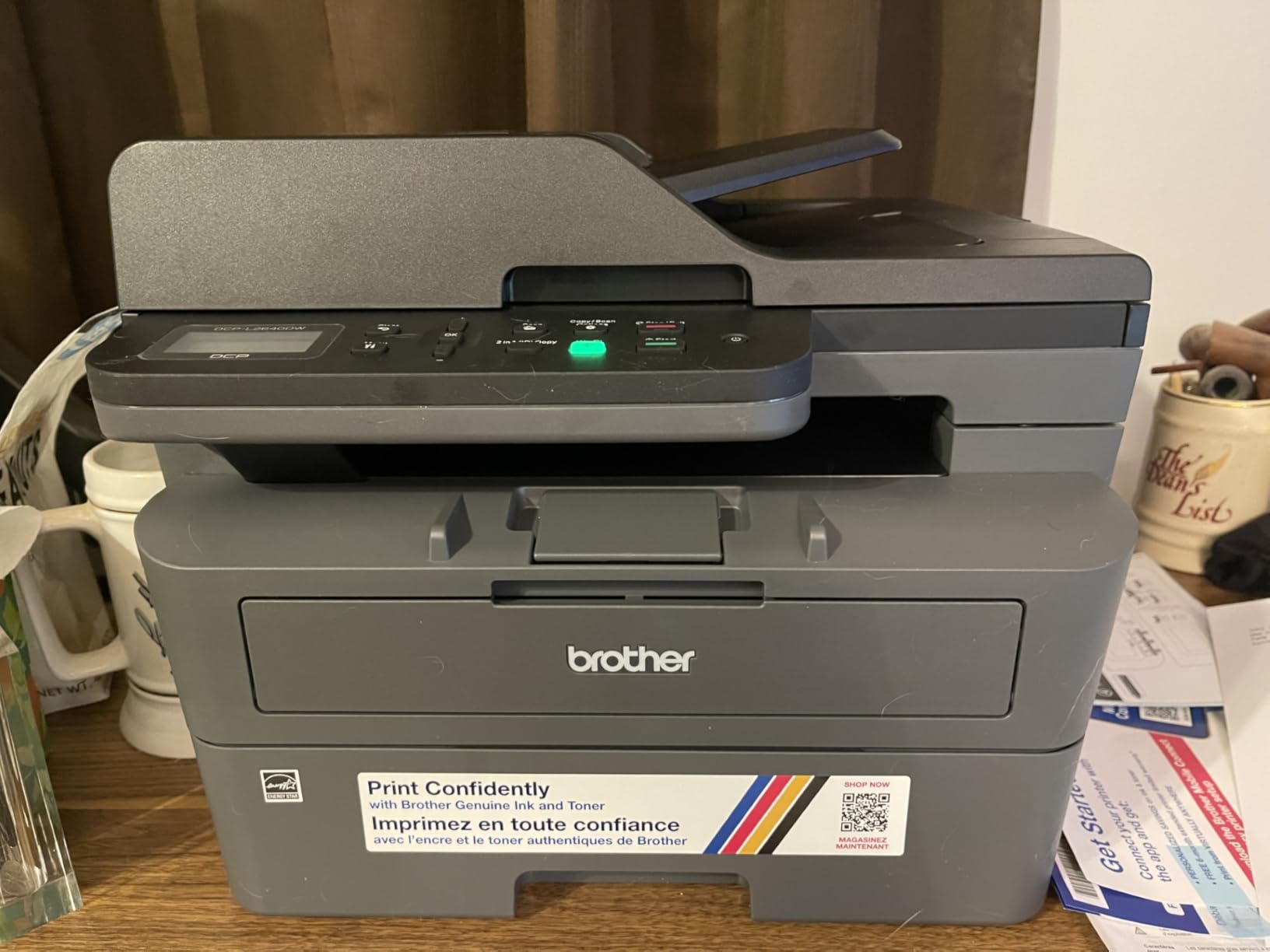
The specifications that matter at home are the 250-sheet input tray, the 120-sheet output tray, and a flatbed scanner that handles anything the feeder cannot. Paper runs from 3 inch envelopes up to legal size, and the machine prints at 1200 x 1200 dpi in black, which is more than enough for small text in a contract or a nutrition label.
Consumables are the part to plan for. It uses TN830 and TN830XL toner, and the drum is a separate consumable that has its own life. Using the high-yield XL cartridge rather than the standard one is the single decision that changes your cost per page most, and Brother’s own mobile app will track usage and order replacements for you.
What you gain by choosing this one
You get scanning and copying without buying a second device, which matters if you still handle physical documents at all. A flatbed plus a 50-page feeder means a twenty-page two-sided form can go in once and come out as a two-page PDF, and ID card copying is a single button press.
You also get the connectivity home users actually need: dual-band 2.4GHz and 5GHz wireless, an Ethernet port, and USB for a single machine. The Brother Mobile Connect app handles printing, scanning and toner ordering, which removes most of the reason to open a computer to manage the printer.
Where it falls short
Setup is the rough edge. Owners report that getting the wireless connection running can take several attempts, and the on-printer menu system is small, button-driven and poorly documented. Saving a scan to a specific file on a computer is described as a multi-step process, and firmware and registration prompts add friction during first use.
Size is the other consideration. At 25 pounds and 15.7 by 16.1 by 12.5 inches, it is not a small machine, and it needs somewhere with a shelf rather than a side table. The power cord is also short, so plan the position around an outlet rather than the other way round.
2. Brother HL-L2405W – Best Budget Laser Printer for Home Use
Brother HL-L2405W Wireless Compact Monochrome Laser Printer with Mobile Printing, Black & White Output | Includes Refresh Subscription Trial(1), Works with Alexa
30 ppm mono
250-sheet tray
Wi-Fi and USB
Print-only
1200 x 1200 dpi
Pros
- Lowest entry cost of the Brother models here
- Clean install with no bloatware or forced apps
- Reliable wireless printing from phones and laptops
- Same TN830 toner family as pricier siblings
Cons
- No automatic duplex
- No scanner or copier
- Wireless setup can take an hour or more
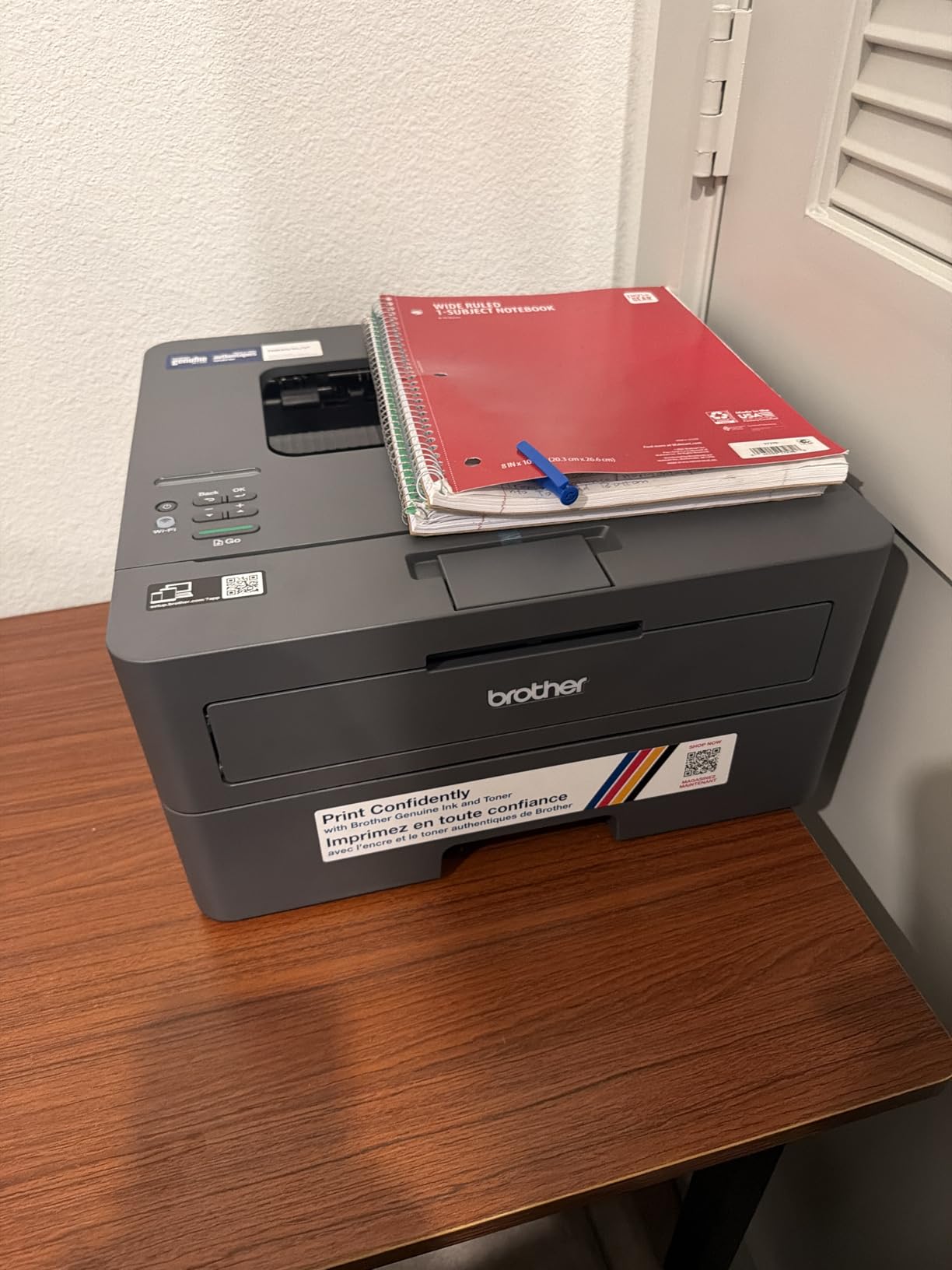
The Brother HL-L2405W is one of the most affordable ways to own a genuine laser printer at home, and for a household that only prints forms, recipes and homework, it does the job cleanly. Output is 30 pages per minute in black and white, first page out in 8.5 seconds, and the 250-sheet tray means you refill rarely.
What makes it a genuine bargain is the toner situation. It takes the same TN830 and TN830XL cartridges as the more expensive models in this list, so your running cost is identical to a printer costing far more. That single fact matters more at home than any feature on the box.
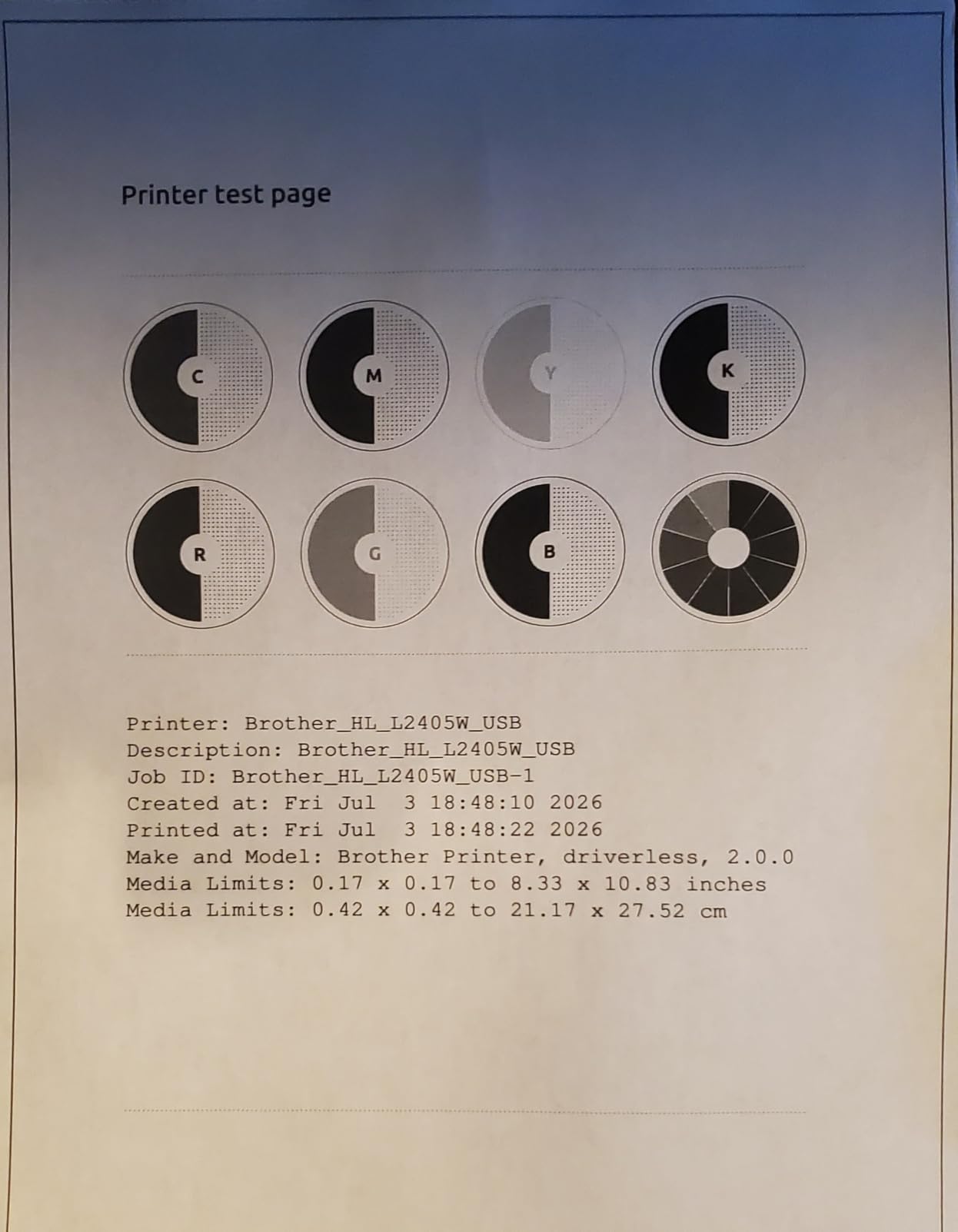
On the technical side it is a 1200 x 1200 dpi monochrome laser with a 100-sheet output tray, a manual feed slot for envelopes and specialty stock, and a 15.1 pound body measuring 14.2 by 14 by 7.2 inches. That 7.2 inch height is genuinely short, which is why it works in places the all-in-ones do not.
Brothers in this roundup consistently report that the software install is unusually clean. No bundled productivity suite, no forced account creation, no autostart utilities. You install a driver and print, which is the opposite of the experience most people expect from a new printer.
Why this is the one to buy on a budget
The maths is simple. You get the same consumable platform as the mid-range models, at the lowest entry point of anything in this roundup, with automatic duplexing simply omitted. For a home that prints maybe a few hundred pages a month, that trade is easy to justify.
It also suits a second-printer role well. A printer in a spare room or a garage for occasional jobs, kept off the main network’s critical path, is a natural fit for a small print-only machine.
Where it falls short
Duplex is manual, so two-sided documents mean reloading paper by hand. That is the dealbreaker for anyone who prints long reports regularly, and it is the main reason to step up a tier instead.
There is no scanner or copier at all, and the machine stops printing once the cartridge runs out rather than continuing in degraded mode. Wireless configuration can take an hour or more if your router is on a mesh system, and some owners report the printer dropping off the network after sleep. Output also reads somewhat dark unless you select toner save mode, and that setting does not persist as a default.
3. Brother HL-L2460DW – Best Value Monochrome With Automatic Duplex
Brother HL-L2460DW Wireless Compact Monochrome Laser Printer with Duplex, Mobile Printing, Black & White Output | Includes Refresh Subscription Trial(1), Works with Alexa
36 ppm mono
Automatic duplex
250-sheet tray
Ethernet, USB, Wi-Fi
Pros
- Automatic duplex at a mid-range price
- Fast 36 ppm with 8.5 second first page
- 250-sheet tray handles home office volume
- Works with both Windows and Linux
- Ethernet plus dual-band wireless
Cons
- No scanner or copier
- On-printer Wi-Fi menus are tedious to navigate
- Refresh subscription trial can generate surprise charges
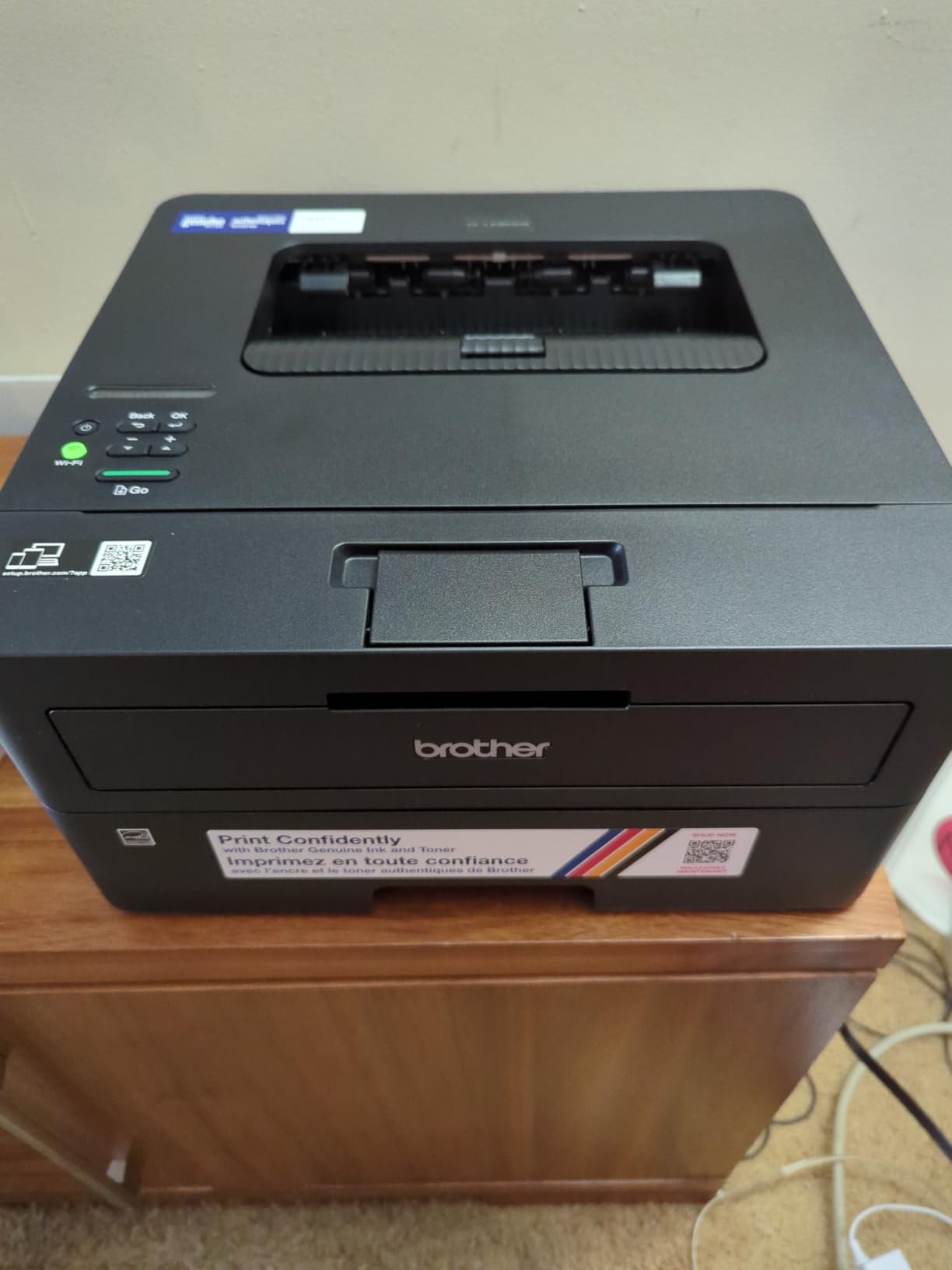
The Brother HL-L2460DW is the value pick in this roundup because it adds automatic two-sided printing to the same 36 pages per minute engine, the same 250-sheet tray, and the same TN830 toner as the printers above it. Nothing else in this list gives you duplex at this combination of size and cost.
If your printing is text-heavy and you care about paper use, duplex is the feature that changes daily life. A 40-page report becomes 20 sheets and one trip to the recycling bin, and you stop thinking about it because the machine handles it.
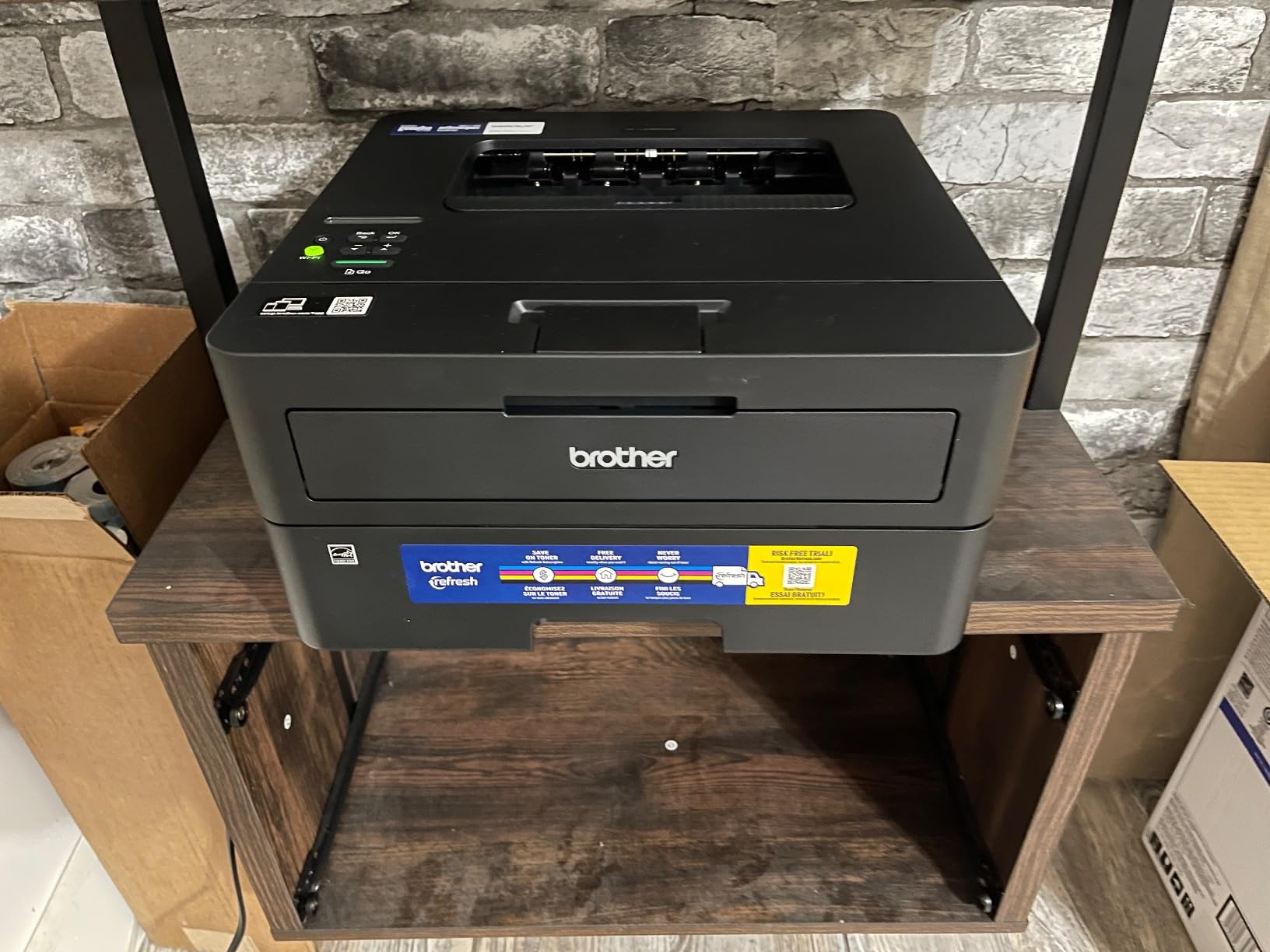
It is a print-only machine, weighing 15.6 pounds and measuring 14.2 by 14 by 7.2 inches, which is the same compact footprint as the cheaper HL-L2405W. Connectivity covers Ethernet, USB and dual-band 2.4GHz and 5GHz wireless, so it drops onto a wired network if your router struggles with the wireless band.
Output resolution is 1200 x 1200 dpi with a 100-sheet output tray, and it handles paper from a manual feed slot up to legal size. Reviewers switching from inkjets consistently note the drop in running cost as the biggest visible change, which is the whole point of moving across.
What you gain by choosing this one
Duplex, speed and tray capacity in a body that fits on a shelf. It also prints identically to the more expensive all-in-ones for anything that is pure black text, so you lose nothing in output quality by going without a scanner.
It is a reliable Linux machine as well as a Windows one, which matters if you run a home server or an older distribution. The Ethernet port gives you a fallback if wireless proves awkward in your house.
Where it falls short
No scanner, no copier, no document feeder. If you have paperwork to digitise, this is the wrong machine and you should be looking at an all-in-one instead.
The on-printer Wi-Fi setup is called tedious by owners, because a small button interface and a limited menu system make a process that takes minutes elsewhere take much longer. The most upvoted negative review concerns the bundled Refresh EZ Print trial generating unexpected charges rather than the printer itself, so if you are offered a subscription trial, read the cancellation terms before accepting it. A small number of owners also report units failing after about a year of light use, and the plastic build is basic by design.
4. HP LaserJet MFP M140w – Best Budget Pick for Small Desks
HP Laserjet MFP M140w Wireless Black & White Printer, Print, scan, Copy, Fast speeds, Easy Setup, Mobile Printing, Best-for-Small Teams
21 ppm mono
Flatbed scanner
99-sheet tray
Wireless with self-reset
AirPrint
Pros
- Smallest footprint of the all-in-ones in this list
- Under 12 pounds and easy to reposition
- Flatbed scanning for documents and ID cards
- Wireless with self-reset plus USB
- HP Smart app with AirPrint and Mopria
Cons
- No automatic duplex
- Small 99-sheet input and output trays
- HP chips block non-HP toner
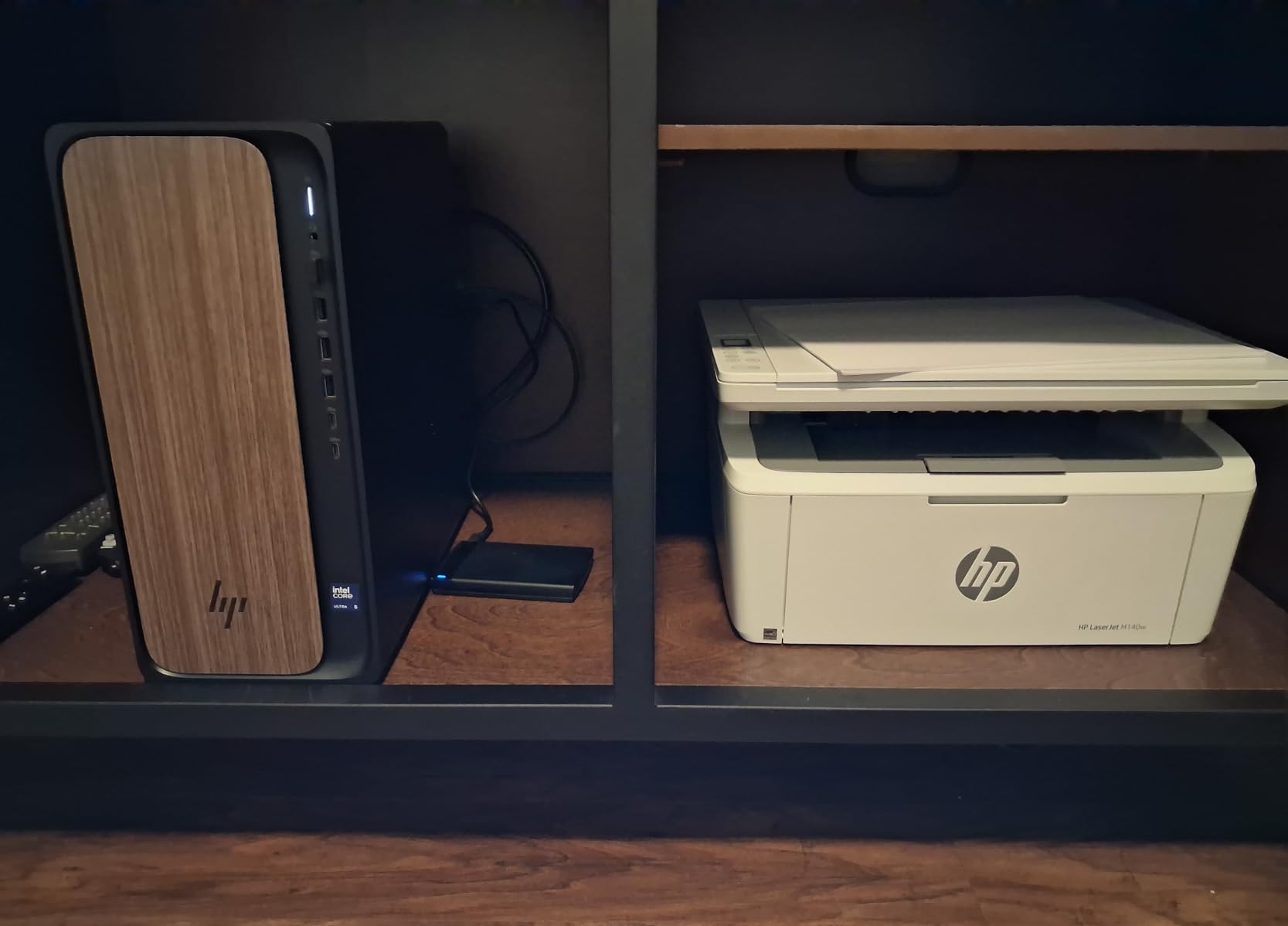
The HP LaserJet MFP M140w is the right laser printer for home use when floor or shelf space is the constraint. It weighs 11.9 pounds and measures 10.4 by 14.2 by 7.8 inches, which makes it the only all-in-one here that genuinely fits a small desk, and it can be picked up and moved by one person without planning.
It prints, scans and copies in black and white at up to 21 pages per minute with a first page in 8.3 seconds. The flatbed scanner handles originals that larger flatbeds miss, and it can copy both sides of an ID card onto one sheet.
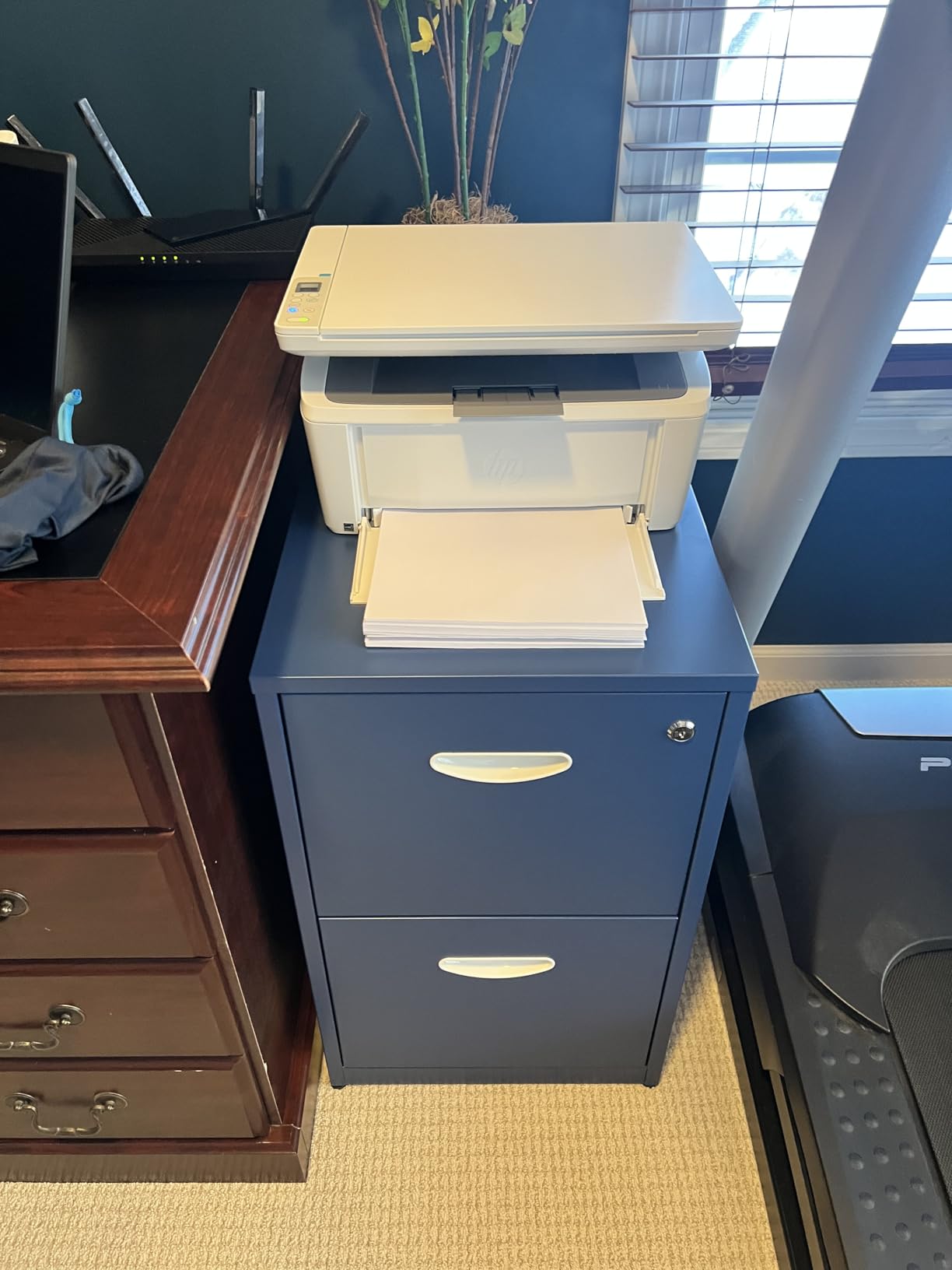
It is also a well-behaved machine on a modern network. It is AirPrint and Mopria certified, works with Windows, Mac, Android and Chromebook, and the HP Smart app covers printing, scanning and cloud destinations. The wireless self-reset feature re-establishes the connection after a dropout, which is more useful than it sounds in a house full of devices.
The trade-offs are structural rather than accidental. Paper capacity is 99 sheets on both input and output, maximum resolution is 600 x 600 dpi, and there is no automatic duplex. That combination is fine for a few pages a week and inadequate for a busy home office.
Who this suits
Apartment dwellers, students, anyone with one dedicated printer shelf rather than a home office. The flatbed scanner is what earns its keep here, because a machine this small that still handles documents and ID cards is unusual.
It is also a good choice for anyone who prints the same short document repeatedly, because 21 pages per minute is more than a household needs for that workload and the quality is clean.
Where it falls short
No automatic duplex means every two-sided document is a manual job, which is the single most frustrating limitation on this machine. The 99-sheet trays mean refills arrive sooner than you would like if you print in batches.
Resolution tops out at 600 x 600 dpi, so small text in dense tables is less crisp than a 1200 x 1200 dpi machine produces. The bigger issue is consumable lock-in: HP states plainly that this printer is designed to work only with cartridges carrying original HP chips, and will block others. Third-party toner is therefore not a cost-saving option here, and firmware updates maintain that behaviour.
5. Canon imageCLASS MF273dw – Best Canon Monochrome With a Scanner
Canon imageCLASS MF273dw – Monochrome Wireless Laser Printer, Multifunction With Scanner, Copier, Auto Document Feeder, With 1 Year Limited Warranty, 30 PPM, Black
30 ppm mono
Automatic duplex
Sheetfed ADF
150-sheet tray
2400 x 600 dpi
Pros
- Fastest first page here at about 5.3 seconds
- Automatic duplex with a sheetfed scanner and feeder
- 2400 x 600 dpi keeps small text sharp
- Wi-Fi Direct connects without a router
- Widely available Canon 071 toner
Cons
- Very heavy at 24.7 pounds
- Only 150-sheet paper capacity
- No flatbed glass for odd-sized originals
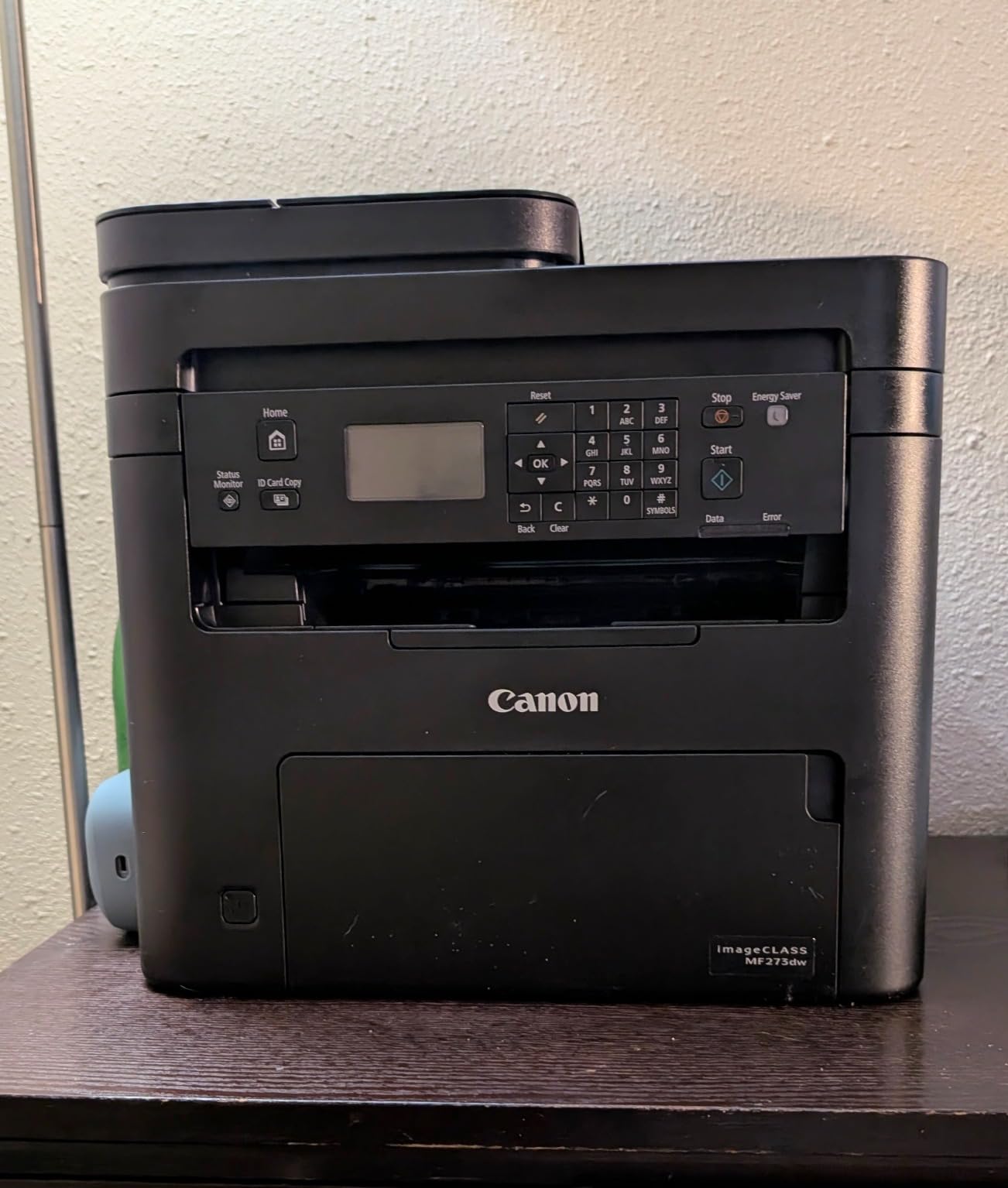
The Canon imageCLASS MF273dw is the strongest Canon monochrome all-in-one for a home that wants scanning, and it holds a 4.2 star average across 428 reviews, putting it in the upper half of the ratings in this list. At 30 pages per minute with a first page in 5.3 seconds, it is the quickest machine here to start producing output.
It prints, copies and scans in black and white with automatic two-sided printing. The scanner is sheetfed through a document feeder, so a multi-page document goes in once, and the resolution spec of 2400 x 600 dpi is the highest black-and-white figure in this roundup.
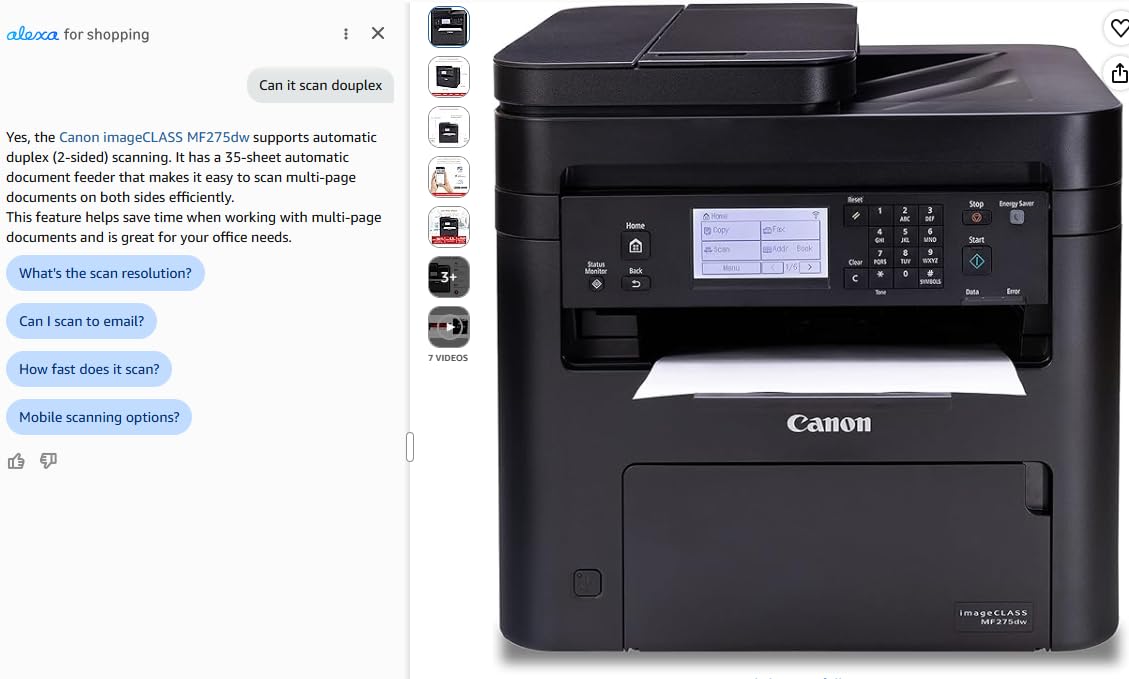
Connectivity covers USB, Wi-Fi and Wi-Fi Direct, and the Wi-Fi Direct mode prints from a phone or laptop without going through a router at all. It uses Canon 071 and 071 high-capacity toner, a cartridge family that is stocked almost everywhere printers are sold, which removes one of the supply worries that attaches to some brands.
Copy speed is 30 pages per minute with a resolution up to 2400 x 600 dpi, and paper handling runs from 3 by 5 inch media up to legal size through a 150-sheet tray with a 150-sheet output stack.
Why Canon’s model numbers are confusing, briefly
The MF part of the name simply means multifunction, the same role that MFC plays on a Brother and DCP plays on a Brother without fax. Canon puts the function in the middle of the number and the series at the end, so MF273dw is a three-in-one machine, while a Canon LBP prefix means print-only. Once you know that, the range becomes far easier to read.
Where it falls short
It weighs 24.7 pounds and measures 14.6 by 15.4 by 14.4 inches, so it is one of the tallest monochrome bodies here. Repositioning it is a two-person job rather than a casual one.
The 150-sheet tray is small for an all-in-one, and the scanner is sheetfed only. There is no flatbed glass, so odd-sized originals such as a torn page, a paperback spine or an object that is not a loose sheet cannot be scanned. The control panel is menu-driven rather than app-first, which feels dated next to a touchscreen, and the review volume is thinner than the Brother and HP models here, which means fewer long-term owner reports to draw on.
6. HP LaserJet MFP M235sdw – Best Wireless All-in-One With a Document Feeder
HP LaserJet MFP M235sdw All-in-One Laser Wireless Printer, Scan/Copy, Black & White, Duplex, Best-for-Office
30 ppm mono
Automatic duplex
ADF scanner
150-sheet tray
Ethernet
Pros
- Automatic duplex with strong in-class two-sided speed
- Dual-band Wi-Fi with self-reset
- Setup reported as effectively plug and print
- Ethernet port alongside wireless and USB
- Crisp true-black output
Cons
- Scan and copy are single-sided only
- Copy resolution of 300 x 300 dpi is low
- Proprietary toner chips block third-party cartridges
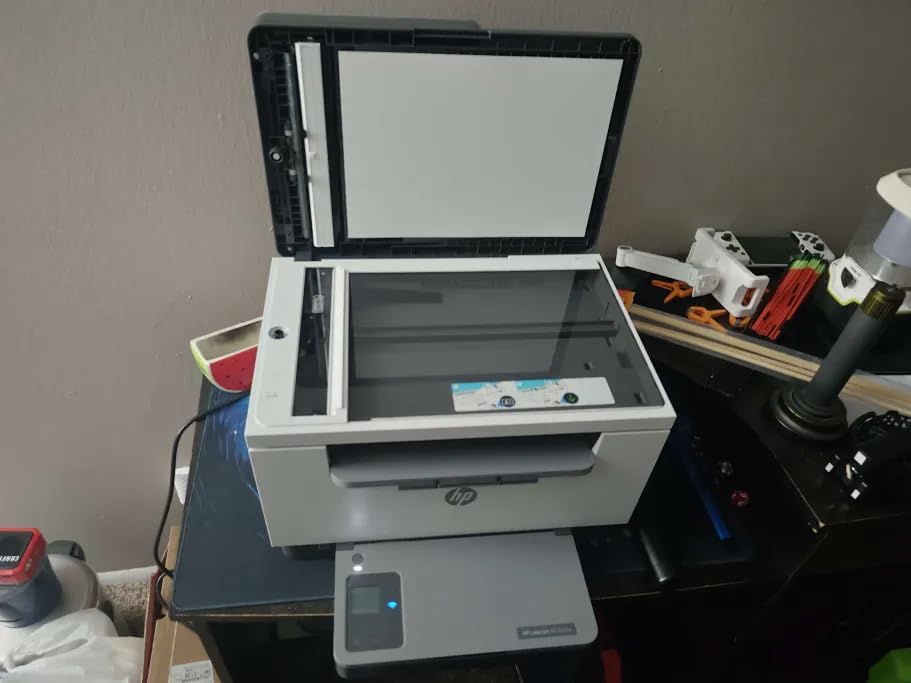
The HP LaserJet MFP M235sdw is the best home office all-in-one for anyone who scans multi-page documents regularly, because its scanner is a true automatic document feeder rather than a flatbed only. It prints at up to 30 pages per minute, and HP markets its two-sided output speed as the fastest in its class, at up to 28 black-and-white pages per minute.
First page out is 7 seconds, and the machine handles 150 sheets of input and 150 of output. It is AirPrint and Mopria certified, includes an Ethernet port alongside USB and dual-band wireless, and supports wireless direct printing for devices that are not on your network.
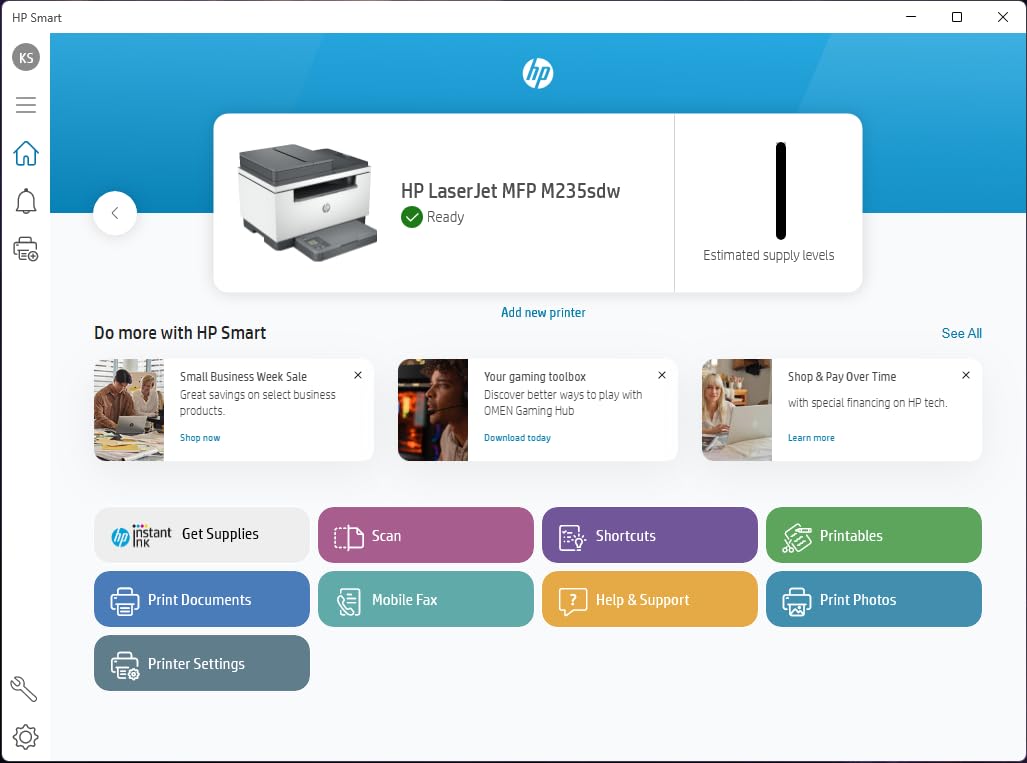
Owners switching from older lasers report crisp, true-black output and wireless connectivity that holds up over a year of daily use. Setup is frequently described as close to plug and print, which for HP is a genuine change from the software reputation the brand has carried for years.
It weighs 21 pounds and measures 12.13 by 16.46 by 11.59 inches, so it needs a proper surface rather than a shelf edge. Maximum copy resolution is listed at 300 x 300 dpi, and copy speed at 14 pages per minute.
What you gain by choosing this one
A feeder-based scanner is the reason to pick this over a flatbed-only machine. A 30-page contract can be scanned in one pass, and duplex printing means you are not feeding the same stack twice.
The Ethernet port is unusual at this size and gives you a reliable wired option if your wireless coverage in the room where the printer lives is poor.
Where it falls short
Printing is duplex but scanning and copying are single-sided only, which is an odd split and worth confirming against your workflow before buying. The 300 x 300 dpi copy resolution is low, and 14 pages per minute copy speed is slow if you duplicate a document repeatedly.
The 150-sheet input tray is small for a multifunction device. HP’s software is described by owners as messy and unintuitive for network scanning, and like the M140w this machine uses proprietary toner chips, so third-party cartridges may be blocked and replacement toner is harder and more expensive to source.
7. HP LaserJet Pro MFP 3101sdw – Best for Fast Duplex and Heavy Documents
HP LaserJet Pro MFP 3101sdw Wireless Black and White All-in-One Laser Printer, Office Printer, Duplex, Best-for-Small Teams (9D2X4F)
40 ppm mono
50-sheet ADF plus flatbed
250-sheet tray
1200 x 1200 dpi
Pros
- Highest average rating in this roundup at 4.5 stars
- Fastest monochrome output here at 40 ppm
- 250-sheet tray plus a 50-sheet document feeder
- 1200 x 1200 dpi print and copy resolution
- ADF and flatbed scanning together
Cons
- HP chip and firmware enforcement blocks or penalises aftermarket toner
- Wireless can drop after a network surge and need a manual reset
- HP Smart software is buggy and the paper tray feels flimsy
The HP LaserJet Pro MFP 3101sdw is the fastest monochrome machine in this roundup and the best-rated, holding a 4.5 star average across 596 reviews. It prints up to 40 pages per minute with a 7 second first page, and it pairs a 250-sheet input tray with a 50-sheet automatic document feeder.
What separates it from the other all-in-ones here is the scanning combination. It has both an ADF and a flatbed, so multi-page documents go through the feeder and anything irregular, including an ID card, goes on the glass. Copy speed is 35 pages per minute at up to 1200 x 1200 dpi, and it handles up to 999 copies in a run.
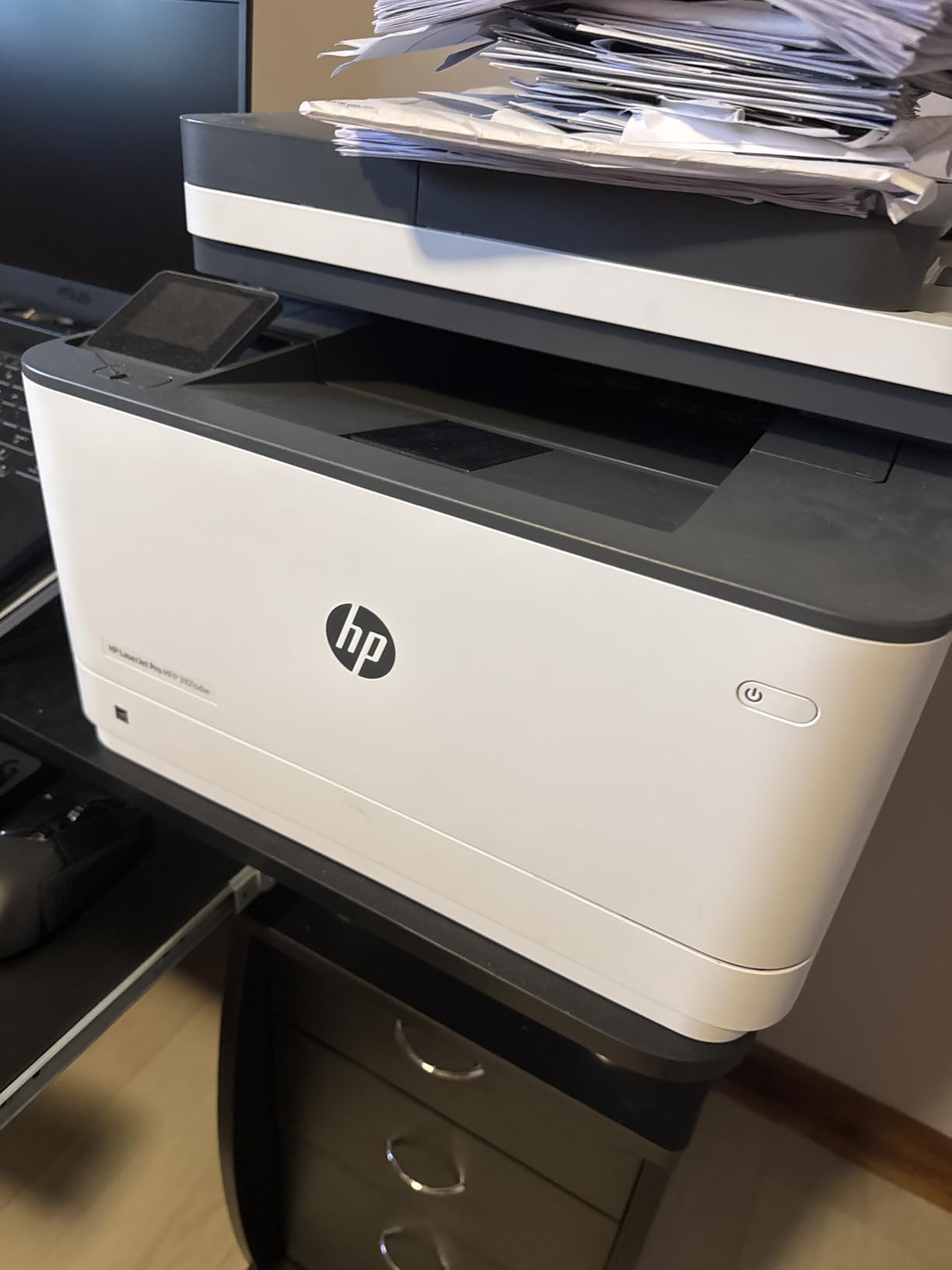
The paper handling is the real strength. 250 sheets in and 250 out means a large report or a batch of invoices runs in one go, and automatic duplex is standard rather than optional. Owners also report that it reconnects reliably after a power outage, which saves the recurring small frustration of re-pairing a printer.
At 23.1 pounds and 15.7 by 16.5 by 12.3 inches it matches the DCP-L2640DW in size, and it is reported as quiet relative to its speed. Print and copy resolution both reach 1200 x 1200 dpi, which produces noticeably cleaner small text than the 600 dpi machines lower down this list.
What you gain by choosing this one
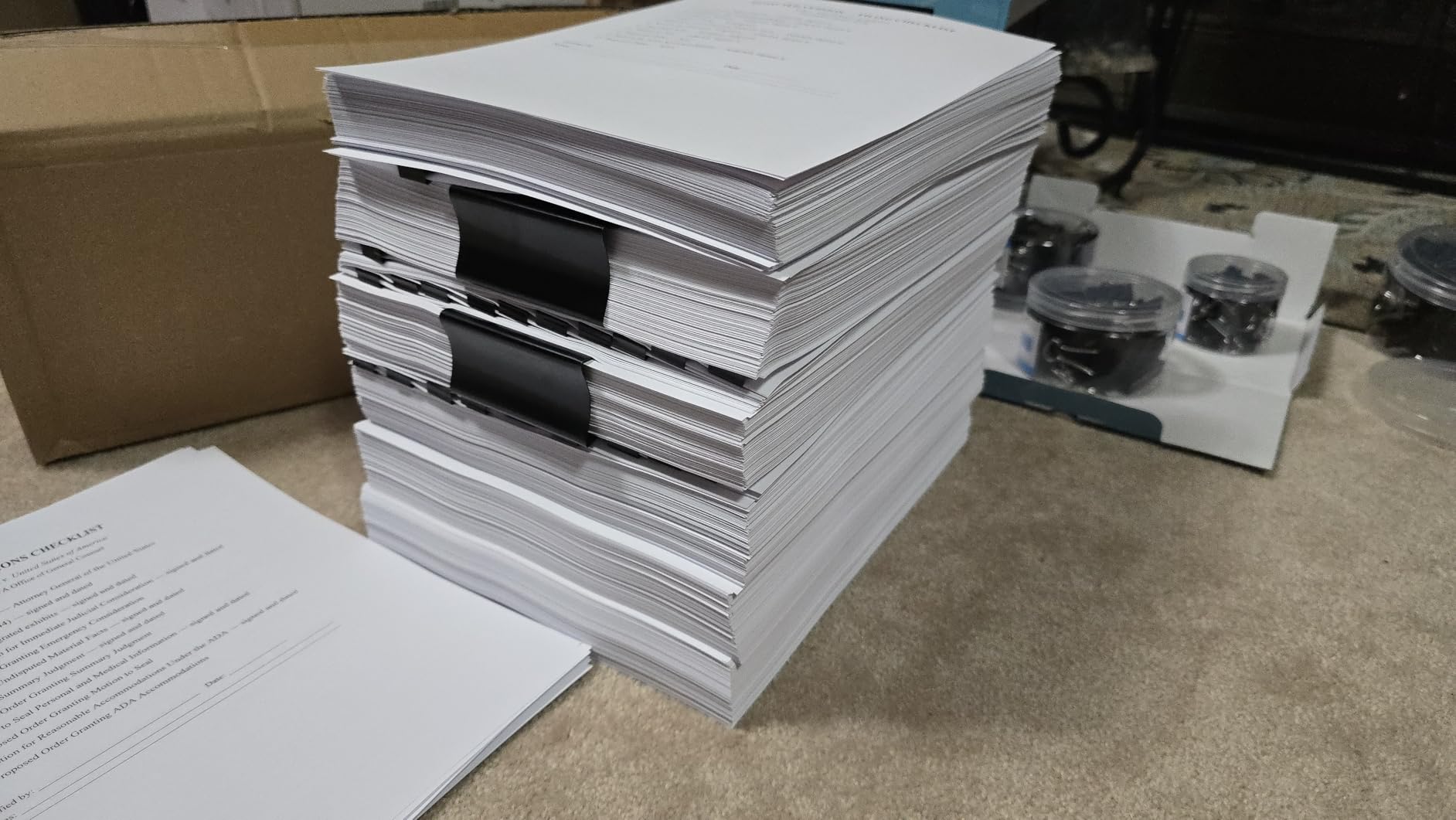
Throughput. If you genuinely print a lot of black-and-white documents, 40 pages per minute with a 250-sheet tray and a 50-sheet feeder means fewer refills and shorter waits than any other pick here.
You also get the two-year-style confidence of consistent owner feedback: the reviews for this machine are unusually uniform, and the complaints are about HP policies and software rather than about printing quality.
Where it falls short
The toner chip policy is the dominant negative theme. HP states that the printer is intended to work only with cartridges carrying HP chips or circuitry, and periodic firmware updates maintain that enforcement, which in practice means original cartridges or a machine that penalises the alternative.
Wireless can drop after a network surge and need a manual reset, the HP Smart software is reported as buggy and can show the printer offline, and the paper tray flexes in a way owners describe as flimsy. The document feeder also jams if loaded with more than roughly 25 sheets at once, well short of its 50-sheet rating, and cold starts are slow.
8. Canon Color imageCLASS MF753Cdw II – Best Colour All-in-One With Fax
Canon Color imageCLASS MF753Cdw II – All-in-One Color Duplex Laser Printer
35 ppm colour
Print, scan, copy, fax
250-sheet capacity
ADF
Touchscreen
3-year warranty
Pros
- 35 pages per minute in both colour and black
- Four functions including fax with automatic duplex
- Much improved touchscreen and built-in web interface
- Canon 069 toner costs less than HP colour laser toner
- Three-year manufacturer warranty
Cons
- Most expensive machine here and weighs 60.6 pounds
- Canon software and support site frequently fail
- Colour toner is costly at high volume
The Canon Color imageCLASS MF753Cdw II is the best colour laser printer for home use that also does everything else: it prints, scans, copies and faxes, all at up to 35 pages per minute in both colour and black and white, with automatic two-sided printing throughout. It is the most complete machine in this roundup and the only one with a touchscreen control panel.
Colour output runs at 1200 x 1200 dpi and black-and-white at 1200 dpi, so school projects, charts and colour handouts come out sharp rather than approximate. It has two trays, a 250-sheet capacity, and a document feeder rather than a flatbed-only scanner.
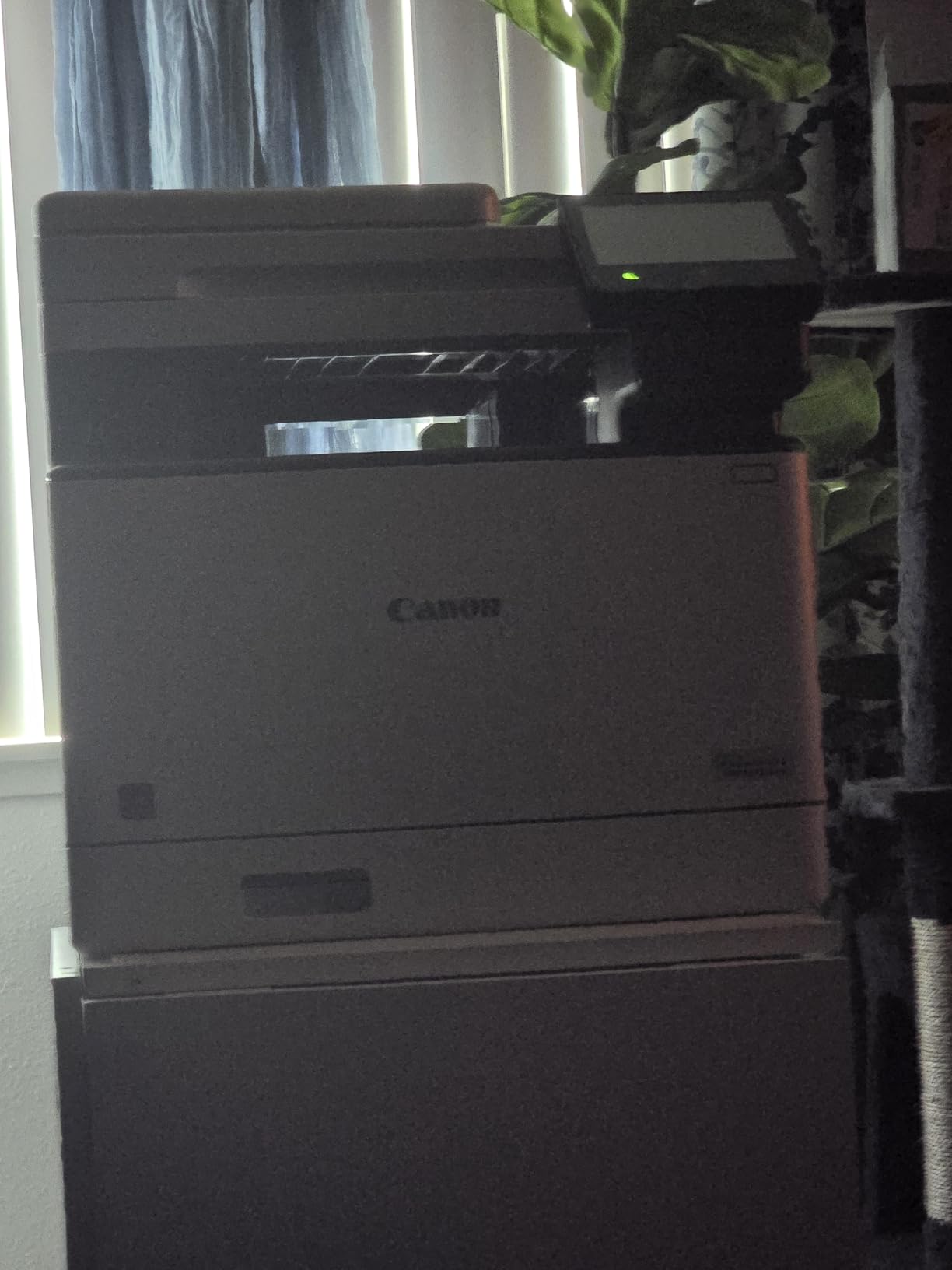
The toner is where this machine makes its case. Canon 069 cartridges are notably cheaper than HP colour laser toner, and third-party options for 069 are widely available, which is the opposite of the situation on the HP models in this list. Colour depth is 24 bits per pixel across cyan, magenta, yellow and black.
First page out is 7 seconds, and owners replacing older colour laser multifunction devices report that it handles large multi-page jobs and heavy paper without jamming. It also carries a three-year manufacturer warranty, the longest in this roundup.
What you gain by choosing this one
A four-function machine with fax, which is rare and increasingly useful for anyone dealing with a landlord, a school, a medical provider or a government office that still requires a fax number.
You also get the touchscreen and the improved built-in web interface, both of which are upgrades over the menu-driven panels on the cheaper models. And a three-year warranty is meaningful for a machine heavy enough to be a fixed piece of furniture.
Where it falls short
It weighs 60.6 pounds and measures 18.2 by 16.8 by 17 inches, so it needs floor space, not a desk. It is also the most expensive machine here by a wide margin.
Canon’s ecosystem is the recurring complaint rather than the hardware. Owners report the support website and desktop software failing or blocking access, and Wi-Fi scanning to a computer proving unreliable for some, with scanning to USB the workaround. Network connections occasionally drop and need a reboot, colour toner becomes costly at high volume, and legal-size paper has to go through the bypass tray, which holds very little.
9. Canon Color imageCLASS LBP646Cdw – Colour Laser Printing Without a Scanner
Canon Color imageCLASS LBP646Cdw Wireless Laser Printer, Duplex, 26 PPM, Print Only, White
26 ppm colour
Automatic duplex
250-sheet cassette
5-line LCD
Three-year warranty
Pros
- Full colour laser with automatic duplex at a mid-range price
- Colour quality and speed praised at this tier
- 5-line LCD makes menu navigation straightforward
- Mobile printing through Canon PRINT / AirPrint / Mopria
- Third-party 075 toner is widely available
Cons
- Print-only with no scanning
- copying or faxing
- Weighs 39.4 pounds which is awkward on a small desk
- 10.3 second first page is the slowest here
The Canon Color imageCLASS LBP646Cdw is an affordable way into full colour laser printing at home, giving you automatic duplex, 250 sheets of paper capacity, and 26 pages per minute in both colour and black and white. It holds a 4.1 star average across 260 reviews, which is mid-field here rather than a standout: the highest-rated machine in this roundup is the HP LaserJet Pro MFP 3101sdw at 4.5 stars, and the Canon imageCLASS MF273dw sits at 4.2. If you need colour occasionally and never scan, this is the shortest path.
It is a print-only machine, which is how it manages full colour at this tier. It uses Canon Genuine Toner 075 in four colours, and unlike the HP models here, lower-cost third-party 075 cartridges are widely available, so your long-term colour printing cost is genuinely flexible.
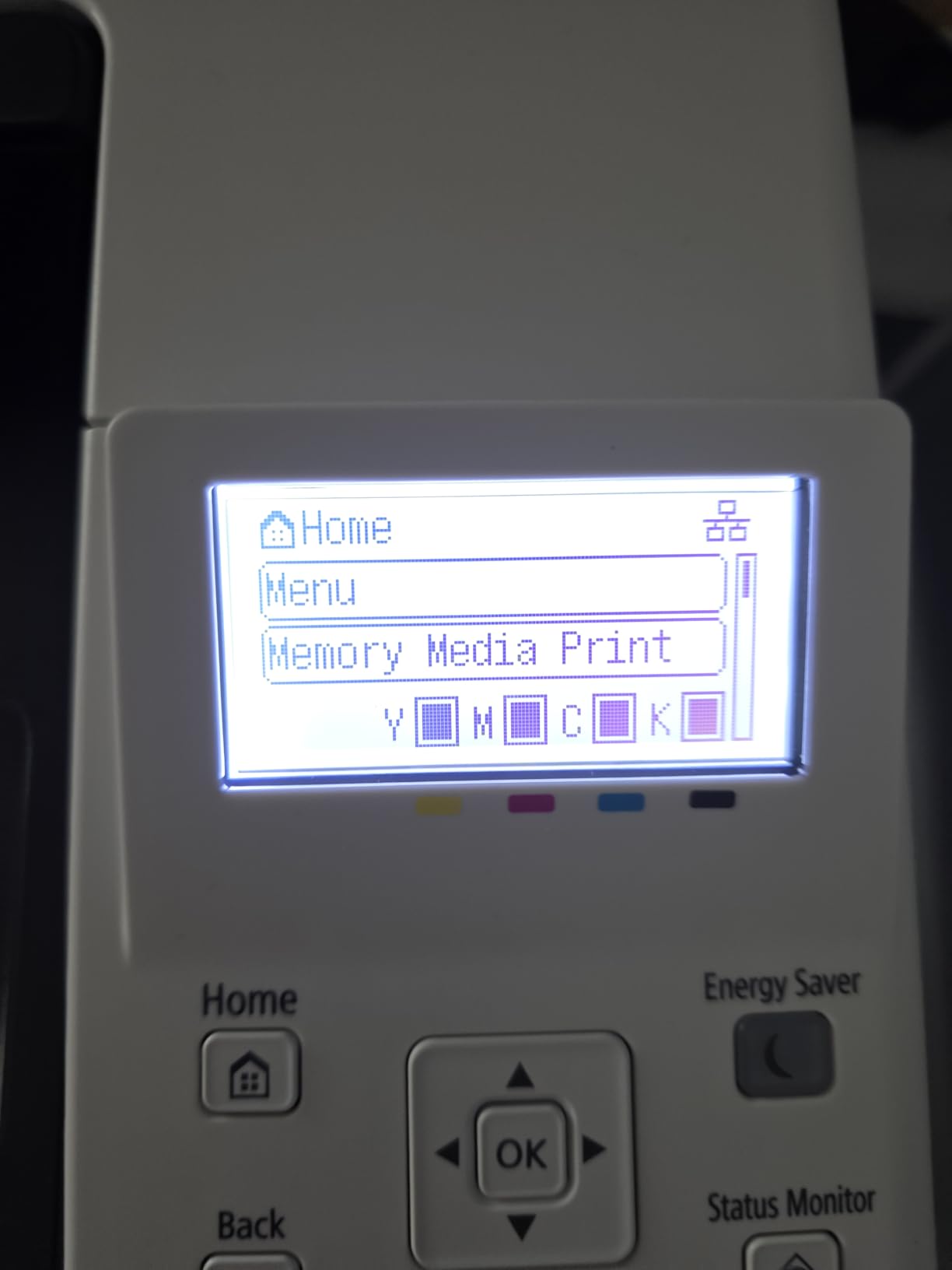
The 5-line LCD is a step up from a button-only panel, and the menu is straightforward to navigate. Mobile printing works through the Canon PRINT app, Apple AirPrint and Mopria, and the machine holds a 250-sheet standard cassette plus a one-sheet multipurpose tray.
Colour resolution is 1200 x 1200 dpi and black-and-white 600 dpi. First page out is 10.3 seconds, the slowest in this roundup, and the unit is ENERGY STAR and EPEAT Silver certified.
When colour-only is the right call
If you already have a scanner, or never scan, colour laser printing is a printer job and this machine does it well. The automatic duplex and 250-sheet cassette mean it handles the volume of a home office doing reports with occasional colour pages.
The three-year manufacturer warranty is also worth noting, since most of the monochrome machines in this list carry a one-year warranty.
Where it falls short
No scanning, copying or faxing at all. It weighs 39.4 pounds and measures 16.5 by 16.8 by 10.5 inches, so it is a heavy object to place on a small desk, and owners report it running louder than compact home printers.
Canon’s own 075 colour toner is expensive, and some users report units failing within a few weeks of purchase. First page time of 10.3 seconds is the slowest here, and macOS users must print through AirPrint because there is no Canon laptop app. The product page also lists a three-year manufacturer warranty alongside a one-year limited warranty, so confirm which applies to the unit you receive.
Laser vs Inkjet: Which Should You Actually Buy?
Short answer: buy a laser if you print documents. Keep an inkjet if you print photographs. Almost every home buyer is better served by a laser, and the reason is not speed, it is what happens when the machine sits unused for two months.
A laser printer uses a laser or an LED beam to fuse a dry powdered toner onto paper. The toner is a powder, and a powder does not dry out. That single physical fact removes the failure mode that makes people abandon inkjets.
This is the reasoning behind why people consider laser in the first place, and the reason it holds up:
No clogging when idle: dry toner cannot dry further, so a laser printer left alone for weeks or months between jobs prints normally on the next use. An inkjet left idle can require a printhead clean or a service visit before it produces a clean page.
Speed and cost per page: the monochrome machines here run between 21 and 40 pages per minute, and a high-yield monochrome cartridge runs to several thousand pages. Inkjet cartridges are consumed in the hundreds for text-heavy colour or mixed printing.
Text quality: laser resolution figures on the Brother models reach 1200 x 1200 dpi, and the Canon MF273dw lists 2400 x 600 dpi, which keeps small type in dense forms and contracts legible.
Durable hardware: the units here weigh between 11.9 and 60.6 pounds and use metal mechanisms, which is why several of them carry the highest review counts in this roundup.
Paper handling: automatic duplex is standard on most picks here, and a 250-sheet tray is common, so long documents run without constant refilling.
And the limitations, stated plainly, because pretending otherwise is not useful:
Colour photos: laser colour is built for text and solid graphics. Glossy photographs look flat, and the cost per colour page on a laser is high enough to matter if colour is your main output.
Entry cost for colour: a colour laser all-in-one is substantially more expensive than a monochrome machine, and if you print colour rarely, that money buys nothing.
Size and weight: all-in-ones are physically large. If your only option is a small side table, the HP LaserJet MFP M140w at 11.9 pounds is the exception rather than the rule.
Setup effort: the software side is worse than the hardware side across this category. Budget an evening for wireless configuration on any model in this list.
So, is a laser printer worth buying for home use? Yes, if you print forms, homework, invoices, recipes, reports or anything else on paper more than a handful of times a month, and especially if your printer spends long stretches unused. No, if you mostly print photographs, and honestly no if you print a few pages a year, because a library, a print shop or an online service will serve you better and cost nothing to own.
On the question of whether laser printers are being phased out: they are not. What has changed is the growth of ink-tank and refill-based inkjets, which have closed much of the cheap-running-cost gap. Laser remains the right tool for high-volume text, and every manufacturer in this roundup still supports the format with current consumables and firmware.
What Laser Printers Really Cost to Run at Home
The purchase price of a printer is the least informative number on the product page. What matters is cost per page, and the way to get it is simple: divide the price of the cartridge you will actually use by the number of pages it yields.
Standard and high-yield cartridges are the same physical object with different page counts inside. The high-yield version costs more in absolute terms and far less per page, and at home volumes it is almost always the correct purchase. A Brother TN830XL, for example, is the consumable behind three of the machines in this roundup, so switching from the standard version to the XL version changes the running cost of the printer you already own.
The second decision is OEM versus third-party toner, and the answer depends entirely on the brand:
Brother and Canon models (TN830, TN830XL, Canon 071, Canon 069, Canon 075): third-party and refill cartridges are widely available, and the cost difference is substantial. The community consensus in printer forums is strongly oriented toward Brother and Canon precisely because of the refill ecosystem.
HP models (M140w, M235sdw, 3101sdw): all three state in their own product descriptions that they are intended to work only with cartridges containing original HP chips or circuitry, and that firmware updates maintain that enforcement. Treat third-party toner as unavailable on these machines and price original cartridges into your total.
The loudest complaint in buying forums is toner price, and it is fair. A colour laser cartridge set is a genuinely large expense, which is the honest argument for staying monochrome unless colour is genuinely part of your printing.
Two cheaper levers exist for most of this list. First, running the machine in duplex roughly halves paper use, which is a real saving for anyone printing long documents. Second, colour laser output on the Canon models is priced per page, not per job, so restricting colour to the pages that need it – and printing the rest in black – is a large saving on mixed documents.
If you want the full picture on the monochrome side, our guide to the best monochrome laser printers for document printing works through yield and drum life in more detail.
Brother vs Canon vs HP: Which Brand Should You Buy?
All three brands build credible home laser printers, and the honest answer to most brand-versus-brand questions is that the specific model matters more than the badge. That said, the ecosystems differ in ways that affect your running costs for years.
Brother versus Canon. Brother wins on the consumable ecosystem. TN830 toner is stocked widely, third-party and refill options are abundant, and model numbers, while opaque, stay consistent across generations. Canon wins on warranty length: the two colour models in this list carry a three-year manufacturer warranty, while the Brother machines carry one year. Canon also holds the highest stated black-and-white resolution in this roundup at 2400 x 600 dpi.
Brother versus HP. This is the toner question above all else. Brother’s cartridges are refillable in practice; HP’s three machines here state that they will block non-HP chips. Against that, HP’s Pro MFP 3101sdw is the fastest and highest-rated machine here at 4.5 stars, and the M140w is by a wide margin the smallest. If your priority is cheap to run, choose Brother. If your priority is throughput and the highest rating, choose HP and accept the original-cartridge cost.
Canon versus HP. Canon’s 069 and 075 toner families are cheaper and have genuine third-party alternatives, while HP’s chip enforcement removes that option. HP has the better small-footprint option; Canon has the better colour value and the longer warranty. For a home user printing mixed documents, Canon is the stronger of the two on running cost.
One more thing worth knowing regardless of brand: the machine is easy to replace, but the drum unit inside it is a separate consumable with its own replacement interval, and that cost belongs in your total cost of ownership calculation.
How to Choose a Laser Printer for Home Use
Six decisions, in this order, narrow the field faster than any spec comparison. Work through them in sequence and the model almost picks itself.
1. Monochrome or colour? If you print forms, homework, invoices and text documents, monochrome. Colour laser cartridges are the most expensive consumable in this category, and on a machine you would rarely use them for, they are pure waste. Choose colour only if you genuinely produce colour pages – charts, invitations, school projects, flyers – several times a month.
2. Printer-only or all-in-one? Ask whether you still handle paper documents. If you do, an all-in-one with a flatbed scanner saves buying a separate scanner. If you scan multi-page paperwork regularly, prioritise a model with an automatic document feeder over one with a flatbed only, because the feeder is what removes the tedium.
3. Duplex or not? Automatic two-sided printing is the feature most home buyers underrate and most appreciate after a month. It halves paper use on long documents and eliminates the reload. If your printing is mostly multi-page reports, treat manual duplex as a real cost, not a minor inconvenience.
4. Tray capacity and footprint. A 250-sheet tray means roughly two full reams before a refill; 99 sheets means refilling far more often. On footprint, measure before buying: the models here range from 7.2 inches tall to 17 inches, and from 11.9 to 60.6 pounds. Printers on shelves and desks are chosen differently to printers on floors.
5. Connectivity. Dual-band wireless handles most homes better than single-band. An Ethernet port is a useful fallback if the printer lives in a room with poor coverage. Check for AirPrint or Mopria certification if you print from phones and tablets, since that is more reliable than vendor app printing.
6. Cost per page. Find the cartridge model your printer uses, check the high-yield version’s page yield, and divide. Then confirm whether third-party cartridges actually work on that machine. On the HP models in this list, they do not, and that single fact can dominate the three-year running cost.
One practical note that saves real time: every Brother model here ships with a trial offer for the Refresh EZ Print toner subscription, and owners report unexpected charges from it. If you are offered a trial, read the cancellation terms before you accept, and set a reminder.
Finally, a decode of the model numbers, because choosing between near-identical siblings is the most common source of confusion. On a Brother, HL means print-only, DCP means multifunction without fax, and MFC means multifunction with fax. The letters after that, L24, L27, L37, mark the series, and the trailing letters mark the feature set: W means wireless, D means duplex, and CDW means colour with duplex and wireless. Canon uses LBP for print-only and MF for multifunction, with a C in the number indicating colour. HP is simplest: M110 and M209 are print-only, M140 and M235 are all-in-ones, and the Pro prefix marks the higher-capacity tier.
If you are still weighing workload rather than household, our guides to the best laser printers for small businesses and the best colour laser printers for offices go deeper on volume and duty cycle.
Frequently Asked Questions
Are laser printers being phased out?
No. Laser printers are not being phased out. What has grown is the ink-tank and refill-based inkjet segment, which has narrowed the cost-per-page gap at the budget end. Every brand in this roundup still supports laser with current toner cartridges, firmware updates and parts. Laser remains the right choice for high-volume text printing at home because dry toner does not dry out when the machine sits unused.
Do laser printers clog if you do not use them?
Not in the way inkjets do. A laser printer fuses a dry powdered toner onto paper with heat, and a powder cannot dry further, so a machine idle for weeks or months prints normally on its next use. The risk that does exist is different: a laser left for a very long time can develop a faint roller mark on the first sheet or two. Print a test page after a long gap rather than feeding it a job you need.
Is it worth buying a laser printer for home use?
Yes, if you print documents more than a handful of times a month, and especially if your printer sits unused for long stretches between uses. Laser gives you faster output, a far lower cost per page on monochrome, and no dry-out failures. No, if you mainly print glossy photographs, which laser handles poorly, or if you print a few pages a year, in which case a library, print shop or online service costs nothing to own.
Which laser printer is better, Canon or Brother?
Brother generally wins on the consumable ecosystem, with widely stocked toner and abundant third-party and refill options, while Canon generally wins on warranty length, with three-year coverage on the colour models here versus one year on the Brother units. Canon also lists the highest black-and-white resolution in this roundup. For a home user, the deciding factor is whether you will use third-party toner, and if so, Brother is the safer answer.
Can a laser printer print photos?
Technically yes, practically rarely. Laser colour is built for text and solid graphics, so glossy and matte photographic prints come out flat, with visible dithering and banding in smooth gradients. Colour output is also the most expensive consumable in the category, so a home user who mainly prints photographs is better served by a dedicated photo inkjet. Colour laser makes sense for charts, flyers, invitations and school projects instead.
The Verdict: Which Laser Printer Should You Buy?
The Brother DCP-L2640DW is the best laser printer for home use in 2026, and it is not a close call for most households. A 50-page document feeder, a flatbed scanner, automatic duplex, a 250-sheet tray and 36 pages per minute of crisp black text in one compact body is simply the most complete answer to what a home actually needs.
If your needs are narrower, the categories are clear. Buy the Brother HL-L2405W for the lowest entry cost with the same toner family. Buy the Brother HL-L2460DW if automatic duplex matters and you never scan. Buy the HP LaserJet MFP M140w if your only space is a small desk. Buy the HP LaserJet Pro MFP 3101sdw if you print a genuine volume of black-and-white documents and want the fastest engine and the highest rating in this roundup. Buy the Canon Color imageCLASS LBP646Cdw for colour printing only, and the Canon Color imageCLASS MF753Cdw II when you need colour plus scanning, copying and fax in one machine.
Whichever you choose, buy the high-yield version of its cartridge from the first day and check whether third-party toner works on that model before you budget. On the Brother and Canon units here it does; on the HP units it does not, and that single fact changes a three-year running cost far more than any feature on the specification sheet.