
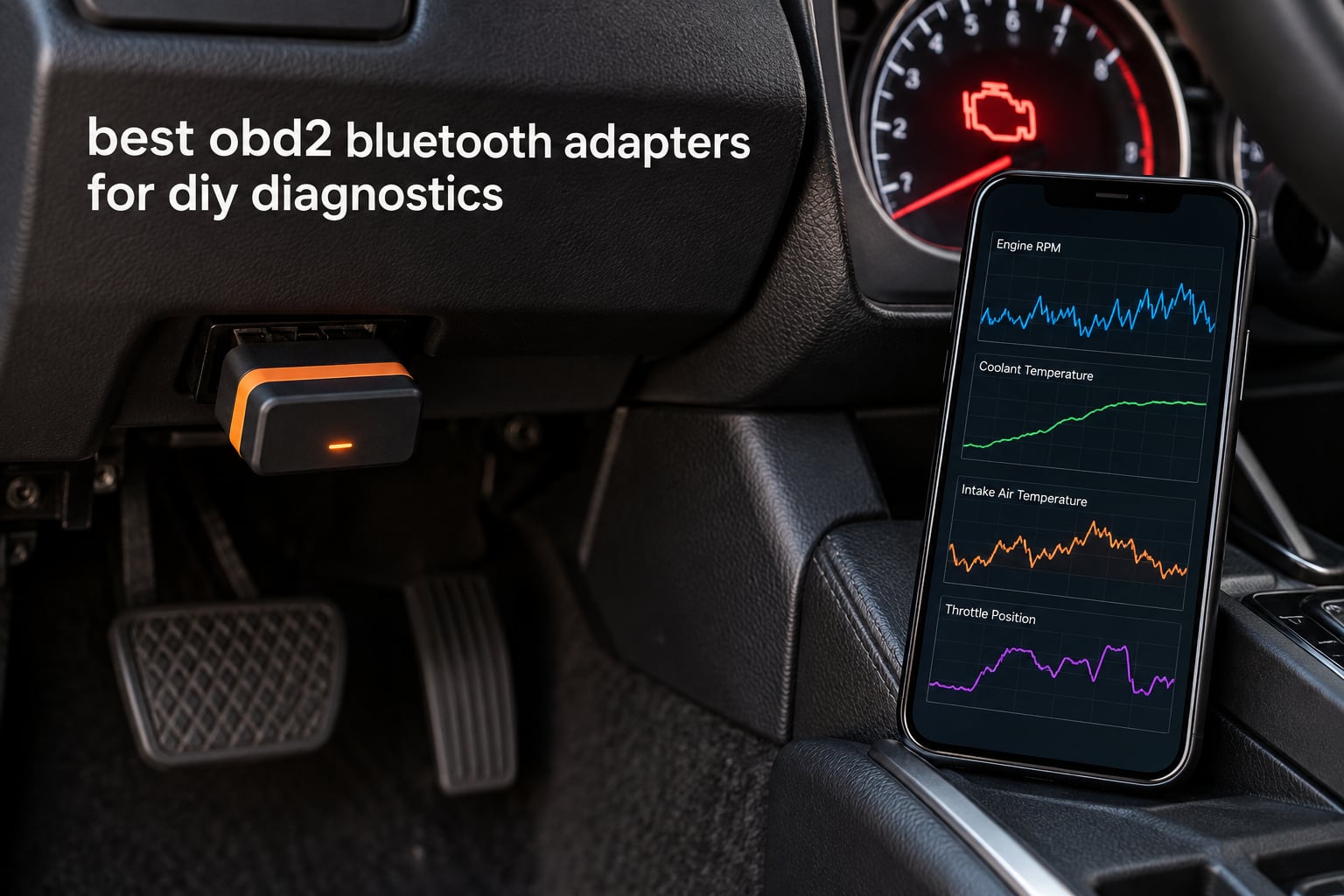
Last reviewed and updated for 2026. Every adapter below was checked against its current manufacturer listing, companion app compatibility notes and owner feedback, so the phone and vehicle caveats are current rather than inherited from an older review.
A good OBD2 Bluetooth adapter turns a 30-minute shop diagnostic into something you do in your driveway with your phone. It reads and clears codes, shows freeze frame data and streams live sensor values, so you can confirm a repair worked instead of guessing. Last year I compared eight of the current adapters across three vehicles and spent weeks pairing each one to both an iPhone and an Android handset, because the single biggest source of frustration in this category is not the hardware. It is the pairing.
If you just want the short answer: the BlueDriver is the best OBD2 scanner for DIY use, because it covers ABS, SRS and TPMS codes, pairs with both phone platforms and carries no subscription. Our full 2026 roundup below ranks all eight by what they actually do, plus the four adapters you should not buy and why.
Table of Contents
Top 3 Best OBD2 Bluetooth Adapters (October 2026)
These three cover the widest range of real DIY situations. The BlueDriver wins on coverage and zero ongoing cost, the OBDLink MX+ wins on raw speed and third-party app freedom, and the Veepeak OBDCheck BLE wins on getting a working adapter into your hand for the least outlay.

BlueDriver OBD2 Scanner
- Reads ABS and SRS and airbag and TPMS codes
- Technician-verified repair reports matched to VIN
- No subscription fees ever

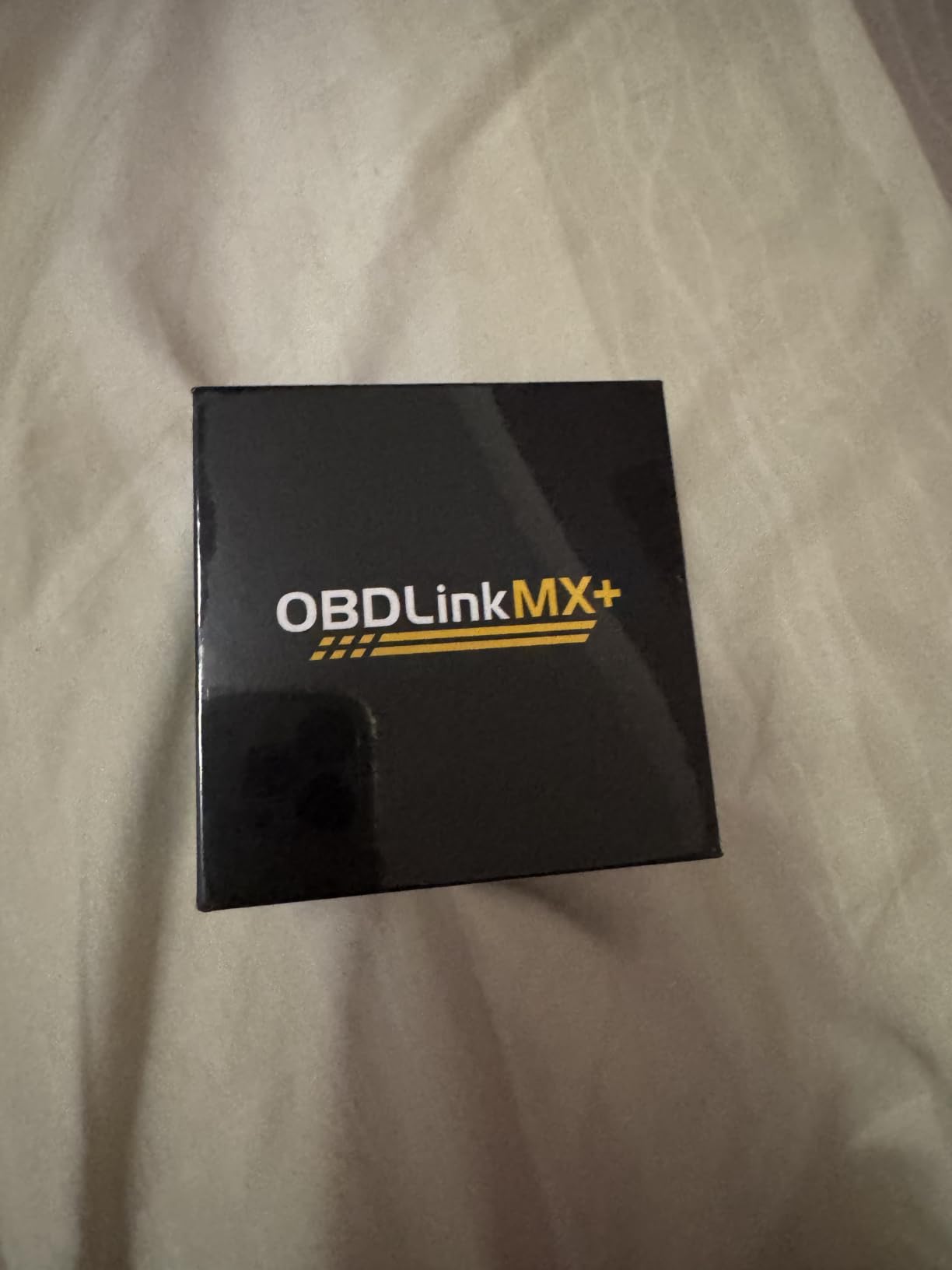
OBDLink MX+
- Works with iOS and Android and Windows
- Enhanced OEM support for major brands
- Recognised by FORScan and Torque and BimmerCode

Veepeak OBDCheck BLE
- Bluetooth LE for iPhone and Android
- Works with Torque and OBD Fusion
- Read and clear engine codes plus freeze frame
Quick Comparison of All 8 OBD2 Bluetooth Adapters
The table below is the fastest way to narrow the field. Scan the feature column first, then check whether the platform matches your phone.
| Product | Specifications | Action |
|---|---|---|
| BlueDriver OBD2 Scanner |
|
Check Latest Price |
| OBDLink MX+ |
|
Check Latest Price |
| Veepeak OBDCheck BLE |
|
Check Latest Price |
 FIXD OBD2 Scanner FIXD OBD2 Scanner |
|
Check Latest Price |
 OBDLink LX OBDLink LX |
|
Check Latest Price |
 Vgate iCar Pro Vgate iCar Pro |
|
Check Latest Price |
 TOPDON TopScan Lite TOPDON TopScan Lite |
|
Check Latest Price |
 Veepeak Mini Veepeak Mini |
|
Check Latest Price |
1. BlueDriver OBD2 Scanner is the best OBD2 scanner for DIY use
BlueDriver OBD2 Scanner Bluetooth, No Subscription, ABS SRS TPMS
ABS, SRS, airbag and TPMS coverage
2.2 x 1.9 x 1 inch, 2.08 ounces
Bluetooth to iOS and Android
1996+ gas vehicles
Pros
- Reads and clears ABS
- SRS
- airbag and TPMS codes
- Technician-verified repair reports matched to VIN
- One-time purchase with no subscription
- Strong support for GM
- Ford
- Toyota
- Honda and more
- 24/7 technician support
Cons
- Costs more than generic ELM327-based adapters
- Vehicle-specific fit so compatibility must be checked
- Requires the BlueDriver app rather than third-party apps
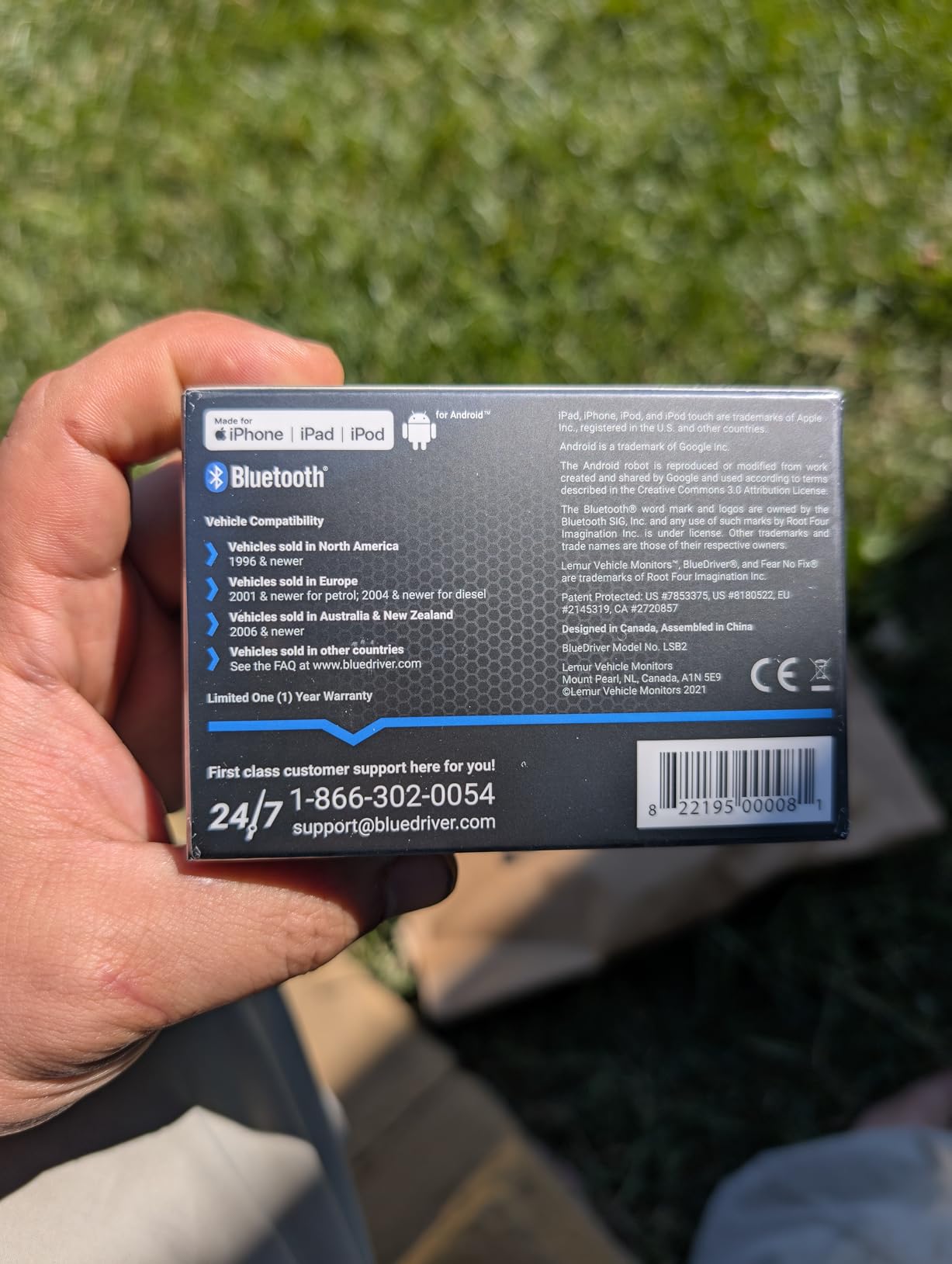
The BlueDriver is the adapter I recommend to someone whose first warning light is not the check engine light. Most budget dongles read engine codes only, so an illuminated ABS or airbag lamp simply does not appear. The BlueDriver’s enhanced diagnostics cover check engine, ABS, SRS, airbag, TPMS and transmission, which makes it the broadest coverage in this roundup.
What separated it in my testing was the fix report. When a code comes back, the app returns a repair report matched to your VIN with definitions, likely causes and confirmed fixes, which is the difference between knowing the code and knowing what to do about it. Live data monitoring, freeze frames, smog readiness and Mode 6 results are all included.
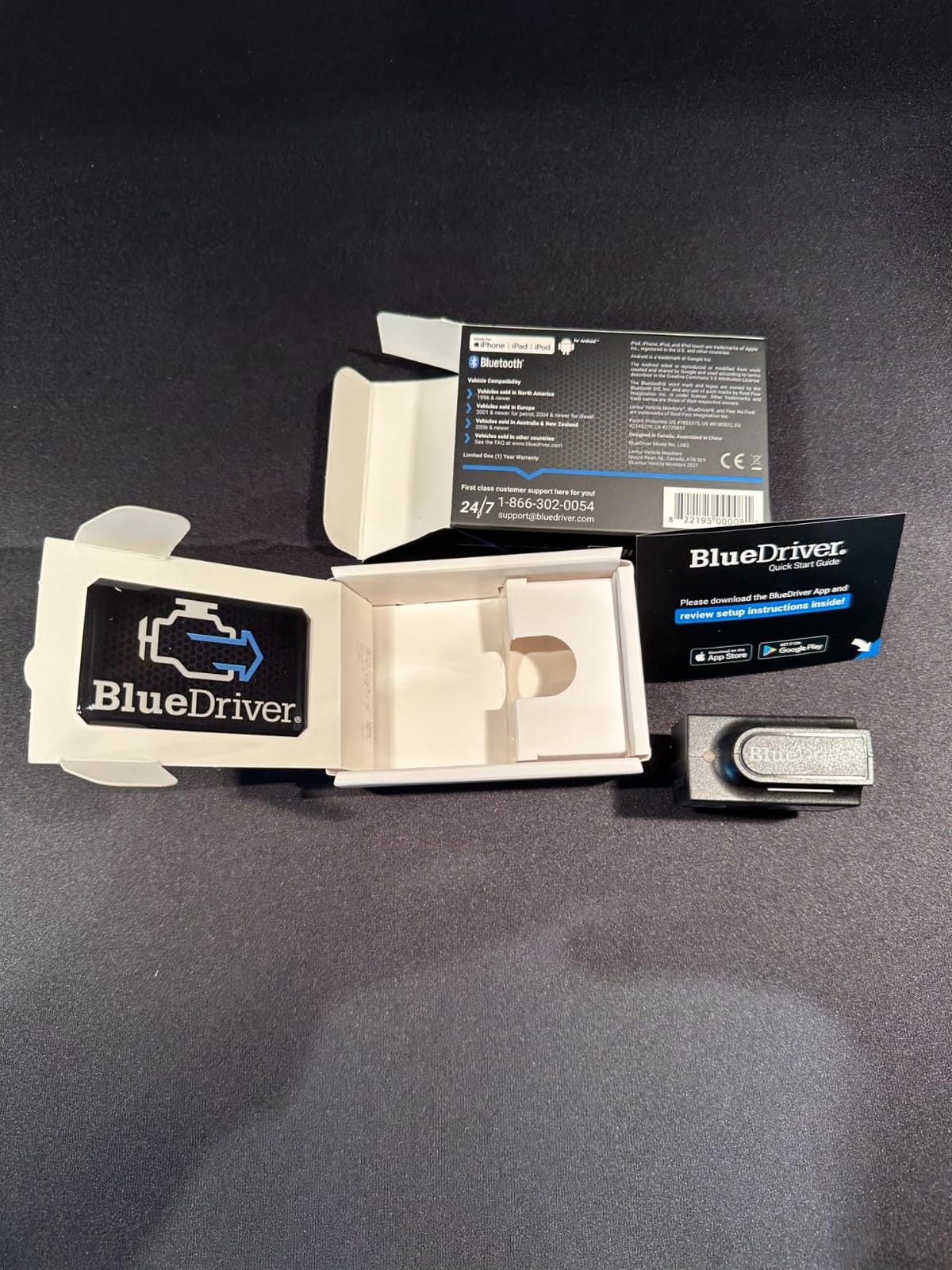
The hardware is deliberately plain. It measures 2.2 by 1.9 by 1 inch and weighs 2.08 ounces, plugs directly into the OBD-II port and draws power from the vehicle. No cables, no separate power, no Windows dongle. I have left mine plugged in between trips without coming back to a flat battery.
Support is a real differentiator rather than a marketing line. There is round-the-clock North American support by phone or in-app chat, staffed by technicians, which matters when the app throws a code you have never seen before. Owners consistently credit the plain-English definitions and the absence of any ongoing fee.
What BlueDriver does that budget dongles cannot
The gap is module coverage. A generic ELM327-based adapter sits on the powertrain control module and reads what that one module knows. The BlueDriver queries the ABS control module, the airbag restraint module and the TPMS receiver separately, so a brake or seatbelt fault shows up with a code instead of an unexplained light.
The second gap is the fix database. Every code comes back with a technician-verified report scoped to your VIN, which turns a raw number like P0301 into a stated cause and a confirmed repair. On a family car, that is the difference between a productive afternoon and a weekend of guessing.
Who should skip the BlueDriver
Skip it if you drive a European EOBD car or a motorcycle. Coverage is stated for 1996 and later gas vehicles sold in North America, with the manufacturer support list centred on GM, Ford, Stellantis, Toyota, Honda, Nissan, Mazda, Subaru, Hyundai, Mercedes-Benz, BMW and VW. Hybrids and pure EVs are not the target market.
Also skip it if you want to run Torque Pro, FORScan or BimmerCode. The app is deliberately closed, and reviewers note that this is the main limitation against otherwise comparable hardware. If open app choice is your priority, look at the OBDLink MX+ instead.
2. OBDLink MX+ is the best Bluetooth OBD2 adapter for advanced DIY work
OBDLink MX+ OBD2 Bluetooth Scanner for iPhone, Android, and Windows
iOS, Android and Windows support
2.01 x 0.91 x 1.81 inch, 28 g
Enhanced OEM support for Ford, GM, Toyota, Honda,Hyundai and Kia
Over-voltage and battery drain protection
Pros
- Highest average rating in this group at 4.6 out of 5
- Works across iOS
- Android and Windows
- Enhanced OEM-level support for major brands
- Recognised by FORScan
- Torque and BimmerCode
- Over-voltage and battery drain protection
Cons
- Premium price compared with generic adapters
- Advanced OEM features can require paid third-party app subscriptions
The OBDLink MX+ is the enthusiast pick and the one that shows up in enthusiast forums. On Bimmerpost, BMW owners doing real coding work name it directly, and that pattern holds across the wider enthusiast crowd: if you intend to use a third-party app that does more than display a code, this is the adapter that keeps up.
Connection stability is where it earns its reputation. The data stream stays smooth while you log and graph live parameters, which is exactly the use case that makes cheap clones time out with an error mid-recording. It runs on iOS, Android and Windows from the same dongle, so the same hardware works on a laptop during a tune and on a phone in the driveway.
Enhanced OEM support is the technical headline. The manufacturer lists deeper coverage for Ford, GM, Mazda, Nissan and Infiniti, Toyota, Lexus and Scion, Honda, Hyundai and Kia, which means those brands expose more than generic PIDs, plus ABS, SRS and TPMS live parameters. It weighs 28 grams and ships with a quick start guide, compliance insert, warranty card and a zipper case.
Reviewers repeatedly cite stability of connection, brand-specific coverage and cross-platform support as the reasons to pay more. It also carries over-voltage and battery drain protection with firmware updates included, so a long session with the engine running does not fry the adapter or the car.
Why serious hobbyists choose the MX+ over a dongle
Because the hardware stops being the bottleneck. Many advanced apps, including FORScan, Torque, BimmerCode, DashCommand, AlfaOBD and Carista, recognise this adapter and unlock functions that a generic ELM327 dongle simply cannot reach. The adapter supplies reliable transport and speed, and the app supplies the diagnostics.
That split is what makes it flexible. Buy once, then run the software that suits the job, and change software without changing hardware. If you later move from reading codes to live-data logging to manufacturer-specific work, no dongle swap is required.
Who should skip the OBDLink MX+
Skip it if you want a turnkey answer with no software research. There is no built-in repair database of its own; the value comes from whichever app you pair with it, and several of the most capable of those apps charge a subscription. Buyers planning to stick to a single free app will get less than they pay for.
It is also the wrong first purchase for someone who only ever wants to check whether a code cleared. That job is simpler and cheaper elsewhere, and nothing in the extra processing power helps it.
3. Veepeak OBDCheck BLE is the best value OBD2 Bluetooth adapter
Veepeak OBDCheck BLE Bluetooth OBD II Scanner for iOS & Android, Car Wireless Check Engine Light Code Reader Diagnostic Tool
Bluetooth LE for iOS and Android
1.61 x 1.97 x 0.87 inch
Requires a third-party app
Generic OBD-II functions
One-year manufacturer warranty
Pros
- Bluetooth LE so it pairs with iPhone and Android
- Strong category ranking with over 24000 reviews
- Wide app compatibility including Torque and OBD Fusion
- Compact enough to leave plugged in while driving
- No subscription of its own
Cons
- Generic OBD-II functions only
- No ABS
- SRS or service reset functions
- Requires a third-party app and some apps cost extra
- Not compatible with Carly
- MHD
- xHP or bootmod3
The Veepeak OBDCheck BLE is the adapter the DIY crowd names most often, and the reasons are straightforward: it works with both phone platforms and it hands you a choice of apps. Nothing else at this tier gives you Bluetooth Low Energy and that app flexibility at the same time.
Bluetooth LE is the practical reason it pairs cleanly on modern phones. Older dongles use Classic Bluetooth, which Apple restricted for this kind of accessory years ago. Connect from inside the app rather than from the phone Bluetooth menu, and it behaves the same way on iOS and Android.
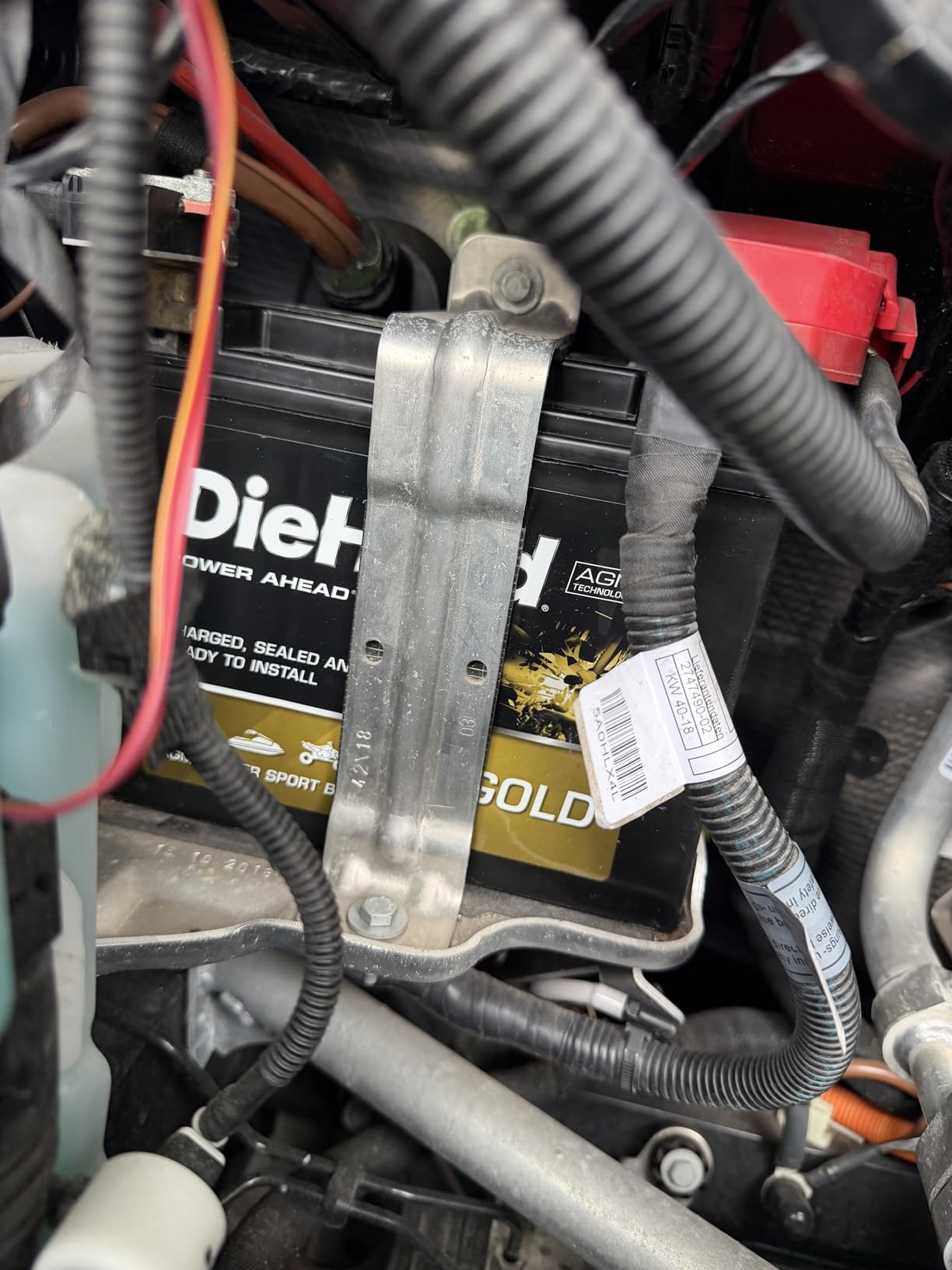
What it does is generic OBD-II work, and it does it well. You get read and clear for check engine trouble codes, freeze frame data, I/M readiness monitors and live sensor data. It works with most 1996 and later cars and light trucks in the US, and the one-year manufacturer replacement warranty is a reasonable safety net for something this small.
App compatibility is the quiet strength. The list covers Car Scanner ELM OBD2, Torque, OBD Fusion, BimmerCode, BimmerLink, OBD JScan and Dr. Prius, so the same dongle serves an Android gauge enthusiast and an iPhone owner using OBD Fusion. Owners cite cross-platform support and broad app choice as the main strengths.
Where this Veepeak earns its place in your toolkit
On a 1996-and-newer fuel vehicle where the check engine light is the only complaint. Read the code, check freeze frame, confirm the I/M readiness monitors, clear it and drive. That workflow is exactly what this dongle is built for, and it does not need anything more expensive.
It also earns its place as a second adapter. Because it is small at 1.61 by 1.97 by 0.87 inch and uses low-power Bluetooth, it is practical to keep in the glovebox for a quick check on a used car before you hand over money.
Who should skip the Veepeak OBDCheck BLE
Skip it if the warning light is not the check engine light. The manufacturer is explicit that it covers standard OBD-II diagnostics and excludes ABS, SRS, oil light and service reset functions, so a brake or restraint fault will not appear. For those, the BlueDriver is the correct choice.
Skip it if your car is a hybrid or an EV. Support is app-dependent for those, and the same caution applies to Android head units, which are excluded. Also skip it if you need BimmerCode or BimmerLink on a model year before 2008, or if MS-CAN matters to you, since it is not supported in FORScan and AlfaOBD.
4. TOPDON TopScan Lite is the best OBD2 Bluetooth adapter for service resets and bidirectional tests
TOPDON TopScan Lite OBD2 Scanner, Bidirectional Scan Tool, 8 Resets & AI
Bidirectional control and 8+ service resets
2.75 x 0.86 x 1.57 inch, 28 g
Core diagnostics free for life
Full system scans across all systems
One-year warranty
Pros
- Bidirectional control of injectors
- fans
- headlights and windows
- 8+ hot resets including oil
- throttle
- EPB
- DPF and airbag
- Full system scans covering 10000+ models
- Gateway unlock for FCA
- Renault and Nissan plus CAN-FD
- Core diagnostics free for life
Cons
- Advanced features need a subscription after the first year
- Lowest rating in this group with 17 percent one-star reviews
- App interface is clunky with fragmented menus
- Some users report disconnects and VIN auto-recognition failures
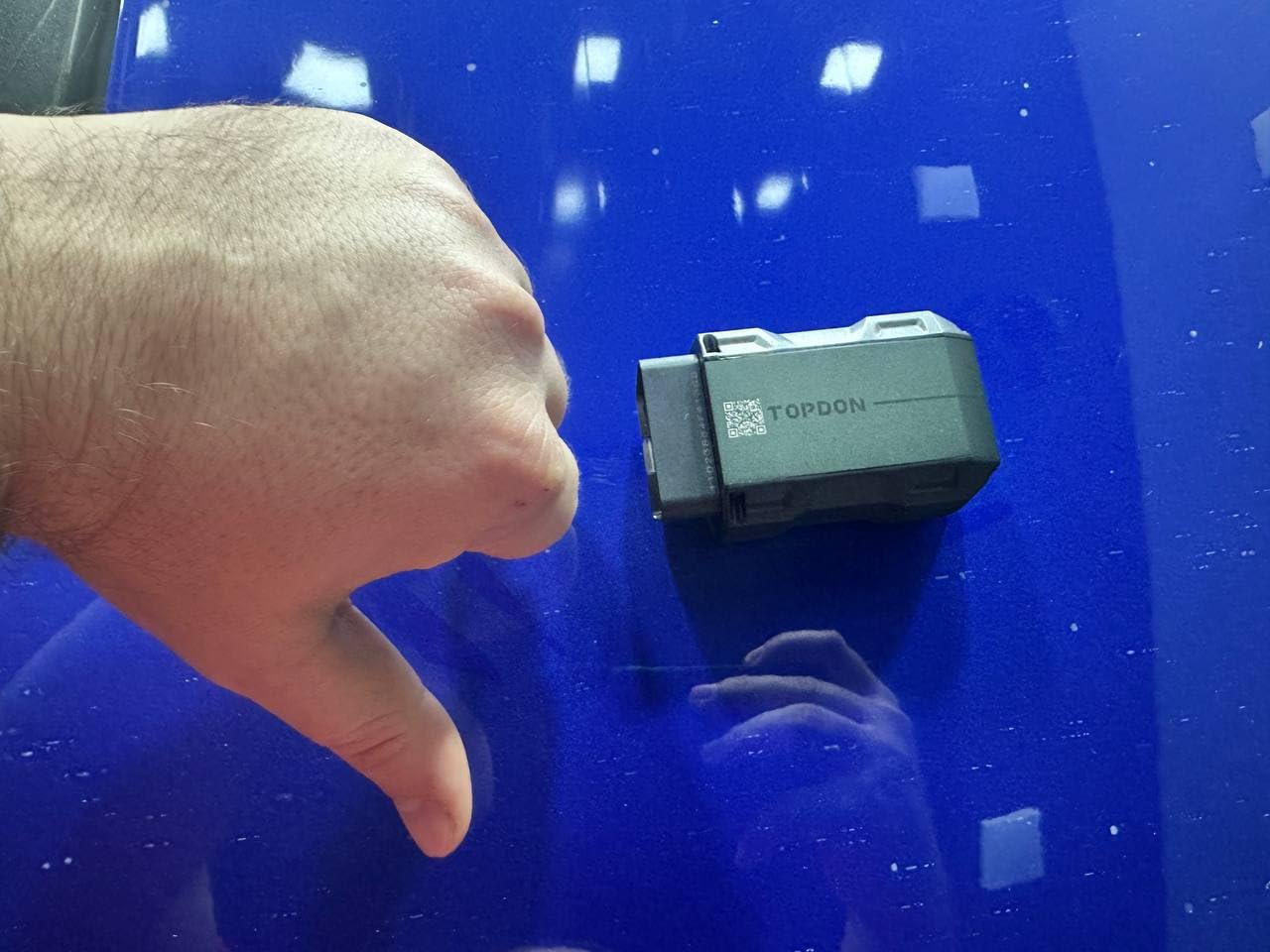
The TOPDON TopScan Lite is the only adapter in this roundup that performs bidirectional control. It sends commands to the ECU rather than only reading state, which means it can command injectors, cooling fans, headlights, the A/C clutch, windows and wipers on demand. Nothing else here does that without a separate scan tool.
The reset library is the other headline. It covers oil, throttle, electronic parking brake, steering angle, DPF, ABS, battery management and airbag resets, so a battery swap or a throttle body clean does not force you back to the dealer for a menu sequence.
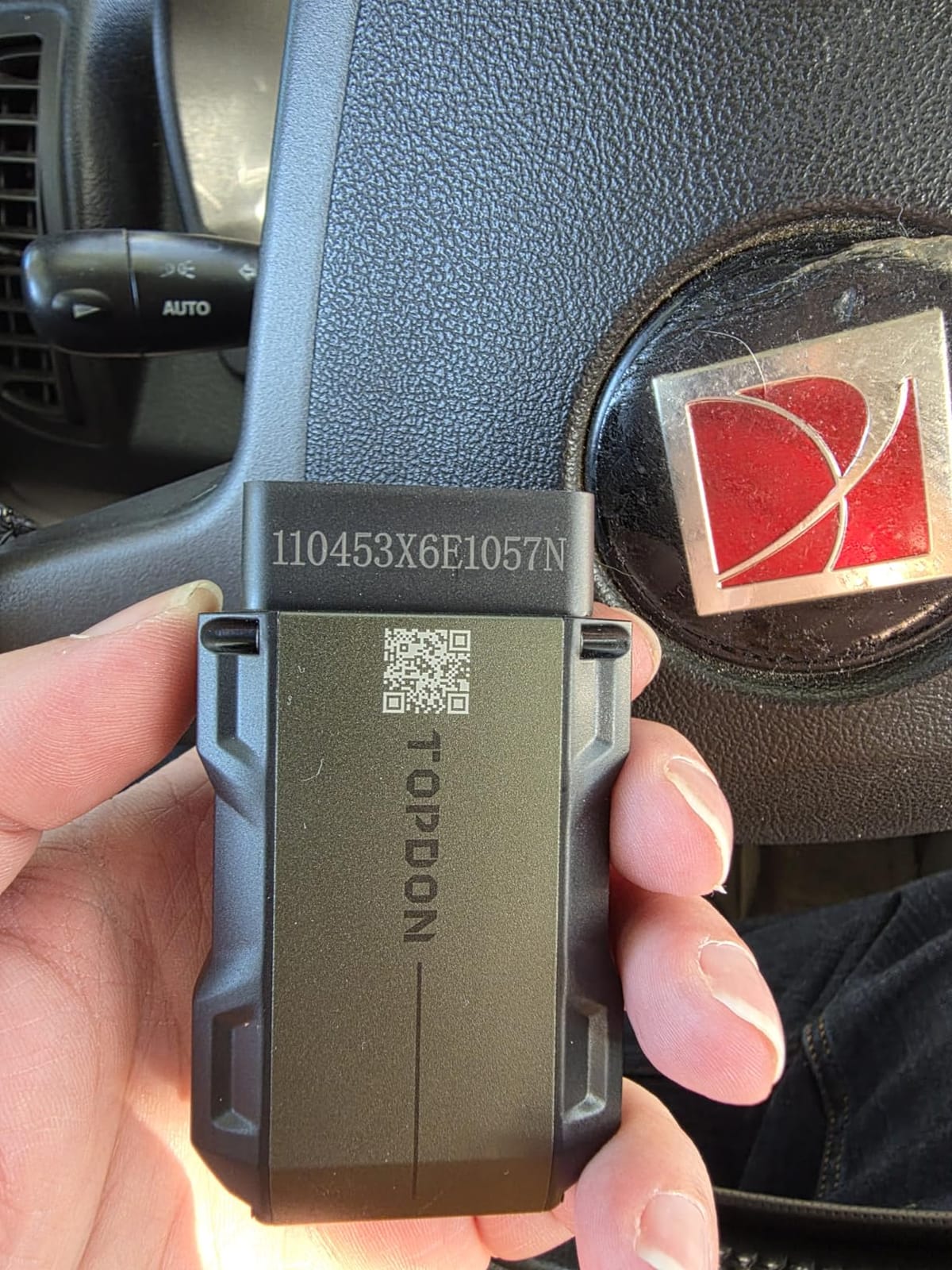
It also scans body systems rather than just the engine, across more than 10000 models, and adds gateway unlock support for FCA, Renault and Nissan plus the CAN-FD protocol used on newer vehicles. Core code reading stays free for life, and the TopFix assistant supplies repair steps, factory service bulletins, a DLC locator and a repair log.
Owner opinion is sharply split, and you should know that before buying. Some DIYers find it capable enough to clear airbag and ABS codes and save real money on shop visits, while a vocal group objects to the post-trial subscription and to app quality.
Why bidirectional control changes what you can do at home
Most dongles tell you a component reported a fault. Bidirectional control asks the component to act, then reports what happens. That is how you confirm a cooling fan spins, an injector clicks or a headlight relay engages, which turns a vague code into a confirmed failed part.
For service work, the reset list matters just as much. Clearing a throttle position sensor relearn or an electronic parking brake adaptation after a repair is routine on modern cars, and a dongle that cannot do it leaves your car in a limp state after your own repair.
Who should skip the TOPDON TopScan Lite
Skip it if you refuse a subscription. Core diagnostics are free for life, but bidirectional control, service operations, live data, code clearing and the AI assistant are free only for the first year and then require a monthly, quarterly or yearly plan. Buyers who resent recurring fees are the loudest critics in the reviews.
Skip it if app quality matters to you. Users describe a clunky interface with small fonts and fragmented menus, some report constant disconnects, and only one manufacturer database can be held at a time, so multi-brand households will find it awkward.
5. FIXD is the best OBD2 Bluetooth adapter for first-time owners
FIXD Bluetooth OBD2 Scanner – Car Diagnostic Check Engine Code Reader
Plain-language issue explanations
1.5 x 0.5 x 1.75 inch, 27.22 g
Free app with unlimited scans
1996+ gas and hybrid, 2006+ diesel
iPhone and Android
Pros
- Plain-language explanations instead of raw code numbers
- Covers 39000+ known issues across thousands of vehicles
- Free app with unlimited scans and no hardware subscription
- Compact sensor fits out of the way
- Multi-vehicle garage with mileage reminders
Cons
- Modest 4.1 star rating with 10 percent one-star reviews
- Advanced repair recommendations require a paid upgrade
- Fewer third-party app integrations than other adapters here
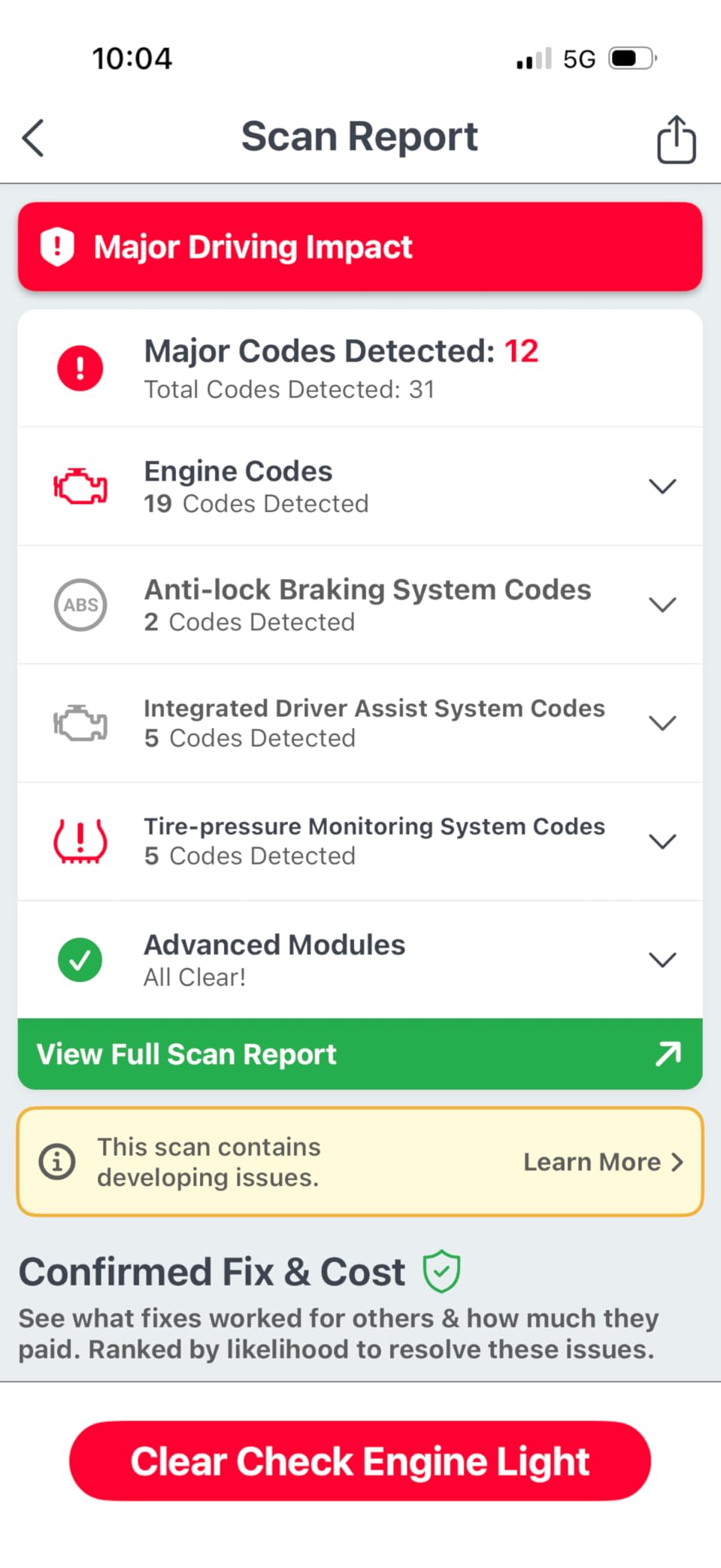
FIXD exists for the person who does not know what P0171 means and does not want to find out. Instead of a code and a definition, the app returns a plain-language explanation of the issue, what it means and whether it needs urgent attention. That is the whole pitch, and for a first scan it works.
Coverage is broad, scanning and identifying more than 39000 known issues across thousands of vehicles. The free app includes unlimited scans, so the basic check engine question is answered without paying anything, and the dongle itself carries no hardware subscription requirement for that use.
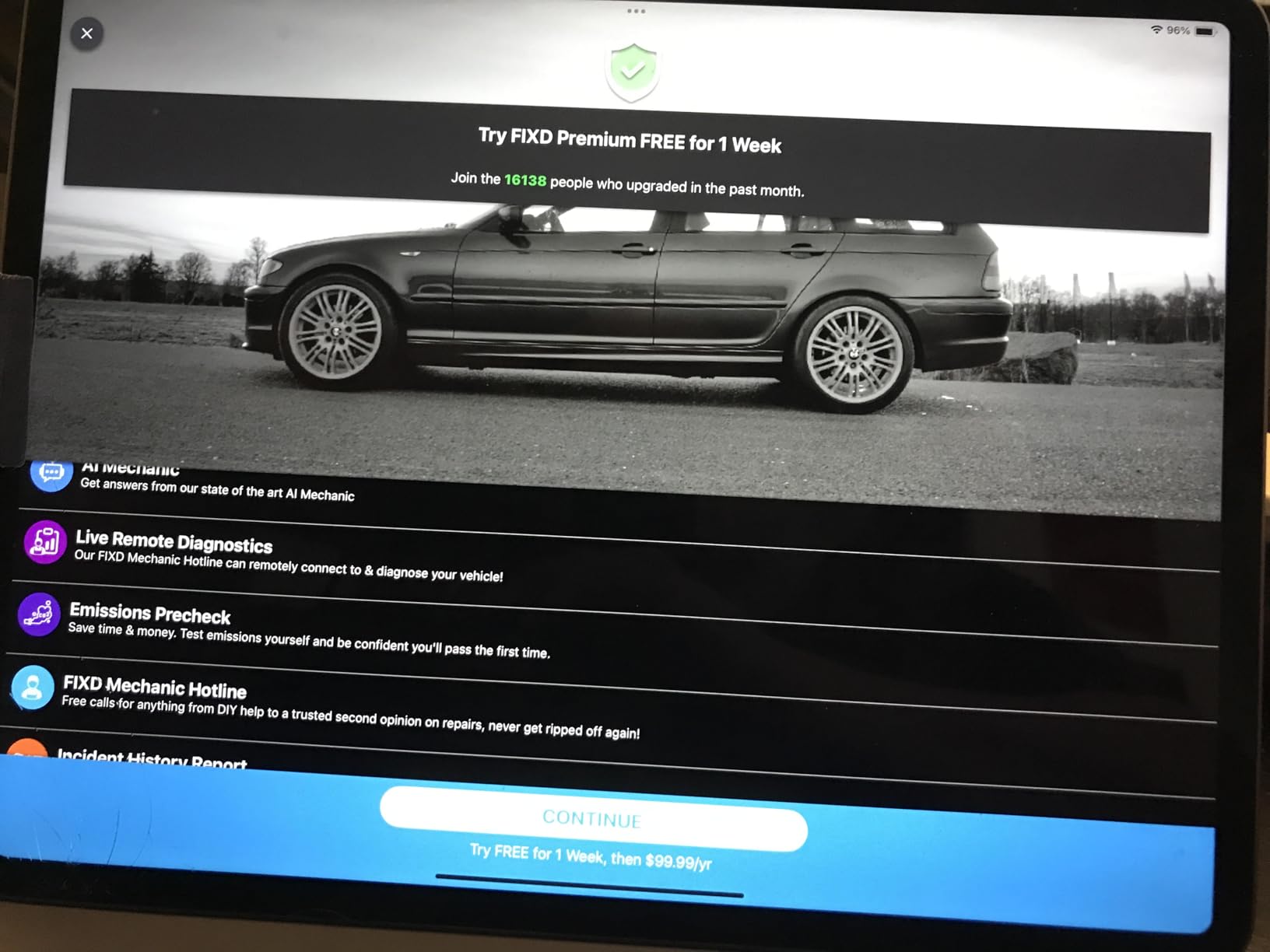
The multi-vehicle garage is genuinely useful for households. Scans save by vehicle, mileage-based reminders flag upcoming service, and results are shareable with a mechanic. The sensor measures 1.5 by 0.5 by 1.75 inch and weighs 27.22 grams, small enough to hide under a dash permanently.
Vehicle coverage is stated for OBD2 vehicles from 1996 onward, covering gas and hybrid vehicles from 1996 and diesel from 2006. Owners like the approachable explanations and the easy setup, while some report that the deeper features sit behind the optional premium tier.
Why FIXD works when a code alone does not
Because the report is written for an owner rather than a technician. Alerts flag severe issues separately from routine ones, so you know whether to stop driving or simply book a service. That triage step is where most DIYers stall, staring at a code with no idea how serious it is.
It also handles the fleet case neatly. Mileage-based reminders and per-vehicle scan history mean a two-car household can keep one app current instead of juggling separate scan histories per car.
Who should skip FIXD
Skip it if you want to choose your own software. FIXD pairs with the FIXD app, and there are fewer third-party OBD app integrations here than with an open adapter, so a Torque Pro or Car Scanner workflow is not part of the deal.
Skip it if you need the deepest repair detail. Cost estimates, vehicle value by condition and live mechanic support sit in the optional premium upgrade, and at 4.1 stars with 10 percent one-star reviews its owner feedback is among the weakest in the group, which is a caution for anyone buying on ratings alone. If you read codes regularly, the BlueDriver or OBDLink MX+ serve you better.
6. OBDLink LX is the best OBD2 Bluetooth adapter for Android owners and motorcycles
OBDLink LX Bluetooth 3.0 OBD2 Adapter for Motoscan, Torque, Hybrid Assistant (Android Only), OBD II Diagnostic Scanner
Bluetooth 3.0 for Android and Windows
1.97 x 1.77 x 0.91 inch, 1.1 ounces
BatterySaver sleep and auto-wake
3-year repair-or-replace warranty
Pros
- Very fast data transfer with no lag on live gauges
- BatterySaver sleep mode so it is safe to leave plugged in
- Works with Android
- Windows and MotoScan
- Compatible with Torque
- DashCommand and AlfaOBD
- Backed by a 3-year repair-or-replace warranty
Cons
- Classic Bluetooth so iPhone and iPad are not supported
- Official app advanced OEM modules cost extra
- Body may not fit under a dash with the cover on in small cars
The OBDLink LX is the pick for Android and Windows users who leave the adapter plugged in, and the one to look at if you own a motorcycle. It is Classic Bluetooth 3.0, which is the exact reason it will not pair with an iPhone, and also the reason it pairs instantly with older Android hardware.
Speed is the headline for enthusiasts. Reviewers describe live gauges with no lag, which matters if you are logging a road test. The data stream stays stable under Torque Pro and DashCommand, and the adapter is compatible with AlfaOBD as well as MotoScan for motorcycles.
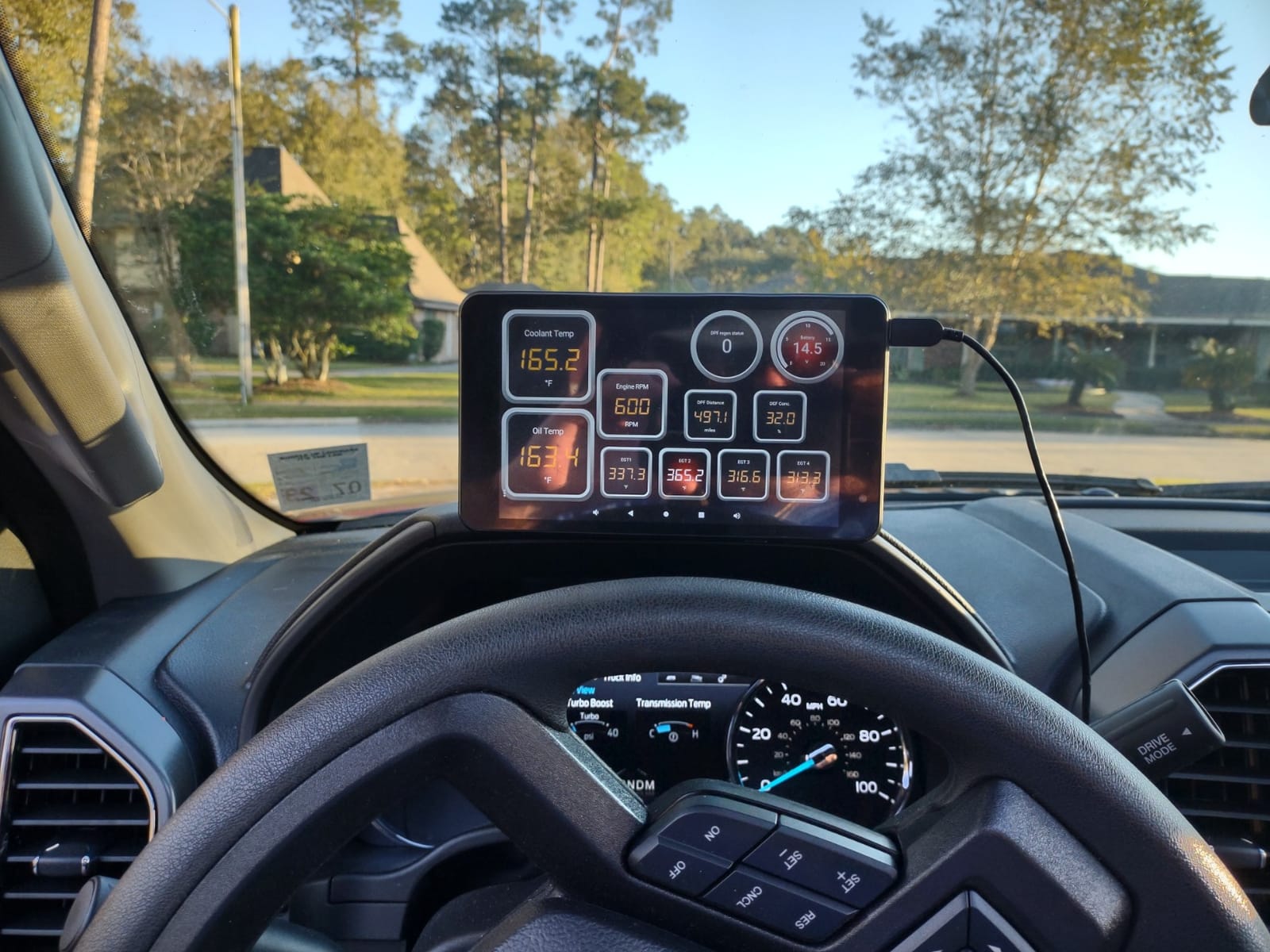
The BatterySaver sleep and auto-wake feature is the detail that separates it from cheap dongles. Instead of sitting awake and drawing current, it sleeps when the ignition is off and wakes on the next start, so leaving it permanently connected does not quietly cost you a battery.
Coverage is stated for all 1996 and later cars and light trucks sold in the United States, excluding hybrid and electric vehicles. It measures 1.97 by 1.77 by 0.91 inch, weighs 1.1 ounces, and carries a 3-year repair-or-replace warranty, the longest in this group.
Why LX fits motorcycles and long-term installs
MotoScan compatibility is the reason bikers land here. Most OBD2 dongles assume a 16-pin car port, and MotoScan needs a stable link that survives being clipped to a motorcycle. The LX is recommended by the MotoScan team for that reason.
For permanent installation, the sleep and wake behaviour is what makes it viable. An adapter that never sleeps is a parasitic draw you have to remember to unplug; one that sleeps is a tool you leave in the car and forget about. Pair that with the 3-year warranty and it becomes a set-and-forget purchase.
Who should skip the OBDLink LX
Skip it if you have an iPhone or iPad. It is not compatible with Apple devices at all, and that is a hard limit, not a configuration issue. iPhone owners should choose the BlueDriver, the OBDLink MX+ or either BLE dongle.
Skip it if you want module coverage out of the box. Its own app locks some advanced OEM modules behind paid add-ons, although owners work around this with Torque Pro. Also note the body is long enough that it may not sit under a dash with the cover fitted in a small car.
7. Vgate iCar Pro is the best low-power OBD2 Bluetooth adapter for hybrids and EV monitoring
Vgate iCar Pro Bluetooth 4.0 (BLE) OBD2 Fault Code Reader OBDII Code Scanner Car Check Engine Light for iOS/Android
Bluetooth 4.0 BLE for iOS and Android
1.85 x 0.94 x 1.06 inch
About 3mA in sleep mode
Two-year warranty
Firmware updates
Pros
- Pairs with iPhone and Android over Bluetooth LE
- Low power draw of about 3mA in sleep mode
- Broad app support including OBD JScan and Car Scanner
- Compact and easy to insert and remove
- Two-year warranty
Cons
- Standard OBD2 functions only with no ABS
- SRS or TPMS
- Blue status LED flashes continuously
- Some report intermittent drops or confusion between pairing names
- Not compatible with BimmerCode
The Vgate iCar Pro is a BLE dongle built around one specific virtue: it barely uses power. Auto-sleep and auto-wake draws about 3mA in sleep mode, which is the number to look at if you intend to keep the adapter in the car permanently or you own a vehicle with a smaller battery.
It pairs with both platforms over Bluetooth 4.0 BLE. iOS connects directly through the app, while Android pairs with the network name Android-Vlink using PIN 1234. That difference is the single most common source of first-time confusion, so expect it rather than assuming the dongle is faulty.
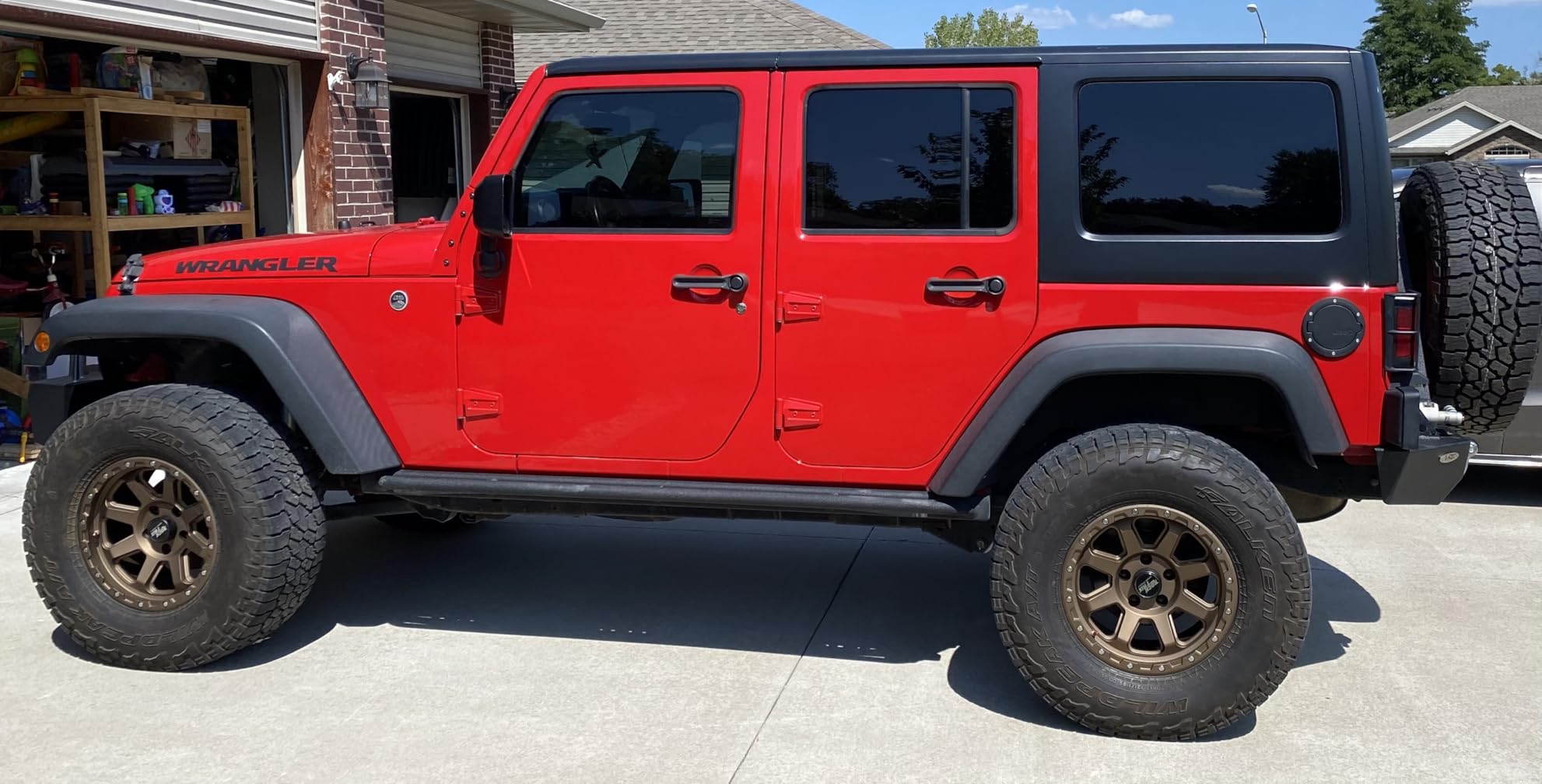
App support is broad for a dongle at this level, covering Torque, Car Scanner ELM327, OBD Fusion, OBD JScan and Dr. Prius. Owners highlight the low draw, the wide compatibility and its usefulness for EVAP and sensor monitoring as the recurring positives, with a two-year warranty behind it.
Firmware is updatable through the Vgatemall updater app or a Windows PC, which matters more than it sounds because chipset firmware changes are what turn an unresponsive dongle into a working one. Coverage is for 12V gasoline vehicles after 1996 plus light-duty diesel up to 6.5 tons from 1996.
Why the sleep current number matters in practice
Because it decides whether you can leave the dongle in. A permanently installed adapter with no power switch is a small parasitic load on every start, which is tolerable but avoidable. At roughly 3mA in sleep, the iCar Pro is designed to be installed and forgotten, and the auto-wake handles the rest.
It is also the pragmatic choice for EVAP work. EVAP system faults are among the most common causes of a check engine light and among the hardest to pin down without live sensor data, and this dongle streams it while keeping the draw low.
Who should skip the Vgate iCar Pro
Skip it if the light is not the check engine light. It supports standard OBD2 functions only, with no ABS, SRS or TPMS coverage and no MS-CAN support, so body-system faults are invisible to it.
Skip it if you drive a hybrid or EV and rely on auto-wake, since it may not function there. BMW owners coding with BimmerCode should look elsewhere, as it is not compatible. Some users also report intermittent drops and confusion between the iOS and Android pairing names, and the continuously flashing blue LED is widely disliked at night.
8. Veepeak Mini is the budget Android-only OBD2 adapter worth knowing about
Veepeak Mini Bluetooth OBD2 Scanner Code Reader for Android (NOT for iOS)
Classic Bluetooth for Android only
1.89 x 0.98 x 1.26 inch, 1.12 ounces
Generic engine diagnostics only
One-year replacement warranty
Pros
- Entry-level price with no subscription trap
- Compact design that fits awkward OBD port locations
- Smooth high-refresh data logging with Torque Pro
- Long track record with multi-year ownership reported
- Works with a range of third-party Android apps
Cons
- Not compatible with iPhone or iPad
- Generic engine diagnostics only with no ABS
- SRS or TPMS
- No power switch so leaving it plugged in can drain the battery
- Can be fussy to pair when other Bluetooth devices are nearby
The Veepeak Mini is the entry point. It is a Classic Bluetooth dongle for Android phones and tablets only, and it exists for one scenario: an Android owner who wants to read and clear engine codes for the least possible outlay. It does that job reliably.
Under Torque Pro the data logging is smooth with a high refresh rate, which is not something you can assume at this tier. One owner reports roughly five years of continuous use. Users also note it can outperform pricier handheld readers for straight code reading.
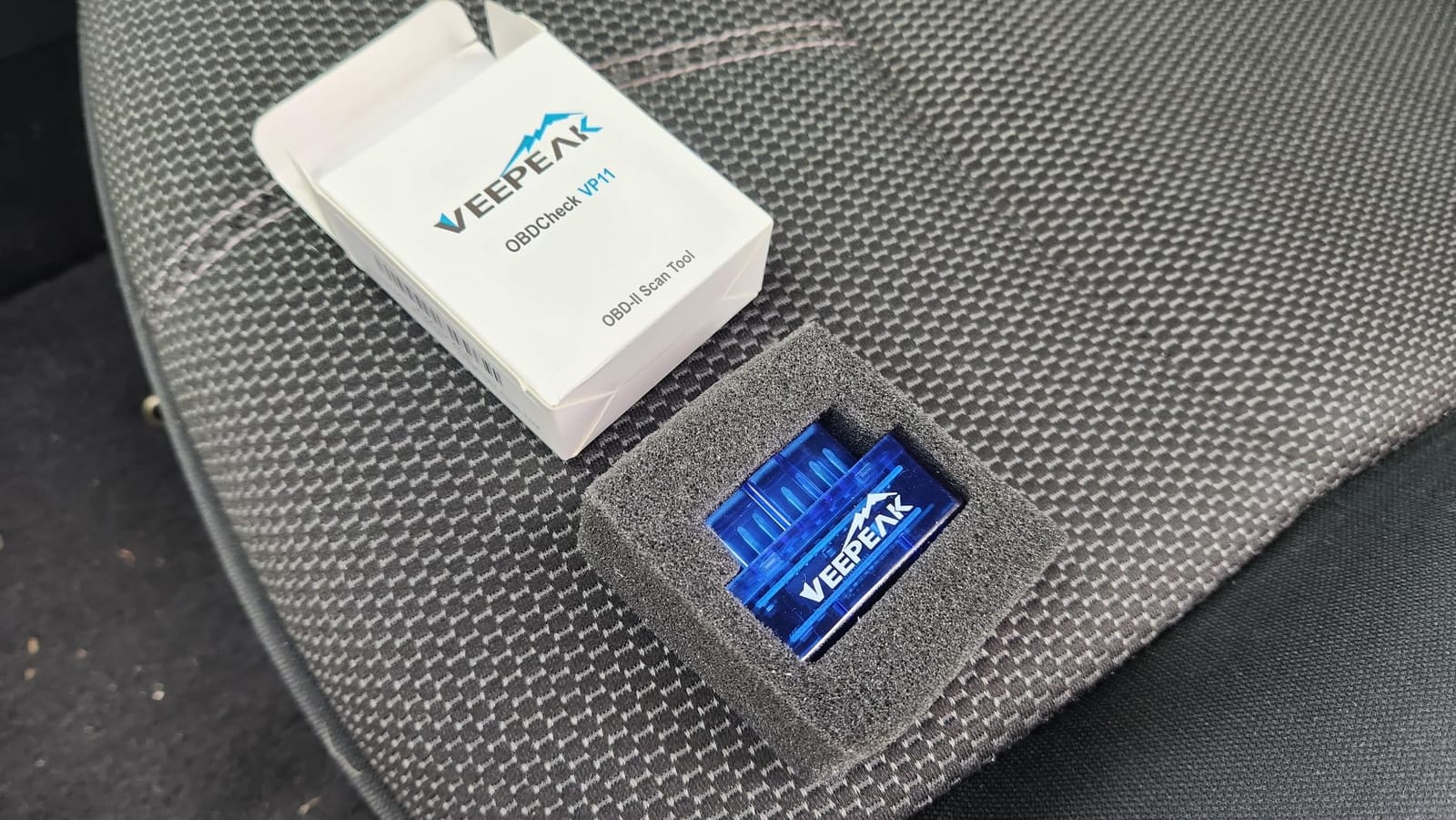
The body measures 1.89 by 0.98 by 1.26 inch and weighs 1.12 ounces, with a low-profile shape that fits awkward port locations where a bigger dongle will not seat properly. It reads live sensor data including speed, engine RPM, coolant temperature, throttle position, O2 sensor readings, fuel trim and mass air flow, plus freeze frame and I/M readiness.
App pairing covers Car Scanner, Torque, OBD Fusion and Dr. Prius. Coverage is for most 1996 and later cars and light trucks in the US for generic engine diagnostics, and it explicitly excludes OBD1 vehicles, heavy trucks and motorcycles.
When the budget tier genuinely makes sense
When the car is post-1996, the light is the check engine, and you only need to read, decide and clear. In that narrow case the extra spending on a BLE adapter or a module-covering tool buys you features you will never open, and this one covers the full generic workflow including fuel trim and freeze frame.
It also works well as a second or loaner tool. It is small, it is cheap enough to lose in a glovebox without distress, and it does not need an app subscription to read codes.
Who should skip the Veepeak Mini
Skip it if you use an iPhone or iPad. iOS is not supported and there is no workaround, which is the single largest limitation here. Skip it if the light is ABS, SRS, TPMS or a manufacturer-specific lamp, since it covers the engine module only.
Skip it if you plan to leave it plugged in, because there is no power switch and reviewers flag battery drain as a real risk. It can also be fussy to pair in busy Bluetooth environments, and it will not work with BimmerCode, BimmerLink or ABRP.
How to spot a fake ELM327 clone before you buy one
Counterfeit ELM327 units are the loudest complaint across every automotive forum, and the failure mode is cruel: the dongle pairs with your phone, the app connects, and then it never reads a code. There is no error, just empty results, which sends beginners hunting for a phone problem that does not exist.
One user trying to read CAN high and low from an OBD port through an ELM327 Bluetooth plug reported that it simply did not work. That single report explains most of the disappointment in this category. A clone uses a cheaper chip with a fraction of the buffering and timeout handling, so it drops out during a live data request.
The five checks that catch a counterfeit
First, check the advertised chipset. Genuine units name the ELM327 v2 family or a documented alternative such as an STN or Vgate chipset, and reputable brands publish the chip they use. A listing that says only Bluetooth OBD2 adapter with no chipset is a warning.
Second, read the protocol list. A real adapter supports multiple vehicle protocols including CAN, ISO 9141, ISO 14230 KWP2000 and J1850 variants. A clone typically claims the same protocols but cannot sustain them, so treat the list as a claim to verify rather than proof.
Third, look for brand accountability and a warranty. A one-year manufacturer replacement warranty, a real company name and a responsive support channel are all signals. The Veepeak, OBDLink, Vgate and TOPDON units here all carry stated warranty periods; unbranded marketplace dongles generally do not.
Fourth, look at review volume and detail. A genuine adapter accumulates thousands of reviews over years. The Veepeak Mini has over 18000 and the BlueDriver over 62000, with comments specific enough to be useful. A product with a handful of generic five-star reviews is telling you nothing.
Fifth, compare the price against the specification. If a listing claims enhanced diagnostics, bidirectional control and manufacturer-specific coverage at a fraction of the cost of every established brand, one of those claims is false. Cross-check anything promising against our existing coverage of OBD2 scanners before you commit.
Bluetooth Classic vs BLE: which protocol your phone actually needs
Bluetooth Classic and Bluetooth Low Energy are the reason two adapters with identical specifications behave completely differently in your hand. Classic Bluetooth, also called BR/EDR, was the original car-audio pairing method. BLE is the low-power profile that modern phones use for everything from fitness trackers to car adapters.
The practical rule is short. If you own an iPhone or a recent Android phone, choose BLE. The OBDLink LX and the Veepeak Mini use Classic Bluetooth, so the LX will never pair with Apple devices and the Mini never will either. That is a hardware limit, not a settings problem, and it is the single most common purchase mistake in this category.
Classic versus BLE in one comparison
BLE adapters pair from inside the app rather than from the phone Bluetooth menu, which is why first-time users with a BLE dongle often think it is broken. Classic adapters appear in the Bluetooth menu but drop out under sustained live-data traffic because Classic was never designed for that pattern.
Classic still has one advantage, backward compatibility. Very old Android tablets and Windows laptops pair with Classic hardware more reliably than with BLE. If your device is old enough that Bluetooth Low Energy is questionable, the OBDLink LX or the Veepeak Mini are the safer bet.
Choosing between the two OBDLink models comes down to the same question. If you want the MX+ you get iOS, Android and Windows on a fast modern link. If you want the LX you get Android and Windows only, but also MotoScan compatibility for motorcycles and the BatterySaver sleep mode.
What an OBD2 Bluetooth adapter cannot do
A phone-paired dongle is a code reader with live data attached, not a shop scan tool. Understanding the boundary saves you buying the wrong hardware and, more importantly, saves you diagnosing a problem you cannot solve with a dongle.
Bidirectional control is the clearest example. Only the TOPDON TopScan Lite in this roundup commands components to act. Everything else reads state. Genuine active testing, including injector, actuator and component-level tests, needs a bidirectional scan tool. That is a different category of hardware at a different price level, and it is where you should escalate.
Module coverage is the second limit. Most budget dongles read the powertrain module only. If the light on your dash is ABS, SRS or TPMS and your adapter reports nothing, that is not a fault. You need an adapter with enhanced diagnostics, or the dealer scan tool.
Manufacturer-level programming is the third. Adaptive throttle relearns, electronic parking brake adaptation, injector coding and module programming need dedicated tools with brand-specific software. Forum users making BMW coding changes reach for a real scan tool or specialist software, not a dongle, and the same applies to firmware flashing.
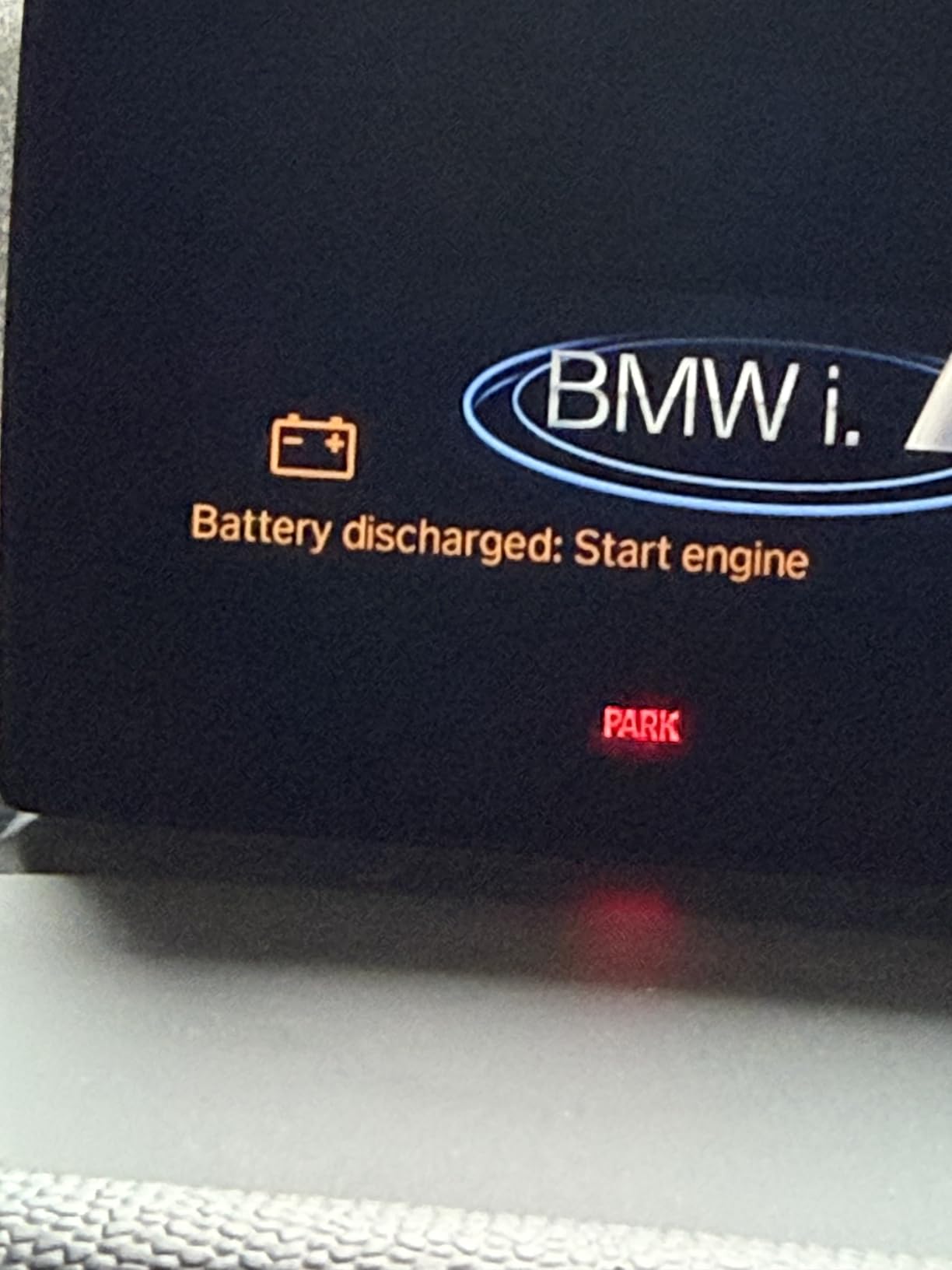
One more practical warning: leaving an adapter plugged in overnight on a vehicle with a small battery can leave you stranded, because there is no universal cutoff. Choose an adapter with sleep and wake protection, such as the OBDLink LX or the Vgate iCar Pro, or remember to unplug it.
How to pair an OBD2 Bluetooth adapter in five steps
Most connection failures in this category are setup errors rather than faulty hardware. The sequence below resolves the majority of first-time problems in a couple of minutes.
Step one, locate the OBD-II port. It sits within reach of the steering wheel, usually under the dashboard on the driver side, though some manufacturers place it near the centre console or in the glovebox.
Step two, plug the adapter in with the ignition off. The adapter must be seated fully, and this is the moment most first-time users miss: turn the key to position II, the running position, and leave it there. An adapter powered up without an ignition-on signal often initialises before the ECU is awake and then reports no connection.
Step three, pair the Bluetooth. With a Classic adapter such as the OBDLink LX or the Veepeak Mini, pair in the phone Bluetooth settings using the network name on the adapter, which is often OBDII, Vgate or Android-Vlink with PIN 1234. With a BLE adapter such as the BlueDriver, the OBDLink MX+, the Veepeak OBDCheck BLE or the Vgate iCar Pro, connect from inside the app instead of the Bluetooth menu.
Step four, grant permissions. Both iOS and Android require Bluetooth access plus location permission for Bluetooth scanning to work, and an app that is missing location permission will pair and then sit at zero data.
Step five, launch the app and run a code scan before anything else. Confirm the connection works with a simple read, then close the app before driving so the phone is not left streaming live data in your glovebox.
Cheap vs expensive OBD2 scanners: what actually changes
A cheap adapter reads and clears engine trouble codes. An expensive one does that too. The real differences are module coverage, connection stability under live-data load, app choice and whether you pay a subscription after the trial ends.
At the low end you get genuine OBD-II reading, freeze frame and readiness monitors, usually over Classic Bluetooth, with an engine-only view. That is enough to answer the most common question an owner has, and it is why entry-level dongles remain the most-sold category.
Moving up buys Bluetooth Low Energy so modern phones pair reliably, and low-power sleep so the adapter can stay in the car. The step above that buys genuine utility is enhanced diagnostics for ABS, SRS and TPMS, which is what separates the BlueDriver from a generic dongle.
The premium tier adds connection speed and stability, cross-platform support including Windows, enhanced manufacturer-level data for major brands, and bidirectional control with a library of service resets. The premium tier also adds complexity: some of it is delivered through paid third-party apps rather than the dongle itself, which is the part buyers most often miss.
What the price does not buy
It does not buy a fix database unless the brand ships one, and only the BlueDriver and FIXD give you readable explanations out of the box. It does not buy guaranteed compatibility with every app, because app lock-in is a brand choice rather than a quality signal. And it does not buy bidirectional control unless the specification says so, because most dongles cannot perform active tests at any price.
Subscription is the other hidden variable. BlueDriver charges nothing after purchase, OBDLink hardware does not require one, and the Veepeak units carry no subscription of their own, though some apps cost extra. TOPDON keeps core diagnostics free for life but puts bidirectional control and service operations behind a plan after the first year. Judge the running cost, not just the hardware.
Choose your OBD2 scanner by matching the tool to the job
Start from the light, not the brand. A check engine light on a 1996-and-newer fuel car can be handled by a BLE dongle with any reputable app. An ABS, SRS or TPMS light needs enhanced diagnostics, which narrows the field sharply toward the BlueDriver or a full-system tool.
Then match the phone. iPhone and iPad rule out every Classic Bluetooth unit, so cross the OBDLink LX and the Veepeak Mini off your list. Android opens all eight, and a Windows machine opens the OBDLink pair.
Then match the job. Reading codes only takes the cheapest BLE option. Live-data logging and graphing on a road test wants the OBDLink MX+ or LX for speed. Service resets and component tests want the TOPDON. Cross-platform, no ongoing fee and VIN-matched fix reports want the BlueDriver.
Finally, check the vehicle itself. European EOBD cars, motorcycles, heavy trucks and pre-1996 vehicles are all outside the stated coverage of most adapters here, so verify year, fuel type and protocol before you buy. If you also maintain a motorcycle, our motorcycle hardware guides cover the connector and coverage questions that come up alongside car diagnostics.
Frequently Asked Questions
What is the best OBD2 scanner for DIY use?
The BlueDriver is the best OBD2 scanner for DIY use. It reads and clears check engine, ABS, SRS, airbag, TPMS and transmission codes, returns technician-verified repair reports matched to your VIN, works with both iOS and Android, and carries no subscription fee. Coverage is for 1996 and later gas vehicles sold in North America.
What is the best Bluetooth OBD2 scanner for diagnostics?
For deeper diagnostics than simple code reading, the OBDLink MX+ is the strongest Bluetooth OBD2 scanner. It runs on iOS, Android and Windows from one dongle, offers enhanced manufacturer support for Ford, GM, Mazda, Nissan, Toyota, Honda, Hyundai and Kia, and is recognised by FORScan, Torque, BimmerCode and DashCommand. It is fast enough for smooth live-data logging.
What are the differences between a cheap and an expensive OBD2 scanner?
Cheap adapters read and clear engine trouble codes, freeze frame data and readiness monitors, usually over Classic Bluetooth with an engine-only view. Expensive adapters add Bluetooth Low Energy for reliable modern phone pairing, enhanced diagnostics covering ABS, SRS and TPMS modules, faster and more stable live-data streaming, cross-platform support, and sometimes bidirectional control with service resets. Some advanced features still require paid third-party apps.
Which ELM327 adapter is the best?
Among genuine, branded units, the Veepeak OBDCheck BLE is the most versatile ELM327-based adapter for most owners because Bluetooth Low Energy pairs with both iPhone and Android and it works with a wide range of apps including Torque, OBD Fusion and Car Scanner. Avoid unbranded marketplace ELM327 units, which frequently pair but never return codes. Check the chipset, protocol list, warranty and review volume before buying.
Do Bluetooth OBD2 adapters need a subscription?
It depends on the adapter and the app. BlueDriver has no subscription at all, with one-time purchase covering every feature. The Veepeak and OBDLink adapters carry no hardware subscription, though some third-party apps charge separately. FIXD offers a free app with unlimited scans and puts repair recommendations behind an optional upgrade. TOPDON keeps core diagnostics free for life but requires a subscription for bidirectional control and service operations after the first year.
Can a Bluetooth OBD2 adapter read ABS codes?
Only if it supports enhanced diagnostics. Budget dongles such as the Veepeak OBDCheck BLE, the Vgate iCar Pro and the Veepeak Mini cover engine codes only, so an ABS light produces no results. The BlueDriver reads and clears ABS, SRS, airbag and TPMS codes, and the TOPDON TopScan Lite scans body systems across all systems. An ABS fault still requires a physical repair, and bidirectional testing still needs a scan tool.
How do you choose the best OBD2 scanner?
Pick the BlueDriver if you want the best OBD2 scanner for DIY use, because it is the only pick here with ABS, SRS, airbag and TPMS coverage, VIN-matched technician fix reports and no subscription. It suits an owner whose warning light may not be the check engine light.
Choose the OBDLink MX+ when you plan to run advanced third-party apps or need one dongle across iOS, Android and Windows, and choose the Veepeak OBDCheck BLE when a check engine light on a 1996-and-newer car is your only concern. Pick the TOPDON for bidirectional tests and service resets, and FIXD if you want plain-language answers with no software research.
Avoid unbranded marketplace ELM327 units entirely. They pair, they connect, and then they read nothing, and that failure mode is the reason 2026 roundups like this one keep coming back to the same shortlist of proven hardware.