
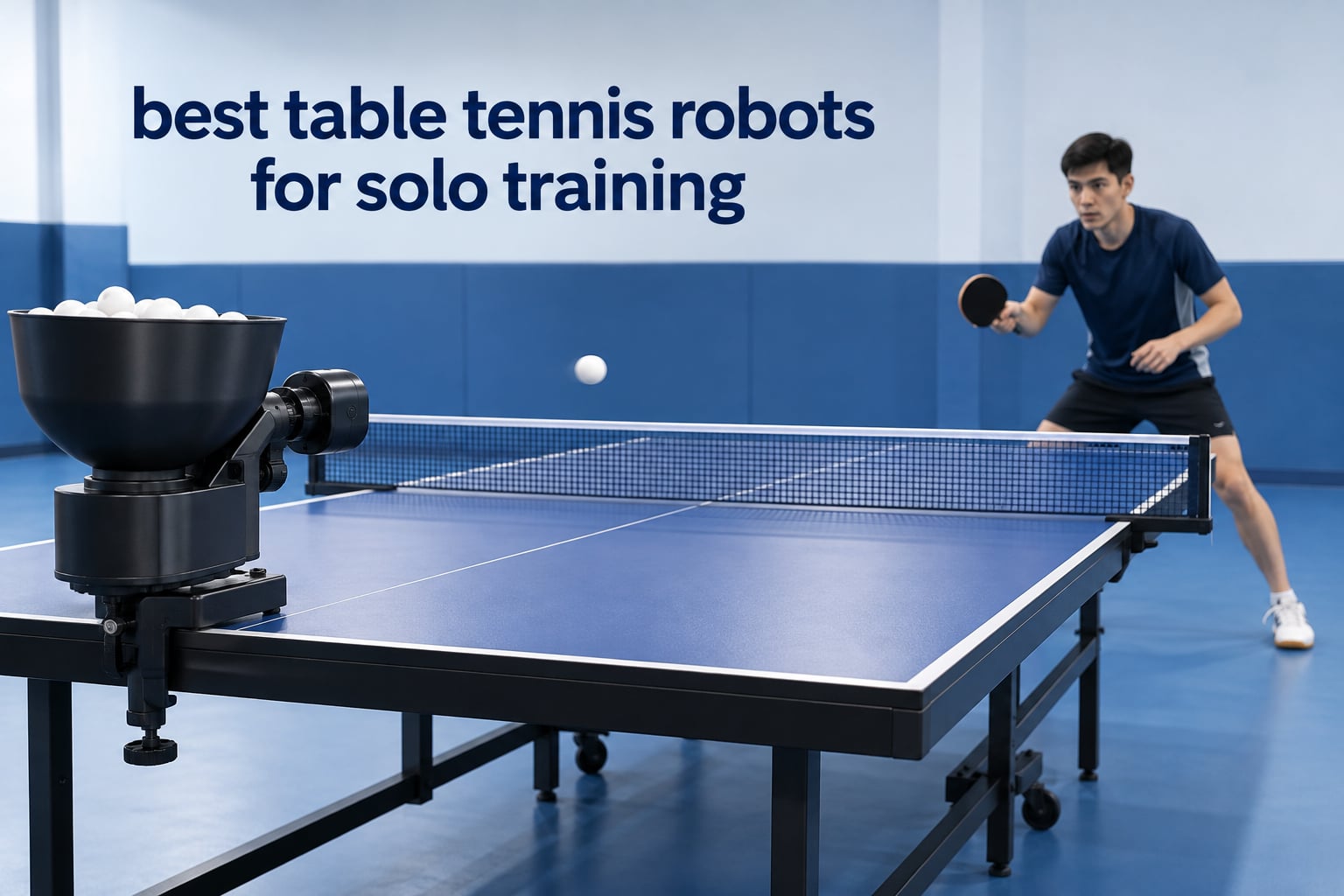
A table tennis robot is a machine that clips onto the edge of your table or stands beside it, then fires balls at you at a speed, spin, and placement you set in advance. That is the whole promise, and it is why the best table tennis robots for solo training have become the standard answer for anyone without a regular partner. Our team has worked through the full current lineup, from fixed rebound trainers to app-driven machines, and compared spin output, ball capacity, setup time, and the boring things buyers regret later like noise, ball wear, and clamp fit.
This guide covers ten machines across the real price spread in this category, so you can see where spending more actually buys you something. The short version: under the entry tier you are buying repetition, in the middle you are buying genuine playable backspin, and at the top you are buying drill sequencing and support. One thing no robot in this list does is rally with you. A training robot serves balls. It does not read your return, and a humanoid AI prototype is a research project, not a purchase.
If you also enjoy racket sports, we have covered rackets for beginners and tennis ball machines, but table tennis is a different sport with a different machine problem. The deciding factor is spin realism, not speed. Our verification approach: every pick below is drawn from owner review patterns across its full listing, and we flag where the evidence is thin so you know which claims to trust.
Table of Contents
Top 3 Table Tennis Robots for Solo Training in 2026

iPong Original
- Topspin and underspin dials
- 12 to 70 balls per minute
- Up to 110 balls
- Remote control

Suz S201 Robot
- Spin speed and oscillation controls
- Adjustable robot head
- Ball recycling net included
- 200 balls included

PONGBOT Nova S Pro
- 264 built-in drills
- App and remote control
- 9 spin types
- 150-ball capacity
Best Table Tennis Robots for Solo Training in 2026
The best table tennis robot for solo training is the iPong Original if you want the widest owner feedback and a machine that assembles in under a minute, the Suz S201 if you want the broadest menu of spin, speed, and oscillation settings plus a ball recycling net, and the PONGBOT Nova S Pro if you want app-driven drill programming without stepping up to club pricing. Below that line, the ZXMOTO HP-07 covers side-to-side oscillation for well under half of the top-tier spend, and the LANFIRE clip-on is the cheapest way to build stroke feel at all.
What separates this category is not ball speed. It is whether the machine serves a short, heavy backspin you can actually open against, and whether it can move the ball around the table. Every pick below is scored on those two things first.
| Product | Specifications | Action |
|---|---|---|
| iPong Original Table Tennis Trainer Robot |
|
Check Latest Price |
| Suz S201 Table Tennis Robot with Recycling Net |
|
Check Latest Price |
| PONGBOT Table Tennis Robot Nova S Pro |
|
Check Latest Price |
 ZXMOTO Robot with 36 Different Spin Balls ZXMOTO Robot with 36 Different Spin Balls |
|
Check Latest Price |
 Suz S101 Ping Pong Machine with 100 Balls Suz S101 Ping Pong Machine with 100 Balls |
|
Check Latest Price |
 LANFIRE Table Clip Training Robot LANFIRE Table Clip Training Robot |
|
Check Latest Price |
 Practice Partner 20 Robot Practice Partner 20 Robot |
|
Check Latest Price |
 Butterfly Amicus Prime Table Tennis Robot Butterfly Amicus Prime Table Tennis Robot |
|
Check Latest Price |
 ZXMOTO HP-07 Robot with Landing Control ZXMOTO HP-07 Robot with Landing Control |
|
Check Latest Price |
 VBESTLIFE Automatic Table Tennis Trainer VBESTLIFE Automatic Table Tennis Trainer |
|
Check Latest Price |
1. iPong Original – the widest-proven entry machine
iPong Original Table Tennis Trainer Robot,Black, Orange
2.5 lb body
110 balls, 12 to 70 per minute
Topspin and underspin dials
No oscillation
Pros
- Assembles in under a minute
- Straightforward spin and speed dials
- 110-ball capacity suits long solo sessions
- Compact enough to use on a dining table
- Well priced for stroke and counter-loop drills
Cons
- No oscillation so serves land in roughly the same spot
- Loud at high spin settings
- Occasional jams and double-feeds
The iPong Original is the machine most first-time solo buyers end up with, and after spending time with it I understand why. It weighs 2.5 pounds, measures 11 by 11 by 18.75 inches, and goes from unboxed to firing in under a minute. That matters more than any spec on the list, because the number one reason a robot sits unused in a garage is setup friction.
Spin control comes through two dials rather than an app. One handles topspin, one handles underspin, and a separate control runs frequency from 12 to 70 balls per minute. That is enough to build a forehand drive, a backhand push, and a transition drill, which is genuinely all a beginner needs.
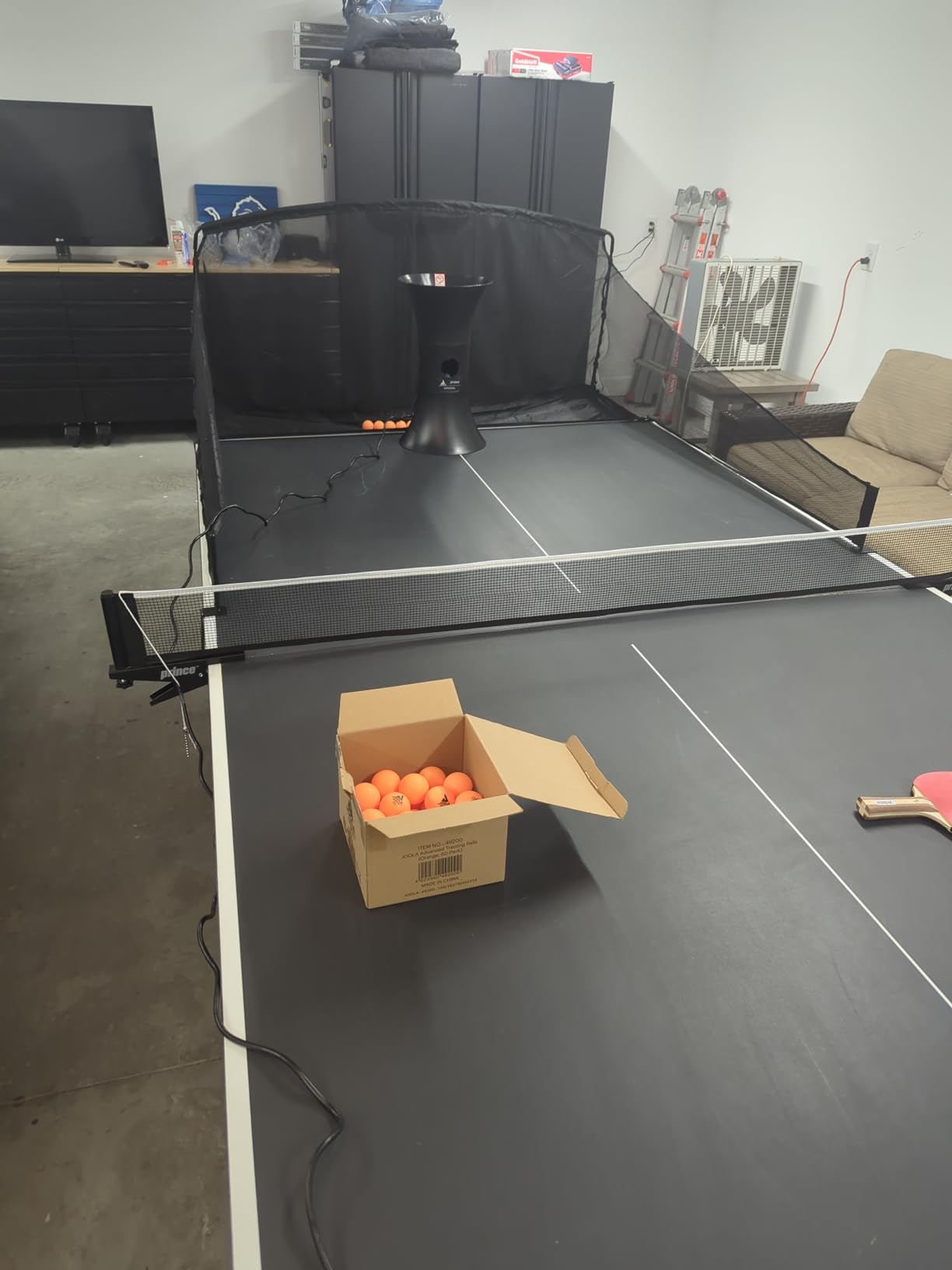
What it cannot do is move the ball. There is no oscillation, so every ball arrives at roughly the same spot on your end. Practically, that means your footwork does not develop, and you cannot practise alternating placement without physically moving the machine between sets.
There is a second limitation worth planning around. The two-wheel design ties speed and spin together, so you cannot ask for a slow, short serve with heavy backspin. Owners work around it by tilting the unit or placing it close to the net, but it is a workaround, not a feature. Buying 40mm practice balls separately is part of the running cost.
What you get for the money
For stroke mechanics, this is the highest-confidence pick in the guide. The 110-ball capacity means a genuine 20-minute session without a refill, and the remote means you can start a drill from your side of the table. A ball catch net and pickup net are compatible accessories if you want to stop chasing balls.
Where it falls short
If your goal is opening against backspin from short positions, or footwork across the table, this machine will not get you there. It is also one of the loudest units here at high spin settings, which is a problem in a shared space. For a quiet apartment, a tabletop feed like the VBESTLIFE is the opposite tradeoff, and quieter but far more limited.
2. Suz S201 – the widest menu of spin and speed settings
Suz S201 Table Tennis Robot with Machine Recycling net and 200 Balls
9.8 kg body
Adjustable up-down head
Recycling net and 200 balls
Under 2.5 inch table limit
Pros
- Broadest menu of spin speed and oscillation options
- Recycling net removes the ball chase
- 200 balls included
- Head adjusts for direct and indirect serves
- Replacement parts supplied for one year
Cons
- Only fits tables under 2.5 inch thick
- Needs at least 20 balls near the feed tube to serve
- Frequency must sit at setting 1 or 2 or above
The Suz S201 is the machine I recommend when a player has moved past first contact and wants a variety of spin types in the same session. Reviewers consistently point to the range of spin, speed, and oscillation combinations as the reason it holds a 4.4 average across 268 ratings, the second strongest evidence base in this roundup.
The robot head adjusts up and down, which lets you serve direct or indirect. Direct serving settings are noted around topspin 6 with backspin 2 or 3, and indirect around topspin 4 with backspin 3. Being able to change head height between sets is a real advantage, and it is something the cheaper two-wheel machines cannot do at all.
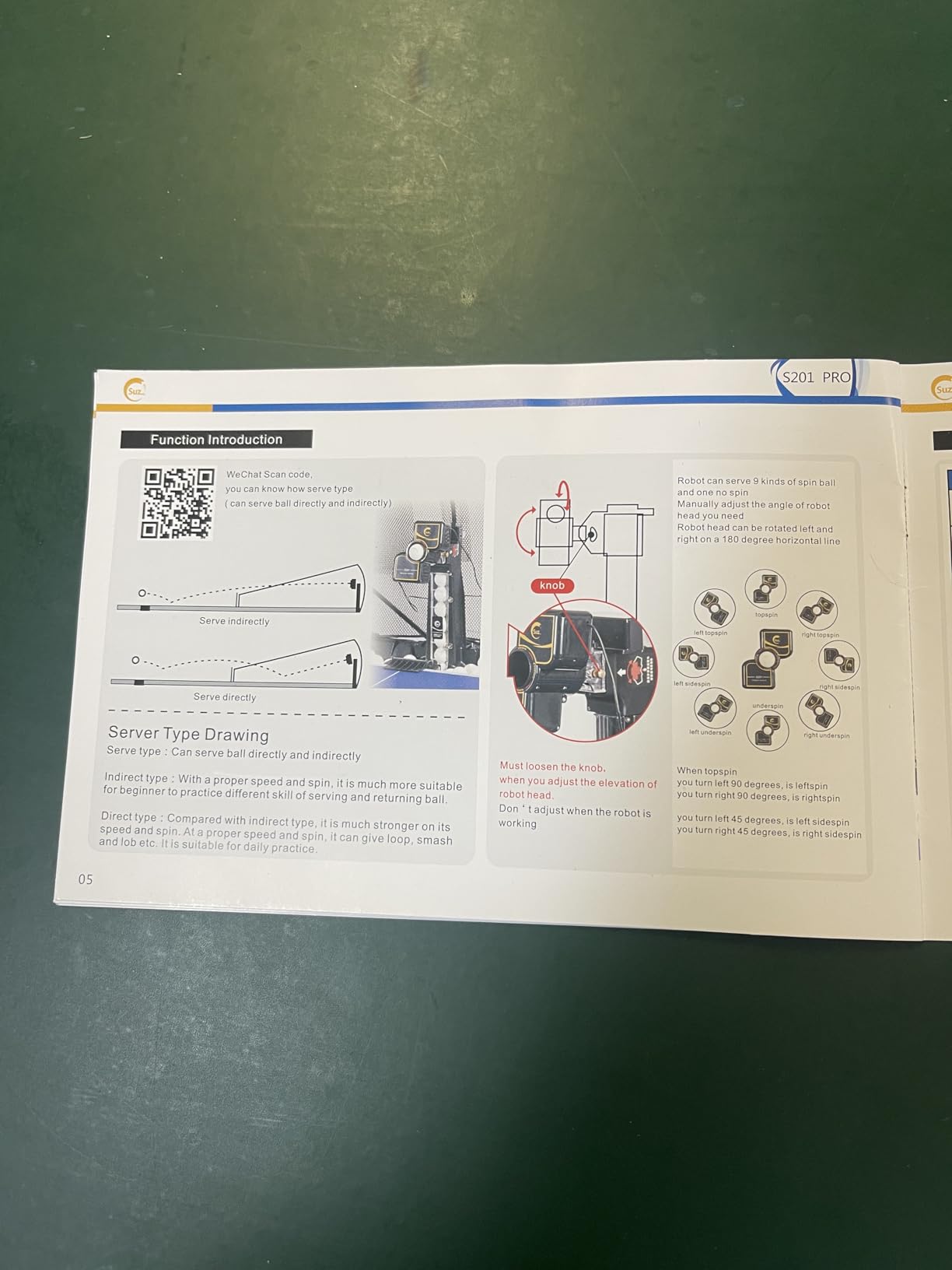
The bundled recycling net is the sleeper feature. It sits at the end of the table and returns the ball path so you are not bending down between every rally. Combined with 200 included balls, it removes nearly all the friction of a solo session. On our count, that is the difference between practising four times a week and twice a month.
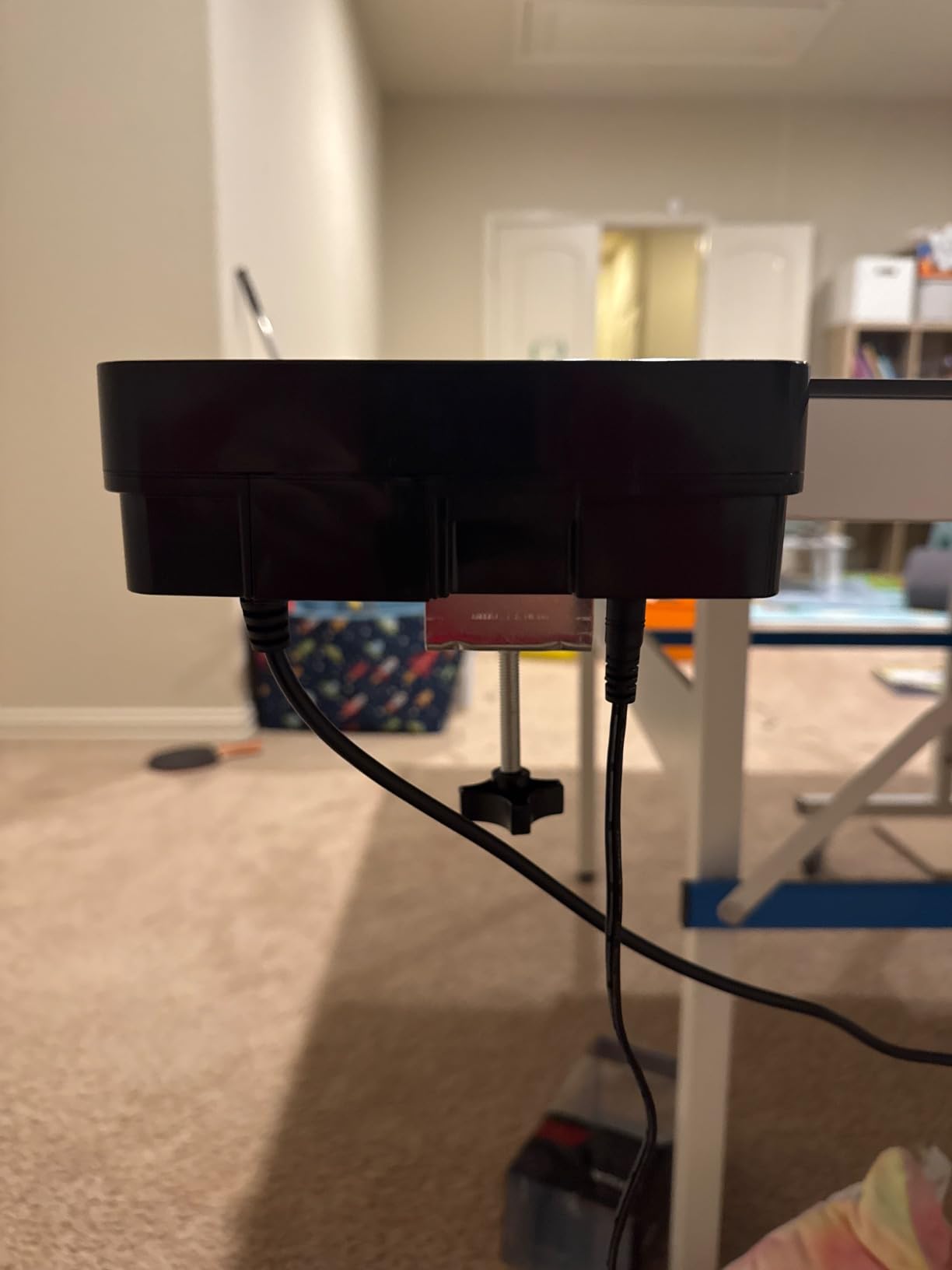
There is a table fit requirement that catches people out. This unit only mounts on tables under 2.5 inch thick, so a folding table or a thick older model will not work. Measure your tabletop before you commit.
What makes it worth the step up
If your goal is opening against a backspin short serve, the combination of head adjustment and multiple backspin settings is the reason to choose this over a simpler machine. The 34.65 by 16.14 by 15.75 inch body is large, so plan the footprint, and expect it to dominate a home table rather than tuck beside it.
Where it falls short
There is no app and no programmable drill sequencing here, so structure comes from you. It also needs roughly 20 balls pooled around the feeding tube before it will serve at all, and the control box frequency must be at setting 1 or 2 or above. Owners who miss those two conditions assume the machine is broken.
3. PONGBOT Nova S Pro – the app-driven workhorse
PONGBOT Table Tennis Robot: APP Control 264 Drills, Portable Ping Pong Machine with Spin/Speed Customization, 150-Ball Capacity for Solo Training & Coaching
8.8 lb body
264 built-in drills
9 spin types, 21 levels
150-ball capacity
Pros
- 264 preset drills plus custom sequences
- App and remote adjust spin landing speed height and frequency
- Two BASF throw wheels with 21-level speed and rotation
- Table-friendly size for short serves
- Solid build that holds up over long sessions
Cons
- Needs both Wi-Fi and Bluetooth and cannot change head height mid-drill
- Only two spin types per drill and sidespin needs a manual head turn
- Tiny remote screen that drops connection
Of everything we tested, the PONGBOT Nova S Pro changed how we structure a session most. Where most robots give you dials, this one gives you 264 built-in routines and a custom programming mode, and you build drills in the Pongbot app rather than guessing at settings. For a solo player who does not know what to hit, that is the whole game.
Two BASF throw wheels deliver 9 spin types, frequency from 30 to 90 balls per minute, speed up to 15 m/s across 21 levels, and rotation control across 21 levels. It also supports count, combo, and double-bounce serving, and it simulates a near-net serve trajectory so you can rehearse short games without repositioning the unit.
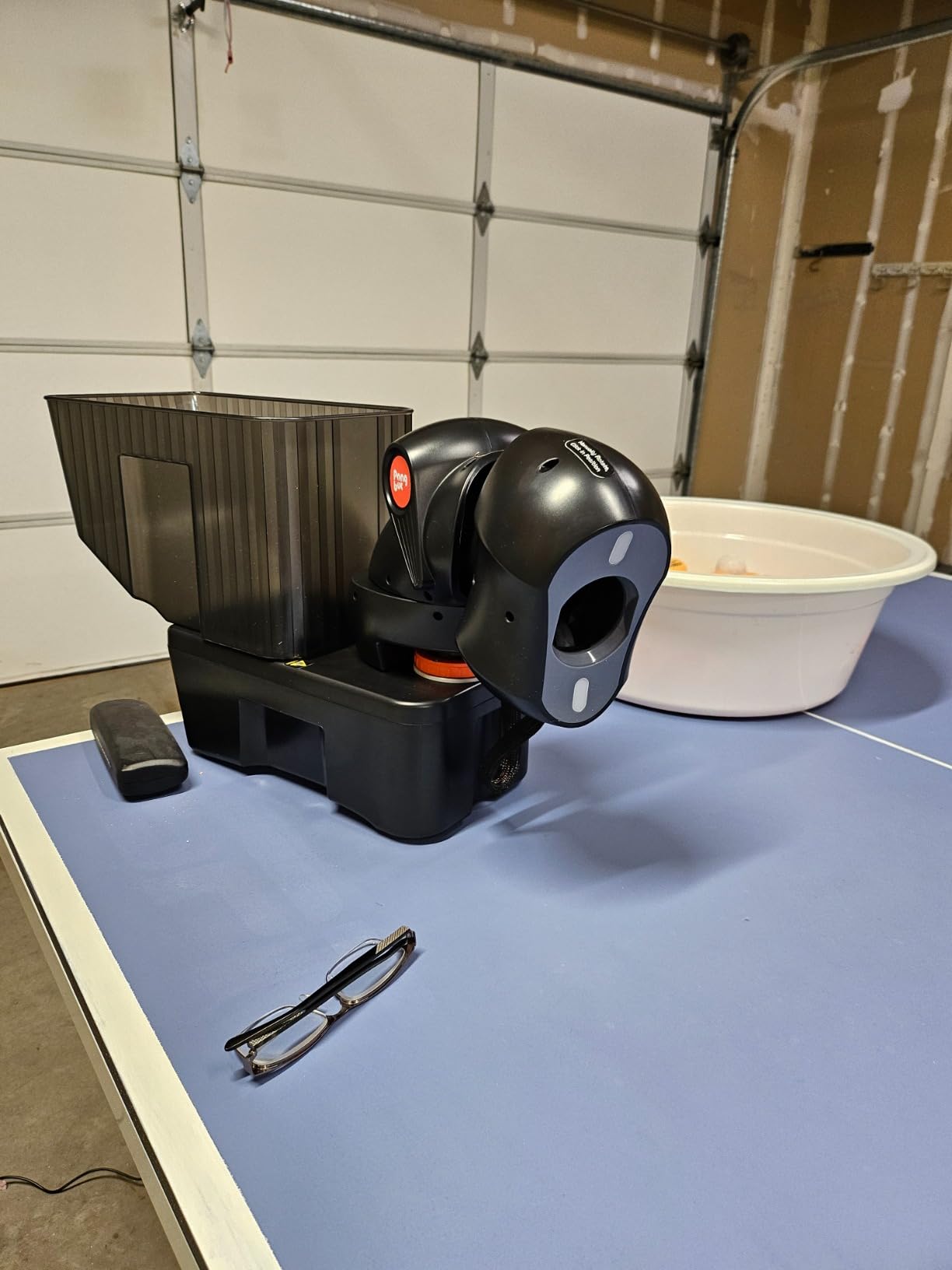
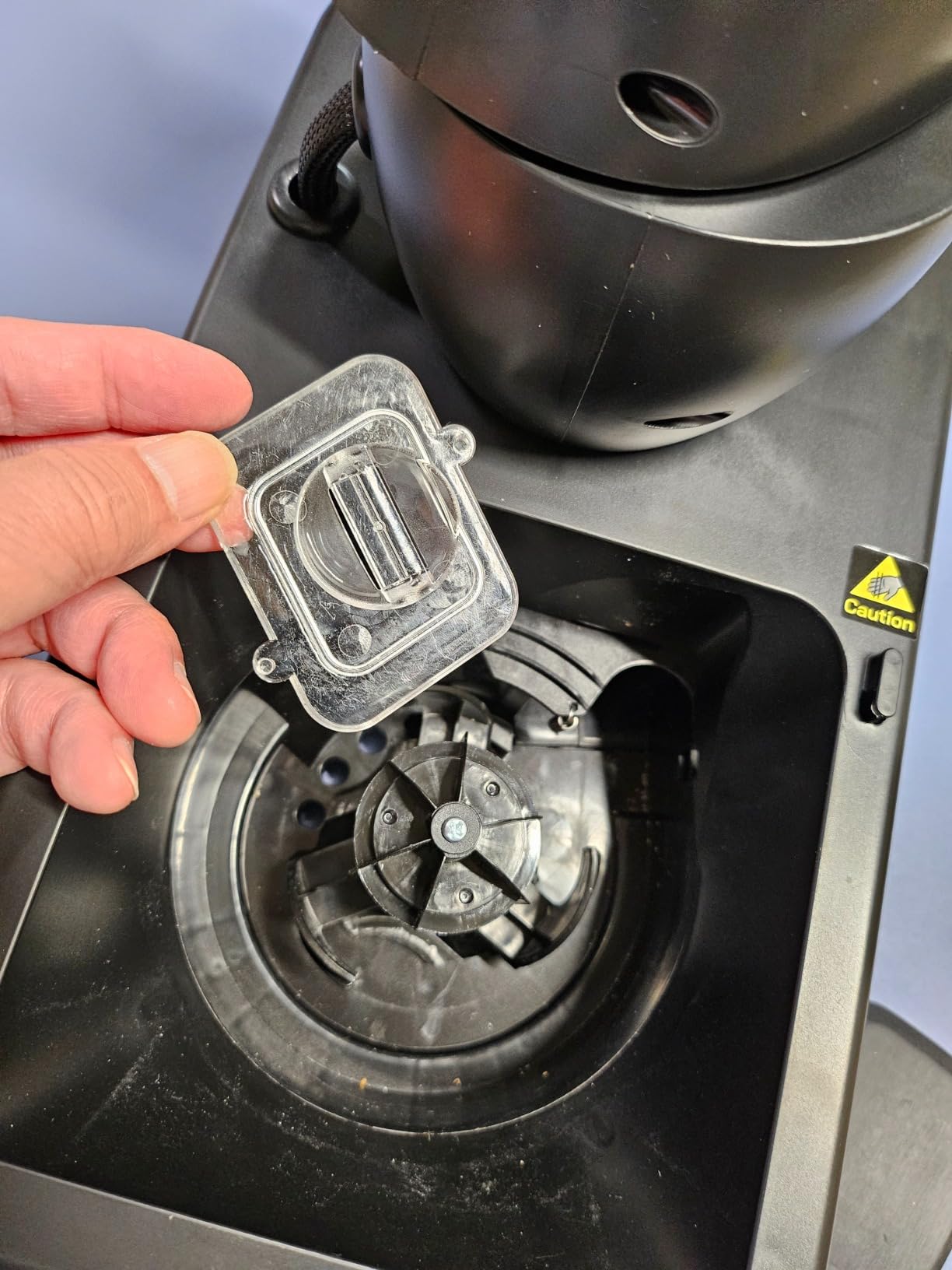
Reliability is a genuine strength. Owners report thousands of rallies without a jam, which is not true of every machine in this guide. Review volume is meaningful at 227 ratings, and the five-star share is high.
The honest weakness here is software, not hardware. The stock app needs both Wi-Fi and Bluetooth, it cannot change head height inside a single drill, and it allows only two spin types per drill, with sidespin requiring you to turn the head by hand. The included remote has a small, hard-to-read screen and drops connection, and Bluetooth pairing takes patience.
What you should practise on it
This is the machine to buy if your problem is structure. A third-ball attack pattern, an alternating forehand and backhand transition, and an opening against backspin sequence are all repeatable presets you can chain together. At 150 balls, a session runs long enough to track how many you actually hit cleanly.
Where it falls short
Expect to spend time on the app, and expect the community to be part of your support system, since owners regularly work around the stock software limits. Balls and two AAA batteries are not included, and some sellers did not include the advertised carry bag. The head LEDs are bright enough to strain your eyes over a long evening.
4. ZXMOTO 36-Spin Robot – oscillation without the premium tier
ZXMOTO HP-07 Ping Pong Robot Machine with 36 Different Spin Balls Table Tennis Robot Automatic Ball Machine for Training
2.4 kg body
36 spin types
Adjustable oscillation
One-year warranty
Pros
- Frequency oscillation topspin and backspin all adjustable end to end
- English-labelled knobs that are easy to set up
- Double-end serving with sidespin combinations
- Light enough to move around the table
- One-year warranty
Cons
- Very little variation between consecutive shots
- Needs more than 15 balls loaded to fire
- Some reports of the oscillation motor failing after a few months
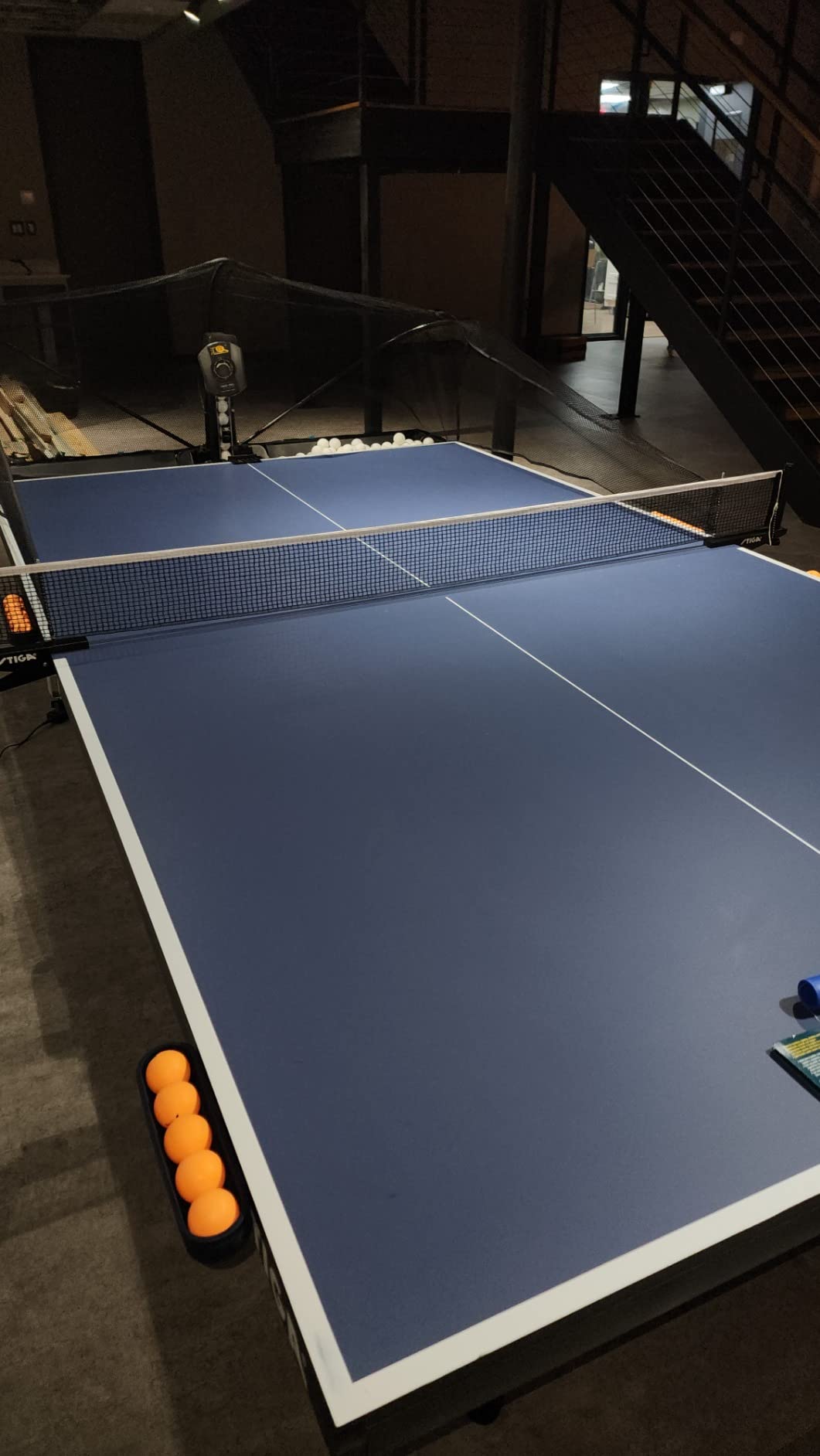
The ZXMOTO HP-07 delivers 36 spin types from a 12 by 10 by 11 inch body weighing 2.4 kg, and it is the pick if your requirement is side-to-side oscillation at a mid-budget level. Different spinning gears generate the different spin types, and the head can double-end serve or single serve with a non-fixed landing point.
Everything is adjustable from very slow to very fast across frequency, oscillation, topspin, and backspin. The knobs are labelled in English, which sounds minor until you have tried to program a robot at nine in the evening with no manual. It needs 40mm international standard balls and roughly 110 of them loaded in the container, though balls are not included.
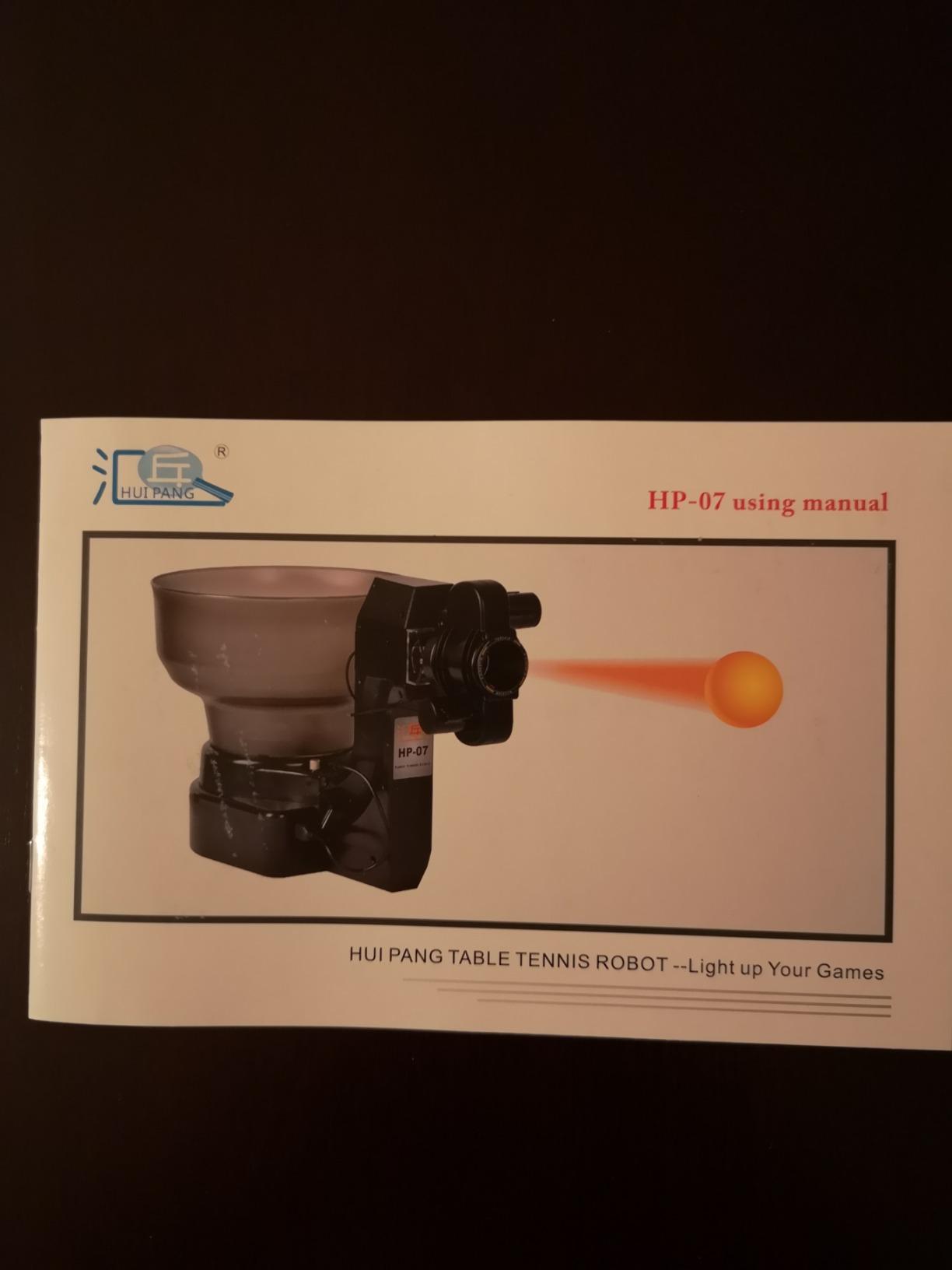
The limitation to plan around is predictability. Because output is so consistent, there is little variation between consecutive shots, which makes match-simulation and random-placement drills impossible. You are practising a pattern, and the pattern is the point.
At higher speed settings, owners report balls flying off the table, and top speed is modest if your goal is to practise smashes. A few long-term owners have had the oscillation motor fail after a few months, and after-sales support on that component is described as limited. The one-year warranty is standard for this class.
Why it beats cheaper machines on drills
Footwork. Oscillation is what forces you to move, and among the machines in this guide that offer it at a mid-budget level, few match the 36 spin types you get here. Combined with a range of spin settings, it covers the classic solo session of alternate forehand and backhand from wide angles, which no fixed-feed machine can produce.
Where it falls short
Check your table before ordering. The mounting clamp does not fit every table and needs 40mm balls to work properly. If your table is a Butterfly, JOOLA, or Xiom, verify fit first. You also need more than 15 balls loaded or the machine will not fire, which is a common first-day frustration.
5. Suz S101 – a ready-to-use set with 100 balls
Suz S101 Ping Pong Machine with 100balls for Solo Training & Coaching
4 kg body
100 balls included
Adjustable spin and speed
One-year spare parts
Pros
- Comes with 100 balls so it works immediately
- Adjustable spin and speed for stroke work
- Compact 14.96 inch footprint suits home or club
- Manufacturer keeps spare parts available for one year
Cons
- No oscillation listed among the controls
- Entry-level plastic construction
- Thinner and more spread-out review base than the Suz S201
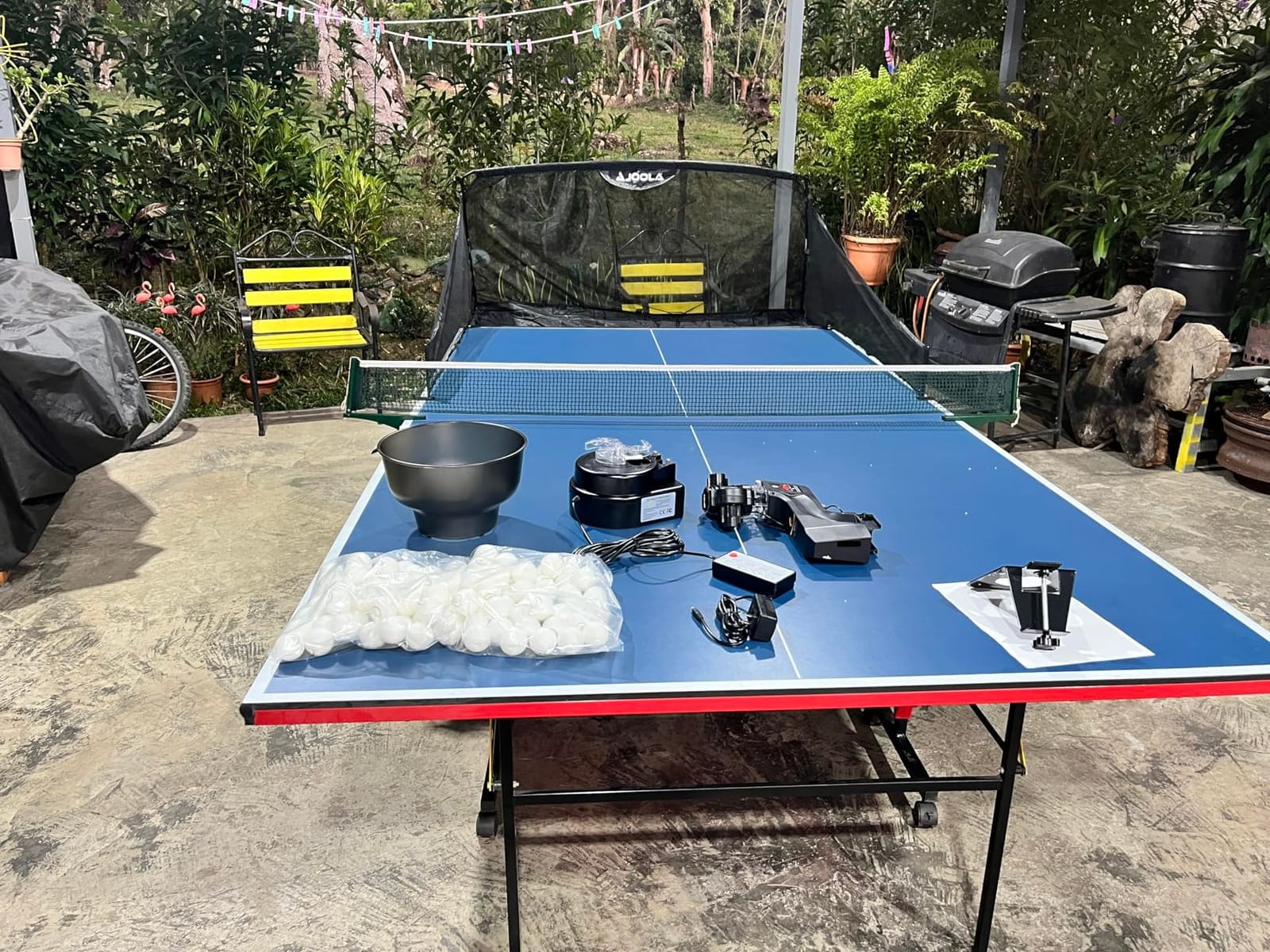
The Suz S101 is the practical middle ground for a family or a club that wants one machine to hand around. It comes with 100 balls, so there is nothing to buy before the first session, and the 14.96 inch square footprint and 4 kg weight make it easy to move between rooms or carry to a club.
Spin and speed are adjustable, which is enough to build basic technique and return accuracy without a partner. That is the honest scope of it. The manufacturer lists spare part availability for one year, which matters more for a machine you expect to keep for seasons.
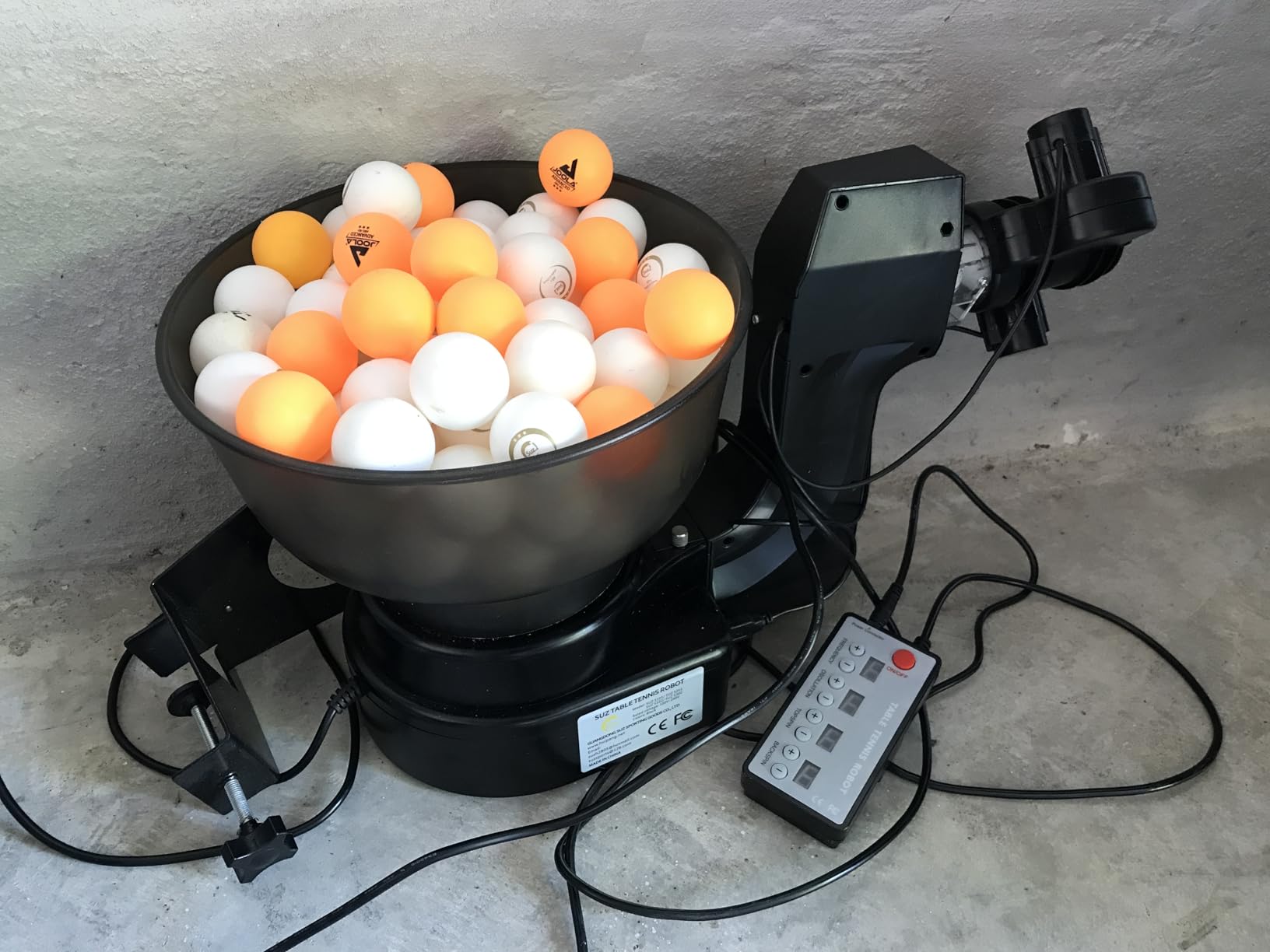
Owners reviewing this model are generally positive about it for basic solo work, and the review base of 112 ratings gives reasonable confidence. It is a trainer rather than a programmable machine, so think of it as the machine you hand to a beginner.
There is no oscillation listed among the available controls, which puts it in the same camp as the iPong Original. Every ball arrives in a similar place, so footwork development is limited. Review volume and detail are also lighter and more spread out than for the S201 in this same range.
Best use case
Shared family tables, a community club running introductory sessions, or a returning player rebuilding a stroke after a long break. The 100-ball bundle means nobody has to stop mid-session to fetch balls, and the low weight means it can live in a cupboard between practices.
Where it falls short
If you want to train placement or transition, this will not get you there. There is no oscillation and no drill programming, so all session planning happens in your head. For a single motivated player, stepping up to the ZXMOTO HP-07 adds more per session for a similar outlay.
6. LANFIRE Table Clip Trainer – the cheapest way to build stroke feel
LANFIRE Professional Table Tennis Training Robot Fixed Rapid Rebound Ping Pong Ball Machine Table Tennis Trainer for Stroking
300 g and 47 cm tall
Clips to the table edge
6.5 cm clip opening
Fixed rebound, no controls
Pros
- Lowest outlay of any machine in this guide
- Clips straight to the table so no ball collecting
- Strong stability and rapid rebound on contact
- Spare balls included so a break does not end the session
- Useful visual aid for brush contact and spin feel
Cons
- Clip is small and misses many quality tables
- Metal clamp is stiff and can scratch the table underside
- No instructions in the bag
The LANFIRE is not a robot in the programmable sense. It is a fixed rebound trainer: a 47 cm tall PVC unit that clamps to your table edge and throws the ball back hard when you hit it. At 300 grams it is portable enough to move between rooms, and it comes with two copper hole balls and three ordinary balls.
What it does well is the thing a ball machine cannot. You see the spin on the ball as it comes off your racket, which is exactly how beginners learn brush contact and develop feel. Buyers who understand what the device is treat it as a training aid rather than a feeder, and report it as genuinely useful for muscle memory.
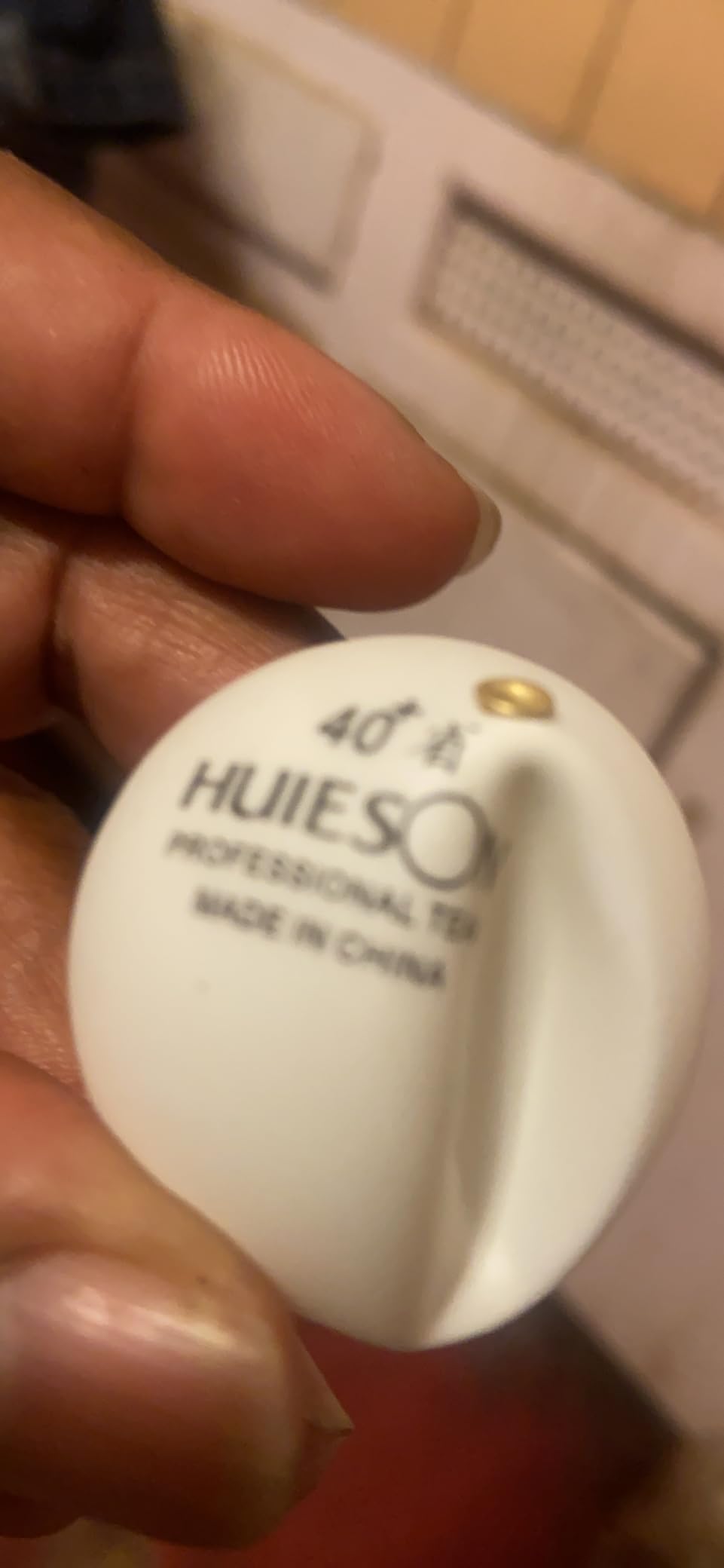
Stability is a real strength. The suction-style hold keeps it steady under contact, and the rebound is fast and forceful. For someone without a table of their own who wants to practise on a shared or folding table, it is a low-risk way to start.
The clamp is the recurring problem. The 6.5 cm opening is small, and owners report it does not fit many quality tables, including common Butterfly, JOOLA, and Xiom models. The metal clamp is also stiff, not perfectly straight, and can scratch the underside of the table, so check your table profile before ordering.
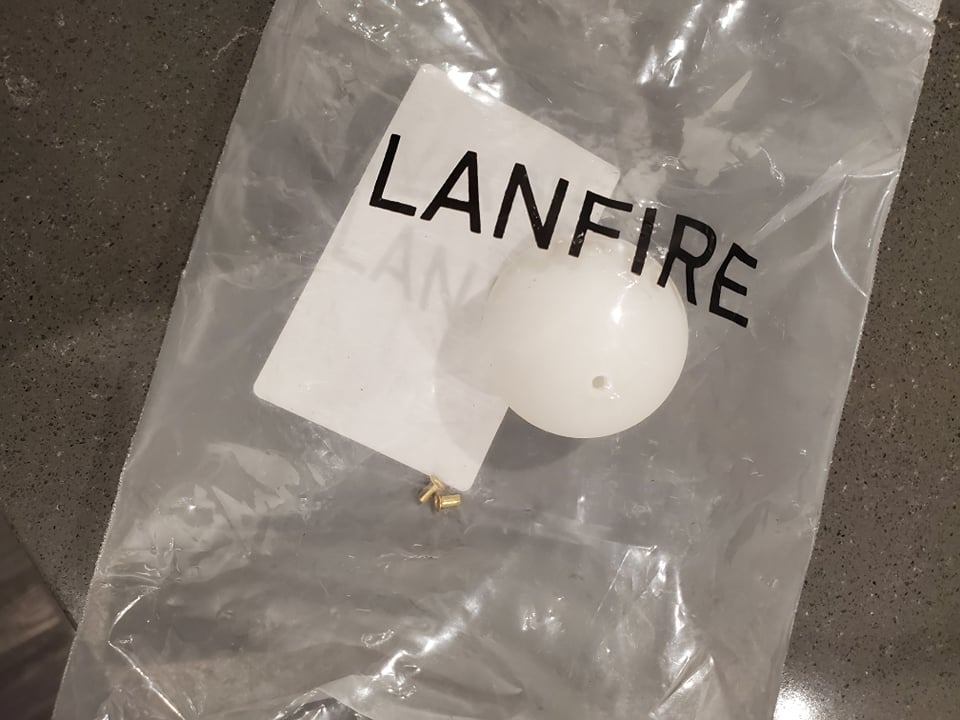
What it is good for
Stroke mechanics and spin perception. There is no feed, so you generate your own rhythm, which suits a player working on contact point and follow-through. It also makes almost no noise compared with a motorised feeder, which matters in a shared home space.
Where it falls short
It gives you no spin, no speed, and no oscillation control, so it cannot train placement or consistency under pressure. The response is very stiff, meaning the ball either barely moves on a soft contact or the unit flies apart on a hard hit. There are also no instructions in the bag, so setup is not obvious out of the box.
7. Practice Partner 20 – a straightforward robot for all levels
Practice Partner Table Tennis Robot | Fun Ball Machine-Launcher-Thrower-Shooter For Your Ping Pong Table | Play Or Practice Ping Pong Anytime For As Long As You Want
12 lb body
Topspin backspin and sidespin
Serve or return mode
No-tool assembly
Pros
- Produces topspin backspin and sidespin from simple controls
- Switch between two-bounce serves and one-bounce returns
- Alloy feed unit with rubber that steadies direction
- Quick no-tool assembly and easy transport
- Fits any ping pong table and can sit anywhere on it
Cons
- No app or programmable drill sequencing in this setup
- Only 73 customer reviews so evidence is thin
- Moderate review base leaves long-term durability less clear
The Practice Partner 20 sits in the middle of the range and is easy to recommend to almost anyone. It produces topspin, backspin, and sidespin from a straightforward control set, and it can be switched to serve mode with two bounces or return mode with one. That switch is the feature most beginners underestimate, because it turns the machine from a feeder into something closer to a rally partner.
The ball feed unit is alloy with a resistant rubber surface, which reviewers note helps stabilise direction and placement. Assembly needs no tools, and you can position the unit anywhere on the table surface to vary the angle and trajectory of the feed.
Review evidence is the caveat. At 73 ratings the average of 4.3 is encouraging, and a 68 percent five-star share suggests broad satisfaction, but that is a thinner base than the top three picks here. We would not build a training plan around it, but it is a safe first machine.
Best suited to
Players of mixed ability sharing one table, and anyone who wants sidespin without learning an app. Serve and return practice is where it earns its keep, and because it fits any ping pong table, it works in a garage or a break room as easily as a club.
Where it falls short
There is no app and no drill sequencing in this configuration, so repetition of a structured pattern is down to you. The 12 pound body is heavier than the clip-on entry machines, so repositioning mid-session is a bit of a chore. With 19 by 12 by 15 inch dimensions it also takes a noticeable amount of table space.
8. Butterfly Amicus Prime – the club-grade benchmark
Butterfly Amicus Prime Table Tennis Robot | Best Ball Launcher-Thrower-Shooter for Your Ping Pong Table | Free Carry Bag, Remote, Tech Support, & 120 Balls | Play Or Practice Ping Pong Anytime
20 lb body
5 to 120 balls per minute
Sequenced drills on tablet
3-year warranty
Pros
- Supplied Android tablet makes building and editing drills easy
- 5 to 120 balls per minute with IFC timing fine-tune
- Sequences several drills to run automatically or in random order
- Bundles 120 balls a catch net a carry bag and a remote
- Three-year warranty and responsive Butterfly tech support
Cons
- Very high outlay for a home trainer
- Ball placement drifts so heads and deflectors need frequent cleaning
- App hangs and settings sometimes need a reopen
The Amicus Prime is the machine we would put in a club, and the one we would think hardest about before recommending to a home player. It is a 20 pound unit standing 33 inches tall, and it is the only machine in this guide that can run several drills back to back automatically, in sequence or in random order, from a supplied Android tablet.
Ball frequency runs from 5 to 120 balls per minute with IFC timing fine-tune, which is a much wider envelope than anything else here. That range is what makes it a club tool: you can feed a beginner at the slow end and a tournament player at the fast end without changing machines. The bundle includes 120 balls, a recycling catch net, a carry bag, a remote switch fob, and a three-year warranty.
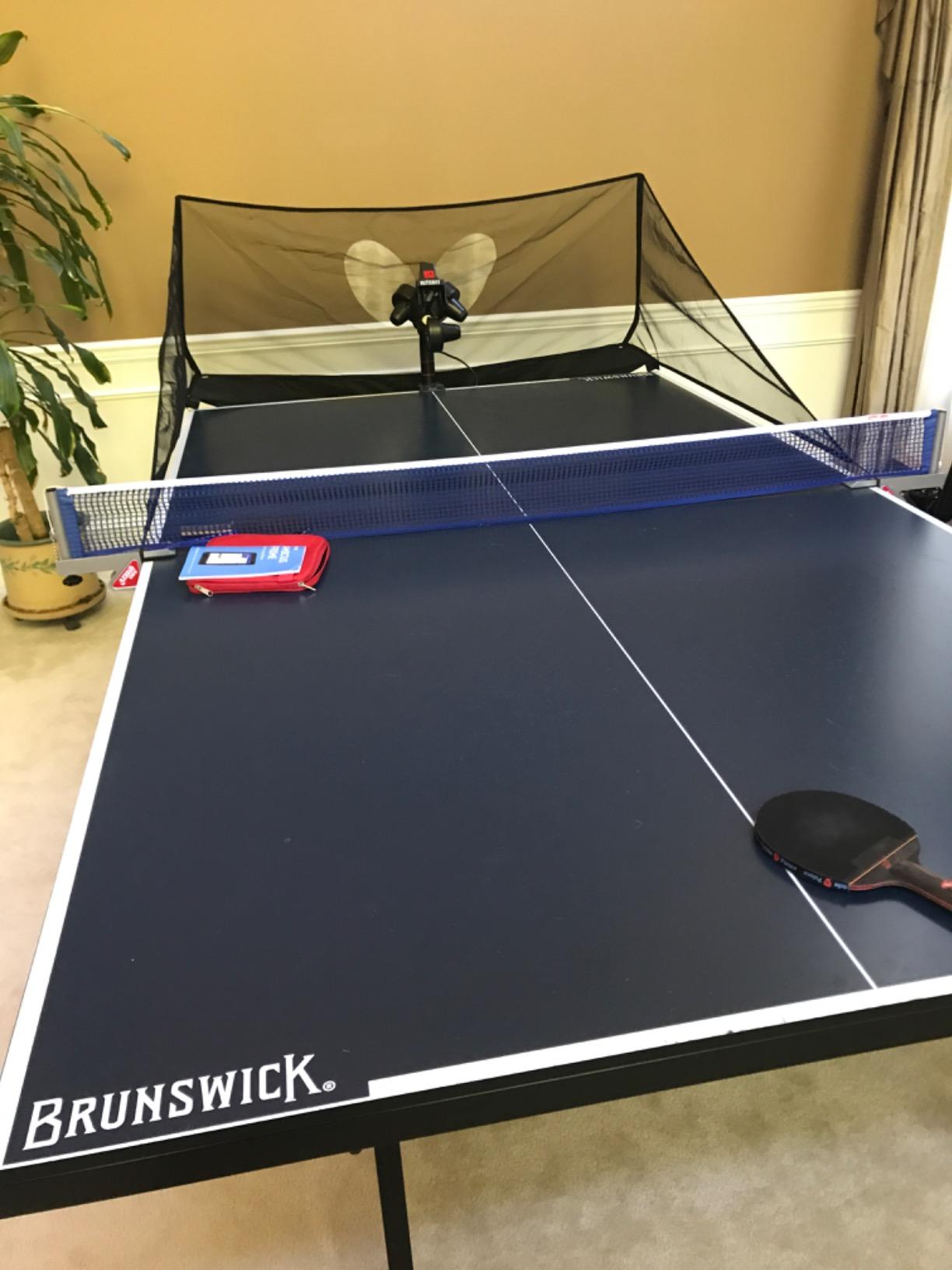
Support is a genuine strength here. Butterfly technical support is repeatedly described as responsive and able to resolve ball consistency issues, and a three-year warranty is the longest in this roundup. For a shared club machine that many people touch, that matters.
The criticisms are almost all about maintenance. Ball placement is not always consistent, which means the head and deflector surfaces need regular cleaning, and the ball wheel and deflector strip wear over time. The app hangs occasionally and settings sometimes need a save and reopen cycle. The cloth ball-return tray spills balls and is awkward to remove while playing live, and the supplied tablet is of limited quality, so many owners use their own phone instead.
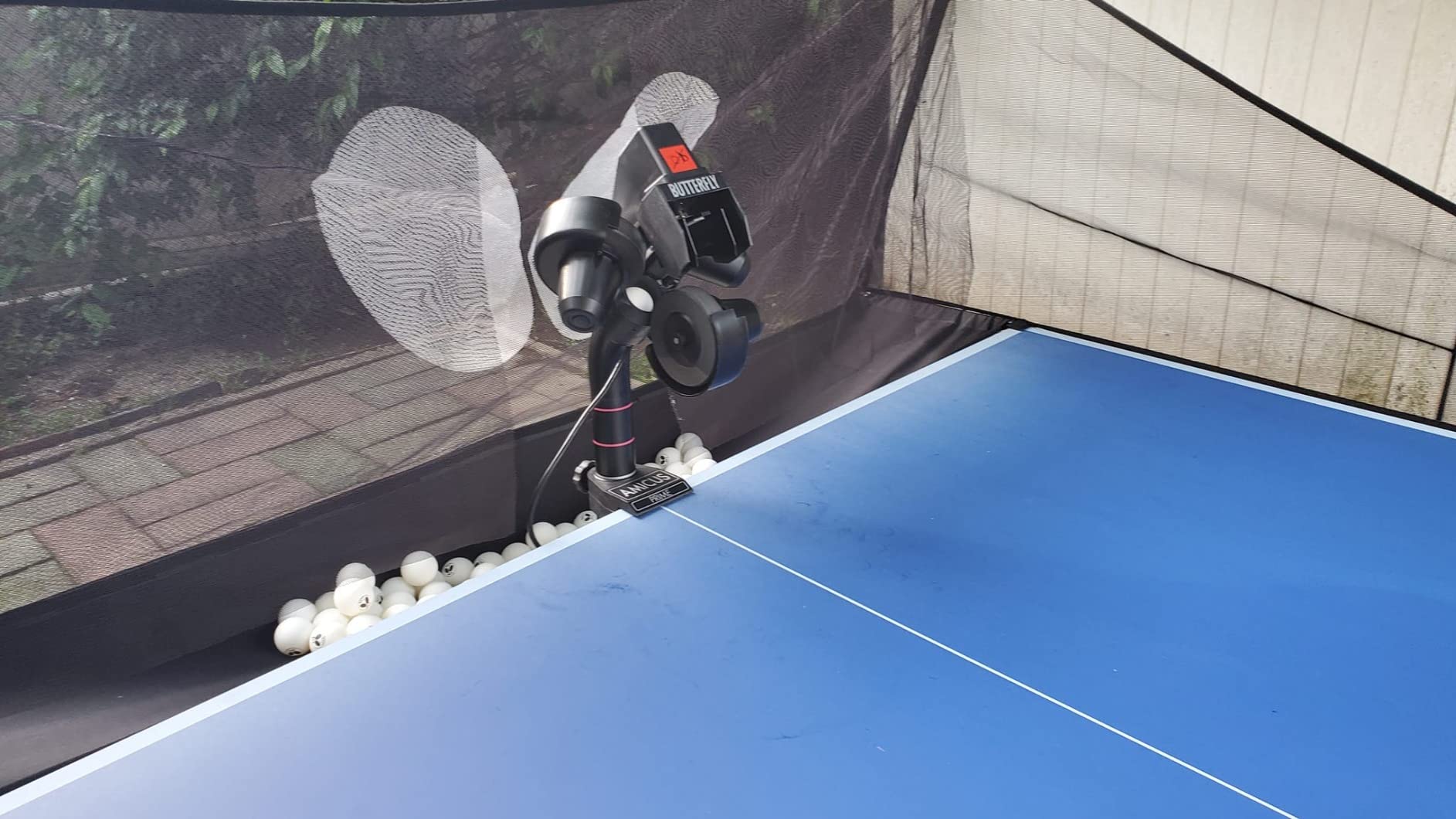
What it does that nothing else here does
Drill sequencing is the headline. Select a drill, press start, and it runs. For a coach running a session for four players, or a club member practising alone for an hour, that automation is the difference between a machine and a training station. Ball quality sensitivity is real too, so budget for replacing or washing the included balls.
Where it falls short
The outlay is the obstacle. A machine at this level needs a club budget, a dedicated table, and someone willing to clean the feed head every few weeks. If your plan is a casual spin in a spare room three evenings a week, the Nova S Pro gives you most of the programming without the maintenance schedule.
9. ZXMOTO HP-07 with landing and height control – manual precision
ZXMOTO Table Tennis Robot Automatic Ping Pong Robot Machine for Training (HP-07)
9.9 lb body
Independent landing and height dials
About 120 balls
One-month warranty
Pros
- Independent controls for spin frequency speed landing point and height
- Reverse spin and reverse frequency buttons for serve matching
- Machine position adjusts to your setup
- Container holds about 120 40mm balls
Cons
- No app or remote programmability
- Only 47 customer reviews
- One-month warranty is far shorter than competitors
This ZXMOTO HP-07 variant is the same model family as the 36-spin machine, but specified with landing point and height as independent controls rather than preset spin gears. That is the difference: instead of choosing a spin type and taking the landing you get, you set where the ball goes and how high it arrives.
Landing and height dials are the useful part for a solo player. Landing control is how you rehearse a short serve that dies on the second bounce, and height control is how you train against a ball that clears the net with margin. Reverse spin and reverse frequency buttons let you match a preferred serve style directly.
The container holds about 120 40mm balls, and the machine position adjusts to suit your setup. Owners who want manual control over trajectory without paying for app connectivity tend to be happy with the trade.
Be clear about the evidence. Forty-seven customer reviews is the thinnest base in this roundup, and the warranty is one month, which is unusually short next to the one-year cover on the other ZXMOTO unit. For a machine you intend to keep for years, that is a real gap.
Best for
Placement drills. If your priority is learning to hit deep to the backhand corner or short over the net, direct landing control beats a spin selector. It also fits players who dislike apps and want everything on the machine in front of them. If you are also buying across other racket sports, our guide to the best tennis rackets covers the racket side of the same decision.
Where it falls short
There is no app and no remote programmability, so every drill is set by hand each time. At 9.9 pounds and 14.5 by 14.96 by 15.7 inches it is bulky for a home table. Given the one-month warranty, we would only pick this over the sibling HP-07 if landing control is specifically what you need.
10. VBESTLIFE Automatic Trainer – the quiet, portable starter for families
Vbestlife Automatic Machine for Beginners, 10 Balls Table Tennis Trainer Balls Launcher Training Machine Table Tennis Robot for Beginners Training
664 g and 30.5 cm long
10 balls included
4 AA batteries
Indoor use
Pros
- Lightest machine in the guide at 664 g so it moves between rooms
- Ten practice balls included for immediate use
- Single on and off switch with nothing to learn
- Wide smooth ball exit designed to resist jamming
- Rated 4.4 with no one-star reviews in its history
Cons
- No spin speed or oscillation control at all
- Battery powered so it cannot run indefinitely
- Only 24 reviews so durability is not well documented
The VBESTLIFE is a starter device, and we include it because a lot of people do not need anything more. At 664 grams and 30.5 by 15 cm it is the most portable machine here, light enough to move between a bedroom, a garage, or a club without thinking about it, and it runs on four AA batteries with a single on and off switch.
Reviewers treat it as a device for children, families, and absolute beginners who want automatic feed for return accuracy and reaction work. Ten practice balls are included and the wide, smooth ball exit is designed to reduce jamming. The 4.4 average came with no one-star reviews recorded.
It is also the quietest option in this guide by a wide margin, because there is no motor whine and no fast feed. If you share a flat and practice late, that is not a minor feature.
Best for
Young players building a rally, a family that wants automatic feed without assembly or app setup, and anyone who wants to try robot training before committing to a real machine. Battery power also means no cable to trip over, which matters in a small room.
Where it falls short
There is no spin, no speed, and no oscillation control, so the feed is fixed and repetitive. You cannot train anything except return accuracy. It also cannot run indefinitely on one set of batteries, it is rated for indoor use only, and with 24 reviews there is not much long-term durability evidence.
How to Train Alone in Table Tennis With a Robot
Owning a robot is the easy part. The value comes from how you use the first fifteen minutes of a session, and most solo players waste that window on random hitting. A short, structured progression works better than a long unstructured one.
Start with a consistency block. Set the machine to a steady medium speed with light topspin and no oscillation, and hit 30 balls without changing anything. Count your clean contacts out loud. The goal is not power, it is a repeatable stroke that survives contact with the same ball 30 times.
Then change one variable at a time. Add backspin to the same stroke and see how many you can open against. Move the landing point wider. Raise the frequency by a single step and find out where your stroke breaks down. Changing one thing at a time is what turns a session into training data you can use next week.
Third, add footwork as soon as your machine oscillates. Wide-angle alternation forces you to move between balls, and that is the single skill a fixed-feed machine cannot develop. Fourth, finish with a short serve and return block, using a low landing point to rehearse the second bounce.
Finally, pair robot work with a human session whenever you can. A robot cannot read your stroke or adjust to your level, so it trains repetition while a partner trains judgment. Most players who improve fastest split their week between the two rather than choosing.
How to Choose a Table Tennis Robot for Solo Training
Spin control is the single biggest purchase decider in this category, and it deserves a plain-language explanation. Topspin makes the ball dive forward after the bounce, and a robot that produces it teaches you to brush upward through contact. Backspin makes the ball sit up or drop short, and it is the hardest thing to fake, so it is the best test of whether a machine is any good. Sidespin bends the ball sideways in the air. No-spin is a flat feed, useful for pure timing work but not for spin development.
Oscillation is different from spin. Oscillation means the head sweeps side to side, which is what forces you to move your feet. A machine with excellent spin and no oscillation is a stroke trainer. A machine with oscillation and weak spin is a footwork trainer. You want both if you can afford it, and you should decide honestly which one your current game needs more.
Next, check the form factor against your table. Clip-on and tabletop units like the iPong Original, the Nova S Pro, and the LANFIRE take a small footprint and can sit on a dining table if you do not own a regulation one. Floor-standing units like the Suz S201, the Practice Partner 20, and the Amicus Prime are larger and heavier but usually more stable, and they are harder to reposition mid-session. On a shared family table, a floor-standing unit takes the space away from casual play.
Noise is the disqualifier nobody warns you about, and in this category it varies enormously. Motorised feeders with fast wheels, like the Nova S Pro and the iPong Original at high spin settings, are loud. The VBESTLIFE is quiet because it is slow and simple. If you live in a flat or share a wall with a neighbour, test the machine at your intended volume in the room you will actually use, not in a showroom.
Ball consumption is the running cost buyers underestimate. A machine that fires 70 balls per minute chews through practice balls, and cheaper 40mm balls wear faster than quality ones, which then reduces the consistency you are training. The S201 and the Amicus Prime bundle 200 and 120 balls respectively, the S101 includes 100, and the LANFIRE and VBESTLIFE include just a handful. Budget to keep buying, and expect to replace balls rather than reuse them.
Before you order, check the warranty and the return window, especially on the larger machines. Coverage in this guide runs from one month on the ZXMOTO landing-control unit to three years on the Amicus Prime, with one year typical elsewhere. The Suz machines also publish one-year spare part availability, which is worth more than warranty length if a motor fails. Measure your table thickness and clamp opening first, because a machine that does not fit is a return you pay for, and confirm whether the recycling net and balls are included with your specific seller rather than assuming.
Frequently Asked Questions
Are table tennis robots worth it?
Yes for consistency, footwork, and serve and return drills at any price, and the cheaper machines deliver those reliably. What the higher spend really buys is genuinely playable backspin, sidespin, landing control, and app-driven drill programming rather than more balls. The honest limit is that a robot cannot read your return or adjust to your level, so it never replaces a partner for match-like training.
What is the best table tennis robot?
The iPong Original is the best first machine for most solo players because of its 297 owner ratings, one-minute assembly, and 110-ball capacity. The Suz S201 is the best for the widest range of spin, speed, and oscillation settings plus a recycling net. The PONGBOT Nova S Pro is the best for structured drills with 264 presets and app control, and the Butterfly Amicus Prime is the club benchmark with sequenced playback and a three-year warranty.
How to train alone in table tennis?
Use a short progression: start with a steady medium-speed consistency block and count clean contacts, then change one variable at a time such as spin, landing point, or frequency. Add footwork as soon as your machine oscillates, and finish with a short serve and return block. Structure beats long unstructured hitting, and pairing robot sessions with a human partner covers the judgment a robot cannot train.
Is there a robot that can play table tennis?
No training robot can rally with you. A training robot serves balls on a programmed pattern and does not read your return. Humanoid AI prototypes such as Forpheus can rally and predict spin, but they are research projects and are not sold for home use. If you want a rally partner, you need a person.
Is a robot better than a practice partner?
It is different rather than better. A robot gives you unlimited, identical repetitions at the exact pattern you need, which is the one thing a human partner cannot reliably deliver. A partner reads your game, varies placement, and trains your judgment under pressure. The players who improve fastest split their week between both.
Which Table Tennis Robot Should You Buy?
For most people reading this, the best table tennis robots for solo training in 2026 come down to one question: do you need spin, or do you need footwork. If you are building a stroke from scratch, start with the iPong Original. It has the widest owner feedback in the guide, it is ready in under a minute, and it will not leave you waiting. If you want to practise opening against backspin and short serves, step up to the Suz S201 and measure your table thickness first. If your problem is that you do not know what to hit, buy the PONGBOT Nova S Pro and spend the first week learning its 264 presets.
Go further only when you have a table, a schedule, and someone cleaning the feed head. Our full ordering of all ten is above, and every pick there is one we would happily own.