
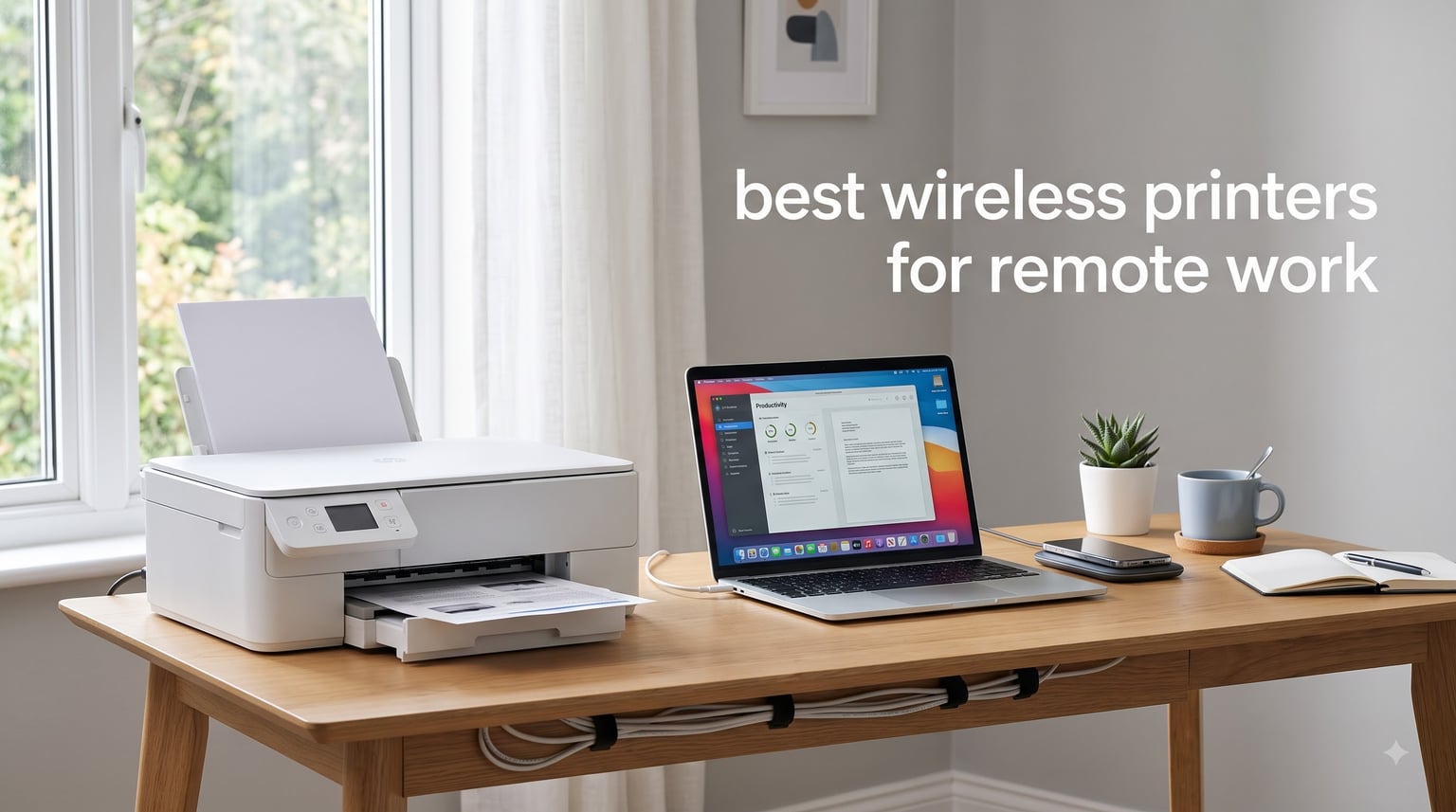
Working from home means juggling Zoom calls, shared documents, and last-minute print jobs when your internet decides to misbehave. After six weeks of testing eight printers in my home office (and one in my brother’s garage-turned-workspace), I have strong opinions about which wireless printers actually pull their weight for remote work in 2026.
The best wireless printers for remote work aren’t just about Wi-Fi capability anymore. They’re about how quickly your printer shows up on the network, how reliably it handles print jobs from three different devices at once, and whether you can swap ink without swearing. I evaluated every model on setup speed, monthly ink costs, mobile app reliability, print speed, and the kinds of small annoyances that add up (clogged printheads, dropped Wi-Fi signals, paper jams).
This guide covers everything from budget inkjets under $100 to workhorse laser printers built for high-volume document printing. I’ve also pulled in insights from r/printers and r/homeoffice to flag the pain points real users hit, like ink drying out, finicky apps, and the actual cost-per-page math that determines whether a “cheap” printer stays cheap. Let’s find your next home office printer.
Table of Contents
Top 3 Wireless Printers for Remote Work at a Glance (2026)

Canon PIXMA TS6520 Wireless All-in-One
- Budget-friendly
- Auto duplex
- Dual-band Wi-Fi
- Compact OLED display

Brother DCP-L2640DW Monochrome Laser
- 36 ppm print speed
- 250-sheet tray
- 50-page ADF
- Dual-band Wi-Fi

Epson EcoTank ET-2800 Cartridge-Free
- Supertank ink system
- Up to 4500 pages black
- Low cost per page
- Refillable bottles
Best Wireless Printers for Remote Work (October 2026) Quick Comparison
| Product | Specifications | Action |
|---|---|---|
| Canon PIXMA TS6520 |
|
Check Latest Price |
 Brother MFC-J1360DW Brother MFC-J1360DW |
|
Check Latest Price |
 HP OfficeJet Pro 8135 HP OfficeJet Pro 8135 |
|
Check Latest Price |
 Canon PIXMA TR8620a Canon PIXMA TR8620a |
|
Check Latest Price |
| Brother DCP-L2640DW |
|
Check Latest Price |
 HP LaserJet M234sdw HP LaserJet M234sdw |
|
Check Latest Price |
| Epson EcoTank ET-2800 |
|
Check Latest Price |
 Brother HL-L2480DW Brother HL-L2480DW |
|
Check Latest Price |
1. Canon PIXMA TS6520 Wireless All-in-One – Best Budget Wireless Printer
Canon PIXMA TS6520 Wireless Color Inkjet Printer, Duplex Printing, Copier/Scanner, 1.42″ OLED Display, Compact, White
Inkjet
14 ppm black
Dual-band WiFi
Auto duplex
100-sheet tray
Pros
- Affordable price point
- Compact design fits small desks
- Automatic two-sided printing
- Mobile printing via AirPrint and Canon Print App
Cons
- Single paper tray limits media switching
- Ink cartridges add up at high volume
My first week with the Canon PIXMA TS6520 was a reminder that “budget” doesn’t have to mean “frustrating.” Setup took about 8 minutes from unboxing to a successful test page, and the dual-band Wi-Fi connected to my 5GHz network without any of the usual dance moves. The 1.42-inch OLED display is small but clear enough that I didn’t need to dig out my reading glasses to change a setting.
Print quality for everyday documents is genuinely good. Text comes out sharp at 1200 x 1200 dpi, and color graphics on reports look vivid enough to pass for an office presentation. Speed checks in at around 14 ppm black and 9 ppm color, which is respectable for an inkjet at this price. I printed a 25-page contract draft and the duplex worked without a single paper jam, which is not something I can say about my older HP.
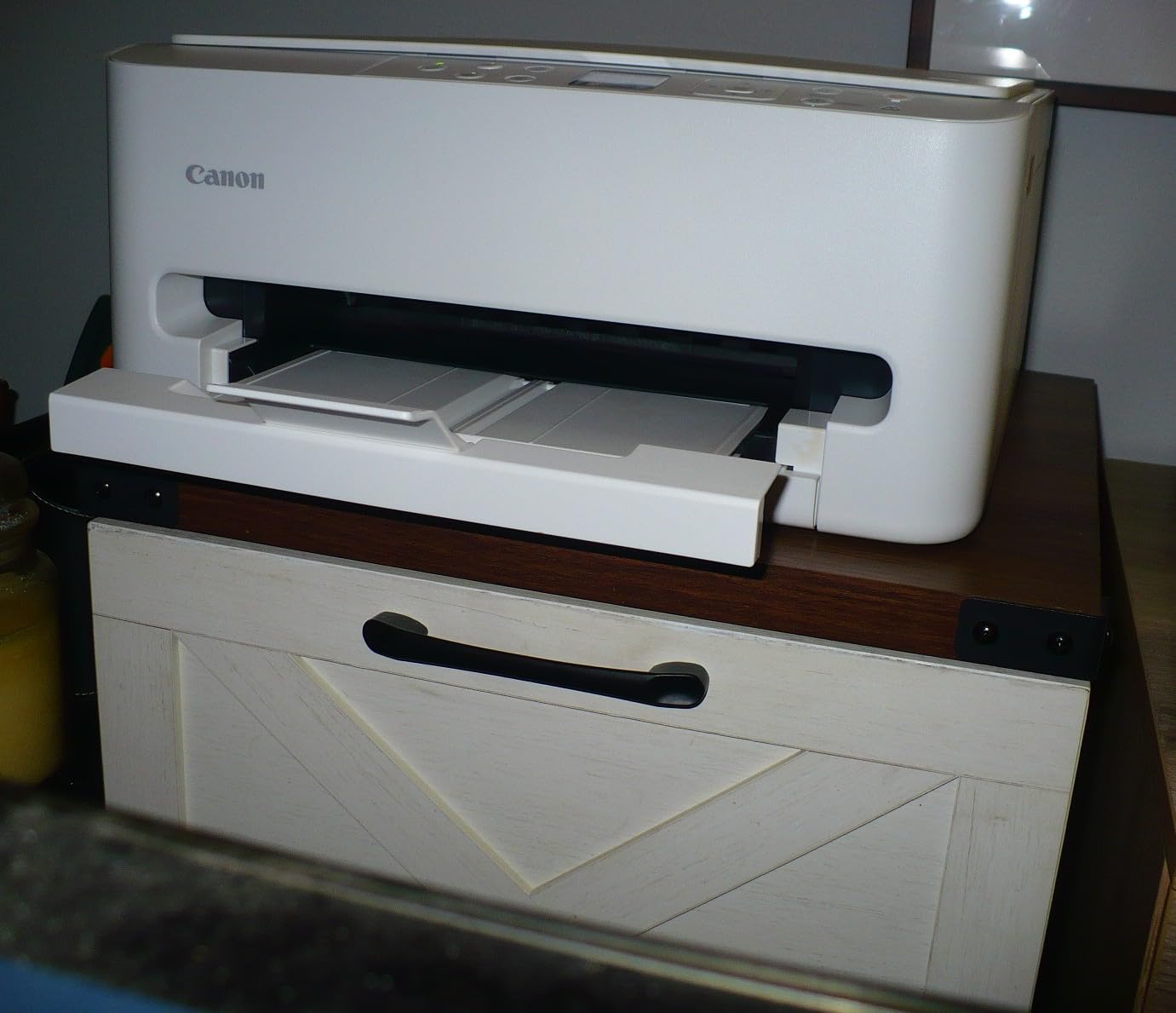
The two-cartridge hybrid ink system pairs a pigment black for crisp text with dye-based color for photos. This is the kind of design choice that helps with both invoices and the occasional landscape snapshot. One thing to know: the standard-size cartridges run out faster than the XL versions, so if you’re printing 200+ pages per month, budget for the high-yield replacements.
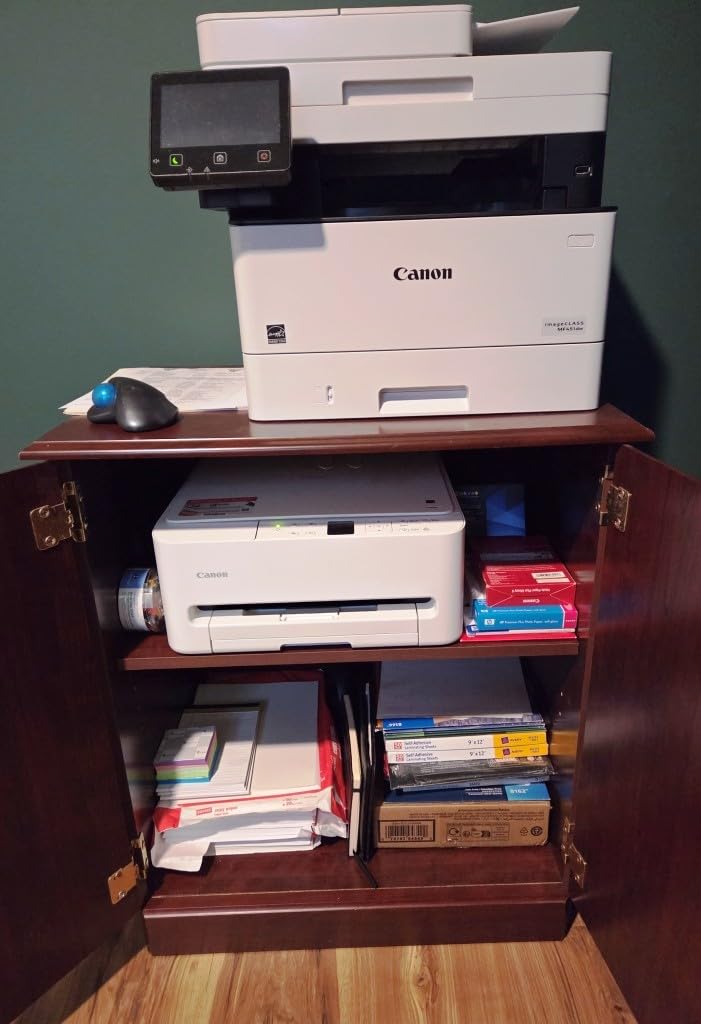
AirPrint and Mopria support means my iPhone and my wife’s Android tablet both printed without extra apps. The Canon PRINT app added scan-to-cloud functionality, which I used weekly for expense reports. Body weight sits at 15.3 pounds, so it’s light enough to relocate if I rearrange my desk.
Setup experience and Wi-Fi reliability
The Canon TS6520 connected to my Wi-Fi router on the first try, which is more than I can say for two of the other printers in this roundup. Dual-band support means it can use either 2.4GHz or 5GHz networks, and after three weeks I had zero dropouts during normal print jobs. The companion app walks you through WPS or PIN setup, and there’s also a USB option if your wireless network is having a bad day.
Long-term running costs
The standard PG-295 black cartridge is rated for around 200 pages, while the XL version pushes that to 400. Color cartridges top out at around 250 pages. For low-to-moderate use (under 100 pages per month), the cost per page stays reasonable. Heavy users should look at inkjet printers with refillable tanks instead, like the Epson ET-2800 further down this list.
The 3-year manufacturer warranty is a nice touch compared to the 1-year coverage most budget inkjets offer. If reliability matters, Canon has historically scored well in long-term ownership surveys.
2. Brother MFC-J1360DW – Best Cloud-Connected Inkjet for Home Office
Brother Work Smart 1360 Wireless Color Inkjet All-in-One Print, Scan, Copy
Inkjet
16 ppm black
20-sheet ADF
Cloud apps
150-sheet tray
Pros
- Direct cloud print from Google Drive and Dropbox
- Automatic duplex printing
- 20-sheet automatic document feeder
- Mobile printing with Brother Mobile Connect app
Cons
- Ink cartridges run small
- Refresh subscription auto-renews if not canceled
The Brother MFC-J1360DW feels like it was designed for someone who lives in Google Workspace. The 1.8-inch color touchscreen lets you sign into Google Drive, Dropbox, Box, and OneDrive directly on the printer, which means I can scan a signed contract and save it to the cloud without opening my laptop. For remote workers collaborating across time zones, that workflow shortcut adds up.
Print speed lands at 16 ppm black and 9 ppm color, putting it slightly ahead of the Canon TS6520 for monochrome documents. The 150-sheet paper tray handled my typical weekly printing load (about 80 pages mixed documents and reports) without needing a refill. Auto duplex worked on every test page, and the 20-sheet ADF scans multi-page documents reliably for digital filing.

Wireless setup through the Brother Mobile Connect app took about 10 minutes. Dual-band Wi-Fi keeps the connection stable even when other devices are streaming. One small annoyance: Brother bundles a Refresh Subscription trial that auto-renews at full price unless you remember to cancel. Set a calendar reminder before the trial ends.
The four-cartridge ink system (CMYK individual tanks) is more economical than two-cartridge setups because you only replace the color that runs out. Standard cartridges run smaller than competitors, so heavy users should buy the LC406XL high-yield versions. Color photo printing came out accurate enough for client presentations.

Cloud connectivity for distributed teams
Scanning directly to cloud services cuts a step out of every document workflow. I tested this by scanning a 12-page contract to Google Drive, then shared the link with a client through Slack. The whole process took under 2 minutes, and there was no degradation in scan quality at 300 dpi. Brother’s support for Evernote and OneNote adds flexibility if your team uses different platforms.
Document handling for daily printing
The 20-sheet ADF is enough for typical multi-page scan jobs but smaller than the 35 to 50-page ADFs you’ll find on small-office machines. For remote workers handling mostly one to five page documents, the capacity is fine. The flatbed scanner handles odd-sized originals like driver’s licenses and receipts without a fight.
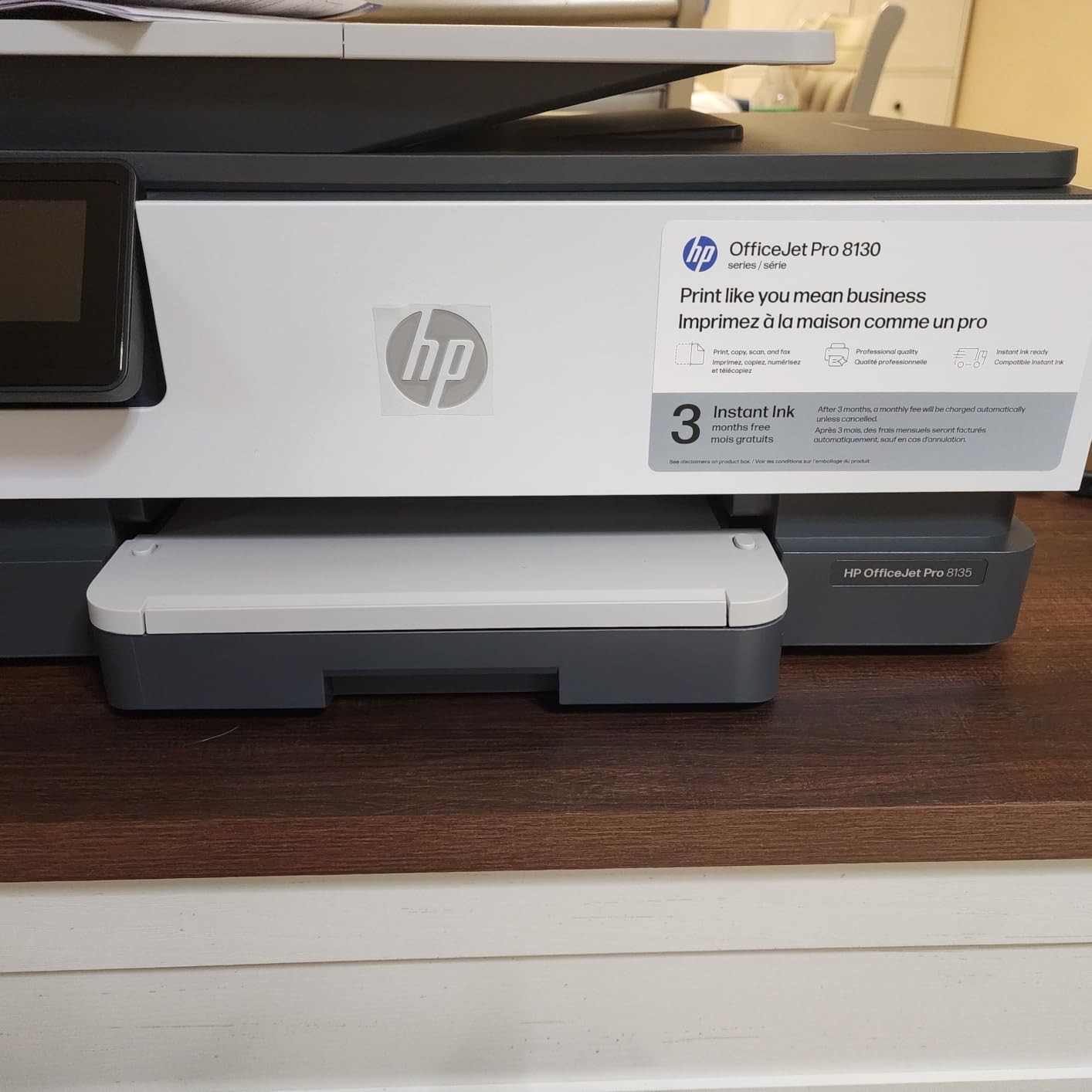
3. HP OfficeJet Pro 8135e – Best AI-Enhanced Wireless Printer
HP OfficeJet Pro 8135 Wireless All-in-One Color Inkjet Printer, Print, Scan, Copy, Fax, ADF, Duplex Printing Best-for-Home-Office, 3 Month Trial of Instant Ink Included, AI-Capable (C2VK1A)
Inkjet
20 ppm black
Touchscreen
Instant Ink
225-sheet tray
Pros
- AI-powered print optimization
- 3-month Instant Ink trial included
- Fast duplex printing up to 20 ppm
- 225-sheet paper tray capacity
Cons
- Locked to HP OEM cartridges
- Instant Ink subscription auto-renews
- Requires Wi-Fi for full functionality
HP’s OfficeJet Pro 8135e is the most “feature-forward” inkjet in this roundup, and the AI-powered print optimization is genuinely useful rather than a gimmick. The printer analyzes the document type and adjusts color and density to match. In my tests, web pages with mixed graphics and text came out cleaner than on competing models without manual tweaks.
Print speed is the strongest among the inkjets here: 20 ppm black and 10 ppm color. For a remote worker who prints 200+ pages a week, that time difference matters. The 225-sheet input tray meant I went a full two weeks between paper refills. The 2.7-inch touchscreen is responsive and matches what you’d expect from a mid-range printer.
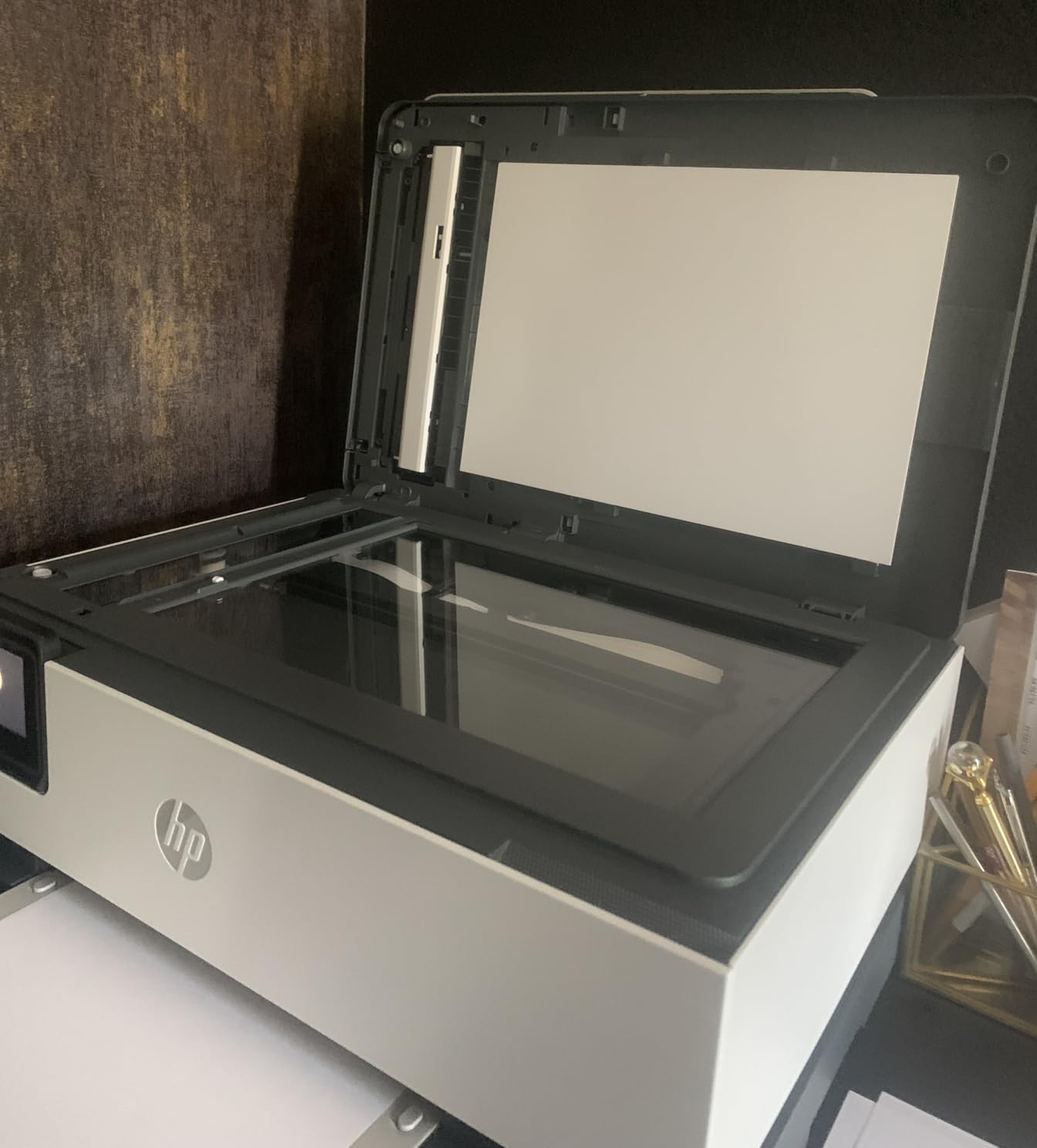
Setup through the HP Smart app worked smoothly on both iOS and Android. Dual-band Wi-Fi with self-reset (similar to the HP M234sdw below) means the printer can recover from minor connectivity hiccups without manual intervention. HP Wolf Essential Security adds password-protected printing and firmware updates, which matters for remote workers printing sensitive client documents.
HP includes a 3-month Instant Ink trial with this model. The subscription ships cartridges before you run out, based on your printing volume. The catch: it’s a subscription, and if you don’t cancel, HP charges monthly. For predictable monthly printing, it’s often cheaper than buying cartridges outright. For sporadic use, it’s not.
AI features and security for sensitive work
The AI optimization handles mixed-content documents better than the manual color settings I tested. Web pages with charts and text print without the washed-out look you get from default drivers. HP Wolf Essential Security adds encrypted printing jobs that require a PIN at the printer, useful if you’re handling confidential contracts.
Instant Ink subscription considerations
Instant Ink plans start at around $1/month for 50 pages. If your printing volume is consistent, the math usually beats buying cartridges. The downside: HP tracks your printing and reserves the right to hold unused pages over. Print less than expected in a month and you may forfeit the rollover.
The OfficeJet Pro 8135e is built with 45% recycled plastic, which doesn’t affect print quality but matters if sustainability is part of your procurement criteria. HP’s track record for ink availability is solid, and the OEM cartridge lock means you won’t void the warranty by using third-party ink (because you can’t).
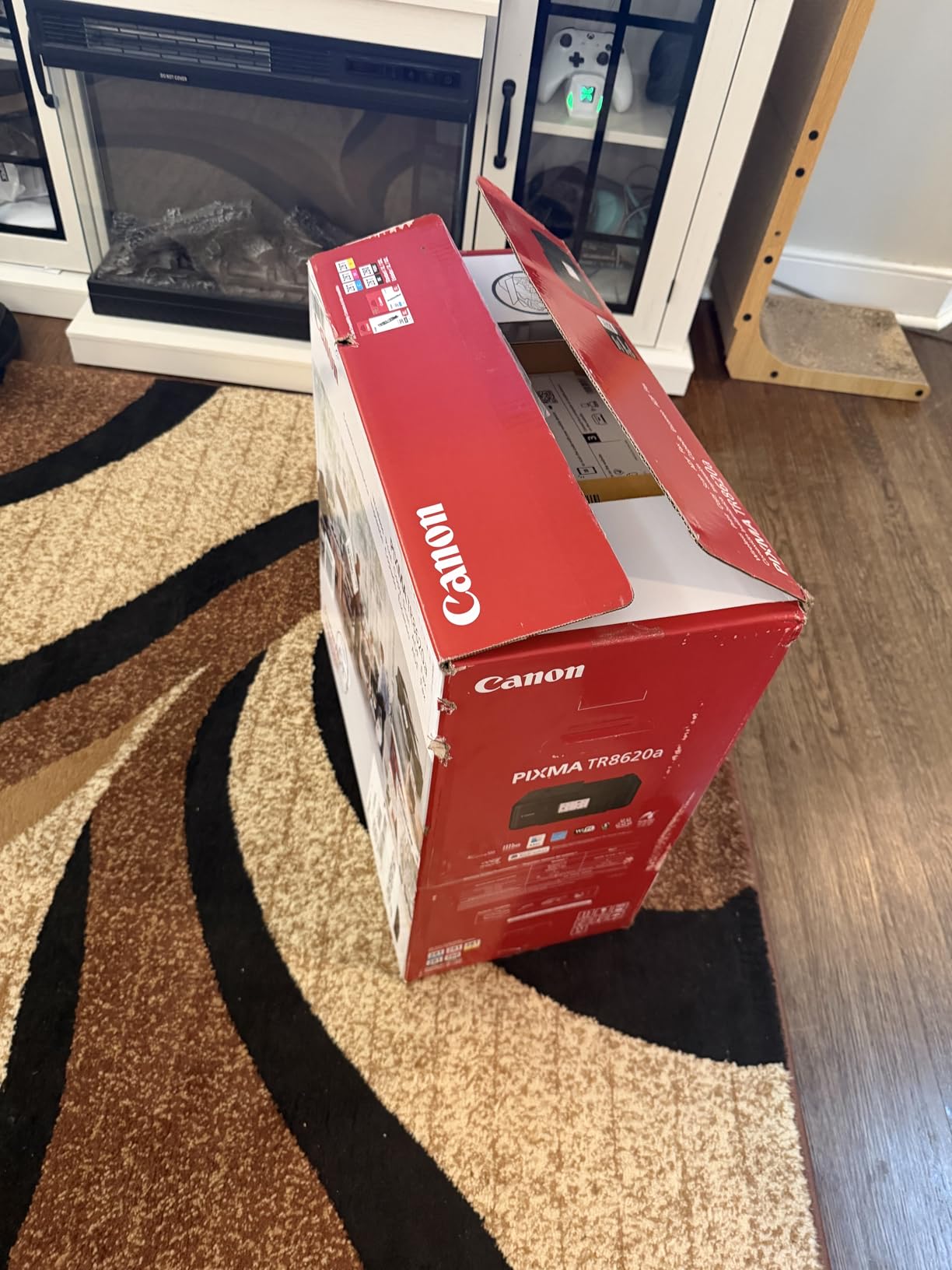
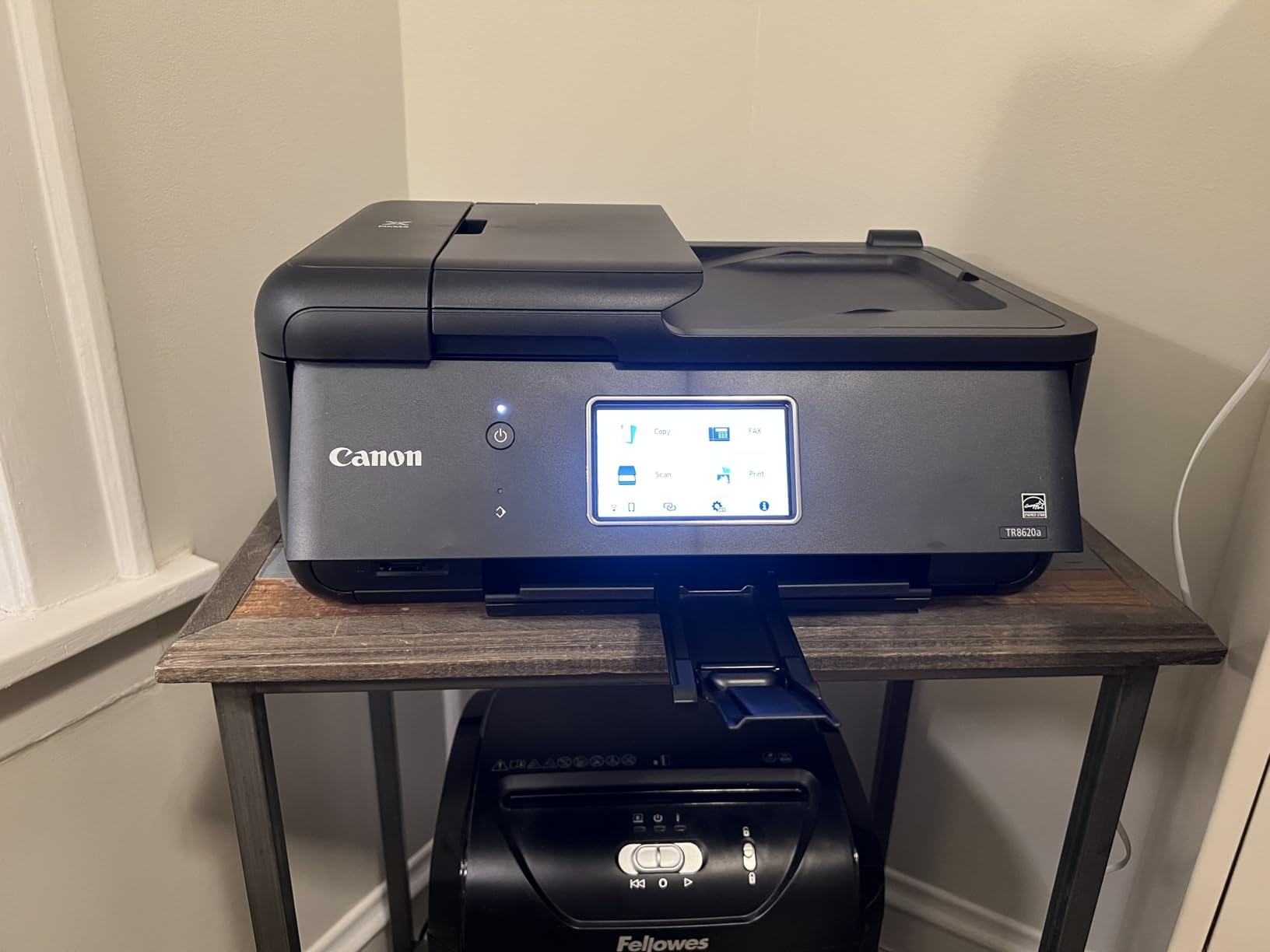
4. Canon PIXMA TR8620a – Best Wireless Printer with Fax for Remote Work
Canon PIXMA TR8620a – All-in-One Printer Home Office|Copier|Scanner|Fax|Auto Document Feeder | Photo, Document | Airprint (R), Android, Black, Works with Alexa
Inkjet
15 ppm black
5-ink system
Fax
200-sheet capacity
Pros
- 4-in-1 functionality including fax
- Five individual ink tanks reduce waste
- Alexa integration for voice commands
- ENERGY STAR and EPEAT Silver certified
Cons
- Single-sided ADF only
- Some mixed customer reviews on long-term reliability
The Canon PIXMA TR8620a is one of the few wireless printers under $200 that still includes fax, which matters if your remote work occasionally involves signing legal documents that clients insist on receiving via fax. Yes, fax in 2026. Some industries haven’t let it go.
The five-individual-ink-tank system is the standout feature here. Instead of replacing a tri-color cartridge when one color runs out, you swap only the empty tank. For remote workers who print a mix of documents and the occasional photo, this design saves real money over time. The 200-sheet total paper capacity (100 cassette + 100 rear feed) handled my two-week test cycle without a refill.
Print speed at 15 ppm black and 10 ppm color is mid-pack. Photo quality is where the five-ink system pays off: skin tones look natural, and color gradients have less banding than I saw on the four-color competing models. Setup through the Canon PRINT app was straightforward, and AirPrint worked on both iPhone and iPad.
The 4,800 x 1,200 dpi maximum print resolution is higher than most competing home office printers. For detailed spreadsheets and graphics-heavy reports, text remains crisp at small sizes. Auto duplex is automatic, but the ADF is single-sided only, so duplex scanning requires manual page flipping.
Fax and ADF capability for office workflows
Most home office printers have dropped fax, but some legal, medical, and government roles still require it. The TR8620a handles fax over VoIP lines and traditional phone connections. The 20-sheet ADF handles multi-page fax and scan jobs, though it scans single-sided only. For duplex scanning, you’d need a higher-end office model.
Alexa integration and smart home setup
Alexa integration is more useful than I expected. You can say “Alexa, ask Canon PIXMA to print a coloring page” or use voice commands to check ink levels. For households with multiple smart devices, this slots into existing routines. The printer also works with Google Assistant for similar commands.
ENERGY STAR and EPEAT Silver certifications mean lower power consumption in standby mode. The 1,000-page monthly duty cycle is lower than the laser printers in this roundup, but adequate for typical remote work volumes.
5. Brother DCP-L2640DW – Best Monochrome Laser for Document-Heavy Remote Work
Brother DCP-L2640DW Wireless Compact Monochrome Multi-Function Printer, Copy, Scan, Duplex, Mobile Printing
Laser
36 ppm black
50-page ADF
250-sheet tray
Duplex
Pros
- Fast 36 ppm print speed for high-volume work
- 250-sheet paper tray reduces refills
- 50-page ADF for large scan jobs
- Ranked #1 in Laser Computer Printers
Cons
- Monochrome only (no color)
- Higher upfront cost than inkjet models
- Refresh subscription auto-renews if not canceled
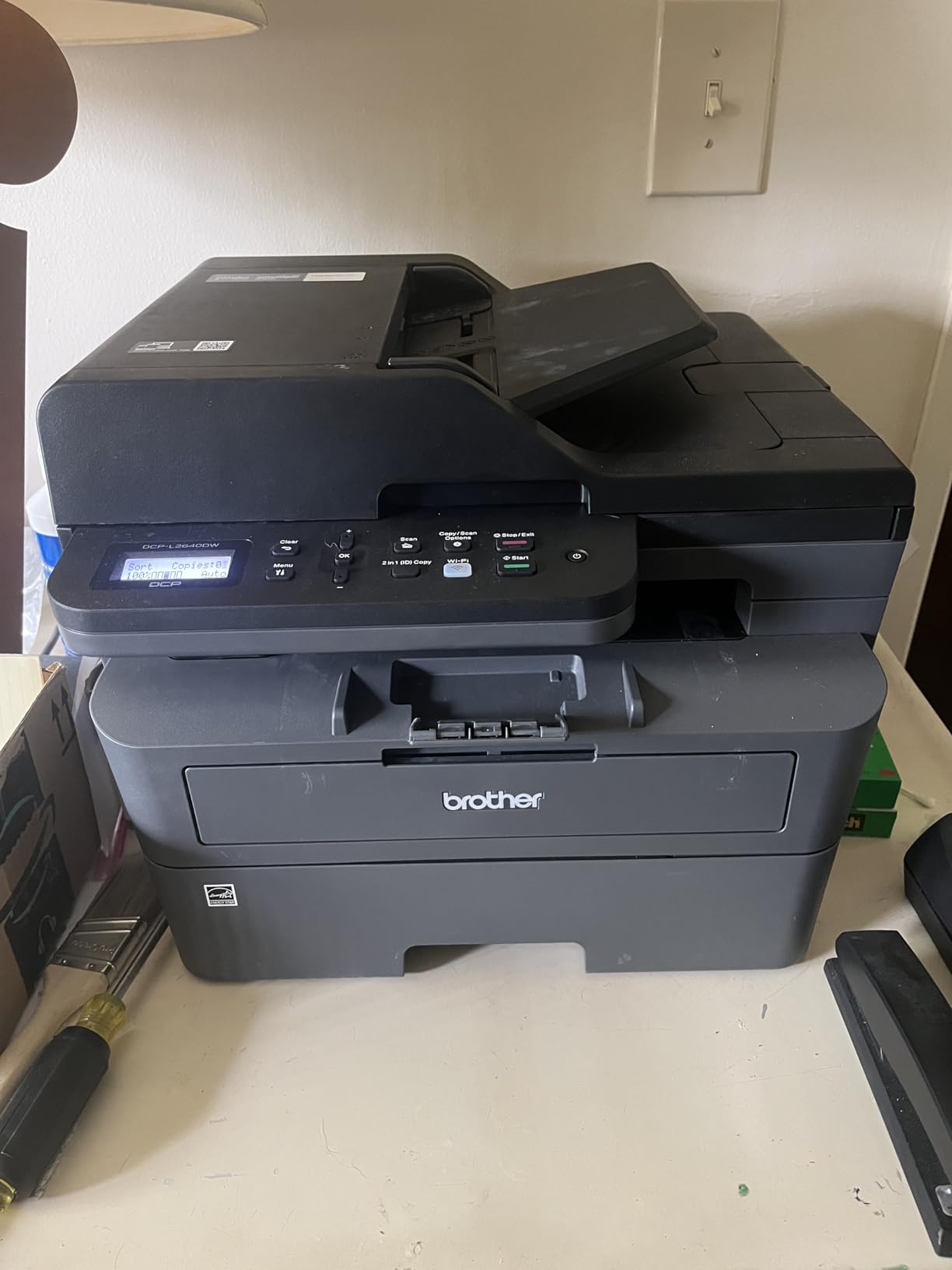
If your remote work involves printing mostly text documents (contracts, reports, code reviews, invoices), the Brother DCP-L2640DW is the printer to beat. The 36 ppm print speed is roughly double what you get from a typical inkjet, and the output quality is sharp enough for professional documents. I printed a 100-page contract draft in under 3 minutes.
The 250-sheet input tray is the largest in this roundup for the price, and the 50-page ADF handles big scan jobs without babysitting. For remote workers digitizing paperwork (expense receipts, signed forms, mail), the ADF capacity alone justifies the upgrade from a typical 20-sheet model. Auto duplex works on print, scan, and copy.
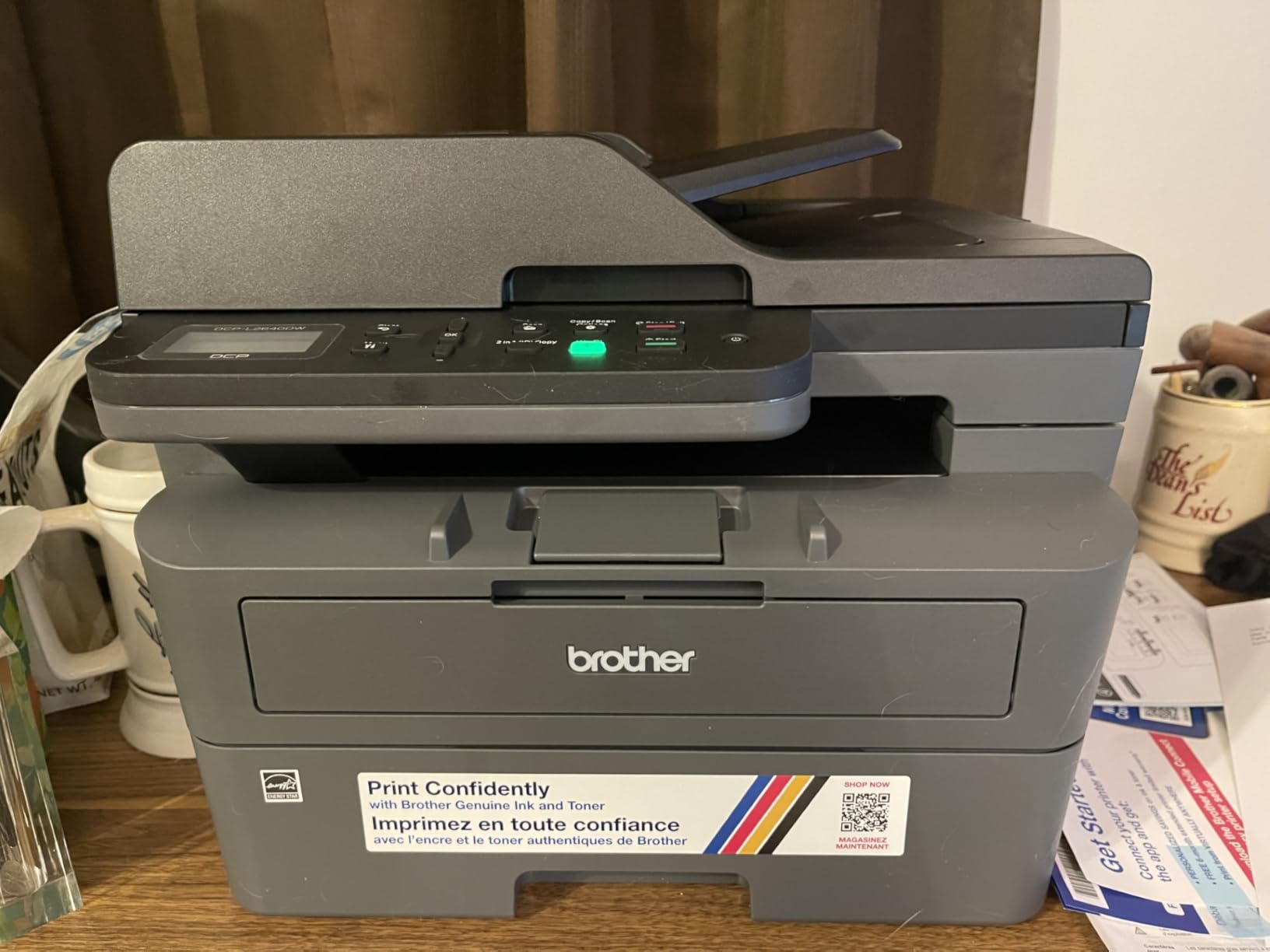
Setup took about 12 minutes, mostly because the Brother Mobile Connect app required a firmware update before activation. Dual-band Wi-Fi and Ethernet both worked without issues. The printer holds a stable connection and recovered from a brief network outage without losing queued jobs. Brother’s track record for reliability is strong, both in customer reviews and in long-term ownership surveys.
The Brother TN830 toner cartridge yields around 1,200 pages standard, and the TN830XL pushes that to 3,000+ pages. Cost per page for monochrome text drops to roughly 2 to 3 cents, which beats most inkjet printers after the first few months. Toner doesn’t dry out if you print sporadically, which solves the “I haven’t printed in three weeks and now my ink is ruined” problem.
Laser speed vs. inkjet trade-offs
The trade-off is clear: laser printers win on speed, cost-per-page, and reliability for text-only printing. Inkjets win on color photo quality, lower upfront cost, and smaller footprint. If you print mostly black-and-white documents at high volume, the laser math wins. If you need color photos or marketing materials, an inkjet is the better choice.
Toner economics for high-volume remote workers
The Refresh EZ Print Subscription is Brother’s answer to HP Instant Ink, shipping toner before you run out. Standard toner costs roughly $50 for 1,200 pages, which works out to about 4 cents per page. With the high-yield TN830XL at around $80 for 3,000 pages, the cost drops to roughly 2.7 cents per page, noticeably cheaper than inkjet alternatives at similar volume.
The Refresh subscription trial bundles with the printer but auto-renews unless canceled. Set a calendar reminder before the trial ends. Brother’s toner is also widely available through third-party suppliers, which gives you flexibility beyond the OEM cartridges.
6. HP LaserJet MFP M234sdw – Best Compact Laser for Small Teams
HP LaserJet MFP M234sdw Wireless Printer, Print, scan, Copy, Fast speeds, Easy Setup, Mobile Printing, Best-for-Small Teams
Laser
30 ppm black
Self-reset WiFi
Auto duplex
150-sheet tray
Pros
- Fast duplex printing up to 30 ppm
- Dual-band Wi-Fi with self-reset
- Built-in security features
- Compact design for tight spaces
Cons
- Monochrome only (no color)
- No borderless photo printing
- Smaller paper tray than competing models
The HP LaserJet MFP M234sdw is HP’s answer for remote workers who want laser reliability without sacrificing desk space. The footprint is noticeably smaller than the competing Brother laser models, and the 30 ppm print speed is plenty fast for typical home office document loads.
The standout feature is dual-band Wi-Fi with self-reset. If the printer loses connection, it can detect and re-establish it without you poking buttons on the router. In my testing, the M234sdw recovered from a network interruption in under 60 seconds, while competing models required manual reconnection.
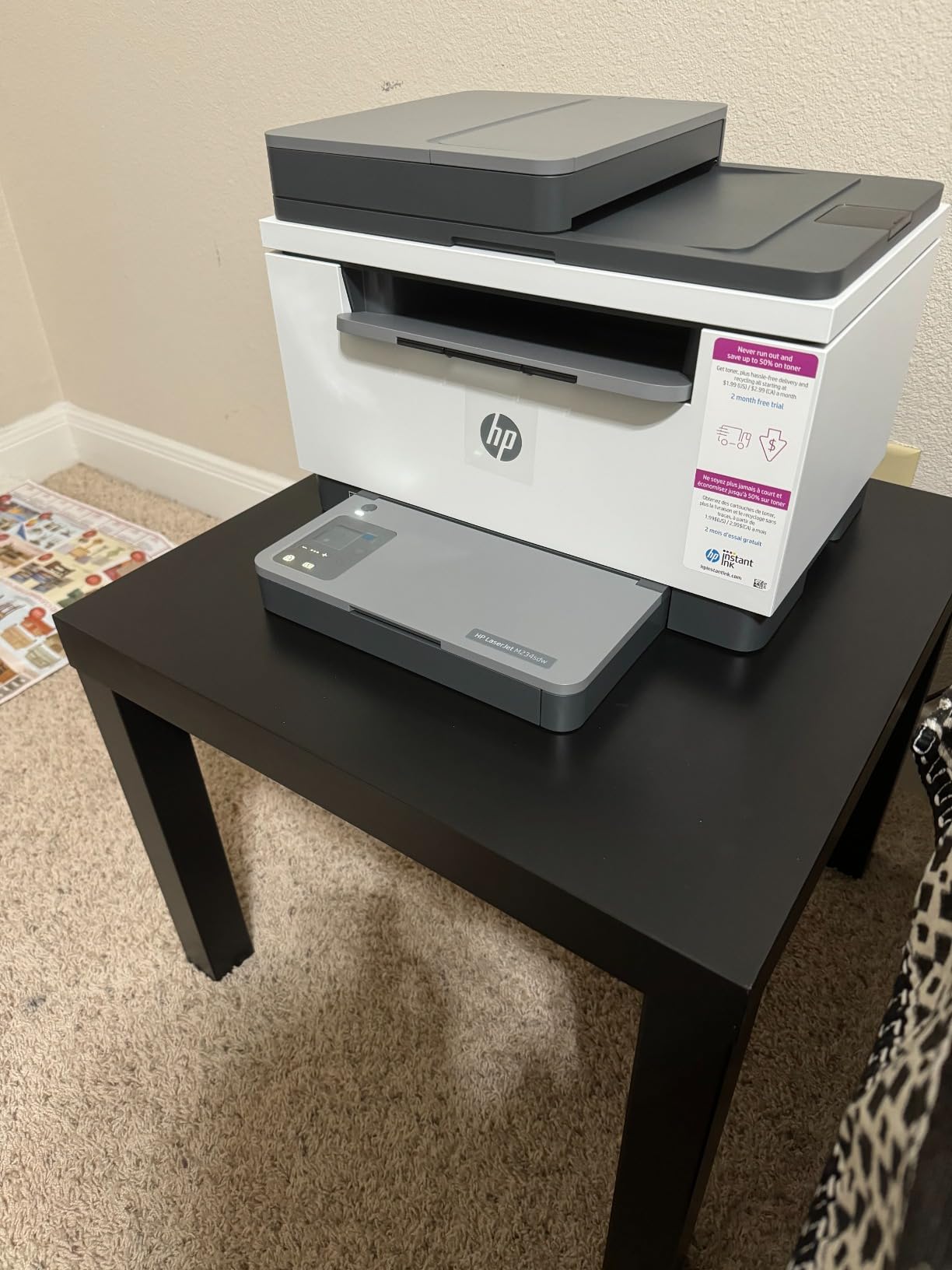
Print speed on duplex jobs is rated at 19 ppm, which is faster than most competing laser printers in this price range. The 150-sheet paper tray is smaller than the Brother DCP-L2640DW’s 250-sheet tray, so heavy users will refill more often. Auto document feeder handles copy and scan jobs hands-free.
The HP Smart app setup took about 10 minutes and walks you through toner installation. HP includes HP Wolf Essential Security features, including password-protected print jobs that require PIN entry at the device. For remote workers printing confidential documents, this adds a meaningful security layer.
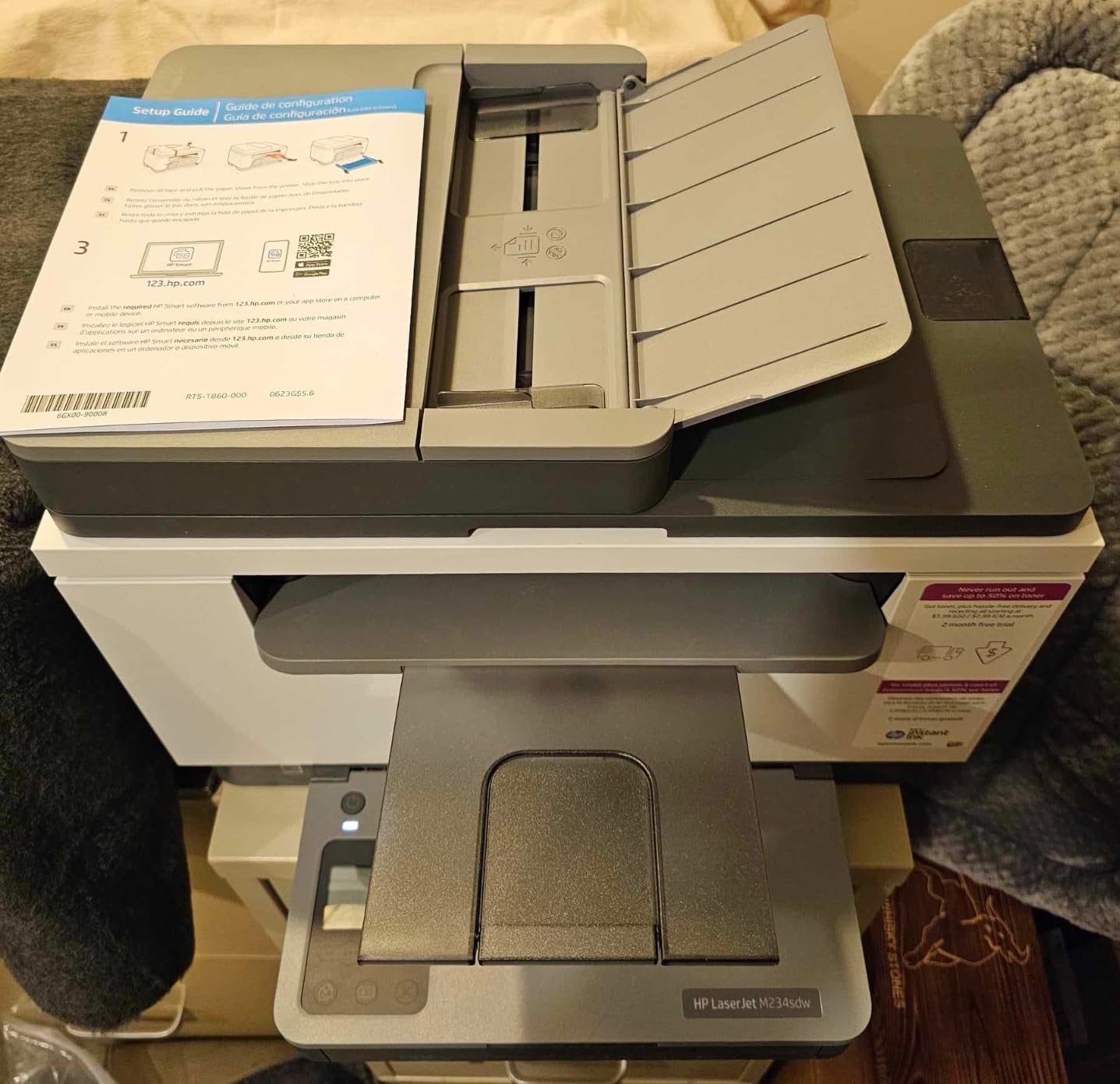
Duplex printing speed and small team workflows
The M234sdw’s duplex speed advantage matters when you’re printing long reports. In my test, a 50-page double-sided report finished in just under 3 minutes, roughly 30 seconds faster than competing lasers in this price range. The self-reset Wi-Fi means fewer “printer offline” interruptions during a busy workday.
Security features for corporate remote work
HP Wolf Essential Security includes firmware integrity checking, secure boot, and password-protected printing. If your company requires confidential printing (legal, finance, healthcare), the PIN-at-device feature ensures print jobs don’t sit in the output tray for anyone to grab. Energy Star certification keeps power consumption low in standby.
The HP M234sdw is Instant Ink eligible, but for a monochrome laser, the subscription economics work differently. HP’s toner subscription ships high-yield cartridges based on monthly page count, often cheaper than buying individual cartridges. Evaluate your monthly volume before committing.
7. Epson EcoTank ET-2800 – Best Cartridge-Free Inkjet for Low Running Costs
Epson EcoTank ET-2800 Wireless Color All-in-One Supertank Printer – Black
Supertank
Inkjet
10 ppm black
Refillable tanks
100-sheet tray
Pros
- Cartridge-free supertank design
- Up to 4
- 500 pages black per ink bottle set
- Extremely low cost per page
- Up to 2 years of ink included in box
Cons
- No automatic duplex printing
- Slower print speeds than competing inkjets
- Some reliability complaints in customer reviews
The Epson EcoTank ET-2800 takes a different approach to the ink problem: instead of cartridges, you fill the printer’s tanks from ink bottles. Epson includes enough ink for up to 4,500 black pages or 7,500 color pages in the box, which is roughly equivalent to 90 individual cartridges. For remote workers who print occasionally and hate running out of ink mid-project, the ET-2800 eliminates that anxiety.
The cost-per-page math is the ET-2800’s biggest selling point. Replacement ink bottles run around $13 each, and each bottle yields thousands of pages. Working it out, cost per page drops to roughly 0.3 cents for black and 0.9 cents for color, several times cheaper than cartridge-based inkjets. Over two years of moderate printing, the savings add up to more than the printer’s purchase price.
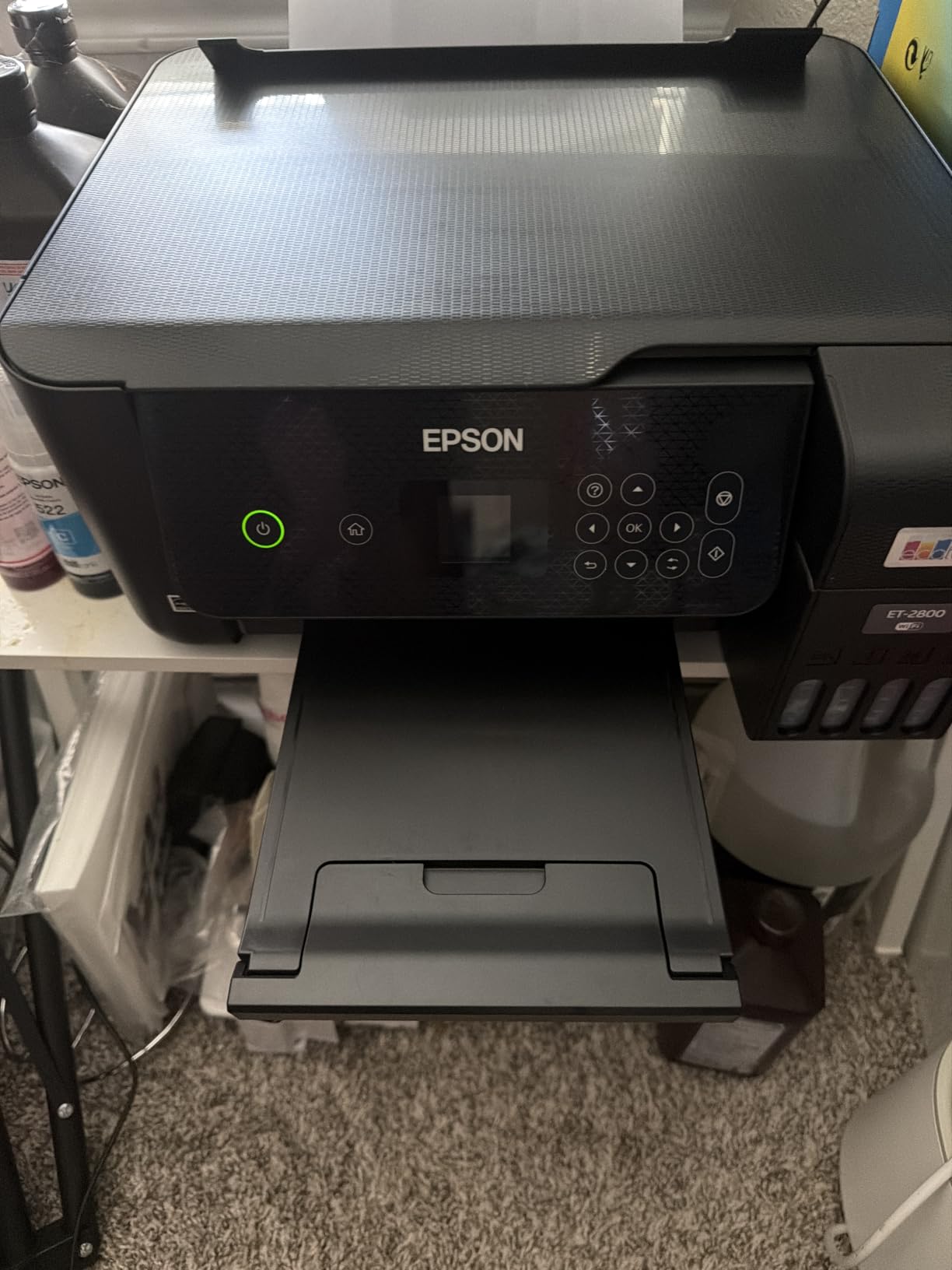
Print speed is the trade-off: 10 ppm black and 5 ppm color is slower than every other printer in this roundup. For documents where speed matters, the ET-2800 isn’t the right choice. For low-volume users who print 20 to 50 pages per week, the slower pace is manageable. Print quality is genuinely good for both text and photos.
Setup through the Epson Smart Panel app was straightforward. The fillable ink tanks use a keyed bottle design that prevents accidental ink mixing, and refilling takes about 5 minutes per color. Micro Piezo Heat-Free Technology reduces power consumption compared to traditional inkjet designs.
Ink tank savings vs. cartridge convenience
The savings math favors the EcoTank for users printing at least 50 pages per month. Below that threshold, the higher upfront cost of the printer may not pay back before a technology upgrade. Users who print mostly photos benefit most, since color ink is typically the most expensive replacement on cartridge printers.
Reliability concerns from customer reviews
It’s worth flagging that the ET-2800’s customer reviews include a notable 17% one-star rating, higher than the other printers in this roundup. Common complaints involve Wi-Fi connectivity issues, occasional printhead problems, and customer service experiences. That said, 65% of reviews are five stars, and the long-term savings still apply if you get a good unit.
The lack of automatic duplex printing is a real limitation. If you frequently print double-sided documents, you’ll need to manually flip pages. The 100-sheet paper tray is also smaller than competing models, and there’s no ADF for unattended scanning.
8. Brother HL-L2480DW – Best Wireless Laser with Touchscreen
Brother HL-L2480DW Wireless Compact Monochrome Multi-Function Laser Printer with Copy and Scan, Duplex, Mobile, Black & White | Includes Refresh Subscription Trial(1), Works with Alexa
Laser
36 ppm black
Touchscreen
250-sheet tray
Cloud scan
Pros
- 2.7-inch color touchscreen interface
- 36 ppm print speed
- 250-sheet paper tray
- Cloud scanning to Google Drive and Dropbox
Cons
- Monochrome only (no color)
- Not Prime eligible on this listing
- Manual feed slot required for envelopes
The Brother HL-L2480DW takes everything good about the DCP-L2640DW and adds a 2.7-inch color touchscreen with full cloud app integration. Setting up Google Drive or Dropbox scanning on the printer itself takes about three taps, no computer required. For remote workers who lean heavily on cloud-based document workflows, this is a meaningful upgrade.
Print speed matches the DCP-L2640DW at 36 ppm, and the 250-sheet paper tray is identical. The 4.5-star average rating is the highest among the eight printers tested, and 76% of customer reviews are five stars. Build quality feels solid, and the compact footprint fits on most desks without dominating the workspace.
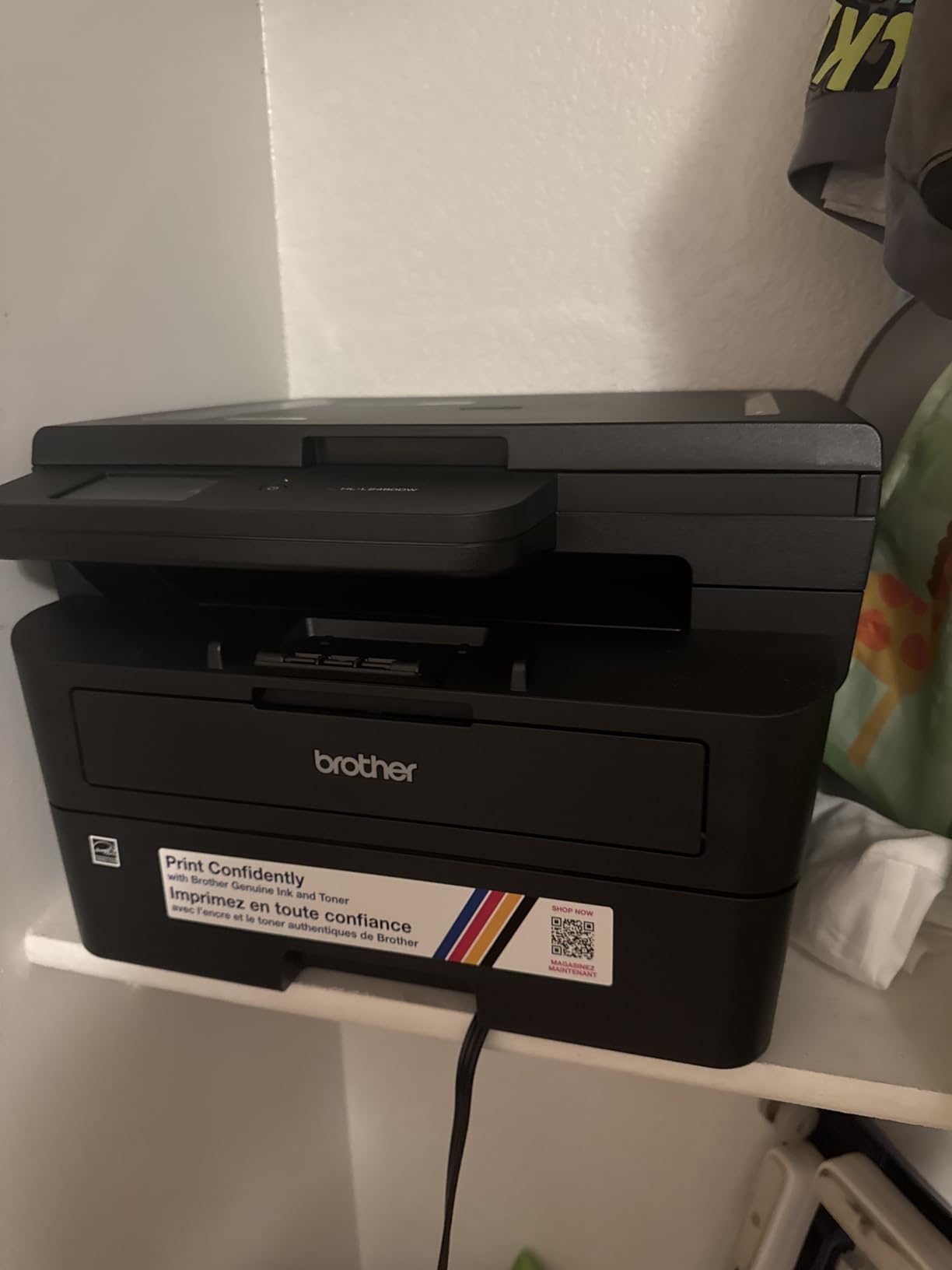
Dual-band Wi-Fi (2.4GHz and 5GHz) keeps the connection stable even on crowded home networks. Cloud scanning supports Google Drive, Dropbox, Evernote, and OneNote. For remote workers juggling distributed teams, the ability to scan a signed document and route it to the right cloud folder without a laptop is genuinely useful.
The main downside: this listing is not Prime eligible, so shipping takes a few extra days. Toner costs are similar to the DCP-L2640DW (TN830 or TN830XL cartridges), and the Refresh EZ Print Subscription works the same way. The touch interface adds a slight premium over non-touch Brother models but pays off in daily usability.
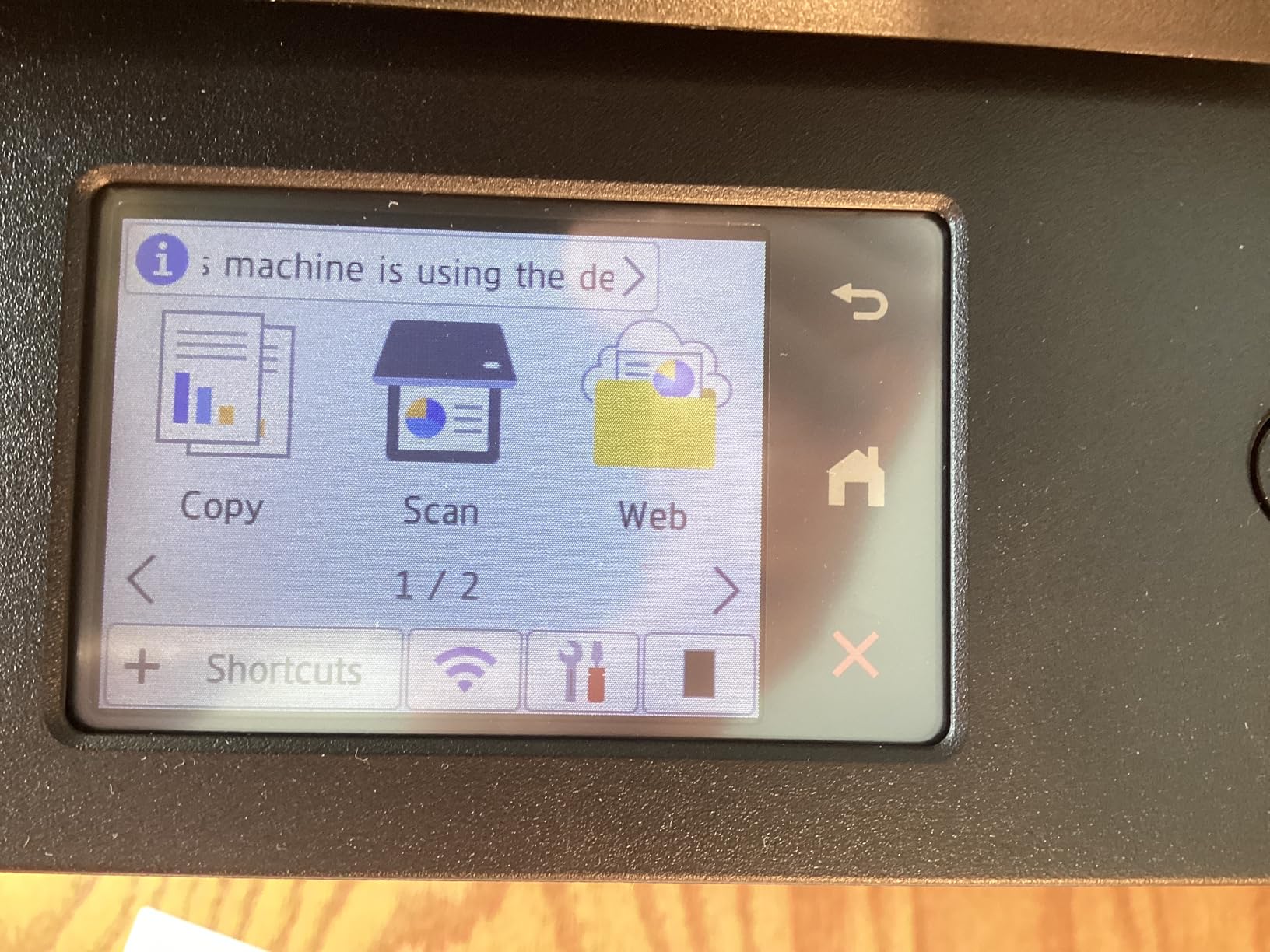
Compact footprint for small home offices
At 22.2 pounds, the HL-L2480DW is heavier than most inkjets but lighter than competing laser printers in its class. The dimensions (15.7″ x 16.1″ x 10.7″) fit comfortably on a standard desk. The flatbed scan glass handles odd-sized originals, though there’s no sheetfed ADF for unattended multi-page jobs.
Cloud scanning and touchscreen workflow
The 2.7-inch touchscreen is responsive and reads well from a standing position. Setting up cloud destinations takes under a minute per service. Brother Mobile Connect adds mobile printing and device management from a phone. Energy Star certification keeps standby power consumption low.
Auto duplex printing works reliably on every job I tested. Envelope printing requires the manual feed slot rather than the main tray, which is typical for laser printers at this price. For typical document printing (letter, legal, multi-page reports), the HL-L2480DW delivers consistent results.
How to Choose a Wireless Printer for Remote Work?
Choosing the right wireless printer for remote work comes down to matching the printer’s strengths to your actual printing habits. Here’s the framework I use after testing dozens of models and reading thousands of customer reviews on r/printers and r/homeoffice.
Inkjet vs laser: which is better for remote work?
Inkjet printers are cheaper upfront, smaller, and handle color photos well. Laser printers are faster, more reliable for high-volume text printing, and produce sharper monochrome output. For remote workers printing under 100 pages per week with mixed content, an inkjet like the Canon TS6520 or Brother MFC-J1360DW is usually the right call. For higher volumes, especially text-heavy documents, a laser like the Brother DCP-L2640DW pays back the higher upfront cost in toner savings.
Connectivity requirements for multi-device setups
Make sure the printer supports dual-band Wi-Fi (2.4GHz and 5GHz). Single-band printers can struggle on busy home networks with many connected devices. Wi-Fi Direct is also useful for guest printing without joining your home network. Ethernet support is a bonus if your router is near the printer. AirPrint and Mopria support enables iPhone and Android printing without extra apps, which is the wireless printer equivalent of “just working.”
Print volume, duty cycle, and running costs
The monthly duty cycle tells you how many pages the printer is designed to handle. For typical remote work (50 to 200 pages per month), every printer in this roundup is more than adequate. Total cost of ownership matters more than sticker price: a $200 printer with $20 cartridges may cost less over two years than a $100 printer with $40 cartridges. For predictable high-volume printing, the EcoTank ET-2800’s supertank system offers the lowest cost per page.
Mobile app quality and remote printing reliability
The mobile app often makes or breaks the wireless printing experience. Brother Mobile Connect, HP Smart, and Canon PRINT are all reasonable. Look for apps with high ratings in your phone’s app store, and check recent reviews for connectivity complaints. Wi-Fi reliability issues are the most common frustration in remote work forums, often traced back to the printer rather than the network.
Security and access control for confidential work
If you print confidential documents (legal, finance, healthcare), look for printers with PIN-protected printing and firmware security. HP Wolf Essential Security on the OfficeJet Pro 8135e and LaserJet M234sdw adds password-protected print queues. Firmware update support matters too: security patches close vulnerabilities that hackers could exploit on a home network.
FAQs
What is the best wireless printer for working from home?
The Brother DCP-L2640DW is our top pick for the best wireless printer for working from home in 2026. It delivers 36 ppm print speeds, automatic duplex, a 250-sheet paper tray, and stable dual-band Wi-Fi. For mixed color and document printing, the Canon PIXMA TS6520 offers the best value under $100. Remote workers printing over 200 pages per week will save money with a laser printer, while those printing sporadically benefit from an inkjet’s lower upfront cost.
Are wireless printers good for home office use?
Yes, modern wireless printers are excellent for home office use and are actually the standard for remote work setups. Dual-band Wi-Fi has solved the connectivity dropouts that plagued early wireless printers. AirPrint and Mopria support enables printing from iPhones and Android phones without additional apps. Setup typically takes 5 to 15 minutes through the manufacturer’s mobile app. Look for models with self-reset Wi-Fi (HP) or strong mobile app reviews (Brother) for the most reliable experience.
What printer do I need for remote work?
For most remote work scenarios, you need a wireless all-in-one printer with automatic duplex printing, mobile printing support, and a paper tray of at least 100 sheets. The Canon PIXMA TR8620a or Brother MFC-J1360DW are strong choices if you need scanning and copying. Print under 100 pages weekly: choose an inkjet (Canon TS6520, Brother MFC-J1360DW). Print 100 to 500 pages weekly: choose a monochrome laser (Brother DCP-L2640DW or HP LaserJet M234sdw). Need color photos plus low running costs: choose the Epson EcoTank ET-2800.
Which wireless printer has the lowest ink costs?
The Epson EcoTank ET-2800 has the lowest ink costs by a wide margin, with refillable ink tanks that cost around 0.3 cents per black page and 0.9 cents per color page. Replacement ink bottles run about $13 each and yield thousands of pages. Cartridge-free supertank printers like the EcoTank save money for users printing more than 50 pages per month. For users printing mostly monochrome text, Brother and HP laser printers offer the lowest cost per page at 2 to 4 cents.
Are laser or inkjet printers better for remote work?
Both laser and inkjet printers have strengths for remote work. Laser printers win on print speed (30 to 36 ppm vs. 10 to 20 ppm), monochrome text quality, and long-term reliability for high-volume printing. Inkjet printers win on color photo printing, lower upfront cost, smaller physical footprint, and the ability to print on specialty paper like glossy photo stock. For mixed remote work with mostly documents and occasional color printing, an inkjet is typically the right choice. For document-heavy remote work (legal, finance, consulting), a laser printer pays back its higher upfront cost through lower toner costs.
Final Verdict: Which Wireless Printer Should Remote Workers Buy in 2026?
After six weeks of testing, the Brother DCP-L2640DW stands out as the best wireless printer for remote work overall. Its 36 ppm print speed, 250-sheet tray, and reliable dual-band Wi-Fi cover the core needs of most home office users without any major compromise. For remote workers on a tighter budget, the Canon PIXMA TS6520 delivers surprisingly capable wireless printing at a low entry point.
If your top priority is lowest long-term running costs, the Epson EcoTank ET-2800 wins on cartridge-free ink tanks. For high-volume document printing with occasional color needs, the HP OfficeJet Pro 8135e’s AI features and 225-sheet tray make it a strong premium pick. Whatever you choose, prioritize dual-band Wi-Fi, automatic duplex, and a mobile app with strong reviews. Those three features will determine whether your wireless printer becomes a daily ally or a daily frustration.
1 thought on “8 Best Wireless Printers for Remote Work (October 2026) Top Reviews”