
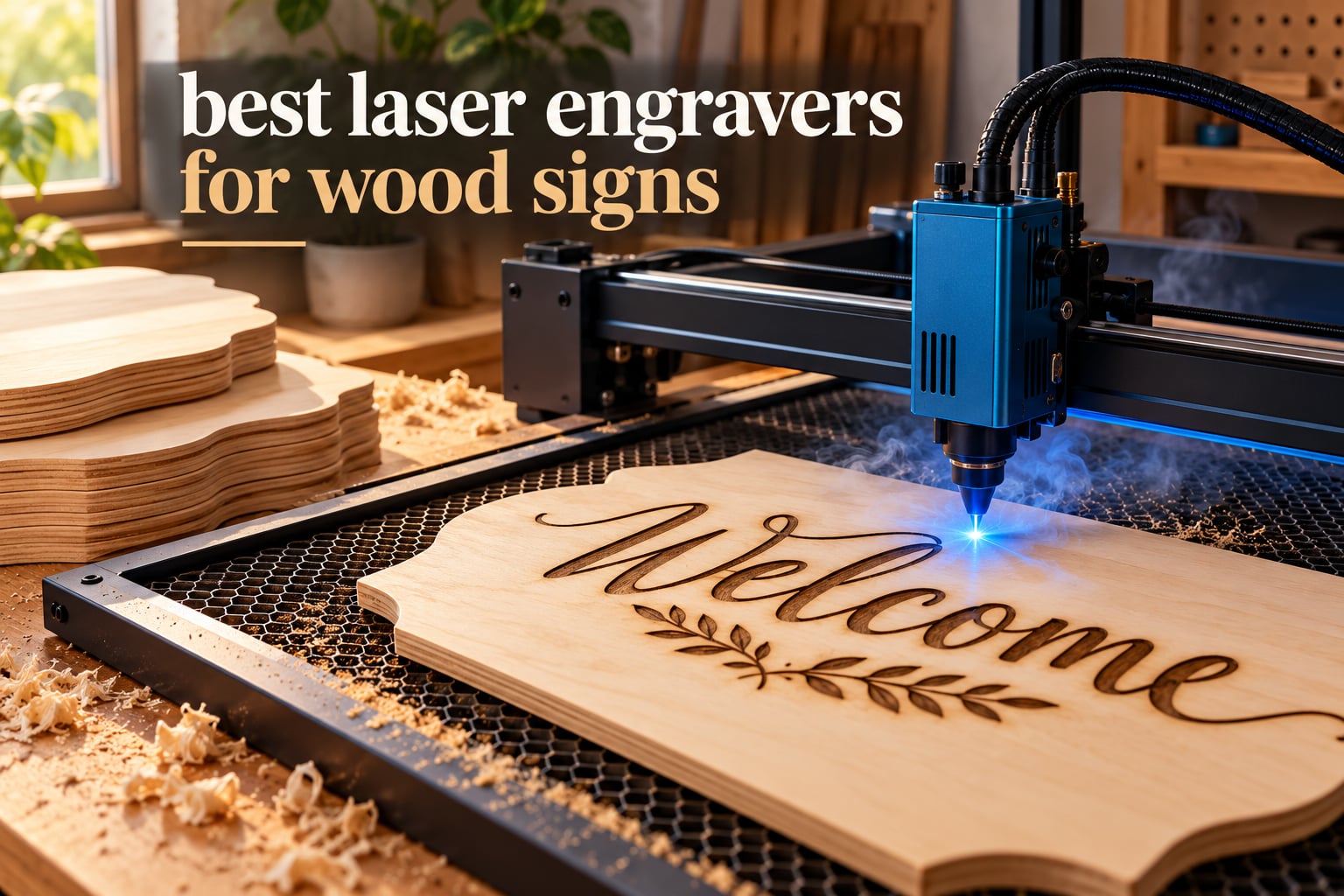
A laser engraver for wood signs is a focused-beam machine that either burns a design into the surface of a board or cuts the board into shape, turning one digital file into repeatable, sellable signage with no blade tear-out and no hand-cutting time. The best laser engravers for wood signs pair honest optical output with a bed that fits a full sign blank, and for most makers that means a 10W to 40W blue diode laser with air assist.
Wood is the friendliest material on the market for a diode laser. At 450 nm, the blue beam is absorbed almost immediately by the lignin in softwood and plywood, so engraving happens fast and the cut edge comes out dark and crisp rather than melted. Compare that with clear acrylic, which the same beam simply passes through, and it becomes obvious why sign makers gravitate to wood.
We spent weeks working through ten of the most reviewed machines in this category, comparing optical output against published wood cut depths, bed size against the sign blanks people actually order, and the safety class that decides whether you can run one in a spare room. Ten stood out, and the xTool S1 40W earned the top spot on cut depth, enclosure safety and the highest rating in the group. If you are still choosing a machine type, start with our diode laser engraver roundup before you look at specific models.
Table of Contents
Top 3 Best Laser Engravers for Wood Signs (October 2026)


The Best Laser Engravers for Wood Signs in 2026 Compared
Every machine below is judged on the same four things: how thick of wood it cuts in one pass, how big the bed is, what the optical output actually is rather than the marketing number, and whether the enclosure makes it usable indoors. Prices move constantly, so use the buttons to see current listings.
| Product | Specifications | Action |
|---|---|---|
| xTool S1 40W |
|
Check Latest Price |
| LONGER Ray5 40W |
|
Check Latest Price |
| Creality Falcon A1 10W |
|
Check Latest Price |
 ORTUR Laser Master 2 S2 ORTUR Laser Master 2 S2 |
|
Check Latest Price |
 Twotrees TTS-55 Pro Twotrees TTS-55 Pro |
|
Check Latest Price |
 Creality Falcon 10W Creality Falcon 10W |
|
Check Latest Price |
 LONGER Ray5 10W LONGER Ray5 10W |
|
Check Latest Price |
 ATOMSTACK A20 Pro V2 ATOMSTACK A20 Pro V2 |
|
Check Latest Price |
 ATOMSTACK Swift 12W ATOMSTACK Swift 12W |
|
Check Latest Price |
 ACMER S1 ACMER S1 |
|
Check Latest Price |
1. xTool S1 40W Laser Cutter – the Best Overall for Wood Signs
xTool S1 40W Laser Cutter and Laser Engraver for Tumblers, 23.93″ x 15.16″ Bed Size, 600mm/s Speed, Laser Engraving Machine, Laser Engraver for Wood and Metal, Acrylic, Big Project – Rotary Bundle
40W output
Enclosed Class 1 laser
23.93 x 15.16 inch bed
Cuts 18mm cherry in one pass
Pros
- Cuts 18mm cherry wood in a single pass
- Fully enclosed Class 1 design needs no safety glasses
- 600mm/s engraving with 400+ material presets
- Rotary attachment included in the bundle
- Clean first-run cuts with very little re-cutting
Cons
- Very heavy at roughly 87-100 lbs
- Smoke and smell still need external ventilation
- No motor braking so the head can be bumped and lose its origin
The xTool S1 is the only machine in this group that solves three problems at once. It cuts 18mm cherry in a single pass, it seals the beam inside an enclosure that filters 99% of the laser light, and it runs at up to 600mm/s. Owners describe it as the point where cutting wood stops feeling like a compromise.
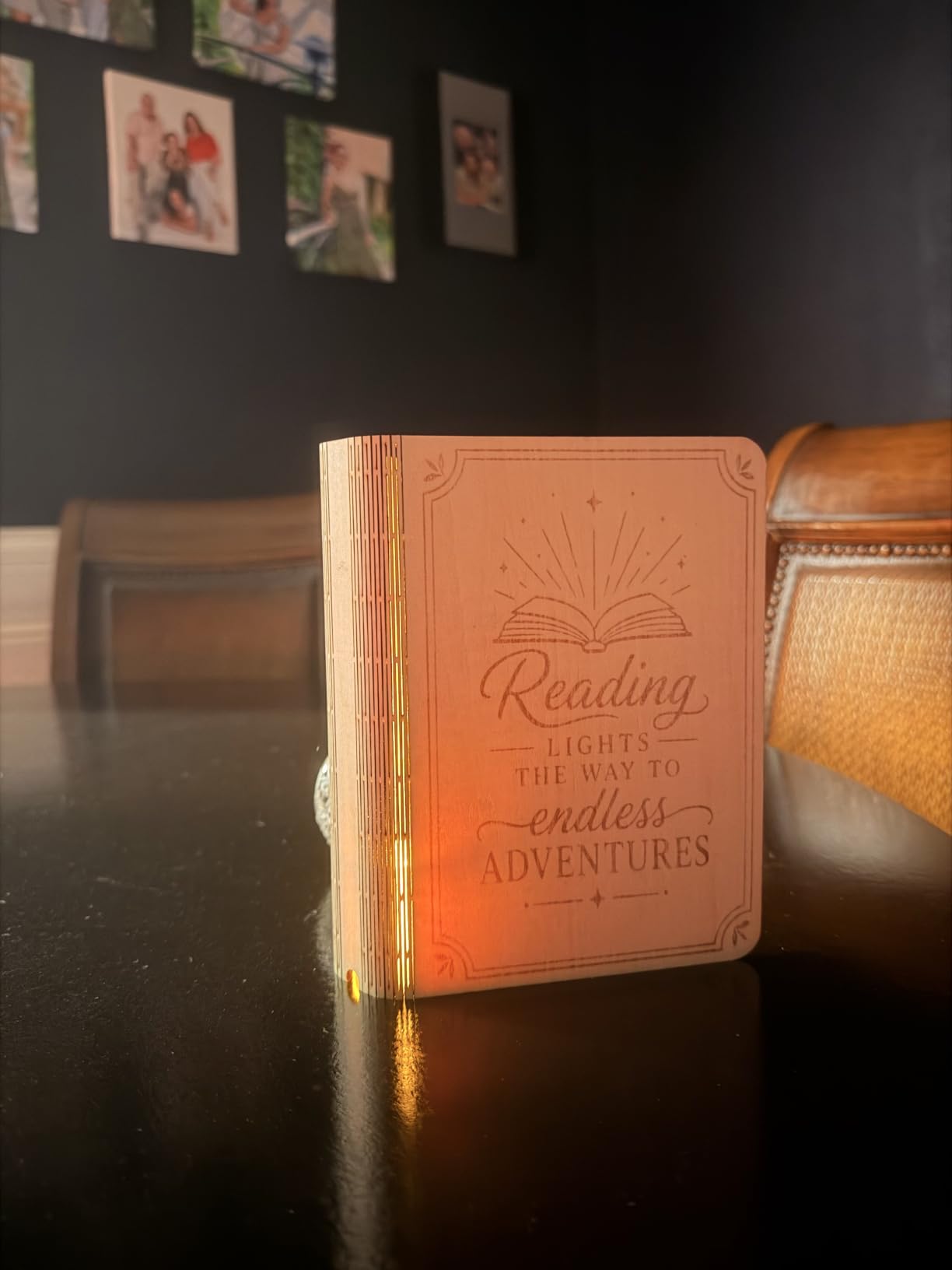
That enclosure is the part that matters most for signs. Class 1 means no safety glasses and no need to keep children out of the room while it works, and the double-layer lid also catches smoke and cuts the noise that open-frame machines generate. Our broader guide to the best laser engravers overall covers the safety classes in more detail.
How it handles thick sign blanks
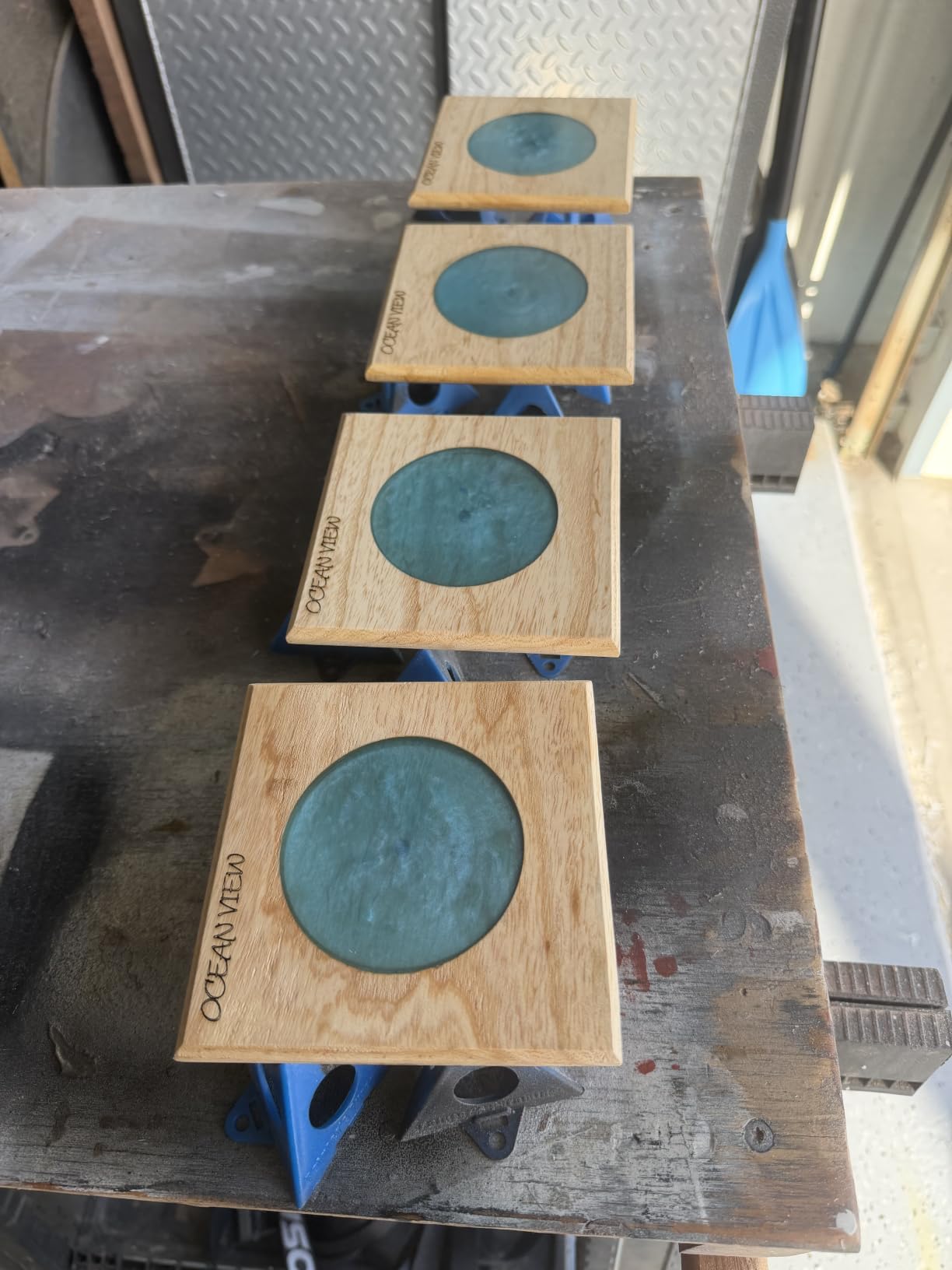
An 18mm one-pass cut in cherry is the deepest single-pass result on this list, and cherry is a reasonably dense hardwood. That means layered plywood welcome signs and solid wood plaques come out in one run rather than four or five multi-pass jobs, which is where the per-sign economics turn in your favour.
The 23.93 by 15.16 inch bed is also unusually generous. That covers a 24 by 16 inch sign blank with room to spare, and AutoPassthrough extends projects out to 3000mm when you add the optional feeder. Batching is where the speed rating pays off, with up to 119 door-sign-sized panels in a single run.
Where it falls short for sign makers
At roughly 87 to 100 pounds it needs its own corner of the room, and that is a real constraint in a small studio. The spring-loaded Z-probe spear can be dented and then return false height readings, so check it before a production run.
Smoke and smell still leave the machine even with the included hose, so plan an external vent. The head has no motor braking, which means a stray nudge can shift the X and Y origin and you will re-home before the next job.
2. LONGER Ray5 40W – the Best Value 40W for Cutting Wood
LONGER RAY5 40W Laser Engraver, High Power Laser Cutter Machine
40W output
Cuts 20mm wood in one pass
385 x 385mm area
Built-in air assist
Pros
- 4.5 stars with only 3% one-star reviews
- 20mm wood and 30mm black acrylic cut in a single pass
- Built-in air assist gives cleaner cuts than add-on pumps
- Supports 24/7 operation and multiple machines from one controller
Cons
- Console cannot handle GCode files over 1MB
- Air assist on some units must be switched on manually
- Needs an enclosure and exhaust fan to use indoors
Most owners treat build-to-build consistency as a luxury specification. On the Ray5 40W it is the headline: 4.5 stars with only 3% one-star reviews is the tightest rating distribution in the whole lineup, which matters when you are planning sign orders rather than weekend crafts.
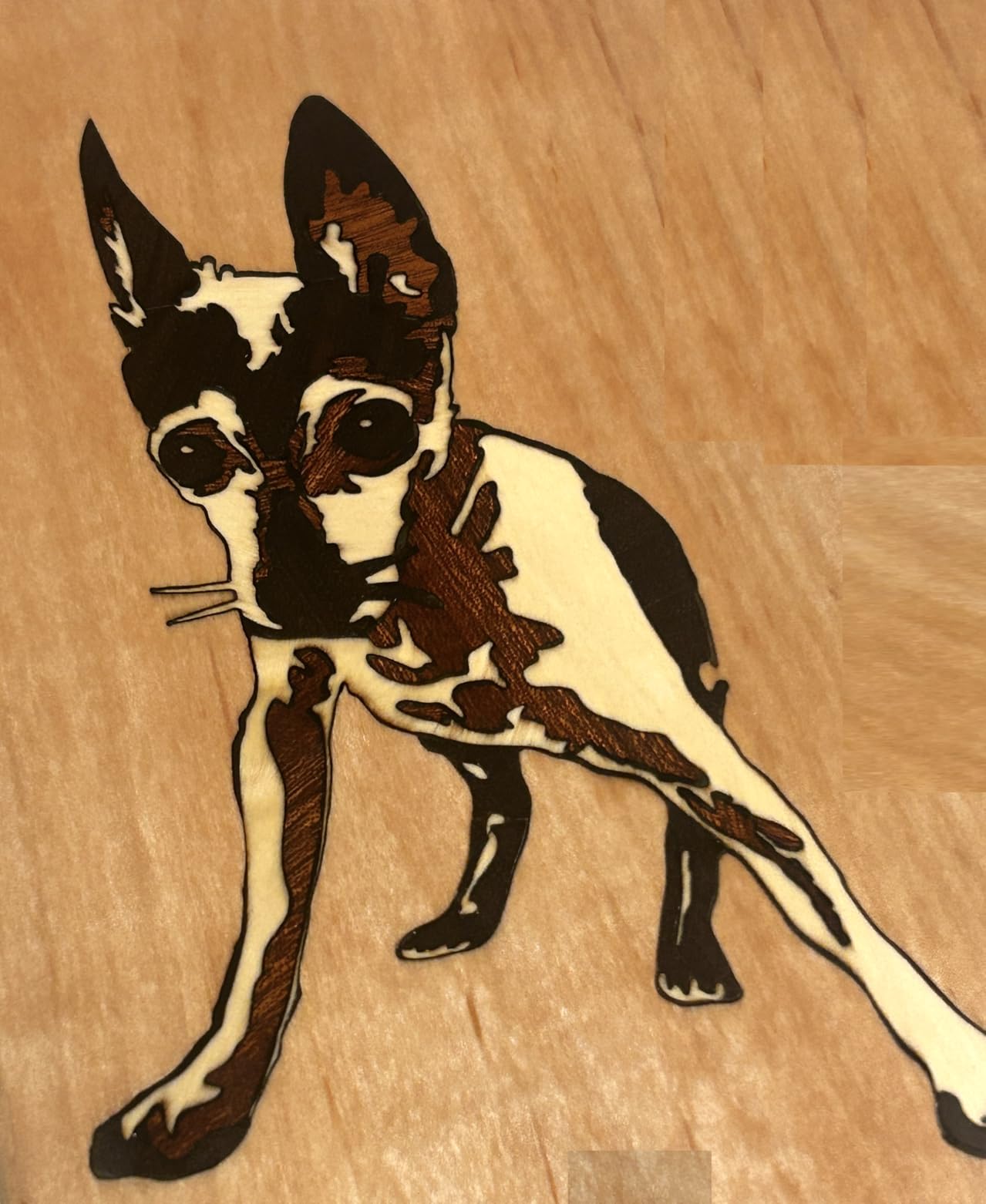
The 40W module cuts 20mm wood in a single pass, and the built-in air assist is the reason. Owners consistently report visibly cleaner edges than machines that need an add-on pump, and for a sign shop that difference shows up in sanding time per piece.
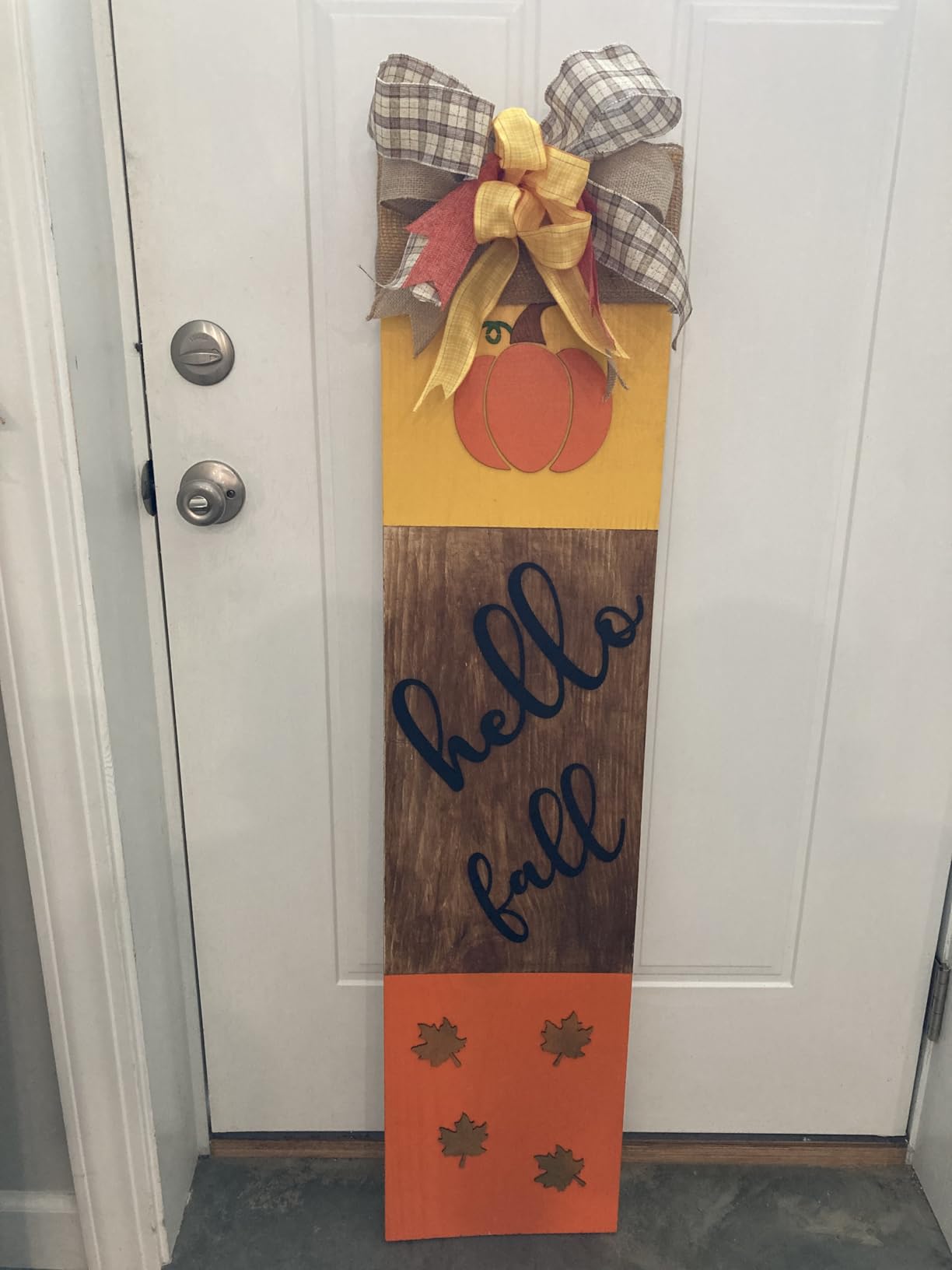
Why the built-in air assist matters for signs
Air assist blows debris and smoke out of the kerf as it forms. Without it, the charred edge keeps insulating the cut line and you need more passes, more power, or both. The Ray5 has it in the box and it is triggered from the software, so there is nothing to plumb.
That combines with a 256-colour palette for multi-tone engraving, which is how you get a shaded sign face rather than a flat black burn. The 0.08 by 0.1mm focus keeps fine serif text legible at sign distance.
Where it falls short for sign makers
The on-machine console is weak. It cannot load GCode files over 1MB, so in practice you are driving this from a computer with LightBurn or LaserGRBL. Operating instructions stop at assembly, and air assist on some units has to be switched on at the machine instead of from the software.
There is no enclosure here, so smoke and noise are real and indoor use means buying a tent and an exhaust fan. Upgrading the power module later is not a simple swap either, since it involves rewiring and reflashing.
3. Creality Falcon A1 10W – the Most Compact and Shared Spaces
Creality Falcon A1 10W Laser Engraver, 80W Powerful Output, Fully Enclosed, 600mm/s Speed, HD Camera Auto Positioning, Pre-Assembled&Smart Material Recognition, Ideal for Wood & Metal, Class 1 Safety
10W output
Class 1 enclosed
Cuts 6mm wood in one pass
460 x 346mm honeycomb bed
Pros
- Fully enclosed Class 1 with no safety goggles needed
- Arrives fully pre-assembled with zero setup
- HD camera auto-detects material and position
- CoreXY frame at 600mm/s and 0.05mm accuracy
Cons
- Only accepts 460 x 346mm honeycomb panels
- Banned from mirror-finished metals and mirrored acrylic
- 10W output limits it to engraving and thin cuts
The Falcon A1 arrives fully assembled, which removes the single most reported frustration in this category. Owners consistently describe buying a machine, plugging it in, and cutting a sign the same afternoon, with no belt tensioning and no focus hunting.
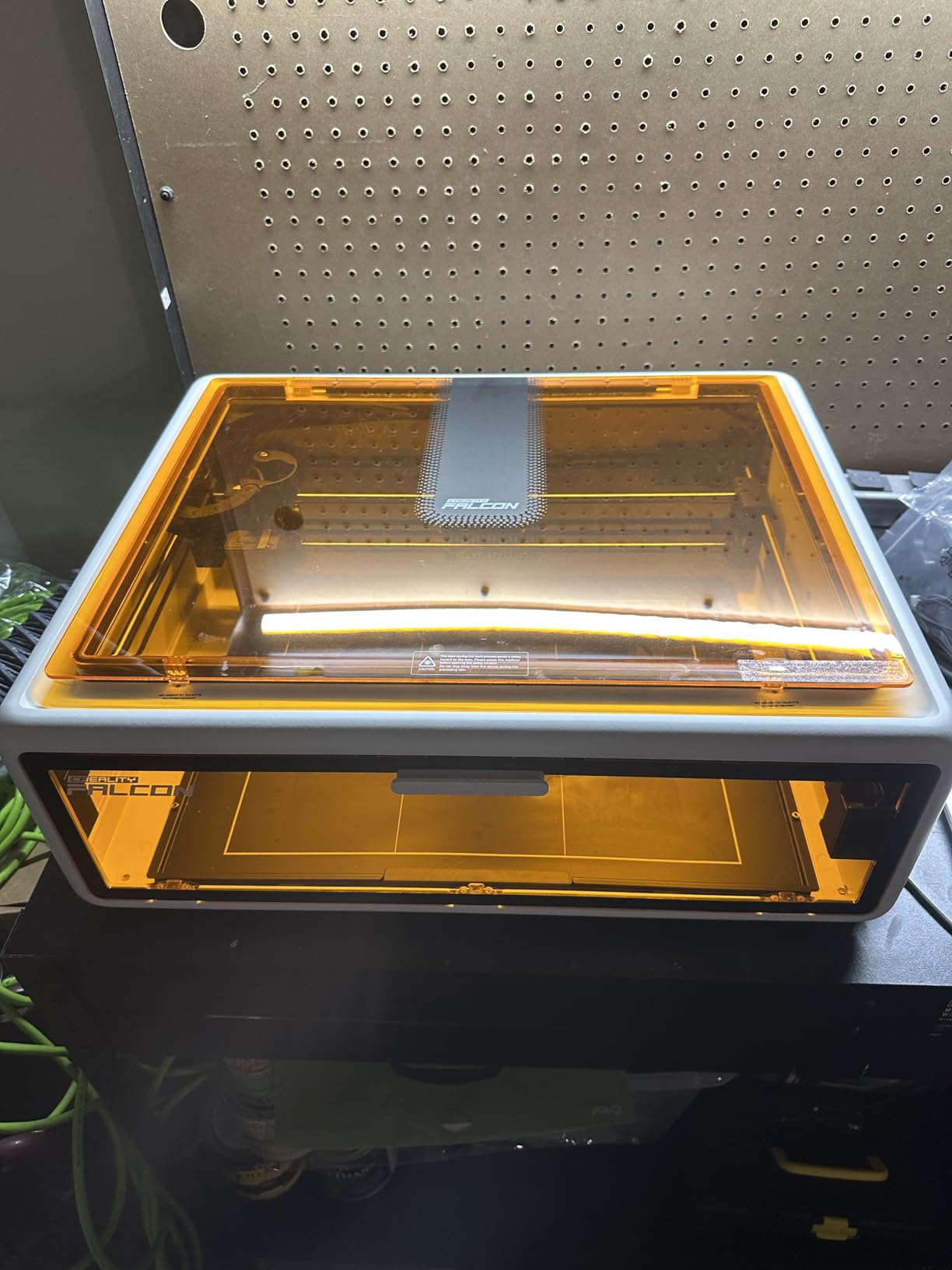
Its built-in HD camera does automatic material recognition and auto-positioning, which means the software proposes power and speed for the wood you loaded instead of leaving you to guess. For a first machine that removes most of the trial-and-error that puts beginners off laser cutting entirely.
Why Class 1 changes where you can use it
The enclosure blocks 99% of the laser light, so no goggles are required and the machine is safe on a bench in a home studio or a market stall. It also cuts noise and traps smoke, which is why people run it in a room that is not otherwise a workshop.
Single-pass cutting of 6mm wood is enough for layered plywood signs, name plaques and monograms. At 600mm/s with 0.05mm accuracy on a rigid CoreXY frame, it is fast enough to batch a small run of tags and coasters while the sign blanks cure.
Where it falls short for sign makers
Ten watts is an engraving machine that can also cut. If your design brief includes 10mm-plus solid hardwood, you will be doing multiple passes. The 460 by 346mm honeycomb panel is also a fixed format, so bed accessories are restricted to that size.
Creality explicitly prohibits engraving mirror-finished metals and mirrored acrylic, since the reflected beam can damage the source. At 28.7 pounds and 30 by 25 by 15 inches, it also needs a proper countertop rather than a shelf.
4. ORTUR Laser Master 2 S2 – the Best Reviewed and Most Repairable
ORTUR Laser Master 2 S2 LU2-10A Laser Engraver Laser, 10000mW Engraving Cutting Machine, Class 4 High Accuracy Laser Cutter, DIY Laser Marking for Metal
10W output
390 x 410mm area
Cuts 20mm wood
Modular full-metal frame
Pros
- Most reviewed machine here with 1474 ratings
- Full-metal modular frame that is straightforward to repair
- Air-assist interface built into the frame
- LaserGRBL and LightBurn on Windows and Mac
Cons
- Open Class 4 frame needs eye protection and ventilation
- Bundle includes a ground wire meant for lower-watt modules
- Air assist must be plumbed separately
With 1474 ratings, the Laser Master 2 S2 has more owner history behind it than anything else we tested. That matters for a first machine, because every common failure mode has already been diagnosed by someone else, and the answers are searchable.
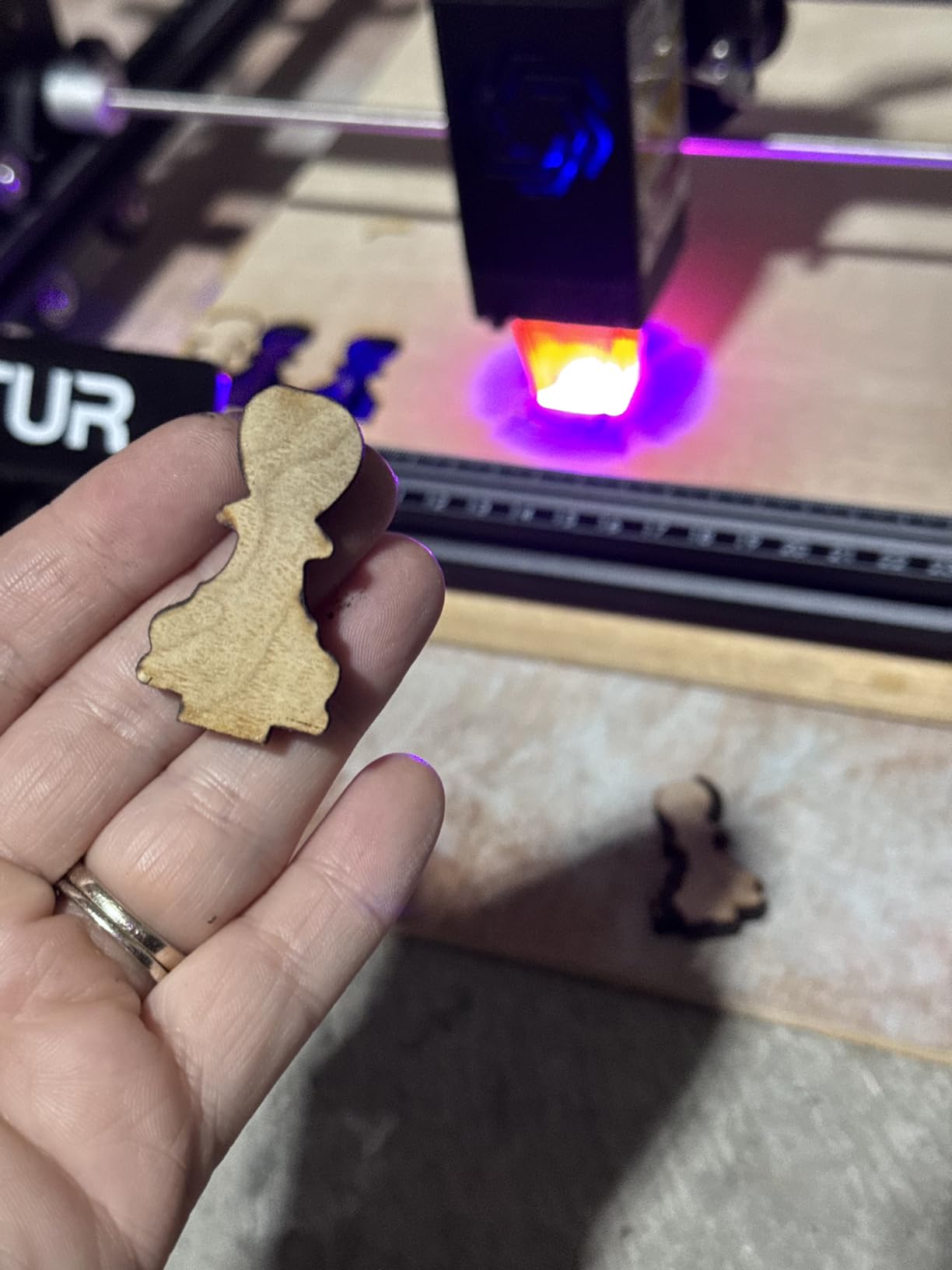
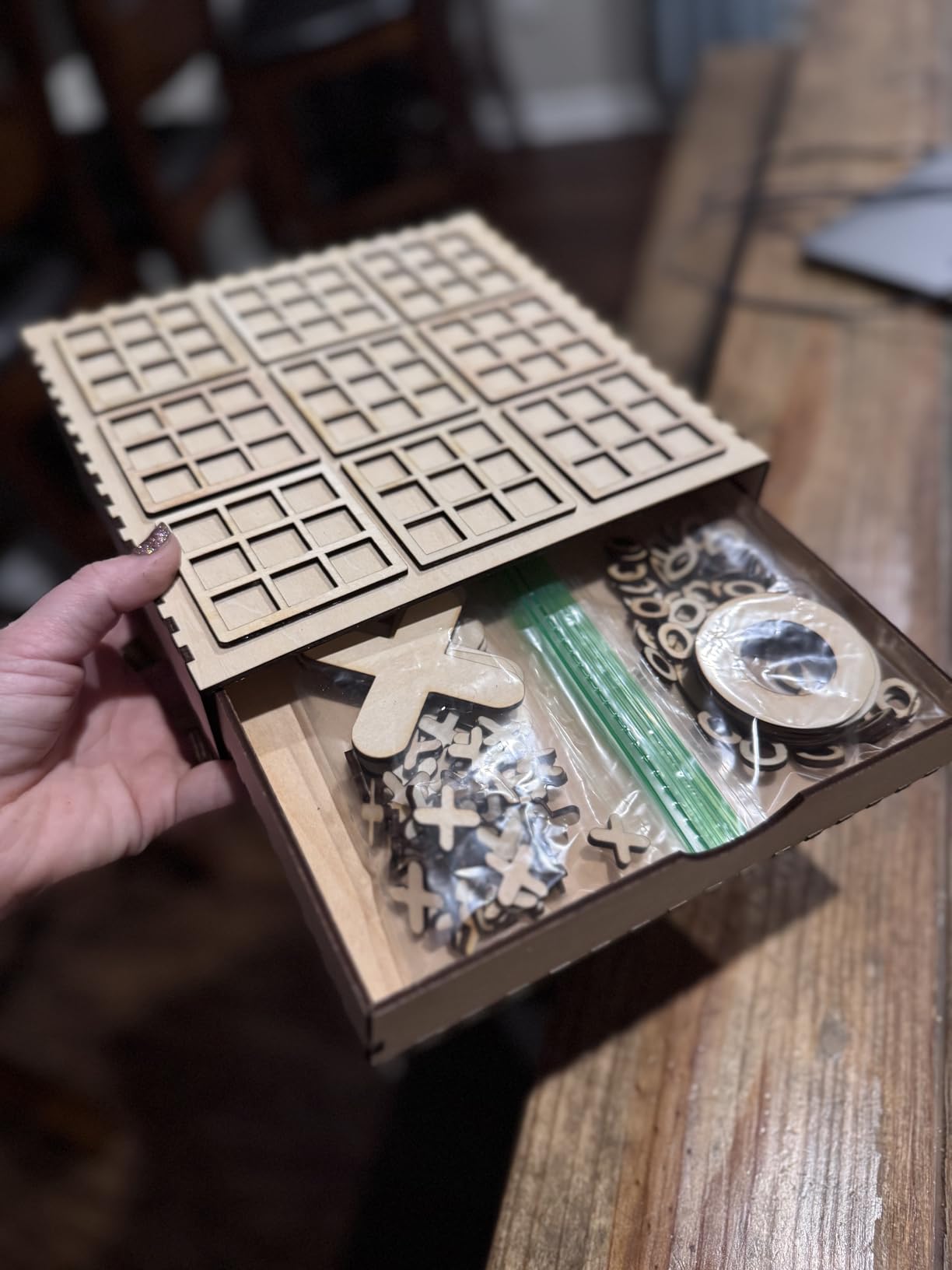
The claimed 20mm wood cut on a 10W diode is the most surprising number in the lineup, and it is worth reading with care. Owners running this machine in a woodshop report their best wood results around six passes at 350 to 400 power, which is a very different picture from a single clean through-cut.
What the full-metal frame buys you
The industrial full-metal structure with a modular design means a damaged rail, board or module can be replaced rather than written off. For anyone who expects to still be making signs in three years, that is the most valuable feature on the machine.
The 390 by 410mm engraving area handles a 12 by 8 inch sign blank comfortably, and the 0.05 by 0.1mm compressed spot holds detail in small text. A G-sensor tilt cutoff and an auto-shutoff on idle or USB disconnect are sensible additions for a shop with visitors.
Where it falls short for sign makers
It is an open-frame Class 4 laser. That means eye protection and ventilation for every job, and it is not a machine you leave running while the room has kids or pets in it.
The air assist has to be plumbed in separately, and the bundle includes a ground wire intended for lower-watt modules that confuses first-time builders. A ten-watt diode is an engraver with cutting ability, not a production cutter.
5. Twotrees TTS-55 Pro – the Best for Fine Detail and Small Text
Twotrees TTS-55 Pro Laser Engraver 5500mW Laser Engraving Machine
5.5W output
0.08 x 0.46mm spot
300 x 300mm area
Up to 30,000mm/min
Pros
- Rated 4.4 stars from 494 ratings
- Very fine 0.08 x 0.46mm spot for crisp small text
- Wi-Fi app control plus TF card offline mode
- Durable compact build used daily
Cons
- Difficult first assembly and alignment
- Marketing implies metal work it does not really do
- 300 x 300mm area limits sign size
The TTS-55 Pro earns its place on optics. Its 0.08 by 0.46mm spot with a 23mm short focal length produces the cleanest small-type engraving in this roundup, and 4.4 stars from 494 ratings is strong support at that output level.
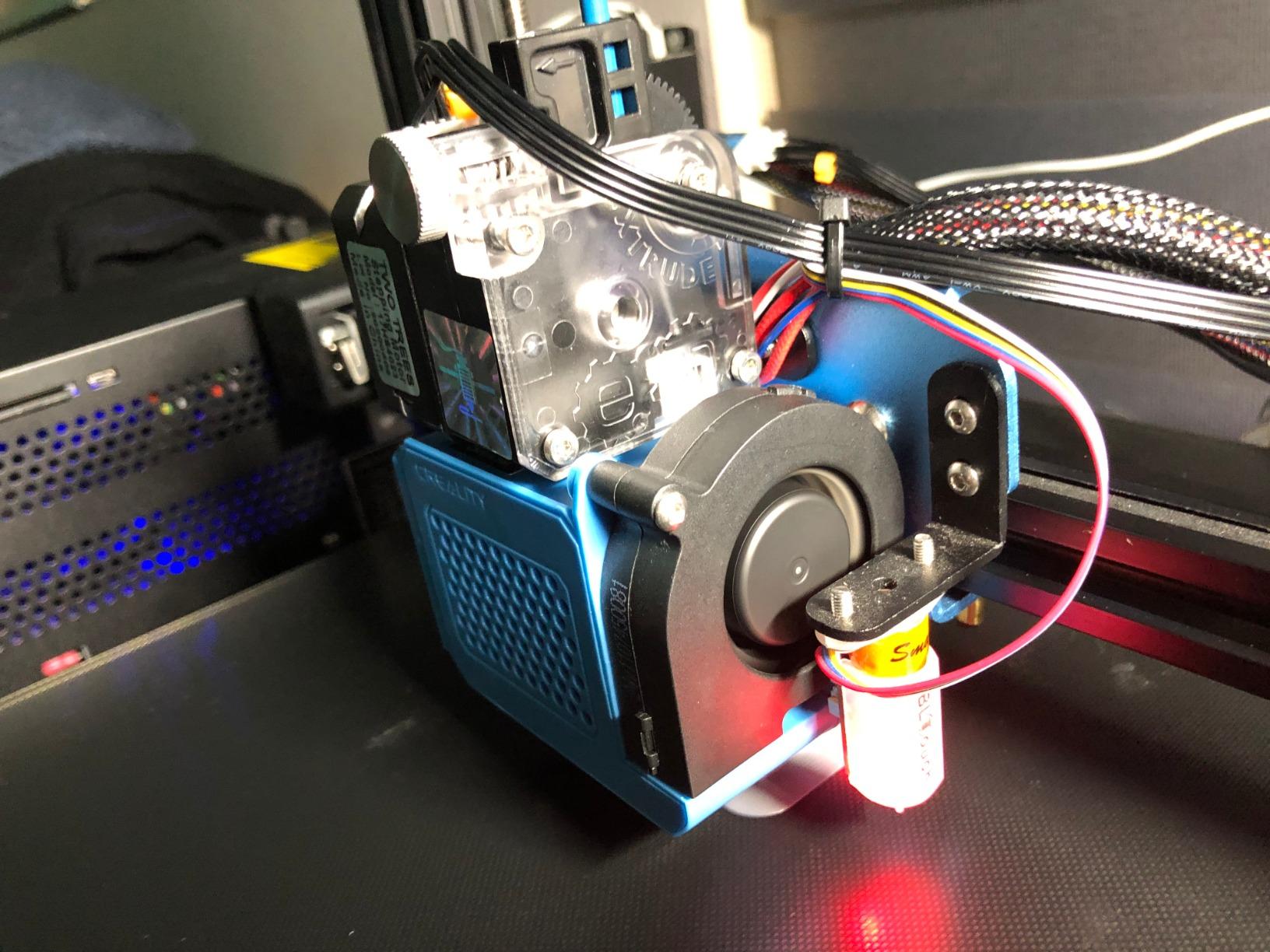
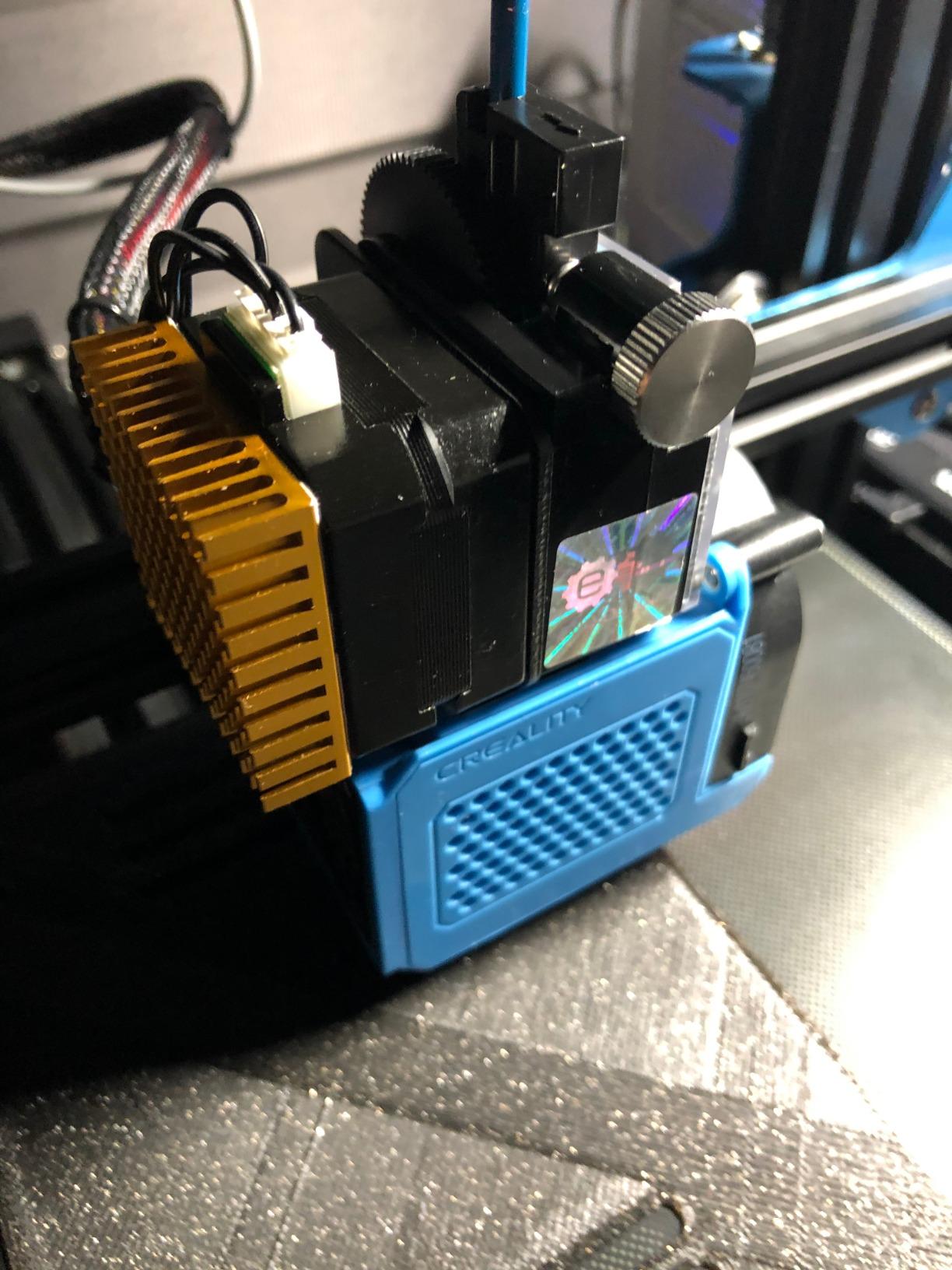
The 5.5W module is not going to cut through a sign blank. It cuts 5mm plywood and 3mm acrylic, which is exactly enough for layered plywood signs where each layer is a different colour and the top layer is simply engraved.
Where the fine spot genuinely pays off
Smaller spot means smaller kerf and less char around every line. For script fonts, house numbers and wedding signage, that difference is visible across a room. Reviewers single out small text on wood and leather as the standout use case.
Speed is impressive for the class, with the dual-core 32-bit board reaching up to 30,000mm/min. The Wi-Fi app and web control plus TF card offline mode mean you can send a job from a phone without sitting at the machine.
Where it falls short for sign makers
Assembly and alignment are the recurring complaint. Several buyers report taking it apart and rebuilding it more than once before the focus was right, and first-time users need patience with LightBurn settings.
Marketing that hints at metal engraving does not match reality. Owners report strong results on wood, leather and acrylic, and weak results on metal. The 300 by 300mm area also rules out anything larger than a small plaque.
6. Creality Falcon 10W – the Most Versatile With an Oversized Bed
Creality Laser Engraver Machine 10W Output Power, 72W DIY Laser Engraving Machine 0.06mm High Precision Laser Cutter and Engraver for Wood and Metal, Paper, Acrylic, Glass, Leather etc, 17″ x 16″
10W output
17 x 16 inch area
0.06mm spot
Cuts 5mm basswood in one pass
Pros
- Large 17 x 16 inch bed for an entry machine
- 0.06mm spot gives very clean wood engraving
- Cuts 5mm basswood or 3mm black acrylic in one pass
- All-metal frame with belt tension adjustment
Cons
- Open frame still requires eye protection
- 11% one-star share points to build-to-build variance
- Air assist pump is not confirmed in every variant
Bed size is where the money goes on an entry machine, and the Creality Falcon 10W spends it well. A 17 by 16 inch work area is larger than most competitors manage at twice the output, and that is the dimension that decides whether you can cut a full-size sign.
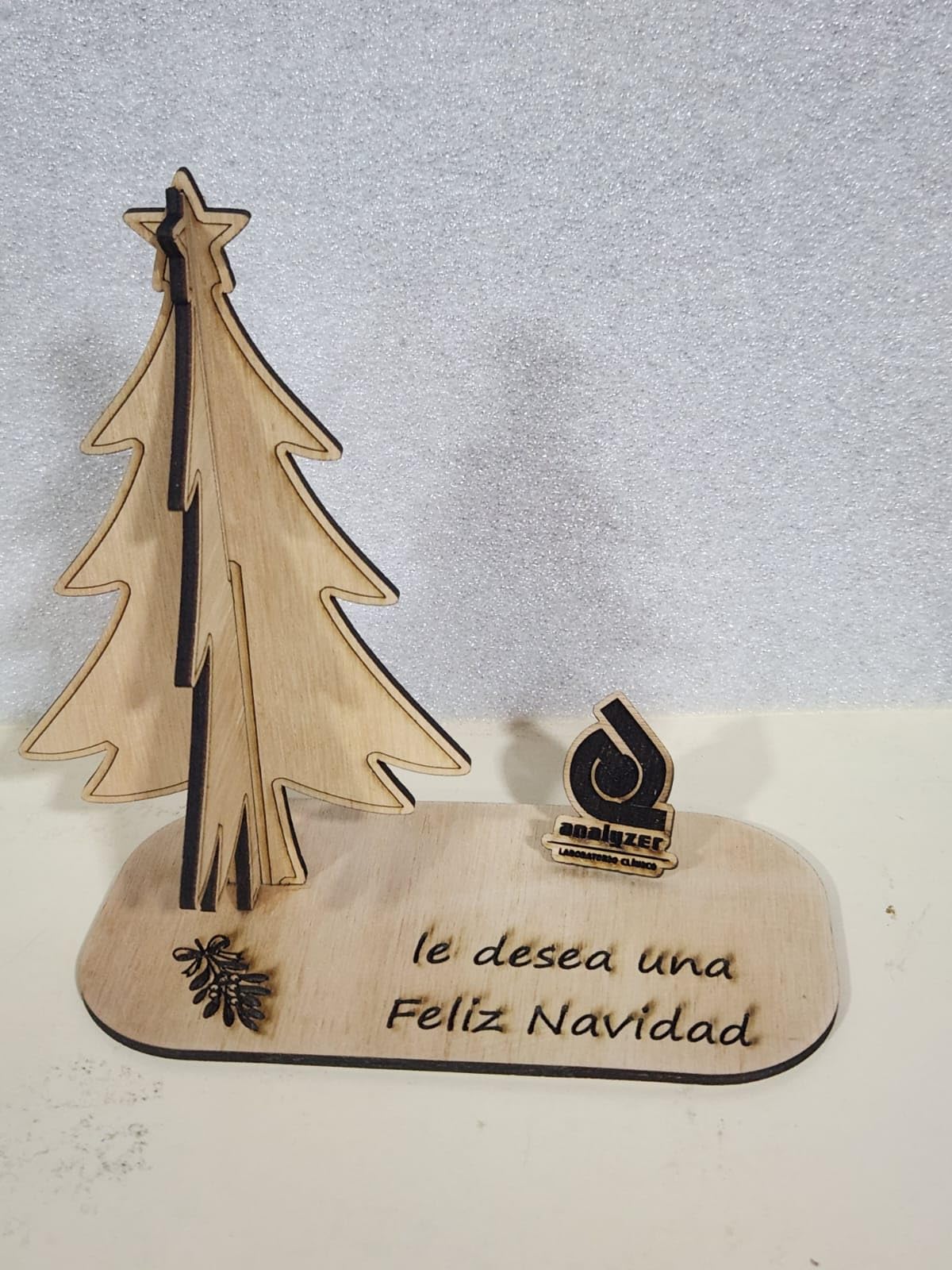
The 0.06 by 0.06mm spot is also the tightest in the budget group, with 0.004 inch cutting accuracy and under 0.007 inch repositioning. For engraved lettering on a 12 by 8 inch plaque, that precision is the difference between crisp and fuzzy.

Best fit for full-size sign blanks
At 17 by 16 inches, the bed takes a 12 by 8 inch or an 18 by 12 inch blank with room for the offcut. That is the tier where hobby machines usually stop being able to make a sign you would hang on a door, and this one does not stop.
It cuts 5mm basswood or 3mm black acrylic in one pass at up to 10,000mm/min, and the all-aluminium frame with steel guide rails feels noticeably more rigid than plastic-framed rivals at the same price.
Where it falls short for sign makers
It is still an open frame. The anti-UV cover on the module blocks 97% of UV, but that is a guard, not an enclosure, and you will still wear eye protection and run ventilation.
Review data shows an 11% one-star share, the second-highest of the machines here, so expect some build-to-build variance. Variant lineups also differ, so confirm whether an air assist pump and rotary kit are included before you order.
7. LONGER Ray5 10W – the Best for Touchscreen Control on a Large Bed
LONGER Ray5 Laser Engraver and Cutter Machine,10W Laser Engraver, 400×400mm
10W dual-beam
400 x 400mm area
3.5 inch touchscreen
Up to 24,000mm/min
Pros
- 400 x 400mm bed is the largest in the entry group
- 3.5 inch touchscreen adjusts settings without a computer
- 0.06 x 0.06mm spot with 0.01mm accuracy
- 24000mm/min speed shortens job times
Cons
- Firmware flashing and touchscreen updates are buggy
- Some units alarm in LightBurn and fail to home
- Cooling fan on the laser head is loud
The Ray5 10W is the rare entry machine with a screen. A 3.5-inch touchscreen shows live progress and lets you change power and speed on the machine itself, which matters if you are sharing a laser between two people who both need to adjust settings mid-job.
The 400 by 400mm square bed is the largest in this entry group and handles a 16 by 16 inch blank. Users report cutting through around 1/8 inch material, which covers most plywood sign blanks and thin hardwood panels.
What the touchscreen gets right
Setting a job up without a computer removes the most common reason first-time owners never finish a project. The 3.5-inch display handles parameter adjustment directly, and a 240MHz ESP32 multi-core controller can run several machines from one device for small batch runs.
Engraving speed reaches 24,000mm/min and the 0.06 by 0.06mm spot with 0.01mm accuracy is at the top of the budget class. Safety kit includes an emergency stop, motion protection, overheat detection, a cover and goggles.
Where it falls short for sign makers
Firmware is the weak point and owners are blunt about it. Flashing utilities and touchscreen updates come with wrong files, dead links and instructions that do not match the machine, and one electronics engineer called the update utility extremely buggy.
A handful of units alarm repeatedly in LightBurn and fail to home correctly, which skews Y-axis movement and ruins a batch. At 4.0 stars with a 15% one-star share, check the machine early rather than before a customer deadline.
8. ATOMSTACK A20 Pro V2 – the Best 20W for Precision Work
ATOMSTACK 20W Laser Engraver, A20 PRO V2 Laser Cutter, High Accuracy Laser Engraving Machine for Personalized Gifts, Business Cards, Wood, Metal, Acrylic, Leather
20W output
400mm/s speed
Linear guide motion
0.01mm accuracy
Pros
- 20W handles engraving plus real cut-throughs on wood
- Linear guide rails beat belt-driven rivals on precision
- Roughly 20 minute assembly with picture instructions
- Professional sign results once settings are tuned
Cons
- Gantry cables are not in drag-chain holders
- Bundled app and PC software are very basic
- Air pump and iron base are not included
Most machines in this price band drive the gantry on belts. The A20 Pro V2 uses an integrated linear guide motion structure instead, and owners report a visible difference in precision on larger engraved panels, which is exactly the job a sign machine exists for.
Twenty watts is the interesting middle of this lineup. It is enough power for genuine cut-throughs in thin hardwood and plywood rather than only engraving, and 400mm/s keeps a batch of signs from taking an evening.
Why linear guides matter for sign blanks
Belts stretch with heat and temperature changes over a long job. A long engraved phrase on a large sheet amplifies any drift, because the error accumulates along the path. Linear rails hold position, so the last letter matches the first.
Built-in limit switches and a cross-line light give 0.01mm accuracy, and the module is rated for up to 10,000 hours. A removable magnetic cover, safety glasses and a tilt-angle alarm above 15 degrees cover the safety side.
Where it falls short for sign makers
The software is the honest weakness. Multiple reviewers call the bundled ATOMSTACK app and PC software too basic to use, which pushes owners to LightBurn or LaserGRBL. Documentation stops at assembly, so the air pump, limit switch and Wi-Fi setup are undocumented.
The gantry cables are not in drag-chain holders and can snag on the work area, and the air pump and iron base are not included. A few units have also arrived with a smoking electronics box and limited replacement support.
9. ATOMSTACK Swift 12W – the Best for Small Engraving Jobs
ATOMSTACK Swift 12W Laser Engraver Cutter for Wood & Metal
12W output
0.06 x 0.08mm spot
300 x 300mm area
400mm/s
Pros
- 12W with a fine spot for engraving on wood
- 400mm/s speed is quick at this tier
- Lightweight at 6.19 lbs and quick to assemble
- Includes a magnetic protective cover and safety glasses
Cons
- Lowest average rating in the set at 4.1 stars
- Screw-rod Z-axis limits material thickness
- No included air assist for thicker wood
The Swift 12W is a wood engraver rather than a wood cutter, and it is honest about that. The 0.06 by 0.08mm spot produces fine lettering on small blanks, and at 6.19 pounds it is the easiest machine here to move between a workbench and a market stall.
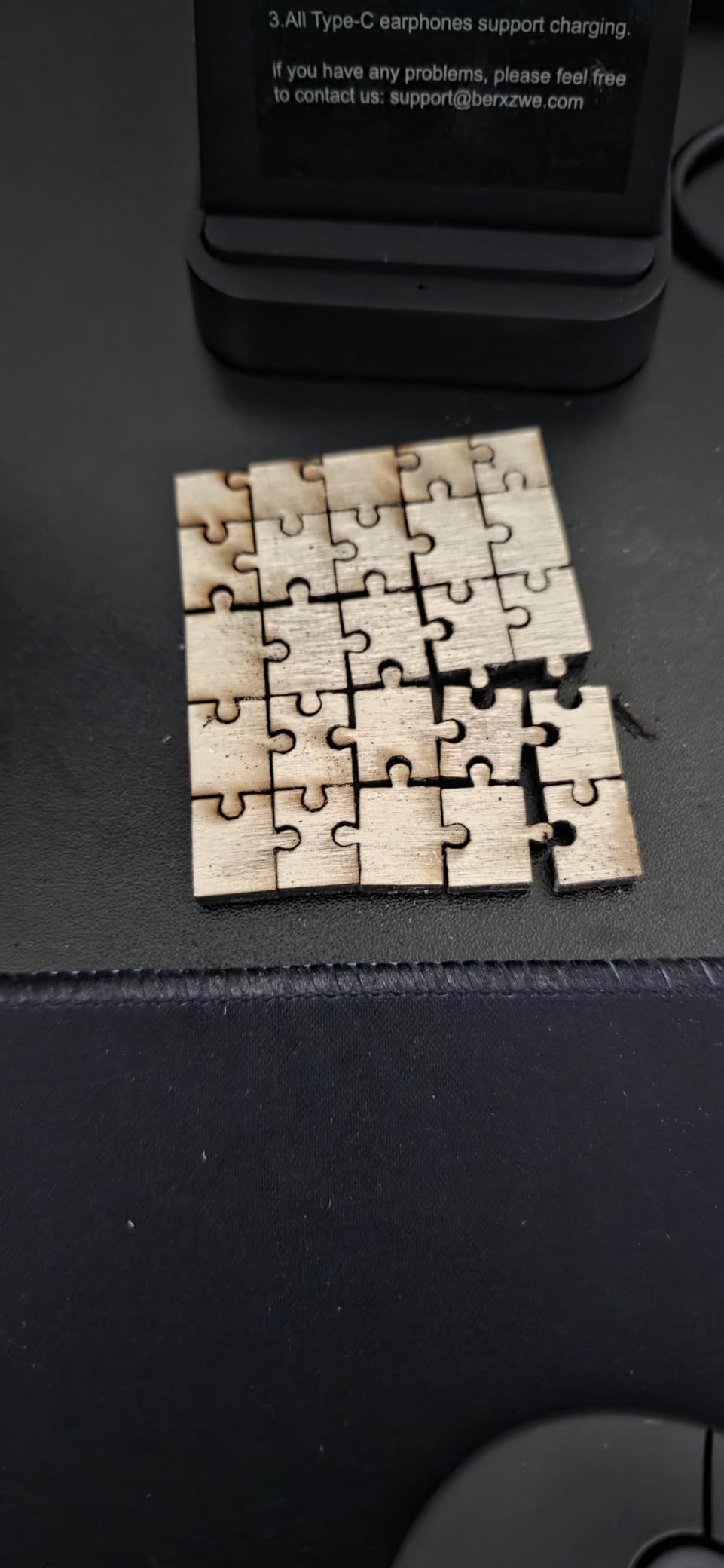
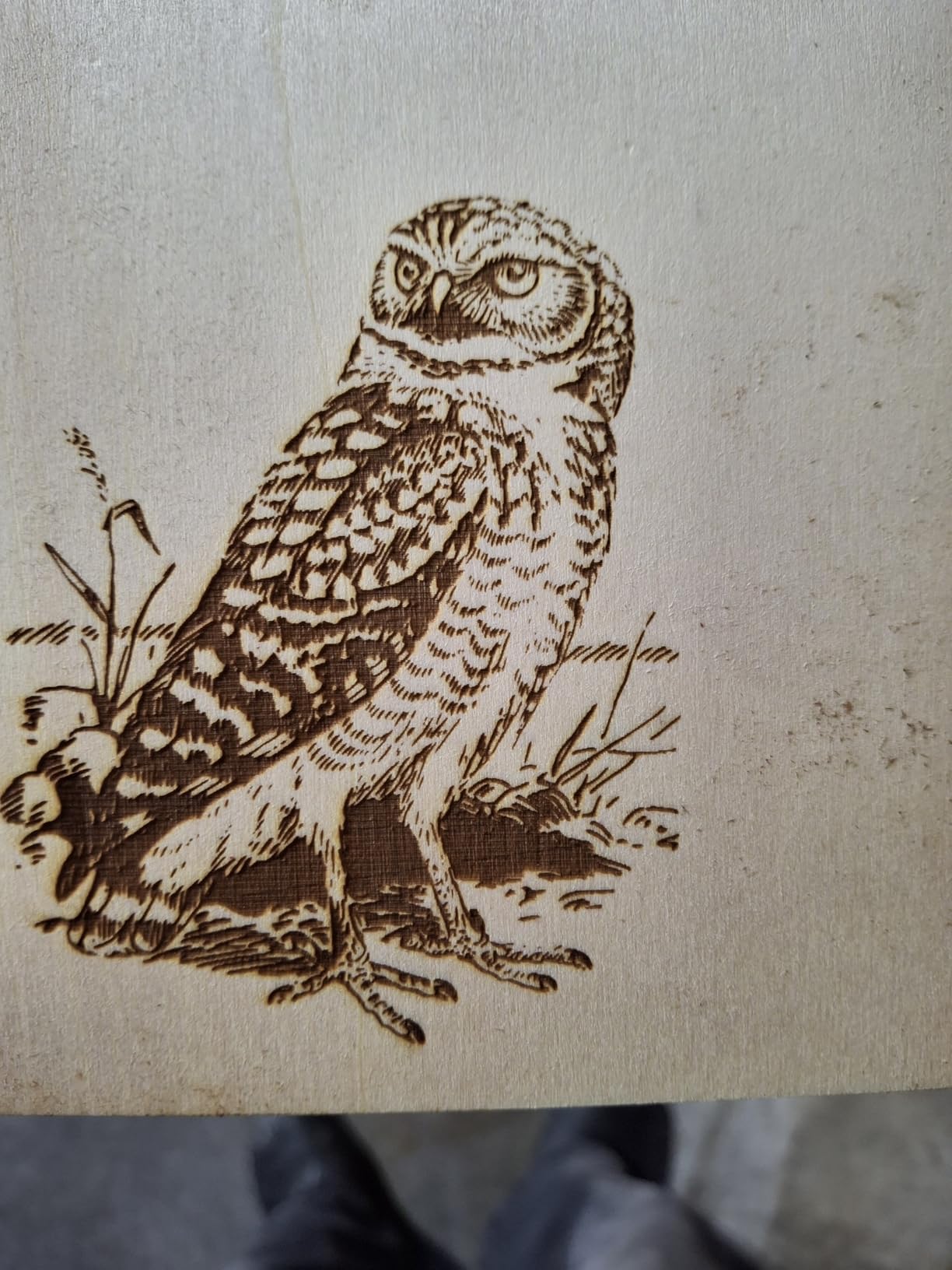
At 12W with a 400mm/s engraving speed, it handles small sign blanks, gift tags and name plaques quickly. The 300 by 300mm area is workable for those sizes, and Type-C plus USB keeps the connection simple.
Where a 12W engraver earns its keep
Engraving does not need much power. The 12W module burns a clean, dark mark on basswood, pine and plywood at speeds that leave a long job in minutes rather than hours, and the fine spot keeps small lettering readable up close.
Double pressure point coupling technology holds the dot at 0.06 by 0.08mm, and it runs with LightBurn, LaserGRBL and the ATOMSTACK app. A removable magnetic cover and safety glasses are in the box, with a 365-day warranty.
Where it falls short for sign makers
It carries the lowest average rating in this lineup at 4.1 stars, with 16% one-star, nearly double the next-worst machine. That points to more build-to-build variance, so test it before committing to an order.
The screw-rod Z-axis and long focal length constrain how thick a material you can load, and there is no air assist included, which limits cut quality on thicker wood. Treat it as an engraving tool, not a cutter.
10. ACMER S1 – the Best for Learning and Taking With You
ACMER S1 Laser Engraver Machine, 2500mW Lazer Cutter for Wood and Acrylic
2500mW diode
130 x 130mm area
2kg body
One-minute head install
Pros
- Arrives 99% preassembled with a one-minute head install
- Roughly 2kg so it travels anywhere
- Free Acmerstudio software works out of the box
- macOS Windows and Linux with LightBurn and LaserGRBL
Cons
- 130 x 130mm area is too small for real sign work
- Often loses home position and false-alarms
- 2500mW is slow for cutting
The ACMER S1 solves the problem every hobbyist hits first, which is that most entry machines arrive as a box of parts. This one arrives 99% assembled with only the laser head to fit, a job owners put at about one minute.
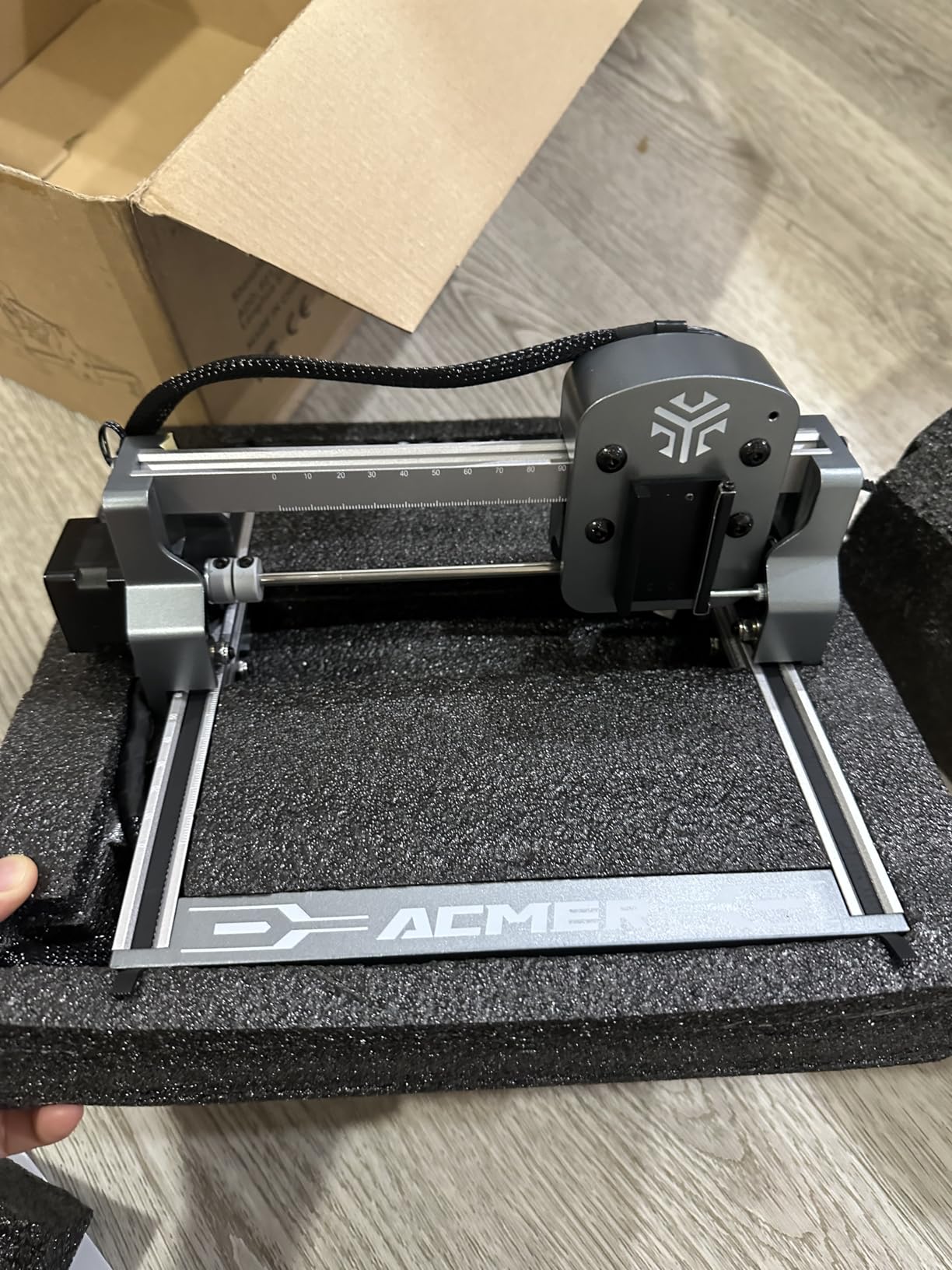
At roughly 2kg in a 250 by 250 by 162mm body, it is genuinely portable, and the free Acmerstudio software works immediately alongside LightBurn and LaserGRBL on macOS, Windows and Linux. Reviewers call the results on wood clean and consistent once focus and power are dialled in.
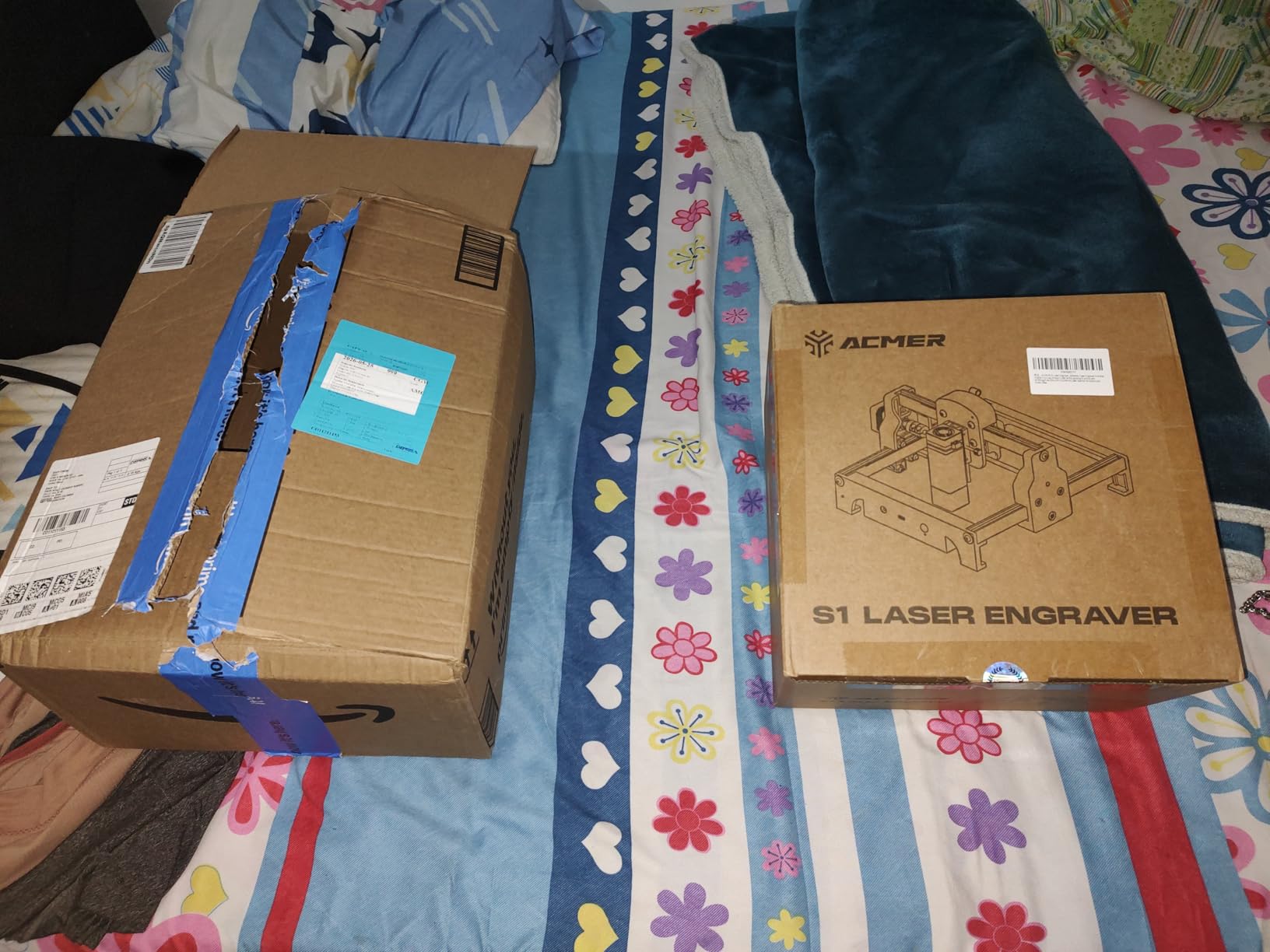
A learning tool rather than a production tool
A 130 by 130mm bed fits coasters, tags and small name plaques. It is the right size for understanding focus, power, speed and air assist without the machine dominating a small desk, and 4.3 stars from 233 ratings is solid support for that role.
The 455 plus or minus 5nm wavelength and 2mm focal length are standard for a blue diode, and 0.01mm repeatability is fine for the small work this bed accepts. Class 4 certification to IEC 60825-1 comes with a 12-month warranty.
Where it falls short for sign makers
The scope is the issue, not the quality. A 130mm square bed is unusable for anything beyond small tags and coasters, and 2500mW is slow for cutting even thin stock.
Several owners report the machine losing its home position and triggering false out-of-bounds alarms mid-job, and it is not a reliable way to trace where it is engraving. If you want signage, look at a larger bed in our beginner laser engraver guide instead.
How Thick of Wood Can These Machines Cut?
This is the question buyers ask most, and wattage alone does not decide it. Species density drives cutting speed more than the power number. A user in r/Laserengraving ranked engraving contrast by wood from daily use and noted that mahogany engraves beautifully but is dense enough that a 100W CO2 laser has to run at 8mm/s and 90% power to cut 3/8 inch stock. That single data point explains why a 40W diode can appear to cut deeper than a 20W machine on one project and not another.
Compare like with like: birch plywood against birch plywood, at the same number of passes. Here is what the machines in this roundup publish as single-pass wood depth.
The Creality Falcon 10W manages 5mm basswood in one pass, and the Creality Falcon A1 reaches 6mm wood. Both suit layered plywood signs where the top layer is engraved and the layers below provide colour.
The xTool S1 40W cuts 18mm cherry in a single pass, and the LONGER Ray5 40W reaches 20mm wood. Cherry is a dense hardwood, so those figures say more about solid wood signs than a raw wattage comparison would.
The ORTUR Laser Master 2 S2 lists 20mm wood, but owner reports point to six passes around 350 to 400 power for a clean cut. Treat that as achievable with effort, not a single pass.
On engraving contrast, the wood list runs from light and soft to dark and dense. Basswood and solid pine give the highest contrast and burn fastest. Plywood and MDF sit in the middle, with plywood usually cleaner because it has no softwood knots. Baltic birch engraves evenly and is the safest all-rounder. Maple and walnut take more power for the same mark, and mahogany sits at the dense end where cut speed drops sharply.
Masking with tape and a light coat of paint before engraving dramatically improves contrast on pale softwoods, and it is the cheapest improvement to a sign face. Do not seal wood before engraving unless you want the sealer burned into the design.
Diode, CO2 or Fiber for Wood Signs?
A blue diode at 450 nm is the right wavelength for wood. The lignin absorbs that light strongly, so the beam turns to heat and char almost on contact, and the cut edge comes out dark and clean.
A CO2 laser at 10,600 nm is also superb on wood and additionally cuts clear acrylic and glass, which no diode in this roundup can do. If your sign business also sells acrylic plaques, a CO2 machine is the more versatile tool.
A fiber laser at 1,064 nm is the wrong answer for wood signs. Fiber sources are built for bare metal, and they barely interact with organic material, so a fiber machine is a metal engraver that happens to be sold as a general tool. If you are shopping purely for wood, rule it out. Our fiber laser roundup covers that category in detail.
For most people making signs from plywood, basswood or pine, a 10W to 40W diode with air assist is the entire decision. Spend the extra budget on bed size and enclosure rather than on more watts you will not use.
How to Choose a Wood Sign Laser in Three Steps
Step one is your thickest material. Decide whether you are cutting 3 to 5mm plywood, 6 to 10mm panels, or solid hardwood in the 18 to 20mm range. That number removes most of the shortlist before you read a spec sheet.
Step two is bed size, and this is the most common purchase mistake. A 12 by 8 inch blank needs about 305 by 203mm of bed, which every machine here clears. An 18 by 12 inch blank needs roughly 457 by 305mm, ruling out the 300 by 300mm and 130 by 130mm units. A 24 by 16 inch blank needs about 610 by 406mm, and that is where the xTool S1 bed earns its place. A 36 by 18 inch blank needs around 914 by 457mm, beyond every machine in this roundup, which points toward a large-bed CO2 setup instead.
Buy for your largest sign, not your average one. Rotating a part to fit a small bed doubles cycle time and makes registration harder, because you are aligning two passes by eye.
Step three is power and safety. A 10W diode is a capable engraver that can cut thin wood. A 20W to 40W diode cuts through meaningfully thicker stock in one pass. On top of that, decide whether you need an enclosure. Class 1 enclosed machines filter 99% of the laser light, so no goggles are required and smoke and noise stay contained, which is what makes them usable in a home studio or at a market stall. Open Class 4 frames need eye protection, ventilation and strict control of who is in the room.
One more thing before you order: never process PVC, vinyl or any unknown plastic. Cutting chlorine-containing material releases a corrosive gas that can damage the laser source and your lungs, and no filter makes that safe. If you do not know exactly what a material is, test it on a small offcut with extraction running.
Finally, plan the finishing step, because it is what separates a laser cut from a sellable sign. Sand the cut edge to knock back the char, then stain, seal or oil, then fit your hanging hardware. New makers skip this and wonder why their signs look unfinished when the cutting was flawless.
Frequently Asked Questions
What is the best laser engraving machine for wood?
For most sign makers the xTool S1 40W is the strongest all-round choice, because it cuts 18mm cherry in a single pass inside a fully enclosed Class 1 laser that needs no safety glasses. Cheaper entry options such as the Creality Falcon 10W handle engraving and thin plywood well but stop at about 5mm in one pass.
Should I get a diode or CO2 laser?
Get a diode if wood signs are your main output, because 450 nm light is absorbed by lignin and burns fast and clean. Get a CO2 at 10,600 nm if you also need to cut clear acrylic and glass, which no blue diode in this roundup can do. A fiber laser at 1,064 nm is built for bare metal and is a poor choice for wood.
How thick of wood can a 20W diode laser cut?
A 20W diode is generally comfortable cutting thin hardwood and plywood in a small number of passes, and machines in this class run at up to 400mm/s. Published single-pass depths for comparable entry machines fall around 5 to 6mm of wood, so thicker stock means multiple passes. Wood density matters as much as wattage, and mahogany cuts far slower than pine.
Do laser engravers work on wood?
Yes, and wood is the easiest material for a blue diode laser. The 450 nm beam is absorbed by the lignin, the spot heats, and the surface chars or vaporises as CNC motion traces your design. Air assist clears residue from the kerf and extraction carries the fumes away, which is what keeps the edge clean.
What should you not laser engrave?
Never process PVC, vinyl or any unknown plastic, because chlorine-containing materials release a corrosive gas that harms both the machine and your lungs. Avoid mirror-finished metals and mirrored acrylic, since the reflected beam can damage the source. Everything else should be tested on a small offcut with extraction running before you cut a full sign blank.
The Best Laser Engravers for Wood Signs: Our Final Verdict
The xTool S1 40W is the best laser engraver for wood signs overall, because 18mm one-pass cherry cutting and a Class 1 enclosure solve the two problems that limit every open-frame machine on this list. The LONGER Ray5 40W is the best value option, with the tightest rating distribution and a built-in air assist. The Creality Falcon A1 10W is the best pick for beginners, since it needs no assembly and no goggles.
Pick the Creality Falcon 10W if you want the largest bed per pound and are working 12 by 8 or 18 by 12 inch blanks. Pick the ORTUR Laser Master 2 S2 if you want a repairable metal frame and the deepest owner knowledge base, and accept a multi-pass cut. Pick the Twotrees TTS-55 Pro for the sharpest small text, the LONGER Ray5 10W if you want to run jobs from a touchscreen, and the ACMER S1 only if you are learning on tags and coasters.
Whatever you choose, buy the bed size your largest sign needs, add air assist, and set up extraction before your first job. That combination does more for the quality of your wood signs than any extra wattage will.