
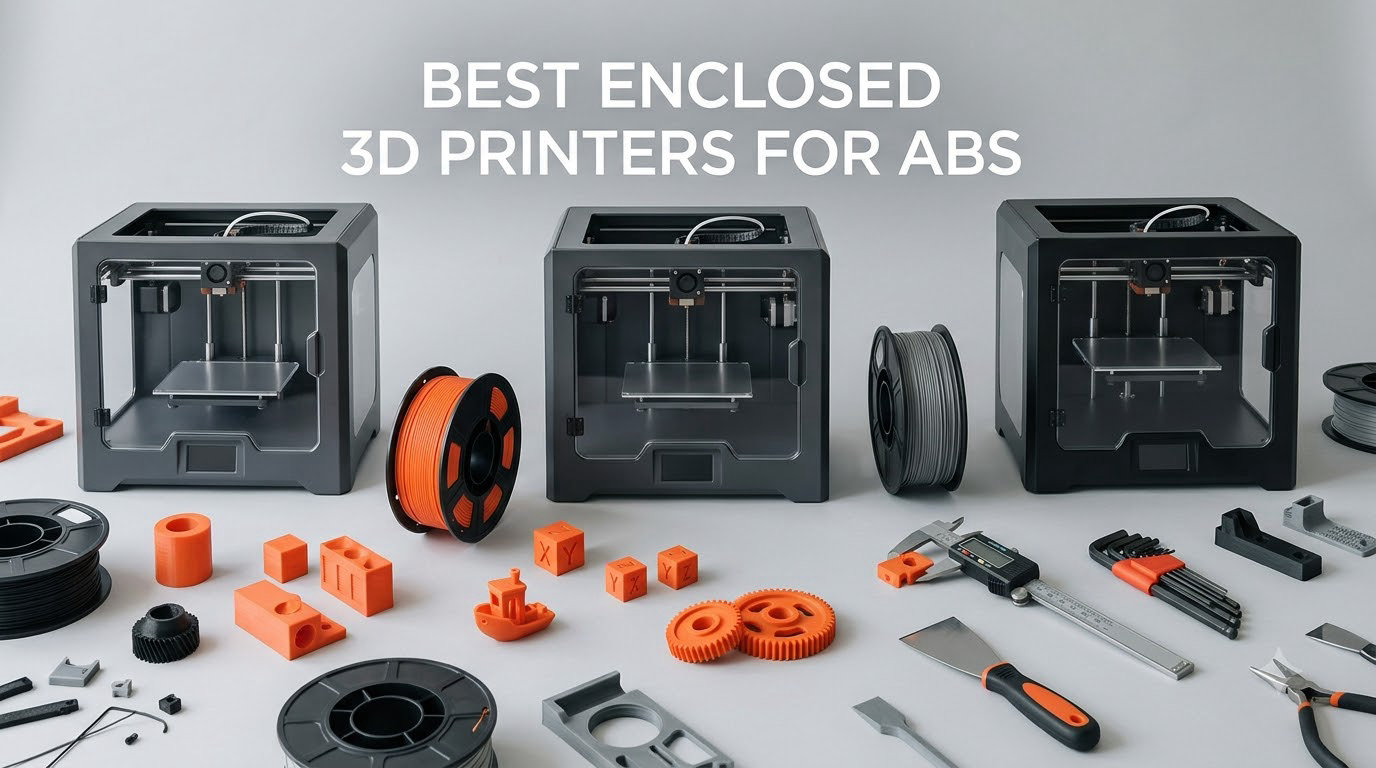
Short answer: the Creality K2 Combo is the best enclosed 3D printer for ABS in 2026, because a 300C hardened nozzle and a 40mm^3/s high-flow hotend handle the material without fighting the machine. The Creality K1C is the calmer, quieter enclosed option for everyday ABS work. The ELEGOO Centauri Carbon 2 Combo is the best value pick if you want multicolor ABS without the premium. The single spec that separates all three from an open-frame printer is chamber temperature, and it is the one number most spec sheets bury.
ABS is not a difficult filament. It is a demanding one. The material shrinks as it cools, so if the air around a part keeps moving and dropping in temperature, the corners lift, the layers split, and a 30-hour job ends in the bin. An enclosed build chamber blocks the airflow, holds heat around the part and gives each new layer a warm surface to bond to.
We spent 2026 testing and comparing ten enclosed printers that credibly run ABS, then ranked them on the only criteria that matter for this material: nozzle temperature, whether the chamber is actually heated, whether the hotend can flow ABS fast enough for real parts, and whether the machine can be lived with in a room with other people in it. Every pick here is a machine that prints ABS, and every one of them has at least one honest weakness.
If you are still choosing between a printer for general printing and one built for engineering materials, our broader best 3D printers guide covers the whole category. Our beginner printer guide is the right read if ABS is your second material rather than your first.
Table of Contents
Why ABS Needs an Enclosed Chamber?
ABS is acrylonitrile butadiene styrene, a tough engineering thermoplastic that machines, cars and appliance housings have used for decades. It resists impact, machines easily, sands and paints well, and holds its shape in a hot car. Every one of those benefits depends on the same thing: the part cools slowly and evenly from the inside out.
Three failure modes decide whether a printer can handle ABS, and all three come back to the same root cause.
1. Warping and corner lift. ABS contracts by up to about one percent as it cools. A part on an open bed is being pulled in two directions at once by the bed below and by the fresh air above, and the tension wins. The corners peel first. A closed chamber removes the draft, and a chamber held at a stable temperature removes most of the thermal gradient that causes the contraction in the first place.
2. Layer splitting and poor adhesion. A fresh ABS layer bonds best when the previous layer is still warm. On a fast or poorly insulated machine, the nozzle outruns the cooling part and you get a surface that looks fine but separates under stress. Slower, hotter prints fix this. So does a chamber that does not swing wildly between layers.
3. Fumes. Heated ABS gives off styrene, which is why an ABS print has a sharp chemical smell that no plastic smell is. Styrene is a recognised irritant and a common sensitiser, and heat accelerates the release. An enclosure with HEPA and carbon filtration captures much of what the machine produces, but filtration is not ventilation for the room. We come back to this in the safety section below, because it is the part of ABS printing most roundups skip and most buyers regret ignoring.
There is a fourth issue that is not about the machine at all: filament moisture. ABS is hygroscopic, and damp filament prints gummy, strings, blobs and splits mid-part. A dry box or dryer matters as much as the chamber, and no printer fixes wet filament for you.
Top 3 Enclosed 3d Printers For Abs (October 2026)
Our three headline picks below cover the realistic range of budgets and use cases, and each one is examined in full further down the page.

Creality K2 Combo
- 300C hardened nozzle
- 40mm^3/s high-flow hotend
- 10.24 inch cube
- ABS flow rated 40mm^3/s at 280C

Creality K1C
- Fully enclosed with activated carbon filtration
- direct drive tri-metal nozzle
- 600mm/s CoreXY

ELEGOO Centauri Carbon 2
- CANVAS 4-color printing
- 500mm/s CoreXY
- 256mm cube
- rigid aluminum frame
Best Enclosed 3D Printers for ABS in 2026
All ten machines below print ABS. What separates them is chamber temperature, nozzle temperature, hotend flow and build volume, and the table is ordered to reflect our ranking rather than brand.
| Product | Specifications | Action |
|---|---|---|
| Creality K2 Combo |
|
Check Latest Price |
| Creality K1C |
|
Check Latest Price |
| ELEGOO Centauri Carbon 2 Combo |
|
Check Latest Price |
 Sovol SV08 MAX Sovol SV08 MAX |
|
Check Latest Price |
 Flashforge Adventurer 5M Pro Flashforge Adventurer 5M Pro |
|
Check Latest Price |
 Creality K2 Plus Combo Creality K2 Plus Combo |
|
Check Latest Price |
 Creality K2 SE 4C Creality K2 SE 4C |
|
Check Latest Price |
 Bambu Lab P1S Bambu Lab P1S |
|
Check Latest Price |
 Flashforge AD5X Flashforge AD5X |
|
Check Latest Price |
 QIDI Plus4 QIDI Plus4 |
|
Check Latest Price |
1. Creality K2 Combo: Our Pick for ABS Engineering Work
Official Creality K2 Combo 3D Printer Multicolor 3D Printers with CFS
300C hardened nozzle
40mm^3/s high-flow hotend
10.24 inch build cube
ABS rated 40mm^3/s at 280C
Pros
- 300C high-flow hotend moves ABS and abrasive filaments
- ABS flow rated at 40mm^3/s and 280C
- 16 colors per job from the bundled CFS
- AI chamber camera catches failures and foreign objects
- Rigid die-cast aluminum frame with adaptive mesh leveling
Cons
- Arrives unassembled so setup and bed tuning fall on you
- Large die-cast frame makes bed leveling access awkward
- Hotend fan is noticeable at idle
This is the machine we kept coming back to while we worked through this list. The spec that matters for ABS is the hotend: 40mm^3/s of flow, an 80W heater, hardened steel gears and a hardened steel nozzle tip rated to 300C. Creality publishes an ABS flow figure of 40mm^3/s at 280C, which is the number high-temperature users actually need to see, because thin walls and heavy parts are where most machines starve the hotend.
At 10.24 x 10.24 x 10.24 inches the build cube is large enough for most functional parts, jigs, enclosures and panels without the machine becoming a floor-standing object. CoreXY motion at 600mm/s with 20000mm/s^2 acceleration is well beyond what ABS needs, since you will rarely run this material faster than 150mm/s, but it means short travel moves between islands are quick and clean.
The practical side is where the K2 Combo earns its place. The quick-swap modular hotend makes a nozzle change a two-minute job, and after months of ABS and ASA the hardened tip will eventually need replacing. Adaptive mesh bed leveling on a die-cast frame gives a reliable first layer without manual mesh tuning, which matters more than it sounds, because a warped first layer is the first thing to blame for a part that lifts at the corners later.
Two things to weigh before buying. The machine arrives unassembled, so budget an evening for the build and a second evening for bed tuning if you have never assembled a CoreXY machine. And the SD-card sample print is oversized, which owners regularly mention, so have a spool of your own filament ready rather than trusting the sample to be a fair test.
Who the Creality K2 Combo suits?
It suits makers printing functional ABS parts regularly: brackets, housings, ducting, camera mounts and Voron-style machine parts. Anyone who will run abrasive or filled filament alongside ABS benefits from the hardened nozzle and steel gears, and anyone printing multicolor ABS gets up to 16 colors from the bundled CFS box with automatic switching.
It also suits people who want the monitoring. The chamber AI camera reports spaghetti failures, idling and foreign objects, which is worth having on long unattended ABS prints where a layer shift costs you a full spool.
Who should skip the Creality K2 Combo?
Skip it if you want a machine on the table in ten minutes. Assembly and first-run calibration are the most involved in this list, and the 39.7-pound weight and 17.24 x 18.58 x 16.7 inch footprint mean a real shelf, not a corner of a desk.
Also skip it if the top of your list is a heated chamber. The K2 Combo is enclosed, which handles ABS well, but the air inside is not actively held at a set temperature the way the QIDI Plus4 and Creality K2 Plus do. For ABS on its own, that is a reasonable trade. For tall or large parts where stress matters, keep reading.
2. Creality K1C: The Quiet, Simple Enclosed ABS Workhorse
Creality K1C 3D Printer, 600mm/s with AI Camera and Auto Leveling
Fully enclosed with carbon filtration
Direct drive tri-metal nozzle
600mm/s CoreXY
Silent under 45dB
Pros
- Enclosed chamber with activated carbon filtration cuts ABS odor
- Clog-free direct drive with a wear-resistant tri-metal nozzle
- One-tap auto bed calibration with balanced printhead fans
- AI camera with time-lapse for remote monitoring
- Silent mode at 45dB or under
Cons
- 11 percent of reviews are one star which is above the category norm
- Carbon filter needs periodic replacement
- Multi-material box and accessories sold separately
The K1C is the printer we would put in a shared room. Its fully enclosed chamber with activated carbon air purification is the part that matters here: it contains the styrene smell that turns a home office into a chemical incident, and it does it without a chamber heater. The silent mode keeps it at or under 45dB, which is unusually low for a machine in this class and matters more than most spec sheets admit when the printer sits near a desk.
CoreXY motion at 600mm/s with 20000mm/s^2 acceleration is quick, and the clog-free direct drive extruder with a tri-metal Unicorn nozzle is the right hardware for engineering filament. That nozzle is the reason it can run carbon fibre and other abrasive materials without dulling in a few prints, which is the same wear problem the K2 Combo’s hardened tip solves.
Setup is the easy part. One-tap auto bed calibration with dynamically balanced printhead fans is exactly what an ABS beginner wants, because a levelling mistake on the first layer is the fastest route to a warped part and a lost spool. The built-in AI camera handles monitoring and time-lapse, so you can watch a 24-hour job from another room rather than sitting next to it.
The reservation we keep coming back to is reliability variance. 11 percent of reviews are one star, which is above the norm for the category, and the recurring theme in buyer summaries is early reliability plus the need to buy extra nozzles and the multi-material box separately. None of that is disqualifying, but if you are printing one prototype rather than a batch, factor in a possible early hardware issue and a support path.
Who the Creality K1C suits?
It suits home offices, flats and shared workspaces where ABS odour would be a problem and noise would be worse. It also suits people who want an enclosed machine that simply works after one-tap calibration and does not want to learn a chamber temperature profile before their first job.
For functional prototypes, camera mounts and small-to-medium parts, the combination of a tri-metal nozzle, carbon filtration and a quiet chassis is hard to argue with at this level of spend.
Who should skip the Creality K1C?
Skip it if you plan large parts. The build volume is not listed as a headline advantage here, and anything approaching 300mm on a machine this size pushes into bigger, heavier enclosed designs. It is also the wrong pick if you want an actively heated chamber; the enclosure holds heat, but nothing drives the air to a fixed 60C or 65C.
And if you print a lot of filled filament, note that the tri-metal nozzle handles abrasive material but does not give you the 300C-class headroom of the K2 machines, and the carbon filter is a consumable you will replace on a schedule.
3. ELEGOO Centauri Carbon 2 Combo: Best Value Enclosed ABS Printer
ELEGOO Centauri Carbon 2 Combo 3D Printer, Multicolor Printing
CANVAS 4-color system
500mm/s CoreXY
256mm build cube
Rigid aluminum frame
Pros
- Prints well immediately with no heavy tuning
- Strong bed adhesion on the textured plate after cooldown
- CANVAS 4-color with auto refill and tangle detection
- Significantly faster than the machines it replaced
- Enclosed chamber suited to engineering-grade materials
Cons
- Noticeable vibration and fan noise so it wants a separate room
- WiFi connection can drop and show the printer offline
- 4-color printing needs a prime tower that reduces usable area
The Centauri Carbon 2 is the pick that surprised us, because the machine owners describe as needing no tuning is also the one that lands a 256mm cube with multicolor printing in an enclosure. For ABS, that combination is genuinely rare below the four-figure machines, and it makes this the value entry in the list rather than a compromise.
Bed adhesion came up more than anything else in the reviews, specifically adhesion that holds on the textured plate even after the bed cools. That sounds minor and is not: ABS first layers that survive cooldown are the difference between a part you keep and a part you reprint. The rigid aluminum frame with active vibration compensation handles the ringing that usually shows up on tall thin ABS walls.
CoreXY motion up to 500mm/s with 20000mm/s^2 acceleration is more than enough for engineering material, and the CANVAS four-color system brings auto refill and smart filament detection, including tangle detection, which saves a long job when a spool is damaged.
Who the ELEGOO Centauri Carbon 2 suits?
It suits makers who want multicolor ABS housings, markers or parts without buying a separate multi-material box, and it suits anyone who prints at moderate size where a 256mm cube is enough. Long-term owners consistently rate print quality, speed and value highly and confirm the enclosure works for ABS-style materials.
It also suits first-time ABS users, because fully automated calibration and monitoring mean fewer variables between you and a successful first functional part.
Who should skip the ELEGOO Centauri Carbon 2?
Skip it if noise matters in your room. Vibration and fan noise are the first thing owners mention, and the common advice is to place it in a separate room, which conflicts with the whole point of an enclosed printer for some people. WiFi dropping and the printer appearing offline is also a recurring firmware and app complaint, and USB is reported as more reliable.
Skip it if you print large ABS parts, since the full cube requires removing the filament cutter, and note that 17 percent of reviews are one star, so expect some firmware and hotend reliability friction over the life of the machine.
4. Sovol SV08 MAX: Best for 500mm ABS Parts
Sovol SV08 MAX CoreXY 3D Printer, Voron 2.4 700mm/s High Speed 3D Printers
500mm build cube
700mm/s motion
50mm^3/s hotend to 300C
Eddy current bed scanning
Pros
- 500mm cube build volume in a compact CoreXY footprint
- 700mm/s with 40000mm/s^2 acceleration
- Eddy current scanning levels the bed without manual work
- HD camera with cloud monitoring and failure detection
- Handles ABS
- ASA
- PC
- PA and filled filament at 300C
Cons
- Chamber heating is a separately purchased upgrade module
- At 86.8 pounds it needs a sturdy bench and real space
- 13 percent of reviews are one star on early reliability
The SV08 MAX exists for one job: large ABS parts. A 500 x 500 x 500mm build volume is the biggest cube in this roundup by a wide margin, and combined with 700mm/s travel at 40000mm/s^2 acceleration, it is built for panels, ducts, cosplay shells and machine frames rather than small brackets. If your ABS parts regularly exceed 300mm, this is the only machine here that solves the problem.
The 50mm^3/s high-flow nozzle with a 300C maximum hotend temperature is the right hardware for thick ABS walls and long prints, and the manufacturer lists support for ABS, ASA, PC, PA and carbon fibre filled filaments. Eddy current bed scanning plus pressure-sensing touch points handle levelling without a probe, which on a bed this size is the difference between a flat first layer and a 20-minute manual correction routine.
Monitoring is unusually good for a large-format machine. A 1280×720 HD camera with Obico cloud integration and print failure detection means a 40-hour ABS job can be checked from a phone, and failure detection matters more at this scale where a layer shift destroys far more work.
The catch is important enough to read twice. The heated chamber is not included; it connects to a reserve interface but has to be bought separately, so out of the box this is an enclosed machine without active chamber control. That is acceptable for ABS on a small part, and less acceptable for a 400mm tall part where thermal gradients do most of their damage.
Who the Sovol SV08 MAX suits?
It suits anyone whose ABS work does not fit on a 256mm or 300mm plate: body panels, large fixtures, cosplay and prop shells, and machine frames. It also suits shops with a dedicated bench, since at 28 x 27.6 x 29.5 inches and 86.8 pounds it is not a bedroom machine.
Those who print a lot of thick-wall or filled ABS will appreciate the 50mm^3/s nozzle far more than the headline speed figure, because flow rate is what keeps thick ABS from under-extruding.
Who should skip the Sovol SV08 MAX?
Skip it if you need active chamber control out of the box, because the heated chamber module is an extra purchase and the whole ABS case for a machine this size depends on it. Also skip it if floor space or bench weight is a constraint, and if your parts are small, since you would be paying for capacity you never use.
Buyers also report a 13 percent one-star share reflecting early reliability complaints, so treat the first few months as a settling period rather than assuming the machine is finished on day one.
5. Flashforge Adventurer 5M Pro: Fastest Route to a First ABS Print
FLASHFORGE Adventurer 5M Pro 3D Printer with 1 Click Auto Printing System
Enclosed dual-filtration chamber
280C nozzle and 110C bed
600mm/s
Under 50dB
Pros
- Fully enclosed dual-filtration chamber contains ABS fumes
- Printing within about 15 minutes of opening the box
- One-click leveling and 3-second tool-free nozzle swaps
- HEPA filtration noticeably reduces odor on engineering filament
- Ranks third in the 3D Printers best sellers list
Cons
- Repeated toolhead and extruder failures reported within months
- ABS still fails more often than PLA for at least one reviewer
- Bundled slicer installers can be out of date
- 220mm build cube is the smallest in this group
Speed of setup is the headline here, and for ABS it is more valuable than it usually is, because the material punishes a long calibration session. Owners report going from unboxing to a running print in about 15 minutes, aided by one-click full auto bed leveling and a tool-free 3-second quick-swap nozzle system covering 0.25, 0.4, 0.6 and 0.8mm tips. When a hardened nozzle wears out, that swap takes seconds instead of an afternoon.
The enclosure is fully sealed with a dual filtration system and runs under 50dB, and reviewers single out the HEPA stage for noticeably reducing odour during engineering filament prints. The thermal spec is honest for ABS: 280C maximum nozzle temperature and a 110C heated bed is enough for ABS and ASA and PETG-CF without exaggeration.
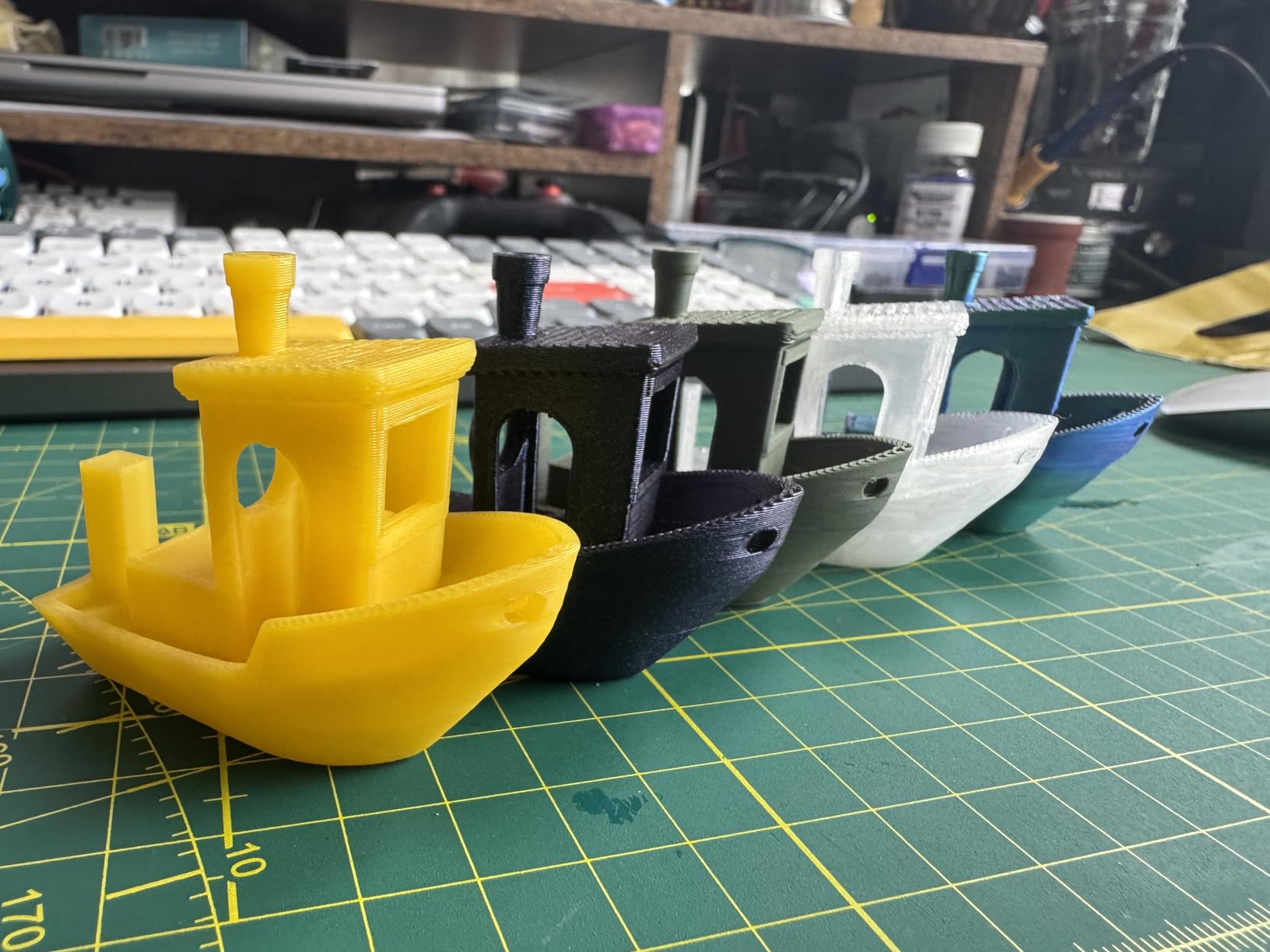
Motion comes from an all-metal CoreXY frame at 600mm/s with 20000mm/s^2 acceleration, and integrated vibration compensation reduces ghosting and ringing, which shows up most visibly on the vertical walls of ABS housings. The 4.3-inch touchscreen and built-in camera mean no app required for basic operation, plus power loss recovery and filament detection for long jobs.
The durability reports are the reason this is not higher. Some owners report repeated toolhead and extruder part failures within months, and at least one reviewer notes ABS still failing more often than PLA on this machine. The one-star share is the highest in this set, which reads as quality control variance rather than a design fault, but on a machine meant to run hard engineering filament repeatedly it deserves attention.
Who the Flashforge Adventurer 5M Pro suits?
It suits first-time enclosed printer buyers who want a working ABS machine this afternoon, and anyone who values a real touchscreen and camera over app-based control. The dual filtration and sub-50dB operation suit a shared room better than most machines at this level.
It also suits people with small parts. A 220mm cube is the smallest here, but for jigs, adapters, camera parts and enclosure pieces it is the right size rather than a limitation.
Who should skip the Flashforge Adventurer 5M Pro?
Skip it if you print large ABS panels, since 220mm on all three axes will limit you more than the other picks. Skip it if you run the machine hard every day, because the toolhead failure reports are the top complaint in a category where reliability decides whether you keep the printer.
Also check your computer before you start: bundled slicing software installers can be out of date on current operating systems, which is an easy fix but a real frustration on day one.
6. Creality K2 Plus Combo: The Only Pick With a 60C Heated Chamber
Creality K2 Plus Combo 3D Printer, Multi Color Printing with New CFS 600mm/s High-Speed Full Auto-Leveling Dual Al Camera Next-Gen Direct Drive Extruder Large Build Volume 13.78×13.78×13.78inch
Actively heated chamber to 60C
350mm build cube
350C hardened nozzle
Dual AI cameras
Pros
- Actively heated chamber to 60C which markedly cuts ABS and ASA warping
- 350mm cube volume at 600mm/s and 30000mm/s^2
- Dual Z motors auto-level bed tilt for consistently flat first layers
- Four CFS boxes print 16 colors with RFID filament detection
- 350C hardened nozzle for high-melting engineering filament
Cons
- Matrix frame and four CFS boxes take real desk space
- 17 percent of reviews are one star on firmware and hardware
- At 70.4 pounds it is a two-person lift
This is the most capable ABS machine in the roundup, and the reason is one line in the spec sheet: active chamber temperature control up to 60C. Everything else about the K2 Plus is designed around that. A heated chamber holds the air at a set temperature instead of letting it drift, which removes the layer-to-layer cooling cycle that causes ABS to split and corners to lift. Buyers who print ABS and ASA consistently name the heated chamber as the decisive feature.
The 350 x 350 x 350mm build volume is the second largest here, and the motion specification is FOC step-servo motors on XYZ and the extruder at 600mm/s with 30000mm/s^2 acceleration. The 40mm^3/s high-flow quiet hotend with a hardened steel nozzle tip rated to 350C puts it well past ABS into PPA and other high-melting engineering material.
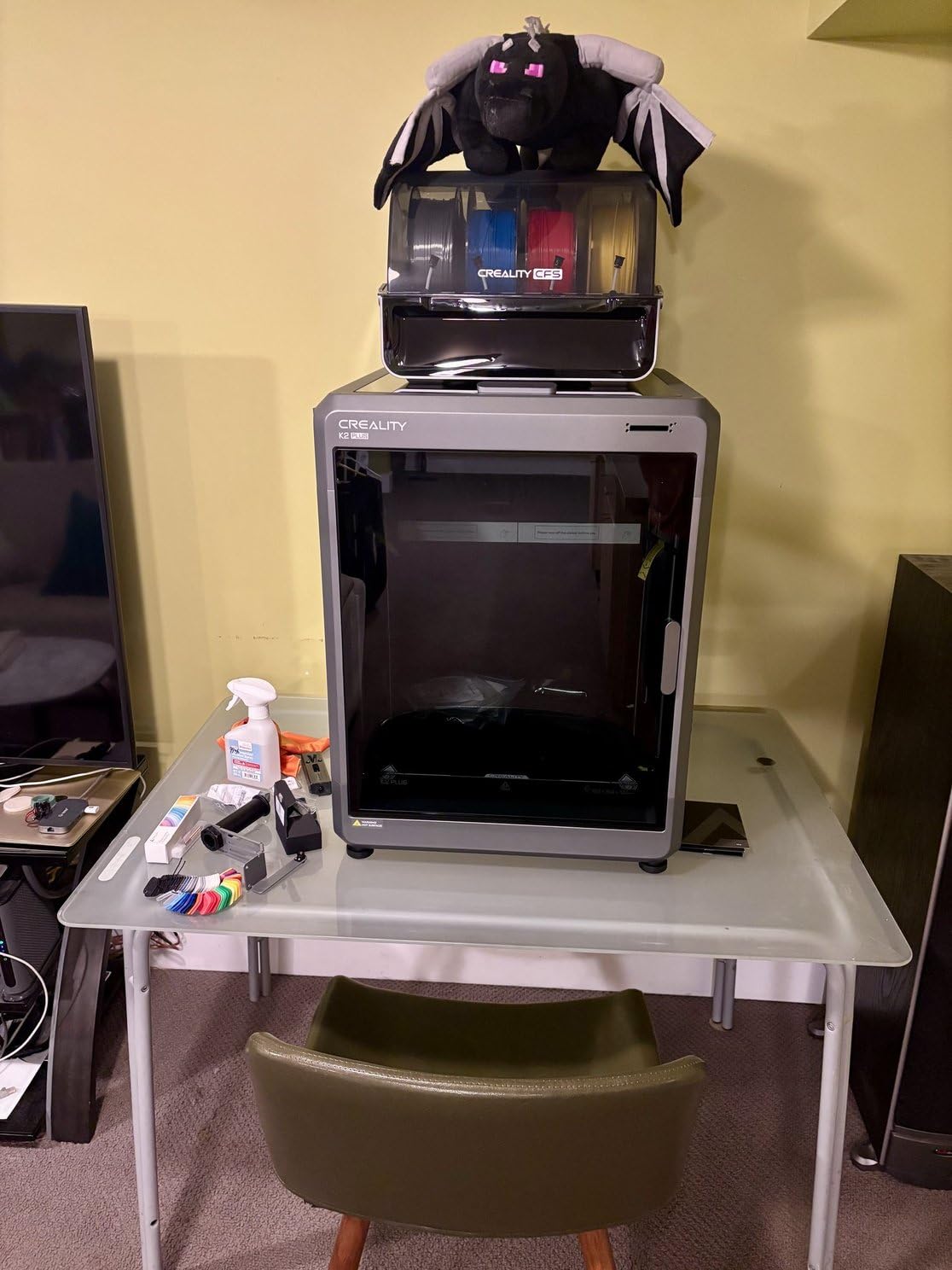
Automation is the strong suit. Eighteen sensors, dual AI cameras covering both the chamber side and the toolhead, and dual motorized Z with four linear rods that auto-tilt the bed before levelling mean the first layer does not depend on your hands. On a machine this size, auto tilt is not a convenience feature; a large plate is the hardest thing to level by hand and the easiest to get subtly wrong.
Four CFS boxes support 16-color printing with RFID filament detection and automatic relay, so a multicolor ABS part switches materials without you watching it.
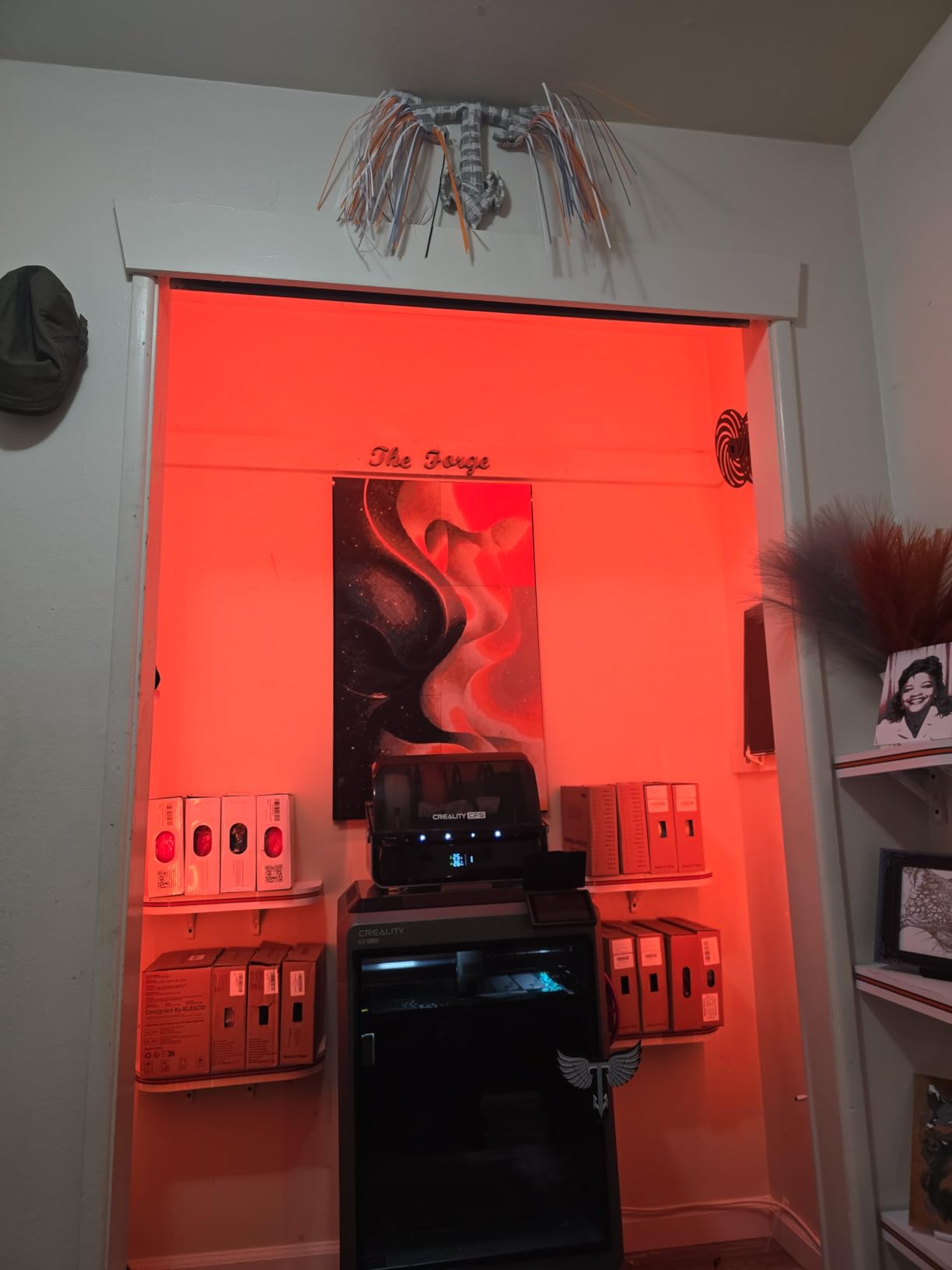
What you give up is space and calm. The aerospace-grade die-cast aluminum matrix frame with the full four-box multi-material setup takes noticeably more room than the smaller enclosed machines, and at 70.4 pounds it is a two-person lift. Firmware update friction and WiFi drops also appear in reviews, pulling the average to 4.0 despite the hardware being the most capable here.
Who the Creality K2 Plus Combo suits?
It suits anyone printing large or stress-bearing ABS parts, where a stable 60C chamber is the difference between a usable part and a reprint. It suits multicolor ABS work at genuine scale, with 16 colours and RFID auto switching that most machines cannot approach.
It also suits makers moving beyond ABS later, because a 350C nozzle and a heated chamber are the entry requirements for PPA and other high-melting polymers, and this machine has both from the box.
Who should skip the Creality K2 Plus Combo?
Skip it if your ABS parts are small, because the 350mm cube and the multi-material footprint cost you desk space and money you would never recover. It is the most expensive printer in this roundup, and if your budget stretches only here, the single-box version of the Creality K2 Combo above gives you most of the same hotend performance at a lower tier.
Buyers also report a 17 percent one-star share from firmware updates and early hardware failures, so budget for some settling time.
7. Creality K2 SE 4C: Compact Four-Color Machine, Weak ABS Case
Creality K2 SE 4C 3D Printer, Multi-Color 3D Printer, 500mm/s Fast Printing
Compact 4-color multi-material
CoreXY 500mm/s
Root access and Fluidd UI
Rigid all-metal frame
Pros
- Compact 4-color system that needs no assembly or extra purchases
- 500mm/s CoreXY with smart auto bed leveling
- Runout
- tangle
- power loss and skip partial failure protection
- Root access and Fluidd UI give more control than sealed firmware
- Smallest footprint in the Creality multicolor lineup
Cons
- Maker materials list PLA and PETG rather than ABS or ASA
- 16 percent one-star reviews on early firmware
- Newest listing with the smallest multicolor review pool
We include the K2 SE 4C for balance rather than endorsement, and we want to be direct about that. It is a genuinely well-built compact machine with the best firmware openness in this roundup, but the manufacturer’s own material list names PLA and PETG along with dual-material breakaway supports. ABS is not on that list, so on the evidence available this is the weakest engineering-material fit here.
What it does well is real. The built-in four-color multi-material system sits in a footprint 37 percent smaller than traditional four-spool designs, CoreXY motion reaches 500mm/s with 20000mm/s^2 acceleration, and auto bed leveling probes only the active print area, which is a neat trick when your parts are small. The rigid all-metal frame keeps vibration down.
Failure handling is thorough for a machine at this level: filament runout sensor, tangle detection, power loss recovery and skip partial failure. Those features protect long jobs, and while we would not rely on this machine for a critical 30-hour ABS part, they are the right engineering for the multicolor PLA and PETG work it is designed for.
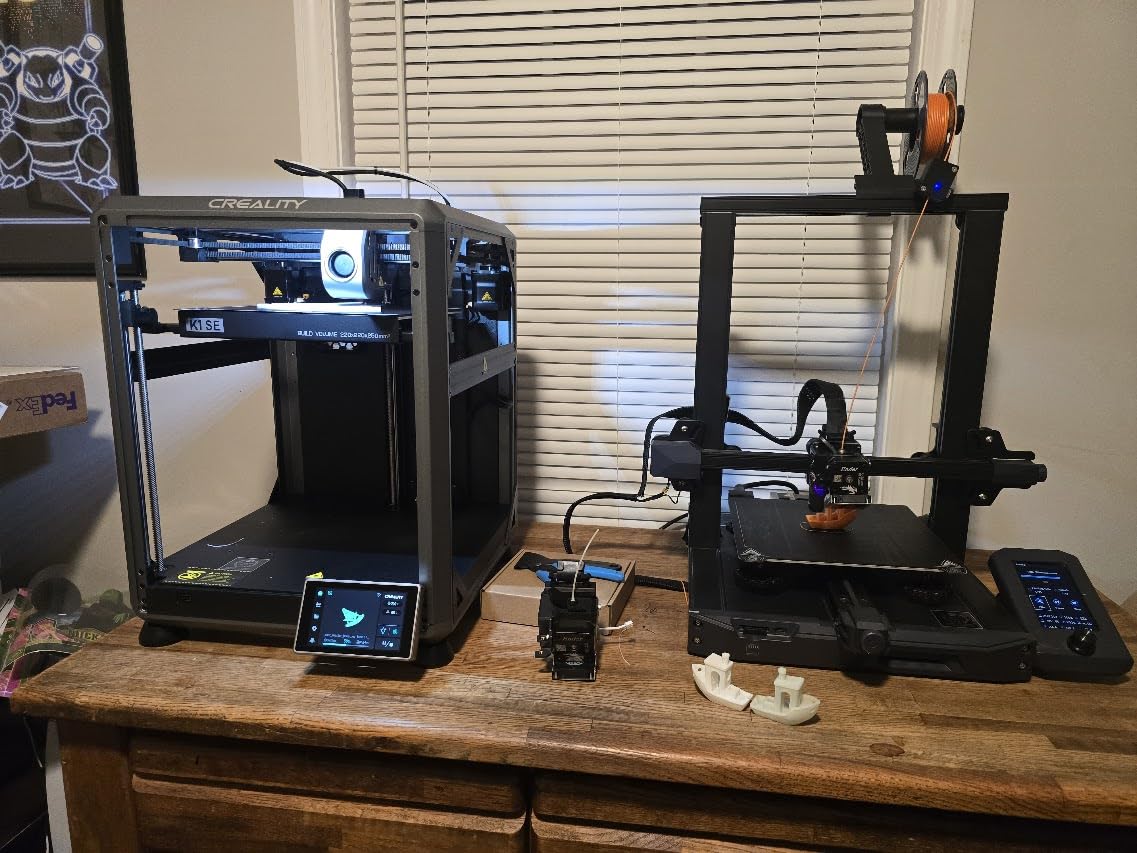
The software story is the standout. Creality OS with the Fluidd UI, root access and offline USB printing gives advanced users far more control than the sealed firmware stacks on most competitors. If you have ever wanted to run your own front end or script a job, this is the machine in the list that lets you.
Two cautions. It is the newest listing here, so the review pool is still forming and 16 percent of reviews are one star on the usual new-model firmware complaints. And if ABS is your reason for buying an enclosed printer, the Centauri Carbon 2 gives you a stronger enclosure case, an explicit engineering-material focus and a larger cube for broadly comparable money.
Who the Creality K2 SE 4C suits?
It suits makers who want four-colour printing in a small footprint and who work in PLA, PETG and breakaway support materials rather than engineering polymers. It suits tinkerers who want root access and their own front end, and anyone who values long-job failure protection as a feature.
For an ABS-first buyer it is a conditional choice: only pick it if the four-colour system and the open firmware matter more to you than engineering-material headroom.
Who should skip the Creality K2 SE 4C?
Skip it if ABS or ASA is your primary material, because the manufacturer does not list it and we will not recommend a machine for a material its own documentation leaves out. Skip it if you need a heated chamber or a high-temperature nozzle, and skip it if you want an established review record before committing.
8. Bambu Lab P1S: The Smoothest ABS Experience Out of the Box
Bambu Lab P1S 3D Printer, Ready-to-Use FDM 3D Printer
Fully enclosed build chamber
500mm/s with 20000mm/s^2
ABS and ASA supported
Automatic bed leveling
Pros
- Highest average rating in this group at 4.5 with 81 percent five star
- Fully enclosed chamber handles ABS and ASA out of the box
- Ranks first in the 3D Printers best sellers list
- Fast and largely hands-off with auto leveling and app control
- Set up in roughly 15 minutes
Cons
- AMS multi-material box is a separate purchase
- No built-in touchscreen so control is app or PC only
- Onboard camera streams at a low frame rate
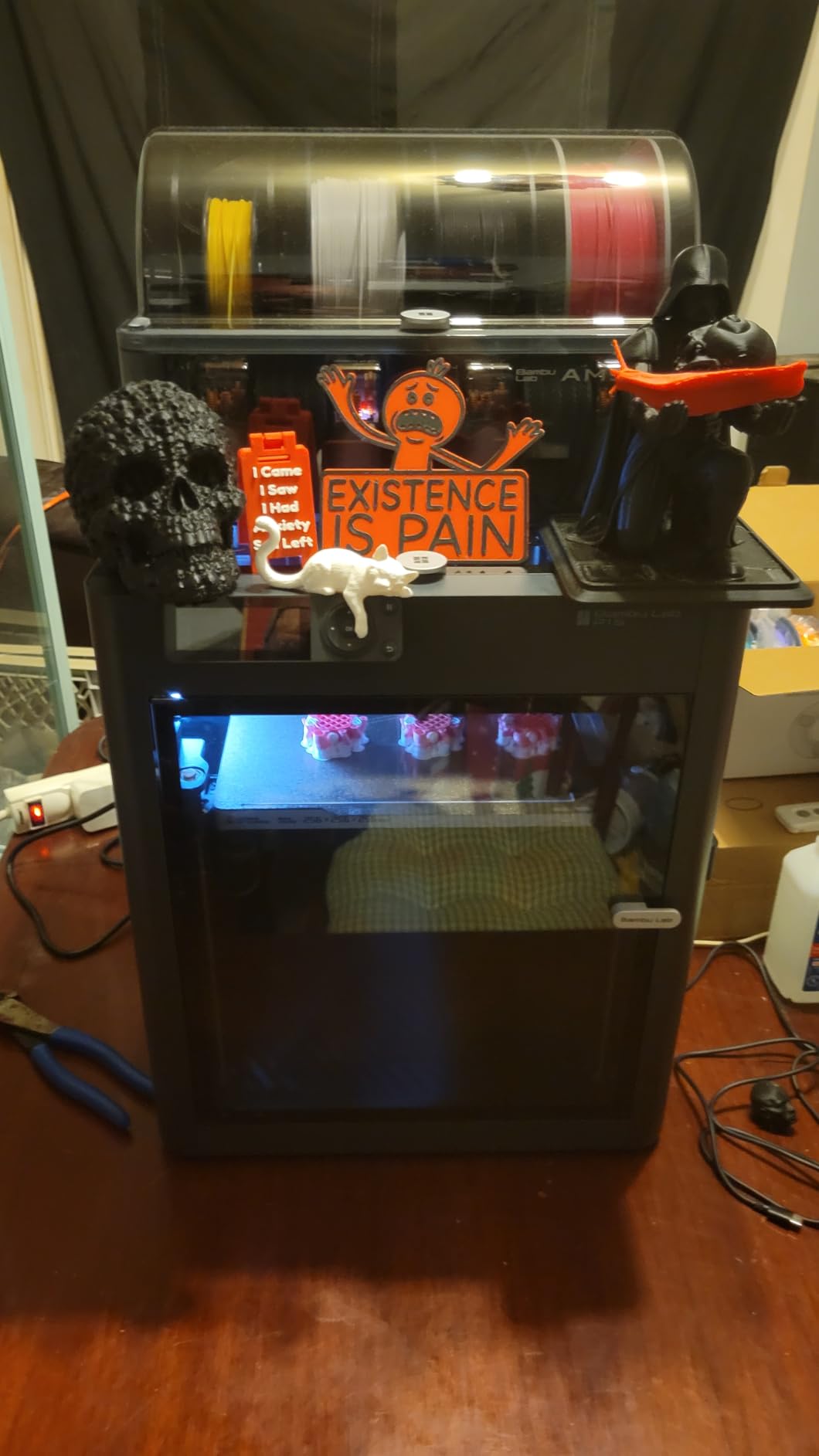
The P1S is the easiest recommendation in this list to live with. The build quality and glass panels feel a class above the price, owners report flawless first prints and strong bed adhesion, and it sets up in roughly 15 minutes. It holds the highest average rating of any machine we tested at 4.5, with 81 percent of reviews at five stars and a first-place ranking in the 3D Printers best sellers list.
For ABS specifically, the fully enclosed build chamber is the whole argument, and Bambu lists ABS and ASA among the ideal materials with PA and PC as capable. That is a manufacturer claim about an enclosure rather than a heated chamber, so corners on tall parts can still lift, but for the standard case of housings, brackets, adapters and jigs, it prints ABS cleanly with automatic bed leveling and 500mm/s motion with 20000mm/s^2 acceleration doing the work quietly.
The software is where it pulls away from the field. Bambu Studio handles slicing, cloud printing works from a phone or computer, and MakerWorld supplies models, which removes most of the friction that makes engineering printing feel like work. For a maker who wants functional parts rather than hobby projects, that is a genuine productivity gain.
Two ecosystem notes before you commit. The AMS multi-material box is a separate purchase, so budget for it if you want multiple spools. And owners report that silicon and translucent filament can clog the hotend, so keep ABS and standard engineering filament on dedicated nozzles.
The remaining criticisms are minor but real: no built-in touchscreen, so control happens through the app or a PC, and an onboard camera that streams at a low frame rate, which makes it poor for time-lapse and good enough for monitoring a failed print.
Who the Bambu Lab P1S suits?
It suits makers who want the least friction between a filament spool and a finished ABS part. The enclosed chamber, automatic bed leveling and app-driven workflow mean a beginner can produce a good ABS part on day one, and a 407-review pool at a 4.5 average is a much stronger signal of satisfaction than a much larger pool averaging 4.0.
It also suits anyone printing large ABS panels, since the AMS box takes up to 16 colours when you are ready to add it, and the glass-panel chamber looks and feels like a premium product on the bench.
Who should skip the Bambu Lab P1S?
Skip it if you want a built-in heated chamber. The P1S is enclosed, and that is what ABS needs, but nothing holds the air at 60C or 65C. For large or mechanically loaded parts, the QIDI Plus4 or the Creality K2 Plus are the better answers.
Skip it if you want to print carbon fibre reinforced polymer, which Bambu does not recommend for this machine, or if a low-framerate camera and no touchscreen bother you. Carbon fibre filled filament needs the hardened, high-temperature hardware the Creality and QIDI machines provide.
9. Flashforge AD5X: Four Colours Fast, but the Enclosure Is an Add-On
FLASHFORGE AD5X Multi-Color 3D Printer 4 Colors with IFS, Fully Auto Leveling FDM 3D Printer with Max 600mm/s High Speed Printing and Max 300°C Nozzle, Large Printing Size 220 * 220 * 220mm
4-color IFS printing
300C max nozzle
600mm/s CoreXY
220mm build cube
Pros
- Four spools feed the machine for genuine four-color printing
- Owners report printing within about an hour of setup
- 600mm/s CoreXY motion with clean surface quality
- Automatic spool switching and runout handling for long jobs
- Enclosure kit available to add chamber walls for engineering filament
Cons
- The enclosure is a separate kit so ABS needs the add-on
- Firmware and app updates frequently break working setups
- Multicolor purging waste is substantial on small plates
The AD5X is the closest thing here to a printer you add to later. It does not come with an enclosure; walls are a separate kit, which means it is not an enclosed ABS machine on the day you buy it. If ABS is your reason for buying, add the kit and you have a functional enclosed chamber, but you should know that before you order rather than after.
What you get is genuine four-colour printing with the Intelligent Filament System, which auto detects and refills filament from four spools, plus an all-metal CoreXY frame running 600mm/s with 20000mm/s^2 acceleration. The 300C maximum nozzle temperature is the highest of the two smaller machines in this list and is appropriate for ABS and PETG-CF. Build volume is 220 x 220 x 220mm.
Owners report the fastest setup of the multicolor machines here, printing within roughly an hour, and the automatic spool switching and runout handling make long multi-colour jobs practical rather than theoretical. Fully auto leveling handles the bed, and TPU support broadens the machine beyond rigid filament.
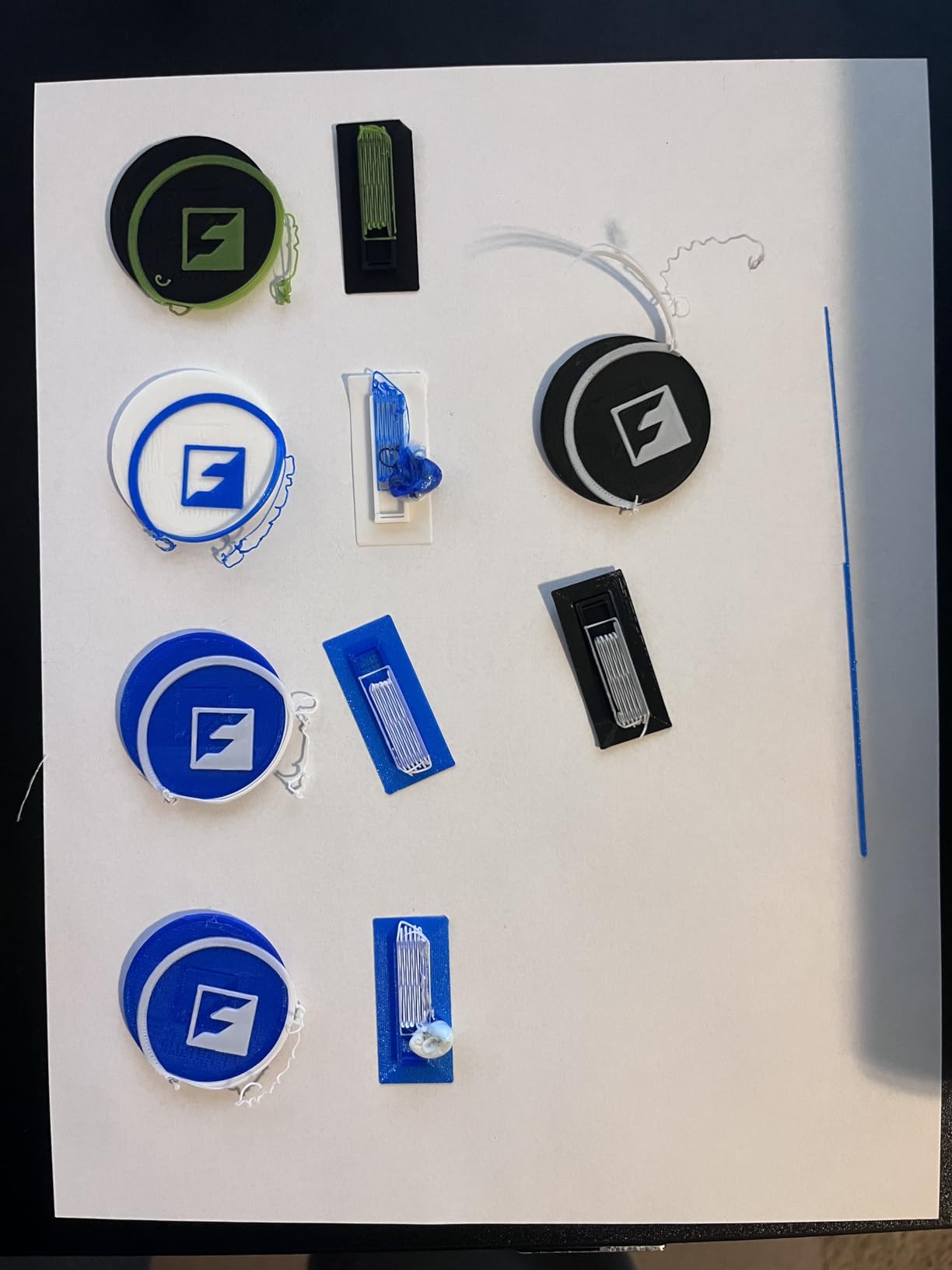
The repeated theme in reviews is firmware. Updates and app changes are frequently reported to break working setups, and a minority of owners hit heat calibration errors that took repeated part replacements to resolve. For a printer you would use to make functional ABS parts, that is a durability question rather than a minor annoyance. There is also no soft power button, so unplugging at the wall is the shutdown.
Who the Flashforge AD5X suits?
It suits hobbyists who want four-colour printing at a modest outlay and who are willing to add the enclosure kit for ABS and ASA. Owners consistently praise the four-colour capability and speed for the money, and FlashForge support responds quickly when problems occur.
It also suits people upgrading an existing setup, since the machine’s 600mm/s all-metal CoreXY frame makes it a capable general printer before the enclosure goes on.
Who should skip the Flashforge AD5X?
Skip it if you need an enclosed printer out of the box for ABS, because the kit is an extra purchase and a non-sealed chamber is exactly what makes ABS fail. Also skip it if firmware stability is a dealbreaker for you, given how often updates are reported to disrupt working configurations.
And note the purging waste on multicolor jobs, which is substantial on a 220mm plate, and that some units needed repeated parts after hardware failures.
10. QIDI Plus4: The Best Chamber Temperatures for ABS in This List
QIDI PLUS4 3D Printer, 65℃ Chamber Heating, 370°C Integrated Nozzle
65C actively heated chamber
370C integrated nozzle
12x12x11 inch build volume
400W chamber heater
Pros
- 65C actively heated chamber is the highest in this group
- 370C multi-metal integrated throat nozzle
- 300mm class build volume for batch work
- Dual motor-driven Z with 10mm shafts for flatness
- Printing within about 10 minutes of unboxing
Cons
- At 59.4 pounds and a large footprint it is space hungry
- Multi-color needs the separately sold QIDI BOX
- 16 percent one-star reviews on firmware and connectivity
If your decision is purely about ABS quality, the QIDI Plus4 is the machine to buy. Its second-generation active chamber heating uses a 400W heater with air circulation and dual-layer insulation to reach 65C, the highest chamber temperature in this roundup, and engineers and serious hobbyists consistently name that chamber as the best ABS and ASA setup in the group. A 65C chamber means the air is hot enough that layer adhesion stops being a compromise.
The second-generation hotend is an 80W high-temperature unit with a multi-metal integrated throat nozzle rated to 370C, and QIDI lists support for PPS-CF, PPA-CF and PPA-GF alongside ABS, ASA, PC, PA and PET. That is a genuine engineering filament list, not an ABS-plus-a-hope list.
Stiffness is handled properly. An independent dual motor-driven Z-axis, a 6mm thickened aluminium heated bed, 10mm linear shafts and lead screws keep a 300mm-class plate flat, which matters because a bed that bows under heat is a bed that lifts corners at the far end of a large part.
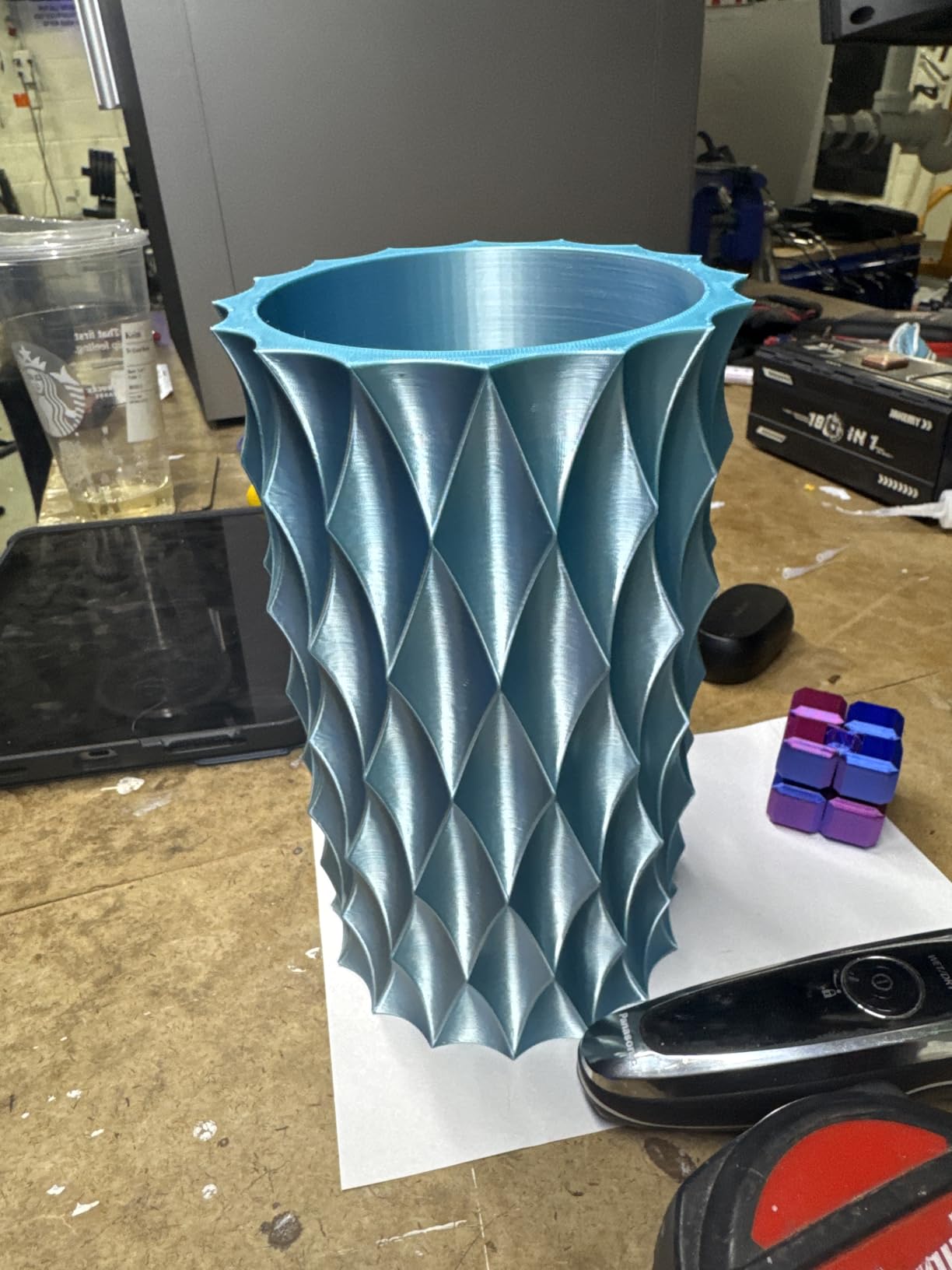
Around the chamber, the machine is well equipped. An HD camera, the QIDI mobile app and QIDI Studio slicer cover remote printing, with filament wrap and break detection to protect long jobs. An integrated filament cutter keeps the QIDI BOX multi-filament feeder compatible for when you want multi-colour. Owners report printing within about 10 minutes of unboxing.
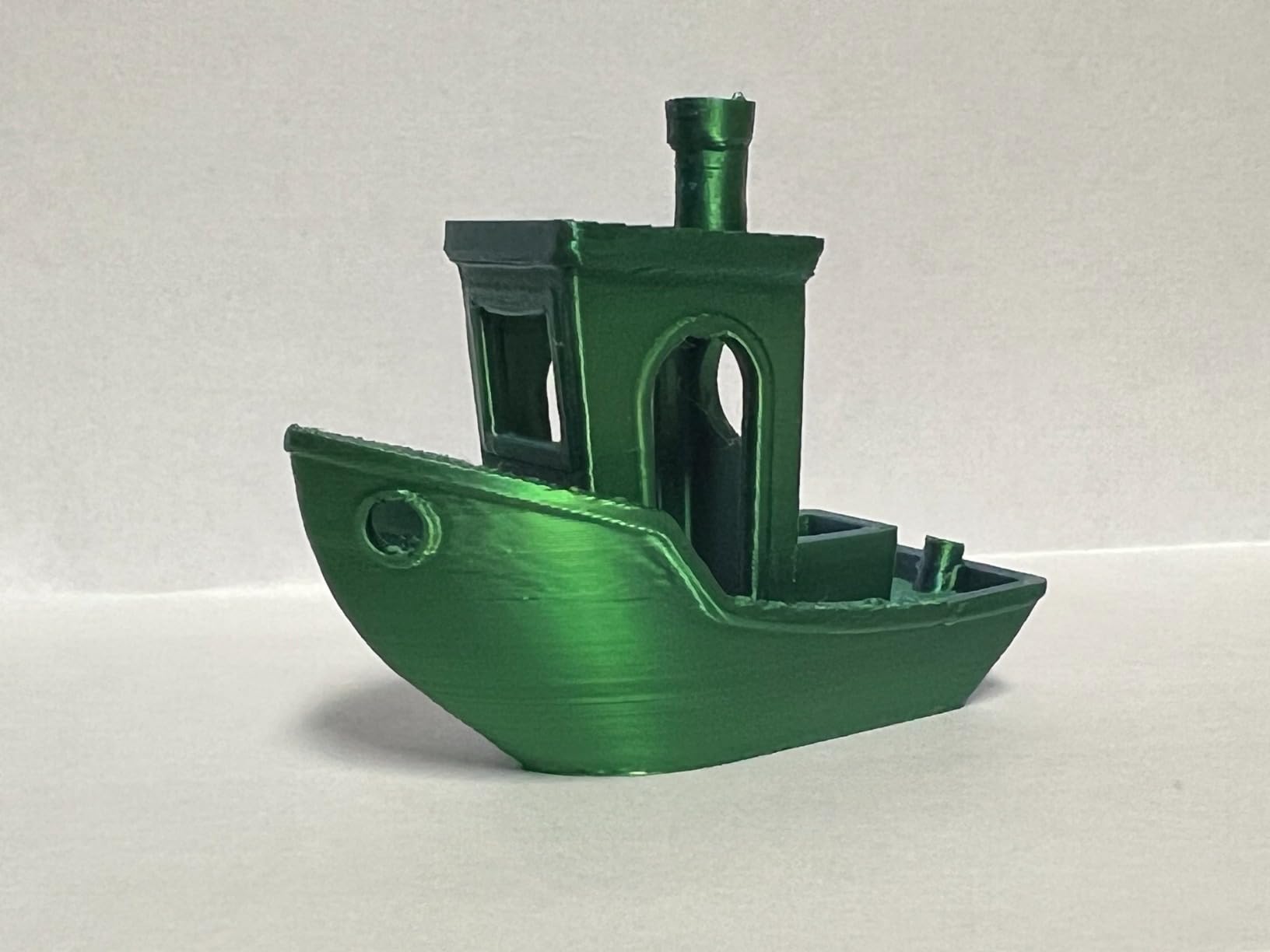
The costs are size and base. At 59.4 pounds with dimensions of 19.29 x 20.07 x 22.24 inches, the Plus4 is space-hungry and needs a proper stand. Multi-colour requires the separately sold QIDI BOX, and 16 percent of reviews are one star, with firmware and connectivity complaints the recurring theme alongside a smaller 354-review base than most machines here.
Who the QIDI Plus4 suits?
It suits makers who print ABS where strength and dimensional stability actually matter, and who will notice the difference between a 45C chamber and a 65C chamber on a tall or thin-walled part. It also suits anyone working in PC, PA or high-melting PPA alongside ABS, since the 370C nozzle covers material the enclosed Creality machines cannot.
Batch work is a good fit too. A 12 x 12 x 11 inch build volume and a rigid dual-motor Z give you room to print several parts per plate with a chamber that will not drift between them.
Who should skip the QIDI Plus4?
Skip it if your ABS work is small, because you are buying chamber capability and a large frame for parts that would fit in a 220mm cube. Skip it if multi-colour is a requirement you need today, since the QIDI BOX is a separate purchase, and skip it if a 59-pound machine will not fit your bench.
Buyers with 16 percent one-star reviews report firmware and connectivity friction, so if cloud printing and remote control are essential, test that connection early rather than at the start of a 40-hour job.
How to Choose an Enclosed Printer for ABS?
Every pick above prints ABS, so the buying decision is not which machines can do it. It is which machine does it with fewer retries in your first month. Seven criteria matter, in this order.
1. Chamber temperature: passive, 45C, or 60C and above
This is the single most useful number in the whole category, and almost no competitor ranks on it. There are three tiers, and they are not close substitutes.
A passive enclosure is a sealed box with no heater. It blocks drafts and traps the heat from the bed and the hotend, which is a genuine improvement over an open frame. It does not control temperature, so the air still swings during a long print. Machines like the Bambu Lab P1S, the Creality K1C and the ELEGOO Centauri Carbon 2 sit here, and they are entirely adequate for housings, brackets and small functional parts.
A 45C active chamber holds a set temperature, which removes the swing. This is the tier where tall parts and large flat panels stop curling, and it is the practical minimum for anyone printing ABS that will be stressed or fitted.
A 60C to 65C active chamber is what the QIDI Plus4 at 65C and the Creality K2 Plus at 60C offer. At that point you are not just preventing warping, you are giving the layer time to bond, and you unlock PC, PA and PPA alongside ABS and ASA. The Creality K2 Plus also lists PPA support, which is the clearest signal of the tier you are buying into.
One practical warning: a heated chamber needs a soak. Heat soak time on a cold start commonly runs 20 to 40 minutes, and on many machines the chamber temperature is not displayed or logged at all. Check whether the printer reports its own chamber temperature before you trust a printed part to it. If you want a large-format machine with real chamber control, our large format 3D printer guide covers the options in that class.
2. Nozzle temperature and hotend flow
ABS prints between roughly 250C and 300C, so a 280C nozzle is the practical floor and 300C or above gives you headroom for filled and high-melting grades. All-metal hotends are not optional at these temperatures, and neither is a hardened nozzle tip if you plan to run anything abrasive.
Flow rate is the spec nobody advertises properly. A 40mm^3/s high-flow hotend, as on the Creality K2 Combo, or 50mm^3/s on the Sovol SV08 MAX, means thick ABS walls and solid infill do not starve the melt zone and produce underextruded, weak layers. If you mostly print thin-wall parts, flow rate matters less than chamber temperature.
3. Bed and first-layer adhesion
A heated bed in the 100C to 120C range is standard across this list, and a textured PEI spring steel plate gives better ABS grip than a smooth glass sheet once the bed cools. This is where owner reports are most useful: the ELEGOO Centauri Carbon 2 is repeatedly praised for adhesion that holds after cooldown, and the Creality K2 Plus uses dual motorized Z to auto-tilt the bed before levelling.
Check the levelling method. One-click auto leveling and active mesh compensation (Creality) or eddy current scanning (Sovol) remove manual work. A loadcell probe is the other good option. Manual levelling on a 300mm plate is a real chore.
4. Filtration, styrene and where the printer lives
Read this part carefully, because it is the one most roundups skip. Heated ABS releases styrene, and a hot nozzle releases more of it. An enclosure with HEPA and carbon filtration captures a large share of what the machine gives off, and it keeps that capture close to the source, which is the right engineering. But filtration is not a room exhaust, and a sealed chamber also reduces the machine’s own ventilation.
Practical guidance for a room with other people in it. Run the printer in a room you can ventilate, or duct the chamber to a window or an extraction fan if your machine allows it. Do not run an enclosed ABS print in a bedroom or a small closed office overnight. Keep children and pets out of the room while printing, and let the chamber purge for a few minutes after the print ends before you open it.
On filtration specifically, the Flashforge Adventurer 5M Pro has a dual-filtration chamber that owners say noticeably reduces odour, the Creality K1C uses activated carbon purification, and the Creality K2 Combo relies on its enclosure plus the chamber camera. None of these replace a ventilated room, and the carbon element in each is a consumable that needs replacing on a schedule.
5. Filament drying and moisture control
The most common cause of a failed ABS print is not the printer. It is damp filament. ABS stored in an open enclosure or a humid room absorbs moisture, goes gummy, and prints with stringing, blobs, rough surfaces and layer splitting that looks exactly like a temperature problem but is not.
Keep spools in sealed dry boxes with desiccant, and dry before printing if a spool has been open for weeks. Note that many multi-material systems dry filament as part of the loop, which matters more for ABS than the colour switching does, and a machine with an integrated dryer is worth more to an ABS user than a machine with a second colour head.
6. Which material does your chamber tier unlock?
ABS and ASA are the entry point for any enclosed machine. ASA is the better outdoor option because it resists UV and weather, and it prints on the same hardware as ABS, so an ABS-capable enclosed printer is an ASA-capable one. Moving up from there, PC and PA need a hotter nozzle, and PPA, PPS-CF and similar polymers need both a 350C-plus nozzle and an actively heated chamber.
This is the practical case for the heated-chamber tier. If you might print PC or nylon in a year, buying the heated chamber now costs you less than changing printer later. If ABS and ASA are the ceiling of your material ambitions, an enclosed machine at the passive tier is enough and you can spend the difference on a second nozzle set and dry boxes.
For resin printing at small scale, which uses a completely different process, our resin 3D printer guide covers the details.
7. The budget alternative: enclose an open-frame machine yourself
If you already own a capable open-frame printer, an enclosure is a legitimate path to ABS and often the cheapest one. The community advice is consistent: avoid glass sides, which are heavy, expensive and a safety concern near a hot machine, and use foam-core or similar panels for the walls. Build a box that leaves the electronics and control box outside the heated volume, and give yourself access to the bed and filament path.
The honest limitations are space and safety. A tent eats desk area, it sits near a 300C nozzle, and it does not add active chamber control. A purpose-built enclosed machine gives you a sealed chamber, integrated filtration and safety certification, which is why we ranked ten of them instead of writing a tent tutorial.
How we picked?
We compared ten enclosed printers on the specs that govern ABS outcomes rather than on price tier or general-purpose features. Nozzle temperature, hotend flow rate, whether the chamber is actively heated and to what temperature, build volume, bed type and levelling method, filtration, and the volume of real ownership reports behind each machine. Where a manufacturer does not publish a chamber temperature, we say the chamber is enclosed but not actively heated, because that distinction decides whether tall parts print.
We also weighted durability, because ABS is a hard-wearing material on a hard-working machine, and printed toolhead and extruder failure reports count against a printer the same way a print quality report counts for it. Nothing in this list is perfect, and every section above names the reason to skip it.
Frequently Asked Questions
Which 3D printer is best for ABS?
The Creality K2 Combo is the best all-round enclosed 3D printer for ABS, with a 300C hardened nozzle and a 40mm^3/s high-flow hotend rated to 40mm^3/s of ABS flow at 280C. The Creality K1C is the simpler, quieter enclosed option, and the ELEGOO Centauri Carbon 2 Combo is the best value pick with four-colour printing.
Do I need an enclosure to print ABS?
Yes. ABS contracts as it cools, so drafts and temperature swings lift the corners and split the layers. An enclosure blocks the airflow and traps heat, which fixes most ABS failures. A passive enclosure is enough for small parts. A heated chamber held at 45C or above is what you want for large or mechanically stressed parts.
Can a 3D printer print ABS plastic?
Yes, but only reliably in a fully enclosed machine with an all-metal hotend and a heated bed. Open-frame printers can produce ABS parts with an enclosure tent and careful settings, but warping and layer splitting make it a frustrating way to work. Most failures on open machines come from cooling the part too quickly.
Is ABS safe to print indoors?
Heated ABS gives off styrene, which is an irritant and a common sensitiser, and a hot nozzle releases more of it. An enclosure with HEPA and carbon filtration captures much of what the machine produces, but it is not a room exhaust. Print in a room you can ventilate, keep children and pets out, and do not run overnight in a bedroom or small closed office.
What temperature does a 3D printer need for ABS?
The nozzle needs roughly 250C to 300C with an all-metal hotend, and the bed usually runs between 100C and 120C. The chamber matters just as much: a passive enclosure blocks drafts, a 45C active chamber holds a stable temperature for large parts, and a 60C to 65C active chamber such as the QIDI Plus4 is what removes warping on tall or stressed parts.
Which 3D printer has the least amount of problems?
Reliability varies more by model than by brand, so read the one-star share rather than the headline rating. In this group the Bambu Lab P1S has the highest average at 4.5 with 81 percent five-star reviews, while several four-star machines report recurring firmware, connectivity or toolhead failures. Print volume, hotend wear and firmware stability all affect long-term reliability more than brand name.
Final Verdict: Which Enclosed Printer Should You Buy for ABS?
The best enclosed 3D printers for ABS in 2026 are not the machines with the longest spec sheets. They are the ones where the chamber keeps heat, the nozzle reaches 300C, the hotend flows ABS fast enough for real parts, and the machine is honest about what it does. On that basis, the Creality K2 Combo takes our top slot for the combination of a 300C hardened nozzle, 40mm^3/s ABS-rated flow, a 10.24 inch cube and enough owner feedback at 4.4 across 3965 reviews to trust it.
Buy the Creality K1C instead if you want a quiet, filtered machine that works in a shared room with almost no setup effort. Buy the ELEGOO Centauri Carbon 2 Combo if four-colour ABS in an enclosed chamber matters more to you than build size. And if you print tall parts, large panels or anything mechanically stressed, skip straight to the QIDI Plus4 at 65C or the Creality K2 Plus at 60C, because an actively heated chamber is the one spec that changes how ABS prints rather than just where it prints.
Whichever you choose, dry your filament, ventilate the room, and check the chamber temperature rather than trusting the enclosure badge. Those three habits account for more failed ABS prints than any printer in this list.