
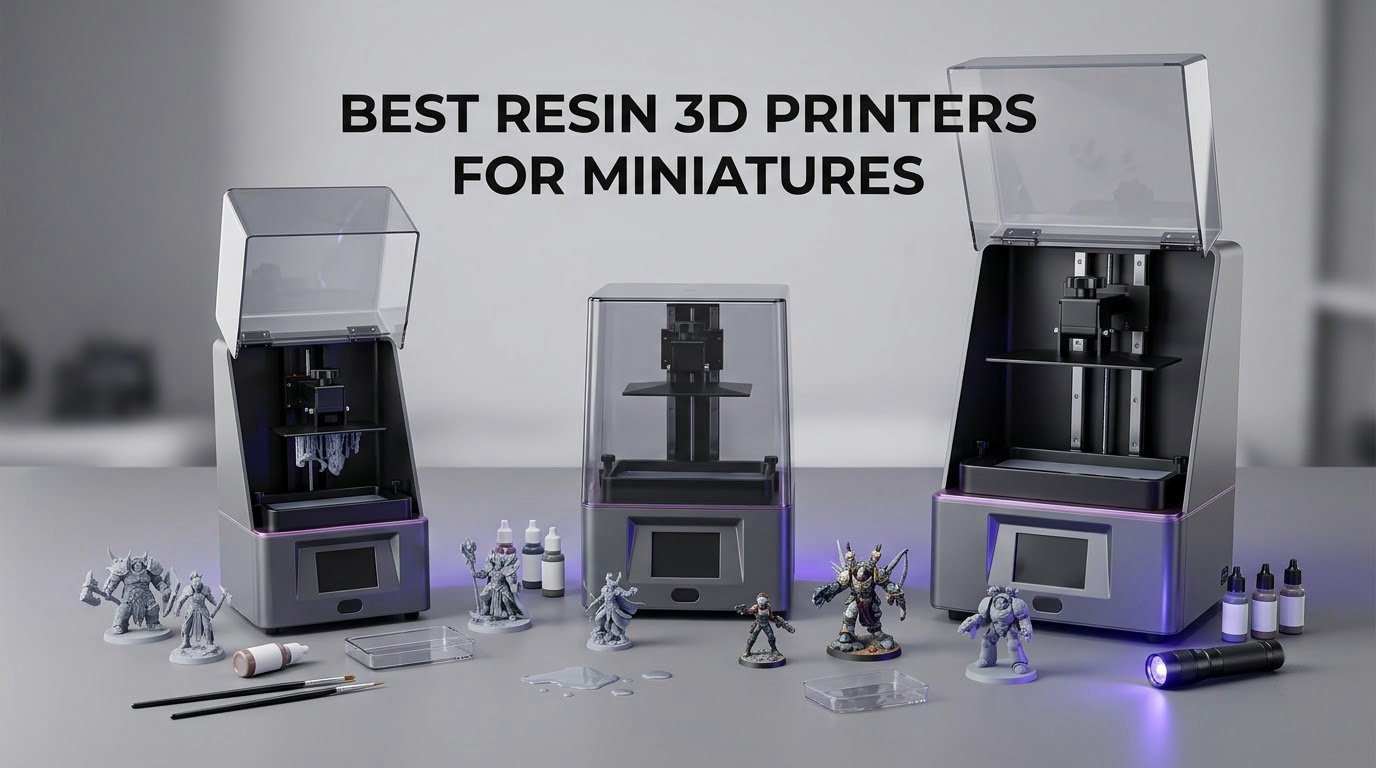
If you have ever tried to print a face at 32mm and ended up with a smooth, featureless egg, you already know that not all resin machines are the same. The difference is almost never the brand name. It is the size of the pixel the machine can draw, the shape of its vat, and how hard it yanks a part off the build plate when that part is six millimetres tall and has a spear in one hand.
That is what this roundup is built around. We pulled nine MSLA resin printers and judged every one of them through the miniature lens specifically: crisp facial features at 28mm, readable armour and chainmail, enough plate space for a warband, and a release mechanism that does not snap a sword off in the middle of the night. You will also find our general picks for the best resin 3D printers if your interest stretches past gaming minis into props and prototypes, and our overall 3D printer guide if you are still working out which technology suits you.
One note before we start, because you will notice it. The available range in this niche is dominated by two model families, so several near-identical variants collapsed into a single pick rather than filling a slot with the same machine in a different colour. The result is nine printers, each one genuinely different from the others.
Here is how a resin printer works in one paragraph. A UV light source shines through a masking LCD screen that displays a two-dimensional slice of your model. Resin hardens where the light hits it. The build platform lifts by one layer height, the screen refreshes, and the process repeats hundreds of times. What comes off the plate is a wet, fragile object that still needs washing and UV curing before it is finished. Nobody prints a finished miniature straight off the machine.
Our methodology is simple. Every machine is evaluated on four things that decide miniature quality: XY pixel size, build volume, whether the vat tilts to break suction, and how much tinkering the machine demands before the first good print. Reviewer consensus on r/resinprinting and the wider hobby community shaped the weighting, particularly around the two failure modes that ruin more minis than bad resolution ever does: suction tearing prints off the plate, and over-curing in the wash station until weapons snap in your hand.
Table of Contents
Top 3 Best Resin 3d Printers For Miniatures (October 2026)

Photon Mono 4
- 10K mono LCD at 17x17 micron pixels
- Compact 6.04 x 3.42 x 6.49 inch build volume
- One-time 4-point levelling

Mars 5 Ultra
- 9K mono LCD at 18 micron pixels
- Tilt release at up to 150 mm/h
- Self-levelling build plate

Saturn 4 Ultra 16K
- 16K mono LCD
- Heated resin tank at 30 degrees C
- Tilt release at 150 mm/h
If you want the short version: the Photon Mono 4 is the one most people should buy, the Mars 5 Ultra is the closest thing to a set-and-forget first machine, and the Saturn 4 Ultra 16K is the choice when print quality is the whole point and you have the bench space for it.
All 9 Picks Compared for Miniature Work in 2026
| Product | Specifications | Action |
|---|---|---|
| ANYCUBIC Photon Mono 4 |
|
Check Latest Price |
| ELEGOO Saturn 4 Ultra 16K |
|
Check Latest Price |
| ELEGOO Mars 5 Ultra |
|
Check Latest Price |
 ANYCUBIC Photon P1 14K ANYCUBIC Photon P1 14K |
|
Check Latest Price |
 Phrozen Sonic Mega 8K S Phrozen Sonic Mega 8K S |
|
Check Latest Price |
 ANYCUBIC Photon Mono M7 Pro ANYCUBIC Photon Mono M7 Pro |
|
Check Latest Price |
 ELEGOO Jupiter 2 ELEGOO Jupiter 2 |
|
Check Latest Price |
 Creality Halot-X1 Combo Creality Halot-X1 Combo |
|
Check Latest Price |
 Creality Halot Mage S 14K Creality Halot Mage S 14K |
|
Check Latest Price |
1. ANYCUBIC Photon Mono 4 – The Best Resin 3D Printer for Miniatures Overall
ANYCUBIC Photon Mono 4, Resin 3D Printer with 7” 10K Mono LCD Screen
7-inch 10K mono LCD
17x17 micron XY pixels
153.4 x 87 x 165 mm build volume
4-point levelling
Pros
- Sharp near-invisible layer lines on small figures
- Compact 10 x 10 x 15 inch footprint
- 4-point levelling only needs doing once
- Laser-engraved platform gives strong adhesion
- Printing underway within roughly 30 minutes of unboxing
- Resume works reliably after a power cut
Cons
- Default profiles need heavy exposure tuning
- Occasional adhesion failures and warping on larger models
- Some LCD and touchscreen failures early in life
- Small volume means splitting bigger models
This is the machine we keep coming back to. The 7-inch 10K monochrome LCD puts pixels at 17 by 17 micrometres, which sits comfortably under the 20-micron line where sculpted faces stop turning into blobs on a 28mm figure. Layer lines at the default 0.05mm profile are close to invisible once primed, and reviewers consistently report printing Hero Forge miniatures and diorama-scale models with no drama.
What separates it from the entry-level alternatives is the Anycubic LighTurbo matrix light source, which spreads the UV across the panel instead of relying on a single hotspot. That uniformity is why the first-layer cure looks even across the whole plate, and even cure is what keeps a miniature from having a soft base and a hard top.
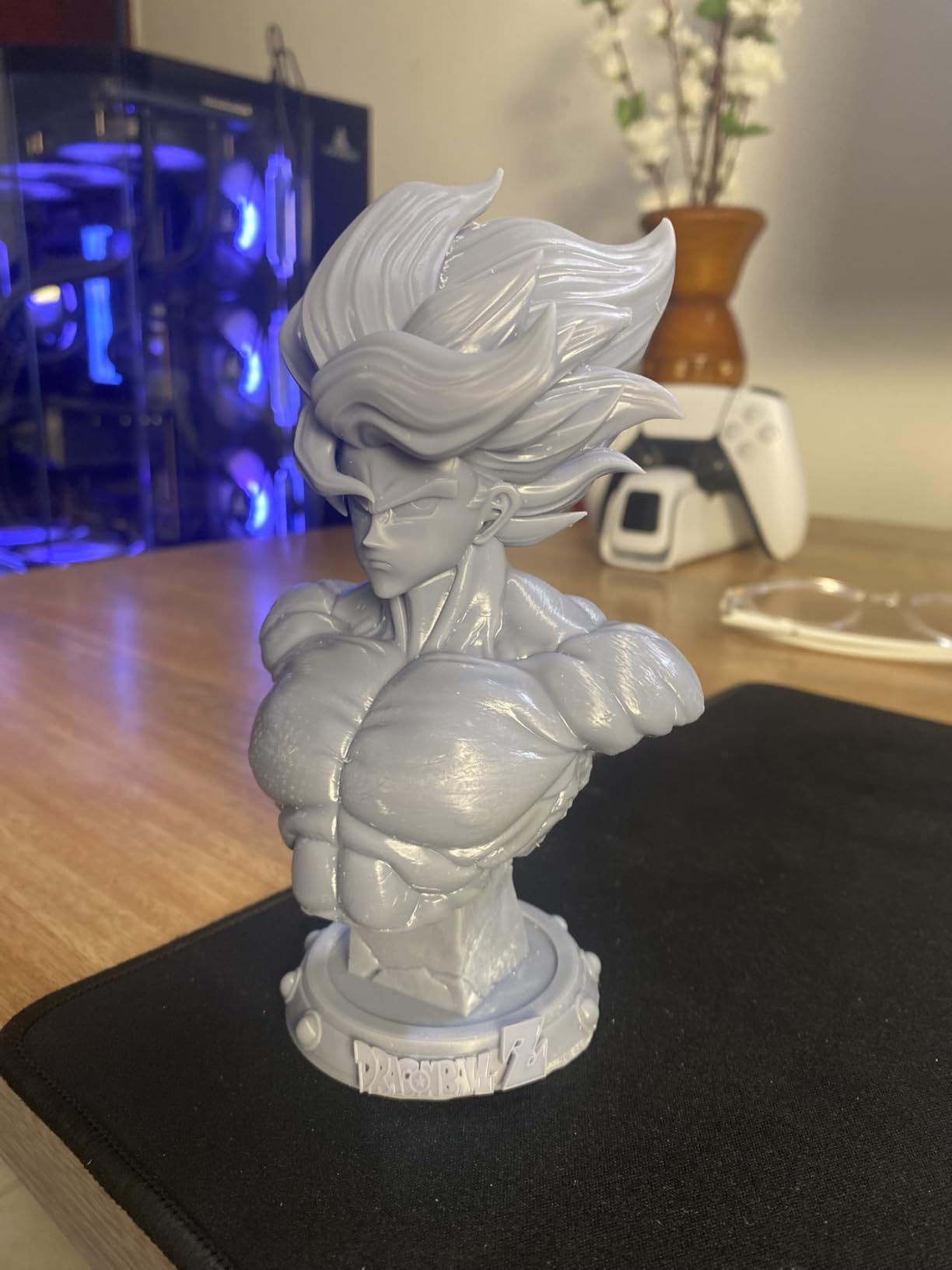
Two numbers explain why this is our top pick. The 667-review base is by some distance the largest in this roundup, so the owner feedback behind it is the most tested. And the AI summary of those reviews is unusually clean for the category: people print what they bought it for, and the recurring complaints are about support and panel longevity rather than about output quality.
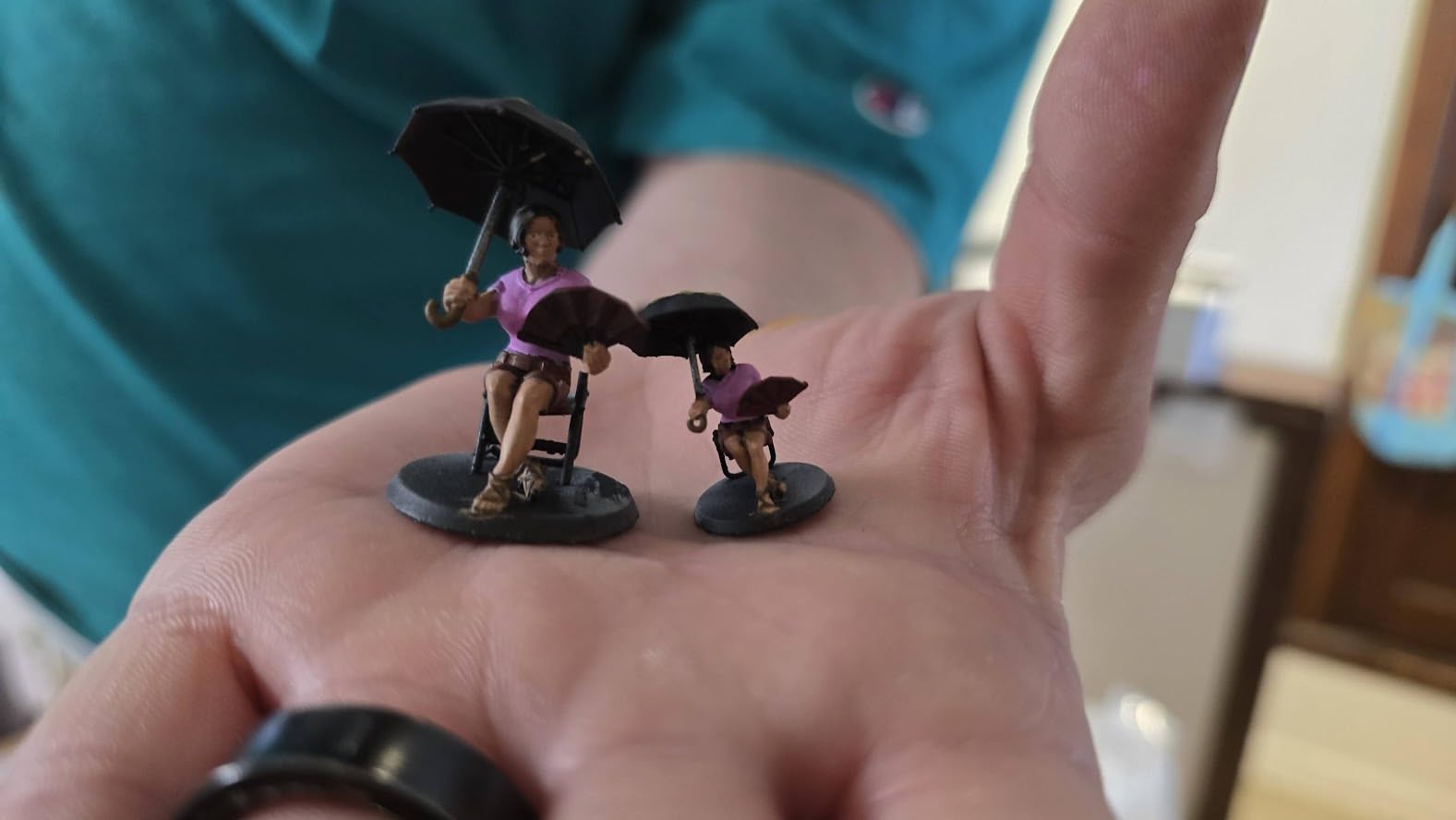
What you get on a 28mm figure?
At 17 micrometres per pixel, a 32mm head occupies roughly 470 pixels across the face. That is enough for a nose, a brow line and a suggestion of an eye socket without any fudging.
Where it will frustrate you?
Do not trust the factory profiles. Exposure time, lift speed and resin temperature all need real tuning before the output looks like the marketing photos.
The 153.4 x 87 x 165 mm build volume is compact. A whole 32mm regiment will not fit on one plate, so you are running multiple jobs rather than one overnight marathon.
2. ELEGOO Saturn 4 Ultra 16K – Best Premium Resin Printer for Fine Detail
ELEGOO Saturn 4 Ultra 16K Resin 3D Printer
16K mono LCD
Resin tank held at 30 degrees C
Tilt release up to 150 mm/h
AI camera with time-lapse
Pros
- 16K resolution captures fine texture and clean surfaces
- Heated tank improves resin flow and cuts bubble defects
- Tilt release shortens print times markedly
- Fully automatic levelling
- AI camera allows unattended monitoring
Cons
- Bulky 24 x 17 x 15 inch body needs a dedicated bench
- AI detection accuracy varies with resin and model
- Residue trips can halt long unattended jobs
- Resin tuning still required
This is the machine to buy when the miniature is a commission piece and the client will hold it up to the light. The 16K monochrome panel resolves surface texture in a way the 10K and 9K machines cannot, and owners consistently point to sharper surfaces and fewer defects once settings are locked in.
The heated tank is the sleeper feature. Holding resin at 30 degrees C improves flow, and better flow means fewer bubbles trapped mid-print and fewer layer-separation artefacts on the undersides of arms and capes where nobody looks until the model is finished.
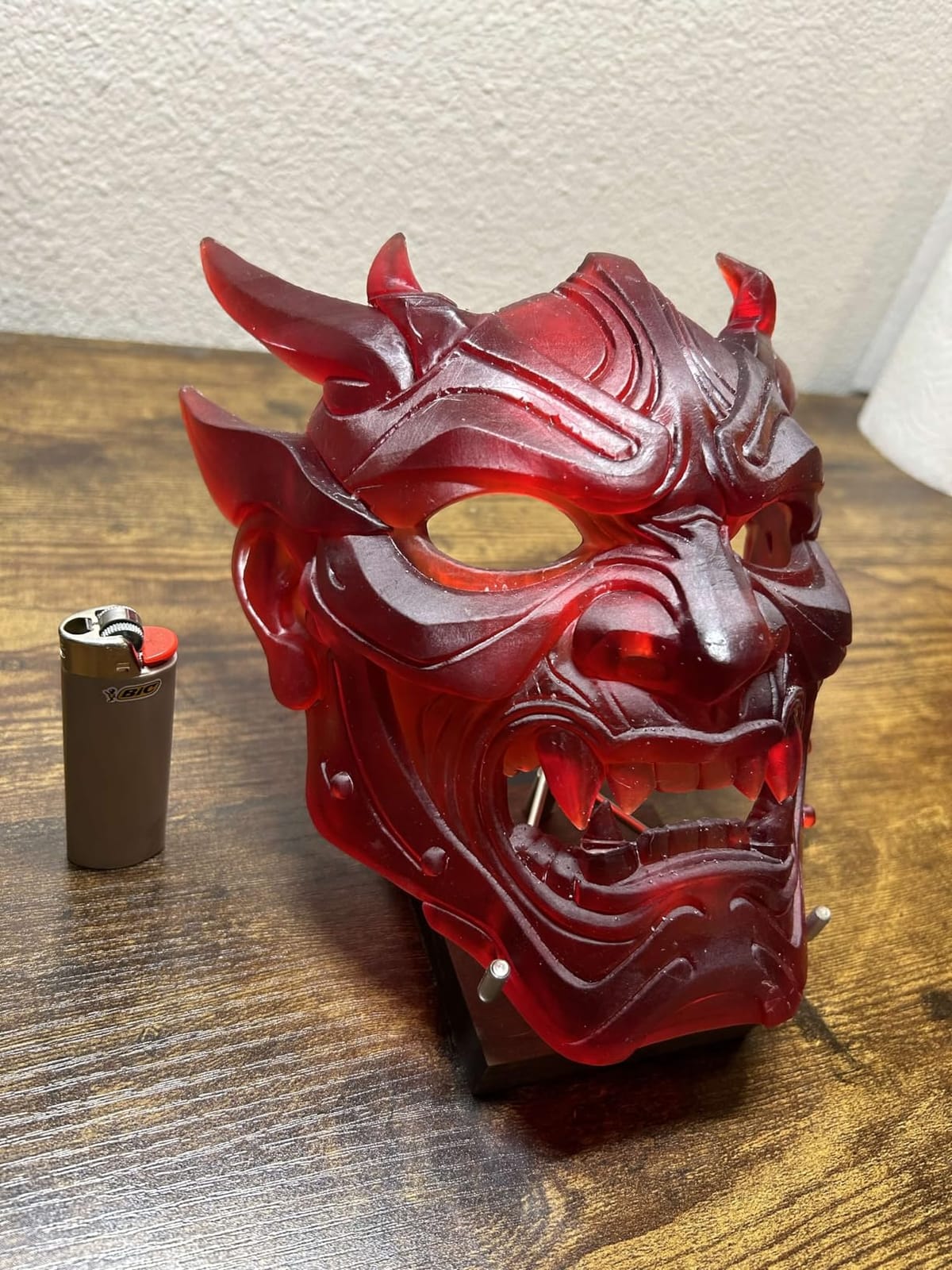
Tilt release at up to 150 mm/h matters more for minis than for props. Small models are the ones that suffer from suction because the ratio of surface area to model height is so poor. Breaking that bond at each layer is the difference between a full plate of 20 figures and a plate with three figures and a puddle of resin.
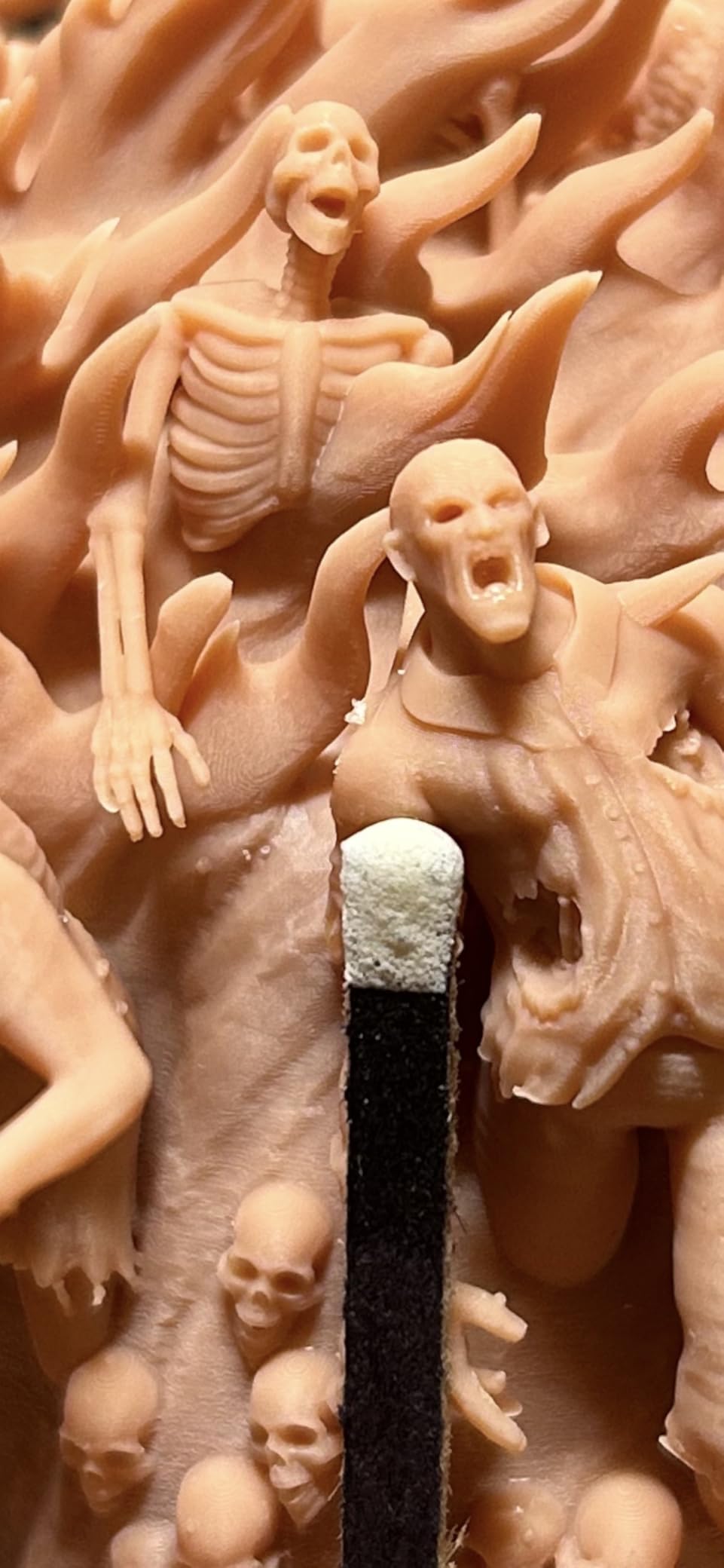
What you get on a hero bust?
At 16K the pixel pitch is fine enough that a display bust at 75mm shows skin texture and fabric weave rather than a faceted approximation of them.
Where it will frustrate you?
At 24 by 17 by 15 inches and 35.5 pounds, this is not a machine for a corner of a desk. It needs a dedicated bench and proper ventilation, which is a real cost beyond the purchase.
The residue detection is clever but occasionally over-eager. On very long unattended jobs a false trip halts the print, so check the alerts if you leave a job running while you sleep.
3. ELEGOO Mars 5 Ultra – Best Value Resin Printer for First-Time Miniature Printers
ELEGOO Mars 5 Ultra Resin 3D Printer
7-inch 9K mono LCD
18 micron XY resolution
Tilt release up to 150 mm/h
Self-levelling build plate
Pros
- 18 micron pixels reproduce detail well at 28mm
- Fast mode cut a standard figure from about 2h15m to 1h10m
- Self-levelling removes the main beginner hurdle
- Wi-Fi job sending and camera time-lapse
- Consistently good first prints with little tweaking
Cons
- Build plate too small for wide single-piece models
- Lid has no hinges and must be fully removed
- Rounded resin spout makes pouring messy
- Camera easily blocked by tall prints
Eighteen micrometre pixels, tilt release, self-levelling, Wi-Fi and a three-month ChiTuBox Pro subscription, in a 19.36 pound body. For a first resin printer aimed squarely at tabletop gaming, this is the hardest spec sheet to argue with.
Tabletop miniatures are the dominant use case in the reviews, and the pattern is unusually positive for a first machine. Owners report printing successfully within an hour of setup, which is the opposite of the experience most people have when they move from filament to resin.
The speed claim is worth repeating because it changes how you batch work. At 150 mm/h with tilt release, a standard D&D figure that used to take around two hours and fifteen minutes on a fixed-vat machine came down to roughly one hour and ten minutes. Across a plate of 16 figures that is a saved evening every week.
What you get on a 28mm figure?
Eighteen micrometres is inside the range where faces read clearly and armour edges stay sharp, and the tilt-release motion keeps supports from snapping on thin weapons and antennae.
Where it will frustrate you?
The build plate is genuinely small. It will not take a cup, a bowl, or any other wide single-piece model, and a full regiment needs more than one job.
4. ANYCUBIC Photon P1 14K – Best for Ultra-Sharp Detail and Viscous Resins
ANYCUBIC Photon P1 14K Resin 3D Printer with Auto-Leveling
10.1-inch 14K mono LCD
16.8 x 24.8 micron XY pixels
0.3 mm minimum aperture
Resins to 8000 cps
Pros
- Ball-screw frame and rails minimise wobble
- Wave Release Technology cuts release force by 60 percent
- Factory-calibrated Smart Leveling 3.0
- AI inspection checks plate install and bottom layer
- Handles viscous resins with ready profiles
Cons
- Newly released model with a small review base
- Large body needs a substantial ventilated bench
- Viscous resin support assumes a compatible slicer profile
This is the newest machine we tested and the most interesting one. The 10.1-inch 14K panel at 16.8 by 24.8 micrometres is not the sharpest on the market, but the 0.3 mm minimum aperture means the LCD can actually resolve the interior of a tiny aperture, which is what separates a clean cast of a bowman from a solid blob.
The Z-axis hardware is the story here. Ball screws and precision guide rails give much lower vibration than the belt or lead-screw arrangements on cheaper machines, and low vibration is what keeps a 0.4mm cape edge from turning wavy on a tall model.
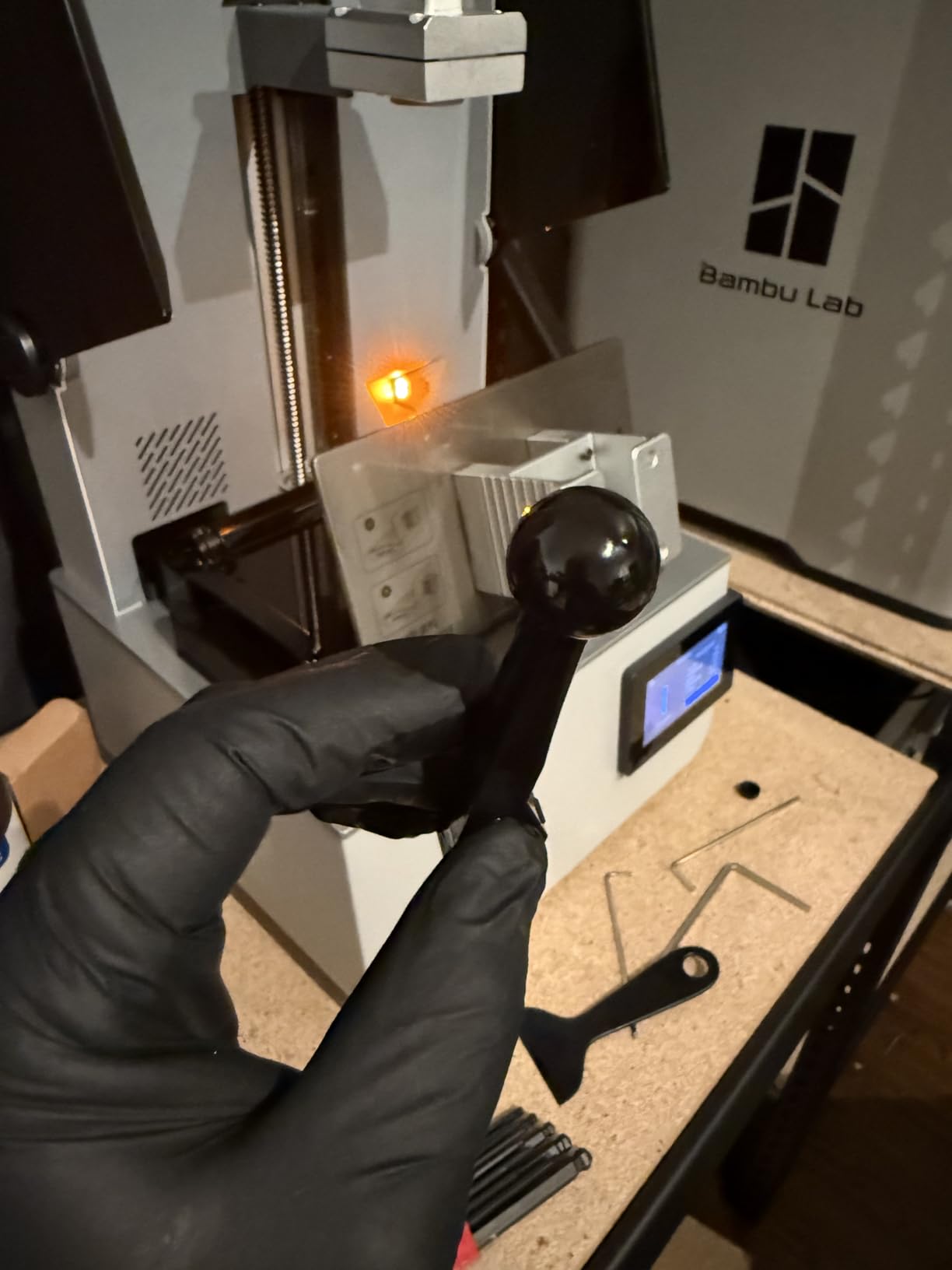
Wave Release Technology reduces release force by 60 percent according to the manufacturer, and that is a number worth caring about for miniatures specifically. Every one of those 20 figures on the plate is a small, light, awkwardly shaped object held down by suction, and cutting the peak force is the most direct way to reduce failed prints.
It also accepts resins up to 8000 cps, which opens up tough and flexible blends that most desktop machines cannot handle. If you print minis that get knocked across a table, a tougher resin is often the better answer and this machine will run it.
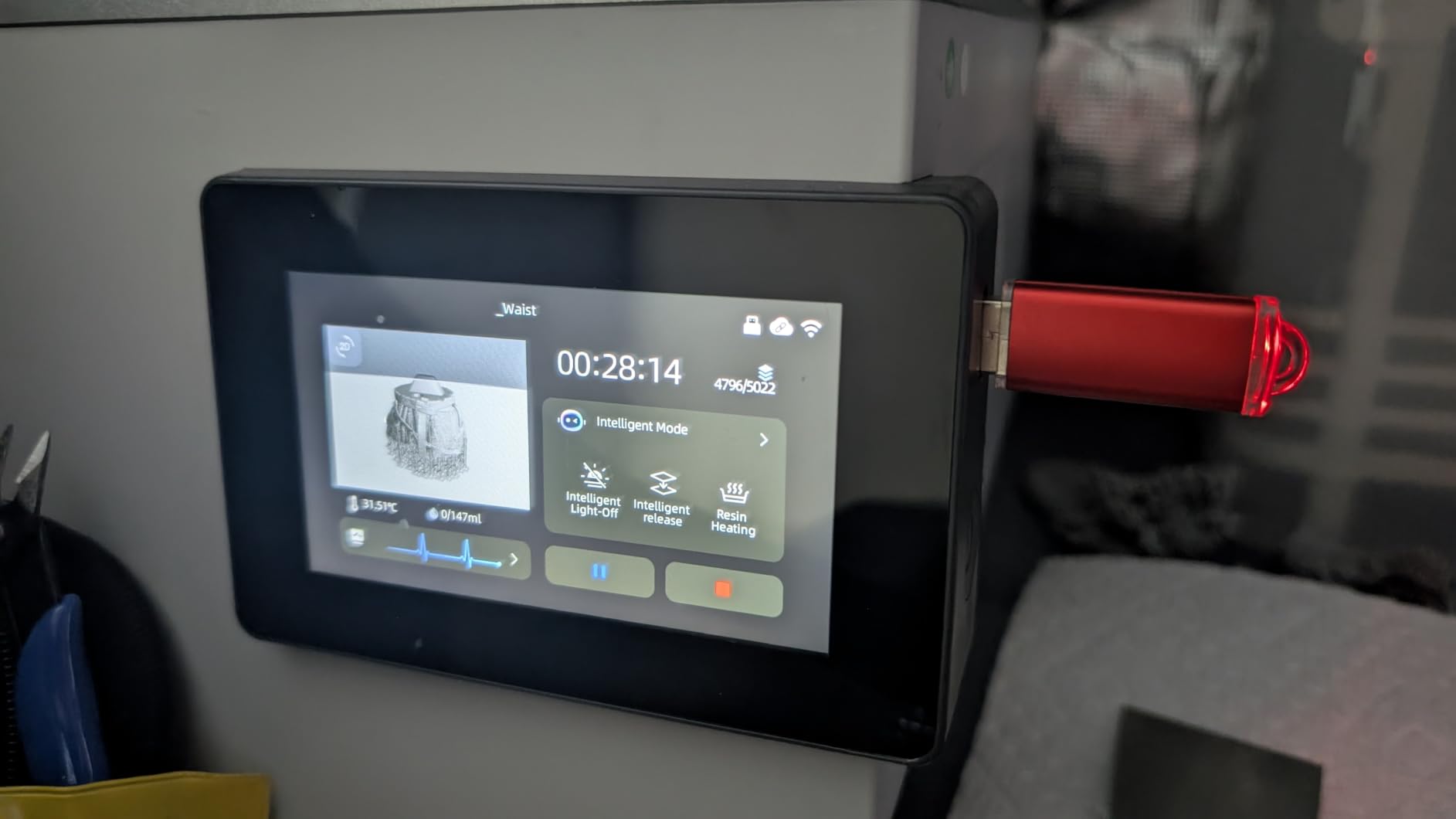
What you get on a 32mm hero figure?
Sharp enough that a heraldic pattern on a tabard stays readable after priming, with a 0.3 mm aperture that renders the interior of a hood or a quiver rather than filling it in.
Where it will frustrate you?
At 16.93 by 24.41 by 16.54 inches and 29.7 pounds it needs real bench space, and the enclosed optics mean it also needs a ventilated room.
With only 58 reviews, long-term durability of the panel and the ball-screw assembly is not yet well documented. You are buying on specification and early owner feedback rather than on years of field data.
5. Phrozen Sonic Mega 8K S – Best Resin Printer for Large Miniature Batches
phrozen Sonic Mega 8K S LCD/MSLA Resin 3D Printer, 43 µm High Resolution, 15 inch Mono LCD Screen, Fast Production Accurate Details, Large Printing Size L12.99xW7.28xH11.81 Printing Volume
15-inch 8K mono LCD
43 micron XY pixels
33 x 18.5 x 30 cm build volume
ACF film with TR300 resin
Pros
- Very large plate suited to batch printing
- Lift-up lid suits low-clearance workspaces
- Built-in drip hanger simplifies resin recovery
- ACF film and TR300 resin speed up production
- Runs quietly once dialled in
Cons
- 43 micron pixels are softer than 16K panels
- No Wi-Fi
- camera or auto-levelling
- Self-filling mechanism and perforated plate can be fiddly
- Reports of LCD board and power supply failures
- Three-month warranty with criticised support
This is the only machine in the roundup where throughput, not detail, is the reason to own it. The 33 by 18.5 by 30 cm build volume is enormous next to a desktop unit, and Phrozen quotes up to 80 detailed 1/32 scale miniatures in 90 minutes with ACF film and TR300 resin.
The lift-up lid is a genuinely thoughtful piece of design for anyone in a small flat. You do not need to clear 15 inches of headroom to get the plate out, which is the single most common reason hobbyists end up with resin printers stacked in a garage.
What you get on a 28mm figure?
For a whole regiment of 32mm figures at once, nothing else here comes close. The large plate plus a lift-up lid means a full gaming force is a single overnight job.
Experienced owners rate the quiet running and the throughput highly once exposure is calibrated, and the built-in metal drip hanger saves resin and simplifies cleanup between batches.
Where it will frustrate you?
Forty-three micrometre pixels are the softest in this roundup. On small 28mm figures the loss shows on faces and fine hair, and one reviewer explicitly advises against this machine for intricate miniatures. We include it for batch work, not hero pieces.
There is no Wi-Fi, no camera and no auto-levelling, so levelling and resin management are manual. Several reviews also report LCD board, ribbon cable or power supply failures, and the three-month warranty is the shortest here.
6. ANYCUBIC Photon Mono M7 Pro – Best for Fast Unattended Runs
ANYCUBIC 14K Resin 3D Printer Photon Mono M7 Pro with 170mm/h High Speed
14K LighTurbo 3.0 optics
170 mm/h at 0.1 mm layers
223 x 126 x 230 mm build volume
Auto-fill resin unit
Pros
- Very fast at up to 170 mm/h
- 14K system resolves fine detail on finished prints
- Large build volume for busts and scenery
- Temperature-controlled vat improves cold-weather reliability
- Auto-fill and Airpure filter aid long runs
Cons
- Prints detach from the plate despite setting changes
- Auto-fill and bottle sensors fail without erroring
- LCD failures reported within roughly 25 to 50 prints
- Z-axis zero point needs frequent re-learning
- Photon Workshop feels cumbersome
Speed is the headline and it is real. The M7 Pro hits 170 mm/h at 0.1mm layer height with High Speed 2.0 resin, which is the fastest figure in this roundup and roughly 15 percent faster than the Elegoo machines on the fast setting.
The 223 by 126 by 230 mm build volume is unusually tall for a desktop machine, and height is the dimension that matters for miniatures on bases. Most gaming minis stand between 30 and 40mm including the base, and a tall Z means you can print two or three ranks of them on one plate rather than laying everything flat.
The temperature-controlled vat and the resin auto-fill unit are both built for long jobs. Auto-fill lets the machine top up between plates without you standing there, and the compatibility with the Airpure odour filter is a real consideration for indoor setups.
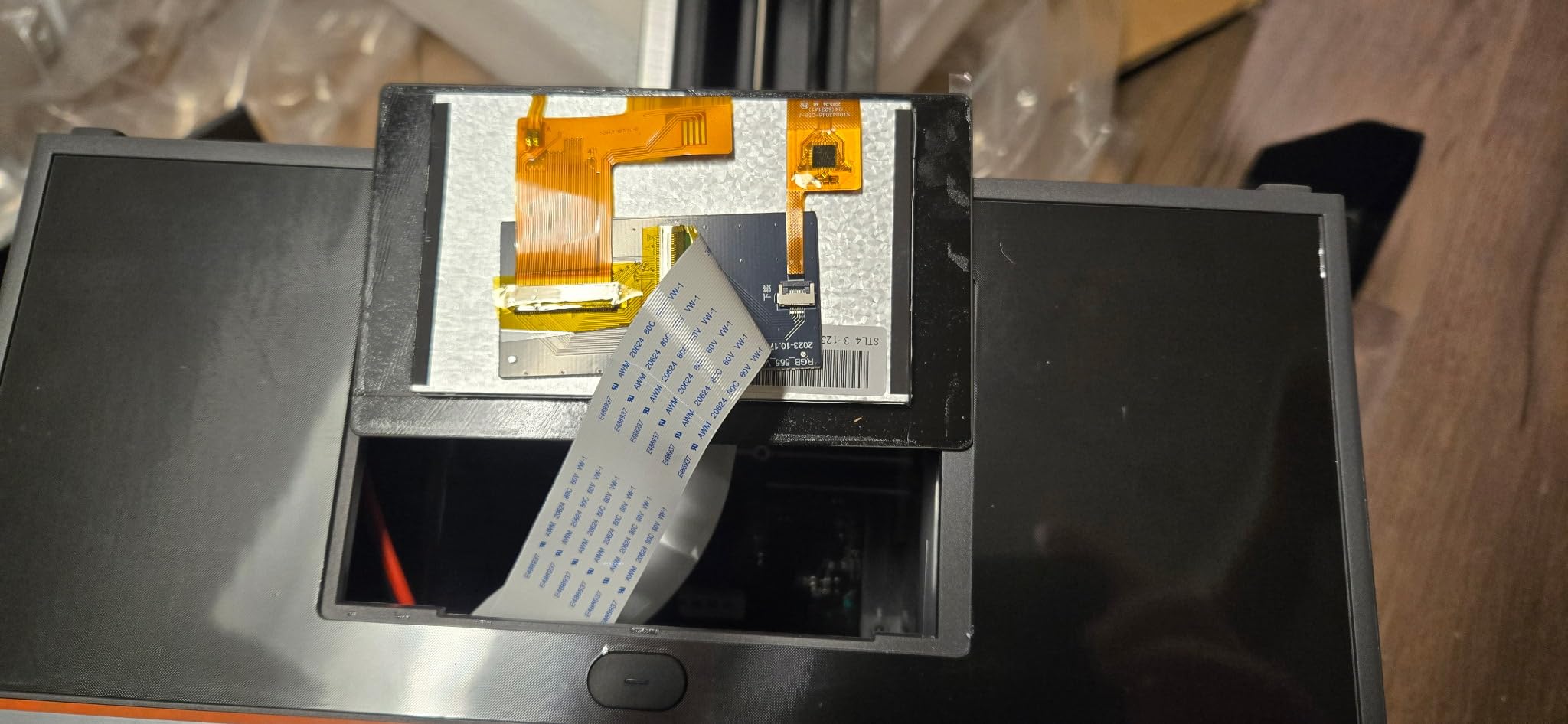
What you get on a 28mm figure?
At high speed the detail on a 28mm figure holds up well, and the 14K system means faces stay readable even on the aggressive profiles needed to hit 170 mm/h.
Where it will frustrate you?
A substantial block of reviews reports prints detaching from the plate even after exposure and setting changes, which on a batch job means you discover it at 3am. Suction and adhesion settings need more patience here than on the Elegoo machines.
Early LCD failures within roughly 25 to 50 prints and a Z-axis zero point that needs frequent re-learning are both reported repeatedly, and Photon Workshop is criticised as cumbersome and cloud-dependent.
7. ELEGOO Jupiter 2 – Best for Busts, Display Sculptures and Oversize Models
ELEGOO Jupiter 2 Resin 3D Printer, 16K Large MSLA 3D Printing Machine, Auto-Leveling, Smart Tank Heating, Auto Resin Feeding, Smart Mechanical Sensor, Wi-Fi Cluster, Build Size 302.4 × 161.98 × 300 mm
302.4 x 161.98 x 300 mm build volume
16K mono LCD
20 x 26 micron XY pixels
63.8 pound body
Pros
- Build volume roughly 2.5x the Saturn 4
- Enclosed light source blocks light leaks
- Tank heating at 30 C supports consistency
- Owners report running it around the clock
- Consumable parts reasonably priced
Cons
- Recurring LCD and ribbon cable failures
- Auto-levelling reports success while prints fail to stick
- Resin level sensor and auto-feed pump unreliable
- Build plate must be unscrewed to access
- Not beginner friendly
At 302.4 by 161.98 by 300 mm this is the largest build volume in the roundup, roughly two and a half times the Saturn 4. For a 28mm figure it is irrelevant. For a 200mm display statue, a modular diorama piece or a full character on a scenic base, it is the only machine here that solves the problem at all.
The 16K panel at 15120 by 6230 pixels gives 20 by 26 micrometre pixels, which keeps large flat surfaces clean and avoids the stair-stepping you normally accept on a big print. The fully enclosed light source is a nice touch on a machine this size because stray UV can start curing resin sitting in an open container nearby.
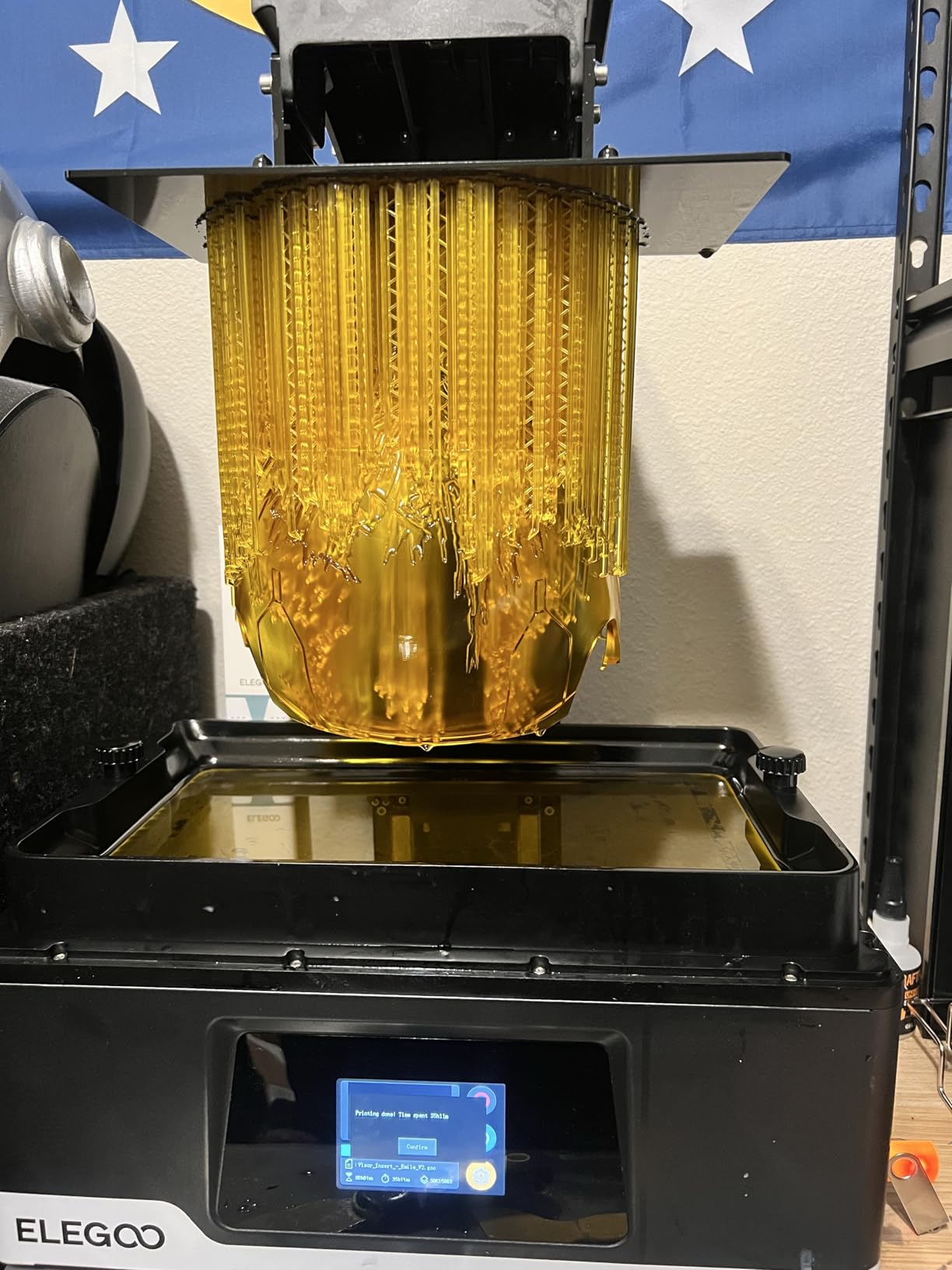
The 3.6 rating needs context. Long-term satisfaction among owners who have tuned the machine is high, but the one-star share is dominated by early hardware failures and levelling behaviour that reports success while prints still detach.
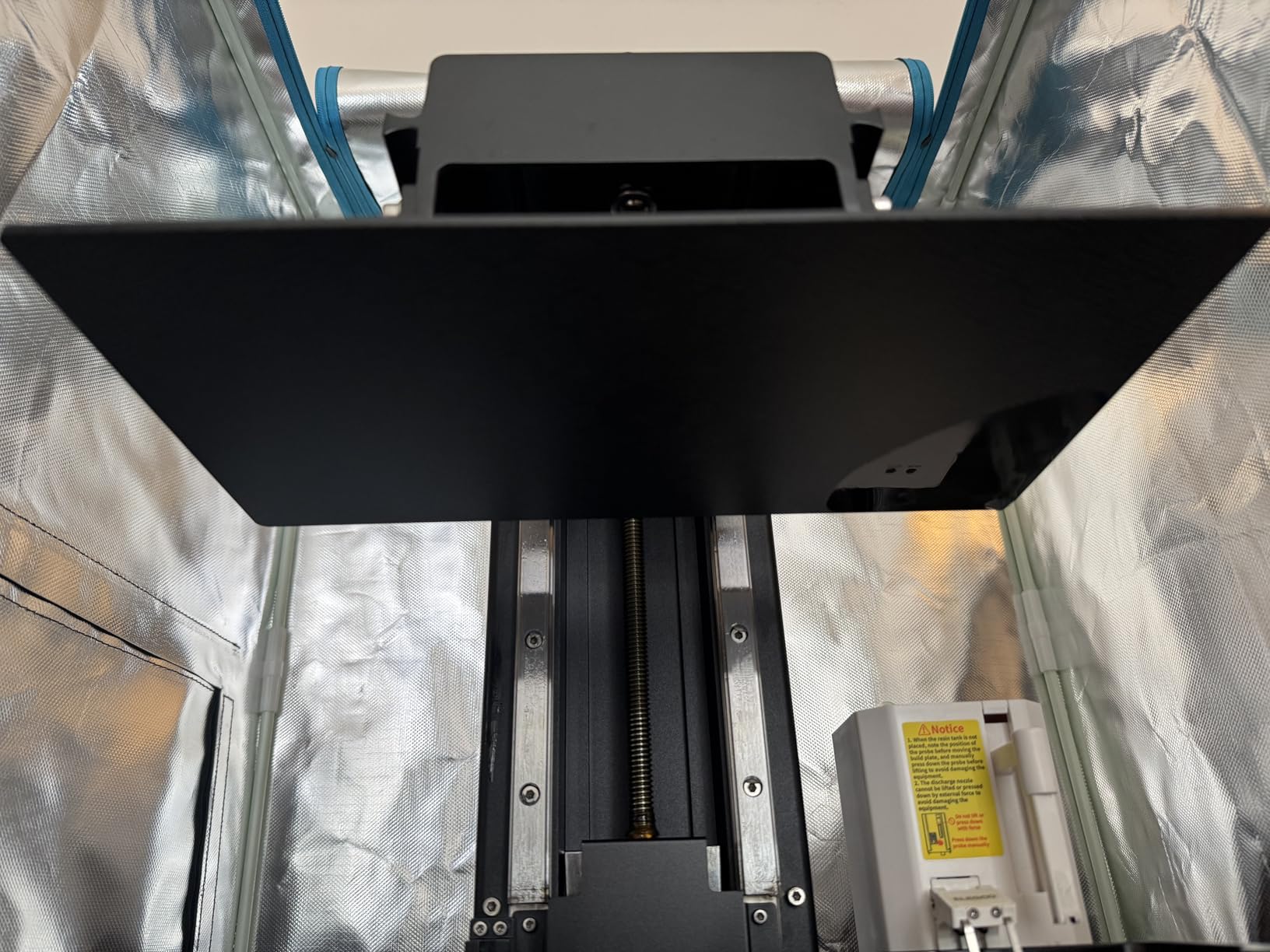
What you get on a display piece?
At 300mm tall you can print a bust with an integral plinth and a full scenic base in one piece, which is the single biggest time saver when you are painting for display rather than gaming.
The 20 by 26 micron pixel keeps broad surfaces smooth under primer, so a large model does not need as much sanding before you start painting.
Where it will frustrate you?
Owners report recurring LCD and ribbon cable failures, including panels arriving with peeling filters, and the resin level sensor and auto-feed pump can keep running when the vat is empty.
At 63.8 pounds with a build plate that must be unscrewed rather than hinged to access, and software that reviewers describe as underdeveloped for what it costs, this is a machine for someone who already knows what they are doing.
8. Creality Halot-X1 Combo – Best Resin Printer With No Levelling to Do
Creality Halot-X1 Combo Resin 3D Printer, 10.1″ 16K Mono LCD, 14×19 μm
10.1-inch 16K mono LCD
14 x 19 micron XY pixels
Up to 170 mm/h
Fixed build plate
Pros
- 14 x 19 micron pixels are among the sharpest available
- Fixed build plate removes levelling entirely
- 170 mm/h with a 211 x 118 x 200 mm volume
- RFID resin recognition loads profiles automatically
- Weight monitoring guards against running dry
- 92 light zones reduce overexposure
Cons
- Small review base limits long-term evidence
- Creality slicing software is still immature
- Auto-feed adds complexity some owners do not need
- 38 pound enclosed body needs proper ventilation
The most interesting engineering idea in this roundup. Instead of moving the build plate up and down, the Halot-X1 moves the optical system down to a fixed plate. There is no bed to level, no glass to check with a feeler gauge, and no first print wasted on a misaligned vat. For a first machine that removes the single most intimidating step.
On paper the specification leads the field. A 10.1-inch 16K panel at 14 by 19 micrometre pixels is the sharpest pixel specification here, and 170 mm/h matches the fastest machine in the list on a build volume of 211.68 by 118.37 by 200 mm that is generous for minis.
What you get on a 28mm figure?
At 14 by 19 micrometres this is the sharpest specification in the roundup, so faces, engraved heraldry and chainmail links resolve more finely than on any other machine here.
Ninety-two independently addressable light zones reduce overexposure near the edges of a part, which matters for the thin cape and weapon tips that typically cure too hard and snap.
Where it will frustrate you?
Only 22 reviews, so the 3.6 rating reflects a small sample rather than widespread dissatisfaction, and there is simply not enough owner history to judge panel lifespan honestly.
The AFU auto-feed is a system you have to learn, and Creality’s slicing software is the least mature of the group. The 38-pound body with an enclosed light source also needs a properly ventilated room.
9. Creality Halot Mage S 14K – Budget Pick With Genuine 14K Detail
Creality Resin 3D Printer Halot Mage S 14K, with 10.1″ HD LCD MSLA Mono
10.1-inch 14K mono LCD
16.8 x 24.8 micron pixels
Dynax+ up to 150 mm/h
Integrated carbon air filter
Pros
- 14K resolution at the lowest cost in this roundup
- Dynax+ prints a 15 cm model in about an hour
- Laser-carved plate and wire adapter aid adhesion
- Pictor film cuts peel force by 35 percent
- Built-in carbon filter reduces resin odour
Cons
- Highest one-star share in this roundup at 23 percent
- Reports of failed auto-levelling and prints lifting
- HALOT OS and bundled software lag rivals
- Some units needed LCD replacement and firmware reinstall
- Resin pump is an optional extra
Put a 10.1-inch 14K panel with 16.8 by 24.8 micrometre pixels into the entry-level machine here, and you arrive at the Halot Mage S. On resolution per unit of spend it is the strongest value in this roundup, and the integrated carbon air filter is unusual at this end of the market.
Dynax+ closed-loop mode pushes 150 mm/h, and Creality quotes a 15cm tall model in about an hour. For minis that means a full evening of work, which matches the pace most hobbyists actually print at.
Pixel pitch matches the Photon P1 almost exactly, so face and armour detail is genuinely good for what you spend, and the large 10.1-inch screen gives plenty of room for a full warband on one plate.
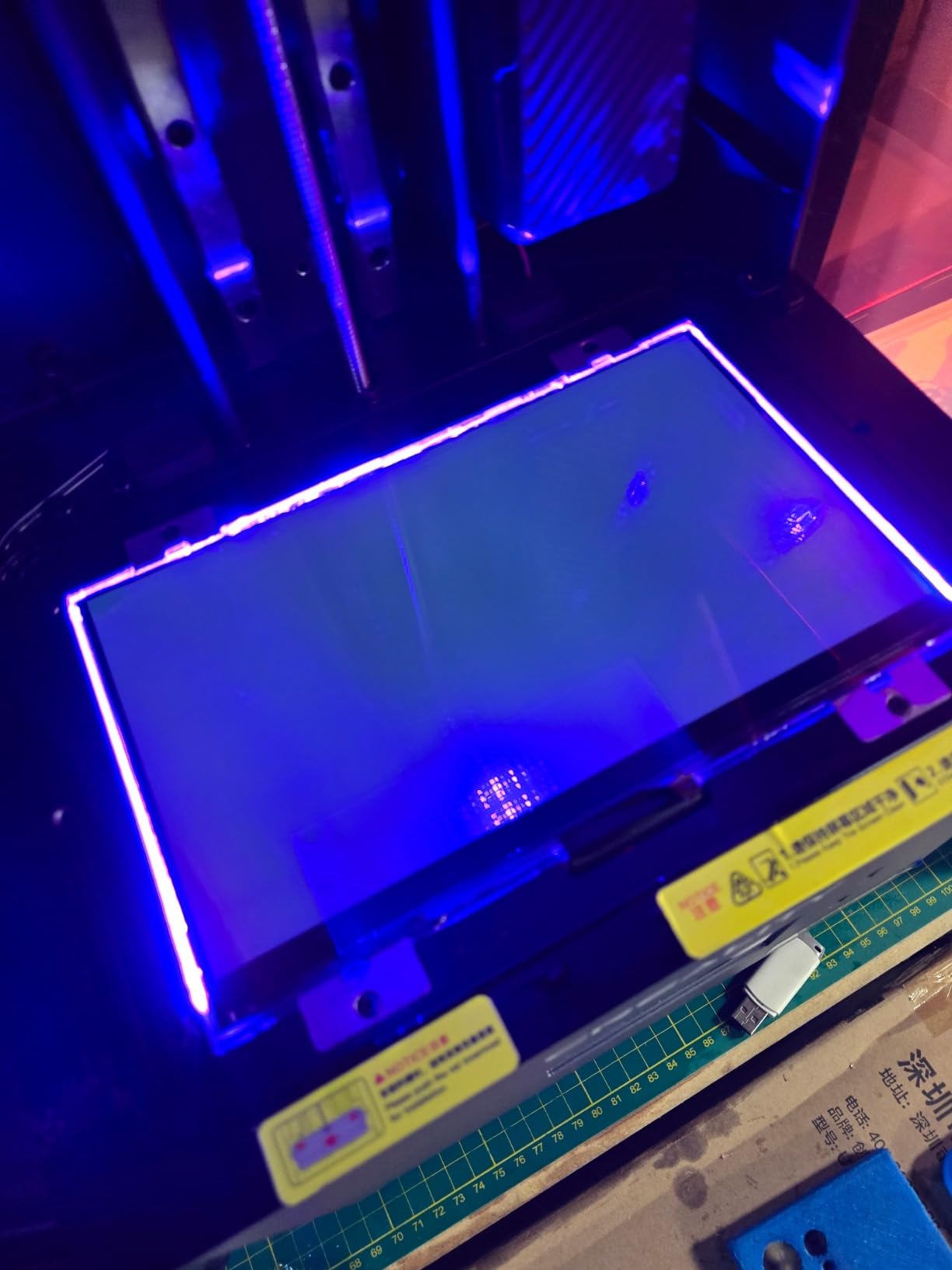
What you get on a 28mm figure?
The 14K panel keeps engraved heraldry and chainmail links readable at 28mm, and the Dynax+ profile has enough headroom to finish a plate of rank-and-file models inside a single evening.
The built-in carbon filter is the quiet hero for anyone printing in a flat, because it is one less box to buy and one less thing to remember to switch on.
Where it will frustrate you?
This machine carries the highest one-star share in the roundup at 23 percent. The complaints are consistent: failed auto-levelling, prints lifting mid-run, and LCD or firmware faults within the first year.
HALOT OS and the bundled slicing software lag the Elegoo and Anycubic equivalents, and the Smart Resin Pump is an optional extra rather than included.
What Actually Decides Miniature Quality on a Resin Printer?
XY resolution, and why 20 microns is the line
Rule of thumb: get under 20 micrometres. The Mono 4 at 17 by 17, the Mars 5 Ultra at 18, the Halot-X1 at 14 by 19 and the Mage S at 16.8 by 24.8 all clear it. The Phrozen Mega 8K S at 43 micrometres does not, which is why it is a batch machine rather than a hero-piece machine.
Beyond about 16K the gains flatten out. Most owners in the hobby community report that the visible difference between 14K and 16K is marginal under primer, and that going from 9K to 14K is the step that actually changes how a model looks.
Build volume and how many minis fit per plate
Plate size decides your batch size, and the practical numbers are easier to reason about than the marketing dimensions. A 6 by 3.4 inch plate comfortably holds 16 to 20 gaming minis on individual bases. A 7.3 by 4.9 inch plate holds 30 or more. The Phrozen’s 13 by 7.3 inch plate is the one built for a full warband in a single job.
Height matters more than most buyers expect. A standard 32mm miniature on a round base stands about 40mm tall, so a 165mm build height gives you four ranks. That is a real saving on long jobs.
Tilt release, and why it decides whether your miniatures survive
Suction is the number one cause of lost prints on small models, and it is consistently the top complaint in hobby forums. A 30mm figure has very little surface area to hold it against a taut FEP film, so the film simply stays stuck while the model twists off.
Mono versus RGB LCD
Every machine in this roundup uses a monochrome screen. That is settled technology. A mono screen passes far more light per second, which means shorter exposure times and faster prints, and it does not heat up nearly as much as an RGB panel.
There is no reason in 2026 to buy a new RGB-lidded machine. Exposure times on mono panels are down to two to three seconds per layer, so speed is no longer the trade-off people remember from the early days of resin printing.
Printing Miniatures Without Losing Them to Suction
Angled supports, not straight vertical ones. A support at 30 to 45 degrees puts peeling force across the base rather than straight up the tip of a weapon. Auto supports with a 0.3mm tip contact generate far fewer contact scars on a miniature’s shoulder or hip.
Raft, then a large single-layer base contact area. Small models on a small raft stick worse, not better, because the total contact patch is too small. Increase the raft margin rather than the raft thickness.
Lower the exposure on the first few layers and raise it as the print climbs. Over-cured bases peel cleanly and then fracture. Under-cured bases never peel at all, and the model drops mid-print.
Never force a model off a cold plate. Warm it, drain it, and release the tension gradually. The most common cause of a snapped sword is a panicked two-handed pull at the moment the plate was still gripped by suction.
And watch the cure time. Over-curing in the wash station is the leading cause of brittle minis, and the usual victims are exactly the parts you care about: sword blades, shield edges, bows, antennae and the tips of a cloak. Shorter cure, then a full dry-out in the open air, produces a model that survives being knocked off a table.
Resin or Filament: Which Technology Prints Which Models?
A 28mm or 32mm figure is small enough that layer lines would be visible on the face and on the rim of a shield, and filament struggles with overhangs under 45 degrees without support scaffolding that costs more time than the print. Resin handles both without complaint.
Terrain is the opposite problem. A modular dungeon tile or a hill is large, mostly flat on the bottom, and does not need detail on a hidden surface. A filament printer produces those in a fraction of the time and at a fraction of the material cost, and it is safe to run in a room with other people.
So the sensible setup for many hobbyists is both. Our general guide to the best 3D printers covers the filament side, and the beginner printer guide is worth reading if resin has never been on your desk before. If you are starting from nothing, a filament machine for terrain and one of the resin machines on this list for figures covers every base in your campaign.
Anycubic or Elegoo: Which Brand to Commit To?
Where they genuinely differ is in the software and the sensor package. Elegoo bundles a three-month ChiTuBox Pro subscription and, on the Mars 5 Ultra and Saturn 4 Ultra, adds a camera with a chamber light and Wi-Fi job sending. Anycubic’s Photon Workshop is competent but the most criticised in this roundup, and owners on the M7 Pro specifically call it cumbersome and cloud-dependent.
For beginner-friendliness, Elegoo has the edge because the self-levelling plate and the tilt release are standard rather than optional. For raw mechanical quality, Anycubic’s ball-screw frame on the P1 is the better engineering, and the LighTurbo light source is very even across the panel.
Pick on the machine, not the badge. A well-tuned Mono 4 beats a badly-tuned Saturn 4 Ultra every single time.
Ventilation, Washing and Curing Before You Buy
Wear nitrile gloves. Uncured resin on skin causes sensitisation over time, and this is not a small risk when you are handling 20 miniatures at a time. Ventilate the room while printing, keep pets and children out of it, and never pour uncured resin down a drain.
Buy a wash and cure station. Washing models in a jar of isopropyl alcohol by hand works, but a station with a tilting basket gets 12 miniatures clean in minutes instead of half an hour, and curing is far more consistent when the UV exposure is timed rather than counted in your head. Start with 1 to 3 minutes per side for most standard resins, then dry fully before painting.
One last preparation tip that costs nothing: print your first miniatures in grey or black resin rather than clear. Defects, incomplete cures and layer separation are far easier to see on a dark surface, and you will catch problems before you spend an evening priming a model with a crack down the back.
Frequently Asked Questions
What is the best resin for miniature printing?
For gaming miniatures, a tough or flexible tabletop-grade resin beats a standard brittle formula. Brittle resins print beautifully but snap at weak points, and the parts that break first are exactly the ones you notice: sword tips, shield edges, bows and antennae. Black and grey resins are the smarter first choice for beginners because defects and incomplete layers show up visibly, which matters more than clarity at first. A water-washable low-odour resin is the least punishing option if you share a home. Whichever you pick, keep cure time short and let the model dry fully, because over-curing embrittles resin faster than almost anything else.
Are resin printers better for miniatures?
For figures, yes, and the difference is not subtle. Resin machines cure liquid photopolymer with a masked UV screen, so resolution is set by the pixel pitch of the LCD, typically 14 to 20 micrometres. A filament printer builds a model from melted plastic in layers and shows visible lines on anything under about 50mm. For terrain, buildings and large flat pieces, filament is faster, cheaper in material and safer indoors, so most hobbyists end up owning one of each.
What type of 3D printer is best for miniatures?
An MSLA resin printer with a monochrome LCD is the right answer for figures, and a monochrome panel is now standard rather than a premium feature. Look for XY pixel pitch under 20 micrometres, a build volume that fits at least 16 gaming minis on a base, and tilt release or a lifting platform so suction does not tear small models off the plate. Add a wash and cure station to the budget, because the printer alone does not produce a finished miniature.
Which resin printer is better, Anycubic or Elegoo?
Both are good, and both cover the beginner, mid-range and premium bands, so choose on the specific machine. Anycubic builds the stronger mechanics, as seen on the Photon P1 with its ball-screw frame, and its LighTurbo light sources spread UV evenly across the panel. Elegoo leads on software and monitoring, bundling ChiTuBox Pro, an in-chamber camera and Wi-Fi job sending on the Mars 5 Ultra and Saturn 4 Ultra. For a first machine, Elegoo’s self-levelling plate and tilt release make setup considerably easier.
Which Resin Printer Should You Buy?
Buy the ANYCUBIC Photon Mono 4 if you want the best resin 3D printer for miniatures without a long learning curve. Its 17 micrometre pixels are sharp enough for faces, the plate is compact enough for a home office, and hundreds of owners have already documented how it behaves.
Buy the ELEGOO Saturn 4 Ultra 16K if print quality is the priority and you have bench space for a 24 by 17 by 15 inch machine. Buy the Phrozen Sonic Mega 8K S if throughput and army batches matter more than the last five percent of detail, and the Jupiter 2 if you also print display-scale pieces.
Our beginners guide covers the wider question of which machine suits a first hobby, and our large format guide is the reference for scenery beyond what any resin vat on this list will take. Whatever you choose, budget for a wash and cure station, nitrile gloves and an air purifier before you budget for a second printer. Those three things fix more miniature problems than any resolution upgrade will.