
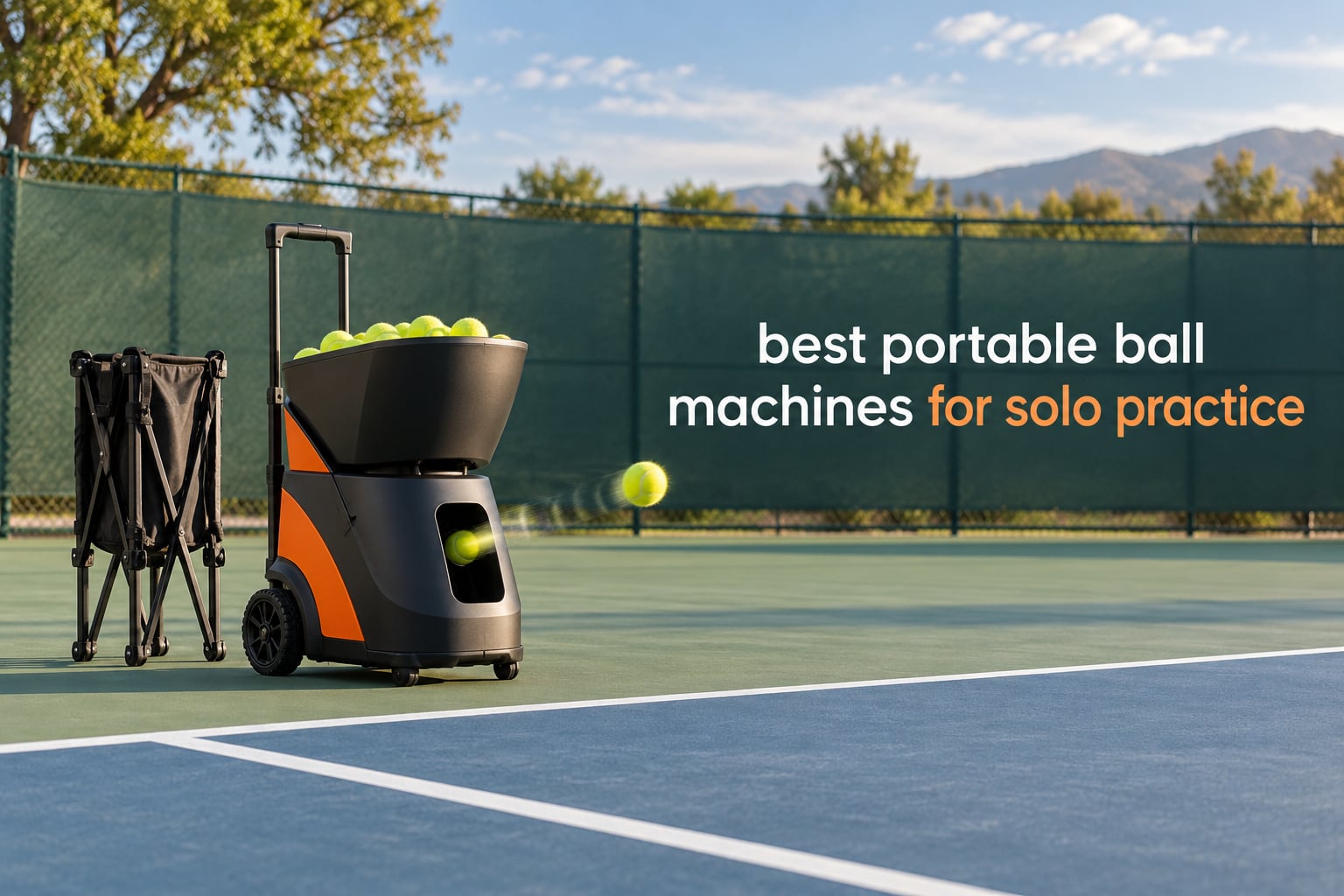
Practising alone used to mean a wall, a bag of balls and a lot of guessing. A portable tennis ball machine changes that: you load the hopper, set the feed, and get the same repeatable ball every minute of the session. When we lined up the best portable ball machines for solo practice for 2026, the differences that mattered were not marketing terms but three very practical things.
Can you carry it from the car to the court by yourself, does it run on a battery you can carry separately, and does the feed stay consistent long enough to finish a drill. Everything else, from 28 programmable landing points to voice control, only helps once those three basics hold up.
We reviewed ten machines that cover the range from a simple AC-powered feeder to app-driven smart units with removable battery packs. Seven of them feed tennis balls, and three are built for pickleball. That mix matters more than it sounds, because a pickleball machine’s slower speed ceiling and bigger hopper solve a different problem than a tennis machine’s spin control. If you want the wider sweep of feed types including fixed launchers and rebound options, our companion guide on the best tennis ball machines covers that ground separately.
Below is the short version: the Spinshot Pro is the pick we would buy first, the Titan ACE is the strongest app-driven machine here, and the Nisplay N1 is the best balance of weight and support. We explain why under each review.
Table of Contents
Top 3 Portable Ball Machines for Solo Practice in 2026

Titan ACE Pickleball Machine
- App drill programming
- 110-ball invertible hopper
- 2-year warranty

Nisplay N1 Ball Machine
- 26 lbs aluminum body
- External lithium battery
- Dual-motor spin
- 80+ ball hopper
The Spinshot Pro takes the top spot because it does the fundamentals without any gimmick to learn. Everything is a knob on the panel, the frame is metal rather than plastic, and oscillation pushes the feed across the court so you move your feet instead of standing still. It is heavy, and that is the honest trade.
The Titan ACE takes the top-rated slot with the highest rating in this group, driven by a drill app that genuinely shapes practice, a 110-ball hopper that inverts for storage, and a two-year warranty. It is a pickleball machine, and it wants an enclosed court.
The Nisplay N1 is the value pick. At 26 lbs with an external battery you can carry by itself, it solves the two problems that frustrate most solo players, and the support experience described by owners is unusually good.
Best Portable Ball Machines for Solo Practice (October 2026)
| Product | Specifications | Action |
|---|---|---|
| Spinshot Pro Ball Machine |
|
Check Latest Price |
 Lobster Elite Tennis Ball Machine Lobster Elite Tennis Ball Machine |
|
Check Latest Price |
 Lobster Sports Pickleball Machine Lobster Sports Pickleball Machine |
|
Check Latest Price |
 Furlihong 3819BH Furlihong 3819BH |
|
Check Latest Price |
| Titan ACE Pickleball Machine |
|
Check Latest Price |
 PUSUN PT-Smart PUSUN PT-Smart |
|
Check Latest Price |
 TENNIIX Basic Tennis Ball Machine TENNIIX Basic Tennis Ball Machine |
|
Check Latest Price |
| Nisplay N1 Ball Machine |
|
Check Latest Price |
 JP02 Pickleball Machine JP02 Pickleball Machine |
|
Check Latest Price |
 PONGBOT PACE S PRO PONGBOT PACE S PRO |
|
Check Latest Price |
Two entries in that table are worth a note. The Furlihong 3819BH does not publish an item weight, and the Spinshot Pro listing shows 49.8 pounds as the item weight for the packaged unit. Where a figure comes from the packaging rather than the machine itself, we say so in the review.
1. Spinshot Pro Ball Machine: All-Metal Knob Control for Reliable Solo Feeding
Spinshot Pro Tennis Ball Machine (The Best Model for Easy Use)
All-metal build
Knob controls
Speed to 1 ball per 10 seconds
Oscillation
About 60-ball hopper
Pros
- Durable metal frame instead of plastic
- Every setting is a physical knob
- Oscillation forces you to move
- Feed interval from 1 second to 10 seconds
- Customer service handles battery replacement
Cons
- Listed weight of 49.8 pounds makes solo transport hard
- Hopper flaps feel flimsy
- Battery may need replacing within a year
This is the machine we would put in a car first, and the reason is simply that nothing needs explaining. There is no app to pair and no menu to learn. You turn the speed knob, set the interval, flip the oscillation switch and the machine is feeding. For a player who has never used a ball machine, that removes every possible reason to give up on the first session.
Owners consistently single out two things: the frame feels like a machine rather than a toy, and the oscillation range is wide enough to work a whole baseline rather than a small patch. The feed interval runs from one ball per second down to one every ten seconds, which covers both short approach-ball drills and a slow solo rally.
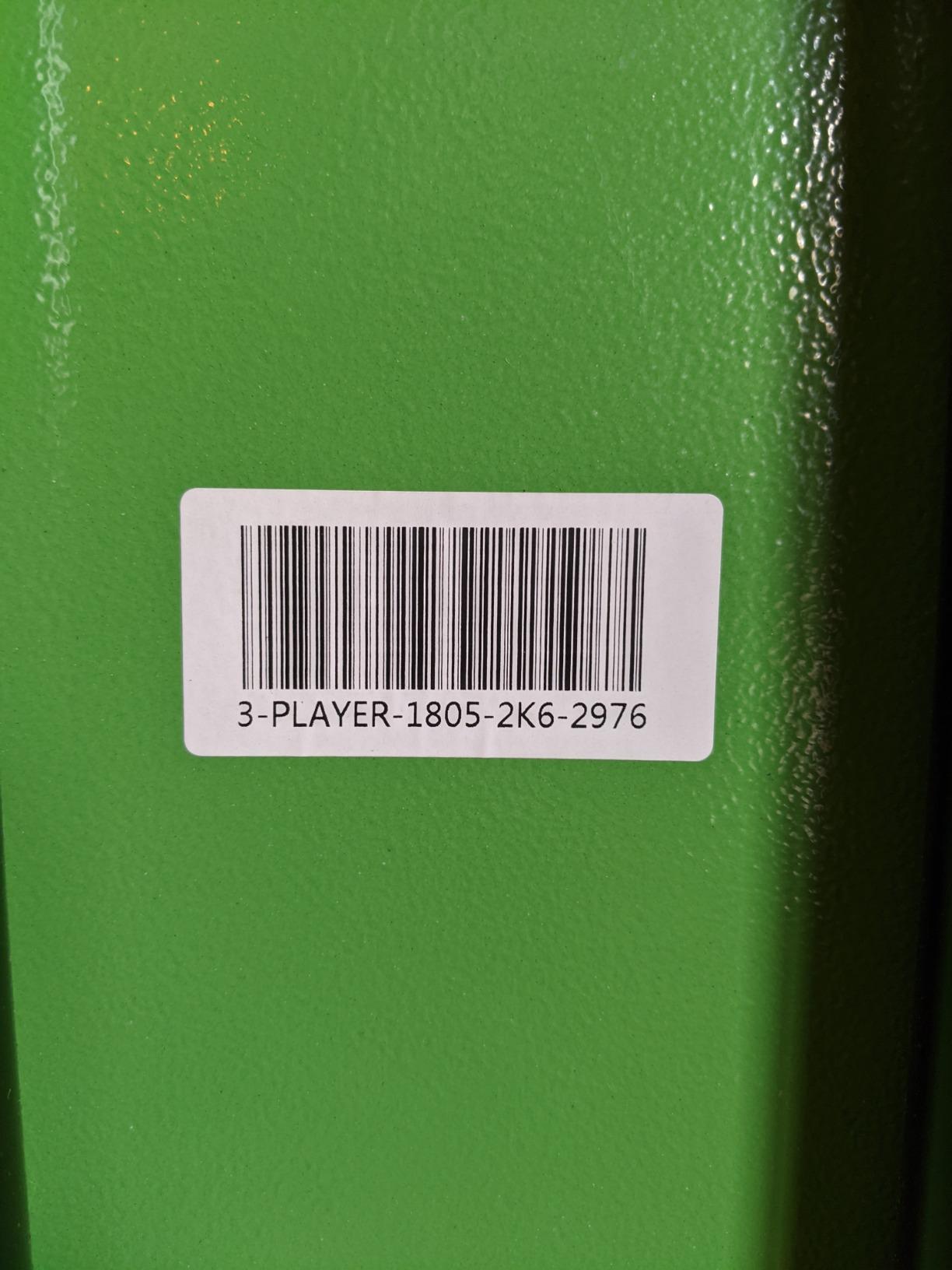
Here is where honesty is needed. The listed item weight is 49.8 pounds, and that is the number that decides whether this suits you. A solo player carrying it from a parking lot across grass will feel it. It does have wheels and handles, which helps on a hard surface, but this is not a one-hand carry machine.
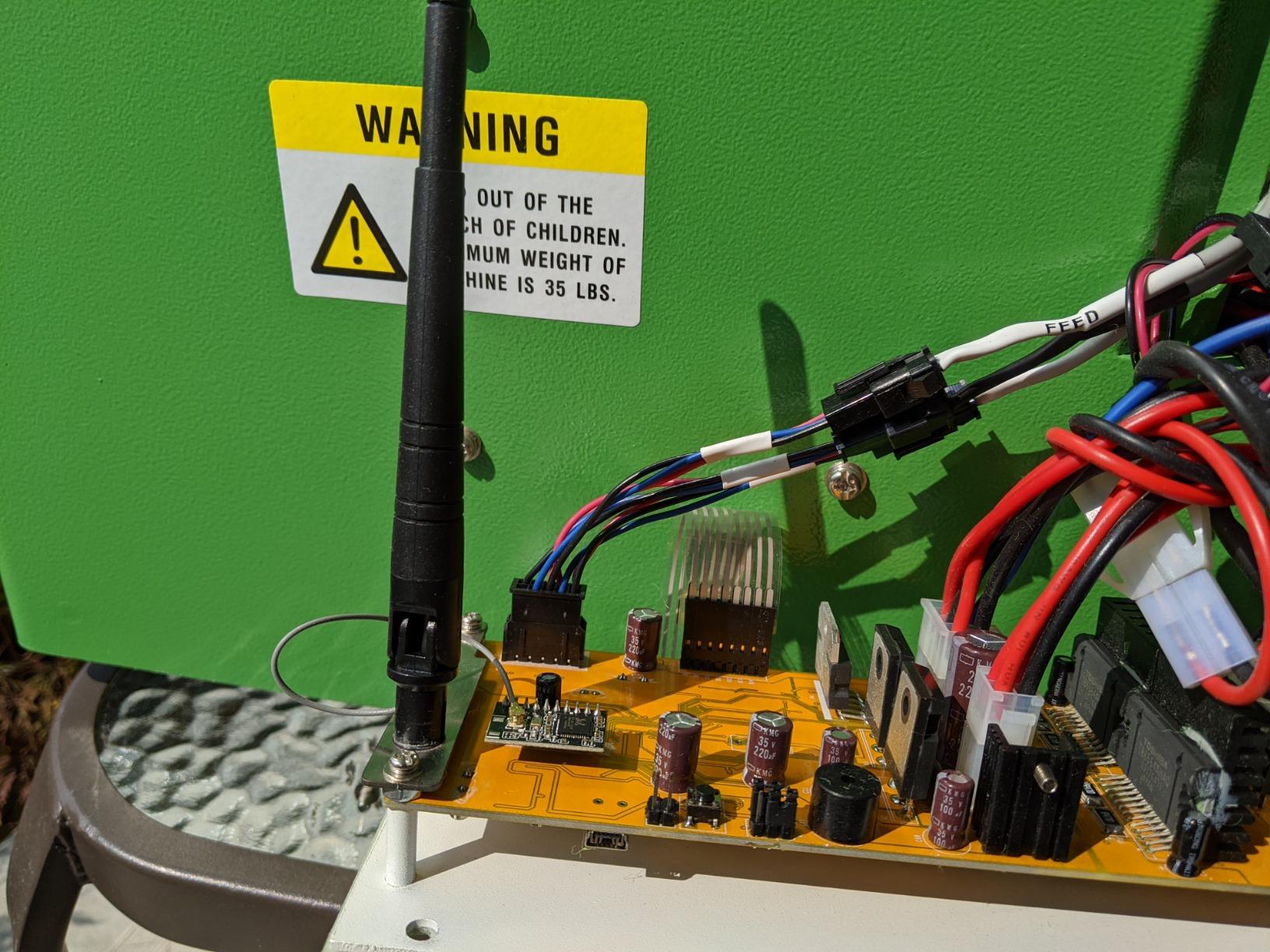
The other recurring gripes are small. Owners report the hopper flaps feeling flimsy, and several note they cannot see how many balls remain without opening the lid mid-session. Battery longevity varies, and because the battery is not included in the machine box, plan on charging it ahead of a session rather than at one.
Who the Spinshot Pro suits
It suits the beginner who wants zero setup friction, and it suits the club player who runs groundstroke consistency drills and wants the machine to just keep feeding without a screen in the way. The all-metal frame also suits anyone who has had a plastic machine crack after a couple of seasons.
It also suits players who already know exactly what feed they want. Because every control is physical, you can adjust while standing at the machine between drills, which is faster than unlocking a phone in the middle of a session.
Where the Spinshot Pro falls short
It falls short on weight and on advanced shot variety. There is no placement programming, no spin dial with named levels and no app drills, so variety has to come from your own footwork and manual repositioning.
If your priority is carrying a machine up stairs or across a park with no wheels on the route, look at a lighter option further down. This one rewards players who park close and stay put for a long session.
2. Lobster Elite Tennis Ball Machine: Heavy-Duty Classic with a Wide Speed Range
LOBSTER Sports Elite One Tennis Ball Machine – Auto Portable Launcher, Adjustable Ball Speed, Spin Control, Lob Electronic Switch, Horizontal Sweep, Lightweight, Holds 150 Balls, with 2-Button Remote
10-80 MPH adjustable speed
Topspin and backspin
Elevation to 60 degrees
42 lbs
Rechargeable battery
Pros
- Adjustable 10-80 MPH speed range
- Strong and adjustable spin
- Folding handle and inverting hopper for storage
- 4-6 hours of play per charge
- Two-year warranty
Cons
- Handle locking mechanism is described as flimsy
- 42 pounds is a two-person lift for some
- Made of plastic despite the industrial look
- No charge indicator on the unit
The Lobster Elite is the one most people picture when they hear the phrase tennis ball machine, and it earns that. The speed range from 10 to 80 MPH is among the widest in this group, which means it can feed a beginner a gentle waist-height ball and still hit a flat drive at a strong club player.
Spin is a real control rather than a fixed setting, and electronic elevation goes up to 60 degrees. Owners using it for solo practice tend to use a much narrower slice of that range than they think, typically between 25 and 50 MPH, but having the headroom matters for progression.
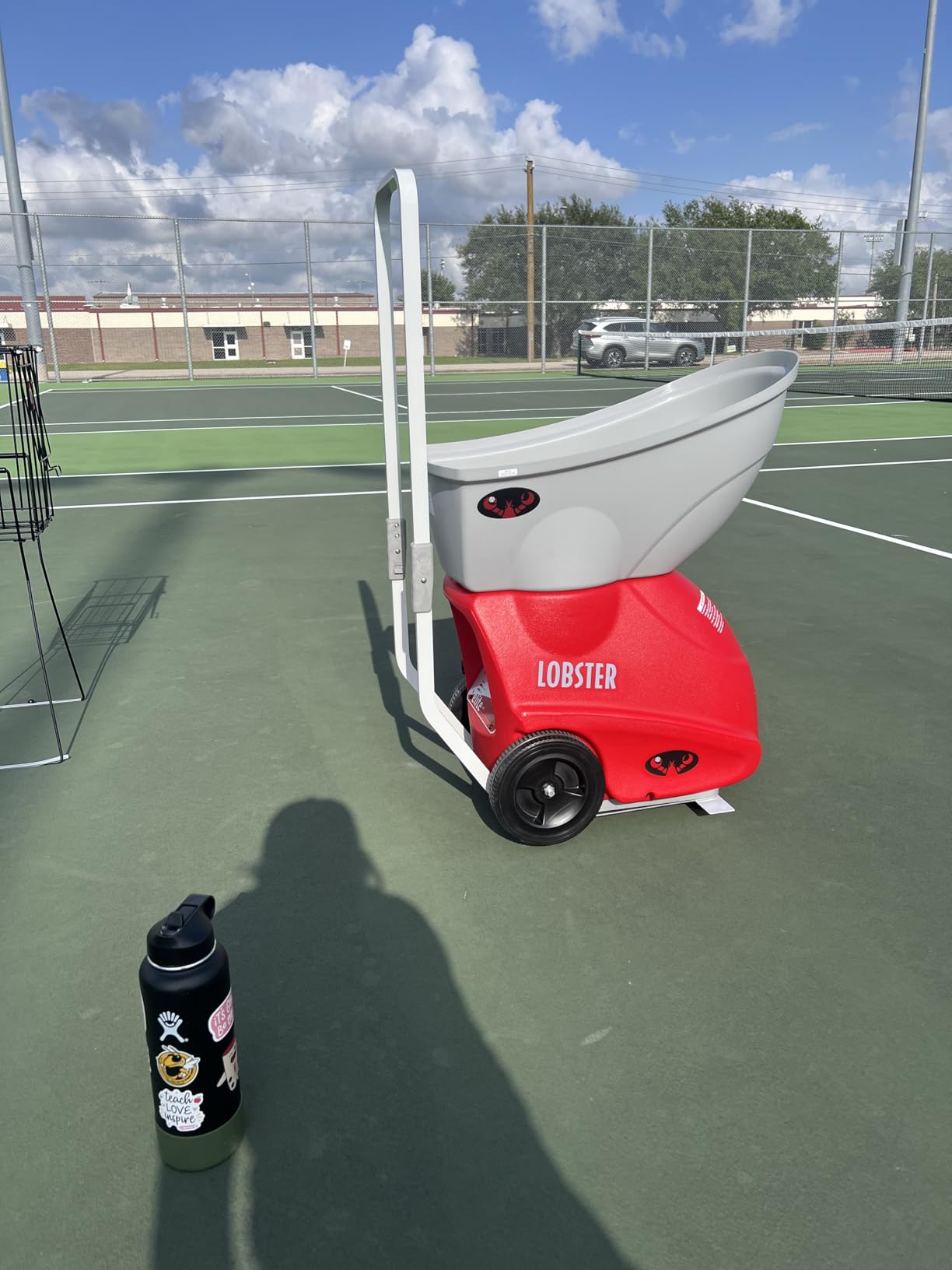
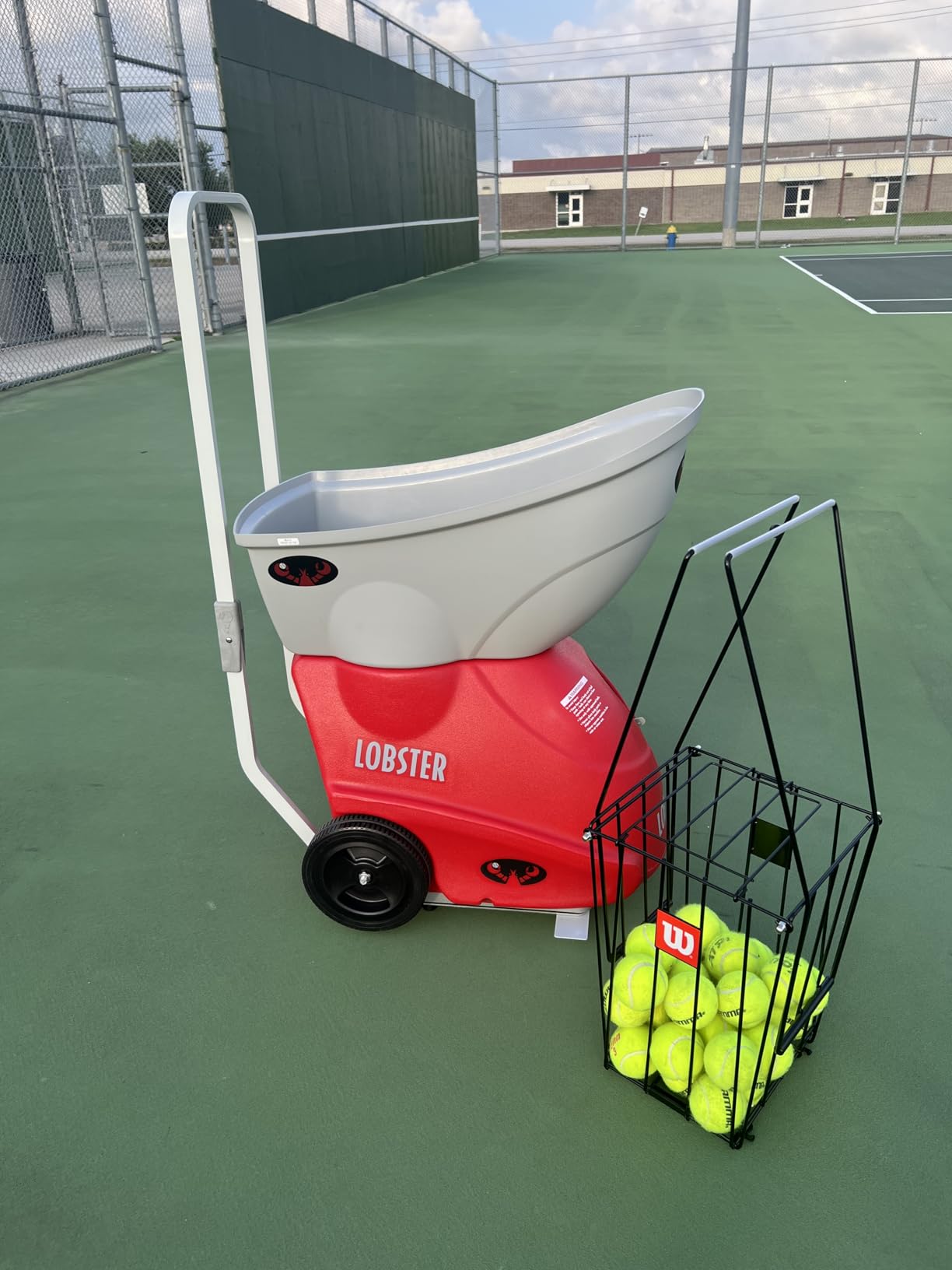
The main practical warning is the handle. Multiple owner reports describe the bend as sharp enough to catch an arm while lifting the unit, and the locking mechanism at the folding joint is called out as flimsy. This is a 42-pound machine with a folding handle, and the handle is the part that carries the whole weight.
Everything else about the transport story is good. The inverting hopper folds the unit down to roughly 30 by 23 by 18.5 inches, the 8-inch all-terrain wheels roll over grass and gravel, and the battery is rechargeable rather than a sealed pack. Buyers get a standard charger and a two-year warranty.
Who the Lobster Elite suits
It suits a player with a driveway or a permanent court spot who wants a genuine workhorse rather than a gadget. Someone who alternates between a beginner-friendly feed and a fast flat ball during the same session will get more out of the wide range than from any fixed-feeder machine here.
It also suits anyone who prefers physical controls and long service intervals. Owners report this unit running for years with basic maintenance, and customer service on replacements is repeatedly described as fast.
Where the Lobster Elite falls short
It falls short for a truly solo player who must carry it alone from a car. Forty-two pounds is manageable for many adults over a short distance, but it is not a light lift, and the handle issue makes it worse than the weight alone suggests.
It also has no app, no placement programming and no recovery drills. Variety comes from speed, spin and elevation only, which is a lot less than a smart machine can generate without you walking to the unit.
3. Lobster Sports Pickleball Machine: 125 Balls and a Random Feed Pattern
LOBSTER Sports Pickle Pickleball Machine – Full-Featured Auto Launcher, Adjustable Topspin, Backspin, & Lobs, Horizontal Sweep, Battery Powered, Lightweight, Holds 125 Balls – with 2-Function Remote
20-60 MPH speed
125-ball hopper
35 lbs
Elevation to 50 degrees
Two to four hour battery
Pros
- Large hopper for long sessions without refilling
- Random and horizontal oscillation
- Compact when folded
- Aluminum handle
- Remote included as standard
Cons
- Thrower wheels carry only a 60-day warranty
- Replacement wheels are an expensive part
- Minimum feed interval is around five seconds
- Hopper does not stay full at the rated capacity
This Lobster unit is built for pickleball, and it shows in the hopper. One hundred and twenty-five balls is far more than a typical tennis feeder carries, which means a long session without a mid-session refill, and that is the single biggest practical difference between the two sports.
The feed pattern is the second reason to consider it. Alongside a standard horizontal sweep, the random option changes the position ball to ball, so you cannot time the feed visually from behind the baseline. Random feeds are harder and far better for reaction drills and for players working on split-step timing.
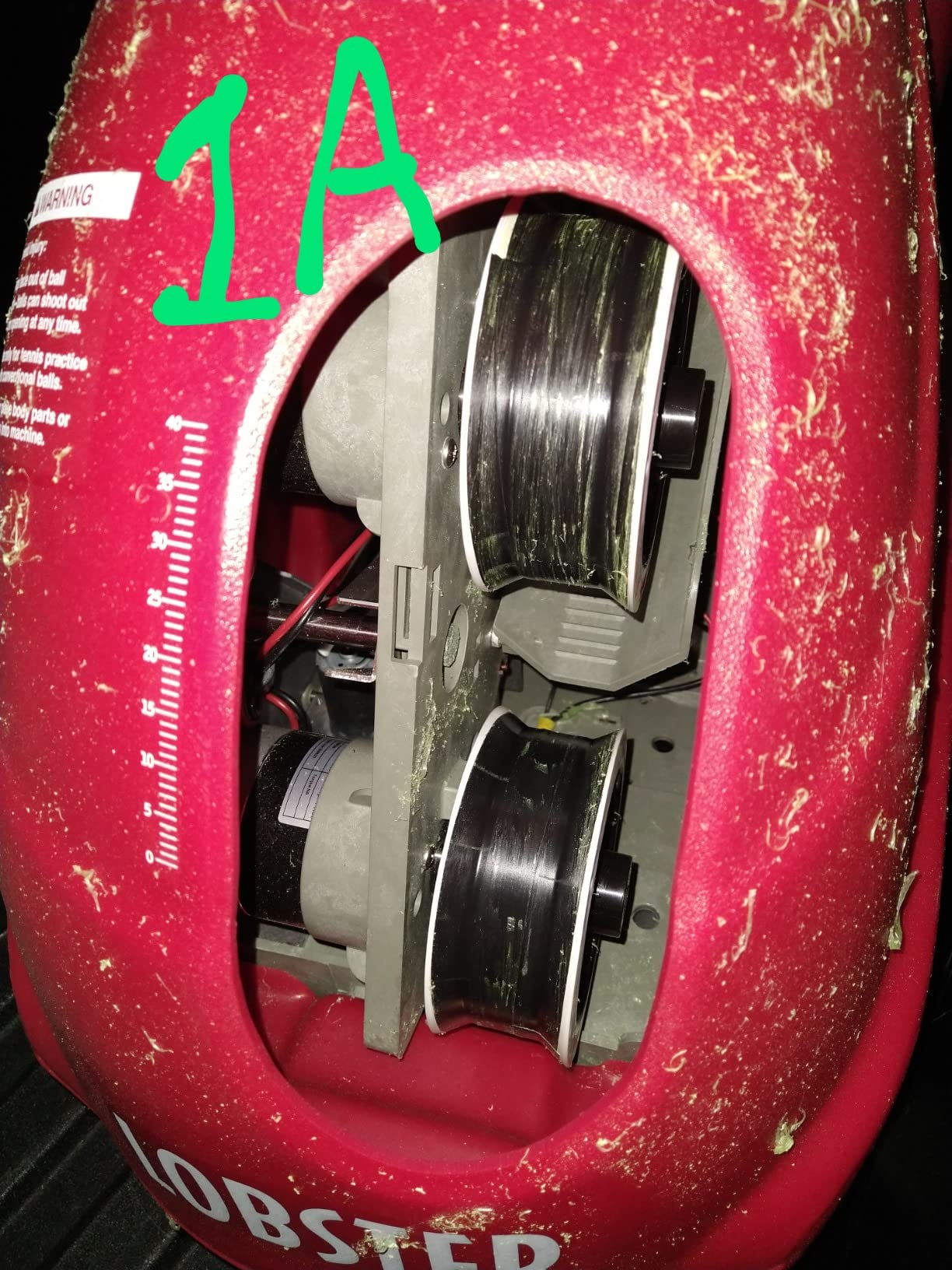
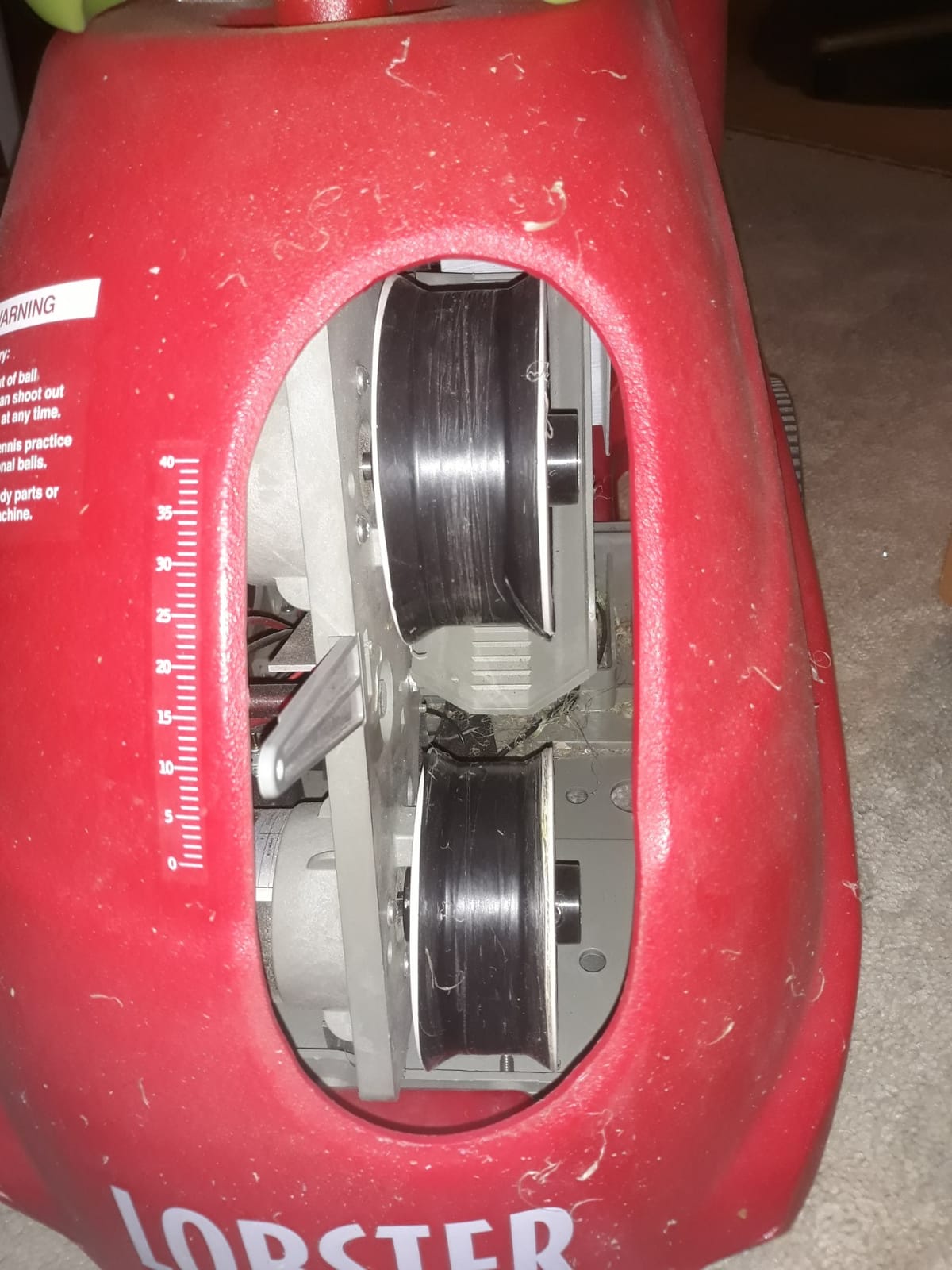
The maintenance note here is specific and worth reading twice. The thrower wheels are covered by a 60-day warranty and the replacement part is expensive, so the ball type you use affects how long they last. Owners report that harder balls leave far less residue on the wheels than softer ones.
Two smaller limits: the slowest feed interval is around five seconds rather than the longer gaps some drills need, and the hopper does not reliably hold its full rated capacity without spilling. Neither is a dealbreaker, but both show up in long sessions.
Who the Lobster Pickleball machine suits
It suits a pickleball player who practises alone and wants long sessions without walking out to refill a small hopper. The 35-pound weight and folding handle are also more manageable than the tennis Lobster Elite above, so transport is a smaller problem.
It also suits anyone who has plateaued on predictable feeds. Random oscillation is a cheap way to break the autopilot habit of hitting a ball you have already predicted.
Where the Lobster Pickleball machine falls short
It falls short for tennis players. A 20 MPH minimum feed and a design tuned for pickleball ball characteristics mean this is not a substitute for a tennis machine, despite the shared Lobster name.
The wheel warranty is the weak point over a multi-year ownership horizon. A machine that needs a costly part after eighteen months is a different proposition from one that does not, and that is worth factoring in before buying.
4. Furlihong 3819BH: The Simplest Machine That Feeds Tennis Balls
Furlihong 3819BH Portable Tennis Ball Machine
Up to 30 MPH
5 angle settings
2 power levels
4 serve intervals
AC adapter powered
Pros
- Entry-level machine for a first solo feeder
- Lightweight and easy to move
- Five angle settings cover common drills
- Includes ball tracks and a screwdriver
- Simple one-button operation
Cons
- AC adapter only with no battery option
- 30 MPH ceiling is beginner territory
- Five fixed angles limit drill variety
- Plastic construction
- Only a 12-month warranty
The Furlihong 3819BH is the reason this roundup is not just a list of expensive robots. It is a genuinely simple ball feeder that will produce a repeatable feed within a couple of minutes of opening the box, and for a first-time solo practitioner that can be more valuable than any app.
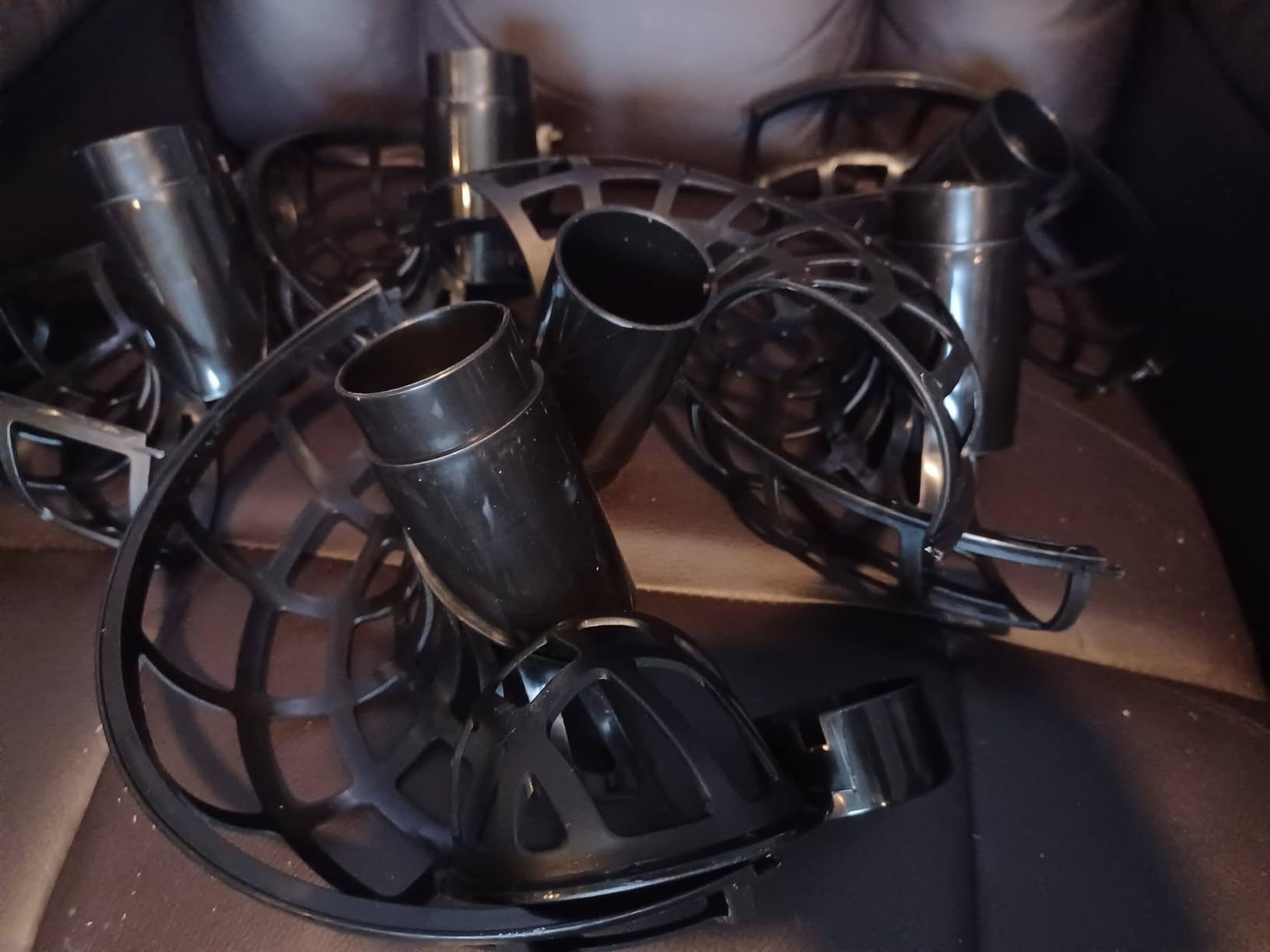
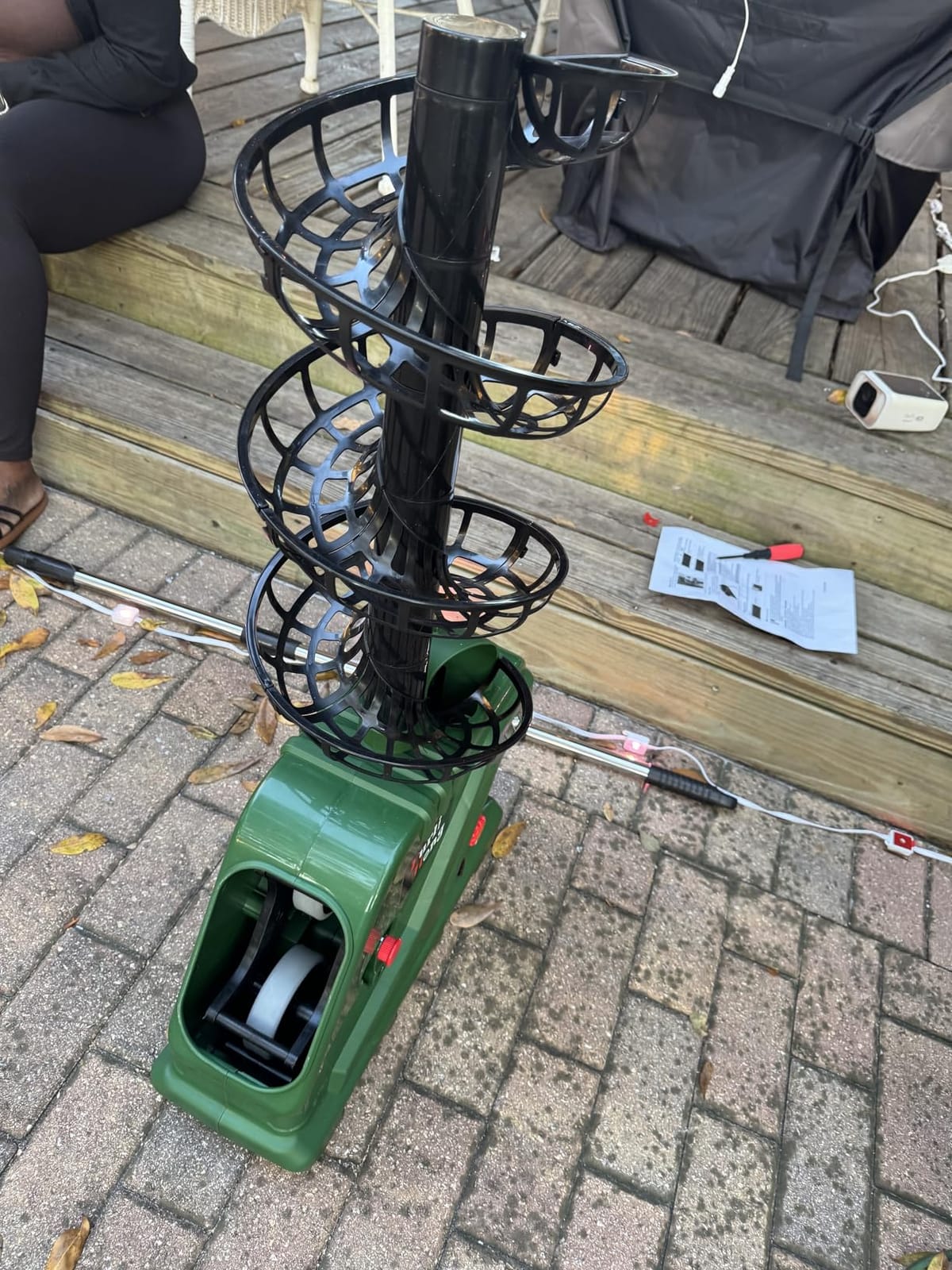
The build quality is simple. It is plastic, the wheels are the driving mechanism, and there is nothing to configure. In the box you get the unit, an AC adapter, six ball tracks, a top track and a screwdriver, so the different angle settings are assembled rather than dialled in.
Two specifications decide whether this works for you. Maximum speed is 30 MPH, which is a genuine beginner-to-improving ceiling rather than a limit you will grow into. And it is AC powered, with no battery option at all, which means a socket or an extension lead on the court side.
That power requirement is the dealbreaker for most public courts. Many hard courts have no outlet near the baseline, so this machine is realistically for a home court, a driveway with a nearby socket, or an indoor space. The listing also does not publish an item weight, which is unusual and worth confirming before ordering.
Who the Furlihong 3819BH suits
It suits a brand-new player building consistency with a simple feed, and it suits anyone practising in a space where an outlet is already available. The five angle settings cover a flat drive, a lifted ball and a few in between, which is enough for forehand and backhand fundamentals.
It also suits anyone who wants to find out whether they will actually practise solo before spending significantly more. That is a reasonable and often sensible way to start.
Where the Furlihong 3819BH falls short
It falls short for travelling players and for anyone on a battery-only court. There is no oscillation, no spin control, and five fixed angles is the entire vocabulary of the machine.
At 4.0 stars across 71 reviews it is the lowest-rated machine in this group, and the ratings track the spec sheet rather than a defect. Know what you are buying: a feeder, not a training partner.
5. Titan ACE Pickleball Machine: App Drills With a Two-Year Warranty
Titan ACE Pickleball Machine with Invertible Hopper | 110-Ball Capacity, Lightweight 39 lb Design, Internal Oscillation & Free App Control for Mobile Players
110-ball invertible hopper
Internal oscillation
Titan Drill app
48.5 lbs
2-year warranty
Pros
- Highest rating in this group at 4.6 stars
- Drill app with custom placement and a video library
- Invertible hopper collapses the unit for storage
- Two-year warranty
- Support described as responsive
Cons
- 48.5 pounds is one of the heaviest machines here
- Needs an enclosed court because balls scatter
- Steep learning curve with many drill options
- Remote control is a separate purchase
The Titan ACE is the highest-rated machine we covered at 4.6 stars from 56 reviews, and the rating is explained by what the app actually does. Rather than only setting speed and spin, the Titan Drill app lets you build custom drills with placement points, and it links to a library of drill videos so you can watch a coaching pattern and then reproduce it.
That is a genuine difference for solo practice. The nine-to-ten drills you would otherwise have to invent now come with defined landing points, and match modes include preset levels for club and competitive play. Owners report a measurable rating improvement within a month of consistent use, which is exactly the kind of feedback loop solo players lack.
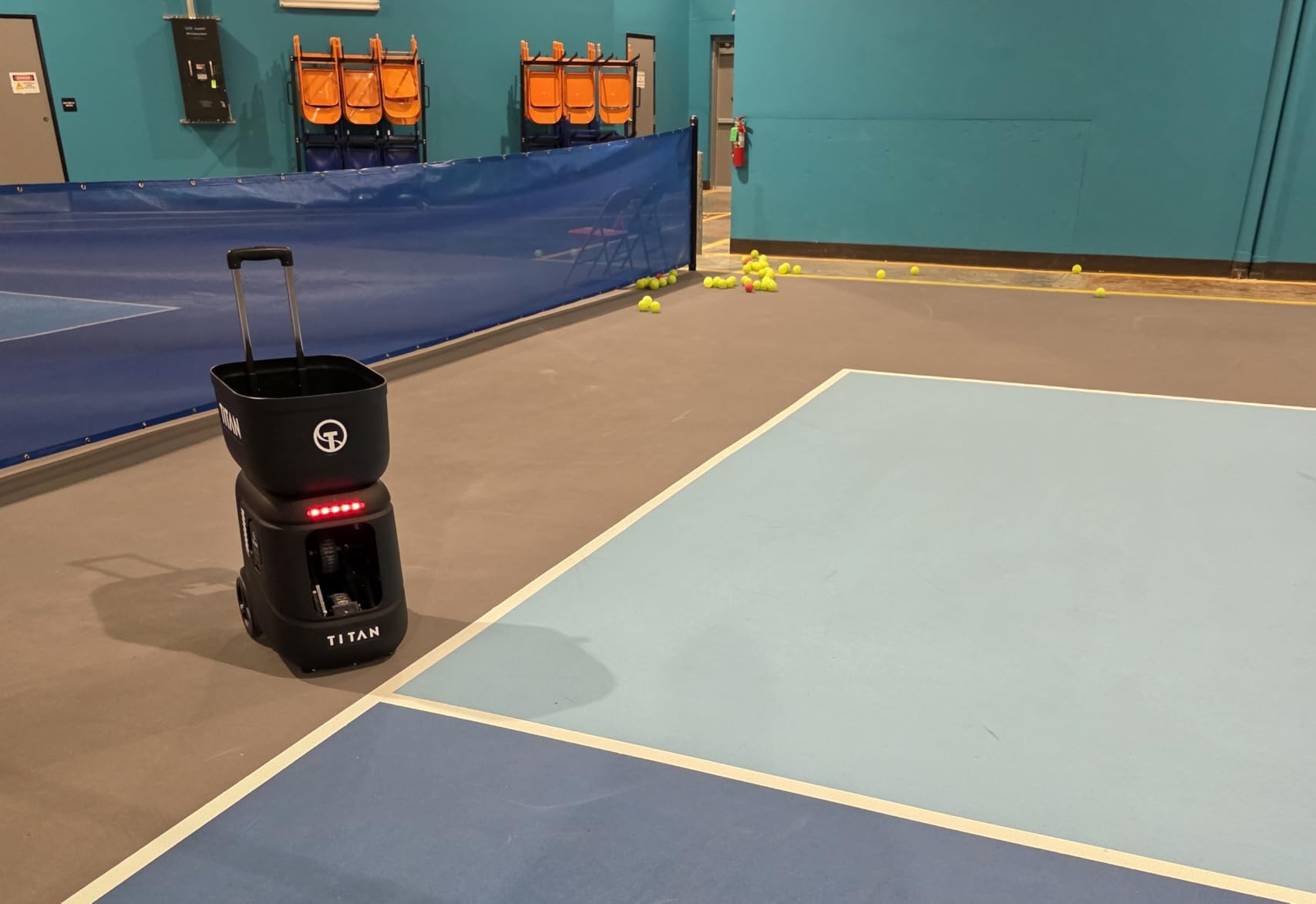
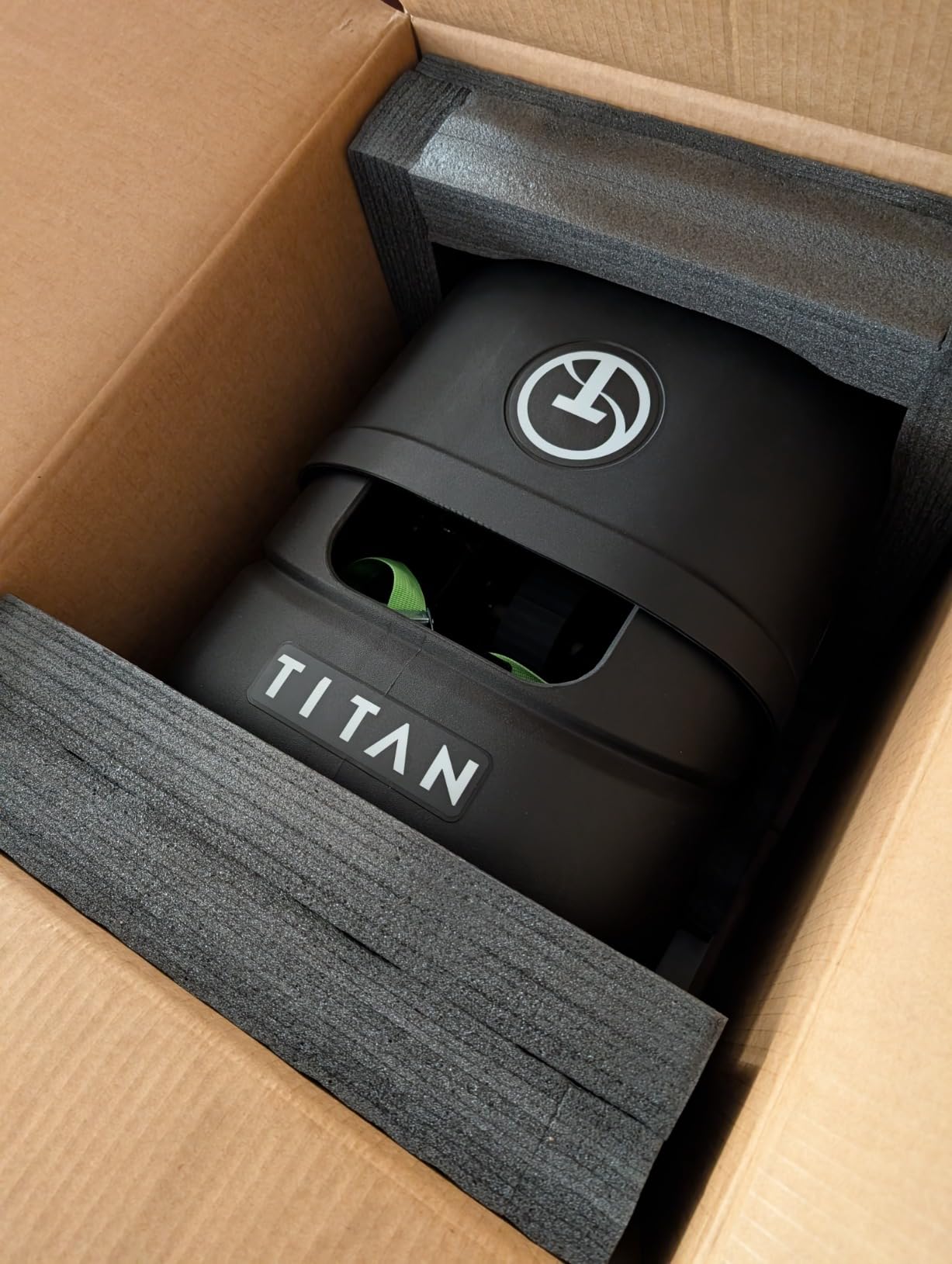
The trade-off is space and weight. At 48.5 pounds this is one of the heaviest portable units in the group, and the collapsible design with the invertible hopper is what makes it storable at all. Owners also report that the number of options is overwhelming in week one, and that the remote is sold separately.
The enclosed-court point is not a preference. With internal oscillation and multiple placement points, balls genuinely go everywhere, and owners using it outdoors report wind affecting the feed. This is a machine for a fenced court, a club with walls, or an indoor facility.
Who the Titan ACE suits
It suits a player who has outgrown fixed feeds and wants a practice partner that can run a structured session without them planning every ball. It also suits coaches running clinics, since the drill library and custom placement make it easy to hand a group a repeatable pattern.
The two-year warranty and the reported support experience are both stronger than most of this group, and the build is described as industrial rather than consumer plastic.
Where the Titan ACE falls short
It falls short outdoors, and it falls short for tennis. The speed range and hopper are sized for pickleball, and at 48.5 pounds this is a two-person move for many players.
If your court is open with no fencing, this is the wrong machine regardless of how good the app is, because you will spend more time chasing balls than hitting them. If you want another way to practise a specific swing rather than a full session plan, our guide to dedicated practice surfaces covers simpler repetition tools.
6. PUSUN PT-Smart: 28 Landing Points and a 4-6 Hour External Battery
PUSUN Tennis Ball Machine,Portable Tennis Launcher,Tennis Trainer,PT-Smart
28 programmable landing points
6 spin levels
12-75 MPH
32.6 lbs
4-6 hour external battery
Pros
- 28 programmable landing points for placement work
- External battery you can charge separately
- Six spin levels with topspin and backspin
- Works with pressurized and pressureless balls
- Three-year warranty on the main unit
Cons
- 32.6 pounds to load into a car
- Machine can rotate slightly at top speed
- Remote does not store default settings
- Manual does not explain app and remote differences
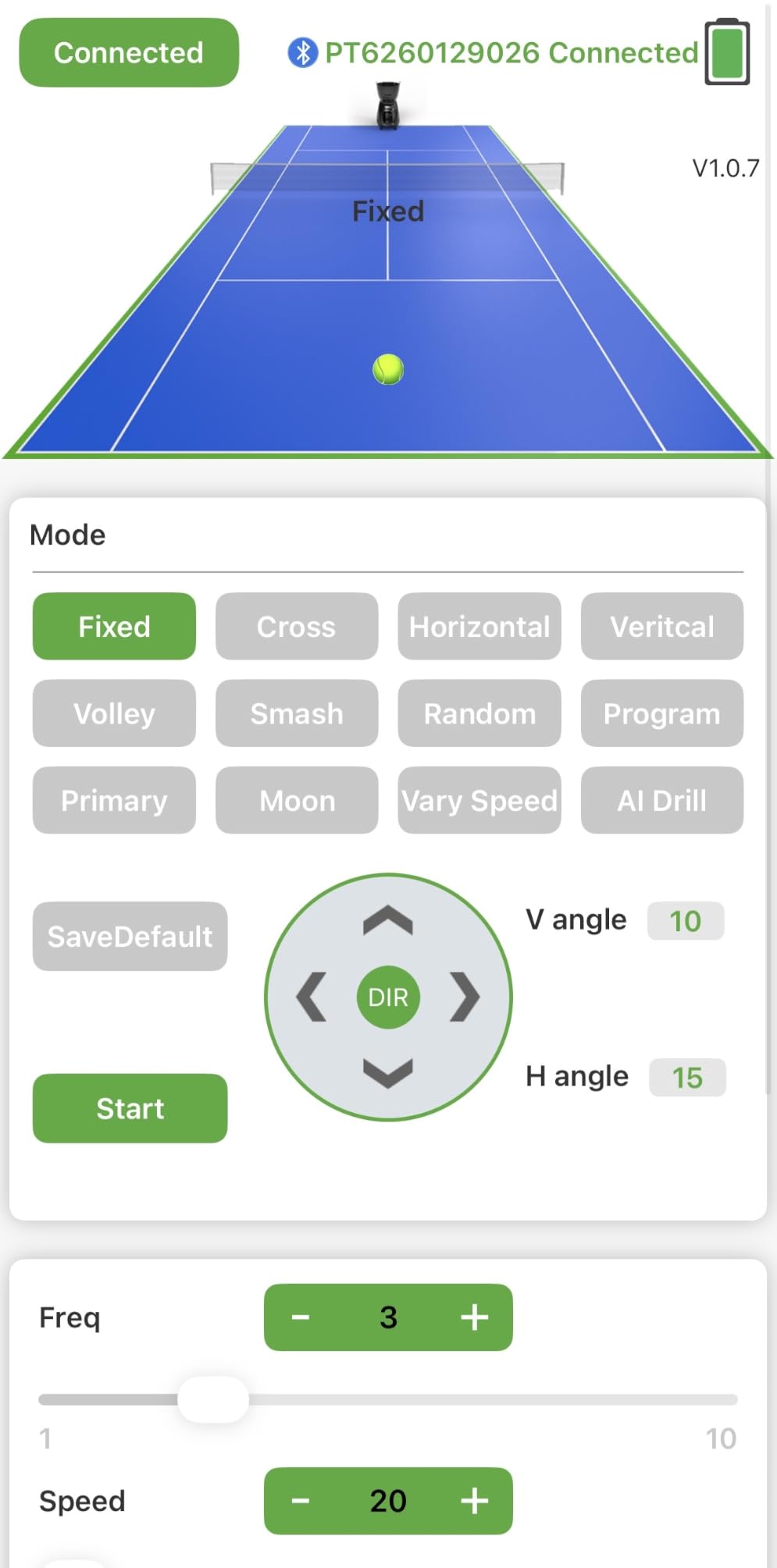
The PUSUN PT-Smart is the most configurable tennis machine in this group, and the 28 programmable landing points are the reason. Two wheels launch the ball, spin runs through six levels including topspin and backspin, and speed covers 12 to 75 MPH across feed intervals of 1.8 to 8 seconds.
The external battery is the detail we would highlight most. It is a 153.6 Wh pack that runs 4 to 6 hours, and because it detaches you can leave the machine on court and take just the pack home to charge. For a solo player without a partner to watch the machine, that is a meaningful convenience.
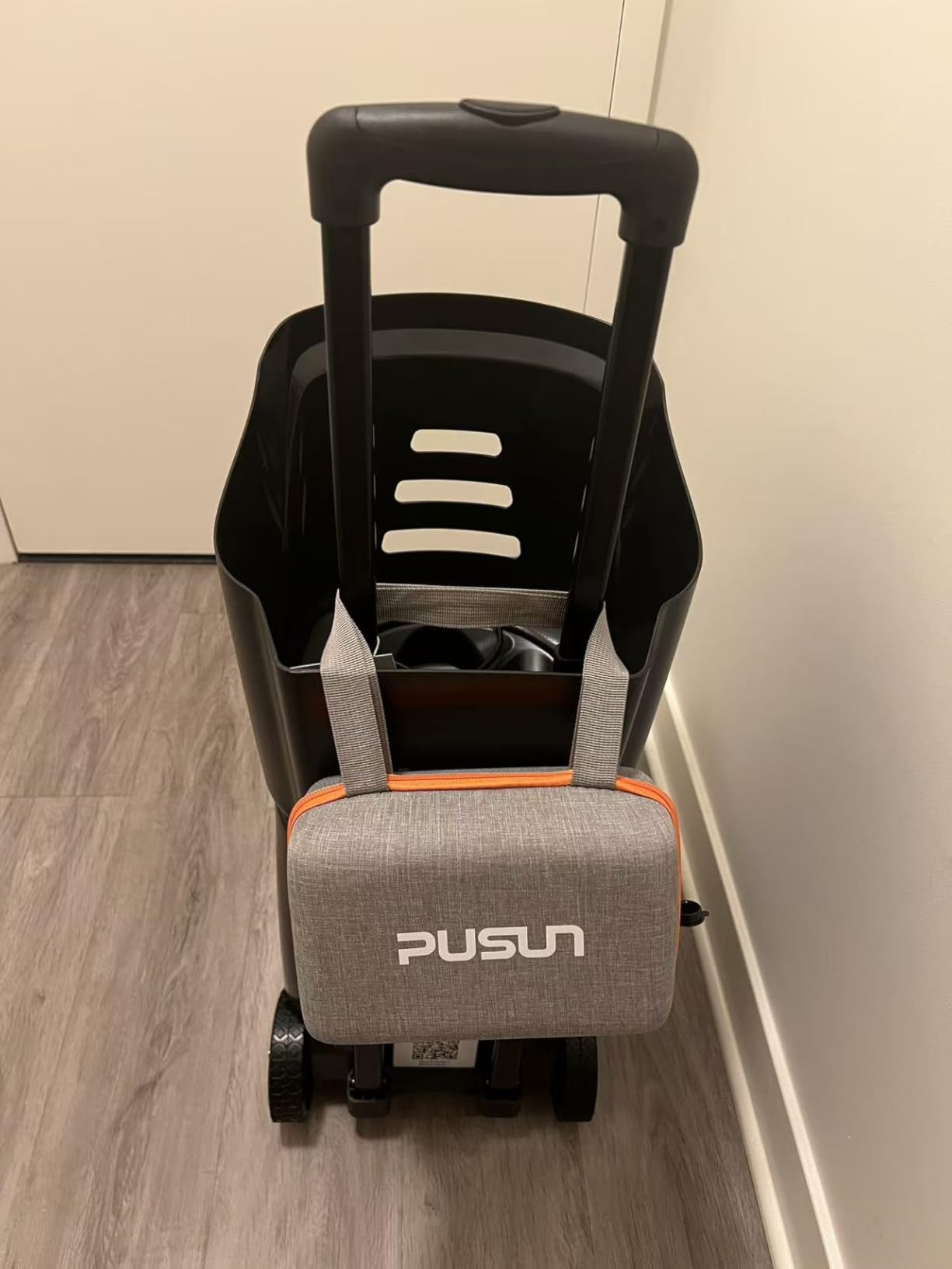
Owners report the app works from across the court and that the machine suits a wide range of ability levels, which matches the NTRP progression modes the app includes. The dust-proof mainboard is also a genuine advantage on clay courts, where ordinary electronics tend to complain.
Two issues recur. At the very top speed setting the machine can rotate slightly because the launch point is off-centre, which changes where balls land. And the remote does not remember your defaults the way the app does, so start sessions from the phone if you have set up specific drills.
Who the PUSUN PT-Smart suits
It suits a solo player who wants variety from one machine rather than manual repositioning. Twenty-eight points plus six spin levels means you can build a session that moves from cross-court to down-the-line without walking to the hopper.
It also suits clay court players and anyone practising padel, since the machine handles both and the electronics are sealed against dust. The three-year unit warranty and one-year battery warranty are among the better terms here.
Where the PUSUN PT-Smart falls short
It falls short on weight. At 32.6 pounds it is not a one-hand carry, and the loading step is the part that decides whether you practise on a given day.
It also falls short if you dislike app dependence. The remote and app do not behave identically, and the documentation does not explain the difference, so expect a short learning period before the controls feel predictable.
7. TENNIIX Basic Tennis Ball Machine: 18.7 lbs With Voice Control
TENNIIX Basic Tennis Ball Machine, 18.7LB Portable Tennis Robot, Black
18.7 lbs folding body
Voice armband with 46 commands
75 MPH dual-wheel
4-hour battery
9 shot patterns
Pros
- Very light at 18.7 lbs for a full-featured machine
- Folds small enough to carry on foot
- Voice armband lets you change feeds without stopping
- Removable battery with 4-hour runtime
- Upgrade path to an AI vision module
Cons
- Only a one-year warranty
- Relatively new brand with a short review history
- Voice control has a learning curve
- App needed for the full feature set
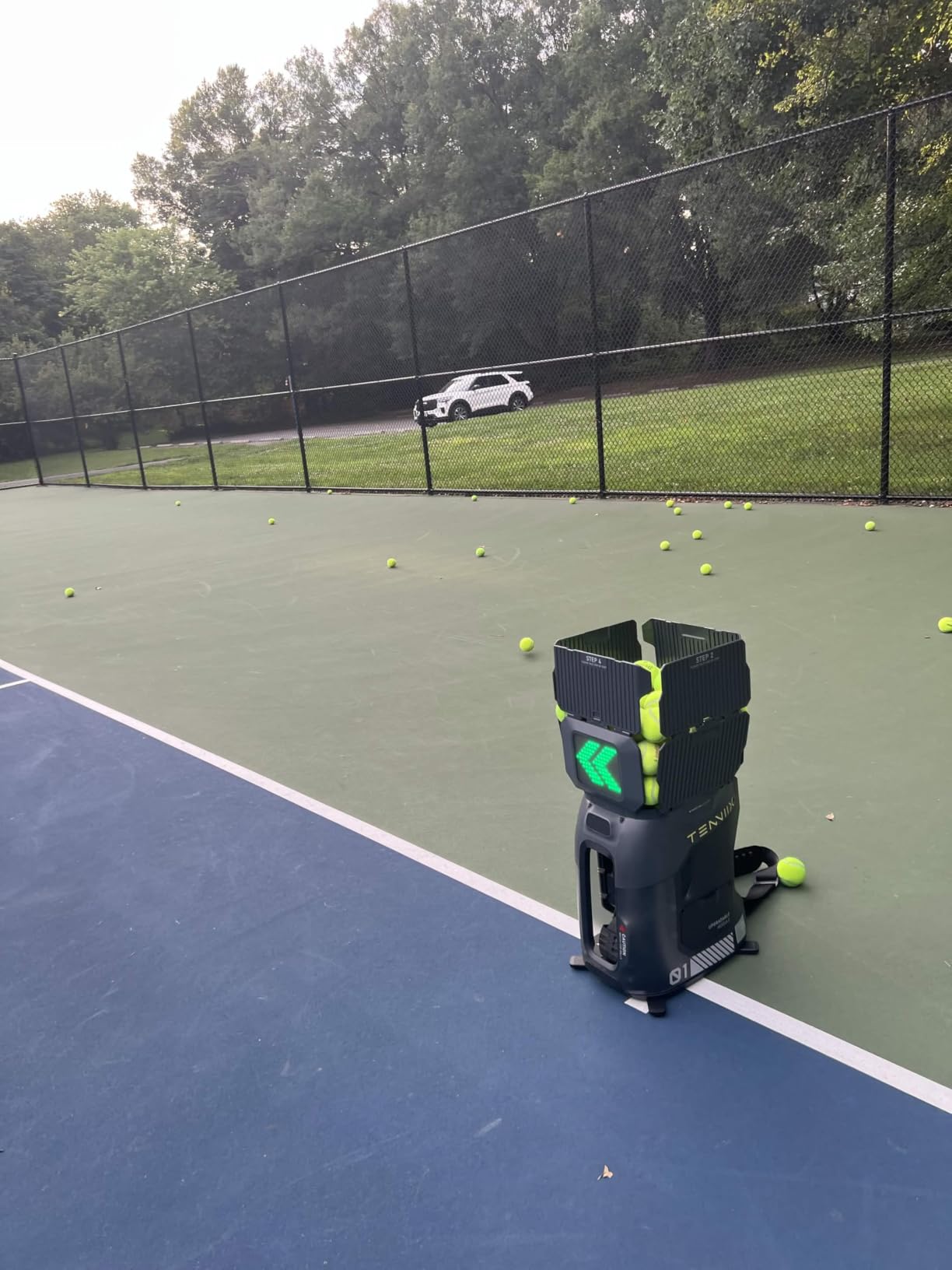
At 18.7 lbs the TENNIIX Basic is the machine in this group that a single person can genuinely carry a distance, and it folds to roughly 15.4 by 10.7 by 17.6 inches. That is the whole case for it. Courts without parking at the gate, tournaments on other sites, and walks from a car to a public court all stop being a problem.
The unusual feature is the voice armband. You wear it on your wrist and the machine responds to spoken commands, so you can change speed, spin or shot pattern without walking back to the unit or reaching for your phone mid-rally. It is not essential, but on a full court with a deep rally it keeps the session flowing.
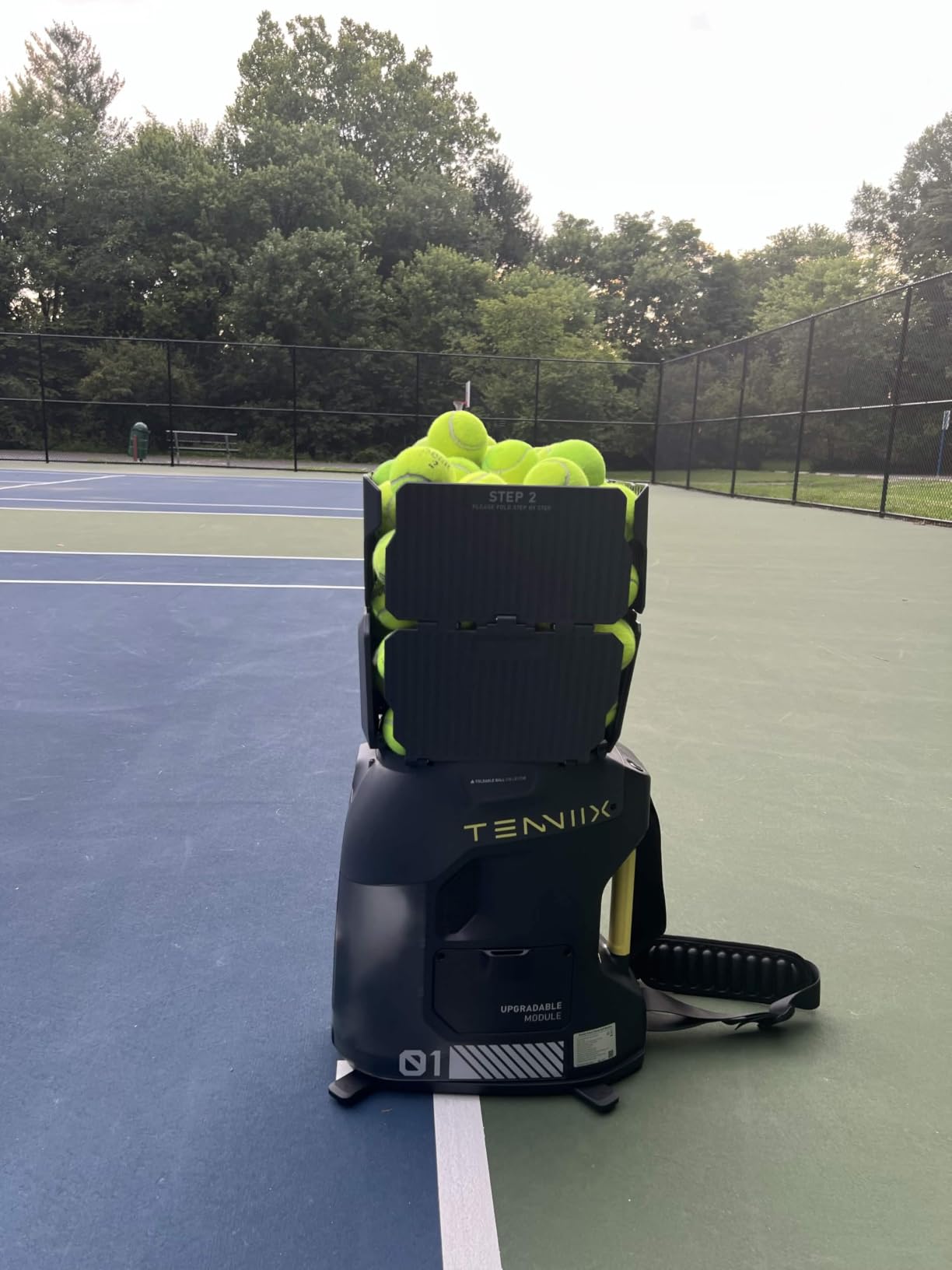
Under the shell it is a capable machine. A dual-wheel system reaches 75 MPH, there are nine shot patterns including topspin, backspin, moon ball and hand-toss, six match play styles, and the app offers a very large number of parameter combinations. The 7000 mAh removable battery covers 4 hours or around 1,800 shots.
The reservations are about the company, not the hardware. The warranty is one year, the brand is new enough that long-term durability is unproven, and the review base is 47 owners. The upgrade path to an AI vision module is the interesting part, since it can be added later without replacing the machine.
Who the TENNIIX Basic suits
It suits a solo player who practises on more than one court, or who walks or cycles to a session. Weight is the constraint that decides most purchases in this category, and this machine is close to the bottom of it.
It also suits a player who wants more programming than knobs can offer without moving to a 40-pound machine, and who is willing to live with app control as the primary interface.
Where the TENNIIX Basic falls short
It falls short on warranty length and on track record. One year is short relative to the multi-year expectations in this category, and a new brand with a small review base carries more unknowns than a machine with a long service history.
It also falls short for a player who just wants dials. The voice control and app are the main selling point, and if you dislike either, you are paying for features you will not use.
8. Nisplay N1 Ball Machine: 26 lbs, External Battery, Strong Support
Nisplay Portable Tennis Ball Machine (26lbs) – Dual Motor for TopSpin and Backspin, 80+ Balls, Max 68MPH, 4+ Hours Play with External Lithium Battery (Ball Machine + Oscillator Combo)
26 lbs aluminum frame
External lithium battery
68 MPH
Dual-motor spin
0-50 degree elevation
Pros
- 26 lbs with oversized wheels and a folding handle
- External battery means you carry only the pack
- Aluminum construction rather than plastic
- Reliable and rarely jams
- Owners report fast free replacement parts
Cons
- Battery Y-cable is short and can fray
- Battery connection points loosen over time
- Oscillation spray can skew to one side
- 68 MPH figure is optimistic at net distance
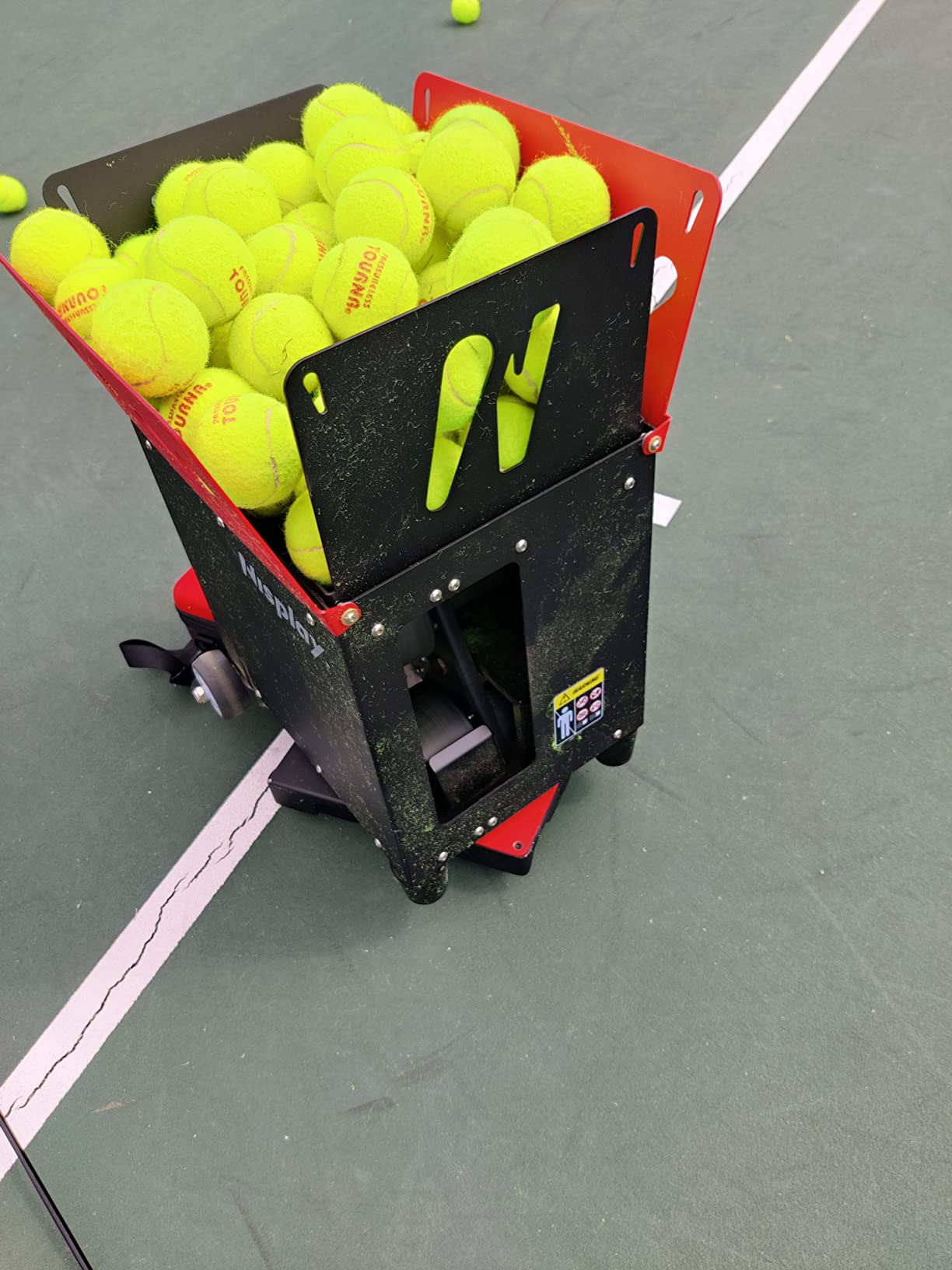
The Nisplay N1 is the machine we would recommend to someone who wants a real tennis feeder without a premium price tag. The body is aluminum rather than plastic, the weight is 26 lbs, and the dual-motor setup handles flat, topspin and backspin feeds with an elevation range from 0 to 50 degrees.
Its most useful feature is the external lithium battery. You carry the pack, not the machine, and the hopper holds 80 or more balls. The three-foot folding handle and oversized wheels make the rest of the move manageable, and the remote is included.
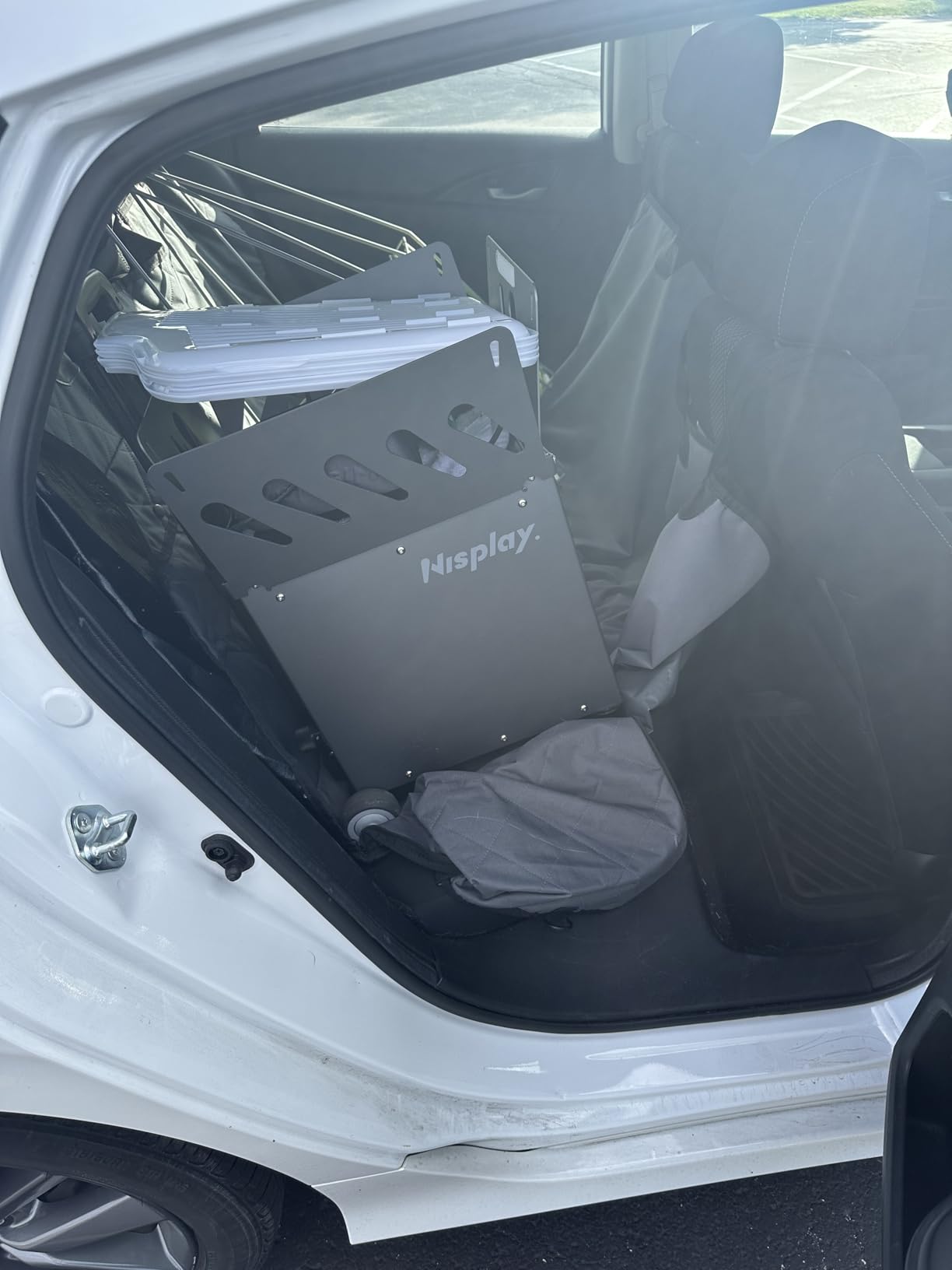
Owners repeatedly describe the support as exceptional, with free replacement parts and quick turnaround. That matters more than it sounds for a machine that a club might buy once and expect to run for a decade, and it is the reason this model carries a 4.5 rating with 46 reviews.
The weak point is the battery connection. The Y-cable joining the pack to the machine is reported as short and prone to fraying, and the contact points loosen with use. If you buy this, keep a spare cable in mind and check the connection before a session rather than during one.
Who the Nisplay N1 suits
It suits a club-level solo player who wants spin variety and a manageable carry, and it suits buyers who weigh support quality heavily. The combination of 26 lbs, an external battery and a responsive service team is genuinely rare at this level.
It also suits a player who practises on clay or hard courts and does not need a mobile app. Oscillation here is manual through the included oscillator unit, which some people prefer to an app.
Where the Nisplay N1 falls short
It falls short on precision. Owners report that the oscillation spray can skew to one side rather than spreading evenly, that the printed top speed is optimistic when you move closer to the net, and that spin is weaker than the premium machines in this group.
The frequency knob also runs counter to intuition, where the highest number is the fewest balls. Five minutes with it fixes that, but it is a genuine irritation in the first session.
9. JP02 Pickleball Machine: 22 lbs and Folds Flat for the Car
JP02 Portable Pickleball Machine – Swing,Spin Multiple Serve Modes Pickleball Trainer,Ball Thrower for Practice,Adjustable Speed, Elevation, and Frequency Pickleball Launcher
22 lbs
Folds to 14 by 12 by 19 inch
30 MPH
Two-wheel launch
Removable lithium battery
Pros
- Only 22 lbs with a telescopic pull rod
- Folds flat enough for a back seat
- Removable battery with 4+ hours of play
- Two-wheel design is gentle for beginners
- Two-year warranty
Cons
- 30 MPH maximum limits advanced play
- External oscillation only
- Plastic construction
- Small review base so long-term data is thin
The JP02 does one thing that few other machines here manage: it folds down to about 14 by 12 by 19 inches at 22 lbs. If your practice session depends on fitting a machine into a small car, this is the pick, and the telescopic pull rod makes the walk from the parking lot straightforward.
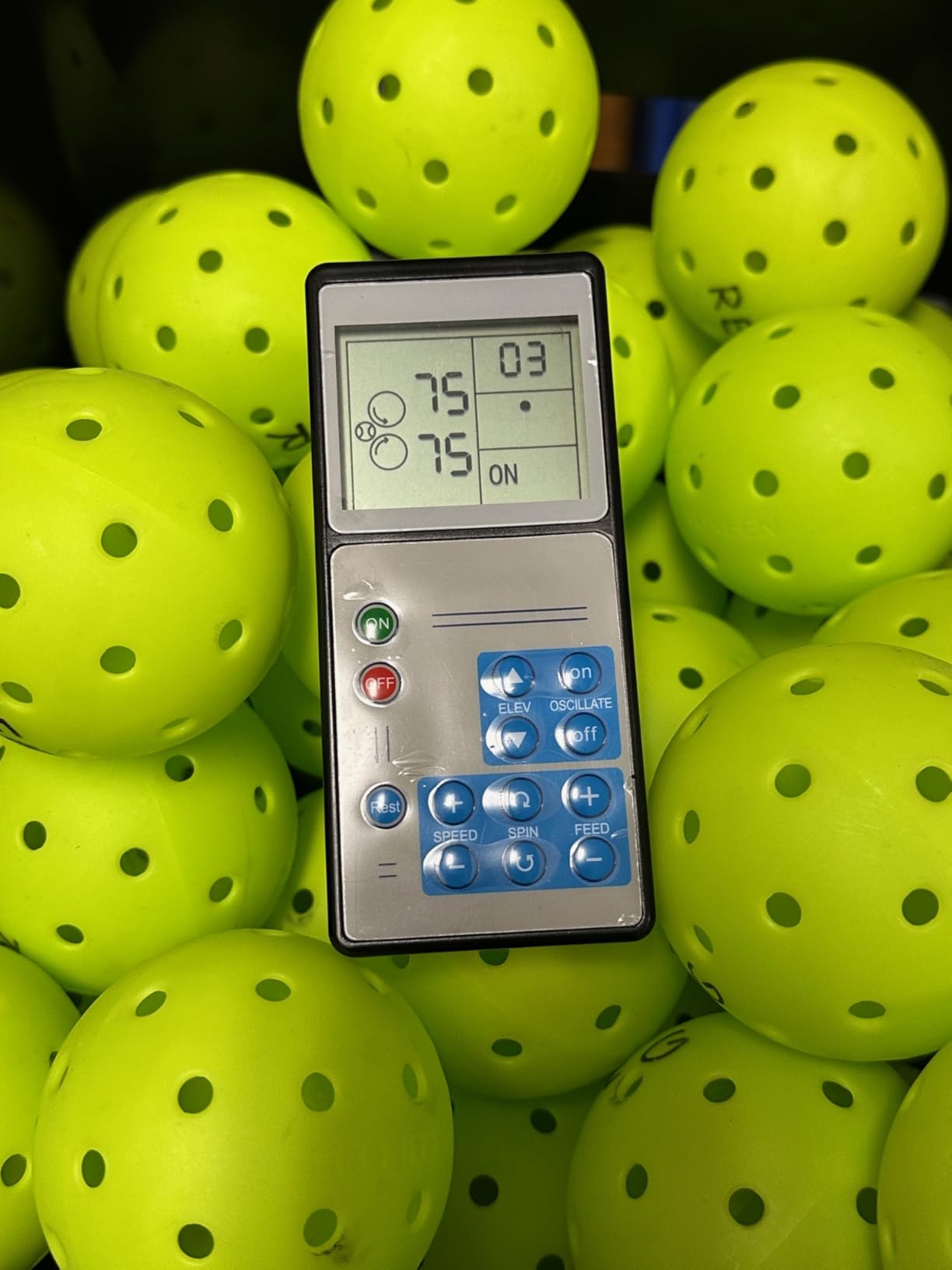
The feed is deliberately gentle. Two launching wheels produce topspin and backspin without the aggressive shape that makes single-wheel machines hard for new players to read, and speed tops out at 30 MPH with elevation adjustable from 0 to 70 degrees. The removable lithium battery runs 4 hours or more, and a remote is in the box.
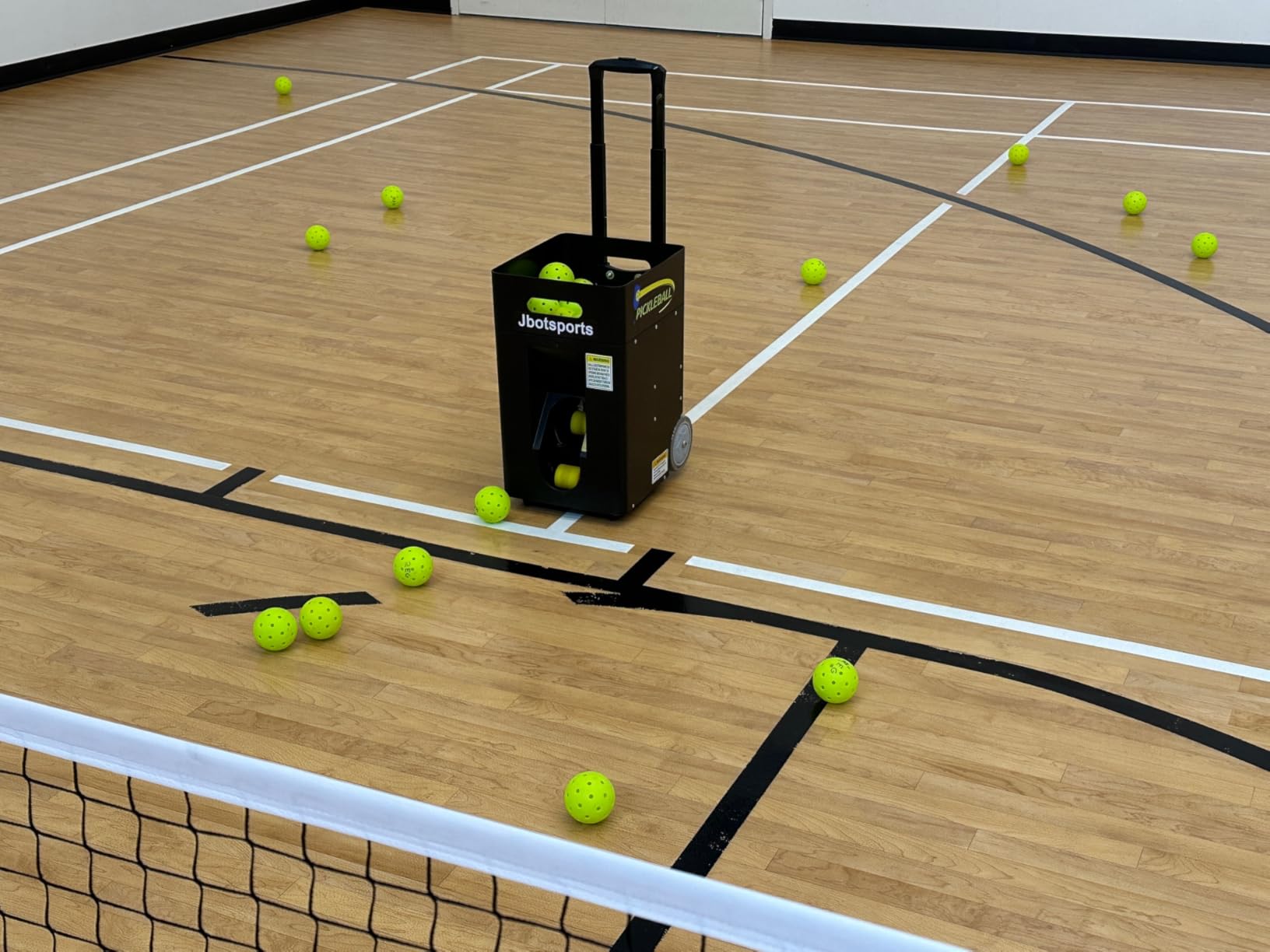
Two years of warranty is a good term for a machine at this level, and the removable battery avoids the sealed-pack problem that bothers owners of other budget units. Internal oscillation would have been the natural addition, but what is here is external oscillation, which still forces you to move.
The honest limit is the 30 MPH ceiling. It suits a recreational or beginner pickleball player working on placement and consistency. Once you are hitting at pace, the feed stops stretching you, and at that point you want something with more headroom.
Who the JP02 suits
It suits a beginner or recreational player who wants a compact option that folds, and a player who shares one machine between two courts or carries it to a park. The folding size is the whole appeal.
It also suits anyone who wants removable battery charging and a two-year warranty without stepping up to a much larger machine.
Where the JP02 falls short
It falls short for anyone pushing their rating, because 30 MPH is a firm ceiling rather than a starting point. Speed, not placement, is the constraint here.
It also carries a thin evidence base at 36 reviews and a plastic body, so we would not build a heavy daily schedule around it. For beginners it does what it promises; for long-term heavy use the group has sturdier options.
10. PONGBOT PACE S PRO: 150 Balls and Sensor-Based Recovery Drills
PONGBOT Tennis Ball Machine, APP and Remote Control, Custom Drills, 150 Ball Capacity, Max 80mph,8+ Hours of Endurance, Dual Motor for Topspin and Backspin, PACE S PRO
150-ball capacity
80 MPH with 60 rps spin
8+ hour removable battery
Smart sensors
Remote barrel opening
Pros
- 150-ball hopper for long sessions
- Recovery drills wait for your position before feeding
- Removable battery with battery management system
- Remote opens the barrel for pickup and cleaning
- Works on clay
- hard and grass plus padel
Cons
- Balls do not always land at the same programmed point
- Beep on every throw cannot be switched off
- Plastic finish scratches in transport
- Customer service issues reported
- New design with durability unproven
The PONGBOT PACE S PRO stands apart from the rest of this list because of what the sensors do. The recovery drill functions wait for you to reach the correct position before feeding the next ball, which turns a fixed feed into something closer to a point-to-point rally. For solo footwork work, that is a different category of drill.
The PONGBOT PACE S PRO carries a 150-ball hopper, more than any other machine in this list, and 8 hours or more of battery per charge, so a long session runs without a refill or a break in rhythm. Speed reaches 80 MPH with 60 rotations per second of spin. The barrel opens by remote, so you clear the machine for pickup without walking over to it.
There is a catch that matters for shared courts. The machine beeps before every throw and the sound cannot be disabled, and owners on adjacent courts mention it as a nuisance. If you practise at a busy club, check the etiquette rules below before assuming it is welcome.
Placement is also not perfectly repeatable, which is a little surprising for a sensor machine. Owners report the ball not always landing at the exact programmed point, the plastic finish scratching easily during transport, and some support experiences where a failed remote went unresolved. At 46 pounds it also needs a genuine lift.
Who the PONGBOT PACE S PRO suits
It suits a stronger solo player who wants rally-style practice and footwork rather than static repetitions. If your sessions are mostly groundstroke consistency at the baseline, other machines in this group handle that with less fuss.
It suits players who hit a lot of balls and hate refilling. A 150-ball hopper plus an 8-hour battery means a long session with no break in rhythm, and the remote barrel opening speeds up cleanup.
Where the PONGBOT PACE S PRO falls short
It falls short where placement precision matters most, and the fixed beep limits where you can use it. The warranty is one year on a design that has only been on the market a matter of months, so the long-term picture is genuinely unknown.
It is also heavy at 46 pounds. If the carry from the car is the hardest part of your session, this is the wrong machine to start with.
How to Choose a Portable Ball Machine for Solo Practice
Five decisions decide this purchase, and getting them in the wrong order leads to the most common disappointment, which is buying a smart machine and never using the app. Work through them in sequence.
1. Set your weight limit before anything else
Weight is the constraint that cannot be worked around. In this group the published figures run from 18.7 lbs for the TENNIIX Basic to 49.8 lbs for the Spinshot Pro. Anything under 25 lbs can be carried a real distance by one person; above 40 lbs you will want wheels plus a second pair of hands or a trolley.
Measure the actual distance from where you park to where you set up. If it is more than about fifty yards on grass, prioritise weight over every other feature.
2. Decide how the power reaches the court
There are three options. AC-only, which is the Furlihong 3819BH and requires a socket. Removable external battery, which is the Nisplay N1, the PUSUN PT-Smart, the TENNIIX Basic and the JP02, and which lets you carry just the pack. And a fixed rechargeable battery, which is the Lobster Elite and the Spinshot Pro, where the whole machine has to come with you.
For public courts with no power, only the removable and fixed battery options are realistic. For a home court with a socket, AC-only becomes the cheapest and simplest route.
3. Match the feed variety to the drills you actually run
Match the machine to your drills, not to the spec sheet. Forehand and backhand consistency needs oscillation and a predictable feed, which nearly everything here provides. Serve practice needs high elevation and a slow interval. Positioning work needs placement control, which only the app machines with landing points deliver.
Random feed is a distinct drill in itself. If your problem is that you predict every ball, add a random or sensor-driven machine to the plan rather than repeating the same fixed feed.
4. Check the hopper against your session length
Hopper capacity decides how often you walk out to refill, and that walk is where sessions get cut short. Forty to sixty balls covers a focused one-hour drill. The 110, 125 and 150-ball hoppers on the Titan ACE, the Lobster Pickleball and the PONGBOT cover long sessions without a refill.
Check whether the machine has a collection system or a remote barrel opening if you hate chasing balls. The PONGBOT in this group can open its barrel by remote, so you clear it for pickup without walking over.
5. Look at warranty and support before the features
Warranty terms here range from 12 months to three years on the main unit, and the middle of that range is not random. Two years appears on the Titan ACE and the JP02, the PUSUN splits it as one year on the battery and three on the body, and the Lobster Elite and Nisplay N1 sit between one and two years depending on the model.
Read owner reports about service speed, not just the warranty length. A one-year warranty with fast free parts can be a better experience than two years with nobody answering, and that pattern shows up repeatedly across the reviews here.
Pressureless or Pressurized Balls: What Solo Practice Really Needs
Use pressureless balls for solo machine work. The reason is mechanical: a pressurized ball has internal pressure that makes it behave unpredictably when it is propelled and when it strikes the throwing wheels, and that is the direct cause of most jam and misfeed complaints reported by owners. A pressureless ball is more tolerant of the machine and far cheaper over a year of regular sessions.
Two cautions apply. Match the ball to the machine type, since wheels that chew softer balls build up residue faster, and a machine with expensive thrower wheels deserves a harder ball. And do not expect pressureless balls to behave like match balls, so judge the machine on feed consistency and direction rather than on feel.
Court Space, Ball Pickup and Noise: The Practical Checks
Budget time for chasing. Every machine in this list throws balls somewhere other than where you hit them, and the difference between a good session and a frustrating one is how much court you have to retrieve. Machines with wide oscillation and multiple placement points need the most space, and owners of the Titan ACE specifically say an enclosed court is essential.
Check the noise situation before you commit. Some machines are near-silent, some beep before every throw with no way to disable it, and ball impacts on a hard court carry. If you have neighbours or a shared facility, ask about machine rules first, since some clubs ban them entirely and others restrict hours.
Our broader guides cover ball pits for younger players and precision ball sports if you are setting up a mixed practice space rather than a single tennis court.
Frequently Asked Questions
Is Spinshot a good tennis ball machine?
Yes, for most solo players it is the most straightforward machine to learn. Every setting is a physical knob, the frame is metal rather than plastic, and the oscillation range is wide enough to work a full baseline. Its weakness is weight, with a listed figure of 49.8 pounds, so it suits players who park close to the court and stay put for long sessions.
Are tennis ball machines worth the money?
It depends on how often you practise alone. A machine gives you the same feed on demand for years, which is the one thing a partner cannot guarantee, and the amount of repetition solo drills produce is what actually moves a rating. If you already practise three or four times a week without consistent hitting partners, the hours you get back usually justify the cost.
What is the best tennis ball machine under 1000 dollars?
Among the machines we reviewed, the Nisplay N1 stands out in that range at 26 lbs with an aluminum body, a dual motor for topspin and backspin, and an external lithium battery you can charge separately. The TENNIIX Basic is even lighter at 18.7 lbs and adds app and voice control, so it wins on transport and the Nisplay wins on build and support.
Which AI tennis ball machine is the best?
Among these ten, the Titan ACE has the most developed drill programming, with custom placement points, a video drill library and a two-year warranty, and it carries the highest rating in the group at 4.6 stars. The PONGBOT PACE S PRO is the alternative if you want sensor-based recovery drills and rally-style footwork work. Both are heavier than the mid-range options.
How long do tennis ball machines last?
It depends far more on build material and battery type than on the brand name. Metal-bodied machines with removable batteries tend to last longest, since the two most common failure points are cracked plastic housings and sealed batteries that degrade after a year or two. Owners of the Lobster Elite and Nisplay N1 report multi-year service with basic maintenance, while newer app-driven designs have too little history to judge.
Do you need a power outlet for a tennis ball machine?
Only some of them. The Furlihong 3819BH is AC-only and needs a socket, while the Nisplay N1, PUSUN PT-Smart, TENNIIX Basic and JP02 use removable batteries you can charge separately, and the Lobster Elite and Spinshot Pro carry a fixed rechargeable battery. Most public courts have no outlet near the baseline, so check this before choosing a machine.
Can you use a tennis ball machine on public courts?
Often yes, but rules vary by facility. Some clubs ban machines outright or restrict them to off-peak hours, and others require you to stay within the court with the machine. A few models beep before every throw with no way to disable the sound, which matters on a shared court, so check the facility rules and your neighbours before setting up.
Should you buy a used tennis ball machine?
It can be sensible for a proven metal-bodied model such as the Lobster Elite, where the main risks are battery condition and the folding handle rather than the machine itself. Check the battery under load, inspect the throwing wheels for cracking, confirm the charger is included, and expect to service the hopper and cables. For app-driven machines, check that the app and firmware still work, since that support is harder to replace.
The Verdict on Portable Ball Machines for Solo Practice
The best portable ball machines for solo practice in 2026 come down to what you can carry and how much control you want over the feed. The Spinshot Pro wins this roundup because it does the fundamentals with no learning curve and a metal frame, and it stays our first recommendation for anyone starting out. The Titan ACE takes the smart-features crown with the strongest drill app and the highest rating in the group, and the Nisplay N1 delivers the best balance of weight, battery design and support at 26 lbs.
Match the machine to the drills you actually run, use pressureless balls, and check the facility’s rules before the first session. Our picks and the full comparison table sit above, ready when you are.